SOFTWARES

SOFTWARES

Download SolidWorks Premium 2025 SP4.0 x64 full activated

Download SolidWorks Premium 2025 SP4.0 x64 full activated

Link download SolidWorks Premium 2025 SP4.0 win64 full
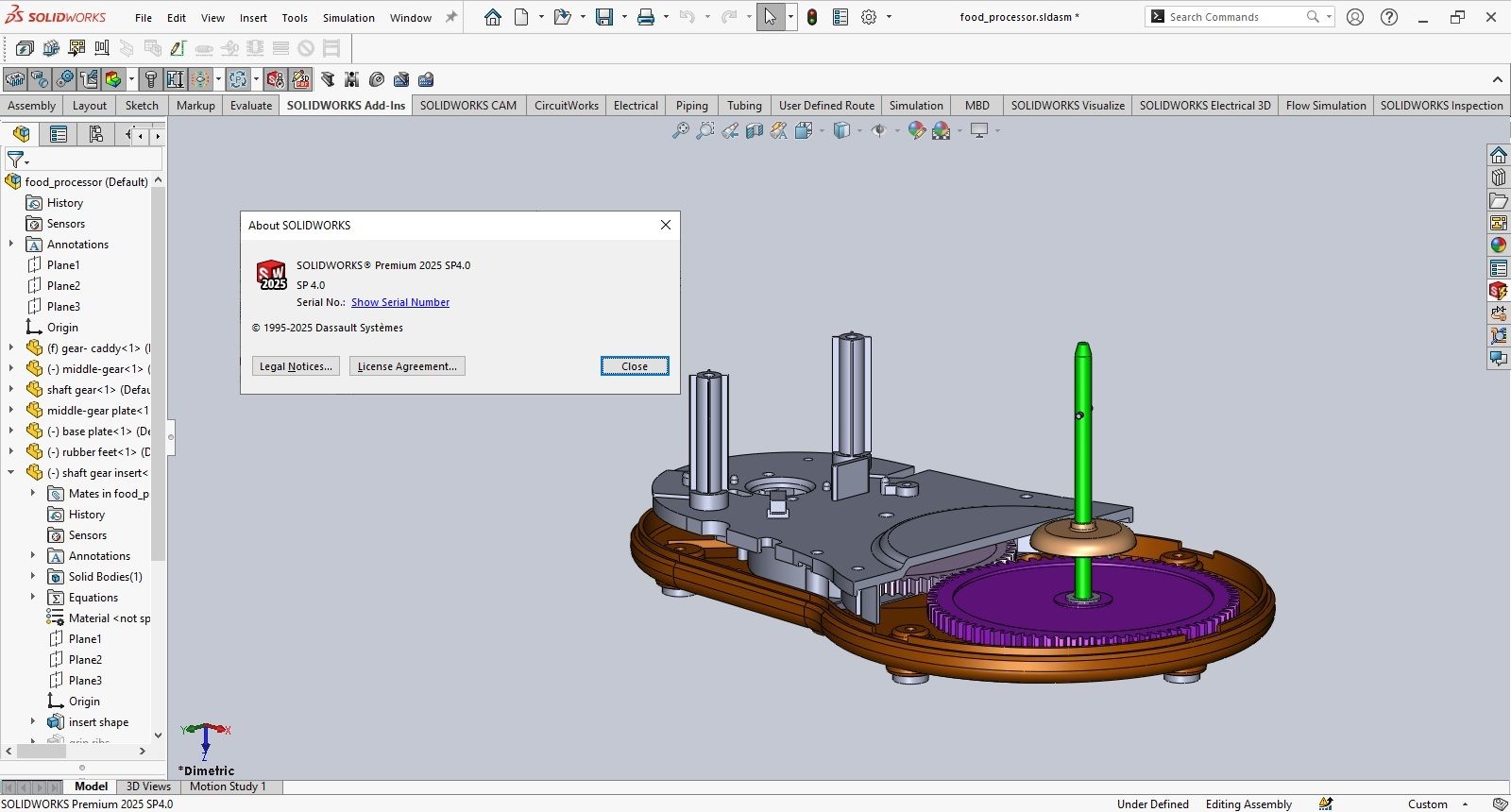
Working with SolidWorks 2025 SP4.0 Full Premium full activated

Description of SolidWorks Premium 2025 SP4.0

SolidWorks Premium 2025 SP4.0 is the latest update of Dassault Systèmes’ industry-leading 3D CAD design software. Built for engineers, product designers, and manufacturers, SolidWorks Premium offers a complete suite of tools for parametric modeling, assembly design, simulation, product data management, and collaboration.

With SP4.0, SolidWorks continues to refine performance, stability, and compatibility with modern hardware, while introducing improvements to modeling, simulation accuracy, and real-time collaboration. The software integrates seamlessly with CAM, electrical, and advanced simulation workflows, making it a comprehensive solution for industries such as mechanical engineering, automotive, aerospace, consumer products, and industrial equipment design.

Key Features of SolidWorks Premium 2025 SP4.0

1. 3D Parametric Modeling
Create detailed parts, assemblies, and complex designs with precise parametric control and intuitive tools.

2. Large Assembly Performance Enhancements
SP4.0 introduces faster loading, editing, and visualization for complex assemblies with thousands of components.

3. Advanced Simulation and Analysis
Includes linear static, motion, and FEA simulation tools to validate product performance under real-world conditions.

4. Surface and Sheet Metal Design
Powerful features for creating organic shapes, sheet metal parts, and complex curved surfaces with advanced flexibility.

5. Routing and Electrical Design Integration
Built-in tools for piping, tubing, and wiring harness design, ensuring accurate layouts and compatibility with electrical schematics.

6. CAM and Manufacturing Integration
Direct connection to SolidWorks CAM enables seamless transition from design to manufacturing, reducing errors and production time.

7. Enhanced Collaboration Tools
Improved data sharing and compatibility with cloud-based 3DEXPERIENCE platform for team collaboration and design reviews.

8. Extended Reality (XR) Support
Support for AR and VR workflows, helping engineers and clients visualize designs in immersive environments.

9. Design Validation Tools
Built-in interference detection, collision analysis, and tolerance checking ensure design accuracy before production.

10. Improved User Experience in SP4.0
Stability updates, faster rebuild times, and optimized UI enhancements improve daily productivity for designers.

Why Choose SolidWorks Premium 2025 SP4.0

SolidWorks Premium 2025 SP4.0 is more than a CAD program—it is a complete product development solution. From concept design to simulation and manufacturing, it provides engineers with the tools they need to innovate faster, reduce costs, and deliver high-quality products. With its balance of ease of use and advanced features, it remains the preferred CAD platform for professionals worldwide.

If you want to download SolidWorks Premium 2025 SP4.0 full license, please click to DOWNLOAD button to download.
CLICKDOWN.ORG Download CAD CAM CNC software
Inside package SolidWorks Premium 2025 SP4.0, already have cracked files and instruction how to install SolidWorks Premium 2025 SP4.0 step by step. I guarantee you can install SolidWorks Premium 2025 SP4.0 successfully if you follow that instruction.
If you also can’t install it or get any problems, please contact to me by email: clickdown.org@gmail.com, then I will help you to install software by teamviewer or Ultraviewer or Anydesk.
Thanks a lot
SOFTWARES

Download Arc Hydro for ArcGIS Pro 3.4.35 full activated

Download Arc Hydro for ArcGIS Pro 3.4.35 full activated

Link download Arc Hydro for ArcGIS Pro 3.4.35 full cracked

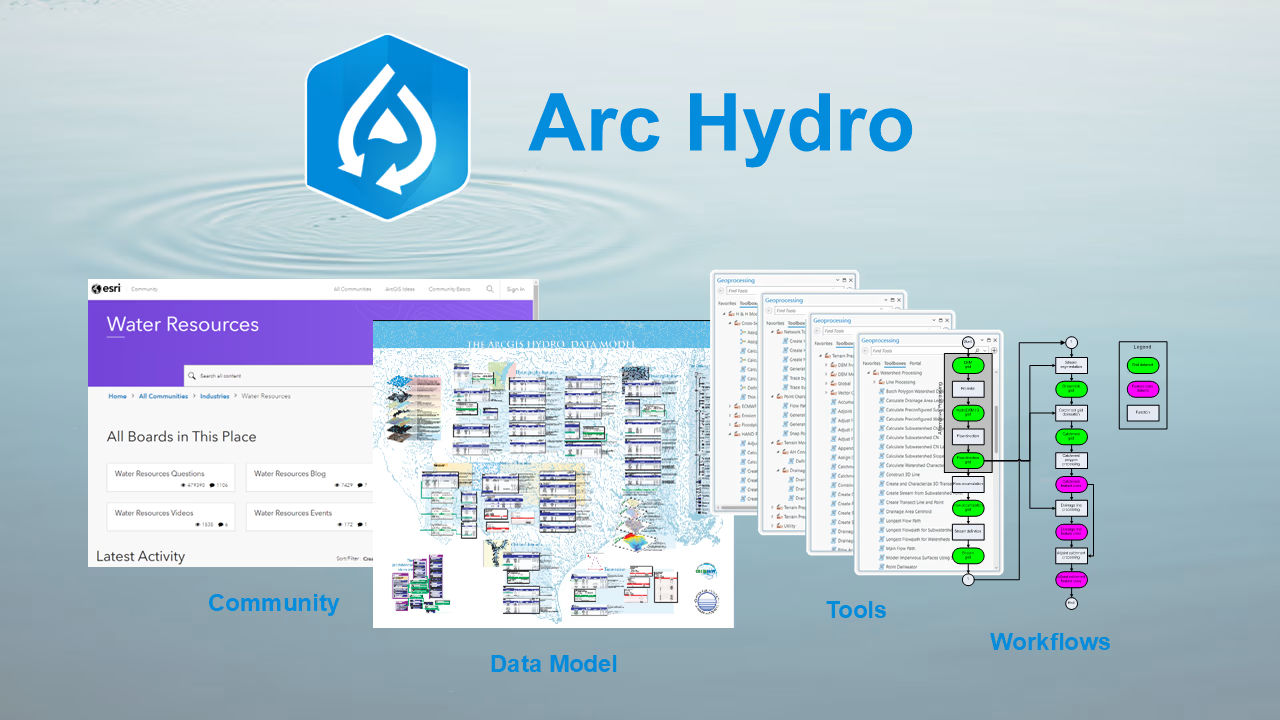
Arc Hydro for ArcGIS Pro 3.4.35 full activated

Description of Arc Hydro for ArcGIS Pro 3.4.35

Arc Hydro for ArcGIS Pro 3.4.35 is a powerful hydrology and water resource management extension designed for ArcGIS Pro users. It provides a comprehensive set of tools for terrain preprocessing, watershed delineation, hydrologic modeling, and management of spatial water data. Developed by Esri, Arc Hydro is widely used by engineers, scientists, and water resource managers to model surface water systems, analyze stream networks, and support decision-making in water management projects.

This version, Arc Hydro 3.4.35, enhances integration with ArcGIS Pro, delivering faster performance, improved workflows, and updated tools to handle large hydrological datasets. It is an essential tool for creating consistent hydrologic information models that support floodplain mapping, watershed management, and environmental impact studies.

Key Features of Arc Hydro for ArcGIS Pro 3.4.35

1. Terrain Preprocessing
Automatically processes digital elevation models (DEM) to generate hydrologically correct surfaces for water flow modeling.

2. Watershed Delineation
Accurately delineates catchment areas and stream networks, enabling better understanding of drainage patterns.

3. Hydrologic Data Models
Provides a consistent framework for storing, analyzing, and sharing hydrologic data within ArcGIS Pro.

4. Time Series Data Management
Supports time series data for rainfall, streamflow, and water quality monitoring with easy visualization and analysis.

5. Integration with ArcGIS Pro Workflows
Seamlessly integrates into ArcGIS Pro, allowing direct use of geodatabases, geoprocessing tools, and advanced visualization.

6. Floodplain and Water Resource Analysis
Offers tools to support floodplain mapping, water allocation studies, and hydropower assessments.

7. Stream and River Network Modeling
Builds and manages hydrographic networks with topological relationships for advanced water resource analysis.

8. Raster and Vector Processing
Combines raster DEM analysis with vector-based hydrographic data to create accurate hydrologic models.

9. Scalability for Large Datasets
Optimized to handle massive geospatial datasets efficiently, suitable for regional and national-scale hydrologic studies.

10. Enhanced Performance in Version 3.4.35
Includes algorithm improvements, better integration with modern ArcGIS Pro features, and enhanced data compatibility.

Why Choose Arc Hydro for ArcGIS Pro 3.4.35

Arc Hydro 3.4.35 is the go-to hydrologic extension for ArcGIS Pro, offering robust tools for watershed modeling, hydrological research, and decision support in water resource management. It helps organizations and researchers streamline workflows, ensure accurate results, and deliver reliable hydrologic insights for sustainable water management.

If you want to download Arc Hydro for ArcGIS Pro 3.4.35 full license, please click to DOWNLOAD button to download.
CLICKDOWN.ORG Download CAD CAM CNC software
Inside package Arc Hydro for ArcGIS Pro 3.4.35, already have cracked files and instruction how to install Arc Hydro for ArcGIS Pro 3.4.35 step by step. I guarantee you can install Arc Hydro for ArcGIS Pro 3.4.35 successfully if you follow that instruction.
If you also can’t install it or get any problems, please contact to me by email: clickdown.org@gmail.com, then I will help you to install software by teamviewer or Ultraviewer or Anydesk.
Thanks a lot
SOFTWARES

Download PanoramaStudio Pro 4.1.6.443 full activated

Download PanoramaStudio Pro 4.1.6.443 full activated

Link download PanoramaStudio Pro 4.1.6.443 win32 win64 full

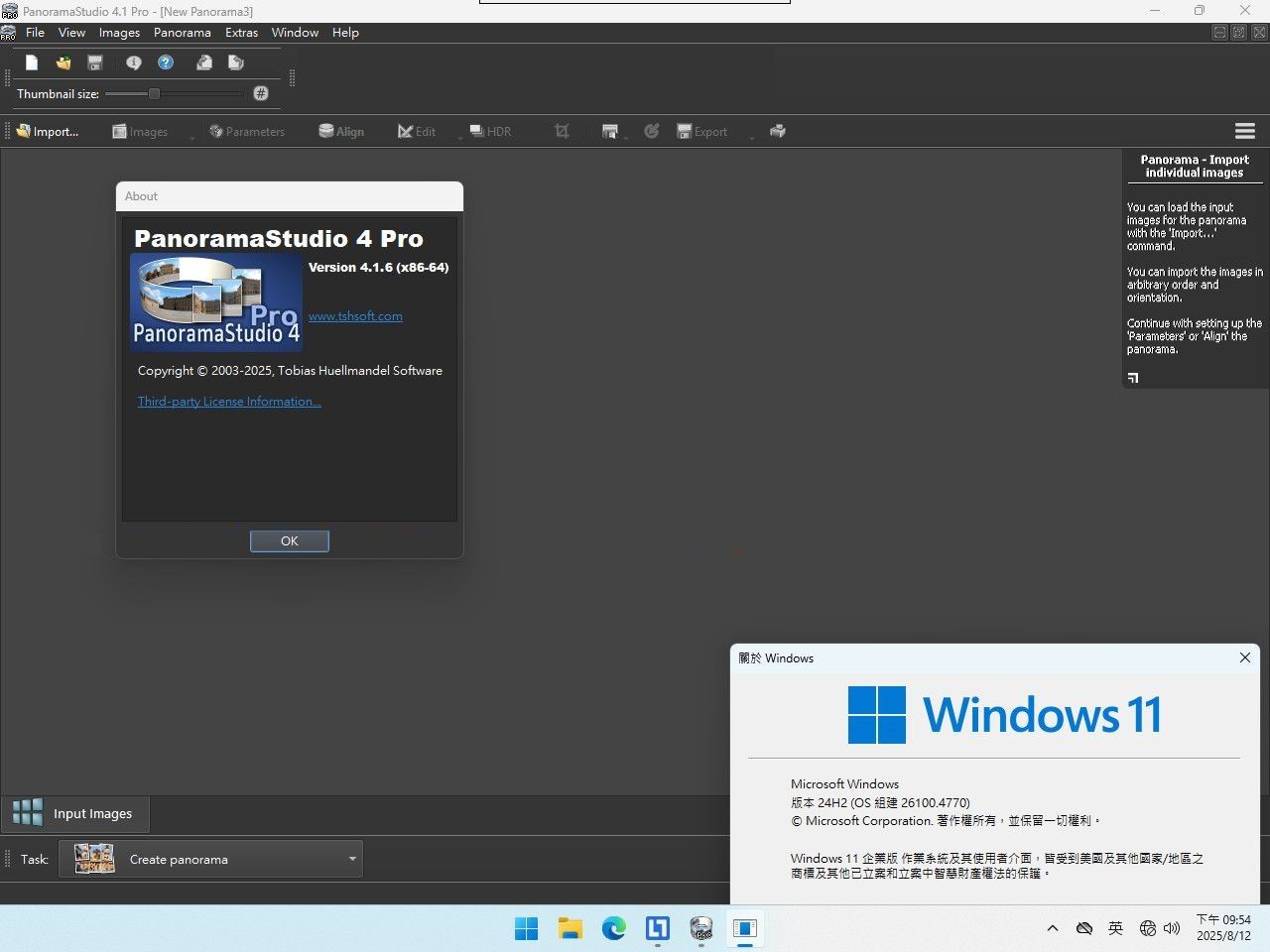
Working with PanoramaStudio Pro 4.1.6.443 full activated

Description of PanoramaStudio Pro 4.1.6.443

PanoramaStudio Pro 4.1.6.443 is advanced panorama creation software designed for photographers, designers, and digital artists who want to produce high-quality panoramic images with ease. It provides professional tools for stitching, editing, and exporting panoramas in both standard and interactive formats. With support for gigapixel images, HDR processing, and wide-angle panoramas, PanoramaStudio Pro is ideal for creating breathtaking visuals for print, virtual tours, websites, and professional presentations.

This latest release enhances stability, improves image alignment algorithms, and offers extended export options, making panorama creation more accurate and efficient than ever before.

Key Features of PanoramaStudio Pro 4.1.6.443

1. Automatic Image Stitching
Seamlessly combines multiple images into a single panorama with advanced alignment and blending algorithms.

2.Gigapixel Panorama Support
Handles extremely large image sets, allowing users to create high-resolution panoramas with exceptional detail.

3. HDR Panorama Creation
Supports High Dynamic Range (HDR) images for balanced exposure and stunning visual results in difficult lighting conditions.

4. Interactive 3D Panoramas
Create spherical and cylindrical panoramas that can be exported for interactive viewing on websites or VR applications.

5. Wide Range of Projection Modes
Offers perspective, cylindrical, spherical, and flat projections to suit different panorama types.

6. Precise Image Alignment
Features improved alignment tools and control point editing for perfect stitching results.

7. Image Editing Tools
Built-in tools for cropping, color correction, and retouching panoramas directly within the software.

8. Virtual Tour Creation
Add hotspots, links, and interactive navigation elements to panoramas to create virtual tours.

9. Flexible Export Options
Export panoramas in formats such as JPEG, TIFF, PSD, and interactive HTML5 for online use.

10. Optimized Performance in 4.1.6.443
Improved rendering speed, stability enhancements, and extended compatibility with modern hardware and image formats.

Why Choose PanoramaStudio Pro 4.1.6.443

PanoramaStudio Pro 4.1.6.443 combines ease of use with professional-grade features, making it suitable for both beginners and advanced users. Whether you are creating immersive VR panoramas, high-resolution prints, or interactive virtual tours, this software provides the tools and flexibility to achieve outstanding results.

If you want to download PanoramaStudio Pro 4.1.6.443 full license, please click to DOWNLOAD button to download.
CLICKDOWN.ORG Download CAD CAM CNC software
Inside package PanoramaStudio Pro 4.1.6.443, already have cracked files and instruction how to install PanoramaStudio Pro 4.1.6.443 step by step. I guarantee you can install PanoramaStudio Pro 4.1.6.443 successfully if you follow that instruction.
If you also can’t install it or get any problems, please contact to me by email: clickdown.org@gmail.com, then I will help you to install software by teamviewer or Ultraviewer or Anydesk.
Thanks a lot

SOFTWARES

Download Barcode Studio 15.14.1.23788 full activated

Download Barcode Studio 15.14.1.23788 full activated

Link download Barcode Studio 15.14.1.23788 x64 full

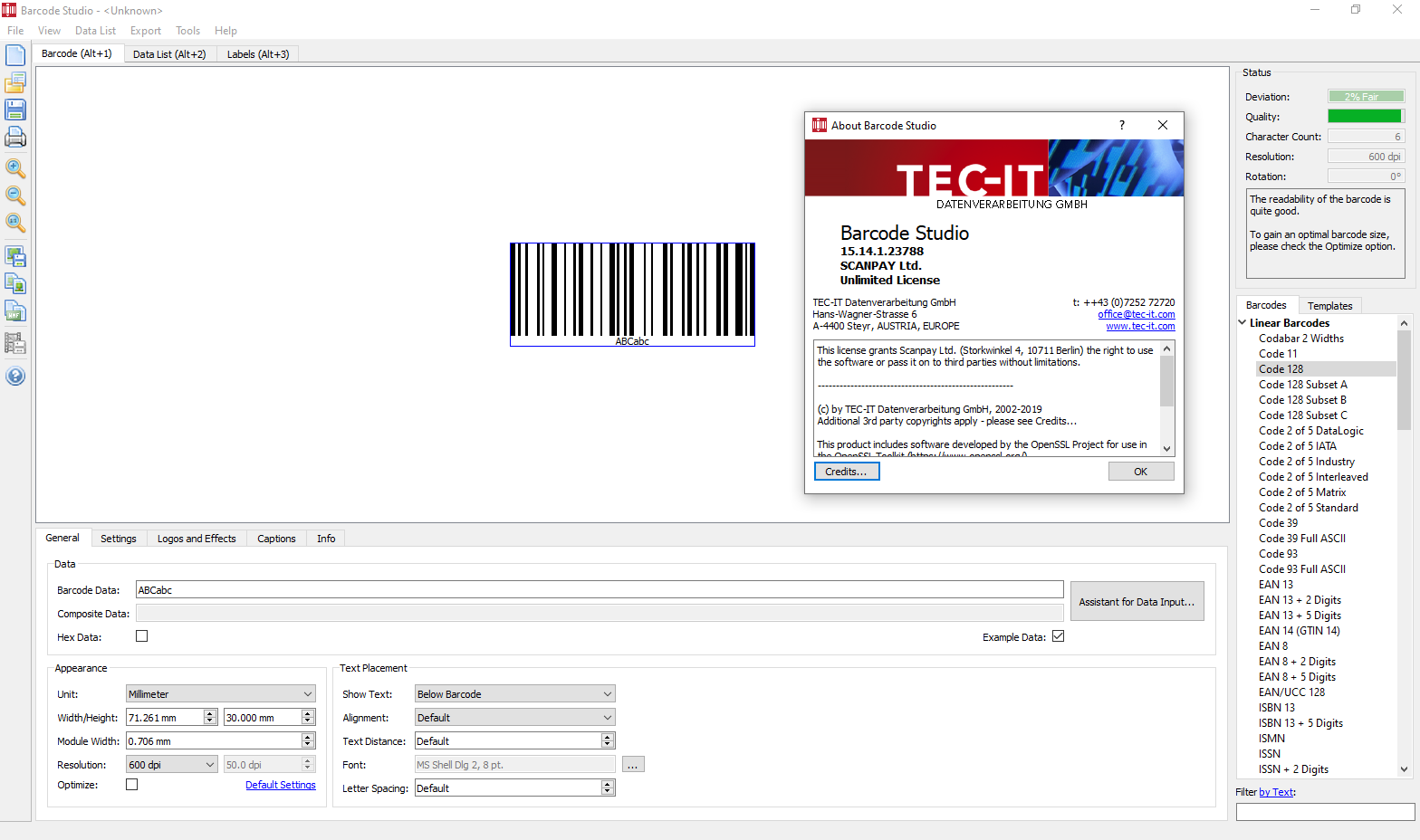
Working with Barcode Studio 15.14.1.23788 full activated

Description of Barcode Studio 15.14.1.23788

Barcode Studio 15.14.1.23788 is a professional barcode generator software designed to create high-quality barcodes for business, industrial, and commercial applications. It is widely used by companies across various industries to generate, design, and print barcodes in compliance with international standards. With its user-friendly interface and advanced features, Barcode Studio makes it simple to produce professional barcodes for packaging, labeling, marketing, and product management.

This latest version offers improved performance, enhanced export options, and extended support for industry-standard barcode types, making it an essential tool for businesses that rely on accurate and reliable barcode generation.

Key Features of Barcode Studio 15.14.1.23788

1. Wide Barcode Format Support
Supports more than 100 barcode symbologies including QR Code, Data Matrix, PDF417, EAN, UPC, GS1 DataBar, and many others.

2. High-Quality Barcode Output
Generate vector and raster barcodes in professional formats such as EPS, PDF, PNG, SVG, and TIFF for use in print and digital media.

3. Batch Barcode Generation
Automate barcode creation by generating large volumes of barcodes using Excel or database imports.

4. Customizable Design Tools
Add text, logos, and colors to barcodes, allowing complete customization to match brand and product requirements.

5. Compliance with International Standards
Fully supports GS1, ISO, and other industry regulations for barcoding, ensuring barcodes meet supply chain and retail requirements.

6. Data Import and Integration
Import data directly from CSV, Excel, or databases to create barcodes in bulk with minimal effort.

7. Error Correction and Validation
Ensures generated barcodes are valid, scannable, and error-free across different devices and systems.

8. Label and Print Options
Built-in tools for designing and printing barcode labels of various sizes, ready for packaging and product distribution.

9. Cross-Platform File Export
Export barcodes into widely supported formats for seamless integration with design, publishing, and ERP systems.

10. Enhanced Performance in 15.14.1.23788
Optimized generation speed, better compatibility with modern systems, and updated barcode symbologies.

Why Choose Barcode Studio 15.14.1.23788

Barcode Studio is a trusted solution for businesses looking for a reliable, accurate, and professional barcode generator. With its compliance to global standards, ease of use, and support for bulk generation, it is ideal for manufacturing, logistics, retail, healthcare, and many other industries.

If you want to download Barcode Studio 15.14.1.23788 full license, please click to DOWNLOAD button to download.
CLICKDOWN.ORG Download CAD CAM CNC software
Inside package Barcode Studio 15.14.1.23788, already have cracked files and instruction how to install Barcode Studio 15.14.1.23788 step by step. I guarantee you can install Barcode Studio 15.14.1.23788 successfully if you follow that instruction.
If you also can’t install it or get any problems, please contact to me by email: clickdown.org@gmail.com, then I will help you to install software by teamviewer or Ultraviewer or Anydesk.
Thanks a lot

SOFTWARES

Download The Foundry Katana 8.0v4 x64 full activated

Download The Foundry Katana 8.0v4 x64 full activated

Link download The Foundry Katana 8.0v4 win64 full

The Foundry Katana 8.0v4 x64 full activated

Working with The Foundry Katana 8.0v4 full license

Description of The Foundry Katana 8.0v4

The Foundry Katana 8.0v4 is a high-end look development and lighting software designed for visual effects, feature films, and animation production. Trusted by major studios worldwide, Katana provides a powerful node-based workflow that simplifies complex lighting tasks while maintaining flexibility and scalability.

With its efficient asset management, non-destructive workflows, and seamless pipeline integration, Katana helps studios handle large-scale projects without sacrificing performance. The 8.0v4 release enhances rendering capabilities, improves artist workflows, and ensures compatibility with the latest production tools, making it a vital solution for professional lighting and look development.

Key Features of The Foundry Katana 8.0v4

1. Node-Based Workflow
A flexible and intuitive node-graph system allows artists to manage complex lighting and shading setups with ease.

2. Powerful Look Development Tools
Create, adjust, and manage materials and textures across multiple assets while maintaining consistency throughout the pipeline.

3. Advanced Lighting Control
Fine-tune lighting with interactive controls, enabling realistic illumination and artistic direction for high-quality output.

4. Scalable for Large Productions
Optimized for handling massive datasets, enabling studios to work efficiently on projects with thousands of assets.

5. Multi-Renderer Support
Compatible with leading render engines such as RenderMan, Arnold, V-Ray, and others for flexible rendering options.

6. USD Workflow Integration
Full support for Universal Scene Description (USD), ensuring interoperability and smooth data exchange in modern pipelines.

7. Live Rendering and Preview
Real-time rendering feedback helps artists iterate quickly and make creative decisions faster.

8. Non-Destructive Editing
Modify assets and lighting setups without altering the original data, allowing maximum flexibility during production.

9. Pipeline and Asset Management
Easily integrate with existing production pipelines, supporting complex asset management and collaborative workflows.

10. Performance Enhancements in 8.0v4
Improved stability, faster rendering previews, and workflow refinements designed to boost productivity for both individual artists and large teams.

Why Choose The Foundry Katana 8.0v4

Katana 8.0v4 empowers studios and artists to create visually stunning projects with greater efficiency. Its advanced lighting, shading, and rendering capabilities combined with scalable workflows make it a must-have tool for VFX houses and animation studios aiming for world-class results.

If you want to download The Foundry Katana 8.0v4 full license, please click to DOWNLOAD button to download.
CLICKDOWN.ORG Download CAD CAM CNC software
Inside package The Foundry Katana 8.0v4, already have cracked files and instruction how to install The Foundry Katana 8.0v4 step by step. I guarantee you can install The Foundry Katana 8.0v4 successfully if you follow that instruction.
If you also can’t install it or get any problems, please contact to me by email: clickdown.org@gmail.com, then I will help you to install software by teamviewer or Ultraviewer or Anydesk.
Thanks a lot
SOFTWARES

Download Maxon Cinema 4D Studio 2026.0 win64 full activated

Download Maxon Cinema 4D Studio 2026.0 win64 full activated

Link download Maxon Cinema 4D Studio 2026.0 x64 full

Working with Maxon Cinema 4D Studio 2026.0 full activated

Description of Maxon Cinema 4D Studio 2026.0

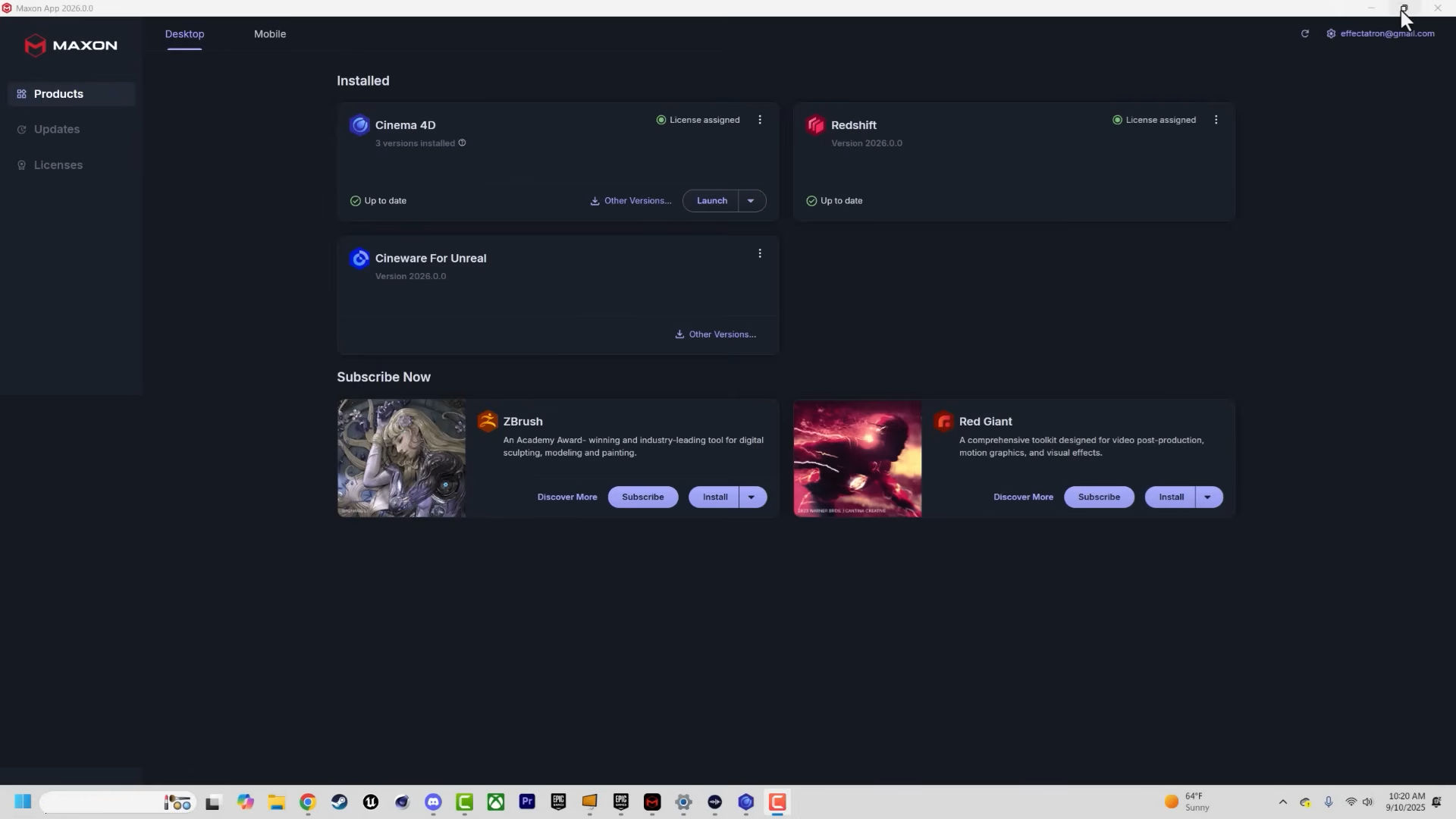
Maxon Cinema 4D Studio 2026.0 is the latest release of the industry-leading 3D modeling, animation, motion graphics, and rendering software. Known for its intuitive workflow, powerful toolset, and unmatched stability, Cinema 4D is trusted by professional artists, designers, and studios worldwide. Whether for motion design, VFX, game development, architectural visualization, or product rendering, this version brings performance improvements, expanded creative capabilities, and seamless integration with other Maxon tools.

The 2026.0 release introduces enhanced modeling workflows, advanced rendering with Redshift, improved animation features, and greater efficiency across complex production pipelines. Cinema 4D Studio continues to be the go-to solution for both professionals and beginners who demand speed, flexibility, and reliability.

Key Features of Maxon Cinema 4D Studio 2026.0

1. Advanced 3D Modeling Tools
Offers polygonal, parametric, sculpting, and procedural modeling features, enabling the creation of detailed and complex 3D assets.

2. Redshift Rendering Integration
Delivers photorealistic rendering with GPU acceleration, global illumination, and advanced material capabilities.

3. Motion Graphics and MoGraph Toolkit
Industry-standard tools for motion graphics artists, including cloners, effectors, and fields, to create dynamic and procedural animations.

4. Improved Animation System
Includes advanced rigging, keyframe management, character animation tools, and enhanced timeline workflows for complex projects.

5. Procedural Workflows
Node-based materials, shaders, and scene workflows allow for flexible design iterations and faster experimentation.

6. Simulation Enhancements
Realistic cloth, soft body, rigid body, and fluid simulations for creating dynamic and natural effects.

7. Integration with Maxon One
Seamless interoperability with Red Giant, Forger, and ZBrush for a complete creative ecosystem.

8. Viewport and Performance Upgrades
Optimized viewport display for real-time previews, GPU enhancements, and faster scene loading.

9. UV and Texturing Improvements
Enhanced UV unwrapping tools and texturing workflows ensure production-ready assets for film, games, and visualization.

10. Cross-Platform and Pipeline Compatibility
Supports popular file formats such as FBX, OBJ, Alembic, and USD, ensuring smooth collaboration with other 3D and VFX tools.

Why Choose Maxon Cinema 4D Studio 2026.0

Cinema 4D Studio 2026.0 combines ease of use with advanced features, making it suitable for both beginners and professionals. With its reputation for stability, speed, and integration, this version empowers artists to bring their creative visions to life more efficiently and effectively than ever before.

If you want to download Maxon Cinema 4D Studio 2026.0 full license, please click to DOWNLOAD button to download.
CLICKDOWN.ORG Download CAD CAM CNC software
Inside package Maxon Cinema 4D Studio 2026.0, already have cracked files and instruction how to install Maxon Cinema 4D Studio 2026.0 step by step. I guarantee you can install Maxon Cinema 4D Studio 2026.0 successfully if you follow that instruction.
If you also can’t install it or get any problems, please contact to me by email: clickdown.org@gmail.com, then I will help you to install software by teamviewer or Ultraviewer or Anydesk.
Thanks a lot
SOFTWARES

Download nTop ntopology 5.30.2 x64 full activated forever

Download nTop ntopology 5.30.2 x64 full activated forever

Link download nTop ntopology 5.30.2 win64 full 100% working

Working with nTop ntopology 5.30.2 full activated

Description of nTop ntopology 5.30.2

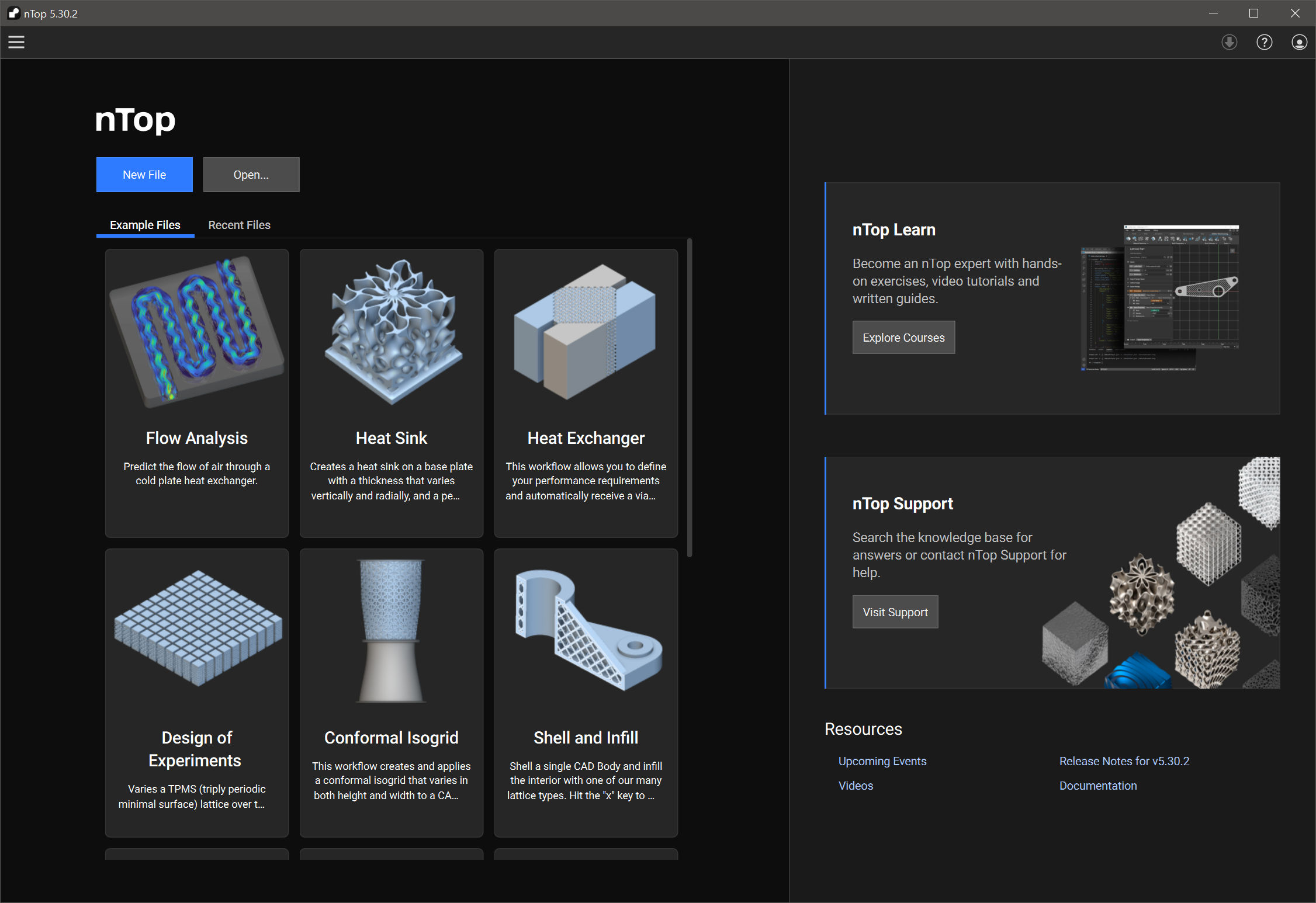
nTop nTopology 5.30.2 is a powerful next-generation engineering design software that focuses on advanced lattice structures, generative design, simulation-driven workflows, and additive manufacturing optimization. Built for engineers, product designers, and researchers, nTopology provides a flexible, computational modeling environment to solve the most complex design challenges in aerospace, automotive, medical, and industrial applications.

The 5.30.2 version introduces enhanced performance, workflow optimizations, and new design toolkits, giving engineers the ability to create lightweight, high-performing, and manufacturable products with ease. By combining engineering-driven automation and geometry control, nTopology stands out as a revolutionary platform for modern product development.

Key Features of nTop nTopology 5.30.2

1. Generative Design Capabilities
Create highly optimized parts using algorithm-driven workflows that adapt to engineering constraints and performance goals.

2.Advanced Lattice Structures
Design lightweight yet durable components with customizable lattice structures for aerospace, automotive, and medical devices.

3. Field-Driven Design
Use field-based engineering inputs to drive geometry creation and automatically adapt designs to real-world conditions.

4. Simulation and Analysis Integration
Seamlessly connect with simulation tools to validate designs, ensuring accuracy and performance before production.

5. Additive Manufacturing Optimization
Prepare parts for 3D printing with optimized geometries that reduce material usage, increase strength, and minimize production costs.

6. Parametric and Rule-Based Workflows
Automate repetitive engineering tasks and create reusable design templates for faster development cycles.

7. Topology Optimization
Reduce weight while maintaining structural integrity by using advanced topology optimization algorithms.

8. Multi-Physics and Engineering Applications
Apply thermal, structural, and flow-based parameters to refine designs for specific use cases.

9. Seamless Data Interoperability
Import and export models in standard CAD and mesh formats, ensuring compatibility with existing engineering software.

10. Improved Performance and User Experience
Version 5.30.2 enhances processing speed, stability, and interface responsiveness for handling complex geometries.

Why Choose nTop nTopology 5.30.2

This version of nTopology is ideal for organizations seeking cutting-edge tools for innovation in product design and engineering. Its combination of generative design, simulation integration, and additive manufacturing optimization makes it an essential platform for modern digital manufacturing workflows.

If you want to download nTop nTopology 5.30.2 full license, please click to DOWNLOAD button to download.
CLICKDOWN.ORG Download CAD CAM CNC software
Inside package nTop nTopology 5.30.2, already have cracked files and instruction how to install nTop nTopology 5.30.2 step by step. I guarantee you can install nTop nTopology 5.30.2 successfully if you follow that instruction.
If you also can’t install it or get any problems, please contact to me by email: clickdown.org@gmail.com, then I will help you to install software by teamviewer or Ultraviewer or Anydesk.
Thanks a lot

SOFTWARES

Download Aquaveo GMS Premium 10.8.11 x64 full activated

Download Aquaveo GMS Premium 10.8.11 x64 full activated

Link download Aquaveo GMS Premium 10.8.11 win64 full forever

Working with Aquaveo GMS Premium 10.8.11 full activated

Description of Aquaveo GMS Premium 10.8.11

Aquaveo GMS Premium 10.8.11 is a leading groundwater modeling software developed to provide advanced tools for hydrogeologists, engineers, and environmental scientists. GMS (Groundwater Modeling System) is recognized globally for its ability to build, simulate, and visualize complex groundwater models in an intuitive environment. With support for industry-standard models such as MODFLOW, MT3DMS, SEAWAT, and MODPATH, this software delivers reliable results for groundwater flow, contaminant transport, and water resource management projects.

The Premium 10.8.11 release enhances performance, introduces workflow improvements, and ensures better integration with hydrological data sources, making groundwater modeling more efficient and accurate than ever.

Key Features of Aquaveo GMS Premium 10.8.11

1. Comprehensive Groundwater Modeling
Supports a wide range of groundwater models including MODFLOW (flow), MT3DMS (transport), SEAWAT (density-dependent flow), and MODPATH (particle tracking).

2.3D Visualization Tools
Offers advanced 2D and 3D visualization for aquifer systems, well networks, hydraulic heads, and contaminant plumes to improve data interpretation.

3. Conceptual Model Approach
Allows users to build conceptual groundwater models using GIS and CAD data, simplifying the process of defining boundary conditions and model parameters.

4. Water Quality and Contaminant Transport Analysis
Simulate contaminant movement, chemical reactions, and dispersion in groundwater systems with high accuracy.

5. Integration with GIS and CAD Data
Seamlessly import shapefiles, raster data, DEMs, and CAD files to incorporate real-world geospatial data into groundwater models.

6. Hydraulic Conductivity and Recharge Mapping
Advanced tools for assigning hydraulic properties, recharge zones, and pumping rates directly from spatial datasets.

7. Model Calibration and Sensitivity Analysis
Includes robust calibration tools to compare observed and simulated data, with sensitivity analysis for refining model accuracy.

8. Scenario Management
Easily evaluate different groundwater management strategies and remediation options by running multiple scenarios in a single project.

9. Automated Mesh and Grid Generation
Simplifies model setup with automatic generation of finite-difference grids and finite-element meshes for complex geological conditions.

10. Professional Reporting and Export
Generate detailed maps, charts, and simulation results in professional formats for regulatory reporting, research publications, and stakeholder presentations.

Why Choose Aquaveo GMS Premium 10.8.11

Aquaveo GMS Premium 10.8.11 provides a powerful and user-friendly platform for groundwater simulation and analysis. It is widely used in hydrology, environmental consulting, mining, and water resource management. With advanced modeling capabilities, integration of geospatial data, and professional visualization tools, it ensures accurate groundwater assessments and effective decision-making.

If you want to download Aquaveo GMS Premium 10.8.11 full license, please click to DOWNLOAD button to download.
CLICKDOWN.ORG Download CAD CAM CNC software
Inside package Aquaveo GMS Premium 10.8.11, already have cracked files and instruction how to install Aquaveo GMS Premium 10.8.11 step by step. I guarantee you can install Aquaveo GMS Premium 10.8.11 successfully if you follow that instruction.
If you also can’t install it or get any problems, please contact to me by email: clickdown.org@gmail.com, then I will help you to install software by teamviewer or Ultraviewer or Anydesk.
Thanks a lot
SOFTWARES

Download Golden Software Surfer 30.1.218 x64 full

Download Golden Software Surfer 30.1.218 x64 full

Link download Golden Software Surfer 30.1.218 win64 activated

Working with Golden Software Surfer 30.1.218 full license

Description of Golden Software Surfer 30.1.218

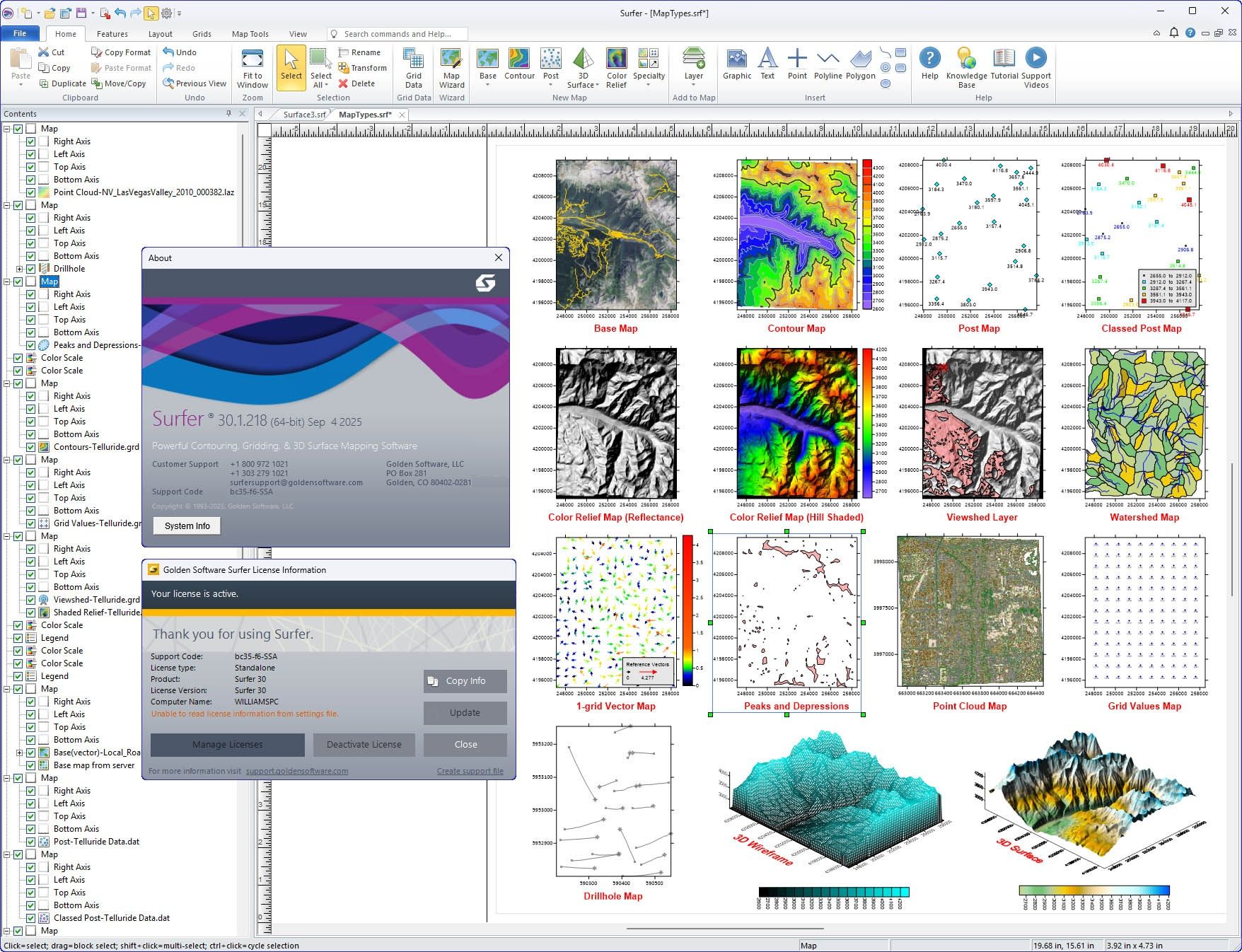
Golden Software Surfer 30.1.218 is the latest release of the powerful 2D and 3D mapping, visualization, and analysis software trusted by geologists, engineers, and scientists worldwide. Designed to transform complex data into highly accurate maps and models, Surfer provides advanced tools for contouring, surface modeling, gridding, and 3D visualization.

This version introduces improved performance, new visualization features, and enhanced compatibility that enable professionals to analyze spatial data with greater accuracy and efficiency. Whether used for natural resource management, environmental studies, geotechnical engineering, or hydrology projects, Surfer 30.1.218 delivers precise results and professional-quality maps.

Key Features of Golden Software Surfer 30.1.218

1. Advanced Gridding and Interpolation
Supports multiple gridding methods including kriging, inverse distance, and natural neighbor to generate accurate surface models from scattered data.

2. 2D and 3D Mapping Tools
Create contour maps, surface maps, watershed models, vector maps, and 3D wireframes for a comprehensive representation of spatial datasets.

3. LiDAR and Point Cloud Support
Import and process LiDAR data for high-resolution terrain and elevation modeling, making it ideal for geological and environmental applications.

4. Data Visualization and Analysis
Combine multiple map layers, apply color gradients, shading, and custom symbols to interpret data effectively. Analyze volumes, depths, slopes, and spatial relationships with precision.

5. Georeferencing and Coordinate Systems
Work with global coordinate systems and georeference raster images for accurate alignment of maps and datasets.

6. Extensive Data Import and Export
Supports a wide range of file formats including SHP, DXF, XYZ, LAS, and GeoTIFF, ensuring smooth integration with GIS and CAD software.

7. 3D Surface and Terrain Modeling
Visualize elevation data in 3D with customizable perspectives, lighting, and rotation to better understand geological and environmental conditions.

8. Cross-Section and Profile Generation
Easily create cross-sections and profiles from surface models to evaluate subsurface structures and variations.

9. Automation with Scripting
Streamline workflows and repetitive tasks using powerful automation through Python and other scripting languages.

10. Professional Map Presentation
Export high-resolution maps and models suitable for reports, publications, and client presentations, ensuring professional communication of results.

Why Choose Golden Software Surfer 30.1.218

Golden Software Surfer 30.1.218 combines powerful analysis, accurate mapping, and flexible visualization into a single software solution. It is widely used in geology, hydrology, environmental science, mining, oil and gas, and engineering fields, making it an essential tool for professionals who need to interpret and present spatial data with confidence.

If you want to download Golden Software Surfer 30.1.218 full license, please click to DOWNLOAD button to download.
CLICKDOWN.ORG Download CAD CAM CNC software
Inside package Golden Software Surfer 30.1.218, already have cracked files and instruction how to install Golden Software Surfer 30.1.218 step by step. I guarantee you can install Golden Software Surfer 30.1.218 successfully if you follow that instruction.
If you also can’t install it or get any problems, please contact to me by email: clickdown.org@gmail.com, then I will help you to install software by teamviewer or Ultraviewer or Anydesk.
Thanks a lot
SOFTWARES

Download Chaos Enscape 4.11.0.162 x64 full activated

Download Chaos Enscape 4.11.0.162 x64 full activated

Link download Chaos Enscape 4.11.0.162 win64 full

Working with Chaos Enscape 4.11.0.162 full

Description of Chaos Enscape 4.11.0.162

Chaos Enscape 4.11.0.162 is the latest version of the popular real-time rendering and visualization software, widely used by architects, designers, and engineers. Integrated directly into leading CAD and BIM applications, Enscape provides a fast and intuitive way to create photorealistic renderings, virtual reality walkthroughs, and immersive design presentations.

This release enhances performance, improves visual quality, and adds new tools that allow professionals to bring their design concepts to life with greater realism and efficiency. With Enscape 4.11.0.162, users can easily transform 3D models into high-quality visual experiences without complicated workflows or external rendering engines.

Key Features of Chaos Enscape 4.11.0.162

1. Real-Time Rendering
Instantly visualize design changes with real-time rendering that synchronizes directly with CAD and BIM software such as Revit, SketchUp, Rhino, Archicad, and Vectorworks.

2. High-Quality Visuals
Enhanced lighting, reflections, materials, and global illumination deliver realistic results that help communicate design intent more effectively.

3. Virtual Reality Support
Fully compatible with major VR headsets, enabling clients and stakeholders to experience architectural projects in immersive virtual environments.

4. Asset Library Expansion
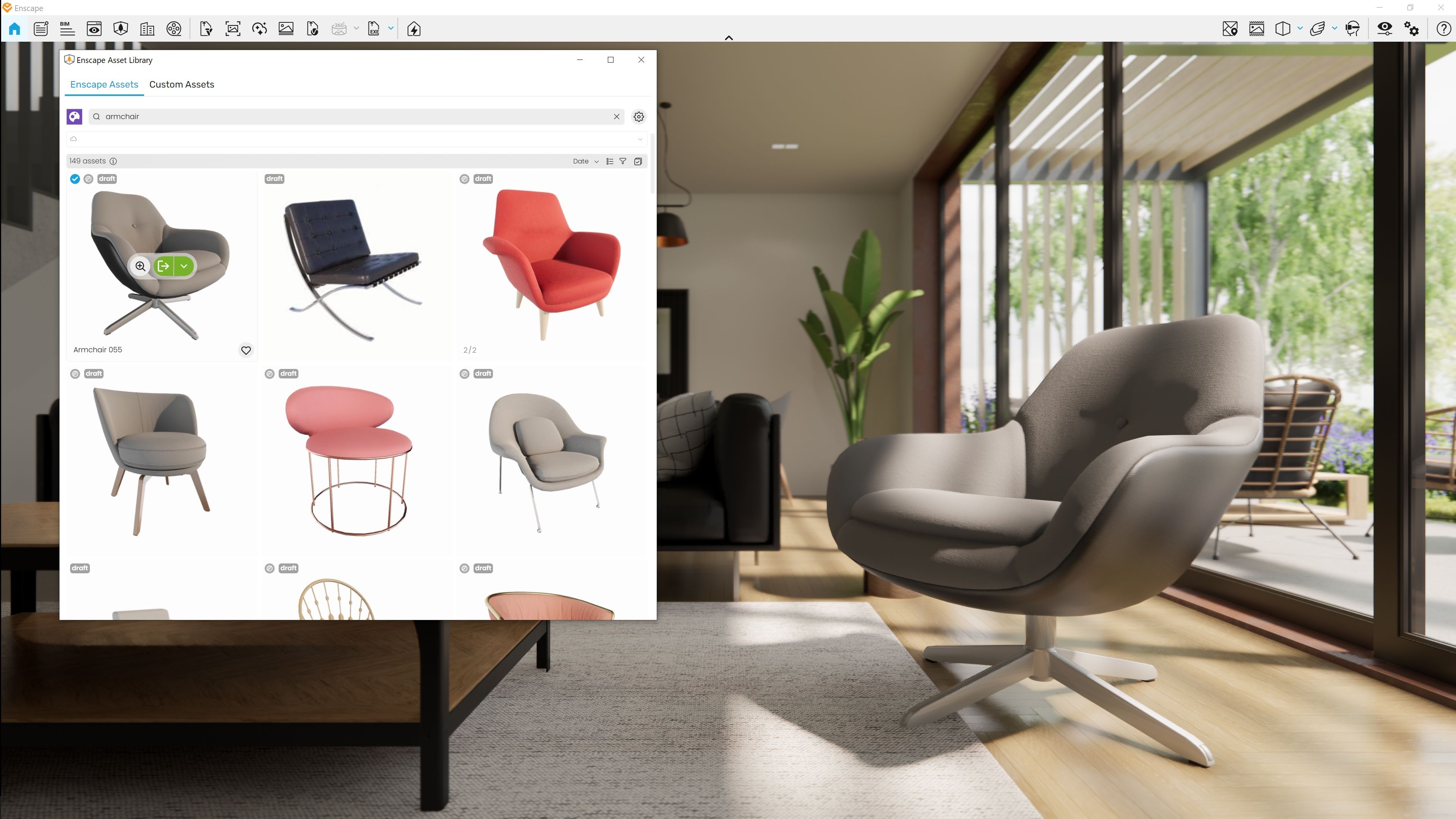
Access an extensive library of 3D assets including furniture, vegetation, people, and vehicles to enrich design scenes quickly and realistically.

5. Customizable Materials and Textures
Advanced material editor allows fine-tuning of textures, transparency, and reflections for precise control over visual output.

6. Improved Performance and Stability
Optimized rendering engine ensures smoother navigation, faster loading, and stable performance for large and complex projects.

7. Collaborative Presentation Tools
Export standalone executables, 360-degree panoramas, and web-based presentations to share interactive designs with clients anywhere.

8. Lighting and Atmosphere Controls
Adjust natural and artificial lighting, weather conditions, and time of day to evaluate design performance under different environmental scenarios.

9. Seamless Workflow Integration
Direct integration into popular design platforms eliminates the need for external file conversions, streamlining the entire visualization process.

10. Enhanced Output Options
Create high-resolution still images, animated walkthroughs, and batch renderings for professional-quality presentations.

Why Choose Chaos Enscape 4.11.0.162

Chaos Enscape 4.11.0.162 is an essential tool for architects and designers who want to deliver compelling visualizations while maintaining efficient design workflows. By combining speed, realism, and ease of use, Enscape helps professionals communicate ideas clearly, impress clients, and make better design decisions.

If you want to download Chaos Enscape 4.11.0.162 full license, please click to DOWNLOAD button to download.
CLICKDOWN.ORG Download CAD CAM CNC software
Inside package Chaos Enscape 4.11.0.162, already have cracked files and instruction how to install Chaos Enscape 4.11.0.162 step by step. I guarantee you can install Chaos Enscape 4.11.0.162 successfully if you follow that instruction.
If you also can’t install it or get any problems, please contact to me by email: clickdown.org@gmail.com, then I will help you to install software by teamviewer or Ultraviewer or Anydesk.
Thanks a lot

SOFTWARES

Download PDFelement Pro 12.0.2.3719 full activated forever

Download PDFelement Pro 12.0.2.3719 full activated forever

Link download PDFelement Pro 12.0.2.3719 full functions

Working with PDFelement Pro 12.0.2.3719 full activated

Description of PDFelement Pro 12.0.2.3719

PDFelement Pro 12.0.2.3719 is the latest professional PDF solution from Wondershare, designed for users who need powerful tools to create, edit, convert, and manage PDF documents with ease. With its modern interface and advanced features, PDFelement Pro is a complete alternative to Adobe Acrobat, offering enterprise-level functionality at an affordable cost.

This version introduces improved performance, AI-powered features, and enhanced compatibility with the latest operating systems. Whether you are an individual, business, or educational institution, PDFelement Pro 12.0.2.3719 helps streamline document workflows and boosts productivity.

Key Features of PDFelement Pro 12.0.2.3719

1. Advanced PDF Editing
Edit text, images, and links in PDF documents seamlessly. The software provides a word-processor-like experience while maintaining formatting accuracy.

2. AI-Powered Tools
Includes AI-driven functions such as smart summarization, content rewriting, and grammar suggestions to improve efficiency and document quality.

3. PDF Conversion and OCR
Convert PDFs into Word, Excel, PowerPoint, HTML, and more. The built-in OCR technology recognizes scanned documents and images, making them fully searchable and editable.

4. Form Creation and Data Extraction
Create interactive PDF forms with checkboxes, text fields, and drop-down menus. Extract form data into Excel or other formats for streamlined reporting.

5. Batch Processing
Process multiple files at once with batch conversion, batch OCR, and batch watermarking tools, saving significant time on repetitive tasks.

6. Annotation and Collaboration
Add comments, highlights, sticky notes, stamps, and shapes to PDFs. Collaborate effectively with teams by reviewing and marking up documents in real time.

7. Secure Document Management
Protect sensitive information with password encryption, digital signatures, and redaction tools. Ensure compliance with data security standards.

8. Cloud Integration
Integrated with cloud storage platforms like Google Drive, Dropbox, OneDrive, and Wondershare Document Cloud for easier access and sharing.

9. Page Organization Tools
Reorganize, merge, split, or extract PDF pages. Insert headers, footers, and page numbers for better document structure.

10. Cross-Platform Compatibility
Fully compatible with Windows, macOS, iOS, and Android, ensuring seamless workflows across multiple devices.

Why Choose PDFelement Pro 12.0.2.3719

With its AI enhancements, robust editing tools, and professional PDF management capabilities, PDFelement Pro 12.0.2.3719 is an excellent choice for users who demand efficiency, flexibility, and security in handling digital documents. It is a reliable solution for businesses, students, and professionals who want to optimize their document workflows.

If you want to download PDFelement Pro 12.0.2.3719 full license, please click to DOWNLOAD button to download.
CLICKDOWN.ORG Download CAD CAM CNC software
Inside package PDFelement Pro 12.0.2.3719, already have cracked files and instruction how to install PDFelement Pro 12.0.2.3719 step by step. I guarantee you can install PDFelement Pro 12.0.2.3719 successfully if you follow that instruction.
If you also can’t install it or get any problems, please contact to me by email: clickdown.org@gmail.com, then I will help you to install software by teamviewer or Ultraviewer or Anydesk.
Thanks a lot
SOFTWARES

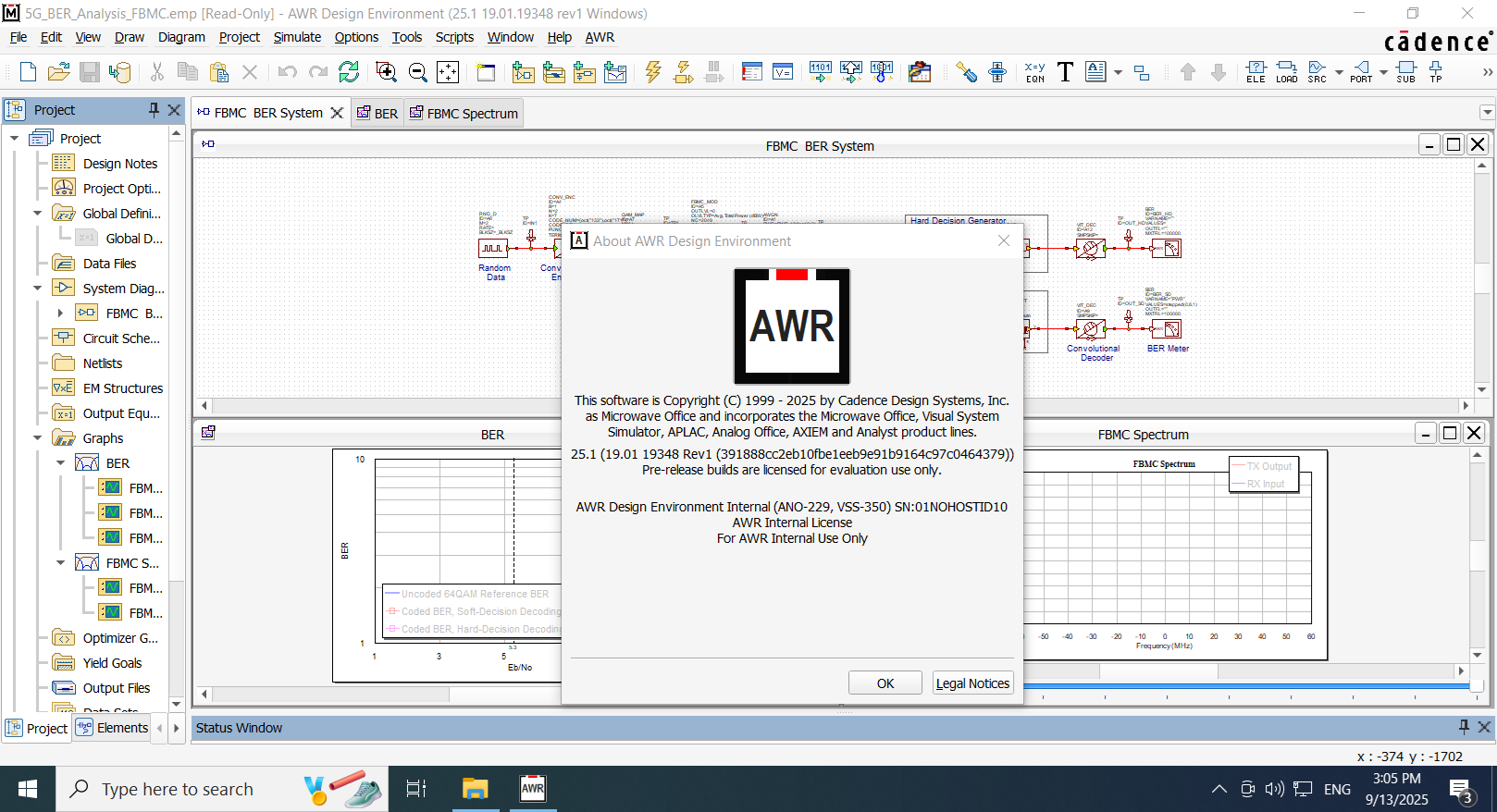
Download NI AWR Design Environment 25.1 v19.01.19348.1 x64

Download NI AWR Design Environment 25.1 v19.01.19348.1 x64

Link download NI AWR Design Environment 25.1 v19.01.19348.1 win64

Working with NI AWR Design Environment 25.1 v19.01.19348.1

Description of NI AWR Design Environment 25.1 v19.01.19348.1

NI AWR Design Environment 25.1 v19.01.19348.1 is a comprehensive software suite for high-frequency electronic design automation (EDA). Developed by National Instruments, this platform is widely used by engineers in the fields of RF, microwave, and high-speed circuit design. It integrates simulation, modeling, and layout tools into a unified environment that helps engineers accelerate the design of antennas, RF circuits, microwave components, and communication systems.

With its powerful simulation engines and advanced optimization tools, NI AWR Design Environment enables accurate design validation while reducing development time and costs. It is an essential tool for professionals working in wireless communications, aerospace, defense, and semiconductor industries.

Key Features of NI AWR Design Environment 25.1 v19.01.19348.1

1. Advanced RF and Microwave Circuit Design
Provides complete tools for designing, analyzing, and optimizing RF front-end modules, filters, amplifiers, oscillators, and mixers with high accuracy.

2. System-Level Simulation
The integrated Visual System Simulator (VSS) allows full system-level simulation of wireless communication systems, enabling engineers to validate performance before prototyping.

3. Electromagnetic (EM) Simulation
Features industry-leading EM solvers for 2D and 3D structures, helping engineers analyze parasitics, radiation patterns, and electromagnetic coupling.

4. Antenna Design and Optimization
Engineers can design, model, and optimize antennas with precise radiation characteristics and evaluate performance in real-world environments.

5. MMIC and PCB Design Support
The suite supports monolithic microwave integrated circuit (MMIC) and printed circuit board (PCB) layout design with automatic synchronization between schematic and layout.

6. Extensive Component Libraries
Includes a comprehensive library of models and components, ensuring accurate simulation results and faster development cycles.

7. Integration with CAD and EDA Tools
Supports interoperability with popular CAD/EDA software, enabling a streamlined workflow across different engineering platforms.

8. Optimization and Yield Analysis
Offers advanced optimization algorithms and statistical yield analysis to ensure design robustness and performance reliability.

9. 5G and Advanced Wireless Support
Built-in capabilities for 5G, IoT, and advanced wireless communication system design, making it ideal for next-generation technology development.

10. Customizable Reporting and Documentation
Generate detailed reports, graphs, and documentation to support project communication and compliance requirements.

Why Choose NI AWR Design Environment 25.1 v19.01.19348.1

This version of NI AWR Design Environment delivers cutting-edge tools for RF, microwave, and system-level design in a single integrated platform. By combining accurate simulations, extensive component libraries, and strong interoperability with other CAD systems, it enables engineers to create reliable, high-performance designs faster and more efficiently.

If you want to download NI AWR Design Environment 25.1 v19.01.19348.1 full license, please click to DOWNLOAD button to download.
CLICKDOWN.ORG Download CAD CAM CNC software
Inside package NI AWR Design Environment 25.1 v19.01.19348.1, already have cracked files and instruction how to install NI AWR Design Environment 25.1 v19.01.19348.1 step by step. I guarantee you can install NI AWR Design Environment 25.1 v19.01.19348.1 successfully if you follow that instruction.
If you also can’t install it or get any problems, please contact to me by email: clickdown.org@gmail.com, then I will help you to install software by teamviewer or Ultraviewer or Anydesk.
Thanks a lot
SOFTWARES

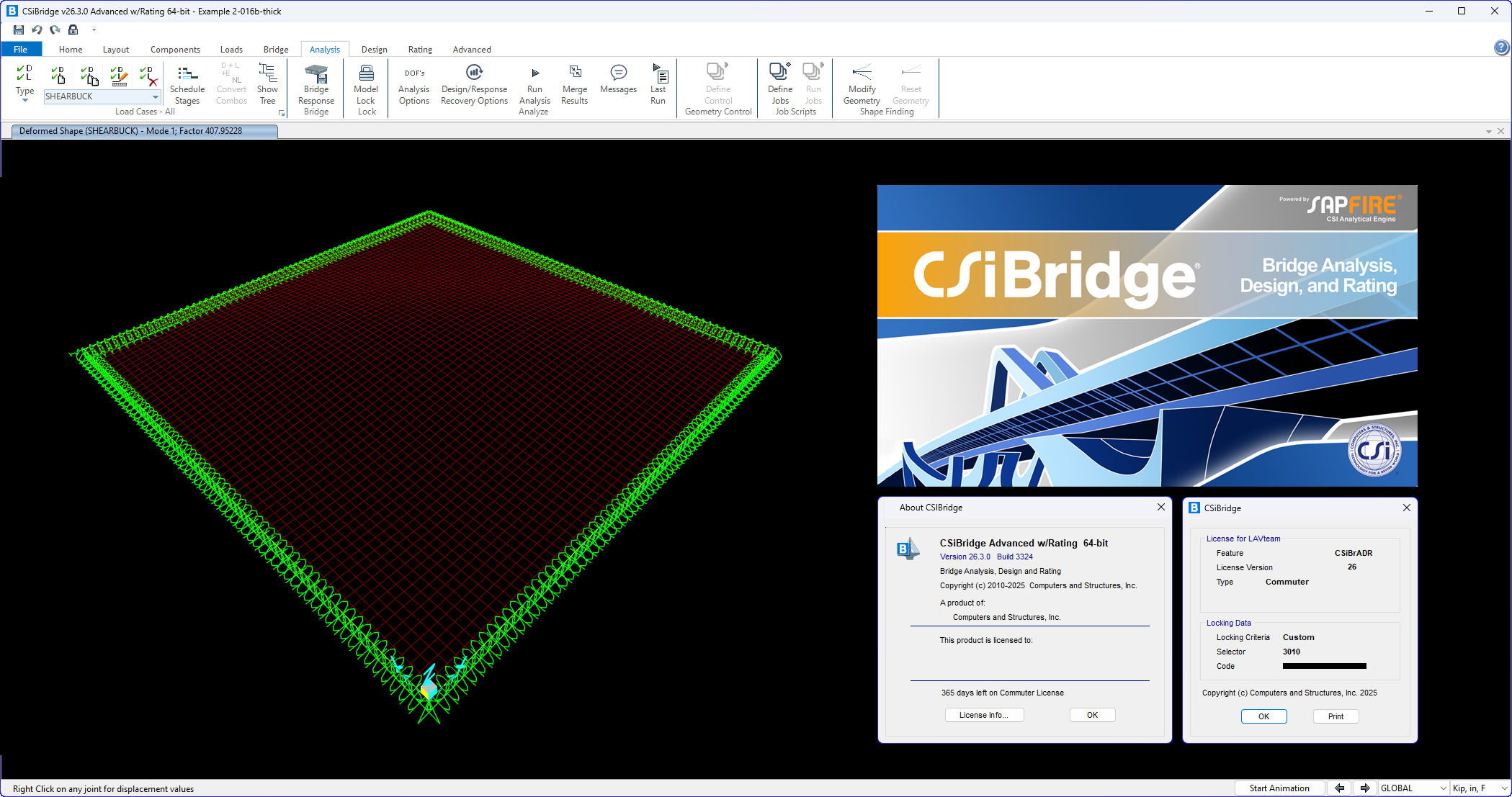
CSI Bridge Advanced with Rating 26.3.0 win64 full activated

CSI Bridge Advanced with Rating 26.3.0 win64 full activated

Link download CSI Bridge Advanced with Rating 26.3.0 build 3324 full

Working with CSI Bridge Advanced with Rating 26.3.0 build 3324 full

Description of CSI Bridge Advanced with Rating 26.3.0

CSI Bridge Advanced with Rating 26.3.0 is a powerful structural engineering software developed by Computers and Structures, Inc. (CSI). It is designed specifically for modeling, analysis, and design of bridge structures, offering a fully integrated solution that covers every stage of the bridge engineering process. With advanced rating capabilities, this version allows engineers to evaluate load-carrying capacities, perform maintenance planning, and ensure compliance with international design codes.

CSI Bridge Advanced provides an intuitive modeling environment that automates complex tasks, reducing design time while improving accuracy. It is widely used by civil engineers, transportation authorities, and bridge consultants for both new bridge projects and the assessment of existing infrastructure.

Key Features of CSI Bridge Advanced with Rating 26.3.0

1. Comprehensive Bridge Modeling
The software allows parametric modeling of simple and complex bridge geometries, including cable-stayed, suspension, arch, girder, and truss bridges.

2. Integrated Load Rating Analysis
The advanced rating module enables engineers to calculate the capacity of existing bridges under different load conditions, ensuring compliance with AASHTO and other global standards.

3. Automated Load Application
CSI Bridge automates the application of moving loads, traffic patterns, seismic loads, wind effects, and other environmental forces, saving time and ensuring precision.

4. Design Code Support
The program supports a wide range of international bridge design standards, including AASHTO LRFD, Eurocode, Canadian, Indian, and other regional codes.

5. Finite Element Analysis (FEA)
CSI Bridge Advanced incorporates advanced finite element modeling for nonlinear, dynamic, and staged construction analysis, enabling accurate simulation of real-world conditions.

6. Rating and Evaluation Tools
Engineers can assess bridge condition and capacity, determine required maintenance, and evaluate retrofitting options. This ensures safe and cost-effective infrastructure management.

7. Construction Stage Analysis
The software simulates construction sequences, helping engineers evaluate stresses and deformations during various stages of bridge construction.

8. Prestress and Post-Tensioning Features
Support for tendon layout and post-tensioning design is included, ensuring realistic modeling of prestressed concrete bridges.

9. Comprehensive Reporting
Generate detailed, customizable reports including analysis results, load rating evaluations, and compliance checks. Reports can be shared with stakeholders, contractors, and regulatory authorities.

10. User-Friendly Interface
Despite its advanced capabilities, CSI Bridge offers an intuitive user interface with drag-and-drop tools, templates, and wizards for efficient workflow management.

Why Choose CSI Bridge Advanced with Rating 26.3.0

CSI Bridge Advanced with Rating 26.3.0 is the ultimate solution for engineers who need to model, design, and evaluate bridges with high accuracy and efficiency. By integrating design, analysis, and rating into one platform, it helps improve productivity, ensures safety, and supports the long-term sustainability of infrastructure projects worldwide.

If you want to download CSI Bridge Advanced with Rating 26.3.0 full license, please click to DOWNLOAD button to download.
CLICKDOWN.ORG Download CAD CAM CNC software
Inside package CSI Bridge Advanced with Rating 26.3.0, already have cracked files and instruction how to install CSI Bridge Advanced with Rating 26.3.0 step by step. I guarantee you can install CSI Bridge Advanced with Rating 26.3.0 successfully if you follow that instruction.
If you also can’t install it or get any problems, please contact to me by email: clickdown.org@gmail.com, then I will help you to install software by teamviewer or Ultraviewer or Anydesk.
Thanks a lot
SOFTWARES

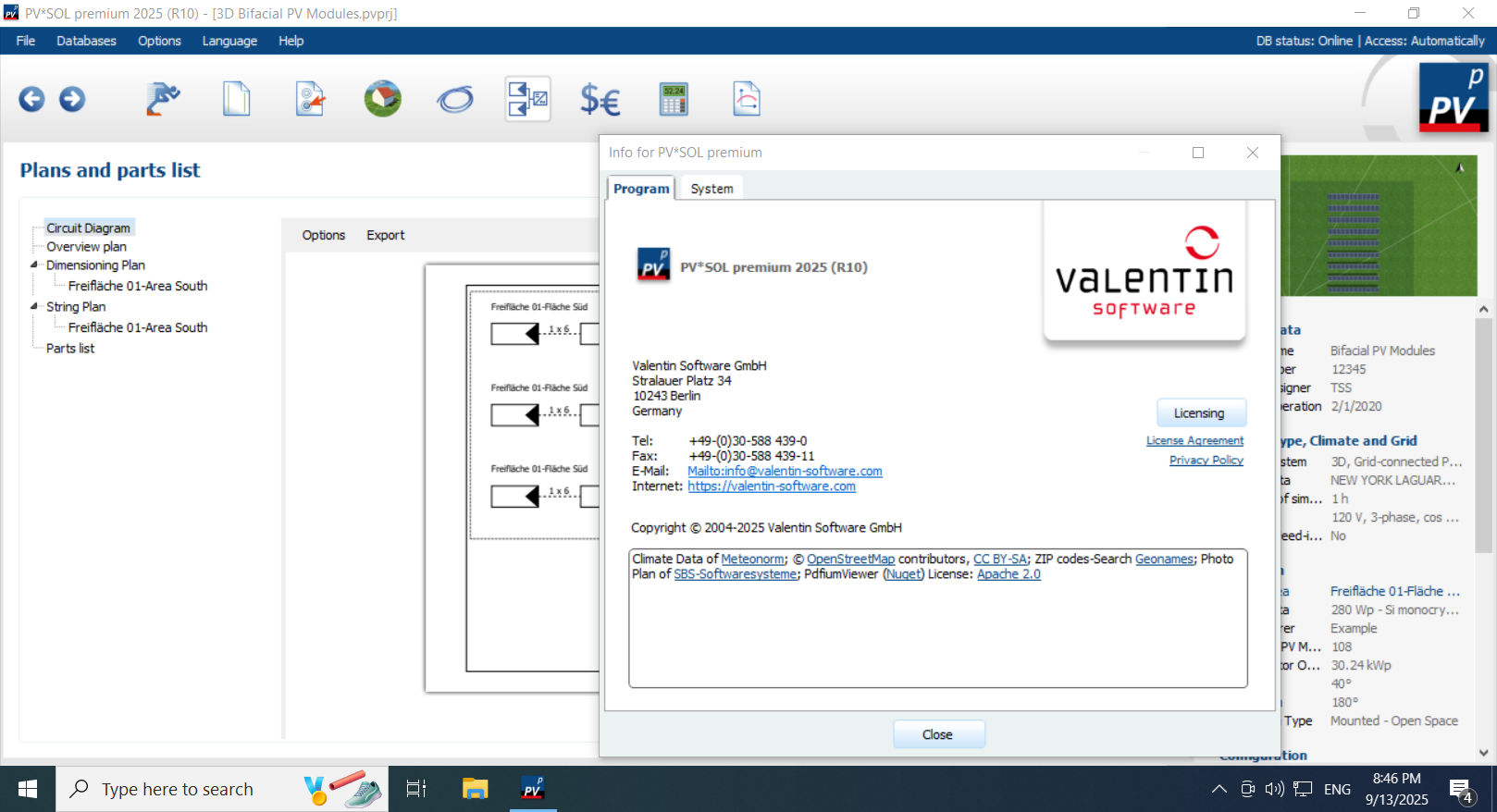
Download Pvsol premium 2025 R10 full activated forever

Download Pvsol premium 2025 R10 full activated forever

Link download Pvsol premium 2025 R10 full 100% working

Working with Pvsol premium 2025 R10 full activated

Description of Pvsol premium 2025 R10

PV*SOL premium 2025 R10 is the latest version of the industry-leading photovoltaic simulation software developed by Valentin Software. This powerful tool is designed for solar engineers, energy consultants, and system planners who require precise calculations, accurate shading analysis, and detailed economic evaluations for photovoltaic projects of any size. With its advanced 3D visualization, extensive component database, and integration of modern energy storage technologies, PV*SOL premium 2025 R10 ensures reliable project design and optimized energy performance.

Key Features of PVSOL premium 2025 R10

1. 3D Visualization and Shading Analysis
PV*SOL premium 2025 R10 allows users to create detailed 3D models of buildings and surrounding environments. Its advanced shading simulation calculates exact energy losses caused by trees, neighboring structures, and other obstacles.

2. Comprehensive Component Database
The software includes an extensive and regularly updated database of photovoltaic modules, inverters, batteries, and mounting systems, enabling precise system configurations.

3. Energy Storage Integration
Users can design hybrid PV systems by integrating battery storage technologies, ensuring optimal self-consumption rates and enhanced energy independence.

4. Financial and Economic Evaluation
PV*SOL premium 2025 R10 provides in-depth financial analysis including payback period, return on investment, and lifecycle cost calculation. This helps stakeholders make data-driven investment decisions.

5. Grid Connection and Self-Consumption Analysis
The program supports various grid connection scenarios, feed-in tariffs, and net-metering schemes. It also evaluates the benefits of self-consumption models in different regions.

6. Dynamic Simulation Engine
With highly accurate hourly and sub-hourly simulations, the software delivers precise energy yield predictions tailored to climate conditions worldwide.

7. Professional Reporting
Generate customizable project reports with technical details, energy yield data, and financial results. Reports can be prepared in multiple languages for clients, investors, or regulatory submissions.

8. Compatibility with BIM and External Tools
PV*SOL premium 2025 R10 ensures smooth workflow integration with Building Information Modeling (BIM) systems and other engineering tools, streamlining the planning process for large-scale projects.

9. User-Friendly Interface
Despite its advanced calculation capabilities, the program provides an intuitive interface that simplifies the entire PV system planning process for professionals at all levels.

Why Choose PVSOL premium 2025 R10

By using PV*SOL premium 2025 R10, solar professionals can maximize energy efficiency, minimize shading losses, and ensure accurate financial forecasts for photovoltaic installations. It is the ultimate solution for designing, simulating, and optimizing solar power projects from residential rooftops to large-scale commercial plants.

If you want to download Pvsol premium 2025 R10 full license, please click to DOWNLOAD button to download.
CLICKDOWN.ORG Download CAD CAM CNC software
Inside package Pvsol premium 2025 R10, already have cracked files and instruction how to install Pvsol premium 2025 R10 step by step. I guarantee you can install Pvsol premium 2025 R10 successfully if you follow that instruction.
If you also can’t install it or get any problems, please contact to me by email: clickdown.org@gmail.com, then I will help you to install software by teamviewer or Ultraviewer or Anydesk.
Thanks a lot
SOFTWARES

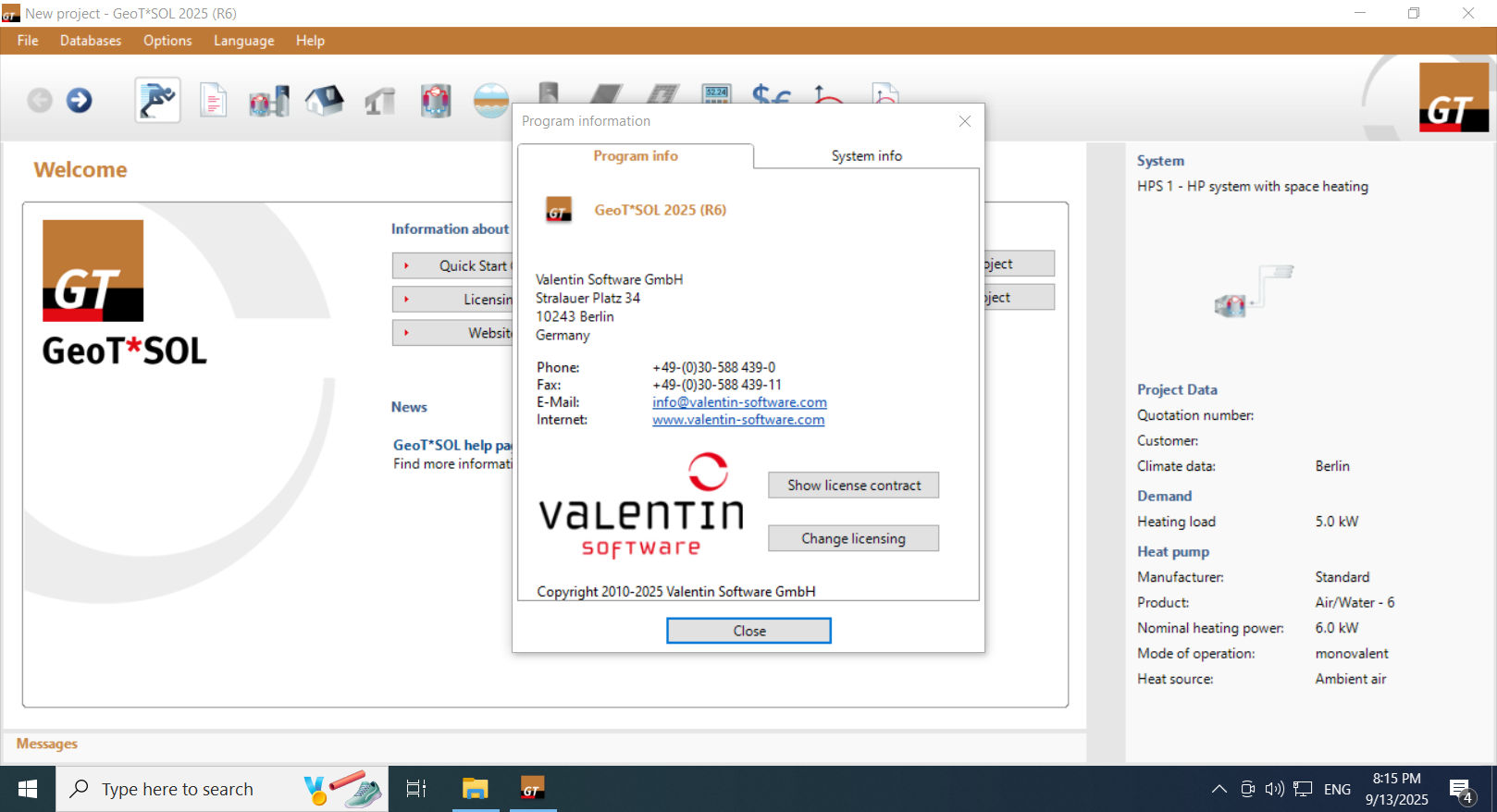
Download GeoTSOL 2025.6 x64 full activated forever

Download GeoTSOL 2025.6 x64 full activated forever

Link download GeoTSOL 2025.6 win64 full 100% working

Working with GeoTsol 2025.6 full activated forever

Description of GeoTSOL 2025.6

GeoT*SOL 2025.6 is a professional simulation software designed for the planning, design, and optimization of heat pump systems. Developed by Valentin Software, this tool provides engineers, energy consultants, and HVAC specialists with advanced capabilities to calculate energy efficiency, environmental impact, and long-term cost savings of heating and cooling projects. With its user-friendly interface and powerful calculation engine, GeoT*SOL ensures precise results that meet the highest industry standards.

Key Features of GeoTSOL 2025.6

1. Comprehensive Heat Pump Simulation
GeoT*SOL 2025.6 supports various types of heat pump systems including air-to-water, brine-to-water, and water-to-water systems, enabling accurate performance simulation across different applications.

2. Dynamic System Design
The program allows flexible system design with integration of heat pumps, photovoltaic systems, and thermal storage units. This ensures optimized solutions tailored to both residential and commercial projects.

3. Climate and Location Data
Equipped with an extensive climate database covering worldwide locations, GeoT*SOL calculates real performance based on regional weather conditions, helping users evaluate system efficiency under real-life scenarios.

4. Economic and Environmental Analysis
The software provides detailed reports on lifecycle costs, payback periods, and CO₂ emissions. This makes it an essential tool for both financial planning and sustainability assessments.

5. Graphical System Representation
Users can create intuitive schematic diagrams of heating and cooling systems, making it easier to visualize complex designs and communicate them to clients or project partners.

6. Reporting and Documentation
GeoT*SOL 2025.6 generates professional, customizable reports in multiple languages. These reports can be used for client presentations, compliance documentation, or funding applications.

7. Integration with TSOL and PVSOL
The software is fully compatible with other Valentin Software products, enabling holistic energy system planning by combining solar thermal and photovoltaic solutions with heat pump technology.

8. Regulation and Standard Compliance
GeoT*SOL 2025.6 meets international energy standards and regulations, making it suitable for global projects requiring precise documentation and certification.

Why Choose GeoTSOL 2025.6

By using GeoT*SOL 2025.6, energy planners and HVAC professionals can ensure reliable system performance, cost-effective solutions, and reduced environmental impact. It is an indispensable software for those working in renewable energy planning, building services, and sustainable construction.

If you want to download GeoTSOL 2025.6 full license, please click to DOWNLOAD button to download.
CLICKDOWN.ORG Download CAD CAM CNC software
Inside package GeoTSOL 2025.6, already have cracked files and instruction how to install GeoTSOL 2025.6 step by step. I guarantee you can install GeoTSOL 2025.6 successfully if you follow that instruction.
If you also can’t install it or get any problems, please contact to me by email: clickdown.org@gmail.com, then I will help you to install software by teamviewer or Ultraviewer or Anydesk.
Thanks a lot
SOFTWARES

Download SETCAD PRO 4.0.0.16 full activated

Download SETCAD PRO 4.0.0.16 full activated

Link download SETCAD PRO 4.0.0.16 full 100% working

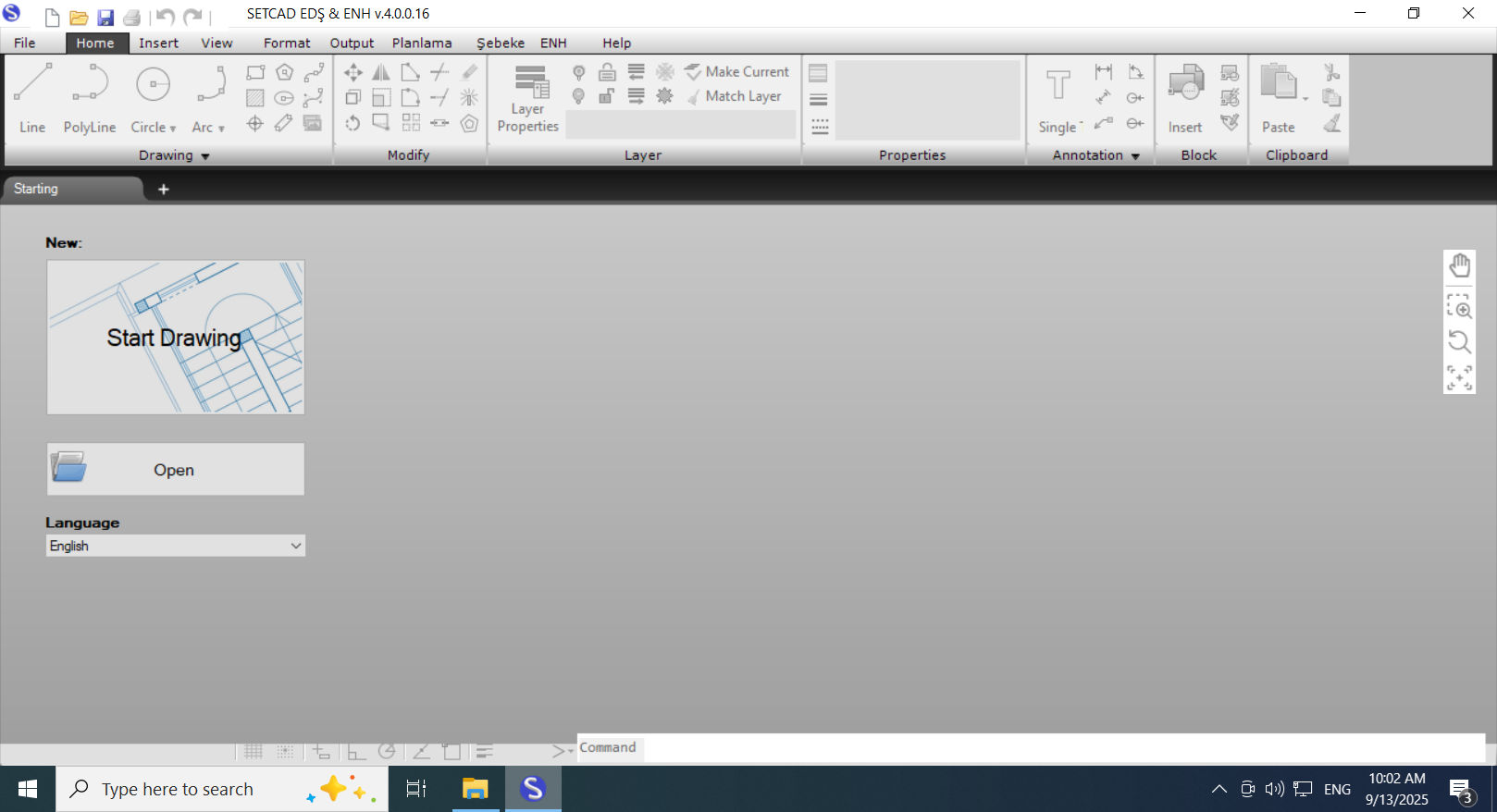
Working with SetCAD 4.0.0.16 full activated

Description of SETCAD PRO 4.0.0.16

SETCAD PRO 4.0.0.16 is a professional CAD software developed for electrical engineering, automation, and industrial design projects. It provides engineers, technicians, and system integrators with powerful tools to design, document, and manage electrical schematics, control systems, and automation layouts with precision and efficiency.

The latest release, version 4.0.0.16, offers improved performance, new libraries, and workflow enhancements to help users save time and ensure accuracy in every stage of their project. SETCAD PRO is widely used in industries such as manufacturing, energy, process control, and automation engineering.

Key Features of SETCAD PRO 4.0.0.16

1. Electrical Schematic Design
Create detailed and accurate circuit diagrams.
Automatic numbering of wires, components, and symbols.
Support for multi-page schematics and cross-references.

2. Component Libraries and Symbols
Extensive libraries with standardized electrical symbols.
Customizable components for industry-specific applications.
Quick insertion tools for faster schematic creation.

3. Automation and Control Systems
Design PLC-based control systems with structured layouts.
Integration with industrial automation standards.
Tools for I/O mapping and system documentation.

4. Project Management and Documentation
Automatic generation of bills of materials (BOM).
Comprehensive project reports with device lists and cable schedules.
Easy export to PDF, DWG, and other industry formats.

5. User-Friendly Workflow
Intuitive interface designed for electrical engineers.
Shortcuts and automation tools for repetitive tasks.
Seamless navigation between large and complex projects.

6. Updates in Version 4.0.0.16
Expanded symbol libraries and improved component database.
Faster processing for large-scale projects.
Enhanced stability and bug fixes for smoother operation.

7. Integration and Compatibility
Supports DWG/DXF formats for CAD interoperability.
Compatible with other engineering and design tools.
Flexible export options for collaboration across teams.

Why Choose SETCAD PRO 4.0.0.16

SETCAD PRO 4.0.0.16 is an essential tool for professionals who require accuracy, speed, and reliability in electrical CAD design. With its extensive symbol libraries, automation features, and improved performance, it helps reduce design errors and boosts productivity. From electrical schematics to industrial control system layouts, SETCAD PRO delivers a complete solution for modern engineering projects.

If you want to download SETCAD PRO 4.0.0.16 full license, please click to DOWNLOAD button to download.
CLICKDOWN.ORG Download CAD CAM CNC software
Inside package SETCAD PRO 4.0.0.16, already have cracked files and instruction how to install SETCAD PRO 4.0.0.16 step by step. I guarantee you can install SETCAD PRO 4.0.0.16 successfully if you follow that instruction.
If you also can’t install it or get any problems, please contact to me by email: clickdown.org@gmail.com, then I will help you to install software by teamviewer or Ultraviewer or Anydesk.
Thanks a lot
SOFTWARES

Download Topaz Video AI Pro 7.1.4 x64 full activated

Download Topaz Video AI Pro 7.1.4 x64 full activated

Link download Topaz Video AI Pro 7.1.4 win64 full 100% working

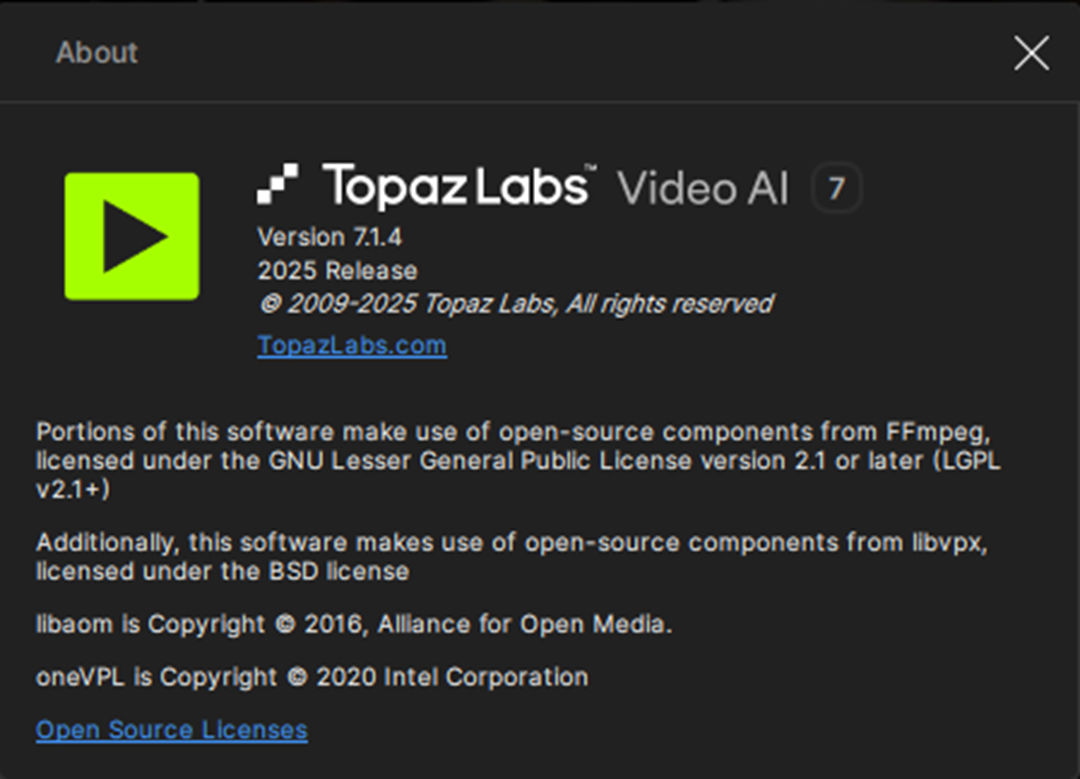
Topaz Video AI Pro 7.1.4 x64 full activated

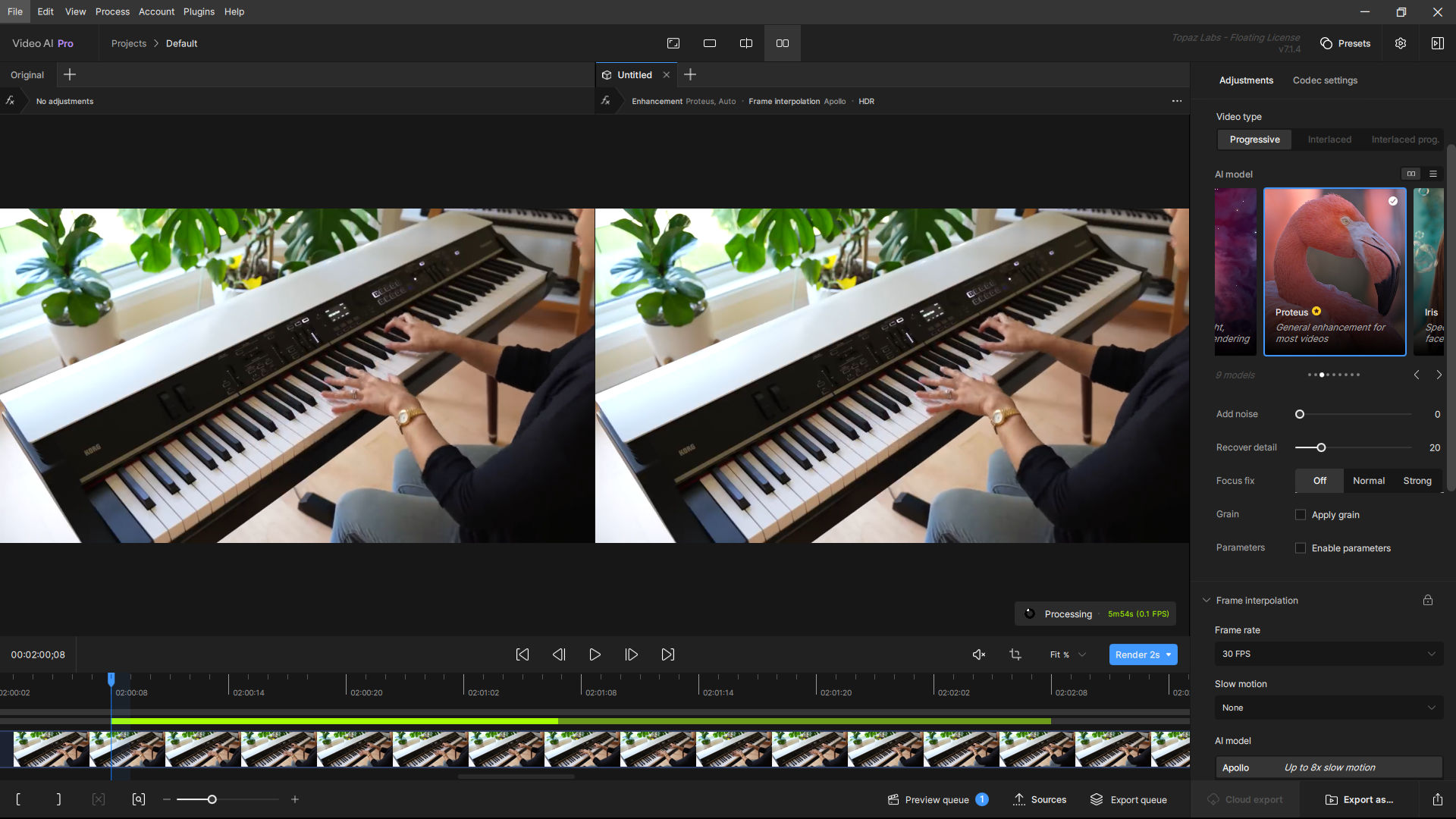
Working with Topaz Video AI Pro 7.1.4 full activated

Description of Topaz Video AI Pro 7.1.4

Topaz Video AI Pro 7.1.4 is a professional-grade video enhancement and upscaling software powered by advanced artificial intelligence. Developed by Topaz Labs, this tool is designed to improve video quality, upscale footage up to 8K resolution, stabilize shaky recordings, and restore details with unmatched clarity. It is widely used by video editors, filmmakers, content creators, and archivists who want to achieve studio-quality results.

The latest release, version 7.1.4, introduces optimized AI models, faster rendering speeds, and improved compatibility with modern hardware, making it the most powerful version of Topaz Video AI to date. Whether you are enhancing old footage, preparing content for streaming, or restoring archival videos, Topaz Video AI Pro 7.1.4 delivers exceptional results.

Key Features of Topaz Video AI Pro 7.1.4

1. AI-Powered Video Upscaling
Upscale videos up to 8K resolution while preserving sharpness and detail.
Perfect for improving SD, HD, or 4K footage for modern displays.
Intelligent algorithms trained on thousands of video samples.

2. Video Enhancement and Restoration
Reduce noise and grain for a cleaner look.
Restore lost details and improve overall clarity.
Repair old or low-quality footage for professional use.

3. Frame Interpolation and Slow Motion
Generate smooth slow-motion videos with frame interpolation.
Increase frame rates up to 120fps for fluid playback.
Ideal for sports, cinematic productions, and creative effects.

4. Stabilization and Motion Correction
AI-driven stabilization for shaky or handheld recordings.
Corrects motion artifacts and jitter for professional results.
Enhances both archived and newly recorded videos.

5. Batch Processing
Process multiple videos at once for faster workflows.
Save custom presets to maintain consistency across projects.
Supports popular video formats including MP4, MOV, AVI, and MKV.

6. Performance Enhancements in Version 7.1.4
Faster GPU acceleration for reduced rendering times.
Optimized AI models for sharper results and better color accuracy.
Improved stability for large, high-resolution projects.

7. Professional Applications
Film restoration and archival preservation.
Content preparation for YouTube, Netflix, and other streaming platforms.
Upscaling old family videos, documentaries, and creative projects.

Why Choose Topaz Video AI Pro 7.1.4

Topaz Video AI Pro 7.1.4 stands out as the leading solution for AI-based video enhancement and upscaling. Its ability to intelligently restore, upscale, and enhance video footage makes it an essential tool for professionals and hobbyists alike. With faster performance, improved AI models, and advanced video restoration tools, this version provides everything needed to achieve cinematic-quality results.

If you want to download Topaz Video AI Pro 7.1.4 full license, please click to DOWNLOAD button to download.
CLICKDOWN.ORG Download CAD CAM CNC software
Inside package Topaz Video AI Pro 7.1.4, already have cracked files and instruction how to install Topaz Video AI Pro 7.1.4 step by step. I guarantee you can install Topaz Video AI Pro 7.1.4 successfully if you follow that instruction.
If you also can’t install it or get any problems, please contact to me by email: clickdown.org@gmail.com, then I will help you to install software by teamviewer or Ultraviewer or Anydesk.
Thanks a lot
SOFTWARES

Download Bitwig Studio 5.3.13 x64 full activated forever

Download Bitwig Studio 5.3.13 x64 full activated forever

Link download Bitwig Studio 5.3.13 win64 full 100% working

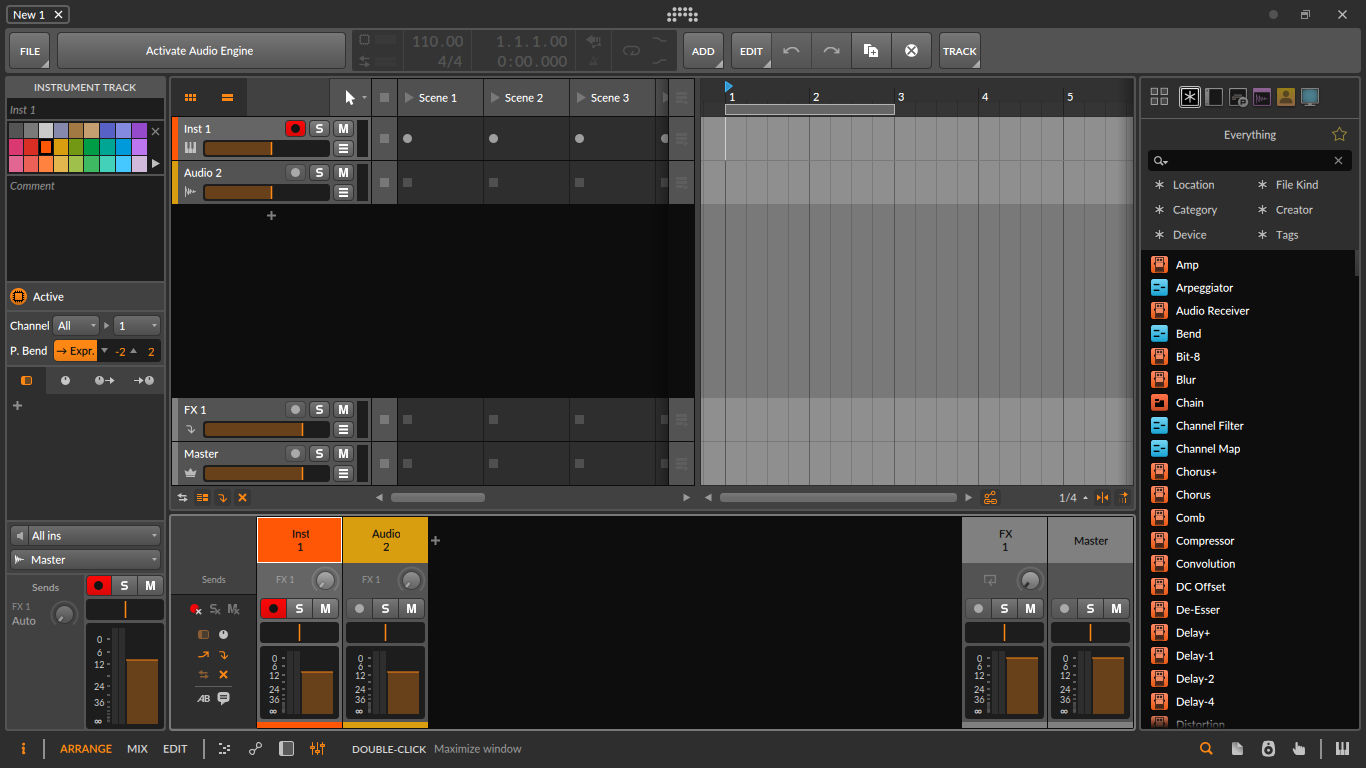
Working with Bitwig Studio 5.3.13 full activated

Description of Bitwig Studio 5.3.13

Bitwig Studio 5.3.13 is a powerful digital audio workstation (DAW) designed for music producers, sound designers, and live performers. Known for its flexibility and innovative workflow, Bitwig Studio combines advanced sequencing, sound design, and performance tools in one unified platform.

The latest release, version 5.3.13, enhances stability, improves device performance, and introduces refinements that make music production more intuitive and efficient. Whether you are producing in the studio, composing on the go, or performing live, Bitwig Studio offers the creative freedom and professional tools you need to bring your music to life.

Key Features of Bitwig Studio 5.3.13

1. Advanced Music Production Environment
Full-featured DAW with audio recording, MIDI sequencing, and editing tools.
Hybrid track system for handling both audio and MIDI seamlessly.
Flexible timeline with clip launcher for arrangement and live performance.

2. Sound Design and Instruments
Includes over 90 instruments, effects, and modular devices.
Support for VST, VST3, and CLAP plugins with robust plugin sandboxing.
Grid modular environment for building custom synthesizers and audio effects.

3. Creative Modulation System
Powerful modulation devices assignable to any parameter.
Unique modulators including envelopes, LFOs, step sequencers, and randomizers.
Expandable modulation system that enables dynamic and evolving sound design.

4. Workflow Enhancements
Unified browser for instruments, effects, samples, and presets.
Customizable keyboard shortcuts and MIDI mappings.
Multiple project templates and flexible routing options.

5. Live Performance Tools
Clip launcher for non-linear composition and improvisation.
Real-time automation recording and editing.
Integration with MIDI controllers and hardware instruments.

6. Updates in Version 5.3.13
Improved device performance for smoother workflow.
Enhanced stability for large and complex projects.
Bug fixes and optimizations for faster and more reliable music production.

7. Compatibility and Integration
Works across Windows, macOS, and Linux platforms.
Hardware integration with popular controllers and modular gear.
Seamless project export for mastering and collaboration.

Why Choose Bitwig Studio 5.3.13

Bitwig Studio 5.3.13 is built for modern music producers who want a DAW that combines power, flexibility, and creativity. With its modular sound design tools, innovative modulation system, and strong live performance features, Bitwig Studio has become a favorite among electronic musicians and sound designers. This version offers enhanced performance and reliability, making it the ideal choice for both professional studios and independent creators.

Installation instruction of Bitwig Studio 5.3.13:

1. Install Bitwig Studio.
2. B.T., Buttrifig Studio and click in the Activation file update dialog box if it is.
3. When the login screen appear, close Bitwig Studio.
4. Copy the bitwig.jar file from the crack folder to “C:\Program Files\Bitig Studio\bin”.
5. Launch Bitwig Studio.
6. Click “Active autonomously”.
7. Click “Download the File Active”
8. Select the file “activation.breg” from the crack folder.
Note: You can open the “activation.brag” file in the Notepad and change its name.
9. Click “Put Bitwig Studio”
10. Enjoy!

If you want to download Bitwig Studio 5.3.13 full license, please click to DOWNLOAD button to download.
CLICKDOWN.ORG Download CAD CAM CNC software
Inside package Bitwig Studio 5.3.13, already have cracked files and instruction how to install Bitwig Studio 5.3.13 step by step. I guarantee you can install Bitwig Studio 5.3.13 successfully if you follow that instruction.
If you also can’t install it or get any problems, please contact to me by email: clickdown.org@gmail.com, then I will help you to install software by teamviewer or Ultraviewer or Anydesk.
Thanks a lot
SOFTWARES

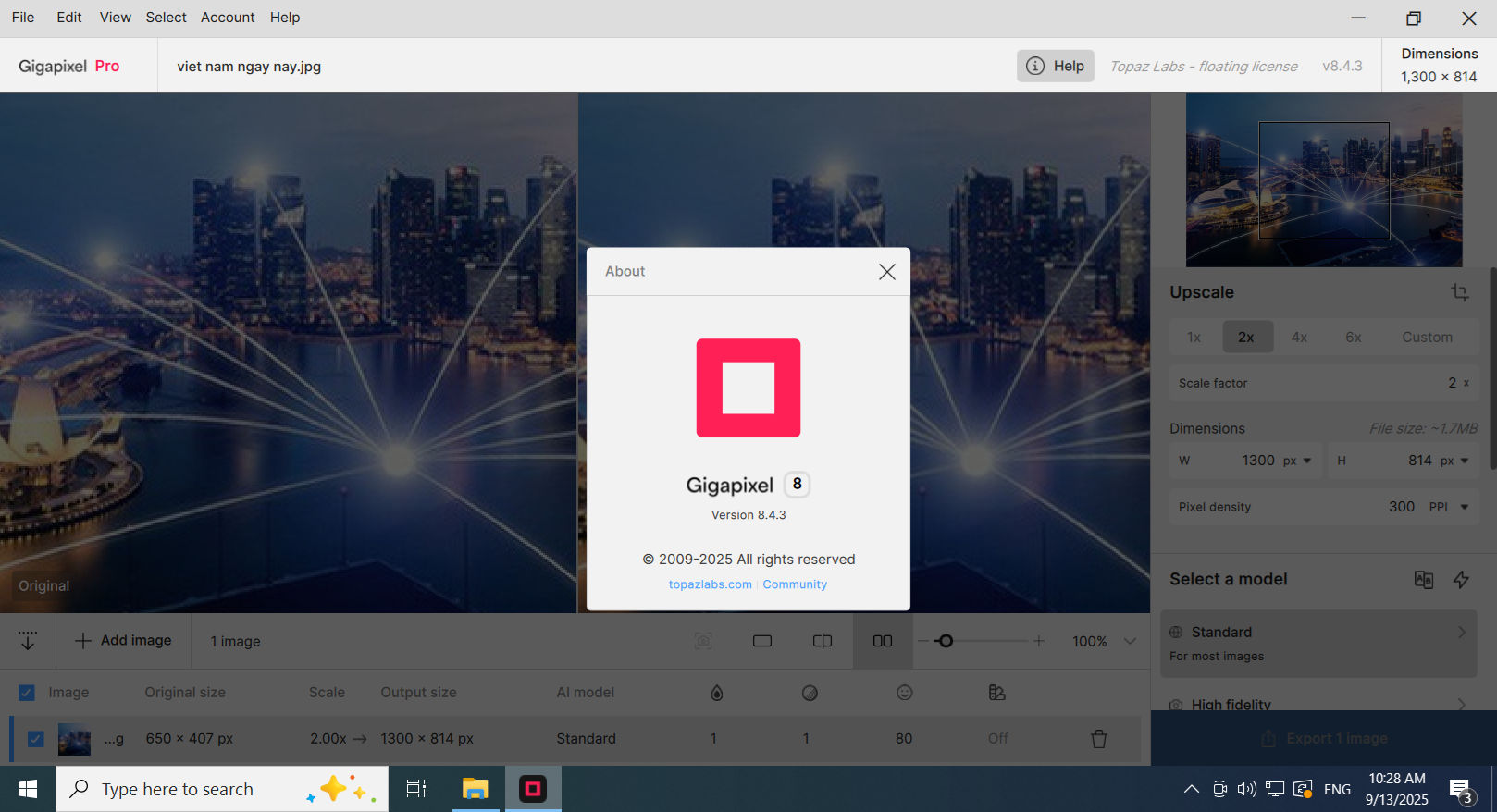
Download Topaz Gigapixel AI Pro 8.4.3 x64 full activated

Download Topaz Gigapixel AI Pro 8.4.3 x64 full activated

Link download Topaz Gigapixel AI Pro 8.4.3 win64 full forever

Working with Topaz Gigapixel AI Pro 8.4.3 full activated

Description of Topaz Gigapixel AI Pro 8.4.3

Topaz Gigapixel AI Pro 8.4.3 is an advanced image enlargement and enhancement software powered by artificial intelligence. Developed by Topaz Labs, this tool enables photographers, graphic designers, and digital artists to upscale images up to 600% without losing quality. Unlike traditional resizing tools, Gigapixel AI uses deep learning models to add realistic details, sharpness, and clarity to images, making it the industry-standard solution for professional image upscaling.

The 8.4.3 release introduces optimized AI models, improved processing performance, and expanded hardware compatibility, ensuring faster and more accurate results. Whether you are working with low-resolution photos, scanned images, or digital artwork, Topaz Gigapixel AI Pro delivers professional-quality enlargements that look natural and detailed.

Key Features of Topaz Gigapixel AI Pro 8.4.3

1. AI-Powered Image Upscaling
Enlarge images up to 6 times their original size.
Maintain edge sharpness, textures, and fine details.
Intelligent AI models trained on millions of images.

2. Detail Enhancement and Clarity
Restore textures, patterns, and facial details in portraits.
Reduce blur and noise while preserving natural image quality.
Perfect for enhancing old photos, digital scans, and low-resolution files.

3. Batch Processing
Upscale multiple images at once with automated workflows.
Save time and increase productivity for large projects.
Supports popular image formats including JPEG, PNG, TIFF, and RAW.

4. Customizable Output Controls
Fine-tune sharpness, noise reduction, and detail recovery.
Flexible scaling options: 2x, 4x, 6x, or custom dimensions.
Export results optimized for print, web, or digital use.

5. Performance Enhancements in 8.4.3
Faster image processing with GPU acceleration.
Improved AI algorithms for more accurate upscaling.
Enhanced compatibility with modern hardware and operating systems.

6. Professional Use Cases
Prepare high-resolution images for large-format printing.
Enhance e-commerce product images and marketing visuals.
Restore archival photos for digital preservation.
Improve game textures, digital art, and creative projects.

Why Choose Topaz Gigapixel AI Pro 8.4.3

Topaz Gigapixel AI Pro 8.4.3 stands out as the most reliable software for enlarging and enhancing photos using AI-driven technology. With its ability to upscale images while maintaining natural details, it is an essential tool for photographers, designers, and creative professionals seeking the highest image quality for both print and digital platforms.

If you want to download Topaz Gigapixel AI Pro 8.4.3 full license, please click to DOWNLOAD button to download.
CLICKDOWN.ORG Download CAD CAM CNC software
Inside package Topaz Gigapixel AI Pro 8.4.3, already have cracked files and instruction how to install Topaz Gigapixel AI Pro 8.4.3 step by step. I guarantee you can install Topaz Gigapixel AI Pro 8.4.3 successfully if you follow that instruction.
If you also can’t install it or get any problems, please contact to me by email: clickdown.org@gmail.com, then I will help you to install software by teamviewer or Ultraviewer or Anydesk.
Thanks a lot
SOFTWARES

Download S&P Global (ex. IHS) QUE$TOR 2024 Q3 full

Download S&P Global (ex. IHS) QUE$TOR 2024 Q3 full forever

Link download S&P Global (ex. IHS) QUE$TOR 2024 Q3 full activated

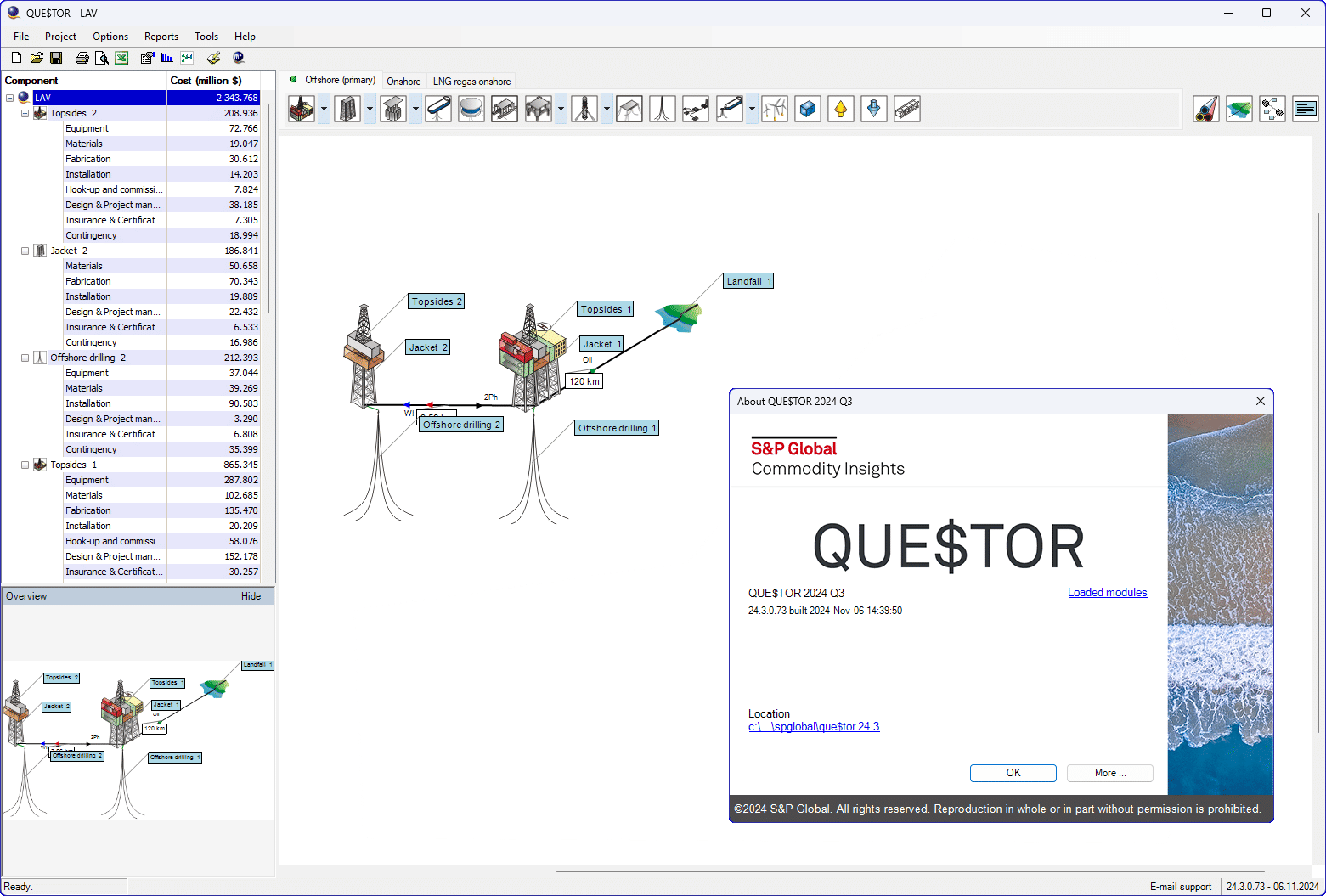
Working with S&P Global (ex. IHS) QUE$TOR 2024 Q3 full

Description of S&P Global (ex. IHS) QUE$TOR 2024 Q3

S&P Global (formerly IHS) QUE$TOR 2024 Q3 is the industry-leading cost estimation and project evaluation software for the oil, gas, and energy sectors. Designed to provide accurate and consistent CAPEX (capital expenditure) and OPEX (operational expenditure) estimates, QUE$TOR is widely used by energy companies, EPC contractors, and project planners worldwide.

This latest 2024 Q3 release includes updated databases, regional cost indices, and enhanced functionality to improve project planning, budgeting, and investment decision-making. By integrating global cost data and engineering logic, QUE$TOR allows companies to assess upstream, midstream, and downstream energy projects with confidence.

Key Features of S&P Global QUE$TOR 2024 Q3

1. Comprehensive Cost Estimation
Generate reliable CAPEX and OPEX estimates for oil & gas projects.
Covering upstream exploration, offshore & onshore production, pipelines, LNG, refining, and petrochemicals.
Updated cost libraries reflecting the latest global market conditions.

2. Project Evaluation Across the Energy Value Chain
Supports offshore field development, subsea systems, FPSOs, and fixed platforms.
Midstream projects including pipelines, gas processing, and LNG facilities.
Downstream assets such as refineries and petrochemical plants.

3. Up-to-Date Global Cost Data
Regional indices adjusted for inflation and market trends.
Includes data from multiple regions worldwide for more accurate benchmarking.
Regular quarterly updates ensure real-time cost accuracy.

4. Scenario Analysis & Investment Planning
Compare multiple development scenarios for feasibility studies.
Evaluate project risks, sensitivities, and cost drivers.
Integrate economic assumptions for NPV, IRR, and payback period analysis.

5. Standardized Engineering Methodologies
Uses consistent engineering rules to ensure transparency.
Supports comparison across projects and geographies.
Provides auditable, defendable results for investment decisions.

6. Enhanced Productivity in 2024 Q3
Improved user interface for faster workflows.
Expanded cost breakdowns for deeper project insights.
Better integration with corporate databases and reporting tools.

Why Choose S&P Global (IHS) QUE$TOR 2024 Q3?

S&P Global QUE$TOR 2024 Q3 is the trusted tool for energy project cost analysis and economic evaluation. With accurate cost data, advanced modeling capabilities, and consistent methodologies, it enables companies to make smarter investment, budgeting, and strategic planning decisions in today’s volatile energy market.

If you want to download S&P Global (ex. IHS) QUE$TOR 2024 Q3 full license, please click to DOWNLOAD button to download.
CLICKDOWN.ORG Download CAD CAM CNC software
Inside package S&P Global (ex. IHS) QUE$TOR 2024 Q3, already have cracked files and instruction how to install S&P Global (ex. IHS) QUE$TOR 2024 Q3 step by step. I guarantee you can install S&P Global (ex. IHS) QUE$TOR 2024 Q3 successfully if you follow that instruction.
If you also can’t install it or get any problems, please contact to me by email: clickdown.org@gmail.com, then I will help you to install software by teamviewer or Ultraviewer or Anydesk.
Thanks a lot
error: Content is protected !!
Scroll to Top