SOFTWARES

SOFTWARES

Download AutoDWG DWGSee CAD 2025 v8.27 full license

Download AutoDWG DWGSee CAD 2025 v8.27 full license

Link download AutoDWG DWGSee CAD 2025 v8.27 full activated

Working with AutoDWG DWGSee CAD 2025 v8.27 full

Desription of AutoDWG DWGSee CAD 2025 v8.27

AutoDWG DWGSee CAD 2025 v8.27 is a versatile and efficient CAD software solution that caters to the needs of both novice users and experienced designers. Its lightweight design, comprehensive features, and platform compatibility offer a seamless experience for drafting, editing, and viewing DWG/DXF/DWF files.

Features of AutoDWG DWGSee CAD 2025 v8.27

DWG/DXF Support: Opens and views DWG and DXF files from AutoCAD, IntelliCAD, and other CAD software.
Basic Editing: Allows for simple editing tasks like moving, copying, rotating, scaling, and deleting objects.
Annotation: Supports adding text, dimensions, and other annotations to drawings.
Measurement: Measures distances, angles, areas, and perimeters.

Printing: Prints drawings in various formats and scales.
Layers: Manages layers for organizing and controlling the visibility of drawing elements.
Xrefs: Supports external references (Xrefs) for linking and referencing other drawings.

Plot Styles: Uses plot styles to define how colors, line types, and other attributes are plotted.

Additional Features:

3D Viewing: Provides basic 3D viewing capabilities, including zooming, panning, and rotating.
Hatching: Creates hatches for filling areas with patterns.

Dimensioning: Automatically generates dimensions for various geometric elements.
Text Editing: Allows for editing text fonts, styles, and alignment.
Block Management: Creates and manages blocks for reusable groups of objects.
Snap and Grid: Uses snap and grid settings for precise drawing and editing.
Undo/Redo: Supports undo and redo for recovering previous actions.
Import/Export: Imports and exports drawings in various formats (e.g., DWG, DXF, JPG, PNG).
Customization: Offers options for customizing the user interface and settings.

If you want to download AutoDWG DWGSee CAD 2025 v8.27 full license, please click to DOWNLOAD symbol and complete check out a little help my website is maintained. The download link is appeared automatically when you complete check out.
CLICKDOWN.ORG Download CAD CAM CNC software
Please see youtube video for download instruction by open *.txt file and copy youtube video link paste to your browser If you don’t know how to download.
Inside folder AutoDWG DWGSee CAD 2025 v8.27, already have crack’s file and instruction how to install AutoDWG DWGSee CAD 2025 v8.27 step by step. I guarantee you can install AutoDWG DWGSee CAD 2025 v8.27 successfully if you follow that instruction.
If you also can not install it or any problems, please contact to me by email: clickdown.org@gmail.com, then I will help you to install software by teamviewer.
Thanks a lot

SOFTWARES

Download PE-DESIGN 11.40 full license 100% working

Download PE-DESIGN 11.40 full license 100% working

Link download PE-DESIGN 11.40 full activated

Working with PE-DESIGN 11.40 full

Working with PE-DESIGN 11.40 full

Description: PE-DESIGN 11.40 is a software application for Windows that allows users to create and edit designs for embroidery machines. It provides many tools and features for digitizing, editing and manipulating embroidery designs, including automatic digitizer tools, manual digitizer tools, seam editing features and the ability to import and export different design file formats.

Personal sewing and embroidery digitization software
1000+ built-in designs and 130 built-in fonts
Full-featured Photostitch with advanced Auto Punch and Cross Stitch wizards
Compatible with ScanNCut, import FCM file and send to CanvasWorkspace

Features of PE-DESIGN 11.40

Create Designs: PE-DESIGN provides a variety of tools and features for creating custom embroidery designs, including drawing tools, automatic digitizing tools, and the ability to import designs from other software.
Stitch correction: PE-DESIGN allows the user to edit individual stitches in a design, change the color of the thread, and adjust the stitch density and stitch length.
Design Management: PE-DESIGN provides tools to organize and manage designs, including the ability to categorize designs, view design thumbnails, and search for designs by keyword.
Format compatibility: PE-DESIGN supports many embroidery file formats, allowing users to import designs from other software and export designs for use on various embroidery machines.
User Friendly Interface: PE-DESIGN has a user-friendly, intuitive and easy to use interface that makes it accessible to both novice and experienced embroidery designers.
Professional quality: PE-DESIGN is a professional-grade software application that creates high-quality embroidery designs, suitable for use in commercial embroidery businesses.

If you want to download PE-DESIGN 11.40 full license, please click to DOWNLOAD symbol and complete check out a little help my website is maintained. The download link is appeared automatically when you complete check out.
CLICKDOWN.ORG Download CAD CAM CNC software
Please see youtube video for download instruction by open *.txt file and copy youtube video link paste to your browser If you don’t know how to download.
Inside folder PE-DESIGN 11.40, already have crack’s file and instruction how to install PE-DESIGN 11.40 step by step. I guarantee you can install PE-DESIGN 11.40 successfully if you follow that instruction.
If you also can not install it or any problems, please contact to me by email: clickdown.org@gmail.com, then I will help you to install software by teamviewer.
Thanks a lot

SOFTWARES

Download Adobe Lightroom Classic 13.5.0 x64 full

Download Adobe Lightroom Classic 13.5.0 x64 full

Link download Adobe Lightroom Classic 13.5.0 win64 full

Working with Adobe Lightroom Classic 13.5.0 full license

Working with Adobe Lightroom Classic 13.5.0 full license

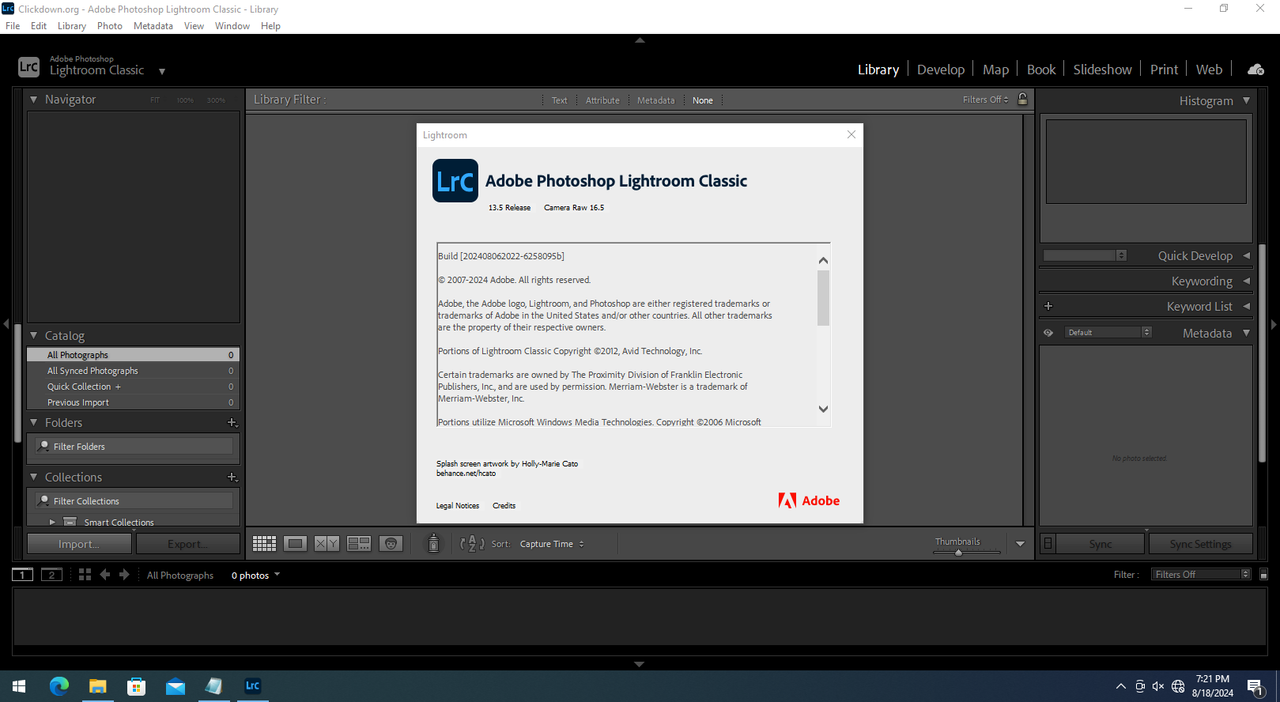
Description: Edit and organize your photos with the app that’s optimized for desktop. Lightroom Classic gives you powerful one-click tools and advanced controls to make your photos look amazing. Easily organize all your photos on your desktop, and share in a variety of ways.

Your best shots. Made even better.
Your photos don’t always reflect the scene the way you remember it. But with Lightroom Classic, you have all the desktop editing tools you need to bring out the best in your photographs. Punch up colors, make dull-looking shots vibrant, remove distracting objects, and straighten skewed shots. Plus, the latest release offers improved performance so you can work faster than ever.

– With better performance under the hood, Lightroom Classic lets you import photos, generate previews, and move from Library to Develop Module in record time.
– Use range masking tools to easily select the areas or objects you want to edit based on their color, luminance, or depth.
– Create HDR panos faster now that you can merge multiple bracketed exposures into multiple HDR photos and then stitch them into a panorama — all in one step.
Features of Adobe Lightroom Classic 13.5.0
Automatically organize photos using Smart Collections
Automatically import and process high-volume shoots
Manage photos and volumes even when they’re offline
Access and edit a comprehensive set of metadata fields
Create virtual copies of photos to save hard disk space
Target specific areas of a photo for dodging and burning
Enjoy state-of-the-art 64-bit memory handling
Precisely convert color to black and white
Retrace your editing steps to return to any version of a photo
Quickly transfer images to popular photo-sharing sites
Create web galleries with no coding required
Sharpen photos when you output to print or the web
Stamp your photos with metadata on the output
If you want to download Adobe Lightroom Classic 13.5.0 full license, please click to DOWNLOAD symbol and complete check out a little help my website is maintained. The download link is appeared automatically when you complete check out.
CLICKDOWN.ORG Download CAD CAM CNC software
Please see youtube video for download instruction by open *.txt file and copy youtube video link paste to your browser If you don’t know how to download.
Inside folder Adobe Lightroom Classic 13.5.0, already have crack’s file and instruction how to install Adobe Lightroom Classic 13.5.0 step by step. I guarantee you can install Adobe Lightroom Classic 13.5.0 successfully if you follow that instruction.
If you also can not install it or any problems, please contact to me by email: clickdown.org@gmail.com, then I will help you to install software by teamviewer.
Thanks a lot

SOFTWARES

Download SIMULIA CST Studio Suite 2024 SP5 win64 full

Download SIMULIA CST Studio Suite 2024 SP5 win64 full

Link download SIMULIA CST Studio Suite 2024 SP5 x64 full

Working with SIMULIA CST Studio Suite 2024 SP5 full

Working with SIMULIA CST Studio Suite 2024 SP5 full

Description: SIMULIA CST Studio Suite 2024 SP5 is a high-performance 3D EM analysis software package for the design, analysis and optimization of electromagnetic components and systems.

Solvers for the entire electromagnetic spectrum are available in a single user interface in the CST Studio Suite. These solvers can be combined for hybrid simulation, enabling designers to analyze entire systems consisting of multiple components efficiently and quickly. Co-design with other SIMULIA products allows EM simulation to be integrated into the design process and drive the development process from the earliest stages.

Common subjects of EM analysis include antenna and filter performance and efficiency, electromagnetic compatibility and interference (EMC/EMI), human body exposure to electromagnetic fields, electromechanical effects in motors and generators, and thermal effects in high power devices.

CST Studio Suite is used by leading technology and engineering companies worldwide. This solution provides significant advantages in the market by reducing development cycles and costs. Simulation modeling enables virtual prototyping. You can optimize device performance, identify potential regulatory non-compliances and resolve them early in the design process, reduce the number of physical prototypes required, and minimize the risk of errors and product recalls.

If you want to download SIMULIA CST Studio Suite 2024 SP5 full license, please click to DOWNLOAD symbol and complete check out a little help my website is maintained. The download link is appeared automatically when you complete check out.
CLICKDOWN.ORG Download CAD CAM CNC software
Please see youtube video for download instruction by open *.txt file and copy youtube video link paste to your browser If you don’t know how to download.
Inside folder SIMULIA CST Studio Suite 2024 SP5, already have crack’s file and instruction how to install SIMULIA CST Studio Suite 2024 SP5 step by step. I guarantee you can install SIMULIA CST Studio Suite 2024 SP5 successfully if you follow that instruction.
If you also can not install it or any problems, please contact to me by email: clickdown.org@gmail.com, then I will help you to install software by teamviewer.
Thanks a lot

SOFTWARES

Download Graitec PowerPack 2025 for Inventor full license

Download Graitec PowerPack 2025 for Inventor full license

Link download Graitec PowerPack 2025 for Inventor full activated

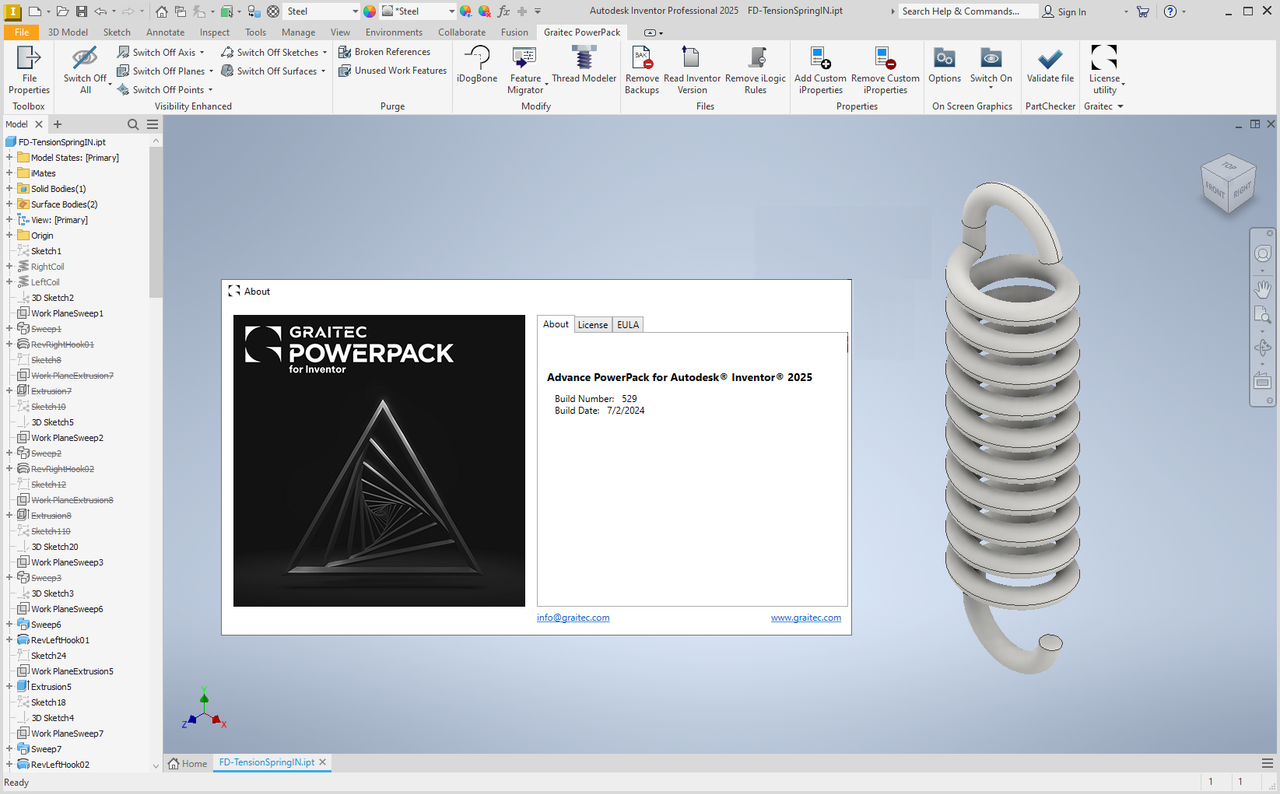
Working with Graitec PowerPack 2025 for Inventor full

Working with Graitec PowerPack 2025 for Inventor full

Description: Speed up and improve your product modelling workflow to increase productivity. Increase control and automation in Inventor with new functionalities that run on top of the Inventor Professional platform.

Key benefits of PowerPack for Inventor:

Improve your workflow without the need for additional training. Integrate PowerPack for Inventor Extension with your existing Autodesk Inventor software, and leverage your current skills.
Enhance productivity and streamline your design processes with: advanced BOM management, drawing enhancements, and part numbering automation.
Improve your organization and tracking. Efficiently manage and manipulate project components using advanced BOM tools, such as multi-level BOMs and additional columns.
Stay ahead of the curve by utilizing the latest features and improvements in your design workflow. Access expert support from GRAITEC and benefit from regular software updates.

The release of PowerPack for Inventor 2025 marks a major advancement for designers and engineers, offering an unparalleled suite of innovative specialized tools to design and prepare for manufacturing. It is packed with user-requested updates and enhancements to help you build better products faster.
If you want to download Graitec PowerPack 2025 for Inventor full license, please click to DOWNLOAD symbol and complete check out a little help my website is maintained. The download link is appeared automatically when you complete check out.
CLICKDOWN.ORG Download CAD CAM CNC software
Please see youtube video for download instruction by open *.txt file and copy youtube video link paste to your browser If you don’t know how to download.
Inside folder Graitec PowerPack 2025 for Inventor, already have crack’s file and instruction how to install Graitec PowerPack 2025 for Inventor step by step. I guarantee you can install Graitec PowerPack 2025 for Inventor successfully if you follow that instruction.
If you also can not install it or any problems, please contact to me by email: clickdown.org@gmail.com, then I will help you to install software by teamviewer.
Thanks a lot

SOFTWARES

Download PTC Creo 8.0.11.0 x64 full license

Download PTC Creo 8.0.11.0 x64 full license

Link download PTC Creo 8.0.11.0 win64 full activated

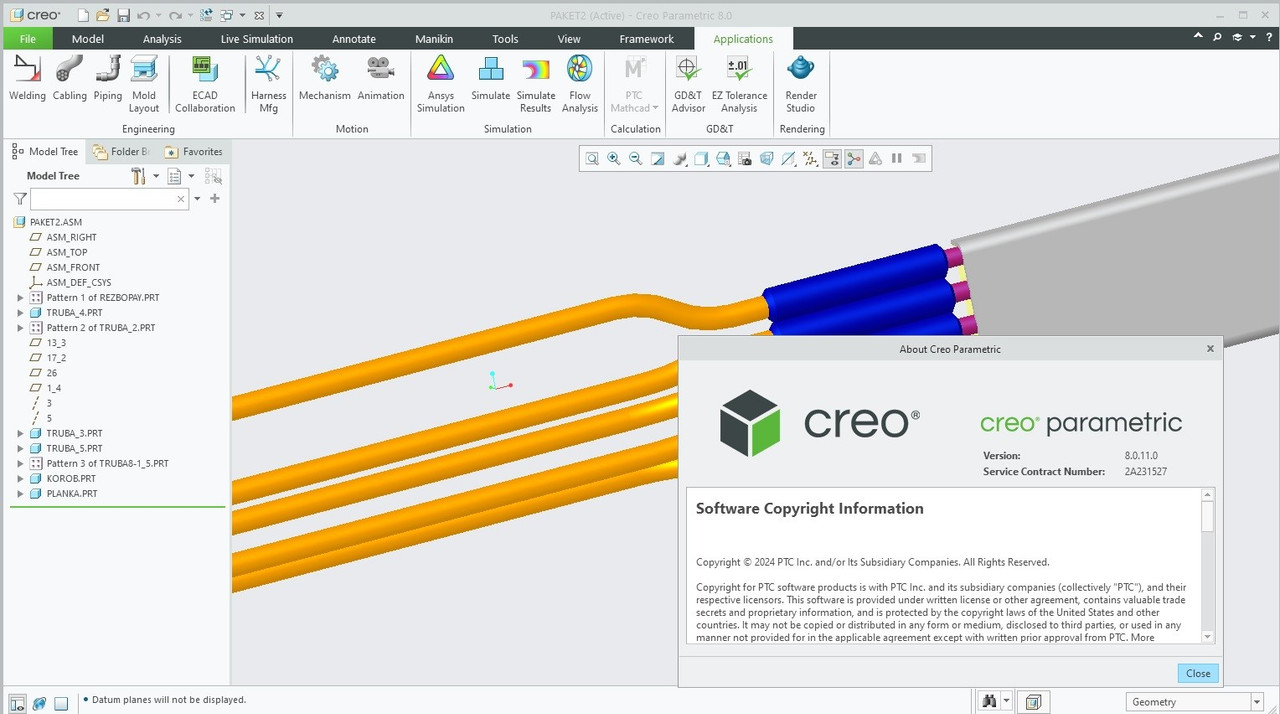
Working with PTC Creo 8.0.11.0 full license

Working with PTC Creo 8.0.11.0 full license

The system: 64bit
Interface language: Multilingual

The description: The CAD/CAM/CAE system of the American company PTC (Parametric Technology Corporation) is a top-level CAD system and covers all areas of design, technological preparation of production and manufacture of the product. A wide range of capabilities of the three-dimensional modeling apparatus, high quality of the result and its resistance to subsequent changes made the Creo system one of the leaders of CAD/CAM/CAE systems, and the availability of direct access to the support system for the Windchill PDMLink product translates Creo into the category of PLM systems.
Creo software package tips:
– This software actually includes a set of 2D and 3D engineering design programs, simulation, math, etc., and the integrated version of PTC Creo Elements/Pro programs, whose previous versions were sold as Pro/ENGINEER, ProductView, CoCreate or PTC Creo Elements. /View and…
– The powerful mathematical software PTC Mathcad Prime, which is a more complete version of PTC Mathcad, is also included in this collection.
– The Help Centers collection is also placed.
If you want to download PTC Creo 8.0.11.0 full license, please click to DOWNLOAD symbol and complete check out a little help my website is maintained. The download link is appeared automatically when you complete check out.
CLICKDOWN.ORG Download CAD CAM CNC software
Please see youtube video for download instruction by open *.txt file and copy youtube video link paste to your browser If you don’t know how to download.
Inside folder PTC Creo 8.0.11.0, already have crack’s file and instruction how to install PTC Creo 8.0.11.0 step by step. I guarantee you can install PTC Creo 8.0.11.0 successfully if you follow that instruction.
If you also can not install it or any problems, please contact to me by email: clickdown.org@gmail.com, then I will help you to install software by teamviewer.
Thanks a lot

SOFTWARES

Download NCG Cam 19.0.9 win64 full license

Download NCG Cam 19.0.9 win64 full license

Link download NCG Cam 19.0.9 x64 full activated

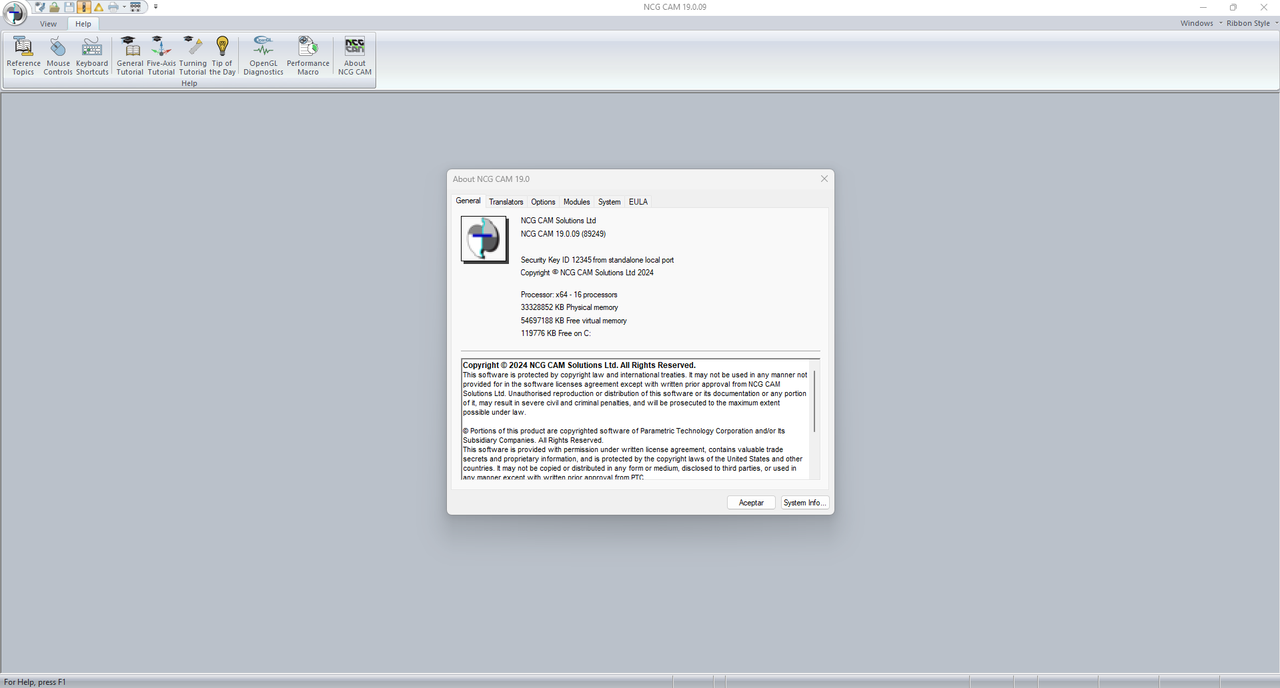
Working with NCG Cam 19.0.9 full license

Working with NCG Cam 19.0.9 full license

The description: NCG Cam 19.0.9 is a standalone CAM system that offers a simple-to-use HSM CAM solution that integrates with existing CAD and CAM systems, including SmartForm DesignTM, Think3TM, Ansys TM TM SpaceClaimTM, CREOTM, Pro/ENGINEERTM and SolidWorksTM.
NCG CAM has many innovative features. It is suitable for all types of shapes, creating an optimized smooth cuttingter movement for HSM, helping to extend the tool life, minimizing the wear of the machine and the manufacture of parts with excellent surface finish.
NCG CAM has a very user-friendly interface, with a typical training curve only 1 day required to handle live work. It is ideal for processing high-speed molds, dies, prototypes and surface treatment precision.
NCG Cam 19.0.9 Features

One of the most friendly internet that makes it easy to work with the software is easy.
Using this software will make it easier for you.
Take advantage of new tips in this application and enjoy it.
Suitable for designing industrial systems in a variety of ways.
Ideal programs for the shop floor.
Useful of powerful 3D works.
Benefits of preferred lenses for the HSM machine.
Improve efficiency by reducing the clothes of the machine.

If you want to download NCG Cam 19.0.9 full license, please click to DOWNLOAD symbol and complete check out a little help my website is maintained. The download link is appeared automatically when you complete check out.
CLICKDOWN.ORG Download CAD CAM CNC software
Please see youtube video for download instruction by open *.txt file and copy youtube video link paste to your browser If you don’t know how to download.
Inside folder NCG Cam 19.0.9, already have crack’s file and instruction how to install NCG Cam 19.0.9 step by step. I guarantee you can install NCG Cam 19.0.9 successfully if you follow that instruction.
If you also can not install it or any problems, please contact to me by email: clickdown.org@gmail.com, then I will help you to install software by teamviewer.
Thanks a lot

SOFTWARES

Download Trimble Inpho Photogrammetry 14.1.1 full

Download Trimble Inpho Photogrammetry 14.1.1 full

Link download Trimble Inpho Photogrammetry 14.1.1 activated

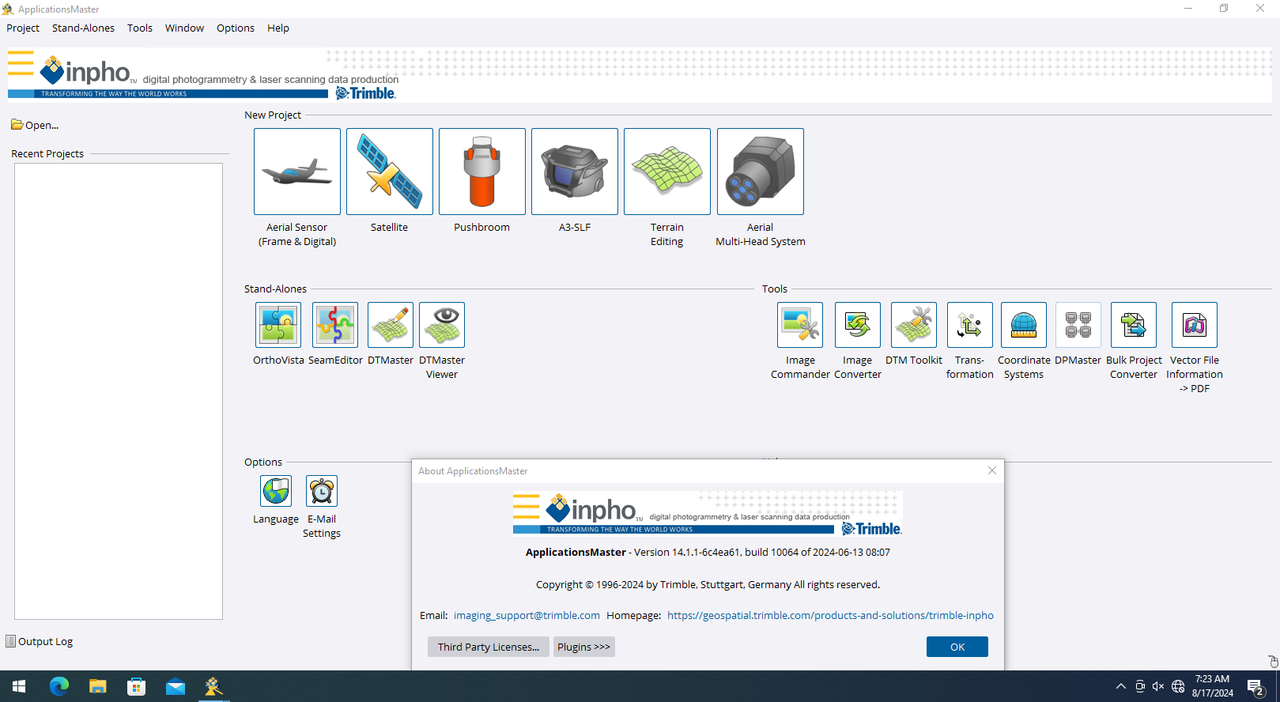
Working with Trimble Inpho Photogrammetry 14.1.1 full license

Working with Trimble Inpho Photogrammetry 14.1.1 full license

Description: Inpho is a reliable, competent photogrammetric system. It offers a full line of innovative, world-class products for capturing and processing geospatial data and covers the entire digital photogrammetric workflow, from geo-referencing all the way through to orthophoto mosaicking and stereo plotting. With thousands of implementations, Inpho software is in use globally to standardize and enhance image data for national mapping, forestry, agriculture, mining, utility and energy, urban development, defence and disaster response.
Trimble Inpho version 14.1 highlights:
Orthovista—delivers enhancements in feature detection processing for non-rectangular blocks and enhanced partitioning capabilities.
MATCH-AT—improved loading times in ApplicationsMaster and PMT, enhanced ground control point management and tie point extraction extended to shoreline projects.
MATCH-T—improvements in point cloud processing, and DTM (Digital Terrain Model) generation.
MATCH-3DX—optimized the determination of oblique angles, elevating the threshold for increased accuracy and precision, ensuring oblique data is handled with greater clarity, enhanced True-Ortho image production, and mesh generation.
If you want to download Trimble Inpho Photogrammetry 14.1.1 full license, please click to DOWNLOAD symbol and complete check out a little help my website is maintained. The download link is appeared automatically when you complete check out.
CLICKDOWN.ORG Download CAD CAM CNC software
Please see youtube video for download instruction by open *.txt file and copy youtube video link paste to your browser If you don’t know how to download.
Inside folder Trimble Inpho Photogrammetry 14.1.1, already have crack’s file and instruction how to install Trimble Inpho Photogrammetry 14.1.1 step by step. I guarantee you can install Trimble Inpho Photogrammetry 14.1.1 successfully if you follow that instruction.
If you also can not install it or any problems, please contact to me by email: clickdown.org@gmail.com, then I will help you to install software by teamviewer.
Thanks a lot

SOFTWARES

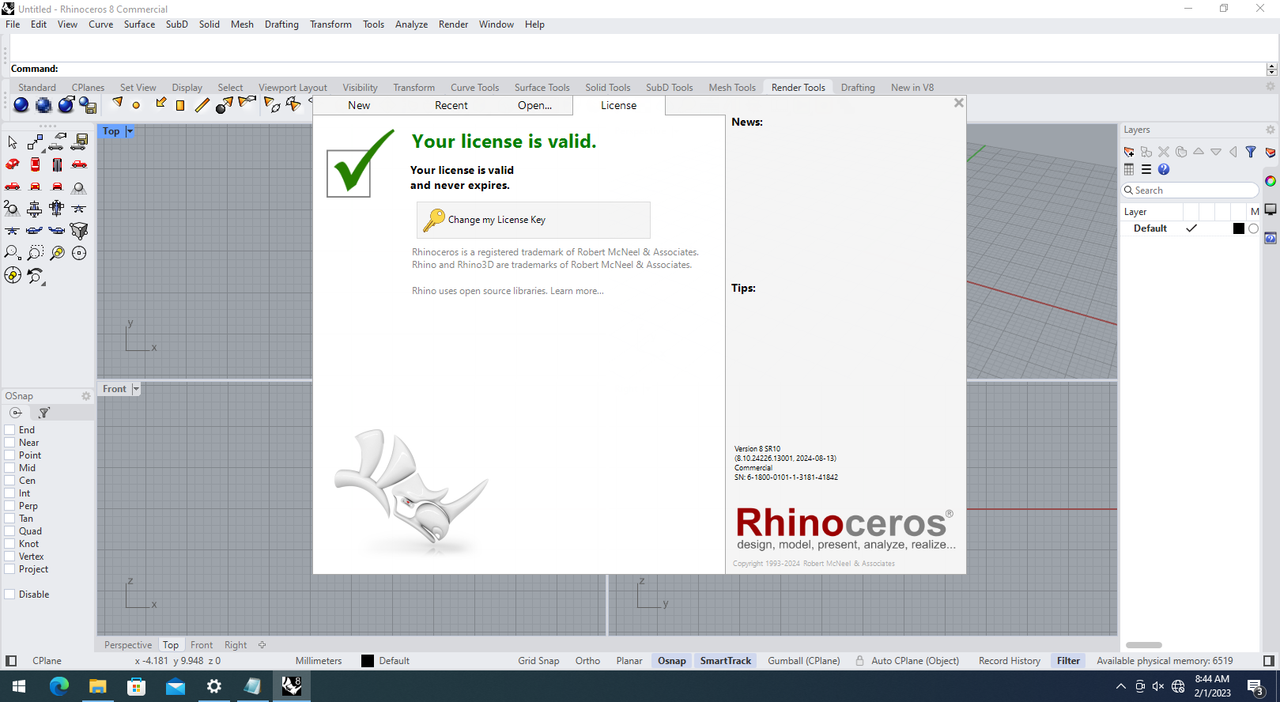
Download Rhinoceros 8.10.24226.13001 x64 full license

Download Rhinoceros 8.10.24226.13001 x64 full license

Link download Rhinoceros 8.10.24226.13001 full activated

Working with Rhinoceros 8.10.24226.13001 full

Working with Rhinoceros 8.10.24226.13001 full

Description of Rhinoceros 8.10.24226.13001

Rhinoceros 8.10.24226.13001 can create, edit, analyze, document, render, animate, and translate NURBS curves, surfaces and solids, subdivision geometry (SubD), point clouds, and polygon meshes. There are no limits on complexity, degree, or size beyond those of your hardware.

Special features of Rhinoceros 8.10.24226.13001

Uninhibited free-form 3D modeling tools like those found only in products costing 20 to 50 times more. Model any shape you can imagine.
Accuracy needed to design, prototype, engineer, analyze, and manufacture anything from an airplane to jewelry.
Compatibility with all your other design, drafting, CAM, engineering, analysis, rendering, animation, and illustration software.
Read and repair meshes and extremely challenging IGES files.
Accessible. So easy to learn and use that you can focus on design and visualization without being distracted by the software.
Fast, even on an ordinary laptop computer. No special hardware is needed.
Development platform for hundreds of specialty 3D products.
Affordable. Ordinary hardware. Short learning curve. Affordable purchase price. No maintenance fees.
Cross-Platform: The world’s most versatile 3D modeler, available on Windows and macOS.
If you want to download Rhinoceros 8.10.24226.13001 full license, please click to DOWNLOAD symbol and complete check out a little help my website is maintained. The download link is appeared automatically when you complete check out.
CLICKDOWN.ORG Download CAD CAM CNC software
Please see youtube video for download instruction by open *.txt file and copy youtube video link paste to your browser If you don’t know how to download.
Inside folder Rhinoceros 8.10.24226.13001, already have crack’s file and instruction how to install Rhinoceros 8.10.24226.13001 step by step. I guarantee you can install Rhinoceros 8.10.24226.13001 successfully if you follow that instruction.
If you also can not install it or any problems, please contact to me by email: clickdown.org@gmail.com, then I will help you to install software by teamviewer.
Thanks a lot

SOFTWARES

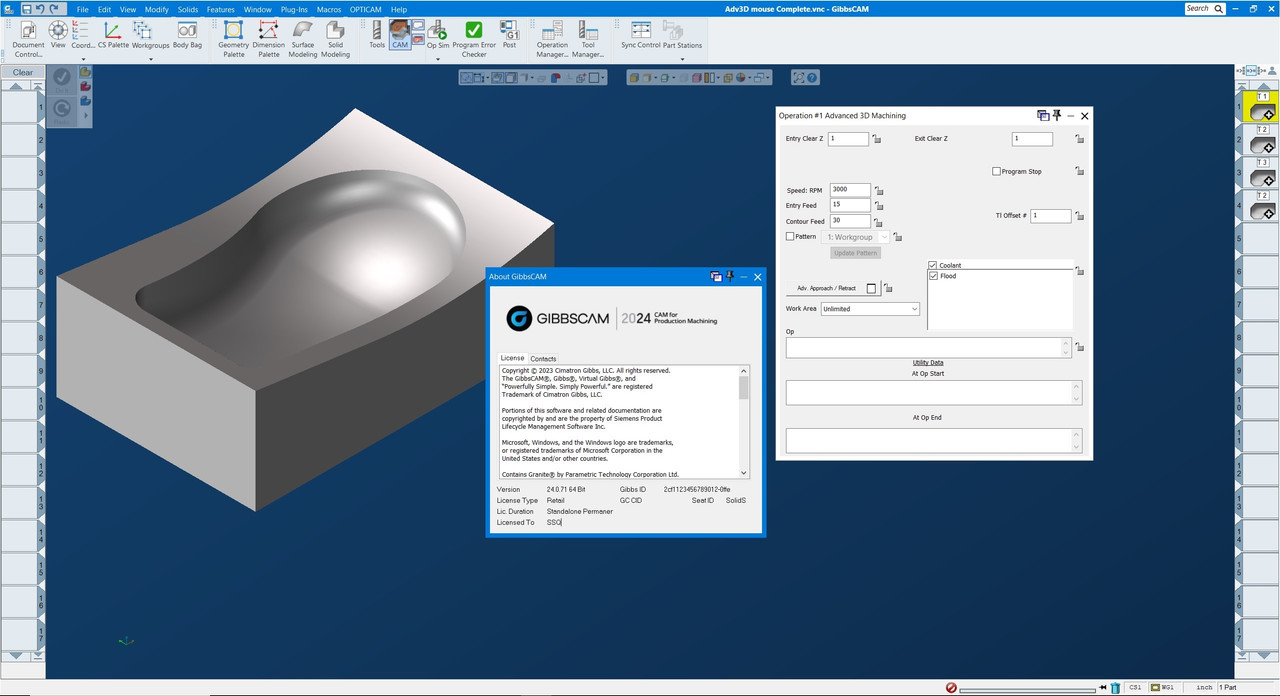
Download GibbsCAM 2024 v24.0.71.00 x64 full license

Download GibbsCAM 2024 v24.0.71.00 x64 full license

Link download GibbsCAM 2024 v24.0.71.00 win64 full activated

Working with GibbsCAM 2024 v24.0.71.00 full

Working with GibbsCAM 2024 v24.0.71.00 full

The Discharge: 64bit
Interface language: Multilingual

Chinese Simplified, Chinese Traditional, Czech, Dutch, English, Finnish, French, German, Italian, Japanese, Korean, Polish, Portuguese, Russian, Spanish, Spanish (Latin America), Swedish, Turkish,
The description: GibbsCAM 2024 v24.0.71.00 is an automated CNC machine tool preparation system that combines ease of use and functional power. The basic functionality of the system can be expanded by adding specialized modules. Intuitive user interface provides easy access to geometry, tool, trajectories, verification and postprocessing functions. Flexible programming methods allow you to quickly create optimal processing programs. Well-developed processing processes can be saved and reused using the knowledge base. Modeling functions help to prepare geometry for processing needs through the creation of frame, surface and solid-state geometry. The built-in mechanism of simulating the removal of material accurately displays the entire processing process, showing both a change in the time of the workpiece geometry, and all possible conflicts. The result of the calculation can be compared to the original geometry of the model, detecting the remains of the material or sting. The complete associability between geometry, process parameters and trajectories allows you to quickly change the model and processing parameters and automatically receive adjusted trajectories.
GibbsCAM 2024 v24.0.71.00 Features
Redesigned command icons
Customized processes are more accessible
Powerful command search
Add or remove icons from the toolbar
Create user-defined toolbars
Do not merge and reposition toolbars
VoluTurn Options
5-axis machining
Maximize 3-axis machining when performing conversions
Set tolerance check for split check
Determine the minimum machined bag size
Enter / exit control
Complete Instructions
Additional training for advanced modules available for purchase from Cognus
If you want to download GibbsCAM 2024 v24.0.71.00 full license, please click to DOWNLOAD symbol and complete check out a little help my website is maintained. The download link is appeared automatically when you complete check out.
CLICKDOWN.ORG Download CAD CAM CNC software
Please see youtube video for download instruction by open *.txt file and copy youtube video link paste to your browser If you don’t know how to download.
Inside folder GibbsCAM 2024 v24.0.71.00, already have crack’s file and instruction how to install GibbsCAM 2024 v24.0.71.00 step by step. I guarantee you can install GibbsCAM 2024 v24.0.71.00 successfully if you follow that instruction.
If you also can not install it or any problems, please contact to me by email: clickdown.org@gmail.com, then I will help you to install software by teamviewer.
Thanks a lot

SOFTWARES

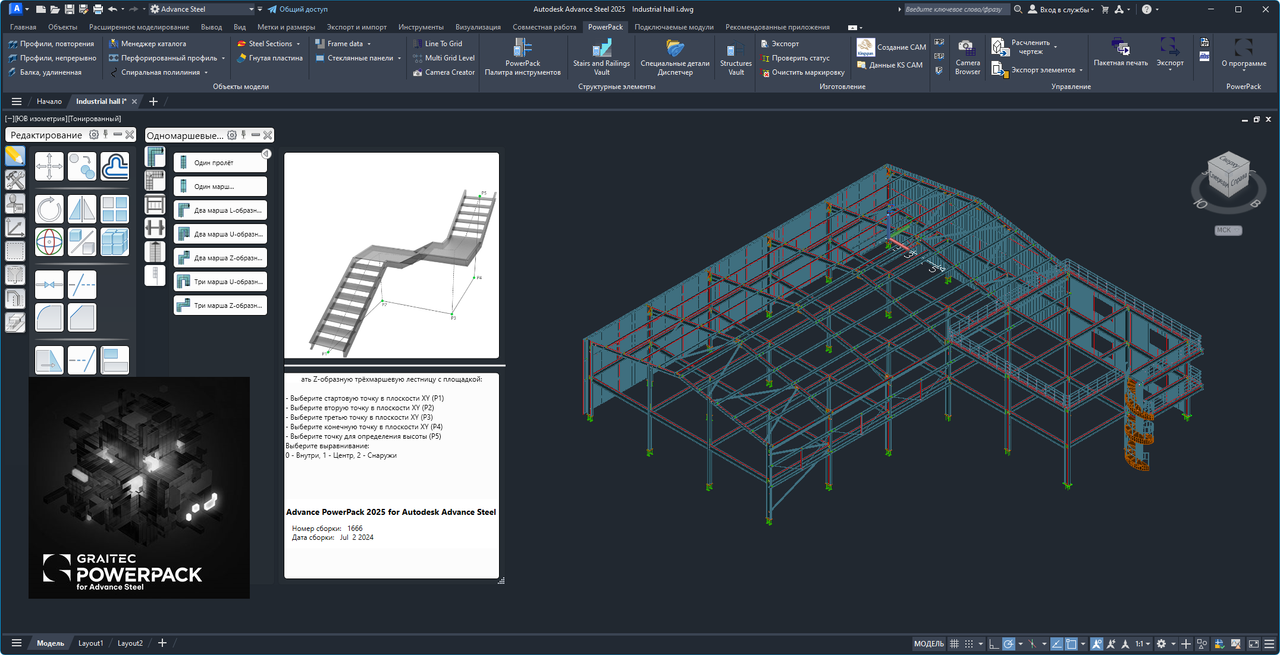
Download Graitec PowerPack 2025 for Advance Steel full

Download Graitec PowerPack 2025 for Advance Steel full

Link download Graitec PowerPack 2025 for Advance Steel full

Working with Graitec PowerPack 2025 for Advance Steel

Working with Graitec PowerPack 2025 for Advance Steel

Description: Graitec PowerPack 2025 for Advance Steel is an essential productivity companion for the professionals in the AEC industry, extending and pushing the boundaries of Advance Steel. A user-centric powerful extension, the PowerPack for Advance Steel is designed to help delivering projects with increased productivity and efficiency, enhancing tools to provide better control and accuracy, improving everyday work.

KEY FEATURE 1: Multi Grid Level
The Multi Grid Level tool allows the user to quickly create grid lines and levels within the Advance Steel model space, combining also with options to create model views and cameras within those model views.

KEY FEATURE 2: Camera Creator/Browser
The ‘Camera Creator’ is designed to allow users to quickly create a series of new cameras within the model space, it allows the user to remain within the dialog and change the parameters for each camera placed. This tool is design to compliment the previous Grid tools that allow for use of Cameras within dedicated model views, this is aimed at allowing the user the ability to place cameras as bespoke locations to predefined View orientations, with provision for used defined orientation based upon current model UC. In addition, the Camera Browser is an additionnal tool to allow the user management of the multiple camera instances within the model space, allowing for the selection and editing of their parameters.

KEY FEATURE 3: Connection Vault
PowerPack for Advance Steel extends the standard library with a variety of parametric and intelligent advanced connections: Threaded Rod Connection, Tube to Tube Connection, Purlin Connection, Plates on Profile, Plate for Multiple Bracings, Curved End Plate – Plate & Grating Stiffeners.

KEY FEATURE 4: IGES/STEP export
The IGES/STEP export functionality is the key to the collaboration with manufacturers. Formats are widely requested by many manufacturers for designing moulds or for pricing manufactured parts, the export in IGES and STEP formats completes the PowerPack solution. These types of file formats are helping the user to be more productive when it comes to sending files to third applications for the fabrication process.

KEY FEATURE 5: Platform Cover Creator
Automatically create grating or plate cover based on the selected supporting members. Platform Cover Creator is one of the stars of the PowerPack thanks to its versatility. The joint helps to automatically create grating or plate cover based on selected members, and gives the user many possibilities.

KEY FEATURE 6: Stairs and Railings
The Stairs and Railings module in the Graitec PowerPack for Autodesk Advance Steel simplifies stair and railing design, offering extensive customization options for precise and visually appealing configurations. Create varying flight arrangements, from single flights to multi-flights with different shapes, and incorporate plate or grating landings. With options for open or closed stringers made from beams or plates, users have detailed control over the design parameters. This module streamlines the design process, enhances productivity, and ensures structurally sound and aesthetically pleasing stairs and railings.

KEY FEATURE 7: Transmission Towers
The ‘Transmission Towers Command’ under the new Towers Designer allows users to create intricate structural frameworks for transmission towers with ease. The command is highly customizable, letting users define cage arrangements, segment divisions, and bracing schemes for each tower. It also allows for variations in tower arm arrangements and the addition of a tower top element. The command enhances productivity by automating the creation of complex tower structures, offering numerous bracing schemes, and providing options for multiple configurations and section size selection.

If you want to download Graitec PowerPack 2025 for Advance Steel full license, please click to DOWNLOAD symbol and complete check out a little help my website is maintained. The download link is appeared automatically when you complete check out.
CLICKDOWN.ORG Download CAD CAM CNC software
Please see youtube video for download instruction by open *.txt file and copy youtube video link paste to your browser If you don’t know how to download.
Inside folder Graitec PowerPack 2025 for Advance Steel, already have crack’s file and instruction how to install Graitec PowerPack 2025 for Advance Steel step by step. I guarantee you can install Graitec PowerPack 2025 for Advance Steel successfully if you follow that instruction.
If you also can not install it or any problems, please contact to me by email: clickdown.org@gmail.com, then I will help you to install software by teamviewer.
Thanks a lot

SOFTWARES

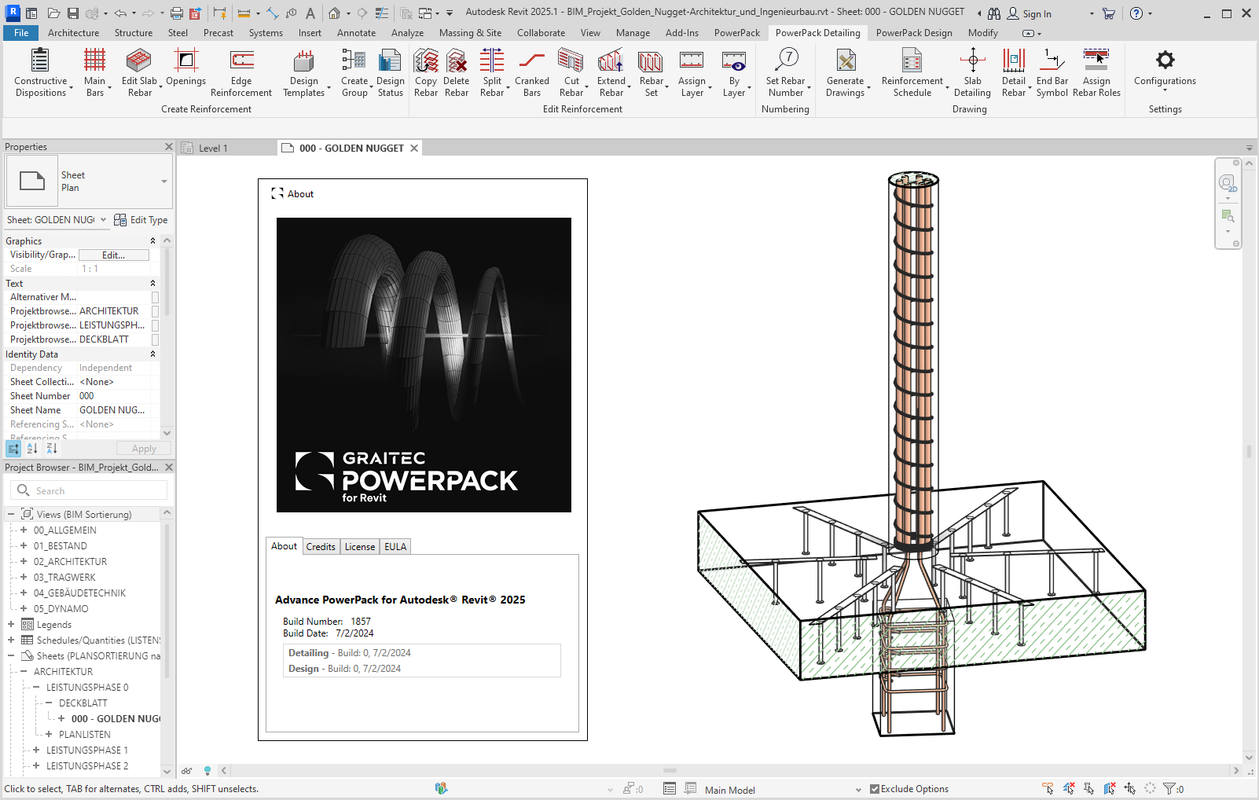
Download Graitec PowerPack 2025 for Revit full license

Download Graitec PowerPack 2025 for Revit full license

Link download Graitec PowerPack 2025 for Revit full activated

Working with Graitec PowerPack 2025 for Revit full

Working with Graitec PowerPack 2025 for Revit full

Description: Graitec PowerPack 2025 for Revit is an add-on packed with tools that deliver more functionality, better control, and more automation for Revit users across all industries.

With more than 80 tools available, the PowerPack increases the productivity of both engineers and designers, helping to ensure data reliability, whilst automating documentation and improving BIM coordination.

Numbering Tool
Elements’ numbering in Revit requires a manual selection of objects, one after the other, within the project. Locating or renumbering several hundred objects can thus become a tedious, time-consuming and error-prone task. Numbering using the GRAITEC PowerPack saves time and eliminates the risk of errors such as duplicates or omissions, also preventing inherent information inconsistencies.

Link To Excel
Exporting BIM information from Revit to Excel can be a long manual operation. The “Dynamic Link to Excel” function in the PowerPack allows users to transfer data directly into Excel (BOMs) either dynamically or by a simple click. Similarly, integrating Excel data into Revit is carried out just as easily.

Family Manager
By default, Revit offers a basic families library depending on the localization country. The PowerPack “Family Manager” is the necessary step-up to optimize the BIM model creation and facilitate collaborative work! In order to guarantee effective collaboration and ensure coherence between project elements within an agency or a design office, the library is accessible to the entire team. Easy to use, this tool has a visual graphical interface that allows for very intuitive handling.

Element Lookup
Currently, certain Revit parameters are difficult to access and thus cannot be effectively exploited when Revit filters are activated. The PowerPack for Revit provides advanced searching features that offer the flexibility needed to allow easy object selection based on their characteristics, for batch-processing purposes.

Batch Exporter
Exporting Drawings and views to different file formats is time-consuming, Batch Exporter gives you the ability to export Views and Sheets from your Revit project to various file formats simultaneously. Batch exporter has over 10 different file formats available to the user, including DWG, PDF, DGN FBX, SAT, NWC. The export naming convention can also be customized to the user’s needs.

Main Bars
The Main Bars tool is an intelligent interface that will automatically change depending on the type of element you wish to reinforce. The user is presented with an intuitive interface where all aspects of reinforcement related to that type of element are listed. Supported elements include Footings, Columns, Beams and Walls. A key feature in both Beams and Columns is the ability to easily create “Packages” that allow for varying distribution of Transversal bars such as stirrups.

Visibility
Setting rebar visibility in Revit can be a time-consuming job, newly created reinforcement will not automatically inherit the existing view settings. Graitec has created several tools to optimize and control the visibility of reinforcement. The Browse Reinforcement command enables users to browse all reinforcement through filters based on rebar parameters ( type, partition, mark, shape, diameter…) and highlights all corresponding instances in the view.

Bending Details
PowerPack for Revit comes with the ability to create intelligent Bar bending details based on the modeled reinforcement. It can create a 2D fully dimensioned bar bending detail, that will update as the design changes. Both the placement and scale of these details can be controlled to help increase the speed of the documentation process.

If you want to download Graitec PowerPack 2025 for Revit full license, please click to DOWNLOAD symbol and complete check out a little help my website is maintained. The download link is appeared automatically when you complete check out.
CLICKDOWN.ORG Download CAD CAM CNC software
Please see youtube video for download instruction by open *.txt file and copy youtube video link paste to your browser If you don’t know how to download.
Inside folder Graitec PowerPack 2025 for Revit, already have crack’s file and instruction how to install Graitec PowerPack 2025 for Revit step by step. I guarantee you can install Graitec PowerPack 2025 for Revit successfully if you follow that instruction.
If you also can not install it or any problems, please contact to me by email: clickdown.org@gmail.com, then I will help you to install software by teamviewer.
Thanks a lot

SOFTWARES

Download Graitec PowerPack 2025 for Plant 3D full license

Download Graitec PowerPack 2025 for Plant 3D full license

Link download Graitec PowerPack 2025 for Plant 3D full activated

Working with Graitec PowerPack 2025 for Plant 3D full

Working with Graitec PowerPack 2025 for Plant 3D full

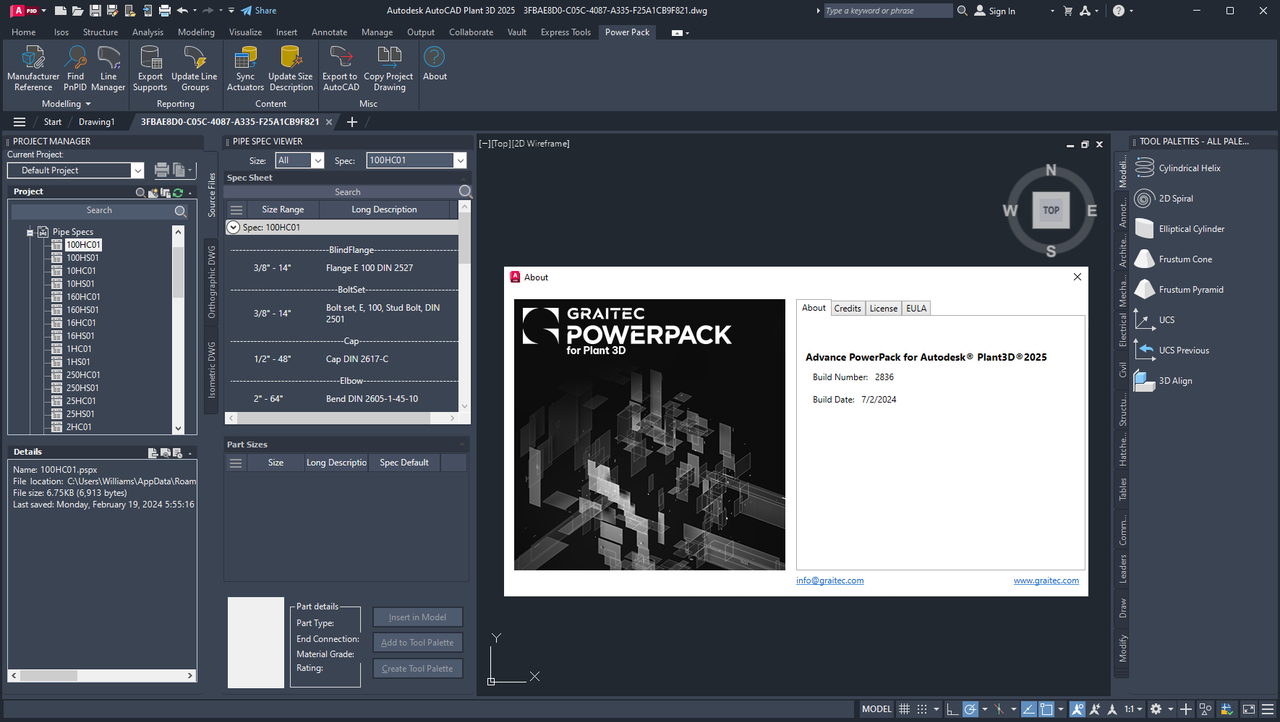
Description: Streamline your Plant 3D workflows and boost design efficiency. Advanced tools and features help streamline plant design workflows: automated tasks, enhanced pipe routing, customizable libraries, and more. Engineers and designers can produce high quality designs in less time.

Pipe Supports to Excel
Create more accurate pipe support takeoffs based on real model parameters.

Copy Project Drawings
Batch transfer drawings between projects. Copy all project files with folder structures, including isometrics.

Sync Actuators
Synchronize actuators by processing all valves in a spec. Update the assigned operator to match the source catalog.

Export to AutoCAD
Save time by using the built-in scheduling tool for consistent, hands-off creation. Batch export all project files to native AutoCAD objects.

Update Line Size and Spec
Save time on data entry by populating nominal size and spec properties in P&IDs and 3D models.

Line Manager
This new tool simplifies the process of managing iso sheet numbering, allowing for faster and easier creation of Production ISOs.

The release of PowerPack for Plant 3D 2025 introduces enhanced features like the Copy Project Drawings tool, a powerful tool for plant designers and process engineers. This enhancement promises to speed up your work by seamlessly reusing existing design data from other projects, making project copying and model transfers more efficient than ever.

If you want to download Graitec PowerPack 2025 for Plant 3D full license, please click to DOWNLOAD symbol and complete check out a little help my website is maintained. The download link is appeared automatically when you complete check out.
CLICKDOWN.ORG Download CAD CAM CNC software
Please see youtube video for download instruction by open *.txt file and copy youtube video link paste to your browser If you don’t know how to download.
Inside folder Graitec PowerPack 2025 for Plant 3D, already have crack’s file and instruction how to install Graitec PowerPack 2025 for Plant 3D step by step. I guarantee you can install Graitec PowerPack 2025 for Plant 3D successfully if you follow that instruction.
If you also can not install it or any problems, please contact to me by email: clickdown.org@gmail.com, then I will help you to install software by teamviewer.
Thanks a lot

SOFTWARES

Download Graitec FileSync 2025 full license

Download Graitec FileSync 2025 full license

Link download Graitec FileSync 2025 full activated

Working with Graitec FileSync 2025 full license

Working with Graitec FileSync 2025 full license

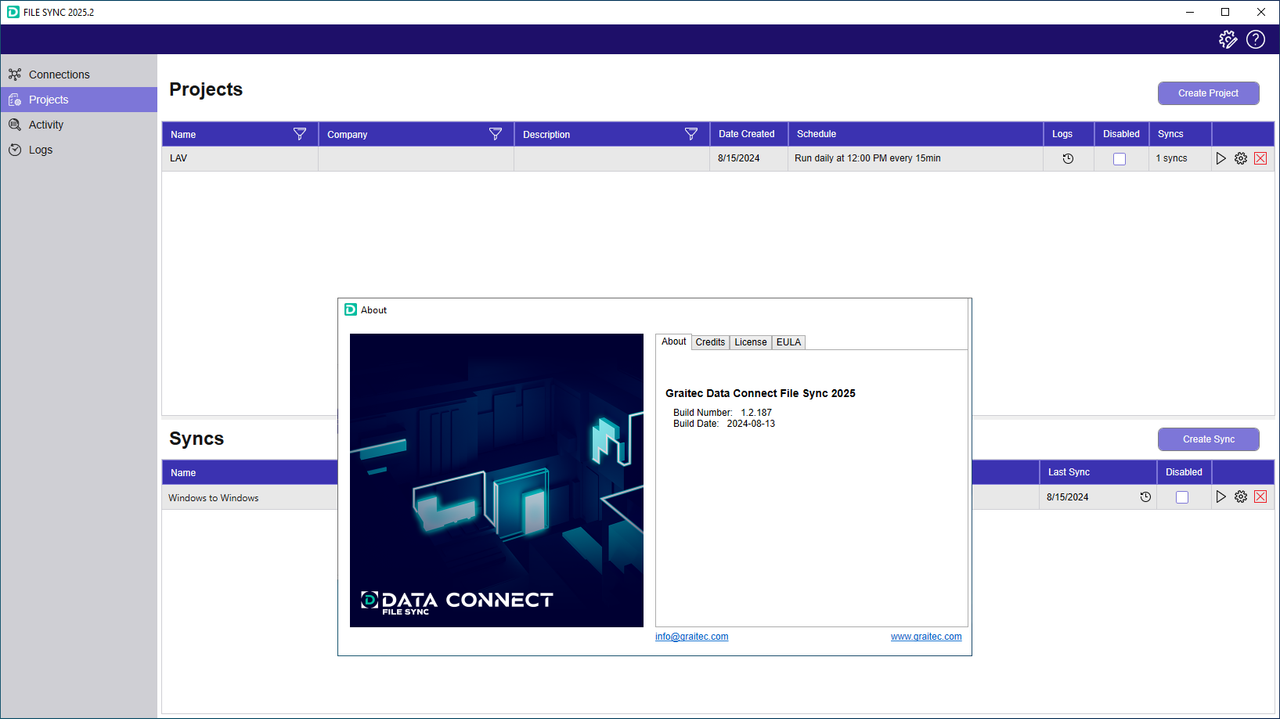
Description: Automatically synchronise project critical files, streamline project team collaboration and enjoy peace of mind with routine file backups.
Improving project teams’ collaboration across AEC and MFG.
Automatically synchronise project files across: Autodesk Construction Cloud, Autodesk BIM 360, Procore, SharePoint, OneDrive, Windows.
Backing up cloud files ensures continuity for the project team.
If you want to download Graitec FileSync 2025 full license, please click to DOWNLOAD symbol and complete check out a little help my website is maintained. The download link is appeared automatically when you complete check out.
CLICKDOWN.ORG Download CAD CAM CNC software
Please see youtube video for download instruction by open *.txt file and copy youtube video link paste to your browser If you don’t know how to download.
Inside folder Graitec FileSync 2025, already have crack’s file and instruction how to install Graitec FileSync 2025 step by step. I guarantee you can install Graitec FileSync 2025 successfully if you follow that instruction.
If you also can not install it or any problems, please contact to me by email: clickdown.org@gmail.com, then I will help you to install software by teamviewer.
Thanks a lot

SOFTWARES

Download Siemens Star CCM+ 2406.0001 R8 v19.04.009-R8 double precision x64

Download Siemens Star CCM+ 2406.0001 R8 v19.04.009-R8 double precision x64

Link download Siemens Star CCM+ 2406.0001 R8 v19.04.009-R8 double precision win64

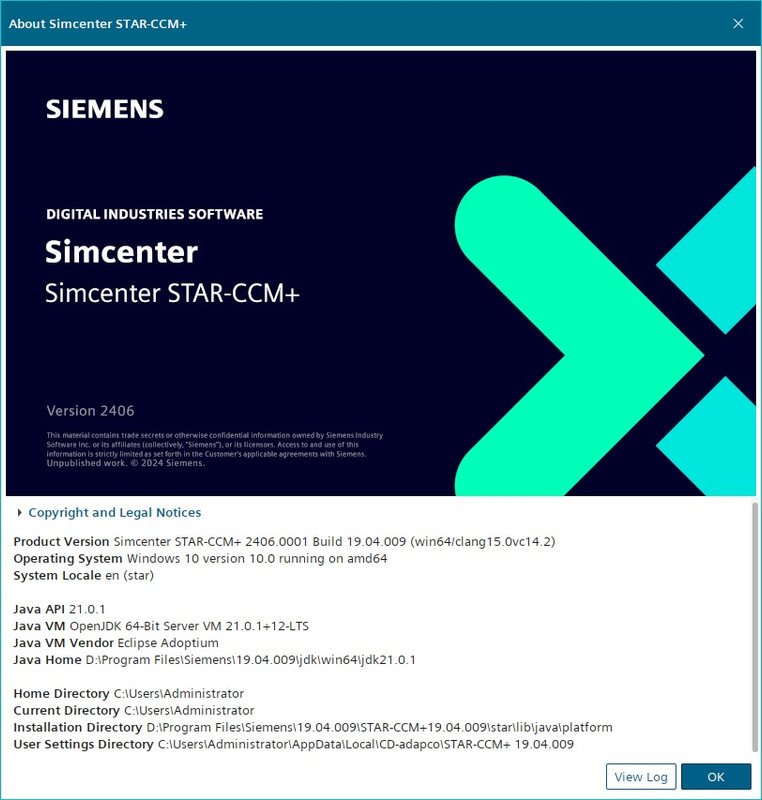
Siemens Star CCM+ 2406.0001 R8 v19.04.009-R8 double precision

Siemens Star CCM+ 2406.0001 R8 v19.04.009-R8 double precision

Working with Siemens Star CCM+ 2406.0001 R8 v19.04.009-R8 double precision full

Working with Siemens Star CCM+ 2406.0001 R8 v19.04.009-R8 double precision full

Interface language: Multilingual
System requirements: Win 64-bit

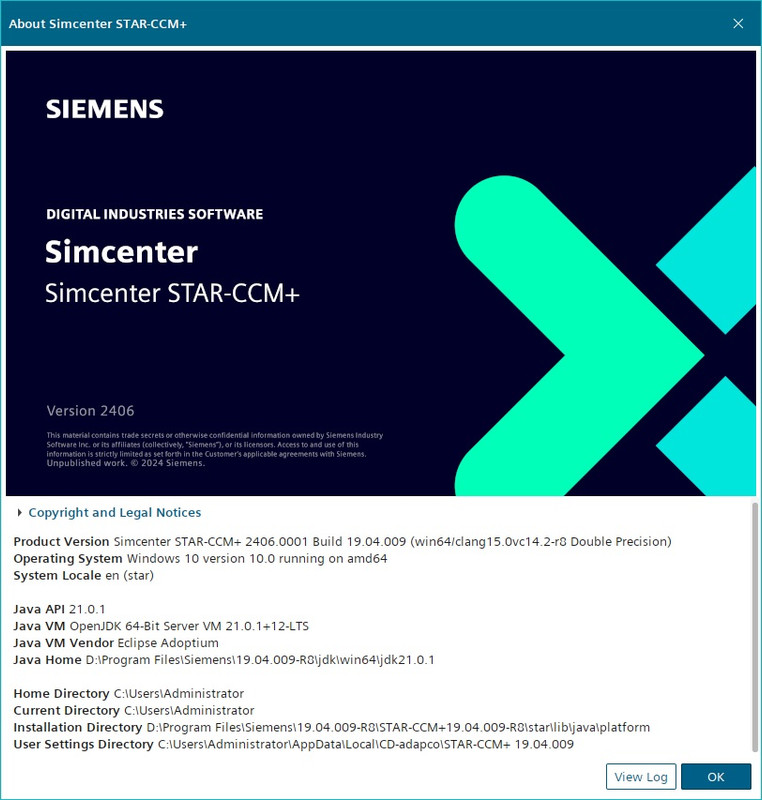
Why STAR-CCM+?
Don’t just simulate, innovate!
In order to design better products, engineers need to predict the consequence of any design changes on the real-world performance of their product, for better or for worse. Historically those predictions came from hand calculations or from the experimental testing of physical prototypes. Today, engineering simulation offers comprehensive predictions that are usually more accurate and always less expensive than experimental testing. Deployed effectively, these can be used to improve a design through multiple iterations. Ultimately this results in higher quality and more robust products that better fulfill customer expectations. Unlike other methods, engineering simulation also offers the benefit of exploring the performance of a product over the full range of operating conditions that it is likely to face in its working life, rather than just at a handful of carefully chosen “design points.” However, not all engineering simulation tools are created equal. In order to provide a constant stream of relevant engineering data, simulation software must be

Multidisciplinary
Solving complex industrial problems requires simulation tools that span a multitude of physical phenomena and a variety of engineering disciplines. Real-world engineering problems do not separate themselves into convenient categories such as “aerodynamics”, “hydrodynamics”, “heat transfer” and “solid mechanics”. Only multidisciplinary engineering simulation can accurately capture all of the relevant physics that influence the real-world performance of a product, and can be used to automatically drive the virtual product through a range of design configurations and operating scenarios. By minimizing the level of approximation, engineers can be confident that the predicted behavior of their design will match the real-world performance of their product.

Timely
No matter how “realistic” your simulation is, the data it provides is useless if it does not influence the final design of your product. For simulation to be a useful tool in the engineering design process, predictions must be delivered on time, every time. A late simulation result is not much better than no result at all. Ideally, simulation should generate a constant stream of data that guides and informs the design process through every decision. This is only possible when the simulation process is a robust and automated one. Once an engineer has invested in the creation of a multidisciplinary simulation model, that model should be easily redeployable to investigate a full range of design configurations and operating scenarios, with little or no manual effort from the engineer.

Affordable
Used effectively, engineering simulation consistently delivers a high return on investment (ROI). It provides far more in terms of reduced development costs and increased product revenue than it costs to implement. However, traditional engineering simulation licensing schemes can make the transition from an experimentalist’s mindset of “testing just a few design points” to “investigating the whole design space” prohibitively expensive. This is because most engineering simulation software vendors base their licensing model around the broken paradigm of “the more you use, the more you lose,” charging you per core instead of per simulation and tying customers to an almost linear relationship between the cost of their license and the maximum number of cores that they are allowed to utilize in their simulations. Innovative licensing schemes such as Power Sessions (giving you unlimited cores for a fixed price), Power-on-Demand (enabling you to run on the cloud) and Power Tokens (giving you unprecedented flexibility and facilitating design exploration) render the cost of using engineering simulation affordable.

Backed by experts
An uncomfortable truth about modern engineering is that there really are no easy problems left to solve. In order to meet the demands of industry, it is no longer good enough to do ‘a bit of CFD’ or ‘some stress analysis’. In order to design truly innovative products, engineers are often “pushing back the boundaries of the possible”. This is something that is difficult to achieve in isolation, and often requires competences outside an individual engineer’s immediate area of expertise. In order to be successful, an engineer should have ready access to a community of simulation experts, and ideally an established relationship with a dedicated support engineer who not only understands the engineer’s problems, but can approach the right expert help whenever needed.
If you want to download Siemens Star CCM+ 2406.0001 R8 v19.04.009-R8 double precision full license, please click to DOWNLOAD symbol and complete check out a little help my website is maintained. The download link is appeared automatically when you complete check out.
CLICKDOWN.ORG Download CAD CAM CNC software
Please see youtube video for download instruction by open *.txt file and copy youtube video link paste to your browser If you don’t know how to download.
Inside folder Siemens Star CCM+ 2406.0001 R8 v19.04.009-R8 double precision, already have crack’s file and instruction how to install Siemens Star CCM+ 2406.0001 R8 v19.04.009-R8 double precision step by step. I guarantee you can install Siemens Star CCM+ 2406.0001 R8 v19.04.009-R8 double precision successfully if you follow that instruction.
If you also can not install it or any problems, please contact to me by email: clickdown.org@gmail.com, then I will help you to install software by teamviewer.
Thanks a lot

SOFTWARES

Download Siemens Star CCM+ 2406.0001 v19.04.009 single precision x64

Download Siemens Star CCM+ 2406.0001 v19.04.009 single precision x64

Link download Siemens Star CCM+ 2406.0001 v19.04.009 single precision win64

Siemens Star CCM+ 2406.0001 (19.04.009 single precision) Win64

Siemens Star CCM+ 2406.0001 (19.04.009 single precision) Win64

Working with Siemens Star CCM+ 2406.0001 (19.04.009 single precision)

Working with Siemens Star CCM+ 2406.0001 (19.04.009 single precision)

Interface language: Multilingual
System requirements: Win 64-bit

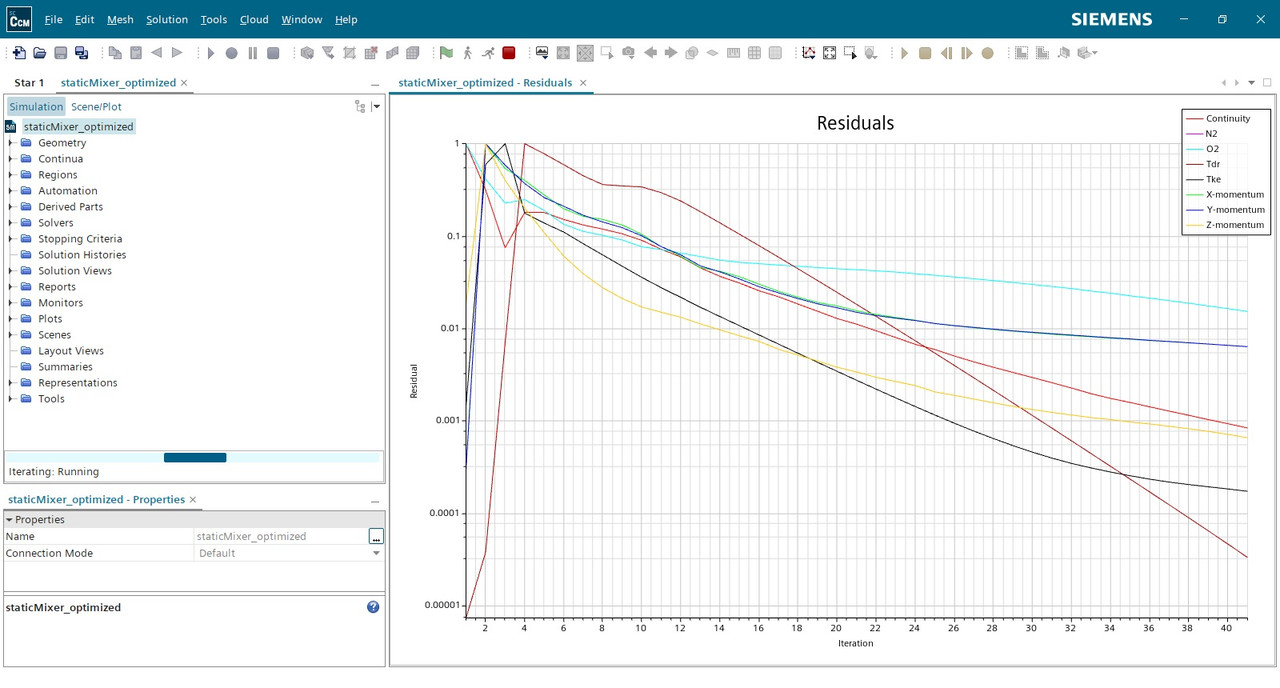
The description: Siemens Star CCM+ 2406.0001 (19.04.009 single precision) is one of the most modern, in comparison with competitors, a software complex designed to solve the problems of continuous media mechanics. It is very easy to use. STAR-CCM+ includes the latest numerical algorithms, such as advanced solvers, distributed (segregated solver) and associated (coupled solver), in addition, it is created using the most modern methods of programming. All this allows STAR-CCM+ to provide unprecedented accuracy, reliability and flexibility in solving the problems of computational mechanics of solid environments.
New powerful means of building grids: from restoring the integrity of the surface (surface wrapping) to creating grids of polyhed cells. Using these new means of building grids can reduce the time of the task by hours.
A large set of physical models: laminar and turbulent currents, Newton and non-Newtonian liquids, multiphase flows, cavitation, radiation, combustion, the development of the boundary layer, currents with large numbers of Mach, conjugated heat exchange, as well as new models for calculations of heat exchangers and fans.
The use of arbitrary multifaceted cells: requires less memory and accelerates the solution of the problem.
Powerful visualization tools: and management of modeling parameters in the calculation process.
It has a Russian interface.
Reliable results: based on a stable, unstarved STAR-CCM+ solver.
Compatibility of models with existing software products: STAR-CD, ICEM, GridGen, Gambit.
Models of $1 billion and more cells: Unlike all other CFD packages, STAR-CCM+ is specifically designed to perform scalable parallel computing on as many calculation grids as much as possible. Allows to solve relatively simple problems of strength (together with gas dynamics).
If you want to download Siemens Star CCM+ 2406.0001 v19.04.009 single precision full license, please click to DOWNLOAD symbol and complete check out a little help my website is maintained. The download link is appeared automatically when you complete check out.
CLICKDOWN.ORG Download CAD CAM CNC software
Please see youtube video for download instruction by open *.txt file and copy youtube video link paste to your browser If you don’t know how to download.
Inside folder Siemens Star CCM+ 2406.0001 v19.04.009 single precision, already have crack’s file and instruction how to install Siemens Star CCM+ 2406.0001 v19.04.009 single precision step by step. I guarantee you can install Siemens Star CCM+ 2406.0001 v19.04.009 single precision successfully if you follow that instruction.
If you also can not install it or any problems, please contact to me by email: clickdown.org@gmail.com, then I will help you to install software by teamviewer.
Thanks a lot

SOFTWARES

Download OfficeSuite Premium 8.90.57129 full license

Download OfficeSuite Premium 8.90.57129 full license

Link download OfficeSuite Premium 8.90.57129 full activated

OfficeSuite Premium 8.90.57129 x64

OfficeSuite Premium 8.90.57129 x64

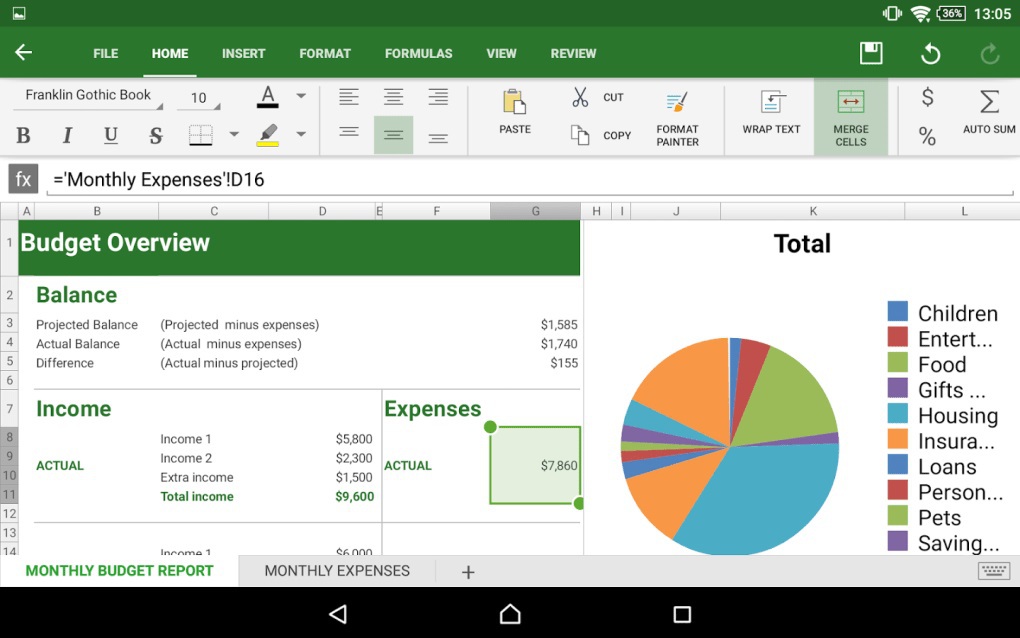
Working with OfficeSuite Premium 8.90.57129 full

Working with OfficeSuite Premium 8.90.57129 full

Description of OfficeSuite Premium 8.90.57129

Many of you might only point to Microsoft’s widely-known product when talking about Office suites. However, there are other alternatives that you can try out, especially if you are a home user. Very popular on mobile platforms, OfficeSuite has also shifted towards Windows, delivering a suite of office-related tools with a clean look and simple options.

It is fully compatible with all popular formats, including DOC, DOCX, DOCM, XLS, XLSX, XLSM, PPT, PPTX, PPS, PPSX, PPTM, and PPSM. Support standard formats like OpenDocument (ODT, ODS, and ODP), RTF, CSV, and ZIP. With standard functionality in all the applications, OfficeSuite delivers a good alternative to Microsoft Office, from whom it also borrows the GUI layout. It supports all the Office formats, so you don’t have to worry about compatibility issues.

With a name that speaks about simplicity and ease of use, OfficeSuite concentrates on the most crucial application features usually included in such a suite. It brings to the table a word processor, a spreadsheet editor, a presentation maker, and a PDF reader and editor. Connect to the cloud using Box, Dropbox, Google Drive, OneDrive, Amazon Cloud Drive, and SugarSync, and share over email, Bluetooth, and messaging apps.

Features of OfficeSuite Premium 8.90.57129

Cross-platform
Synchronize between devices using your OfficeSuite account

Powerful PDF integration
– Convert PDF to Word, Excel, or ePub
– Scan your physical documents to PDF via your devices’ camera
– Certification and markup include digital signatures support, permissions management, text to PDF, and annotations

Any cloud
Connect to the cloud using Box, Dropbox, Google Drive, OneDrive, Amazon Cloud Drive, SugarSync, and share over email, Bluetooth, and all messaging apps.

Any document format
– Full compatibility with all popular formats including DOC, DOCX, DOCM, XLS, XLSX, XLSM, PPT, PPTX, PPS, PPSX, PPTM, PPSM.
– Support for common formats like OpenDocument (ODT, ODS and ODP), RTF, CSV, and ZIP.

Modern-looking yet familiar suite of office tools
With a name that speaks out simplicity and ease of use, OfficeSuite tries to concentrate the most important features of applications that are usually included in such a suite. As such, it brings to the table a word processor, a spreadsheet editor, a presentation maker, and a PDF reader and editor.

Simplistic alternative to Microsoft Office
With standard functionality in all the applications, OfficeSuite delivers a good alternative to Microsoft Office, from whom it also borrows the GUI layout. It supports all the Office formats, so you don’t have to worry about compatibility issues.

OfficeSuite Portable has the familiar desktop interface you know and love. Don’t waste time getting used to a new layout, start working right away.
If you want to download OfficeSuite Premium 8.90.57129 full license, please click to DOWNLOAD symbol and complete check out a little help my website is maintained. The download link is appeared automatically when you complete check out.
CLICKDOWN.ORG Download CAD CAM CNC software
Please see youtube video for download instruction by open *.txt file and copy youtube video link paste to your browser If you don’t know how to download.
Inside folder OfficeSuite Premium 8.90.57129, already have crack’s file and instruction how to install OfficeSuite Premium 8.90.57129 step by step. I guarantee you can install OfficeSuite Premium 8.90.57129 successfully if you follow that instruction.
If you also can not install it or any problems, please contact to me by email: clickdown.org@gmail.com, then I will help you to install software by teamviewer.
Thanks a lot

SOFTWARES

Download Nitro PDF Pro 14.28.4.2 Enterprise full license

Download Nitro PDF Pro 14.28.4.2 Enterprise full license

Link download Nitro PDF Pro 14.28.4.2 Enterprise full activated
Working with Nitro PDF Pro 14.28.4.2 Enterprise full

Working with Nitro PDF Pro 14.28.4.2 Enterprise full

Description of Nitro PDF Pro 14.28.4.2 Enterprise

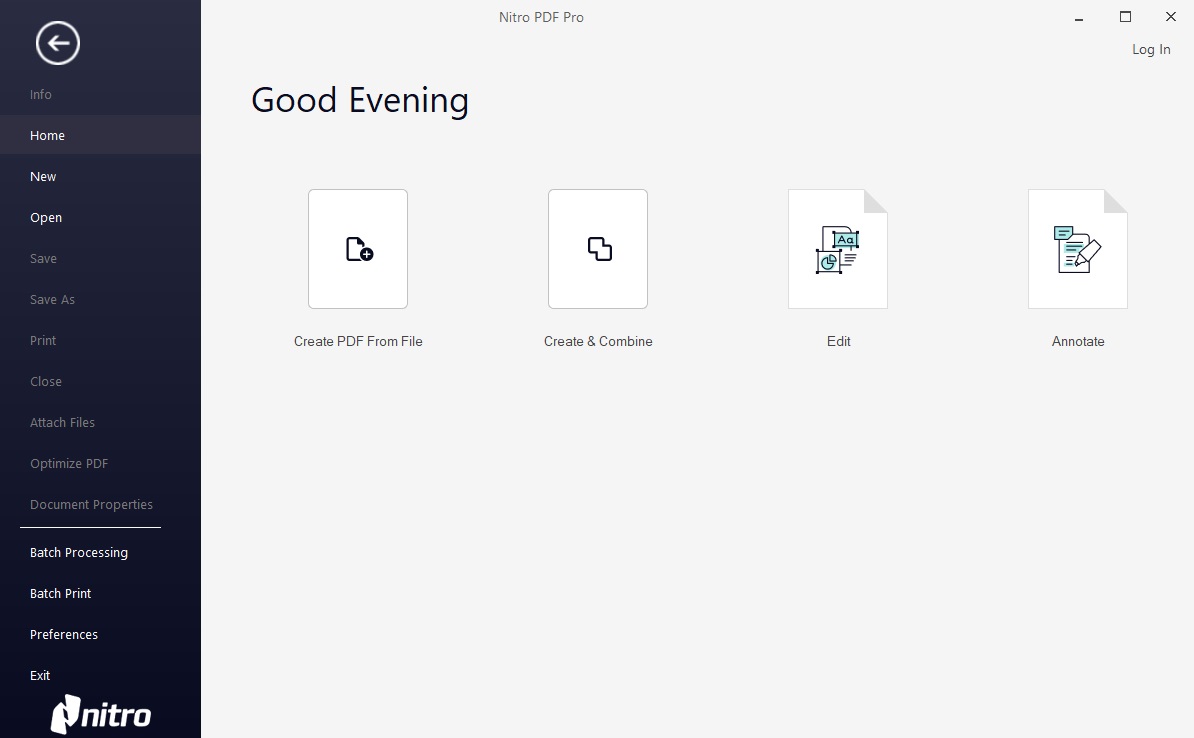
Nitro PDF Pro 14.28.4.2 Enterprise gives you everything you need to create, convert, edit, sign, and share standard PDF files. It’s simple, straightforward, and intuitive to use – so you can work more productively, your way. With Nitro Pro you can share your files with others, no matter what platform or device they’re on, and Nitro Pro makes conversion easy.

Convert one or more files to PDF with just a click or two. Reuse and repurpose PDF-based content with greater accuracy. With Nitro Pro’s industry-leading conversion technology and array of extraction tools you can easily repurpose text and images from reports, presentations, and more for reuse in any other application. Share files with the peace of mind, knowing almost anyone on almost any machine can open, view, and review – every time.

Nitro Pro Portable is a powerful software solution that offers users the tools they need to create, edit, convert, and share PDF documents. With its intuitive interface and feature-rich capabilities, Nitro Pro has quickly become one of the most popular PDF editors on the market.

One of the main advantages of Nitro Pro Portable is its comprehensive set of editing tools. Users can easily add, delete, or modify text, images, and pages within their PDF documents. The software also offers advanced markup and annotation features, allowing users to highlight text, add comments, and even draw shapes and freehand annotations on the page.

Nitro Pro’s conversion capabilities are also noteworthy. The software allows users to easily convert PDFs to other file formats, such as Microsoft Word, Excel, and PowerPoint. This can be especially useful for those who need to extract data from PDFs or make changes to the content of a PDF in another application.

The software also includes security features that allow users to protect their sensitive data. Nitro Pro offers password protection, digital signature capabilities, and permission-based restrictions that limit document editing, printing, and copying. These features help ensure that only authorized individuals can access and modify the contents of a PDF.

Another key advantage of Nitro Pro is its collaboration features. Users can share their PDF documents with others, enabling them to review, comment, and make changes in real-time. This can be particularly useful for businesses that need to collaborate on projects or share documents with clients and partners.

In addition to these core features, Nitro Pro also offers a range of advanced tools and utilities. For example, the software includes OCR (optical character recognition) technology that enables users to turn scanned documents into editable text. There is also a batch processing feature that allows users to apply changes to multiple documents simultaneously, saving time and increasing productivity.

Overall, Nitro Pro Portable is a versatile and reliable PDF editor that offers users a full suite of tools and features for creating, editing, converting, and sharing PDF documents. Its intuitive interface, comprehensive editing capabilities, and robust security features make it an ideal choice for businesses and individuals looking to streamline their PDF workflow.

Directly edit your PDF files more easily. Just click, and edit. Nitro Pro enables you to edit entire paragraphs with ease, automatically reflowing text as you type – like you would in a word processor.

Nitro Pro gives you a powerful set of easy-to-use tools that make working with digital documents simple, straightforward, and more cost-effective. Nitro Pro, the complete Adobe Acrobat alternative, enables you to do more with PDF through powerful tools to create, convert, edit, combine, secure, annotate, form-fill, and save 100% industry-standard PDF files. Recipient of multiple best product awards, Nitro Pro is specifically designed for the business user and makes working with PDF faster and easier than ever before!
Supported Operating Systems: Windows 7, 8, 8.1, 10 (32-bit, 64-bit).

Nitro PDF Pro 14.28.4.2 Enterprise FEATURES

Create – Create universally compatible PDFs that can be opened and viewed with any PDF solution.
Edit – Add, delete, and modify text and images in multiple windows at once; insert, extract, and rotate pages; and copy/paste text into Word or Office files.
Convert – Now with faster conversion speeds, Nitro converts any PDF to and from Microsoft Word, Excel, and PowerPoint on your desktop, tablet, or phone.
Combine – Merge PDFs or other document types into a single, searchable PDF that’s simple to share and view.
Review – Fully trackable commenting, annotation, markup, and version control enable seamless review and collaboration.
Sign – Nitro’s updated signing experience allows you to apply and request electronic signatures anytime, anywhere on any desktop or tablet.
Protect – Set user permissions, prevent unauthorized copying, editing, and printing with password protection, and rest assured with advanced 256-bit encryption.
Whiteout + Redaction – White out text and images for easy editing and form filling, or redact text and images to permanently delete all hidden data.
Optical Character Recognition (OCR) – Nitro’s improved OCR performance turns document scans into searchable, editable PDFs with greater detail and accuracy in document colors, layout, and design.
CAD-compatibility – Work with high-quality CAD (Computer-Aided Design) drawings in PDF, including exporting to PDF from Revit, AutoCAD, and Microstation.
Compare – Easily spot discrepancies and analyze differences in text and images when comparing two versions of a file.
Integrations – Integrations with Dropbox, Google Drive, OneDrive, and Box ensure quick, easy access to your cloud-based documents.

Nitro Cloud.

Send secure, legally binding eSignatures in seconds
Securely share documents via link or email
Review and markup documents online

If you want to download Nitro PDF Pro 14.28.4.2 Enterprise full license, please click to DOWNLOAD symbol and complete check out a little help my website is maintained. The download link is appeared automatically when you complete check out.
CLICKDOWN.ORG Download CAD CAM CNC software
Please see youtube video for download instruction by open *.txt file and copy youtube video link paste to your browser If you don’t know how to download.
Inside folder Nitro PDF Pro 14.28.4.2 Enterprise, already have crack’s file and instruction how to install Nitro PDF Pro 14.28.4.2 Enterprise step by step. I guarantee you can install Nitro PDF Pro 14.28.4.2 Enterprise successfully if you follow that instruction.
If you also can not install it or any problems, please contact to me by email: clickdown.org@gmail.com, then I will help you to install software by teamviewer.
Thanks a lot

SOFTWARES

Download Graitec Advance Design 2025.0.1 full license

Download Graitec Advance Design 2025.0.1 full license

Link download Graitec Advance Design 2025.0.1 full activated

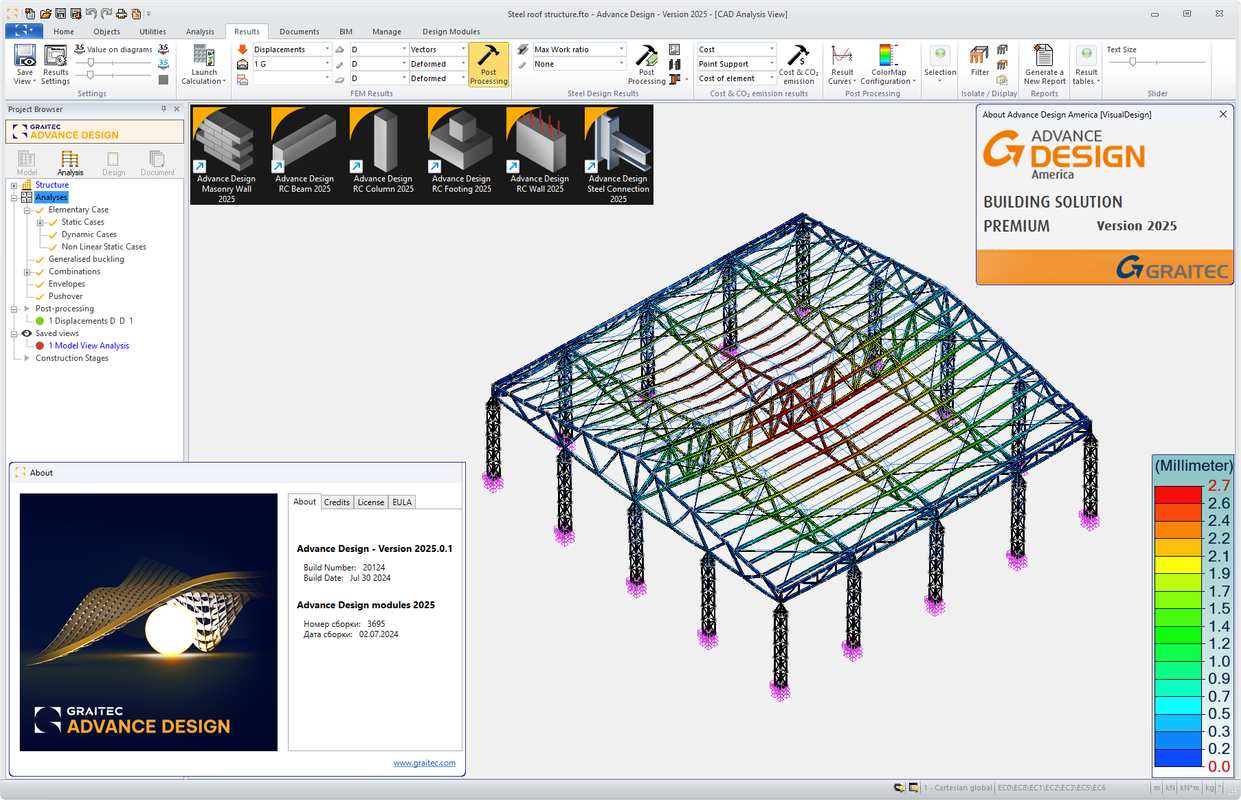
Working with Graitec Advance Design 2025.0.1 full

Working with Graitec Advance Design 2025.0.1 full

Description: Graitec Advance Design 2025.0.1 was specifically developed for industry professionals that require a superior solution for the structural analysis and design of Reinforced Concrete and Steel structures according to the latest versions of Eurocodes (EC0, EC1, EC2, EC3 and EC8). Advance Design features include easy modeling, a powerful FEM analysis engine, top-level design wizards, automated post-processing of results and automated reports. Achieve a new level of computer-assisted engineering with Advance Design.
This version 2025.0.1 of Advance Design is enhanced with a lot of new users-centric functionality, with high-end benefits, articulated around
Performance- a significant reduction of the time required for calculations
Construction stages- new mechanism for the definition, management and calculation of structures using stages
Advanced non-linear supports- new possibilities for defining nonlinear relationships for supports
Masonry structures- possibility to model and verify masonry walls (acc. EN 1996) using a new Masonry Wall design module
Wind on free standing walls- possibility to generate wind on free standing walls acc. EN 1991-1-4
Result tables- fast and easy checking FEM results with Results Tables
Improvementsto New possibilities and improvements for reinforcement concrete design.
If you want to download Graitec Advance Design 2025.0.1 full license, please click to DOWNLOAD symbol and complete check out a little help my website is maintained. The download link is appeared automatically when you complete check out.
CLICKDOWN.ORG Download CAD CAM CNC software
Please see youtube video for download instruction by open *.txt file and copy youtube video link paste to your browser If you don’t know how to download.
Inside folder Graitec Advance Design 2025.0.1, already have crack’s file and instruction how to install Graitec Advance Design 2025.0.1 step by step. I guarantee you can install Graitec Advance Design 2025.0.1 successfully if you follow that instruction.
If you also can not install it or any problems, please contact to me by email: clickdown.org@gmail.com, then I will help you to install software by teamviewer.
Thanks a lot
SOFTWARES

Download Office Timeline Pro+ 8.01.06.00 full activated

Download Office Timeline Pro+ 8.01.06.00 full activated

Link download Office Timeline Pro+ 8.01.06.00 full license

Working with Office Timeline Pro+ 8.01.06.00 full license

Working with Office Timeline Pro+ 8.01.06.00 full license

Description of Office Timeline Pro+ 8.01.06.00

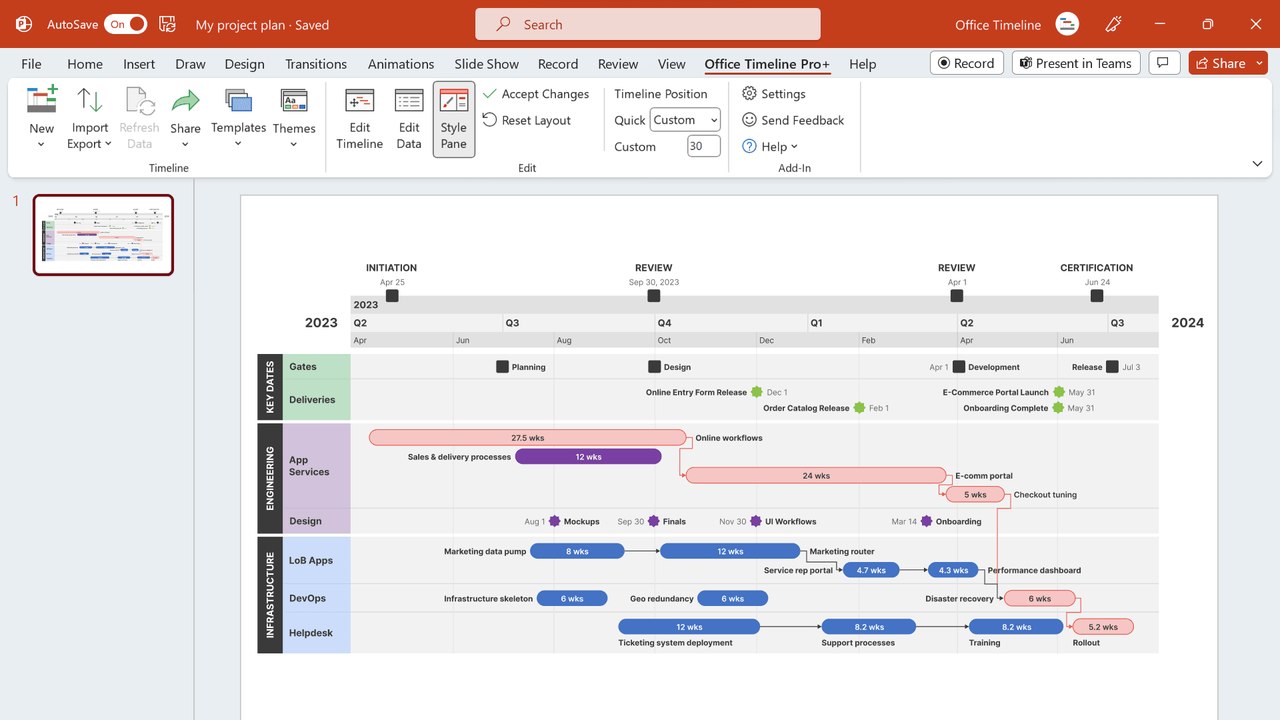
Office Timeline Pro+ 8.01.06.00 is an addon for Microsoft PowerPoint that allows you to easily and quickly create custom, great looking timelines.
Beauty trumps complexity.
Build stunning PowerPoint timelines without the effort and cost.
Free yourself from manually building and managing visual project plans.
Office Timeline helps you make timelines, Gantt charts and Swimlanes in PowerPoint almost instantly. Customize them with just a few clicks to create clear, elegant high-level presentations that everyone will understand.
User-friendly PowerPoint timeline generator. Works the way clients and colleagues do.
Office Timeline works with all versions of PowerPoint. Give them stunning PowerPoint slides that can be viewed, edited and shared by anyone who has Microsoft Office.
Manage and change data with ease.
The plugin’s powerful Data wizard and drag & drop Visual Editor make timeline management agile and intuitive. Updating timelines when projects and plans change is quick and easy.
PowerPoint timelines made easy.
No complex steps. No learning curve. No hassle!
Start from scratch or pick a template.
The timeline wizard was designed to make it simple. It all starts by selecting the type of timeline you want to make.
Enter your data and click Create.
Once you’ve selected a timeline template, enter or import your key milestones and tasks. Set their dates, click the Create button, and voilà! Timeline created.
Arrange and style to impress.
Use Drag & Drop to instantly rearrange or update your visual. Then customize it your way – colors, shapes, date formats, task duration, percent complete… change any detail, anyway you want.
Enjoy more freedom with Plus Edition.
While the Free edition is fully functional, Office Timeline Plus brings more! Plus Edition unlocks predesigned templates and gives you the freedom to add as much data as needed, so you can create detailed, unique PowerPoint timelines and Gantt charts.
See the power of Pro Edition.
Office Timeline Pro gives you everything you get with the Plus add-in, but adds powerful extra features. Pro Edition creates impressive Swimlanes and roadmaps, so you can manage complex projects with big-picture visuals that anyone can understand.
If you want to download Office Timeline Pro+ 8.01.06.00 full license, please click to DOWNLOAD symbol and complete check out a little help my website is maintained. The download link is appeared automatically when you complete check out.
CLICKDOWN.ORG Download CAD CAM CNC software
Please see youtube video for download instruction by open *.txt file and copy youtube video link paste to your browser If you don’t know how to download.
Inside folder Office Timeline Pro+ 8.01.06.00, already have crack’s file and instruction how to install Office Timeline Pro+ 8.01.06.00 step by step. I guarantee you can install Office Timeline Pro+ 8.01.06.00 successfully if you follow that instruction.
If you also can not install it or any problems, please contact to me by email: clickdown.org@gmail.com, then I will help you to install software by teamviewer.
Thanks a lot

error: Content is protected !!
Scroll to Top