SOFTWARES

SOFTWARES

Download JangaFX GeoGen 0.5.3 x64 full license forever

Download JangaFX GeoGen 0.5.3 x64 full license forever

Link download JangaFX GeoGen 0.5.3 full activated
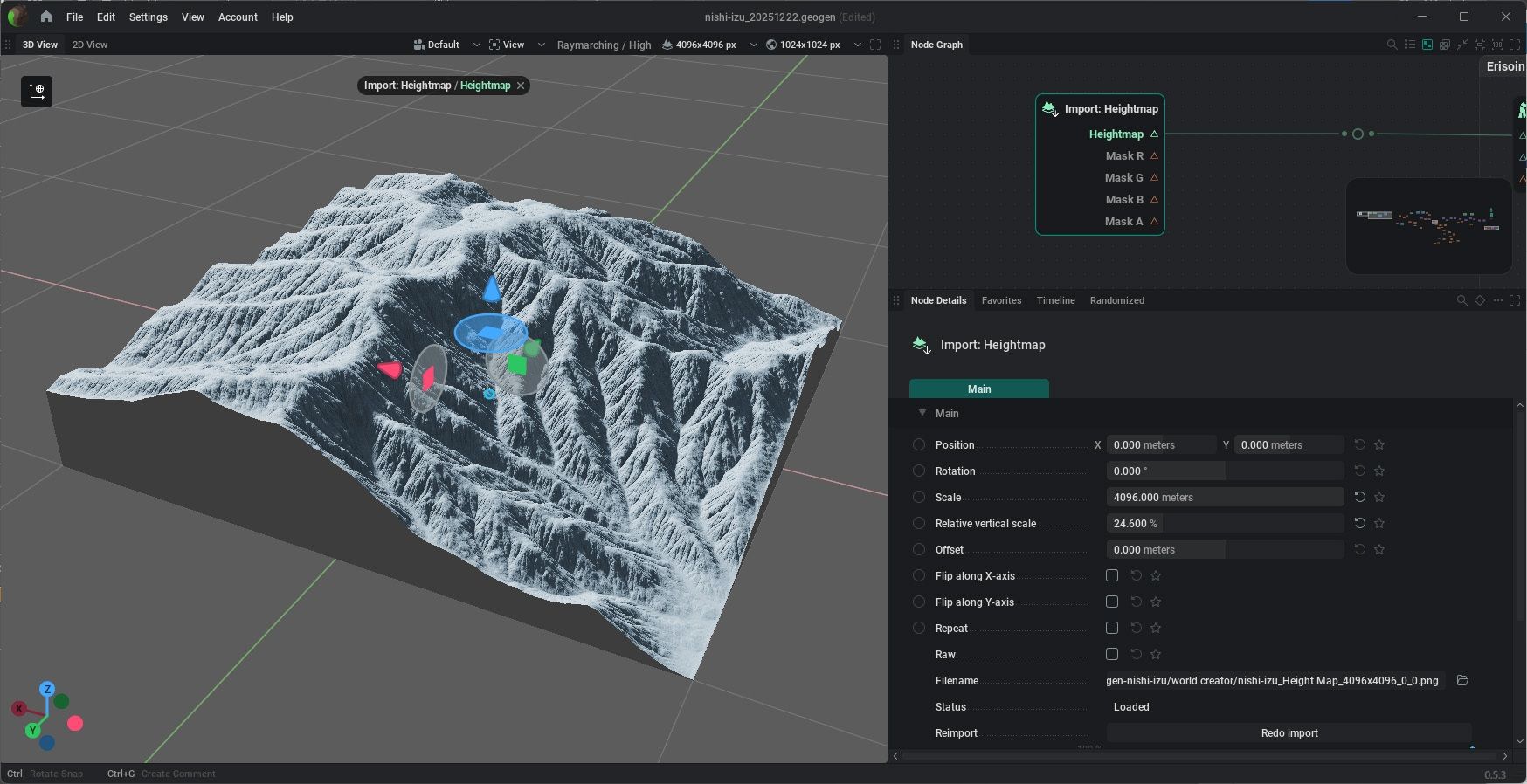
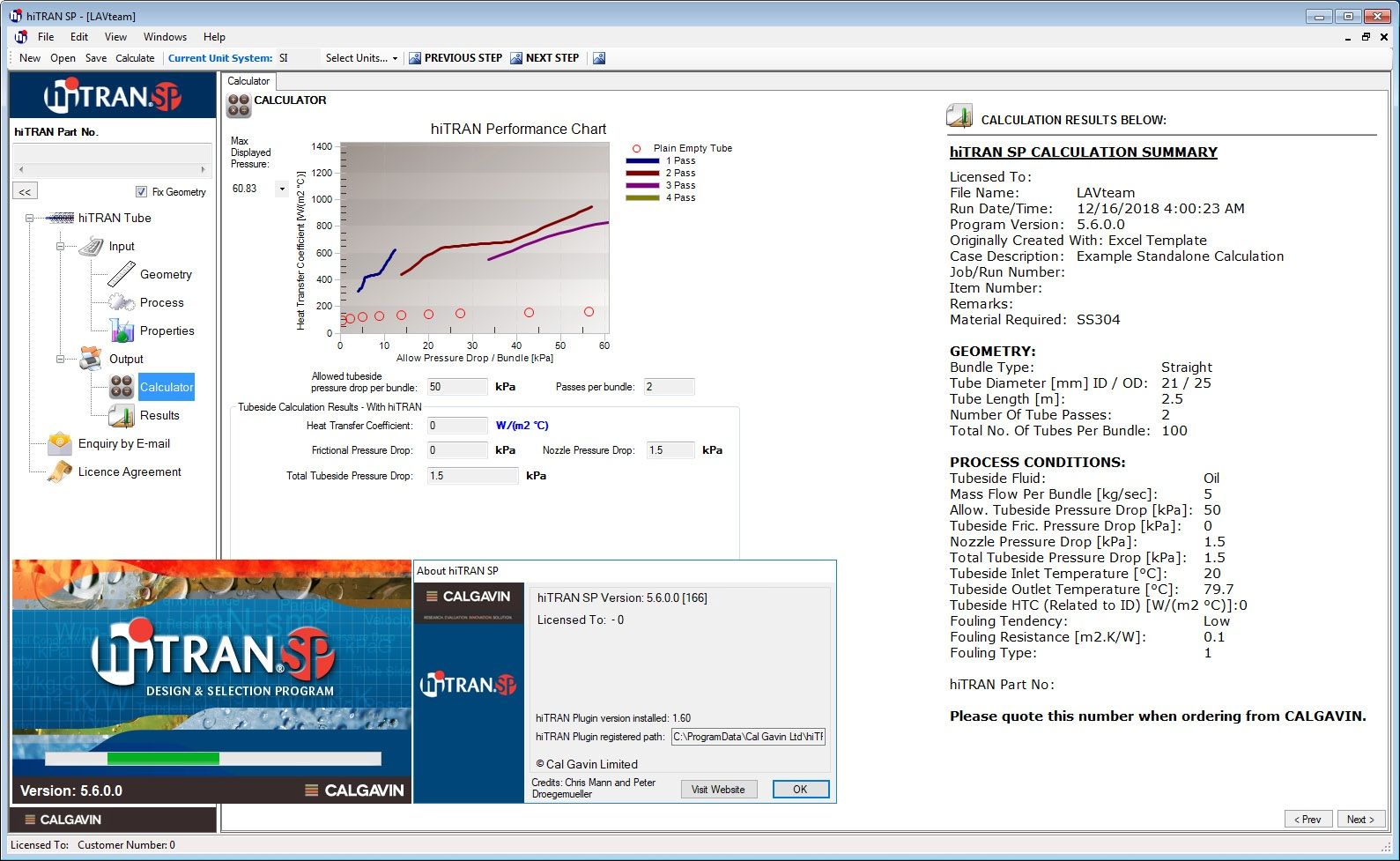
Working with JangaFX GeoGen 0.5.3 full license

Description of JangaFX GeoGen 0.5.3

JangaFX GeoGen 0.5.3 is professional real time terrain and landscape generation software designed for game developers, VFX artists, and technical artists. It enables fast creation of detailed natural environments using procedural workflows and GPU accelerated performance.

This version improves terrain realism, erosion accuracy, and workflow efficiency for modern game and cinematic pipelines.

Features of JangaFX GeoGen 0.5.3

Real Time Terrain Generation
GeoGen allows users to generate complex terrains instantly with real time visual feedback.

Procedural Landscape Creation
Create mountains, valleys, cliffs, and plains using node based procedural tools for full creative control.

Advanced Erosion Simulation
Includes realistic erosion algorithms to produce natural looking terrain shapes and surface detail.

Heightmap and Texture Output
Export high resolution heightmaps and maps suitable for game engines and rendering pipelines.

Game and VFX Pipeline Ready
Designed to integrate easily into modern game development and visual effects workflows.

GPU Accelerated Performance
Optimized GPU processing ensures fast iteration even with large and detailed terrain projects.

Artist Friendly Interface
Clean and intuitive controls allow both technical and creative users to work efficiently.

Stable Production Workflow
Built for reliability during demanding production environments and iterative design processes.

Why Choose JangaFX GeoGen 0.5.3
JangaFX GeoGen 0.5.3 is an ideal solution for creators who need fast, realistic, and procedural terrain generation for games, simulations, and cinematic environments.

If you want to download JangaFX GeoGen 0.5.3 full license, please click to DOWNLOAD button to download.
CLICKDOWN.ORG Download CAD CAM CNC software
Inside package JangaFX GeoGen 0.5.3, already have cracked files and instruction how to install JangaFX GeoGen 0.5.3 step by step. I guarantee you can install JangaFX GeoGen 0.5.3 successfully if you follow that instruction.
If you also can’t install it or get any problems, please contact to me by email: clickdown.org@gmail.com, then I will help you to install software by teamviewer or Ultraviewer or Anydesk.
Thanks a lot
SOFTWARES

Download JangaFX LiquiGen 1.0.5 full license 100% working

Download JangaFX LiquiGen 1.0.5 full license 100% working

Link download JangaFX LiquiGen 1.0.5 win64 full activated

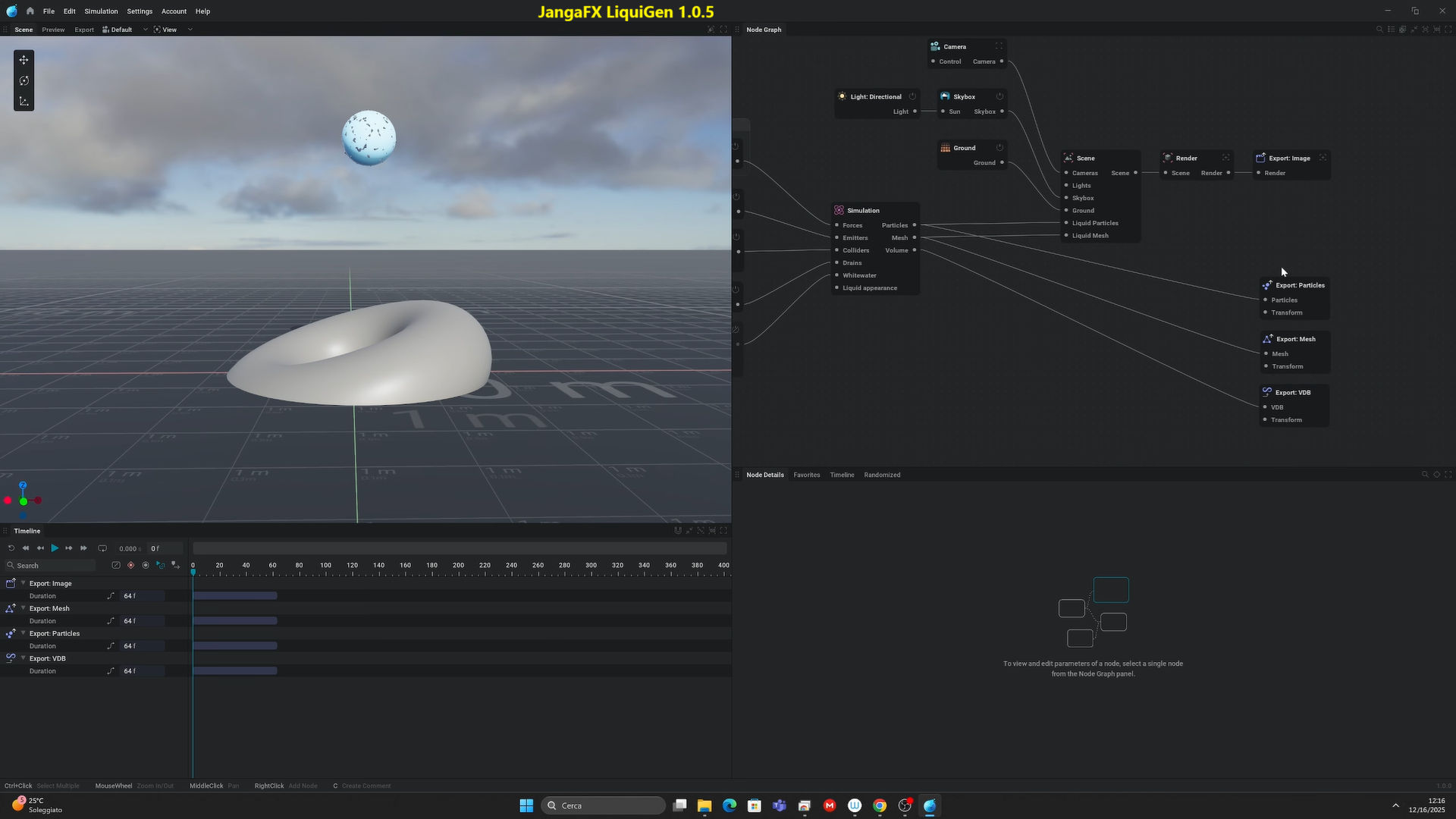
Working with JangaFX LiquiGen 1.0.5 full license

Description of JangaFX LiquiGen 1.0.5

JangaFX LiquiGen 1.0.5 is professional real time liquid simulation software designed for visual effects artists, game developers, and cinematic creators. It focuses on creating high quality water and liquid effects with speed, control, and artist friendly workflows.

This version improves simulation stability, visual realism, and performance, making it suitable for modern VFX and game production pipelines.

Features of JangaFX LiquiGen 1.0.5

Real Time Fluid Simulation
LiquiGen allows artists to simulate realistic liquids such as water splashes, waves, pours, and flowing surfaces in real time.

High Quality Visual Output
Produces detailed liquid surfaces with smooth motion, realistic shading, and physically based behavior.

Artist Friendly Workflow
Intuitive controls enable fast iteration and creative experimentation without complex technical setup.

Game and Film Ready Effects
Designed for integration into game engines and cinematic pipelines with optimized output.

Procedural Control Tools
Offers flexible controls to shape and refine liquid behavior for both stylized and realistic effects.

Fast Performance
Optimized GPU based processing delivers responsive simulations even for complex scenes.

Export and Pipeline Integration
Supports export of simulation data for use in external rendering, VFX, and game development tools.

Stable and Reliable Operation
Built for professional use with consistent performance during production workloads.

Why Choose JangaFX LiquiGen 1.0.5
JangaFX LiquiGen 1.0.5 is an ideal solution for artists who need fast, realistic liquid simulations without sacrificing creative control, making it a strong choice for both real time and cinematic projects.

If you want to download JangaFX LiquiGen 1.0.5 full license, please click to DOWNLOAD button to download.
CLICKDOWN.ORG Download CAD CAM CNC software
Inside package JangaFX LiquiGen 1.0.5, already have cracked files and instruction how to install JangaFX LiquiGen 1.0.5 step by step. I guarantee you can install JangaFX LiquiGen 1.0.5 successfully if you follow that instruction.
If you also can’t install it or get any problems, please contact to me by email: clickdown.org@gmail.com, then I will help you to install software by teamviewer or Ultraviewer or Anydesk.
Thanks a lot

SOFTWARES

Download Adobe InDesign 2026 v21.1 x64 full License forever

Download Adobe InDesign 2026 v21.1 x64 full License forever

Link download Adobe InDesign 2026 v21.1 full activated

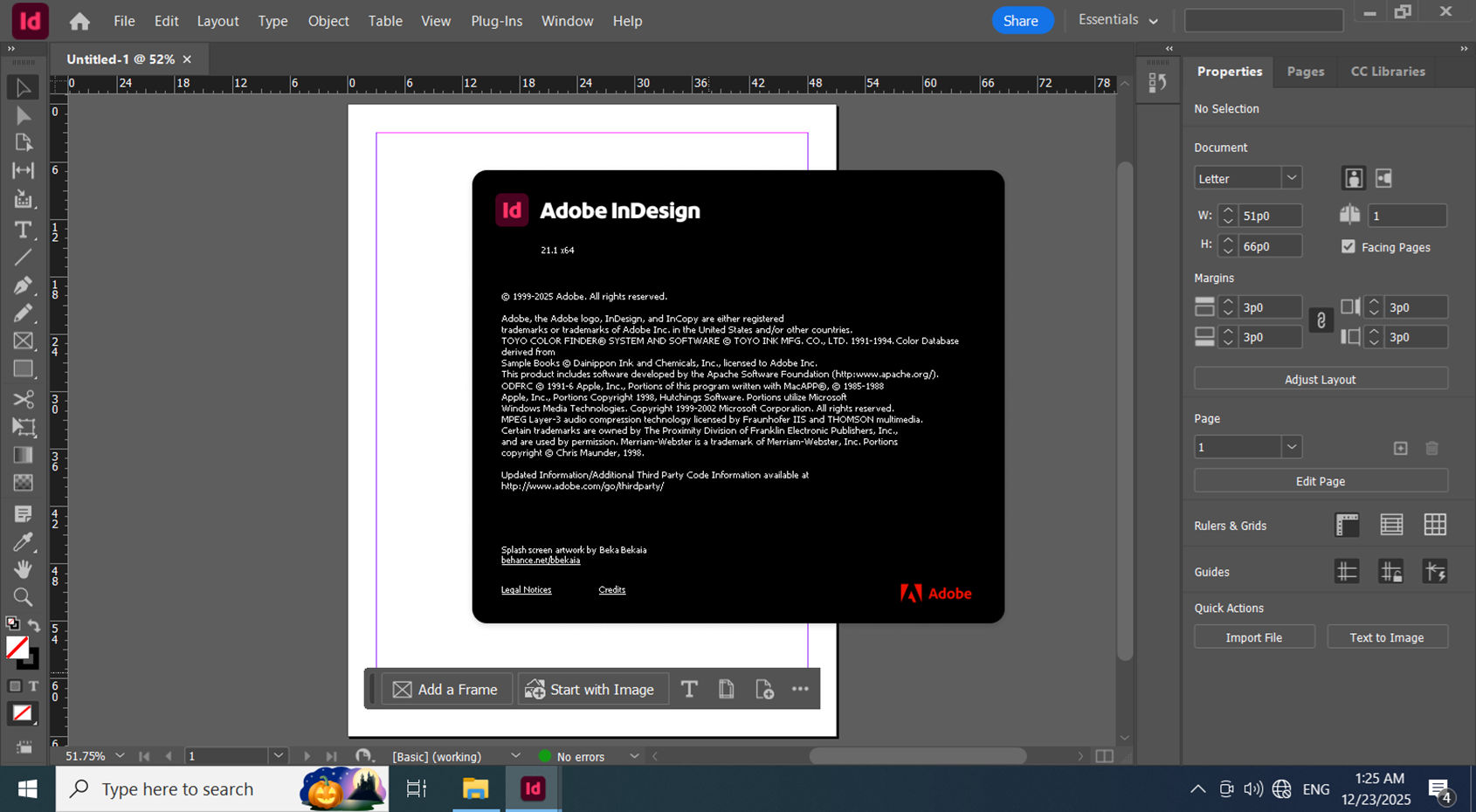
Working with Adobe InDesign 2026 v21.1 full License

Description of Adobe InDesign 2026 v21.1

Adobe InDesign 2026 v21.1 is professional page layout and publishing software used to create high quality print and digital documents. It is widely adopted by designers, publishers, marketers, and content creators for magazines, books, brochures, reports, and interactive publications.

This version focuses on improved performance, enhanced collaboration, and advanced typography tools to support modern publishing workflows.

Features of Adobe InDesign 2026 v21.1

Professional Page Layout Tools
Create precise layouts using grids, guides, frames, and alignment controls for complex multi page documents.

Advanced Typography and Text Control
Includes powerful typography features such as OpenType support, paragraph styles, character styles, and fine text adjustments.

Print and Digital Publishing
Design content for print, PDF, EPUB, and interactive digital formats from a single project.

Seamless Collaboration
Works closely with Adobe InCopy to enable efficient collaboration between designers and editorial teams.

Creative Cloud Integration
Integrates smoothly with Photoshop, Illustrator, Acrobat, and other Adobe applications.

Interactive and Rich Media Support
Add links, buttons, animations, and multimedia elements for engaging digital publications.

Enhanced Performance and Stability
Optimized for faster document handling and reliable operation on large and complex projects.

Flexible Export Options
Export professional output with precise control over color, fonts, resolution, and layout consistency.

Why Choose Adobe InDesign 2026 v21.1
Adobe InDesign 2026 v21.1 delivers industry standard tools for professional layout design, offering accuracy, flexibility, and collaboration for modern publishing environments.

If you want to download Adobe InDesign 2026 v21.1 full license, please click to DOWNLOAD button to download.
CLICKDOWN.ORG Download CAD CAM CNC software
Inside package Adobe InDesign 2026 v21.1, already have cracked files and instruction how to install Adobe InDesign 2026 v21.1 step by step. I guarantee you can install Adobe InDesign 2026 v21.1 successfully if you follow that instruction.
If you also can’t install it or get any problems, please contact to me by email: clickdown.org@gmail.com, then I will help you to install software by teamviewer or Ultraviewer or Anydesk.
Thanks a lot
SOFTWARES

Download Adobe InCopy 2026 v21.1 win64 full activated

Download Adobe InCopy 2026 v21.1 win64 full activated

Link download Adobe InCopy 2026 v21.1 full activated

Working with Adobe InCopy 2026 v21.1 full activated

Description of Adobe InCopy 2026 v21.1

Adobe InCopy 2026 v21.1 is professional editorial writing and content management software designed for collaborative publishing workflows. It allows writers, editors, and content creators to work directly with designers using Adobe InDesign documents without disrupting layout and design.

This release improves collaboration stability, editorial control, and performance for modern publishing environments.

Features of Adobe InCopy 2026 v21.1

Collaborative Publishing Workflow
InCopy enables writers and editors to work simultaneously with designers using shared InDesign layouts.

Layout Safe Editing
Edit text content without changing page design, typography, or layout structure created in InDesign.

Professional Writing and Editing Tools
Includes advanced text editing, copy fitting, spelling, grammar, and style management features.

Track Changes and Version Control
Supports change tracking and editorial review to maintain accuracy and accountability.

Tight Integration with Adobe InDesign
Seamless connection with InDesign ensures smooth content exchange between editorial and design teams.

Support for Editorial Styles
Manage paragraph styles, character styles, and formatting rules to ensure consistency across publications.

Multi Platform Support
Available for both Windows and macOS to support cross platform publishing teams.

Improved Performance and Stability
Optimized for faster document handling and reliable performance on large editorial projects.

Why Choose Adobe InCopy 2026 v21.1
Adobe InCopy 2026 v21.1 is the ideal solution for publishing teams that need precise editorial control, efficient collaboration, and seamless integration with professional layout workflows.

If you want to download Adobe InCopy 2026 v21.1 full license, please click to DOWNLOAD button to download.
CLICKDOWN.ORG Download CAD CAM CNC software
Inside package Adobe InCopy 2026 v21.1, already have cracked files and instruction how to install Adobe InCopy 2026 v21.1 step by step. I guarantee you can install Adobe InCopy 2026 v21.1 successfully if you follow that instruction.
If you also can’t install it or get any problems, please contact to me by email: clickdown.org@gmail.com, then I will help you to install software by teamviewer or Ultraviewer or Anydesk.
Thanks a lot
SOFTWARES

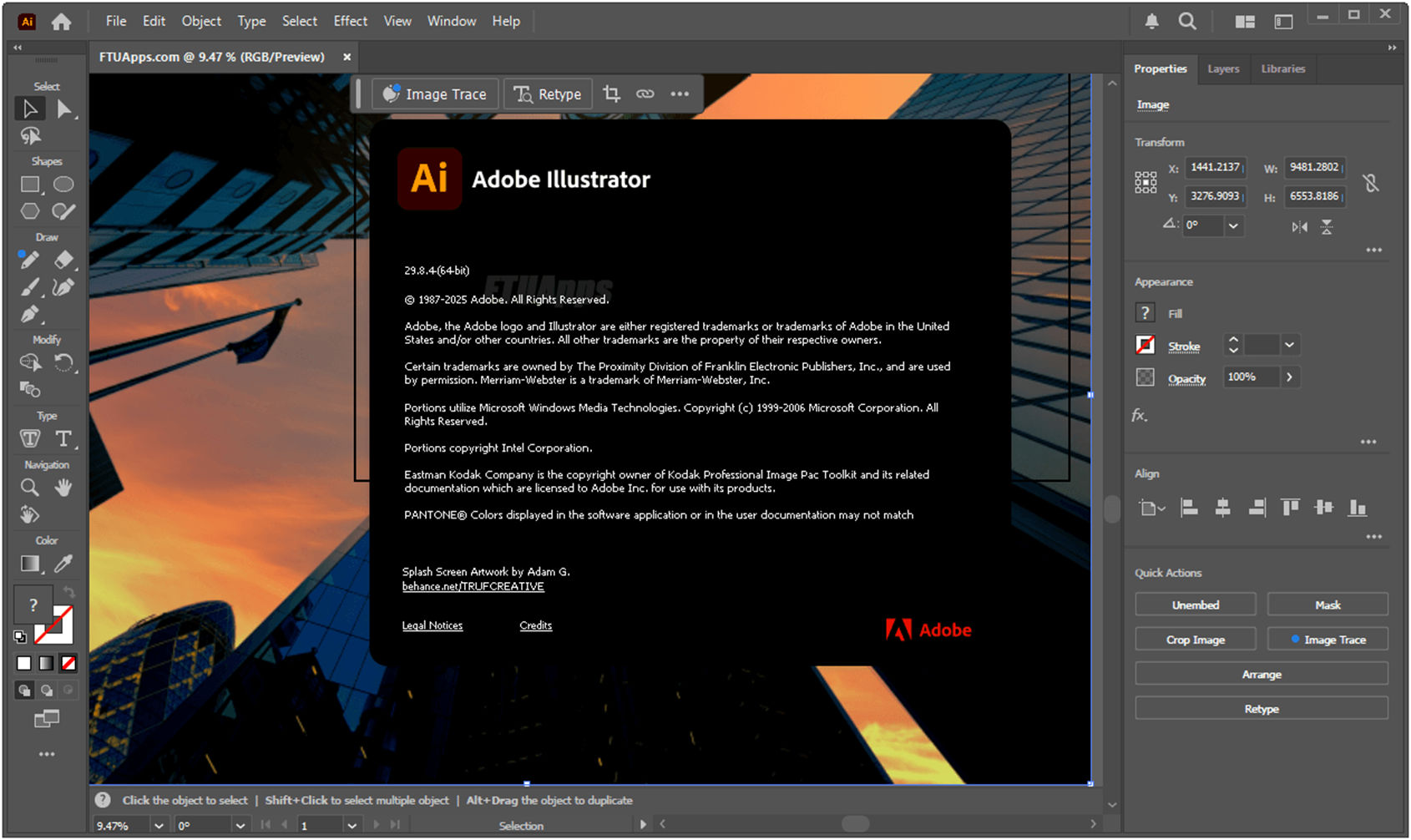
Download Adobe Illustrator 2025 v29.8.4 x64 full activated

Download Adobe Illustrator 2025 v29.8.4 x64 full activated

Link download Adobe Illustrator 2025 v29.8.4 win64 full license

Working with Adobe Illustrator 2025 v29.8.4 full activated

Description of Adobe Illustrator 2025 v29.8.4

Adobe Illustrator 2025 v29.8.4 is industry leading vector graphic design software used to create logos, icons, illustrations, typography, and complex digital artwork. It is trusted by designers, illustrators, marketers, and creative professionals worldwide for precise and scalable vector design.

This version enhances performance, creative tools, and AI powered features to support faster workflows and higher quality results across print and digital media.

Features of Adobe Illustrator 2025 v29.8.4

Professional Vector Drawing Tools
Create precise vector artwork using advanced pen tools, shape builders, paths, and alignment controls.

AI Powered Creative Features
Intelligent tools powered by Adobe Sensei help speed up design tasks such as recoloring, pattern generation, and object selection.

Advanced Typography Controls
Design with professional typography tools including variable fonts, OpenType features, and precise text formatting.

Scalable Artwork for Any Medium
Vector based designs remain sharp and clear for print, web, mobile, and large format displays.

Seamless Creative Cloud Integration
Works smoothly with Photoshop, InDesign, After Effects, and other Adobe Creative Cloud applications.

Enhanced Performance and Stability
Optimized for faster rendering, smoother zooming, and improved responsiveness on modern hardware.

Wide File Format Support
Import and export common formats such as AI, EPS, PDF, SVG, PNG, and more.

Customizable and Efficient Workspace
Flexible interface and shortcuts allow designers to tailor Illustrator to their personal workflow.

Why Choose Adobe Illustrator 2025 v29.8.4
Adobe Illustrator 2025 v29.8.4 provides powerful creative tools, precise control, and modern AI enhancements, making it the ideal solution for professional vector graphic design and illustration projects.

If you want to download Adobe Illustrator 2025 v29.8.4 full license, please click to DOWNLOAD button to download.
CLICKDOWN.ORG Download CAD CAM CNC software
Inside package Adobe Illustrator 2025 v29.8.4, already have cracked files and instruction how to install Adobe Illustrator 2025 v29.8.4 step by step. I guarantee you can install Adobe Illustrator 2025 v29.8.4 successfully if you follow that instruction.
If you also can’t install it or get any problems, please contact to me by email: clickdown.org@gmail.com, then I will help you to install software by teamviewer or Ultraviewer or Anydesk.
Thanks a lot

SOFTWARES

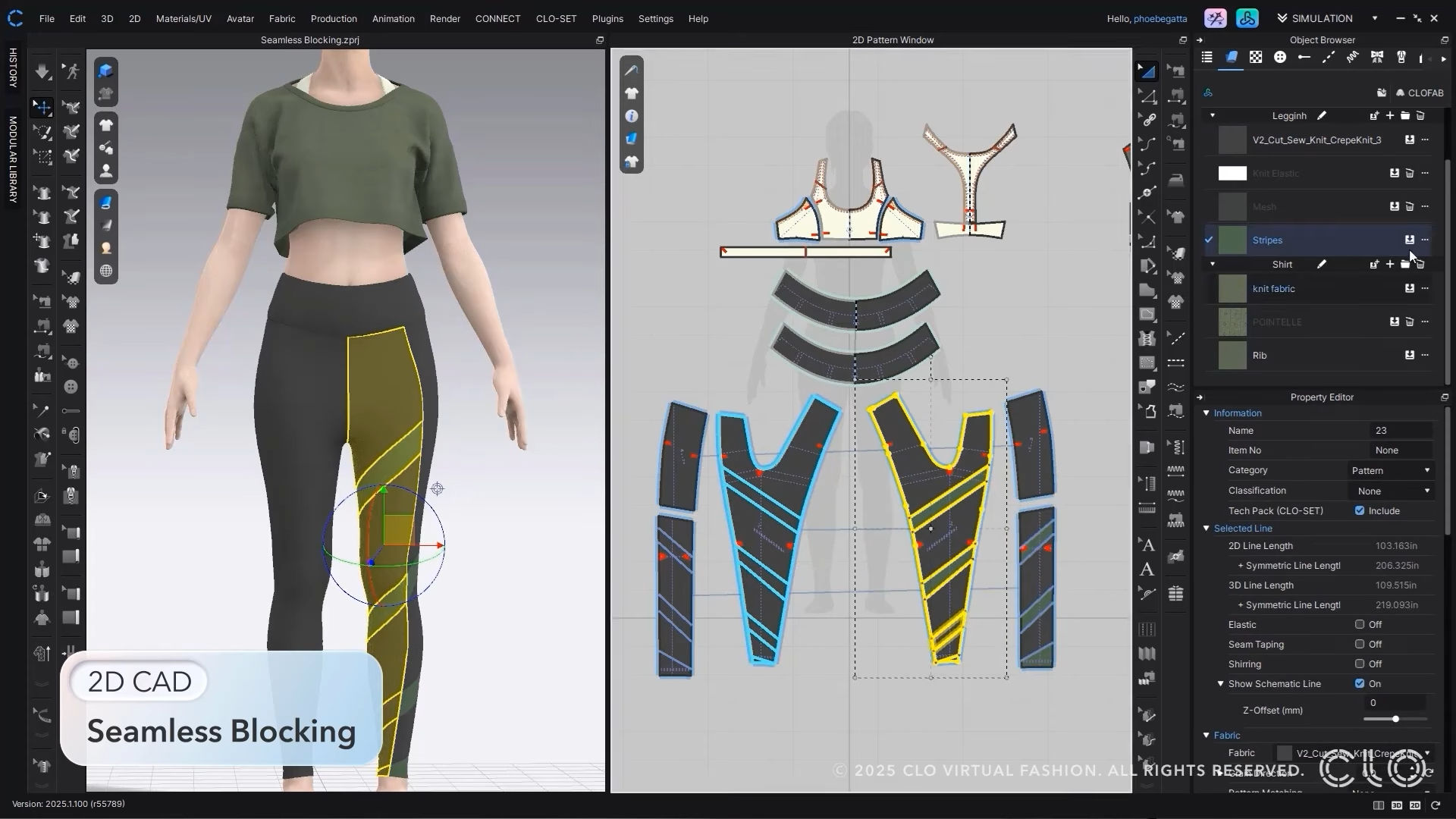
Download CLO Standalone OnlineAuth 2025.2.236 win64 full

Download CLO Standalone OnlineAuth 2025.2.236 full license

Link download CLO Standalone OnlineAuth 2025.2.236 full activated

Working with CLO Standalone OnlineAuth 2025.2.236 full license

Description of CLO Standalone OnlineAuth 2025.2.236

CLO Standalone OnlineAuth 2025.2.236 is a dedicated licensing and authentication application designed to manage online authorization for CLO software products. It enables secure license activation, verification, and access control for professional fashion design workflows.

This version improves authentication stability, license management reliability, and compatibility with the latest CLO releases.

Features of CLO Standalone OnlineAuth 2025.2.236

Online License Activation
Allows users to activate CLO software licenses securely through online authentication.

Centralized License Management
Manages license status, validity, and authorization from a single standalone application.

Secure Authentication System
Implements reliable authentication protocols to protect licensed software usage.

Compatibility with CLO Software
Designed to work seamlessly with CLO and related applications requiring online authorization.

Fast License Verification
Ensures quick and smooth license checks during software startup and usage.

Stable and Lightweight Utility
Runs efficiently in the background without impacting system performance.

Professional Deployment Support
Suitable for individual users, studios, and enterprise environments.

Improved Reliability
Enhanced stability ensures consistent license access for uninterrupted design work.

Why Choose CLO Standalone OnlineAuth 2025.2.236
CLO Standalone OnlineAuth 2025.2.236 is essential for professionals using CLO software who need secure, reliable, and efficient online license authentication to maintain uninterrupted production workflows.

If you want to download CLO Standalone OnlineAuth 2025.2.236 full license, please click to DOWNLOAD button to download.
CLICKDOWN.ORG Download CAD CAM CNC software
Inside package CLO Standalone OnlineAuth 2025.2.236, already have cracked files and instruction how to install CLO Standalone OnlineAuth 2025.2.236 step by step. I guarantee you can install CLO Standalone OnlineAuth 2025.2.236 successfully if you follow that instruction.
If you also can’t install it or get any problems, please contact to me by email: clickdown.org@gmail.com, then I will help you to install software by teamviewer or Ultraviewer or Anydesk.
Thanks a lot

SOFTWARES

Download HxGN MinePlan 2025.1.1 win64 full license

Download HxGN MinePlan 2025.1.1 win64 full license

Link download HxGN MinePlan 2025.1.1 full activated

HxGN MinePlan 2025.1.1 x64 full license

Description of HxGN MinePlan 2025.1.1

HxGN MinePlan 2025.1.1 is an integrated mine planning and design software suite developed by Hexagon for the full mining lifecycle. It supports geology, resource modeling, mine design, scheduling, and production planning in a single connected environment.

This release enhances data integration, modeling accuracy, and planning efficiency, enabling mining professionals to make confident, data driven decisions.

Features of HxGN MinePlan 2025.1.1

Integrated Mine Planning Platform
MinePlan connects geology, engineering, and production workflows to ensure consistent data across all mining stages.

Geological Modeling and Resource Estimation
Advanced tools support 3D geological modeling, block modeling, grade estimation, and resource classification.

Surface and Underground Mine Design
Create detailed open pit and underground designs with accurate geometry, constraints, and operational parameters.

Mine Scheduling and Optimization
Powerful scheduling tools help optimize production sequences, equipment utilization, and long term mine plans.

Data Interoperability and Integration
Supports seamless data exchange with other Hexagon mining solutions and industry standard formats.

Visualization and Reporting
High quality 2D and 3D visualization tools improve understanding of mine plans and support professional reporting.

Scalable and Enterprise Ready
Designed for both small operations and large scale mining enterprises with complex planning requirements.

Improved Performance and Stability
Optimized processing ensures reliable performance for large datasets and complex mining models.

Why Choose HxGN MinePlan 2025.1.1
HxGN MinePlan 2025.1.1 provides a unified and reliable solution for mine planning professionals seeking accuracy, efficiency, and complete visibility across the mining value chain.

If you want to download HxGN MinePlan 2025.1.1 full license, please click to DOWNLOAD button to download.
CLICKDOWN.ORG Download CAD CAM CNC software
Inside package HxGN MinePlan 2025.1.1, already have cracked files and instruction how to install HxGN MinePlan 2025.1.1 step by step. I guarantee you can install HxGN MinePlan 2025.1.1 successfully if you follow that instruction.
If you also can’t install it or get any problems, please contact to me by email: clickdown.org@gmail.com, then I will help you to install software by teamviewer or Ultraviewer or Anydesk.
Thanks a lot
SOFTWARES

Download Arduino IDE 2.3.7 full license 100% working forever

Download Arduino IDE 2.3.7 full license 100% working forever

Link download Arduino IDE 2.3.7 full activated

Working with Arduino IDE 2.3.7 full license

Description of Arduino IDE 2.3.7

Arduino IDE 2.3.7 is a modern integrated development environment designed for programming Arduino boards and compatible microcontrollers. It provides a streamlined workflow for writing, compiling, debugging, and uploading sketches for embedded systems, IoT devices, and hardware prototypes.

This version improves performance, editor responsiveness, and board support, making development faster and more reliable for beginners and professionals.

Features of Arduino IDE 2.3.7

Modern Code Editor
Features a powerful editor with syntax highlighting, code completion, error detection, and automatic formatting for Arduino sketches.

Integrated Debugger
Built in debugging tools allow users to set breakpoints, inspect variables, and analyze program behavior on supported boards.

Board and Core Management
Easily install and manage Arduino boards and third party cores directly from the IDE.

Library Manager
Provides access to thousands of Arduino libraries, simplifying integration of sensors, displays, communication modules, and more.

Fast Compilation and Upload
Optimized build system ensures quicker compile times and reliable sketch uploads to connected devices.

Cross Platform Support
Runs smoothly on Windows, macOS, and Linux for consistent development across platforms.

Serial Monitor and Plotter
Includes tools for real time data monitoring, debugging, and visualization from connected hardware.

Beginner Friendly and Professional Ready
Simple enough for learning electronics while powerful enough for advanced embedded development.

Why Choose Arduino IDE 2.3.7
Arduino IDE 2.3.7 is the ideal environment for developing embedded applications, offering an efficient workflow, strong hardware support, and a large ecosystem of libraries and boards.

If you want to download Arduino IDE 2.3.7 full license, please click to DOWNLOAD button to download.
CLICKDOWN.ORG Download CAD CAM CNC software
Inside package Arduino IDE 2.3.7, already have cracked files and instruction how to install Arduino IDE 2.3.7 step by step. I guarantee you can install Arduino IDE 2.3.7 successfully if you follow that instruction.
If you also can’t install it or get any problems, please contact to me by email: clickdown.org@gmail.com, then I will help you to install software by teamviewer or Ultraviewer or Anydesk.
Thanks a lot
SOFTWARES

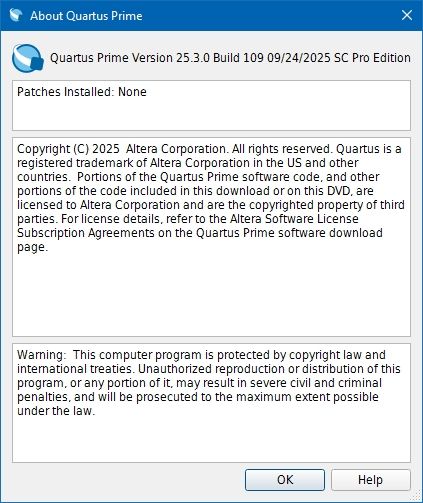
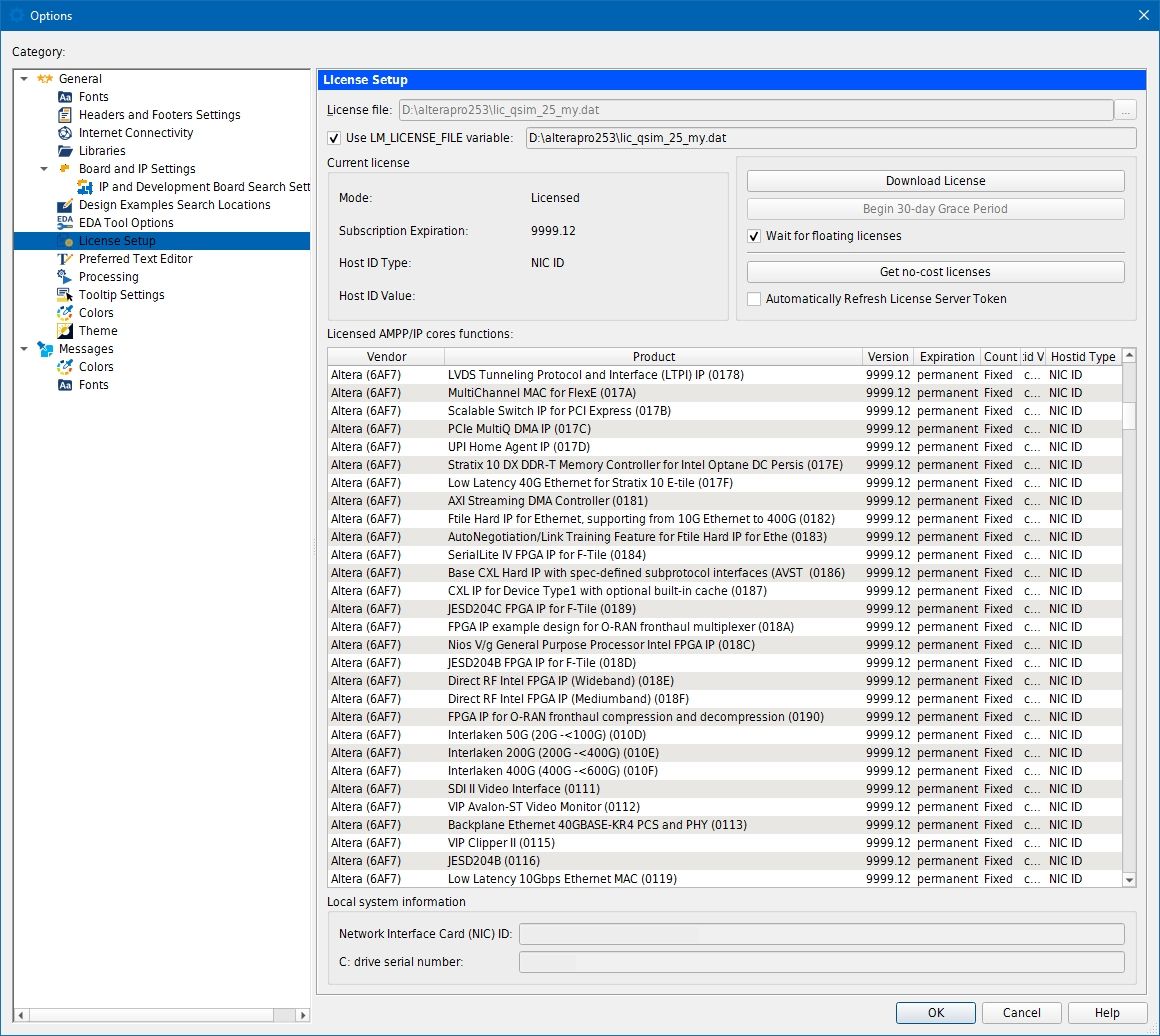
Download Altera Quartus Prime Pro Edition 25.3 full license

Download Altera Quartus Prime Pro Edition 25.3 Complete full license

Link download Altera Quartus Prime Pro Edition 25.3 x64 full activated

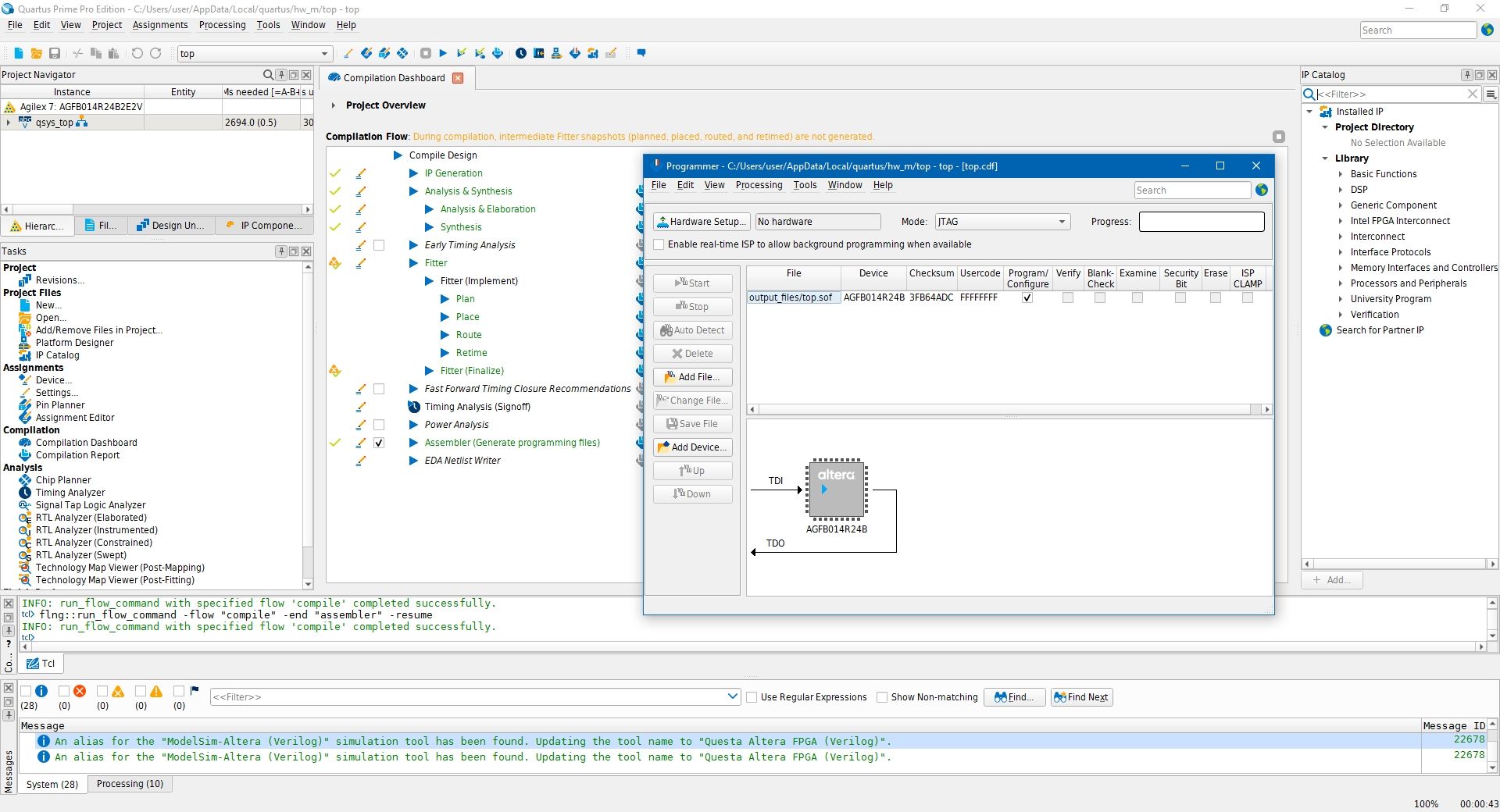
Altera Quartus Prime Pro Edition 25.3 win64 linux64 full activated

Altera Quartus Prime Pro Edition 25.3 x64 full license

Altera Quartus Prime Pro Edition 25.3 full activated permanent

Working with Altera Quartus Prime Pro Edition 25.3 full license

Description of Altera Quartus Prime Pro Edition 25.3

Altera Quartus Prime Pro Edition 25.3 is a high end FPGA design software platform developed for advanced Intel FPGA and SoC development. It is designed for professional engineers working on complex, high performance, and high capacity FPGA projects.

This edition focuses on maximum performance, scalability, and advanced verification, making it suitable for data center, networking, aerospace, and industrial applications.

Features of Altera Quartus Prime Pro Edition 25.3

Advanced FPGA Design Flow
Quartus Prime Pro provides a complete FPGA development environment including design entry, synthesis, place and route, and timing analysis.

High Performance Compilation
Optimized algorithms deliver faster compilation times and improved results for large and complex FPGA designs.

Powerful Timing and Power Analysis
Advanced timing analysis tools ensure design reliability, while power estimation helps optimize energy efficiency.

Integrated Debug and Verification
Includes Signal Tap logic analyzer and advanced debugging features for real time hardware validation.

Support for High End Intel FPGAs
Optimized for Intel Stratix, Agilex, and other high performance FPGA families.

Advanced System Integration
Supports complex system designs with high speed interfaces, memory controllers, and IP integration.

Scalable and Professional Workflow
Designed to handle large teams and enterprise level projects with stable and predictable results.

Robust IP and HDL Support
Supports VHDL, Verilog, SystemVerilog, and a wide range of reusable IP cores.

Why Choose Altera Quartus Prime Pro Edition 25.3
Altera Quartus Prime Pro Edition 25.3 is ideal for engineers who require advanced FPGA design tools, fast compilation, precise timing control, and professional grade verification for mission critical applications.

If you want to download Altera Quartus Prime Pro Edition 25.3 full license, please click to DOWNLOAD button to download.
CLICKDOWN.ORG Download CAD CAM CNC software
Inside package Altera Quartus Prime Pro Edition 25.3, already have cracked files and instruction how to install Altera Quartus Prime Pro Edition 25.3 step by step. I guarantee you can install Altera Quartus Prime Pro Edition 25.3 successfully if you follow that instruction.
If you also can’t install it or get any problems, please contact to me by email: clickdown.org@gmail.com, then I will help you to install software by teamviewer or Ultraviewer or Anydesk.
Thanks a lot
SOFTWARES

Download TubePro 6.1 R1 2033 full activated forever

Download TubePro 6.1 R1 2033 full activated forever

Link download TubePro 6.1 R1 2033 full activated

Working with TubePro 6.1 R1 2033 full activated

Description of TubePro 6.1 R1 2033

TubePro 6.1 R1 2033 is professional CAD CAM software developed for tube and pipe bending design, simulation, and CNC manufacturing. It is widely used in industries such as automotive, aerospace, furniture, HVAC, and metal fabrication where precise tube processing is required.

This release enhances design accuracy, bending simulation reliability, and CNC output efficiency for modern tube bending machines.

Features of TubePro 6.1 R1 2033

Tube and Pipe Design
TubePro allows users to design complex tube and pipe geometries with bends, cuts, and end forming operations.

Bending Simulation and Verification
Built in simulation tools help visualize bending sequences and detect potential collisions or deformation before production.

Collision and Interference Checking
The software automatically checks for clashes between tools, clamps, and parts to reduce costly manufacturing errors.

CNC Code Generation
TubePro generates accurate CNC programs compatible with a wide range of tube bending machines and controllers.

CAD Import Compatibility
Supports common CAD formats, enabling seamless integration with existing design workflows.

Production Oriented Workflow
Optimized tools help manufacturers move quickly from design to production with minimal setup time.

High Accuracy and Reliability
The software ensures consistent results for both simple and highly complex tube bending projects.

Industrial Grade Performance
Designed for stability and efficiency in demanding production environments.

Why Choose TubePro 6.1 R1 2033
TubePro 6.1 R1 2033 is an ideal solution for manufacturers and engineers who need precise tube bending design, reliable simulation, and accurate CNC output in a single professional CAM system.

If you want to download TubePro 6.1 R1 2033 full license, please click to DOWNLOAD button to download.
CLICKDOWN.ORG Download CAD CAM CNC software
Inside package TubePro 6.1 R1 2033, already have cracked files and instruction how to install TubePro 6.1 R1 2033 step by step. I guarantee you can install TubePro 6.1 R1 2033 successfully if you follow that instruction.
If you also can’t install it or get any problems, please contact to me by email: clickdown.org@gmail.com, then I will help you to install software by teamviewer or Ultraviewer or Anydesk.
Thanks a lot

SOFTWARES

Download NCG Cam 2025 v20.0.02 x64 full license

Download NCG Cam 2025 v20.0.02 x64 full license

Link download NCG Cam 2025 v20.0.02 full activated

Working with NCG Cam 20.0.02 full license

Working with NCG Cam 20.0.02 full activated

Description of NCG Cam 2025 v20.0.02

NCG Cam 2025 v20.0.02 is professional computer aided manufacturing software designed for generating efficient and accurate CNC machining toolpaths. It is widely used in manufacturing, prototyping, and production environments for milling, turning, and routing applications.

This version delivers improved toolpath calculation, enhanced simulation accuracy, and optimized workflow for modern CNC machines.

Features of NCG Cam 2025 v20.0.02

Advanced CNC Toolpath Generation
NCG Cam provides powerful toolpath strategies for 2D, 3D, and multi axis machining with high precision and reliability.

Milling Turning and Routing Support
The software supports CNC milling, turning, and routing operations, making it suitable for a wide range of machining tasks.

High Accuracy Simulation
Integrated simulation tools allow users to verify toolpaths, detect collisions, and validate machining processes before production.

Efficient Post Processing
Includes flexible post processor support to generate machine specific G code for different CNC controllers.

Fast Calculation Performance
Optimized algorithms ensure quick toolpath generation even for complex geometries and large projects.

CAD Import Compatibility
Supports common CAD formats for seamless integration into existing design and manufacturing workflows.

User Friendly Workflow
The interface is designed for efficiency, allowing machinists and engineers to focus on productivity and accuracy.

Reliable Industrial Performance
NCG Cam is built for stability and consistent results in demanding production environments.

Why Choose NCG Cam 2025 v20.0.02
NCG Cam 2025 v20.0.02 is an excellent choice for CNC professionals seeking accurate machining results, fast toolpath generation, and dependable simulation tools in a single CAM solution.

If you want to download NCG Cam 2025 v20.0.02 full license, please click to DOWNLOAD button to download.
CLICKDOWN.ORG Download CAD CAM CNC software
Inside package NCG Cam 2025 v20.0.02, already have cracked files and instruction how to install NCG Cam 2025 v20.0.02 step by step. I guarantee you can install NCG Cam 2025 v20.0.02 successfully if you follow that instruction.
If you also can’t install it or get any problems, please contact to me by email: clickdown.org@gmail.com, then I will help you to install software by teamviewer or Ultraviewer or Anydesk.
Thanks a lot

SOFTWARES

Download PDF Imager Professional 2.011 Multilingual full

Download PDF Imager Professional 2.011 Multilingual full

Link download PDF Imager Professional 2.011 full activated

Working with PDF Imager Professional 2.011 full license

Description of PDF Imager Professional 2.011

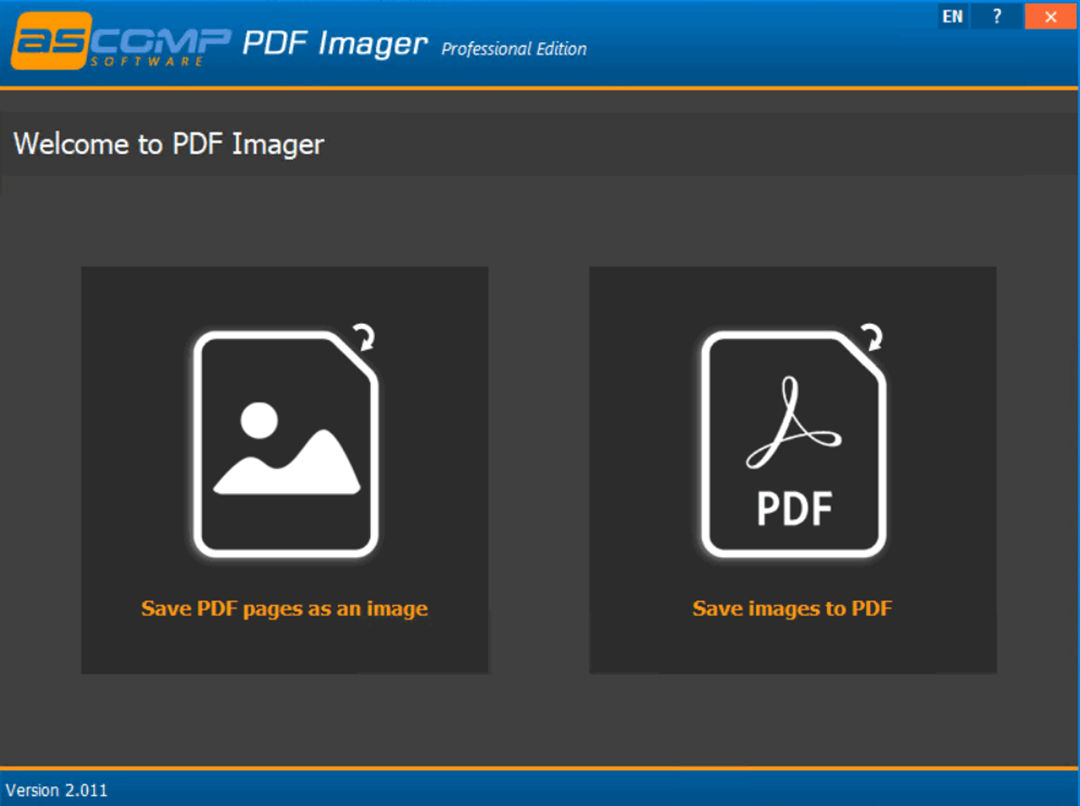
PDF Imager Professional 2.011 is a powerful PDF conversion tool designed to transform PDF documents into high quality image formats. It is ideal for professionals who need accurate image extraction for archiving, publishing, document management, and graphic workflows.

This version focuses on reliable conversion accuracy, flexible output options, and efficient batch processing for handling large volumes of PDF files.

Features of PDF Imager Professional 2.011

PDF to Image Conversion
Convert PDF files into popular image formats including TIFF, JPEG, PNG, BMP, and more while preserving layout and resolution.

High Quality Output Control
Users can adjust resolution, color depth, compression, and page size to meet professional printing and digital requirements.

Batch Processing Support
Process multiple PDF files at once, saving time when converting large document collections.

Page Range Selection
Convert entire documents or selected pages only, offering flexibility for specific project needs.

OCR Ready Image Output
Generated images are suitable for OCR workflows, enabling further text recognition and indexing.

Color and Grayscale Options
Supports full color, grayscale, and monochrome output for optimized storage and usage.

User Friendly Interface
Simple and clear interface allows quick setup and operation without a steep learning curve.

Stable and Lightweight Performance
Designed to run efficiently on standard systems with consistent and reliable results.

Why Choose PDF Imager Professional 2.011
PDF Imager Professional 2.011 is a dependable solution for users who require precise PDF to image conversion with professional level control, making it suitable for offices, publishers, and document specialists.

If you want to download PDF Imager Professional 2.011 full license, please click to DOWNLOAD button to download.
CLICKDOWN.ORG Download CAD CAM CNC software
Inside package PDF Imager Professional 2.011, already have cracked files and instruction how to install PDF Imager Professional 2.011 step by step. I guarantee you can install PDF Imager Professional 2.011 successfully if you follow that instruction.
If you also can’t install it or get any problems, please contact to me by email: clickdown.org@gmail.com, then I will help you to install software by teamviewer or Ultraviewer or Anydesk.
Thanks a lot

SOFTWARES

Download ProfiCAD 13.3.9 Multilingual full license forever

Download ProfiCAD 13.3.9 Multilingual full license forever

Link download ProfiCAD 13.3.9 x64 full activated permanent

Working with ProfiCAD 13.3.9 Multilingual full license

Description of ProfiCAD 13.3.9

ProfiCAD 13.3.9 is professional software for creating electrical schematics, wiring diagrams, and control circuit documentation. It is widely used by electricians, engineers, technicians, and automation specialists who need fast and accurate electrical drawings.

This version focuses on improved usability, extended symbol management, and stable performance for both small and complex electrical projects.

Features of ProfiCAD 13.3.9

Electrical Schematic Drawing
ProfiCAD allows users to quickly design electrical schematics, wiring diagrams, and control circuits with precise layout tools.

Extensive Symbol Library
The software includes a large built in library of electrical symbols, with support for custom symbol creation and modification.

Wiring and Connection Management
Users can easily define wire connections, labels, and numbering to maintain clear and readable schematics.

Automatic Numbering and Cross References
ProfiCAD supports automatic wire numbering, component labeling, and cross references to reduce errors and save time.

Multi Page Project Support
The software allows creation and management of multi page electrical documentation within a single project.

Export and Printing Options
Schematics can be exported to common formats and printed with configurable page layouts and scaling.

User Friendly Interface
ProfiCAD offers a clean and intuitive interface that is easy to learn for beginners while remaining efficient for professionals.

Lightweight and Fast Performance
The application runs smoothly on standard systems, making it suitable for office and field use.

Why Choose ProfiCAD 13.3.9
ProfiCAD 13.3.9 is an ideal solution for professionals who need reliable electrical diagram software without unnecessary complexity. It delivers essential tools for accurate documentation, efficient workflow, and professional results.

If you want to download ProfiCAD 13.3.9 full license, please click to DOWNLOAD button to download.
CLICKDOWN.ORG Download CAD CAM CNC software
Inside package ProfiCAD 13.3.9, already have cracked files and instruction how to install ProfiCAD 13.3.9 step by step. I guarantee you can install ProfiCAD 13.3.9 successfully if you follow that instruction.
If you also can’t install it or get any problems, please contact to me by email: clickdown.org@gmail.com, then I will help you to install software by teamviewer or Ultraviewer or Anydesk.
Thanks a lot
SOFTWARES

Download ProRaster Premium 4.0.0.9 full license forever

Download ProRaster Premium 4.0.0.9 full license forever

Link download ProRaster Premium 4.0.0.9 full activated

Working with ProRaster Premium 4.0.0.9 full license

Description of ProRaster Premium 4.0.0.9

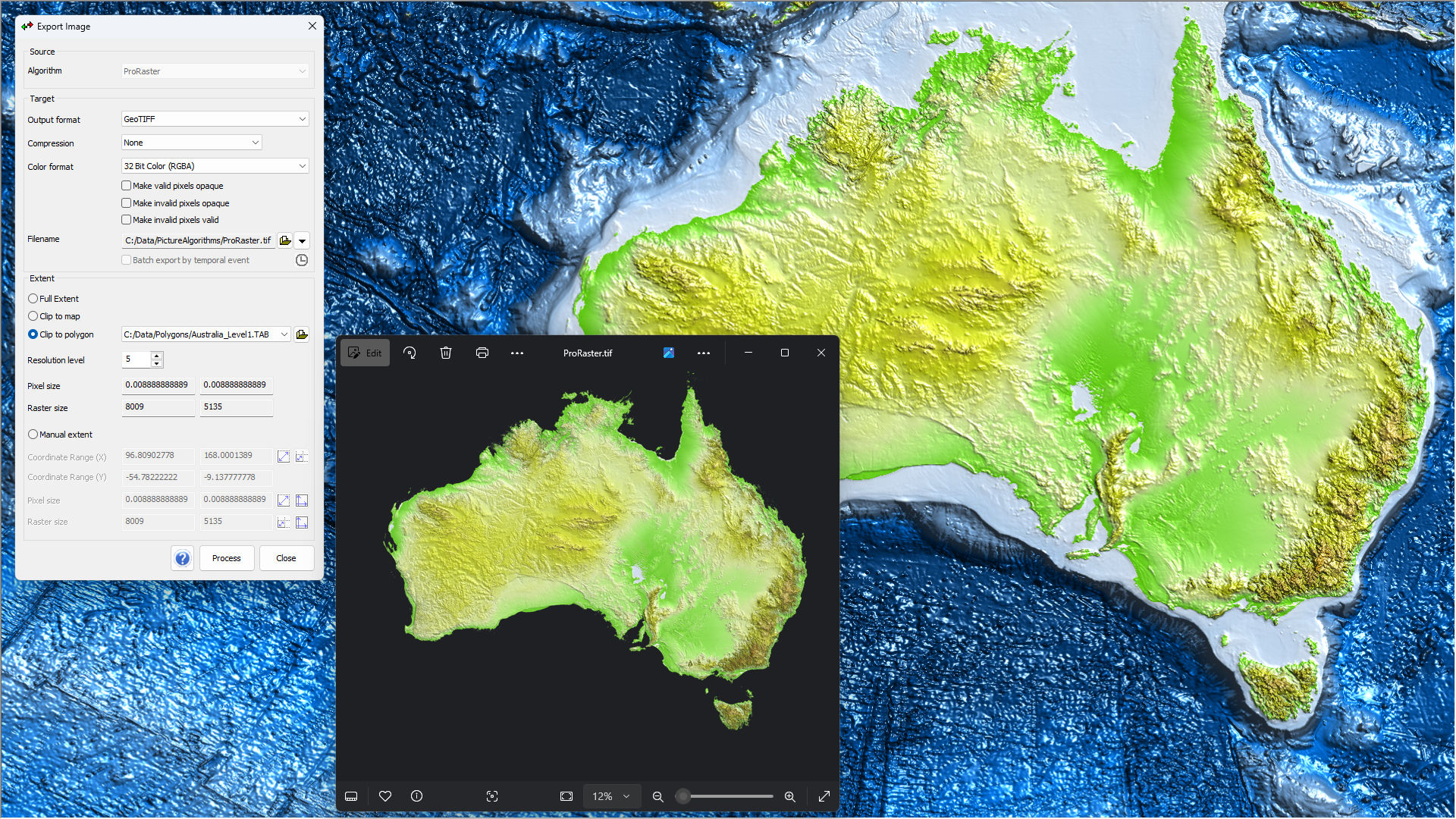
ProRaster Premium 4.0.0.9 is a professional raster based GIS software designed for spatial analysis, mapping, and terrain modeling. It is suitable for planners, engineers, researchers, and GIS professionals who need efficient tools for analyzing raster data and producing accurate geographic insights.

This release focuses on improved performance, expanded analysis functions, and a refined workflow for reliable geospatial projects.

Features of ProRaster Premium 4.0.0.9

Raster Based GIS Analysis
ProRaster Premium provides comprehensive raster analysis tools for working with grid based spatial data in mapping and planning projects.

Terrain and Surface Modeling
The software supports digital elevation models, slope and aspect calculation, contour generation, and surface visualization.

Hydrological Analysis Tools
Users can perform flow direction, flow accumulation, watershed delineation, and drainage network analysis.

Visibility and Viewshed Analysis
ProRaster Premium includes visibility and line of sight analysis tools for landscape assessment and planning studies.

Spatial Modeling and Map Algebra
The software enables advanced spatial modeling using raster operations and mathematical map algebra functions.

Data Import and Export Compatibility
ProRaster Premium supports common raster formats, ensuring easy integration with other GIS and mapping software.

Visualization and Map Creation
Users can apply color schemes, overlays, and annotations to create clear and professional raster maps.

User Friendly Workflow
The intuitive interface allows efficient setup and execution of spatial analysis tasks without complex configuration.

Performance and Stability Enhancements
Version 4.0.0.9 includes optimizations for faster processing and stable handling of large raster datasets.

Why Choose ProRaster Premium 4.0.0.9
ProRaster Premium 4.0.0.9 is an effective solution for professionals who require dependable raster GIS analysis and visualization. Its balanced feature set and ease of use make it suitable for planning, environmental studies, and spatial decision support.

If you want to download ProRaster Premium 4.0.0.9 full license, please click to DOWNLOAD button to download.
CLICKDOWN.ORG Download CAD CAM CNC software
Inside package ProRaster Premium 4.0.0.9, already have cracked files and instruction how to install ProRaster Premium 4.0.0.9 step by step. I guarantee you can install ProRaster Premium 4.0.0.9 successfully if you follow that instruction.
If you also can’t install it or get any problems, please contact to me by email: clickdown.org@gmail.com, then I will help you to install software by teamviewer or Ultraviewer or Anydesk.
Thanks a lot

SOFTWARES

Download ProRaster Scientific 4.0.10 full license forever

Download ProRaster Scientific 4.0.10 full license forever

Link download ProRaster Scientific 4.0.10 full activated

Working with ProRaster Scientific 4.0.10 full license

Description of ProRaster Scientific 4.0.10

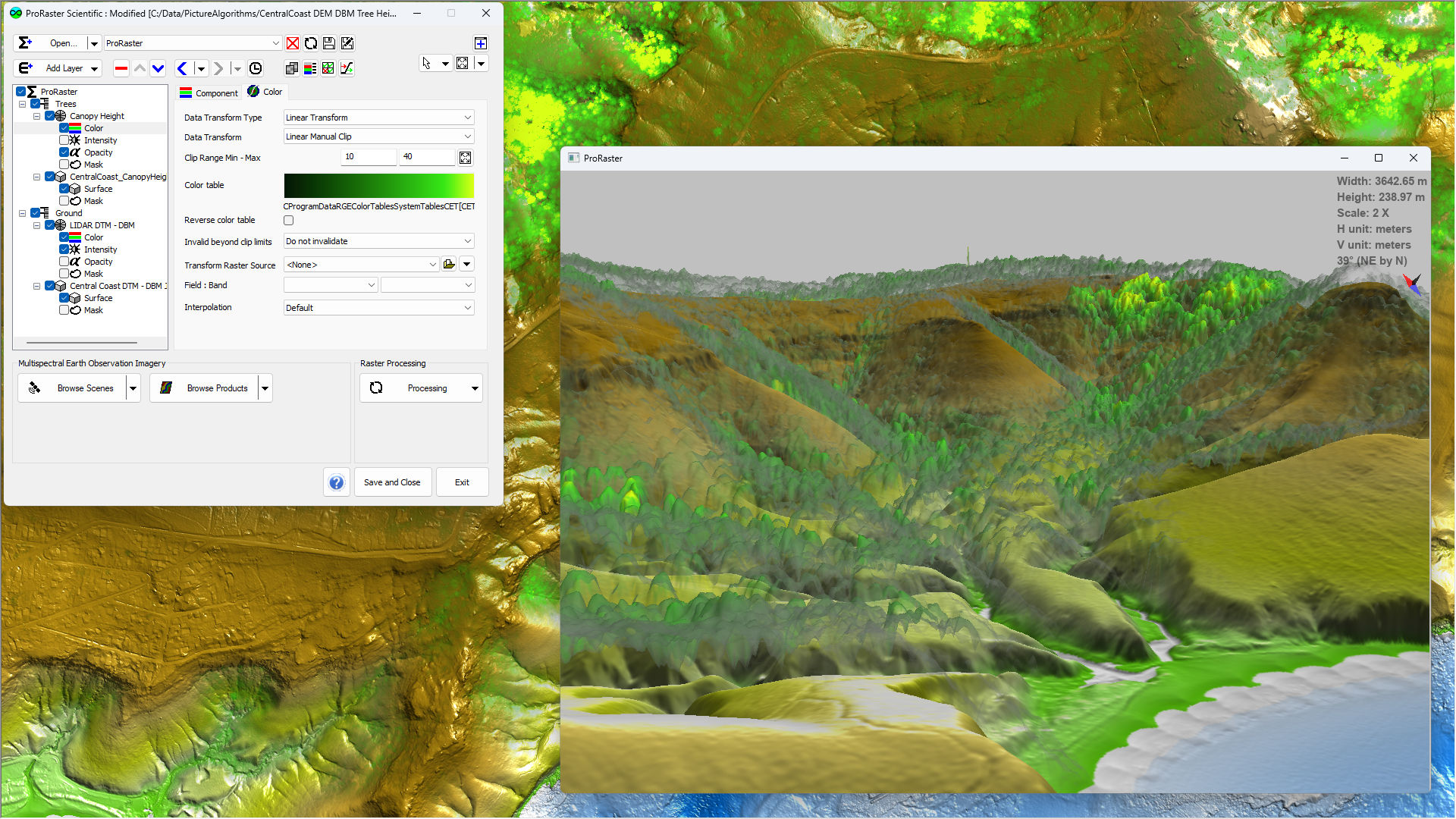
ProRaster Scientific 4.0.10 is a professional raster based GIS and spatial analysis software designed for scientific research, environmental studies, and geospatial modeling. It is widely used by researchers, engineers, and analysts to process, analyze, and visualize raster datasets with high accuracy.

This version improves calculation performance, expands analytical capabilities, and enhances workflow efficiency for advanced spatial analysis projects.

Features of ProRaster Scientific 4.0.10

Advanced Raster Analysis
ProRaster Scientific provides powerful tools for raster based spatial analysis including terrain modeling, surface analysis, and grid calculations.

Digital Elevation and Terrain Modeling
The software supports elevation data processing, slope analysis, aspect calculation, watershed modeling, and terrain visualization.

Hydrological and Environmental Analysis
Users can perform hydrology related analysis such as flow direction, flow accumulation, drainage networks, and catchment delineation.

Visibility and Line of Sight Analysis
ProRaster Scientific includes tools for viewshed and visibility analysis used in landscape planning and environmental assessment.

Spatial Modeling and Map Algebra
The software enables complex spatial modeling using raster operations and map algebra functions.

Data Import and Export Support
ProRaster Scientific supports common raster formats, allowing easy integration with other GIS and scientific data sources.

Visualization and Mapping
Users can visualize raster layers, apply color ramps, and generate clear maps for analysis and reporting.

User Friendly Interface
The intuitive interface allows efficient setup and execution of raster analysis without complex configuration.

Performance and Stability Improvements
Version 4.0.10 includes optimizations for faster processing and reliable handling of large raster datasets.

Why Choose ProRaster Scientific 4.0.10
ProRaster Scientific 4.0.10 is an effective solution for professionals who require accurate raster based spatial analysis. Its strong analytical tools and efficient workflow make it suitable for scientific, environmental, and geospatial research applications.

If you want to download ProRaster Scientific 4.0.10 full license, please click to DOWNLOAD button to download.
CLICKDOWN.ORG Download CAD CAM CNC software
Inside package ProRaster Scientific 4.0.10, already have cracked files and instruction how to install ProRaster Scientific 4.0.10 step by step. I guarantee you can install ProRaster Scientific 4.0.10 successfully if you follow that instruction.
If you also can’t install it or get any problems, please contact to me by email: clickdown.org@gmail.com, then I will help you to install software by teamviewer or Ultraviewer or Anydesk.
Thanks a lot
SOFTWARES

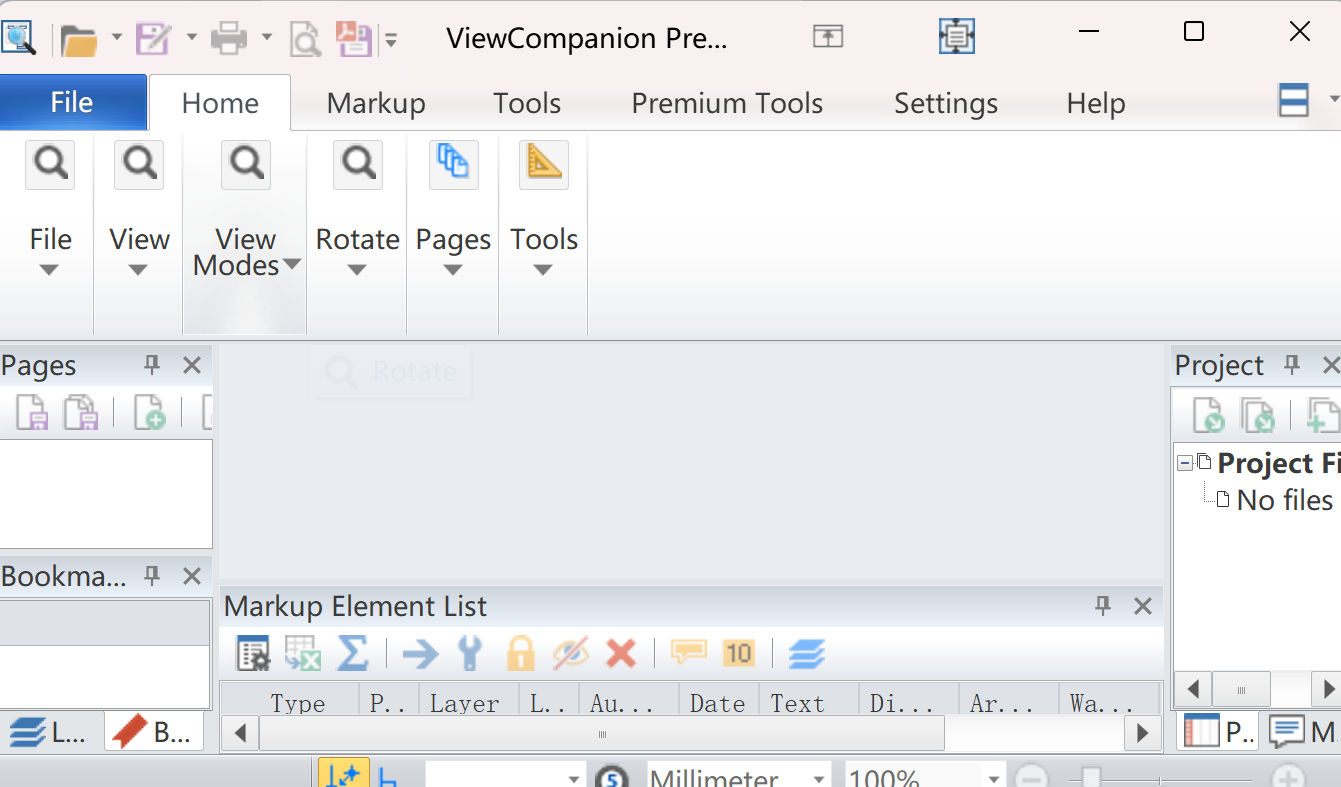
Download ViewCompanion Premium 16.24.0.1118 full license

Download ViewCompanion Premium 16.24.0.1118 full license

Link download ViewCompanion Premium 16.24.0.1118 full activated

Working with ViewCompanion Premium 16.24.0.1118 full license

Description of ViewCompanion Premium 16.24.0.1118

ViewCompanion Premium 16.24.0.1118 is a professional CAD viewer and file conversion software designed for engineers, designers, and technical professionals. It allows users to view, print, convert, and measure a wide range of CAD and plot file formats without requiring full CAD applications.

This version improves performance, expands format support, and enhances accuracy for technical document handling and review.

Features of ViewCompanion Premium 16.24.0.1118

Advanced CAD and Plot File Viewing
ViewCompanion Premium enables accurate viewing of PLT, HPGL, DXF, DWG, CGM, TIFF, and PDF files with high precision.

File Conversion and Export
Users can convert CAD and plot files into PDF, TIFF, JPEG, PNG, and other standard formats for sharing and archiving.

Measurement and Markup Tools
The software includes measurement tools for distance, area, and angles, as well as markup features for comments and annotations.

Batch Processing Support
Batch conversion and printing tools allow efficient handling of large numbers of files.

High Quality Printing
ViewCompanion Premium supports precise printing with scale control, line width handling, and layout customization.

Layer and Color Management
Users can control layers, colors, and visibility to focus on relevant drawing information.

PDF Creation and Editing
The software enables creation of searchable PDFs and supports merging and organizing multiple documents.

User Friendly Interface
An intuitive interface ensures fast access to tools and smooth workflow for both beginners and advanced users.

Performance and Stability Improvements
Version 16.24.0.1118 includes optimizations for faster loading, smoother navigation, and reliable handling of complex drawings.

Why Choose ViewCompanion Premium 16.24.0.1118
ViewCompanion Premium 16.24.0.1118 is an ideal solution for professionals who need reliable CAD viewing and conversion without full CAD software. Its accuracy, format support, and productivity tools make it suitable for technical documentation and engineering workflows.

If you want to download ViewCompanion Premium 16.24.0.1118 full license, please click to DOWNLOAD button to download.
CLICKDOWN.ORG Download CAD CAM CNC software
Inside package ViewCompanion Premium 16.24.0.1118, already have cracked files and instruction how to install ViewCompanion Premium 16.24.0.1118 step by step. I guarantee you can install ViewCompanion Premium 16.24.0.1118 successfully if you follow that instruction.
If you also can’t install it or get any problems, please contact to me by email: clickdown.org@gmail.com, then I will help you to install software by teamviewer or Ultraviewer or Anydesk.
Thanks a lot
SOFTWARES

Download Siemens Simcenter FloEFD 2512.0.0 v6992 x64 full

Download Siemens Simcenter FloEFD 2512.0.0 v6992 x64 full

Link download Siemens Simcenter FloEFD 2512.0.0 v6992 full activated

Siemens Simcenter FloEFD 2512.0.0 v6992 Standalone Win64 full

Description of Siemens Simcenter FloEFD 2512.0.0 v6992

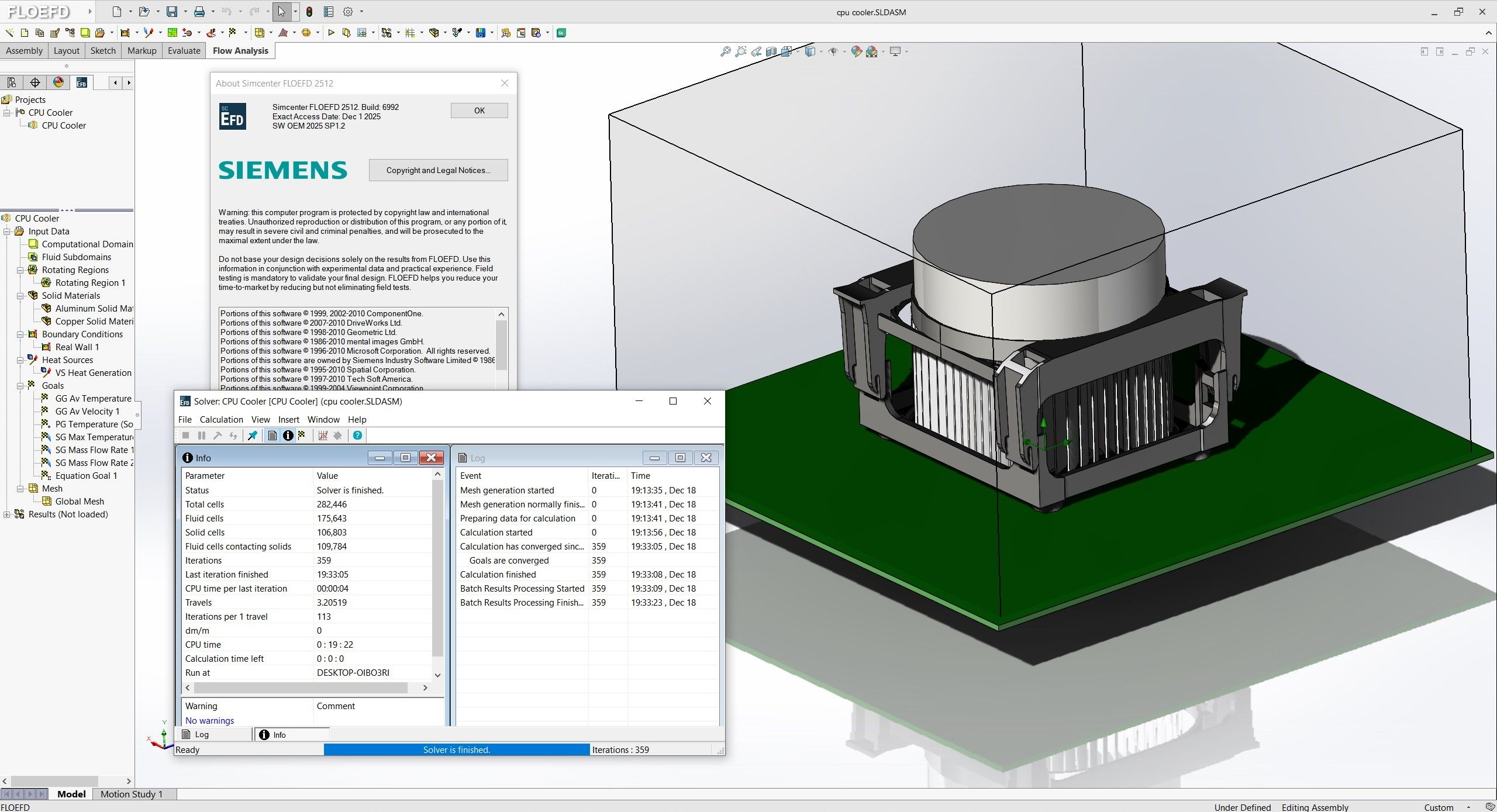
Siemens Simcenter FloEFD 2512.0.0 v6992 is a powerful computational fluid dynamics software integrated directly into CAD environments. It enables engineers to simulate fluid flow, heat transfer, and thermal behavior early in the design process, helping improve product performance and reliability.
This version enhances solver accuracy, CAD integration stability, and performance for complex engineering simulations.

Features of Siemens Simcenter FloEFD 2512.0.0 v6992

CAD Integrated CFD Simulation
Simcenter FloEFD works natively inside popular CAD systems, allowing engineers to run CFD simulations without leaving the design environment.

Fluid Flow and Heat Transfer Analysis
The software provides accurate simulation of internal and external fluid flow, convection, conduction, and radiation heat transfer.

Electronics Cooling Simulation
FloEFD is widely used for electronics cooling analysis, enabling evaluation of airflow, temperature distribution, and thermal management efficiency.

Automated Meshing Technology
Advanced automatic meshing reduces setup time while maintaining reliable accuracy for complex geometries.

What If Design Studies
Engineers can easily evaluate design variations and operating conditions to optimize performance and thermal behavior.

Support for Turbulence and Multiphase Flow
The software includes models for turbulence, compressible flow, and multiphase applications for realistic simulations.

Visualization and Result Analysis
Clear visualization tools present velocity, pressure, and temperature results for informed engineering decisions.

High Performance and Solver Enhancements
Version 2512.0.0 improves calculation speed, solver robustness, and stability for large and complex CAD assemblies.

Why Choose Siemens Simcenter FloEFD 2512.0.0 v6992
Siemens Simcenter FloEFD 2512.0.0 v6992 is ideal for engineers who want fast and accurate CFD directly within their CAD workflow. Its ease of use and strong thermal and flow analysis capabilities support better design decisions early in development.

If you want to download Siemens Simcenter FloEFD 2512.0.0 v6992 full license, please click to DOWNLOAD button to download.
CLICKDOWN.ORG Download CAD CAM CNC software
Inside package Siemens Simcenter FloEFD 2512.0.0 v6992, already have cracked files and instruction how to install Siemens Simcenter FloEFD 2512.0.0 v6992 step by step. I guarantee you can install Siemens Simcenter FloEFD 2512.0.0 v6992 successfully if you follow that instruction.
If you also can’t install it or get any problems, please contact to me by email: clickdown.org@gmail.com, then I will help you to install software by teamviewer or Ultraviewer or Anydesk.
Thanks a lot
SOFTWARES

Download ANSYS Products 2025 R2.04 SP4 Linux64 full license

Download ANSYS Products 2025 R2.04 (SP4) Linux64 full license

Link download ANSYS Products 2025 R2.04 SP4 full activated

ANSYS Products 2025 R2.04 SP4 Linux64 full license

Description of ANSYS Products 2025 R2.04 SP4

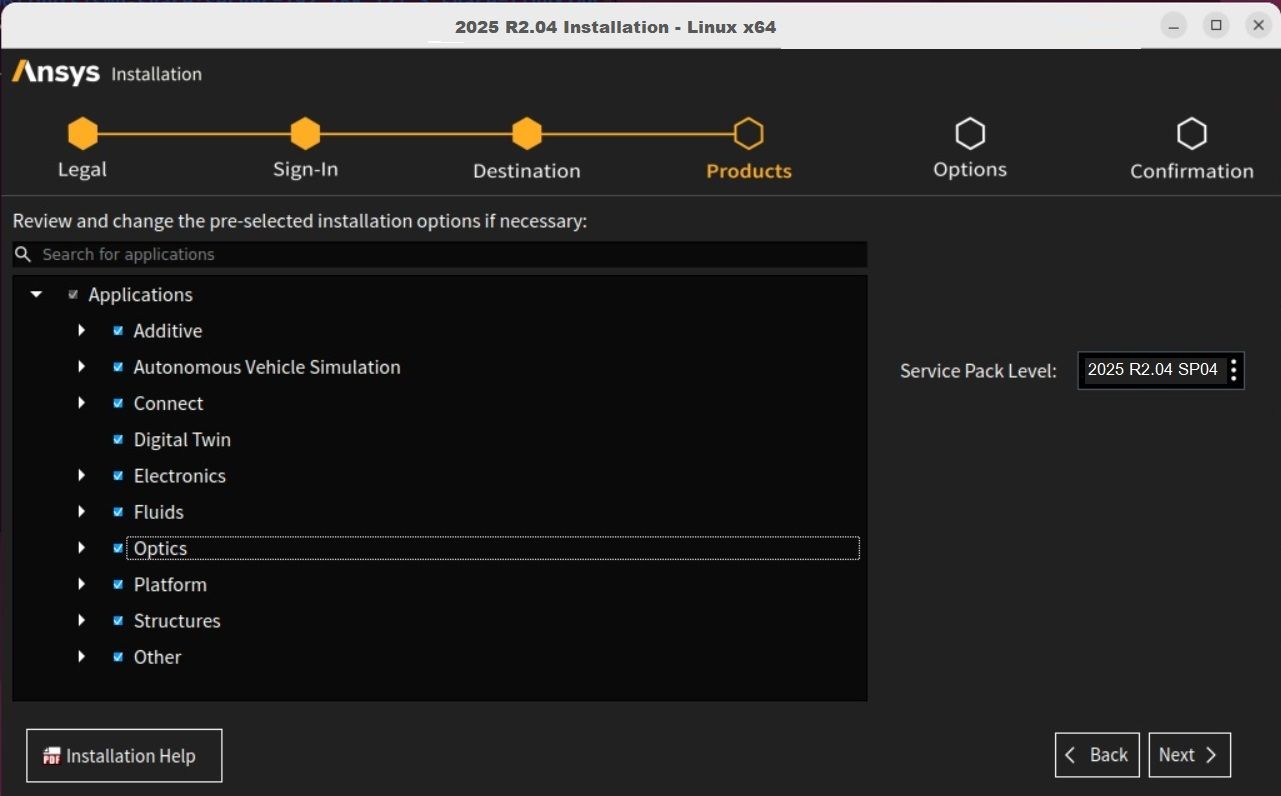
ANSYS Products 2025 R2.04 SP4 Linux64 is a high performance engineering simulation software suite optimized for Linux based environments. It delivers advanced multiphysics simulation capabilities for engineers and researchers who require scalable, accurate, and reliable analysis on workstations, clusters, and high performance computing systems.

This service pack improves solver stability, Linux compatibility, and computational efficiency across the ANSYS product portfolio.

Features of ANSYS Products 2025 R2.04 SP4

Multiphysics Simulation Platform
ANSYS enables coupled simulations across structural, thermal, fluid, electromagnetic, and system level physics for realistic engineering analysis.

Structural and Mechanical Analysis
The software supports linear and nonlinear analysis, fatigue, fracture mechanics, vibration, and explicit dynamics for complex mechanical systems.

Computational Fluid Dynamics
High fidelity CFD tools allow simulation of fluid flow, heat transfer, turbulence, and multiphase behavior in demanding applications.

Electronics and Electromagnetic Simulation
ANSYS provides accurate simulation of electromagnetics, signal integrity, power integrity, and thermal effects in electronic designs.

Linux Optimized Performance
The Linux64 version is optimized for parallel processing, large memory usage, and HPC environments for faster simulation turnaround.

High Performance Computing Scalability
ANSYS scales efficiently across multiple cores and nodes, making it suitable for enterprise level and research simulations.

CAD Integration and Preprocessing
Robust CAD import, geometry cleanup, and meshing workflows streamline simulation setup on Linux platforms.

Automation and Design Optimization
Automation tools enable parameter studies, optimization, and design exploration to improve engineering outcomes.

Improved Stability and Solver Reliability
SP4 enhances solver robustness, numerical stability, and overall reliability for long and complex simulations.

Why Choose ANSYS Products 2025 R2.04 SP4 Linux64
ANSYS Products 2025 R2.04 SP4 Linux64 is ideal for organizations that rely on Linux based simulation environments. Its performance, scalability, and comprehensive multiphysics capabilities support confident engineering decisions across industries.

If you want to download ANSYS Products 2025 R2.04 SP4 full license, please click to DOWNLOAD button to download.
CLICKDOWN.ORG Download CAD CAM CNC software
Inside package ANSYS Products 2025 R2.04 SP4, already have cracked files and instruction how to install ANSYS Products 2025 R2.04 SP4 step by step. I guarantee you can install ANSYS Products 2025 R2.04 SP4 successfully if you follow that instruction.
If you also can’t install it or get any problems, please contact to me by email: clickdown.org@gmail.com, then I will help you to install software by teamviewer or Ultraviewer or Anydesk.
Thanks a lot
SOFTWARES

Download ANSYS Products 2025 R2.04 (SP4) win64 full license

Download ANSYS Products 2025 R2.04 (SP4) full license

Link download ANSYS Products 2025 R2.04 (SP4) full activated

ANSYS Products 2025 R2.04 SP4 x64 full license

Description of ANSYS Products 2025 R2.04 (SP4)

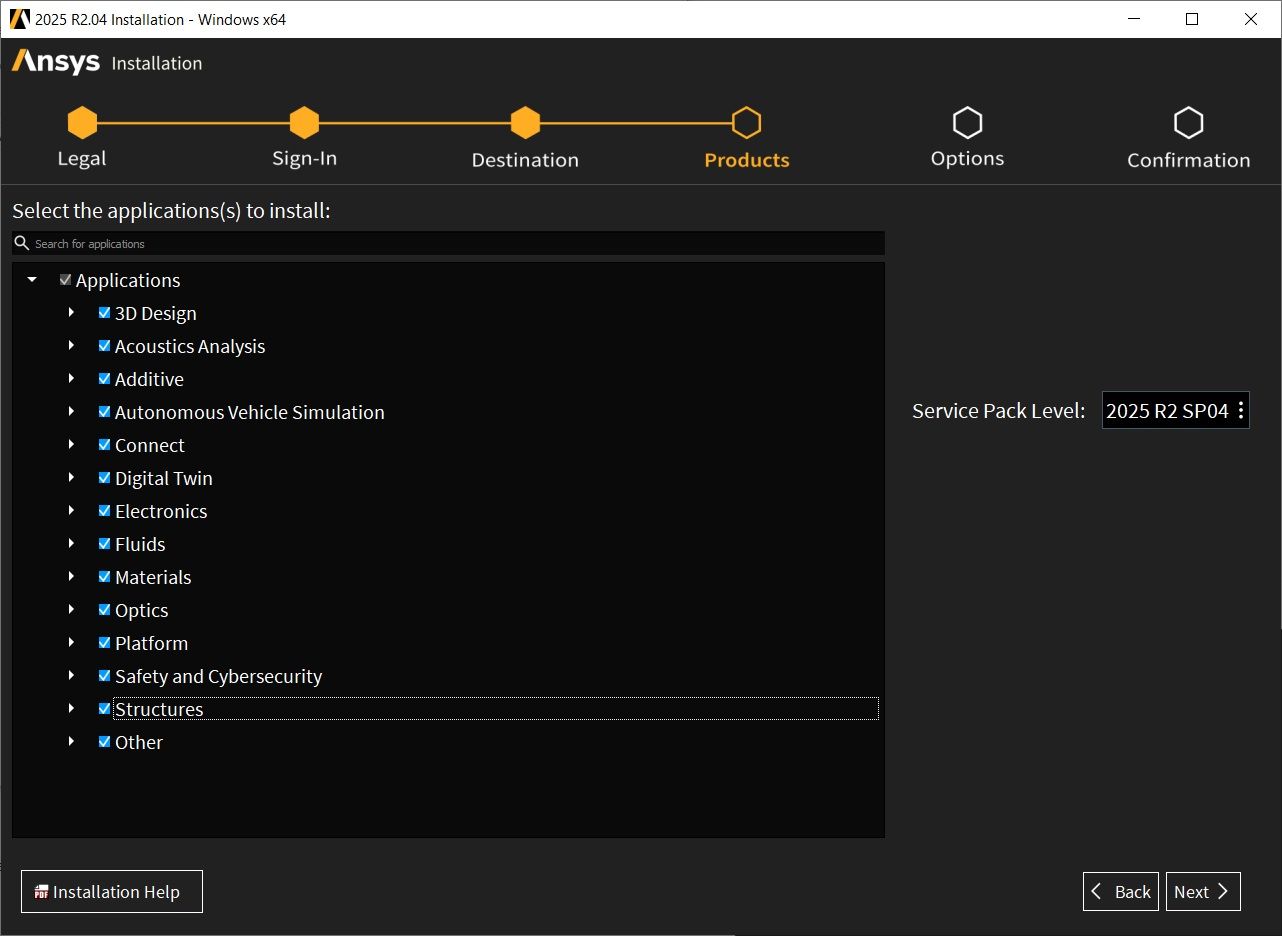
ANSYS Products 2025 R2.04 (SP4) is a comprehensive engineering simulation software suite that delivers advanced multiphysics analysis for product design, validation, and optimization. It is widely used across industries such as aerospace, automotive, electronics, energy, and manufacturing to solve complex engineering challenges with high accuracy.

This service pack release improves solver stability, enhances performance, and refines workflows across the ANSYS product portfolio.

Features of ANSYS Products 2025 R2.04 (SP4)

Multiphysics Simulation Capabilities
ANSYS enables coupled simulation across structural, thermal, fluid, electromagnetic, and system level physics for realistic product behavior analysis.

Structural and Mechanical Analysis
The suite includes advanced tools for linear and nonlinear structural analysis, fatigue, fracture, vibration, and explicit dynamics.

Computational Fluid Dynamics
ANSYS provides high fidelity CFD tools for flow, heat transfer, turbulence, and multiphase simulations across complex geometries.

Electromagnetic and Electronics Simulation
Engineers can simulate electromagnetics, signal integrity, power integrity, and thermal behavior of electronic systems.

System Level and Digital Engineering
ANSYS supports system modeling, digital twins, and model based engineering for end to end product lifecycle optimization.

High Performance Computing and Scalability
The software is optimized for parallel computing and large scale simulations, enabling faster turnaround times.

CAD and Data Integration
ANSYS integrates with major CAD platforms and supports robust geometry import, cleanup, and preprocessing workflows.

Automation and Optimization Tools
Built in automation and optimization tools help explore design variations and improve product performance efficiently.

Enhanced Stability and Performance
SP4 delivers improved solver robustness, memory efficiency, and overall simulation reliability.

Why Choose ANSYS Products 2025 R2.04 (SP4)
ANSYS Products 2025 R2.04 (SP4) is an industry leading simulation platform for organizations that demand accuracy, scalability, and innovation. Its multiphysics approach enables confident engineering decisions across the entire product development process.

If you want to download ANSYS Products 2025 R2.04 (SP4) full license, please click to DOWNLOAD button to download.
CLICKDOWN.ORG Download CAD CAM CNC software
Inside package ANSYS Products 2025 R2.04 (SP4), already have cracked files and instruction how to install ANSYS Products 2025 R2.04 (SP4) step by step. I guarantee you can install ANSYS Products 2025 R2.04 (SP4) successfully if you follow that instruction.
If you also can’t install it or get any problems, please contact to me by email: clickdown.org@gmail.com, then I will help you to install software by teamviewer or Ultraviewer or Anydesk.
Thanks a lot
SOFTWARES

Download CALGAVIN hiTRAN SP 5.6 full license forever

Download CALGAVIN hiTRAN SP 5.6 full license forever

Link download CALGAVIN hiTRAN SP 5.6 full activated

Working with CALGAVIN hiTRAN SP 5.6 full license

Description of CALGAVIN hiTRAN SP 5.6

CALGAVIN hiTRAN SP 5.6 is specialized thermal engineering software developed for the design, rating, and performance analysis of shell and tube heat exchangers. It is widely used by process engineers and plant operators to evaluate heat exchanger efficiency, diagnose performance issues, and improve thermal system reliability.

This version enhances calculation accuracy, improves fouling analysis, and refines reporting tools for professional heat transfer applications.

Features of CALGAVIN hiTRAN SP 5.6

Shell and Tube Heat Exchanger Analysis
hiTRAN SP provides detailed thermal and hydraulic analysis for shell and tube heat exchangers under real operating conditions.

Heat Exchanger Rating and Design
The software enables accurate rating of existing exchangers and supports design evaluation for new or modified equipment.

Fouling Diagnosis and Performance Monitoring
Users can assess fouling resistance, identify performance degradation, and evaluate cleaning or maintenance strategies.

Thermal and Hydraulic Calculations
hiTRAN SP calculates heat transfer coefficients, pressure drop, temperature profiles, and overall exchanger effectiveness.

What If and Sensitivity Studies
Engineers can evaluate the impact of process changes, flow variations, and operating conditions on exchanger performance.

Industry Proven Correlations
The software uses validated heat transfer and pressure drop correlations for reliable engineering results.

Clear Reporting and Data Presentation
Results are presented in clear reports that support engineering documentation and decision making.

User Friendly Interface
The intuitive interface allows efficient setup and analysis without complex modeling workflows.

Performance and Stability Improvements
Version 5.6 includes optimizations for improved calculation speed and stable handling of complex exchanger models.

Why Choose CALGAVIN hiTRAN SP 5.6
CALGAVIN hiTRAN SP 5.6 is a trusted solution for improving heat exchanger performance and operational efficiency. Its accurate analysis tools and practical engineering focus make it ideal for process plants and energy intensive industries.

If you want to download CALGAVIN hiTRAN SP 5.6 full license, please click to DOWNLOAD button to download.
CLICKDOWN.ORG Download CAD CAM CNC software
Inside package CALGAVIN hiTRAN SP 5.6, already have cracked files and instruction how to install CALGAVIN hiTRAN SP 5.6 step by step. I guarantee you can install CALGAVIN hiTRAN SP 5.6 successfully if you follow that instruction.
If you also can’t install it or get any problems, please contact to me by email: clickdown.org@gmail.com, then I will help you to install software by teamviewer or Ultraviewer or Anydesk.
Thanks a lot
error: Content is protected !!
Scroll to Top