August 2026

SOFTWARES

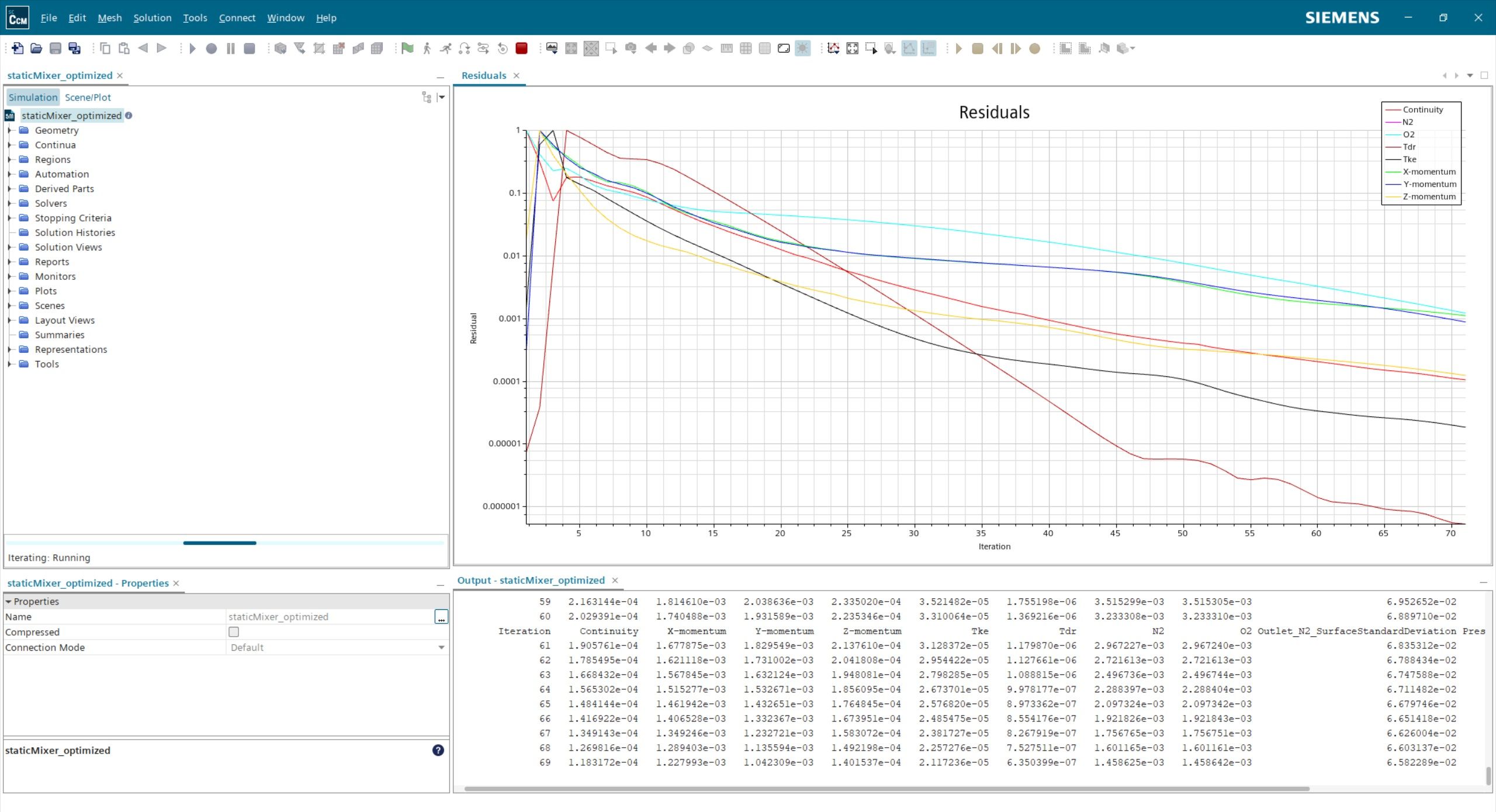
Download Siemens Star-CCM+ 2606.0001 x64 full license

Siemens Star-CCM+ 2606.0001 – Advanced Multiphysics CFD Simulation

Download Siemens Star-CCM+ 2606.0001 x64 full license

Link download Siemens Star-CCM+ 2606.0001 win64 full activated
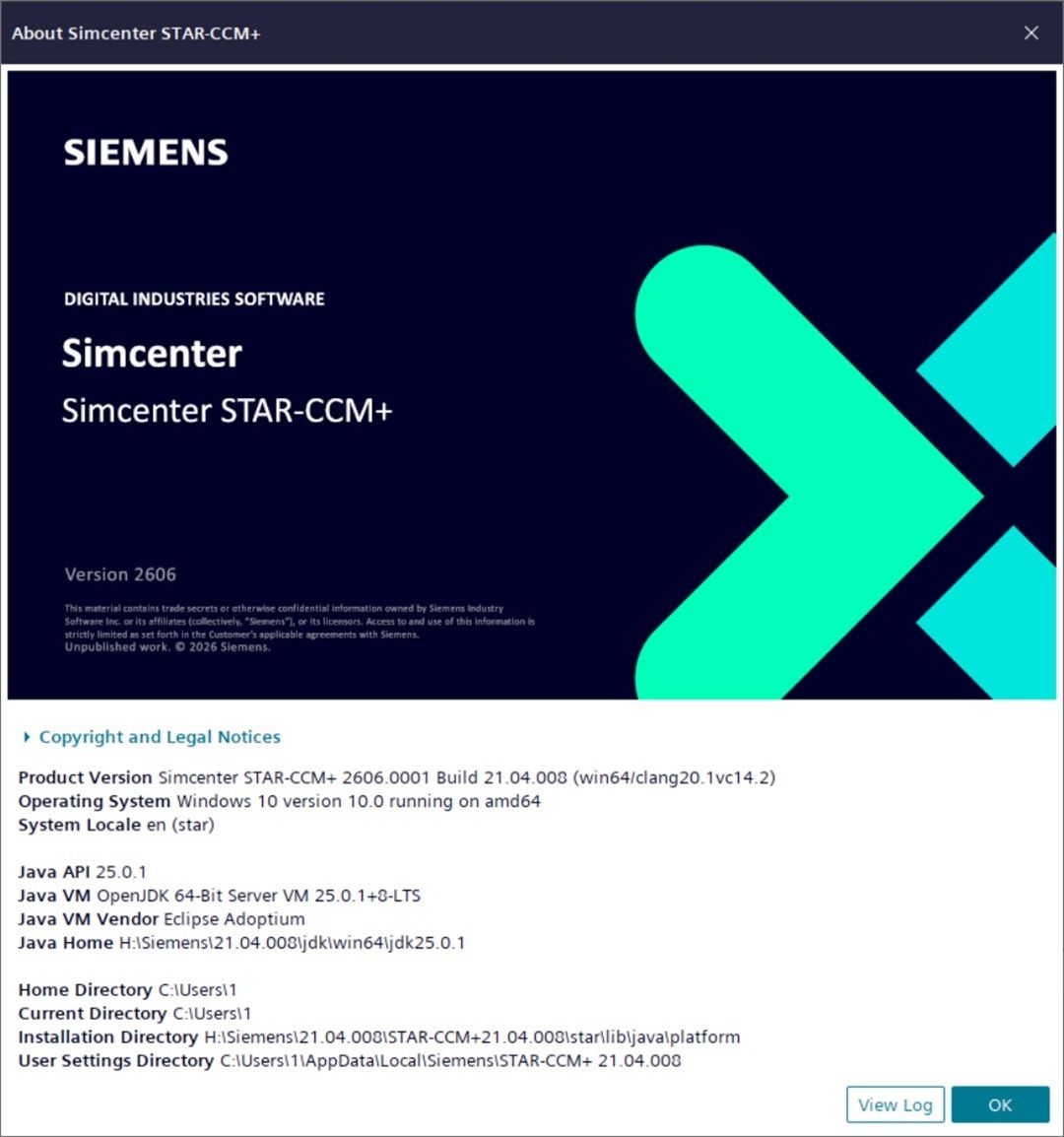
Siemens Star-CCM+ 2606.0001 x64 full license

Working with Siemens Star-CCM+ 2606.0001 full license

Description of Siemens Star-CCM+ 2606.0001

Siemens Star-CCM+ 2606.0001 is a comprehensive computational fluid dynamics (CFD) and multiphysics simulation platform designed for engineers and researchers working with complex real-world engineering problems. The software integrates geometry preparation, meshing, physics modeling, simulation, data analysis, and visualization within a unified environment.

The 2606 release introduces improvements focused on simulation performance, automation, GPU computing, electromagnetics, combustion, AI-assisted engineering workflows, and energy-efficient CFD. Siemens highlights faster AI model training, GPU acceleration for selected combustion and liquid-fuel simulations, enhanced e-motor magnetic-field modeling, and new tools for comparing simulation results.

Features of Siemens Star-CCM+ 2606.0001

Multiphysics CFD – Simulate fluid flow, heat transfer, solid mechanics, multiphase flow, particle dynamics, reacting flows, electromagnetics, electrochemistry, rheology, and aeroacoustics.
Integrated Simulation Environment – Manage geometry, meshing, physics models, solving, post-processing, and visualization within a unified workflow.
Advanced Meshing – Generate simulation-ready meshes with automated meshing capabilities designed to reduce preparation time.
Fluid Flow Simulation – Analyze a broad range of internal and external flow problems using robust CFD solvers.
Multiphase Modeling – Model complex multiphase applications including free surfaces, mixtures, sprays, and particle flows.
Heat Transfer – Simulate conductive and convective heat transfer and coupled fluid-solid thermal behavior.
Reacting Flow & Combustion – Analyze combustion and chemically reacting flows for applications such as engines, turbines, and industrial processes.
Electromagnetics – Model electromagnetic phenomena and detailed electric-motor geometries for electrified powertrain applications.
GPU Acceleration – Selected simulation workflows can take advantage of GPU computing to reduce solution times.
Design Exploration – Explore multiple design variants directly within the simulation environment to evaluate performance and trade-offs.
Automation & Templates – Automate repetitive simulation tasks and establish consistent engineering workflows.
Data Analysis – Analyze simulation results and compare different solutions to identify performance differences and design opportunities.
High-Performance Computing – Support scalable simulation workflows across modern CPU and GPU computing resources.
3D Visualization – Review simulation results through detailed interactive visualization and post-processing tools.
AI-Assisted Engineering – The 2606 release includes improvements for training AI models and accelerating design iteration.

Applications
Siemens Star-CCM+ 2606.0001 can be used across a wide range of engineering and research applications, including:
Automotive aerodynamics
Aerospace and aircraft design
Marine and hydrodynamic analysis
Turbomachinery
Battery and electric-motor development
Electronics cooling
Industrial equipment
Combustion systems
Multiphase process engineering
Thermal management
Environmental and fluid-flow studies

Why Choose Star-CCM+?
STAR-CCM+ is designed to reduce the need to move between multiple specialized applications by providing an integrated CFD workflow. Engineers can progress from geometry and automated meshing through multiphysics simulation, analysis, and visualization within one platform.
Its combination of multiphysics capabilities, automated workflows, design exploration, and scalable computing makes it suitable for both detailed engineering analysis and broader virtual product-development workflows.

Conclusion
Siemens Star-CCM+ 2606.0001 is a powerful multiphysics CFD platform for analyzing complex engineering systems under realistic operating conditions. With advanced fluid-flow, thermal, multiphase, combustion, electromagnetics, meshing, automation, and high-performance computing capabilities, it provides engineers with a comprehensive environment for simulation-driven design and optimization.

If you want to download Siemens Star-CCM+ 2606.0001 full license, please click to DOWNLOAD button to download.
CLICKDOWN.ORG Download CAD CAM CNC software
Inside package Siemens Star-CCM+ 2606.0001, already have cracked files and instruction how to install Siemens Star-CCM+ 2606.0001 step by step. I guarantee you can install Siemens Star-CCM+ 2606.0001 successfully if you follow that instruction.
If you also can’t install it or get any problems, please contact to me by email: clickdown.org@gmail.com, then I will help you to install software by teamviewer or Ultraviewer or Anydesk.
Thanks a lot
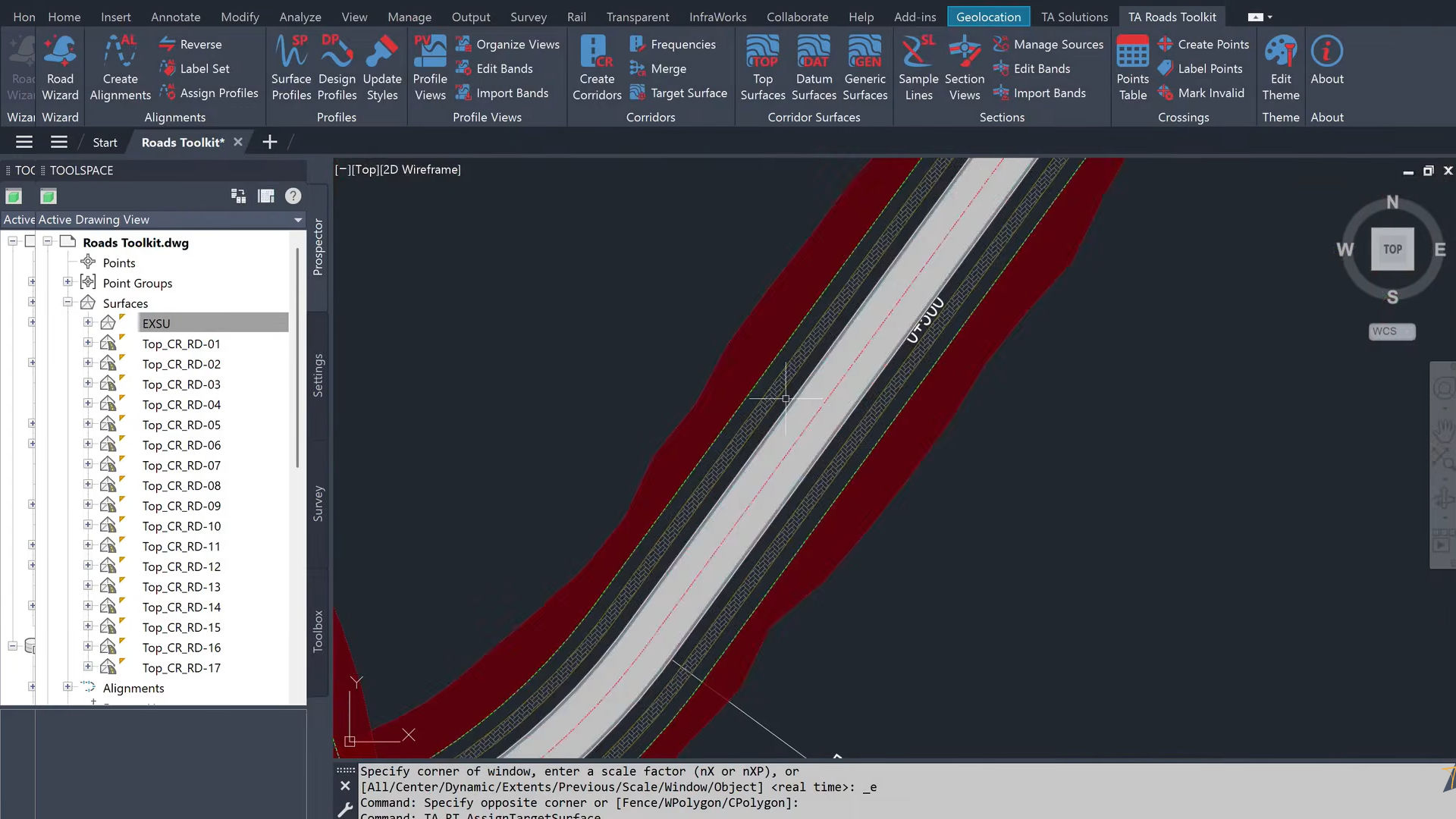
SOFTWARES

Download TA Solutions TA Roads Toolkit 5.0 full license

TA Solutions TA Roads Toolkit 5.0 – Road Design and Civil Engineering Software

Download TA Solutions TA Roads Toolkit 5.0 full license

Link download TA Solutions TA Roads Toolkit 5.0 full activated

Working with TA Solutions TA Roads Toolkit 5.0 full license

Description of TA Solutions TA Roads Toolkit 5.0

TA Solutions TA Roads Toolkit 5.0 is a specialized software solution designed to support road design, civil engineering, and transportation infrastructure workflows. It provides a collection of tools that can help engineers and designers develop, analyze, and document road projects more efficiently.

The toolkit is intended for professionals working with roadway geometry, alignments, profiles, cross-sections, terrain data, and related infrastructure design tasks. By bringing specialized road-design functionality into an integrated environment, it can help streamline repetitive engineering operations and improve project productivity.

Features of TA Solutions TA Roads Toolkit 5.0

Road Design Tools – Support common workflows involved in roadway planning and design.
Alignment Design – Create and manage horizontal road alignments for transportation projects.
Profile Design – Work with vertical alignments and longitudinal road profiles.
Cross-Section Workflows – Develop and review roadway cross-sections for design and documentation.
Terrain Integration – Work with terrain and elevation information when developing road projects.
Civil Engineering Support – Provide tools for infrastructure professionals working on transportation and roadway projects.
Road Geometry – Manage geometric design elements and relationships within road layouts.
Design Documentation – Assist with preparing drawings and project information for engineering deliverables.
Productivity Tools – Automate or simplify repetitive road-design and drafting operations.
Project Visualization – Review roadway designs and related engineering information in a visual environment.
Engineering Accuracy – Help maintain consistent geometric and design information throughout the project.
Integrated Workflow – Bring multiple roadway design tasks together to reduce manual processing between different tools.

Applications
TA Solutions TA Roads Toolkit 5.0 can be useful for a variety of transportation and civil engineering projects, including:
Roadway design
Highway engineering
Transportation infrastructure
Civil engineering projects
Alignment and profile development
Road corridor planning
Cross-section design
Terrain-based road projects
Engineering documentation
Infrastructure design workflows

Why Choose TA Roads Toolkit 5.0?
Road projects often involve repetitive geometry, alignment, profile, terrain, and documentation tasks. A dedicated roadway toolkit can help engineers organize these workflows and reduce the amount of manual work required for routine operations.
TA Roads Toolkit 5.0 provides specialized functionality focused on roadway engineering, making it a useful addition to the software environment of professionals involved in road and transportation infrastructure design.

Conclusion
TA Solutions TA Roads Toolkit 5.0 provides specialized tools for road design and civil engineering workflows. With capabilities related to alignments, profiles, cross-sections, terrain, geometry, and project documentation, the toolkit can help transportation professionals improve efficiency when developing roadway infrastructure projects.

If you want to download TA Solutions TA Roads Toolkit 5.0 full license, please click to DOWNLOAD button to download.
CLICKDOWN.ORG Download CAD CAM CNC software
Inside package TA Solutions TA Roads Toolkit 5.0, already have cracked files and instruction how to install TA Solutions TA Roads Toolkit 5.0 step by step. I guarantee you can install TA Solutions TA Roads Toolkit 5.0 successfully if you follow that instruction.
If you also can’t install it or get any problems, please contact to me by email: clickdown.org@gmail.com, then I will help you to install software by teamviewer or Ultraviewer or Anydesk.
Thanks a lot
SOFTWARES

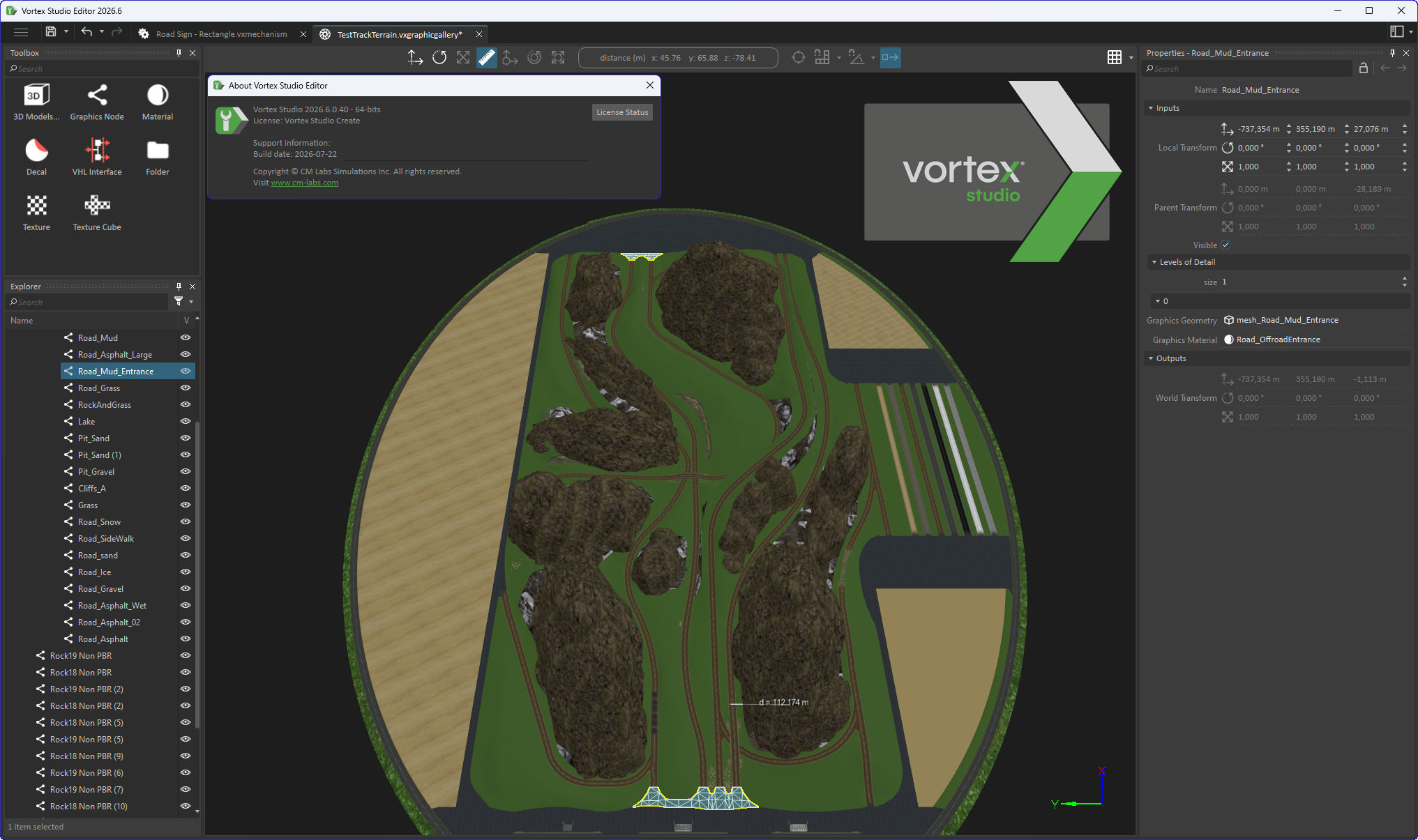
Download CM Labs Simulations Vortex Studio 2026.6.0.40 x64

CM Labs Simulations Vortex Studio 2026.6.0.40 – Advanced Simulation Software

Download CM Labs Simulations Vortex Studio 2026.6.0.40 x64

Link download CM Labs Simulations Vortex Studio 2026.6.0.40 full activated

Working with TA Solutions TA Roads Toolkit 5.0 full license

Description of CM Labs Simulations Vortex Studio 2026.6.0.40

CM Labs Simulations Vortex Studio 2026.6.0.40 is a professional simulation platform designed for creating, testing, and deploying high-fidelity virtual environments and physics-based simulations. It is particularly suited to applications involving heavy equipment, vehicle dynamics, robotics, training, engineering, and operator-in-the-loop simulation.

Vortex Studio provides tools for developing realistic mechanical simulations while combining physics, visualization, control systems, and interactive scenarios in a unified environment. Engineers and simulation developers can use the platform to evaluate equipment behavior, build virtual training applications, and create sophisticated simulation experiences.

Features of CM Labs Simulations Vortex Studio 2026.6.0.40

Physics-Based Simulation – Model realistic mechanical behavior, interactions, forces, and motion.
Real-Time Simulation – Run interactive simulations suitable for engineering analysis, training, and virtual testing.
Vehicle Dynamics – Simulate vehicle movement, handling, terrain interaction, and operating conditions.
Heavy Equipment Simulation – Create realistic simulations for construction, mining, material handling, and other specialized equipment.
Operator-in-the-Loop Simulation – Integrate human operators into interactive simulation environments for realistic training and evaluation.
3D Visualization – Build immersive environments with detailed 3D models, terrain, equipment, and environmental elements.
Interactive Scenarios – Create configurable scenarios for training, testing, demonstrations, and engineering studies.
Robotics Simulation – Develop and evaluate robotic systems and mechanical interactions in virtual environments.
Hardware Integration – Connect simulation software with external hardware, controls, and physical interfaces.
Model-Based Development – Support simulation-driven development and testing of mechanical and control systems.
Modular Architecture – Build reusable simulation components and configure complex simulation systems efficiently.
Data Analysis – Collect and evaluate simulation data to understand system behavior and performance.
Immersive Training – Develop realistic training environments for equipment operators and technical personnel.
Engineering Applications – Use virtual prototypes and simulations to investigate equipment behavior before physical testing.

Applications
Vortex Studio 2026.6.0.40 can be applied across multiple industries and workflows, including:
Construction equipment simulation
Mining equipment training
Vehicle dynamics research
Robotics development
Industrial equipment simulation
Operator training
Engineering validation
Virtual prototyping
Human-machine interaction studies
Simulation-based testing

Why Choose Vortex Studio?
Vortex Studio combines physics simulation, real-time visualization, interactive scenarios, and hardware integration within a unified development environment. This makes it possible to create simulations that go beyond simple visualization by reproducing physical behavior and allowing users to interact with simulated systems.
For engineering and training applications, virtual simulation can help organizations investigate equipment behavior, evaluate operating procedures, develop training scenarios, and test concepts before committing to physical prototypes or field testing.

Conclusion
CM Labs Simulations Vortex Studio 2026.6.0.40 is a powerful platform for developing physics-based, real-time simulation applications. With capabilities covering mechanical simulation, vehicle dynamics, heavy equipment, robotics, visualization, training, and hardware integration, it provides a flexible environment for engineers, simulation developers, and training professionals.

If you want to download CM Labs Simulations Vortex Studio 2026.6.0.40 full license, please click to DOWNLOAD button to download.
CLICKDOWN.ORG Download CAD CAM CNC software
Inside package CM Labs Simulations Vortex Studio 2026.6.0.40, already have cracked files and instruction how to install CM Labs Simulations Vortex Studio 2026.6.0.40 step by step. I guarantee you can install CM Labs Simulations Vortex Studio 2026.6.0.40 successfully if you follow that instruction.
If you also can’t install it or get any problems, please contact to me by email: clickdown.org@gmail.com, then I will help you to install software by teamviewer or Ultraviewer or Anydesk.
Thanks a lot
SOFTWARES

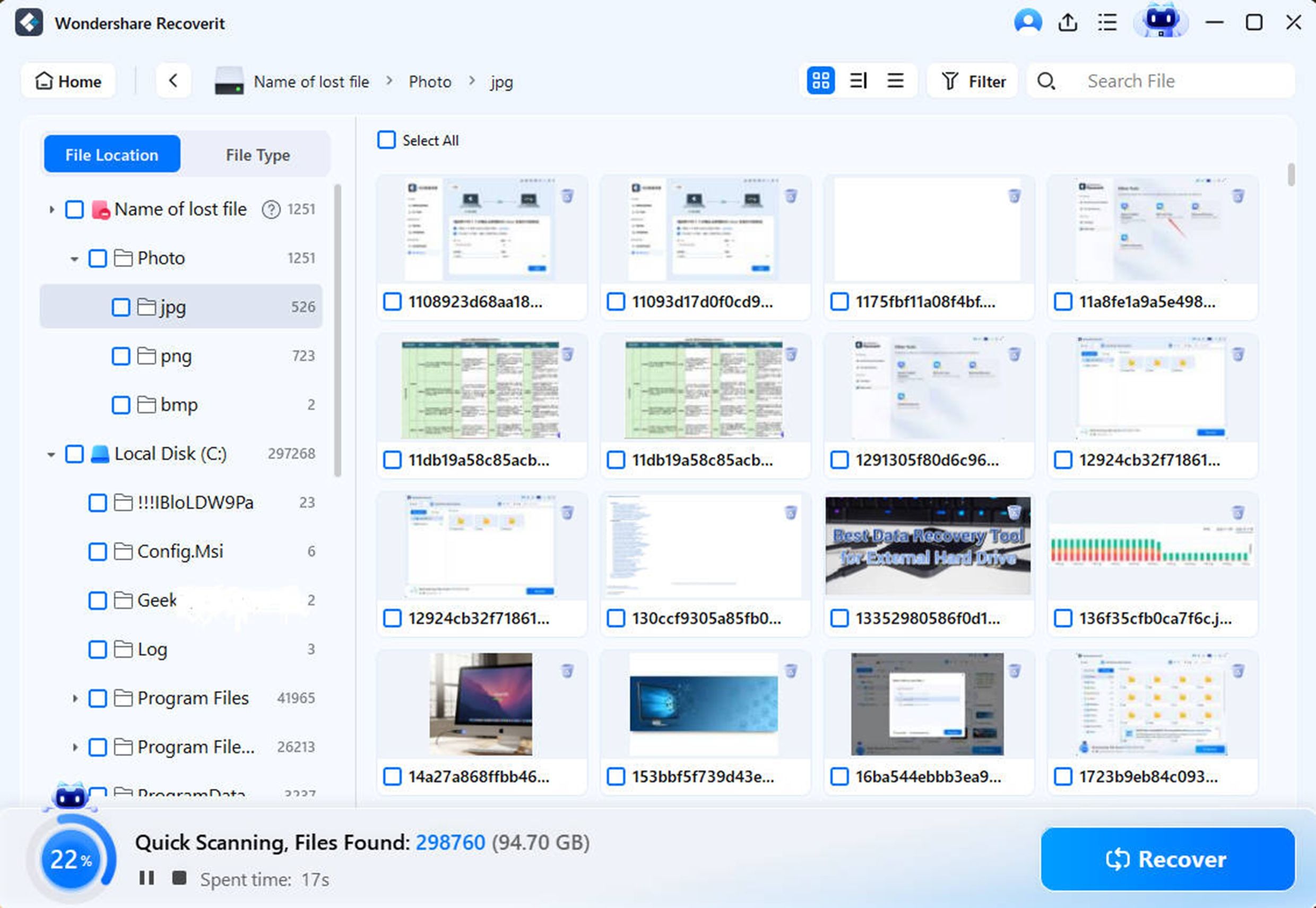
Download Wondershare Recoverit 14.5.0.15 x64 full license

Wondershare Recoverit 14.5.0.15 – Professional Data Recovery Software

Download Wondershare Recoverit 14.5.0.15 x64 full license

Link download Wondershare Recoverit 14.5.0.15 win64 full activated

Working with Wondershare Recoverit 14.5.0.15 full license

Description of Wondershare Recoverit 14.5.0.15

Wondershare Recoverit 14.5.0.15 is a data recovery application designed to help users recover lost, deleted, or inaccessible files from various storage devices and file systems. It provides a straightforward workflow for scanning storage media, identifying recoverable data, previewing files, and restoring important documents.

Recoverit can be useful when files are accidentally deleted, storage devices become inaccessible, partitions are lost, or data is affected by formatting and other common storage problems.

Features of Wondershare Recoverit 14.5.0.15

Deleted File Recovery – Search for files that have been accidentally deleted from supported storage devices.
Deep Scan – Perform a more comprehensive scan to locate recoverable files that may not appear during a quick scan.
Multiple File Types – Supports recovery of documents, photos, videos, audio files, archives, emails, and other common data formats.
Hard Drive Recovery – Scan internal and external drives for lost or inaccessible data.
USB & Memory Card Recovery – Recover data from supported USB drives, memory cards, and other removable storage media.
Formatted Drive Recovery – Search for recoverable files after supported storage devices have been formatted.
Partition Recovery – Help locate and recover files associated with lost or inaccessible partitions.
File Preview – Preview supported recoverable files before selecting them for restoration.
Flexible Scanning – Choose scanning methods based on the type and condition of the storage media.
User-Friendly Interface – Provides a simple workflow designed to make data recovery easier for beginners and experienced users.
Large Storage Support – Designed to work with a wide range of modern storage devices and capacities.
Recovery Filtering – Filter and organize scan results to locate specific files more efficiently.
Common Applications

Wondershare Recoverit 14.5.0.15 can be useful in situations such as:

Accidentally deleted files
Emptying the Recycle Bin or Trash
Accidental drive formatting
Lost or inaccessible partitions
Corrupted or inaccessible storage media
Deleted photos and videos
Lost documents and work files
Recovering data from external drives
Recovering files from removable storage devices

Why Choose Wondershare Recoverit 14.5.0.15?
Recoverit provides an accessible approach to recovering lost data by combining scanning, file identification, previewing, filtering, and restoration tools in one application. Its support for different storage devices and file types makes it a practical option for common data-loss situations.

For the best chance of successful recovery, users should avoid writing new data to the affected storage device before attempting recovery, as new data may overwrite recoverable files.

Conclusion
Wondershare Recoverit 14.5.0.15 is a comprehensive data recovery solution for searching for and restoring lost, deleted, or inaccessible files. With features such as deep scanning, file preview, partition recovery, and support for various storage devices, it provides a convenient workflow for addressing common data-loss scenarios.

If you want to download Wondershare Recoverit 14.5.0.15 full license, please click to DOWNLOAD button to download.
CLICKDOWN.ORG Download CAD CAM CNC software
Inside package Wondershare Recoverit 14.5.0.15, already have cracked files and instruction how to install Wondershare Recoverit 14.5.0.15 step by step. I guarantee you can install Wondershare Recoverit 14.5.0.15 successfully if you follow that instruction.
If you also can’t install it or get any problems, please contact to me by email: clickdown.org@gmail.com, then I will help you to install software by teamviewer or Ultraviewer or Anydesk.
Thanks a lot
SOFTWARES

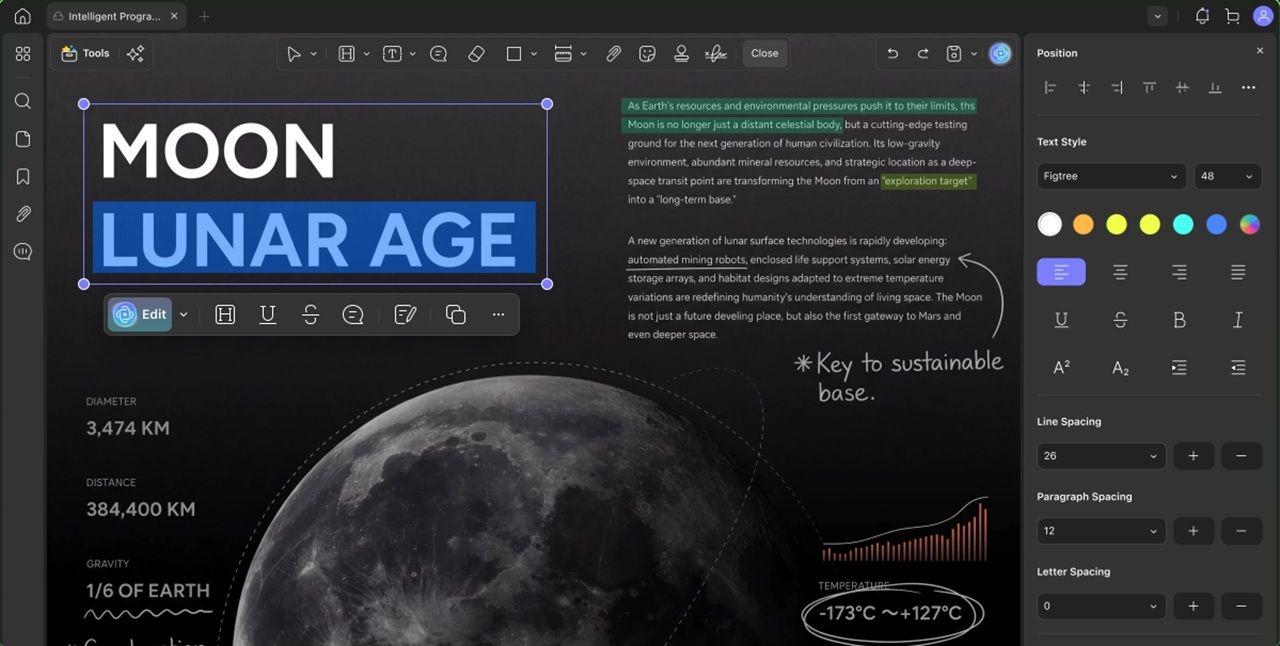
Download Superace UPDF 2.5.8 win64 full license forever

Superace UPDF 2.5.8 – Professional PDF Editor and Management Tool

Download Superace UPDF 2.5.8 win64 full license forever

Link download Superace UPDF 2.5.8 x64 full activated

Working with Superace UPDF 2.5.8 full license forever

Description of Superace UPDF 2.5.8

Superace UPDF 2.5.8 is a versatile PDF management and editing application designed to help users work efficiently with digital documents. It provides tools for editing, annotating, organizing, converting, and protecting PDF files through a modern and intuitive interface.

Whether you need to modify PDF content, add annotations, manage pages, or prepare documents for sharing, UPDF provides a centralized workspace for everyday PDF tasks. It is suitable for students, professionals, businesses, and users who regularly handle digital documents.

Features of Superace UPDF 2.5.8

PDF Editing – Modify text, images, links, and other elements within PDF documents.
PDF Annotation – Add highlights, underlines, comments, shapes, stamps, and other markup tools.
PDF Conversion – Convert PDF documents to commonly used office and image formats.
PDF Creation – Create PDF documents from supported files and digital content.
Page Management – Insert, delete, extract, rotate, reorder, and organize PDF pages.
Document Organization – Manage multiple PDF files and maintain a more efficient document workflow.
OCR Support – Recognize text from scanned documents and image-based PDFs where supported.
PDF Forms – Work with interactive PDF forms and enter information efficiently.
Password Protection – Apply security settings to help protect confidential PDF documents.
Digital Signatures – Support electronic signing workflows for digital documents.
Watermarks – Add customized watermarks to documents for identification and branding.
Text & Image Tools – Adjust document content and visual elements directly within PDFs.
Search Functionality – Quickly locate text and information in lengthy PDF documents.
User-Friendly Interface – Provides an organized workspace designed to simplify PDF-related tasks.

Applications
Superace UPDF 2.5.8 can be useful in many everyday and professional scenarios, including:
Business document management
Academic and educational documents
PDF editing and proofreading
Digital form processing
Document annotation and review
Office document conversion
Electronic document signing
PDF organization and archiving

Why Choose Superace UPDF 2.5.8?
UPDF brings common PDF editing and management functions together in one application. Instead of switching between different tools for editing, annotating, converting, organizing, and protecting documents, users can perform many tasks from a single workspace.
Its combination of document editing, page management, annotation, conversion, OCR, and security features makes Superace UPDF 2.5.8 a practical solution for users who work extensively with PDF files.

Conclusion
Superace UPDF 2.5.8 provides a comprehensive environment for editing, annotating, converting, organizing, and protecting PDF documents. With its broad range of document management features and straightforward workflow, it can help users handle everyday PDF tasks more efficiently.

If you want to download Superace UPDF 2.5.8 full license, please click to DOWNLOAD button to download.
CLICKDOWN.ORG Download CAD CAM CNC software
Inside package Superace UPDF 2.5.8, already have cracked files and instruction how to install Superace UPDF 2.5.8 step by step. I guarantee you can install Superace UPDF 2.5.8 successfully if you follow that instruction.
If you also can’t install it or get any problems, please contact to me by email: clickdown.org@gmail.com, then I will help you to install software by teamviewer or Ultraviewer or Anydesk.
Thanks a lot
SOFTWARES

Download 3DF Zephyr 9.011 win64 full license forever

3DF Zephyr 9.011 – Professional Photogrammetry Software

Download 3DF Zephyr 9.011 win64 full license forever

Link download 3DF Zephyr 9.011 x64 full activated

3DF Zephyr 9.011 x64 full license

Working with 3DF Zephyr 9.011 full activated

Description of 3DF Zephyr 9.011

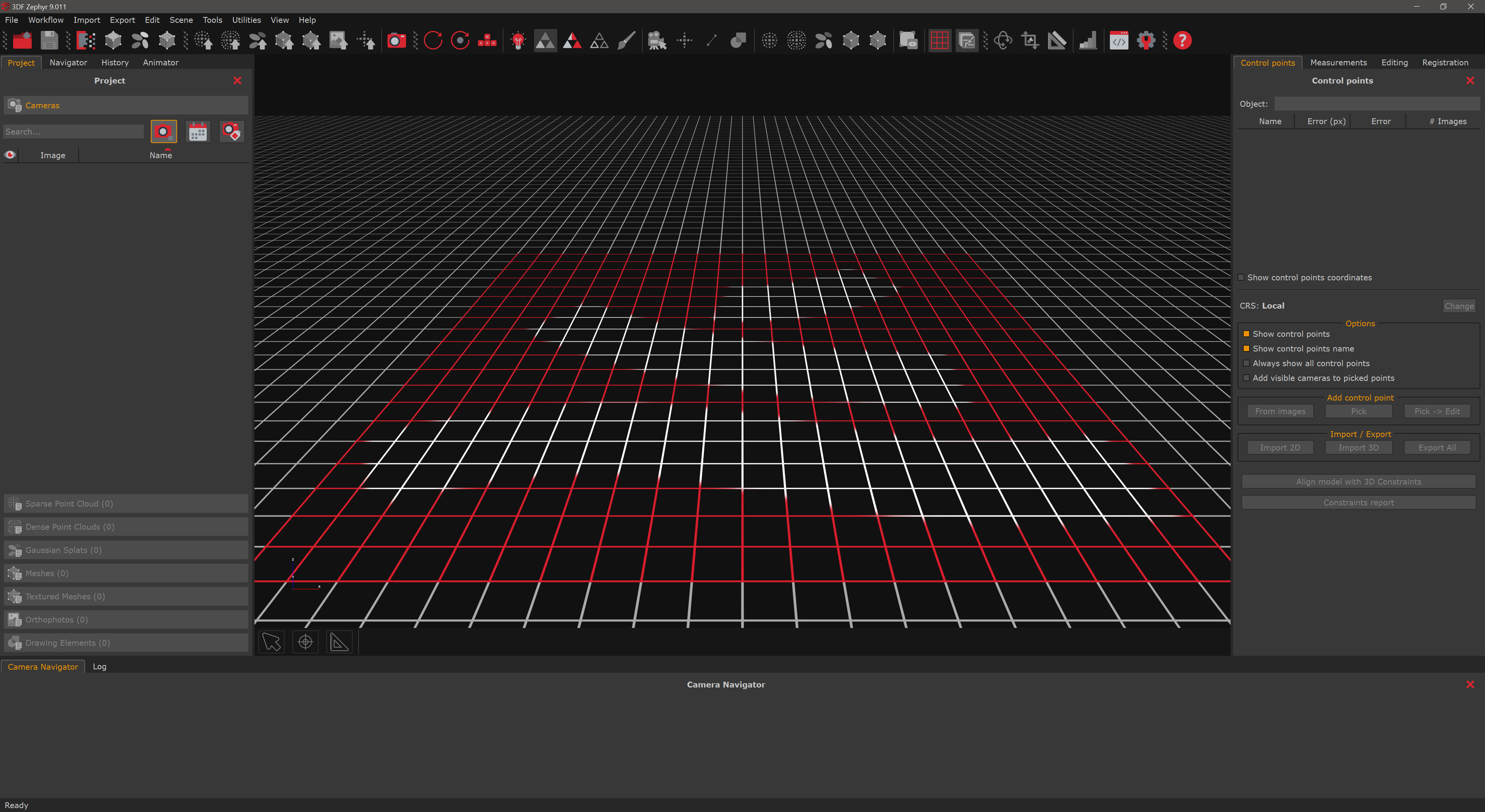
3DF Zephyr 9.011 is a professional photogrammetry and 3D reconstruction solution designed to transform photographs and video frames into detailed 3D models. Developed for applications such as surveying, cultural heritage, architecture, engineering, mapping, and visualization, it provides a complete workflow for processing image-based data.

The software can reconstruct objects, buildings, environments, and terrain from photographs while providing tools for point clouds, meshes, textures, measurements, and visualization. Its automated workflow makes photogrammetry accessible while still offering advanced controls for experienced users.

Features of 3DF Zephyr 9.011

3D Reconstruction – Generate detailed 3D models from photographs and image sequences.
Photogrammetry Workflow – Process images through camera alignment, reconstruction, mesh generation, and texturing.
Dense Point Clouds – Create detailed point clouds for inspection, measurement, and further processing.
3D Mesh Generation – Convert reconstructed data into textured polygonal meshes.
High-Quality Texturing – Generate realistic textures from source photographs.
Camera Calibration – Manage and optimize camera information for accurate reconstruction.
Orthophoto Generation – Produce orthographic imagery from reconstructed 3D scenes.
Digital Elevation Models – Create elevation and terrain representations from photogrammetric data.
Measurement Tools – Perform distances, areas, volumes, and other measurements within reconstructed scenes.
Georeferencing – Integrate control points and geographic information for spatially accurate projects.
Import & Export – Work with common image, point cloud, mesh, and 3D data formats.
Project Visualization – Inspect reconstructed models, cameras, point clouds, and meshes in an interactive 3D environment.
Video-Based Reconstruction – Extract frames from video sources for photogrammetry workflows.
Advanced Processing – Provides additional controls for users who need greater control over reconstruction quality and project parameters.

Applications
3DF Zephyr 9.011 can be used across a wide range of professional and educational applications, including:
Architectural documentation
Land surveying and mapping
Construction and engineering
Archaeology and cultural heritage
3D asset creation
Topographic reconstruction
Industrial inspection
Forensic documentation
Drone and aerial photogrammetry
Visualization and presentation

Why Choose 3DF Zephyr 9.011?
3DF Zephyr combines automated photogrammetric reconstruction with tools for refining and analyzing 3D data. Users can move from a collection of photographs to a complete textured model through an integrated workflow, reducing the need for multiple specialized applications.
Its combination of point-cloud generation, mesh reconstruction, texturing, measurements, georeferencing, and export capabilities makes it a useful solution for professionals working with image-based 3D reconstruction.

Conclusion
3DF Zephyr 9.011 is a comprehensive photogrammetry platform for converting photographs and video imagery into accurate and visually detailed 3D representations. With tools for reconstruction, point clouds, meshes, textures, measurements, and geospatial workflows, it provides a versatile environment for professional 3D documentation and modeling.

If you want to download 3DF Zephyr 9.011 full license, please click to DOWNLOAD button to download.
CLICKDOWN.ORG Download CAD CAM CNC software
Inside package 3DF Zephyr 9.011, already have cracked files and instruction how to install 3DF Zephyr 9.011 step by step. I guarantee you can install 3DF Zephyr 9.011 successfully if you follow that instruction.
If you also can’t install it or get any problems, please contact to me by email: clickdown.org@gmail.com, then I will help you to install software by teamviewer or Ultraviewer or Anydesk.
Thanks a lot
SOFTWARES

Download Wondershare PDFelement Pro 12.2.2.4430 full license

Wondershare PDFelement Pro 12.2.2.4430 – Powerful PDF Editor

Download Wondershare PDFelement Pro 12.2.2.4430 full license

Link download Wondershare PDFelement Pro 12.2.2.4430 full activated

Working with Wondershare PDFelement Pro 12.2.2.4430 full license

Description of Wondershare PDFelement Pro 12.2.2.4430

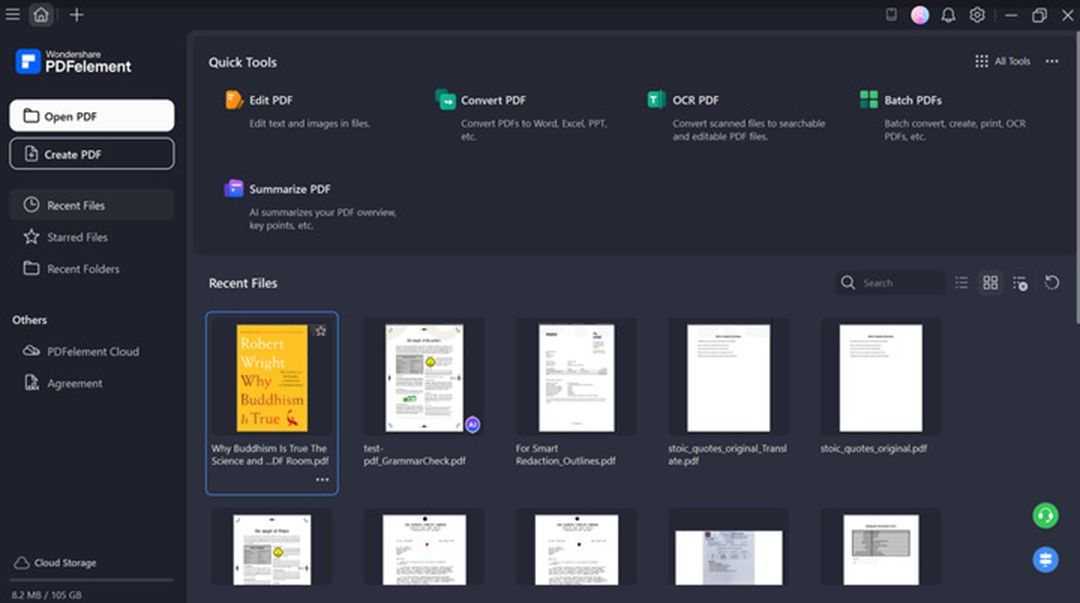
Wondershare PDFelement Pro 12.2.2.4430 is a comprehensive PDF management and editing solution designed for users who need to create, edit, convert, organize, protect, and share PDF documents. It combines document editing tools with conversion, annotation, form, OCR, and document management features in a user-friendly interface.

PDFelement Pro is suitable for business users, students, professionals, and organizations that regularly work with digital documents and need an efficient alternative to traditional PDF workflows.

Features of Wondershare PDFelement Pro 12.2.2.4430

PDF Editing – Edit text, images, fonts, objects, and page elements directly inside PDF documents.
PDF Creation – Create professional PDF files from documents, images, and other supported file formats.
PDF Conversion – Convert PDFs to formats such as Word, Excel, PowerPoint, images, and other commonly used document types.
OCR Technology – Recognize text in scanned documents and convert image-based PDFs into searchable and editable content.
PDF Annotation – Add highlights, comments, notes, stamps, shapes, and other markup elements.
Form Management – Create, fill, edit, and manage interactive PDF forms.
Document Organization – Merge, split, reorder, rotate, extract, and manage PDF pages efficiently.
PDF Protection – Apply passwords, permissions, and other security options to help protect sensitive documents.
Digital Signatures – Add and manage electronic signatures for document workflows.
Batch Processing – Process multiple PDF files efficiently for repetitive document tasks.
Watermarks – Add customized watermarks to PDF documents for branding or document identification.
User-Friendly Interface – Provides an intuitive workspace designed to simplify everyday PDF management.

Why Choose Wondershare PDFelement Pro?
Wondershare PDFelement Pro 12.2.2.4430 provides a centralized environment for handling a wide range of PDF tasks. Instead of relying on separate applications for editing, conversion, annotation, OCR, and document organization, users can manage many common PDF workflows from one application.

Its combination of editing tools, conversion capabilities, document security, forms, OCR, and batch processing makes it useful for both individual and professional document management.

Conclusion
Wondershare PDFelement Pro 12.2.2.4430 is a versatile PDF solution for creating, editing, converting, annotating, organizing, and protecting digital documents. Its broad feature set makes it suitable for users looking for an efficient PDF workflow for office, education, business, and personal projects.

If you want to download Wondershare PDFelement Pro 12.2.2.4430 full license, please click to DOWNLOAD button to download.
CLICKDOWN.ORG Download CAD CAM CNC software
Inside package Wondershare PDFelement Pro 12.2.2.4430, already have cracked files and instruction how to install Wondershare PDFelement Pro 12.2.2.4430 step by step. I guarantee you can install Wondershare PDFelement Pro 12.2.2.4430 successfully if you follow that instruction.
If you also can’t install it or get any problems, please contact to me by email: clickdown.org@gmail.com, then I will help you to install software by teamviewer or Ultraviewer or Anydesk.
Thanks a lot
SOFTWARES

Download Ableton Live Suite 12.4.5 x64 full license forever

Ableton Live Suite 12.4.5 – Professional Music Production Software

Download Ableton Live Suite 12.4.5 x64 full license forever

Link download Ableton Live Suite 12.4.5 full activated

Working with Ableton Live Suite 12.4.5 full license

Description of Ableton Live Suite 12.4.5

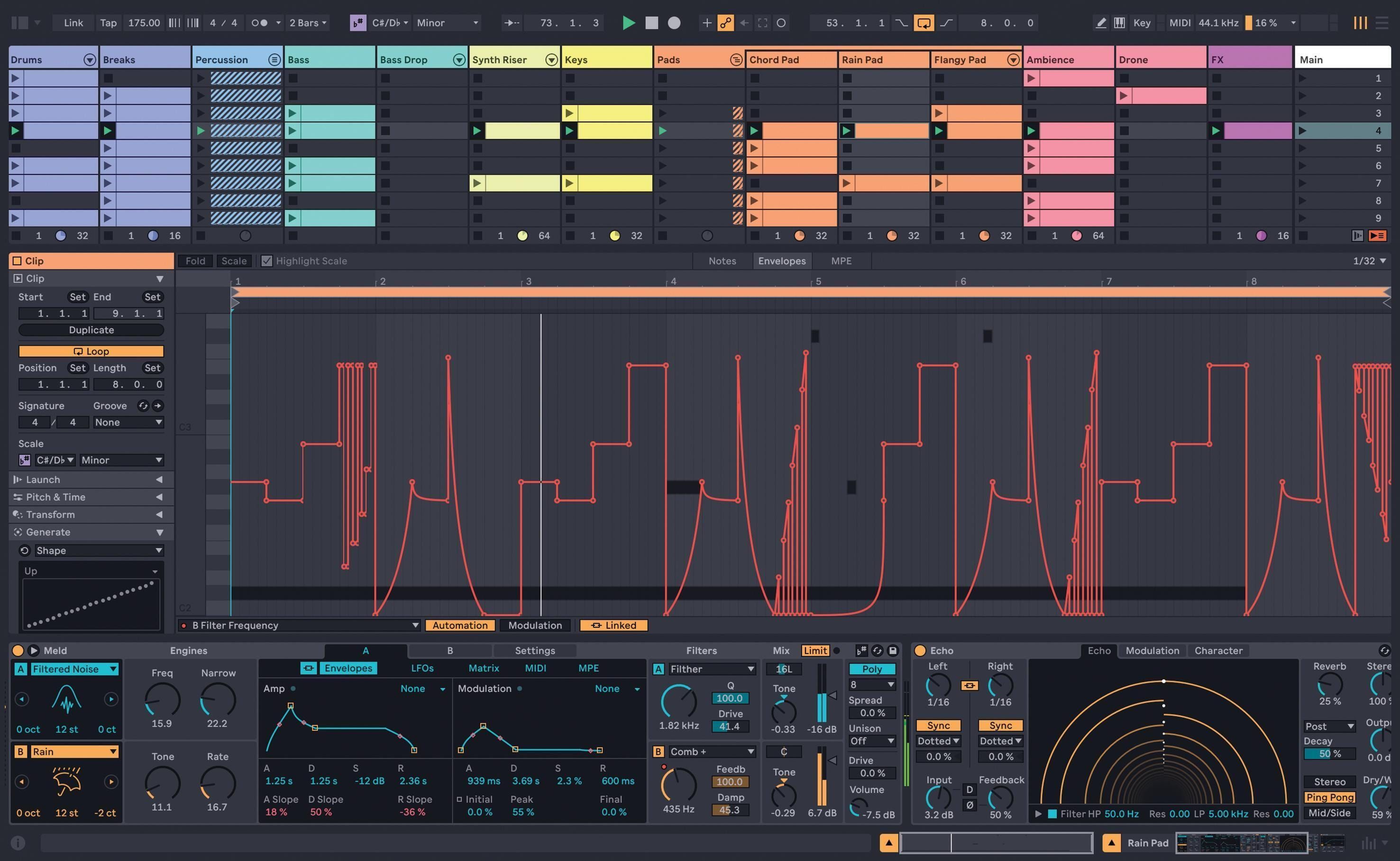
Ableton Live Suite 12.4.5 is a powerful digital audio workstation (DAW) designed for music production, recording, sound design, arrangement, and live performance. It combines a flexible session-based workflow with a traditional timeline arrangement, making it suitable for producers, musicians, DJs, composers, and electronic music creators.

The Suite edition provides an extensive collection of instruments, effects, sounds, samples, and creative tools. Its streamlined interface and flexible routing system make it possible to develop musical ideas quickly, edit recordings, create complex arrangements, and perform projects in real time.

Features of Ableton Live Suite 12.4.5

Session View – Experiment with musical ideas, loops, clips, and scenes in a flexible non-linear workspace.
Arrangement View – Build complete songs using a traditional timeline-based workflow.
Advanced MIDI Editing – Create and edit MIDI performances with detailed control over notes, timing, velocity, and expression.
Audio Recording & Editing – Record instruments and vocals and refine audio using professional editing tools.
Extensive Instruments – Suite includes a broad selection of software instruments and sound-generation tools.
Audio Effects – Apply EQ, compression, reverb, delay, modulation, distortion, and other effects.
Sound Library – Access a large collection of samples, presets, loops, and production-ready sounds.
Max for Live – Extend Live with custom instruments, effects, MIDI tools, utilities, and performance devices.
Automation – Create detailed parameter changes for mixing, sound design, and arrangements.
Warping – Adjust the timing and tempo of audio while maintaining creative control over performances.
Flexible Routing – Build sophisticated signal chains and processing setups for complex projects.
Live Performance Tools – Trigger clips, manipulate effects, improvise arrangements, and perform projects in real time.

Why Choose Ableton Live Suite 12.4.5?
Ableton Live Suite 12.4.5 offers an integrated environment for both studio production and live performance. Its combination of audio/MIDI recording, sound design, arrangement, mixing, effects, instruments, and Max for Live provides creators with a comprehensive production platform.

Whether you are producing electronic music, recording instruments, composing soundtracks, designing sounds, or preparing a live set, Ableton Live provides tools that can adapt to different creative workflows.

Conclusion
Ableton Live Suite 12.4.5 is a comprehensive DAW for music producers and performers who need a flexible environment for creating, recording, arranging, mixing, and performing music. With its extensive Suite content and creative workflow, it can serve as a complete production solution for both studio and live applications.

If you want to download Ableton Live Suite 12.4.5 full license, please click to DOWNLOAD button to download.
CLICKDOWN.ORG Download CAD CAM CNC software
Inside package Ableton Live Suite 12.4.5, already have cracked files and instruction how to install Ableton Live Suite 12.4.5 step by step. I guarantee you can install Ableton Live Suite 12.4.5 successfully if you follow that instruction.
If you also can’t install it or get any problems, please contact to me by email: clickdown.org@gmail.com, then I will help you to install software by teamviewer or Ultraviewer or Anydesk.
Thanks a lot
SOFTWARES

Download IronCAD 2027 SP1 Win64 full license forever

Download IronCAD 2027 SP1 Win64 full license forever

Link download IronCAD 2027 SP1 x64 full activated

IronCAD 2027 SP1 x64 full license

Working with IronCAD 2027 SP1 full activated

Description of IronCAD 2027 SP1

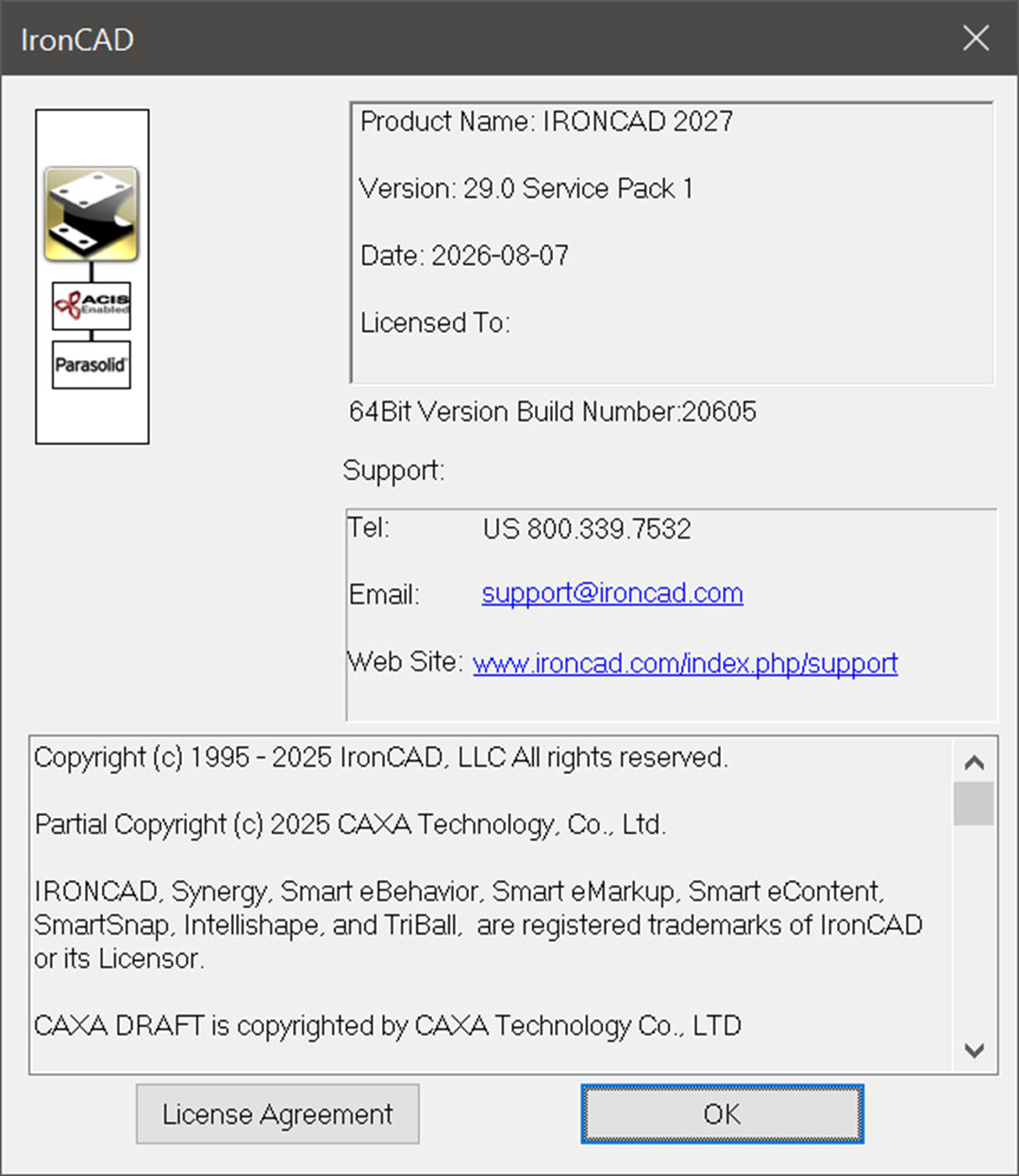
IronCAD 2027 SP1 is a professional 3D CAD solution for mechanical engineering, industrial equipment, machinery manufacturing, metal fabrication, tooling, facility layouts, and modular product development. The IronCAD 2027 generation introduces significant improvements in modeling performance, assembly management, sketching, sheet metal, drafting, automation, AI-assisted design, and Python integration.

IronCAD uses a flexible 3D design environment that allows engineers and designers to develop complex products and assemblies while maintaining relationships between components, features, drawings, and design data. The 2027 release is particularly focused on large industrial assemblies and manufacturing-oriented workflows.

Features of IronCAD 2027 SP1

Advanced 3D CAD Modeling – Create complex mechanical parts, assemblies, machinery, equipment, and fabricated structures.
Improved Performance – Faster loading, saving, linking, updating, and interaction with large and complex assemblies.
Flexible Assemblies – Configure assemblies so the same sub-assembly can have different component positions in different instances.
Skeleton Design – Support top-down design workflows using a central skeleton model to control major design references.
Advanced Sketching – Improved constraints, snapping, external references, splines, offsets, center-line dimensions, and sketch interaction.
Sweep & Extrusion Enhancements – Additional controls and improved behavior for creating complex mechanical geometry.
Fillet and Chamfer Improvements – Enhanced blending and chamfer operations for demanding mechanical and fabricated components.
External References – Use shared reference geometry across parts and assemblies while maintaining update relationships.
Feature Recognition – Improved recognition of imported geometry, helping convert neutral CAD data into editable IronCAD features.
Copy with Mates – Replicate components while retaining assembly constraints for faster equipment and facility design.
Piping Improvements – Enhanced tools for creating and managing piping systems within complex assemblies.
Point Cloud Support – Improved tools for working with scalable point-cloud data for reverse engineering and facility layouts.
Sheet Metal Design – Enhanced bend parameters, bend tables, mirrored sheet-metal parts, closed corners, and bend-line documentation.
Professional 2D Drafting – IronCAD DRAFT provides enhanced projection, dimensioning, annotation, hatch, drawing, and DWG export capabilities.
BOM Management – Improved 2D and 3D BOM workflows with better association and custom property handling.
3MF Export – Support for exporting models using the 3MF format.
Native CAD Translators – Updated translators provide compatibility with formats from systems such as CATIA, Creo, NX, Inventor, SolidWorks, Solid Edge, Rhino, IFC, and DWG/DXF.

AI-Powered Design Features
One of the major additions to IronCAD 2027 is the integration of AI directly into the design workflow.

IronCAD AI Chatbot
The integrated AI Chatbot provides context-aware assistance for IronCAD questions and technical workflows directly inside the application. According to IronCAD, the chatbot is available to trial and commercial users through December 31, 2026.

AI Design Assistant
The AI Design Assistant connects natural-language design requests with IronCAD catalog data, engineering parameters, materials, and Smart Attachments. Users can describe a desired component or assembly and have the system propose configurations based on available design data.

AI Drawing Assistant
The AI Drawing Assistant is designed to learn from existing company drawings and 3D components to help automate and standardize 2D detailing, annotations, and dimensioning. This can be particularly useful for companies with established drawing standards.

Python Integration
IronCAD 2027 introduces native integration with the python-ironcad package, exposing the IronCAD API to Python. This allows users to automate repetitive tasks, batch-process designs, create custom tools, and integrate IronCAD with external systems.

Mechanical and Manufacturing Applications
IronCAD 2027 SP1 can be used for a wide range of engineering and manufacturing applications, including:
Industrial machinery design
Mechanical engineering
Equipment design
Metal fabrication
Sheet metal design
Tooling and fixtures
Factory and facility layouts
Modular product design
Piping systems
Steel structures
Large-scale assemblies
Manufacturing documentation
Reverse engineering
Product development

Conclusion
IronCAD 2027 SP1 provides a comprehensive environment for mechanical and industrial 3D design, combining flexible modeling tools with improved assembly performance, advanced drafting, sheet-metal capabilities, AI-assisted workflows, and Python automation. Its focus on industrial equipment, machinery, fabrication, tooling, and modular manufacturing makes it a strong option for engineering teams working with complex products and large assemblies.

If you want to download IronCAD 2027 SP1 full license, please click to DOWNLOAD button to download.
CLICKDOWN.ORG Download CAD CAM CNC software
Inside package IronCAD 2027 SP1, already have cracked files and instruction how to install IronCAD 2027 SP1 step by step. I guarantee you can install IronCAD 2027 SP1 successfully if you follow that instruction.
If you also can’t install it or get any problems, please contact to me by email: clickdown.org@gmail.com, then I will help you to install software by teamviewer or Ultraviewer or Anydesk.
Thanks a lot
SOFTWARES

Download GstarBIM Professional 2027 R1 x64 full license

Download GstarBIM Professional 2027 R1 x64 full license

Link download GstarBIM Professional 2027 R1 win64 full activated

Working with GstarBIM Professional 2027 R1 full license

Description of GstarBIM Professional 2027 R1

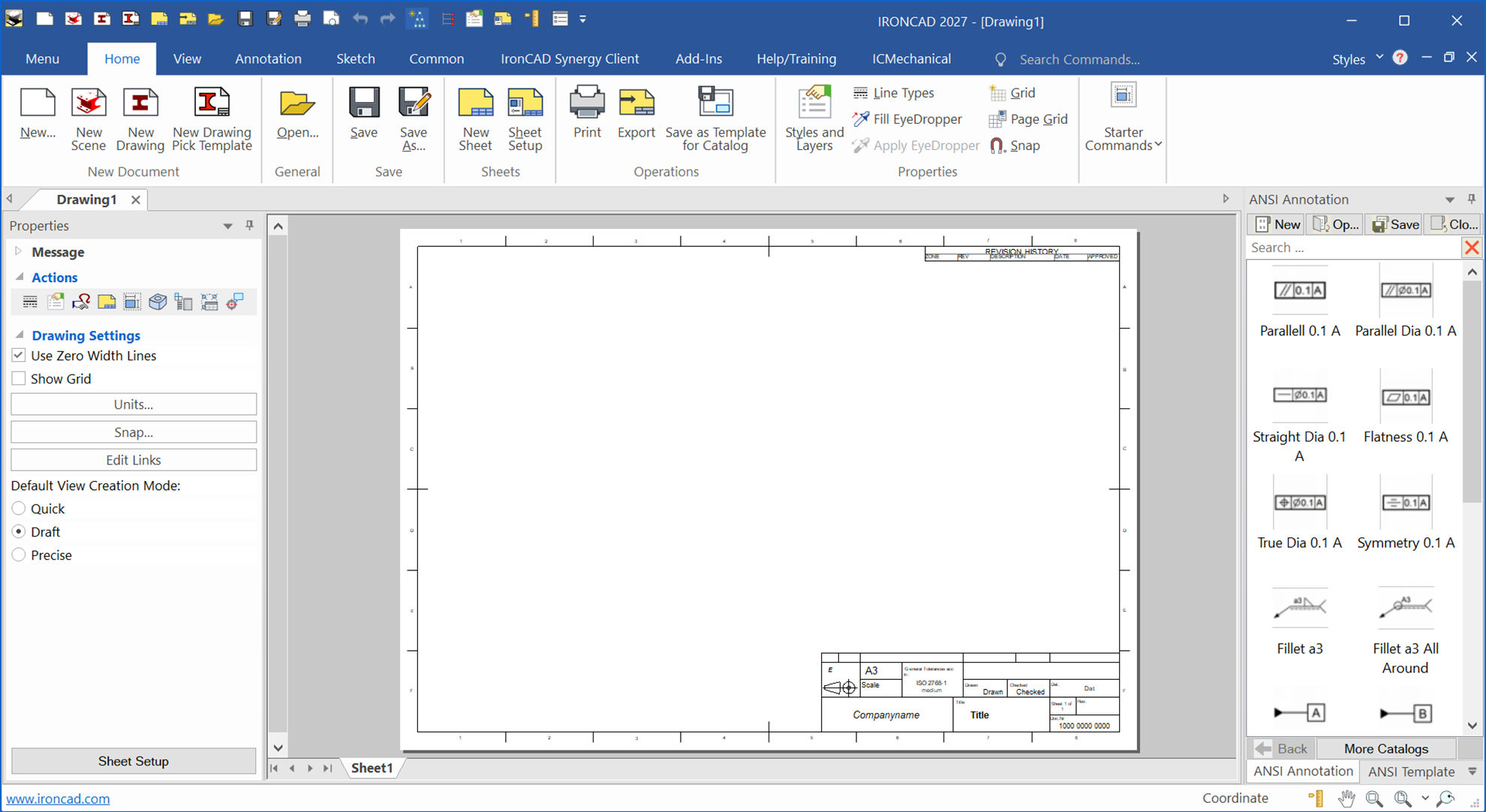
GstarBIM Professional 2027 R1 is an all-in-one BIM solution designed for architects, interior designers, engineers, and AEC professionals. It combines CAD precision with parametric BIM modeling, architectural design, interior design, documentation, visualization, and openBIM workflows in a unified environment. The R1 release adds several improvements, including IFC 4.3 export, enhanced point-cloud-to-BIM workflows, GstarCAD AI Q&A, and GstarCAD AIRender integration.

The software supports intelligent objects and parametric modeling, allowing project changes to propagate throughout the model and associated documentation. It also provides interoperability with formats such as DWG, IFC, RVT, RFA, SKP, FBX, PDF, PLY, E57, and RCP.

Features of GstarBIM Professional 2027 R1

Professional BIM Modeling – Create detailed architectural and building models using intelligent, parametric BIM elements.
Architectural Design Tools – Develop walls, slabs, roofs, stairs, doors, windows, columns, and other building components.
Parametric Modeling – Automatically update related elements and documentation when design changes are made.
Advanced Interior Design – Create interior layouts with furniture, materials, lighting, tiling, and decorative elements.
KBB & Furniture Design – Support customized kitchen, bathroom, wardrobe, and cabinet modeling workflows.
2D and 3D Coordination – Generate plans, elevations, sections, and other 2D documentation directly from the 3D BIM model.
OpenBIM & IFC Support – Exchange BIM data using IFC and connect projects with other BIM platforms. GstarBIM 2027 supports IFC 4.x workflows, while the R1 release adds IFC 4.3 export.
Extensive Format Compatibility – Work with DWG, DXF, RVT, RFA, SKP, IFC, FBX, PDF, OBJ, JPG, PLY, E57, RCP, and other supported formats.
Revit Family Import – Enhanced RFA import organizes imported Revit Family elements into variants for easier management.
Point Cloud to BIM – Improved workflows help transform point-cloud information into BIM models for renovation and existing-building projects.
Autodesk Construction Cloud Integration – Browse projects and exchange documents directly through the integrated CDE workflow.
D5 Render Integration – Synchronize GstarBIM models with D5 Render, transferring model geometry, materials, lighting, and camera viewpoints for real-time visualization.
New Sketch Mode – Create and modify solid and surface geometry in a dedicated 3D sketch environment.
Architectural Grid – Use an enhanced and customizable grid system for more efficient architectural modeling.
Custom Door Symbols – Define customized 2D door contours, opening lines, and symbols for project documentation.
Advanced Slab Vaults – Create tunnel, cross, cloister, trough, Bohemian, and dome-style vaults.
Near Clipping – Hide elements close to the camera to produce cleaner interior views and rendering results.
Improved User Interface – A cleaner workspace and redesigned view controls provide more room for modeling and documentation.
Project Collaboration – Version history, group modification tools, and cloud-based project integration help improve team workflows.

What’s New in GstarBIM 2027 R1?
The R1 update introduces several notable enhancements. These include IFC 4.3 export, an improved point-cloud-to-BIM workflow, integrated AI question-and-answer functionality, and AIRender integration. The release is aimed at improving interoperability, design productivity, and AI-assisted visualization.

GstarBIM 2027 also introduces architectural grid improvements, enhanced RFA importing, Autodesk Construction Cloud integration, new 3D Sketch Mode, expanded slab vault types, NaviCube 3D navigation, and improved project version management.

Applications
GstarBIM Professional 2027 R1 is suitable for:
Architectural design
BIM modeling
Interior design
Building documentation
Residential and commercial projects
Furniture and KBB design
Renovation and existing-building projects
Point-cloud-to-BIM workflows
Construction documentation
BIM coordination
Real-time visualization
AEC project collaboration

Conclusion
GstarBIM Professional 2027 R1 provides a comprehensive BIM environment for creating, documenting, coordinating, and visualizing architectural and interior projects. With parametric modeling, openBIM interoperability, enhanced IFC 4.3 export, point-cloud workflows, Revit Family support, D5 Render integration, and new collaboration features, it is designed to streamline the workflow from initial concept through project documentation and presentation.

Note: GstarBIM is commercial software. Use the software through an authorized license or official trial provided by the developer.

If you want to download GstarBIM Professional 2027 R1 full license, please click to DOWNLOAD button to download.
CLICKDOWN.ORG Download CAD CAM CNC software
Inside package GstarBIM Professional 2027 R1, already have cracked files and instruction how to install GstarBIM Professional 2027 R1 step by step. I guarantee you can install GstarBIM Professional 2027 R1 successfully if you follow that instruction.
If you also can’t install it or get any problems, please contact to me by email: clickdown.org@gmail.com, then I will help you to install software by teamviewer or Ultraviewer or Anydesk.
Thanks a lot
SOFTWARES

Download Garritan CFX Concert Grand 1.0.1.0 full license

Download Garritan CFX Concert Grand 1.0.1.0 full license

Link download Garritan CFX Concert Grand 1.0.1.0 full activated

Garritan CFX Concert Grand 1.0.1.0 full license

Working with Garritan CFX Concert Grand 1.0.1.0 full

Description of Garritan CFX Concert Grand 1.0.1.0

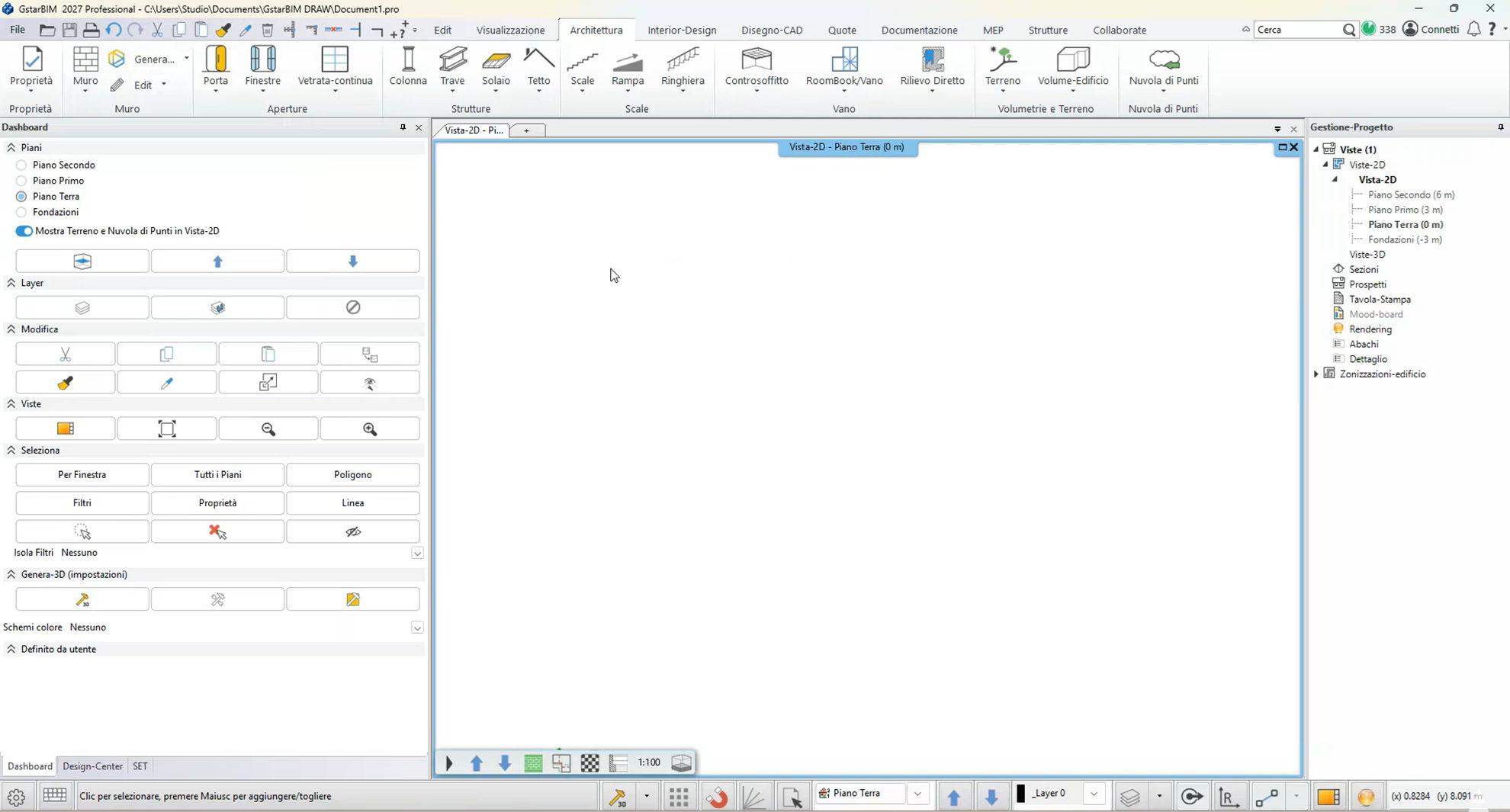
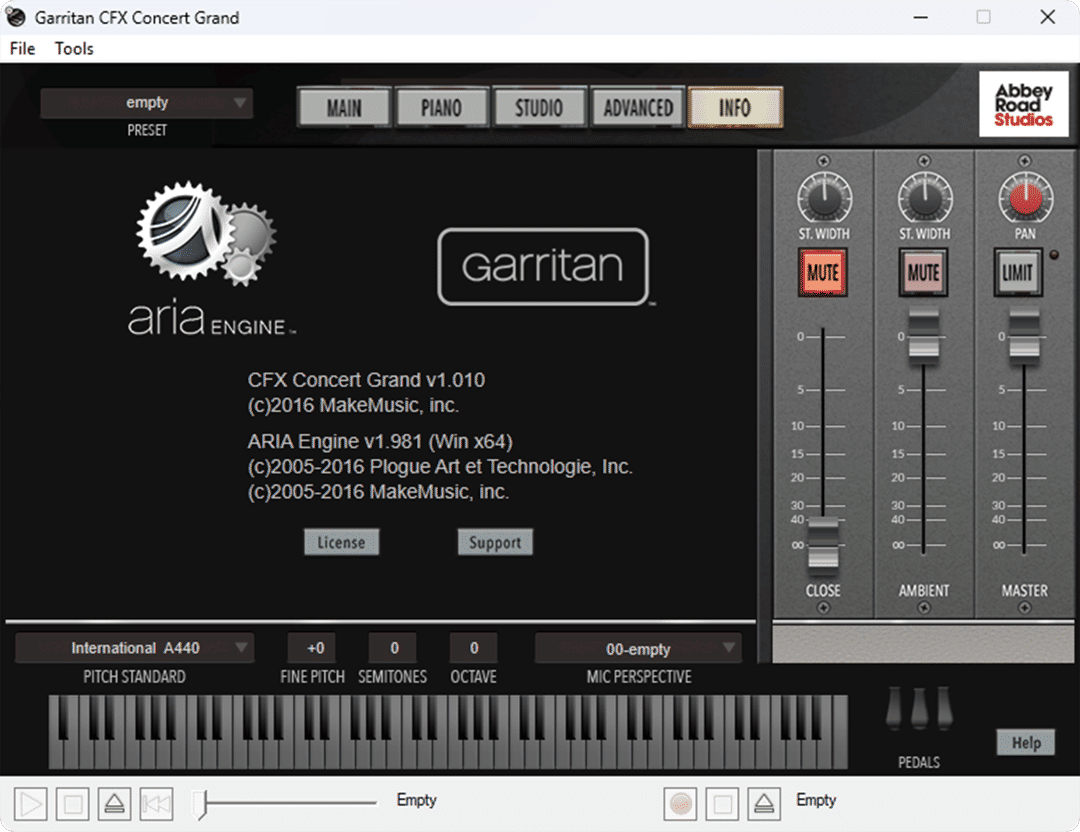
Garritan CFX Concert Grand 1.0.1.0 is a professional virtual piano instrument designed to deliver the sound and playing characteristics of the Yamaha CFX Concert Grand. The instrument was recorded at the legendary Abbey Road Studios Studio One using carefully selected microphone setups and professional recording techniques.

Designed for composers, pianists, producers, and music creators, the CFX Concert Grand provides an expressive piano sound suitable for classical music, jazz, pop, film scoring, and other musical productions. It is powered by the ARIA Player, allowing the instrument to operate as a standalone application or as a plug-in within compatible music-production software.

Features of Garritan CFX Concert Grand 1.0.1.0

Yamaha CFX Concert Grand – Recreates the sound of Yamaha’s flagship CFX concert grand piano.
Abbey Road Studio One Recording – The piano was captured in the acoustically renowned Studio One at Abbey Road Studios.
Three Microphone Perspectives – Choose between Classic, Contemporary, and Player perspectives for different tonal and spatial characteristics.
Detailed Piano Sampling – Includes 20 layers of detail with separate samples for different pedal conditions.
Close and Ambient Microphones – Independently control close and room microphone levels to shape the sound.
Convolution Reverb – Place the virtual piano into realistic acoustic environments using sampled impulse responses.
Customizable Velocity Curve – Adjust the relationship between MIDI velocity and piano response.
Dynamic Range Control – Customize the instrument’s overall expressive range.
Pedal Controls – Supports sustain, soft pedaling, partial pedaling, and re-pedaling features.
Stereo Image and Width Controls – Adjust the spatial character of close and ambient microphone signals.
Integrated EQ – Independently shape close and ambient microphone channels.
Timbre Effect – Modify the tonal character to simulate changes associated with different playback speeds.
Extensive Presets – Includes presets developed around different musical genres, recording styles, and cinematic applications.
MIDI Automation – Control numerous parameters through MIDI CC messages and DAW automation.
Multiple Plug-in Formats – Supports AAX, VST, RTAS, and Audio Units formats, depending on platform and host compatibility.

Sound and Microphone Perspectives
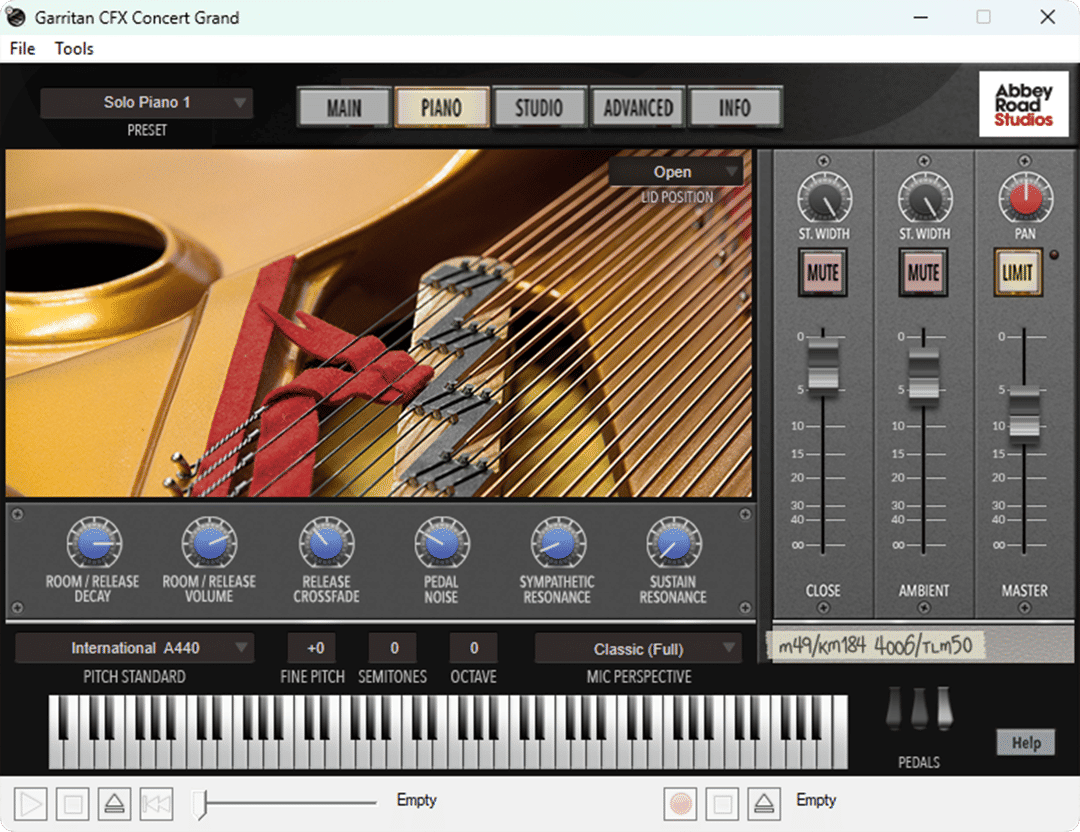
One of the main strengths of Garritan CFX Concert Grand is its collection of microphone perspectives. The Classic perspective emphasizes the natural tonal character and clarity of the piano. Contemporary provides a brighter sound with more hammer attack, while Player recreates a more intimate perspective from the pianist’s position.
Users can blend close and ambient microphones, adjust stereo width, and shape the final sound to fit a particular production or performance.

Studio and Advanced Controls
The software provides extensive controls for customizing the virtual piano. Users can adjust parameters such as lid position, sympathetic resonance, sustain resonance, release characteristics, pedal noise, stereo width, dynamic range, and velocity response.
The Studio section also provides convolution reverb, stereo imaging, saturation, timbre effects, and output EQ controls, making it possible to create everything from an intimate studio piano to a spacious concert-hall sound.

Applications
Garritan CFX Concert Grand 1.0.1.0 can be useful for:
Classical piano composition
Jazz and contemporary music
Film and game scoring
Pop and rock productions
Piano practice and performance
MIDI composition
Music education
Professional recording
Soundtrack production
Virtual piano performances

Conclusion
Garritan CFX Concert Grand 1.0.1.0 combines detailed Yamaha CFX piano sampling with Abbey Road Studio One acoustics, multiple microphone perspectives, advanced piano controls, and flexible DAW integration. Its combination of expressive dynamics and detailed sound-shaping options makes it a versatile virtual piano for professional music production and composition.

If you want to download Garritan CFX Concert Grand 1.0.1.0 full license, please click to DOWNLOAD button to download.
CLICKDOWN.ORG Download CAD CAM CNC software
Inside package Garritan CFX Concert Grand 1.0.1.0, already have cracked files and instruction how to install Garritan CFX Concert Grand 1.0.1.0 step by step. I guarantee you can install Garritan CFX Concert Grand 1.0.1.0 successfully if you follow that instruction.
If you also can’t install it or get any problems, please contact to me by email: clickdown.org@gmail.com, then I will help you to install software by teamviewer or Ultraviewer or Anydesk.
Thanks a lot
SOFTWARES

Download Coreform Cubit 2026.8 win64 full license forever

Download Coreform Cubit 2026.8 win64 full license forever

Link download Coreform Cubit 2026.8 x64 full activated

Working with Coreform Cubit 2026.8 full license

Description of Coreform Cubit 2026.8

Coreform Cubit 2026.8 is a professional pre-processing and finite element meshing solution designed for engineers, researchers, and simulation specialists. It provides tools for preparing CAD geometry and generating high-quality two- and three-dimensional meshes for FEA, CFD, and other computational simulation workflows. The 2026.8 documentation describes Cubit as a comprehensive toolkit focused particularly on large, complex hex meshes.

Coreform Cubit combines geometry preparation, mesh generation, mesh-quality analysis, and solver interoperability in a single environment. It supports hexahedral, hex-dominant, tetrahedral, quadrilateral, and triangular meshing, while providing user-guided controls and automation features for complex engineering models.

Features of Coreform Cubit 2026.8

Advanced Hex Meshing – Create structured and unstructured hexahedral meshes for complex engineering geometries.
Hex-Dominant Meshing – Combine structured hex elements with transition elements for challenging models.
Tetrahedral Meshing – Generate tetrahedral meshes using automated and user-controlled approaches.
Geometry Preparation – Create, modify, clean, and simplify solid geometry before meshing.
CAD Healing – Analyze and repair problematic imported geometry through trimming, stitching, and rebuilding operations.
Boolean Operations – Perform geometry operations to prepare models for simulation.
Imprint and Merge – Prepare conformal assemblies and improve connectivity between adjacent components.
Smart Defeaturing – Remove unnecessary geometric details such as small features, fillets, and chamfers to simplify simulation models.
Mesh Quality Control – Analyze mesh quality and apply controls to improve elements before exporting to a solver.
Automatic Scheme Selection – Use automated methods for selecting appropriate meshing schemes, sizing, and smoothing.
Python API and Scripting – Automate meshing workflows through Python and journal files for repeatable simulation processes.
Solver Interoperability – Export meshes to widely used simulation formats including Abaqus, Exodus, ANSYS, Nastran, LS-DYNA, Fluent, OpenFOAM, and others.
Broad CAD Support – Import common CAD formats such as STEP, IGES, STL, OBJ, and other supported formats, with additional native CAD translators available separately.

What’s New and Improved
The 2026 generation of Coreform Cubit includes improvements across meshing, geometry preparation, solver interoperability, scripting, and performance. Recent 2026 releases introduced capabilities such as anisotropic tetrahedral meshing, cohesive element generation, improved triangle/tetrahedral meshing robustness, enhanced higher-order mesh-quality metrics, and reduced memory consumption during Sculpt refinement.

The software also includes updated Python scripting capabilities and machine-learning functionality designed to assist with model preparation and automation.

Applications
Coreform Cubit 2026.8 can be used for:
Finite Element Analysis (FEA)
Computational Fluid Dynamics (CFD)
Structural simulation
Mechanical engineering
Aerospace engineering
Automotive engineering
Nuclear engineering
Research and development
Complex CAD-to-mesh workflows
Solver-ready model preparation

Why Use Coreform Cubit 2026.8?
Coreform Cubit is particularly valuable when simulation projects involve complex CAD assemblies, demanding mesh-quality requirements, or large hex-dominant meshes. Its combination of geometry cleanup, advanced meshing algorithms, quality controls, and Python automation allows engineers to create repeatable workflows from CAD preparation through solver export.
Coreform Cubit runs on Windows and Linux and provides both graphical and scripting-based workflows.

If you want to download Coreform Cubit 2026.8 full license, please click to DOWNLOAD button to download.
CLICKDOWN.ORG Download CAD CAM CNC software
Inside package Coreform Cubit 2026.8, already have cracked files and instruction how to install Coreform Cubit 2026.8 step by step. I guarantee you can install Coreform Cubit 2026.8 successfully if you follow that instruction.
If you also can’t install it or get any problems, please contact to me by email: clickdown.org@gmail.com, then I will help you to install software by teamviewer or Ultraviewer or Anydesk.
Thanks a lot
SOFTWARES

Download Jack Sweet Keysight 1.6.3i full license

Download Jack Sweet Keysight 1.6.3i full license

Link download Jack Sweet Keysight 1.6.3i full activated

Jack Sweet Keysight 1.6.3i full license

Working with Jack Sweet Keysight 1.6.3i full license

Description of Jack Sweet Keysight 1.6.3i

Jack Sweet Keysight 1.6.3i is a real-time MIDI visualization application designed primarily for piano-focused content creators, musicians, streamers, and video producers. Powered by Unreal Engine, Keysight transforms MIDI performance data into dynamic and highly customizable visual experiences. The software is designed for visualization and content creation rather than audio playback or music production.

Keysight can visualize played notes in real time and provides extensive customization options for creating distinctive piano performance videos. It also supports rendering MIDI performances into MP4 video files, making it useful for YouTube videos, livestreams, music demonstrations, and other visual content.

Features of Jack Sweet Keysight 1.6.3i

Real-Time MIDI Visualization – Display piano MIDI performances as dynamic visual effects while playing.
Unreal Engine Technology – Uses Unreal Engine to create immersive and visually rich environments.
Highly Customizable Visuals – Adjust visual effects and presentation elements to create unique performance styles.
MIDI-Based Rendering – Convert MIDI performances into high-quality MP4 video content.
Simulation Effects – Visual effects can respond to note velocity, pedal activity, and other performance information.
Randomizer – Generate new visual styles automatically with extensive configurable options.
Video Creation – Suitable for producing piano performance videos and other MIDI-based visual content.
Piano-Focused Workflow – Built specifically with piano players, streamers, and music content creators in mind.
Flexible Visual Presentation – Customize effects, colors, layouts, and other visual parameters for different projects.
Windows Support – Version 1.6.3i is available as a 64-bit Windows application; current listings also indicate Windows 10/11 support.

What’s New in Keysight 1.6.3i?
Version 1.6.3i introduced improvements including a hint system at the bottom of the menu, support for negative padding in renders, and fixes related to forced-aspect-ratio rendering.

Who Can Use Keysight?
Jack Sweet Keysight 1.6.3i can be useful for:
Piano YouTubers and content creators
Live piano streamers
MIDI visualization projects
Music educators and demonstrators
Video producers
Digital musicians
Piano performance presentations
Experimental audiovisual projects
Keysight is primarily a visualization and content-creation tool. It does not function as a virtual piano instrument or audio-production application.

If you want to download Jack Sweet Keysight 1.6.3i full license, please click to DOWNLOAD button to download.
CLICKDOWN.ORG Download CAD CAM CNC software
Inside package Jack Sweet Keysight 1.6.3i, already have cracked files and instruction how to install Jack Sweet Keysight 1.6.3i step by step. I guarantee you can install Jack Sweet Keysight 1.6.3i successfully if you follow that instruction.
If you also can’t install it or get any problems, please contact to me by email: clickdown.org@gmail.com, then I will help you to install software by teamviewer or Ultraviewer or Anydesk.
Thanks a lot
SOFTWARES

Download Bentley LumenRT Pro 26.00.00.70 win64 full

Download Bentley LumenRT Pro 26.00.00.70 win64 full license

Link download Bentley LumenRT Pro 26.00.00.70 x64 full activated

Working with Bentley LumenRT Pro 26.00.00.70 full license

Description of Bentley LumenRT Pro 26.00.00.70

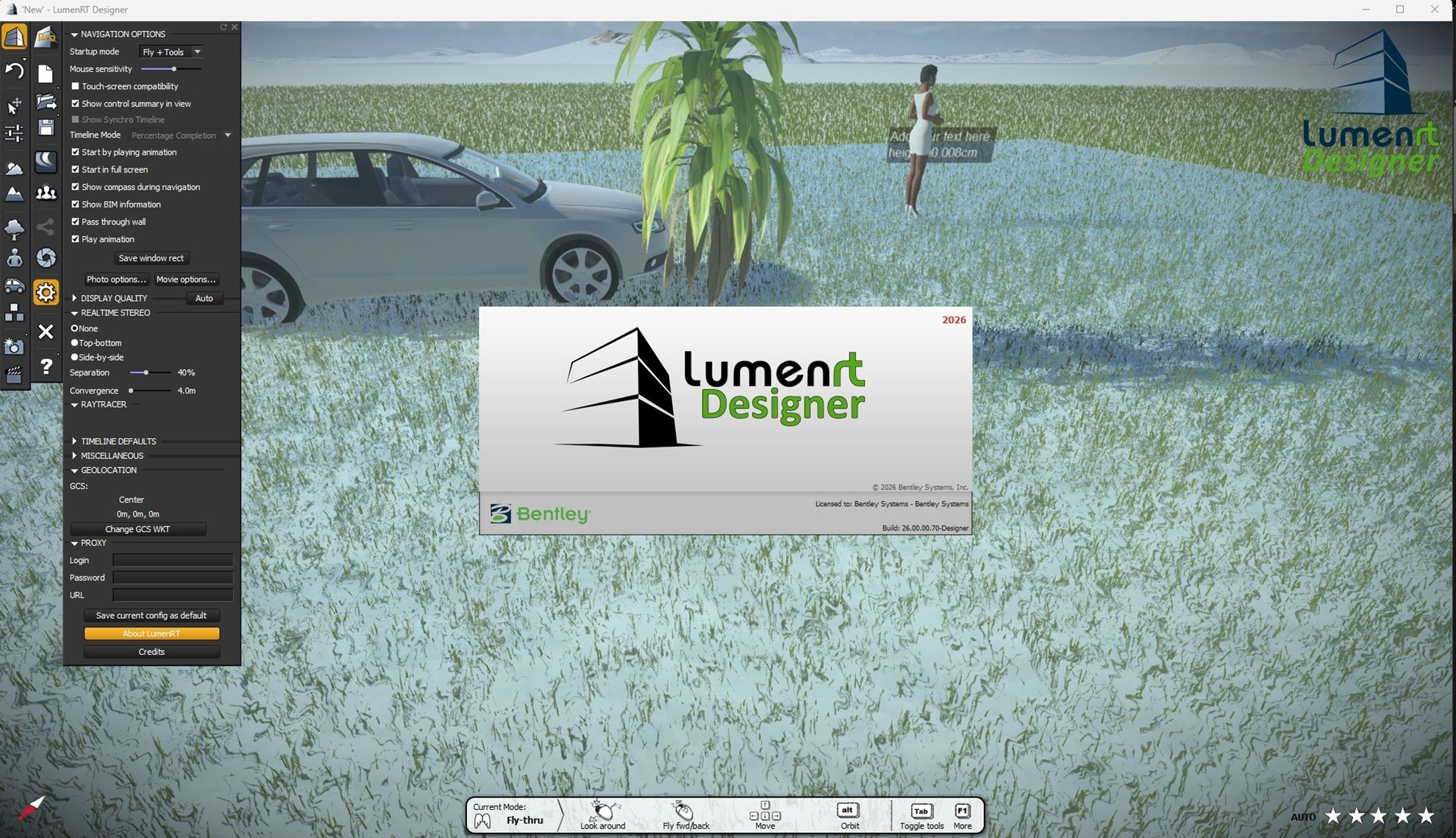
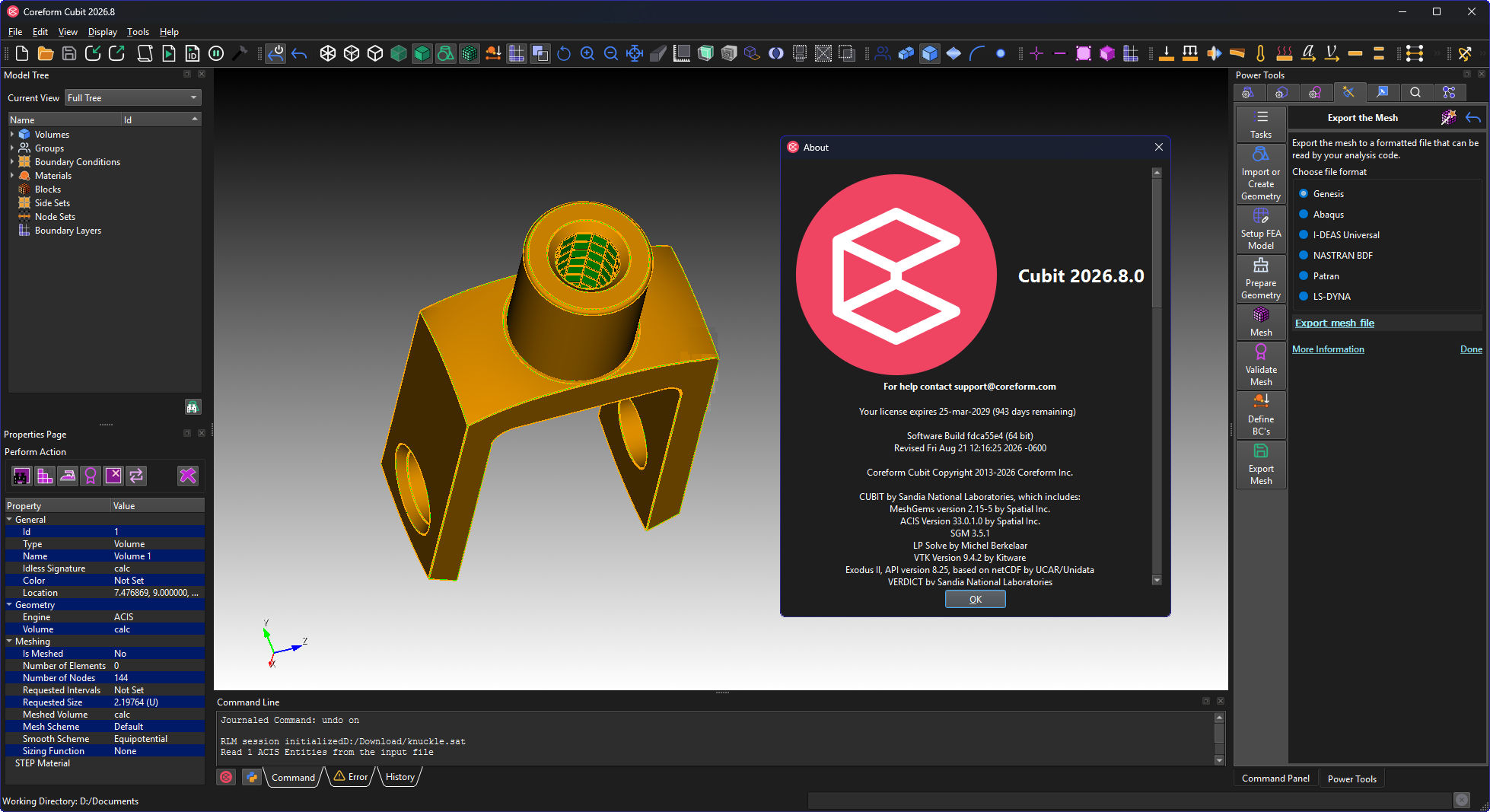
Bentley LumenRT Pro 26.00.00.70 is a professional real-time visualization solution designed to transform CAD and BIM models into immersive, presentation-ready 3D experiences. It helps architects, engineers, designers, and infrastructure professionals create cinematic-quality images, animations, videos, and interactive presentations from their project models.

LumenRT integrates visualization directly into design workflows, allowing users to enhance models with realistic environments, lighting, vegetation, weather, water, traffic, people, and other dynamic elements. This makes complex infrastructure and architectural projects easier for clients and stakeholders to understand.

Features of Bentley LumenRT Pro 26.00.00.70

Real-Time 3D Visualization – Turn CAD and BIM models into immersive real-time visual presentations.
Cinematic-Quality Rendering – Produce realistic images and videos with natural lighting, shadows, skies, and environmental effects.
CAD/BIM Integration – Work with models from major design platforms including MicroStation, Autodesk Revit, and Trimble SketchUp through synchronization workflows.
Realistic Digital Nature – Add trees, vegetation, terrain, water, skies, and other environmental elements to project scenes.
Dynamic Environments – Simulate weather, seasonal changes, traffic, moving people, and other real-world conditions.
Animation Tools – Animate objects and project elements to create more informative presentations.
Large Model Support – Handle visualization workflows ranging from smaller designs to extensive urban and infrastructure projects.
Interactive Presentations – Create immersive presentations and experiences that help stakeholders explore proposed designs.
Professional Images and Videos – Generate compelling visual content for project reviews, presentations, marketing, and communication.
Infrastructure Visualization – Particularly suited to architecture, engineering, construction, urban planning, and infrastructure projects.

Why Use Bentley LumenRT Pro?
Bentley LumenRT Pro provides a practical bridge between technical design and visual communication. Instead of presenting stakeholders with conventional CAD or BIM models alone, users can place designs into realistic environments and demonstrate how a completed project may look and operate.

The software is especially useful when project teams need to communicate design concepts clearly to clients, decision-makers, and the public. Bentley positions LumenRT as a visualization solution for AECO professionals that can help create stronger stakeholder engagement through realistic images, animations, and interactive experiences.

Applications
Bentley LumenRT can be used for:
Architectural visualization
Infrastructure and civil engineering projects
Urban planning and development
Landscape visualization
BIM project presentations
Construction project communication
Transportation and site design
Client presentations and design reviews
Real-time 3D animations
Marketing and project visualization

If you want to download Bentley LumenRT Pro 26.00.00.70 full license, please click to DOWNLOAD button to download.
CLICKDOWN.ORG Download CAD CAM CNC software
Inside package Bentley LumenRT Pro 26.00.00.70, already have cracked files and instruction how to install Bentley LumenRT Pro 26.00.00.70 step by step. I guarantee you can install Bentley LumenRT Pro 26.00.00.70 successfully if you follow that instruction.
If you also can’t install it or get any problems, please contact to me by email: clickdown.org@gmail.com, then I will help you to install software by teamviewer or Ultraviewer or Anydesk.
Thanks a lot
SOFTWARES

Download FactoryTalk Historian SE 6.00.00 x86 win64 full

Download FactoryTalk Historian SE 6.00.00 x64 full license

Link download FactoryTalk Historian SE 6.00.00 win64 full activated

Working with FactoryTalk Historian SE 6.00.00 full activated

FactoryTalk Historian SE 6.00.00 full license

Description of FactoryTalk Historian SE 6.00.00

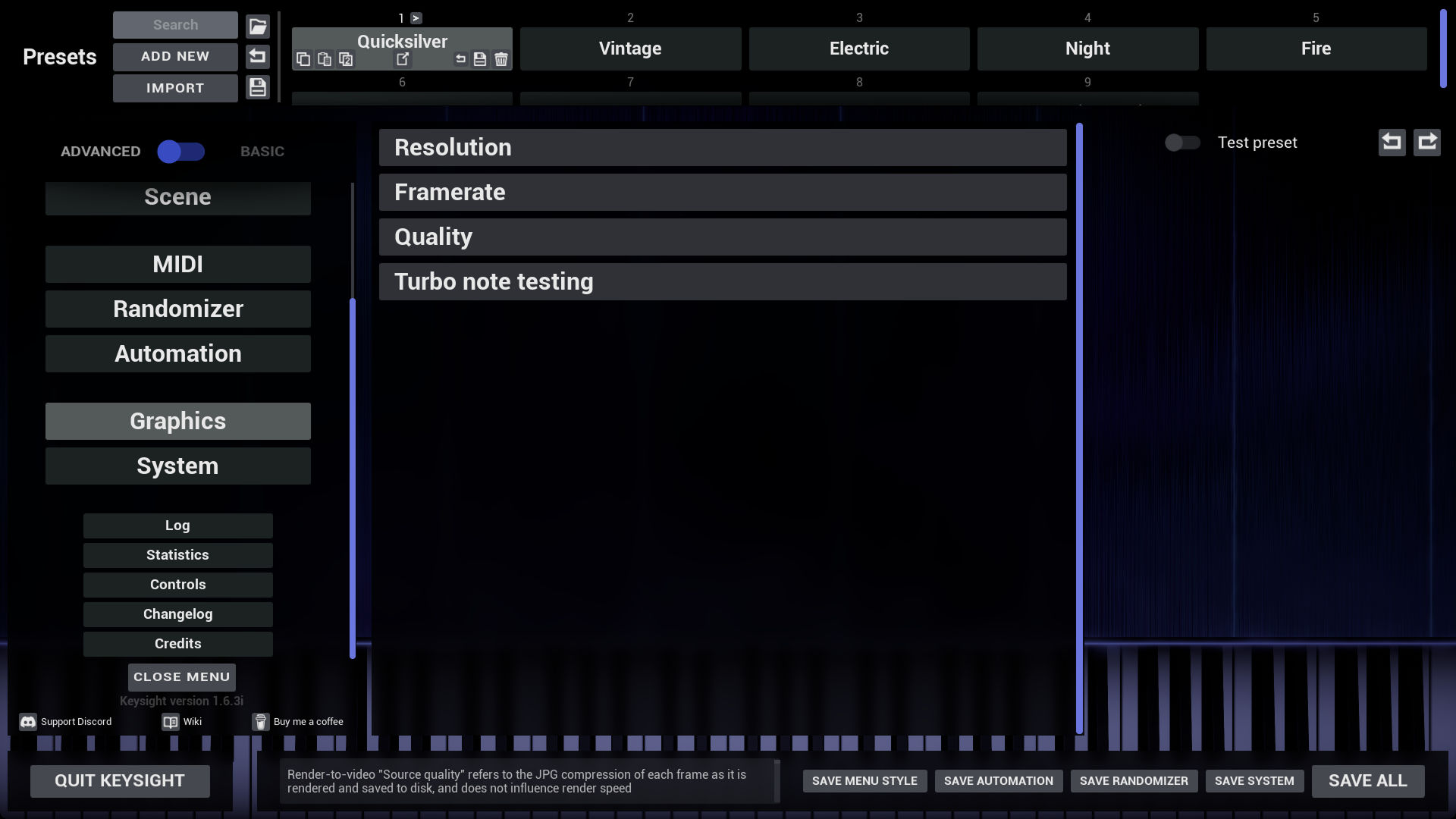
FactoryTalk Historian SE 6.00.00 is an industrial data historian solution designed to collect, store, organize, and analyze time-series data from manufacturing and process automation systems. It helps industrial organizations turn operational data into useful information for monitoring, reporting, and performance analysis.

FactoryTalk Historian SE 6.00.00 provides a centralized environment for capturing historical plant and process information. It is designed for industrial automation environments where large volumes of time-stamped data need to be collected and retained for analysis.

The software can gather information from supported industrial systems and store historical process values, allowing engineers, operators, and analysts to examine trends and compare production conditions over time. Historical data can be used for troubleshooting, process optimization, equipment performance evaluation, production analysis, and operational reporting.

FactoryTalk Historian SE can also work as part of a broader Rockwell Automation FactoryTalk environment, helping organizations connect operational data with visualization and information-management workflows.

Features of FactoryTalk Historian SE 6.00.00

Industrial Data Historian – Collect and store time-series information from manufacturing and process systems.
Historical Data Management – Maintain historical process data for long-term analysis and comparison.
Real-Time Data Collection – Capture operational information from supported automation sources.
Trend Analysis – Examine historical process values and identify changes or performance patterns.
Plant-Wide Data Access – Provide centralized access to historical information across supported industrial environments.
Process Monitoring – Help users monitor production and process conditions using historical data.
Data Analysis – Support analysis of operational information for troubleshooting and optimization.
FactoryTalk Integration – Designed to work within compatible Rockwell Automation FactoryTalk environments.
Performance Evaluation – Use historical information to evaluate equipment and process performance.
Operational Reporting – Provide historical data that can support production reports and engineering analysis.
Scalable Architecture – Suitable for industrial applications requiring centralized historical data storage.
Manufacturing Applications – Useful for process industries, discrete manufacturing, utilities, and industrial automation.

Benefits
FactoryTalk Historian SE 6.00.00 helps organizations transform raw automation data into a historical information resource that can be used for engineering and operational decisions. By retaining time-stamped process information, users can investigate previous events, identify trends, compare production conditions, and support continuous improvement initiatives.

Conclusion
For automation engineers, plant operators, and manufacturing professionals, FactoryTalk Historian SE 6.00.00 provides a dedicated platform for collecting and analyzing historical industrial data. Its historian capabilities and integration with compatible FactoryTalk environments make it useful for monitoring, troubleshooting, reporting, and process optimization.

If you want to download FactoryTalk Historian SE 6.00.00 full license, please click to DOWNLOAD button to download.
CLICKDOWN.ORG Download CAD CAM CNC software
Inside package FactoryTalk Historian SE 6.00.00, already have cracked files and instruction how to install FactoryTalk Historian SE 6.00.00 step by step. I guarantee you can install FactoryTalk Historian SE 6.00.00 successfully if you follow that instruction.
If you also can’t install it or get any problems, please contact to me by email: clickdown.org@gmail.com, then I will help you to install software by teamviewer or Ultraviewer or Anydesk.
Thanks a lot

SOFTWARES

Download RSLinx Lite 4.13.00 (CPR 9 SR 13.0) full license

Download RSLinx Lite 4.13.00 (CPR 9 SR 13.0) full license

Link download RSLinx Lite 4.13.00 (CPR 9 SR 13.0) full activated

RSLinx Lite 4.13.00 (CPR 9 SR 13.0) full

Working with RSLinx Lite 4.13.00 (CPR 9 SR 13.0) full license

Description of RSLinx Lite 4.13.00 (CPR 9 SR 13.0)

RSLinx Lite 4.13.00 (CPR 9 SR 13.0) is an industrial communication software component designed to provide connectivity between computers, Rockwell Automation controllers, and industrial networks. It is commonly used as a communication layer for configuring and accessing Allen-Bradley automation devices.

RSLinx Lite 4.13.00 (CPR 9 SR 13.0) provides communication services that allow Windows-based applications to interact with compatible Rockwell Automation programmable controllers and devices. It is useful for industrial automation environments where reliable communication between engineering workstations and control hardware is required.

The software provides tools for configuring communication drivers, browsing connected devices, and establishing communication paths to supported controllers and networks. It can be used as part of programming, configuration, troubleshooting, and maintenance workflows in industrial control systems.

RSLinx Lite is particularly useful for automation engineers and technicians working with Allen-Bradley PLC systems, providing an interface between engineering software and connected industrial hardware.

Features of RSLinx Lite 4.13.00 (CPR 9 SR 13.0)

Industrial Communication – Establish communication between a PC and supported Rockwell Automation devices.
Allen-Bradley Connectivity – Support communication workflows involving compatible Allen-Bradley controllers.
Communication Drivers – Configure suitable communication drivers for connected industrial networks and devices.
Device Browsing – Browse available controllers and connected devices through configured communication paths.
Network Connectivity – Support communication across compatible industrial network configurations.
Controller Access – Provide communication services for compatible PLC programming and configuration workflows.
Diagnostics Support – Help technicians identify communication and connectivity issues.
Engineering Software Integration – Work as a communication layer for compatible Rockwell Automation applications.
Industrial Automation Applications – Suitable for PLC programming, commissioning, maintenance, and troubleshooting.
Windows-Based Workflow – Provide communication functionality within a Windows engineering environment.

Benefits
RSLinx Lite 4.13.00 can simplify communication between engineering computers and supported industrial automation hardware. By providing configurable communication drivers and device browsing capabilities, it helps engineers and technicians establish and maintain reliable connections during PLC development and maintenance tasks.

Conclusion
For automation engineers, PLC programmers, and industrial technicians, RSLinx Lite 4.13.00 (CPR 9 SR 13.0) provides essential communication functionality for compatible Rockwell Automation environments. Its driver configuration, device browsing, and connectivity features make it useful for industrial automation development and maintenance workflows.

If you want to download RSLinx Lite 4.13.00 (CPR 9 SR 13.0) full license, please click to DOWNLOAD button to download.
CLICKDOWN.ORG Download CAD CAM CNC software
Inside package RSLinx Lite 4.13.00 (CPR 9 SR 13.0), already have cracked files and instruction how to install RSLinx Lite 4.13.00 (CPR 9 SR 13.0) step by step. I guarantee you can install RSLinx Lite 4.13.00 (CPR 9 SR 13.0) successfully if you follow that instruction.
If you also can’t install it or get any problems, please contact to me by email: clickdown.org@gmail.com, then I will help you to install software by teamviewer or Ultraviewer or Anydesk.
Thanks a lot
SOFTWARES

Download ESI AquiferWin32 Modelling/Professional 6.0 full

Download ESI AquiferWin32 Modelling/Professional 6.0 full license

Link download ESI AquiferWin32 Modelling/Professional 6.0 full activated

Working with ESI AquiferWin32 6.0 full license

Description of ESI AquiferWin32 Modelling/Professional 6.0

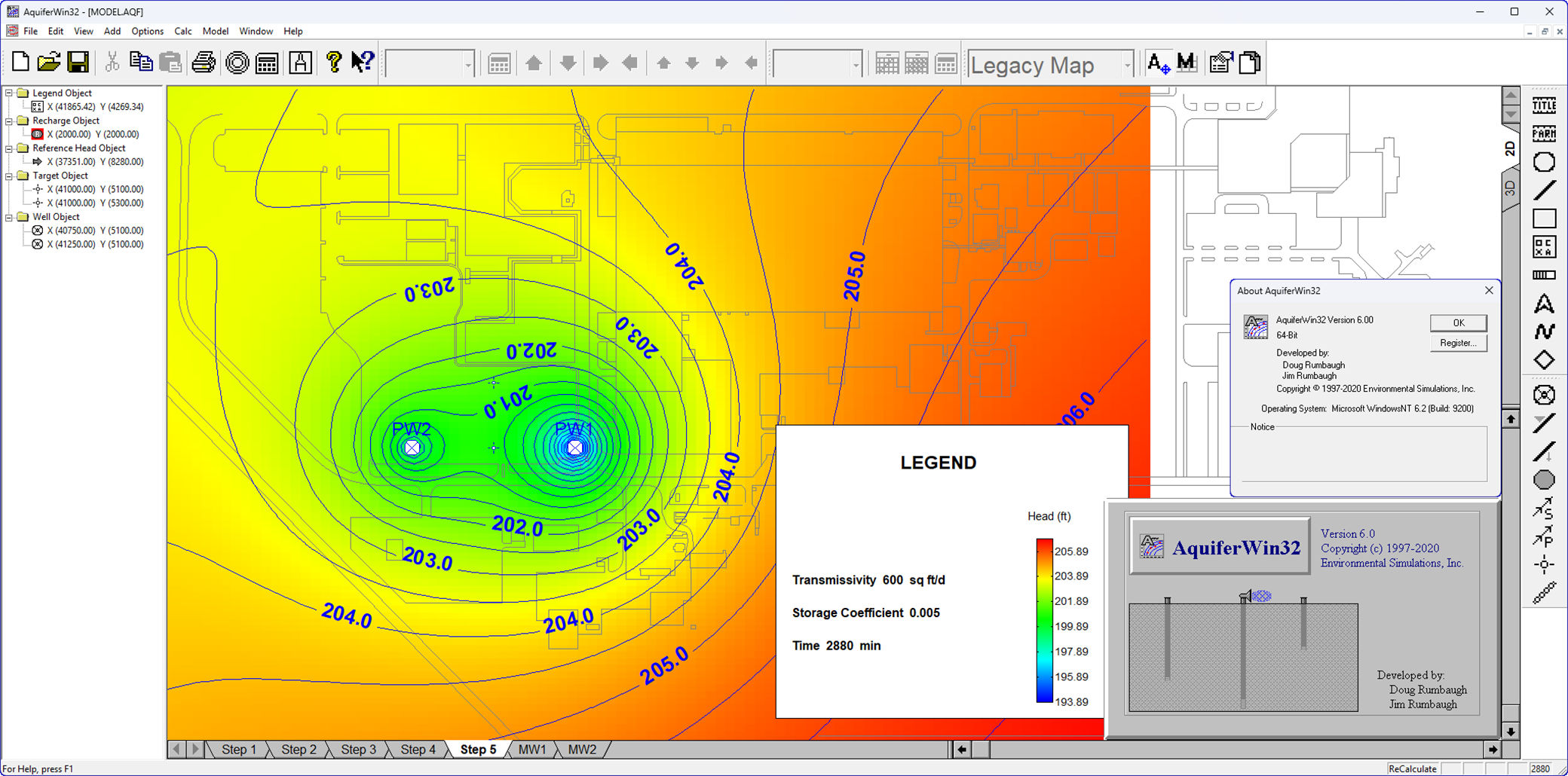
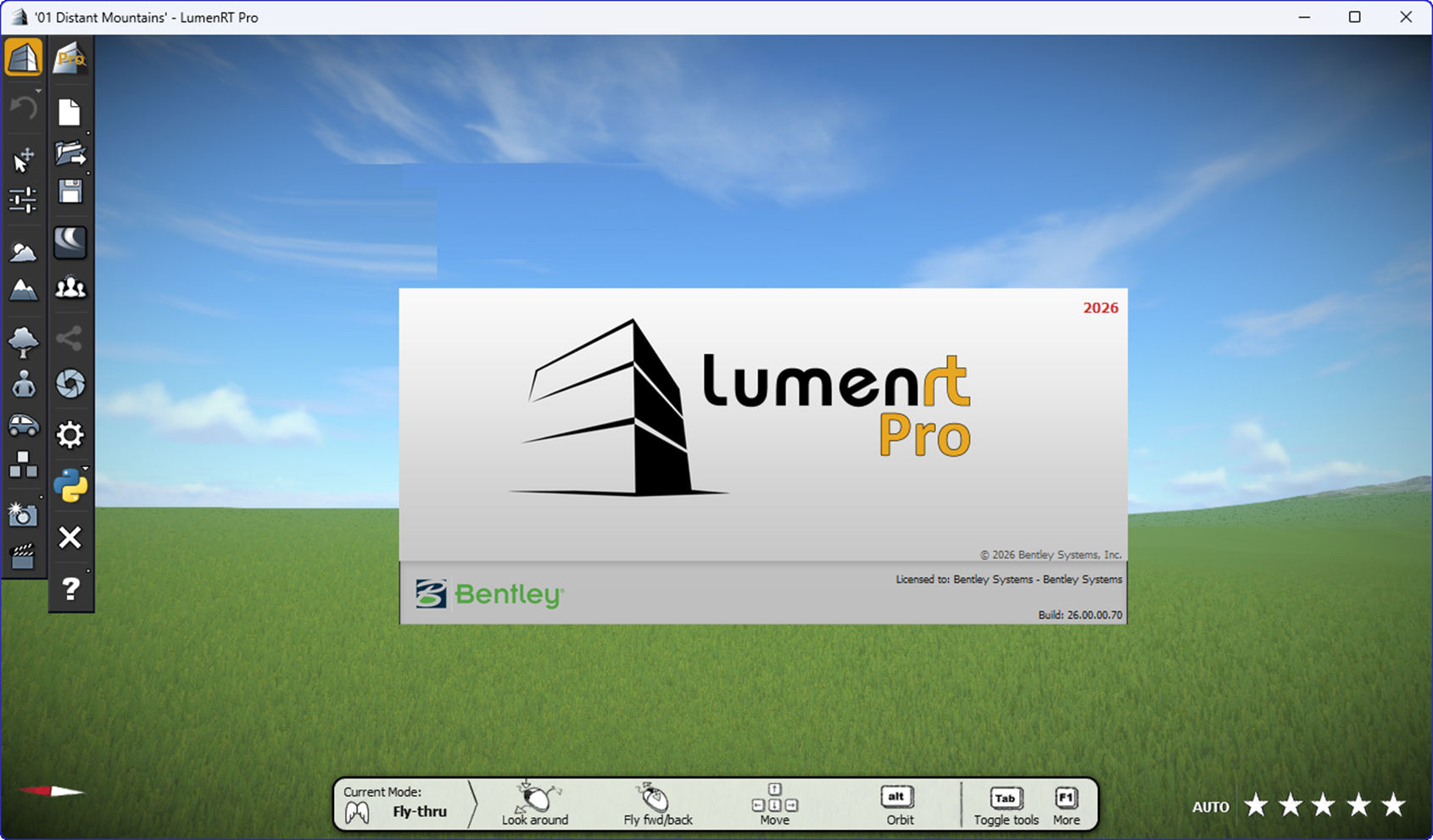
ESI AquiferWin32 Modelling/Professional 6.0 is a groundwater modeling and hydrogeological analysis software solution designed for professionals working with aquifer systems, groundwater flow, and water resource management. It provides tools for developing, analyzing, and visualizing groundwater models.

ESI AquiferWin32 Modelling/Professional 6.0 provides an integrated environment for groundwater professionals who need to analyze subsurface water systems and evaluate aquifer behavior. The software can support workflows involving groundwater flow modeling, well analysis, aquifer properties, hydraulic parameters, and model results.

The application is useful for hydrogeologists, environmental consultants, engineers, researchers, and water resource professionals working on groundwater investigations. By combining model development, data management, calculations, and visualization, AquiferWin32 can help users evaluate groundwater conditions and understand how aquifer systems respond to different scenarios.

The Professional edition is suited to more advanced groundwater modeling projects where users need greater flexibility when working with complex datasets and hydrogeological models.

Features of ESI AquiferWin32 Modelling/Professional 6.0

Groundwater Modeling – Develop and evaluate models representing groundwater flow and aquifer behavior.
Aquifer Analysis – Analyze aquifer characteristics and hydraulic properties using project data.
Groundwater Flow Simulation – Study groundwater movement and flow patterns within modeled systems.
Well Data Management – Organize information associated with groundwater wells and monitoring locations.
Hydrogeological Data Handling – Work with geological and groundwater datasets for modeling workflows.
Model Visualization – Display groundwater modeling information and calculated results for easier interpretation.
Hydraulic Parameter Analysis – Evaluate relevant parameters used in groundwater investigations and modeling.
Scenario Evaluation – Examine groundwater system responses under different conditions and assumptions.
Professional Modeling Tools – Support advanced workflows for hydrogeologists and groundwater consultants.
Water Resource Applications – Useful for groundwater assessment, environmental studies, and water management projects.

Benefits
ESI AquiferWin32 Modelling/Professional 6.0 helps groundwater professionals organize hydrogeological information and develop models for evaluating aquifer systems. Its combination of modeling, analysis, and visualization tools can make complex groundwater datasets easier to interpret and communicate.

Conclusion
For hydrogeologists, environmental engineers, consultants, and groundwater researchers, ESI AquiferWin32 Modelling/Professional 6.0 provides a practical environment for groundwater modeling and aquifer analysis. It can support projects involving groundwater flow, well data, aquifer evaluation, and water resource assessment.

If you want to download ESI AquiferWin32 Modelling/Professional 6.0 full license, please click to DOWNLOAD button to download.
CLICKDOWN.ORG Download CAD CAM CNC software
Inside package ESI AquiferWin32 Modelling/Professional 6.0, already have cracked files and instruction how to install ESI AquiferWin32 Modelling/Professional 6.0 step by step. I guarantee you can install ESI AquiferWin32 Modelling/Professional 6.0 successfully if you follow that instruction.
If you also can’t install it or get any problems, please contact to me by email: clickdown.org@gmail.com, then I will help you to install software by teamviewer or Ultraviewer or Anydesk.
Thanks a lot
SOFTWARES

Download Adobe Illustrator 2026 v30.8 x64 full license

Download Adobe Illustrator 2026 v30.8 x64 full license

Link download Adobe Illustrator 2026 v30.8 win64 full activated

Working with Adobe Illustrator 2026 v30.8 full license

Description of Adobe Illustrator 2026 v30.8

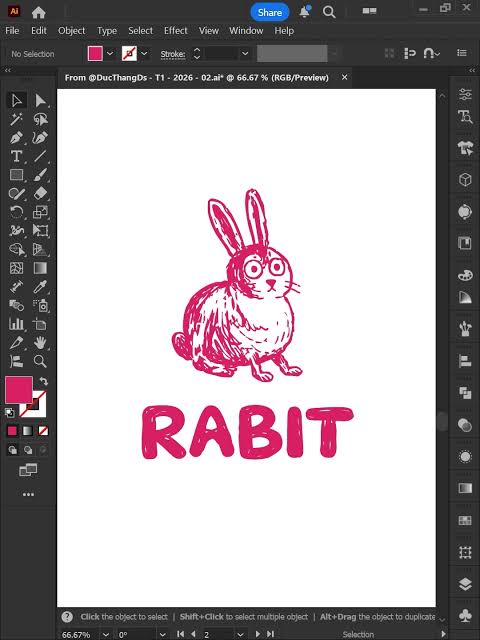
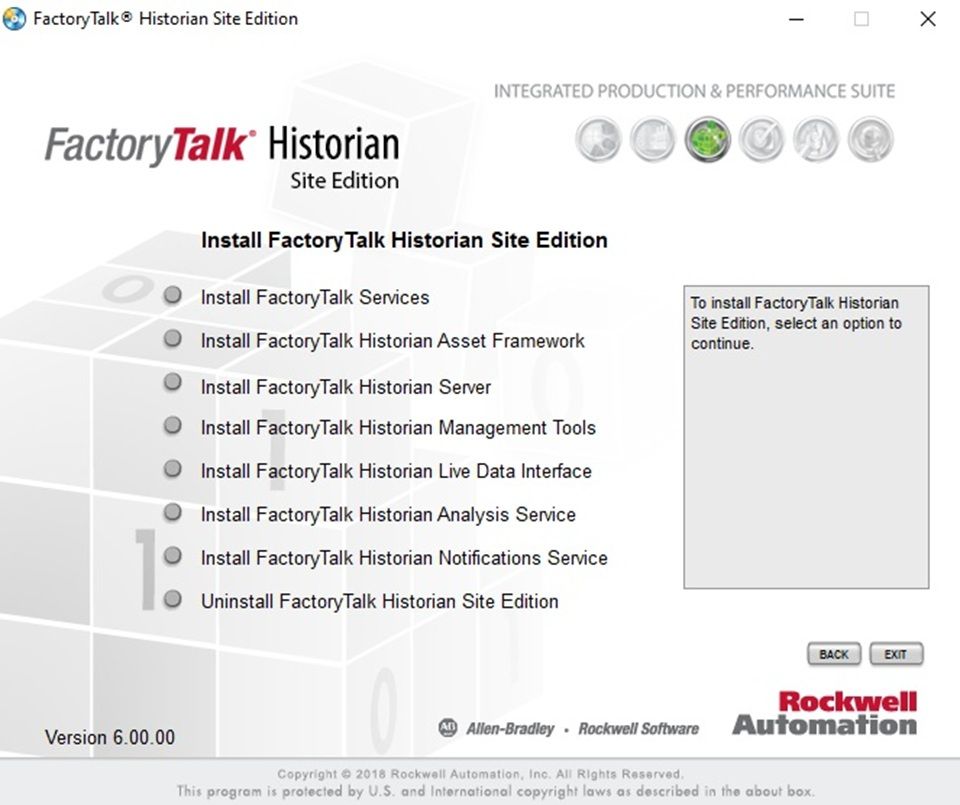
Adobe Illustrator 2026 v30.8 is a professional vector graphics and illustration application designed for creating logos, icons, typography, illustrations, packaging, marketing materials, and other scalable artwork. It provides precision drawing tools and a flexible creative workspace for professional designers and digital artists.

Adobe Illustrator 2026 v30.8 provides a comprehensive environment for creating and editing vector artwork. Unlike raster-based graphics, Illustrator uses mathematical paths that allow designs to remain sharp and scalable across different sizes and output formats.

The software is suitable for graphic designers, illustrators, branding professionals, UI designers, marketers, and creative teams. Users can create detailed artwork using paths, shapes, gradients, brushes, typography, and advanced color controls.

Illustrator also supports professional workflows for preparing artwork for print, digital publishing, web graphics, packaging, advertising, and other creative projects. Its integration with the broader Adobe ecosystem can make it easier to move assets between different creative applications.

Features of Adobe Illustrator 2026 v30.8

Vector Graphic Design – Create scalable artwork using precise vector paths and shapes.
Pen and Drawing Tools – Build detailed illustrations with flexible drawing and editing tools.
Typography – Design logos, headlines, posters, and layouts using advanced text capabilities.
Shape Builder – Combine, divide, and modify shapes efficiently to create complex artwork.
Gradients and Color Tools – Apply sophisticated colors, gradients, patterns, and visual effects.
Brushes and Artistic Effects – Create hand-drawn, calligraphic, and artistic vector designs.
Logo and Branding Design – Develop professional logos, icons, symbols, and brand assets.
Image Tracing – Convert suitable raster images into editable vector artwork.
Layers and Artboards – Organize complex projects and create multiple design variations efficiently.
Precision Layout – Use guides, grids, alignment, and snapping tools for accurate compositions.
Print and Digital Output – Prepare artwork for professional printing, websites, social media, and digital publishing.
Adobe Creative Workflow – Work with assets across compatible Adobe creative applications.

Benefits
Adobe Illustrator 2026 v30.8 gives designers precise control over vector artwork while maintaining flexibility for both simple and highly detailed projects. Its combination of drawing, typography, color, layout, and illustration tools makes it suitable for a wide range of professional creative workflows.

Conclusion
For graphic designers, illustrators, branding specialists, and creative professionals, Adobe Illustrator 2026 v30.8 provides a powerful environment for producing high-quality vector artwork. From logos and icons to illustrations and marketing graphics, Illustrator remains a versatile tool for professional design projects.

If you want to download Adobe Illustrator 2026 v30.8 full license, please click to DOWNLOAD button to download.
CLICKDOWN.ORG Download CAD CAM CNC software
Inside package Adobe Illustrator 2026 v30.8, already have cracked files and instruction how to install Adobe Illustrator 2026 v30.8 step by step. I guarantee you can install Adobe Illustrator 2026 v30.8 successfully if you follow that instruction.
If you also can’t install it or get any problems, please contact to me by email: clickdown.org@gmail.com, then I will help you to install software by teamviewer or Ultraviewer or Anydesk.
Thanks a lot
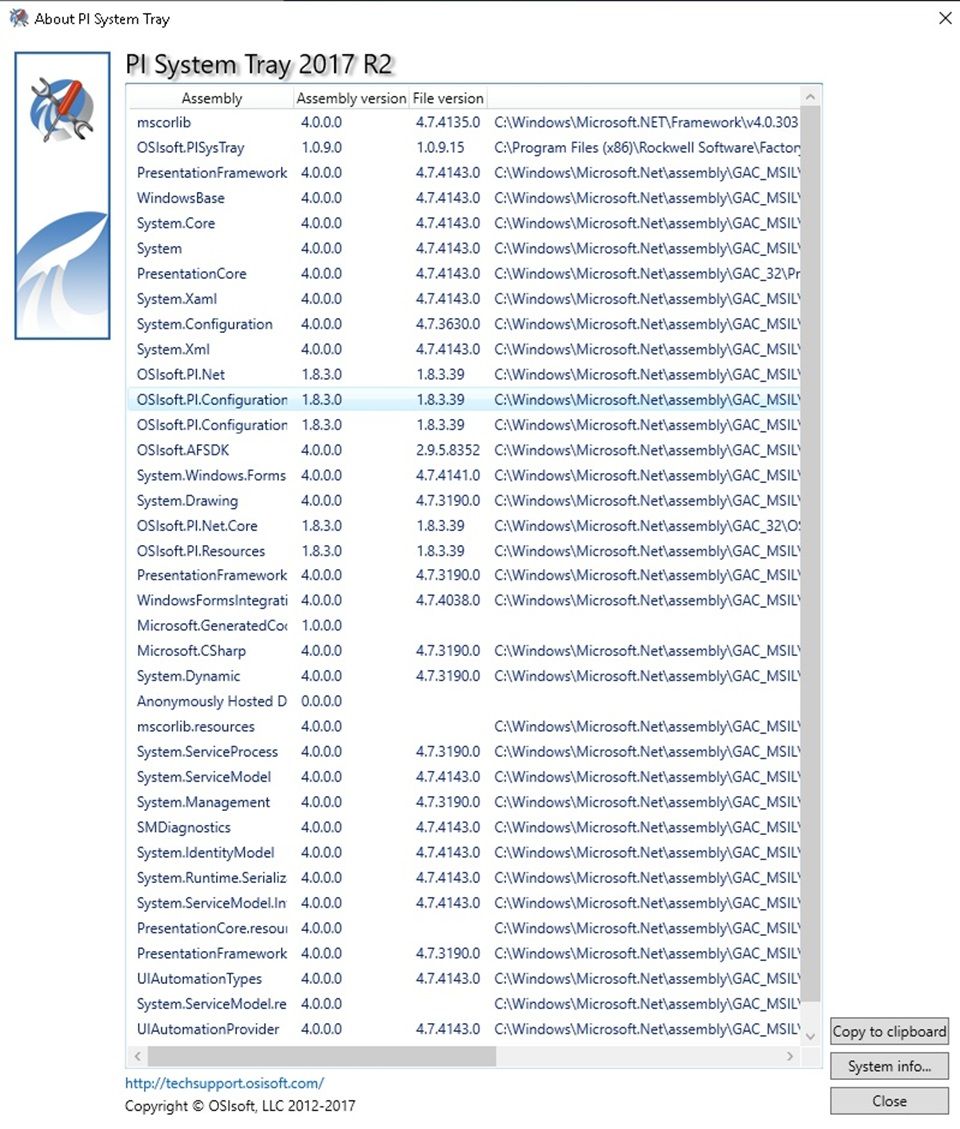
SOFTWARES

Download Bentley LumenRT Designer 2026 v26.00.00.70 x64 full

Download Bentley LumenRT Designer 2026 v26.00.00.70 x64 full

Link download Bentley LumenRT Designer 2026 v26.00.00.70 full activated

Working with Bentley LumenRT Designer 2026 v26.00.00.70 full license

Description of Bentley LumenRT Designer 2026 v26.00.00.70

Bentley LumenRT Designer 2026 v26.00.00.70 is a professional visualization solution designed to transform 3D infrastructure, architecture, and engineering models into immersive visual presentations. It helps designers and engineers create realistic environments, animations, and interactive visualizations for project communication.

Bentley LumenRT Designer 2026 provides visualization tools for professionals working with architectural, engineering, infrastructure, and landscape projects. It allows users to bring 3D models into visually rich environments and present designs with realistic lighting, materials, vegetation, terrain, weather, and environmental effects.

The software can be used to communicate design concepts more effectively before construction begins. By combining 3D models with realistic surroundings and dynamic environmental effects, project teams can create compelling presentations, animations, and visual studies for clients and stakeholders.

LumenRT is particularly useful for infrastructure and civil engineering projects where understanding the relationship between a proposed design and its surrounding environment is important.

Features of Bentley LumenRT Designer 2026 v26.00.00.70

Realistic 3D Visualization – Create detailed and visually rich environments from 3D project models.
Infrastructure Visualization – Present roads, bridges, railways, buildings, and other infrastructure projects.
Architectural Presentation – Create immersive visual presentations for architectural designs.
Real-Time Environments – Explore project models within interactive 3D environments.
Realistic Lighting – Improve presentations with natural and artificial lighting effects.
Materials and Textures – Apply realistic materials and surface appearances to project elements.
Terrain and Landscape – Create surrounding terrain and landscape environments for project visualization.
Vegetation and Nature Effects – Add trees, plants, grass, and other environmental elements.
Weather Effects – Simulate environmental conditions to create more realistic project scenes.
Animation Tools – Produce animated presentations and visual sequences for project communication.
Immersive Design Review – Help stakeholders understand proposed designs through realistic visual experiences.
Engineering and BIM Workflow – Support visualization workflows involving engineering and infrastructure models.

Benefits
Bentley LumenRT Designer 2026 can help project teams communicate complex designs more clearly through realistic visualization. Instead of relying solely on technical drawings, engineers and designers can present projects in an environmental context that is easier for clients and non-technical stakeholders to understand.

Conclusion
For architects, engineers, infrastructure designers, and visualization professionals, Bentley LumenRT Designer 2026 v26.00.00.70 provides tools for creating immersive and realistic project presentations. Its combination of 3D environments, environmental effects, animation, and design visualization makes it valuable for communicating modern infrastructure and architectural projects.

If you want to download Bentley LumenRT Designer 2026 v26.00.00.70 full license, please click to DOWNLOAD button to download.
CLICKDOWN.ORG Download CAD CAM CNC software
Inside package Bentley LumenRT Designer 2026 v26.00.00.70, already have cracked files and instruction how to install Bentley LumenRT Designer 2026 v26.00.00.70 step by step. I guarantee you can install Bentley LumenRT Designer 2026 v26.00.00.70 successfully if you follow that instruction.
If you also can’t install it or get any problems, please contact to me by email: clickdown.org@gmail.com, then I will help you to install software by teamviewer or Ultraviewer or Anydesk.
Thanks a lot

SOFTWARES

Download NCG Cam 20.0.07 x64 full license forever

Download NCG Cam 20.0.07 x64 full license forever

Link download NCG Cam 20.0.07 win64 full activated

NCG Cam 20.0.07 x64 full license

Working with NCG Cam 20.0.07 full license

Description of NCG Cam 20.0.07

NCG CAM 20.0.07 is a professional computer-aided manufacturing (CAM) software solution designed for CNC machining and advanced toolpath generation. It provides specialized tools for creating efficient machining strategies for complex 3D components, molds, dies, and precision manufacturing applications.

NCG CAM 20.0.07 helps CNC programmers and manufacturing engineers transform 3D CAD models into optimized machining toolpaths. The software is focused on efficient and accurate machining of complex geometries, making it suitable for mold and die manufacturing, aerospace components, automotive parts, and general precision machining.

Its CAM environment provides tools for preparing machining operations, controlling cutting parameters, and generating toolpaths for different CNC machining requirements. Users can work with complex surfaces and models while optimizing cutting movements to improve machining efficiency and surface quality.

NCG CAM is particularly known for its focus on high-quality surface machining and flexible toolpath strategies. The software can help reduce unnecessary tool movements, improve machining consistency, and simplify the transition from CAD geometry to CNC production.

Features of NCG Cam 20.0.07

Advanced CAM Programming – Create CNC machining strategies from 3D CAD models.
3D Toolpath Generation – Generate efficient toolpaths for complex components and surfaces.
High-Speed Machining – Support machining strategies designed for efficient cutting and smoother tool motion.
Roughing Strategies – Quickly remove excess material while maintaining controlled cutting movements.
Finishing Operations – Produce detailed finishing toolpaths for improved surface quality.
Complex Surface Machining – Handle intricate 3D surfaces commonly found in molds, dies, and precision components.
Multi-Axis Machining – Support advanced machining workflows for suitable CNC configurations.
Toolpath Optimization – Help minimize unnecessary movements and improve machining efficiency.
Collision Awareness – Assist with identifying potential machining issues during toolpath preparation.
Flexible Cutting Parameters – Configure machining settings according to tooling and manufacturing requirements.
Postprocessing – Generate CNC machine code using appropriate postprocessor configurations.
Manufacturing Applications – Suitable for mold making, die manufacturing, aerospace, automotive, and general engineering.

Benefits
NCG CAM 20.0.07 provides CNC programmers with a focused environment for developing machining strategies for challenging 3D geometries. Its combination of advanced toolpath generation, surface machining, and optimization features can help reduce programming time and improve the overall CNC manufacturing process.

Conclusion
For CNC programmers, mold makers, and manufacturing engineers, NCG CAM 20.0.07 offers powerful CAM capabilities for complex 3D machining and precision manufacturing. Its advanced toolpath strategies and focus on efficient surface machining make it a useful solution for demanding CNC applications.

If you want to download NCG Cam 20.0.07 full license, please click to DOWNLOAD button to download.
CLICKDOWN.ORG Download CAD CAM CNC software
Inside package NCG Cam 20.0.07, already have cracked files and instruction how to install NCG Cam 20.0.07 step by step. I guarantee you can install NCG Cam 20.0.07 successfully if you follow that instruction.
If you also can’t install it or get any problems, please contact to me by email: clickdown.org@gmail.com, then I will help you to install software by teamviewer or Ultraviewer or Anydesk.
Thanks a lot
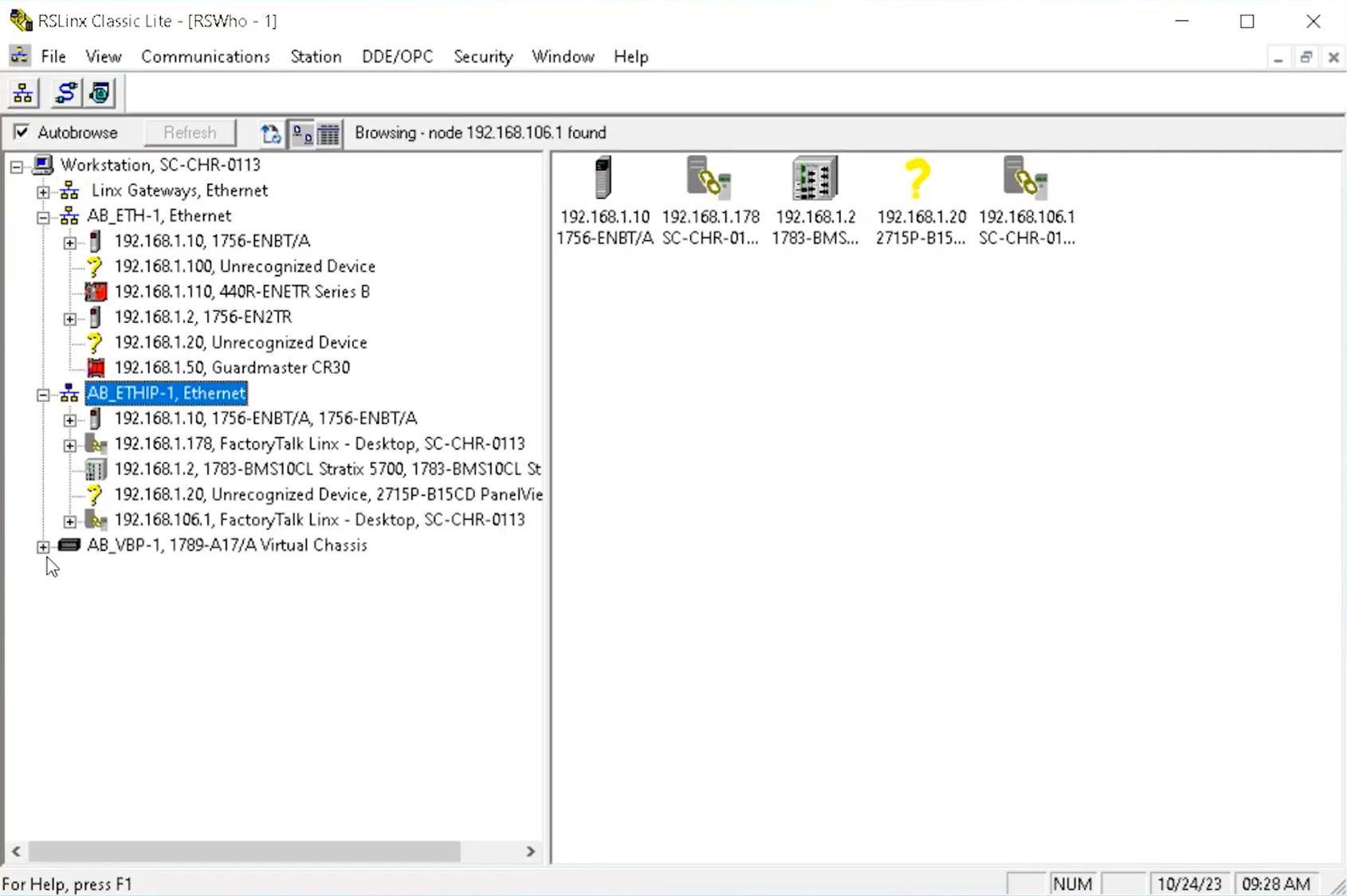
error: Content is protected !!
Scroll to Top