SOFTWARES

SOFTWARES

Download QuadSpinner Gaea 2.2.6.0 Enterprise full license

Download QuadSpinner Gaea 2.2.6.0 Enterprise x64 full license

Link download QuadSpinner Gaea 2.2.6.0 Enterprise win64 activated

Working with QuadSpinner Gaea 2.2.6.0 full activated

Description of QuadSpinner Gaea 2.2.6.0 Enterprise

QuadSpinner Gaea 2.2.6.0 Enterprise is a professional terrain and landscape generation software designed for artists, game developers, VFX studios, and environment designers. This version delivers industry-leading procedural and sculpting tools, combining artistic flexibility with precise geological realism. Gaea 2.2.6.0 empowers users to create complex natural terrains for games, films, and simulations with unmatched detail and performance.

With its hybrid workflow, intuitive interface, and high-resolution export capabilities, Gaea remains the preferred solution for studios seeking realism, control, and speed in terrain creation.

Key Features of QuadSpinner Gaea 2.2.6.0 Enterprise:

Next-Generation Procedural Terrain Creation:
Gaea 2.2.6.0 offers a node-based workflow that allows artists to design and modify landscapes procedurally. Users can blend erosion, noise, and geological operations for realistic results.

Powerful Sculpting and Manual Editing:
The integrated sculpting tools let users refine terrains with precision. Artists can seamlessly switch between procedural and manual editing for maximum creative control.

Realistic Erosion and Geological Simulation:
The advanced erosion algorithms replicate natural processes like river formation, sediment transport, and weathering to produce lifelike terrains.

High-Resolution Export and Tiling:
Export terrains up to 32K resolution with multiple output formats compatible with major engines such as Unreal Engine, Unity, and VFX pipelines. Tiling support enables large-scale world building.

Color and Texture Map Generation:
Automatically generate realistic color maps, slope maps, and flow maps for enhanced material blending and terrain shading in game engines.

Enterprise-Level Performance:
The Enterprise edition offers multi-core CPU optimization and GPU acceleration for faster processing, handling massive terrain datasets efficiently.

Integration with Industry Tools:
Gaea integrates smoothly with production pipelines, supporting formats like EXR, TIFF, RAW, and heightmaps. It complements tools such as World Machine, Houdini, and Substance Designer.

Non-Destructive Workflow:
Every step in Gaea’s node graph is non-destructive, allowing users to tweak parameters at any stage without losing prior work or flexibility.

Advanced Preview and Visualization:
The software includes real-time 3D previews, physically-based rendering (PBR) materials, and lighting tools for instant visualization of terrain effects.

Collaboration and Version Management:
Gaea 2.2.6.0 Enterprise supports shared projects and version control integration, helping teams maintain consistent workflows across large-scale environments.

Why Choose QuadSpinner Gaea 2.2.6.0 Enterprise:

This release sets a new standard in terrain design with its blend of realism, efficiency, and creative freedom. Whether used in game development, film production, or simulation design, Gaea 2.2.6.0 Enterprise delivers professional-grade results that meet modern industry demands.

If you want to download QuadSpinner Gaea 2.2.6.0 Enterprise full license, please click to DOWNLOAD button to download.
CLICKDOWN.ORG Download CAD CAM CNC software
Inside package QuadSpinner Gaea 2.2.6.0 Enterprise, already have cracked files and instruction how to install QuadSpinner Gaea 2.2.6.0 Enterprise step by step. I guarantee you can install QuadSpinner Gaea 2.2.6.0 Enterprise successfully if you follow that instruction.
If you also can’t install it or get any problems, please contact to me by email: clickdown.org@gmail.com, then I will help you to install software by teamviewer or Ultraviewer or Anydesk.
Thanks a lot

SOFTWARES

Download Siemens Solid Edge 2024 MP14 Win64 full license

Download Siemens Solid Edge 2024 MP14 Win64 full license

Link download Siemens Solid Edge 2024 MP14 x64 full activated

Working with Siemens Solid Edge 2024 MP14 full license

Description of Siemens Solid Edge 2024 MP14

Siemens Solid Edge 2024 MP14 is the latest maintenance pack of Siemens’ powerful 3D CAD, CAM, and CAE software suite designed for product design, engineering, and manufacturing. This version enhances productivity, stability, and interoperability, giving engineers advanced tools to accelerate product development and optimize design performance.

Solid Edge 2024 MP14 brings improved modeling workflows, refined simulation accuracy, and extended support for cloud-based collaboration, making it an essential solution for engineers seeking precision and efficiency in mechanical design.

Key Features of Siemens Solid Edge 2024 MP14:

Enhanced 3D Modeling and Synchronous Technology:
Solid Edge 2024 MP14 offers faster 3D modeling and editing through its synchronous technology, allowing users to modify geometry directly while maintaining design intent and relationships.

Improved Assembly Management:
The new release enhances large assembly handling with optimized memory management, faster loading times, and better visualization of complex projects.

Integrated Simulation Tools:
Advanced simulation features include stress, thermal, and motion analysis. Engineers can validate designs early in the process to reduce errors and optimize performance.

Generative Design and Topology Optimization:
The software integrates AI-driven generative design tools that automatically create lightweight, high-strength parts optimized for additive manufacturing or machining.

Expanded CAM and Manufacturing Integration:
Solid Edge 2024 MP14 includes improved CAM workflows with support for multi-axis machining, toolpath optimization, and better integration with Siemens NX CAM and Teamcenter.

Electrical and PCB Design Integration:
This version provides enhanced ECAD-MCAD collaboration with seamless integration between mechanical and electrical designs, improving overall system efficiency.

Cloud Collaboration and Data Management:
Supports Siemens Xcelerator Share and cloud data management tools, enabling real-time collaboration, secure file sharing, and remote project access.

Advanced Rendering and Visualization:
New visualization tools with realistic lighting, textures, and material effects enhance design presentation and client communication.

Improved Drafting and Documentation:
Solid Edge 2024 MP14 introduces faster 2D drawing updates, improved dimensioning, and better annotation management for production-ready documentation.

Performance, Stability, and Compatibility Improvements:
The maintenance pack (MP14) delivers important fixes, performance boosts, and compatibility updates for Windows 11, ensuring smoother operation and long-term reliability.

Why Choose Siemens Solid Edge 2024 MP14:

Solid Edge 2024 MP14 is ideal for mechanical designers, product engineers, and manufacturers who need an integrated, high-performance design environment. Its combination of CAD, simulation, manufacturing, and data management tools streamlines workflows and enhances innovation throughout the product lifecycle.

If you want to download Siemens Solid Edge 2024 MP14 full license, please click to DOWNLOAD button to download.
CLICKDOWN.ORG Download CAD CAM CNC software
Inside package Siemens Solid Edge 2024 MP14, already have cracked files and instruction how to install Siemens Solid Edge 2024 MP14 step by step. I guarantee you can install Siemens Solid Edge 2024 MP14 successfully if you follow that instruction.
If you also can’t install it or get any problems, please contact to me by email: clickdown.org@gmail.com, then I will help you to install software by teamviewer or Ultraviewer or Anydesk.
Thanks a lot

SOFTWARES

Download HOMER Energy HOMER Grid 1.11.4 x64 full license

Download HOMER Energy HOMER Grid 1.11.4 x64 full license

Link download HOMER Energy HOMER Grid 1.11.4 win64 full activated

Working with HOMER Energy HOMER Grid 1.11.4 full activated

Description of HOMER Energy HOMER Grid 1.11.4

HOMER Energy HOMER Grid 1.11.4 is a powerful optimization software designed to model, simulate, and analyze behind-the-meter distributed energy systems. It helps engineers, consultants, and facility managers design hybrid grid-connected systems that reduce electricity costs, improve resilience, and support renewable integration. This version enhances performance modeling, rate structures, and economic optimization, making it a leading tool for energy professionals worldwide.

Key Features of HOMER Energy HOMER Grid 1.11.4:

Comprehensive Grid-Connected Modeling:
HOMER Grid 1.11.4 simulates on-site energy systems connected to the utility grid, combining renewable sources like solar PV, wind, and battery storage with conventional generators for optimal energy use.

Utility Tariff and Demand Charge Analysis:
The software allows users to input complex utility rate structures, including time-of-use rates, demand charges, and net metering, to accurately calculate cost savings and payback periods.

Advanced Economic Optimization:
HOMER Grid identifies the most cost-effective system configurations using advanced algorithms that balance energy generation, load demand, and financial performance.

Battery Storage and Peak Shaving:
Evaluate the role of battery systems in reducing peak demand charges and improving overall grid stability. The new version includes enhanced battery degradation models for realistic simulations.

Integration of Renewable Energy Sources:
Combine solar PV, wind, and other distributed energy resources to reduce dependence on grid power, minimize energy costs, and increase sustainability.

Detailed Financial Metrics:
Provides detailed economic analysis, including payback period, net present cost (NPC), internal rate of return (IRR), and levelized cost of energy (LCOE), to support investment decisions.

Accurate Load and Resource Data Inputs:
Users can import hourly load profiles and weather data for precise simulation of site-specific performance. This feature enhances modeling accuracy and project reliability.

Demand Management and Load Control:
Optimize load shifting and scheduling to reduce demand peaks, improve system efficiency, and align with utility rate structures.

Carbon Reduction and Sustainability Analysis:
Quantify emission reductions and environmental impact from renewable adoption and optimized grid interaction, supporting sustainability targets.

User-Friendly Interface and Reporting:
HOMER Grid 1.11.4 features an intuitive interface with clear navigation and comprehensive graphical reports to present cost savings, energy balance, and environmental performance.

Why Choose HOMER Grid 1.11.4

HOMER Grid 1.11.4 is the ultimate tool for optimizing distributed energy resources in grid-connected environments. It helps users design financially viable and sustainable energy solutions by combining advanced simulation, accurate economic modeling, and renewable integration.

If you want to download HOMER Energy HOMER Grid 1.11.4 full license, please click to DOWNLOAD button to download.
CLICKDOWN.ORG Download CAD CAM CNC software
Inside package HOMER Energy HOMER Grid 1.11.4, already have cracked files and instruction how to install HOMER Energy HOMER Grid 1.11.4 step by step. I guarantee you can install HOMER Energy HOMER Grid 1.11.4 successfully if you follow that instruction.
If you also can’t install it or get any problems, please contact to me by email: clickdown.org@gmail.com, then I will help you to install software by teamviewer or Ultraviewer or Anydesk.
Thanks a lot

SOFTWARES

Download HOMER Energy HOMER Pro 3.18.4 x64 full license

Download HOMER Energy HOMER Pro 3.18.4 x64 full license

Link download HOMER Energy HOMER Pro 3.18.4 win64 full activated

Working with HOMER Energy HOMER Pro 3.18.4 full license

Description of HOMER Energy HOMER Pro 3.18.4

HOMER Energy HOMER Pro 3.18.4 is the industry-leading software for designing, modeling, and optimizing hybrid renewable energy systems and microgrids. Developed by HOMER Energy, this version offers enhanced simulation capabilities, cost optimization tools, and accurate performance modeling for energy professionals, researchers, and consultants.

Key Features of HOMER Energy HOMER Pro 3.18.4:

Comprehensive Microgrid Modeling:
HOMER Pro 3.18.4 enables users to simulate grid-tied and off-grid systems that combine renewable and conventional power sources, including solar PV, wind, diesel, hydro, and battery storage.

Advanced Optimization Engine:
The latest version improves the optimization algorithm to determine the most cost-effective combination of components and configurations based on energy demand, resource availability, and financial parameters.

Detailed Sensitivity Analysis:
Conduct in-depth sensitivity analysis to evaluate how changes in fuel price, load, or component costs affect system performance, helping decision-makers plan more resilient energy solutions.

Accurate Financial Modeling:
HOMER Pro 3.18.4 provides full life-cycle cost analysis with detailed reports on net present cost (NPC), levelized cost of energy (LCOE), and internal rate of return (IRR) to support investment decisions.

Enhanced Component Library:
Includes an updated library of renewable energy technologies, generators, converters, and storage systems, allowing users to test multiple configurations using real-world data.

Multi-Year Simulation:
Model long-term system performance with annual load and resource variations to forecast energy production, reliability, and maintenance costs over time.

Hybrid Power System Integration:
Evaluate the interaction between various energy sources and storage technologies to design efficient, stable, and sustainable hybrid power systems.

GIS and Resource Data Integration:
Import geospatial and weather data directly into HOMER Pro 3.18.4 for location-specific modeling and more precise simulation outcomes.

User-Friendly Interface:
The software’s intuitive layout allows both technical experts and new users to build and analyze complex microgrid models efficiently.

Extensive Reporting Tools:
Generate comprehensive reports and graphical outputs for performance comparison, energy balance, emissions, and cost summary to support project documentation.

Why Choose HOMER Pro 3.18.4:

HOMER Energy HOMER Pro 3.18.4 is essential for energy planners, engineers, and researchers working on sustainable power systems. It combines technical accuracy with financial optimization, making it a trusted tool for designing reliable and cost-efficient renewable energy microgrids worldwide.

If you want to download HOMER Energy HOMER Pro 3.18.4 full license, please click to DOWNLOAD button to download.
CLICKDOWN.ORG Download CAD CAM CNC software
Inside package HOMER Energy HOMER Pro 3.18.4, already have cracked files and instruction how to install HOMER Energy HOMER Pro 3.18.4 step by step. I guarantee you can install HOMER Energy HOMER Pro 3.18.4 successfully if you follow that instruction.
If you also can’t install it or get any problems, please contact to me by email: clickdown.org@gmail.com, then I will help you to install software by teamviewer or Ultraviewer or Anydesk.
Thanks a lot

SOFTWARES

Download Graphisoft Archicad 28.3.1 Build 6100 x64 full

Download Graphisoft Archicad 28.3.1 Build 6100 x64 full license

Link download Graphisoft Archicad 28.3.1 win64 full activated

Working with Graphisoft Archicad 28.3.1 Build 6100 full activated

Description of Graphisoft Archicad 28.3.1 Build 6100

Graphisoft Archicad 28.3.1 is the newest release of the world-class Building Information Modeling (BIM) software trusted by architects, designers, and engineers. This version enhances collaboration, design automation, and visualization, delivering a more efficient and intelligent BIM workflow. Archicad 28.3.1 integrates improved interoperability with openBIM standards, advanced design tools, and powerful performance updates to streamline every stage of the architectural design process.

Built for modern architectural practice, Archicad 28.3.1 empowers professionals to design, visualize, document, and deliver buildings of any scale with accuracy and creativity. From conceptual design to detailed documentation, it provides a unified platform for architects to focus on design innovation while maintaining technical precision.

Key Features of Graphisoft Archicad 28.3.1

Enhanced BIM Performance
Faster project loading, improved navigation, and optimized memory usage for smoother workflows and large project handling.

AI-Powered Design Assistance
Smart tools use AI-driven suggestions to automate repetitive design tasks and improve modeling efficiency.

Advanced Teamwork Collaboration
Upgraded BIMcloud and Teamwork features allow real-time multi-user collaboration with improved version control and conflict management.

Parametric Design Tools
Expanded support for parametric objects and design automation through GDL and Python API integration.

Improved Interoperability
Seamless data exchange with Revit, Rhino, and IFC formats ensures smooth collaboration across platforms and disciplines.

High-Quality Visualization
Integrated CineRender engine powered by Redshift and enhanced rendering presets for photorealistic visualizations and virtual walkthroughs.

Sustainable Design and Analysis
Updated Energy Evaluation and EcoDesigner features allow accurate building performance simulations and carbon footprint assessments.

Documentation and Annotation Tools
Smarter drawing management, automatic dimensioning, and consistent annotation updates across all views.

Enhanced MEP and Structural Integration
Better coordination between architectural, mechanical, and structural models with dynamic linking and model checking.

Cloud-Based Workflow Integration
Connects directly to Graphisoft Learn, BIMx, and cloud services for seamless remote collaboration and project sharing.

Graphisoft Archicad 28.3.1 sets a new benchmark for BIM excellence, offering architects a comprehensive platform to design intelligently, collaborate efficiently, and deliver sustainable buildings faster.

If you want to download Archicad 28.3.1 full license, please click to DOWNLOAD button to download.
CLICKDOWN.ORG Download CAD CAM CNC software
Inside package Archicad 28.3.1, already have cracked files and instruction how to install Archicad 28.3.1 step by step. I guarantee you can install Archicad 28.3.1 successfully if you follow that instruction.
If you also can’t install it or get any problems, please contact to me by email: clickdown.org@gmail.com, then I will help you to install software by teamviewer or Ultraviewer or Anydesk.
Thanks a lot

SOFTWARES

Download AutoCad Civil 3D 2026 Training Course for Enginner

Download AutoCad Civil 3D 2026 Training Course for Enginner

Link download AutoCad Civil 3D 2026 tutorial videos

AutoCad Civil 3D 2026 Training Course for Enginner

Description of AutoCad Civil 3D 2026 Training Course

This in-depth guide introduces learners to Autodesk Civil 3D, a powerful Building Information Modeling (BIM) software designed for civil engineers, designers, and surveyors. The course focuses on mastering the fundamentals of road design, offering a structured learning path from concept to final documentation.

Civil 3D empowers users to design and visualize infrastructure projects—such as roads, highways, and drainage systems—with precision and efficiency. By integrating intelligent 3D modeling and engineering-specific tools, it enhances productivity and innovation in civil engineering workflows.

The guide also highlights the importance of road design as a foundation of modern civilization, emphasizing its role in economic development, safety, and sustainability.

Aimed primarily at beginners and students, the course provides step-by-step instruction, hands-on project learning, and AI-narrated lessons. Learners will gain practical experience with Civil 3D’s interface, tools, and design processes to confidently create future-ready road infrastructure.
CONTENT
1 – Course Introduction and Preparation
2 – Civil 3D Interface and Key functions
3 – Importing Topographic Data and Creating Surfaces
4 – Creating and Designing Road Alignment and Profile
5 – Creating Typical Sections and the Corridor Model
6 – Creating Cross Sections
7 – Performing Volume Calculations (Quantity Reports)
8 – Additional Resources and Conclusion

For download thisAutoCad Civil 3D 2026 Training Course, please click to download sysmbol and complete your checkout to support a little bit to help my website is maintained. The download link will be appeared automatically after you complete your payment.
CLICKDOWN.ORG Download CAD CAM CNC software
After you receive *.zip file, open it and open *.txt instruction’s file to see video for download instruction if you don’t know how to download.
All make sure you’ll get best services and we’ll help you any time when you get any problems. Don’t mind to contact admin: clickdown.org@gmail.com.
p/s: You also can request somethings which don’t have inside this website, we’ll try our best to them it for you.
Thank you.

SOFTWARES

Download Siemens Solid Edge 2025 MP11 win64 full license

Download Siemens Solid Edge 2025 MP11 win64 full license

Link download Siemens Solid Edge 2025 MP11 x64 full activated

Working with Siemens Solid Edge 2025 MP11 full license

Description of Siemens Solid Edge 2025 MP11

Siemens Solid Edge 2025 MP11 is the latest milestone release of Siemens’ powerful CAD solution, offering advanced tools for 3D design, simulation, manufacturing, and data management. Built on synchronous technology, Solid Edge 2025 MP11 delivers unmatched flexibility, precision, and speed for product development. This version introduces improved interoperability, enhanced AI-based modeling assistance, and superior integration with Siemens Teamcenter, helping engineers streamline their workflows from concept to production.

Solid Edge 2025 MP11 is designed to empower engineers and designers in mechanical design, electrical design, and simulation. With a modern interface and cloud-enabled collaboration tools, it provides a complete digital engineering experience, from part modeling and assembly to documentation and manufacturing.

Key Features of Siemens Solid Edge 2025 MP11

Enhanced Synchronous Technology
Accelerate 3D modeling with flexible design edits, enabling real-time changes without history-tree limitations.

Improved Assembly Performance
Optimized performance for handling large assemblies with faster loading, visualization, and constraint management.

AI-Powered Design Automation
Integrated AI assists users by predicting design intent, automating repetitive modeling tasks, and improving design accuracy.

Advanced Simulation Tools
Built-in simulation supports stress, motion, and thermal analysis, helping engineers validate designs earlier in the process.

Electrical and PCB Design Integration
Enhanced ECAD-MCAD collaboration allows seamless synchronization between electrical schematics and 3D mechanical models.

Improved CAM and Manufacturing Tools
New machining strategies, toolpath optimization, and additive manufacturing preparation for high-quality production.

Cloud Collaboration and Data Management
Solid Edge Portal provides secure cloud-based collaboration and integration with Teamcenter for improved data traceability.

Enhanced Drawing and Documentation
New 2D drafting tools with improved annotation, dimensioning, and automatic view updates.

Extended File Format Compatibility
Supports import/export of industry-standard formats like STEP, IGES, JT, DWG, and STL for interoperability.

User Experience and Performance Improvements
Faster graphics performance, modernized UI, and customization options for enhanced productivity.

Siemens Solid Edge 2025 MP11 combines intelligent modeling tools, simulation power, and manufacturing-ready solutions in a unified platform. Ideal for designers, engineers, and manufacturers, it helps accelerate product development with precision and efficiency.

If you want to download Siemens Solid Edge 2025 MP11 full license, please click to DOWNLOAD button to download.
CLICKDOWN.ORG Download CAD CAM CNC software
Inside package Siemens Solid Edge 2025 MP11, already have cracked files and instruction how to install Siemens Solid Edge 2025 MP11 step by step. I guarantee you can install Siemens Solid Edge 2025 MP11 successfully if you follow that instruction.
If you also can’t install it or get any problems, please contact to me by email: clickdown.org@gmail.com, then I will help you to install software by teamviewer or Ultraviewer or Anydesk.
Thanks a lot

SOFTWARES

Download Moment of Inspiration Moi 3D v5 x64 full activated

Download Moment of Inspiration Moi 3D v5 x64 full activated

Link download Moment of Inspiration Moi 3D v5 win64 full

Working with Moment of Inspiration Moi 3D v5 full activated

Description of Moment of Inspiration Moi 3D v5

Moment of Inspiration (MoI) 3D v5 is a powerful and intuitive 3D modeling software designed for designers, engineers, and artists who need precision combined with creativity. Developed by Michael Gibson, MoI 3D v5 bridges the gap between CAD accuracy and artistic freedom, offering a user-friendly interface and powerful NURBS-based modeling tools. This version introduces significant performance enhancements, improved Boolean operations, and extended support for 3D file formats, making it an ideal tool for both beginners and professionals.

With its smooth workflow and compatibility with stylus input, MoI 3D v5 is especially popular among concept designers and product developers. It enables users to quickly create, edit, and export detailed 3D models for manufacturing, rendering, and 3D printing.

Key Features of Moment of Inspiration MoI 3D v5

Enhanced NURBS Modeling Tools
Create precise and smooth 3D surfaces with advanced NURBS modeling for industrial design and detailed surface construction.

Intuitive User Interface
Clean and minimal design allows designers to focus on creativity, with simplified menus and highly responsive controls.

Improved Boolean Operations
Perform fast and accurate Boolean unions, subtractions, and intersections for complex model generation.

Expanded File Format Support
Supports major 3D file formats such as STEP, IGES, OBJ, STL, FBX, and 3DM, ensuring seamless workflow with other CAD and rendering tools.

Sketch-Based Modeling
Draw directly in 3D with the sketching system that converts 2D curves into 3D models instantly, ideal for concept design workflows.

High-Performance Engine
MoI 3D v5 provides improved computational performance, allowing smoother navigation and faster handling of complex models.

Customizable Viewport and Scripts
Offers flexible viewport layout and scripting options for personalized workflows and task automation.

Seamless Integration with Rendering Software
Export easily to popular render engines like KeyShot, Blender, and Rhino for photorealistic visualization.

Stylus and Tablet Compatibility
Fully optimized for pen and touch input, providing an organic modeling experience for designers and artists.

Lightweight and Efficient
Runs efficiently on modest hardware without compromising modeling power, suitable for on-the-go design tasks.

Moment of Inspiration MoI 3D v5 continues to set the standard for intuitive 3D modeling, combining precision CAD tools with a creative design environment. It is perfect for designers seeking a fast, efficient, and enjoyable modeling experience.

If you want to download Moment of Inspiration Moi 3D v5 full license, please click to DOWNLOAD button to download.
CLICKDOWN.ORG Download CAD CAM CNC software
Inside package Moment of Inspiration Moi 3D v5, already have cracked files and instruction how to install Moment of Inspiration Moi 3D v5 step by step. I guarantee you can install Moment of Inspiration Moi 3D v5 successfully if you follow that instruction.
If you also can’t install it or get any problems, please contact to me by email: clickdown.org@gmail.com, then I will help you to install software by teamviewer or Ultraviewer or Anydesk.
Thanks a lot

SOFTWARES

Download Global Mapper Pro 26.2.1 Build 110625 full license

Download Global Mapper Pro 26.2.1 Build 110625 x64 full activated

Link download Global Mapper Pro 26.2.1 Build 110625 full license

Working with Global Mapper Pro 26.2.1 Build 110625 full activated

Description of Global Mapper Pro 26.2.1 Build 110625

Global Mapper Pro 26.2.1 is an advanced GIS and 3D mapping software developed by Blue Marble Geographics. It provides powerful spatial data processing, analysis, and visualization tools for professionals in surveying, engineering, geology, environmental science, and urban planning. The Pro version enhances automation, LiDAR processing, terrain modeling, and scripting capabilities, making it an all-in-one solution for geospatial data management and analysis.

With its user-friendly interface and support for over 300 spatial data formats, Global Mapper Pro 26.2.1 allows users to efficiently create, edit, convert, and analyze geospatial datasets. It integrates advanced 3D modeling tools, vector and raster data manipulation, and cloud connectivity for seamless workflow across multiple projects.

Key Features of Global Mapper Pro 26.2.1

Comprehensive Data Format Support
Supports over 300 spatial data formats including GeoTIFF, DWG, DXF, LAS, LiDAR, KML, and Shapefiles for maximum compatibility.

Advanced LiDAR Processing
Offers enhanced point cloud classification, feature extraction, and 3D terrain modeling with precise elevation and volume analysis.

Powerful Terrain and Surface Analysis
Enables slope, contour, watershed, and volume calculations with high accuracy for topographic and hydrologic studies.

3D Visualization and Modeling
Provides real-time 3D rendering of landscapes, structures, and terrain features with support for multi-layer visualization.

Automated Workflow with Python Scripting
Allows automation of repetitive GIS tasks, batch processing, and data conversions using Python or built-in script editor.

Image Rectification and Georeferencing
Simplifies the alignment of aerial and satellite imagery to map coordinates with flexible control point tools.

Vector and Raster Data Editing
Offers comprehensive editing tools for digitizing, splitting, merging, and transforming vector and raster data.

Spatial Analysis Tools
Supports proximity, density, and overlay analysis for effective decision-making in environmental and planning projects.

3D Mesh and Building Extraction
Generates 3D meshes, surfaces, and building models from LiDAR or photogrammetric data for use in BIM and simulation.

Integration with Online Data Sources
Connects to global datasets, elevation grids, and satellite imagery through integrated online services.

Global Mapper Pro 26.2.1 is the ultimate choice for professionals seeking a cost-effective and powerful GIS solution. It combines intuitive design, automation tools, and extensive data format compatibility for efficient geospatial analysis and 3D modeling.

If you want to download Global Mapper Pro 26.2.1 full license, please click to DOWNLOAD button to download.
CLICKDOWN.ORG Download CAD CAM CNC software
Inside package Global Mapper Pro 26.2.1, already have cracked files and instruction how to install Global Mapper Pro 26.2.1 step by step. I guarantee you can install Global Mapper Pro 26.2.1 successfully if you follow that instruction.
If you also can’t install it or get any problems, please contact to me by email: clickdown.org@gmail.com, then I will help you to install software by teamviewer or Ultraviewer or Anydesk.
Thanks a lot

SOFTWARES

Download Alphacam 2025.3 win64 full license 100% working

Download Alphacam 2025.3 win64 full license 100% working

Link download Alphacam 2025.3 x64 full activated

Working with Alphacam 2025.3 full license

Description of Alphacam 2025.3

Alphacam 2025.3 is a powerful CAD/CAM software solution designed specifically for the woodworking, metalworking, and stone cutting industries. Developed by Hexagon, Alphacam streamlines the process of programming CNC machines with an intuitive interface, robust automation tools, and optimized machining strategies. This latest version enhances productivity, accuracy, and material utilization, making it an essential tool for manufacturers seeking precision and efficiency.

Alphacam 2025.3 introduces improved 3D machining performance, smarter toolpath generation, and enhanced integration with design platforms such as AutoCAD and SolidWorks. With a strong focus on automation and customization, it allows users to efficiently produce parts of any complexity — from cabinetry and joinery to intricate stone or metal components.

Key Features of Alphacam 2025.3

Advanced CAD/CAM Integration
Offers seamless integration with leading CAD systems, supporting various file formats including DXF, DWG, and STEP.

Enhanced 3D Machining Tools
Delivers faster and more precise 3D surface machining with improved roughing, finishing, and adaptive toolpath strategies.

Optimized CNC Programming
Simplifies complex CNC code generation with intelligent toolpath calculation, post-processor customization, and collision detection.

Automation Manager
Reduces programming time through automated job setup, material management, and batch processing for large production runs.

Parametric Part Design
Allows users to create dynamic and adjustable part models that can be easily modified to suit specific production needs.

Nesting Optimization
Maximizes material efficiency by automatically arranging parts to minimize waste and improve cutting performance.

Improved Simulation and Verification
Offers realistic machining simulation with enhanced collision detection, ensuring accuracy and tool safety.

Customizable Macros and Scripts
Supports Python scripting for advanced automation and customization to streamline repetitive processes.

Stone and Metal Cutting Enhancements
Provides tailored modules for stone, metal, and wood industries with dedicated machining strategies for each material type.

Cloud Data Management
Integrates with Hexagon’s cloud services for secure data storage, project sharing, and version control.

Alphacam 2025.3 is ideal for manufacturers aiming to improve production workflow and precision across multi-axis CNC machining operations. With enhanced automation and intelligent design tools, it remains a top choice for professional engineers and fabricators.

If you want to download Alphacam 2025.3 full license, please click to DOWNLOAD button to download.
CLICKDOWN.ORG Download CAD CAM CNC software
Inside package Alphacam 2025.3, already have cracked files and instruction how to install Alphacam 2025.3 step by step. I guarantee you can install Alphacam 2025.3 successfully if you follow that instruction.
If you also can’t install it or get any problems, please contact to me by email: clickdown.org@gmail.com, then I will help you to install software by teamviewer or Ultraviewer or Anydesk.
Thanks a lot

SOFTWARES

Download Calsep PVTsim Nova CCS 7.2 x64 full license

Download Calsep PVTsim Nova CCS 7.2 x64 full license

Link download Calsep PVTsim Nova CCS 7.2 win64 full activated

Working with Calsep PVTsim Nova CCS 7.2 full license

Calsep PVTsim Nova CCS 7.2 Description

Calsep PVTsim Nova CCS 7.2 is an advanced compositional PVT and flow assurance simulator designed for the oil and gas industry, offering accurate modeling of reservoir fluids, carbon capture and storage (CCS), and production systems. Developed by Calsep, this powerful software enables engineers to predict phase behavior, design separation processes, and optimize production operations under complex thermodynamic conditions.

PVTsim Nova CCS 7.2 introduces specialized tools for carbon dioxide (CO₂) capture, transportation, and storage simulations, supporting the transition toward cleaner and more sustainable energy systems. It integrates advanced equations of state (EoS), extended fluid property databases, and robust calculation algorithms for high-pressure, high-temperature (HPHT) environments.

Key Features of Calsep PVTsim Nova CCS 7.2

Comprehensive PVT Modeling
Accurately simulates phase behavior of complex hydrocarbon systems, including gas condensates, black oils, and compositional fluids.

CCS Simulation Tools
Provides dedicated modules for CO₂-rich systems, enabling precise modeling of carbon capture, injection, and storage in geological formations.

Enhanced Equation of State (EoS) Models
Incorporates modern EoS frameworks such as SRK, PR, and GERG-based models for reliable thermodynamic calculations.

Fluid Characterization and Tuning
Features advanced regression and tuning tools to match laboratory PVT data with simulation results, improving predictive accuracy.

Wax, Hydrate, and Asphaltene Analysis
Predicts flow assurance challenges by modeling solid formation tendencies in pipelines and production systems.

Advanced User Interface
Offers a modern, intuitive graphical interface for easy project setup, fluid data entry, and simulation control.

Integrated Laboratory Data Management
Streamlines data import and comparison from lab tests, supporting efficient validation and reporting workflows.

Thermal and Pressure Dependency Modeling
Enables dynamic simulation of fluid properties under changing temperature and pressure conditions across production systems.

CO₂ Mixture Property Database
Includes a comprehensive library of CO₂-rich mixtures for accurate CCS-related simulation and transport modeling.

Compositional Tracking and Export Options
Supports output in multiple formats compatible with major reservoir and process simulators, ensuring seamless integration.

Calsep PVTsim Nova CCS 7.2 is a critical tool for petroleum and energy engineers working on PVT analysis, enhanced oil recovery, and CCS projects. Its advanced modeling capabilities ensure reliable predictions that drive safer, cleaner, and more efficient production and storage operations.

If you want to download Calsep PVTsim Nova CCS 7.2 full license, please click to DOWNLOAD button to download.
CLICKDOWN.ORG Download CAD CAM CNC software
Inside package Calsep PVTsim Nova CCS 7.2, already have cracked files and instruction how to install Calsep PVTsim Nova CCS 7.2 step by step. I guarantee you can install Calsep PVTsim Nova CCS 7.2 successfully if you follow that instruction.
If you also can’t install it or get any problems, please contact to me by email: clickdown.org@gmail.com, then I will help you to install software by teamviewer or Ultraviewer or Anydesk.
Thanks a lot
SOFTWARES

Download Adobe Master Collection 2025 v10 x64 full license

Download Adobe Master Collection 2025 v10 x64 full license

Link download Adobe Master Collection 2025 v10 win64 full

Adobe Master Collection 2025 v10 x64 full activated

Description of Adobe Master Collection 2025 v10

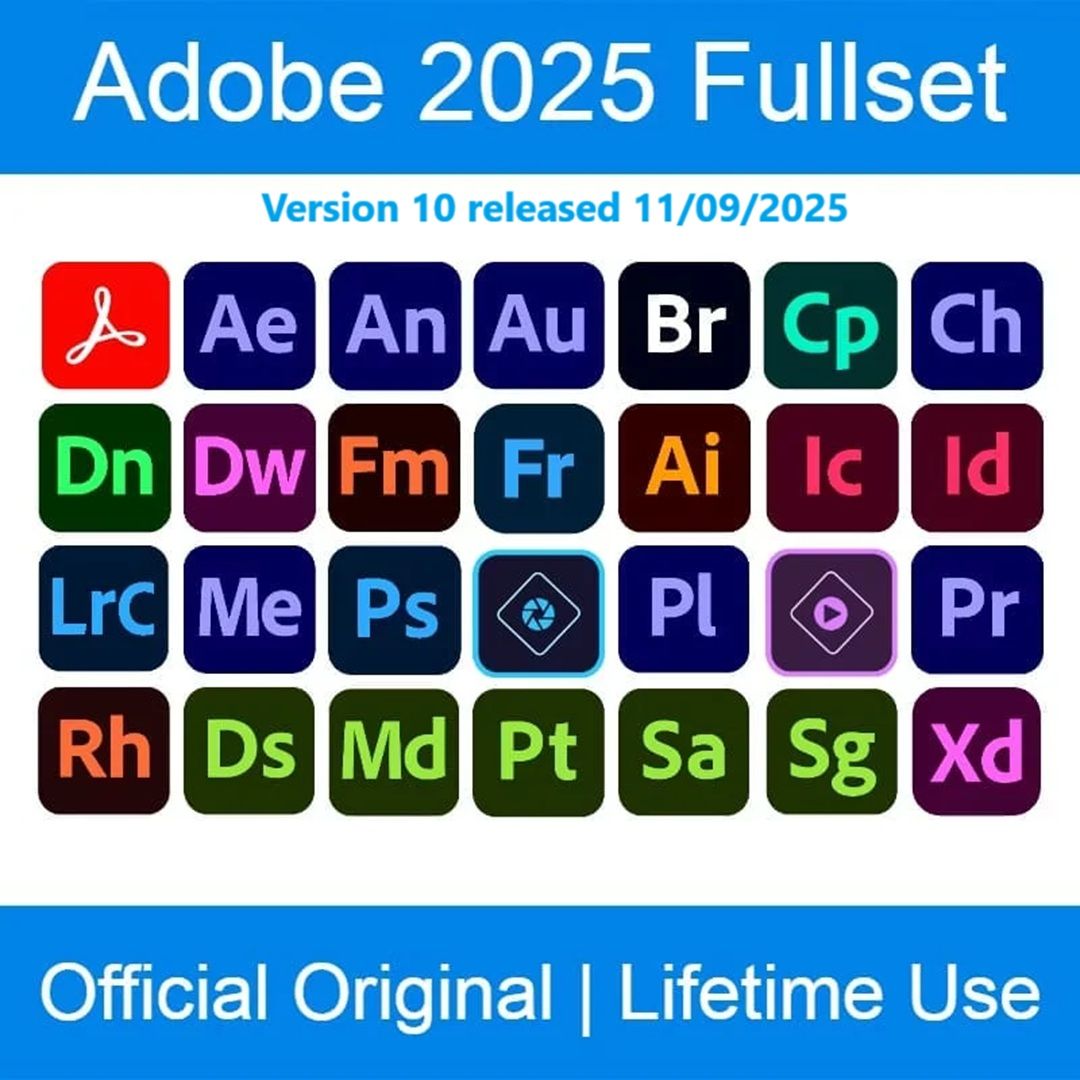
Adobe Master Collection 2025 v10 is the ultimate suite of creative software from Adobe, combining all the industry-leading applications in one powerful package for design, video editing, photography, illustration, and digital publishing. This version offers the latest updates and enhancements across all included Adobe Creative Cloud programs, ensuring maximum productivity, seamless workflow integration, and professional-grade results for creators, designers, and filmmakers.

With Adobe Master Collection 2025 v10, users gain access to the most recent versions of Adobe Photoshop, Illustrator, InDesign, Premiere Pro, After Effects, Lightroom, Audition, and many more. The suite is optimized for both Windows and macOS, offering advanced AI-powered tools, enhanced GPU acceleration, and cloud-based collaboration for real-time teamwork and faster content delivery.

Key Features of Adobe Master Collection 2025 v10

Comprehensive Creative Suite
Includes all Adobe flagship software: Photoshop, Illustrator, Premiere Pro, After Effects, InDesign, Lightroom, Acrobat Pro, and more in one installation.

AI-Powered Creativity
Integrated Adobe Firefly and Sensei AI features automate tasks, enhance photos, generate designs, and create realistic visual effects efficiently.

Advanced Video Editing Tools
Premiere Pro and After Effects deliver cinematic-quality editing, color grading, motion graphics, and seamless integration with Adobe Media Encoder.

Professional Design and Illustration
Create detailed vector graphics, layouts, and digital illustrations using Illustrator and InDesign with new precision drawing and typography controls.

Enhanced Photography Tools
Photoshop and Lightroom Classic provide professional photo editing, RAW processing, and AI-powered retouching for stunning visual quality.

3D and Motion Graphics Support
Build 3D assets and complex animations with After Effects and Adobe Substance tools for next-generation visual experiences.

Unified Cloud Integration
Sync projects, assets, and settings across devices using Adobe Creative Cloud storage and version control.

Performance and GPU Optimization
Enhanced hardware acceleration ensures smooth operation even with large, high-resolution files and complex effects.

Cross-Application Compatibility
Edit, export, and share content seamlessly between Adobe applications for a unified production pipeline.

Regular Updates and Support
Stay current with the latest features, security patches, and creative resources directly from Adobe’s continuous improvement cycle.

Adobe Master Collection 2025 v10 provides a complete creative environment for professionals and enthusiasts alike, combining innovation, speed, and power to deliver world-class results across all media formats.

If you want to download Adobe Master Collection 2025 v10 full license, please click to DOWNLOAD button to download.
CLICKDOWN.ORG Download CAD CAM CNC software
Inside package Adobe Master Collection 2025 v10, already have cracked files and instruction how to install Adobe Master Collection 2025 v10 step by step. I guarantee you can install Adobe Master Collection 2025 v10 successfully if you follow that instruction.
If you also can’t install it or get any problems, please contact to me by email: clickdown.org@gmail.com, then I will help you to install software by teamviewer or Ultraviewer or Anydesk.
Thanks a lot
SOFTWARES

Download Luminar Neo 1.25.0 x64 full license 100% working

Download Luminar Neo 1.25.0 x64 full license 100% working

Link download Luminar Neo 1.25.0 win64 full activated

Working with Luminar Neo 1.25.0 full activated

Description of Luminar Neo 1.25.0

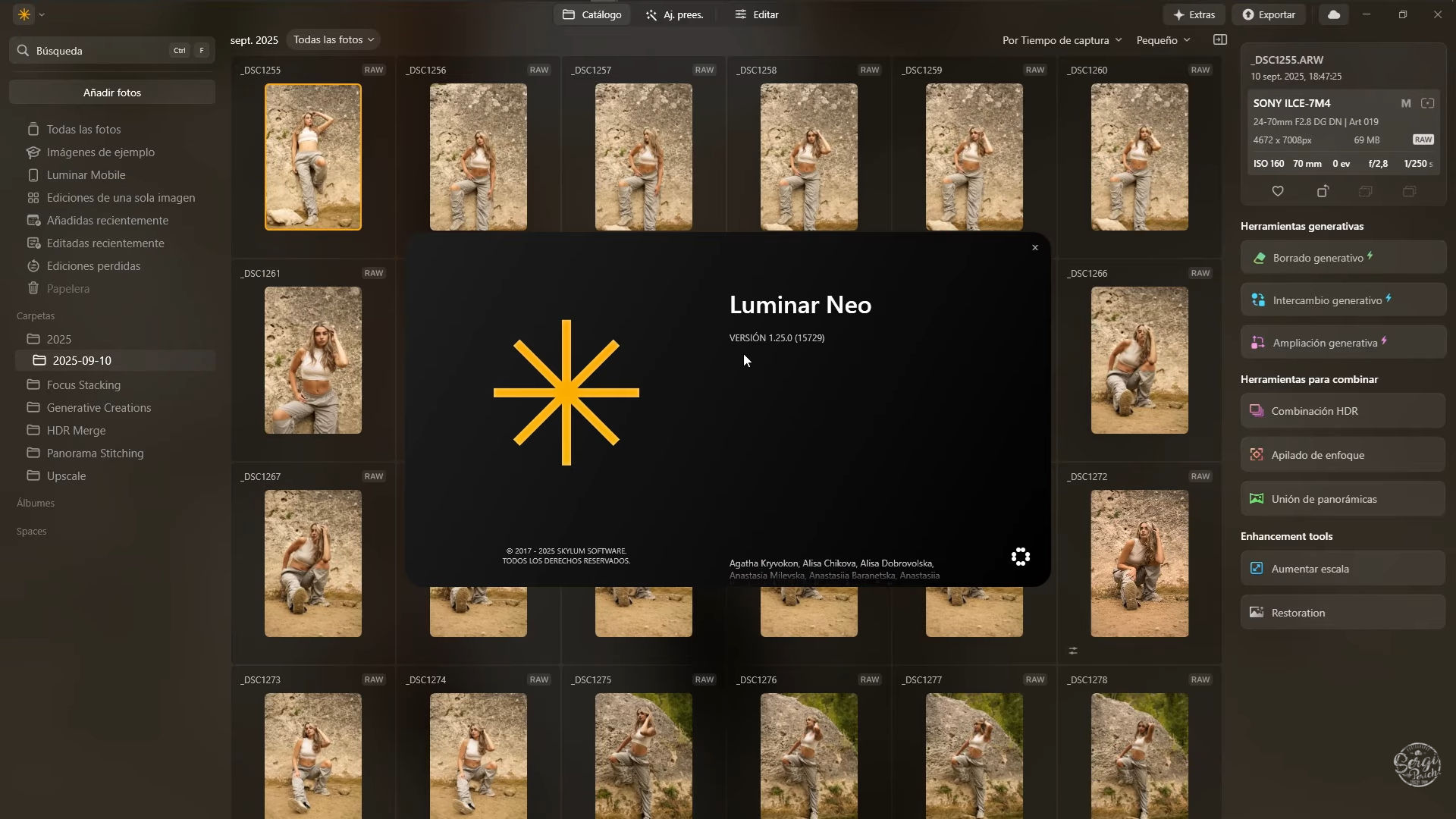
Luminar Neo 1.25.0 is the latest AI-powered photo editing software from Skylum, designed to bring unmatched creativity and efficiency to photographers and content creators. This version introduces enhanced AI tools, faster processing, and new creative extensions that make complex edits effortless. Whether you are enhancing portraits, transforming landscapes, or adding artistic effects, Luminar Neo 1.25.0 delivers professional results with minimal effort.

The software combines intelligent automation with precise manual control, allowing users to achieve stunning visual results through intuitive workflows. With its modular design, Luminar Neo 1.25.0 seamlessly adapts to any photography style — from realistic photo enhancement to surreal image manipulation.

Key Features of Luminar Neo 1.25.0

AI-Powered Editing Tools
Uses advanced artificial intelligence for sky replacement, background removal, and lighting adjustments with professional precision.

Relight AI Technology
Automatically analyzes the depth of an image to relight scenes and subjects for balanced exposure and natural tones.

Supercontrast and Structure AI
Fine-tune contrast and clarity dynamically across highlights, midtones, and shadows for greater image depth.

Portrait Bokeh and Skin AI
Create natural depth-of-field effects and smooth skin tones using advanced face and body recognition algorithms.

Noiseless AI and Sharpness Enhancer
Reduces digital noise while preserving details, delivering sharp, clean results even in low-light photos.

Layer-Based Editing
Enables multi-layer composition with masks and blend modes for complete creative freedom.

Presets and LUT Support
Includes professional presets and Look-Up Tables for instant stylization and consistent color grading.

Extensions Marketplace
Integrates seamlessly with additional extensions like HDR Merge, Focus Stacking, and Panorama Stitching.

RAW File Support
Provides wide compatibility with RAW formats from leading camera brands for precise editing control.

Fast Performance and Workflow Integration
Optimized for faster rendering and can work as a plugin with Adobe Photoshop, Lightroom, and Apple Photos.

Luminar Neo 1.25.0 redefines AI photo editing, giving photographers complete creative control with intelligent tools and stunning visual precision.

If you want to download Luminar Neo 1.25.0 full license, please click to DOWNLOAD button to download.
CLICKDOWN.ORG Download CAD CAM CNC software
Inside package Luminar Neo 1.25.0, already have cracked files and instruction how to install Luminar Neo 1.25.0 step by step. I guarantee you can install Luminar Neo 1.25.0 successfully if you follow that instruction.
If you also can’t install it or get any problems, please contact to me by email: clickdown.org@gmail.com, then I will help you to install software by teamviewer or Ultraviewer or Anydesk.
Thanks a lot
SOFTWARES

Download Canva Affinity 3.0.1.3808 x64 full license forever

Download Canva Affinity 3.0.1.3808 x64 full license forever

Link download Canva Affinity 3.0.1.3808 win64 full activated

Working with Canva Affinity 3.0.1.3808 full license

Description of Canva Affinity 3.0.1.3808

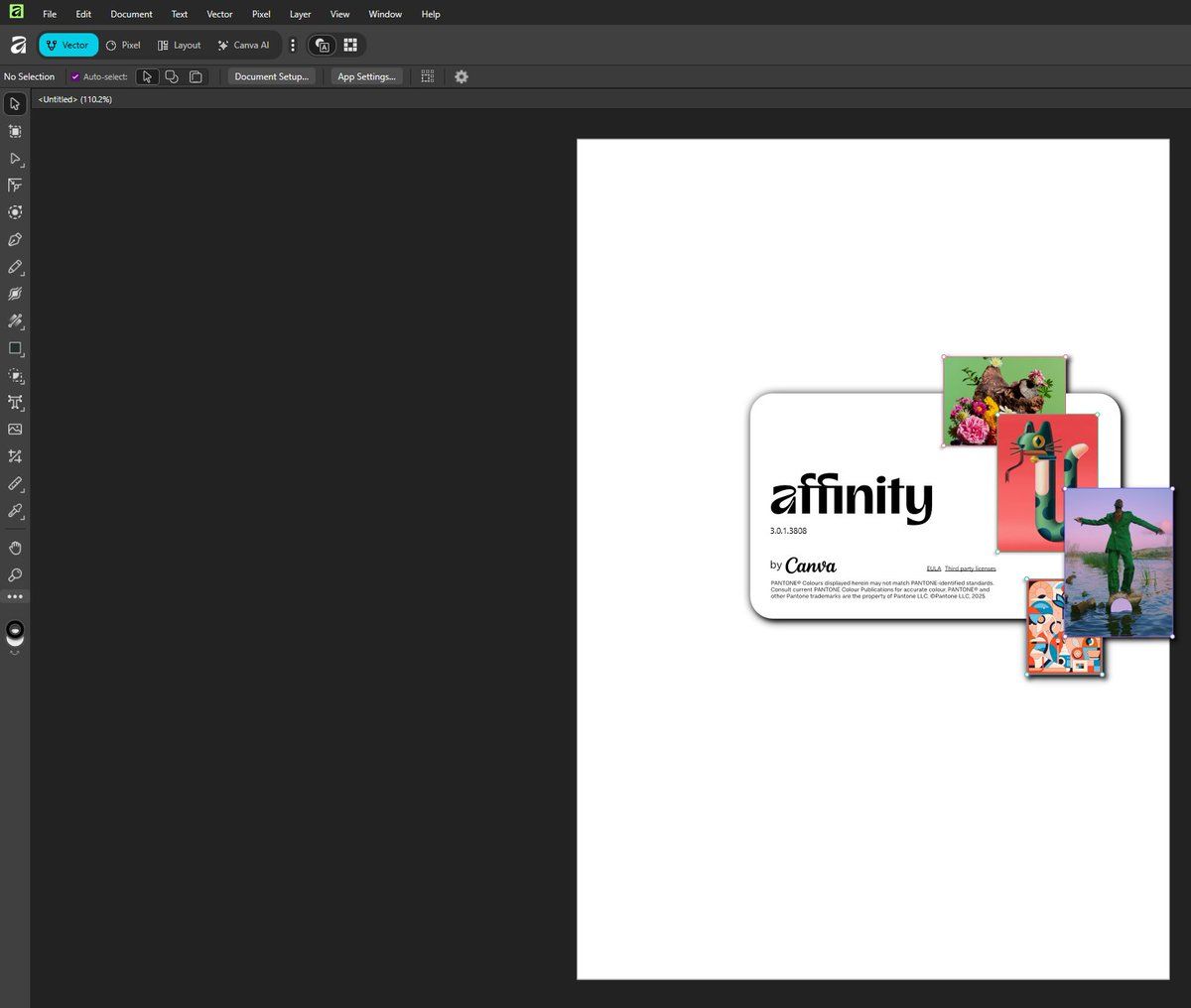
Canva Affinity 3.0.1.3808 is the latest creative design suite that combines the intuitive accessibility of Canva with the professional precision of Affinity tools. This version introduces a unified, high-performance platform for graphic design, photo editing, and digital illustration. Designed for professionals and creators alike, Canva Affinity 3.0.1.3808 enhances productivity with real-time collaboration, non-destructive editing, and cross-platform integration.

The update delivers improved performance, faster rendering, and advanced AI-powered features to streamline workflows across print, digital, and web design projects. Whether you are designing marketing materials, creating brand assets, or editing high-resolution images, Canva Affinity 3.0.1.3808 provides a flexible and powerful environment for all creative tasks.

Key Features of Canva Affinity 3.0.1.3808

All-in-One Creative Suite
Combines the functionality of Canva’s collaborative platform with Affinity’s professional-grade design tools for seamless project creation.

Advanced Photo Editing
Offers non-destructive adjustments, AI-based enhancements, and precise retouching tools for professional image editing.

Vector and Layout Design
Create scalable vector graphics, logos, and detailed layouts with advanced pen tools, grids, and shape controls.

AI-Powered Design Assistance
Smart AI tools suggest design improvements, color palettes, and composition adjustments for faster workflow and creativity.

Real-Time Collaboration
Enables multiple users to edit and review designs simultaneously, ideal for teams and content creators.

Cross-Platform Compatibility
Fully compatible with Windows, macOS, and web environments, allowing seamless project continuity across devices.

Integrated Asset Libraries
Includes thousands of customizable templates, stock photos, and design elements accessible directly within the interface.

Enhanced Export Options
Supports multiple file formats including PSD, PDF, SVG, and EPS for efficient cross-software compatibility.

Performance Optimization
Improved rendering engine ensures faster processing of complex layers and large-scale graphic projects.

Cloud-Based Project Management
Secure cloud integration allows version control, easy sharing, and backup of all creative assets.

Canva Affinity 3.0.1.3808 redefines digital creativity by merging simplicity with professional design control, making it the perfect choice for graphic designers, marketers, and creative teams.

If you want to download Canva Affinity 3.0.1.3808 full license, please click to DOWNLOAD button to download.
CLICKDOWN.ORG Download CAD CAM CNC software
Inside package Canva Affinity 3.0.1.3808, already have cracked files and instruction how to install Canva Affinity 3.0.1.3808 step by step. I guarantee you can install Canva Affinity 3.0.1.3808 successfully if you follow that instruction.
If you also can’t install it or get any problems, please contact to me by email: clickdown.org@gmail.com, then I will help you to install software by teamviewer or Ultraviewer or Anydesk.
Thanks a lot
SOFTWARES

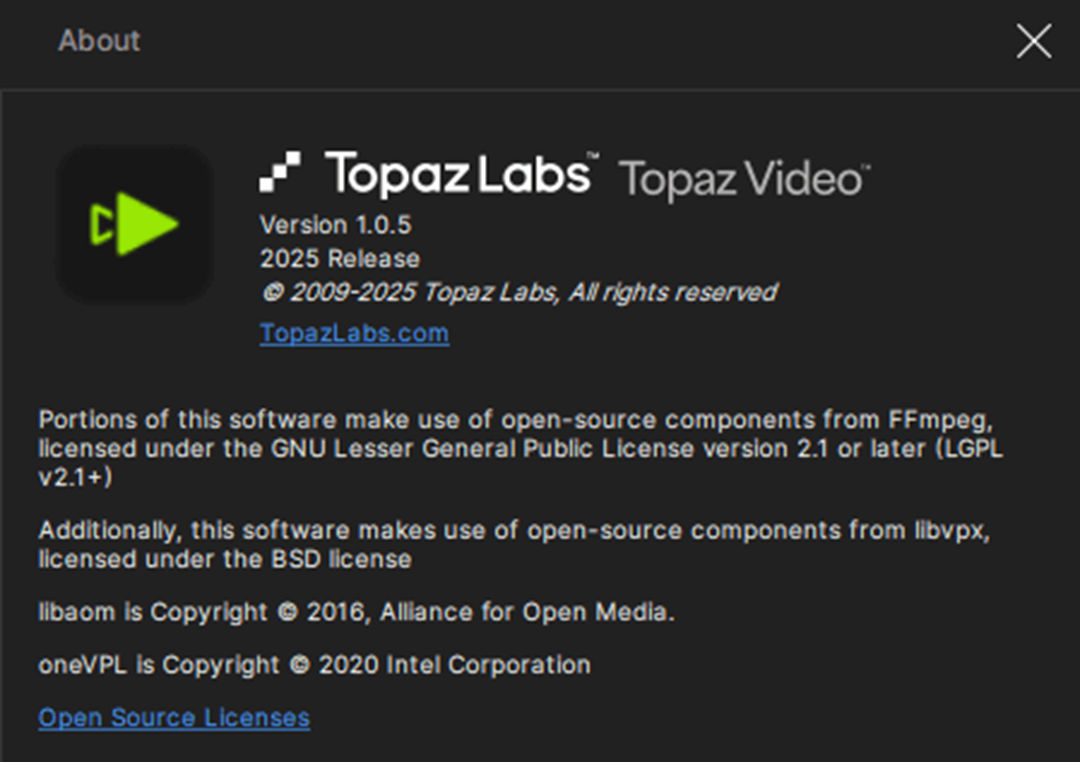
Download Topaz Video 1.0.5 win64 full activated forever

Download Topaz Video 1.0.5 win64 full activated forever

Link download Topaz Video 1.0.5 x64 full license

Topaz Video 1.0.5 x64 full license

Working with Topaz Video 1.0.5 full activated

Description of Topaz Video 1.0.5

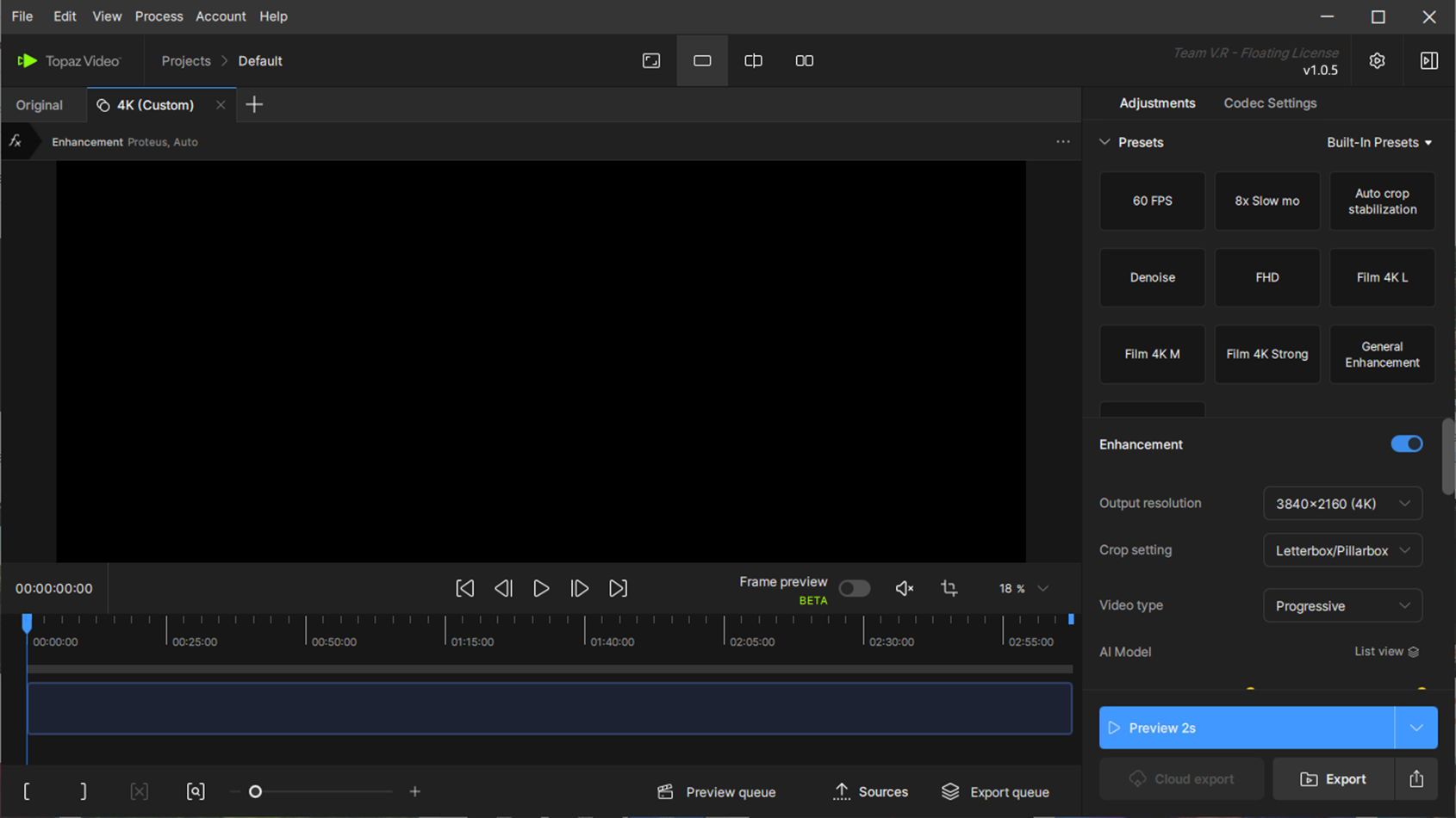
Topaz Video 1.0.5 is an advanced AI-powered video enhancement software developed by Topaz Labs, designed to upscale, stabilize, and restore video quality with stunning precision. This latest version brings improved AI models, faster processing, and enhanced GPU acceleration, enabling users to transform low-resolution or noisy footage into crisp, high-quality videos.

Built for filmmakers, video editors, and content creators, Topaz Video 1.0.5 uses cutting-edge machine learning to intelligently analyze and enhance every frame. It can upscale videos up to 8K resolution, remove noise and compression artifacts, and improve motion smoothness — all while preserving natural details and textures.

Key Features of Topaz Video 1.0.5

AI Video Enhancement: Upscale videos up to 8K using advanced deep learning models.

Noise & Artifact Reduction: Eliminate compression artifacts, flicker, and visual noise.

Frame Interpolation: Smooth out motion with AI-based frame generation for higher FPS.

Detail Restoration:
Sharpen and clarify footage while maintaining natural appearance.

Stabilization Tools: Correct shaky footage for professional-grade results.

Batch Processing: Process multiple video files efficiently with consistent quality.

GPU Acceleration: Supports NVIDIA, AMD, and Apple Silicon for faster rendering.

Wide Format Compatibility: Works with MP4, MOV, AVI, MKV, and more.

With Topaz Video 1.0.52, creators can restore, enhance, and future-proof their videos with professional AI tools that deliver cinematic-quality results effortlessly.

If you want to download Topaz Video 1.0.5 full license, please click to DOWNLOAD button to download.
CLICKDOWN.ORG Download CAD CAM CNC software
Inside package Topaz Video 1.0.5, already have cracked files and instruction how to install Topaz Video 1.0.5 step by step. I guarantee you can install Topaz Video 1.0.5 successfully if you follow that instruction.
If you also can’t install it or get any problems, please contact to me by email: clickdown.org@gmail.com, then I will help you to install software by teamviewer or Ultraviewer or Anydesk.
Thanks a lot
SOFTWARES

Download WYSIWYG Web Builder 20.3.3 full license forever

Download WYSIWYG Web Builder 20.3.3 full license forever

Link download WYSIWYG Web Builder 20.3.3 full activated

WYSIWYG Web Builder 20.3.3 x64 full license

Working with WYSIWYG Web Builder 20.3.3 full activated

Description of WYSIWYG Web Builder 20.3.3

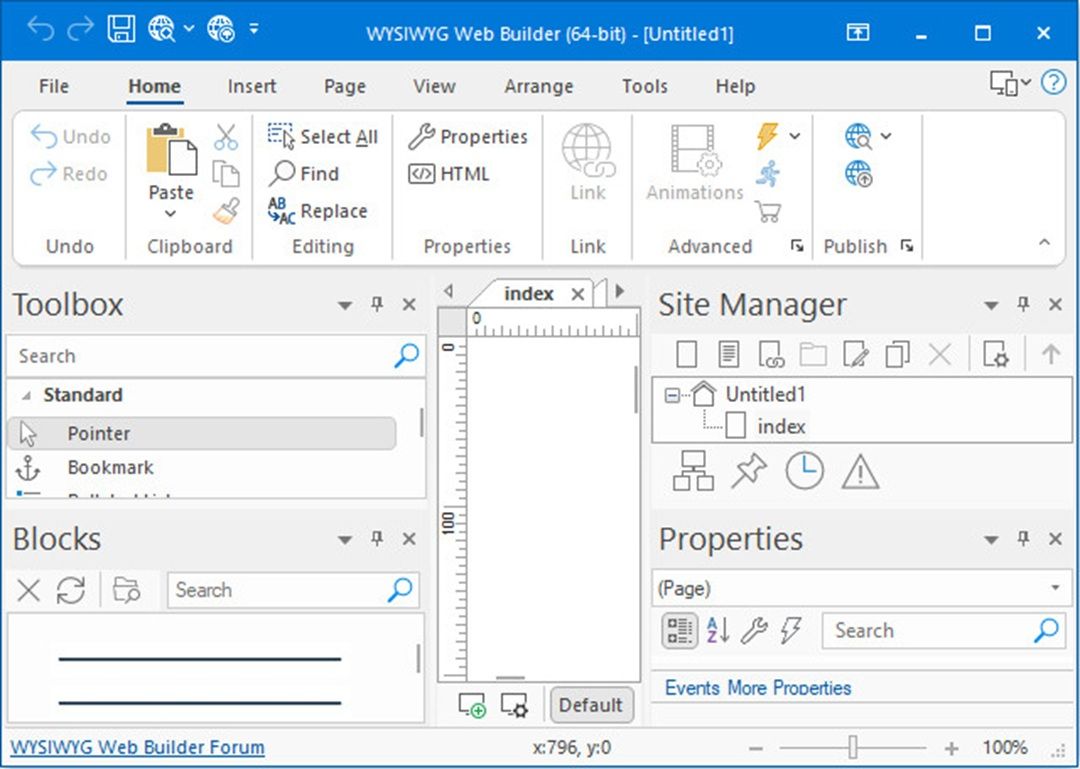
WYSIWYG Web Builder 20.3.3 is a powerful website design tool that allows users to create professional, responsive websites visually — without writing any code. Designed for web designers, entrepreneurs, and developers, this version provides a complete drag-and-drop environment for building modern websites that look perfect on any device.

With improved HTML5 and CSS3 support, WYSIWYG Web Builder 20.3.3 introduces new layout tools, advanced animations, and expanded integration with popular web technologies. Whether creating business websites, portfolios, or online stores, users can design pages quickly using customizable templates, navigation menus, and media elements — all in real time.

Key Features of WYSIWYG Web Builder 20.3.3

True Drag-and-Drop Editor: Build fully functional websites visually without coding skills.

Responsive Design: Automatically adapt layouts for desktop, tablet, and mobile devices.

Enhanced HTML5 & CSS3 Support: Create modern, standards-compliant websites effortlessly.

Built-In Components: Add forms, slideshows, galleries, navigation bars, and media players easily.

E-Commerce Integration: Design online stores with PayPal, Stripe, and shopping cart support.

Animation & Effects: Create engaging web animations, transitions, and parallax scrolling.

SEO Tools: Built-in tools to optimize pages for better search engine rankings.

Extensive Template Library: Start quickly with ready-made templates and layout blocks.

Publish Anywhere: Upload websites directly to any web host via built-in FTP manager.

With WYSIWYG Web Builder 20.3.3, anyone can create visually appealing, responsive, and feature-rich websites quickly and efficiently — no programming required.

If you want to download WYSIWYG Web Builder 20.3.3 full license, please click to DOWNLOAD button to download.
CLICKDOWN.ORG Download CAD CAM CNC software
Inside package WYSIWYG Web Builder 20.3.3, already have cracked files and instruction how to install WYSIWYG Web Builder 20.3.3 step by step. I guarantee you can install WYSIWYG Web Builder 20.3.3 successfully if you follow that instruction.
If you also can’t install it or get any problems, please contact to me by email: clickdown.org@gmail.com, then I will help you to install software by teamviewer or Ultraviewer or Anydesk.
Thanks a lot
SOFTWARES

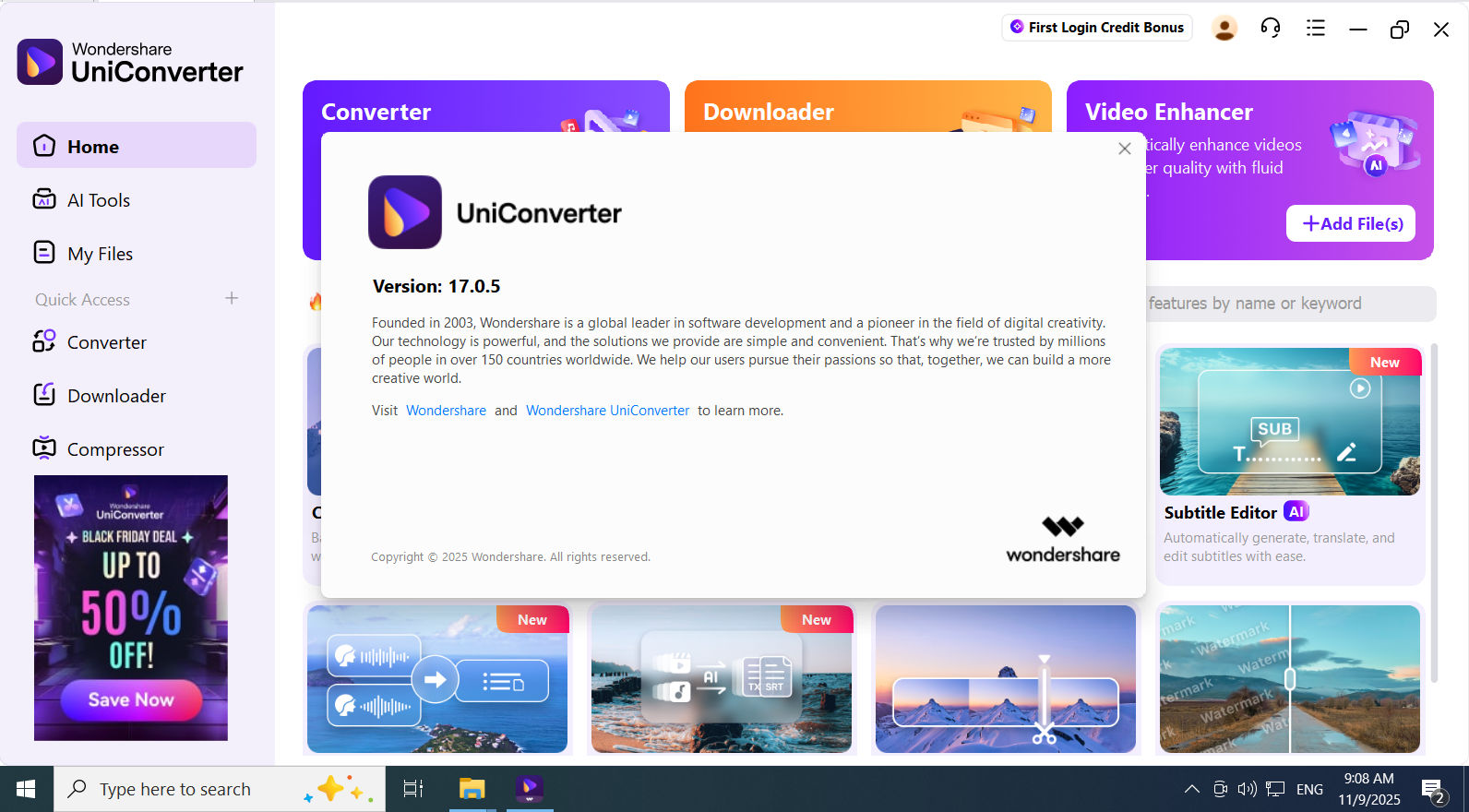
Download Wondershare UniConverter 17.0.5.439 x64 full

Download Wondershare UniConverter 17.0.5.439 x64 full license

Link download Wondershare UniConverter 17.0.5.439 win64 full activated

Working with Wondershare UniConverter 17.0.5.439 full activated

Description of Wondershare UniConverter 17.0.5.439

Wondershare UniConverter 17.0.5.439 is an all-in-one video toolbox that allows users to convert, compress, edit, and manage media files with unmatched speed and quality. Designed for professionals and casual users alike, this latest version introduces faster GPU-accelerated performance, advanced video editing tools, and seamless format compatibility across devices.

With a sleek and user-friendly interface, UniConverter 17.0.5.439 supports more than 1,000 audio and video formats, making it the ideal solution for video conversion, DVD burning, and online media downloading. It also includes advanced features like AI-powered background removal, subtitle editing, and screen recording — perfect for creators, educators, and content producers.

Key Features of Wondershare UniConverter 17.0.5.439

High-Speed Video Conversion: 120x faster conversion using GPU acceleration without quality loss.

Wide Format Support: Convert videos to MP4, MOV, AVI, MKV, MP3, and more.

Video Editing Tools: Trim, crop, merge, and add effects or subtitles easily.

AI-Powered Tools: Smart background remover, subtitle generator, and video enhancer.

Compression & Batch Processing: Reduce file sizes while maintaining quality and process multiple files simultaneously.

Screen Recorder & Downloader: Capture screen activities and download videos from 10,000+ sites.

DVD Toolkit: Burn, copy, and back up DVDs with custom menus and templates.

Cross-Platform Compatibility: Available for Windows and macOS with full hardware acceleration.

With Wondershare UniConverter 17.0.5.439, users gain a complete media solution that simplifies video conversion, editing, and compression while delivering professional-quality results every time.

If you want to download Wondershare UniConverter 17.0.5.439 full license, please click to DOWNLOAD button to download.
CLICKDOWN.ORG Download CAD CAM CNC software
Inside package Wondershare UniConverter 17.0.5.439, already have cracked files and instruction how to install Wondershare UniConverter 17.0.5.439 step by step. I guarantee you can install Wondershare UniConverter 17.0.5.439 successfully if you follow that instruction.
If you also can’t install it or get any problems, please contact to me by email: clickdown.org@gmail.com, then I will help you to install software by teamviewer or Ultraviewer or Anydesk.
Thanks a lot
SOFTWARES

Download Lindo What’sBest! 20.0.0.2 x64 full license forever

Download Lindo What’sBest! 20.0.0.2 x64 full license forever

Link download Lindo What’sBest! 20.0.0.2 win64 full activated

Working with Lindo What'sBest! 20.0.0.2 full license

Description of Lindo What’sBest! 20.0.0.2

Lindo What’sBest! 20.0.0.2 is a powerful Excel add-in for optimization and mathematical modeling that transforms ordinary spreadsheets into advanced decision-support tools. Developed by Lindo Systems, this version combines the ease of Excel with the power of advanced solvers, enabling users to model, analyze, and solve complex linear, nonlinear, and integer optimization problems directly within Excel.

With an enhanced solver engine and faster performance, What’sBest! 20.0.0.2 offers unmatched flexibility for business analysts, engineers, and researchers. It allows users to build optimization models intuitively using familiar Excel formulas while leveraging powerful mathematical algorithms for accurate and efficient results.

Key Features of Lindo What’sBest! 20.0.0.2

Excel Integration: Build and solve optimization models directly within Microsoft Excel.

Comprehensive Optimization: Supports linear, nonlinear, integer, and quadratic programming problems.

Fast Solver Engine: Improved algorithms for faster and more reliable solutions.

Large-Scale Model Support: Handle models with thousands of variables and constraints efficiently.

Scenario & Sensitivity Analysis: Evaluate multiple scenarios and understand model behavior.

User-Friendly Interface: No coding required — create models with standard Excel formulas and ranges.

Data Connectivity: Integrate with databases and external data sources for real-time modeling.

Detailed Reports: Generate insights and optimization results with clear summaries and charts.

With Lindo What’sBest! 20.0.0.2, professionals can make smarter, data-driven decisions and optimize business operations using a familiar Excel environment powered by world-class solvers.

If you want to download Lindo What’sBest! 20.0.0.2 full license, please click to DOWNLOAD button to download.
CLICKDOWN.ORG Download CAD CAM CNC software
Inside package Lindo What’sBest! 20.0.0.2, already have cracked files and instruction how to install Lindo What’sBest! 20.0.0.2 step by step. I guarantee you can install Lindo What’sBest! 20.0.0.2 successfully if you follow that instruction.
If you also can’t install it or get any problems, please contact to me by email: clickdown.org@gmail.com, then I will help you to install software by teamviewer or Ultraviewer or Anydesk.
Thanks a lot
SOFTWARES

Download Lindo LINGO 22.0.139 x64 full license 100% working

Download Lindo LINGO 22.0.139 x64 full license 100% working

Link download Lindo LINGO 22.0.139 win64 full activated

Working with Lindo LINGO 22.0.139 full activated

Description of Lindo LINGO 22.0.139

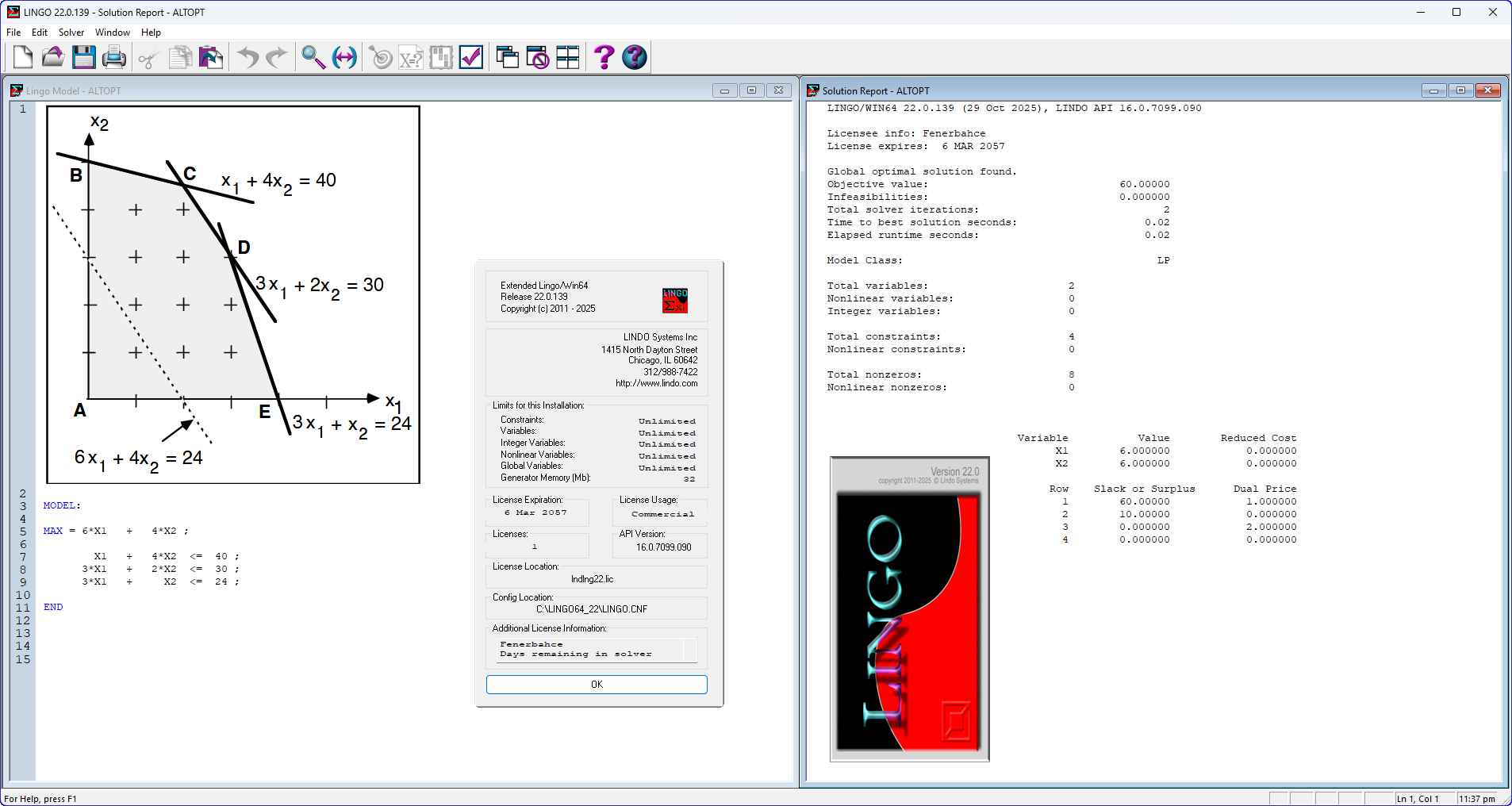
Lindo LINGO 22.0.139 is a powerful optimization and mathematical modeling software designed to solve complex linear, nonlinear, integer, and quadratic problems with ease. Developed by Lindo Systems, this version delivers faster performance, expanded solver capabilities, and enhanced modeling tools — making it ideal for engineers, data scientists, and researchers working on advanced analytics and decision optimization.

LINGO 22.0.139 simplifies the process of building, analyzing, and solving large-scale optimization models. With its intuitive modeling language, integrated solvers, and graphical interface, users can define variables, constraints, and objectives efficiently while accessing detailed reports and sensitivity analyses to improve decision-making.

Key Features of Lindo LINGO 22.0.139

Comprehensive Optimization Support: Solve linear, nonlinear, integer, and quadratic programming problems.

High-Speed Solvers: Enhanced algorithms for faster model computation and accurate results.

User-Friendly Modeling Language: Quickly build and modify models using an intuitive syntax.

Data Import & Integration: Connect with spreadsheets, databases, and external data sources.

Sensitivity & Scenario Analysis: Evaluate how input changes affect optimization outcomes.

Graphical Interface: Easy-to-navigate environment for building and visualizing models.

Parallel Processing: Utilize multi-core CPUs for improved performance on large problems.

Extensive Documentation: Built-in tutorials and examples to support beginners and professionals.

Whether for supply chain optimization, financial modeling, engineering design, or operations research, Lindo LINGO 22.0.139 provides the accuracy, power, and flexibility needed to solve real-world optimization challenges efficiently.

If you want to download Lindo LINGO 22.0.139 full license, please click to DOWNLOAD button to download.
CLICKDOWN.ORG Download CAD CAM CNC software
Inside package Lindo LINGO 22.0.139, already have cracked files and instruction how to install Lindo LINGO 22.0.139 step by step. I guarantee you can install Lindo LINGO 22.0.139 successfully if you follow that instruction.
If you also can’t install it or get any problems, please contact to me by email: clickdown.org@gmail.com, then I will help you to install software by teamviewer or Ultraviewer or Anydesk.
Thanks a lot

SOFTWARES

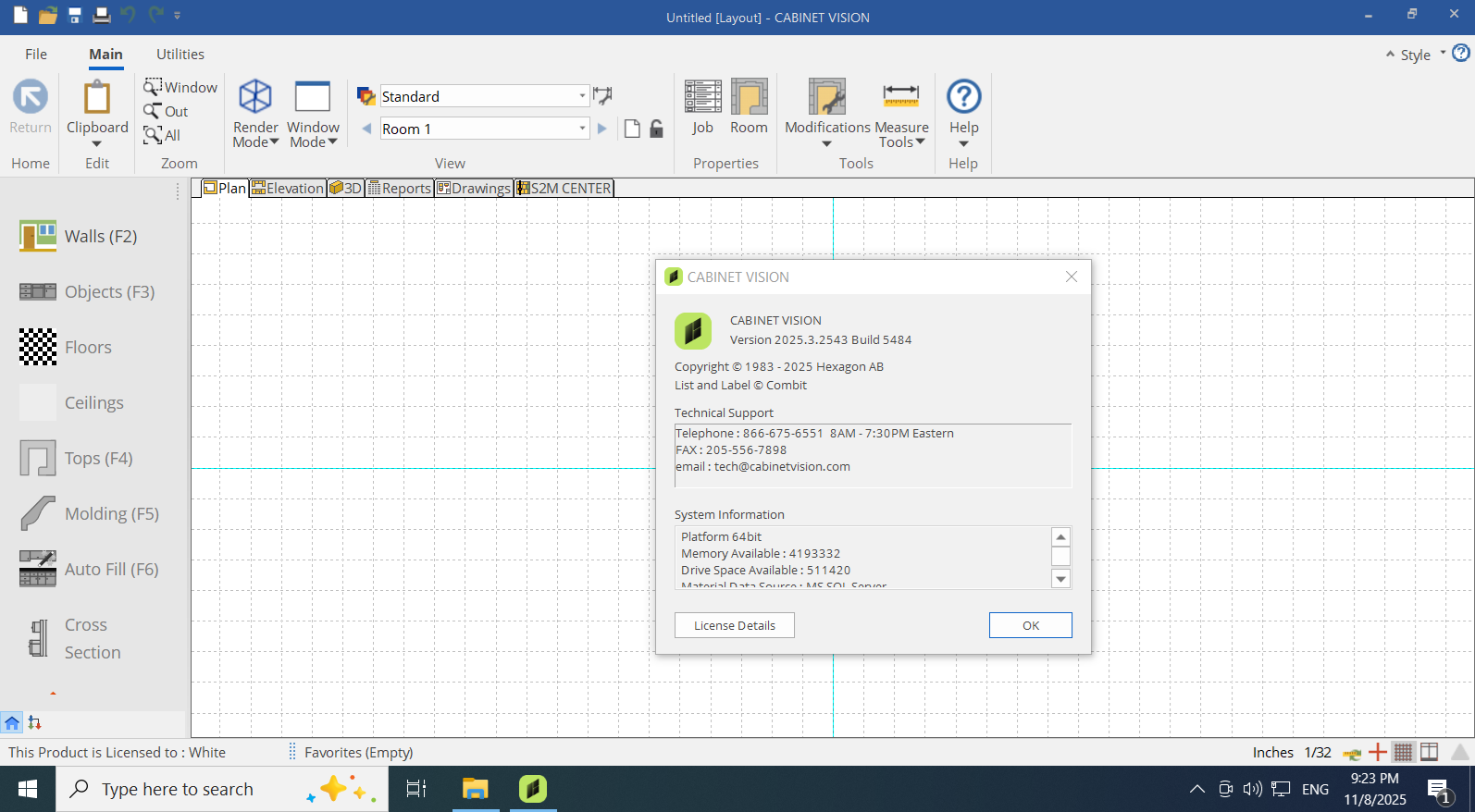
Download CABINET VISION 2025.3 x64 full license forever

Download CABINET VISION 2025.3 x64 full license forever

Link download CABINET VISION 2025.3 win64 full activated

Working with CABINET VISION 2025.3 full activated

Description of CABINET VISION 2025.3

CABINET VISION 2025.3 is an advanced design-to-manufacturing software solution tailored for cabinet makers, woodworkers, and furniture manufacturers. Developed by Hexagon, this latest version streamlines every stage of production — from 3D design and rendering to CNC machine output — helping professionals deliver precise, high-quality cabinetry and joinery projects faster than ever.

With a modernized interface and enhanced performance, CABINET VISION 2025.3 introduces new automation tools, smarter material management, and improved integration with CNC machinery. The software allows users to create detailed designs, generate accurate cut lists, and produce ready-to-run G-code directly from their drawings, eliminating manual calculations and minimizing errors.

Key Features of CABINET VISION 2025.3

Advanced 3D Design Tools: Create, visualize, and customize cabinets and furniture with precision.

Automated Manufacturing Output: Seamless generation of CNC machine code for optimized production.

Material & Cost Management: Track materials, pricing, and waste reduction efficiently.

Customizable Libraries: Access pre-built hardware and component libraries for faster project setup.

Integrated Rendering: Generate high-quality visualizations for client presentations.

Enhanced Reporting: Detailed cut lists, material summaries, and production reports.

Improved CNC Integration: Compatible with a wide range of woodworking machinery.

Flexible Workflow: Ideal for small shops or large-scale manufacturing facilities.

With CABINET VISION 2025.3, woodworking professionals gain a complete, intelligent, and automated solution that bridges the gap between design creativity and production efficiency.

If you want to download CABINET VISION 2025.3 full license, please click to DOWNLOAD button to download.
CLICKDOWN.ORG Download CAD CAM CNC software
Inside package CABINET VISION 2025.3, already have cracked files and instruction how to install CABINET VISION 2025.3 step by step. I guarantee you can install CABINET VISION 2025.3 successfully if you follow that instruction.
If you also can’t install it or get any problems, please contact to me by email: clickdown.org@gmail.com, then I will help you to install software by teamviewer or Ultraviewer or Anydesk.
Thanks a lot
error: Content is protected !!
Scroll to Top