SOFTWARES

SOFTWARES

Download NCSS Statistical Software 2025 v25.0.3 full license

Download NCSS Statistical Software 2025 v25.0.3 x64 full license

Link download NCSS Statistical Software 2025 v25.0.3 win64 activated

Working with NCSS Statistical Software 2025 v25.0.3 full license

Description of NCSS Statistical Software 2025 v25.0.3

NCSS Statistical Software 2025 v25.0.3 is a powerful and comprehensive statistical analysis package designed for researchers, engineers, and data scientists across diverse fields. Known for its accuracy, flexibility, and user-friendly interface, NCSS provides an extensive range of statistical tools for data exploration, hypothesis testing, regression, ANOVA, time series, and advanced analytics. The 2025 version introduces new procedures, performance enhancements, and modern visualization tools to meet the latest demands of scientific and business data analysis.

With NCSS 2025, users can easily perform complex statistical computations without coding knowledge. It supports reproducible workflows, customizable output reports, and seamless data import/export from common formats such as Excel, CSV, and SQL databases. Whether used in academia, healthcare, manufacturing, or finance, NCSS 2025 ensures precision, compliance, and reliability in every analysis.

Key Features of NCSS Statistical Software 2025 v25.0.3

Comprehensive Statistical Procedures
Includes hundreds of tests and analyses such as descriptive statistics, regression, ANOVA, chi-square, factor analysis, nonparametric tests, and more.

Advanced Regression and Modeling Tools
Supports linear, logistic, Poisson, mixed models, and multivariate analysis with diagnostic plots for model validation.

Data Visualization and Graphing
Create professional charts, histograms, scatterplots, and boxplots with customizable options for publication-ready reports.

Improved User Interface
Enhanced menu structure, faster data handling, and intuitive navigation allow smooth workflow for beginners and professionals alike.

Machine Learning and Predictive Analytics
Integrates advanced algorithms like clustering, classification, and discriminant analysis for data-driven insights.

Data Management and Integration
Easily import and export data from Excel, CSV, SQL databases, and statistical file formats while preserving variable labels and formats.

Statistical Power and Sample Size Tools
Built-in PASS integration allows sample size calculations and power analysis directly within NCSS.

Enhanced Output Reports
Generate clean, well-organized statistical tables and visualizations exportable to Word, Excel, or PDF.

Compliance and Reproducibility
Supports good statistical practices with detailed documentation, audit trails, and report reproducibility for scientific validation.

Updated Algorithms and Performance Optimization
Version 25.0.3 includes new statistical methods, improved computational speed, and expanded data handling capabilities.

NCSS Statistical Software 2025 v25.0.3 continues to be one of the most trusted platforms for professional data analysis and statistical modeling. With its extensive toolset, robust performance, and flexible design, it empowers users to perform accurate, efficient, and reproducible analyses across various research and industrial applications.

If you want to download NCSS Statistical Software 2025 v25.0.3 full license, please click to DOWNLOAD button to download.
CLICKDOWN.ORG Download CAD CAM CNC software
Inside package NCSS Statistical Software 2025 v25.0.3, already have cracked files and instruction how to install NCSS Statistical Software 2025 v25.0.3 step by step. I guarantee you can install NCSS Statistical Software 2025 v25.0.3 successfully if you follow that instruction.
If you also can’t install it or get any problems, please contact to me by email: clickdown.org@gmail.com, then I will help you to install software by teamviewer or Ultraviewer or Anydesk.
Thanks a lot

SOFTWARES

Download NCSS PASS 2025 v25.0.3 x64 full activated forever

Download NCSS PASS 2025 v25.0.3 x64 full activated forever

Link download NCSS PASS 2025 v25.0.3 win64 full license

Working with NCSS PASS 2025 v25.0.3 full activated

Description of NCSS PASS 2025 v25.0.3

NCSS PASS 2025 v25.0.3 is a powerful statistical software designed for sample size estimation and power analysis. Developed by NCSS, this version provides researchers, biostatisticians, and data analysts with an advanced suite of tools for designing statistically valid studies in clinical research, pharmaceuticals, engineering, and social sciences. PASS 2025 ensures accuracy, efficiency, and compliance with modern research standards, helping users determine the right sample size to achieve reliable results without over- or under-powering their studies.

The 2025 release brings improved computational performance, enhanced visual reporting, and updated statistical methods to meet the latest research guidelines. PASS 2025 v25.0.3 offers an intuitive interface and detailed guidance, making it suitable for both new and experienced researchers.

Key Features of NCSS PASS 2025 v25.0.3

Comprehensive Power and Sample Size Analysis
Supports hundreds of study designs across medical, engineering, and social science disciplines, covering means, proportions, survival, regression, and more.

Updated Statistical Procedures
Includes the latest statistical tests and formulas for clinical trials, nonparametric tests, equivalence studies, and Bayesian designs.

Graphical Power Curves and Reports
Generate clear power and sample size graphs with multiple comparison options to visualize study power and detectability.

Precision and Confidence Intervals
Calculate required sample sizes based on desired confidence intervals, precision levels, and population parameters.

Integrated Study Planning Tools
Built-in templates simplify study setup with predefined parameters for common research scenarios.

Clinical and Pharmaceutical Applications
PASS 2025 supports advanced modules for bioequivalence, dose-response, and survival analysis used in clinical research and drug development.

Customizable Output and Reporting
Export results in formats including Word, Excel, or PDF, with detailed documentation and visual outputs suitable for publication or audit.

Improved Computational Engine
The 2025 v25.0.3 version includes optimized algorithms for faster and more accurate calculations, even for complex designs.

Enhanced User Interface
A refined layout provides easier navigation, improved parameter entry fields, and quicker access to help resources and statistical references.

Regulatory Compliance and Standards
Complies with major research and industry standards, including FDA, EMA, and ICH guidelines for clinical study design.

Batch Processing and Automation
Automate repetitive analyses using scripting options and predefined workflow templates, improving research productivity.

Extensive Documentation and Tutorials
PASS includes in-depth examples, equations, and step-by-step guides for every test, making it a trusted educational and professional resource.

NCSS PASS 2025 v25.0.3 continues to be the benchmark for statistical power analysis software. Its combination of accuracy, speed, and comprehensive methodology ensures that researchers can confidently plan and validate their studies according to the highest scientific and regulatory standards.

If you want to download NCSS PASS 2025 v25.0.3 full license, please click to DOWNLOAD button to download.
CLICKDOWN.ORG Download CAD CAM CNC software
Inside package NCSS PASS 2025 v25.0.3, already have cracked files and instruction how to install NCSS PASS 2025 v25.0.3 step by step. I guarantee you can install NCSS PASS 2025 v25.0.3 successfully if you follow that instruction.
If you also can’t install it or get any problems, please contact to me by email: clickdown.org@gmail.com, then I will help you to install software by teamviewer or Ultraviewer or Anydesk.
Thanks a lot
SOFTWARES

Download Siemens Star-CCM+ 2510 v20.06.007 x64 full license

Download Siemens Star-CCM+ 2510 v20.06.007 x64 full license

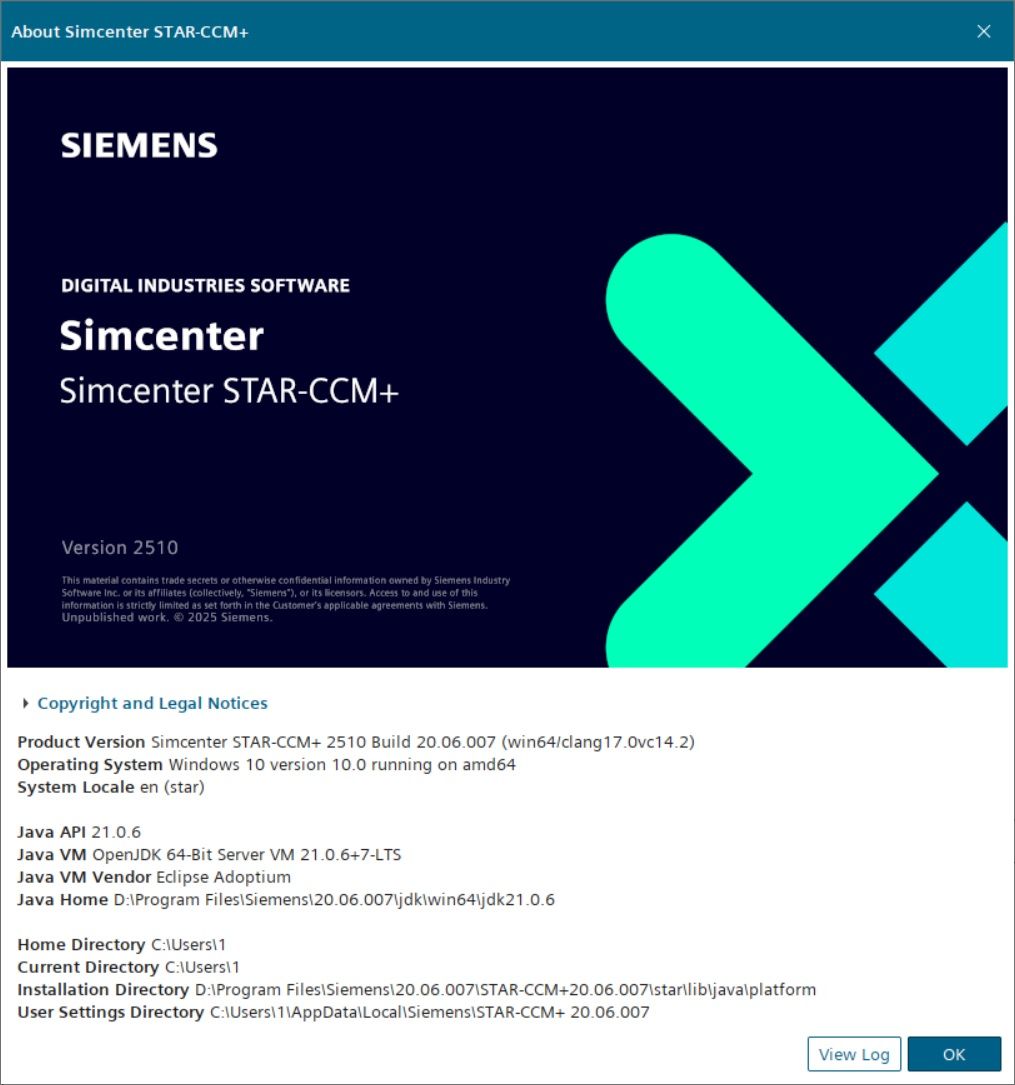
Siemens Star-CCM+ 2510 (20.06.007 single precision) Win64

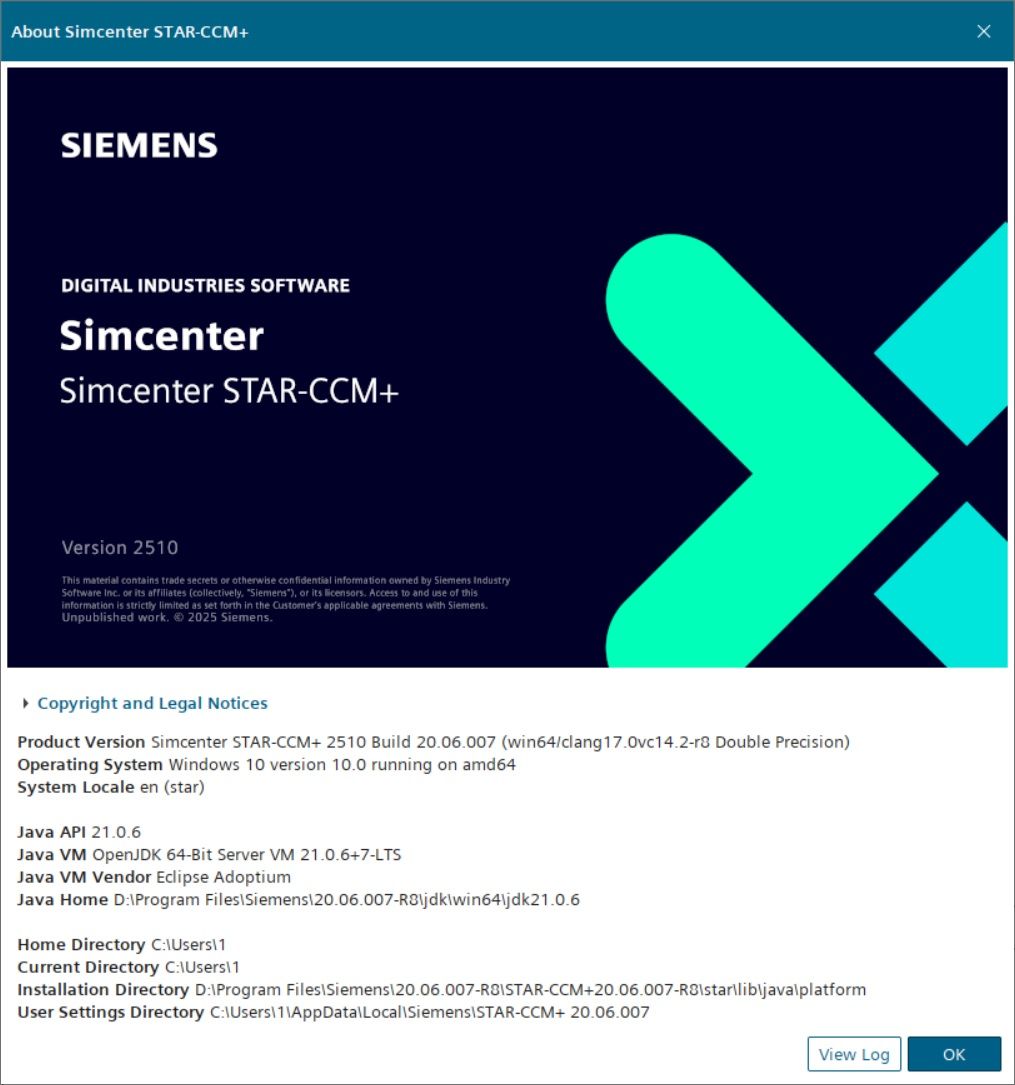
Siemens Star-CCM+ 2510 R8 (20.06.007-R8 double precision) Win64

Star-CCM+ 2510 (20.06.007 single precision) Win64 full

Star-CCM+ 2510 R8 (20.06.007-R8 double precision) Win64 activated

Working with Siemens Star-CCM+ 2510 full license

Description of Siemens Star-CCM+ 2510 v20.06.007

Siemens Star-CCM+ 2510 is a state-of-the-art computational fluid dynamics (CFD) and multiphysics simulation software designed to enable engineers to model, analyze, and optimize real-world systems with precision. Developed by Siemens Digital Industries Software, this version introduces significant performance improvements, enhanced automation, and advanced physics models, allowing engineers to accelerate design innovation and improve product efficiency across industries.

Star-CCM+ 2510 provides an integrated environment that combines fluid flow, heat transfer, solid mechanics, electromagnetics, and particle dynamics in one unified simulation platform. It offers seamless scalability for high-performance computing (HPC) environments, empowering users to perform complex simulations faster and with greater accuracy.

Key Features of Siemens Star-CCM+ 2510

Comprehensive Multiphysics Simulation
Accurately models coupled physics phenomena, including fluid dynamics, heat transfer, combustion, and solid stress analysis in a single platform.

Next-Generation CFD Solvers
Features improved turbulence, multiphase, and combustion models that deliver faster convergence and higher numerical accuracy.

CAD-to-Simulation Integration
Directly connects with Siemens NX, CATIA, SolidWorks, and other CAD systems for smooth geometry import, automatic repair, and mesh generation.

Automated Meshing and Adaptive Refinement
Provides advanced meshing algorithms that automatically refine mesh quality based on flow gradients for more reliable results.

Design Exploration and Optimization
Integrates with Siemens HEEDS for automated design space exploration, parametric studies, and optimization of product performance.

High-Performance Computing (HPC) Scaling
Offers enhanced parallel scalability for large simulations using multi-core CPUs or GPUs in local or cloud-based HPC environments.

Thermal and Structural Analysis
Combines fluid flow and structural mechanics to simulate heat exchange, stress, and deformation under realistic conditions.

Advanced Multiphase Flow Modeling
Accurately predicts gas-liquid, solid-liquid, and particle interactions for industrial processes like mixing, separation, and combustion.

Electromagnetic Simulation
Includes electromagnetic field solvers for studying induction heating, motor cooling, and electromagnetic interference effects.

Enhanced User Interface
Redesigned layout and improved workflow tools make setup, visualization, and post-processing faster and more intuitive.

Automation and Scripting
Supports Python-based automation for batch simulations, workflow standardization, and parameter-driven optimization.

Visualization and Reporting
Delivers high-quality 3D visualization tools, real-time monitoring, and automated result reports for engineering documentation.

Updates in Version 2510
Improved GPU acceleration for CFD simulations
Enhanced turbulence models for automotive aerodynamics
Optimized solver performance for multiphase systems
Better integration with Simcenter portfolio and cloud simulation

Siemens Star-CCM+ 2510 stands as a comprehensive solution for engineers and researchers seeking precision, scalability, and efficiency in simulation-driven design. With its advanced physics, automation capabilities, and HPC performance, it empowers organizations to innovate faster, reduce costs, and deliver higher-quality products.

If you want to download Siemens Star-CCM+ 2510 v20.06.007 full license, please click to DOWNLOAD button to download.
CLICKDOWN.ORG Download CAD CAM CNC software
Inside package Siemens Star-CCM+ 2510 v20.06.007, already have cracked files and instruction how to install Siemens Star-CCM+ 2510 v20.06.007 step by step. I guarantee you can install Siemens Star-CCM+ 2510 v20.06.007 successfully if you follow that instruction.
If you also can’t install it or get any problems, please contact to me by email: clickdown.org@gmail.com, then I will help you to install software by teamviewer or Ultraviewer or Anydesk.
Thanks a lot

SOFTWARES

Download AI FaceSwap 2.6.2 x64 full license 100% working

Download AI FaceSwap 2.6.2 x64 full license 100% working

Link download AI FaceSwap 2.6.2 win64 full activated

Working with AI FaceSwap 2.6.2 full activated

Description of AI FaceSwap 2.6.2

AI FaceSwap 2.6.2 is an advanced artificial intelligence-powered face swapping software designed to deliver seamless, high-quality, and realistic face replacements in photos and videos. Built with state-of-the-art deep learning algorithms, the program ensures precise facial alignment, accurate expression mapping, and natural blending for professional-level results.

This version introduces faster processing, improved detection accuracy, and enhanced GPU acceleration, making it suitable for creative professionals, editors, and researchers who need precise face transformation tools. Whether for entertainment, research, or educational use, AI FaceSwap 2.6.2 combines performance, quality, and ease of use in one complete package.

Key Features of AI FaceSwap 2.6.2

Advanced Deep Learning Algorithms
Utilizes modern neural networks for precise face recognition, swapping, and expression matching to create lifelike transformations.

High-Resolution Face Swapping
Maintains the original image or video resolution, delivering photorealistic outputs with detailed texture preservation.

Automatic Face Detection
Instantly identifies faces in single or multiple subjects with high accuracy, ensuring smooth mapping and consistent results.

Real-Time Preview Mode
Offers live preview during editing, allowing users to adjust alignment and blending before exporting the final version.

Video Face Swap Support
Processes full-length videos while maintaining synchronization of lighting, motion, and perspective for professional-grade effects.

Batch Processing
Supports multiple image and video swaps simultaneously to save time on large projects.

Expression and Emotion Mapping
Preserves the original expressions and emotional tone of the subject, improving the natural feel of the swapped content.

Lighting and Color Correction
Automatically adjusts lighting and color balance for consistent blending between source and target faces.

GPU Acceleration
Enhanced performance through GPU-based processing for faster rendering and smoother workflows on high-end systems.

Privacy and Security Options
Offers offline operation mode, ensuring all data remains secure without cloud uploads or third-party access.

Custom Masking and Manual Adjustment
Allows users to refine swap regions manually for precision and fine-tuning in complex scenes.

Cross-Platform Compatibility
Available for Windows, macOS, and Linux systems with flexible file import/export options for different formats.

Updates in Version 2.6.2
Enhanced deepfake prevention filters
Faster rendering engine
Improved face detection accuracy
Optimized UI and user workflow

AI FaceSwap 2.6.2 provides an intuitive yet powerful face-swapping environment ideal for professionals in video production, AI research, and creative design. With advanced automation and superior visual accuracy, it sets a new standard in AI-driven image transformation tools.

If you want to download AI FaceSwap 2.6.2 full license, please click to DOWNLOAD button to download.
CLICKDOWN.ORG Download CAD CAM CNC software
Inside package AI FaceSwap 2.6.2, already have cracked files and instruction how to install AI FaceSwap 2.6.2 step by step. I guarantee you can install AI FaceSwap 2.6.2 successfully if you follow that instruction.
If you also can’t install it or get any problems, please contact to me by email: clickdown.org@gmail.com, then I will help you to install software by teamviewer or Ultraviewer or Anydesk.
Thanks a lot

SOFTWARES

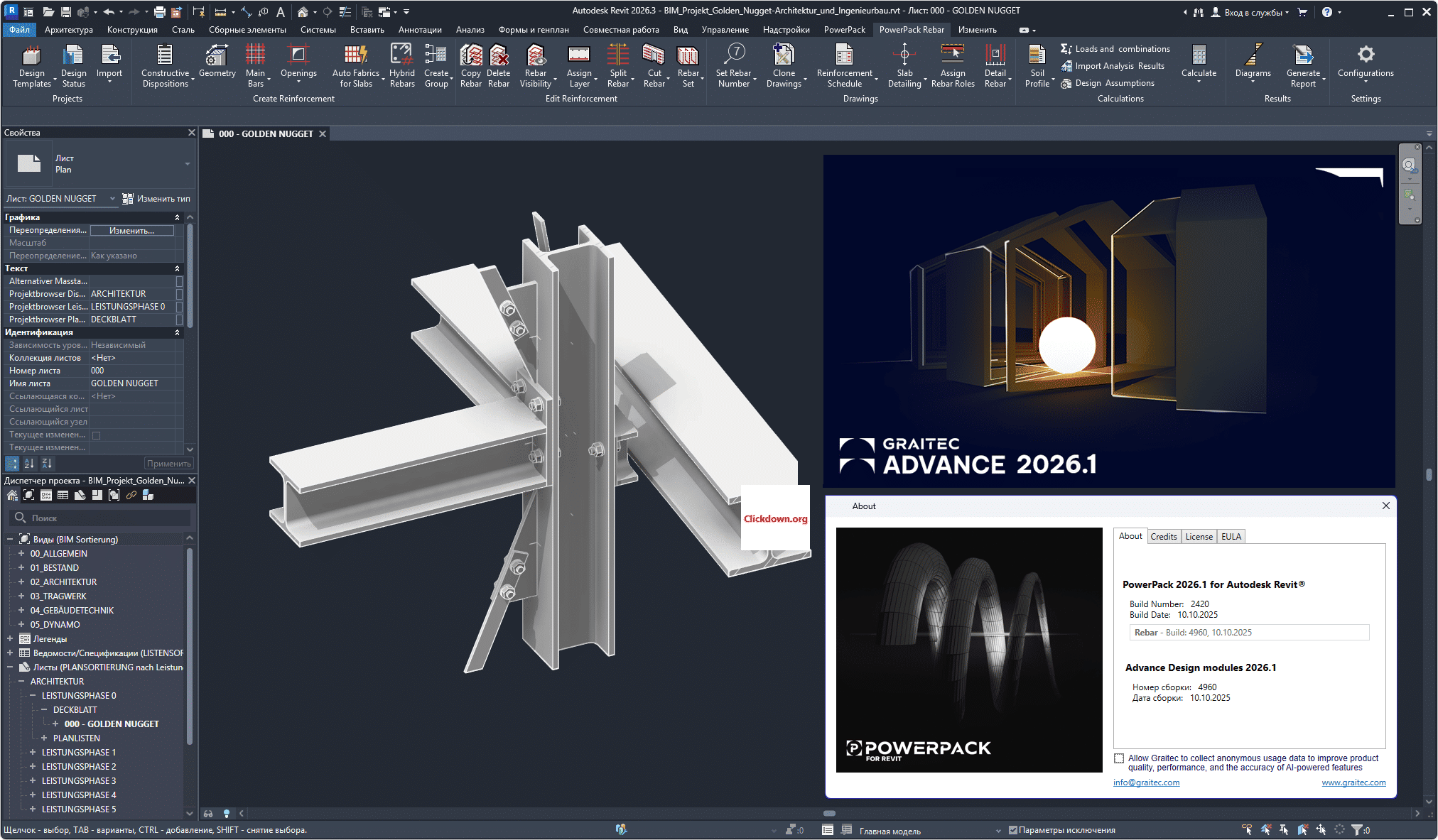
Download Graitec Advance PowerPack 2026.1 for Autodesk Revit

Download Graitec Advance PowerPack 2026.1 for Autodesk Revit win64

Link download Graitec Advance PowerPack 2026.1 for Autodesk Revit x64

Working with Graitec Advance PowerPack 2026.1 for Autodesk Revit full

Description of Graitec Advance PowerPack 2026.1 for Autodesk Revit

Graitec Advance PowerPack 2026.1 for Autodesk Revit is an advanced productivity extension designed to enhance the capabilities of Revit for architects, structural engineers, and MEP designers. This latest version offers a comprehensive suite of powerful tools that automate repetitive tasks, improve modeling efficiency, and expand Revit’s functionality in design, documentation, and project coordination.

With new automation workflows, intelligent detailing features, and enhanced BIM data management tools, PowerPack 2026.1 helps users achieve greater accuracy and productivity throughout the design and construction process. It integrates seamlessly with Autodesk Revit 2024–2026, ensuring compatibility and optimal performance in modern BIM environments.

Key Features of Graitec Advance PowerPack 2026.1 for Autodesk Revit

Enhanced Productivity Tools
Automate repetitive design and documentation processes, including view creation, dimensioning, and sheet management to save time and reduce manual work.

Reinforcement and Rebar Tools
Advanced reinforcement modeling capabilities for beams, columns, slabs, and walls with automatic bar placement, bending schedules, and rebar numbering.

Family Manager and Browser
Efficiently organize, search, and load Revit families with enhanced filters and quick previews for better project management.

BIM Data Management
Extract, edit, and synchronize BIM data directly within Revit. The improved Data Manager supports Excel integration for simplified data control.

Element Annotation and Tagging Tools
Automatically generate consistent annotations, legends, and tags based on predefined project templates for improved documentation.

Structural and Architectural Detailing
Add anchors, plates, bolts, welds, and concrete detailing elements with precision tools designed for fabrication-ready models.

Sheet and View Automation
Batch-create and organize sheets and views with dynamic templates, helping streamline large projects and reduce setup time.

Level and Grid Management
Enhanced level and grid control tools simplify multi-story modeling and ensure project-wide coordination and alignment.

Parameter Management Enhancements
Create, modify, and batch-edit parameters with intuitive tools that simplify BIM data customization and control.

Collision Check and Model Validation
Built-in clash detection tools help identify and resolve design conflicts early in the project workflow.

Export and Reporting Tools
Generate automated reports, quantity takeoffs, and schedules in customizable formats, including Excel and PDF.

Link with Advance Design and PowerPack for Inventor
Seamless integration with other Graitec solutions allows for better structural analysis, fabrication, and multi-discipline coordination.

Performance Improvements in 2026.1
Faster family loading and model processing
Improved rebar detailing accuracy
Optimized BIM data synchronization
Enhanced support for Revit 2026 environment

Graitec Advance PowerPack 2026.1 for Autodesk Revit is an essential plugin for BIM professionals seeking to maximize their design efficiency, precision, and project coordination. With automation, customization, and advanced detailing capabilities, it transforms Revit into a more powerful, flexible, and production-ready platform.

If you want to download Graitec Advance PowerPack 2026.1 for Autodesk Revit full license, please click to DOWNLOAD button to download.
CLICKDOWN.ORG Download CAD CAM CNC software
Inside package Graitec Advance PowerPack 2026.1 for Autodesk Revit, already have cracked files and instruction how to install Graitec Advance PowerPack 2026.1 for Autodesk Revit step by step. I guarantee you can install Graitec Advance PowerPack 2026.1 for Autodesk Revit successfully if you follow that instruction.
If you also can’t install it or get any problems, please contact to me by email: clickdown.org@gmail.com, then I will help you to install software by teamviewer or Ultraviewer or Anydesk.
Thanks a lot
SOFTWARES

Download Geometric Glovius Prime 6.7.0.57 win64 full license

Download Geometric Glovius Prime 6.7.0.57 win64 full license

Link download Geometric Glovius Prime 6.7.0.57 x64 full activated

Working with Geometric Glovius Prime 6.7.0.57 full license

Description of Geometric Glovius Prime 6.7.0.57

Geometric Glovius Prime 6.7.0.57 is a powerful 3D visualization and CAD file viewing solution designed for engineers, designers, and manufacturing professionals. It enables users to open, view, analyze, and share 3D CAD models created in leading design software such as CATIA, NX, Creo, SolidWorks, Inventor, and STEP/IGES formats. The 2025 release enhances performance, usability, and collaboration tools, making it one of the most efficient CAD viewers for modern design workflows.

With its lightweight interface and fast loading engine, Glovius Prime allows users to explore complex 3D assemblies, inspect dimensions, analyze geometry, and create interactive 3D reports without needing native CAD software. It is ideal for design review, cost estimation, quality inspection, and manufacturing planning.

Key Features of Geometric Glovius Prime 6.7.0.57

Comprehensive 3D CAD File Support
Open and view models from CATIA V4/V5/V6, NX, Creo, SolidWorks, Inventor, Solid Edge, JT, STEP, IGES, and more without requiring original CAD licenses.

Fast and Lightweight Visualization
Load large and complex assemblies quickly with smooth navigation, rendering, and model interaction optimized for high performance.

Measurement and Analysis Tools
Measure distances, angles, radii, and areas precisely. Evaluate part thickness, draft angles, and clearance for manufacturing validation.

Sectioning and Exploded Views
Cut through 3D models using interactive section planes or create exploded views for clear visualization of internal structures.

Bill of Materials (BOM) Extraction
Automatically generate and export BOM data to Excel or CSV formats for documentation and cost estimation.

3D Comparison Functionality
Compare two versions of a CAD model to detect geometric and dimensional changes efficiently.

Markup and Annotation Tools
Add text notes, highlights, and geometric annotations to 3D models for better communication during design reviews.

3D PDF and Image Export
Export 3D models to 3D PDF or image files for sharing with clients, suppliers, or stakeholders without CAD software.

Mass Property Analysis
Calculate volume, surface area, weight, and center of gravity for parts and assemblies with configurable material properties.

Cross-Platform Collaboration
Share lightweight Glovius files with team members across desktop and mobile devices, ensuring seamless communication.

Advanced Assembly Management
Manage subassemblies, isolate components, and visualize assembly hierarchies for better design comprehension.

Markup Collaboration via Glovius Cloud
Save and share 3D markups and model snapshots directly through Glovius Cloud for real-time team collaboration.

Custom Reports and Templates
Create detailed inspection and measurement reports customized for project or client needs.

Enhanced Performance in Version 6.7.0.57

Faster loading for large STEP and CATIA files

Improved graphical rendering for complex assemblies

New export options for neutral CAD formats

Bug fixes and stability improvements

Geometric Glovius Prime 6.7.0.57 streamlines 3D model analysis and collaboration across design, engineering, and production. It delivers all essential CAD visualization and review capabilities in one fast, reliable, and user-friendly solution.

If you want to download Geometric Glovius Prime 6.7.0.57 full license, please click to DOWNLOAD button to download.
CLICKDOWN.ORG Download CAD CAM CNC software
Inside package Geometric Glovius Prime 6.7.0.57, already have cracked files and instruction how to install Geometric Glovius Prime 6.7.0.57 step by step. I guarantee you can install Geometric Glovius Prime 6.7.0.57 successfully if you follow that instruction.
If you also can’t install it or get any problems, please contact to me by email: clickdown.org@gmail.com, then I will help you to install software by teamviewer or Ultraviewer or Anydesk.
Thanks a lot

SOFTWARES

Download CIMCO Edit 2025.01.19 x64 full license forever

Download CIMCO Edit 2025.01.19 x64 full license forever

Link download CIMCO Edit 2025.01.19 win64 full activated

Working with CIMCO Edit 2025.01.19 full license

Description of CIMCO Edit 2025.01.19

CIMCO Edit 2025.01.19 is the latest version of the industry-leading CNC program editor, widely used by machinists and manufacturing professionals for its reliability, speed, and precision. Designed to handle complex CNC programs with ease, this release enhances NC code editing, simulation, and file management for modern machining environments. It remains the go-to choice for CNC programmers seeking efficient workflows and seamless integration with CAD/CAM systems.

With powerful NC editing capabilities, backplot visualization, and advanced compare tools, CIMCO Edit 2025.01.19 simplifies G-code programming and verification. Whether you’re working with milling, turning, or multi-axis operations, this version ensures accuracy and productivity at every stage.

Key Features of CIMCO Edit 2025.01.19

Professional CNC Program Editing
Edit, format, and analyze large G-code files quickly with syntax highlighting, customizable color schemes, and advanced search-and-replace functions.

Backplot 3D Toolpath Simulation
Visualize CNC toolpaths in 2D and 3D views for milling, turning, and multi-axis machines. Identify collisions, feed rate errors, and motion issues before machining.

Solid Simulation Module
Perform realistic solid verification to ensure accurate part machining and eliminate costly setup errors or tool crashes.

File Comparison Tool
Compare two CNC programs line-by-line to identify differences, ensuring accurate program revisions and version control.

Intelligent NC Functions
Utilize advanced editing features like renumbering lines, block delete management, and feed/speed adjustments to streamline G-code optimization.

DNC Communication Support
Seamlessly transfer CNC programs between PCs and machines via RS-232, Ethernet, or wireless connections.

Toolpath Optimization
Optimize tool movements and reduce cycle times using visual feedback and real-time analysis.

Drag-and-Drop Editing
Simplify code modification by moving or copying toolpath segments directly within the editor.

Configurable CNC Templates
Create machine-specific templates to automate formatting, header generation, and post-processing.

Mill-Turn and Multi-Axis Support
Handle complex machine types with advanced simulation and verification for up to 5-axis operations.

Toolpath Backplot Analysis
Examine tool changes, rapid moves, feed rates, and part dimensions through intuitive visual feedback.

Machine Simulation Integration
Integrate CIMCO Edit with external machine simulation or post-processor software for full workflow coverage.

Automatic Error Detection
Detect syntax issues, missing codes, or invalid coordinates automatically during program verification.

Custom Macro Support
Create and run custom macros or scripts to automate repetitive programming tasks.

Updated User Interface
Enjoy a modern, cleaner layout with enhanced usability and faster file loading performance.

New in Version 2025.01.19

Improved backplot rendering and solid simulation speed

Enhanced DNC connection stability

Optimized file comparison accuracy

Support for new CNC controllers and file formats

Updated G-code syntax library for modern machines

CIMCO Edit 2025.01.19 continues to be the benchmark for CNC program editing and verification, offering professional machinists the tools needed to increase accuracy, productivity, and machine safety. It’s the perfect solution for both small workshops and large manufacturing environments seeking to optimize their CNC operations.

If you want to download CIMCO Edit 2025.01.19 full license, please click to DOWNLOAD button to download.
CLICKDOWN.ORG Download CAD CAM CNC software
Inside package CIMCO Edit 2025.01.19, already have cracked files and instruction how to install CIMCO Edit 2025.01.19 step by step. I guarantee you can install CIMCO Edit 2025.01.19 successfully if you follow that instruction.
If you also can’t install it or get any problems, please contact to me by email: clickdown.org@gmail.com, then I will help you to install software by teamviewer or Ultraviewer or Anydesk.
Thanks a lot

SOFTWARES

Download Wondershare PDFelement Professional 12.0.8.3784

Download Wondershare PDFelement Professional 12.0.8.3784 activated

Link download Wondershare PDFelement Professional 12.0.8.3784

Working with Wondershare PDFelement Professional 12.0.8.3784 full

Description of Wondershare PDFelement Professional 12.0.8.3784

Wondershare PDFelement Professional 12.0.8.3784 is a powerful all-in-one PDF editor that enables professionals and businesses to create, edit, convert, sign, and secure PDF documents efficiently. With its modern interface and AI-powered tools, PDFelement 12 delivers a streamlined workflow for managing PDFs across Windows, macOS, and mobile platforms.

This latest version enhances speed, accuracy, and productivity, making it an ideal choice for office users, students, and enterprises looking for a reliable Adobe Acrobat alternative. From text editing and OCR to batch processing and form automation, PDFelement Professional 12 covers every aspect of document management with precision and ease.

Key Features of Wondershare PDFelement Professional 12.0.8.3784

Intuitive PDF Editing Tools
Easily modify text, images, and objects within any PDF document using a user-friendly interface that mirrors Microsoft Word’s simplicity.

AI-Powered Document Assistant
Utilize the built-in AI assistant to summarize documents, extract key information, rewrite text, and answer content-related queries instantly.

Comprehensive PDF Conversion
Convert PDFs to Word, Excel, PowerPoint, HTML, RTF, and image formats while preserving original layout, fonts, and formatting.

OCR (Optical Character Recognition)
Accurately recognize text in scanned documents and images with multilingual OCR support, turning static files into fully editable and searchable PDFs.

Advanced PDF Form Management
Create fillable forms with interactive fields, dropdowns, checkboxes, and buttons. Extract form data automatically for streamlined workflows.

Batch Processing Tools
Perform repetitive tasks such as conversion, data extraction, watermarking, and renaming across multiple PDFs at once.

AI Smart Redaction
Protect sensitive information using intelligent redaction tools that automatically detect and hide personal data or confidential text.

Digital Signatures and Secure Encryption
Sign documents electronically and secure them with password protection, permissions, and digital certificates for legal compliance.

AI Translation and Summarization
Instantly translate or summarize PDF content in multiple languages, improving efficiency for international users and teams.

Annotation and Collaboration Tools
Add comments, highlights, stamps, and sticky notes to facilitate teamwork and document review in real time.

Page Organization and Rearrangement
Merge, split, extract, rotate, and delete pages within PDFs effortlessly using drag-and-drop functionality.

PDF to PDF/A Conversion
Convert documents into long-term archivable PDF/A format for secure record keeping and compliance.

Cloud Integration and Sync
Connect with cloud services like Google Drive, Dropbox, OneDrive, and Wondershare Cloud to access and manage files anywhere.

AI-Powered Text Recognition and Editing
Improve accuracy and readability in scanned PDFs using enhanced AI text detection and auto-correction.

Batch Watermark and Bates Numbering
Apply custom watermarks or numbering systems across multiple documents for professional documentation control.

New in Version 12.0.8.3784

Optimized AI document assistant performance

Improved OCR engine accuracy

Enhanced PDF rendering speed

Updated interface for better usability

Stability improvements for large file handling

Wondershare PDFelement Professional 12.0.8.3784 is the ultimate solution for modern PDF management, combining the power of AI automation with professional-grade editing, conversion, and security tools. It offers a smooth, intelligent, and cost-effective alternative to Adobe Acrobat for individuals and businesses alike.

If you want to download PDFelement Professional 12.0.8.3784 full license, please click to DOWNLOAD button to download.
CLICKDOWN.ORG Download CAD CAM CNC software
Inside package PDFelement Professional 12.0.8.3784, already have cracked files and instruction how to install PDFelement Professional 12.0.8.3784 step by step. I guarantee you can install PDFelement Professional 12.0.8.3784 successfully if you follow that instruction.
If you also can’t install it or get any problems, please contact to me by email: clickdown.org@gmail.com, then I will help you to install software by teamviewer or Ultraviewer or Anydesk.
Thanks a lot

SOFTWARES

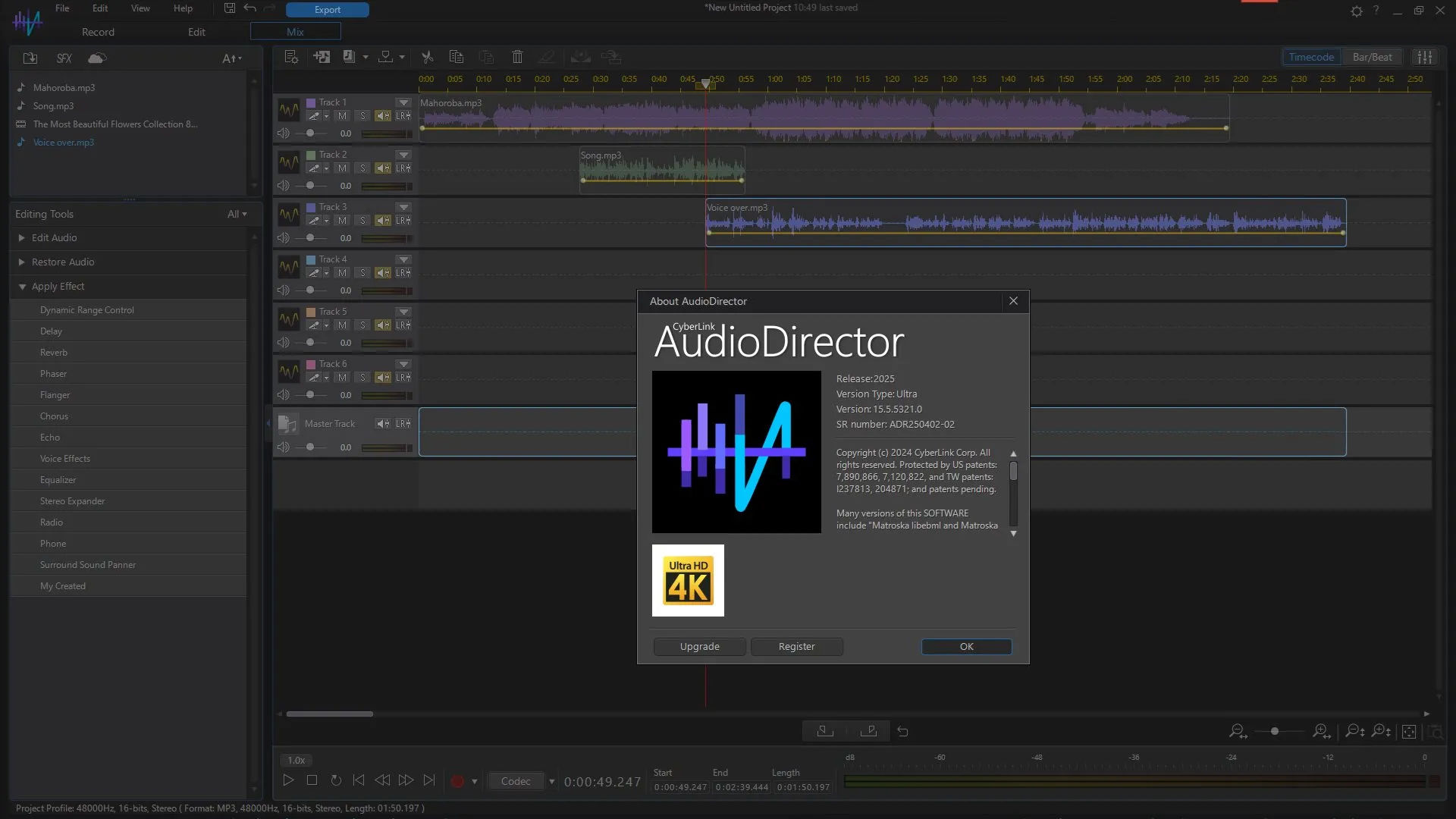
Download CyberLink AudioDirector Ultra 15.3.5119.0 x64 full

Download CyberLink AudioDirector Ultra 15.3.5119.0 x64 full

Link download CyberLink AudioDirector Ultra 15.3.5119.0 win64

Working with CyberLink AudioDirector Ultra 15.3.5119.0 full license

Description of CyberLink AudioDirector Ultra 15.3.5119.0

CyberLink AudioDirector Ultra 15.3.5119.0 is a professional-grade audio editing and sound design software that provides a complete set of tools for precise, high-quality sound production. Designed for video editors, musicians, and post-production specialists, AudioDirector seamlessly integrates with PowerDirector and other editing platforms, enabling synchronized sound and video workflows.

This version introduces advanced AI-powered audio restoration, enhanced noise reduction, and innovative sound design tools, allowing creators to produce immersive soundtracks with ease. Whether you’re cleaning up noisy recordings, mastering a soundtrack, or creating dynamic soundscapes, CyberLink AudioDirector 15 delivers unmatched precision and control.

Key Features of CyberLink AudioDirector Ultra 15.3.5119.0

AI-Powered Noise Reduction
Automatically remove background noise, hum, clicks, and hiss using advanced AI algorithms that preserve voice and tonal quality.

AI Speech Enhancement
Improve vocal clarity and remove unwanted ambient sounds, ideal for podcasts, interviews, and voice-over recordings.

AI Wind and Reverb Removal
Instantly clean up outdoor and indoor recordings by reducing wind interference and echo reflections for a more natural sound.

AI Audio Restoration
Repair damaged or distorted audio tracks with intelligent tools that analyze and reconstruct lost sound frequencies.

Multi-Track Mixing and Editing
Edit and mix multiple audio tracks simultaneously with full control over volume, balance, and effects in real time.

AI Voice Separation
Isolate or remove vocals from songs, enabling users to create karaoke tracks or remix versions effortlessly.

Precision Audio Synchronization
Sync audio perfectly with video files for post-production workflows integrated with CyberLink PowerDirector.

Dynamic Audio Effects
Add echo, delay, distortion, and modulation effects with customizable presets for unique sound design.

Spectral Frequency Display
Visualize audio frequencies and manually remove unwanted sounds, clicks, or pops with pinpoint accuracy.

Batch Audio Processing
Apply effects and clean multiple files at once to save time on large-scale projects or multi-track editing sessions.

AI Voice Transformation
Modify voice tone, pitch, and style using creative AI effects for dubbing, narration, or character creation.

Surround Sound Editing (5.1/7.1)
Design and edit multi-channel surround sound for cinematic audio production with accurate spatial placement.

Smart Audio Scrubbing
Locate problem areas within recordings quickly using intelligent scrubbing and waveform analysis.

AI Music Remixer
Instantly adjust the length or structure of background music tracks to match video duration and rhythm automatically.

Audio Ducking Automation
Automatically reduce background music volume when dialogue or narration is detected for a balanced mix.

Waveform and Envelope Editing
Precisely control volume dynamics, fades, and transitions for professional sound mixing.

VST Plugin Support
Expand your audio editing capabilities by integrating third-party effects and instruments via VST plugin compatibility.

AI Audio Matching
Match tone and ambiance between different clips for consistent sound across scenes.

New in Version 15.3.5119.0

Enhanced AI background noise removal performance

Faster batch rendering and real-time preview

Updated audio restoration engine

Improved voice separation accuracy

New interface optimizations for smoother editing

CyberLink AudioDirector Ultra 15.3.5119.0 empowers creators with intelligent tools for professional audio restoration, sound mixing, and design. Its seamless integration with PowerDirector makes it the ultimate companion for producing cinematic-quality soundtracks and polished videos.

If you want to download CyberLink AudioDirector Ultra 15.3.5119.0 full license, please click to DOWNLOAD button to download.
CLICKDOWN.ORG Download CAD CAM CNC software
Inside package CyberLink AudioDirector Ultra 15.3.5119.0, already have cracked files and instruction how to install CyberLink AudioDirector Ultra 15.3.5119.0 step by step. I guarantee you can install CyberLink AudioDirector Ultra 15.3.5119.0 successfully if you follow that instruction.
If you also can’t install it or get any problems, please contact to me by email: clickdown.org@gmail.com, then I will help you to install software by teamviewer or Ultraviewer or Anydesk.
Thanks a lot
SOFTWARES

Download CyberLink PowerDirector Ultimate 23.4.1716.0 x64

Download CyberLink PowerDirector Ultimate 23.4.1716.0 x64 full

Link download CyberLink PowerDirector Ultimate 2025 v23.4.1716.0

Working with CyberLink PowerDirector Ultimate 23.4.1716.0 full

Description of CyberLink PowerDirector Ultimate 23.4.1716.0

CyberLink PowerDirector Ultimate 23.4.1716.0 is a professional-grade video editing software designed for creators who want powerful performance, precision, and creativity in one complete package. Combining an intuitive interface with advanced AI tools, motion graphics, and cinematic effects, PowerDirector Ultimate 23.4.1716.0 allows editors to produce studio-quality videos faster than ever.

This latest version delivers improved AI video tools, faster rendering speeds, and an expanded library of transitions, LUTs, and templates, making it ideal for YouTubers, filmmakers, and video professionals. From timeline editing to color grading, CyberLink PowerDirector provides a streamlined experience for crafting compelling visual stories.

Key Features of CyberLink PowerDirector Ultimate 23.4.1716.0

AI-Powered Video Editing
Leverage AI tools for object detection, sky replacement, motion tracking, and intelligent scene analysis to speed up your creative workflow.

AI Audio Enhancer
Automatically remove background noise, balance volume levels, and enhance voice clarity for professional sound quality.

AI Object and Background Removal
Instantly isolate subjects and remove or replace backgrounds with precision using AI segmentation technology.

New Generative AI Tools
Add or extend scenes, generate new video content, and seamlessly enhance storytelling with generative AI expansion features.

MultiCam Editing
Sync and edit footage from up to four cameras at once for seamless multi-angle video production.

Motion Graphics and Animated Titles
Design dynamic titles, intros, and text animations using a wide range of prebuilt templates and motion presets.

AI Sky Replacement
Replace dull skies in video scenes and automatically adjust lighting and color tones for natural, cinematic results.

Color Grading and LUT Support
Apply cinematic LUTs, adjust hue, contrast, and exposure with precision tools for consistent color across your video projects.

Masking and Keyframe Controls
Create smooth transitions, motion paths, and visual effects using keyframe-based animation and advanced masking tools.

Green Screen and Chroma Key Editing
Combine multiple layers of video, graphics, and effects for professional compositing with accurate chroma key results.

AI Wind Noise Reduction
Clean up outdoor recordings by intelligently removing wind interference while maintaining voice clarity.

HDR10 and 4K Video Editing Support
Edit high-resolution and HDR10 video files for stunning clarity and detail on any display.

AI Style Transfer
Transform your video clips with artistic effects inspired by world-famous painting styles using deep learning models.

Dynamic Effects and Transitions Library
Access a vast library of transitions, filters, and overlays to elevate your videos with cinematic visual flow.

Express Projects and Templates
Create professional videos quickly using drag-and-drop templates for intros, titles, and social media formats.

AI Motion Tracking
Track moving subjects and apply effects, text, or graphics that follow the target automatically.

Speech-to-Text Captioning
Generate subtitles instantly with AI-driven transcription for faster captioning and accessibility.

New in Version 23.4.1716.0
Improved AI background replacement accuracy

Faster rendering with GPU acceleration

Enhanced object tracking precision

New transitions and motion templates

Optimized export settings for YouTube, TikTok, and Instagram

CyberLink PowerDirector Ultimate 23.4.1716.0 provides a complete editing ecosystem with AI innovation and professional-grade tools, empowering content creators to produce cinematic videos efficiently. Whether for social media, commercial use, or film production, it delivers exceptional control, creativity, and speed.

If you want to download CyberLink PowerDirector Ultimate 23.4.1716.0 full license, please click to DOWNLOAD button to download.
CLICKDOWN.ORG Download CAD CAM CNC software
Inside package CyberLink PowerDirector Ultimate 23.4.1716.0, already have cracked files and instruction how to install CyberLink PowerDirector Ultimate 23.4.1716.0 step by step. I guarantee you can install CyberLink PowerDirector Ultimate 23.4.1716.0 successfully if you follow that instruction.
If you also can’t install it or get any problems, please contact to me by email: clickdown.org@gmail.com, then I will help you to install software by teamviewer or Ultraviewer or Anydesk.
Thanks a lot

SOFTWARES

Download CyberLink PhotoDirector Ultra 2026 v17.0 x64 full

Download CyberLink PhotoDirector Ultra 2026 v17.0.1027.0 full

Link download CyberLink PhotoDirector Ultra 2026 v17.0 win64 full

Working with CyberLink PhotoDirector Ultra 2026 v17.0.1027.0 full activated

Description of CyberLink PhotoDirector Ultra 2026 v17.0.1027.0

CyberLink PhotoDirector Ultra 2026 v17.0 is an advanced photo editing software that combines powerful AI-driven tools, creative effects, and professional-grade adjustments to help photographers, designers, and digital artists produce stunning visual content. With a balance of precision editing and creative enhancement, PhotoDirector 2026 delivers a complete workflow for importing, organizing, retouching, and exporting photos with exceptional quality.

This latest version introduces upgraded AI technology, new generative features, and smoother performance, allowing users to achieve professional results faster than ever. From basic corrections to advanced composite edits, CyberLink PhotoDirector Ultra 2026 v17.0 provides everything needed for creative visual storytelling.

Key Features of CyberLink PhotoDirector Ultra 2026 v17.0

AI-Powered Editing Tools
Harness the power of AI to automatically enhance photos, remove unwanted objects, replace skies, and retouch portraits with just a few clicks.

Generative AI Fill and Replace
Instantly remove, replace, or extend image areas using AI-generated content that blends seamlessly into the original photo.

Advanced Layer Editing
Create complex compositions using multiple layers, blend modes, and adjustment layers similar to professional graphic design tools.

AI Style Effects
Apply artistic filters that replicate the looks of famous painting styles and creative aesthetics using machine learning models.

Content-Aware Removal
Easily eliminate distractions or imperfections such as people, objects, or blemishes while maintaining realistic background reconstruction.

Portrait Retouching Tools
Smooth skin, adjust facial features, whiten teeth, and enhance eyes with dedicated portrait tools for natural results.

Sky Replacement and Lighting Adjustment
Automatically replace dull skies and adjust lighting to match the new environment for balanced and vibrant compositions.

Photo Animation and Motion Effects
Add life to still photos with animation effects, motion trails, and parallax movements to create dynamic visuals for social media.

RAW and HDR Image Support
Process high-quality RAW photos and merge multiple exposures to create stunning HDR images with full tonal range control.

Color Grading and LUT Support
Use professional color grading tools and apply cinematic LUTs to maintain visual consistency across your photo projects.

AI Background Removal and Replacement
Instantly isolate subjects and replace backgrounds with AI precision for professional composite designs.

Face Recognition and Photo Management
Organize large photo libraries efficiently with AI tagging, face detection, and smart search tools.

Creative Overlays and Blending Effects
Combine textures, bokeh, and overlays to add artistic effects and enhance the mood of your images.

360° Photo Editing and VR Support
Edit and preview immersive photos for virtual reality projects and 360° visual storytelling.

Performance and Workflow Enhancements
Faster rendering, GPU acceleration, and a modernized interface for smoother editing and exporting.

New in Version 17.0

Enhanced AI Object Selection and Refinement.

New Generative Expand for intelligent image upscaling.

Improved HDR Merge Engine for realistic contrast.

Fresh creative templates and background packs.

Optimized export for social media platforms.

CyberLink PhotoDirector Ultra 2026 v17.0 is the ultimate photo editing solution for creators who demand both creativity and precision. Whether enhancing portraits, creating artistic compositions, or managing large photo libraries, PhotoDirector 2026 delivers professional-quality results in an intuitive environment.

If you want to download CyberLink PhotoDirector Ultra 2026 v17.0 full license, please click to DOWNLOAD button to download.
CLICKDOWN.ORG Download CAD CAM CNC software
Inside package CyberLink PhotoDirector Ultra 2026 v17.0, already have cracked files and instruction how to install CyberLink PhotoDirector Ultra 2026 v17.0 step by step. I guarantee you can install CyberLink PhotoDirector Ultra 2026 v17.0 successfully if you follow that instruction.
If you also can’t install it or get any problems, please contact to me by email: clickdown.org@gmail.com, then I will help you to install software by teamviewer or Ultraviewer or Anydesk.
Thanks a lot

SOFTWARES

Download Adobe InCopy 2026 v21.0 x64 full license forever

Download Adobe InCopy 2026 v21.0 x64 full license forever

Link download Adobe InCopy 2026 v21.0 win64 full activated

Working with Adobe InCopy 2026 v21.0 full license

Description of Adobe InCopy 2026 v21.0

Adobe InCopy 2026 v21.0 is a professional writing and editing software that seamlessly integrates with Adobe InDesign, enabling writers, editors, and designers to collaborate efficiently on shared publishing projects. This latest release enhances productivity with AI-powered editing tools, advanced typography controls, and improved real-time collaboration, making it ideal for teams producing print and digital content.

With Adobe InCopy 2026, editors can manage text content, track changes, assign tasks, and maintain precise formatting consistency while designers work on the same layout in Adobe InDesign. The result is a faster, more connected editorial workflow with fewer revisions and improved publication quality.

Key Features of Adobe InCopy 2026 v21.0

Seamless Integration with InDesign
Work simultaneously with designers using shared documents in Adobe InDesign without overwriting layout or style changes.

AI-Powered Writing Assistant
Improve clarity, grammar, and tone with Adobe Sensei AI tools designed to enhance writing accuracy and readability.

Advanced Track Changes and Version Control
View, accept, or reject edits from multiple collaborators while maintaining a full history of revisions.

Enhanced Content Styles and Formatting
Apply paragraph, character, and object styles for consistent formatting across all content types.

Real-Time Collaboration
Multiple users can edit text while designers refine layouts, ensuring seamless teamwork across departments.

Story and Assignment Management
Organize articles, stories, and content sections into manageable assignments for streamlined publishing.

Integrated Word Processor Tools
Access essential writing tools like spell check, thesaurus, find and replace, and word count directly within InCopy.

Improved Language and Localization Support
Work with multilingual publications using enhanced dictionaries and advanced hyphenation control.

Table and List Enhancements
Create and style tables and bullet lists with improved formatting, better alignment, and flexible layouts.

Collaboration via Adobe Cloud
Share content securely through Adobe Creative Cloud Libraries for easy asset access and version synchronization.

Accessibility and Export Options
Prepare accessible content for digital and print platforms with clean formatting and metadata preservation.

Performance and Interface Enhancements
Faster load times, smoother scrolling, and a refined user interface for distraction-free writing and editing.

New in Version 21.0
Integration with Adobe Firefly for AI content suggestions.

New comment and feedback panel for real-time reviews.

Improved compatibility with Microsoft Word documents.

Enhanced dark mode and customizable workspace layouts.

Auto text wrap and dynamic layout previews.

Adobe InCopy 2026 v21.0 empowers editorial teams to produce high-quality content faster with better collaboration, consistency, and control. Whether you are managing a magazine, newspaper, or corporate publication, InCopy ensures that writers and designers work in harmony for flawless results.

If you want to download Adobe InCopy 2026 v21.0 full license, please click to DOWNLOAD button to download.
CLICKDOWN.ORG Download CAD CAM CNC software
Inside package Adobe InCopy 2026 v21.0, already have cracked files and instruction how to install Adobe InCopy 2026 v21.0 step by step. I guarantee you can install Adobe InCopy 2026 v21.0 successfully if you follow that instruction.
If you also can’t install it or get any problems, please contact to me by email: clickdown.org@gmail.com, then I will help you to install software by teamviewer or Ultraviewer or Anydesk.
Thanks a lot

SOFTWARES

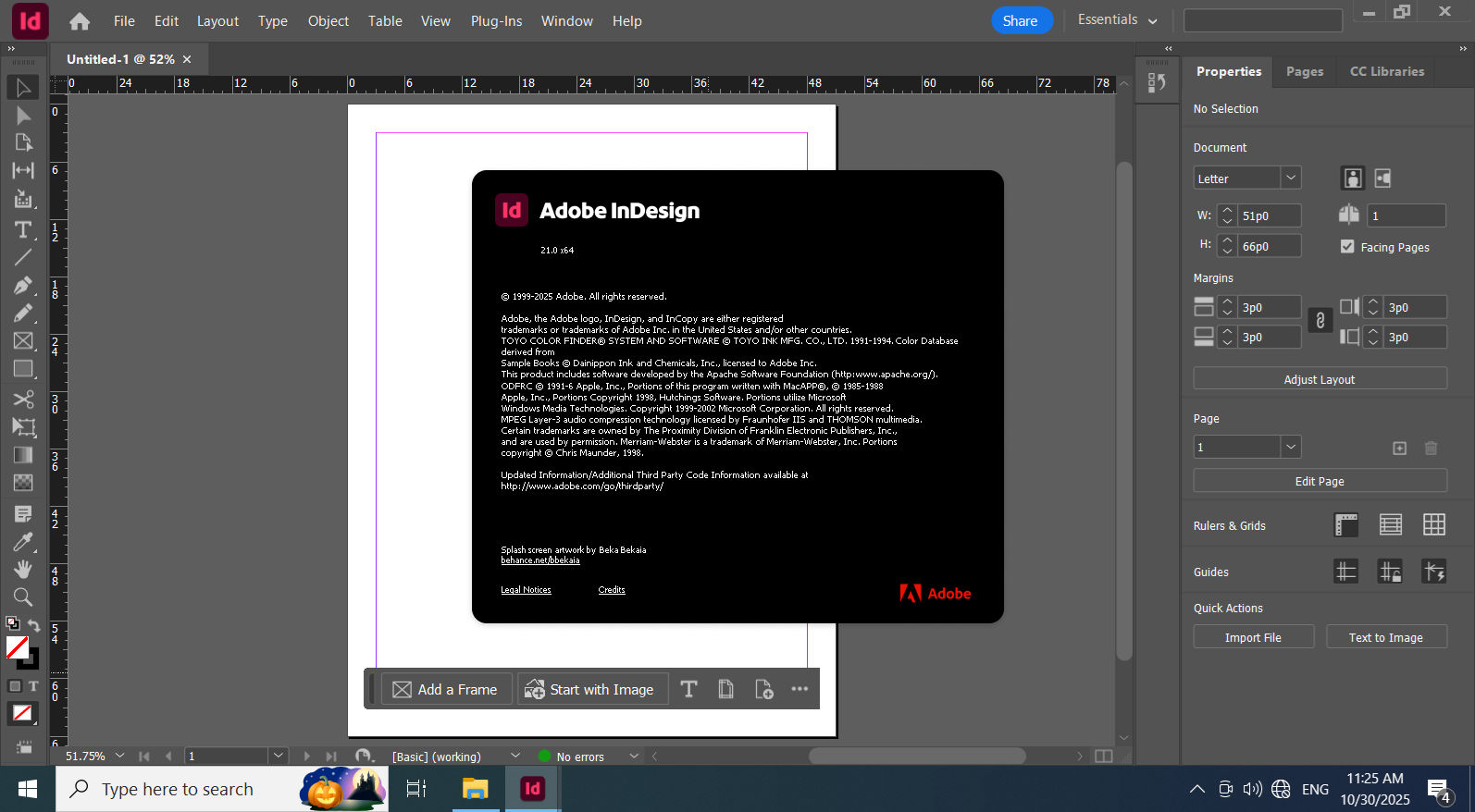
Download Adobe InDesign 2026 v21.0 x64 full license forever

Download Adobe InDesign 2026 v21.0 x64 full license forever

Link download Adobe InDesign 2026 v21.0 win64 full activated

Working with Adobe InDesign 2026 v21.0 full activated

Description of Adobe InDesign 2026 v21.0

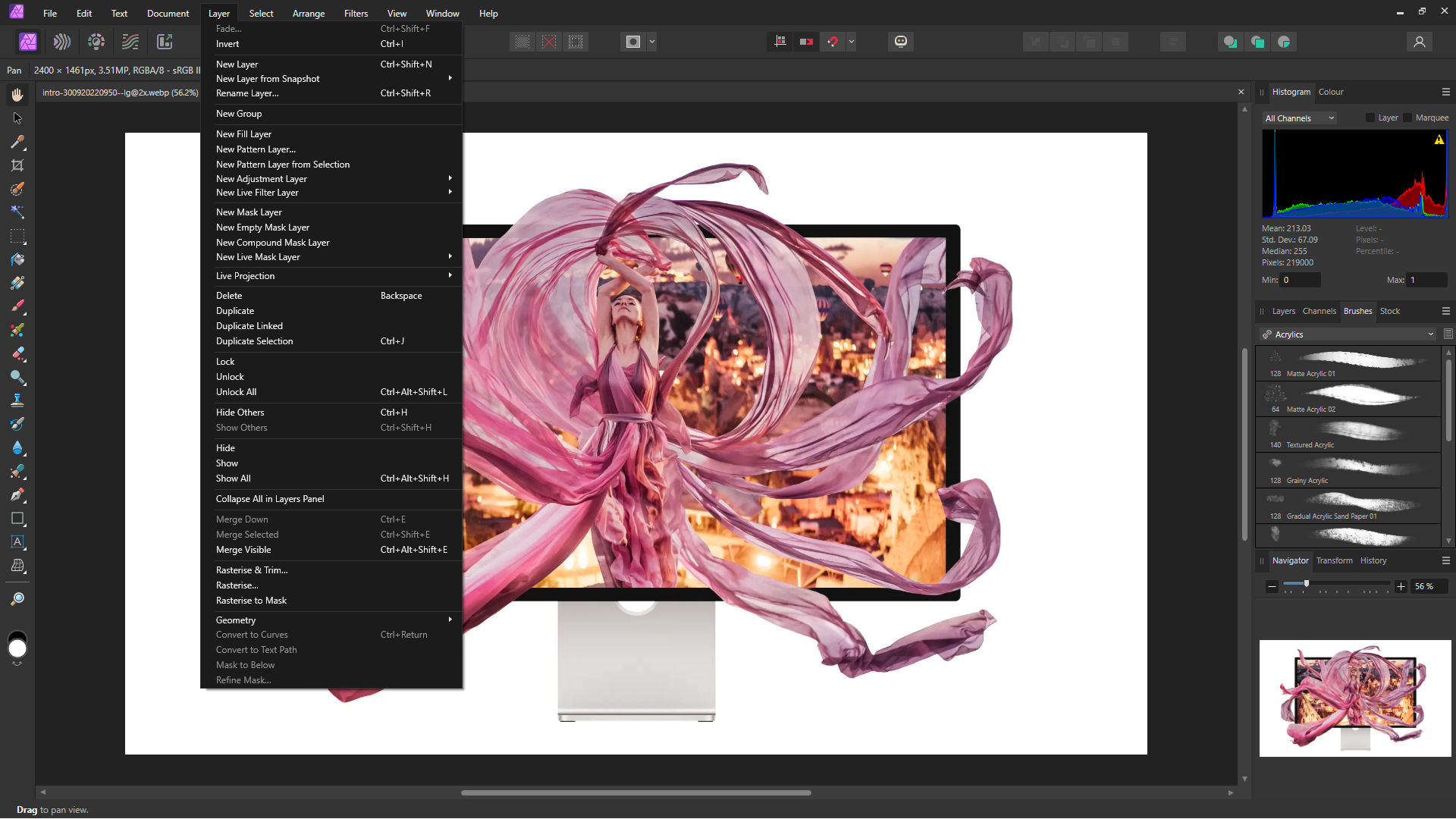
Adobe InDesign 2026 v21.0 is the industry-leading layout and publishing software used by designers and publishers to create professional print and digital content. With powerful tools for typography, page design, and layout control, this version delivers a faster, smarter, and more connected design experience. Whether you are producing magazines, books, brochures, or digital publications, InDesign 2026 gives you the precision and flexibility to bring your creative vision to life.

This latest version enhances performance, introduces AI-powered layout automation, and improves integration with other Adobe Creative Cloud apps, making the design process more seamless than ever.

Key Features of Adobe InDesign 2026 v21.0

Advanced Layout Design Tools
Create complex, multi-page layouts with precise control over grids, guides, margins, and spacing for both print and digital outputs.

AI-Powered Layout Assistant
Automatically arrange text, images, and graphics with Adobe Sensei AI to achieve balanced, professional designs in less time.

Enhanced Typography Control
Use variable fonts, real-time font previews, and automatic text wrapping to achieve perfect text alignment and readability.

Smart Object and Image Management
Easily place, resize, and link high-resolution images from Adobe Photoshop or Illustrator while maintaining consistent quality.

Interactive Digital Publishing
Add animations, video, audio, and hyperlinks for interactive PDFs, eBooks, and online publications.

Improved Collaboration with Share for Review
Collect feedback directly in InDesign from clients and teammates without leaving the workspace.

Cloud-Based Asset Synchronization
Seamlessly integrate Adobe Creative Cloud Libraries to store and reuse colors, fonts, and graphic assets across multiple projects.

Master Page and Style Automation
Apply global changes quickly using master pages, paragraph styles, and object styles to save time and ensure design consistency.

Accessibility and Export Tools
Create accessible PDFs with alt text, tagged structures, and export settings that meet accessibility standards.

Data Merge and Automation
Generate personalized marketing materials by importing data from spreadsheets or databases directly into templates.

Performance Enhancements
InDesign 2026 offers faster startup, reduced rendering time, and smoother performance on large documents.

Seamless Adobe Integration
Work efficiently with Photoshop, Illustrator, and Acrobat for a connected design and publishing workflow.

New in Version 21.0
Smart grid alignment for text and objects.

Enhanced preflight tools for error-free printing.

Improved color management and GPU rendering.

Better support for modern file formats and 4K monitors.

Streamlined export options for EPUB and HTML5.

Adobe InDesign 2026 v21.0 continues to set the standard for professional page layout design. Its intelligent automation, deep customization, and cross-platform compatibility make it ideal for designers, publishers, and marketing professionals aiming to produce high-quality print and digital publications.

If you want to download Adobe InDesign 2026 v21.0 full license, please click to DOWNLOAD button to download.
CLICKDOWN.ORG Download CAD CAM CNC software
Inside package Adobe InDesign 2026 v21.0, already have cracked files and instruction how to install Adobe InDesign 2026 v21.0 step by step. I guarantee you can install Adobe InDesign 2026 v21.0 successfully if you follow that instruction.
If you also can’t install it or get any problems, please contact to me by email: clickdown.org@gmail.com, then I will help you to install software by teamviewer or Ultraviewer or Anydesk.
Thanks a lot
SOFTWARES

Download Hot Door CADtools 2026 v30.0 for Adobe Illustrator

Download Hot Door CADtools 2026 v30.0.1 for Adobe Illustrator win64

Link download Hot Door CADtools 2026 v30.0.1 for Adobe Illustrator x64

Working with Hot Door CADtools 2026 v30.0.1 for Adobe Illustrator full

Description of Hot Door CADtools 2026 v30.0 for Adobe Illustrator

Hot Door CADtools 2026 v30.0 for Adobe Illustrator is the ultimate precision design and drafting plug-in that transforms Adobe Illustrator into a full-featured CAD environment. Designed for designers, illustrators, and engineers, this version offers professional-grade drawing, dimensioning, and editing tools directly within Illustrator’s familiar interface. With CADtools 2026, users can create, measure, and annotate artwork with pinpoint accuracy while maintaining complete control over scale and geometry.

This latest release introduces new automation features, enhanced dimension styles, and improved compatibility with Adobe Illustrator 2026, ensuring smoother performance and more efficient workflows.

Key Features of Hot Door CADtools 2026 v30.0

Comprehensive CAD Drawing Tools
Access over 100 precise drawing and editing tools for creating lines, arcs, circles, and technical illustrations within Illustrator.

Advanced Dimensioning Capabilities
Apply linear, radial, angular, and ordinate dimensions that automatically scale and update with your artwork.

Precision Measurement Tools
Measure distances, angles, and areas with millimeter accuracy, ideal for print, signage, packaging, and industrial design.

Live Scale Control
Draw and edit objects in real-world units with adjustable scale settings to match architectural or engineering standards.

Smart Annotation and Labeling
Add automatic callouts, notes, and labels that update dynamically as your designs change.

Path Construction and Editing
Construct perfect shapes with alignment, tangent, and intersection tools that ensure geometric precision.

Grids and Guides Management
Easily manage guides, grids, and alignment settings for accurate layout control.

Enhanced Units and Scale Conversion
Seamlessly switch between metric and imperial units or rescale entire drawings to different measurement systems.

CADsymbols Library
Use a large library of customizable vector symbols for architecture, mechanical, electrical, and landscape design.

New in Version 30.0

Improved Illustrator 2026 integration for better performance and stability.

New smart dimension snapping for automatic alignment.

Updated CADshortcuts panel for faster access to key tools.

Enhanced automation for repetitive drafting tasks.

Better export and printing support for technical documentation.

Smart Leader Lines and Callouts
Create professional annotations with dynamic leader lines that adapt to repositioned objects.

Customizable Workflows
Save templates, dimension styles, and drawing settings for consistent and repeatable results.

Isometric and Axonometric Drawing Tools
Design accurate 3D-like illustrations with isometric projection tools and custom grids.

Batch Editing and Cleanup Tools
Automate alignment, scaling, and cleanup tasks for complex illustrations.

High Compatibility
Fully compatible with Adobe Illustrator 2024, 2025, and 2026 for macOS and Windows.

Hot Door CADtools 2026 v30.0 bridges the gap between design creativity and technical precision, making it an essential plug-in for professionals working in product design, architecture, and technical illustration. With its intuitive interface and precision tools, it empowers users to produce CAD-accurate artwork directly within Adobe Illustrator.

If you want to download Hot Door CADtools 2026 v30.0 for Adobe Illustrator full license, please click to DOWNLOAD button to download.
CLICKDOWN.ORG Download CAD CAM CNC software
Inside package Hot Door CADtools 2026 v30.0 for Adobe Illustrator, already have cracked files and instruction how to install Hot Door CADtools 2026 v30.0 for Adobe Illustrator step by step. I guarantee you can install Hot Door CADtools 2026 v30.0 for Adobe Illustrator successfully if you follow that instruction.
If you also can’t install it or get any problems, please contact to me by email: clickdown.org@gmail.com, then I will help you to install software by teamviewer or Ultraviewer or Anydesk.
Thanks a lot

SOFTWARES

Download GRAPHISOFT ArchiCAD 29.0.1.3100 x64 full activated

Download GRAPHISOFT ArchiCAD 29.0.1.3100 x64 full activated

Link download GRAPHISOFT ArchiCAD 29.0.1.3100 win64 full license

Working with GRAPHISOFT ArchiCAD 29.0.1.3100 full activated

Description of GRAPHISOFT ArchiCAD 29.0.1.3100

GRAPHISOFT Archicad 29.0.1.3100 is the latest generation of Building Information Modeling (BIM) software designed to empower architects, engineers, and construction professionals with advanced tools for design, visualization, documentation, and collaboration. This version introduces significant performance improvements, smarter modeling workflows, and deeper integration with cloud-based collaboration systems.

Archicad 29 enhances productivity through improved design automation, real-time collaboration, and AI-driven tools that streamline project workflows from concept to construction. With its robust BIM engine and open data compatibility, Archicad 29 allows teams to create highly detailed 3D models, manage complex projects, and deliver accurate documentation faster than ever.

Key Features of Archicad 29.0.1.3100

Next-Generation BIM Performance
Experience faster model loading, smoother navigation, and improved responsiveness, even in large and complex BIM projects.

AI-Powered Design Assistance
New AI-driven suggestions and parametric modeling help optimize layouts, materials, and energy performance with intelligent automation.

Enhanced Teamwork Integration
Collaborate in real time with BIMcloud and Teamwork features, ensuring seamless data exchange among architects, engineers, and consultants.

Improved 3D Modeling Tools
Advanced geometry editing, enhanced object libraries, and better handling of parametric elements make complex modeling more efficient.

High-Fidelity Visualization
Create photorealistic renderings with improved materials, lighting, and shadows powered by Redshift and CineRender rendering engines.

Sustainability and Energy Analysis
Built-in environmental tools support energy modeling, carbon impact assessment, and sustainable building design directly within the BIM workflow.

Accurate Documentation and Annotation
Automatically generate detailed 2D drawings, schedules, and documentation that update dynamically with model changes.

Interoperability and OpenBIM
Full support for IFC, BCF, DWG, DXF, and Revit file exchange ensures compatibility across major AEC platforms.

Smart Parametric Objects
Utilize customizable GDL-based objects that adapt automatically to design changes, improving model consistency and efficiency.

Real-Time Collaboration with BIMx
Use BIMx for immersive project presentations, allowing clients and stakeholders to explore 3D models and documentation from any device.

Enhanced Structural and MEP Coordination
Better integration with structural and MEP tools for clash detection, model comparison, and data synchronization.

Automation and Customization
Automate repetitive tasks with Python scripting, Grasshopper integration, and customizable workflow templates.

Updated Interface and Usability
A refined user interface with dark mode, intuitive tool organization, and faster search capabilities enhances the overall design experience.

Cloud-Based Workflow Integration
Access projects remotely through Graphisoft Cloud, enabling version tracking, design sharing, and secure collaboration.

New in Version 29.0.1.3100
Improved Redshift rendering, faster Teamwork synchronization, better Revit interoperability, and expanded material libraries for realistic visualization.

GRAPHISOFT Archicad 29.0.1.3100 continues to set the standard in BIM innovation by combining powerful design tools, intelligent automation, and collaborative capabilities. It is an ideal solution for architects and design professionals seeking precision, efficiency, and performance in their BIM workflows.

If you want to download GRAPHISOFT ArchiCAD 29.0.1.3100 full license, please click to DOWNLOAD button to download.
CLICKDOWN.ORG Download CAD CAM CNC software
Inside package GRAPHISOFT ArchiCAD 29.0.1.3100, already have cracked files and instruction how to install GRAPHISOFT ArchiCAD 29.0.1.3100 step by step. I guarantee you can install GRAPHISOFT ArchiCAD 29.0.1.3100 successfully if you follow that instruction.
If you also can’t install it or get any problems, please contact to me by email: clickdown.org@gmail.com, then I will help you to install software by teamviewer or Ultraviewer or Anydesk.
Thanks a lot

SOFTWARES

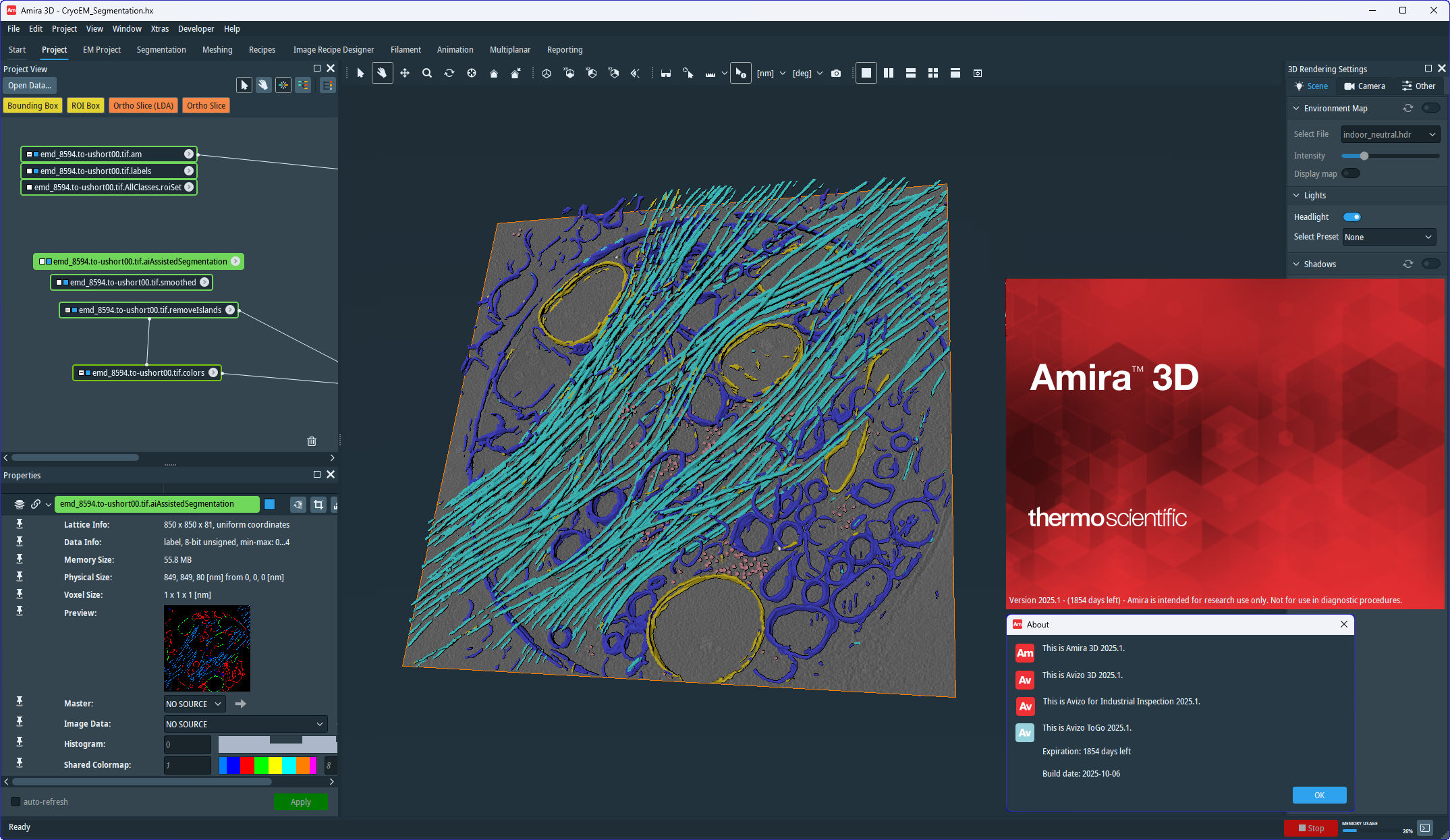
Download Thermo Fisher Scientific Amira/Avizo 2025.1 full

Download Thermo Fisher Scientific Amira/Avizo 2025.1 full license

Link download Thermo Fisher Scientific Amira/Avizo 2025.1 activated

Working with Thermo Fisher Scientific Amira-Avizo 2025.1 full

Description of Thermo Fisher Scientific Amira/Avizo 2025.1

Thermo Fisher Scientific Amira/Avizo 2025.1 is an advanced 3D visualization, analysis, and modeling software designed for scientists, researchers, and engineers working with complex datasets. Built to handle data from microscopy, CT, MRI, FIB-SEM, and simulation sources, this release delivers unmatched performance for understanding and interpreting 3D structures and materials at multiple scales. The 2025.1 version enhances automation, scalability, and rendering quality to support advanced workflows in materials science, life sciences, and industrial research.

Amira/Avizo 2025.1 combines powerful visualization capabilities with quantitative analysis tools, enabling users to segment, measure, and model intricate 3D datasets efficiently. It integrates seamlessly with Thermo Fisher’s imaging systems and supports large-scale computing environments, making it ideal for advanced research, manufacturing, and quality assurance applications.

Key Features of Thermo Fisher Scientific Amira/Avizo 2025.1

Comprehensive 3D Visualization and Rendering
Visualize high-resolution volumetric data from CT, SEM, FIB-SEM, MRI, and simulation sources with realistic lighting and advanced shading techniques.

Multi-Modal Data Integration
Combine data from various imaging modalities and simulation tools in one environment for a complete 3D understanding of structures and materials.

Advanced Segmentation Tools
Utilize machine learning and AI-assisted segmentation to isolate regions of interest automatically, improving accuracy and reducing manual workload.

Quantitative Analysis and Measurement
Extract key parameters such as porosity, grain size, surface area, and volume distribution to support material characterization and scientific analysis.

High-Performance Volume Rendering
Enhanced rendering engine provides faster visualization and smoother navigation, even with massive 3D datasets and multi-gigabyte volumes.

Automation and Scripting
Automate repetitive tasks with Python scripting and workflow templates, allowing consistent, reproducible results across multiple projects.

Material and Structural Characterization
Analyze microstructures, particle distributions, and composite materials to gain insights into physical properties and performance.

Simulation and Modeling Integration
Integrate finite element modeling and computational simulations for mechanical, thermal, and fluid behavior analysis based on real 3D data.

Surface Reconstruction and Meshing
Generate high-quality surface meshes and export models for simulation, 3D printing, or further CAD and CAE processing.

Time Series and 4D Analysis
Visualize temporal changes in 3D structures with time-lapse data to understand dynamic phenomena such as growth, diffusion, or deformation.

AI-Powered Image Processing
The 2025.1 version introduces improved neural network-based filters for noise reduction, segmentation enhancement, and image restoration.

Parallel Computing and GPU Acceleration
Take advantage of multi-core CPU and GPU acceleration to process large datasets faster and more efficiently than before.

Scientific Data Management and Collaboration
Collaborate securely with integrated project management, metadata storage, and visualization sharing through cloud or network platforms.

Thermo Fisher Integration
Seamlessly connects with Thermo Fisher microscopes and imaging devices, ensuring a smooth workflow from data acquisition to final analysis.

New in Version 2025.1
Enhanced segmentation AI models, improved GPU rendering engine, faster batch processing tools, and new support for larger volume datasets.

Amira/Avizo 2025.1 is the ultimate 3D analysis solution for professionals in life sciences, materials research, and industrial applications. It helps users extract meaningful insights from complex 3D data with precision, speed, and scalability.

If you want to download Thermo Fisher Scientific Amira/Avizo 2025.1 full license, please click to DOWNLOAD button to download.
CLICKDOWN.ORG Download CAD CAM CNC software
Inside package Thermo Fisher Scientific Amira/Avizo 2025.1, already have cracked files and instruction how to install Thermo Fisher Scientific Amira/Avizo 2025.1 step by step. I guarantee you can install Thermo Fisher Scientific Amira/Avizo 2025.1 successfully if you follow that instruction.
If you also can’t install it or get any problems, please contact to me by email: clickdown.org@gmail.com, then I will help you to install software by teamviewer or Ultraviewer or Anydesk.
Thanks a lot
SOFTWARES

Download Trimble Business Center 2024.1 x64 full activated

Download Trimble Business Center 2024.1 x64 full activated

Link download Trimble Business Center 2024.1 win64 full license

Trimble Business Center 2024.1 x64 full activated

Working with Trimble Business Center 2024.1 full

Description of Trimble Business Center 2024.1

Trimble Business Center 2024.1 is a powerful surveying and geospatial data processing software designed to help professionals manage, analyze, and deliver precise results from field to finish. Built for surveyors, civil engineers, and geospatial experts, this version introduces enhanced tools for data integration, CAD drafting, surface modeling, and construction verification. It supports seamless workflows between Trimble hardware and software, ensuring efficient data handling and improved project accuracy.

With advanced geospatial processing capabilities, Trimble Business Center 2024.1 allows users to import data from GNSS, total stations, 3D scanners, and drones. The updated release delivers improved performance, expanded compatibility with Trimble Access, and refined automation tools that minimize manual editing and reduce errors.

Key Features of Trimble Business Center 2024.1

Comprehensive Geospatial Data Processing
Manage and process data from multiple sources including GNSS, total stations, terrestrial scanners, and UAV photogrammetry in one environment.

Enhanced CAD and Drafting Tools
Create accurate linework, surfaces, and contours with new CAD functionalities designed for survey drafting and construction documentation.

Advanced Surface and Terrain Modeling
Build, edit, and analyze complex surfaces and terrain models with improved tools for grading, volume calculation, and earthwork estimation.

Seamless Field-to-Finish Workflow
Integrates with Trimble Access and Trimble Connect for direct data exchange, reducing manual data handling and ensuring consistent project updates.

Improved Point Cloud Management
Import and process large LiDAR and point cloud datasets with advanced filtering, segmentation, and classification tools for efficient modeling.

Automated Feature Extraction
Extract breaklines, edges, and topographic features automatically from point clouds and imagery for faster project turnaround.

Coordinate System and Geodetic Support
Includes a comprehensive global coordinate system library with precise transformations and geoid models for accurate georeferencing.

Construction Verification and Quality Control
Compare design models with as-built survey data to identify discrepancies and ensure construction accuracy and compliance.

Trimble Clarity and Trimble Connect Integration
Publish 3D models and point clouds directly to Trimble Clarity or Trimble Connect for cloud collaboration and visualization.

Automated Reports and Deliverables
Generate professional-grade reports, volume summaries, and data visualizations for stakeholders and clients in customizable formats.

GNSS Baseline Processing and Adjustment
Process raw GNSS data, compute baselines, and perform network adjustments for reliable geospatial accuracy.

Corridor Design and Road Modeling Tools
Create and analyze corridors, alignments, and road designs with integrated templates and automatic cross-section generation.

3D Visualization and Measurement Tools
View and measure 3D models, cross-sections, and elevation profiles with precision visualization tools for analysis and presentation.

Enhanced Performance and Stability
The 2024.1 release improves data handling speed, reduces memory usage, and offers faster rendering of large point clouds and CAD drawings.

New in Version 2024.1
Optimized drone data import, updated Trimble Access sync functionality, enhanced point cloud filtering, and improved terrain editing tools.

Trimble Business Center 2024.1 is the ultimate solution for professionals working in surveying, construction, and geospatial analysis. Its advanced tools streamline workflows, enhance collaboration, and ensure highly accurate deliverables across all project stages.

If you want to download Trimble Business Center 2024.1 full license, please click to DOWNLOAD button to download.
CLICKDOWN.ORG Download CAD CAM CNC software
Inside package Trimble Business Center 2024.1, already have cracked files and instruction how to install Trimble Business Center 2024.1 step by step. I guarantee you can install Trimble Business Center 2024.1 successfully if you follow that instruction.
If you also can’t install it or get any problems, please contact to me by email: clickdown.org@gmail.com, then I will help you to install software by teamviewer or Ultraviewer or Anydesk.
Thanks a lot

SOFTWARES

Download Eplan Platform 2026.0.3.371 full activated forever

Download Eplan Platform 2026.0.3.371 full activated forever

Link download Eplan Platform 2026.0.3.371 win64 full license

Eplan Platform 2026.0.3.371 Multilingual x64 full activated

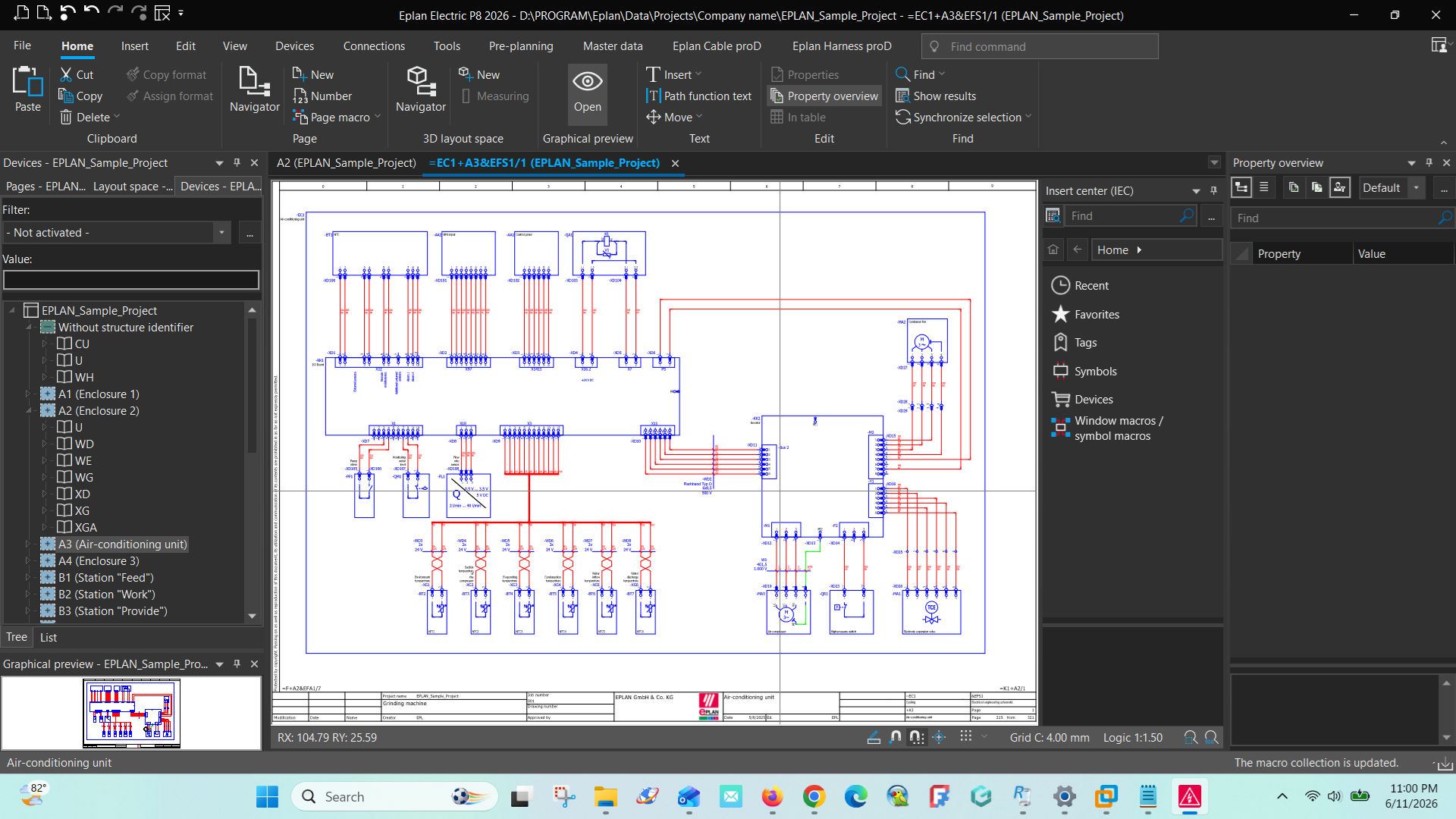
Working with Eplan Electric P8 2026 full license

Working with Eplan Electric P8 2026.0.3 full license

Description of Eplan Platform 2026.0.3.371

EPLAN Platform 2026.0.3.371 is the latest integrated engineering environment for electrical, fluid, instrumentation, and control design. This version unifies all EPLAN solutions—including Electric P8, Pro Panel, Fluid, and Preplanning—into one seamless ecosystem for maximum productivity and collaboration. Designed for modern engineering workflows, the 2026 release enhances digital project management, improves automation processes, and delivers faster, more reliable data synchronization across disciplines.

With a powerful new engine, improved performance, and enhanced integration with EPLAN Cloud, EPLAN Platform 2026 ensures complete consistency and accuracy in every stage of design—from schematic creation to panel layout and documentation. It supports global engineering standards and enables teams to collaborate efficiently across departments and locations.

Key Features of EPLAN Platform 2026.0.3.371

Unified Multi-Disciplinary Platform
Integrates EPLAN Electric P8, Pro Panel, Fluid, and Preplanning in a single environment for seamless cross-domain engineering.

Enhanced User Interface and Performance
A redesigned, faster interface with customizable workspaces, improved navigation, and enhanced 3D graphics performance.

Improved Project Data Management
Centralized database management ensures consistent project data across electrical, fluid, and mechanical design modules.

Cloud Integration and Collaboration
Direct access to EPLAN Cloud for real-time project sharing, version control, and remote teamwork across global teams.

Automation of Design Tasks
Automate schematic generation, wiring lists, and device numbering to reduce repetitive tasks and ensure error-free output.

EPLAN Data Portal Integration
Access a vast online library of verified component data from leading manufacturers for faster and more accurate design creation.

3D Electrical Cabinet Design
Integrate with EPLAN Pro Panel to create detailed 3D cabinet layouts, wiring plans, and mechanical structure visualizations.

Enhanced Macro Management
Create, reuse, and manage macros more efficiently, ensuring standardization and faster project development.

Advanced Error Checking and Validation
Intelligent rule-based validation tools automatically detect design inconsistencies, wiring errors, and missing connections.

Extended PLC and ERP Integration
Import and export PLC data directly from Siemens TIA Portal, Rockwell, and Mitsubishi platforms with minimal manual setup.

Customizable Reporting Tools
Generate project documentation such as parts lists, terminal diagrams, and cable schedules automatically with updated information.

Multi-Language and Standard Support
Fully compliant with international design standards (IEC, NFPA, ANSI) and supports multi-language documentation for global projects.

Improved Version Control and Change Tracking
Manage design revisions and compare versions to identify differences, ensuring complete traceability throughout the project.

Optimized Scripting and API Support
Enhanced scripting capabilities and an expanded API allow for custom automation and integration with third-party systems.

New in Version 2026.0.3.371
Faster data synchronization, enhanced macro libraries, improved compatibility with EPLAN Cloud, and optimized project file handling for large-scale designs.

EPLAN Platform 2026.0.3.371 represents the next generation of digital engineering integration, empowering design teams to work smarter, faster, and more collaboratively. It ensures consistent data flow across all engineering disciplines while reducing design time and improving project accuracy.

If you want to download Eplan Platform 2026.0.3.371 full license, please click to DOWNLOAD button to download.
CLICKDOWN.ORG Download CAD CAM CNC software
Inside package Eplan Platform 2026.0.3.371, already have cracked files and instruction how to install Eplan Platform 2026.0.3.371 step by step. I guarantee you can install Eplan Platform 2026.0.3.371 successfully if you follow that instruction.
If you also can’t install it or get any problems, please contact to me by email: clickdown.org@gmail.com, then I will help you to install software by teamviewer or Ultraviewer or Anydesk.
Thanks a lot

SOFTWARES

Download EPLAN Electric P8 2025 win64 full license forever

Download EPLAN Electric P8 2025 win64 full license forever

Link download EPLAN Electric P8 2025 x64 full activated

EPLAN Electric P8 2025 multilingual x64 full license

Description of EPLAN Electric P8 2025

EPLAN Electric P8 2025 is a leading electrical engineering software that provides comprehensive solutions for the design, documentation, and management of automation and control projects. Built for electrical engineers, panel builders, and system integrators, this version enhances productivity with new automation tools, intelligent project templates, and deeper integration across the EPLAN Platform 2025 ecosystem. It delivers unmatched accuracy, efficiency, and consistency in schematic creation and project documentation.

With a modern interface and improved workflow automation, EPLAN Electric P8 2025 allows engineers to create detailed circuit diagrams, generate reports automatically, and manage electrical data throughout the entire project lifecycle. It supports international design standards and integrates seamlessly with PLC programming tools, ERP systems, and other CAD/CAE software.

Key Features of EPLAN Electric P8 2025

Intelligent Schematic Design
Automatically generate electrical schematics with predefined templates, macros, and dynamic device management to reduce design time.

Automation and Standardization
Create reusable project templates and macros for components, circuits, and layouts to ensure consistency and minimize manual input.

Enhanced Project Data Management
Efficiently organize and synchronize all project-related data including wiring lists, terminal plans, and device reports in real time.

PLC Integration
Automatically import and export PLC configuration data to and from leading PLC software like Siemens TIA Portal and Rockwell Studio 5000.

Improved Revision Control
Track and manage design changes with full revision history, automatic version comparison, and project documentation updates.

Multi-User Collaboration
Multiple engineers can work on the same project simultaneously with shared database synchronization and conflict resolution tools.

Error Checking and Validation
Detect design errors early through automated rule checks, ensuring compliance with industry standards such as IEC, ANSI, and NFPA.

Comprehensive Report Generation
Generate detailed parts lists, wiring diagrams, terminal plans, and cable documentation automatically with real-time data accuracy.

3D Panel Layout Integration
Connect with EPLAN Pro Panel for 3D electrical cabinet design, offering visualization, collision checking, and optimized wiring routes.

Cloud and ERP Connectivity
Seamless integration with EPLAN Cloud and enterprise systems for centralized data exchange, version control, and project sharing.

Enhanced User Interface
A redesigned interface with customizable toolbars, dark mode, and improved navigation for a smoother user experience.

EPLAN Data Portal Access
Instant access to a vast online library of electrical components and manufacturer data, reducing manual data entry and ensuring accuracy.

Automated Cable and Wire Numbering
Intelligent cable numbering and signal assignment reduce errors and simplify maintenance documentation.

Improved Import and Export Options
Expanded compatibility with DXF, DWG, XML, and CSV formats for easier collaboration with other engineering platforms.

New in Version 2025
Faster database handling, improved macro automation, enhanced compatibility with EPLAN Cloud, and expanded multilingual support.

EPLAN Electric P8 2025 sets the new standard for electrical engineering design software, combining automation, precision, and digital integration. It empowers teams to work smarter, reduce design cycles, and ensure documentation accuracy from concept to production.

If you want to download EPLAN Electric P8 2025 full license, please click to DOWNLOAD button to download.
CLICKDOWN.ORG Download CAD CAM CNC software
Inside package EPLAN Electric P8 2025, already have cracked files and instruction how to install EPLAN Electric P8 2025 step by step. I guarantee you can install EPLAN Electric P8 2025 successfully if you follow that instruction.
If you also can’t install it or get any problems, please contact to me by email: clickdown.org@gmail.com, then I will help you to install software by teamviewer or Ultraviewer or Anydesk.
Thanks a lot
SOFTWARES

Download Affinity Photo 2.6.5.3782 x64 full license forever

Download Affinity Photo 2.6.5.3782 x64 full license forever

Link download Affinity Photo 2.6.5.3782 win64 full activated

Working with Affinity Photo 2.6.5.3782 full activated

Description of Affinity Photo 2.6.5.3782

Affinity Photo 2.6.5.3782 is a professional-grade photo editing software developed by Serif, designed to deliver exceptional speed, precision, and versatility for photographers, designers, and digital artists. Known for its non-subscription model and powerful feature set, this version enhances editing workflows with improved performance, optimized RAW processing, and seamless compatibility with Affinity Designer and Publisher. It is the ultimate alternative to Adobe Photoshop for users who demand reliability and professional-quality image editing.

Built for both Windows and macOS, Affinity Photo 2.6.5.3782 supports everything from basic retouching and color correction to advanced compositing and RAW development. The software handles large files and complex projects with ease, making it suitable for both photographers and digital illustrators who require pixel-perfect control.

Key Features of Affinity Photo 2.6.5.3782

Professional Photo Editing Tools
Perform detailed photo retouching, blemish removal, and object cleanup with advanced clone, heal, and patch tools.

RAW Processing Workspace
Import and edit RAW files from the latest cameras with full control over exposure, white balance, shadows, highlights, and lens corrections.

Non-Destructive Editing
Use live layers, masks, and adjustment layers to apply edits that can be modified anytime without altering the original image.

AI-Powered Enhancements
Automatic tone balancing, object selection, and sky replacement for faster, more accurate editing results.

HDR and Panorama Stitching
Combine multiple images to create high dynamic range (HDR) photos or seamless panoramic compositions with perfect blending.

Focus Stacking
Merge several images taken at different focus distances for precise macro or landscape shots with maximum depth of field.

Advanced Layer and Mask Controls
Manage unlimited layers, groups, and blending modes with pixel-perfect control for complex compositing projects.

Retouching and Restoration Tools
Restore old photos, smooth skin, and enhance portraits using the frequency separation and inpainting features.

Precise Color Management
Work in RGB, CMYK, LAB, and grayscale color spaces with ICC profile support for consistent print and digital color output.

Batch Processing
Automate repetitive tasks by applying actions to multiple images simultaneously, saving time on large projects.

Liquify and Warp Tools
Reshape images naturally with mesh warping and real-time liquify effects for creative manipulation and retouching.

Customizable Workspaces
Tailor the interface to your workflow with detachable panels, shortcuts, and multiple viewing modes.

Integration with Affinity Suite
Open and edit Affinity Designer and Publisher files seamlessly using StudioLink technology for an efficient creative workflow.

File Format Compatibility
Supports PSD, PDF, SVG, TIFF, PNG, JPEG, and more, ensuring flexible import and export options.

New in Version 2.6.5.3782
Faster performance, enhanced GPU acceleration, updated RAW engine, and stability improvements for smoother editing experience.

Affinity Photo 2.6.5.3782 delivers a comprehensive and efficient environment for professional photo editing and creative compositing. Whether you are enhancing portraits, creating digital artwork, or editing RAW images, it provides the power, precision, and flexibility you need.

If you want to download Affinity Photo 2.6.5.3782 full license, please click to DOWNLOAD button to download.
CLICKDOWN.ORG Download CAD CAM CNC software
Inside package Affinity Photo 2.6.5.3782, already have cracked files and instruction how to install Affinity Photo 2.6.5.3782 step by step. I guarantee you can install Affinity Photo 2.6.5.3782 successfully if you follow that instruction.
If you also can’t install it or get any problems, please contact to me by email: clickdown.org@gmail.com, then I will help you to install software by teamviewer or Ultraviewer or Anydesk.
Thanks a lot
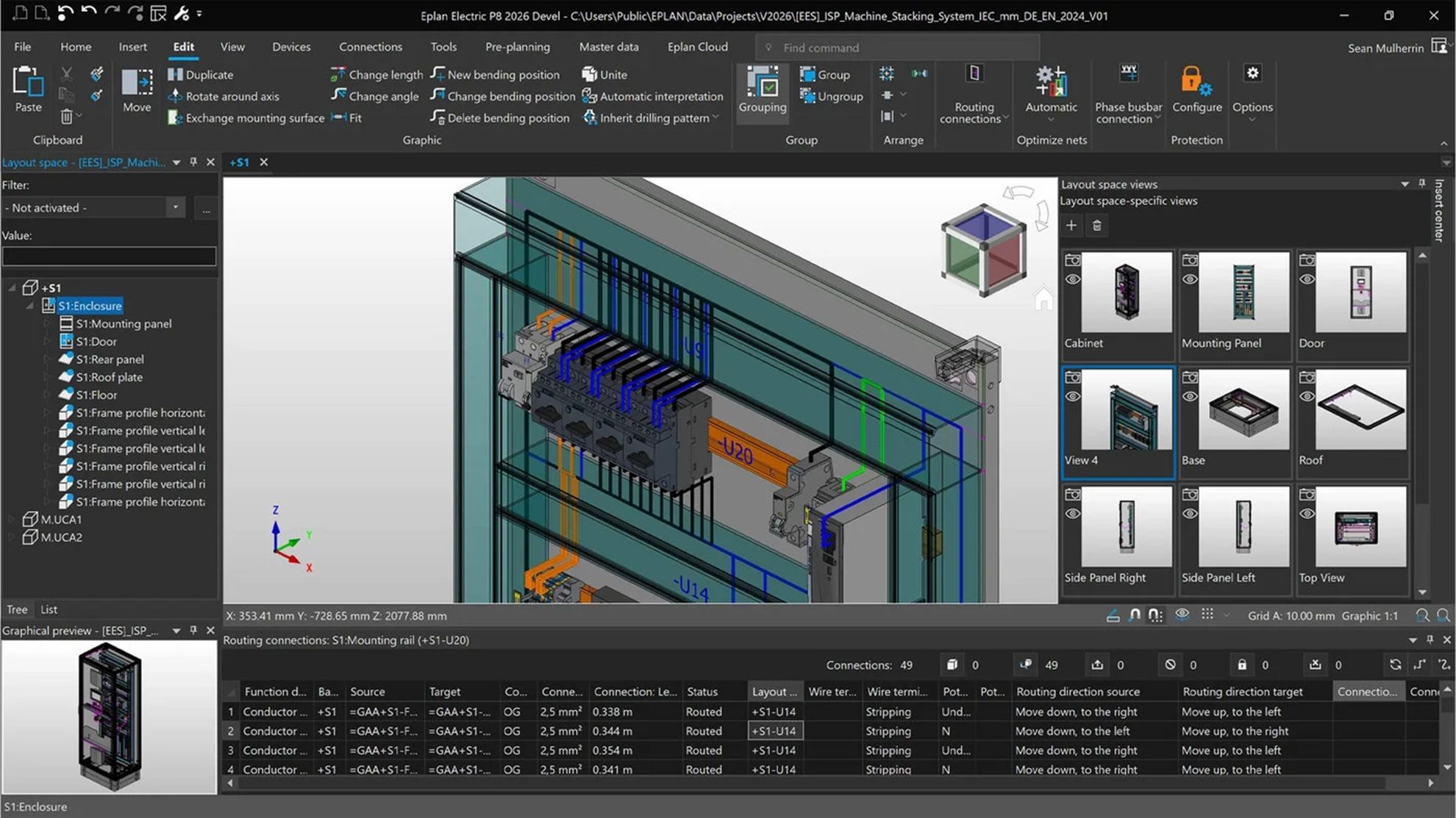
error: Content is protected !!
Scroll to Top