SOFTWARES

SOFTWARES

Download Piping Systems FluidFlow 3.54 full activated

Download Piping Systems FluidFlow 3.54 full activated

Link download Piping Systems FluidFlow 3.54 full licensed
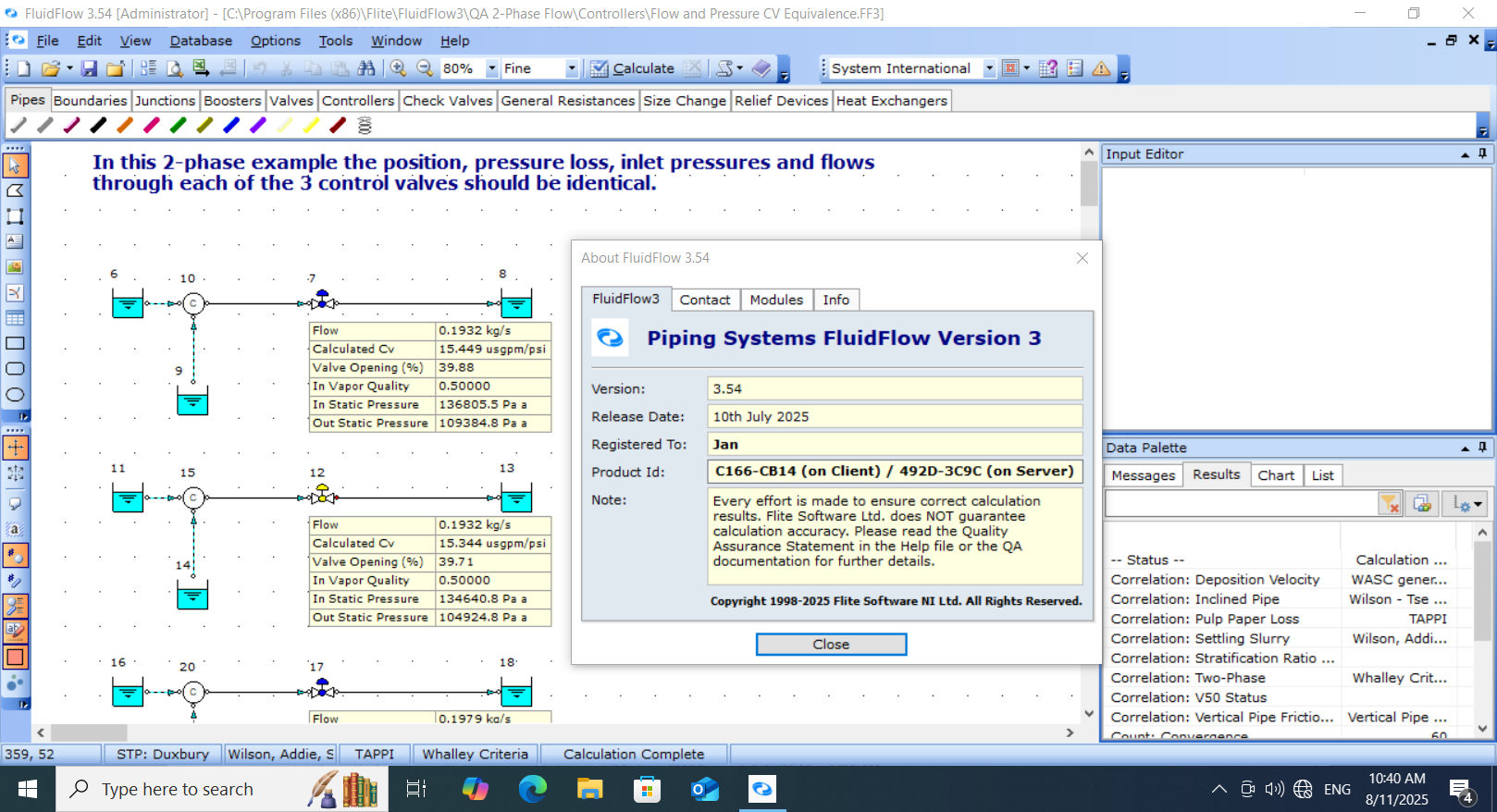
Working with Piping Systems FluidFlow 3.54 full license

Description of Piping Systems FluidFlow 3.54

Piping Systems FluidFlow 3.54, developed by Flite Software (Northern Ireland), is a comprehensive pipe flow simulation and design software that models a wide range of fluid behaviors—from simple incompressible liquids to complex two-phase flows, non-Newtonian slurries, gases, and heat transfer scenarios—all within one unified platform.

Key Features of Piping Systems FluidFlow 3.54

Fluid Variety & Modular Design
Supports liquids (incompressible), gases (compressible), two-phase liquid–gas flows, non-Newtonian fluids, and settling slurries.
Employs a modular structure, letting you choose and activate only the modules relevant to your project.

Intuitive Design Environment
Offers an integrated, graphical interface for building piping networks, enabling rapid model construction and a short learning curve—saving engineers up to 80% of time compared to spreadsheet-based approaches.
Features embedded hints, warnings, and real-time feedback during model creation.

Accurate Calculations & Auto-Sizing
Calculates pressure drops, flow distribution, temperature, and phase states reliably for different fluid types.
Includes auto-sizing tools for pipes, pumps, valves, and safety devices based on physical properties, equipment costs, and energy considerations—ensuring both technical and economic optimization.

Heat Transfer Integration
Built-in heat transfer modeling (conduction, convection, radiation), covering buried pipes, insulation, and various heat exchangers.

Custom Reports & Interoperability
Allows full customization of reports, including logos and export in PDF, Word, or Excel.
Compatible with PCF (Piping Component Files) from software like SmartPlant 3D, CADWorx, SolidWorks, Plant4D, and more—facilitating seamless integration with CAD and design tools.

Rigorous Validation & Quality Assurance
Calculation methods are rigorously tested and verified against real-world data and published benchmarks to ensure accuracy and reliability.

If you want to download Piping Systems FluidFlow 3.54 full license, please click to DOWNLOAD symbol and complete check out a little help my website is maintained. The download link is appeared automatically after you complete check out.
CLICKDOWN.ORG Download CAD CAM CNC software
Inside package Piping Systems FluidFlow 3.54, already have cracked’s files and instruction how to install Piping Systems FluidFlow 3.54 step by step. I guarantee you can install Piping Systems FluidFlow 3.54 successfully if you follow that instruction.
If you also can’t install it or any problems, please contact to me by email: clickdown.org@gmail.com, then I will help you to install software by teamviewer or Ultraviewer or Anydesk.
Thanks a lot
SOFTWARES

Download Golden Software Surfer 29.3.307 x64 full license

Download Golden Software Surfer 29.3.307 x64 full license

Link download Golden Software Surfer 29.3.307 win64 full activated

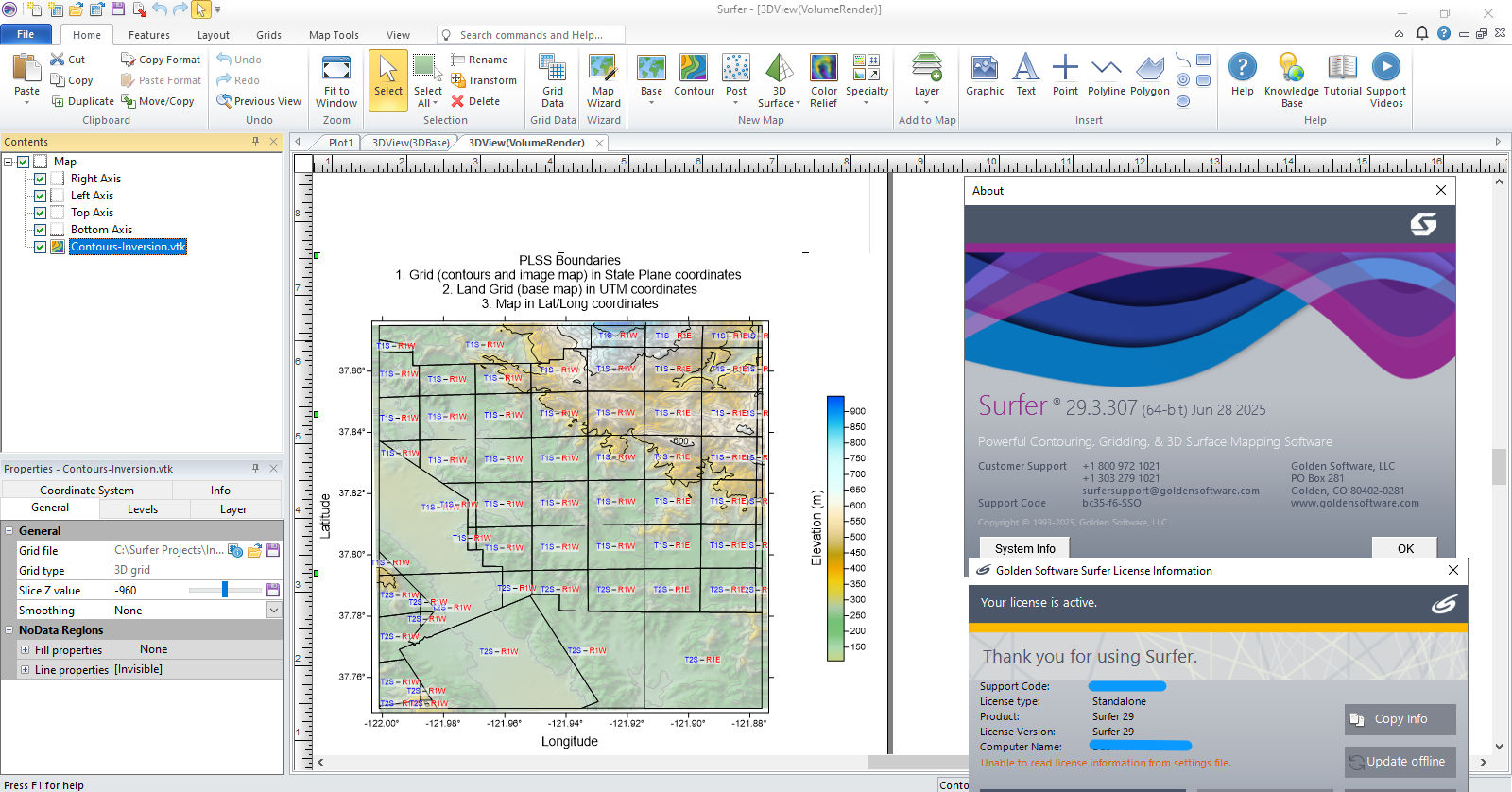
Working with Golden Software Surfer 29.3.307 full license

Description of Golden Software Surfer 29.3.307

Golden Software Surfer 29.3.307 is a powerful and widely used software for 2D and 3D gridding, contouring, and surface mapping. Trusted by over 100,000 users globally across industries like environmental consulting, mining, engineering, and geospatial analysis, it excels at turning complex spatial datasets into clear visual insights.

Key Features & Capabilities of Golden Software Surfer 29.3.307

• Advanced Interpolation & Mapping
Surfer supports a variety of interpolation methods—such as Kriging, inverse distance weighting, and triangulation—to convert XYZ data into regular grid surfaces. Users can then visualize data with more than 10 customizable map types, including contour, shaded relief, color relief, wireframe, and 3D surfaces.

• Enhanced 3D Visualization Tools
The latest version introduces powerful improvements:
Contour slices through 3D grids allow for multi-layered visualizations.
Keyword-based drillhole colorization—intervals are colored according to text keywords (e.g., type of rock), with automatic legend generation.
Google Maps imagery can be downloaded directly into projects via the “Base from Server” feature, providing georeferenced context.

• Automation & Scripting Support
Surfer streamlines workflows with automation. It allows users to script repetitive tasks in languages like Python, Perl, or Visual Basic (via its built-in Scripter tool), and offers a rich library of sample scripts to get started.

• Seamless Data Compatibility & Sharing
Supports a wide array of file formats (e.g., SHP, DXF, LAS/LAZ, XLSX) and offers high-quality exports in PDF, 3D PDF, TIF, JPG, DXF, and KMZ formats—making it easy to integrate maps into reports, presentations, or GIS platforms.

• Template-Based Design & Layouts
Surfer 29 includes over 20 map frame templates to streamline layout creation—complete with legends, title blocks, logos, and more—so you can create consistent and professional map designs effortlessly.

• Peak & Depression Detection
Automatically identifies and analyzes peaks and depressions in a grid—highlighting high and low areas, and reporting metrics like volume and orientation. This is especially useful for hydrologists and geologists.

If you want to download Golden Software Surfer 29.3.307 full license, please click to DOWNLOAD symbol and complete check out a little help my website is maintained. The download link is appeared automatically after you complete check out.
CLICKDOWN.ORG Download CAD CAM CNC software
Inside package Golden Software Surfer 29.3.307, already have cracked’s files and instruction how to install Golden Software Surfer 29.3.307 step by step. I guarantee you can install Golden Software Surfer 29.3.307 successfully if you follow that instruction.
If you also can’t install it or any problems, please contact to me by email: clickdown.org@gmail.com, then I will help you to install software by teamviewer or Ultraviewer or Anydesk.
Thanks a lot
SOFTWARES

Download Fine GEO5 2024 Professional x64 full activated

Download Fine GEO5 2024 Professional x64 full activated

Link download Fine GEO5 2024 Professional win64 full activated

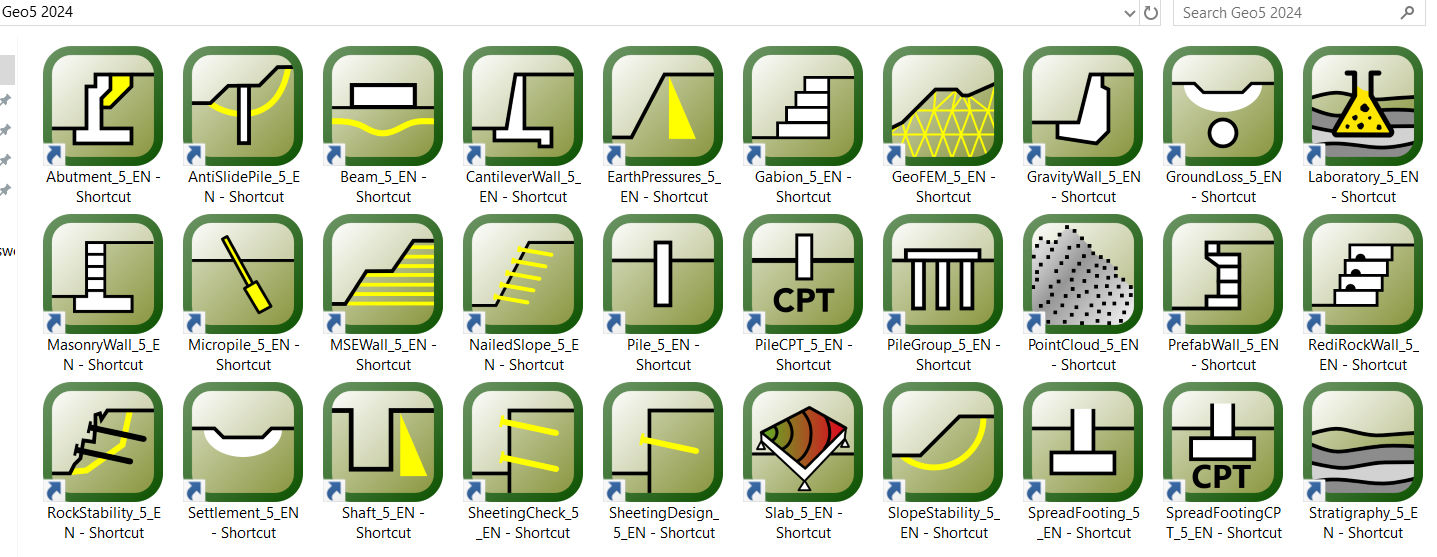
Features in Fine GEO5 2024 Professional
Fine GEO5 2024 Professional x64 full

Working with Fine GEO5 2024 Professional full activated

Description of Fine GEO5 2024 Professional

Fine GEO5 2024 Professional (Geotechnical Engineering Software) is a modular and intuitive suite developed by Fine spol. s r.o. (Czech Republic). Designed for geotechnical engineers, civil engineers, and geologists, it offers tools to tackle a broad spectrum of geological and structural tasks—from site investigations to advanced design and analysis.

Released Editions & Laboratory Module
The GEO5 2024 Edition, released in January 2024, introduced a brand-new Laboratory module for processing and analyzing soil and rock tests—supporting 13 test types such as Particle Size Distribution, Atterberg Limits, CBR, Shear Box, and customizable test templates. It also offers seamless data exchange with the GEO5 Data Collector app.

Recent Update Highlights (May 2024)
The mid-year update further enhanced all GEO5 modules:
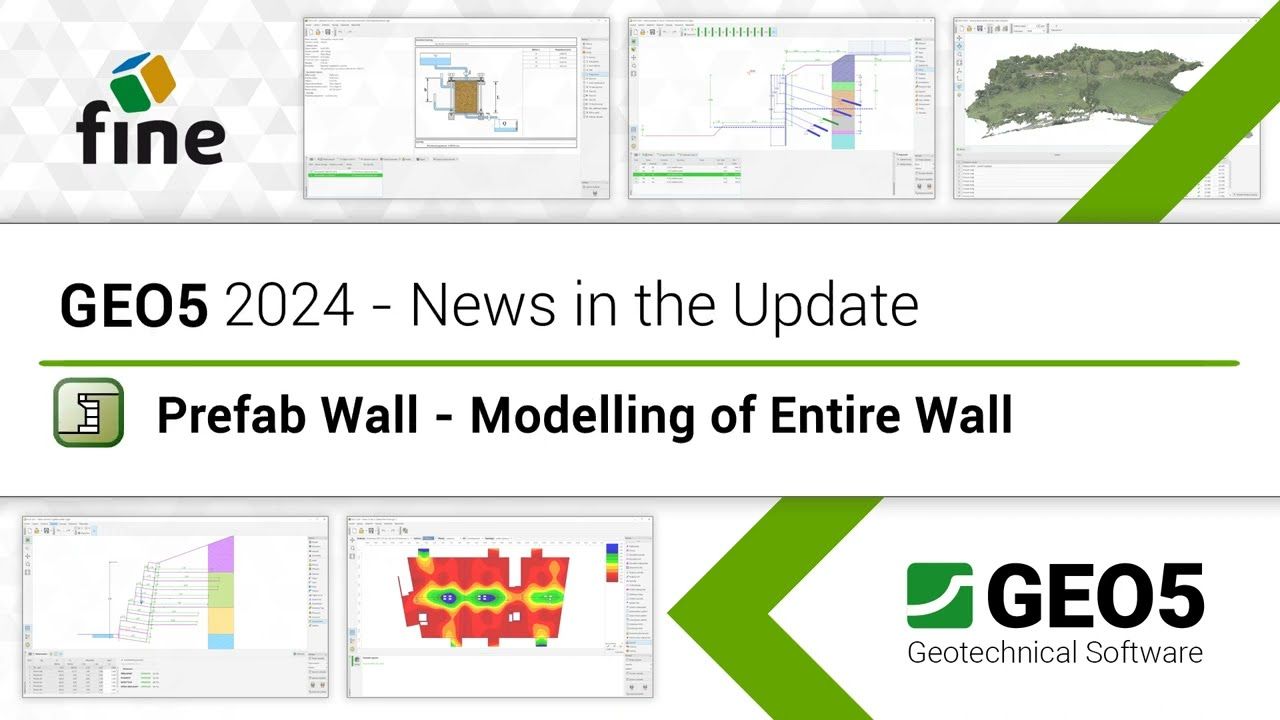
Prefab Wall: Easier wall generation, 3D visualization, detailed block lists, cross-section analysis, user-defined blocks, and catalogs from top manufacturers.

Slope Stability: Now includes analysis of pre-stressed anchors.

FEM Module: Adds stability checks using full stress analysis.

Sheeting & Pile: Steel dimensioning compliant with AISC 360 (LRFD, ASD).

Laboratory Module: Adds Splitting Tensile Test, Point Load Test, and Fall Cone Consistency Test.

General Improvements: Construction stage editing across Slope Stability, Settlement, and Stratigraphy modules; new RC standard NBR 6118-2023; cloud storage integration (Google Drive, Dropbox, OneDrive).

Stratigraphy Module Upgrades
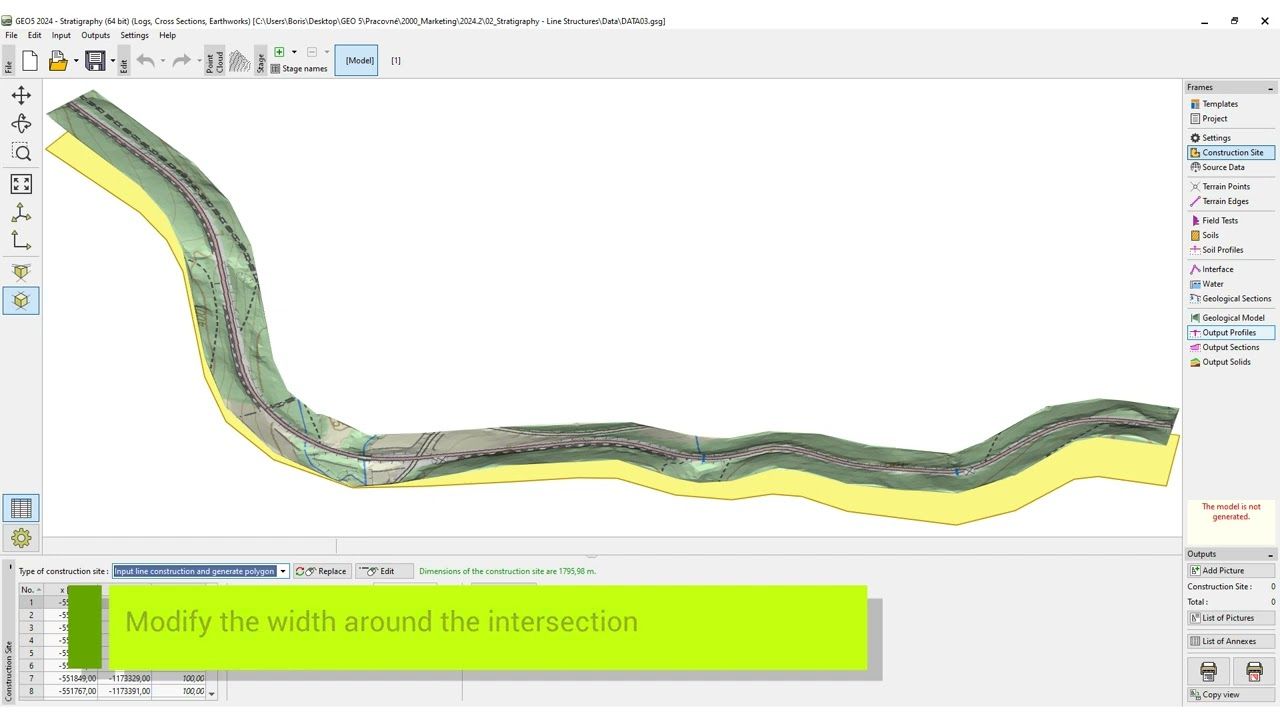
New features include GPS coordinate imports, coordinate system conversion, geological section copying, linear structure inputs, soil profiling at cross-section intersections, inclined boreholes, enhanced contour rendering, and faster 3D visualization.

Summary: Why GEO5 2024 Matters

Expanded Testing Capabilities: The new Laboratory module and added test types enable more comprehensive geotechnical analysis.

Enhanced Visualization: Prefab Wall 3D modeling and enriched Stratigraphy provide clearer engineering insights.

Improved Design & Compliance Tools: Inclusion of new calculation standards (FEM, AISC, NBR 6118-2023) increases precision and regulatory alignment.

Modern Workflow Integration: Cloud storage and app-based data collection streamline everyday tasks.

If you want to download GEO5 2024 full license, please click to DOWNLOAD symbol and complete check out a little help my website is maintained. The download link is appeared automatically after you complete check out.
CLICKDOWN.ORG Download CAD CAM CNC software
Inside package GEO5 2024, already have cracked’s files and instruction how to install GEO5 2024 step by step. I guarantee you can install GEO5 2024 successfully if you follow that instruction.
If you also can’t install it or any problems, please contact to me by email: clickdown.org@gmail.com, then I will help you to install software by teamviewer or Ultraviewer or Anydesk.
Thanks a lot
SOFTWARES

Download 3D-Coat 2025.10 x64 full license

Download 3D-Coat 2025.10 x64 full license

Link download 3D-Coat 2025.10 win64 full activated

Working with 3D-Coat 2025.10 full license

Description of 3D-Coat 2025.10

3D-Coat 2025.10 builds on the 2025 release’s powerful enhancements—combining flexibility, creativity, and production-ready workflows. Whether you’re sculpting in voxels, prepping assets for print or marketplace, or fine-tuning textures, this version packs plenty of tools to empower your work.

What’s New in 3D-Coat 2025 Series (Including 2025.10)

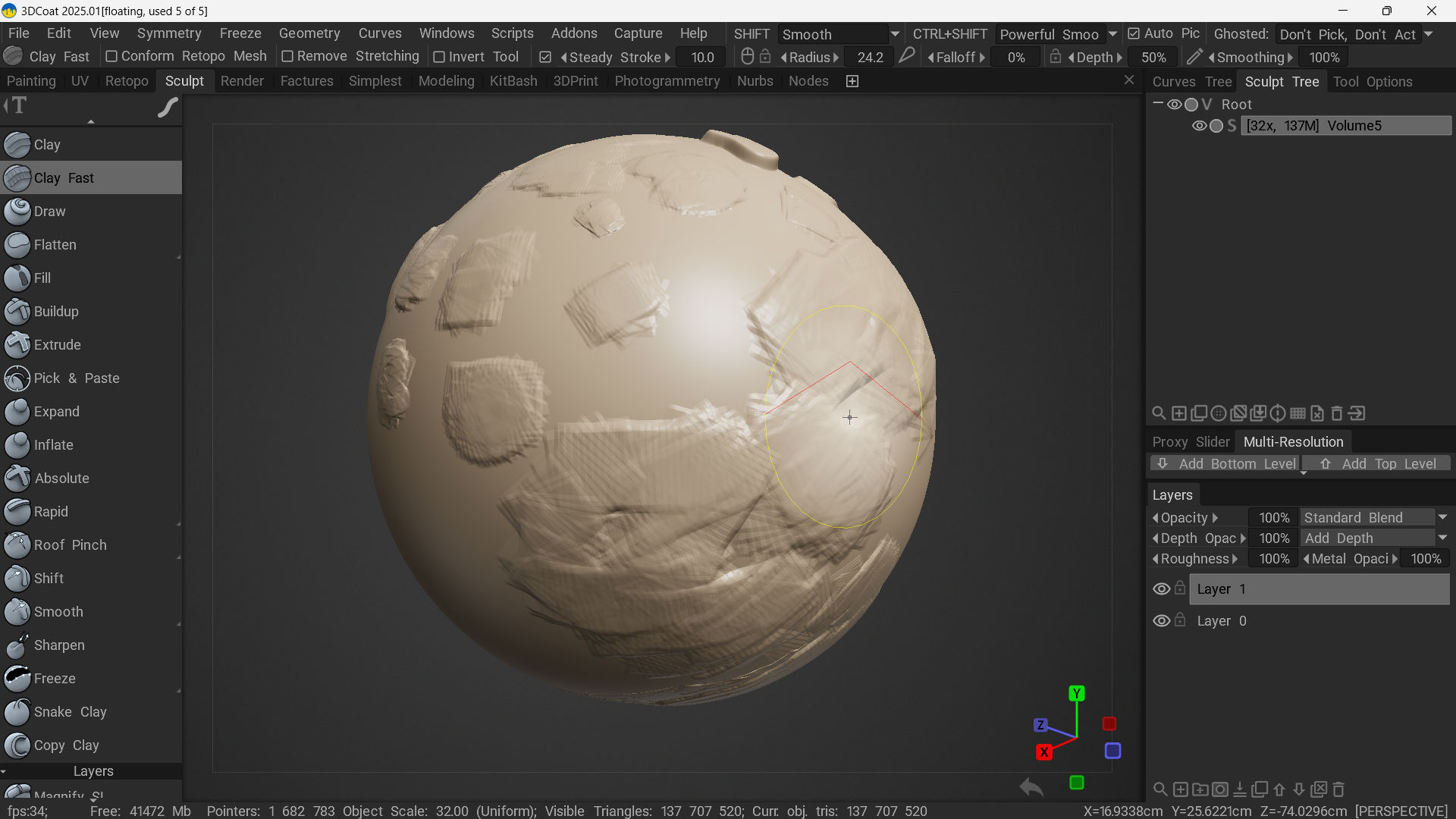
According to Pilgway’s official announcement, the 2025 version brings a comprehensive set of upgrades across usability, sculpting, modeling, texturing, and workflow features. These enhancements also carry through to version 2025.10:

18 new UI themes, allowing you to stylize your workspace your way.

A revamped Hotkey Manager, making custom shortcuts easier to set and manage.

The Node Room, introducing a node-based, non-destructive system for sculpting with volumetric and surface materials.

Soft Booleans support in voxel sculpting, letting brush-based bevel effects.

Surface Array and Array tools for fast duplication along meshes and curves.

Smart Hybrid Modeling, blending polygonal meshes into smooth, NURBS-like surfaces for export.

Integration with RealityCapture to streamline photogrammetry workflows.

Tools for Smart StemCell preparation for TurboSquid, easing model readiness for marketplace specs.

Normal Map to Mesh conversion in Painting Room—turn height data into geometry.

Infinite Depth functionality for the Move tool, now working in perspective mode too.

Support for drawing tablets across multiple brands.

Scene State Presets, similar to animation keyframes, to manage complex assemblies.

Volumetric Boolean operations with customizable gap, essential for fitting 3D-printed parts.

Asset Panel Search for faster asset navigation.

FPS Monitor to keep an eye on performance.

Brief Version-Specific Notes (2025.10)

While Pilgway’s changelogs don’t always indicate incremental updates by minor version (like 2025.10 vs. 2025.08), they continue building on the features above in minor patch revisions. FileCR’s listing for 2025.10 emphasizes the same comprehensive toolset for end-to-end 3D asset creation—from digital sculpting to rendering

If you want to download 3D-Coat 2025.10 full license, please click to DOWNLOAD symbol and complete check out a little help my website is maintained. The download link is appeared automatically after you complete check out.
CLICKDOWN.ORG Download CAD CAM CNC software
Inside package 3D-Coat 2025.10, already have cracked’s files and instruction how to install 3D-Coat 2025.10 step by step. I guarantee you can install 3D-Coat 2025.10 successfully if you follow that instruction.
If you also can’t install it or any problems, please contact to me by email: clickdown.org@gmail.com, then I will help you to install software by teamviewer or Ultraviewer or Anydesk.
Thanks a lot
SOFTWARES

Download BASCOM-AVR 2.0.8.7 full license

Download BASCOM-AVR 2.0.8.7 full license

Link download BASCOM-AVR 2.0.8.7 full activated

Working with BASCOM-AVR 2.0.8.7 full license

Description of BASCOM-AVR 2.0.8.7

BASCOM-AVR 2.0.8.7 is a BASIC compiler and integrated development environment (IDE) for the AVR microcontroller family, created by MCS Electronics. It supports Windows platforms and offers structured BASIC language features, simulator, editor, terminal, programmer support, and more.

BASCOM-AVR 2.0.8.7 Highlights & Release Info

Release Date: This version was released on April 20, 2025. The announcement was made in the Bascom forum around Easter
What’s New:
Multiple bugs were addressed in this version, notably improvements around Type support—users noted it “finally functions as expected”
Enhanced usability for the new Type keyword, enabling grouping of different variable types into structured data types. This allows for more organized code, especially when handling arrays of mixed-type records

Known Issues & User Feedback

Based on forum discussions following the release:
One user reported that the terminal emulator stopped displaying received serial data after a compile. The workaround was to restart BASCOM or re-enter data into the terminal to “wake it up”
Another user observed that some code was incorrectly marked as “dead code” by the IDE. The only remedy was to disable the “Display dead code” option
A separate issue involved serial transmission: Print did not work properly, with the TxD line stuck always high, despite receiving data from PC working fine

If you want to download BASCOM-AVR 2.0.8.7 full license, please click to DOWNLOAD symbol and complete check out a little help my website is maintained. The download link is appeared automatically after you complete check out.
CLICKDOWN.ORG Download CAD CAM CNC software
Inside package BASCOM-AVR 2.0.8.7, already have cracked’s files and instruction how to install BASCOM-AVR 2.0.8.7 step by step. I guarantee you can install BASCOM-AVR 2.0.8.7 successfully if you follow that instruction.
If you also can’t install it or any problems, please contact to me by email: clickdown.org@gmail.com, then I will help you to install software by teamviewer or Ultraviewer or Anydesk.
Thanks a lot

SOFTWARES

Download Calsep PVTsim Nova 7.0.16122 x64 full license

Download Calsep PVTsim Nova 7.0.16122 x64 full license

Link download Calsep PVTsim Nova 7.0.16122 win64 full activated

Working with Calsep PVTsim Nova 7.0.16122 full license

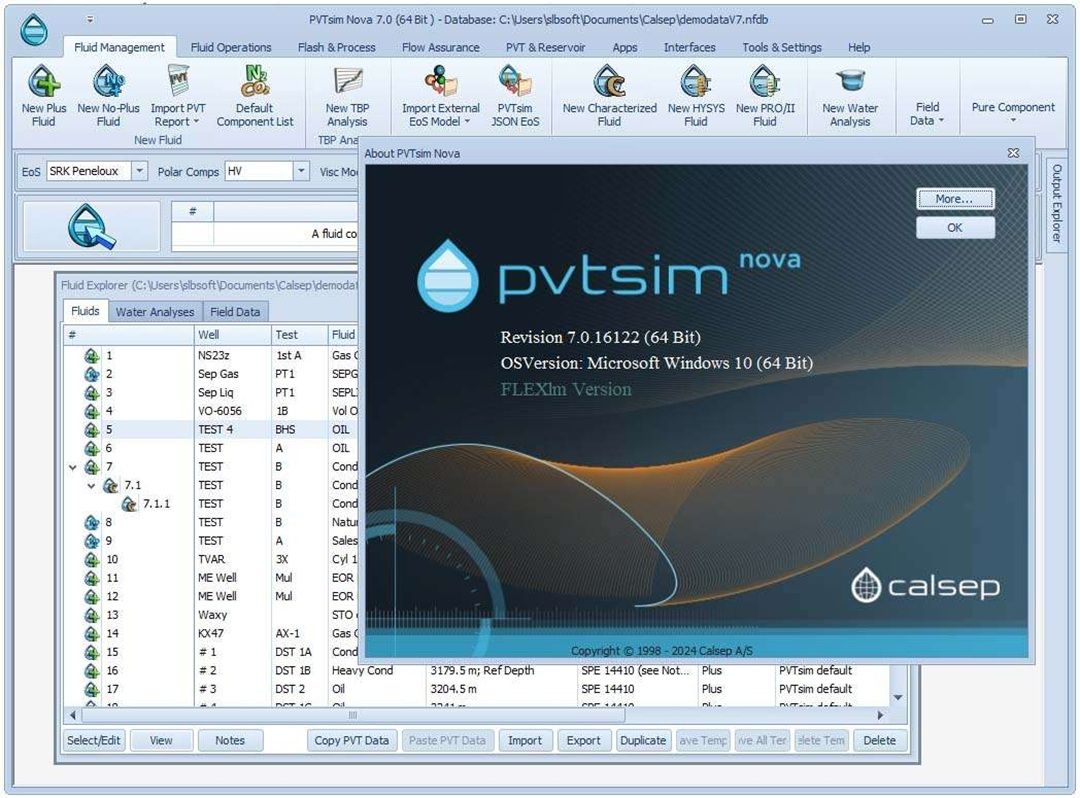
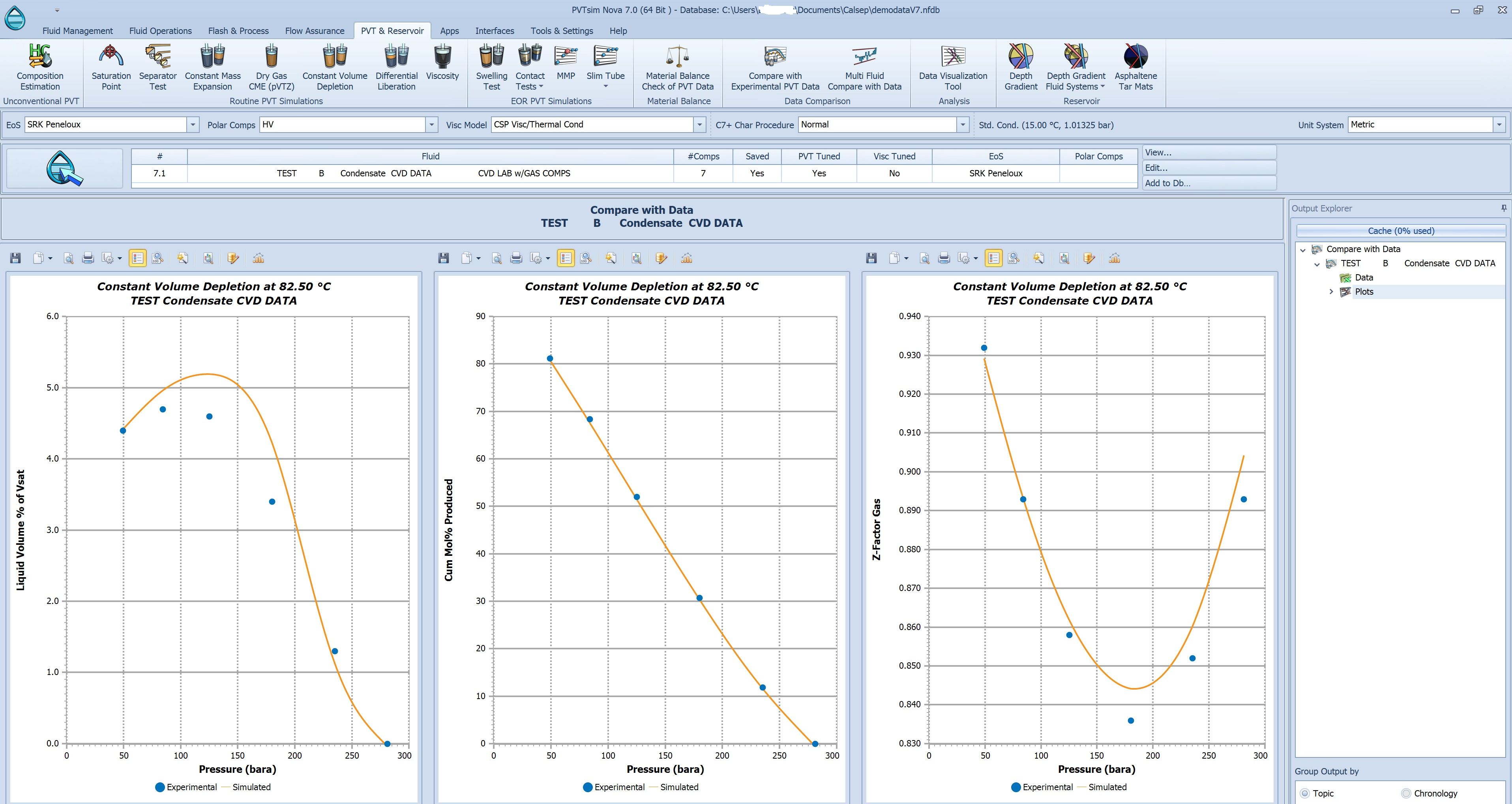
Working with PVTsim Nova 7.0 full activated

Description of Calsep PVTsim Nova 7.0.16122

Calsep PVTsim Nova 7.0.16122 is a powerful PVT (Pressure-Volume-Temperature) simulation tool developed by Calsep. Designed for reservoir engineers, flow assurance specialists, PVT laboratory engineers, and process engineers, it enables robust fluid characterization and integrates seamlessly with simulation workflows in the oil and gas industry.

Key Features in Calsep PVTsim Nova 7.0.16122

1. Advanced Data Visualization Tool (DVT)

Plot fluid properties and compositions versus depth.

Integrate field data (e.g., reservoir temperature, pressure, saturation pressure) even without compositional samples.

Supports cross plots to help visualize fluid trends across different reservoir depths

2. Enhanced Auto Quality Control

Better handling of uncertainties in reservoir fluid composition, particularly in gas condensates.

Uses a “lump-back” method that preserves measured weight percentages while improving phase behavior predictions

3. Separator App & Optimization

New ability to specify separators by component K-factors or oil recovery factors.

A built-in optimization tool finds the best separator pressure and temperature to maximize liquid yield (minimize GOR)

4. PVTsim–LedaFlow API

Version 7.0 includes a dedicated API interface for seamless use of PVTsim as the thermodynamic engine in LedaFlow compositional tracking simulations

5. Expanded CCS (Carbon Capture & Storage) Functionality

Models span Span-Wagner for CO₂, Leachman for H₂, plus additional components (NOₓ, SOₓ, NH₃).

Features include CO₂ solubility in brine, impurity-based T-XY/P-XY diagrams, PH phase envelope mapping, hydrate simulations, and OLGA/LedaFlow export formats

6. Depth Gradient Regression

Regression now accounts for saturation pressure and Gas-Oil Contact (GOC) variations with depth, enhancing the match between measurements and simulated compositional trends

7. Fluid Inclusion Simulator

A specialized tool for interpreting micro-thermometric and volumetric data from fluid inclusions (e.g., homogenization temperatures, gas volume fractions).

Helps derive consistent hydrocarbon compositions reflecting geological trapping conditions

8. Improved Fluid Handling Utilities

Common EoS model lumping and editing are more streamlined, supporting bulk edits, common-model group creation, and clear validation of EoS property consistency

In Summary
PVTsim Nova 7.0 brings significant enhancements for visual data insight, fluid quality control, separation optimization, CCS modeling, and fluid inclusion interpretation. It continues to evolve as an integrated, flexible tool that bridges lab-scale experimentation with full-scale reservoir and process modeling.

If you want to download Calsep PVTsim Nova 7.0.16122 full license, please click to DOWNLOAD symbol and complete check out a little help my website is maintained. The download link is appeared automatically after you complete check out.
CLICKDOWN.ORG Download CAD CAM CNC software
Inside package Calsep PVTsim Nova 7.0.16122, already have cracked’s files and instruction how to install Calsep PVTsim Nova 7.0.16122 step by step. I guarantee you can install Calsep PVTsim Nova 7.0.16122 successfully if you follow that instruction.
If you also can’t install it or any problems, please contact to me by email: clickdown.org@gmail.com, then I will help you to install software by teamviewer or Ultraviewer or Anydesk.
Thanks a lot
SOFTWARES

Download Agisoft Metashape Pro 2.2.2 build 20889 x64 full

Download Agisoft Metashape Pro 2.2.2 build 20889 x64 full license

Link download Agisoft Metashape Pro 2.2.2 build 20889 win64 full activated

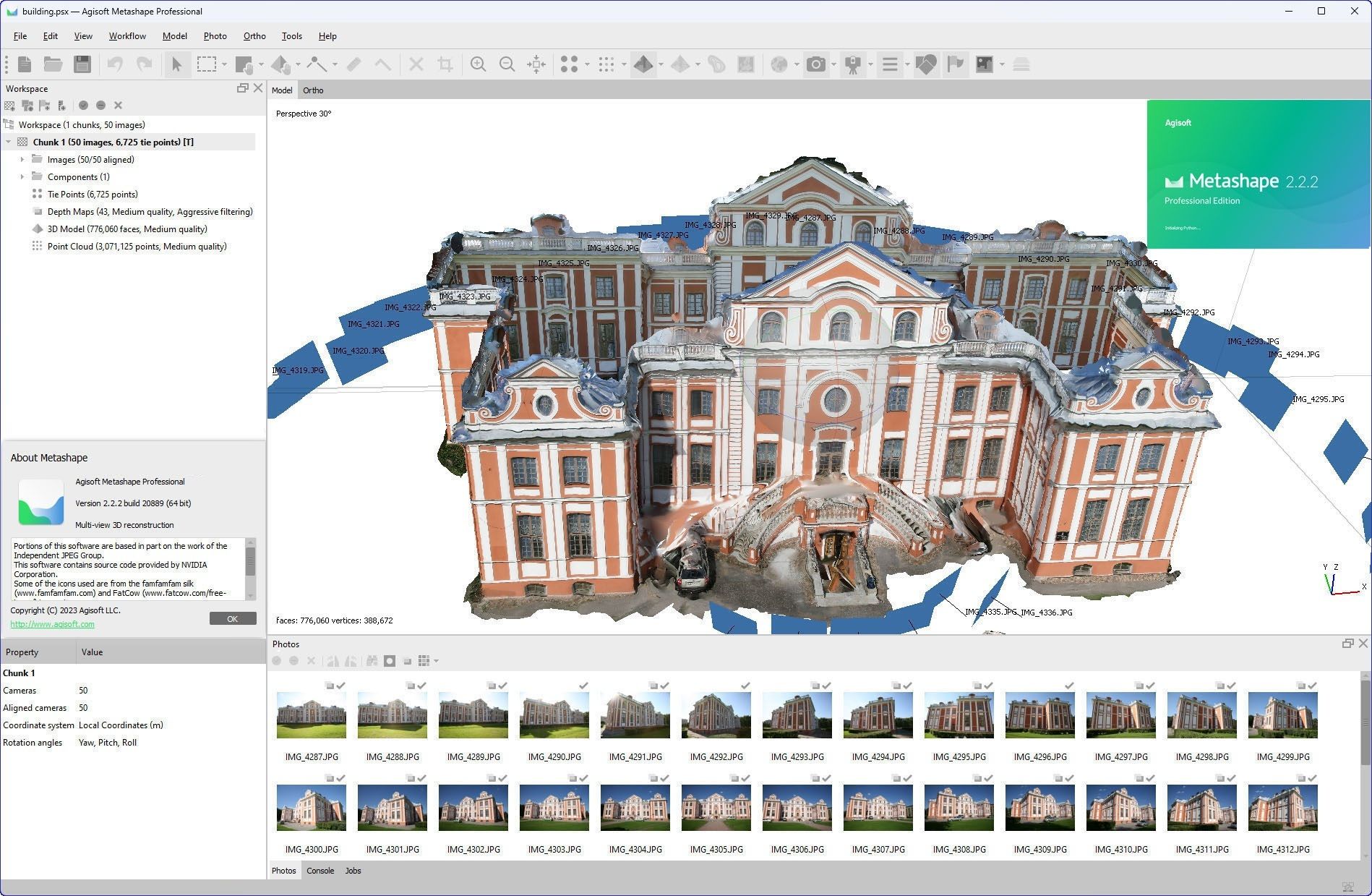
Working with Agisoft Metashape Pro 2.2.2 build 20889 full

Description of Agisoft Metashape Pro 2.2.2 build 20889

Agisoft Metashape Pro 2.2.2 build 20889 is a powerful, stand-alone photogrammetry application designed for producing accurate 3D spatial data from digital imagery. It supports aerial, close-range, and satellite photographs, transforming them into dense point clouds, textured 3D models, orthophotos, and digital elevation models (DEMs/DTMs) with high precision (often up to ~3 cm for aerial data and ~1 mm for close-range)

Key Enhancements in Agisoft Metashape Pro 2.2.2 build 20889

LiDAR & Control Point Processing
Aerial LiDAR boresight calibration for refined alignment of airborne laser scans
Difference View to compare and visualize LiDAR point cloud overlaps and errors
Tools to measure point cloud accuracy using check point coordinates

Advanced Orthomosaic & Texturing
Build texture from orthomosaic, and create orthomosaic from textured models, for more flexible and higher-quality outputs
Pansharpening, enhancing visual quality by combining high-resolution panchromatic data with multispectral bands
Experimental roof-edge refinement to clean up typical artifacts near roof edges (requires tweak activation)

Workflow and Target Detection
AprilTags coded-targets detection—improves automated referencing with fiducial markers
Align cameras by reference, aligning images with known positioning data for better orthomosaic fill and alignment in challenging scenes (e.g., water surfaces)

Masking, Geoid, & Basemap Support
Automatic AI-based background masking streamlines separating foreground from background in images
Support for multiple mask layers, enabling choice of mask sets during different processing stages
Capability to save geoid files within projects and use basemaps not based on Earth systems, including support for Mars and Moon projections

Resilience & UI Improvements
Restart processing after power failure—ensures recovery from unexpected interruptions
Network processing enhancements for better distributed workflows
In version 2.2.1, new tools like GNSS/INS offset refinement, group-by flight line, and UI tweaks such as snapping tools in Agisoft Viewer and refreshed icons for control/checkpoints were introduced

Brief Summary
Agisoft Metashape Pro 2.2.2 builds upon a strong processing core—delivering enhanced LiDAR integration, intelligent masking, flexible texture and orthomosaic generation, improved geodetic support (even for non-Earth bodies), and robust recovery and network capabilities. The professional edition extends its use with Python scripting, dense point cloud editing, advanced modeling, and multispectral support

If you want to download Agisoft Metashape Pro 2.2.2 build 20889 full license, please click to DOWNLOAD symbol and complete check out a little help my website is maintained. The download link is appeared automatically after you complete check out.
CLICKDOWN.ORG Download CAD CAM CNC software
Inside package Agisoft Metashape Pro 2.2.2 build 20889, already have cracked’s files and instruction how to install Agisoft Metashape Pro 2.2.2 build 20889 step by step. I guarantee you can install Agisoft Metashape Pro 2.2.2 build 20889 successfully if you follow that instruction.
If you also can’t install it or any problems, please contact to me by email: clickdown.org@gmail.com, then I will help you to install software by teamviewer or Ultraviewer or Anydesk.
Thanks a lot
SOFTWARES

Download Wolfram Mathematica 14.3 x64 full license

Download Wolfram Mathematica 14.3 x64 full license

Link download Wolfram Mathematica 14.3 win64 full activated

Working with Wolfram Mathematica 14.3 full license

Description of Wolfram Mathematica 14.3

Wolfram Mathematica 14.3 is a flagship computational software system developed by Wolfram Research that integrates symbolic computation, numerical computation, data analysis, visualization, and programming into one unified environment. It is powered by the Wolfram Language, a high-level, knowledge-based programming language designed for both human readability and computational power.

What’s New in Wolfram Mathematica 14.3

1. Full Dark Mode Support & Improved Aesthetics
Automatic dark-mode adaptation: notebooks now follow your system theme seamlessly
Introduction of new “standard” colors optimized for both dark and light modes, plus sophisticated color-switching tools like LightDarkSwitched, LightDarkAutoColorRules, and SystemColor

2. Enhanced Core Language & Computation Tools
Completion of non-commutative algebra capabilities: support for NonCommutativeMultiply, GeneralizedPower, NonCommutativeExpand, and integration with FullSimplify
New transformation and decomposition features: Hilbert transforms, Lommel functions, and four new matrix decompositions (EigenvalueDecomposition, FrobeniusDecomposition, plus polynomial-related functions and symbolic reductions)

3. Visualization, Graphics & Maps
ListFitPlot (curve fitting) and ListFitPlot3D (surface fitting), including confidence intervals
Overhauled vector-based map rendering, defaulting to vector graphics for crisp display across scales and introducing features like night-time satellite imagery––all dark-mode compatible

4. Core Language Improvements
Multi-argument With now allows flattened variable scopes
Cyclic[…] for representing infinite repeating sequences and cyclic list access

5. Tabular & Data Infrastructure
Expanded Tabular support: import from OneDrive, Kaggle, relational databases (SQLite, Postgres, MySQL, etc.), Apache/Common/Extended log files, JSON Lines, and more—plus GeoPosition column type
New functions: ColumnwiseCombine, enhanced JoinAcross, value-based styling, SemanticRanking, text feature extraction, and advanced date-type filtering in Tabular

6. AI, Notebook Experience & External Integration
Deepened AI and notebook synergy via Notebook Assistant and AI-generated code workflows
New compiled functions that can pause and resume, and seamless integration with R, allowing multiple independent R sessions to run within Mathematica

7. Geometry, Graphics & Control Systems
3D surface enhancements: curvature computation (SurfaceContourPlot3D), Gaussian/mean curvature, and geodesic calculation via FindShortestCurve
Mesh tools like Remesh, skeleton-based modeling, and constructive geometry enhancements

8. Chemistry & BioScience Features
Molecular visualization with property-based coloring and MoleculeFeatureDistance for similarity measurement
Local protein folding using a ~11 GB model, plus BioMoleculeAlign, Ramachandran angle analysis, and residue distance matrices

9. Control & Systems Modeling
Introduced SystemModelValidate, SystemModelAlways, SystemModelEventually, and SystemModelSustain for system validation in Wolfram Language
Visualization tools like PoleZeroPlot for analyzing system stability and control design within notebooks

10. Graph Layouts
Hyperbolic graph layout (HyperbolicRadialEmbedding) for clearer visualization of complex trees and networks

If you want to download Wolfram Mathematica 14.3 full license, please click to DOWNLOAD symbol and complete check out a little help my website is maintained. The download link is appeared automatically after you complete check out.
CLICKDOWN.ORG Download CAD CAM CNC software
Inside package Wolfram Mathematica 14.3, already have cracked’s files and instruction how to install Wolfram Mathematica 14.3 step by step. I guarantee you can install Wolfram Mathematica 14.3 successfully if you follow that instruction.
If you also can’t install it or any problems, please contact to me by email: clickdown.org@gmail.com, then I will help you to install software by teamviewer or Ultraviewer or Anydesk.
Thanks a lot
SOFTWARES

Download NI LabVIEW 2025 Q3 v25.3.0 x64 full license

Download NI LabVIEW 2025 Q3 v25.3.0 x64 full license

Link download NI LabVIEW 2025 Q3 v25.3.0 win64 full activated

Working with NI LabVIEW 2025 Q3 v25.3.0 full

Description of LabVIEW 2025 Q3 v25.3.0

LabVIEW 2025 Q3 (v25.3.0) is a robust release focused on enhancing developer productivity, debugging, usability, and security. Highlights like Nigel AI Advisor, unified debugging tools, CLI improvements, and long path support make it a significant upgrade. If you’re running a prior version, upgrading to LabVIEW 2025 Q3 is strongly recommended—not only for features but also to patch critical vulnerabilities.

Major Features & Improvements of LabVIEW 2025 Q3 v25.3.0

1. Nigel™ AI Advisor

A built-in AI assistant to help with VI design guidance and LabVIEW concepts

2. New Debug Window

Replaces the older Probe Watch and Breakpoint Manager. Now you can manage probes and breakpoints in one consolidated interface, including enabling/disabling them, switching probe styles, exporting data, and displaying probe values in-line on block diagram wires

3. Unwired Errors Logging
Offers the ability to log unwired errors to a file, even if you’re not using the Automatic Error Handling dialog

4. New Keyboard Shortcuts
Ctrl +A: Select all text in any text field (labels, dialogs, etc.)

Ctrl + Shift + O: Quick-open dialog showing recent files and all files in the current project

5. Diagram Disable Structures
Now preserve values by default when placing a disable structure—LabVIEW auto-matches tunnels to pass values through enabled frames

6. Context Help Enhancements
For VIs: Context Help now includes notes on reentrancy, execution priority, and preferred execution system.

For Call Library Function Nodes: Adds function prototype and library name/path into Context Help

7. Improved Readability
Left-aligned text in key block-diagram objects (e.g., “Bundle by Name”, waveform builders/components, event structure nodes)

8. CLI Enhancements
Use the Command-Line Interface without enabling the VI Server TCP port, thanks to per-operation configuration (non-persistent).

New operation: CreateComparisonReport—generates VI comparison reports in HTML, XML, Word, or text formats

9. .NET 8.0 Support
The Register Event Callback function now supports .NET 8.0 objects (though the .NET Container and assembly builds still aren’t supported)

10. Windows Long Paths Support
LabVIEW now supports long file paths on Windows

12. Expanded Array Export Capabilities
The Export Data to Clipboard and Export Data to Excel features now support arrays of paths and one-dimensional arrays of clusters containing numeric, string, and path elements

13. Vertical Scrollbar for Free Labels
Adds an optional vertical scrollbar to free text labels to improve navigation

14. Source Distribution Default Behavior
Desktop-target source distributions now default to using each source file’s compiled code setting rather than embedding compiled code in all files by default

If you want to download NI LabVIEW 2025 Q3 v25.3.0 full license, please click to DOWNLOAD symbol and complete check out a little help my website is maintained. The download link is appeared automatically after you complete check out.
CLICKDOWN.ORG Download CAD CAM CNC software
Inside package NI LabVIEW 2025 Q3 v25.3.0, already have cracked’s files and instruction how to install NI LabVIEW 2025 Q3 v25.3.0 step by step. I guarantee you can install NI LabVIEW 2025 Q3 v25.3.0 successfully if you follow that instruction.
If you also can’t install it or any problems, please contact to me by email: clickdown.org@gmail.com, then I will help you to install software by teamviewer or Ultraviewer or Anydesk.
Thanks a lot

SOFTWARES

Download Bentley RAM Concept 24.00.02.66 x64 full license

Download Bentley RAM Concept 24.00.02.66 x64 full license

Link download Bentley RAM Concept 24.00.02.66 win64 full activated

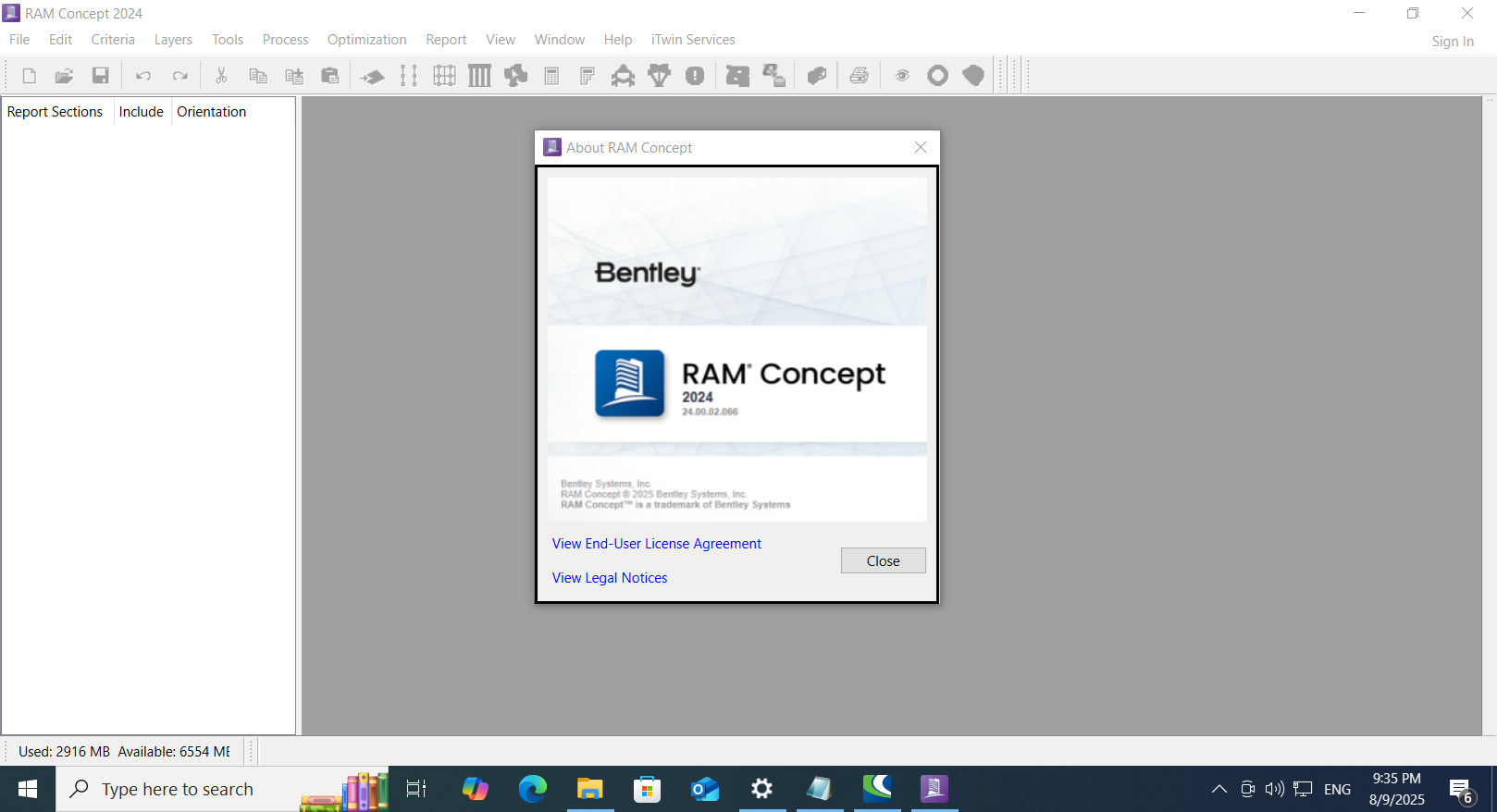
Working with Bentley RAM Concept 24.00.02.66 full

Description of Bentley RAM Concept 24.00.02.66

Bentley RAM Concept 24.00.02.66 is a leading structural engineering software used specifically for designing post-tensioned and conventionally reinforced concrete floors, including slabs, mats, and rafts. It employs finite element analysis (FEA) to model entire floor systems—yielding more accurate elastic behavior predictions than traditional frame models—and rigorously ensures equilibrium in all computations.

Key Features of Version 24.00.02.66

Core Functionality Remains: RAM Concept continues to support FEA for elevated concrete structures—be it PT, RC, hybrid systems, one-way or two-way slabs, beams, joist systems, or mats/rafts.
Minor Enhancements & Defect Fixes: This latest release, v24.00.02.66, addresses various bugs and adds modest improvements for a more polished user experience.
Improved File Handling:
Prior versions experienced issues such as file corruption or prolonged save times when working with .cpt files over network drives. These are now resolved by first saving files locally and then transferring them to network locations.
Compatibility update: While v24.00.02 can read older file formats, it now writes files in a format that older versions cannot open, making file version management especially important.

If you want to download Bentley RAM Concept 24.00.02.66 full license, please click to DOWNLOAD symbol and complete check out a little help my website is maintained. The download link is appeared automatically after you complete check out.
CLICKDOWN.ORG Download CAD CAM CNC software
Inside package Bentley RAM Concept 24.00.02.66, already have cracked’s files and instruction how to install Bentley RAM Concept 24.00.02.66 step by step. I guarantee you can install Bentley RAM Concept 24.00.02.66 successfully if you follow that instruction.
If you also can’t install it or any problems, please contact to me by email: clickdown.org@gmail.com, then I will help you to install software by teamviewer or Ultraviewer or Anydesk.
Thanks a lot
SOFTWARES

Download ASDIP Wood 3.3.1.1 full license

Download ASDIP Wood 3.3.1.1 full license

Link download ASDIP Wood 3.3.1.1 full activated

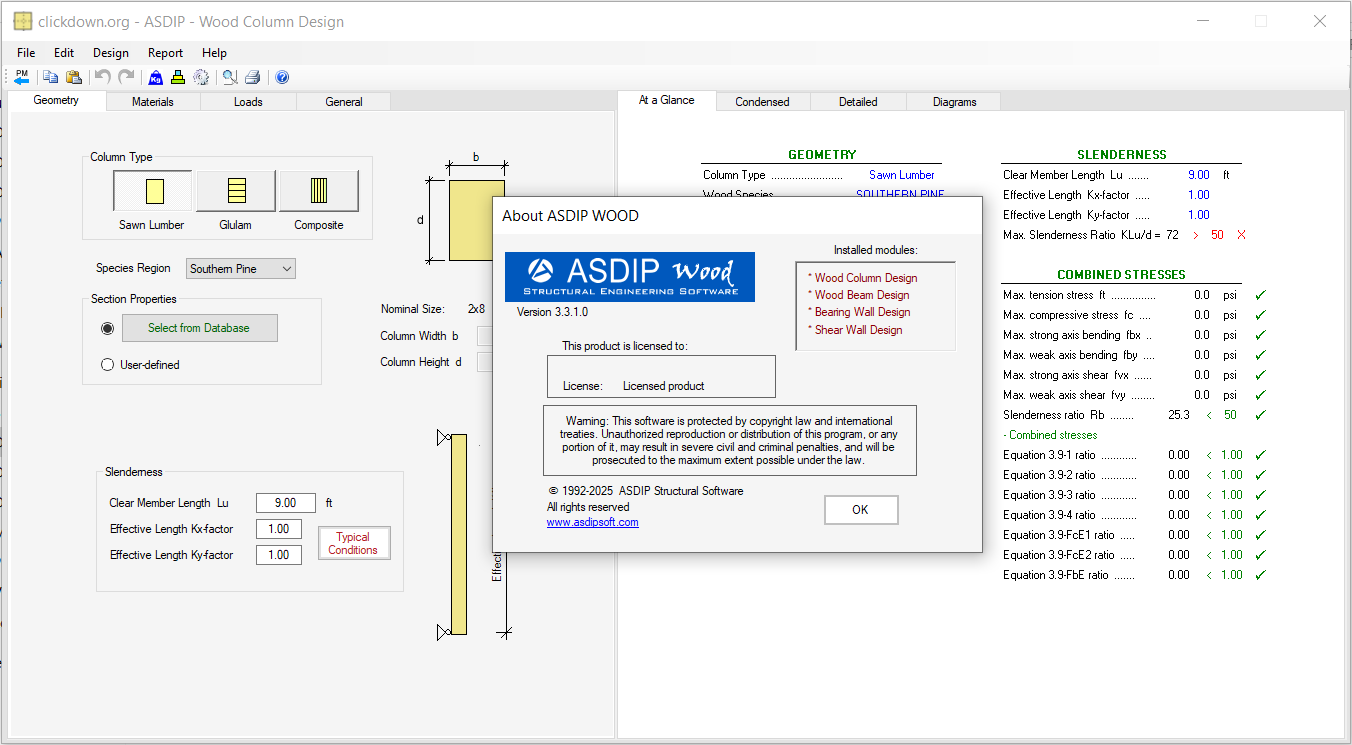
Working with ASDIP Wood 3.3.1.1 full license

Description of ASDIP Wood 3.3.1.1

ASDIP Wood 3.3.1.1, part of the ASDIP Structural Suite, is a specialized software designed for the analysis and design of wood structural members. It offers a modern, user-friendly experience tailored to professionals working with wood framing and structural systems.

Key Features & Capabilities of ASDIP Wood 3.3.1.1

Design Modules
Biaxial Columns, Continuous Beams, and Bearing Walls (including out-of-plane wind load considerations) are core modules included in ASDIP Wood.
Multi-story Shear Wall design—a powerful addition available in the ASDIP Wood 3 release.
Composite Lumber
The software now supports the design of Composite Lumber sections, expanding its versatility for engineered wood products.
Interface & Usability
Illustrated by a simple and intuitive graphical interface, ASDIP Wood allows modeling, design, optimization, and checking of complex structural members in just minutes.
The user experience emphasizes clarity—interfaces with exposed formulas and direct references to the applicable NDS (National Design Specification) code make the process transparent and trustworthy.

Final Thoughts

ASDIP Wood 3.3.1.1 delivers a streamlined, code-compliant framework for wood structural design. Its modern modules, composite lumber capabilities, and transparent interface make it a powerful tool for engineers seeking efficient and accurate results in wood design.

If you want to download ASDIP Wood 3.3.1.1 full license, please click to DOWNLOAD symbol and complete check out a little help my website is maintained. The download link is appeared automatically after you complete check out.
CLICKDOWN.ORG Download CAD CAM CNC software
Inside package ASDIP Wood 3.3.1.1, already have cracked’s files and instruction how to install ASDIP Wood 3.3.1.1 step by step. I guarantee you can install ASDIP Wood 3.3.1.1 successfully if you follow that instruction.
If you also can’t install it or any problems, please contact to me by email: clickdown.org@gmail.com, then I will help you to install software by teamviewer or Ultraviewer or Anydesk.
Thanks a lot
SOFTWARES

Download ASDIP Retain 6.2.1.6 full license

Download ASDIP Retain 6.2.1.6 full license

Link download ASDIP Retain 6.2.1.6 full activated

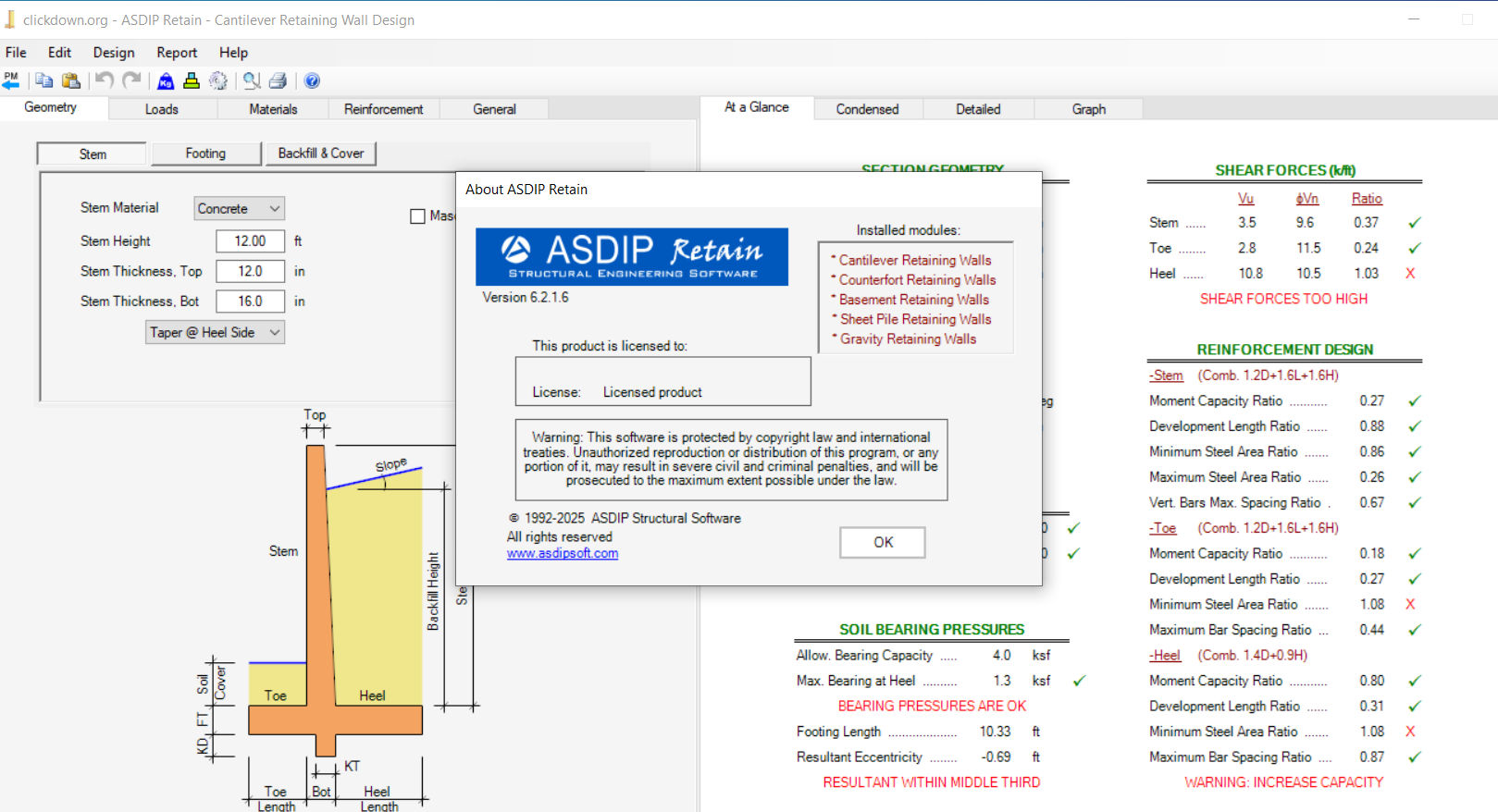
Working with ASDIP Retain 6.2.1.6 full license

Description of ASDIP Retain 6.2.1.6

ASDIP Retain 6.2.1.6 is a structural engineering software specialized in designing various types of retaining walls. It leverages a user-friendly graphical interface and is built to simplify and speed up complex calculations required for compliant, standards-based design.

Core Design Capabilities & Standards of ASDIP Retain 6.2.1.6

This version supports the design of:
Cantilever retaining walls
Basement walls
Counterfort walls
Sheet pile walls
It is fully compliant with modern design codes, including IBC/ACI 318, CSA A23.3, and AASHTO LRFD, and also accommodates block retaining wall design per TMS 402 standards.

Key Functional Features of ASDIP Retain 6.2.1.6

Multiple Load Types: Handles hydrostatic, surcharge, concentrated, wind, and seismic loads.
Stability & Structural Checks: Performs overturning, sliding, shear, and moment evaluations, delivering clear force and moment diagrams.
Graphical Interface: Allows rapid wall modeling with intuitive input controls and real-time graphical feedback.
Reporting: Offers both concise and detailed reports ideal for clients and regulatory reviews.
Comprehensive Resources: Includes extensive documentation, solved examples, and blog guidance to support engineering workflows.

Final Thoughts

ASDIP Retain 6.2.1.6 delivers a powerful, visual, and code-compliant toolset for efficient retaining wall design. Its robust modeling capabilities, coupled with graphical outputs and clear documentation, make it a valuable asset for structural professionals.

If you want to download ASDIP Retain 6.2.1.6 full license, please click to DOWNLOAD symbol and complete check out a little help my website is maintained. The download link is appeared automatically after you complete check out.
CLICKDOWN.ORG Download CAD CAM CNC software
Inside package ASDIP Retain 6.2.1.6, already have cracked’s files and instruction how to install ASDIP Retain 6.2.1.6 step by step. I guarantee you can install ASDIP Retain 6.2.1.6 successfully if you follow that instruction.
If you also can’t install it or any problems, please contact to me by email: clickdown.org@gmail.com, then I will help you to install software by teamviewer or Ultraviewer or Anydesk.
Thanks a lot
SOFTWARES

Download ASDIP Steel 6.5.2.1 full license

Download ASDIP Steel 6.5.2.1 full license

Link download ASDIP Steel 6.5.2.1 full activated

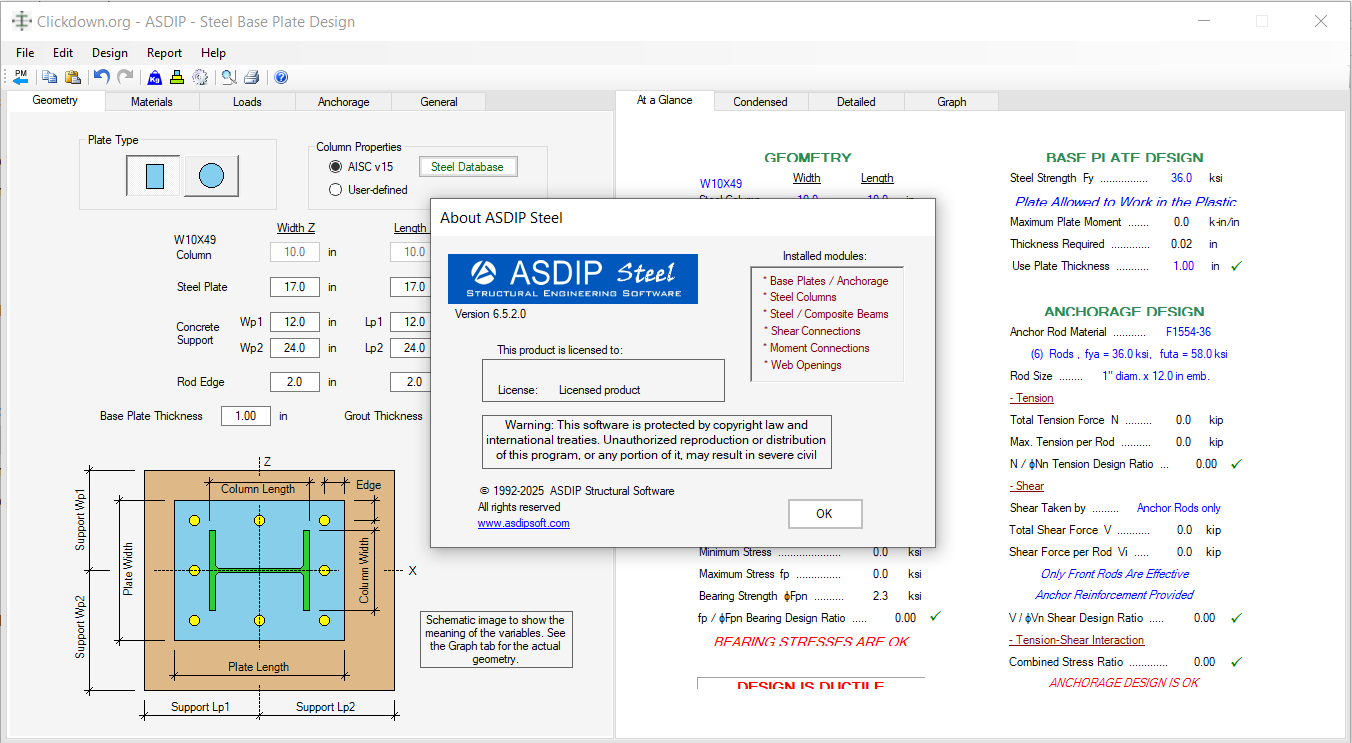
Working with ASDIP Steel 6.5.2.1 full license

Description of ASDIP Steel 6.5.2.1

ASDIP Steel 6.5.2.1 is an advanced version of ASDIP’s structural engineering software tailored for the design of steel structural members and connections. This tool simplifies and streamlines complex design tasks, making it especially valuable for engineers focusing on steel beams, columns, base plates, connections, and composite systems.

Core Capabilities & Features of ASDIP Steel 6.5.2.1

– Comprehensive Steel Design Modules
ASDIP Steel enables design of base plates, anchor rods, shear lugs, steel and composite beams, steel columns, and a range of connection types.
– Code-Compliant & Standards-Based
The software adheres to the latest AISC specifications (AISC 360, including ASD and LRFD methods), ensuring that all designs are compliant with widely accepted structural engineering standards.
– Graphical, Parametric Interface
Featuring a user-friendly, multi-tabbed interface, ASDIP Steel allows users to input parameters visually and see results in real time. Parametric design options make adjustments intuitive and efficient.
– Real-Time Results & Reporting
Results are rendered instantly, with options for “At a Glance,” “Condensed,” or “Detailed” output—covering stresses, anchorage details, bearing, and shear design.
– Section Database & Optimization Tools
The software includes a built-in database of steel sections based on the AISC Manual and supports automated selection and optimization of steel sections to meet design criteria efficiently.

Key Enhancements in Version 6 (Observed in ASDIP Steel 6 series)

While exact release notes for version 6.5.2.1 aren’t publicly available, significant enhancements introduced in the v6 series include:
Circular Base Plates design capability
HSS Shear and Moment Connections usability
A brand-new module for Web Openings design
These new features likely carried forward into version 6.5.2.1, enriching its toolset for modern structural needs.

If you want to download ASDIP Steel 6.5.2.1 full license, please click to DOWNLOAD symbol and complete check out a little help my website is maintained. The download link is appeared automatically after you complete check out.
CLICKDOWN.ORG Download CAD CAM CNC software
Inside package ASDIP Steel 6.5.2.1, already have cracked’s files and instruction how to install ASDIP Steel 6.5.2.1 step by step. I guarantee you can install ASDIP Steel 6.5.2.1 successfully if you follow that instruction.
If you also can’t install it or any problems, please contact to me by email: clickdown.org@gmail.com, then I will help you to install software by teamviewer or Ultraviewer or Anydesk.
Thanks a lot
SOFTWARES

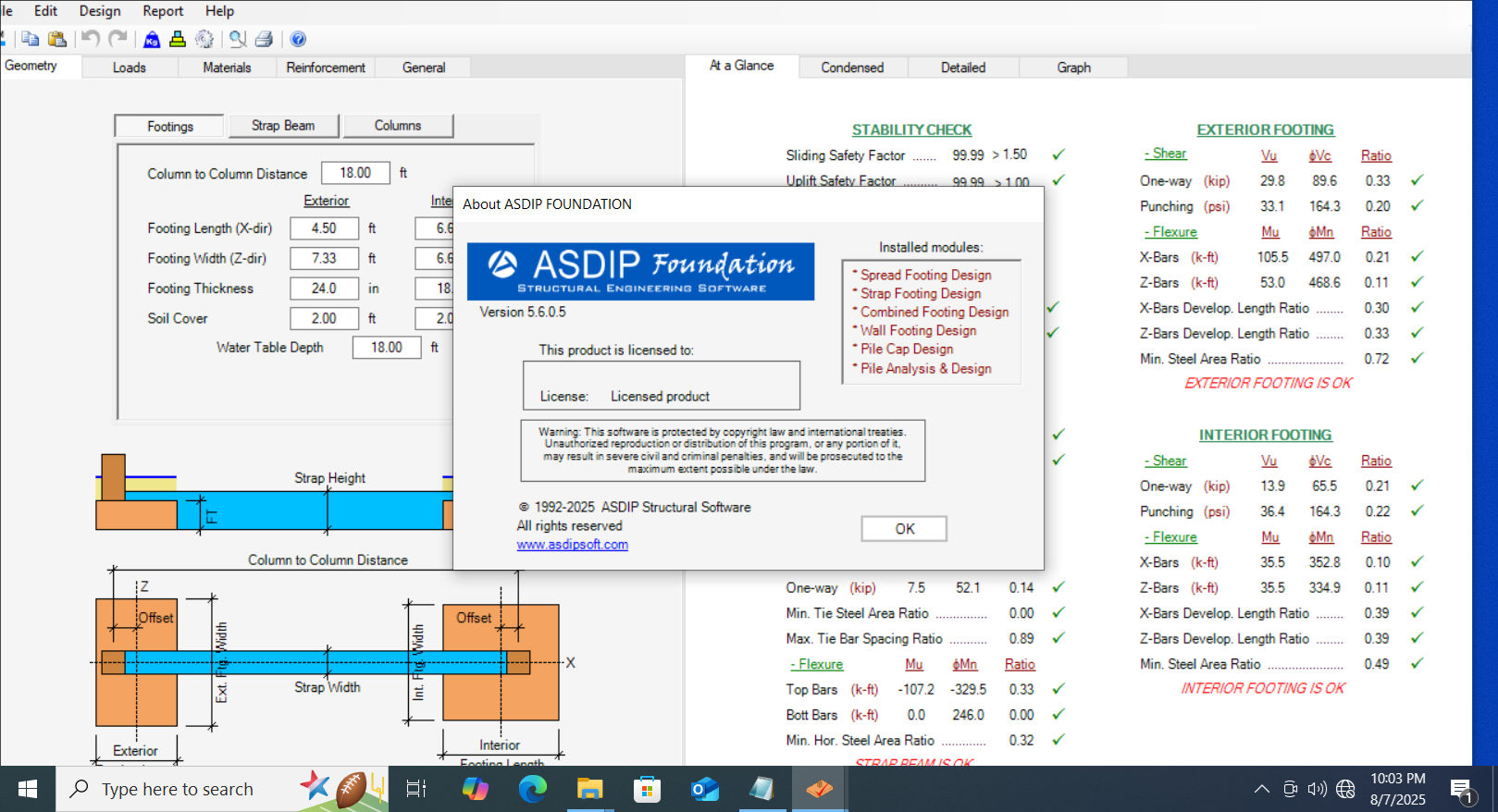
Download ASDIP Foundation 5.6.0.6 full license

Download ASDIP Foundation 5.6.0.6 full license

Link download ASDIP Foundation 5.6.0.6 full activated

Working with ASDIP Foundation 5.6.0.6 full license

Description of ASDIP Foundation 5.6.0.6

ASDIP FOUNDATION 5.6.0.6 is a specialized structural engineering software designed to handle the design of various concrete foundation types—including spread footings, strap footings, combined footings, wall footings, and pile caps—compliant with the latest ACI 318 and CSA A23.3 codes.
Designed for engineering professionals, this version enhances speed and accuracy, significantly reducing the time needed for complex footing calculations.

Key Features & Capabilities of ASDIP Foundation 5.6.0.6

– Wide Range of Foundation Types
Design capabilities for spread, strap, combined, and wall footings, as well as pile caps.
– Advanced Load Management
Supports load combinations based on ASCE 7 (or user-defined criteria), including dead, live, roof live, snow, wind, and seismic loads.
– Stability & Structural Checks
Comprehensive analyses for overturning, sliding, uplift, and bearing capacity ensure structural safety.
– Visual Outputs
The software offers graphical displays of bearing pressure, one-way shear, punching shear, and moment diagrams—helpful for immediate evaluation.
– Design Manager Tool
Facilitates preliminary designs, allowing engineers to define loading conditions and preferred bar sizes.
– Customizable Design Options
Engineers can tailor criteria and settings to project-specific needs.

Benefits for Engineers
Efficiency: Streamlines complex foundation design tasks with a user-friendly graphical interface.
Code Compliance: Built-in support for key design standards ensures reliability and accuracy.
Professional Reporting: Offers both concise and detailed reports suitable for client presentations or plan-check reviews.
Guidance Resources: Comes with rich documentation, solved examples, and blog content to support users.
Data Management: Enables easy creation, organization, and secure storage of electronic designs and calculations.

If you want to download ASDIP Foundation 5.6.0.6 full license, please click to DOWNLOAD symbol and complete check out a little help my website is maintained. The download link is appeared automatically after you complete check out.
CLICKDOWN.ORG Download CAD CAM CNC software
Inside package ASDIP Foundation 5.6.0.6, already have cracked’s files and instruction how to install ASDIP Foundation 5.6.0.6 step by step. I guarantee you can install ASDIP Foundation 5.6.0.6 successfully if you follow that instruction.
If you also can’t install it or any problems, please contact to me by email: clickdown.org@gmail.com, then I will help you to install software by teamviewer or Ultraviewer or Anydesk.
Thanks a lot
SOFTWARES

Download ASDIP Concrete 6.1.0.1 full license

Download ASDIP Concrete 6.1.0.1 full license

Link download ASDIP Concrete 6.1.0.1 full activated

Working with ASDIP Concrete 6.1.0.1 full license

Description of ASDIP Concrete 6.1.0.1

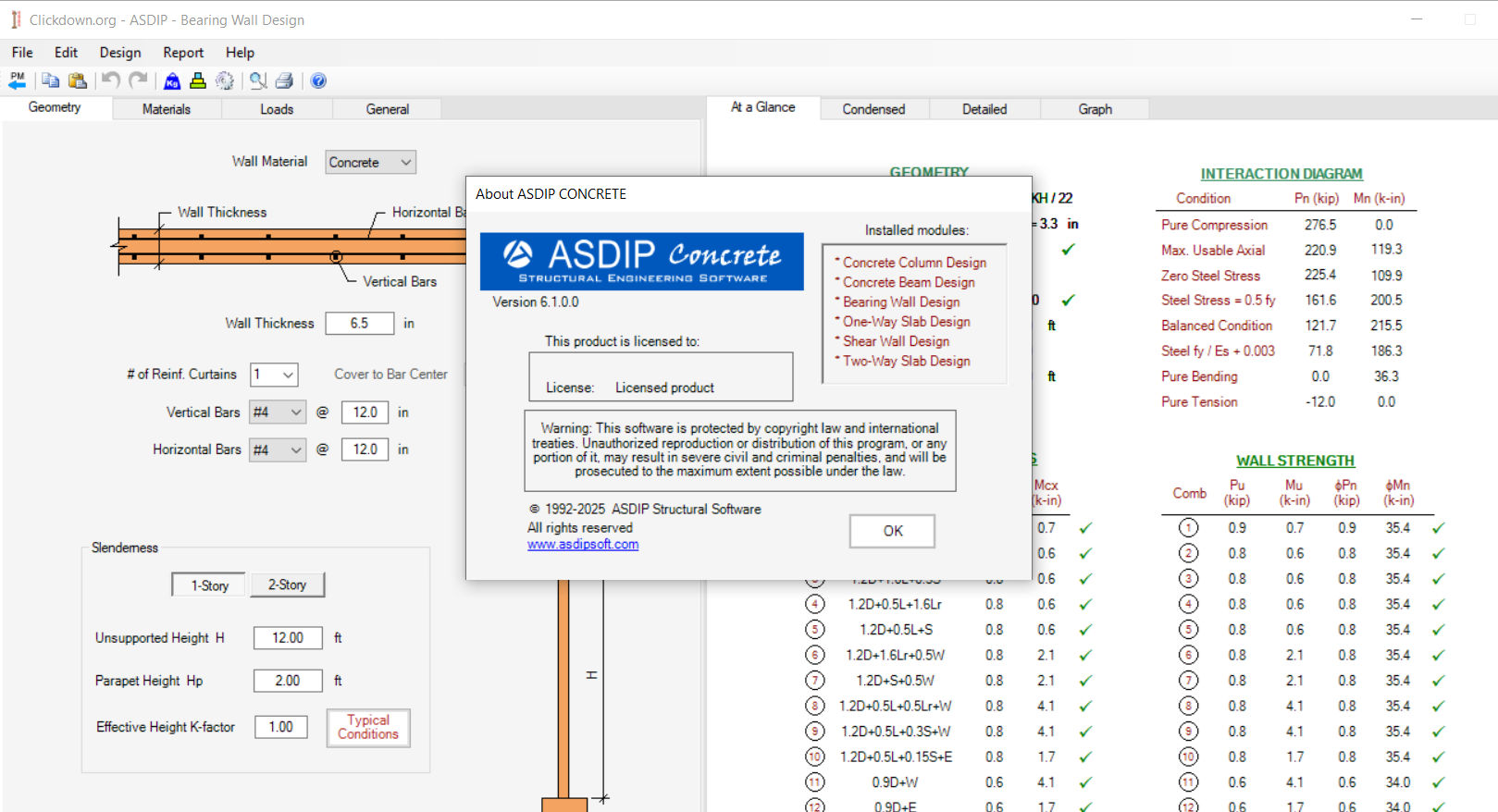
ASDIP Concrete 6.1.0.1 is a structural engineering software suite tailored for the design of concrete structural members—specifically, columns, multi-span continuous beams, and bearing walls. The current release, version 6.1.0.1, is part of the ASDIP Structural Suite 2025 (August).

Core Features (Across Versions, Including 6.1)

While detailed release notes for version 6.1 may not yet be publicly available, it builds upon the solid foundation of version 6.0 and likely includes further refinements. Here’s what the software already offers:

Concrete Columns: Handles axial loads and bending, includes slenderness effects per ASCE 7, and creates strength interaction diagrams.

Concrete Beams: Designs multi-span continuous beams with uniform and concentrated loads, checking bending and shear per ASCE 7.

Bearing Walls: Evaluates vertical plus out-of-plane lateral loads, accounts for slenderness, and produces wall interaction diagrams.

Interactive Interface: Operates via a fill-in-the-blanks UI on Windows Forms. Input data yields real-time calculation and instant graphical feedback—”what you see is what you get.”

These capabilities ensure accurate, efficient design workflows and consistent compliance with ACI 318 and ASCE 7 standards.

If you want to download ASDIP Concrete 6.1.0.1 full license, please click to DOWNLOAD symbol and complete check out a little help my website is maintained. The download link is appeared automatically after you complete check out.
CLICKDOWN.ORG Download CAD CAM CNC software
Inside package ASDIP Concrete 6.1.0.1, already have cracked’s files and instruction how to install ASDIP Concrete 6.1.0.1 step by step. I guarantee you can install ASDIP Concrete 6.1.0.1 successfully if you follow that instruction.
If you also can’t install it or any problems, please contact to me by email: clickdown.org@gmail.com, then I will help you to install software by teamviewer or Ultraviewer or Anydesk.
Thanks a lot
SOFTWARES

Download WinCan VX 2024.16.2.0 win64 full license

Download WinCan VX 2024.16.2.0 win64 full license

Link download WinCan VX 2024.16.2.0 x64 full activated

Working with WinCan VX 2024.16.2.0 full license

Description of WinCan VX 2024.16.2.0

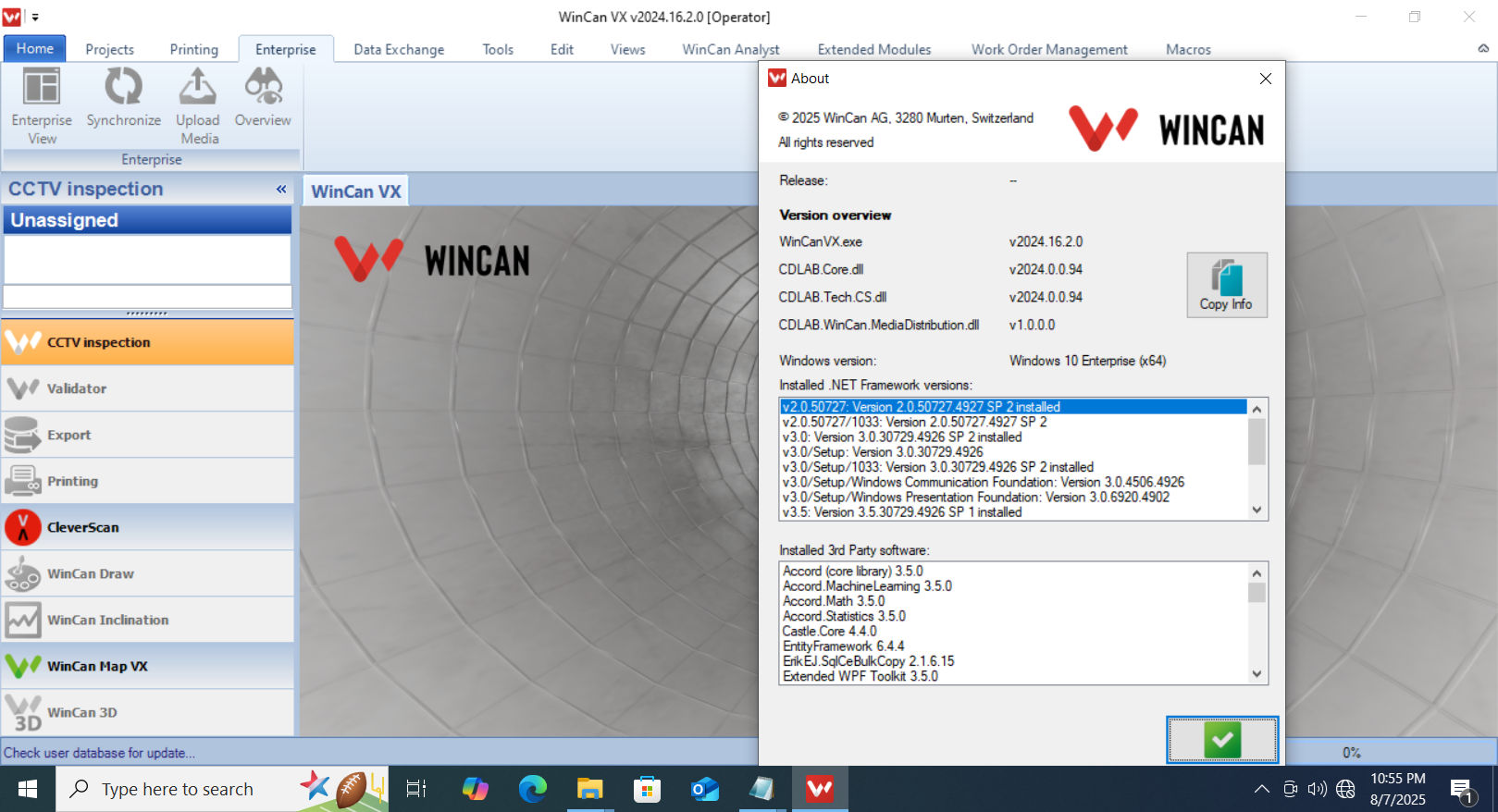
WinCan VX 2024.16.2.0 is a powerful desktop platform for professional sewer and pipeline inspections. It serves as a central hub for inspection data collection, condition assessments, standardized defect coding, and detailed reporting—making it a foundational tool for engineers, contractors, and municipalities managing underground infrastructure.

Key Features & Benefits of WinCan VX 2024.16.2.0

1. Cloud Compatibility
You can securely publish inspection videos, photos, and data to the cloud. These updates are accessible via any standard web browser, eliminating version conflicts and codec issues.

2. GIS & Mapping Integration
WinCan VX supports popular geodata formats like Shape and DXF. Plus, it offers plug-ins for GIS tools such as ESRI and QGIS, and can integrate with the in-house WinCan Map.

3. Modern, Customizable UI
The interface adapts to all screen sizes and allows full customization of the main workspace. It also includes clever navigation and viewing tools like auto-hide panels, filters, pipe graphs, and search-and-replace.
wincan.com

4. Wide Hardware Compatibility
WinCan VX supports a wide array of inspection camera systems—from zoom and push cameras to advanced scanning tech—ensuring compatibility with your current tools.

5. Comprehensive Coding Standards
The software includes support for over 50 international defect catalogues and coding standards (e.g., PACP/MACP, WRc, Isybau, DWA, VSA), enabling consistent and reliable data across regions.

6. Advanced Data Analysis & Reporting
WinCan VX enables detailed queries, trend analysis, hotspot identification, budget forecasting, and workflow insights. It also lets you generate rich, customizable reports—complete with maps, photos, diagrams, and schematic visuals.

7. Seamless Integration & Scalability
It connects with other WinCan tools—such as WinCan Mobile App, Web, and Analyst—as well as municipal databases and asset management systems. The modular design allows expansion to include scanning, AI-assisted defect detection, 3D visualization, and more.

Final Thoughts

WinCan VX stands out as an industry-standard solution for sewer inspection workflows, offering unmatched flexibility—from data capture to analysis, reporting, and collaboration. Whether your team needs regional compliance, GIS mapping, or advanced analytics, WinCan VX delivers a robust and extensible platform.

If you want to download WinCan VX 2024.16.2.0 full license, please click to DOWNLOAD symbol and complete check out a little help my website is maintained. The download link is appeared automatically after you complete check out.
CLICKDOWN.ORG Download CAD CAM CNC software
Inside package WinCan VX 2024.16.2.0, already have cracked’s files and instruction how to install WinCan VX 2024.16.2.0 step by step. I guarantee you can install WinCan VX 2024.16.2.0 successfully if you follow that instruction.
If you also can’t install it or any problems, please contact to me by email: clickdown.org@gmail.com, then I will help you to install software by teamviewer or Ultraviewer or Anydesk.
Thanks a lot
SOFTWARES

Download Xara Designer Pro+ 25.0.0.71855 win64 full license

Download Xara Designer Pro+ 25.0.0.71855 win64 full license

Link download Xara Designer Pro+ 25.0.0.71855 x64 full activated

Xara Designer Pro+ 25.0.0.71855 x64 full

Working with Xara Designer Pro+ 25.0.0.71855 full activated

Description of Xara Designer Pro+ 25.0.0.71855

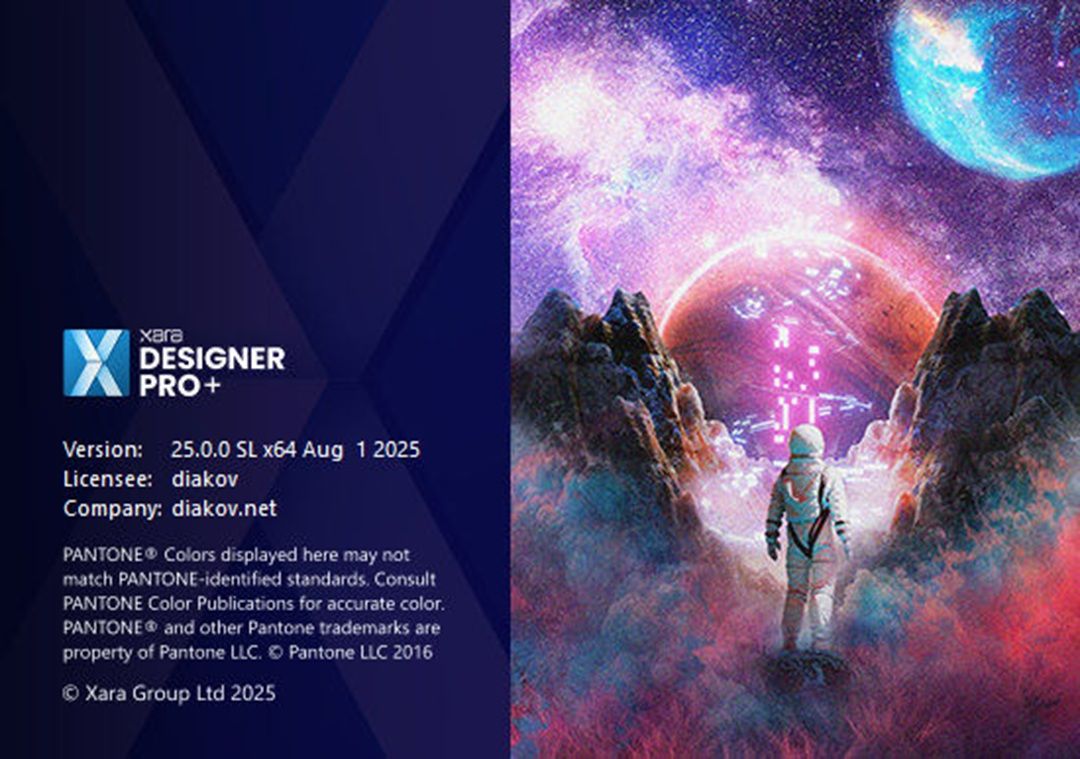
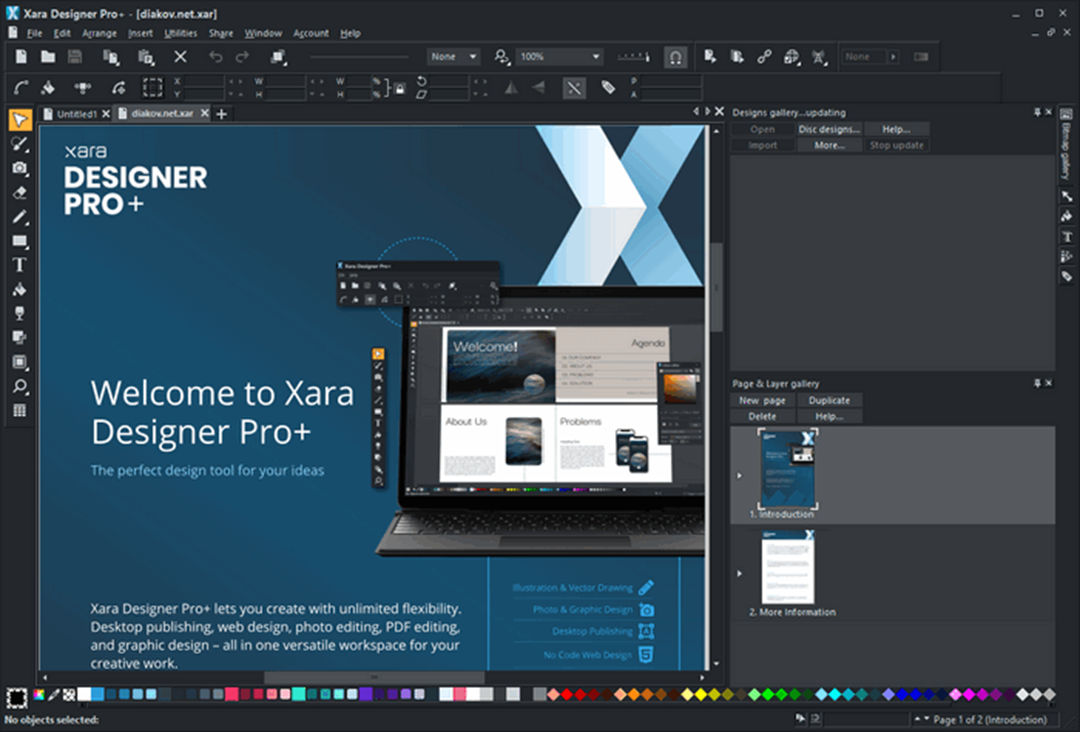
Xara Designer Pro+ 25.0.0.71855 is a powerful all-in-one creative design suite for Windows. It blends vector graphics, photo editing, desktop publishing, web design, and PDF editing into a single streamlined workflow

Key features include in Xara Designer Pro+ 25.0.0.71855

Desktop publishing tools like advanced text flow, PANTONE® color support, multi‑page layout, automatic tables of contents, and print-ready output.

Web design abilities for modular and freeform websites—offering flexible templates, sliders, and responsive layouts.

Illustration tools for vector drawing with smooth bezier curves and fast rendering.

Photo editing features including auto-enhance, content-aware scaling, cropping, red-eye removal, panorama stitching, and more.

PDF editing for direct modification of documents without needing external tools

🆕 What’s New in Version 25.0 (released March 2025 and early 2025 updates)

• 40 New Business Social Media Templates
Optimized for Facebook, Instagram, LinkedIn, and Twitter (X), these templates provide ready-to-use visuals for announcements, promotions, testimonials, and events—designed to streamline content planning with a full calendar of unique layouts
• Modular Website Content & Improvements
Building on earlier updates, version 24.6 (which forms part of the 25.0 cycle) introduced enhanced support for modular websites. This includes refined web blocks and broader format/web widget compatibility—which deliver greater flexibility and easier design workflows
• Expanded New Year Content Assets
Earlier in 2025, significant additions included four new website templates, 20 sliders, and over 240 web blocks geared toward refreshing business sites in the new year
• Valentine’s Themed Graphics (February 2025)
Version 24.6.1 added over 250 media assets—vector silhouettes, bitmap backgrounds, illustrations, clip art—as well as social media templates tailored for Valentine’s campaigns

🌟 Why Designer Pro+ 25.0 Matters
Boost productivity: Pre-built templates reduce creative friction and timeline constraints.

Streamline web design: Modular enhancements enable faster iteration and better layout control.

Stay fresh: Access to up-to-date seasonal and marketing content assets.

Unified workflow: Maintain design consistency across web, print, social media, and DTP.

If you want to download Xara Designer Pro+ 25.0.0.71855 full license, please click to DOWNLOAD symbol and complete check out a little help my website is maintained. The download link is appeared automatically after you complete check out.
CLICKDOWN.ORG Download CAD CAM CNC software
Inside package Xara Designer Pro+ 25.0.0.71855, already have cracked’s files and instruction how to install Xara Designer Pro+ 25.0.0.71855 step by step. I guarantee you can install Xara Designer Pro+ 25.0.0.71855 successfully if you follow that instruction.
If you also can’t install it or any problems, please contact to me by email: clickdown.org@gmail.com, then I will help you to install software by teamviewer or Ultraviewer or Anydesk.
Thanks a lot
SOFTWARES

Download Nemetschek FRILO 2025.2 x64 full license

Download Nemetschek FRILO 2025.2 x64 full license

Link download Nemetschek FRILO 2025.2 win64 full activated

Working with Nemetschek FRILO 2025.2 full license

Description of Nemetschek FRILO 2025.2

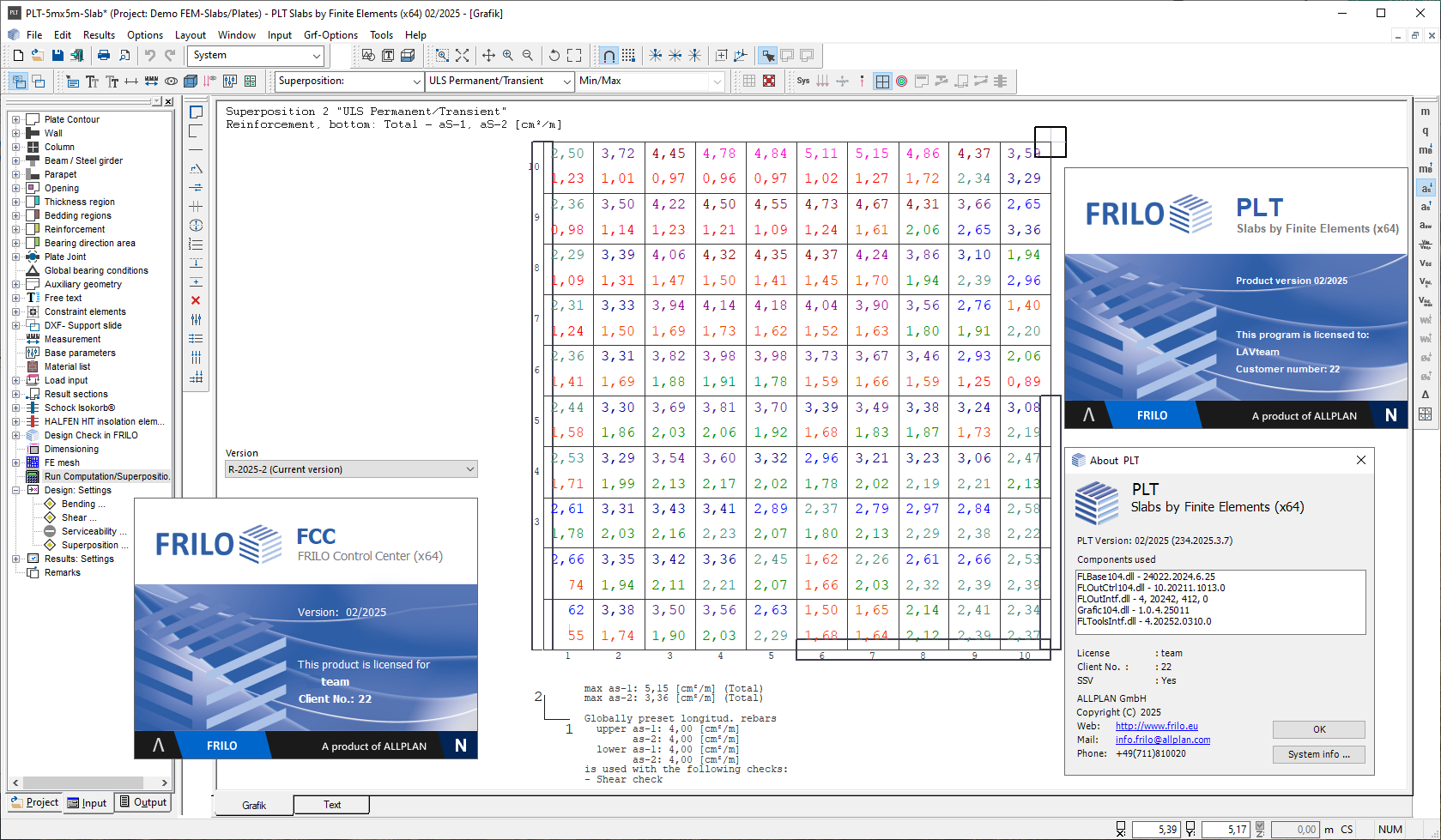
Nemetschek FRILO 2025.2 is a structural analysis and design software suite widely used by engineers working with concrete, timber, steel, and foundation structures. It is developed by FRILO Software GmbH (a Nemetschek Group company) and is part of a long legacy of precision engineering tools
The 2025.2 release (the second update in the 2025 cycle) introduces a range of enhancements across all modules—concrete, timber, steel construction, and foundation engineering—alongside updates to the Document Designer component used for reporting and documentation

🔍 What’s New in Version 2025.2

Although full release notes aren’t publicly available, based on prior version patterns (e.g. 2025.1) and listing summaries, we can highlight likely improvements such as:

Updated module-specific calculators and compliance with newer structural codes in concrete, steel, and timber design.

Enhanced support for foundation engineering, potentially including new load-case handling and soil-interaction options.

Improvements in the Document Designer—most likely optimized report output and template customization, extrapolated from previous release features

It’s worth noting that previous minor releases (like 2025.1) emphasized stability, performance, and new features across all module types—so 2025.2 likely continues that refinement with further optimizations

🚀 Major New Features in Nemetschek FRILO 2025.2

1. SLS+ – Splice Connection Module (PLUS)
Dedicated PLUS‑program for designing splice connections in single-axis stressed bolted steel girders.

Supports rigid, flexible, and hinged configurations with load-case combinations, diverse steel grades, bolt sizes, and beam offsets.

Compliant with DIN EN 1993 and Austrian/German annexes.

2. Integrated Reinforcement Workflow (B5+ → ALLPLAN)
Seamlessly transfer reinforcement designs for concrete columns from FRILO B5+ into Allplan via BIMPLUS using unique IFC IDs.

Enables “one‑click” placement of reinforcement cages in the BIM environment.

3. HO12+ – Timber Beam Transverse Joint Design
Now supports one‑ or two‑sided transverse joints to timber beams (notches, joist‑hangers).

Offers combinations like nails/bolts, dowels/bolts, connector joints, with auto‑checking and graphical reinforcement layout.

4. HTV+ – Timber Beam Reinforcement with Partial Core Failure Simulation
Define simulation zones within timber beams to model partial core failures.

Generates detailed graphical results, including internal forces, deformations, and fastener forces/utilization.

5. FDM+ – Mast Foundation Design with Biaxial Load & Soil Modelling
Now supports four‑sided terrain definitions, groundwater levels, multiple soil layers.

Adds biaxial design evaluation (x/y load combinations), and graphical previews of earth pressure distributions and neutral axes.

6. B2+ – Free‑Point Reinforcement for Rectangular & Circular Cross‑Sections
Input custom reinforcement via user‑defined bilinear or linear work lines.

Supports exact layout of reinforcing points; integrates reinforcement figure into the UI.

Also enables fire‑design with FEM (TA) under accidental load scenarios.

🧩 Additional Enhancements via Framework RSX (specific to 2025‑2)

These features were introduced in the FRILO 2025.2 update:

Panel Loads: RSX now supports partially distributed loads (e.g. triangular or trapezoidal), allowing representation of snow drifts or non-uniform loads.

Automatic Image Documentation: System and result images (e.g. deformation plots) are generated automatically during report creation with user-controllable configuration in the “Image management” dialog.

If you want to download Nemetschek FRILO 2025.2 full license, please click to DOWNLOAD symbol and complete check out a little help my website is maintained. The download link is appeared automatically after you complete check out.
CLICKDOWN.ORG Download CAD CAM CNC software
Inside package Nemetschek FRILO 2025.2, already have cracked’s files and instruction how to install Nemetschek FRILO 2025.2 step by step. I guarantee you can install Nemetschek FRILO 2025.2 successfully if you follow that instruction.
If you also can’t install it or any problems, please contact to me by email: clickdown.org@gmail.com, then I will help you to install software by teamviewer or Ultraviewer or Anydesk.
Thanks a lot
SOFTWARES

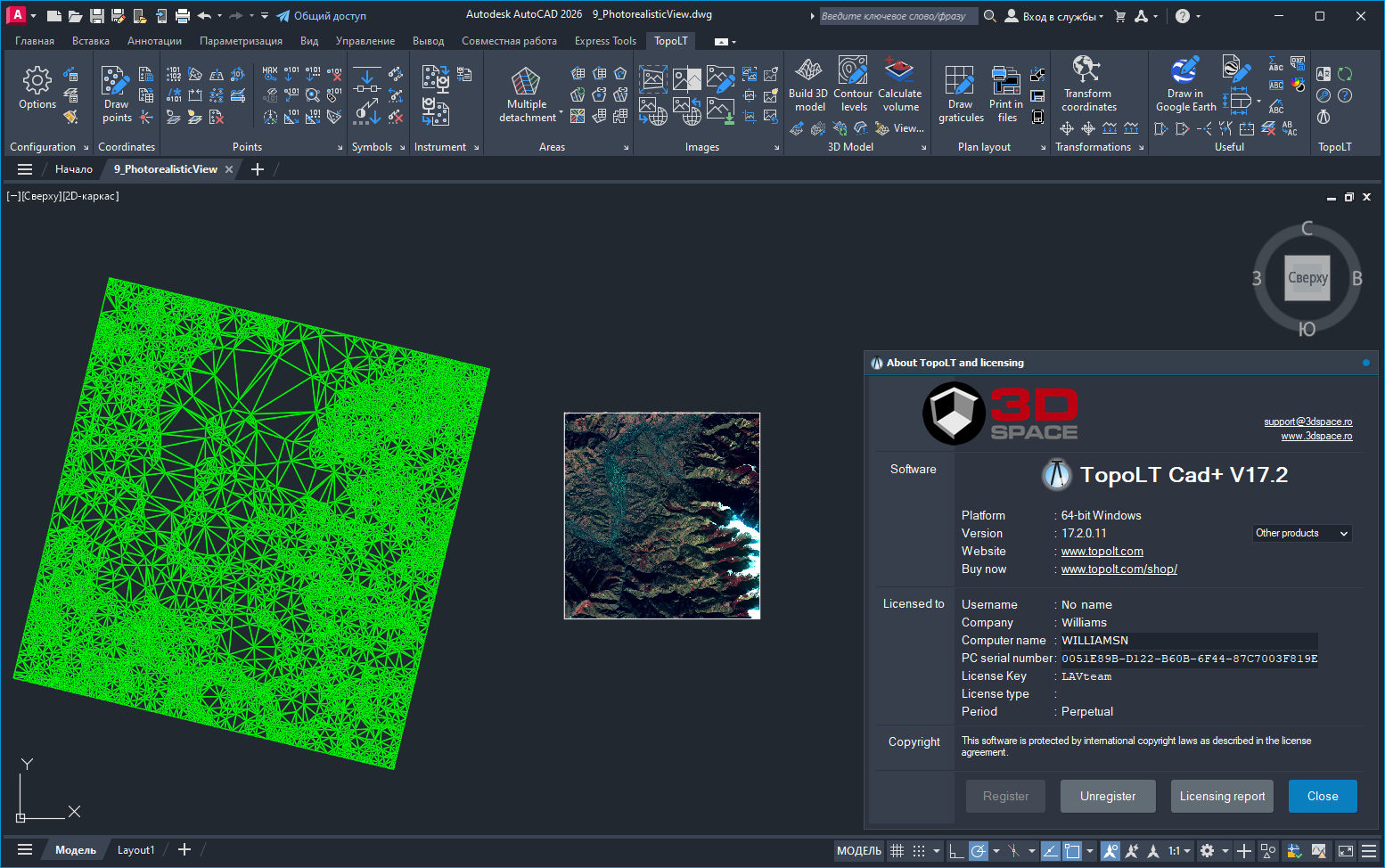
Download 3D Space TopoLT Cad+ 17.2.0.11 full license

Download CADware Engineering 3D Space TopoLT Cad+ 17.2.0.11 full license

Link download 3D Space TopoLT Cad+ 17.2.0.11 full activated

Working with CADware Engineering 3D Space TopoLT Cad+ 17.2.0.11 full license

Description of 3D Space TopoLT Cad+ 17.2.0.11

3D Space TopoLT Cad+ 17.2.0.11 is a specialized CAD software designed for topographical and cadastral planning, offering both 2D and 3D capabilities
It’s used by professionals in land surveying, civil engineering, mapping, and geographic information systems (GIS).

Key Features of 3D Space TopoLT Cad+ 17.2.0.11

Terrain & Surface Modeling

Creation of detailed 3D terrain models, including contours.

Tools for filling or cutting volumes, enabling accurate earthwork calculations

2D & 3D Design Capabilities

Useful for both 2D topographic plan drafting and 3D modeling of surfaces.

Automatic generation of contour lines from elevation data

Georeferencing Tools

Ability to georeference raster images (like scanned maps or aerial imagery), integrating them into CAD layouts

Reporting & Output

Automates calculation of volume reports, with graphical and numerical outputs.

Supports automatic printing of maps, plans, and terrain profiles

Distribution Size

Installer file is approximately 91.9 MB, suggesting a relatively lightweight footprint or compressed packaging

If you want to download 3D Space TopoLT Cad+ 17.2.0.11 full license, please click to DOWNLOAD symbol and complete check out a little help my website is maintained. The download link is appeared automatically after you complete check out.
CLICKDOWN.ORG Download CAD CAM CNC software
Inside package 3D Space TopoLT Cad+ 17.2.0.11, already have cracked’s files and instruction how to install 3D Space TopoLT Cad+ 17.2.0.11 step by step. I guarantee you can install 3D Space TopoLT Cad+ 17.2.0.11 successfully if you follow that instruction.
If you also can’t install it or any problems, please contact to me by email: clickdown.org@gmail.com, then I will help you to install software by teamviewer or Ultraviewer or Anydesk.
Thanks a lot
SOFTWARES

Download Maxon Cinema 4D Studio 2025.3.3 x64 full license

Download Maxon Cinema 4D Studio 2025.3.3 x64 full license

Link download Maxon Cinema 4D Studio 2025.3.3 win64 full activated

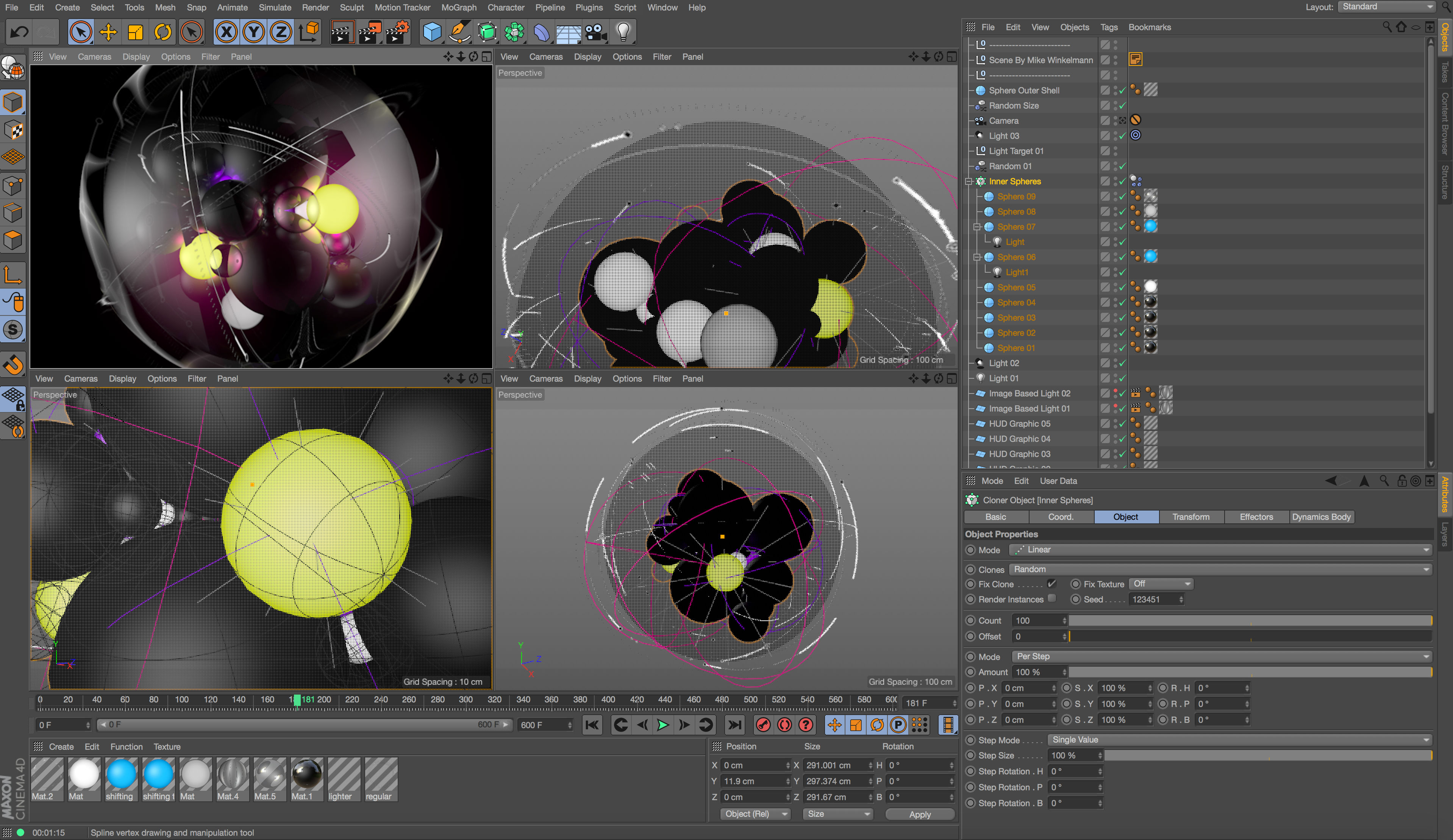
Working with Maxon Cinema 4D Studio 2025.3.3 full license

Description of Maxon Cinema 4D Studio 2025.3.3

Maxon Cinema 4D Studio 2025.3.3 is the flagship edition of the Cinema 4D family—a comprehensive 3D software suite designed for professionals in motion graphics, VFX, architecture, product visualization, game development, and animation. It combines an intuitive interface with deep functionality, making it ideal for both newcomers and seasoned artists.

Cinema 4D 2025.3.3 is a minor but recommended update to version 2025.3, focusing on critical bug fixes and improving stability. It includes Redshift 2025.6 and does not introduce new features beyond what was added in 2025.3.

🎯 Key Capabilities of Maxon Cinema 4D Studio 2025.3.3

🎨 Modeling
Polygonal, parametric, procedural, and volume-based modeling

Tools like Bevel, Bridge, Knife, and Cloth Surface

Symmetry and mirroring, topology tools, retopology workflows

🌀 Simulation
Unified simulation system for cloth, soft body, rigid body, particles, pyro (fire/smoke), and fluid simulation (2025.3+)

Support for scene nodes and procedural workflows

🖌️ Texturing & UV
Advanced UV tools with UDIM and texel density support (2025+)

Projection painting, material preview, and seamless integration with Redshift

Node-based material editor for complex shading networks

🏞 Rendering
Native support for Redshift GPU renderer (included in subscription)

Physical Renderer, Standard Renderer, and third-party engine support

Render tokens, batch rendering, and viewport rendering previews

🎬 Animation & Rigging
Intuitive timeline, dope sheet, and curve editor

Character object tools: rig templates, skinning, weight painting

Pose morphing, motion clips, and retargeting

🧩 Motion Graphics (MoGraph)
Industry-leading MoGraph system: Cloner, Effectors, Fields

Ideal for broadcast, explainer videos, and kinetic typography

Dynamic procedural animation, no keyframes needed

📦 Asset Management
Asset Browser with searchable content libraries and smart tagging

AI-powered search (2025.3+) for local assets using keywords or images

🏆 Who Uses Cinema 4D Studio?
Used by:

Broadcast and motion designers (e.g., TV title sequences)

Advertising and product visualization studios

Architectural visualization professionals

VFX artists in film and game development

Famous users include Netflix, Fox, NBC, Blizzard, and Sony.

If you want to download Maxon Cinema 4D Studio 2025.3.3 full license, please click to DOWNLOAD symbol and complete check out a little help my website is maintained. The download link is appeared automatically after you complete check out.
CLICKDOWN.ORG Download CAD CAM CNC software
Inside package Maxon Cinema 4D Studio 2025.3.3, already have cracked’s files and instruction how to install Maxon Cinema 4D Studio 2025.3.3 step by step. I guarantee you can install Maxon Cinema 4D Studio 2025.3.3 successfully if you follow that instruction.
If you also can’t install it or any problems, please contact to me by email: clickdown.org@gmail.com, then I will help you to install software by teamviewer or Ultraviewer or Anydesk.
Thanks a lot
error: Content is protected !!
Scroll to Top