SOFTWARES

SOFTWARES

Download ARES Electrical 2026.1 win64 full license

Download ARES Electrical 2026.1 win64 full license

Link download ARES Electrical 2026.1 x64 full activated
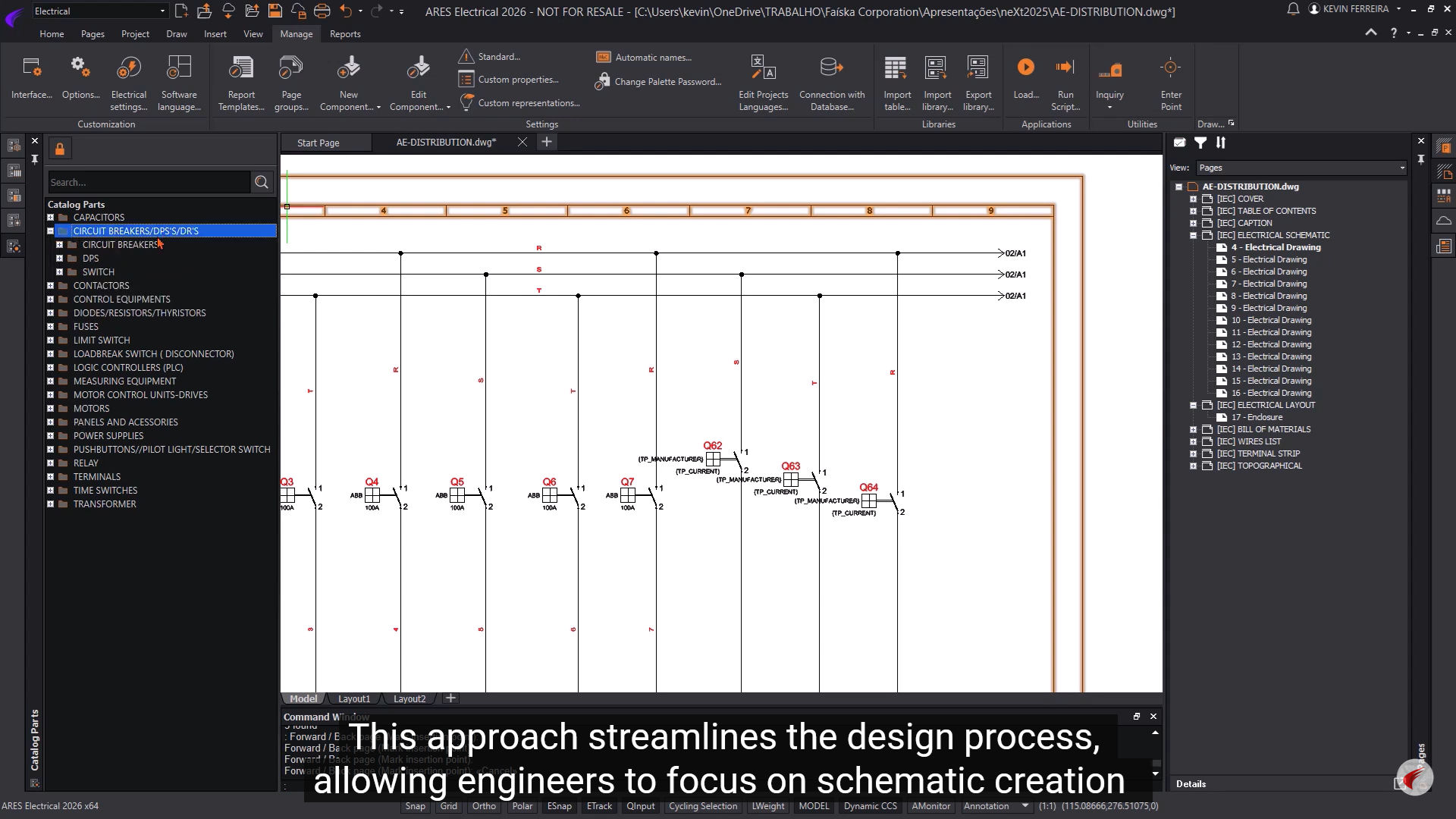
Working with ARES Electrical 2026.1 full license

Description of ARES Electrical 2026.1

ARES Electrical 2026.1 significantly boosts productivity for electrical CAD tasks—particularly through its automated parts/libraries, real‑time BOM wiring generation, and cloud enhanced collaboration. If your work involves detailed schematic creation and documentation, it’s a strong DWG-based alternative with solid integration into modern CAD workflows.

⚙️ Core Features & Capabilities of ARES Electrical 2026.1

Full DWG-native ECAD
Built on ARES Commander, it natively reads and writes DWG files, so compatibility with AutoCAD workflows is seamless
Automation of Repetitive Tasks
Includes tools for automatic wire numbering, component tagging, cross-referencing, and wire routing—dramatically cutting manual effort and error
Extensive, Customizable Component Library
Ships with thousands of components (symbols, blocks, standard circuits), fully editable with metadata like names, manufacturer data, internal codes. Also supports custom sub-circuits
Smart Schematics & BOM Generation
Smart features update page numbers, tags, cross-references in real time. Automatically produce bills of materials, wire/cable lists, terminal strip data, and reports in PDF or Excel
Mechanical Layout Integration
Enables 2D panel layout design, calculates cable lengths and duct sizes, handles component placement and wire paths within enclosures
Trinity Collaboration: Desktop, Cloud & Mobile
Integrates with ARES Trinity (Commander, Kudo, Touch), enabling cloud-based DWG editing, view‑only links, markups, notifications, and real-time multi-user collaboration

🚀 What’s New in ARES Electrical 2026.1

1. Smarter Components Management
Symbols Palette & Catalog Parts Palette — New dedicated palettes make browsing and inserting electrical symbols/components much easier
2. Advanced Libraries & Customization
Extensive component library: Includes technical specs, manufacturer data, internal codes, and support for sub‑circuits. Fully customizable for unique projects
3. Automated Documentation Workflows
Auto-generated BOM, cable/wire lists, terminal labels — it logs wire origins/destinations, calculates cable lengths, margins, and supports efficient control-panel planning
4. Cloud & Collaboration Enhancements
Electrical Pages Navigator in ARES Kudo — allows real-time multi-user collaboration in cloud drawings
5. Improved User Experience
Smarter search, multilingual interfaces, and UI enhancements aimed at improving global usability

If you want to download ARES Electrical 2026.1 full license, please click to DOWNLOAD symbol and complete check out a little help my website is maintained. The download link is appeared automatically after you complete check out.
CLICKDOWN.ORG Download CAD CAM CNC software
Inside package ARES Electrical 2026.1, already have cracked’s files and instruction how to install ARES Electrical 2026.1 step by step. I guarantee you can install ARES Electrical 2026.1 successfully if you follow that instruction.
If you also can’t install it or any problems, please contact to me by email: clickdown.org@gmail.com, then I will help you to install software by teamviewer or Ultraviewer or Anydesk.
Thanks a lot
SOFTWARES

Download ANSYS Motor-CAD 2025 R2.1 x64 full license

Download ANSYS Motor-CAD 2025 R2.1 x64 full license

Link download ANSYS Motor-CAD 2025 R2.1 win64 full activated

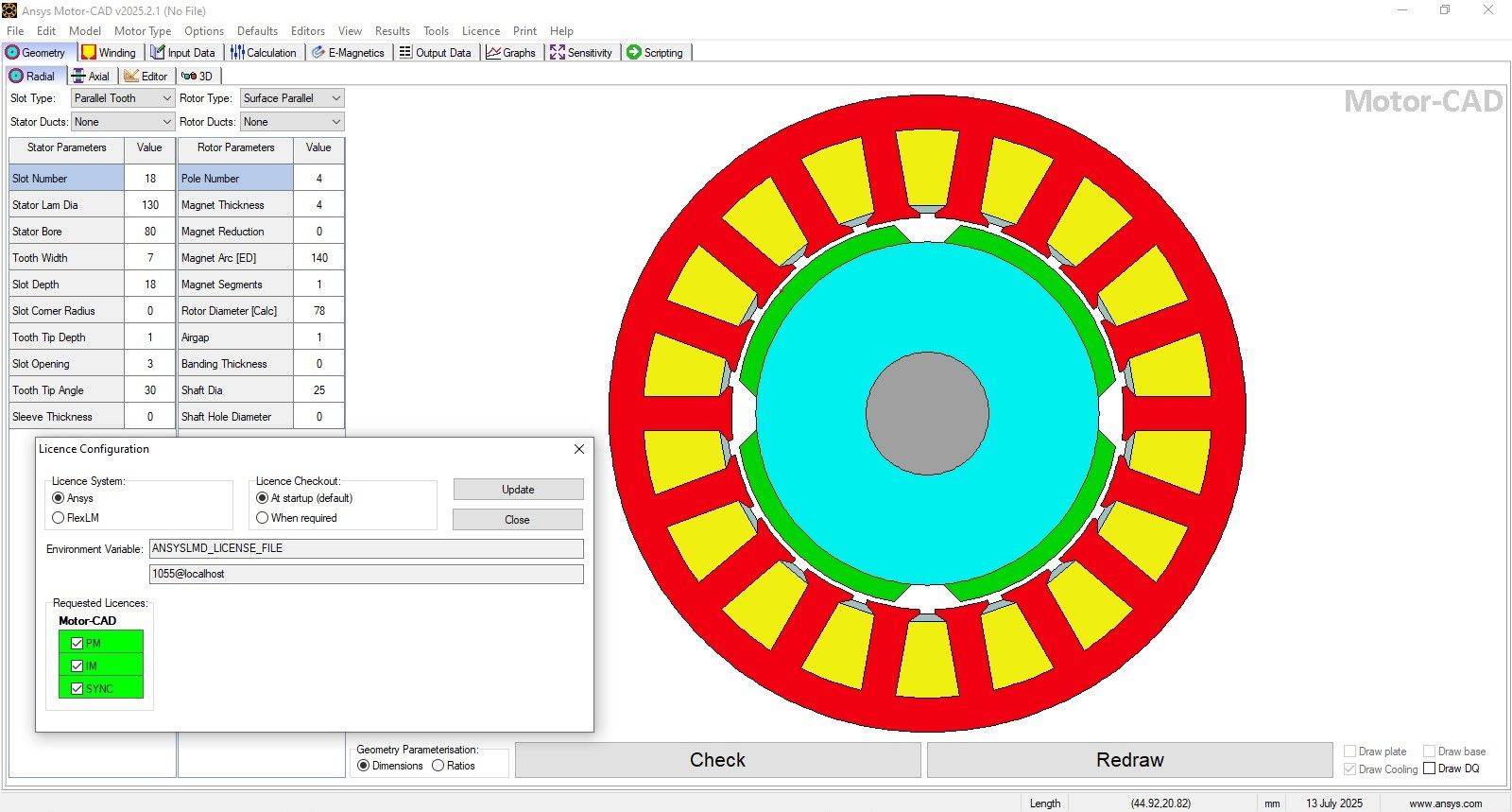
Working with ANSYS Motor-CAD 2025 R2.1 full license

Description of ANSYS Motor-CAD 2025 R2.1

ANSYS Motor-CAD 2025 R2.1 is a specialized electric machine design software used for rapid, multiphysics analysis of electric motors across their full operating range. Tailored for motor engineers, it integrates electromagnetic, thermal, efficiency, and mechanical simulation—all within a streamlined, template-driven workflow.

⚙️ Core Features of ANSYS Motor-CAD 2025 R2.1

1. Four Integrated Modules (EMag, Therm, Lab, Mech)
EMag: Uses 2D FEM coupled with analytical models to compute torque, power, voltages, currents, flux linkages, cogging, losses, and extract magnetic forces—enabling NVH insights.

Therm: Offers steady-state and transient thermal simulations with built-in cooling options (water jackets, spray, convection, radiation), using lumped thermal-network modeling.

Lab: Builds full operating-range efficiency and loss maps; analyzes drive-cycle performance, peak and continuous torque/speed curves over time.

Mech: Performs mechanical stress and displacement estimation (rotor-centric), with 2D FEA to assess structural integrity.

2. Template-Based Geometry & Customization
Engineers can choose from parametric templates or import DXF/scripted geometries, then tune topologies and cooling systems rapidly.

3. Full Multiphysics Coupling
EMag, Therm, Lab, and Mech interact seamlessly, enabling simulation under realistic thermal, electromagnetic, mechanical loads and control strategies.

4. Advanced Analysis & Integration

In-depth field weakening behavior

Calculation of efficiency/loss maps, duty-cycle simulation

Export to other Ansys tools—Maxwell, Fluent, Icepak, Mechanical, VRXPERIENCE—for more detailed 3D simulations of demagnetization, NVH, CFD cooling, and electromagnetic fidelity.

5. Optimization & Automation
Employs ratio‑based design exploration and automatic layout sensitivity analysis (manufacturing effects included).

Interfaces with VBA/Excel, MATLAB/Simulink for scripting repetitive or parametric studies.

🌐 Integration & Use Cases
Exports models to Ansys Maxwell for refined electromagnetic FEA, to Icepak/Fluent for thermal–CFD, and Mechanical/VRXPERIENCE for NVH.

Modular licensing targets different motor types: permanent-magnet, induction, synchronous, or full-featured packages covering all types.

✅ Ideal For
Engineers designing electric motors/generators (PM, induction, SRM) requiring fast, coupled analysis of electromagnetic, thermal, and mechanical behavior.

Companies needing rapid design iterations without resorting to full 3D FEA/CFD too early.

Teams integrating motor models into system-level simulations via MATLAB/Simulink or Ansys multiphysics environments.

Optimizing designs for efficiency, thermal performance, NVH, and field-weakening characteristics.

If you want to download ANSYS Motor-CAD 2025 R2.1 full license, please click to DOWNLOAD symbol and complete check out a little help my website is maintained. The download link is appeared automatically after you complete check out.
CLICKDOWN.ORG Download CAD CAM CNC software
Inside package ANSYS Motor-CAD 2025 R2.1, already have cracked’s files and instruction how to install ANSYS Motor-CAD 2025 R2.1 step by step. I guarantee you can install ANSYS Motor-CAD 2025 R2.1 successfully if you follow that instruction.
If you also can’t install it or any problems, please contact to me by email: clickdown.org@gmail.com, then I will help you to install software by teamviewer or Ultraviewer or Anydesk.
Thanks a lot
SOFTWARES

Download ANSYS SCADE 2025 R2 Win64 full license

Download ANSYS SCADE 2025 R2 Win64 full license

Link download ANSYS SCADE 2025 R2 x64 full activated

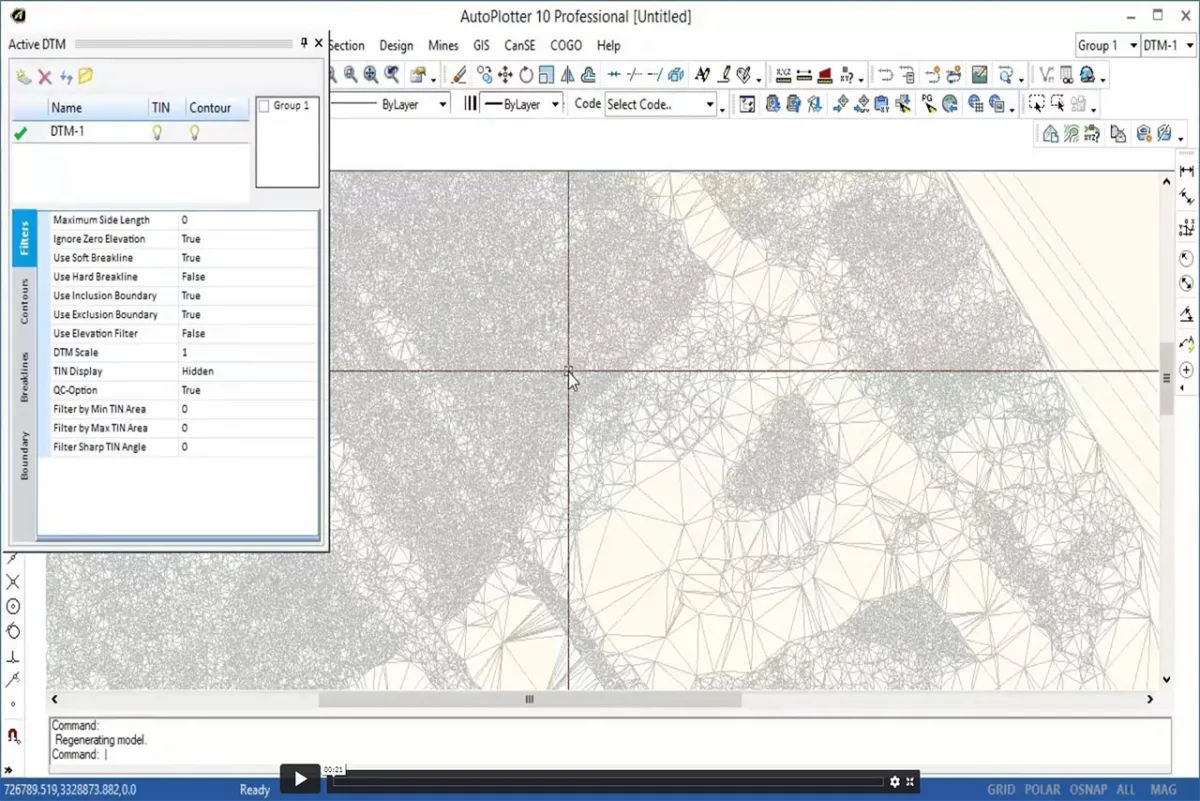
Working with ANSYS SCADE 2025 R2 full license

Description of ANSYS SCADE 2025 R2

ANSYS SCADE 2025 R2 (Safety Critical Application Development Environment) is a comprehensive suite of model-based development tools used for the design, simulation, verification, and certified code generation of safety-critical embedded software. It is widely adopted in industries such as aerospace, automotive, rail, and nuclear energy, where functional safety standards like DO-178C, ISO 26262, IEC 61508, and EN 50128 are mandatory.

🔧 Key Components of ANSYS SCADE 2025 R2

1. SCADE Suite
Purpose: Design and develop embedded control software.

Features:

Model-based development using the Lustre language.

Simulation and formal verification.

Certified code generation via SCADE KCG.

Certification: Up to DO-178C Level A and ISO 26262 ASIL D.

2. SCADE Display
Purpose: Develop Human-Machine Interfaces (HMI) for embedded systems.

Features:

Graphical editor for 2D/3D displays.

Support for ARINC 661 standard in aerospace.

Certified graphics code generation.

3. SCADE Architect
Purpose: System architecture modeling and simulation.

Features:

Supports SysML for model-based systems engineering (MBSE).

Architecture-to-code traceability.

Integration with SCADE Suite for software implementation.

4. SCADE Test
Purpose: Automated testing of models and generated code.

Features:

Test case creation, execution, and coverage analysis.

Regression testing and test management.

Integration with SCADE Suite and SCADE Display.

5. SCADE LifeCycle
Purpose: Integration with ALM/PLM tools for full lifecycle traceability.

Features:

Requirements traceability (e.g., with IBM DOORS, Polarion).

Configuration management and version control.

Safety documentation and certification support.

✅ Advantages of ANSYS SCADE
Area Benefit
Safety-Critical Systems Generates certified code for standards like DO-178C, ISO 26262
Model-Based Development Ensures correctness by construction and traceability
Simulation & Testing Enables early error detection through model simulation and formal methods
Productivity Automates code generation and testing, reducing manual coding
Integration Works with MATLAB/Simulink, AUTOSAR, FMI/FMU, ARINC 661, and more

If you want to download ANSYS SCADE 2025 R2 full license, please click to DOWNLOAD symbol and complete check out a little help my website is maintained. The download link is appeared automatically after you complete check out.
CLICKDOWN.ORG Download CAD CAM CNC software
Inside package ANSYS SCADE 2025 R2, already have cracked’s files and instruction how to install ANSYS SCADE 2025 R2 step by step. I guarantee you can install ANSYS SCADE 2025 R2 successfully if you follow that instruction.
If you also can’t install it or any problems, please contact to me by email: clickdown.org@gmail.com, then I will help you to install software by teamviewer or Ultraviewer or Anydesk.
Thanks a lot
SOFTWARES

Download Infycons AutoPlotter Pro 10.18 full activated

Download Infycons AutoPlotter Pro 10.18 full activated

Link download Infycons AutoPlotter Pro 10.18 full license

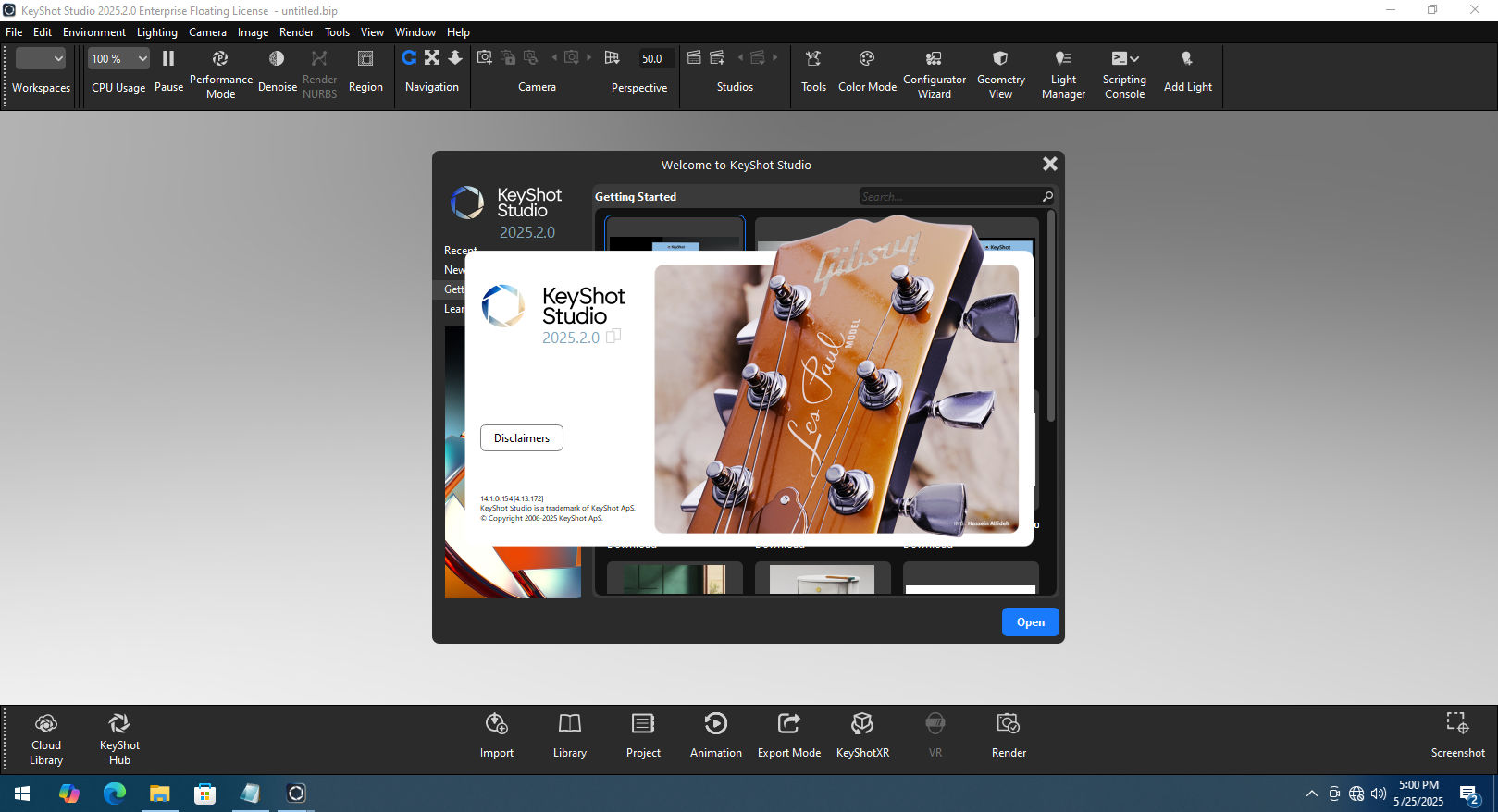
Working with Infycons AutoPlotter Pro 10.18 full license

Description of Infycons AutoPlotter Pro 10.18

AutoPlotter Pro 10.18 is a land‑survey and 3D terrain modeling software by Infinite Consultancy Services, designed for professionals handling topographical data, route planning, and cut/fill earthworks. Here’s a detailed breakdown of its features and use cases:

🚜 Core Capabilities of Infycons AutoPlotter Pro 10.18

Digital Terrain Modeling (DTM)
Robust contouring tools generate cut/fill maps, slope analysis, terrain profiles, and volume measurements—essential for earthworks and site design

Route, Canal, and Pipeline Planning
Create and edit custom routes across your terrain. Ideal for road designs, pipeline alignment, canal layout, and other linear civil engineering projects

Topographical Mapping & 3D Visualization
Convert survey data into accurate topographic maps, 3D models, and cadastral layouts. Supports sector-based map division, labeling, markers, and annotations

🛠 Version History & Deployment
Latest Stable Release: 10.10 (June 2025)
Publicly listed as version 10.10 on Software Informer, with no official public details on 10.18 — likely a private/internal build

🎯 Ideal Users & Applications
Surveyors & Civil Engineers: Quickly produce cut/fill maps, terrain reports, slope/profiles.

Infrastructure Planners: Draft roads, canals, pipelines inside realistic site contexts.

Mining & Construction: Model earthworks volumes and site topography for planning.

✅ Summary
AutoPlotter Pro 10.18 is a specialized CAD‑GIS tool tailored for land survey data processing—enabling precise topographic mapping, terrain modeling, earthwork calculations, and route alignment. While it builds on long‑standing AutoPlotter functionality, the version number likely reflects internal enhancement, since public lists still show 10.10 as the latest.

If you want to download Infycons AutoPlotter Pro 10.18 full license, please click to DOWNLOAD symbol and complete check out a little help my website is maintained. The download link is appeared automatically after you complete check out.
CLICKDOWN.ORG Download CAD CAM CNC software
Inside package Infycons AutoPlotter Pro 10.18, already have cracked’s files and instruction how to install Infycons AutoPlotter Pro 10.18 step by step. I guarantee you can install Infycons AutoPlotter Pro 10.18 successfully if you follow that instruction.
If you also can’t install it or any problems, please contact to me by email: clickdown.org@gmail.com, then I will help you to install software by teamviewer or Ultraviewer or Anydesk.
Thanks a lot

SOFTWARES

Download KeyShot Studio Enteprise 2025.2.0 v14.1.0.154 x64 full

Download KeyShot Studio Enteprise 2025.2.0 v14.1.0.154 x64 full

Link download KeyShot Studio Enteprise 2025.2.0 v14.1.0.154 win64

Working with Luxion KeyShot Studio Enteprise 2025.2.0 v14.1.0.154 full license

Description of KeyShot Studio Enteprise 2025.2.0 v14.1.0.154

KeyShot Studio Enteprise 2025.2.0 v14.1.0.154 is the most comprehensive and feature-rich edition of Luxion’s real-time 3D rendering and animation software, designed specifically for large teams, advanced visualization workflows, and network rendering environments.

🎨 Core Features in KeyShot Studio Enterprise 2025.2

1. 🔄 Real-Time Ray-Tracing
Instant visual feedback: adjust materials, lighting, and cameras in real time for efficient workflows.

2. 🌐 Extensive CAD Compatibility
Native import support for over 30 formats such as Creo, SolidWorks, Rhino, Fusion 360, STEP, IGES, OBJ, FBX, USD/glTF, and more—streamlining integration into design pipelines.

3. 💡 Advanced Lighting & Material Control
New “Physical Lights” tool and Planar Light support enable studio-grade lighting setups.
Access a vast, diverse material library (750+ scientifically accurate materials) with intuitive drag-and-drop application.

4. 🎬 Animation Tools
Built-in animation for models, cameras, exploded views, and motion paths with timeline keyframes—ideal for product demos and marketing content.

5. 🗂 Asset Management via KeyShot Hub
Asset categorization, relations, tagging, and 3D previews through KeyShot Hub within Studio offer streamlined workflow and team collaboration.

6. ☁️ KeyShot Cloud Integration
Browse and download cloud assets directly from the interface, simplifying scene creation with ready-to-use models, materials, and lighting environments.

7. 🛠 Scripting & Export Enhancements
New hotkeys (e.g. Ctrl+Shift+S for “Add Studio”), improved scripting API including re-tessellation support, and script-aligned export commands.

KeyShot Manuals
Support for glTF, USD, USDz, and AR export ensures compatibility with modern pipelines.

8. 🖥 Cross-Platform and Network Rendering
Available on Windows and macOS, with enterprise editions including optimized network (distributed) rendering and GPU performance enhancements. Notable 2025.1 update boasted up to 20% faster GPU rendering and 60% faster USD/glTF exports.

9. 🔐 Security & Stability
Regular vulnerability patching and bug fixes (e.g., CVE patches and GPU/NURBS rendering stability) ensure robust and reliable operation.

✅ Who It’s Best For

Product design teams needing realistic, client-ready visuals.

Render farms and studios leveraging network rendering and enterprise asset workflows.

CAD-heavy environments requiring seamless import and export across formats and platforms.

Collaboration-focused organizations seeking centralized asset sharing and secure remote workflows.

If you want to download KeyShot Studio Enteprise 2025.2.0 full license, please click to DOWNLOAD symbol and complete check out a little help my website is maintained. The download link is appeared automatically after you complete check out.
CLICKDOWN.ORG Download CAD CAM CNC software
Inside package KeyShot Studio Enteprise 2025.2.0, already have cracked’s files and instruction how to install KeyShot Studio Enteprise 2025.2.0 step by step. I guarantee you can install KeyShot Studio Enteprise 2025.2.0 successfully if you follow that instruction.
If you also can’t install it or any problems, please contact to me by email: clickdown.org@gmail.com, then I will help you to install software by teamviewer or Ultraviewer or Anydesk.
Thanks a lot
SOFTWARES

Download Adobe Acrobat Pro DC 2025.001.20566 x64 full

Download Adobe Acrobat Pro DC 2025.001.20566 x64 full

Link download Adobe Acrobat Pro DC 2025.001.20566 win64 activated

Working with Adobe Acrobat Pro DC 2025.001.20566 full license
LANGUAGE: MULTILINGUAL

Description of Adobe Acrobat Pro DC 2025.001.20566

Adobe Acrobat Pro DC 2025.001.20566 is the latest version of Adobe’s comprehensive PDF solution, offering advanced tools for creating, editing, converting, signing, and sharing PDF documents. Built on Adobe Document Cloud, the 2025 release enhances collaboration, productivity, and document security across desktop, mobile, and web platforms.

Key Features of Adobe Acrobat Pro DC 2025.001.20566:

🔧 1. Enhanced PDF Editing
Smarter content-aware editing with improved AI-driven suggestions.

Advanced text reflow and font matching across different languages.

Improved image editing tools (crop, replace, adjust) directly in PDFs.

📄 2. Create and Convert PDFs
One-click conversion of Microsoft Office files, images, web pages to PDF.

Batch PDF creation from multiple files or folders.

Export PDFs to Word, Excel, PowerPoint with improved formatting retention.

📑 3. New AI-Powered Acrobat AI Assistant
Integrated Adobe AI Assistant (powered by Adobe Sensei) enables:

Smart summaries of large PDF documents.

Contextual search and Q&A within documents.

Automated generation of highlights or action items.

📬 4. E-signature and Forms
Integrated Adobe Acrobat Sign enhancements:

Workflow automation for multiple recipients.

Conditional form fields and validation improvements.

Seamless e-signature tracking and reminders from the dashboard.

🔐 5. Security and Compliance
Enhanced redaction tools with intelligent detection of sensitive information.

Updated encryption and access controls meeting latest compliance standards (GDPR, HIPAA).

Digital certificate enhancements and audit trails for signed documents.

🤝 6. Collaboration and Cloud Integration
Real-time commenting and review via shared documents.

Synchronization with Adobe Cloud, Microsoft OneDrive, Google Drive, Dropbox.

Cross-platform access (Windows, macOS, iOS, Android, Web).

🖥️ 7. Optimized User Experience
Redesigned user interface with streamlined toolbar and dark mode improvements.

Faster load times and improved performance for large PDF files.

Accessibility improvements including better screen reader support.

If you want to download Adobe Acrobat Pro DC 2025.001.20566 full license, please click to DOWNLOAD symbol and complete check out a little help my website is maintained. The download link is appeared automatically after you complete check out.
CLICKDOWN.ORG Download CAD CAM CNC software
Inside package Adobe Acrobat Pro DC 2025.001.20566, already have cracked’s files and instruction how to install Adobe Acrobat Pro DC 2025.001.20566 step by step. I guarantee you can install Adobe Acrobat Pro DC 2025.001.20566successfully if you follow that instruction.
If you also can’t install it or any problems, please contact to me by email: clickdown.org@gmail.com, then I will help you to install software by teamviewer or Ultraviewer or Anydesk.
Thanks a lot
SOFTWARES

Download HeavyM Pro+ 2.13.9 full license

Download HeavyM Pro+ 2.13.9 full license

Link download HeavyM Pro+ 2.13.9 full activated

Working with HeavyM Pro+ 2.13.9 full license

Description of HeavyM Pro+ 2.13.9

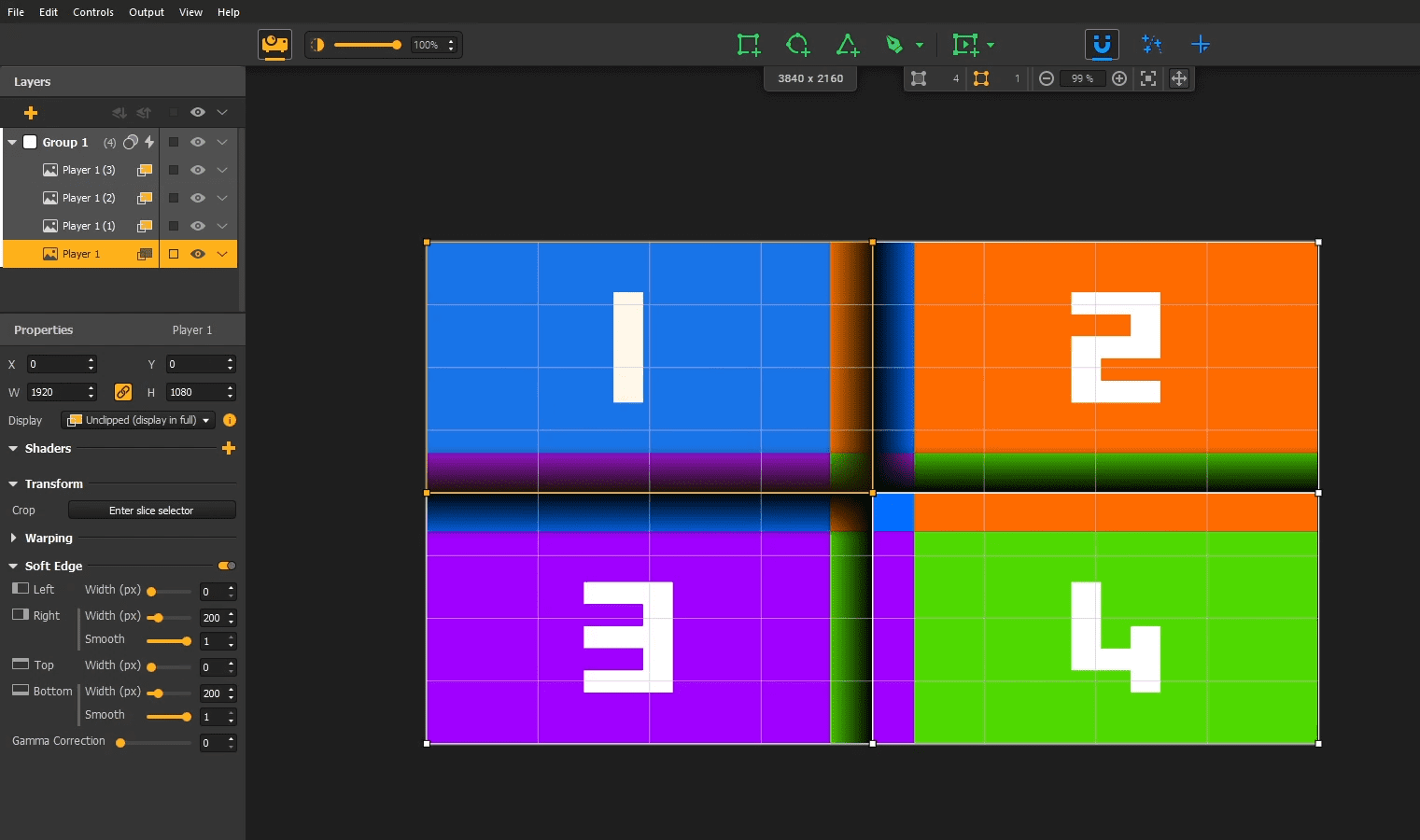
HeavyM Pro+ 2.13.9 is a powerful version of the popular HeavyM projection‑mapping software, designed for artists, AV professionals, and installators who need advanced control and flexibility.

🎥 Core Features of HeavyM Pro+ 2.13.9

Unlimited outputs, faces & players: Project across multiple surfaces using several projectors or screens.

Edge‑blending & warping: Built‑in tools for seamless blending and geometrical corrections across projector outputs.

Intuitive drawing & mapping tools: Drag‑and‑drop shapes, automatic adjustments to imported media, generative effects from a rich library – all with no rendering delays.

Music reactivity: Visual effects synchronized to audio through beat analysis for immersive performances.

Sequencer with transitions: Structure your mapping project into sequences with smooth transitions and scheduling capabilities.

NDI/In‑Out & Syphon/Spout support: Integrate real‑time video streams with other AV tools and workflows.

MIDI, OSC, DMX integration: Control mapping live via MIDI/OSC protocols, and access DMX support in HeavyM 2.13+.

✅ Who is HeavyM Pro for?

Ideal if you need:

Multi-projector setups and canvas expansion

Professional-level edge blending & warping

Real-time audio-visual performances with sequenced timing

Integration with external AV tools (NDI, MIDI, OSC, DMX)

If you require exportable standalone videos or automated show launch, HeavyM Pro+ is the next step.

If you want to download HeavyM Pro+ 2.13.9 full license, please click to DOWNLOAD symbol and complete check out a little help my website is maintained. The download link is appeared automatically after you complete check out.
CLICKDOWN.ORG Download CAD CAM CNC software
Inside package HeavyM Pro+ 2.13.9, already have cracked’s files and instruction how to install HeavyM Pro+ 2.13.9 step by step. I guarantee you can install HeavyM Pro+ 2.13.9 successfully if you follow that instruction.
If you also can’t install it or any problems, please contact to me by email: clickdown.org@gmail.com, then I will help you to install software by teamviewer or Ultraviewer or Anydesk.
Thanks a lot
SOFTWARES

Download Minitab 22.3.1 full license forever

Download Minitab 22.3.1 full license forever

Link download Minitab 22.3.1 full activated

Working with Minitab 22.3.1 full license

Description of Minitab 22.3.1

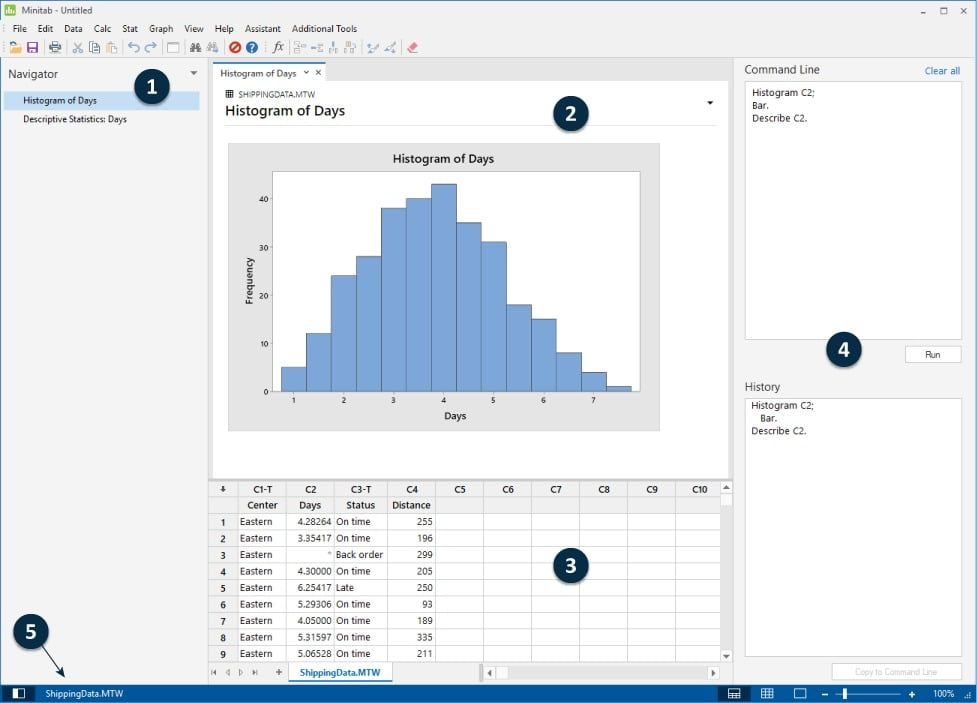
Minitab 22.3.1 is a maintenance update to the Minitab 22 statistical software, widely used for data analysis, quality improvement, and Six Sigma projects. Released as a minor version, 22.3.1 focuses on performance enhancements, bug fixes, and improved compatibility, rather than introducing major new features.

Key Highlights of Minitab 22.3.1:

✅ Bug Fixes and Stability Improvements
Resolved issues related to graph rendering, particularly in control charts and scatterplots.

Fixed problems with session window responsiveness during large data analysis.

Addressed inconsistencies in statistical test outputs under specific conditions (e.g., two-sample t-tests with unequal variances).

⚙️ Performance Enhancements
Faster performance when working with large datasets in worksheet views.

Optimized data import/export for Excel, CSV, and database files.

Improved memory handling for more stable multi-variable analysis sessions.

🔄 Updated Integrations
Enhanced support for Minitab Connect and Minitab Engage, improving connectivity for integrated analysis workflows.

Better interoperability with Python and R scripts via the command line or automation tools.

📊 UI/UX Refinements
Minor interface improvements in the graph builder and statistical menu navigation.

Tooltips and dialogs updated for clarity in certain functions like regression and ANOVA.

Minitab 22.3.1 is recommended for all users of version 22, especially those running enterprise deployments or performing complex analyses, as it ensures improved accuracy, stability, and smoother user experience.

If you want to download Minitab 22.3.1 full license, please click to DOWNLOAD symbol and complete check out a little help my website is maintained. The download link is appeared automatically after you complete check out.
CLICKDOWN.ORG Download CAD CAM CNC software
Inside package Minitab 22.3.1, already have cracked’s files and instruction how to install Minitab 22.3.1 step by step. I guarantee you can install Minitab 22.3.1 successfully if you follow that instruction.
If you also can’t install it or any problems, please contact to me by email: clickdown.org@gmail.com, then I will help you to install software by teamviewer or Ultraviewer or Anydesk.
Thanks a lot
SOFTWARES

Download ANSYS Forming 2025 R2 Win64 full license

Download ANSYS Forming 2025 R2 Win64 full license

Link download ANSYS Forming 2025 R2 x64 full activated

Working with ANSYS Forming 2025 R2 full

Description of ANSYS Forming 2025 R2

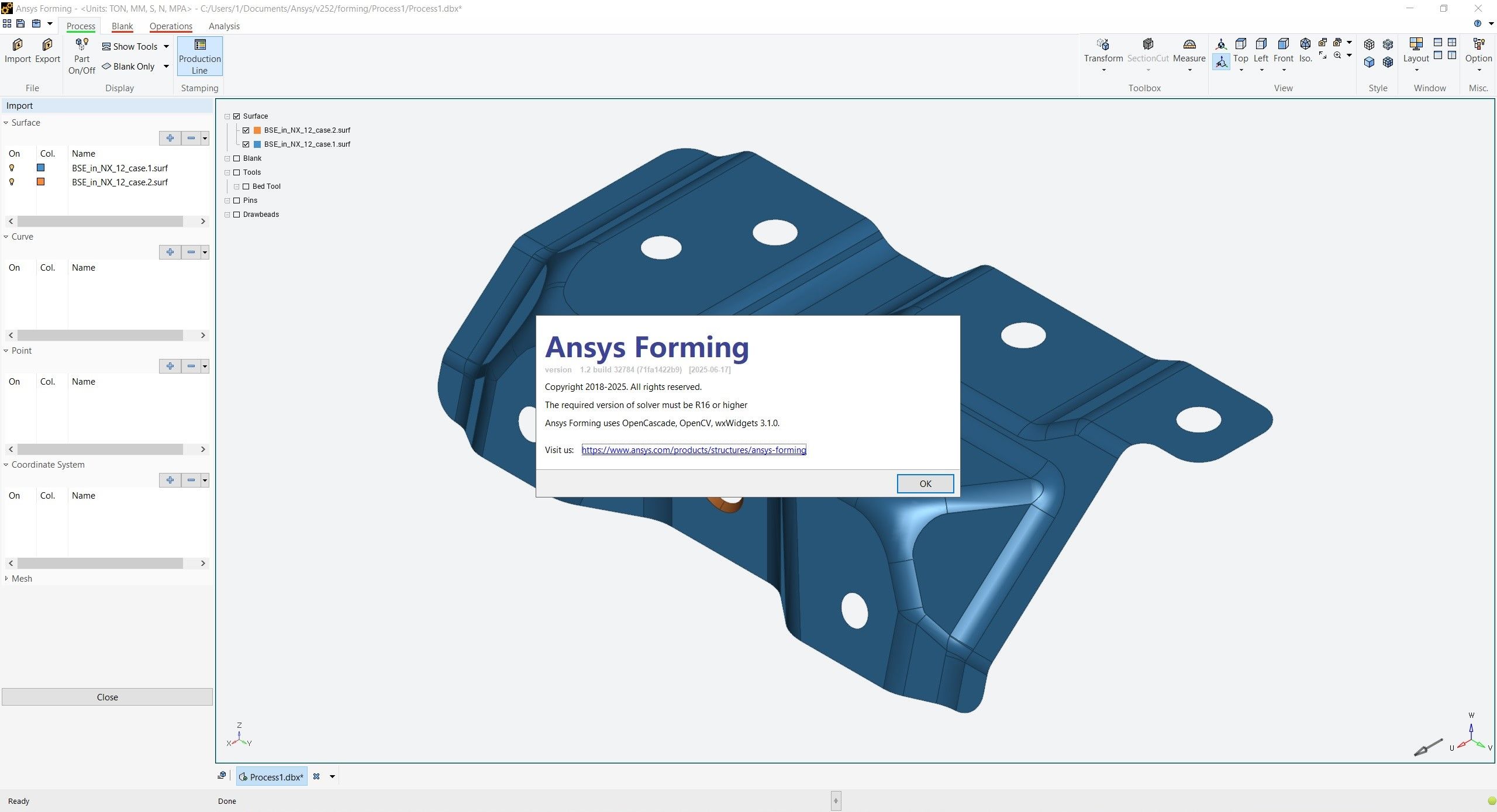
ANSYS Forming 2025 R2 is the latest version of Ansys’s specialized sheet metal forming simulation software, purpose-built to help engineers and manufacturers predict and optimize metal forming processes such as stamping, deep drawing, bending, and hemming. With a focus on speed, accuracy, and usability, ANSYS Forming 2025 introduces several enhancements to better support virtual tryout, reduce physical prototypes, and prevent costly manufacturing issues like tearing, wrinkling, and springback.

🛠️ Key Features and Enhancements in ANSYS Forming 2025 R2

🧩 1. Comprehensive Sheet Metal Forming Simulation
End-to-End Process Coverage: Supports full forming workflows, including blank development, trimming, drawing, flanging, hemming, and springback compensation.

Built-In Material Database: Updated with more than 300 material models, including advanced high-strength steels (AHSS), aluminum alloys, and tailored blanks.

Multi-Stage Forming Support: Easily simulate complex sequential forming operations and track deformation across each stage.

⚙️ 2. Improved Usability & Workflow
Simplified User Interface: Redesigned UI with intuitive icons and step-by-step setup for faster model preparation.

Guided Process Templates: Predefined workflows for common forming operations help speed up simulation setup and improve accuracy.

Automatic Contact Detection: Enhanced algorithms for auto-detecting and defining contact surfaces between dies, blank, and tools.

📈 3. Accuracy & Solver Enhancements
New Forming Solver Core: Updated solver engine with increased precision and performance, supporting both implicit and explicit methods.

Enhanced Springback Prediction: More accurate springback simulation with compensation and automatic die geometry adjustment.

Fast Incremental Solver: Optimized for large models and complex multi-layer tooling, with improved convergence in nonlinear zones.

🧠 4. Integration with Ansys Ecosystem
ANSYS Mechanical & Workbench Integration: Geometry and mesh synchronization with Ansys Mechanical for co-simulation or advanced structural analyses.

Material Calibration via Ansys Granta MI: Direct access to trusted material data from Granta for better accuracy.

Ansys LS-DYNA Compatibility: Export forming simulations to LS-DYNA for coupled crashworthiness and manufacturing chain analysis.

🔍 5. Visualization & Post-Processing Tools
Defect Prediction Maps: Automatically visualize risk zones for thinning, tearing, wrinkling, and surface defects.

Animation Tools: Time-step animation of the forming process helps identify problematic operations and tool-material interactions.

Thickness Distribution & FLD Analysis: Generate forming limit diagrams (FLD) with clear pass/fail criteria overlaid on part geometry.

🔄 6. CAD and Tooling Integration
CAD Compatibility: Native support for importing geometry from major CAD platforms including CATIA, NX, SolidWorks, and Creo.

Die Geometry Editing Tools: Basic CAD tools built-in for editing, trimming, or repairing tooling and blank geometry directly in the interface.

📊 7. Use Cases and Applications
Automotive: Stamping, hot forming, and hemming of body-in-white (BIW) components.

Aerospace: Sheet metal forming of fuselage parts, brackets, and fairings.

Consumer Goods: Appliance housing and structural brackets.

Heavy Industry: Thick sheet and high-strength forming simulations for trucks, trains, and machinery.

🔑 What’s New in ANSYS Forming 2025 R2

New AI-guided die compensation tools for automated springback adjustment.

Support for multi-material blank stacks (e.g., aluminum-steel combinations).

Improved mesh generation engine for faster setup and better quality.

Enhanced thermal-mechanical coupling for hot stamping and warm forming simulations.

If you want to download ANSYS Forming 2025 R2 full license, please click to DOWNLOAD symbol and complete check out a little help my website is maintained. The download link is appeared automatically after you complete check out.
CLICKDOWN.ORG Download CAD CAM CNC software
Inside package ANSYS Forming 2025 R2, already have cracked’s files and instruction how to install ANSYS Forming 2025 R2 step by step. I guarantee you can install ANSYS Forming 2025 R2 successfully if you follow that instruction.
If you also can’t install it or any problems, please contact to me by email: clickdown.org@gmail.com, then I will help you to install software by teamviewer or Ultraviewer or Anydesk.
Thanks a lot
SOFTWARES

Download ANSYS SpaceClaim 2025 R2 win64 full license

Download ANSYS SpaceClaim 2025 R2 win64 full license

Link download ANSYS SpaceClaim 2025 R2 x64 full activated

Working with ANSYS SpaceClaim 2025 R2 full license

Description of ANSYS SpaceClaim 2025 R2

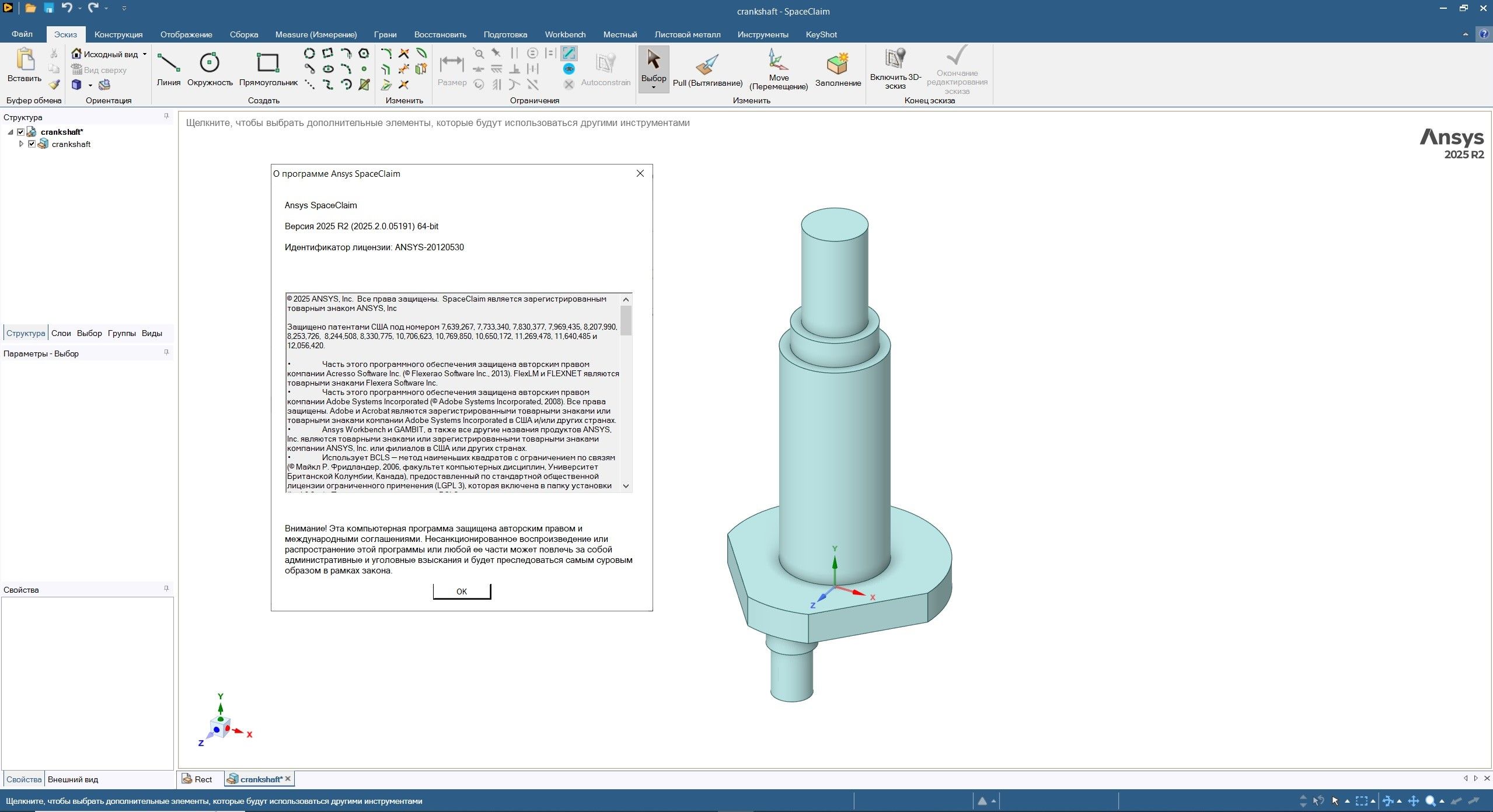
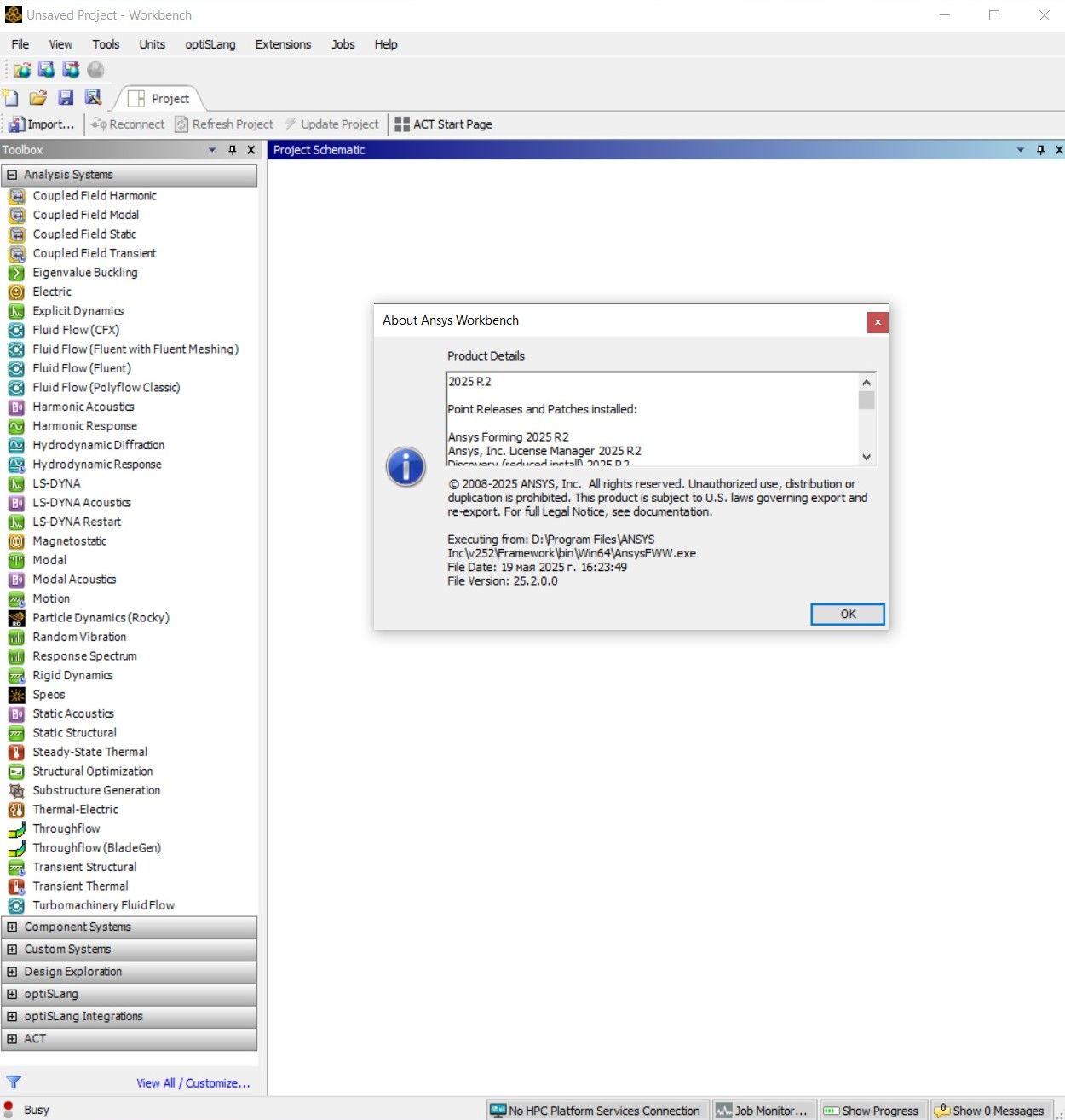
ANSYS SpaceClaim 2025 R2 is the latest release of Ansys’s powerful 3D direct modeling software, designed for engineers who need fast, flexible, and intuitive geometry editing without the complexity of traditional CAD tools. Ideal for concept modeling, simulation prep, reverse engineering, and design modification, SpaceClaim 2025 continues to streamline model creation and editing workflows, especially for analysts and simulation users.

🧰 Key Features and Enhancements in ANSYS SpaceClaim 2025 R2

⚙️ 1. Enhanced Direct Modeling Workflow
Improved Push/Pull Functionality: Faster and more responsive solid and surface manipulation for modifying geometry.

Intelligent Snap & Align Tools: Enhanced accuracy and ease when creating or editing assemblies and multibody parts.

Real-Time Feedback: Visual cues now help guide user decisions for operations like blend, trim, and shell.

🚀 2. Performance & Productivity
Faster Large Model Handling: Optimized for importing, editing, and simplifying large assemblies—ideal for simulation prep.

Multi-Core and GPU Acceleration: Significantly faster geometry operations and mesh prep in complex models.

Improved Undo/Redo Stack: Smarter state management enables better control over editing history.

🔁 3. Simulation-Ready Geometry Prep
Automated Geometry Healing: Advanced tools for detecting and repairing small gaps, slivers, and other mesh-blocking features.

Enclosure Creation Wizard: Simplified setup for CFD simulations by automatically creating flow volumes and external domains.

Defeaturing Toolkit Enhancements: Remove holes, fillets, logos, and unnecessary small features in one click, with improved edge detection.

🧠 4. Integration with ANSYS Ecosystem
Ansys Discovery & Mechanical Linkage: Faster transfer of prepared models to Ansys Discovery Live or Ansys Mechanical for simulation.

Bidirectional Sync with Workbench: Maintain associative updates with parameter tracking across the full Ansys workflow.

SpaceClaim for Fluent Meshing: Native support for Fluent geometry prep workflows, including watertight geometry and body of influence creation.

📐 5. Expanded Modeling Tools
Sheet Metal Enhancements: Improved bend allowance, corner relief, and conversion from solids to sheet metal parts.

Reverse Engineering Tools: Improved STL-to-solid conversion, auto surface fitting, and scan clean-up tools.

New Constraint Sketching: Intelligent sketch constraints now include auto-dimensioning and parametric control.

🧩 6. Interoperability & File Support
Updated CAD Translators: Support for latest versions of SolidWorks, CATIA, NX, Creo, Inventor, Rhino, and STEP/IGES.

Direct Editing of BREP & Faceted Geometry: Hybrid workflows for mesh-to-CAD editing and STL prep for 3D printing.

Better Import of JT and Parasolid Formats: Faster translation and better feature recognition for collaborative workflows.

🔐 7. Licensing and Usability
Flexible Licensing via Ansys Licensing Manager: SpaceClaim 2025 is available as a standalone license or bundled with Ansys Mechanical/Fluent as part of Ansys Structures/Fluids Enterprise.

Modern UI Customization: User interface can be tailored per user or department, with macro support and command shortcuts.

🧭 Who Uses SpaceClaim 2025?

CAE Analysts: For fast simulation geometry cleanup and defeaturing.

Product Designers: For quick concept modeling and iterative changes.

Manufacturing Engineers: For fixture design, sheet metal editing, and tool prep.

Reverse Engineering Specialists: For working with scanned data or converting mesh to solid.

If you want to download ANSYS SpaceClaim 2025 R2 full license, please click to DOWNLOAD symbol and complete check out a little help my website is maintained. The download link is appeared automatically after you complete check out.
CLICKDOWN.ORG Download CAD CAM CNC software
Inside package ANSYS SpaceClaim 2025 R2, already have cracked’s files and instruction how to install ANSYS SpaceClaim 2025 R2 step by step. I guarantee you can install ANSYS SpaceClaim 2025 R2 successfully if you follow that instruction.
If you also can’t install it or any problems, please contact to me by email: clickdown.org@gmail.com, then I will help you to install software by teamviewer or Ultraviewer or Anydesk.
Thanks a lot
SOFTWARES

Download ANSYS Products+ 2025 R2 Win64 full license

Download ANSYS Products+ 2025 R2 Win64 full license

Link download ANSYS Products+ 2025 R2 x64 full activated

Working with ANSYS Products+ 2025 R2 full license

Description of ANSYS Products+ 2025 R2

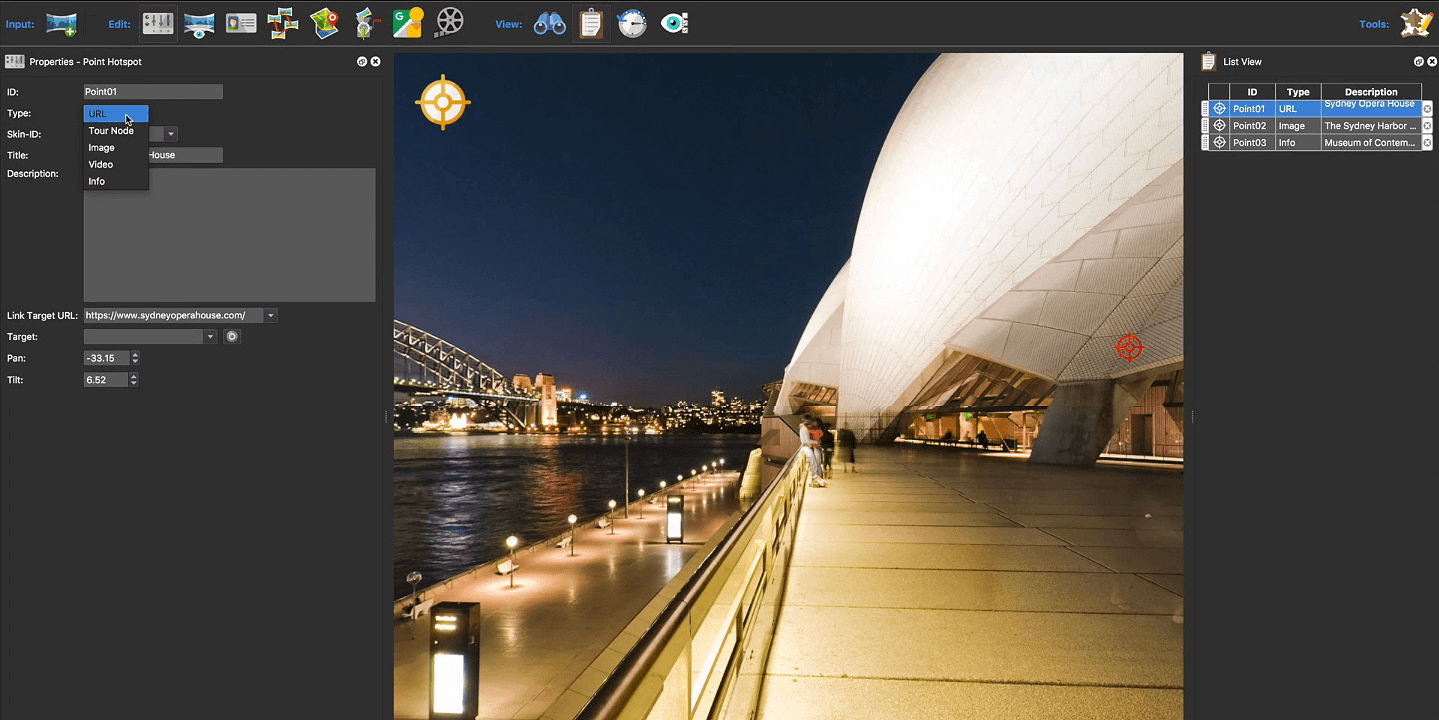
ANSYS Products+ 2025 R2 is a suite of advanced engineering simulation tools developed by Ansys Inc., designed to accelerate product design, enhance innovation, and ensure robust performance across a wide range of industries. The 2025 release brings significant performance improvements, enhanced user experiences, and new simulation capabilities across multiple physics domains.

Here’s an overview of the key features and highlights in ANSYS Products+ 2025 R2:

🔧 1. Enhanced Multiphysics Integration
Unified Simulation Workflow: Seamless coupling of structural, thermal, fluid, and electromagnetic simulations across ANSYS Mechanical, Fluent, and Maxwell.

Improved Solver Co-Simulation: Real-time bidirectional data exchange between physics domains reduces setup complexity and increases accuracy.

🚀 2. Performance & Scalability

Solver Speed Improvements: Up to 30% faster structural and CFD solvers thanks to enhanced parallelization and GPU acceleration.

High-Performance Computing (HPC): Expanded support for distributed memory and hybrid CPU-GPU architectures, optimizing large model performance.

Cloud-Native Deployment: Deeper integration with Ansys Cloud Direct, enabling scalable, secure simulation in hybrid cloud environments.

🧠 3. AI-Driven Simulation Tools
Ansys SimAI™ Integration: Leverages machine learning to predict outcomes, optimize parameters, and reduce the number of required simulation runs.

Smart Meshing Tools: AI-powered mesh refinement suggestions now support multi-physics environments, reducing manual tuning.

🎛 4. Enhanced User Interface & Workflow
Modernized GUI: Consistent and responsive interfaces across all major products like Mechanical, Fluent, HFSS, and Electronics Desktop.

Custom Workflow Templates: Drag-and-drop simulation building blocks, including material behavior, boundary conditions, and solver settings.

🔄 5. Product-Specific Highlights
🔩 ANSYS Mechanical 2025
Nonlinear contact enhancements for large deformation problems.

Expanded material models, including new viscoelastic and anisotropic plasticity formulations.

Fracture mechanics tools upgraded with crack growth and fatigue prediction improvements.

🌬 ANSYS Fluent 2025
Improved GPU solver support for transient simulations.

Native overset meshing and better support for rotating machinery.

New turbulence models and multiphase simulation enhancements.

📡 ANSYS HFSS 2025 (Electromagnetics)
Accelerated hybrid solvers for large-scale 5G and automotive radar design.

Integration with Ansys Optics for photonic-electronic co-design.

Enhanced mesh controls for high-frequency components.

⚡ ANSYS Maxwell & SIwave 2025
Faster EM solver for power electronics and signal integrity.

Improved PCB modeling with tighter ECAD-MCAD integration.

Thermal-electrical co-simulation improvements for power electronics.

🧪 ANSYS Chemkin-Pro 2025
Enhanced combustion chemistry modeling.

More accurate pollutant formation and reaction kinetics simulation.

Integration with Fluent for advanced reactive flow analysis.

📈 6. Optimization & Digital Twin
ANSYS Twin Builder 2025: Improved real-time simulation with support for sensor integration and edge computing.

Design Optimization: Parametric studies with AI acceleration and better integration with optiSLang for robust design exploration.

🔗 7. Interoperability and Collaboration
CAD Integration Enhancements: Expanded native support for latest versions of CATIA, NX, Creo, and SolidWorks.

PLM & PDM Connectivity: Better linking with systems like Teamcenter, Windchill, and 3DEXPERIENCE.

🧩 8. Licensing & Platform Updates
Products+ Licensing Model: Combines popular tools into flexible bundles tailored to industry-specific needs (e.g., automotive, aerospace, electronics).

Cloud Credits and Usage Tracking: Improved transparency for simulation cost tracking in cloud environments.

If you want to download ANSYS Products+ 2025 R2 full license, please click to DOWNLOAD symbol and complete check out a little help my website is maintained. The download link is appeared automatically after you complete check out.
CLICKDOWN.ORG Download CAD CAM CNC software
Inside package ANSYS Products+ 2025 R2, already have cracked’s files and instruction how to install ANSYS Products+ 2025 R2 step by step. I guarantee you can install ANSYS Products+ 2025 R2 successfully if you follow that instruction.
If you also can’t install it or any problems, please contact to me by email: clickdown.org@gmail.com, then I will help you to install software by teamviewer or Ultraviewer or Anydesk.
Thanks a lot
SOFTWARES

Download Pano2VR Pro 7.1.10 x64 full license

Download Pano2VR Pro 7.1.10 x64 full license

Link download Pano2VR Pro 7.1.10 win64 full activated

Working with Pano2VR Pro 7.1.10 full

Description of Pano2VR Pro 7.1.10

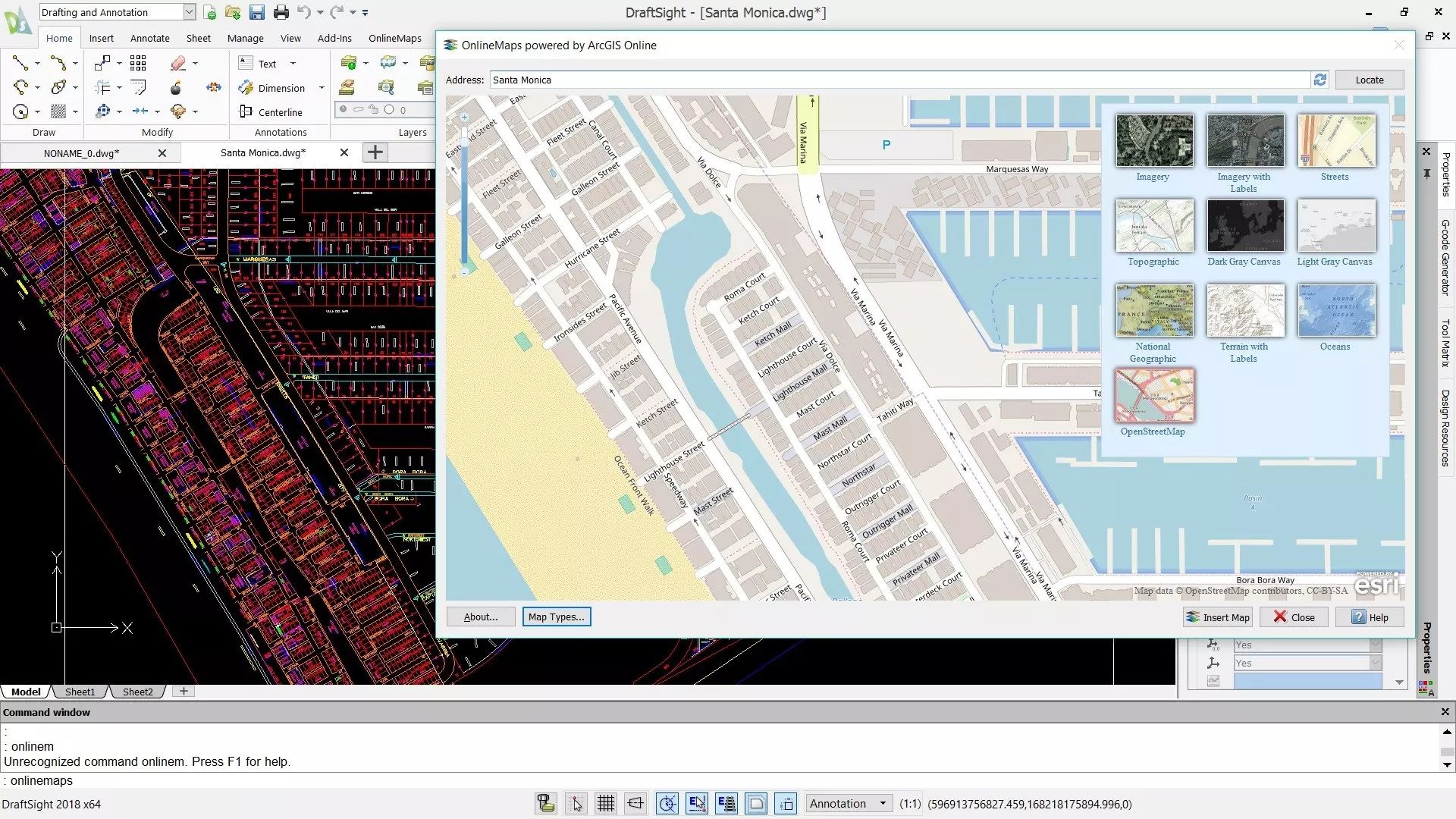
Pano2VR Pro 7.1.10 is a powerful standalone desktop application for creating interactive virtual tours and 360° panoramas. You can stitch panoramic images or videos, add rich interactivity (hotspots, directional audio, video overlays, animations), and publish responsive HTML5 or WebXR tours optimized for browsers and VR devices.

🆕 What’s New in v7.1.10

Released on July 8, 2025 (build 7.1.10), this update focuses on bug fixes and stability improvements :

Fixed Player Click not responding on touch devices.

Corrected WebVR export where Node Images set to “Target View” didn’t appear.

Resolved issues with stereo video panoramas failing to display.

Enabled placement of Point Hotspots at extreme edges of flat panoramas.

Numerous other bug fixes to enhance overall reliability

🔥 Key Features (From Pano2VR 7.1)

Since v7.1 (June 2024), Pano2VR Pro includes many advanced features:

Morph Transitions: Smoothly animate between nodes.

Generative Image Patches: AI-assisted removal of unwanted objects.

Hand‑Tracking VR Support for Apple Vision Pro and Meta Quest.

VR180 & WebXR Output for immersive viewing experiences

Live Update over HTTPS: Auto-refresh of web output with live edits.

Skin Editor Enhancements: Logic blocks, dynamic UI elements, accessibility (ARIA), PDF embedding, Lottie support, and more

✅ Summary – Should You Upgrade?
Yes, if you’re on an earlier 7.1 build: enjoy improved stability, especially on touch, WebVR, and stereo video projects.

If you’re still on 7.0: you’re missing major enhancements such as Morph Transitions, AI-based patching, advanced UI, WebXR support, and VR device compatibility.

For new users: v7.1.10 is the most robust version, ideal for creating polished and immersive virtual tours.

If you want to download Pano2VR Pro 7.1.10 full license, please click to DOWNLOAD symbol and complete check out a little help my website is maintained. The download link is appeared automatically after you complete check out.
CLICKDOWN.ORG Download CAD CAM CNC software
Inside package Pano2VR Pro 7.1.10, already have cracked’s files and instruction how to install Pano2VR Pro 7.1.10 step by step. I guarantee you can install Pano2VR Pro 7.1.10 successfully if you follow that instruction.
If you also can’t install it or any problems, please contact to me by email: clickdown.org@gmail.com, then I will help you to install software by teamviewer or Ultraviewer or Anydesk.
Thanks a lot
SOFTWARES

Download DS DraftSight Enterprise Plus 2025 SP3 x64 full

Download DS DraftSight Enterprise Plus 2025 SP3 x64 full

Link download DS DraftSight Enterprise Plus 2025 SP3 win64 full

Working with DS DraftSight Enterprise Plus 2025 SP3 full

Description of DS DraftSight Enterprise Plus 2025 SP3

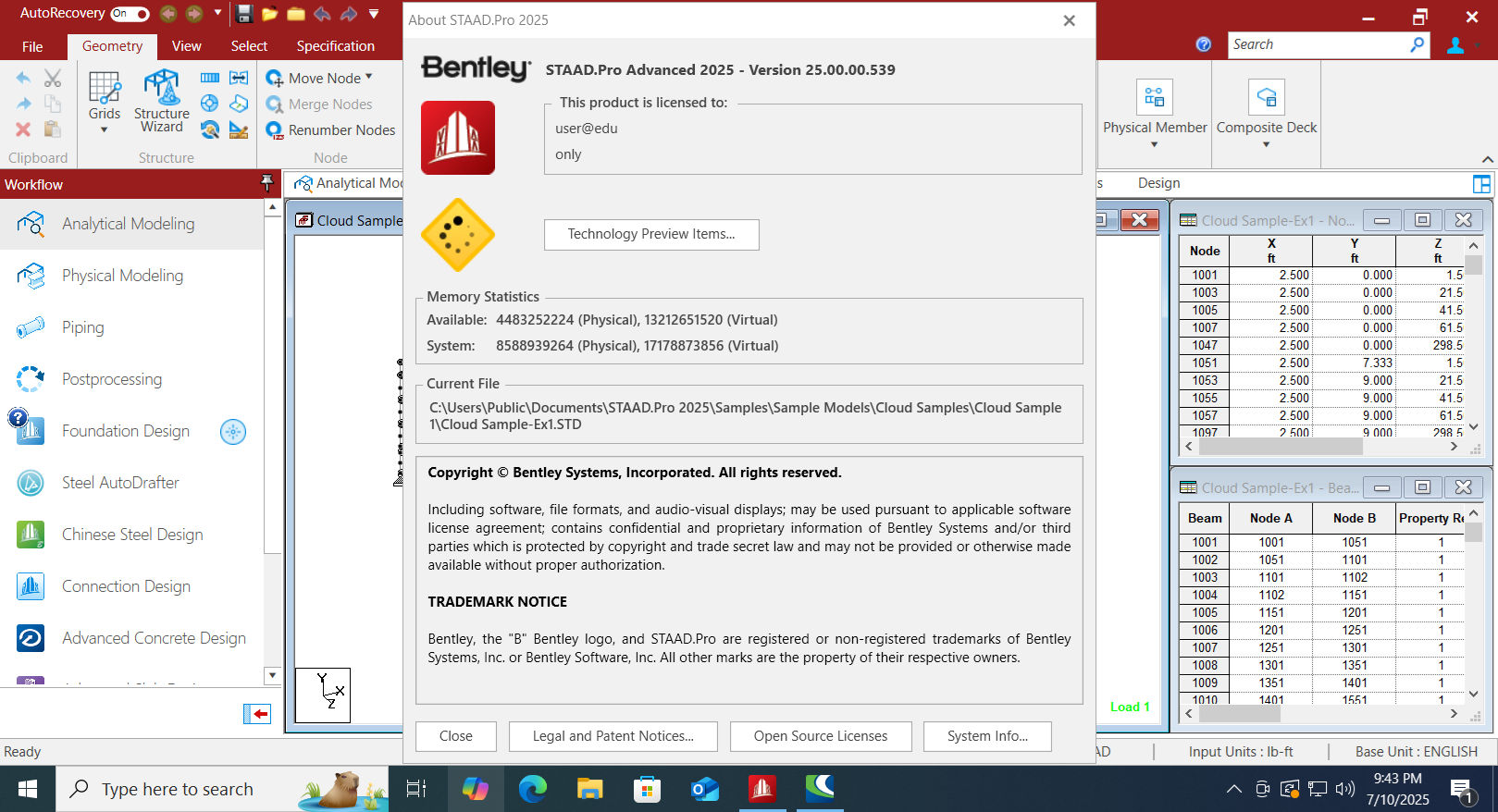
DS DraftSight Enterprise Plus 2025 SP3 is a powerful, enterprise-grade 2D and 3D CAD software developed by Dassault Systèmes, designed for organizations needing advanced drawing capabilities, automation, and centralized licensing—especially in multi-user or large-scale production environments.

📌 Core Features Introduced in DS DraftSight Enterprise Plus 2025 SP3

DS DraftSight Enterprise Plus 2025 SP3 brought a host of enhancements designed to boost drafting productivity and cross-platform collaboration:

STEP file import enables bringing in 3D models for reference or 2D tracing
DGN export capability improves collaboration with infrastructure and civil teams using Bentley tools
Multiple visibility elements in custom blocks allow toggling individual entities within a single block
Menu bar across all workspaces adds UI consistency and familiarity
Block Structure Palette offers visualization and management of nested block hierarchies
FLATTEN command corrects accidental 3D Z‑offsets, restoring drawings to a flat 2D plane
Visual Style Manager supports multiple rendering styles—wireframe, X‑ray, sketch, conceptual, etc.
DIMSPACE command streamlines spacing between dimension lines for clean, consistent documentation
Enhanced table capabilities, including auto‑formula, cell property matching, table breaks, block insertion, and better grips
Enhanced Dimension Style Manager simplifies dimension style creation, editing, and sharing
Additional improvements include PDF export, batch printing, Lasso selection, smart dimensioning, menu-ribbon integration, layer merging, CATIA import, and Hatch reshaping

If you want to download DS DraftSight Enterprise Plus 2025 SP3 full license, please click to DOWNLOAD symbol and complete check out a little help my website is maintained. The download link is appeared automatically after you complete check out.
CLICKDOWN.ORG Download CAD CAM CNC software
Inside package DS DraftSight Enterprise Plus 2025 SP3, already have cracked’s files and instruction how to install DS DraftSight Enterprise Plus 2025 SP3 step by step. I guarantee you can install DS DraftSight Enterprise Plus 2025 SP3 successfully if you follow that instruction.
If you also can’t install it or any problems, please contact to me by email: clickdown.org@gmail.com, then I will help you to install software by teamviewer or Ultraviewer or Anydesk.
Thanks a lot
SOFTWARES

Download Bentley STAAD Pro 2025 v25.00.00.539 x64 full license

Download Bentley STAAD Pro 2025 v25.00.00.539 x64 full license

Link download Bentley STAAD Pro 2025 v25.00.00.539 win64 full

Working with Bentley STAAD Pro 2025 v25.00.00.539 full

Description of Bentley STAAD Pro 2025 v25.00.00.539

Bentley STAAD Pro 2025 v25.00.00.539 is a powerful, BIM‑enabled structural analysis and design software widely used by engineers worldwide. Here’s an updated overview with the latest enhancements and capabilities:

🔍 Key Capabilities of Bentley STAAD Pro 2025 v25.00.00.539

Finite Element & Analytical Modelling: Supports linear & nonlinear static/dynamic analysis, buckling, p‑delta, pushover, response spectrum, time-history, and more
Physical Modelling Workflow: Build structures using real-world elements (beams, slabs, surfaces) that automatically generate joints—ideal for complex projects
Robust Load Handling: Automates generation of loads—gravity, wind, seismic, snow, moving loads, etc.—reducing manual effort
Material & Design Code Coverage: Supports materials like steel, reinforced & prestressed concrete, timber, aluminum, with compliance for codes like Eurocode, AISC, ACI, BS, Indian, etc.
Interoperability: Works smoothly with Revit, AutoPIPE, SACS, RAM, and supports BIM workflows

🧰 Core Features of STAAD.Pro 2025

STAAD.Pro remains a heavyweight in structural engineering due to its comprehensive capabilities:

Structural Analysis: Handles static, dynamic (response spectrum, time history), linear, non-linear (P‑delta, buckling, pushover), and finite element analysis

Multi-Material Support: Design across steel, concrete, timber, aluminum, composites, and cold-formed steel

International Code Compliance: Over 90 built-in codes, including ASCE, IBC, Eurocode, AISC, BS, IS, ACI, etc. .

Load Generation: Automates dead, live, wind, seismic, snow, thermal, and moving loads

3D Modeling: Build detailed 3D representations using beams, plates, shells, slabs, foundations, and complex geometries .

Foundation & Connection Design: Integrated workflows for foundation design (via STAAD Foundation Advanced) and steel connection design .

Automation & OpenSTAAD: Scriptable via OpenSTAAD, macros, VBA/COM, enabling automation and customization .

Report & Documentation Tools: Customizable graphical reports, material takeoffs, and steel drawings (AutoDrafter) .

Interoperability with CAD/BIM: Supports imports/exports for DWG, DXF, CIS/2, Revit, Tekla, AutoPIPE, SACS, RAM, etc. .

Cloud Computing: New cloud-based analysis, shared computing, in-progress EAP features that can significantly reduce solver times .

If you want to download Bentley STAAD Pro 2025 v25.00.00.539 full license, please click to DOWNLOAD symbol and complete check out a little help my website is maintained. The download link is appeared automatically after you complete check out.
CLICKDOWN.ORG Download CAD CAM CNC software
Inside package Bentley STAAD Pro 2025 v25.00.00.539, already have cracked’s files and instruction how to install Bentley STAAD Pro 2025 v25.00.00.539 step by step. I guarantee you can install Bentley STAAD Pro 2025 v25.00.00.539 successfully if you follow that instruction.
If you also can’t install it or any problems, please contact to me by email: clickdown.org@gmail.com, then I will help you to install software by teamviewer or Ultraviewer or Anydesk.
Thanks a lot
SOFTWARES

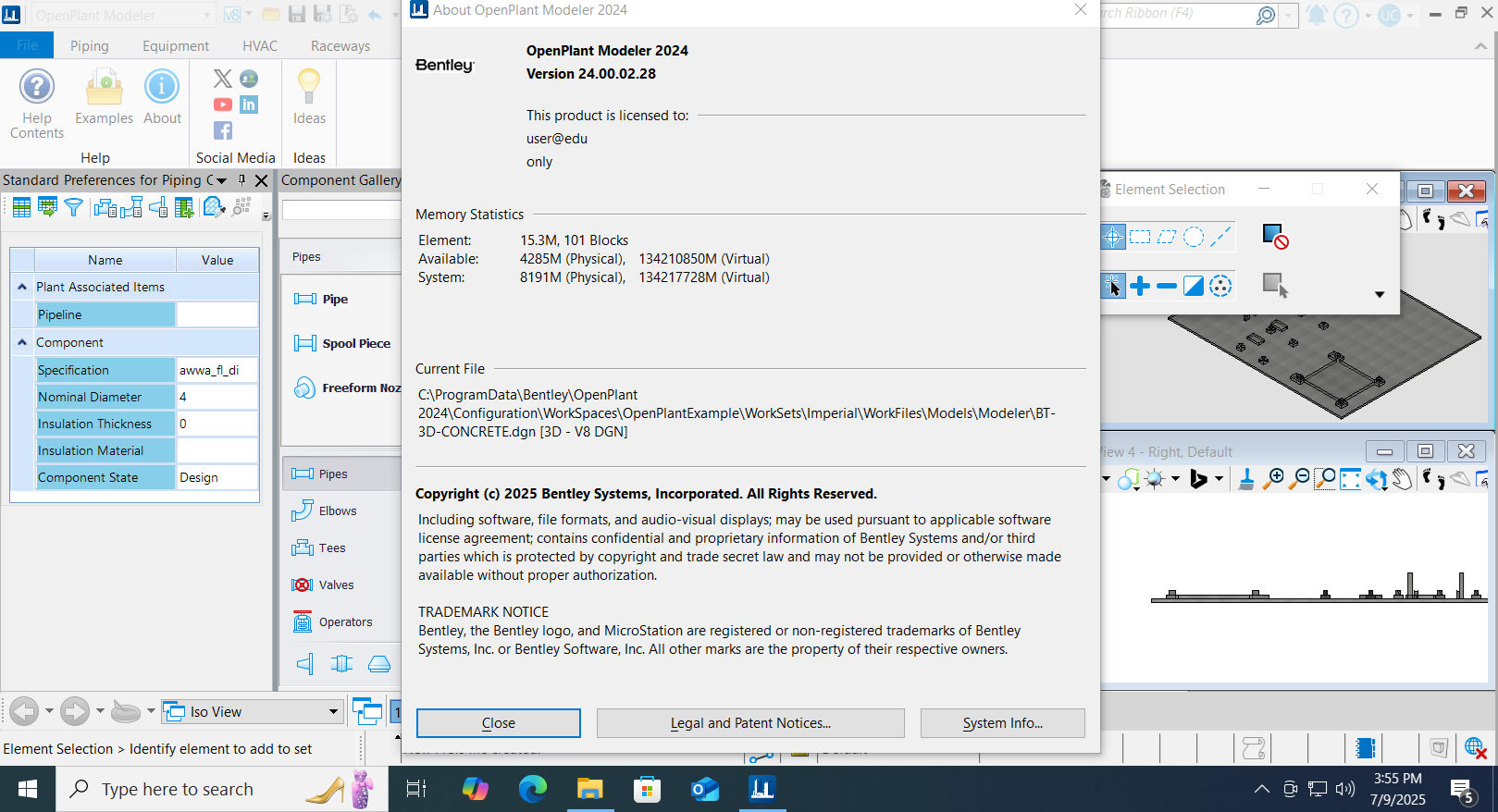
Download OpenPlant Modeler 2024 v24.00.02.028 x64 full license

Download OpenPlant Modeler 2024 v24.00.02.028 x64 full license

Link download OpenPlant Modeler 2024 v24.00.02.028 win64 full activated

Working with OpenPlant Modeler 2024 v24.00.02.028 full license

Description of OpenPlant Modeler 2024 v24.00.02.028

OpenPlant Modeler 2024 v24.00.02.028 is Bentley’s flagship specification-driven 3D plant design and modeling software, built on the proven MicroStation platform. It enables engineers to create detailed plant models—including piping, HVAC, equipment, cable trays, and structural steel—in an open, collaborative digital twin environment.

🔧 Core Capabilities of OpenPlant Modeler 2024 v24.00.02.028

Specification-driven parametric modeling: Ensures consistency with engineering standards and reduces errors by auto-validating against project specs.
Multidiscipline integration: Seamlessly models pipes, HVAC, electrical systems, equipment, and structural elements within one unified environment.
MicroStation foundations: Offers familiar UI tools like AccuDraw, AccuSnap, and dynamic views for fast, precise modeling.
Industry-standard data model: Uses ISO 15926 and Bentley’s iTwin/iModel technology for interoperability and lifecycle data exchange.
Open file format support: Reads and writes DGN, DWG, JT, point clouds, PDFs, and more, ensuring a flexible, non‑proprietary workflow.

🤝 Collaboration & Digital Twin
Cloud-enabled teamwork: Works with PlantSight and ProjectWise to support multiuser environments—online, offline, or remote—with check-in/check-out workflows supported by iModelHub.
Digital twin alignment: Maintains consistency between P&ID (OpenPlant PID) and the 3D model, enabling data synchronization and clash detection.
Point cloud integration: Incorporates reality modeling for retrofit or expansion projects using Bentley’s Descartes engine.
✅ Key Benefits
Accuracy & compliance: Auto-validated against specifications, reducing rework.
Collaboration: Cloud-based, multiuser modeling with versioning and change control.

Interoperability: Non‑proprietary formats and ISO standards reduce lock‑in.

Efficiency: Parametric tools and reusable standards/scripts boost productivity.

Flexible workflows: Works offline and integrates reality data for real-world context.

🎯 Summary
OpenPlant Modeler streamlines 3D plant design with its robust parametric tools, standards-based modeling, and cloud-connected collaboration. As part of Bentley’s broader plant engineering suite, it’s a keystone for modern, scalable, multidisciplinary plant design and asset management.

If you want to download OpenPlant Modeler 2024 v24.00.02.028 full license, please click to DOWNLOAD symbol and complete check out a little help my website is maintained. The download link is appeared automatically after you complete check out.
CLICKDOWN.ORG Download CAD CAM CNC software
Inside package OpenPlant Modeler 2024 v24.00.02.028, already have cracked’s files and instruction how to install OpenPlant Modeler 2024 v24.00.02.028 step by step. I guarantee you can install OpenPlant Modeler 2024 v24.00.02.028 successfully if you follow that instruction.
If you also can’t install it or any problems, please contact to me by email: clickdown.org@gmail.com, then I will help you to install software by teamviewer or Ultraviewer or Anydesk.
Thanks a lot
SOFTWARES

Download LightBurn 2.0.00 full license permanent

Download LightBurn 2.0.00 full license permanent

Link download LightBurn 2.0.00 full activated

Working with LightBurn 2.0.00 full license

Description of LightBurn 2.0.00

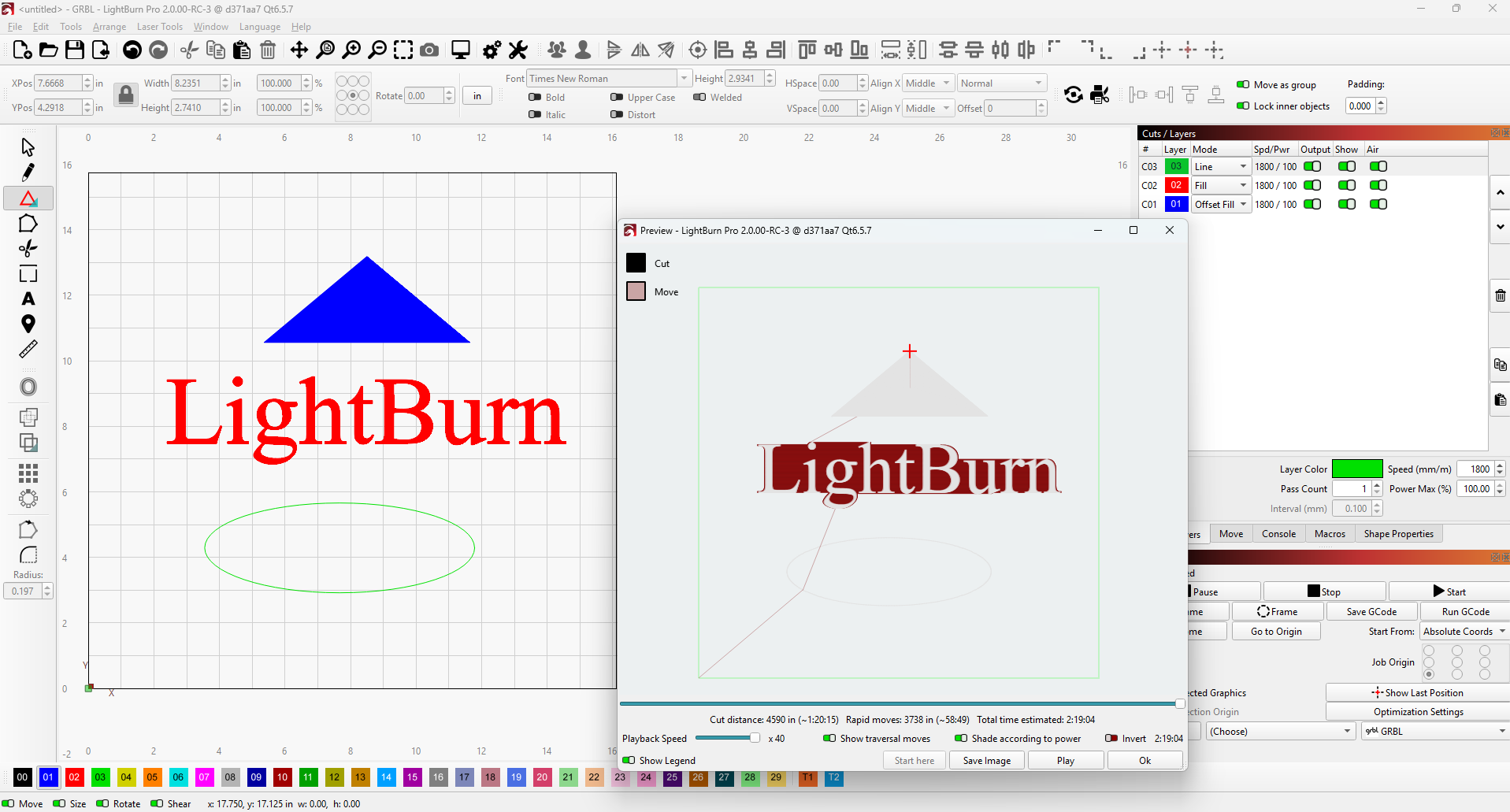
LightBurn 2.0.00 marks a major overhaul of the popular laser cutting and engraving software, featuring a redesigned code framework, refreshed UI, and a host of powerful new tools .

🌙 1. Full Dark Mode
Three theme options: System, Classic Dark, and Classic Light.

A darker workspace background improves readability and reduces eye strain

🔺 2. New Shape Tools
Quick-draw shapes: Triangles, Pentagons, Octagons, Stars, and Dual Stars.

After creation, shapes remain editable—move, scale, rotate, or shear—before continuing

⚙️ 3. Enhanced Node Editing
Activating the node-edit tool now opens a node-edit toolbar for easier access to actions like add, move, or delete nodes

📷 4. Camera Tools Upgraded
Improved Camera Control Window with separate tabs for capture and overlay settings.

Exposure, brightness, contrast, white balance, hue, and focus controls available on Windows.

A new Labs Wizard uses AprilTag tracking for precise camera lens calibration

🧱 5. Stacked Boolean & Layer Improvements
All boolean operations combined into a single stacked button—bring up the Boolean Assistant or select your preferred operation instantly
docs.

Cuts/Layers panel now includes new icons and context menus for toggling visibility, selecting, or sorting layers

📐 6. Independent Units
Design units (workspace) and machine units (cutting job) now work independently—switch mm/in separately for design and output

🔧 7. Under‑the‑Hood Rebuild (Qt6 Framework)
LightBurn 2.0 moves to the Qt6 framework, enabling future UI enhancements, stability, and performance gains
This rewrite also laid groundwork for MillMage, LightBurn’s upcoming CNC software

🧪 8. Labs Features (Experimental)
Currently available “Labs” tools include:

Camera Calibration Wizard with AprilTag tracking.

Additional experimental utilities labeled with a patented Labs icon

🔄 9. Performance & Usability Optimizations
Qt6 migration brings smoother rendering, improved import handling, and more responsive operations .

Various UI tweaks: macro window, custom GCode panel, improved parsing, and more

🔍 In Summary
LightBurn 2.0 is a polished, major upgrade—featuring dark mode, powerful shape and node tools, advanced camera calibration, revamped boolean controls, and a stronger foundation for future enhancements. It balances immediate productivity gains with a modern architecture ready for what’s next.

If you want to download LightBurn 2.0.00 full license, please click to DOWNLOAD symbol and complete check out a little help my website is maintained. The download link is appeared automatically after you complete check out.
CLICKDOWN.ORG Download CAD CAM CNC software
Inside package LightBurn 2.0.00, already have cracked’s files and instruction how to install LightBurn 2.0.00 step by step. I guarantee you can install LightBurn 2.0.00 successfully if you follow that instruction.
If you also can’t install it or any problems, please contact to me by email: clickdown.org@gmail.com, then I will help you to install software by teamviewer or Ultraviewer or Anydesk.
Thanks a lot
SOFTWARES

Download Rhinoceros 8.21.25188.17001 x64 full license

Download Rhinoceros 8.21.25188.17001 x64 full license

Link download Rhinoceros 8.21.25188.17001 win64 full activated

Working with Rhinoceros 8.21.25188.17001 full license

Description of Rhinoceros 8.21.25188.17001

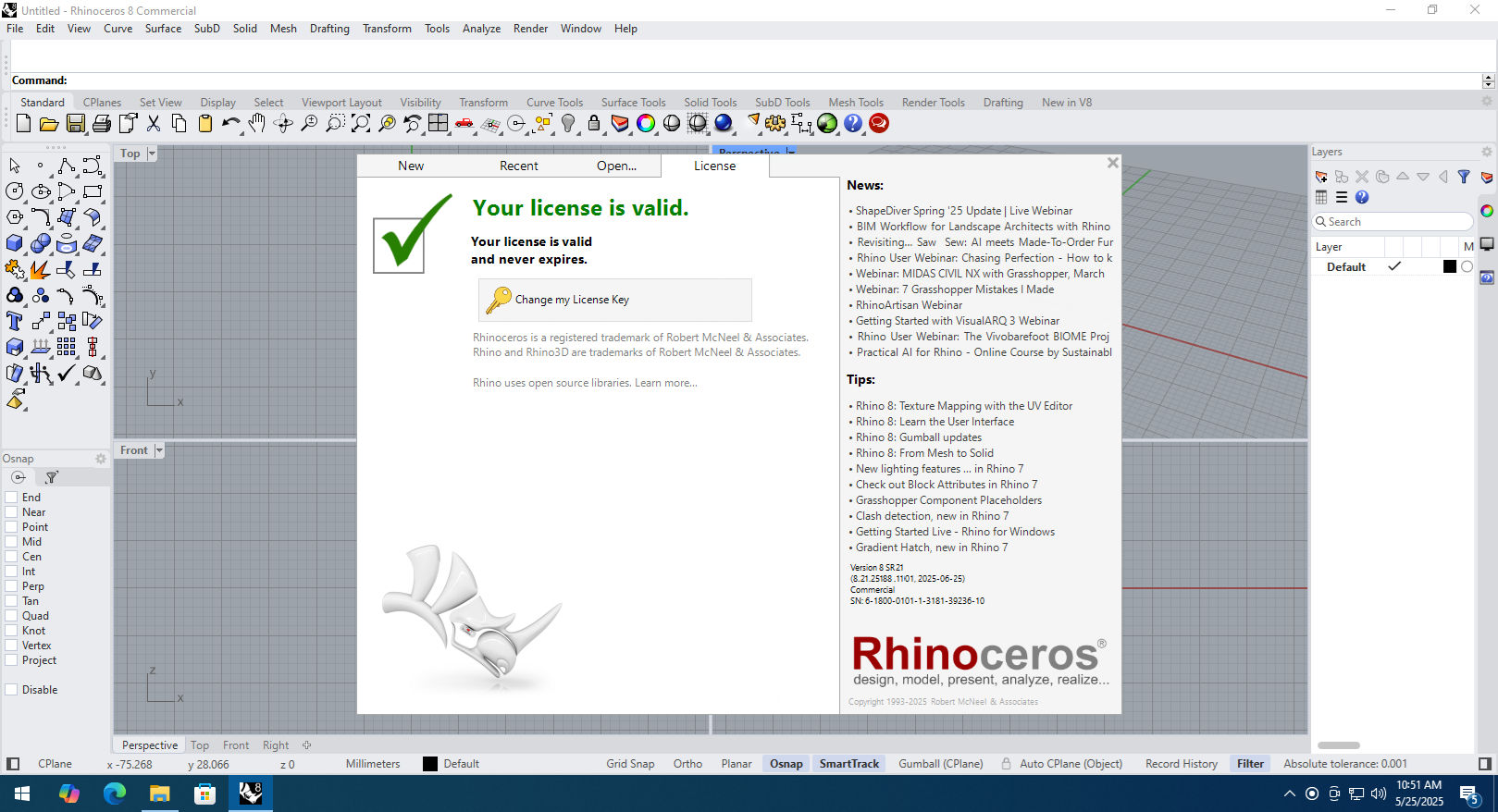
Rhinoceros 8.21.25188.17001 (Rhino 8) is the latest major release of McNeel’s powerful NURBS-based 3D modeling software, widely used in architecture, industrial design, jewelry, marine design, and more. Rhino 8 brings significant upgrades in modeling workflows, SubD editing, performance, and introduces a native Mac ARM version for improved compatibility with Apple Silicon.

🆕 Key Features of Rhinoceros 8.21.25188.17001

⚡ 1. Performance Enhancements
Native Apple Silicon Support: Rhino 8 runs natively on M1/M2/M3 Macs, resulting in faster performance and better energy efficiency.

Faster Rendering and Display: Enhanced viewport speed, GPU usage, and display pipelines for smoother interaction with complex models.

🧰 2. Modeling Tools & SubD Enhancements
ShrinkWrap Tool: Converts complex meshes into watertight solids – great for 3D printing, reverse engineering, and converting scans into solids.

Improved SubD Modeling: Better control over topology and editing with new tools like multi-face extrude, variable radius fillet, and slide edge.

PushPull Modeling: New intuitive push-pull workflows for editing solids like in direct modeling systems.

🧠 3. Grasshopper Upgrades
Grasshopper 2.0 (Alpha): Early access to the next generation of the parametric design engine with a reworked architecture, better performance, and new capabilities.

Improved Script Editors: New CPython (standard Python 3) and C# editors with IntelliSense, debugging, and more modern development environments.

🖥️ 4. Interface & Usability
Customizable Tool Palettes: More flexibility in creating and organizing tool palettes, especially on macOS.

Cross-Platform Parity: Mac and Windows versions now offer more consistent features and user interfaces.

🎨 5. Rendering & Visualization
Cycles Renderer Improvements: Updated Cycles render engine for better photorealistic output and faster raytracing.

New Presentation Tools: Enhanced support for real-time rendering, viewport captures, and animations.

🔧 6. Automation & Scripting
Python 3 Integration: Full support for CPython 3.10, enabling access to modern libraries and better development workflows.

Improved API Access: More extensive .NET and RhinoCommon APIs, facilitating plugin and script development.

📦 7. File Handling & Interoperability
Better Revit Integration: Improvements in importing/exporting geometry to and from Autodesk Revit using Rhino.Inside.

Expanded File Format Support: More robust handling of STEP, OBJ, STL, and other 3D formats.

If you want to download Rhinoceros 8.21.25188.17001 full license, please click to DOWNLOAD symbol and complete check out a little help my website is maintained. The download link is appeared automatically after you complete check out.
CLICKDOWN.ORG Download CAD CAM CNC software
Inside package Rhinoceros 8.21.25188.17001, already have cracked’s files and instruction how to install Rhinoceros 8.21.25188.17001 step by step. I guarantee you can install Rhinoceros 8.21.25188.17001 successfully if you follow that instruction.
If you also can’t install it or any problems, please contact to me by email: clickdown.org@gmail.com, then I will help you to install software by teamviewer or Ultraviewer or Anydesk.
Thanks a lot
SOFTWARES

Download OriginLab OriginPro 2025b v10.2.5.212 x64 full

Download OriginLab OriginPro 2025b v10.2.5.212 x64 full

Link download OriginLab OriginPro 2025b v10.2.5.212 win64 crack

Working with OriginLab OriginPro 2025b v10.2.5.212 full license

Description of OriginLab OriginPro 2025b v10.2.5.212

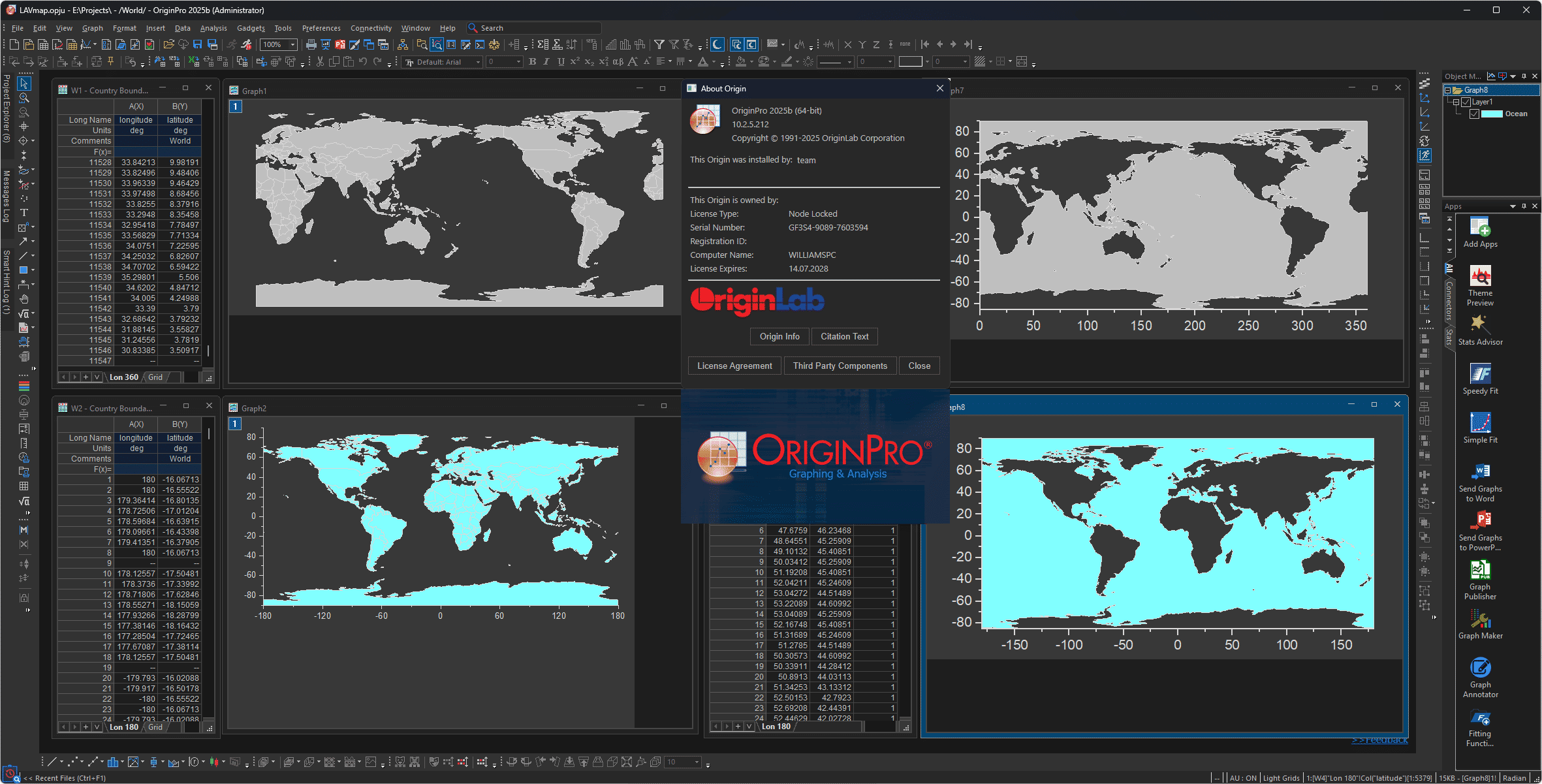
OriginLab OriginPro 2025b v10.2.5.212 is a powerful scientific package for data analysis and processing. It is considered a de facto standard in many scientific laboratories. OriginPro is a universal tool for processing statistical and mathematical functions, processing data arrays, plotting these functions and graphs on data arrays, as well as a tool for developing highly specialized mathematical programs and visualization tools for graphical data. Integration with data acquisition systems such as LabView, DasyLab, LabWindows. OriginPro includes a full version of the NAG Mark VII numerical algorithm library from Numerical Algorithms Group, Inc. (NAG). These debugged and time-tested algorithms provide the user with wide capabilities for calculations, ranging from simple statistics and the Fourier transform to linear algebra and multivariate analysis. All functions of the NAG library are available for calling through Origin C, thereby providing a platform for developing applications that require complex numerical calculations.

If you want to download OriginLab OriginPro 2025b v10.2.5.212 full license, please click to DOWNLOAD symbol and complete check out a little help my website is maintained. The download link is appeared automatically after you complete check out.
CLICKDOWN.ORG Download CAD CAM CNC software
Inside package OriginLab OriginPro 2025b v10.2.5.212, already have cracked’s files and instruction how to install OriginLab OriginPro 2025b v10.2.5.212 step by step. I guarantee you can install OriginLab OriginPro 2025b v10.2.5.212 successfully if you follow that instruction.
If you also can’t install it or any problems, please contact to me by email: clickdown.org@gmail.com, then I will help you to install software by teamviewer or Ultraviewer or Anydesk.
Thanks a lot
SOFTWARES

Download Smap3D Plant Design 2025.0 x64 full license

Download Smap3D Plant Design 2025.0 x64 full license

link download Smap3D Plant Design 2025.0 win64 cracked

Working with Smap3D Plant Design 2025.0 for Solidworks

Working with Smap3D Plant Design 2025.0 for inventor
Supported CAD systems:
Solid Edge 2024/2025 with latest maintenance pack
SOLIDWORKS 2024/2025 with latest service pack
Autodesk Inventor 2024/2025 with latest service pack

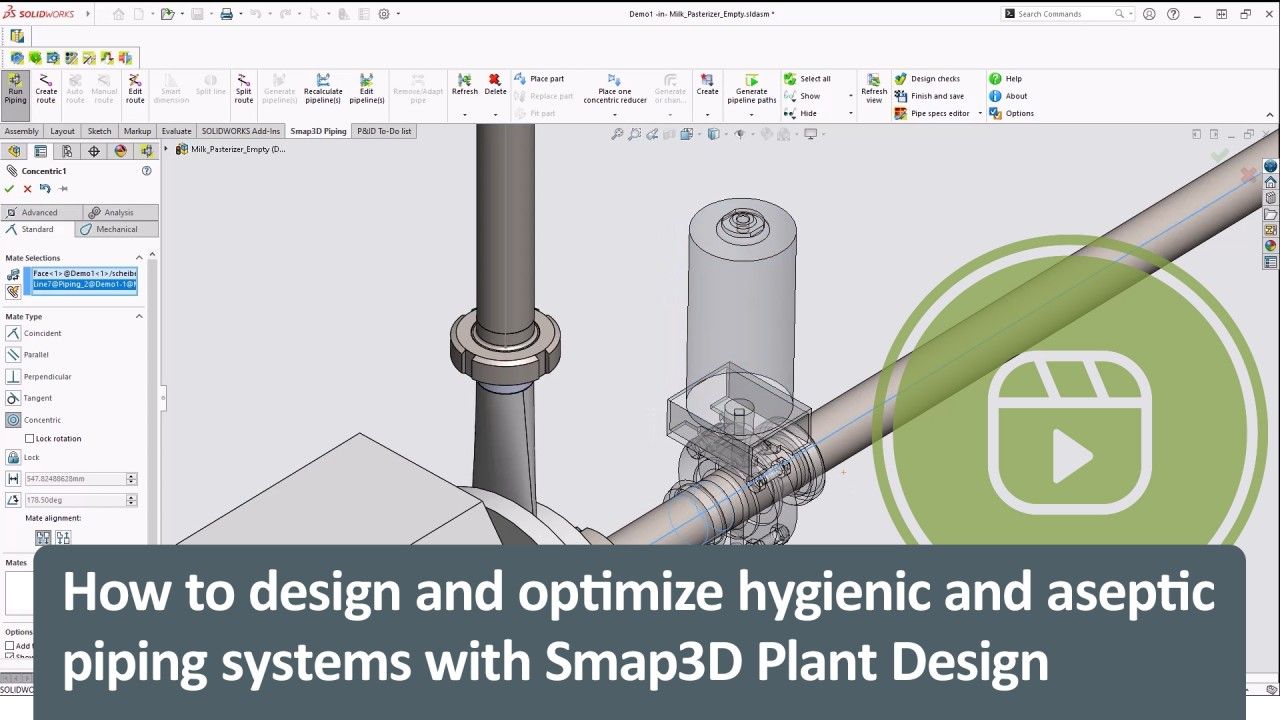
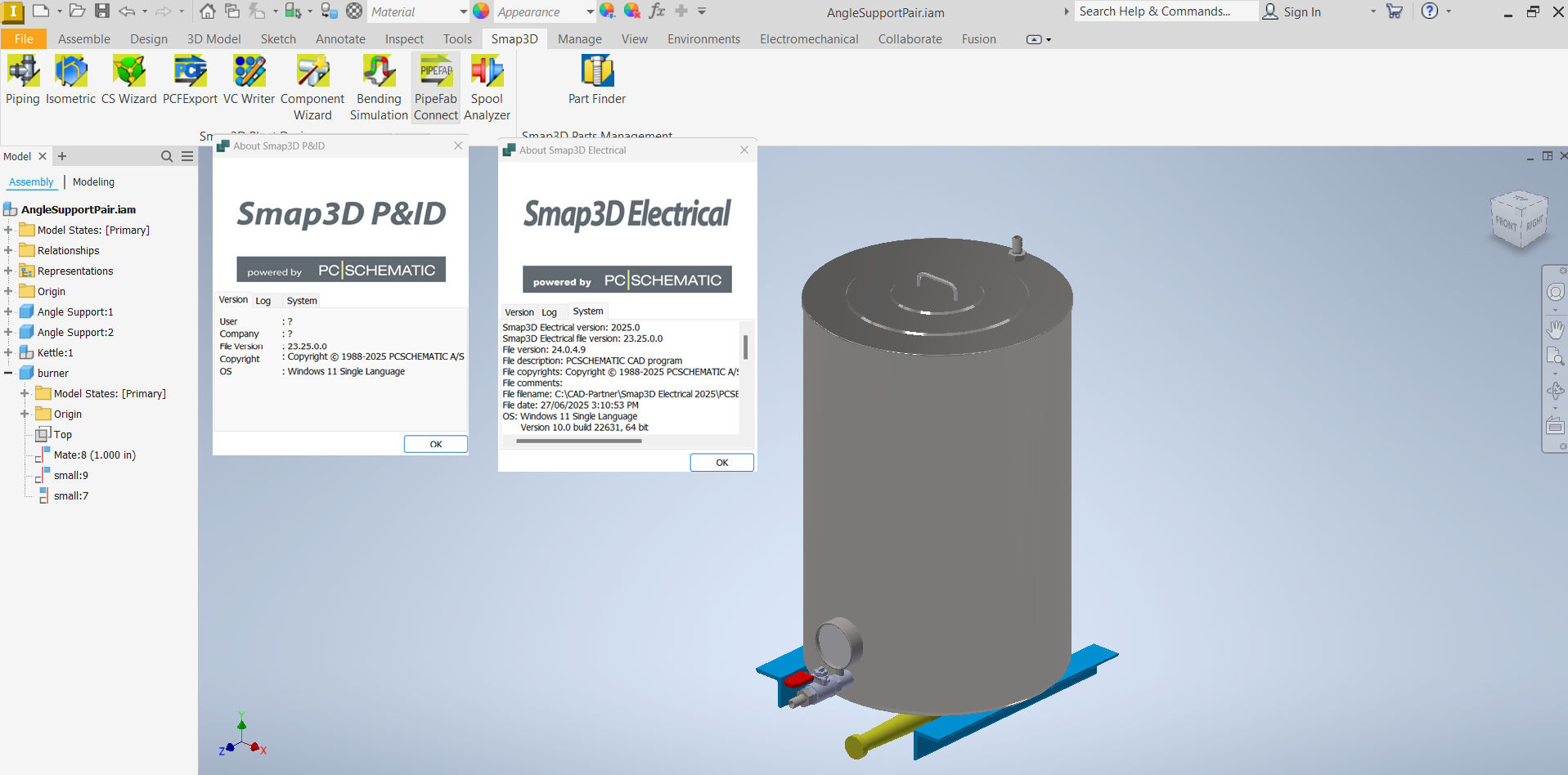
Smap3D Plant Design 2025 is a comprehensive suite developed by Smap3D Plant Design GmbH for engineers working on plant and pipeline projects. Fully integrated into common 3D CAD platforms—SOLIDWORKS, Inventor, and Solid Edge—it ensures seamless workflows from initial schematics to final fabrication-ready outputs.

🔹 Core Modules of Smap3D Plant Design 2025.0

1. P&ID

Create intelligent 2D piping & instrumentation diagrams.

Database-driven drawing automation with customizable templates and reports

2. 3D Piping

Route pipes in 3D using predefined industry pipe specifications.

Ensures producible designs via integrated specs, fittings, and bending rules

3. Isometrics

Generate detailed isometric drawings, BOMs, weld lists, and PCF exports.

Highly configurable to match corporate drafting standards

Recent Improvements (2025)
New Pipe Specification Editor with modern UI and greater flexibility in defining class rules
Native 3DEXPERIENCE Platform integration for collaborative workflows with SOLIDWORKS data
First service pack improving cross-CAD stability among supported platforms .

✅ Summary
Smap3D Plant Design offers a powerful, unified CAD-integrated environment to streamline pipeline and plant design—from conceptual P&ID through 3D routing, simulation, isometrics, and production guidance. Its modular approach, centralized data model, and interoperability deliver significant time savings and design accuracy.

If you want to download Smap3D Plant Design 2025 full license, please click to DOWNLOAD symbol and complete check out a little help my website is maintained. The download link is appeared automatically after you complete check out.
CLICKDOWN.ORG Download CAD CAM CNC software
Inside package Smap3D Plant Design 2025, already have cracked’s files and instruction how to install Smap3D Plant Design 2025 step by step. I guarantee you can install Smap3D Plant Design 2025 successfully if you follow that instruction.
If you also can’t install it or any problems, please contact to me by email: clickdown.org@gmail.com, then I will help you to install software by teamviewer or Ultraviewer or Anydesk.
Thanks a lot
SOFTWARES

Download OpenPlant Isometrics Manager 2024 v24.00.02.13 x64 full

Download OpenPlant Isometrics Manager 2024 v24.00.02.13 x64 full

Link download OpenPlant Isometrics Manager 2024 v24.00.02.13 win64

Working with OpenPlant Isometrics Manager 2024 v24.00.02.13 full

Description of OpenPlant Isometrics Manager 2024

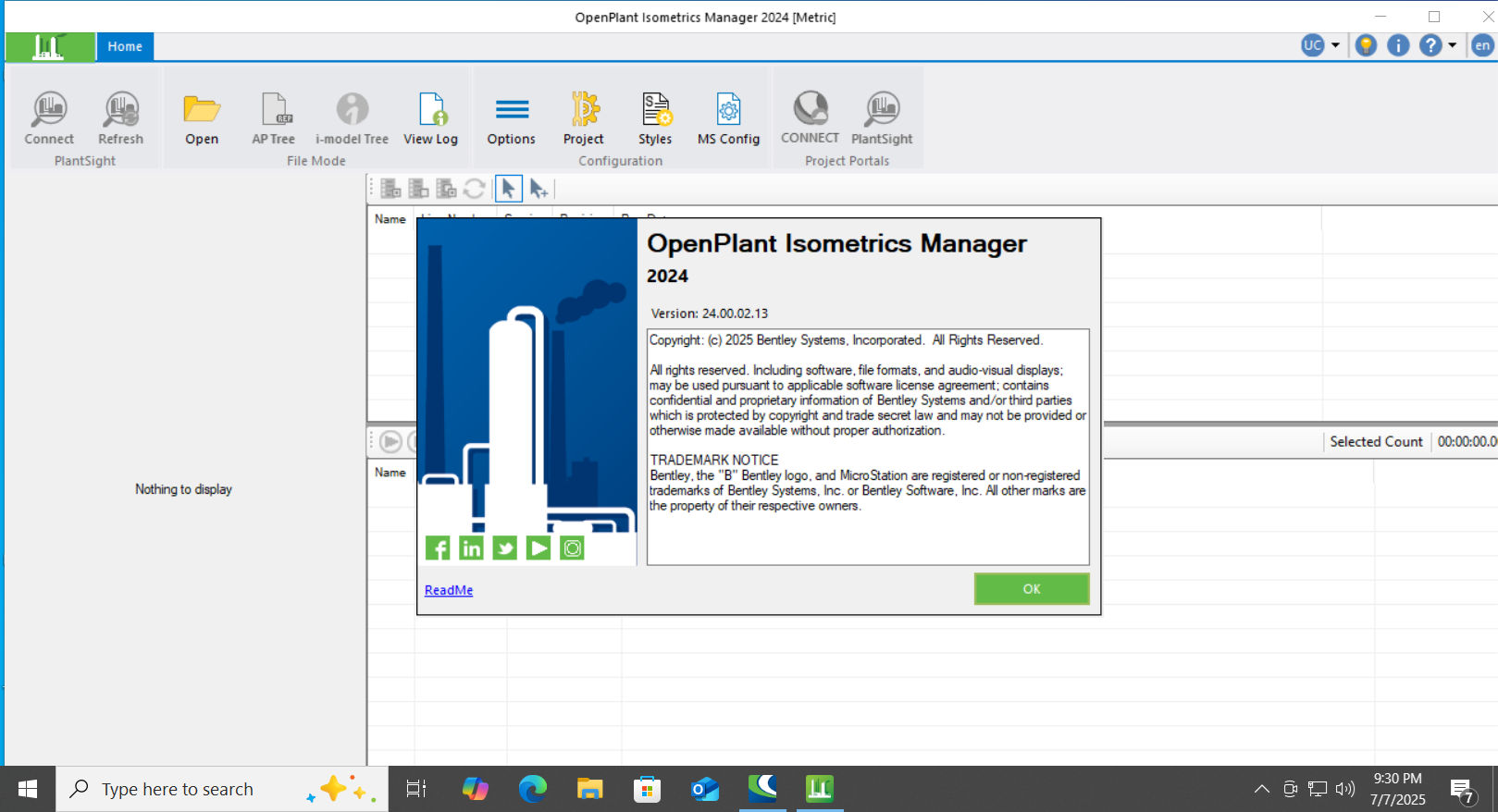
OpenPlant Isometrics Manager 2024 (OPIM), part of Bentley’s OpenPlant suite, is a standalone application designed to automate the generation, management, and publication of pipe‑isometric drawings from 3D plant models, without requiring heavy CAD or plant-design software expertise .

🛠️ Core Features of OpenPlant Isometrics Manager 2024

1. Intelligent Isometric Extraction
Automatically produces tagged, data-rich isometrics (including tag numbers, line numbers, material codes) from 3D sources like OpenPlant, AutoPLANT, PDMS, SmartPlant, PDS, or iModels
Ensures fast design updates by regenerating drawings aligned with model revisions
2. Automated Layout & Style Control
Includes built-in whitespace management to optimize label and dimension placement.
Supports creating multiple drawing styles (e.g., As‑Built, IFC, Stress) — each with custom rule sets and sheet layouts
Automatically splits complex isometrics across sheets for clarity
3. Ease of Use & Deployment
User-friendly GUI for configuring isometric styles—no manual scripting or config file editing required
Enables document controllers or non-engineers to generate deliverables, freeing designers to focus on core modeling
4. Enterprise Integration
Seamlessly integrates with ProjectWise, enabling version-controlled publishing, centralized access, and metadata syncing of isometric drawings.
Supports output formats including DGN, DWG, PDF, and PCF (ideal for downstream fabrication or analysis in AutoPIPE)
5. 2024 Enhancements
Improved performance and updated dependencies in line with MicroStation 2024
Support for side-by-side installation of multiple OPIM versions, allowing version-specific project workflows
Enhanced metadata synchronization: when drawings are posted to ProjectWise, document attributes update per revision

If you want to download OpenPlant Isometrics Manager 2024 full license, please click to DOWNLOAD symbol and complete check out a little help my website is maintained. The download link is appeared automatically after you complete check out.
CLICKDOWN.ORG Download CAD CAM CNC software
Inside package OpenPlant Isometrics Manager 2024, already have cracked’s files and instruction how to install OpenPlant Isometrics Manager 2024 step by step. I guarantee you can install OpenPlant Isometrics Manager 2024 successfully if you follow that instruction.
If you also can’t install it or any problems, please contact to me by email: clickdown.org@gmail.com, then I will help you to install software by teamviewer or Ultraviewer or Anydesk.
Thanks a lot

error: Content is protected !!
Scroll to Top