SOFTWARES

SOFTWARES

Download Topaz Video AI Pro 7.1.1 x64 full license

Download Topaz Video AI Pro 7.1.1 x64 full license

Link download Topaz Video AI Pro 7.1.1 win64 full activated
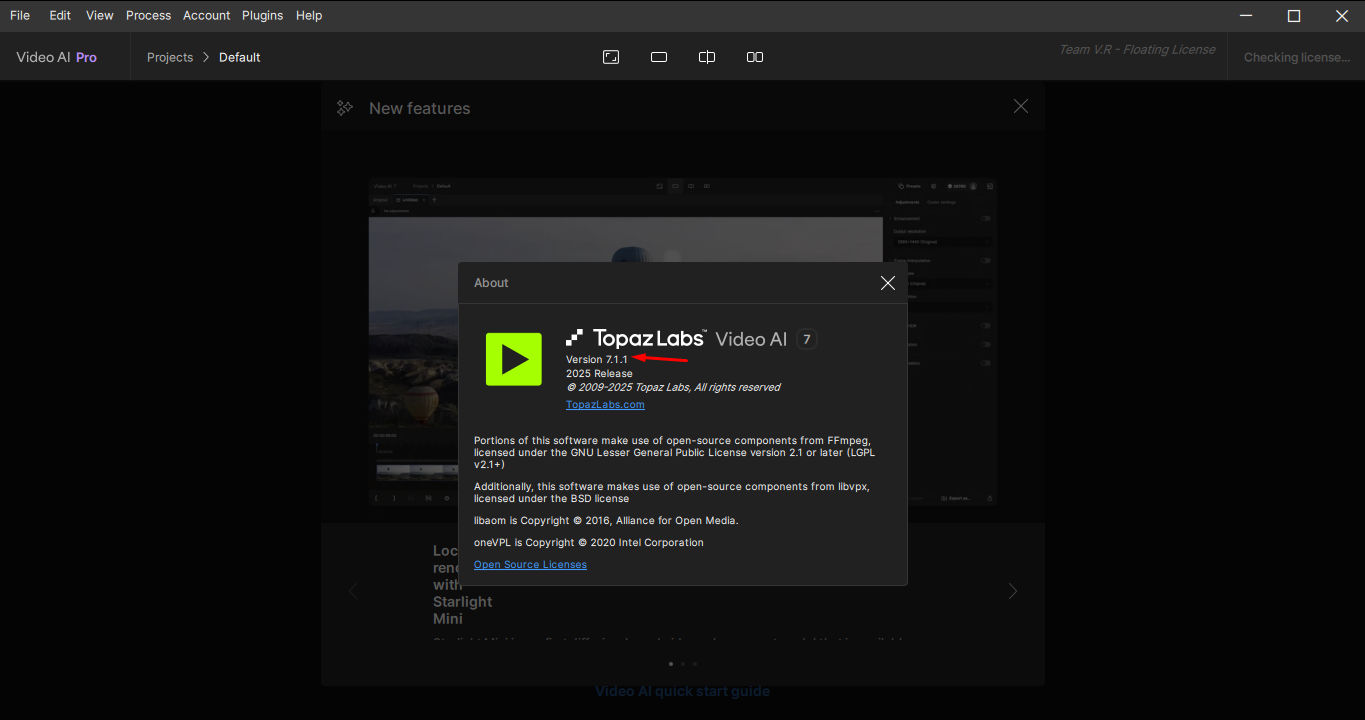
Working with Topaz Video AI Pro 7.1.1 full license

Description of Topaz Video AI Pro 7.1.1

Topaz Video AI Pro 7.1.1 is an advanced software tool designed for high-quality video enhancement and upscaling. It uses artificial intelligence (AI) to process video files, improving their resolution, clarity, and overall visual quality. With its advanced algorithms, Topaz Video AI Pro can upscale footage, remove noise, enhance details, and even stabilize shaky footage. Here’s an overview of its key features:

Key Features of Topaz Video AI Pro 7.1.1:

1. AI-Powered Upscaling:

The software can upscale videos up to 8K resolution, preserving and enhancing fine details in the process.

It uses AI models to intelligently increase the resolution without causing pixelation or blurring.

2. Video Deinterlacing:

The AI helps eliminate interlaced artifacts, which is especially useful for older videos or content from analog sources. It ensures a smooth, high-quality output.

3. Motion Stabilization:

For shaky videos, the software provides AI-driven stabilization, smoothing out the motion and producing a more professional, steady result.

4. Noise Reduction and Artifact Removal:

Topaz Video AI Pro 7.1.1 automatically detects and removes noise and artifacts, enhancing video quality by smoothing out grainy or pixelated sections.

5. Restoration of Old Footage:

It helps restore older or degraded footage by improving resolution and color accuracy, making it more watchable and detailed.

6. Frame Rate Conversion:

It offers frame interpolation features, allowing users to adjust the frame rate of a video (for example, converting 24fps to 60fps), which can be useful for slow-motion effects or smoother playback.

7. Intuitive User Interface:

The interface is designed to be user-friendly, allowing both beginners and professionals to easily access the software’s powerful AI capabilities.

8. Batch Processing:

Users can process multiple videos at once, making it easier for those working with large volumes of content, such as video editors and filmmakers.

9. Hardware Acceleration Support:

The software is optimized for GPU acceleration, allowing faster processing times, especially for high-resolution videos.

10. Output Formats:

Topaz Video AI Pro supports a wide range of video output formats, providing flexibility for video creators who need to export to different media platforms.

Additional Improvements in Version 7.1.1:

Bug Fixes and Stability Improvements: Enhancements to improve software stability and reduce crashes, improving the user experience.

Refined AI Models: Updates to AI models for better processing quality, particularly for upscale video, noise reduction, and motion stabilization.

Improved Speed: Optimizations for faster rendering, especially when working with 4K and higher resolution content.

Use Cases:

Film Restoration: Perfect for film archivists and preservationists restoring old or damaged video content.

Content Creators: Helps YouTubers, videographers, and filmmakers enhance video quality, upscale footage, and remove noise for polished final products.

Post-Production Studios: A useful tool for video editors looking to save time with automatic video enhancement during the post-production process.

AI-Powered Upscaling: Excellent for individuals working with lower-resolution videos that need to be upscaled without losing quality.

In summary, Topaz Video AI Pro 7.1.1 leverages AI to automate the process of enhancing and upscaling video, making it a highly valuable tool for anyone in need of high-quality video restoration and editing. The AI-powered features and updates in version 7.1.1 offer users the ability to elevate their video content with minimal manual intervention.

If you want to download Topaz Video AI Pro 7.1.1 full license, please click to DOWNLOAD symbol and complete check out a little help my website is maintained. The download link is appeared automatically after you complete check out.
CLICKDOWN.ORG Download CAD CAM CNC software
Inside package Topaz Video AI Pro 7.1.1, already have cracked’s files and instruction how to install Topaz Video AI Pro 7.1.1 step by step. I guarantee you can install Topaz Video AI Pro 7.1.1 successfully if you follow that instruction.
If you also can’t install it or any problems, please contact to me by email: clickdown.org@gmail.com, then I will help you to install software by teamviewer or Ultraviewer or Anydesk.
Thanks a lot
SOFTWARES

Download Altium Designer 25.8.1.18 x64 full license

Download Altium Designer 25.8.1.18 x64 full license

Link download Altium Designer 25.8.1.18 win64 activated

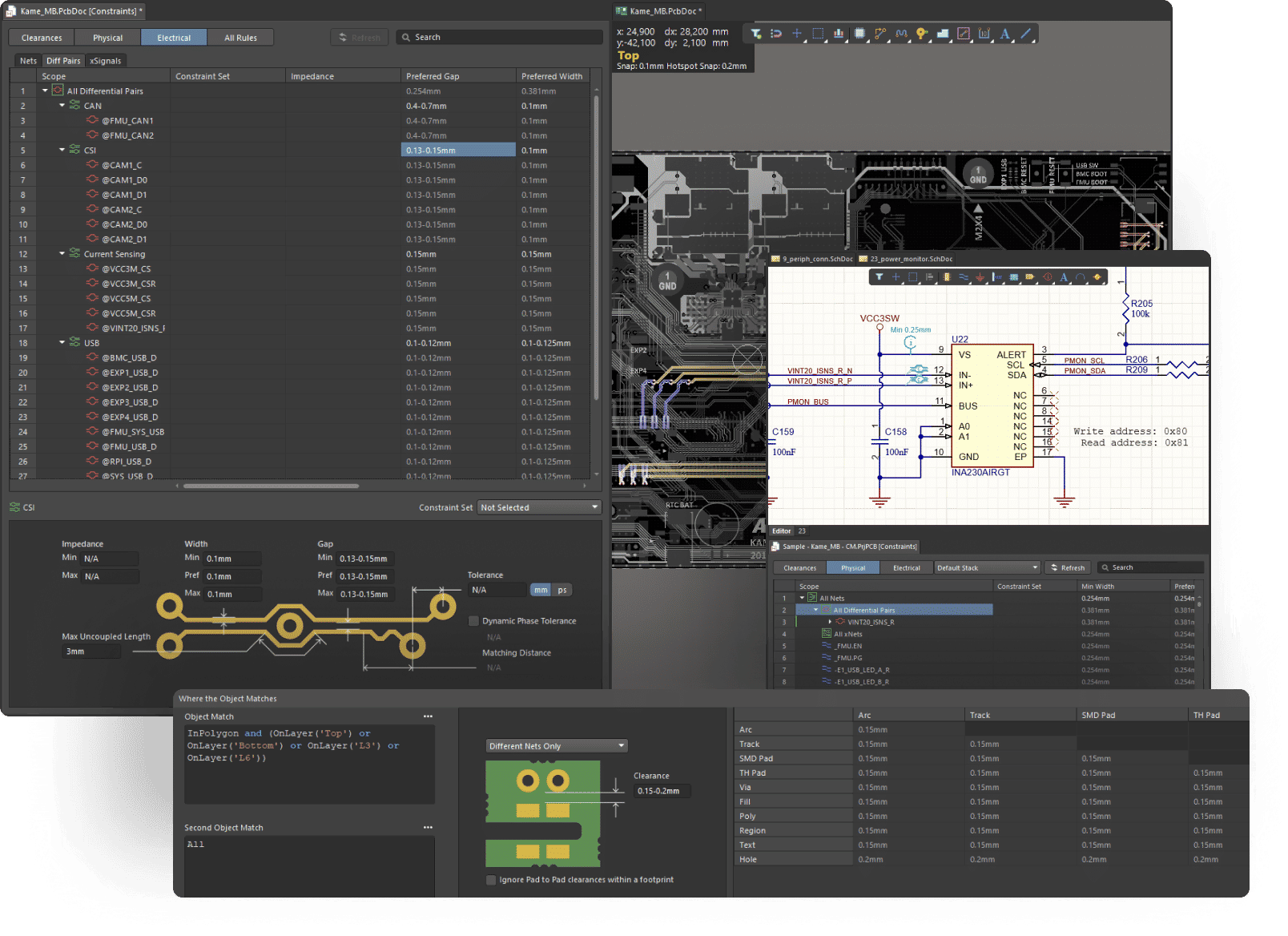
Working with Altium Designer 25.8.1.18 x64 full

Description of Altium Designer 25.8.1.18

Altium Designer 25.8.1.18 is a powerful and advanced PCB (Printed Circuit Board) design software used by engineers and designers for creating and designing electronic circuits. It is the latest version (as of 2023) in the Altium Designer series, which is known for its integrated and user-friendly interface, as well as its advanced design and simulation tools.

Key Features of Altium Designer 25.8.1.18

1. Unified Design Environment:

Altium Designer 25.8.1.18 brings a seamless design environment, integrating schematic capture, PCB layout, FPGA design, and component management into a single platform. The tool ensures an efficient workflow across various design disciplines.

2. Enhanced Component Management:

The version improves upon component management capabilities, offering improved access to Altium’s Component Vault and better synchronization with libraries.

It also includes tools for component lifecycle management and real-time component data access from suppliers, streamlining the design process.

3. Signal Integrity and Simulation:

With improved signal integrity tools, designers can simulate and analyze signal behavior more accurately, ensuring high-speed designs and reducing the risk of errors.

Enhanced SPICE simulation and multi-channel analysis features allow for better prediction and validation of circuit performance before physical prototyping.

4. Improved PCB Layout and Routing Tools:

Altium Designer 25.8.1.18 continues to provide advanced routing features such as Interactive Routing, Auto-Routing, and Differential Pair Routing.

The version optimizes automatic routing algorithms for efficiency and ensures tight constraints are adhered to during PCB routing.

Advanced tools for high-density designs with flexible layer stacking and multiple design rules are also integrated.

5. 3D PCB Visualization:

A key feature is the ability to view the PCB design in 3D to inspect layer stacking, component placement, and clearances. This feature enhances design validation and helps in detecting potential issues like component interference and inadequate spacing.

6. Collaboration and Cloud Integration:

Altium Designer 25.8.1.18 supports collaboration between multiple team members, allowing real-time cloud synchronization and version control. The Altium 365 cloud platform is fully integrated, enabling better communication and management of design data across teams.

The cloud capabilities also allow for easy sharing of designs and access to them remotely.

7. Advanced Manufacturing Outputs:

Altium Designer 25.8.1.18 offers enhanced outputs for Gerber files, Bill of Materials (BOM), Pick-and-Place files, and more, helping manufacturers produce the design with high precision.

8. AI-Assisted Design Features:

The introduction of artificial intelligence (AI) tools in the platform helps designers optimize layouts and analyze potential problems in real-time, making design adjustments easier and faster.

9. Integrated Firmware Support:

For embedded systems designers, Altium Designer 25 integrates firmware support, making it easier to connect PCB design with embedded software development.

10. Enhanced Design Rule Checks (DRC):

Improved design rule checks ensure that the design complies with specified requirements and best practices. This helps to avoid costly errors and ensures a high-quality design output.

Key Benefits of Altium Designer 25.8.1.18

Efficiency: The unified platform and advanced automation features make PCB design faster and less error-prone.

Collaboration: Cloud-based tools and integration enhance team collaboration and remote working.

Real-time Feedback: With simulation, signal integrity checks, and AI-assisted design tools, Altium Designer 25 helps users to quickly identify and solve potential design issues.

Flexibility: The software supports a wide range of design styles, from simple boards to highly complex, high-speed designs.

Altium Designer 25.8.1.18 is highly favored in industries like consumer electronics, automotive, telecommunications, and industrial automation due to its robust feature set and cutting-edge technology.

If you want to download Altium Designer 25.8.1.18 full license, please click to DOWNLOAD symbol and complete check out a little help my website is maintained. The download link is appeared automatically after you complete check out.
CLICKDOWN.ORG Download CAD CAM CNC software
Inside package Altium Designer 25.8.1.18, already have cracked’s files and instruction how to install Altium Designer 25.8.1.18 step by step. I guarantee you can install Altium Designer 25.8.1.18 successfully if you follow that instruction.
If you also can’t install it or any problems, please contact to me by email: clickdown.org@gmail.com, then I will help you to install software by teamviewer or Ultraviewer or Anydesk.
Thanks a lot
SOFTWARES

Download IDimager Photo Supreme 2025.3.0.7929 x64 full

Download IDimager Photo Supreme 2025.3.0.7929 x64 full license

Link download IDimager Photo Supreme 2025.3.0.7929 win64 activated

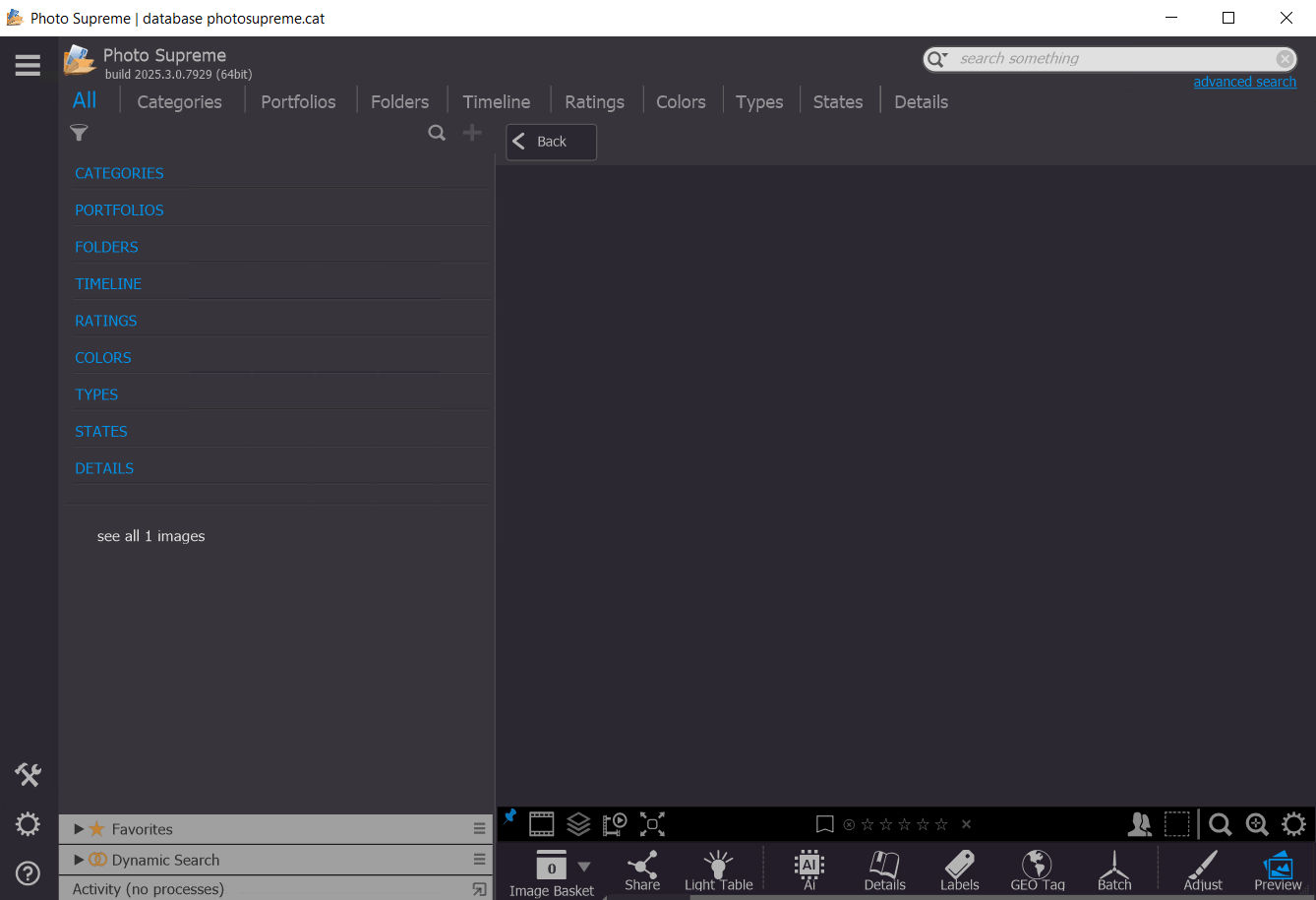
Working with IDimager Photo Supreme 2025.3.0.7929 full license

Description of IDimager Photo Supreme 2025.3.0.7929

IDimager Photo Supreme 2025.3.0.7929 is a comprehensive photo management software designed for photographers, image enthusiasts, and creative professionals who need a powerful and organized way to manage, edit, and catalog their digital image libraries. With each new release, IDimager Photo Supreme continues to enhance its features for better organization, efficiency, and integration with modern workflows.

Key Features of IDimager Photo Supreme 2025.3.0.7929

1. AI-Powered Organization

Smart Tagging and Categorization: Leveraging AI and machine learning, Photo Supreme 2025 automatically tags photos based on their content, scene types, and even objects or people in the images. This takes the guesswork out of manual tagging, making the process faster and more efficient.

Intelligent Search: With advanced AI-driven search capabilities, users can search photos not only by metadata, keywords, or file names, but also by image content such as objects, landscapes, and even facial recognition.

2. Enhanced Metadata Support

Improved EXIF/IPTC/XMP Handling: The software continues to support a wide array of metadata standards. It now includes more advanced tools for batch editing metadata, simplifying the process of adding or updating information across large sets of images.

Real-Time Metadata Syncing: If images are uploaded to cloud services like Adobe Lightroom or Google Photos, metadata such as captions and tags are synced automatically in real-time.

3. Batch Processing & Automation

Batch Tagging & Editing: For photographers working with large volumes of images, Photo Supreme 2025 makes it easy to apply changes (like keywords, ratings, or metadata) to entire batches of images at once.

Customizable Workflow Automation: Users can create automated workflows for common tasks such as renaming files, organizing images into folders, or applying watermarks, saving significant time during the organization process.

4. Cloud and NAS Integration

Cloud Storage Integration: Photo Supreme 2025 introduces better integration with cloud storage services like Google Drive, Dropbox, and Microsoft OneDrive, enabling seamless sync between local and cloud photo libraries.

NAS (Network-Attached Storage) Support: For photographers with large image libraries, the software supports managing and organizing photos stored on NAS devices, making it a great choice for professionals working in teams or with large storage setups.

5. AI-Powered Image Recognition

Face Recognition & Tagging: The new version includes enhanced face recognition that automatically detects faces in photos, then tags and groups them by person. Users can manually confirm and edit the results, improving the accuracy of the recognition.

Content-Based Search: You can search for photos based on specific content, such as “beach,” “mountains,” or “food.” This AI-based recognition works for both general and detailed searches, making it easier to retrieve images based on subject matter.

6. Improved Editing Tools

Integrated Non-Destructive Editing: While Photo Supreme is primarily a photo management software, the 2025 version includes more robust editing tools for minor adjustments. Users can now make non-destructive edits to exposure, contrast, sharpness, and color balance directly within the app without the need to use an external editor.

Presets and Filters: The 2025 release adds preset filters for color grading and quick adjustments, which are especially useful for batch editing. These presets can be applied to multiple images at once, streamlining the editing process for large batches.

7. Advanced Tagging & Keyword Management

Hierarchical Keyword System: Users can create a multi-level, hierarchical keyword structure to categorize images more efficiently. This means keywords can be nested under broader categories, making it easier to organize and locate images.

Geo-Tagging Support: Photo Supreme 2025 supports geo-tagging of images, allowing you to easily associate photos with locations using GPS coordinates or manually adding map locations.

8. Flexible File Management

Non-Destructive Folder Structure: Users can organize photos in a flexible folder system without physically moving files. You can apply tags, ratings, and categories to photos across multiple folders without changing their actual location on disk.

Auto-Import & Folder Watching: Automatically import photos from designated folders and external drives when new images are detected, and assign metadata, ratings, and categories based on custom rules.

9. Photo Sharing and Export

Direct Uploads to Social Media & Cloud Services: Streamline the process of sharing your photos by directly exporting them to platforms like Facebook, Instagram, or Flickr, or cloud services such as Google Photos.

Watermarking: When exporting images, you can add custom watermarks (text or logo) to protect your work before sharing it online.

10. User-Friendly Interface & Customization

Modernized UI: The interface of Photo Supreme 2025 has been redesigned with a more intuitive and modern look, making it easier for new users to get started while still providing depth for advanced users.

Customizable Layouts: You can now adjust the layout and the position of panels according to your preferences, enhancing the user experience and making the workspace more efficient.

Multiple Views: New dynamic views, like the “Map View” for geo-tagged images and “Calendar View” for chronological browsing, provide users with more ways to visualize their image libraries.

11. Performance & Speed Improvements

Optimized Speed for Large Libraries: Performance has been significantly improved for handling large libraries with thousands of images. Photo Supreme 2025 can now catalog, search, and render images faster than previous versions.

Fast Thumbnail Generation: Thumbnail generation is much quicker, allowing users to preview images and videos almost instantly.

12. Cross-Platform Support

Multi-Device Sync: As part of its effort to cater to professionals who work across devices, Photo Supreme 2025 offers better synchronization across multiple platforms (Windows and macOS), ensuring a seamless experience regardless of the device you’re using.

Mobile Companion App: A new mobile companion app allows users to manage, search, and organize images from their smartphones. You can also upload images from your phone directly into your library.

13. Security and Backup Features

Automated Backup: With automatic backups, Photo Supreme 2025 ensures that your image library is always secure, even in case of hardware failure or accidental deletions.

Encrypted Cloud Sync: When syncing with the cloud, all your images and metadata are encrypted, ensuring that your data is safe and private.

Conclusion:

IDimager Photo Supreme 2025.3.0.7929 is a robust and feature-rich solution for managing digital photo libraries. With new AI capabilities, cloud integration, enhanced editing tools, and a user-friendly interface, it is well-suited for both amateur photographers and professionals managing large collections. Whether you’re organizing thousands of images or searching for specific content, Photo Supreme makes it easier to stay organized, save time, and enhance productivity in your workflow.

If you want to download IDimager Photo Supreme 2025.3.0.7929 full license, please click to DOWNLOAD symbol and complete check out a little help my website is maintained. The download link is appeared automatically after you complete check out.
CLICKDOWN.ORG Download CAD CAM CNC software
Inside package IDimager Photo Supreme 2025.3.0.7929, already have cracked’s files and instruction how to install IDimager Photo Supreme 2025.3.0.7929 step by step. I guarantee you can install IDimager Photo Supreme 2025.3.0.7929 successfully if you follow that instruction.
If you also can’t install it or any problems, please contact to me by email: clickdown.org@gmail.com, then I will help you to install software by teamviewer or Ultraviewer or Anydesk.
Thanks a lot
SOFTWARES

Download Adobe After Effects 2025 v25.3.2.002 x64 full license

Download Adobe After Effects 2025 v25.3.2.002 x64 full license

Link download Adobe After Effects 2025 v25.3.2.002 win64 full activated

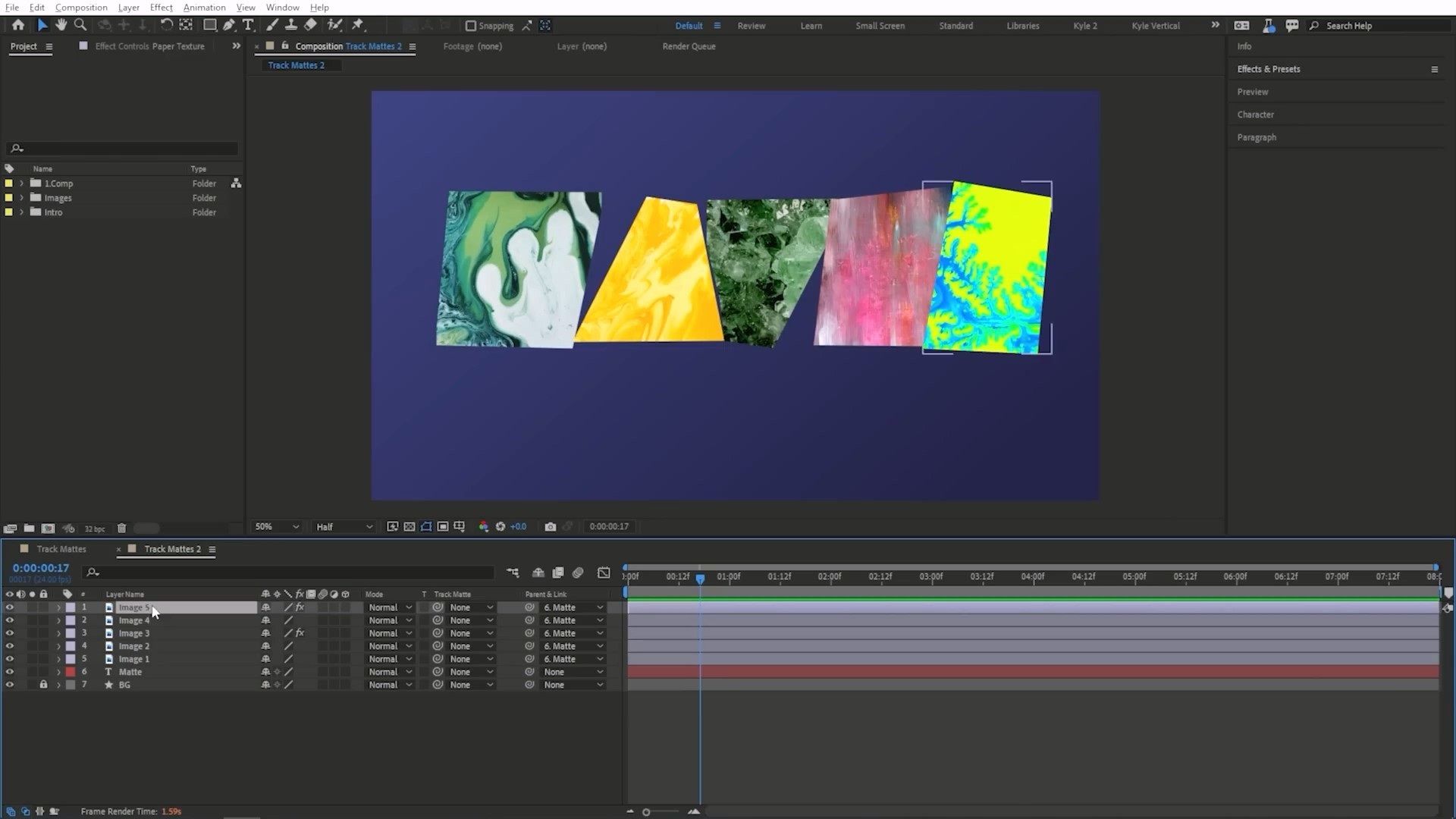
Working with Adobe After Effects 2025 v25.3.2.002 full license

Description of Adobe After Effects 2025 v25.3.2.002

Adobe After Effects 2025 v25.3.2.002 is the latest version of the popular software for motion graphics, visual effects, and compositing. In 2025, After Effects continues to evolve with improved workflows, AI-powered features, and deeper integration with Adobe’s ecosystem.

Features of Adobe After Effects 2025 v25.3.2.002

1. AI-Powered Enhancements

Generative AI Tools: After Effects now incorporates advanced generative AI, enabling users to automate tedious tasks like rotoscoping, background removal, and keyframe interpolation. For example, users can use AI to generate effects like realistic motion blur or even generate synthetic elements for a scene.

Enhanced Content-Aware Fill: Improved by AI, this tool can remove objects from video sequences with more precision, adapting better to complex backgrounds.

2. Cloud-Based Collaboration

Team Projects: In Adobe After Effects 2025 v25.3.2.002, collaboration between teams working on different elements of a project is much easier. Users can access shared project files via Adobe’s cloud, and changes are synced in real-time, which eliminates the need for manual file transfers.

Live Collaboration: Real-time edits and feedback make it easier for creative teams to work together regardless of their location. It integrates seamlessly with Adobe Premiere Pro and other Creative Cloud applications.

3. Performance Boosts

GPU Optimization: Improved GPU acceleration for both rendering and playback. This dramatically improves performance, especially for complex compositions and visual effects.

Faster Previews: Faster rendering and preview times allow users to iterate more quickly, even when working with heavy layers and effects.

Native M1 and M2 Chip Support: Full optimization for Apple Silicon chips ensures smooth performance on Mac devices.

4. New Effects and Tools

3D Text and Shapes: Adobe After Effects 2025 v25.3.2.002 brings more intuitive 3D tools for creating and animating text and shapes in three-dimensional space. There’s also better integration with Adobe Dimension for creating photorealistic 3D objects.

Enhanced VR/360° Support: For VR creators, After Effects has improved tools for editing 360° video, including more efficient stitching and rendering of VR effects and transitions.

Integrated Substance 3D Tools: Tightened integration with Adobe’s Substance suite for texture and material design, allowing users to bring more lifelike textures into motion graphics projects.

5. Improved UI/UX

Customizable Interface: The workspace has become even more customizable, with resizable panels, floating windows, and an overall cleaner layout.

Searchable Effects: A new “smart search” feature allows users to quickly find effects, assets, and functions, speeding up the creative process.

6. Keyframe and Animation Improvements

Advanced Motion Tracking: After Effects 2025 brings improved motion tracking and stabilization tools. The new “AI-Enhanced Motion Tracking” allows more accurate tracking of moving elements in a scene, even with challenging lighting or motion blur.

Path and Shape Animation Tools: New features make animating paths and shapes smoother, with improved ease-in/ease-out curves and interpolation.

7. Extended Integration with Adobe Ecosystem

Adobe Sensei: Adobe’s AI platform, Sensei, powers several new features in After Effects 2025, enhancing smart recommendations, automatic content tagging, and scene-based optimizations.

Integration with Adobe Audition and Premiere Pro: Better audio editing and synchronization between After Effects and Adobe Premiere Pro, allowing audio adjustments to be made while directly previewing visual effects.

8. Rendering and Exporting Improvements

Faster Exports: New export presets and better background processing reduce export times.

Better Format Support: More output formats and optimized presets, especially for social media platforms, make it easier to export videos in the right formats for distribution.

9. 3D Enhancements

Unified 3D Pipeline: Adobe After Effects 2025 v25.3.2.002 introduces a unified 3D pipeline that allows users to work more efficiently with both 3D models and 2D elements, improving the workflow for hybrid animations.

Real-Time 3D Rendering: Integration with third-party engines like Unity or Unreal allows for real-time 3D rendering, which is ideal for users working in gaming, AR/VR, and immersive media.

10. New Expressions and Scripting Features

Simplified Scripting Interface: After Effects 2025 provides a more user-friendly scripting interface, making it easier to automate repetitive tasks or customize workflows with custom scripts.

Extended Expression Library: The latest version introduces a broader set of expressions for animating, compositing, and linking elements in the timeline.

11. Improved Asset Management

Auto-Tagging for Assets: When importing assets, After Effects automatically tags and categorizes them for easier search and retrieval.

Smart Libraries: Users can now access their assets across multiple Adobe apps using Adobe Libraries, with better metadata support.

Summary of Adobe After Effects 2025 v25.3.2.002

In short, Adobe After Effects 2025 v25.3.2.002 continues to push the boundaries of motion graphics and visual effects by leveraging AI and machine learning, improving performance, and enhancing collaboration. It’s packed with advanced features for professional motion designers, animators, VFX artists, and video editors looking to create cutting-edge visual content.

If you want to download Adobe After Effects 2025 v25.3.2.002 full license, please click to DOWNLOAD symbol and complete check out a little help my website is maintained. The download link is appeared automatically after you complete check out.
CLICKDOWN.ORG Download CAD CAM CNC software
Inside package Adobe After Effects 2025 v25.3.2.002, already have cracked’s files and instruction how to install Adobe After Effects 2025 v25.3.2.002 step by step. I guarantee you can install Adobe After Effects 2025 v25.3.2.002 successfully if you follow that instruction.
If you also can’t install it or any problems, please contact to me by email: clickdown.org@gmail.com, then I will help you to install software by teamviewer or Ultraviewer or Anydesk.
Thanks a lot
SOFTWARES

Download CSI SAFE Ultimate 22.7.0 win64 full license

Download CSI SAFE Ultimate 22.7.0 win64 full license

Link download CSI SAFE 22.7.0 x64 full activated

Working with CSI SAFE 22.7.0 full license

Description of CSI SAFE Ultimate 22.7.0

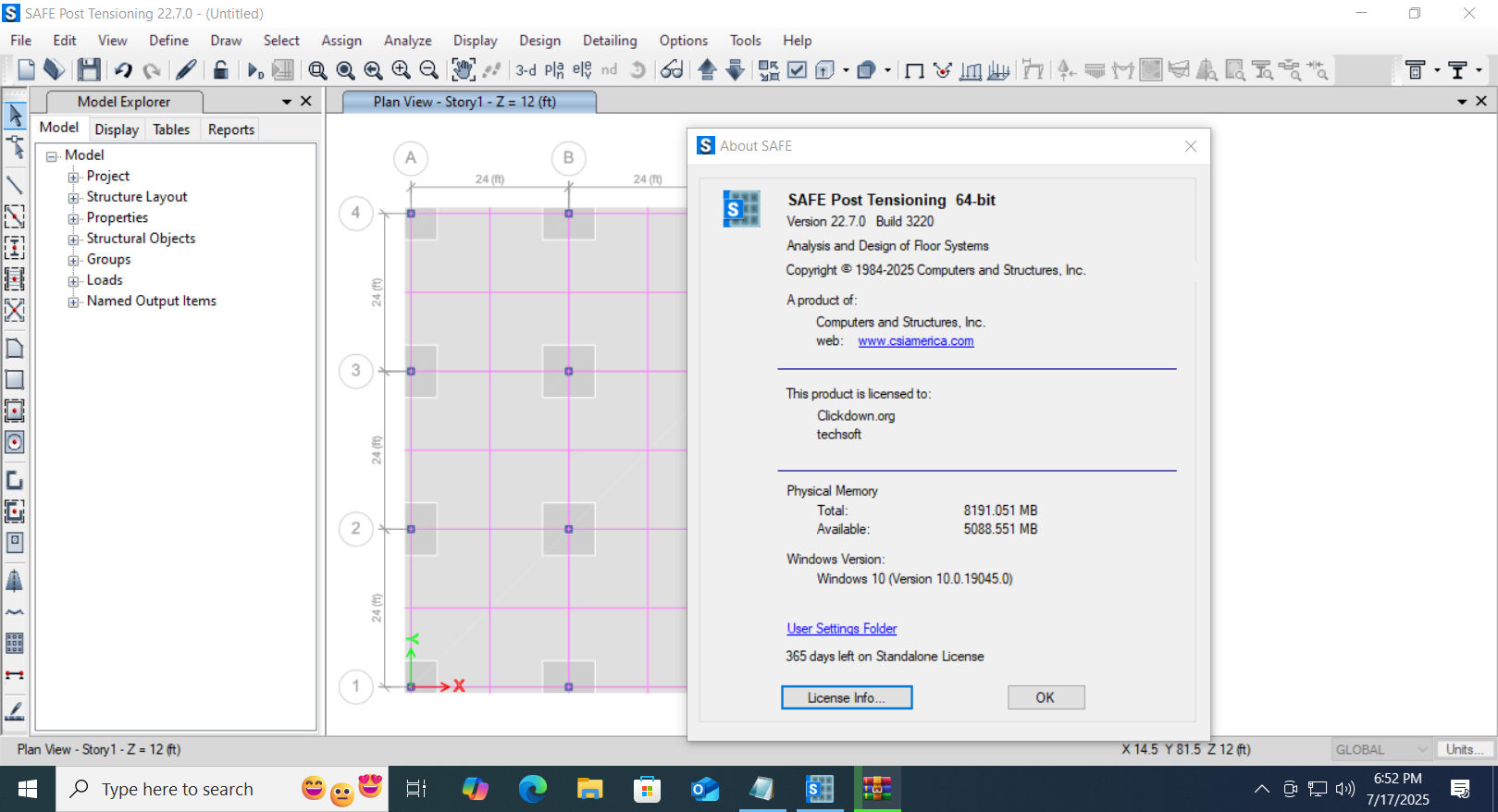
CSI SAFE Ultimate 22.7.0 is a specialized finite‑element engineering application designed for the modeling, analysis, and design of concrete floor and foundation systems—from framing layout to detailed drawing output. It’s considered the ultimate tool in its category due to its tightly integrated workflow covering all critical stages of slab and foundation design

Key Features & Capabilities of CSI SAFE 22.7.0

1. Integrated Modeling-to-Design Workflow

SAFE offers a unified interface for:

Creation of floor/foundation systems in 3D or 2D, including complex slab geometries like waffle, ribbed, curved, and basemats

Interactive drawing tools with snapping, grid systems, fillet, spline and trim capabilities

Import/export support including AutoCAD (DWG/DXF), ETABS, SAP2000, spreadsheets, and databases

2. Advanced Analysis Engine

Powered by SAPFire®, it supports:

Finite element modeling optimized for slab shape and mesh refinement

Various analysis types: static, dynamic, eigen (modal), Ritz, vibration, nonlinear cracked‑section, long‑term creep and shrinkage

Soil‑structure interaction with nonlinear soil springs, uplift modeling, punching shear, and support behavior

3. Comprehensive Design Capabilities

Post‑tensioning design: support for banded or distributed tendons, interactive tendon layout editor, jacking sequence and stress checks

Reinforced concrete design: automatic reinforcement of slabs and beams, including punching shear checks, tie design, and composite beam detailing

Supports numerous international design codes (e.g. ACI 318, Eurocode 2, AS 3600, BS 8110, CSA, IS, NZS, Singapore CP)

4. Output, Reporting & Documentation

Automated drawing generation: plans, elevations, sections, tendon layouts, reinforcement schedules

Customizable reports combining input data, analysis results, contour plots, animations, and 3D views

Mouse‑over interactive display of deformations, moments, stresses, pressure contours, reactions

Export capabilities to Excel, Access, DWG/DXF, and graphic/image capture tools included

Why “Ultimate”?

Calling it Ultimate reflects SAFE’s position as a comprehensive professional-grade solution:

It covers full‑scope slab and foundation systems from modeling to reinforcement detailing.

It integrates seamlessly with other CSI products like ETABS & SAP2000, enhancing multi‑discipline workflows

The intuitive GUI, model explorer, and template library improve productivity and reduce learning curve

✅ Final Take

CSI SAFE Ultimate 22.7 is a fully featured, industry‑leading solution for reinforced‑concrete slab and foundation engineering. Whether you’re modeling flat slabs, ribbed or waffle systems, or complex basemats with post‑tensioning—and need analyses ranging from floor vibration to soil uplift—SAFE bridges design and documentation workflows seamlessly.

If you want to download CSI SAFE Ultimate 22.7.0 full license, please click to DOWNLOAD symbol and complete check out a little help my website is maintained. The download link is appeared automatically after you complete check out.
CLICKDOWN.ORG Download CAD CAM CNC software
Inside package CSI SAFE Ultimate 22.7.0, already have cracked’s files and instruction how to install CSI SAFE Ultimate 22.7.0 step by step. I guarantee you can install CSI SAFE Ultimate 22.7.0 successfully if you follow that instruction.
If you also can’t install it or any problems, please contact to me by email: clickdown.org@gmail.com, then I will help you to install software by teamviewer or Ultraviewer or Anydesk.
Thanks a lot
SOFTWARES

Download CSI ETABS Ultimate 22.7.0.4095 x64 full license

Download CSI ETABS Ultimate 22.7.0.4095 x64 full license

Link download CSI ETABS Ultimate 22.7.0.4095 win64 full activated

Working with CSI ETABS Ultimate 22.7.0.4095 full license

Description of CSI ETABS Ultimate 22.7.0.4095

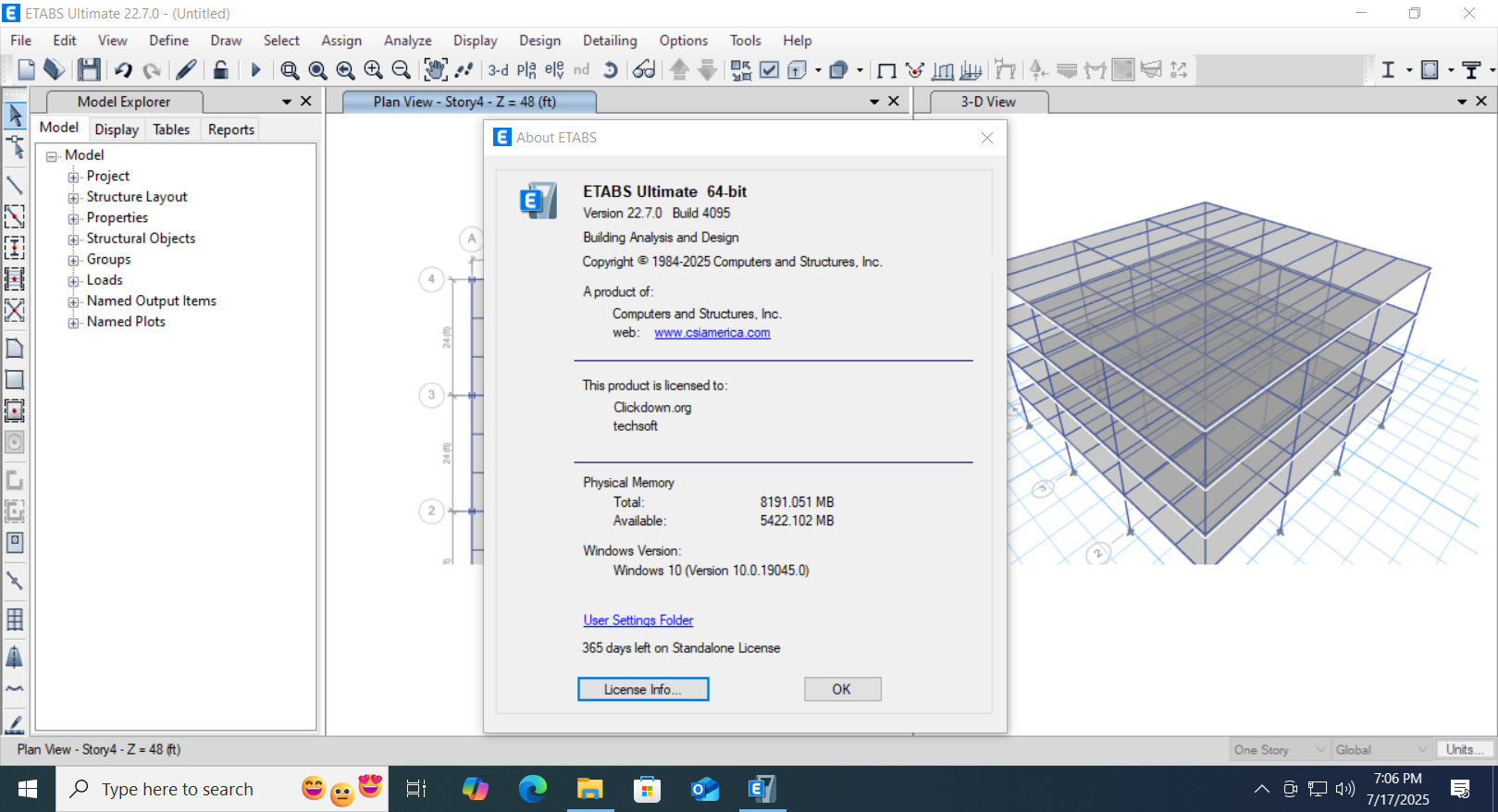
CSI ETABS Ultimate 22.7.0.4095 is a cutting-edge structural analysis and design software developed by Computers and Structures, Inc. (CSI), specifically tailored for building systems. The “Ultimate” edition is the most powerful variant, offering all available features, analysis types, and design modules.

🔧 Core Purpose of CSI ETABS Ultimate 22.7.0.4095

ETABS 22 is engineered to model, analyze, and design buildings efficiently — whether it’s a simple steel frame, a tall concrete tower, or a complex high-rise with composite systems. It integrates 3D modeling, finite element analysis, design code checks, and output visualization in a single environment.

🌟 Key Features of CSI ETABS Ultimate 22.7.0.4095

🔷 1. Advanced Structural Modeling

Parametric 3D modeling of beams, columns, floors, shear walls, and diaphragms.

Support for irregular geometries, core walls, outrigger systems, and multi-story towers.

Automatic meshing and floor area detection for efficient setup.

Powerful CAD-like drawing tools and snapping utilities.

🔷 2. High-Performance Analysis Engine

Powered by the SAPFire® 64-bit Solver — optimized for multi-core processors.

Fast linear and nonlinear analysis, including:

Static and dynamic analysis

Response spectrum and time history

P-Delta effects and large displacements

Modal analysis and buckling

Frequency-domain analysis (steady-state and PSD)

🔷 3. Nonlinear Modeling Capabilities

Support for nonlinear hinges, link elements, gap/friction springs, and material plasticity.

ASCE 41-23 nonlinear hinge libraries and performance-based design tools.

SpeedCore composite wall system modeling (AISC 360-22).

🔷 4. Comprehensive Design Modules

Automated design for steel, concrete, composite, cold-formed steel, masonry, and timber.

International design codes:

ACI, Eurocode, CSA, IS, BS, AS/NZS, and many more.

Up-to-date with CSA S16-24, ACI 318-19, IS 11384:2022, etc.

Concrete shear wall slenderness and axial checks.

Design of composite beams with large web openings per SCI and Eurocode.

🔷 5. Comprehensive Output and Reporting

Graphical display of forces, moments, displacements, stress contours, and load paths.

Enhanced tabular reports with export to Excel, Access, XML, and e2k.

New output parameters for concrete and steel: Vu, φMub, EI_eff, Vrd, etc.

🔷 6. API & Automation

.NET-based ETABS API allows automation of modeling, analysis, and reporting.

Import/export of models via .e2k, Excel, Access, or third-party BIM tools.

Compatible with Revit, AutoCAD, and SAFE for integrated workflows.

🔷 7. Code-Based Load Generation

Automatic wind, seismic, and snow load generation per codes including:

ASCE 7-22, IS 875, NBCC, Eurocode, TCVN, and more.

Torsional irregularity and eccentricity checks.

🆕 What’s New in Version 22.7.0

Improved Solver with faster large model performance.

Nonlinear time history & staged construction support for link elements.

CSA A23.3-2024 and IS 456:2000 detailing enhancements.

Enhanced vibration analysis (e.g., floor walking vibrations).

Advanced composite column design with tubular and encased sections.

Support for latest material libraries and section databases (AISC v16.0, ASTM A1085, etc.).

If you want to download CSI ETABS Ultimate 22.7.0.4095 full license, please click to DOWNLOAD symbol and complete check out a little help my website is maintained. The download link is appeared automatically after you complete check out.
CLICKDOWN.ORG Download CAD CAM CNC software
Inside package CSI ETABS Ultimate 22.7.0.4095, already have cracked’s files and instruction how to install CSI ETABS Ultimate 22.7.0.4095 step by step. I guarantee you can install CSI ETABS Ultimate 22.7.0.4095 successfully if you follow that instruction.
If you also can’t install it or any problems, please contact to me by email: clickdown.org@gmail.com, then I will help you to install software by teamviewer or Ultraviewer or Anydesk.
Thanks a lot
SOFTWARES

Download Maplesoft Maple 2025.1 x64 full license

Download Maplesoft Maple 2025.1 x64 full license

Link download Maplesoft Maple 2025.1 win64 full activated

Working with Maplesoft Maple 2025.1 full license

Description of Maplesoft Maple 2025.1

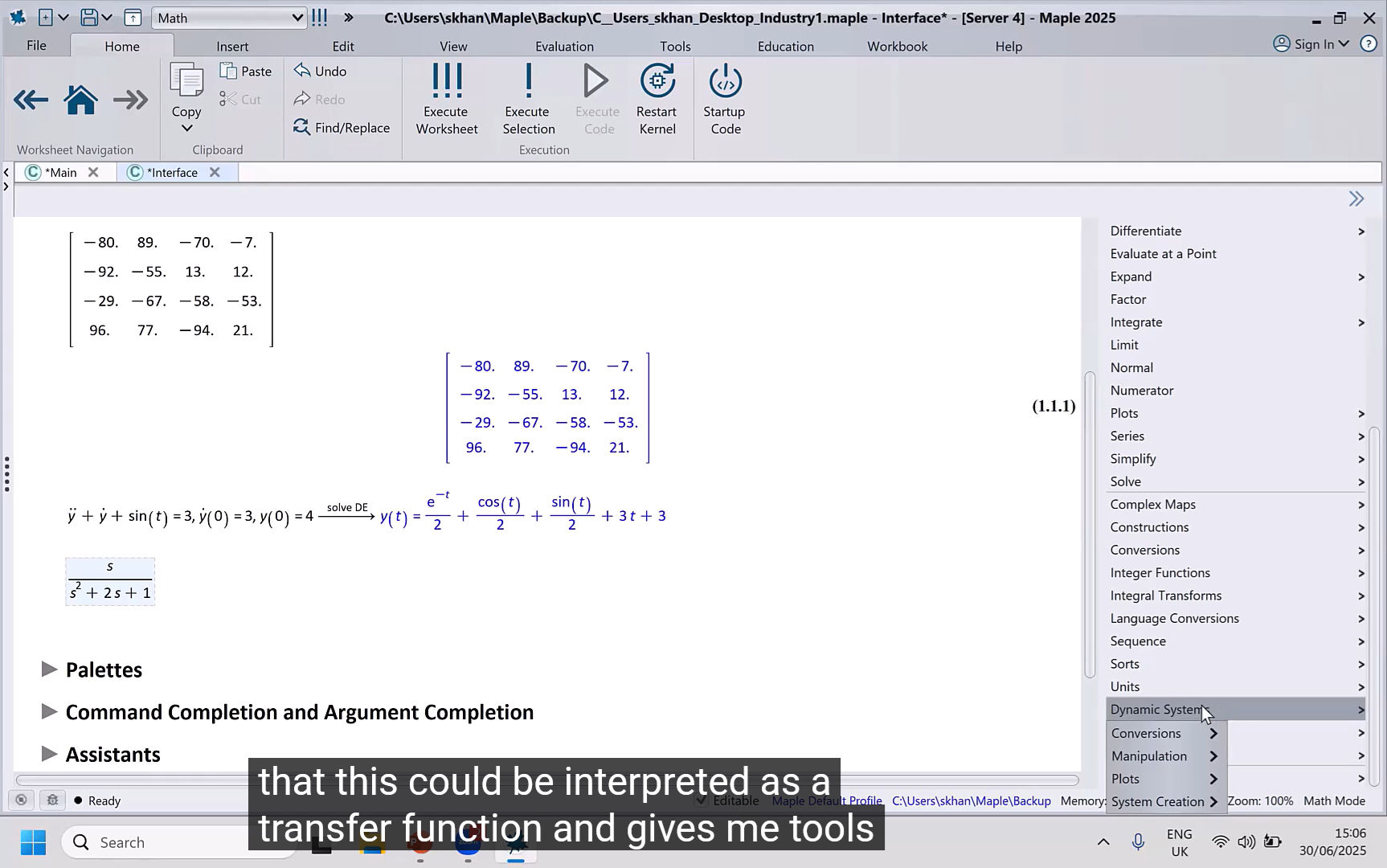
Maplesoft Maple 2025.1 is the latest iteration of the powerful symbolic computation software, Maple, which is used for mathematical computation, data analysis, and visualization. Maple is highly regarded for its ability to solve complex mathematical problems symbolically, as well as numerically.

key features and improvements of Maple 2025.1

1. Enhanced Performance and Speed

Optimized Algorithms: Maple 2025.1 comes with improved algorithms that make the system faster and more efficient, especially for symbolic computations, matrix operations, and large-scale calculations.

Parallel Processing: It has better support for parallel computing, allowing users to take full advantage of multi-core processors for faster computations, especially when dealing with large data sets.

2. Improved User Interface

Redesigned Interface: Maple’s interface has been streamlined, making it easier to access core features, even for users who are new to the software. The layout is more intuitive with customizable options.

Enhanced Contextual Menus: Users can access relevant features directly through improved menus and toolbar options.

3. Extended Functionality

New Mathematical Functions: Maple 2025.1 expands its library of built-in functions, including advanced tools for differential equations, optimization, linear algebra, and number theory.

Additional Solvers and Solving Capabilities: It includes enhanced capabilities for solving systems of equations, including new methods for both symbolic and numeric solutions.

4. Better Integration with Other Tools

Improved Python Integration: With the rise of Python in scientific computing, Maple 2025.1 offers improved integration with Python. Users can call Python scripts directly within Maple and pass data seamlessly between the two.

Data Exchange with Other Software: Maple 2025.1 enhances its compatibility with other platforms like MATLAB, Excel, and more, allowing for smoother workflows in multi-software environments.

5. Visualization Enhancements

3D Plotting Improvements: Visualization capabilities have been expanded, with better support for 3D graphics, surface plots, and animations, which can be used to represent mathematical results more clearly.

Interactive Dashboards: Maple 2025.1 also features new ways to create interactive dashboards that allow users to dynamically explore and analyze mathematical data.

6. Machine Learning and AI Tools

Machine Learning Integration: New features incorporate machine learning algorithms, allowing users to apply machine learning techniques directly within Maple. This could be used for predictive analysis, pattern recognition, and data modeling.

Symbolic AI: Maple’s symbolic computing engine can now handle more AI-related tasks with symbolic representations, such as decision trees, neural networks, and other AI algorithms.

7. Advanced Data Analysis

Data Import/Export: Maple 2025.1 simplifies the process of importing and exporting large data sets from various formats, making it easier to handle data from external sources.

Advanced Statistical Tools: With enhanced statistical capabilities, users can now perform more advanced data analysis and statistical modeling, like regression analysis, hypothesis testing, and time-series analysis.

8. Cloud Integration

Cloud-Enabled Projects: Users can now save and share Maple projects on the cloud, facilitating better collaboration and access across different platforms, including browsers and mobile devices.

Collaborative Features: Enhanced cloud features allow users to work in teams, with options for real-time sharing, commenting, and editing.

9. Customizable Workflows and Automation

Automated Task Scheduling: Users can set up custom workflows for automation, including solving problems, generating reports, and running scripts, saving time on repetitive tasks.

Custom Libraries: Maple 2025.1 now supports the creation of custom libraries for repeated use in various projects, making it easier to share code and functions.

10. Expanded Support for Industry Applications

Engineering: Maple has made significant updates to its engineering tools, providing better support for control theory, signal processing, and other engineering domains.

Physics: Enhanced modules for fluid dynamics, quantum mechanics, and thermodynamics have been added to make Maple even more useful for professionals in the field of physics.

If you want to download Maplesoft Maple 2025.1 full license, please click to DOWNLOAD symbol and complete check out a little help my website is maintained. The download link is appeared automatically after you complete check out.
CLICKDOWN.ORG Download CAD CAM CNC software
Inside package Maplesoft Maple 2025.1, already have cracked’s files and instruction how to install Maplesoft Maple 2025.1 step by step. I guarantee you can install Maplesoft Maple 2025.1 successfully if you follow that instruction.
If you also can’t install it or any problems, please contact to me by email: clickdown.org@gmail.com, then I will help you to install software by teamviewer or Ultraviewer or Anydesk.
Thanks a lot
SOFTWARES

Download MapleSim 2025.1 x64 full license

Download MapleSim 2025.1 x64 full license

Link download MapleSim 2025.1 win64 full activated

MapleSim 2025.1 x64 full license

Description of MapleSim 2025.1

MapleSim 2025.1 is the latest version of the advanced simulation software developed by Maplesoft, a company known for its expertise in modeling, simulation, and mathematical software. The software provides a powerful environment for system-level modeling and simulation, particularly focused on multidomain physical systems. Here’s a detailed look at what MapleSim 2025.1 has to offer:

Key Features of MapleSim 2025.1

1. Enhanced Multidomain Modeling:
MapleSim 2025 allows users to build complex models that integrate various physical domains, including mechanical, electrical, hydraulic, thermal, and more. This provides a unified approach for simulating systems across multiple disciplines.

2. Advanced Simulation Tools:
The new version comes with performance improvements, enabling faster simulations, better numerical solvers, and more efficient handling of large and complex models. This makes it particularly valuable for engineers working on intricate systems where performance and speed are critical.

3. Improved User Interface:
The interface in MapleSim 2025 is more intuitive, featuring better visualization tools, drag-and-drop functionality, and enhanced model creation workflows. This makes it easier for users to design, simulate, and analyze systems.

4. Expanded Component Library:
MapleSim 2025 includes a more extensive library of pre-built components, including new customizable blocks for various physical systems. This helps users save time and effort in constructing detailed models from scratch.

5. Integration with Maple:
MapleSim 2025 offers seamless integration with Maple, MapleSoft’s symbolic computing environment. This allows for symbolic analysis, which enables users to get insights into the behavior of systems, perform model optimization, and derive analytical solutions alongside numerical simulations.

6. Real-Time Simulation & Hardware-in-the-Loop (HIL) Capabilities:
MapleSim 2025 improves its real-time simulation capabilities, making it easier to connect simulations to physical hardware for real-time testing and validation. This feature is particularly useful in industries such as automotive, aerospace, and robotics, where integration with actual systems is crucial.

7. Enhanced Co-Simulation:
The software includes stronger co-simulation support for interacting with other simulation tools (such as MATLAB/Simulink, Simulink-based tools, and FMI-based tools). This is vital for industries where tools from multiple vendors are often used in tandem.

8. Automatic Model Calibration:
This feature allows users to automatically calibrate model parameters based on experimental data, reducing the manual effort required to fine-tune a system model and improving model accuracy.

9. Data Visualization and Reporting:
MapleSim 2025 includes powerful data visualization tools to create interactive plots, 3D visualizations, and detailed reports. Users can create more insightful, shareable results from their simulations, helping to communicate findings to stakeholders.

10. Cloud Capabilities:
MapleSim 2025 has enhanced cloud integration, enabling collaborative work, sharing models, and running simulations in the cloud. This makes it easier to collaborate with teams, regardless of location, and to take advantage of cloud computing for simulation-heavy tasks.

11. Optimized for Education and Research:
MapleSim 2025 continues to be a valuable tool for educational purposes, offering specialized features for research and teaching complex engineering concepts. It’s also used by researchers to develop, simulate, and prototype new system-level designs.

If you want to download MapleSim 2025.1 full license, please click to DOWNLOAD symbol and complete check out a little help my website is maintained. The download link is appeared automatically after you complete check out.
CLICKDOWN.ORG Download CAD CAM CNC software
Inside package MapleSim 2025.1, already have cracked’s files and instruction how to install MapleSim 2025.1 step by step. I guarantee you can install MapleSim 2025.1 successfully if you follow that instruction.
If you also can’t install it or any problems, please contact to me by email: clickdown.org@gmail.com, then I will help you to install software by teamviewer or Ultraviewer or Anydesk.
Thanks a lot
SOFTWARES

Download Bluebeam Revu 21.6.1 x86 x64 full license

Download Bluebeam Revu 21.6.1 x86 x64 full license

Link download Bluebeam Revu 21.6.1 win32 win64 full activated

Working with Bluebeam Revu 21.6.1 full license

Description of Bluebeam Revu 21.6.1

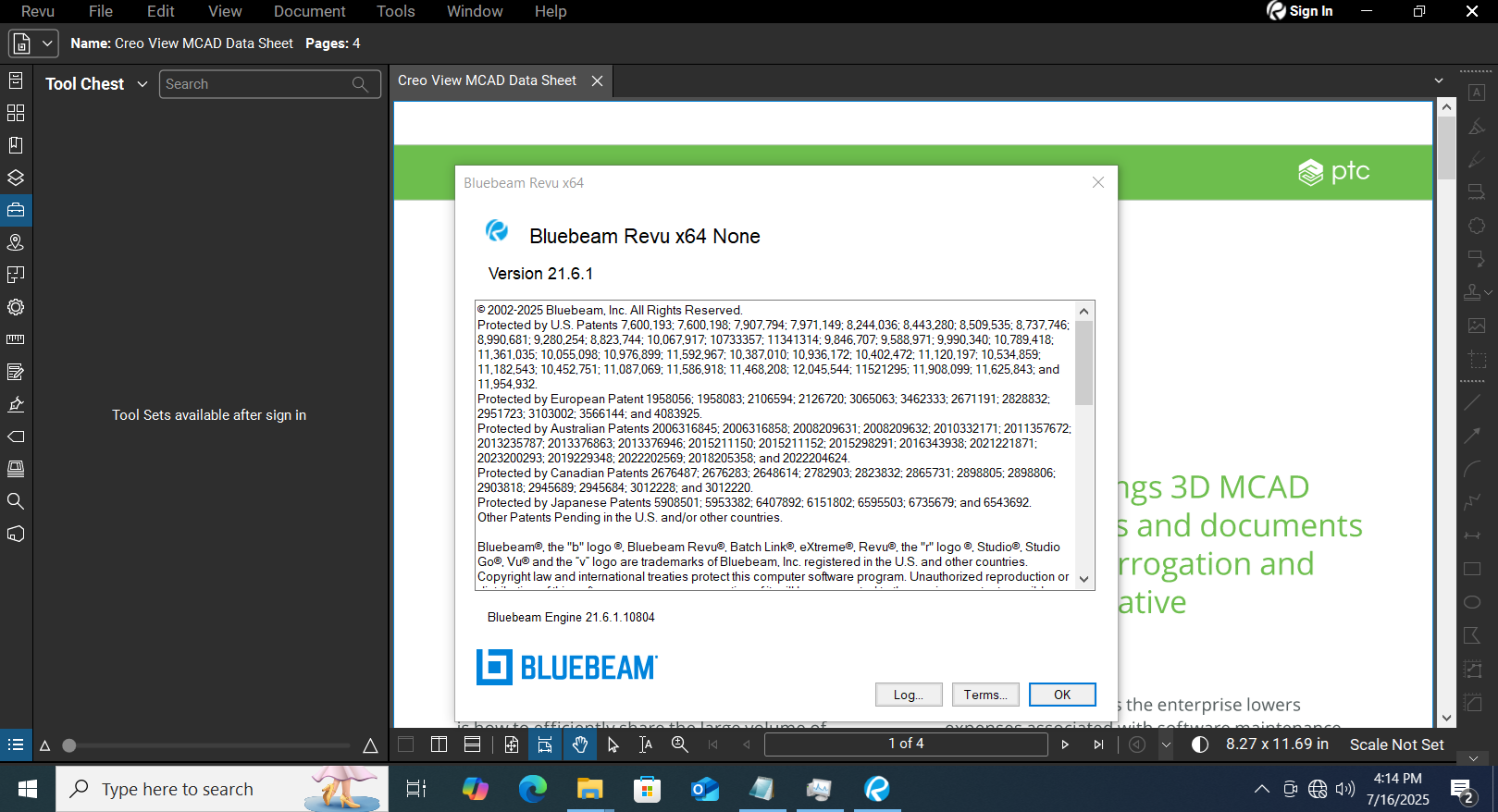
Bluebeam Revu 21.6.1 is a powerful software for creating PDF files, with which you can have a toolbar in text editing programs or browsers and quickly create PDF files from texts, text documents or web pages. When you start using Bluebeam Revu eXtreme software, you will realize its efficiency, power and stability compared to all other software in its family. Bluebeam Revu eXtreme software can be placed as a virtual printer on the operating system and, by executing a print request in printable environments, it also has a printer for producing PDF files in addition to printer devices.

Key Features and Enhancements in Revu 21.6.1:

Markups on Capture:
Users can now directly annotate on embedded images within the Capture feature, simplifying field documentation and communication by eliminating the need to extract images for markup.

ARM Processor Support:
Revu 21.6.1 provides full support for ARM-based Windows PCs, improving performance and flexibility for users on these devices.

Tool Chest Enhancements:
This version includes improved Tool Set management, new Punch Key options, the ability to multi-select and drag-and-drop multiple markups, and an improved Detail mode for better organization and efficiency.

Improved Sign In:
The sign-in process has been enhanced using Microsoft Edge WebView2 for a smoother experience.

Autodesk 2026 Plugin Support:
Revu 21.6.1 now supports integration with AutoCAD 2026, Revit 2026, and Navisworks 2026.

Stability Improvements:
As with many updates, 21.6.1 includes various bug fixes and stability improvements, addressing issues like cursor trails, form behavior, column data inconsistencies, and missing or disappearing markups.

Studio Collaboration:
While not new to Revu 21.6.1, Studio continues to be a core feature for real-time collaboration on projects, enhanced by the new markup capabilities on embedded images.

If you want to download Bluebeam Revu 21.6.1 full license, please click to DOWNLOAD symbol and complete check out a little help my website is maintained. The download link is appeared automatically after you complete check out.
CLICKDOWN.ORG Download CAD CAM CNC software
Inside package Bluebeam Revu 21.6.1, already have cracked’s files and instruction how to install Bluebeam Revu 21.6.1 step by step. I guarantee you can install Bluebeam Revu 21.6.1 successfully if you follow that instruction.
If you also can’t install it or any problems, please contact to me by email: clickdown.org@gmail.com, then I will help you to install software by teamviewer or Ultraviewer or Anydesk.
Thanks a lot
SOFTWARES

Download Graitec Tricalc 2026 v18.0.00 win64 full license

Download Graitec Tricalc 2026 v18.0.00 win64 full license

Link download Graitec Tricalc 2026 v18.0.00 x64 full activated

Working with Graitec Tricalc 2026 v18.0.00 full license

Description of Graitec Tricalc 2026 v18.0.00

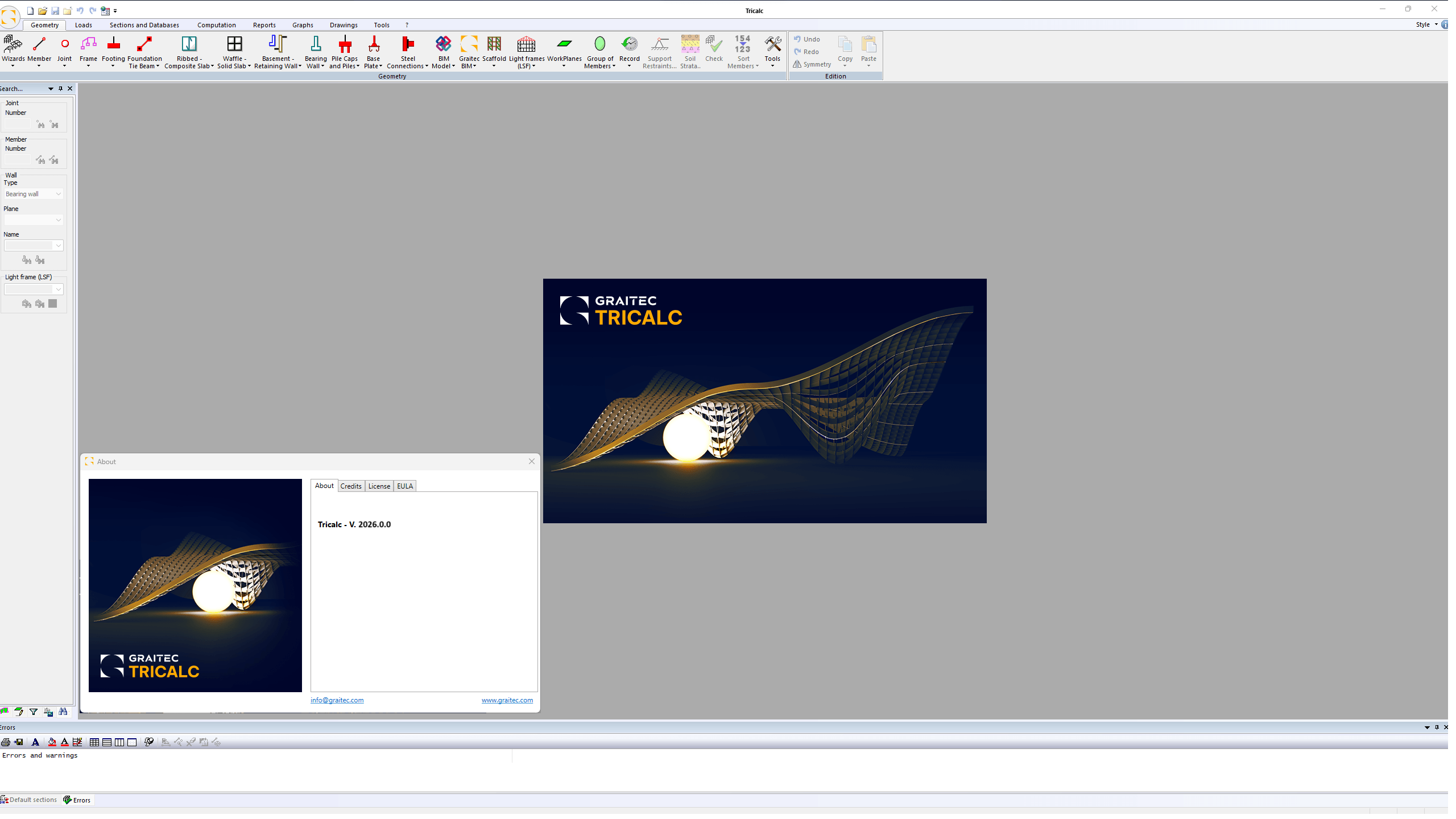
Graitec Tricalc 2026 v18.0.00 is a complete and integrated software for the design of structures from the structural model to the dimensions, details and final construction of structures. The Graitec Tricalc program offers capabilities that are invaluable to structural designers at each stage of the project. Tricalc allows for an integrated work process, from the modeling of a structure, to the final construction plans and the construction of the structure. With its workflow, greater security is guaranteed, since all information is linked and related to a single model. In this structural model, all elements, regardless of their material, are calculated in an integrated manner using second-order P-Delta analysis and six degrees of freedom per node, which avoids simplifications that could jeopardize the required degree of safety.

In projects in this sense, the integrated calculation of all structural elements performed by Tricalc allows us to analyze how its elements interact with each other and obtain the most realistic possible behavior of the structure as a whole, increasing the level of awareness of the behavior.

Features of Graitec Tricalc 2026 v18.0.00

Graitec Tricalc 2026 v18.0.00 is easy to use in Windows environments according to the latest standards, creating new structures from DWG and DXF drawings and from three-dimensional BIM models.
Helps model complex architectures.
Enables the creation of warehouse-style structures extremely quickly.
Innovative results analysis capabilities that Tricalc has, allowing to know with high accuracy, structure behavior, view through frame, cascade, and histogram displacement and effort graphs isoval, reinforcement assessment, etc.

If you want to download Graitec Tricalc 2026 v18.0.00 full license, please click to DOWNLOAD symbol and complete check out a little help my website is maintained. The download link is appeared automatically after you complete check out.
CLICKDOWN.ORG Download CAD CAM CNC software
Inside package Graitec Tricalc 2026 v18.0.00, already have cracked’s files and instruction how to install Graitec Tricalc 2026 v18.0.00 step by step. I guarantee you can install Graitec Tricalc 2026 v18.0.00 successfully if you follow that instruction.
If you also can’t install it or any problems, please contact to me by email: clickdown.org@gmail.com, then I will help you to install software by teamviewer or Ultraviewer or Anydesk.
Thanks a lot
SOFTWARES

Download Siemens Solid Edge Premium 2025 MP07 win64 full

Download Siemens Solid Edge Premium 2025 MP07 win64 full license

Link download Siemens Solid Edge Premium 2025 MP07 x64 full activated

Working with Siemens Solid Edge Premium 2025 MP07 full license

Description of Siemens Solid Edge Premium 2025 MP07

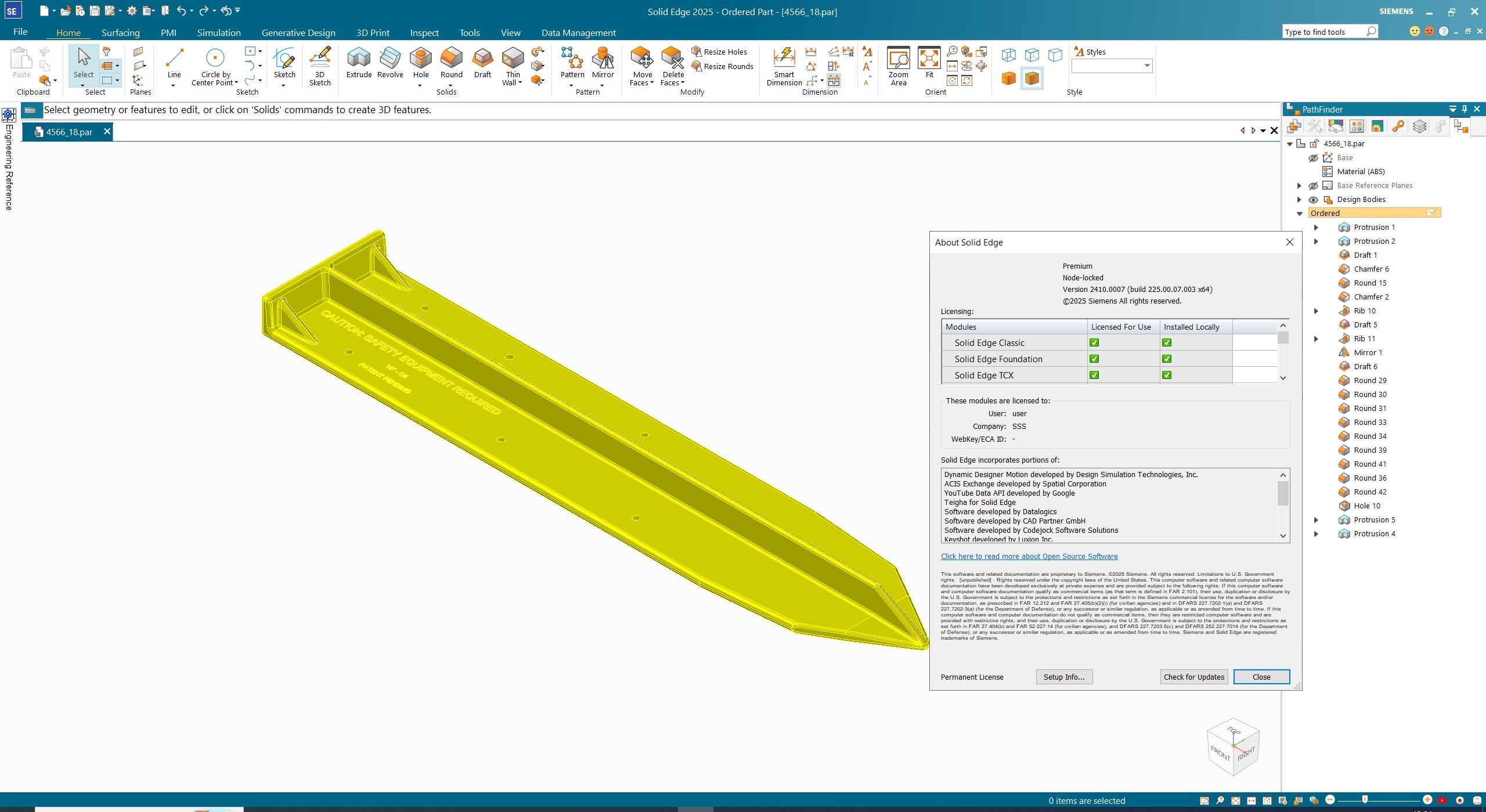
Siemens Solid Edge Premium 2025 MP07 is the most complete hybrid 2D/3D CAD system that uses concurrent technology to accelerate the design and editing process. Solid Edge has excellent tools for modeling parts and assemblies, drawing design, transparent data management and an integrated finite element analysis module that allows you to successfully cope with the increasing complexity of designed products. In this software environment, like other software, it has three environments called part (part), assembly (assembly) and drawing (drawing), using which you can turn the design of a part or a set into reality and create documented technical documentation of the design.

Siemens Solid Edge Premium 2025 MP07 is highly efficient and accurate in the field of reverse engineering. On the other hand, Solid Edge’s ability to design sheet metal models is very admirable and has numerous commands for simple to complex sheet metal work.

Key Features and Enhancements in Solid Edge 2025:

Solid Edge X & Cloud-Based Collaboration:
Solid Edge X provides built-in, cloud-data management and collaboration features through Teamcenter Share, enabling secure access to design files from any device and facilitating teamwork across disciplines.

Design and Modeling Improvements:
Faster Modeling and Design Changes: Solid Edge 2025 streamlines concept design and offers easier design changes at any stage.
Sheet Metal Enhancements: Features improved bend calculation and accuracy, along with enhanced etch and bend capabilities for more complex designs.
Model Based Definition (MBD): Simplified creation of MBD with new hybrid annotations, automatic parts table adjustments, and improved auto-dimensioning.

Technical Publications:
Seamless integration with NX, vector file imports, hotspots within the 3D viewing environment, storyboard organization and compound animations, and illustration replay actions are new additions for documentation.

Simulation and Analysis:
Faster mesh generation for various geometries, advanced flow and heat simulation capabilities with improved integration with Simcenter FLOEFD for Solid Edge, and simplified fluid flow and heat transfer analysis.

CAM Pro Enhancements:
Smart assistance for machining, improved part programming and machining performance, and enhanced tool assembly management.

Interoperability:
Enhanced connection with other Siemens Xcelerator portfolio products, including improved IFC file type support and better integration with NX.

Usability and Customization:
Redesigned command bars and context toolbars, and improved Teamcenter Share usability with features like customizable columns and auto-sort.

AI-Powered Tools:
Introduction of Artificial Intelligence-powered features for real-time assistance in various workflows.

If you want to download Siemens Solid Edge Premium 2025 MP07 full license, please click to DOWNLOAD symbol and complete check out a little help my website is maintained. The download link is appeared automatically after you complete check out.
CLICKDOWN.ORG Download CAD CAM CNC software
Inside package Siemens Solid Edge Premium 2025 MP07, already have cracked’s files and instruction how to install Siemens Solid Edge Premium 2025 MP07 step by step. I guarantee you can install Siemens Solid Edge Premium 2025 MP07 successfully if you follow that instruction.
If you also can’t install it or any problems, please contact to me by email: clickdown.org@gmail.com, then I will help you to install software by teamviewer or Ultraviewer or Anydesk.
Thanks a lot

SOFTWARES

Download DATAKIT CrossManager 2025.3 x64 full license forever

Download DATAKIT CrossManager 2025.3 x64 full license forever

Link download DATAKIT CrossManager 2025.3 win64 full activated

Working with DATAKIT CrossManager 2025.3 full license

Description of DATAKIT CrossManager 2025.3

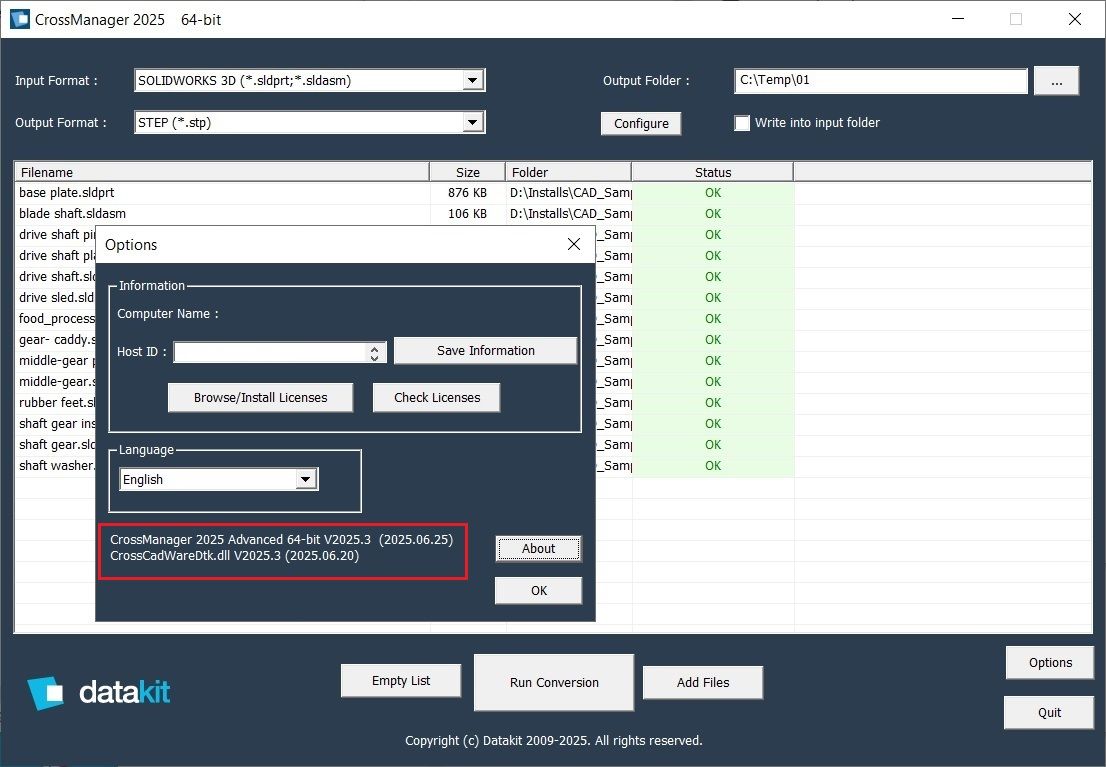
DATAKIT CrossManager 2025.3 is a standalone software that allows you to convert files from CAD formats. Using Cross Manager, you can select a CAD file and automatically convert it to the desired format. It supports most 2D and 3D formats, native and CAD neutral. More than 30 reading formats and 20 writing formats are available, so users can get the conversion solution that perfectly matches their data exchange needs. DATAKIT CrossManager software is essential for companies working in a multi-CAD environment, preventing data loss and time loss when exchanging between CAD software.

If you want to download DATAKIT CrossManager 2025.3 full license, please click to DOWNLOAD symbol and complete check out a little help my website is maintained. The download link is appeared automatically after you complete check out.
CLICKDOWN.ORG Download CAD CAM CNC software
Inside package DATAKIT CrossManager 2025.3, already have cracked’s files and instruction how to install DATAKIT CrossManager 2025.3 step by step. I guarantee you can install DATAKIT CrossManager 2025.3 successfully if you follow that instruction.
If you also can’t install it or any problems, please contact to me by email: clickdown.org@gmail.com, then I will help you to install software by teamviewer or Ultraviewer or Anydesk.
Thanks a lot
SOFTWARES

Download Schlumberger Symmetry 2025.2.171 x64 full license

Download Schlumberger Symmetry 2025.2.171 x64 full license

Link download Schlumberger Symmetry 2025.2.171 win64 full activated

Working with Schlumberger Symmetry 2025.2.171 full license

Description of Schlumberger Symmetry 2025.2.171

Schlumberger Symmetry 2025.2.171 is a comprehensive simulation software platform that can capture all aspects of a model from reservoir to product distribution. The platform is built using industry-proven simulation technologies from VMG and has been enhanced to meet engineering needs. Schlumberger Symmetry uniquely integrates modeling of terrain, piping, process plants, and thermal systems, creating an unparalleled level of collaboration between these disciplines. Flexibility was also built into the design and development of the program. You can use this platform to model specific applications or create a comprehensive model that covers everything from terrain to various types of facilities. It can be used for anything that uses a coherent thermodynamic engine. If you have used VMGSim in the past.

You will not have any problems while working with Schlumberger Symmetry software because this platform is built according to similar workflows and has a powerful core based on process simulation technology. Each part of the simulation model can be solved in steady or dynamic mode. Different types of workflows provide a workspace for models of process facilities, pipe networks and combustion systems. The steady-state solver in the pipe and combustion workspaces provides a specific combination of network pressure flow solver and sequential solver depending on the specification. Other workspaces available in this platform include: VMGSim (world-class process simulation for buildings and plants), Pipe (multiphase and accurate dynamic and steady-state modeling for complex pipe networks), Combustion (fully integrated discharge system analysis to integrated PSV, network header and bulk design), Field (fully integrated gas reservoir and multiphase collection system with predictive performance).

If you want to download Schlumberger Symmetry 2025.2.171 full license, please click to DOWNLOAD symbol and complete check out a little help my website is maintained. The download link is appeared automatically after you complete check out.
CLICKDOWN.ORG Download CAD CAM CNC software
Inside package Schlumberger Symmetry 2025.2.171, already have cracked’s files and instruction how to install Schlumberger Symmetry 2025.2.171 step by step. I guarantee you can install Schlumberger Symmetry 2025.2.171 successfully if you follow that instruction.
If you also can’t install it or any problems, please contact to me by email: clickdown.org@gmail.com, then I will help you to install software by teamviewer or Ultraviewer or Anydesk.
Thanks a lot
SOFTWARES

Download ProfiCAD 13.1.2 Multilingual full license

Download ProfiCAD 13.1.2 Multilingual full license

Link download ProfiCAD 13.1.2 full activated

Working with ProfiCAD 13.1.2 Multilingual full
System requirement: Windows 11 or higher

Description of ProfiCAD 13.1.2

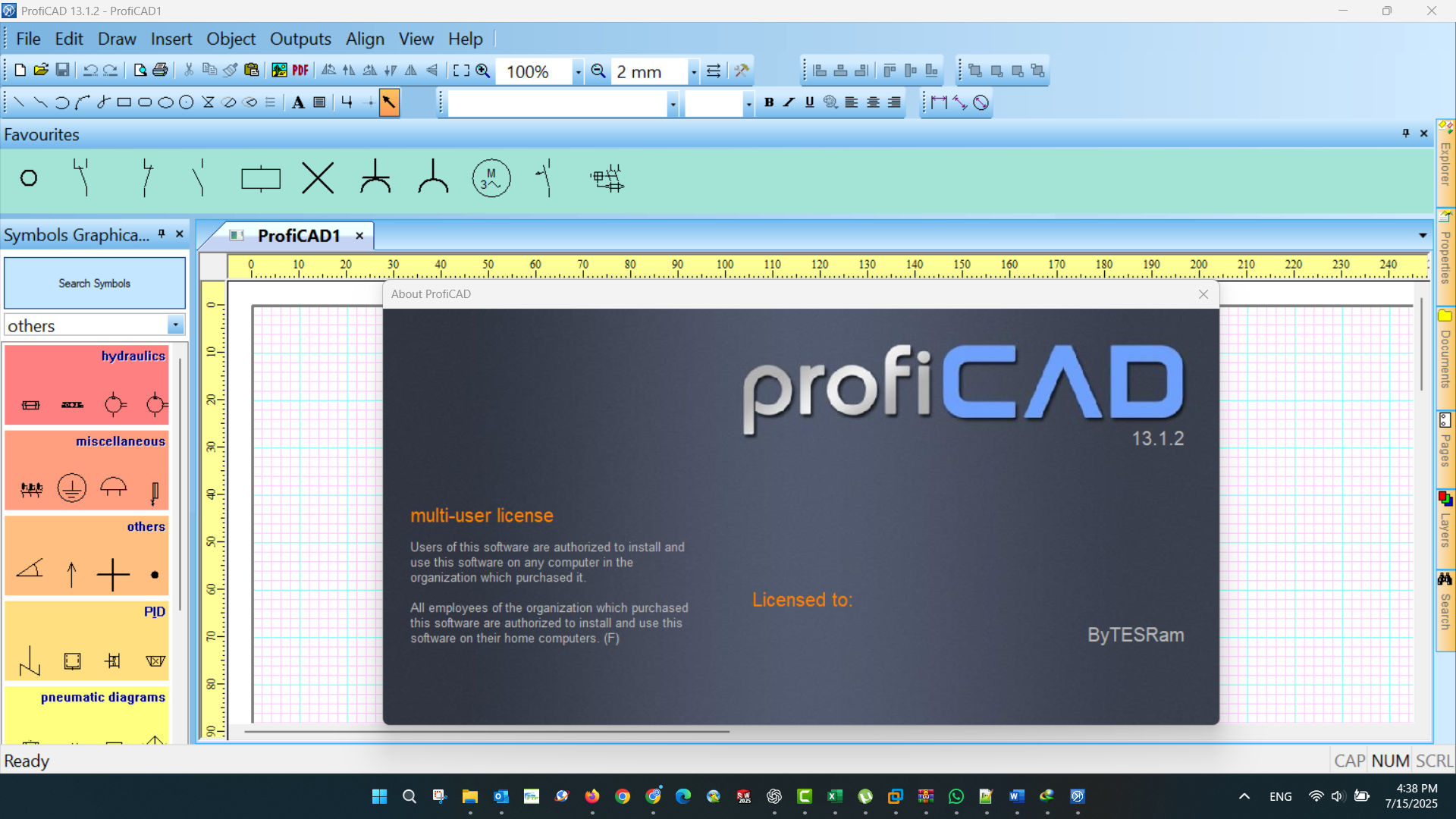
ProfiCAD 13.1.2 is an easy-to-use electrical CAD program for creating schematics, control circuit diagrams, pneumatic/hydraulic layouts, and more. It includes a robust symbol library (over 2,000 symbols), BOM and wire/cable lists, ISO‑7200 title blocks, and automatic cross‑referencing—ideal for engineers, technicians, and electrical professionals

🔹 What’s New in ProfiCAD 13.1.2

🎨 Redesigned UI & Dark Mode
Completely modernized look with light and high-contrast dark modes. Dark mode inverts colors while adjusting element hues to maintain legibility .

🖥 Multi-Monitor & Tabbed Document Support
All drawings appear as tabs, making it easy to drag individual drawings to different monitors

🧰 Cleaner Interface
Removed seldom-used symbol icons (e.g., gates, transformers) from the toolbar—they remain accessible via the Insert menu. The old textual symbol panel was replaced by symbol search, a graphical panel, and a favorites panel

✏️ Title Block Preview
A live preview appears when selecting title blocks, helping you choose the correct layout

⌨ New Keyboard Shortcuts
Shift + A: Opens Attributes window for the selected symbol.

Shift + C: Opens Connection Points editor for the selected symbol

🔄 Enhanced Cross‑References
Connection cross‑references can now include connection names using the format {ref}/{pa}.{zone}

🛠 Bug Fixes & Stability Enhancements
Series of fixes in versions 13.0.5–13.1.2: improved scrollbars, high-DPI support, cable grouping, autosave, and editing enhancements

⚡ Core Features of ProfiCAD 13.1.2

Symbol Library: 2,000+ electrical and electronic symbols, plus the ability to create custom symbols
Reports & Output: Generate BOM, wire/terminal/cable lists; export to DXF, PNG, BMP, EMF
Cross‑Referencing: Auto wire and symbol referencing, clickable cross-refs to navigate between pages .
Title Blocks & ISO‑7200 Compliance: Predefined title blocks with editor support
Multi‑Page & Layer Support: Work across layers and multiple pages; maintain wiring consistency
Advanced Tools: Auto symbol numbering, striped wires, fast symbol search and insertion

✅ Who Should Use ProfiCAD 13.1.2?

Electrical engineers, automation specialists, and technicians.

Organizations needing quick, compliant schematics with auto-listing and cross-references.

Those working across multiple monitors and preferring modern, configurable interfaces.

If you want to download ProfiCAD 13.1.2 full license, please click to DOWNLOAD symbol and complete check out a little help my website is maintained. The download link is appeared automatically after you complete check out.
CLICKDOWN.ORG Download CAD CAM CNC software
Inside package ProfiCAD 13.1.2, already have cracked’s files and instruction how to install ProfiCAD 13.1.2 step by step. I guarantee you can install ProfiCAD 13.1.2 successfully if you follow that instruction.
If you also can’t install it or any problems, please contact to me by email: clickdown.org@gmail.com, then I will help you to install software by teamviewer or Ultraviewer or Anydesk.
Thanks a lot
SOFTWARES

Download OpenPlant PID 2024 v24.00.02.016 x64 full license

Download OpenPlant PID 2024 v24.00.02.016 x64 full license

Link download OpenPlant PID 2024 v24.00.02.016 win64 full activated

Working with OpenPlant PID 2024 v24.00.02.016 full license

Description of OpenPlant PID 2024 v24.00.02.016

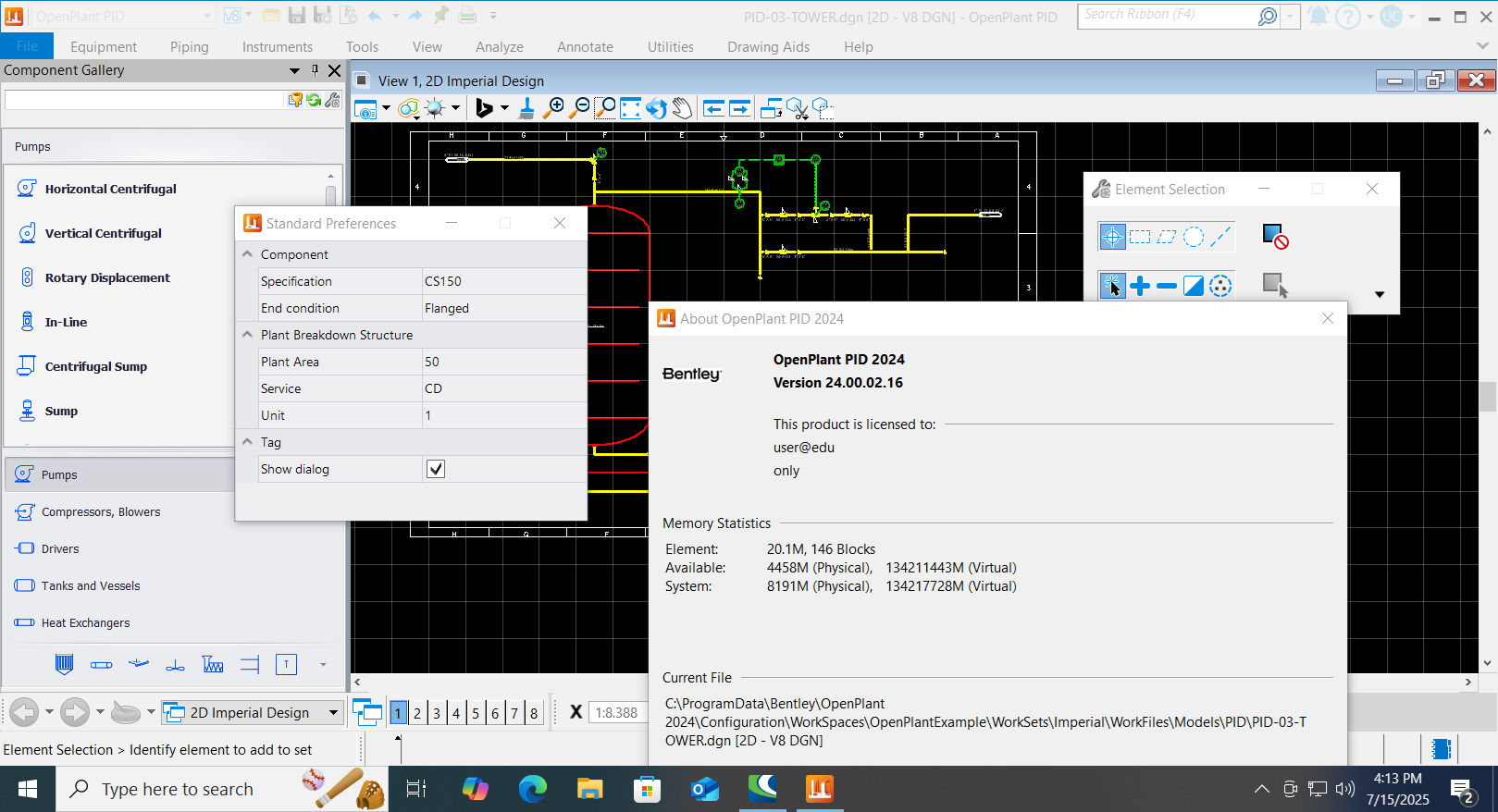
OpenPlant PID 2024 v24.00.02.016 is a mature, enterprise-ready tool focused on stable, scalable workflows, offering better installations, data previews, and feature performance—all tightly integrated with Bentley’s digital twin ecosystem.

🔹 Core Features of OpenPlant PID 2024 v24.00.02.016

Smart Diagramming: Task-based UI, intelligent picklists, and spec-verified components streamline creation
Tag Management: Ensures accurate, consistent tags across P&IDs and 3D models .
Cloud-Enabled Workflows: Work securely anywhere—online or offline—with integrated data manager
2D–3D Synchronization: Maintains consistency between planar diagrams and 3D reality models via PlantSight.

🚀 What’s New in OpenPlant PID 2024 v24.00.02.016

Side-by-side installation: Run multiple major versions simultaneously without conflicts—ideal for testing and multi-project environments
Report Preview Enhancements: View multiple report definitions at once via tabbed previews
Improved Properties Pane: Access nested shared cell properties more easily
Performance & Stability: High-priority fixes from MicroStation 2024.2 included

If you want to download OpenPlant PID 2024 v24.00.02.016 full license, please click to DOWNLOAD symbol and complete check out a little help my website is maintained. The download link is appeared automatically after you complete check out.
CLICKDOWN.ORG Download CAD CAM CNC software
Inside package OpenPlant PID 2024 v24.00.02.016, already have cracked’s files and instruction how to install OpenPlant PID 2024 v24.00.02.016 step by step. I guarantee you can install OpenPlant PID 2024 v24.00.02.016 successfully if you follow that instruction.
If you also can’t install it or any problems, please contact to me by email: clickdown.org@gmail.com, then I will help you to install software by teamviewer or Ultraviewer or Anydesk.
Thanks a lot
SOFTWARES

Download Agisoft Metashape Professional 2.2.2.20836 x64 full

Download Agisoft Metashape Professional 2.2.2.20836 x64 full license

Link download Agisoft Metashape Professional 2.2.2.20836 win64 full activated

Working with Agisoft Metashape Professional 2.2.2.20836 full license

Description of Agisoft Metashape Professional 2.2.2.20836

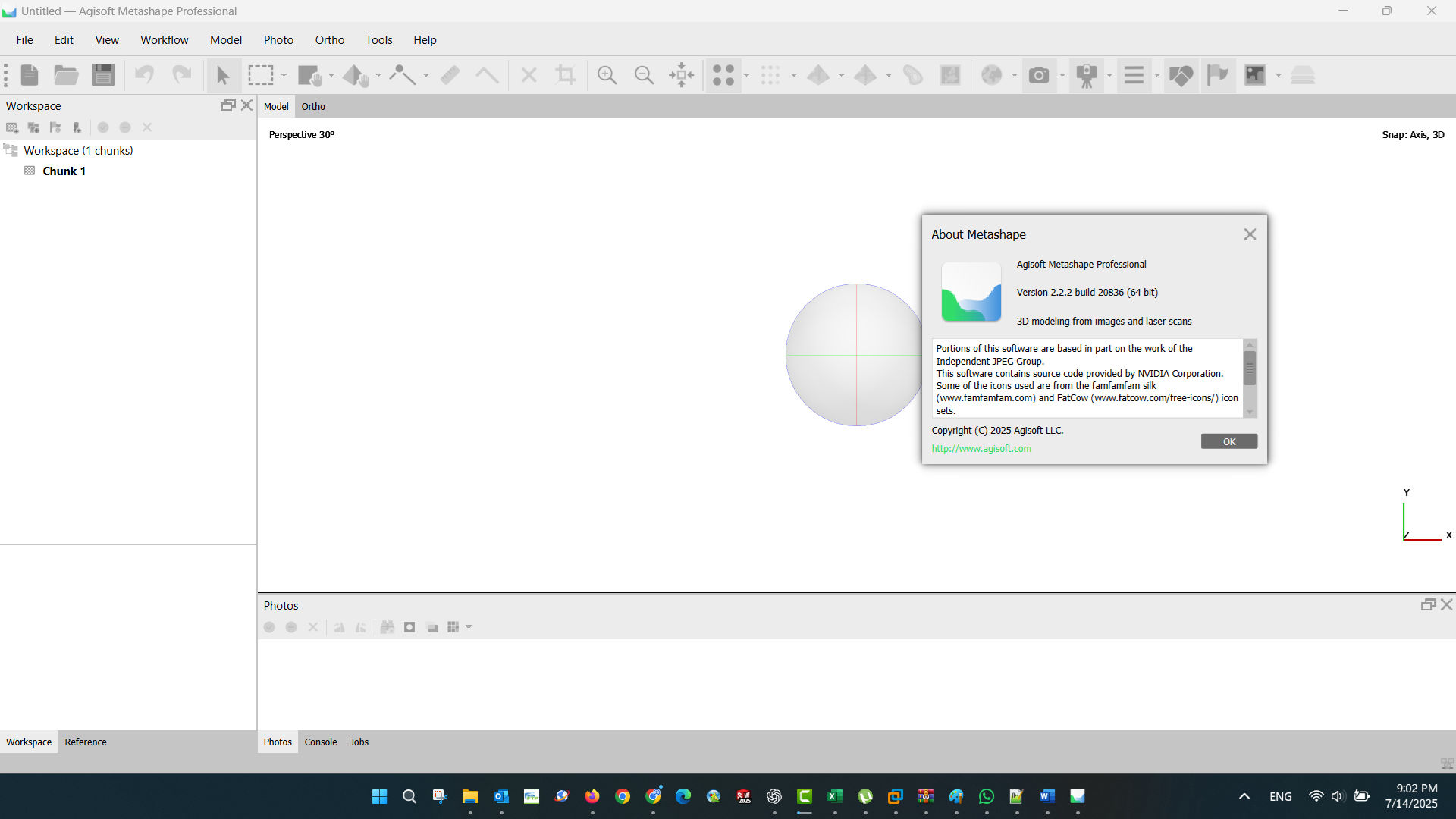
Agisoft Metashape Professional 2.2.2.20836 is a professional photogrammetry software used to generate high-quality 3D models, point clouds, textured meshes, DEMs (Digital Elevation Models), and orthophotos from still images. It is widely used in fields like geospatial mapping, archaeology, architecture, game development, forensics, and agriculture due to its accuracy, flexibility, and automation features.

🔹 Core Features of Agisoft Metashape Professional 2.2.2.20836

1. Photogrammetric Processing

Converts overlapping 2D images (from drones, handheld cameras, or satellites) into 3D spatial data.

Supports both aerial (UAV) and close-range photogrammetry.

2. 3D Model Reconstruction

Builds dense point clouds, polygonal meshes, and textured 3D models.

Outputs in standard formats (OBJ, FBX, STL, etc.).

Offers mesh decimation and smoothing for game-ready assets or digital archiving.

3. Orthophoto & DEM Generation

Produces georeferenced orthomosaics and digital elevation models.

Useful for GIS analysis, topographic mapping, and land survey applications.

4. Georeferencing and Accuracy Tools

Supports GPS/IMU metadata, GCPs (Ground Control Points), and camera calibration.

Integrates with most RTK/PPK drone data for high-accuracy mapping.

5. Multispectral and Thermal Image Support

Compatible with multispectral and thermal cameras for vegetation analysis, crop monitoring, and inspections.

6. Automated and Scriptable Workflow

Offers batch processing and Python scripting API for full automation of photogrammetry pipelines.

Ideal for processing large datasets with minimal user input.

7. AI-Based Depth Maps

Uses machine learning to improve depth estimation and dense cloud generation.

8. 360° Panorama & Animation Support

Exports spherical panoramas and enables camera path animations for presentations and VR-ready content.

If you want to download Agisoft Metashape Professional 2.2.2.20836 full license, please click to DOWNLOAD symbol and complete check out a little help my website is maintained. The download link is appeared automatically after you complete check out.
CLICKDOWN.ORG Download CAD CAM CNC software
Inside package Agisoft Metashape Professional 2.2.2.20836, already have cracked’s files and instruction how to install Agisoft Metashape Professional 2.2.2.20836 step by step. I guarantee you can install Agisoft Metashape Professional 2.2.2.20836 successfully if you follow that instruction.
If you also can’t install it or any problems, please contact to me by email: clickdown.org@gmail.com, then I will help you to install software by teamviewer or Ultraviewer or Anydesk.
Thanks a lot
SOFTWARES

Download Pepakura Designer 6.1.0 Multilingual full license

Download Pepakura Designer 6.1.0 Multilingual full license

Link downoad Pepakura Designer 6.1.0 full activated

Working with Pepakura Designer 6.1.0 Multilingual full

Description of Pepakura Designer 6.1.0

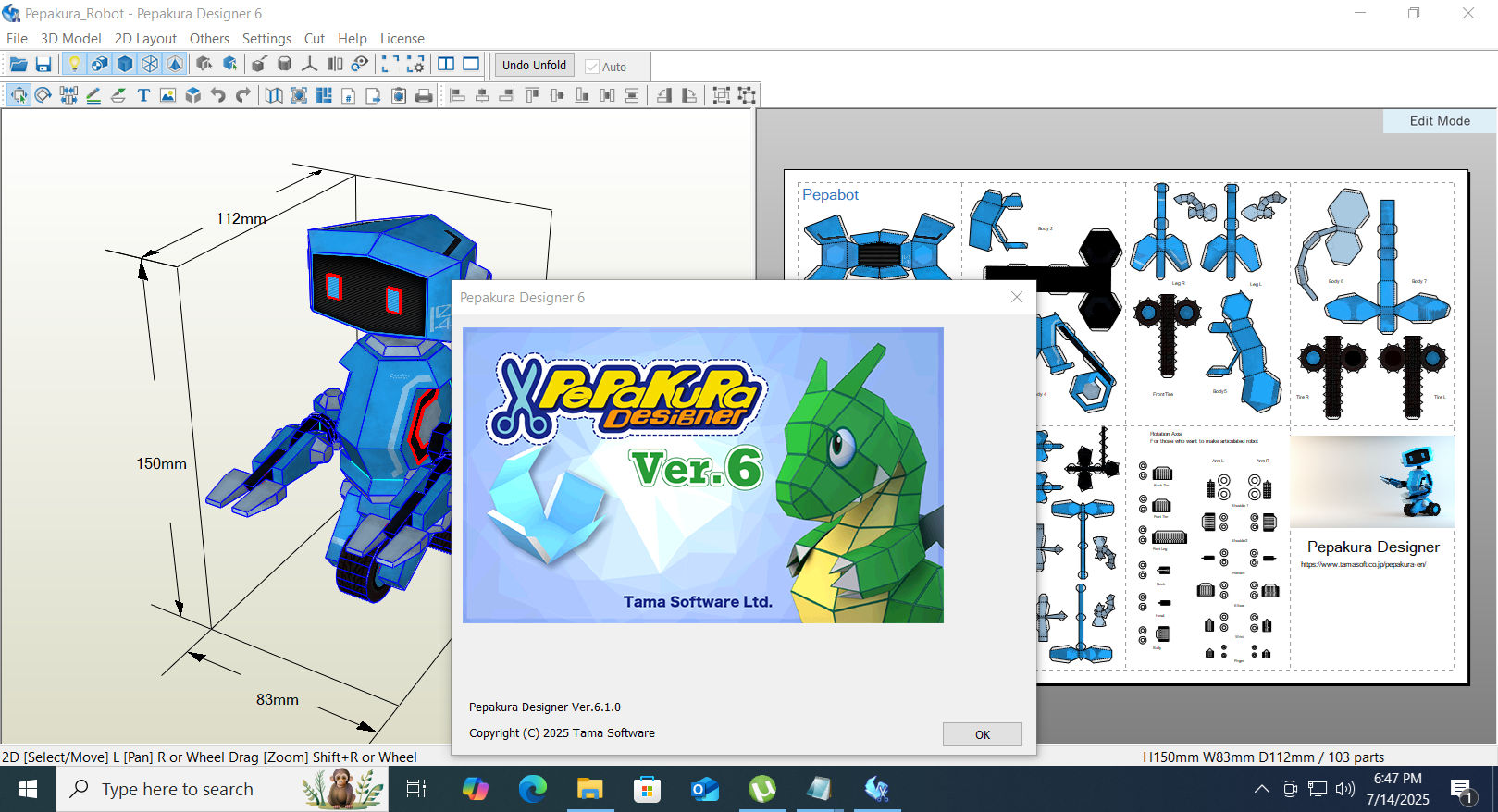
Pepakura Designer 6.1 (and earlier Pepakura versions) is a powerful Windows application from Tama Software that transforms 3D polygon mesh models into unfolded 2D paper patterns — ideal for creating papercraft, cosplay parts, scale models, and more .

🛠️ Core Capabilities of Pepakura Designer 6.1.0

1. 3D-to-2D Unfolding
Import formats like OBJ, STL, 3DS, DXF, SKP, KMZ, LWO, among others
Auto-unfold complex meshes with a single click; edit manually by adding cuts or joining faces

2. Interactive 3D & 2D Workspace
Dual-pane view: control unfolding in the 3D view and refine layout in the 2D sheet .
Features include selecting corresponding parts, smooth rotation, material-based grouping, and precise editing tools

3. Layout Editing Tools
Move, rotate, and arrange parts with snap, numeric rotation, and alignment helpers .
Add glue flaps, outline padding, edge IDs, and annotations for assembly guidance

4. Exporting & Output
Export unfolded patterns in formats like PDF, DXF, EPS, BMP, PNG, JPG, SVG and more
Ideal for printing, digital cutting tools (e.g., CNC or plotters), and sharing designs.

5. Assembly Support
Auto-generated edge numbering and arrows help match connection points during construction .

Includes a 3D assembly animation preview for visual instructions

If you want to download Pepakura Designer 6.1.0 full license, please click to DOWNLOAD symbol and complete check out a little help my website is maintained. The download link is appeared automatically after you complete check out.
CLICKDOWN.ORG Download CAD CAM CNC software
Inside package Pepakura Designer 6.1.0, already have cracked’s files and instruction how to install Pepakura Designer 6.1.0 step by step. I guarantee you can install Pepakura Designer 6.1.0 successfully if you follow that instruction.
If you also can’t install it or any problems, please contact to me by email: clickdown.org@gmail.com, then I will help you to install software by teamviewer or Ultraviewer or Anydesk.
Thanks a lot
SOFTWARES

Download GerbView 11.12.0.607 x86 x64 full license

Download GerbView 11.12.0.607 x86 x64 full license

Link download GerbView 11.12.0.607 win32 win64 full activated

Working with GerbView 11.12.0.607 full license

Description of GerbView 11.12.0.607

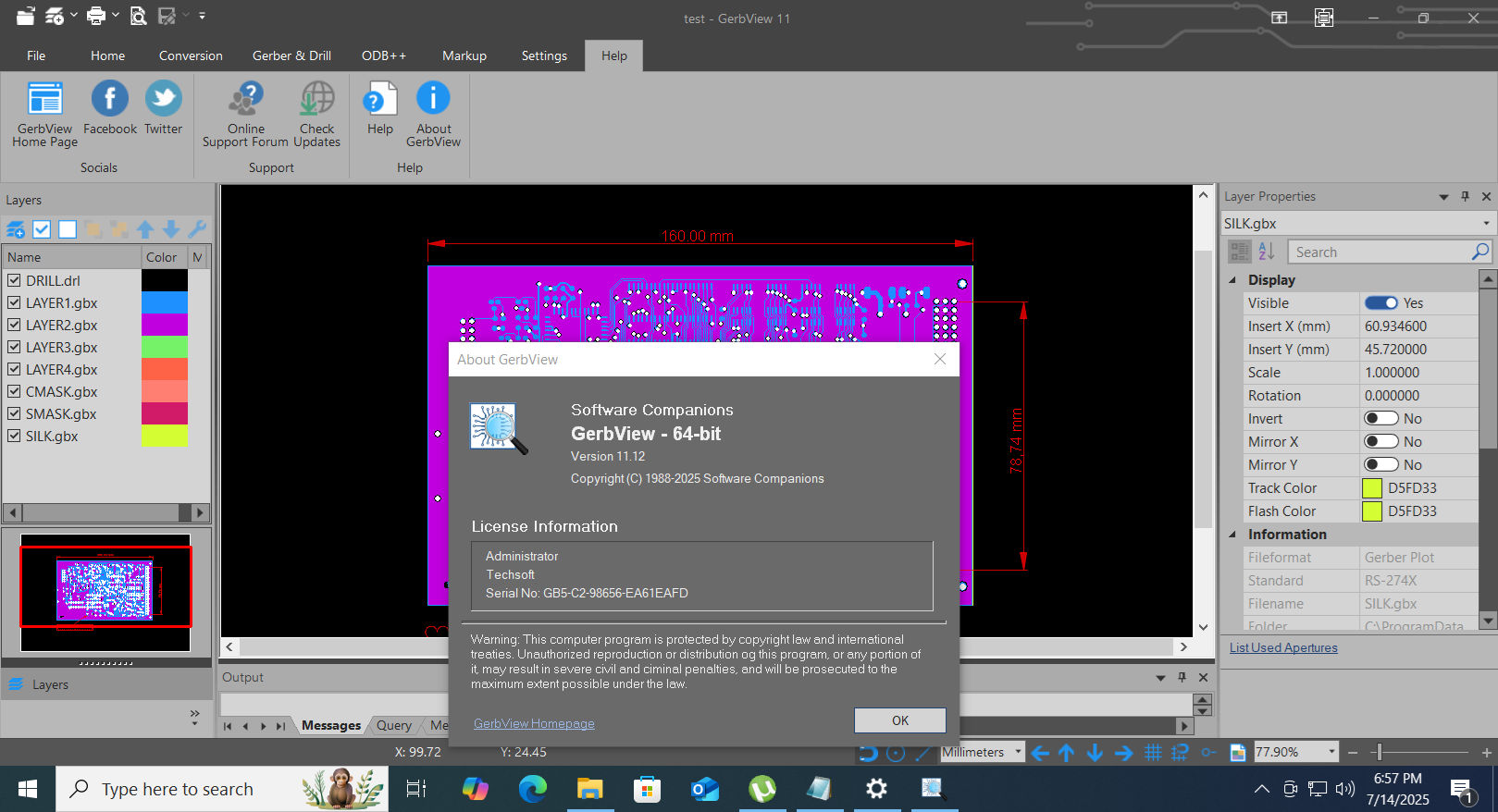
GerbView 11.12.0.607 is a powerful and user-friendly Gerber file viewer and converter developed by Software Companions, designed specifically for professionals working with PCB (Printed Circuit Board) layouts and manufacturing files. It enables engineers and designers to view, annotate, convert, and print Gerber, Excellon, and HPGL/HPGL-2 files with high precision.

🔍 Key Features of GerbView 11.12.0.607

Layer Visualization & Control
View multiple layers in a workspace, toggle visibility, zoom/pan, highlight drill or copper layers
Markup & Annotation
Add and burn-in annotations such as text, images, barcodes/QR, shapes, lines, arrows—these can be embedded directly into the Gerber output
Measurement & QC Tools
Precisely measure distances, areas, and perimeters in either metric or imperial units, with optional snapping to pads/tracks

Format Conversion
Gerber ↔️ DXF, PDF, DWF, SVG, PNG, JPEG, TIFF, BMP
ODB++ → layered PDF/SVG/DXF or split into individual Gerber files
PDF → editable Gerber/DXF/HPGL/SVG formats

Printing & Export
Full print preview, poster‑mode printing, header/footer/watermark support, output at custom scales

Workspace Management
Save/load multi-file workspaces (.gbw), unlimited file support (limited by memory), command‑line tools for automation

✅ Who It’s For
Ideal for PCB professionals, CAM/CAD engineers, manufacturers, and hobbyists who need precise visualization, annotation, and format conversion—especially when preparing production-ready documentation.

If you want to download GerbView 11.12.0.607 full license, please click to DOWNLOAD symbol and complete check out a little help my website is maintained. The download link is appeared automatically after you complete check out.
CLICKDOWN.ORG Download CAD CAM CNC software
Inside package GerbView 11.12.0.607, already have cracked’s files and instruction how to install GerbView 11.12.0.607 step by step. I guarantee you can install GerbView 11.12.0.607 successfully if you follow that instruction.
If you also can’t install it or any problems, please contact to me by email: clickdown.org@gmail.com, then I will help you to install software by teamviewer or Ultraviewer or Anydesk.
Thanks a lot
SOFTWARES

Download LightBurn 2.0.01 Multilingual full forever

Download LightBurn 2.0.01 Multilingual full forever

Link download LightBurn 2.0.01 full activated

Working with LightBurn 2.0.01 Multilingual full license

Description of LightBurn 2.0.01

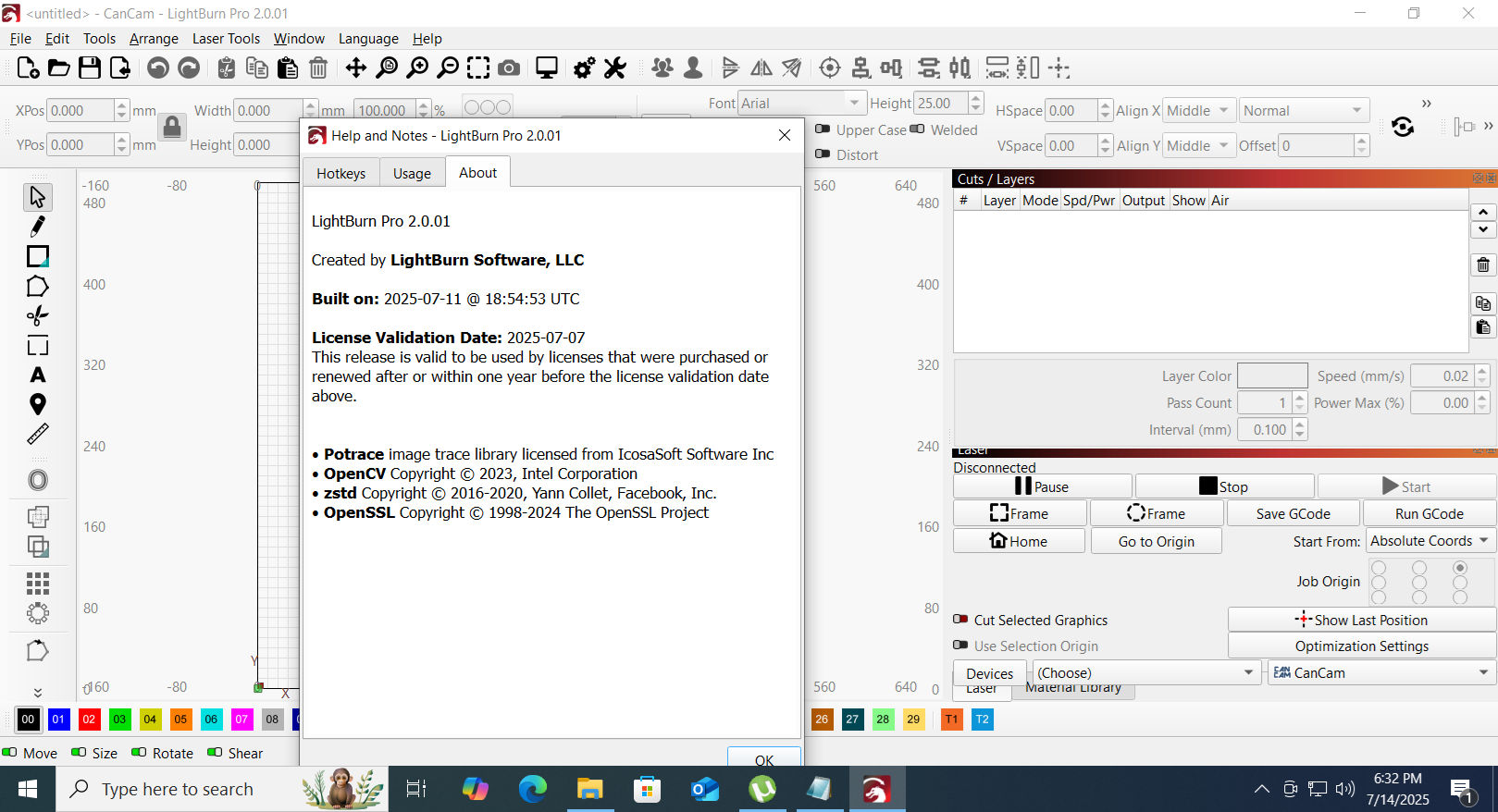
LightBurn 2.0.01 is a professional-grade software suite designed for controlling laser cutters and engravers. It provides a complete solution for creating, editing, managing, and sending laser jobs, offering powerful design tools and deep hardware integration in one package. Version 2.0 introduces a range of enhancements, refined features, and broader machine compatibility.

🔹 Key Features of LightBurn 2.0.01:

1. All-in-One Design and Control

Combines vector design, image processing, and G-code generation.

Eliminates the need for multiple programs (like Illustrator + LaserGRBL).

2. Expanded Device Support

Supports a wide range of laser controllers:

Ruida, Trocen, TopWisdom (DSP)

GRBL, Smoothieware, Marlin (G-code)

EzCad2-based galvo systems (new in 2.0, including fiber and CO₂ galvo lasers)

3. Enhanced User Interface

Cleaner, more flexible layout with customizable workspace panels.

Docking windows, improved icons, and simplified workflow.

4. Powerful Design Tools

Create and edit shapes, text, paths, and nodes.

Boolean operations, offsetting, weld/join shapes, alignment tools.

Live editing with layer previews and snapping.

5. Advanced Image Engraving

Image tracing, dithering, and grayscale engraving modes.

Automatic contrast/brightness adjustments and image masks.

6. Precision Job Control

Multiple layers with per-layer settings (speed, power, number of passes, etc.).

Ramp mode, Z-axis control, cut order optimization.

Real-time preview and simulation with time estimates.

7. Galvo Laser Support (New in 2.0.01)

Native support for fiber/CO₂ galvo lasers using EzCad2 boards.

Integrated mark settings, hatch fills, and variable text.

8. Scriptable Actions & Automation

Parameterized text, serial/ID marking, and barcode generation.

Dynamic job templates and batch processing options.

🔸 Supported File Formats:
Import: AI, SVG, DXF, PDF, BMP, JPG, PNG, GIF

Export: SVG, AI, DXF, LightBurn Project (.lbrn2)

✅ Ideal For:
Laser engraving businesses, sign makers, craft shops, and prototyping.

Makers using diode, CO₂, or fiber lasers.

Users looking for a clean, integrated, and professional laser workflow.

If you want to download LightBurn 2.0.01 full license, please click to DOWNLOAD symbol and complete check out a little help my website is maintained. The download link is appeared automatically after you complete check out.
CLICKDOWN.ORG Download CAD CAM CNC software
Inside package LightBurn 2.0.01, already have cracked’s files and instruction how to install LightBurn 2.0.01 step by step. I guarantee you can install LightBurn 2.0.01 successfully if you follow that instruction.
If you also can’t install it or any problems, please contact to me by email: clickdown.org@gmail.com, then I will help you to install software by teamviewer or Ultraviewer or Anydesk.
Thanks a lot

SOFTWARES

Download EstlCAM 12.137 full license forever

Download EstlCAM 12.137 full license forever

Link download EstlCAM 12.137 full activated permanent

Working with Estlcam 12.137 full license

Description of EstlCAM 12.137

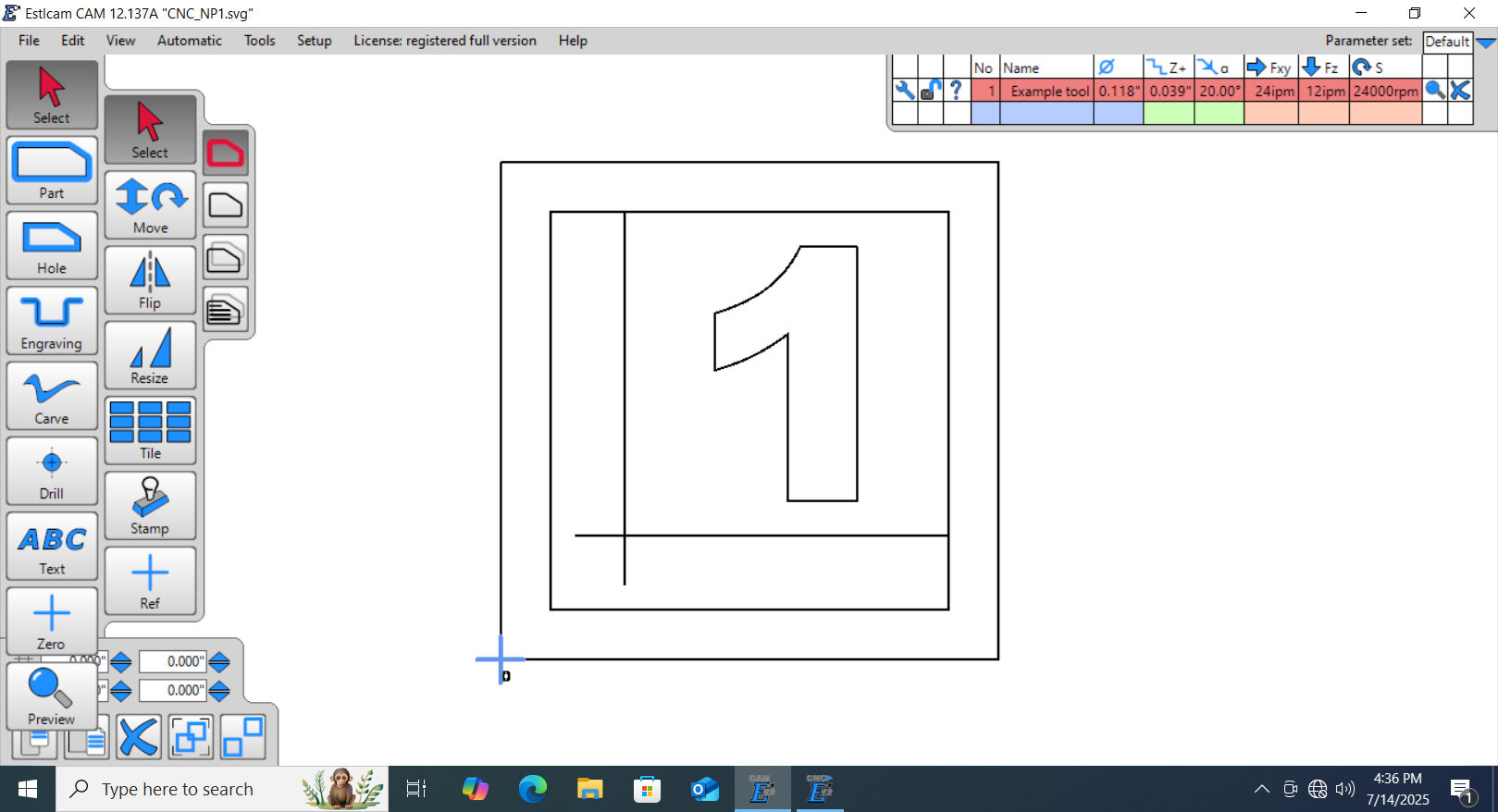
EstlCAM 12.137 is a versatile and user-friendly CAM (Computer-Aided Manufacturing) software designed primarily for CNC milling, engraving, and routing. It’s particularly popular among hobbyists, DIYers, and makers due to its straightforward interface and powerful capabilities, especially when used with CNC machines like routers, engravers, and desktop mills.

🔹 Key Features of EstlCAM 12.137

1. CAM Functionality for CNC Machines

Generates G-code for 2D and 2.5D machining.

Supports milling, drilling, contouring, and engraving.

Toolpath creation for pockets, islands, and outlines.

2. Integrated CAD Tools

Basic drawing tools for designing directly in EstlCAM.

Import and edit vector files (DXF, SVG).

Easily define machining operations on imported shapes.

3. Image to G-Code Conversion

Convert bitmap images (e.g., JPG, PNG) to engraving or carving paths.

Useful for creating reliefs, v-carvings, or outline engravings from images.

4. Controller Integration

Can function as a CNC controller via USB using EstlCAM firmware (replaces GRBL/Marlin).

Direct control of stepper motors and machine operation through the PC.

5. Tool Management

Define tool shapes, sizes, and feeds/speeds.

Preset toolpaths and operations for consistent results.

6. Preview & Simulation

Visualize toolpaths and simulate machining before cutting.

Detect errors or inefficient tool moves.

7. Beginner-Friendly Interface

Clear menus, visual aids, and contextual tooltips.

Designed to be easy to learn without sacrificing functionality.

🔸 Supported File Formats:
Import: DXF, SVG, STL, PNG, BMP, JPG

Export: Standard G-code compatible with most CNC controllers (GRBL, Mach3, Marlin, etc.)

If you want to download EstlCAM 12.137 full license, please click to DOWNLOAD symbol and complete check out a little help my website is maintained. The download link is appeared automatically after you complete check out.
CLICKDOWN.ORG Download CAD CAM CNC software
Inside package EstlCAM 12.137, already have cracked’s files and instruction how to install EstlCAM 12.137 step by step. I guarantee you can install EstlCAM 12.137 successfully if you follow that instruction.
If you also can’t install it or any problems, please contact to me by email: clickdown.org@gmail.com, then I will help you to install software by teamviewer or Ultraviewer or Anydesk.
Thanks a lot

error: Content is protected !!
Scroll to Top