SOFTWARES

SOFTWARES

Download Serato DJ Pro Suite 4.0.6 x64 full license forever

Download Serato DJ Pro Suite 4.0.6 x64 full license forever

Link download Serato DJ Pro Suite 4.0.6 win64 full activated
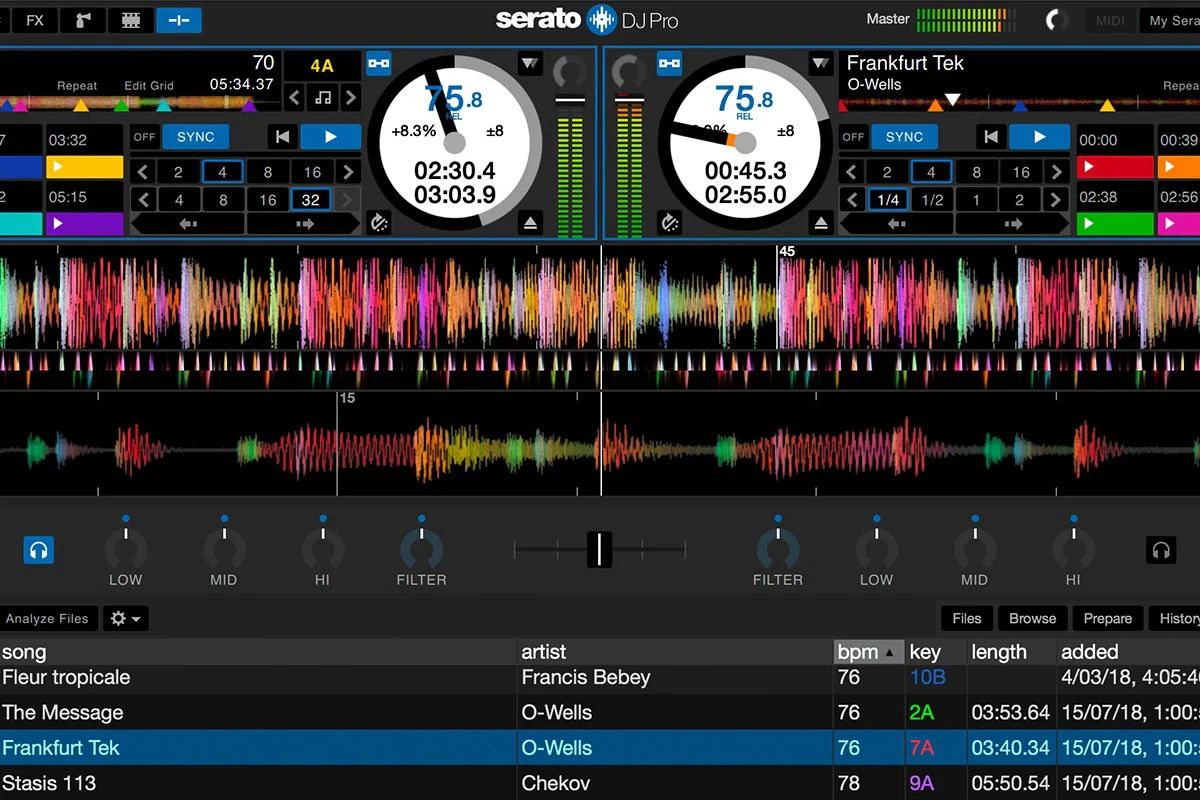
Working with Serato DJ Pro Suite 4.0.6 full license

Description of Serato DJ Pro Suite 4.0.6

Serato DJ Pro Suite 4.0.6 is a professional-grade DJ software package developed by Serato, designed for live performances, mixing, and music production. The Suite version includes all expansion packs, giving DJs complete creative control and advanced performance capabilities.

Whether you’re a beginner or a professional DJ, Serato DJ Pro Suite 4.0.6 delivers a powerful, stable, and intuitive platform for mixing music seamlessly.

Serato DJ Pro Suite 4.0.6 combines industry-leading DJ software with a full set of expansion packs, including FX, Pitch ‘n Time, Flip, and more. It supports a wide range of DJ controllers, mixers, and turntables, making it a flexible choice for club DJs, mobile performers, and studio creators.

Known for its reliability and low-latency performance, Serato DJ Pro is widely used in clubs and live events around the world.

Features of Serato DJ Pro Suite 4.0.6

🎧 Professional DJ Mixing
Mix tracks with precision using advanced deck controls
Real-time waveform visualization
Seamless transitions and beatmatching

🎚️ Full Expansion Suite Included
Serato FX: customizable effects for creative mixing
Pitch ‘n Time DJ: high-quality key shifting and time stretching
Serato Flip: record and replay cue point sequences
Serato Video: mix audio and video simultaneously

🎵 Advanced Music Library Management
Organize large music libraries with crates and tags
Smart playlists and fast search functionality
Support for multiple audio formats

🎛️ Hardware Compatibility
Works with a wide range of DJ controllers and mixers
Plug-and-play support for supported devices
DVS (Digital Vinyl System) support for turntables

🔊 High-Quality Audio Engine
Crystal-clear sound output
Low-latency performance for live environments
Reliable playback even during complex mixes

🎼 Beat Sync & Performance Tools
Automatic beatmatching and sync features
Cue points, loops, and slicer tools
Performance pads for live remixing

📹 Video DJ Support
Mix and control video content alongside audio
Add visual effects and transitions
Ideal for live events and VJ performances

⚡ Performance Improvements (4.0.6)
Enhanced stability and bug fixes
Improved hardware compatibility
Optimized performance for modern systems

💻 System Requirements
OS: Windows 10 / Windows 11 (64-bit) or macOS
CPU: Intel Core i5 or higher
RAM: Minimum 8 GB (16 GB recommended)
Storage: 5 GB free disk space
Audio: Compatible DJ hardware recommended

🎯 Why Choose Serato DJ Pro Suite 4.0.6?
Industry-standard DJ software trusted worldwide
Complete suite of professional tools and expansions
Excellent hardware compatibility
High-performance audio engine with low latency
Ideal for live DJs, club performers, and music creators

🔑 Conclusion
Serato DJ Pro Suite 4.0.6 is a comprehensive and powerful DJ solution that provides everything needed for professional mixing and performance. With its advanced features, reliable performance, and full expansion suite, it is an excellent choice for DJs who demand precision, creativity, and flexibility.

If you want to download Serato DJ Pro Suite 4.0.6 full license, please click to DOWNLOAD button to download.
CLICKDOWN.ORG Download CAD CAM CNC software
Inside package Serato DJ Pro Suite 4.0.6, already have cracked files and instruction how to install Serato DJ Pro Suite 4.0.6 step by step. I guarantee you can install Serato DJ Pro Suite 4.0.6 successfully if you follow that instruction.
If you also can’t install it or get any problems, please contact to me by email: clickdown.org@gmail.com, then I will help you to install software by teamviewer or Ultraviewer or Anydesk.
Thanks a lot
SOFTWARES

Download Autodesk Fabrication CAMduct 2027 x64 full license

Download Autodesk Fabrication CAMduct 2027 x64 full license

Link download Autodesk Fabrication CAMduct 2027 full activated

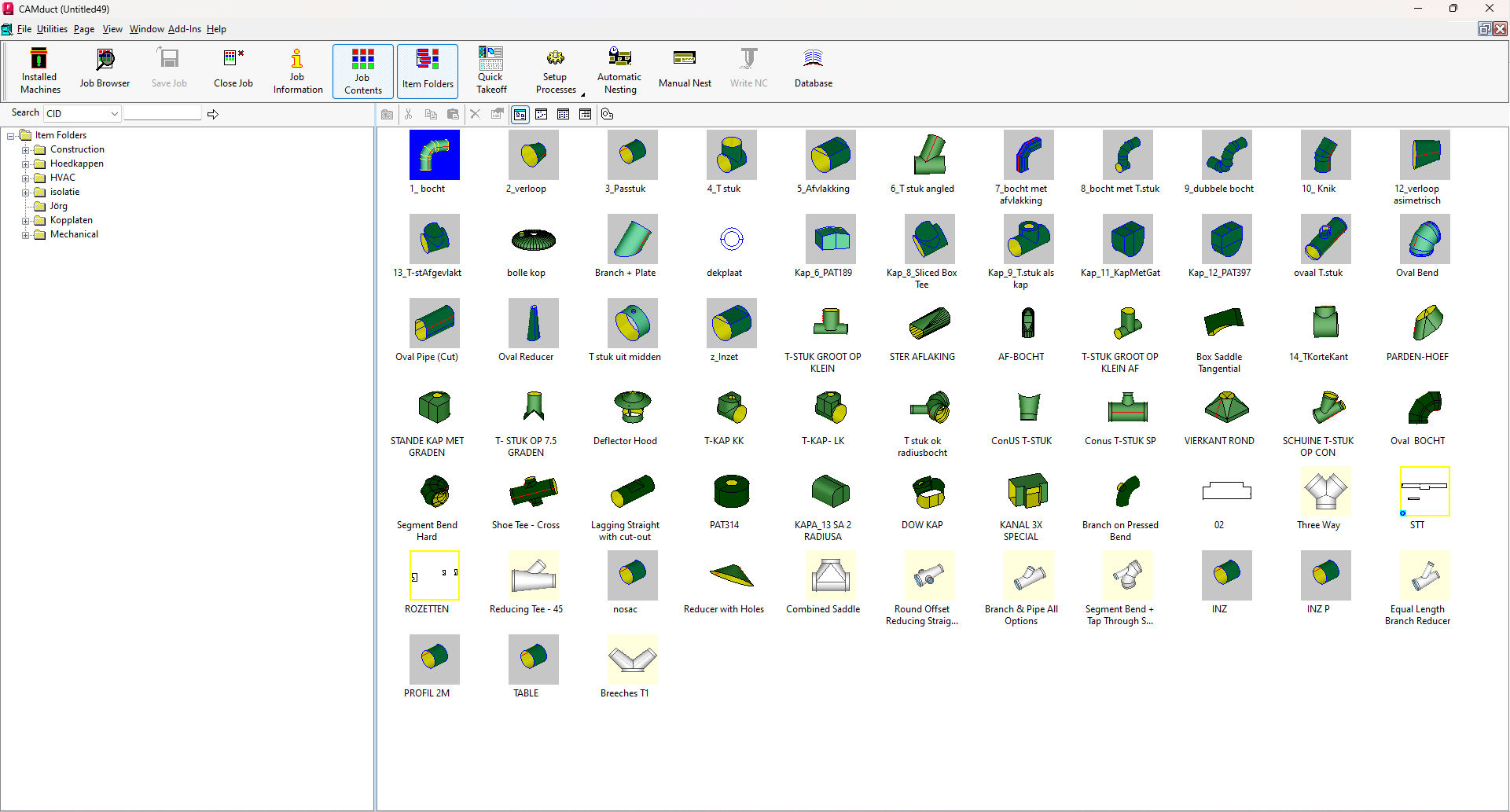
Working with Autodesk Fabrication CAMduct 2027 full license

Description of Autodesk Fabrication CAMduct 2027

Autodesk Fabrication CAMduct 2027 is a specialized manufacturing solution developed by Autodesk for HVAC ductwork fabrication. It enables contractors and fabricators to efficiently produce, manage, and automate the manufacturing of sheet metal components directly from design data.

As part of the Autodesk Fabrication suite, CAMduct 2027 bridges the gap between design and manufacturing by converting detailed models into machine-ready instructions.

Autodesk Fabrication CAMduct 2027 is designed to streamline ductwork fabrication processes by providing tools for estimating, nesting, and CNC machine control. It integrates seamlessly with other Autodesk Fabrication products like CADmep and ESTmep, ensuring a consistent workflow from design to production.

With improved performance and enhanced automation, this version helps fabrication shops reduce waste, increase productivity, and improve overall manufacturing efficiency.

Features of Autodesk Fabrication CAMduct 2027

🏭 CNC Machine Integration
Directly control plasma cutters, laser cutters, and other CNC machines
Generate machine-ready code from fabrication models
Improve production accuracy and speed

📐 Sheet Metal Nesting Optimization
Automatic nesting of ductwork components on sheets
Minimize material waste and reduce costs
Optimize layout for efficient cutting

🔄 Seamless Fabrication Workflow
Integration with CADmep and ESTmep
Consistent data flow from estimating to manufacturing
Reduced manual data entry and errors

🧰 Extensive Fabrication Database
Access to real-world HVAC components and fittings
Customizable content libraries
Accurate modeling for fabrication-ready outputs

📊 Production Management Tools
Track fabrication jobs and production status
Organize tasks for shop floor operations
Improve workflow visibility and coordination

⚙️ Automated Manufacturing Processes
Automate repetitive fabrication tasks
Generate cut lists, labels, and reports
Increase efficiency in high-volume production

🔍 Quality Control & Accuracy
Ensure precise dimensions and fabrication standards
Reduce rework and errors during manufacturing
Maintain consistency across projects

⚡ Performance Enhancements (2027)
Faster processing of large fabrication models
Improved stability and system responsiveness
Enhanced compatibility with modern CNC equipment

💻 System Requirements
OS: Windows 10 / Windows 11 (64-bit)
CPU: Multi-core Intel/AMD processor
RAM: Minimum 8 GB (16 GB recommended)
Storage: 5+ GB free disk space
GPU: Standard graphics card
Additional: Compatible CNC machinery for full functionality

🎯 Why Choose Autodesk Fabrication CAMduct 2027?
Industry-leading HVAC fabrication software
Direct integration with CNC machines
Reduces material waste and production costs
Streamlines fabrication workflows
Ideal for sheet metal fabricators and contractors

🔑 Conclusion
Autodesk Fabrication CAMduct 2027 is a powerful tool for HVAC fabrication and manufacturing. With advanced nesting, CNC integration, and automation features, it enables fabricators to optimize production processes, reduce waste, and deliver high-quality results efficiently.

If you want to download Autodesk Fabrication CAMduct 2027 full license, please click to DOWNLOAD button to download.
CLICKDOWN.ORG Download CAD CAM CNC software
Inside package Autodesk Fabrication CAMduct 2027, already have cracked files and instruction how to install Autodesk Fabrication CAMduct 2027 step by step. I guarantee you can install Autodesk Fabrication CAMduct 2027 successfully if you follow that instruction.
If you also can’t install it or get any problems, please contact to me by email: clickdown.org@gmail.com, then I will help you to install software by teamviewer or Ultraviewer or Anydesk.
Thanks a lot

SOFTWARES

Download Autodesk Fabrication CADmep 2027 x64 full license

Download Autodesk Fabrication CADmep 2027 x64 full license

Link download Autodesk Fabrication CADmep 2027 win64 full activated

Working with Autodesk Fabrication CADmep 2027 full

Description of Autodesk Fabrication CADmep 2027

Autodesk Fabrication CADmep 2027 is a specialized detailing and fabrication tool developed by Autodesk. It is designed for MEP (mechanical, electrical, and plumbing) professionals to create highly detailed, fabrication-ready models for construction and manufacturing workflows.

As part of the Autodesk Fabrication suite, CADmep 2027 helps contractors, detailers, and fabricators bridge the gap between design and real-world production with precision and efficiency.

Autodesk Fabrication CADmep 2027 enables users to transform design-intent models into fabrication-intent models for piping, plumbing, and ductwork systems. It integrates seamlessly with tools like AutoCAD and Revit, allowing teams to extend BIM workflows into fabrication and installation phases.

With access to manufacturer-specific content and advanced modeling tools, CADmep ensures that designs are accurate, constructible, and ready for fabrication at LOD 400 standards.

Features of Autodesk Fabrication CADmep 2027

🏗️ Fabrication-Ready MEP Modeling
Create detailed models for HVAC, piping, and plumbing systems
Convert design models into fabrication-intent models
Support for real-world installation workflows

📐 Advanced 3D Detailing Tools
High-detail 3D modeling within AutoCAD environment
Intelligent components with real fabrication data
Improved accuracy for shop drawings and installation

🧰 Extensive Manufacturer Content Library
Thousands of manufacturer-specific parts and templates
Real-world components for accurate modeling
Built-in cost and specification data

🔄 BIM & CAD Integration
Seamless integration with AutoCAD and Revit
Import/export design models for extended workflows
Maintain consistency across design and fabrication stages

🧾 3D Spooling & BOM Generation
Generate spool drawings for fabrication shops
Automatic bill of materials (BOM) creation
Streamlined production documentation

⚠️ Clash Detection & Service Validation
Identify clashes and system conflicts before fabrication
Validate connections and system integrity
Reduce costly errors during construction

🔢 Controlled Renumbering Tools
Assign consistent item numbers across components
Exclude parameters like order or pallet numbers
Improve organization and tracking of fabrication items

📊 Reporting & Cost Analysis
Generate detailed project reports and schedules
Analyze materials, specifications, and costs
Improve estimation accuracy and project planning

⚡ Improved Workflow Efficiency (2027)
Faster processing and model handling
Enhanced interoperability with Autodesk ecosystem
Optimized tools for large-scale MEP projects

💻 System Requirements
OS: Windows 10 / Windows 11 (64-bit)
CPU: 2.5 GHz or higher processor
RAM: Minimum 4 GB (8 GB+ recommended)
Storage: ~2 GB free disk space
GPU: OpenGL-compatible graphics card
Additional: Requires compatible AutoCAD version

🎯 Why Choose Autodesk Fabrication CADmep 2027?
Industry-standard tool for MEP fabrication detailing
Accurate, fabrication-ready modeling environment
Seamless BIM integration with Autodesk tools
Reduces errors and improves construction efficiency
Ideal for contractors, fabricators, and engineers

🔑 Conclusion
Autodesk Fabrication CADmep 2027 is a powerful solution for MEP professionals who need precise, fabrication-ready models. With advanced detailing tools, extensive content libraries, and seamless BIM integration, it ensures efficient workflows from design to manufacturing and installation.

If you want to download Autodesk Fabrication CADmep 2027 full license, please click to DOWNLOAD button to download.
CLICKDOWN.ORG Download CAD CAM CNC software
Inside package Autodesk Fabrication CADmep 2027, already have cracked files and instruction how to install Autodesk Fabrication CADmep 2027 step by step. I guarantee you can install Autodesk Fabrication CADmep 2027 successfully if you follow that instruction.
If you also can’t install it or get any problems, please contact to me by email: clickdown.org@gmail.com, then I will help you to install software by teamviewer or Ultraviewer or Anydesk.
Thanks a lot
SOFTWARES

Download Altium Designer 26.5.0 Build 11 x64 full license

Download Altium Designer 26.5.0 Build 11 full license

Link download Altium Designer 26.5.0 Build 11 full activated

Altium Designer 26.5.0.11 x64 full license

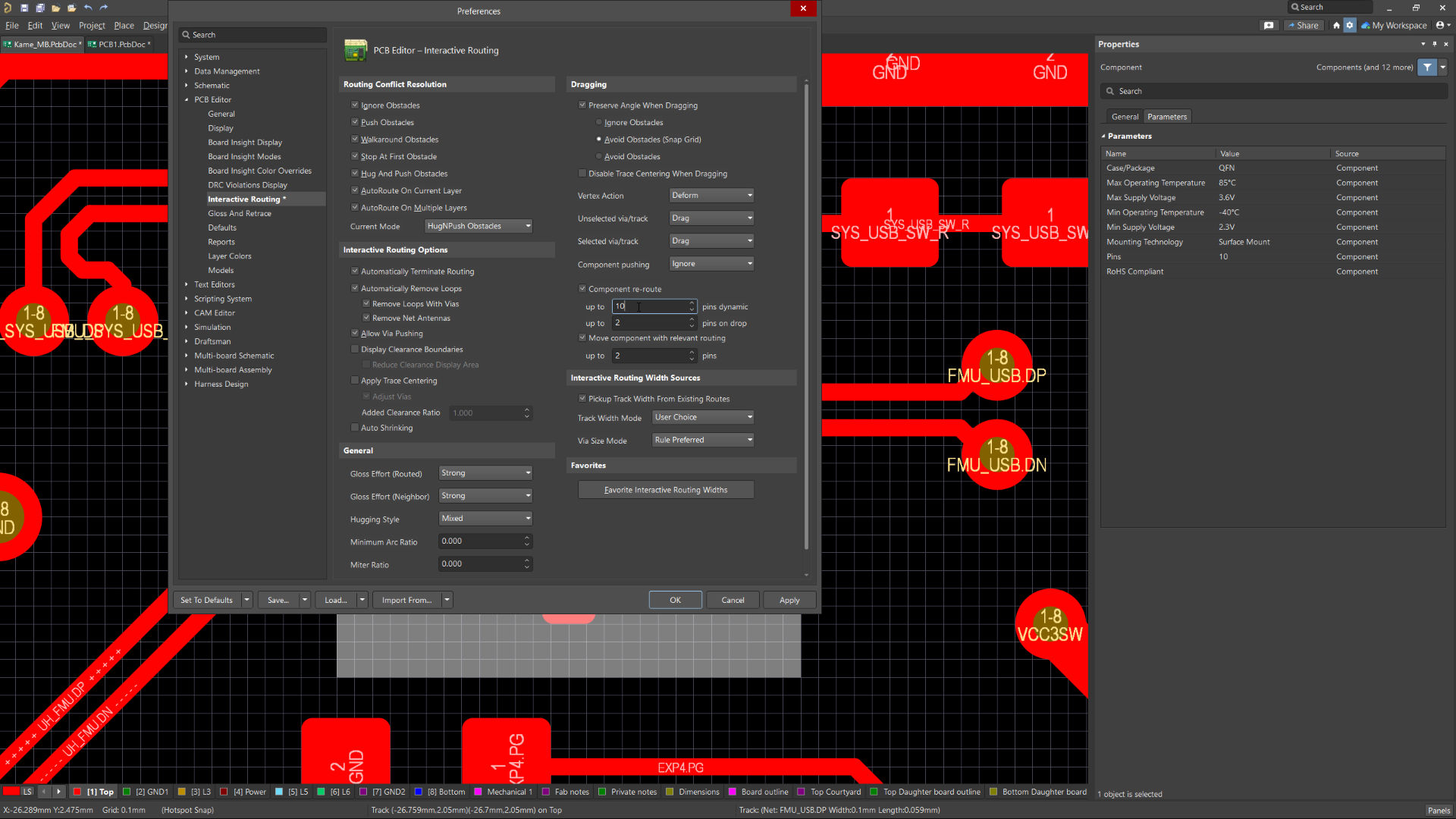
Working with Altium Designer 26.5.0.11 full license

Description of Altium Designer 26.5.0 Build 11

Altium Designer 26.5.0.11 is a leading electronic design automation (EDA) solution developed by Altium Limited. It is widely used by engineers and designers for creating high-performance printed circuit boards (PCBs), from concept to manufacturing.

The 26.5.0.11 release introduces enhanced schematic tools, improved performance, and smarter workflow capabilities, making it one of the most advanced PCB design platforms available today.

Altium Designer integrates schematic capture, PCB layout, simulation, and data management into a single unified environment. This allows engineers to design complex electronic systems efficiently while maintaining accuracy and consistency across projects.

The latest version focuses on improving usability, design precision, and collaboration, helping teams accelerate product development cycles.

Features of Altium Designer 26.5.0 Build 11

🧩 Complete PCB Design Environment
Unified platform for schematic capture and PCB layout
Supports multi-layer, rigid-flex, and advanced PCB designs
Integrated design-to-manufacturing workflow

📝 Enhanced Schematic Capture
Improved pin margin controls for precise schematic layouts
Better component validation and error detection
Flexible editing with global and local design settings

⚙️ Advanced PCB Layout & Routing
High-speed routing and signal integrity tools
Interactive routing and auto-routing capabilities
Design rule checking (DRC) for error-free layouts

📊 3D PCB Design & MCAD Integration
Real-time 3D visualization of PCB designs
Import/export with modern mechanical formats (e.g., SOLIDWORKS models)
Improved collaboration with mechanical engineering teams

🔄 Data Management & Version Control
Integrated component libraries and lifecycle management
Git-based version control and collaborative workflows
Workspace-based project management

🧠 Simulation & Analysis Tools
Circuit simulation with stress analysis
Signal integrity and power analysis
Accurate performance validation before manufacturing

🔌 Component & BOM Management
Access to real-time component data via integrated services
Smart BOM generation and validation
Lifecycle tracking and supply chain integration

🤝 Collaboration & Cloud Integration
Multi-user design collaboration
Task management and commenting tools
Integration with cloud-based platforms (Altium 365)

⚡ Performance & Workflow Improvements (26.5)
Optimized loading of pad and via templates
Improved stability and faster processing
Enhanced support for version control systems

💻 System Requirements
OS: Windows 10 / Windows 11 (64-bit)
CPU: Multi-core processor (Intel/AMD)
RAM: Minimum 8 GB (16 GB or higher recommended)
Storage: 10+ GB free disk space
GPU: DirectX-compatible graphics card
Internet: Required for cloud features and updates

🎯 Why Choose Altium Designer 26.5.0.11?
Industry-standard PCB design software
All-in-one platform for electronics development
Advanced simulation and validation tools
Strong collaboration and data management features
Suitable for professionals, startups, and enterprises

🔑 Conclusion
Altium Designer 26.5.0.11 is a powerful and modern PCB design solution that combines advanced engineering tools with a user-friendly interface. With continuous improvements in performance, collaboration, and design accuracy, it remains a top choice for electronics professionals worldwide.

If you want to download Altium Designer 26.5.0 Build 11 full license, please click to DOWNLOAD button to download.
CLICKDOWN.ORG Download CAD CAM CNC software
Inside package Altium Designer 26.5.0 Build 11, already have cracked files and instruction how to install Altium Designer 26.5.0 Build 11 step by step. I guarantee you can install Altium Designer 26.5.0 Build 11 successfully if you follow that instruction.
If you also can’t install it or get any problems, please contact to me by email: clickdown.org@gmail.com, then I will help you to install software by teamviewer or Ultraviewer or Anydesk.
Thanks a lot
SOFTWARES

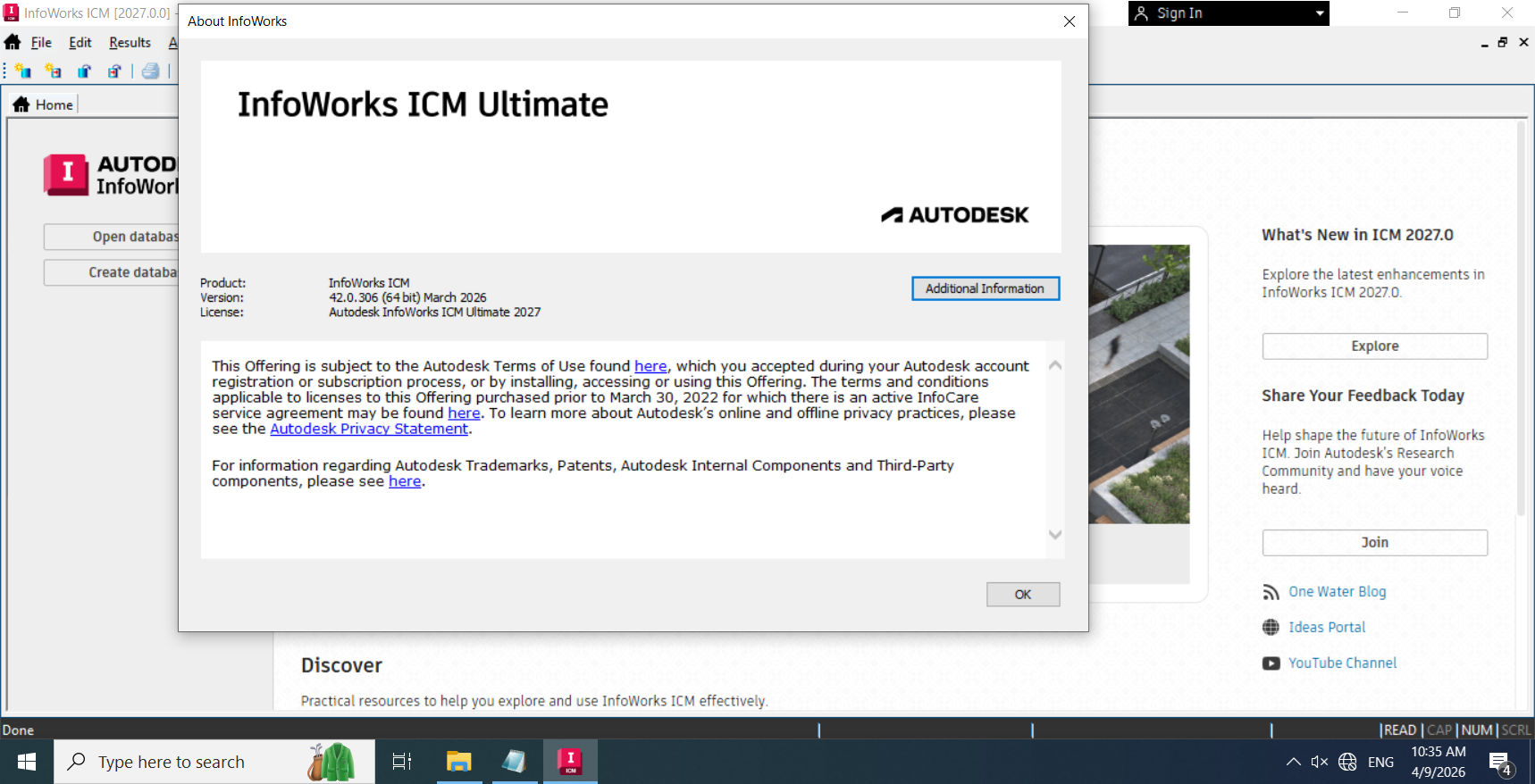
Download Autodesk InfoWorks ICM Ultimate 2027 full license

Download Autodesk InfoWorks ICM Ultimate 2027 x64 full license

Link download Autodesk InfoWorks ICM Ultimate 2027 full activated

Working with Autodesk InfoWorks ICM Ultimate 2027 full license

Description of Autodesk InfoWorks ICM Ultimate 2027

Autodesk InfoWorks ICM Ultimate 2027 is a comprehensive hydraulic and hydrologic modeling solution developed by Autodesk. It is widely used by engineers, urban planners, and environmental professionals to design, simulate, and manage complex water infrastructure systems.

This Ultimate edition delivers advanced capabilities for modeling stormwater, wastewater, river systems, and flood risk, helping organizations make data-driven decisions for resilient infrastructure.

Autodesk InfoWorks ICM Ultimate 2027 provides a powerful integrated platform for simulating entire water networks. It combines 1D and 2D hydraulic modeling, enabling accurate analysis of drainage systems, sewer networks, and flood scenarios.

With enhanced performance, cloud integration, and improved data handling, this version allows users to work on large-scale infrastructure projects efficiently while maintaining high simulation accuracy.

Features of Autodesk InfoWorks ICM Ultimate 2027

🌊 Integrated 1D & 2D Hydraulic Modeling
Simultaneous simulation of surface and subsurface water flows
Accurate modeling of sewer networks, rivers, and floodplains
Realistic flood risk assessment

🏙️ Urban Drainage & Sewer Analysis
Design and analyze stormwater and wastewater systems
Identify capacity issues and optimize network performance
Support for sustainable drainage systems (SuDS)

🌧️ Advanced Flood Risk Modeling
Simulate rainfall events and extreme weather scenarios
Predict flood extents, depths, and impacts
Improve disaster preparedness and mitigation strategies

⚡ High-Performance Simulation Engine
Fast and scalable simulations for large models
Utilize multi-core processing and cloud computing
Efficient handling of complex datasets

☁️ Cloud & Collaboration Tools
Integration with cloud platforms for data sharing
Collaborative workflows for distributed teams
Version control and project management features

📊 Data Integration & GIS Support
Seamless import/export of GIS and CAD data
Work with real-world geospatial datasets
Enhanced visualization of simulation results

🔄 Automation & Scenario Management
Run multiple simulation scenarios efficiently
Compare results and optimize system designs
Automate repetitive modeling tasks

📑 Reporting & Visualization
Generate detailed reports and analysis outputs
Advanced graphing and mapping tools
Clear presentation of results for stakeholders

💻 System Requirements
OS: Windows 10 / Windows 11 (64-bit)
CPU: Multi-core processor (Intel/AMD)
RAM: Minimum 16 GB (32 GB recommended)
Storage: 20+ GB free disk space
GPU: Dedicated graphics recommended for large models

🎯 Why Choose Autodesk InfoWorks ICM Ultimate 2027?
Industry-leading hydraulic modeling platform
Accurate flood and drainage simulation
Supports large-scale infrastructure projects
Enhances decision-making with data-driven insights
Ideal for civil engineers and environmental consultants

🔑 Conclusion
Autodesk InfoWorks ICM Ultimate 2027 is a powerful and reliable solution for modeling and managing water infrastructure systems. With its advanced simulation capabilities, cloud integration, and robust data handling, it enables professionals to design resilient and efficient drainage and flood management systems.

If you want to download Autodesk InfoWorks ICM Ultimate 2027 full license, please click to DOWNLOAD button to download.
CLICKDOWN.ORG Download CAD CAM CNC software
Inside package Autodesk InfoWorks ICM Ultimate 2027, already have cracked files and instruction how to install Autodesk InfoWorks ICM Ultimate 2027 step by step. I guarantee you can install Autodesk InfoWorks ICM Ultimate 2027 successfully if you follow that instruction.
If you also can’t install it or get any problems, please contact to me by email: clickdown.org@gmail.com, then I will help you to install software by teamviewer or Ultraviewer or Anydesk.
Thanks a lot
SOFTWARES

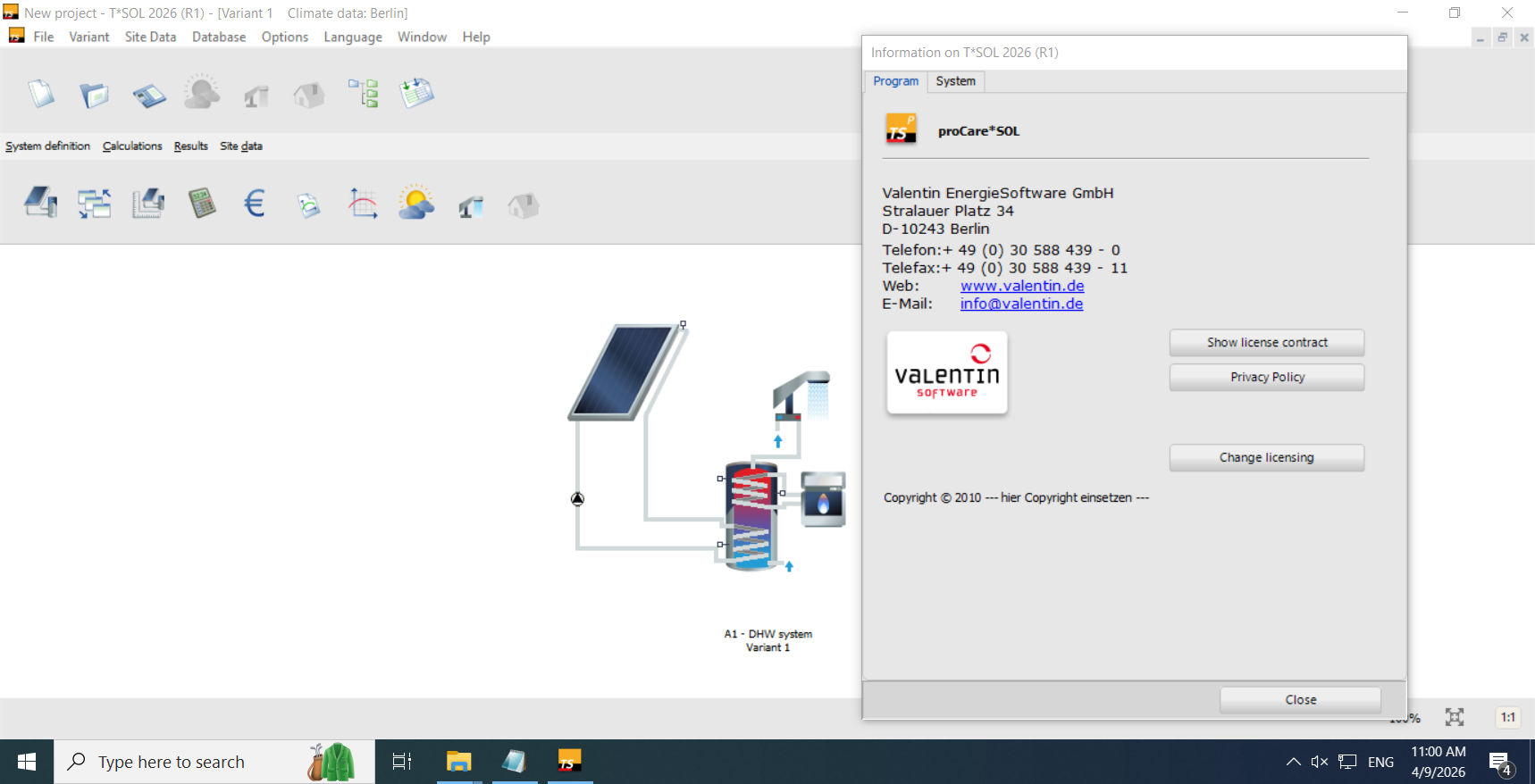
Download Valentin Software TSOL 2026 R1 v2026.1.28 x64 full

Download Valentin Software TSOL 2026 R1 v2026.1.28 x64 full

Link download Valentin Software TSOL 2026 R1 v2026.1.28 full activated

Working with Valentin Software TSOL 2026 R1 v2026.1.28 full license

Description of Valentin Software TSOL 2026 R1 v2026.1.28

Valentin Software TSOL 2026 R1 is a professional simulation and design tool developed by Valentin Software. It is widely used by engineers, architects, and energy consultants to design and optimize solar thermal systems with high precision and efficiency.

This latest release continues to enhance performance, usability, and simulation accuracy, making it a top choice for renewable energy system planning.

TSOL 2026 R1 is a dynamic simulation software specifically designed for solar thermal systems. It enables users to calculate system performance, optimize configurations, and evaluate economic feasibility before implementation.

The software supports a wide range of applications, including domestic hot water systems, heating support, swimming pools, and industrial process heat. With advanced modeling and simulation capabilities, TSOL helps professionals make informed decisions and maximize energy efficiency.

Features of Valentin Software TSOL 2026 R1 v2026.1.28

☀️ Advanced Solar Thermal Simulation
Dynamic simulation with time steps as small as minutes
Accurate calculation of solar yield, temperatures, and energy flows
Detailed system performance analysis

🏗️ Comprehensive System Design
Design systems for hot water, heating support, and industrial use
Optimize collector areas and storage tank sizes
Pre-configured system templates for faster setup

📊 Extensive Component Database
Thousands of solar collectors, boilers, and storage tanks included
Easy selection and configuration of components
Supports realistic system modeling

🌍 Global Climate Data Integration
Access climate datasets for locations worldwide
Import custom weather data
Accurate simulation based on real environmental conditions

📈 Performance & Profitability Analysis
Calculate efficiency, solar fraction, and energy savings
Built-in financial analysis tools
Evaluate return on investment and system cost-effectiveness

🔄 Parameter Variation & Optimization
Test multiple design parameters simultaneously
Identify optimal system configurations
Compare up to multiple system variants

📑 Professional Reporting
Generate detailed project reports with charts and system data
Export simulation results for documentation and analysis
Suitable for technical presentations and compliance requirements

⚡ Improved Workflow & Usability
User-friendly interface for efficient design processes
Faster calculations and enhanced stability
Updated databases and improved compatibility

💻 System Requirements
OS: Windows 10 / Windows 11 (64-bit)
CPU: Intel i3 / AMD Ryzen 3 or higher
RAM: Minimum 4 GB
Storage: ~1–2 GB free space
GPU: OpenGL-compatible graphics
Internet connection recommended

🎯 Why Choose TSOL 2026 R1?
Industry-leading solar thermal simulation tool
Accurate and reliable energy yield predictions
Extensive database and global climate support
Ideal for engineers, consultants, and renewable energy professionals

🔑 Conclusion
Valentin Software TSOL 2026 R1 v2026.1.28 is a powerful and reliable solution for designing and simulating solar thermal systems. With its advanced modeling capabilities, extensive database, and professional reporting tools, it helps users optimize energy systems and achieve maximum efficiency with confidence.

If you want to download Valentin Software TSOL 2026 R1 v2026.1.28 full license, please click to DOWNLOAD button to download.
CLICKDOWN.ORG Download CAD CAM CNC software
Inside package Valentin Software TSOL 2026 R1 v2026.1.28, already have cracked files and instruction how to install Valentin Software TSOL 2026 R1 v2026.1.28 step by step. I guarantee you can install Valentin Software TSOL 2026 R1 v2026.1.28 successfully if you follow that instruction.
If you also can’t install it or get any problems, please contact to me by email: clickdown.org@gmail.com, then I will help you to install software by teamviewer or Ultraviewer or Anydesk.
Thanks a lot
SOFTWARES

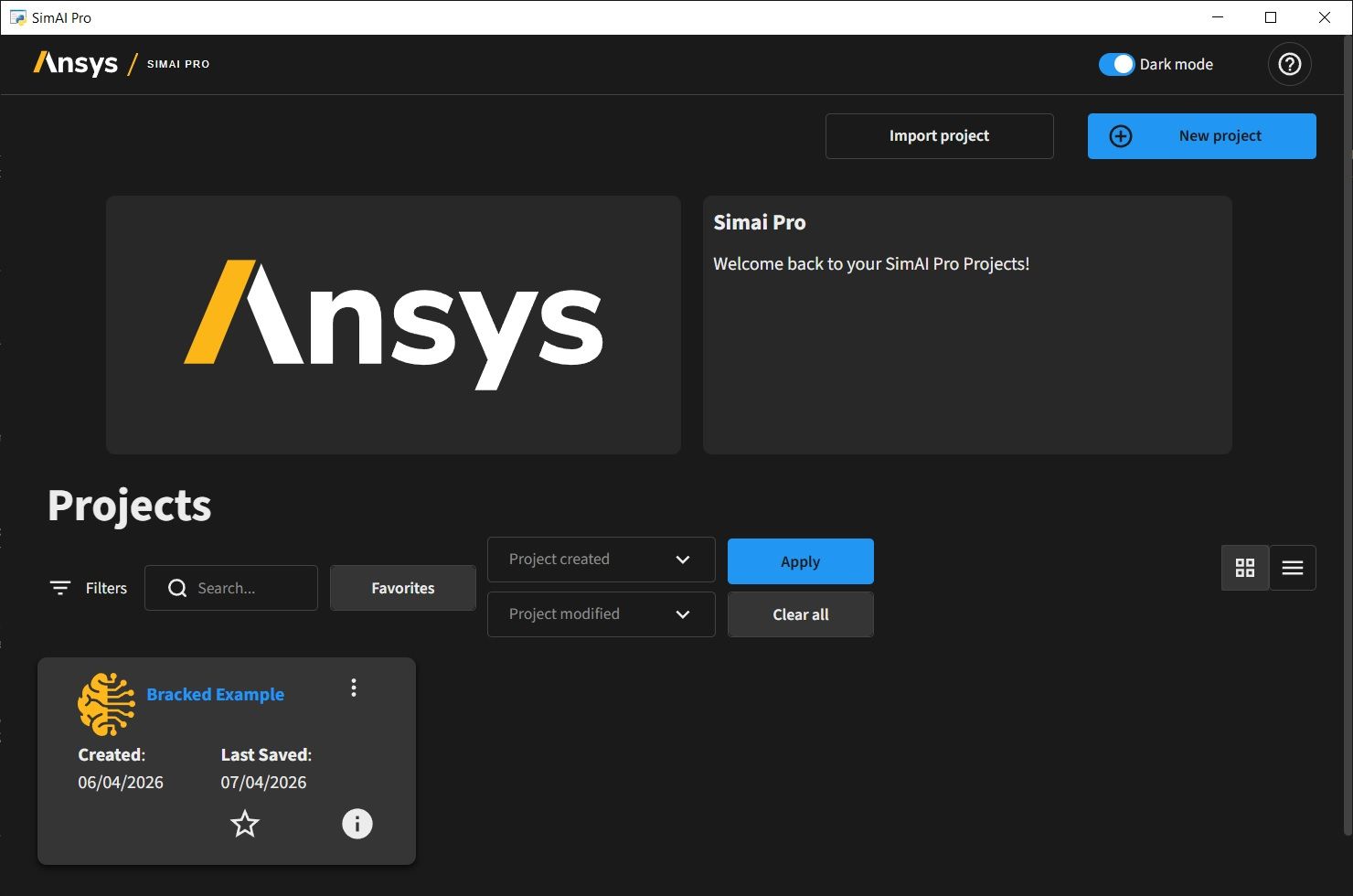
Download ANSYS SimAI Pro Standalone 2026 R1 x64 full license

Download ANSYS SimAI Pro Standalone 2026 R1 x64 full license

Link download ANSYS SimAI Pro Standalone 2026 R1 full activated

ANSYS SimAI Pro Standalone 2026 R1 x64 full license

Working with ANSYS SimAI Pro Standalone 2026 R1 full license

Description of ANSYS SimAI Pro Standalone 2026 R1

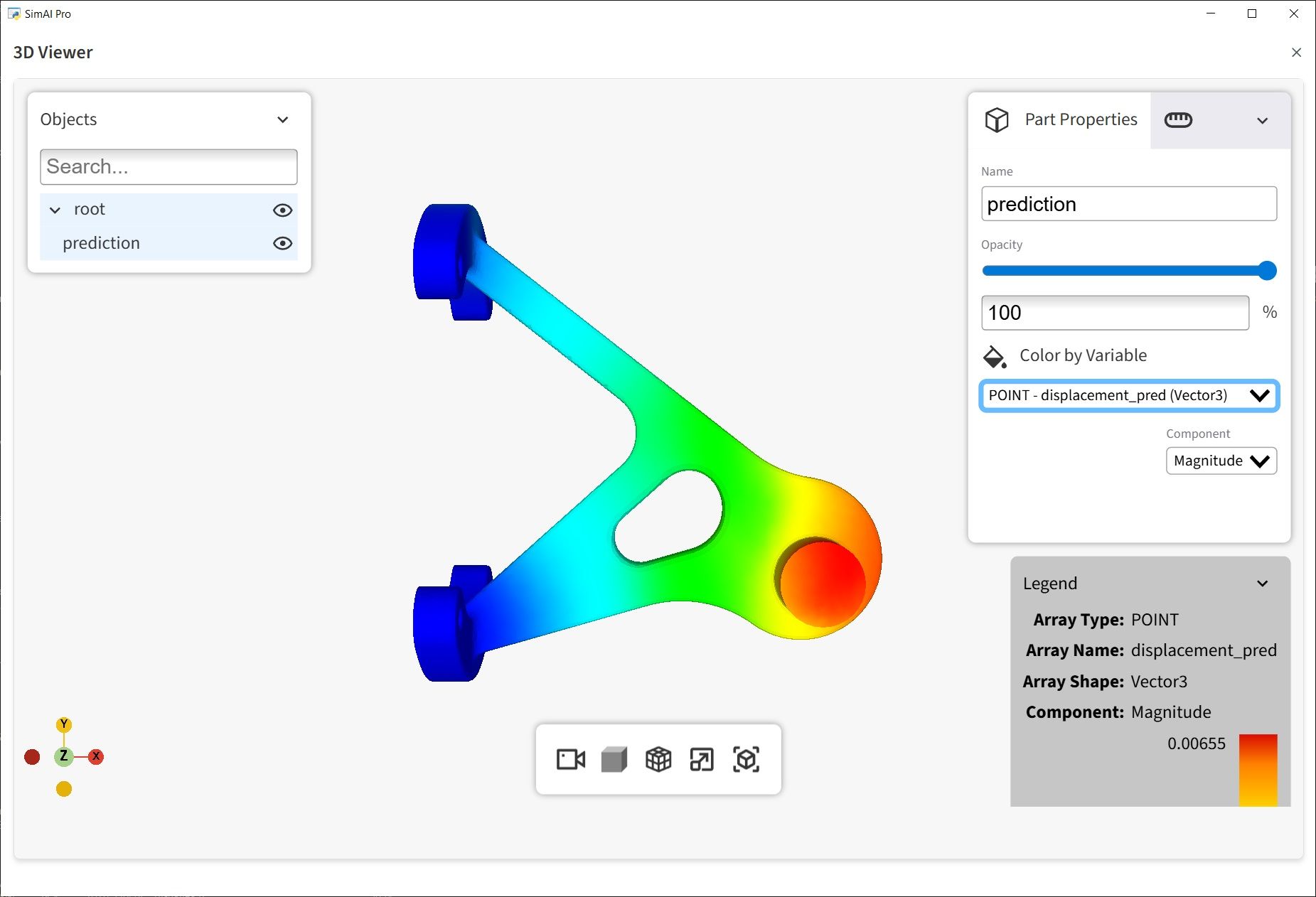
ANSYS SimAI Pro Standalone 2026 R1 is an advanced AI-powered simulation platform developed by Ansys. This cutting-edge solution leverages artificial intelligence and machine learning to accelerate engineering simulations, enabling faster decision-making and reduced computational costs.

Designed for engineers, researchers, and product developers, SimAI Pro transforms traditional simulation workflows by predicting results instantly without requiring repeated high-performance computing runs.

ANSYS SimAI Pro Standalone 2026 R1 introduces a new paradigm in simulation by combining physics-based modeling with AI-driven prediction. Users can train AI models on existing simulation data and use them to generate accurate results in real time.

This standalone version ensures flexibility and ease of deployment, making it ideal for organizations looking to integrate AI into their simulation processes without complex infrastructure.

Features of ANSYS SimAI Pro Standalone 2026 R1

🤖 AI-Powered Simulation
Train machine learning models using simulation datasets
Predict simulation outcomes instantly
Reduce dependency on repeated solver runs

⚡ Rapid Design Exploration
Evaluate multiple design variations quickly
Optimize performance with AI-driven insights
Accelerate product development cycles

📊 High Accuracy Predictions
Maintain engineering-grade accuracy
Combine physics-based validation with AI models
Continuous learning for improved results

🧠 Smart Data Utilization
Efficient handling of large simulation datasets
Data-driven modeling for better predictions
Seamless integration with existing simulation data

🔗 Standalone Flexibility
Independent deployment without full ANSYS suite
Simplified installation and usage
Ideal for distributed teams and cloud environments

📈 Enhanced Productivity
Reduce simulation turnaround time
Lower computational resource requirements
Increase engineering efficiency

🔒 Secure & Scalable
Enterprise-grade security features
Scalable architecture for growing workloads
Suitable for small teams to large enterprises

💻 System Requirements
OS: Windows 10/11 (64-bit) or Linux
CPU: Multi-core processor (Intel/AMD)
RAM: Minimum 16 GB (32 GB recommended)
Storage: 10 GB free disk space
GPU: Recommended for AI model training acceleration

🎯 Why Choose ANSYS SimAI Pro Standalone 2026 R1?
Combines AI with trusted simulation technology
Reduces time and cost of engineering analysis
Enables real-time design decisions
Easy to deploy and scale across teams

🔑 Conclusion
ANSYS SimAI Pro Standalone 2026 R1 represents the future of engineering simulation by integrating artificial intelligence into traditional workflows. It empowers engineers to innovate faster, optimize designs efficiently, and significantly cut down on simulation time.

If you want to download ANSYS SimAI Pro Standalone 2026 R1 full license, please click to DOWNLOAD button to download.
CLICKDOWN.ORG Download CAD CAM CNC software
Inside package ANSYS SimAI Pro Standalone 2026 R1, already have cracked files and instruction how to install ANSYS SimAI Pro Standalone 2026 R1 step by step. I guarantee you can install ANSYS SimAI Pro Standalone 2026 R1 successfully if you follow that instruction.
If you also can’t install it or get any problems, please contact to me by email: clickdown.org@gmail.com, then I will help you to install software by teamviewer or Ultraviewer or Anydesk.
Thanks a lot
SOFTWARES

Download TechSmith Camtasia 2026.0.4.15557 x64 full license

Download TechSmith Camtasia 2026.0.4.15557 x64 full license

Link download TechSmith Camtasia 2026.0.4.15557 win64 full activated

Working with TechSmith Camtasia 2026.0.4.15557 full license

Description of TechSmith Camtasia 2026.0.4.15557

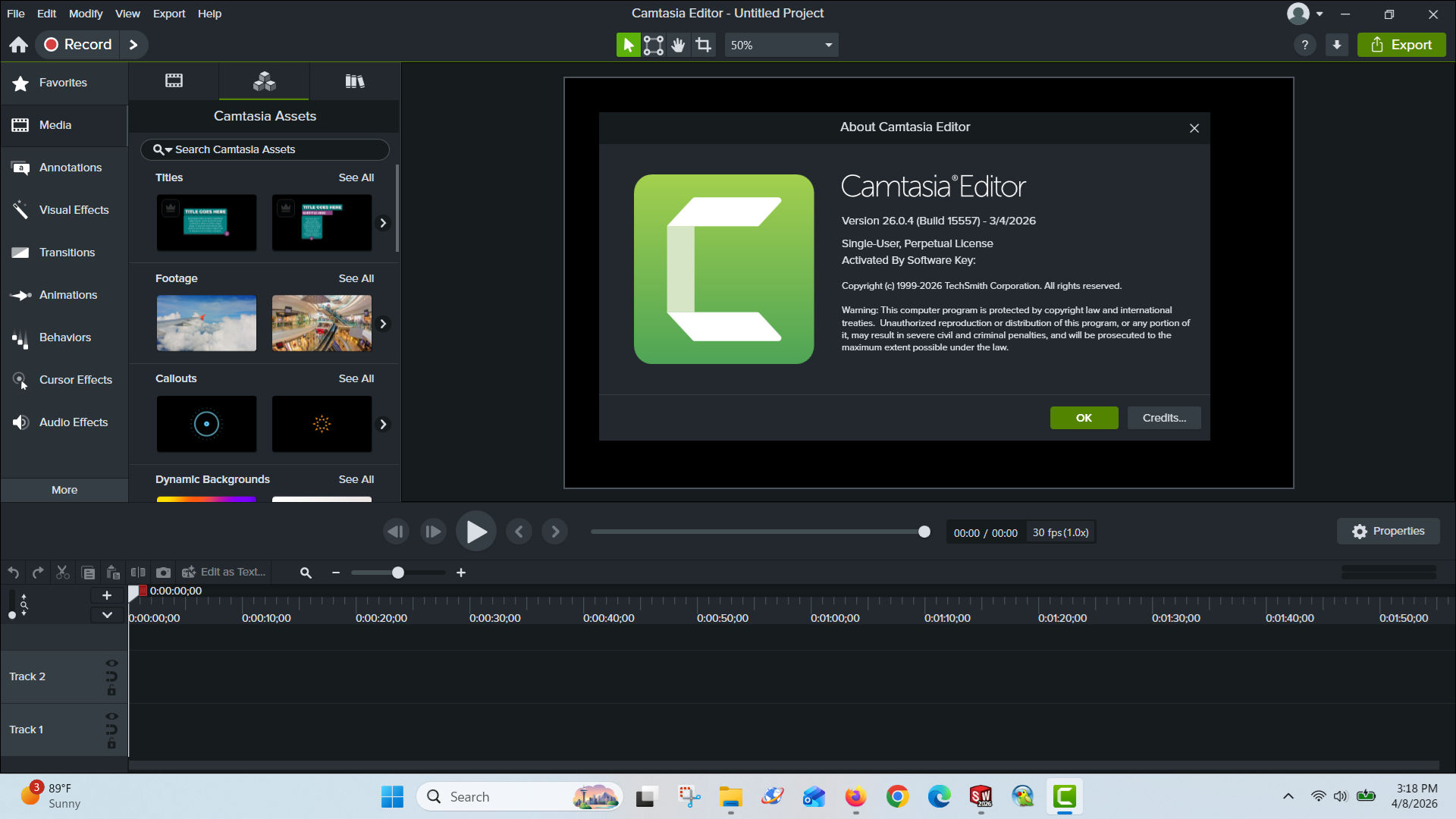
If you’re looking for a powerful and user-friendly screen recording and video editing solution, TechSmith Camtasia 2026 v26.0.4.15557 is one of the best choices available. Developed by TechSmith, this all-in-one tool allows users to create professional-quality videos without requiring advanced editing skills.

Whether you’re a content creator, educator, marketer, or business professional, Camtasia 2026 offers a streamlined workflow to record, edit, and share engaging videos effortlessly.

TechSmith Camtasia 2026.0.4.15557 is designed to simplify the video creation process. It combines screen recording, webcam capture, audio recording, and advanced editing features into a single intuitive interface. With improved performance and new creative tools, this version enhances productivity and delivers high-quality results.

Features of TechSmith Camtasia 2026.0.4.15557

🎥 Advanced Screen Recording
Capture full screen, selected areas, or specific windows
Record system audio, microphone input, and webcam simultaneously
Smooth recording with optimized performance

✂️ Powerful Video Editing Tools
Drag-and-drop timeline editor
Trim, cut, split, and merge clips easily
Multi-track editing for complex projects

🎨 Visual Effects & Transitions
Wide range of transitions and animations
Cursor effects, zoom, and pan tools
Ready-to-use templates for quick video creation

🔊 Audio Editing & Enhancements
Background noise removal
Audio leveling and enhancement tools
Add music, voiceovers, and sound effects

🧑‍🏫 Built-in Assets Library
Royalty-free music tracks
Icons, intros, and motion graphics
Pre-designed themes and templates

📤 Easy Export & Sharing
Export videos in multiple formats (MP4, GIF, etc.)
Direct upload to YouTube, Vimeo, and other platforms
Optimized presets for different devices

⚡ Improved Performance
Faster rendering speeds
Better stability with large projects
Optimized for modern hardware

💻 System Requirements
OS: Windows 10/11 (64-bit) or macOS latest versions
CPU: Intel or AMD multi-core processor
RAM: Minimum 8 GB (16 GB recommended)
Storage: 4 GB available disk space
GPU: Dedicated GPU recommended for better performance

🎯 Why Choose TechSmith Camtasia 2026?
Beginner-friendly interface
All-in-one screen recorder and video editor
Professional output without complex tools
Ideal for tutorials, presentations, and YouTube content

🔑 Conclusion
TechSmith Camtasia 2026 v26.0.4.15557 is a complete video creation solution that balances ease of use with powerful editing capabilities. Whether you’re making tutorials, marketing videos, or online courses, it provides everything you need to produce high-quality content efficiently.

If you want to download TechSmith Camtasia 202626.0.4.15557 full license, please click to DOWNLOAD button to download.
CLICKDOWN.ORG Download CAD CAM CNC software
Inside package TechSmith Camtasia 202626.0.4.15557, already have cracked files and instruction how to install TechSmith Camtasia 202626.0.4.15557 step by step. I guarantee you can install TechSmith Camtasia 202626.0.4.15557 successfully if you follow that instruction.
If you also can’t install it or get any problems, please contact to me by email: clickdown.org@gmail.com, then I will help you to install software by teamviewer or Ultraviewer or Anydesk.
Thanks a lot
SOFTWARES

Download Statistical Discovery JMP Pro 19.1.0 x64 full license

Download Statistical Discovery JMP Pro 19.1.0 x64 full license

Link download Statistical Discovery JMP Pro 19.1.0 full activated

Working with JMP Statistical Discovery JMP Pro 19.1.0 full license

Description of Statistical Discovery JMP Pro 19.1.0

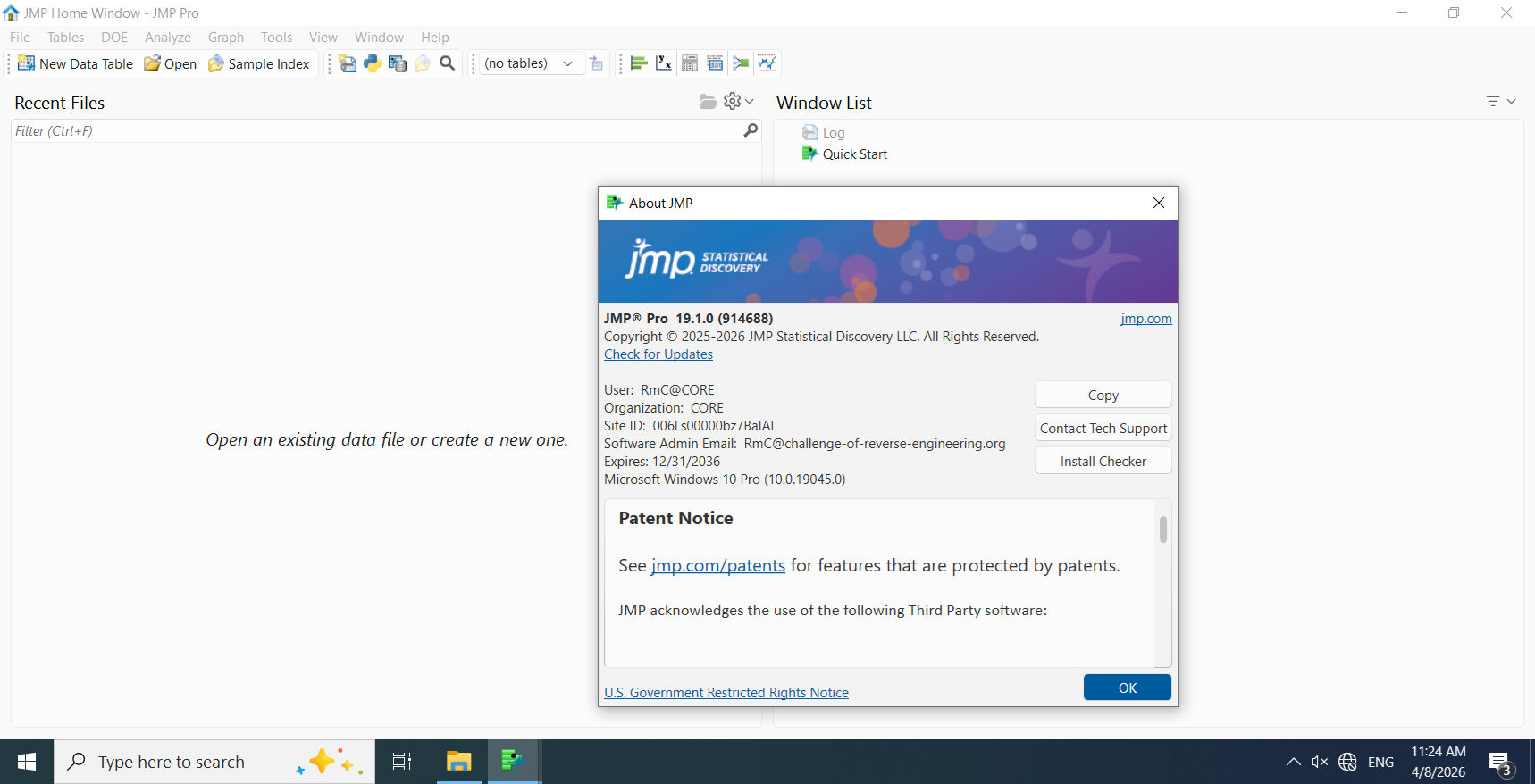
Statistical Discovery JMP Pro 19.1.0 is a powerful analytics and statistical discovery software developed by SAS Institute. Designed for scientists, engineers, and data analysts, JMP Pro combines advanced statistical modeling, predictive analytics, and interactive visualization tools in one intuitive platform.

With version 19.1.0, JMP Pro continues to push the boundaries of data exploration, enabling users to uncover deeper insights, build reliable predictive models, and make data-driven decisions with confidence.

🔍 What is JMP Pro 19.1.0?
JMP Pro is an advanced statistical software used for:
Exploratory data analysis (EDA)
Predictive modeling and machine learning
Design of experiments (DOE)
Data visualization and reporting
It is widely used across industries such as healthcare, engineering, manufacturing, and finance for its interactive and visual approach to statistical discovery.

Features of Statistical Discovery JMP Pro 19.1.0

📊 Interactive Data Visualization
Dynamic graphs and dashboards
Drag-and-drop interface for instant insights
Real-time data exploration with linked visualizations

🧠 Advanced Predictive Modeling
Built-in machine learning algorithms
Regression, decision trees, neural networks
Model comparison and validation tools

🔬 Design of Experiments (DOE)
Create and analyze complex experiments
Optimize processes and product performance
Factor screening and response surface modeling

🔍 Data Cleaning & Preparation
Efficient data reshaping and transformation
Missing data handling and outlier detection
Seamless data import from multiple sources

📈 Statistical Analysis Tools
ANOVA, multivariate analysis, and hypothesis testing
Reliability and quality analysis
Time series analysis and forecasting

🤖 Automation & Scripting
JSL (JMP Scripting Language) for automation
Custom workflows and reproducible analysis
Integration with external tools and scripts

🔐 Robust Reporting & Sharing
Create interactive reports and dashboards
Export results to various formats
Share insights across teams

💡 Why Choose JMP Pro 19.1.0?
User-friendly interface with powerful analytics
Combines visualization and statistics in one platform
Trusted by researchers and professionals worldwide
Ideal for both beginners and advanced analysts

🖥️ System Requirements
OS: Windows 10/11 or macOS
RAM: 8GB minimum (16GB recommended)
Storage: 2GB free disk space
Processor: Multi-core CPU

📌 Conclusion
Statistical Discovery JMP Pro 19.1.0 is a comprehensive solution for advanced data analysis and predictive modeling. Its unique blend of visual exploration and statistical power makes it an essential tool for anyone looking to transform raw data into actionable insights.

If you want to download Statistical Discovery JMP Pro 19.1.0 full license, please click to DOWNLOAD button to download.
CLICKDOWN.ORG Download CAD CAM CNC software
Inside package Statistical Discovery JMP Pro 19.1.0, already have cracked files and instruction how to install Statistical Discovery JMP Pro 19.1.0 step by step. I guarantee you can install Statistical Discovery JMP Pro 19.1.0 successfully if you follow that instruction.
If you also can’t install it or get any problems, please contact to me by email: clickdown.org@gmail.com, then I will help you to install software by teamviewer or Ultraviewer or Anydesk.
Thanks a lot
SOFTWARES

Download AmiBroker 7.00.1 x64 full license 100% working

Download AmiBroker 7.00.1 x64 full license 100% working

Link download AmiBroker 7.00.1 win64 full activated

Working with AmiBroker 7.00.1 x64 full license

Description of AmiBroker 7.00.1

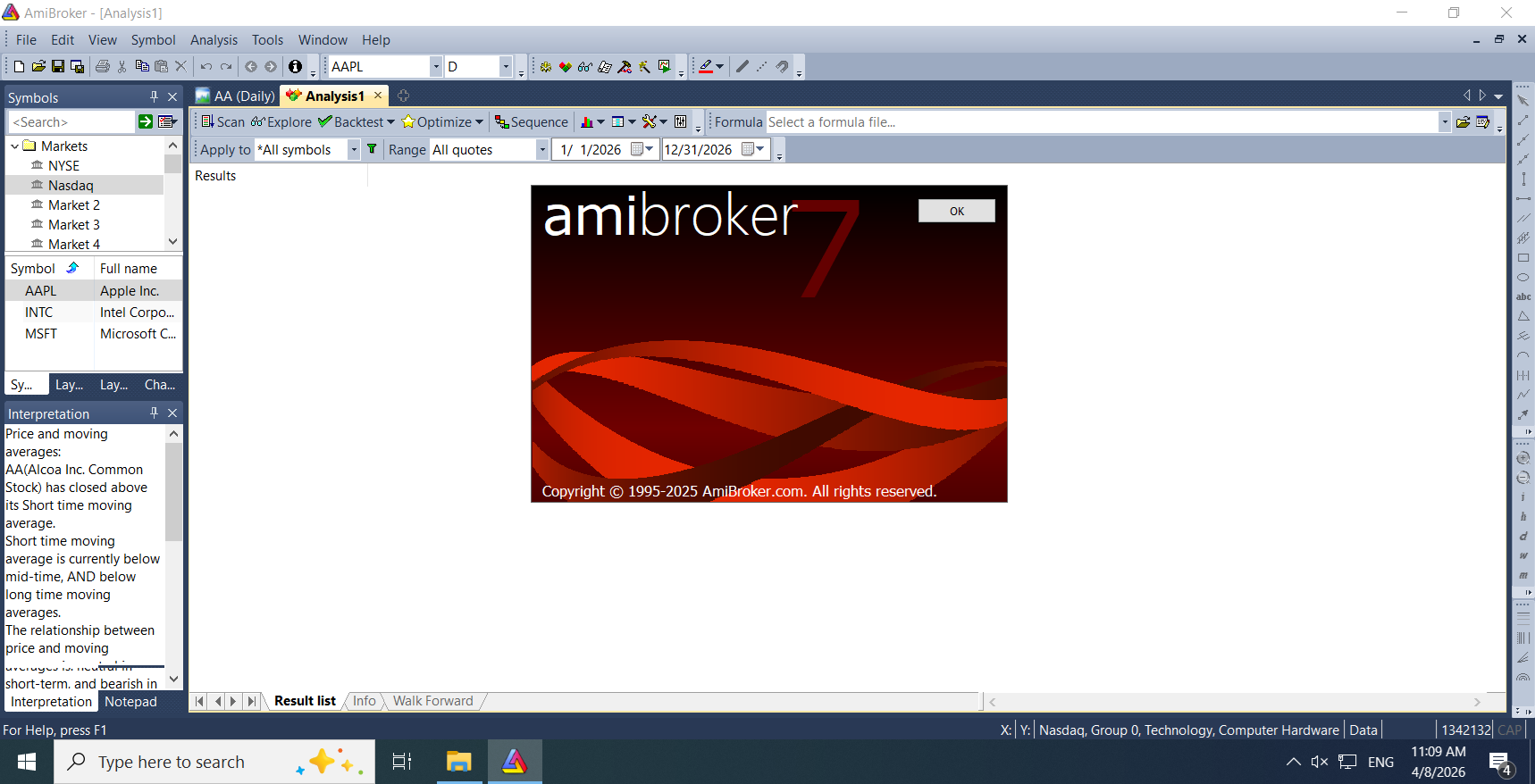
AmiBroker 7.00.1 is a powerful and highly efficient technical analysis and charting software designed for traders, investors, and market analysts. Known for its speed, flexibility, and advanced automation capabilities, AmiBroker provides a comprehensive environment for developing, testing, and executing trading strategies across multiple financial markets.

Whether you are a beginner exploring technical indicators or an advanced trader building algorithmic systems, AmiBroker 7.00.1 delivers a robust toolkit to enhance your trading performance.

🔍 What is AmiBroker 7.00.1?
AmiBroker is a professional-grade platform used for:
Advanced charting
Backtesting trading strategies
Market scanning and exploration
Algorithmic trading system development
Version 7.00.1 introduces performance improvements, enhanced usability, and refined tools that make trading analysis faster and more accurate than ever.

Features of AmiBroker 7.00.1

🚀 Ultra-Fast Performance
Optimized 64-bit architecture
Lightning-fast data processing for large datasets
Multi-threaded calculations for efficient backtesting

📊 Advanced Charting Tools
Hundreds of built-in indicators
Custom chart overlays and drawing tools
Multi-timeframe analysis support

🧠 AFL (AmiBroker Formula Language)
Powerful scripting language for creating custom indicators and strategies
Full control over trading logic and automation
Extensive documentation and community support

🔄 Robust Backtesting Engine
Portfolio-level backtesting
Walk-forward testing and optimization
Detailed performance reports and metrics

🔎 Market Exploration & Scanning
Scan thousands of stocks in seconds
Filter opportunities based on custom criteria
Real-time exploration capabilities

🔌 Data Integration
Supports multiple data providers
Easy import/export of historical data
Real-time data feed compatibility

🤖 Automation & Trading Systems
Develop fully automated trading strategies
Signal generation and alerts
Integration with external trading platforms via plugins

🧩 Customization & Plugins
Extend functionality with third-party plugins
Customize interface and workflows
Flexible database management

💡 Why Choose AmiBroker 7.00.1?
Ideal for both discretionary and systematic traders
Highly customizable and scalable
Trusted by professional traders worldwide
Excellent performance compared to other trading platforms

🖥️ System Requirements
OS: Windows 10/11 (64-bit recommended)
RAM: 4GB minimum (8GB+ recommended)
Storage: 500MB free disk space
Processor: Multi-core CPU for optimal performance

📌 Conclusion
AmiBroker 7.00.1 stands out as one of the most powerful technical analysis platforms available today. With its advanced features, unmatched speed, and flexibility, it is an essential tool for traders looking to gain a competitive edge in the financial markets.

If you want to download AmiBroker 7.00.1 full license, please click to DOWNLOAD button to download.
CLICKDOWN.ORG Download CAD CAM CNC software
Inside package AmiBroker 7.00.1, already have cracked files and instruction how to install AmiBroker 7.00.1 step by step. I guarantee you can install AmiBroker 7.00.1 successfully if you follow that instruction.
If you also can’t install it or get any problems, please contact to me by email: clickdown.org@gmail.com, then I will help you to install software by teamviewer or Ultraviewer or Anydesk.
Thanks a lot
SOFTWARES

Download S&P GLOBAL EVIEW ENTERPRISE 2025 v14 win64 full

Download S&P GLOBAL EVIEW ENTERPRISE 2025 v14 win64 full

Link download S&P GLOBAL EVIEW ENTERPRISE 2025 v14 full activated

S&P GLOBAL EVIEW ENTERPRISE 2025 v14 x64 full

Working with S&P GLOBAL EVIEW ENTERPRISE 2025 v14 full activated

Description of S&P GLOBAL EVIEW ENTERPRISE 2025 v14

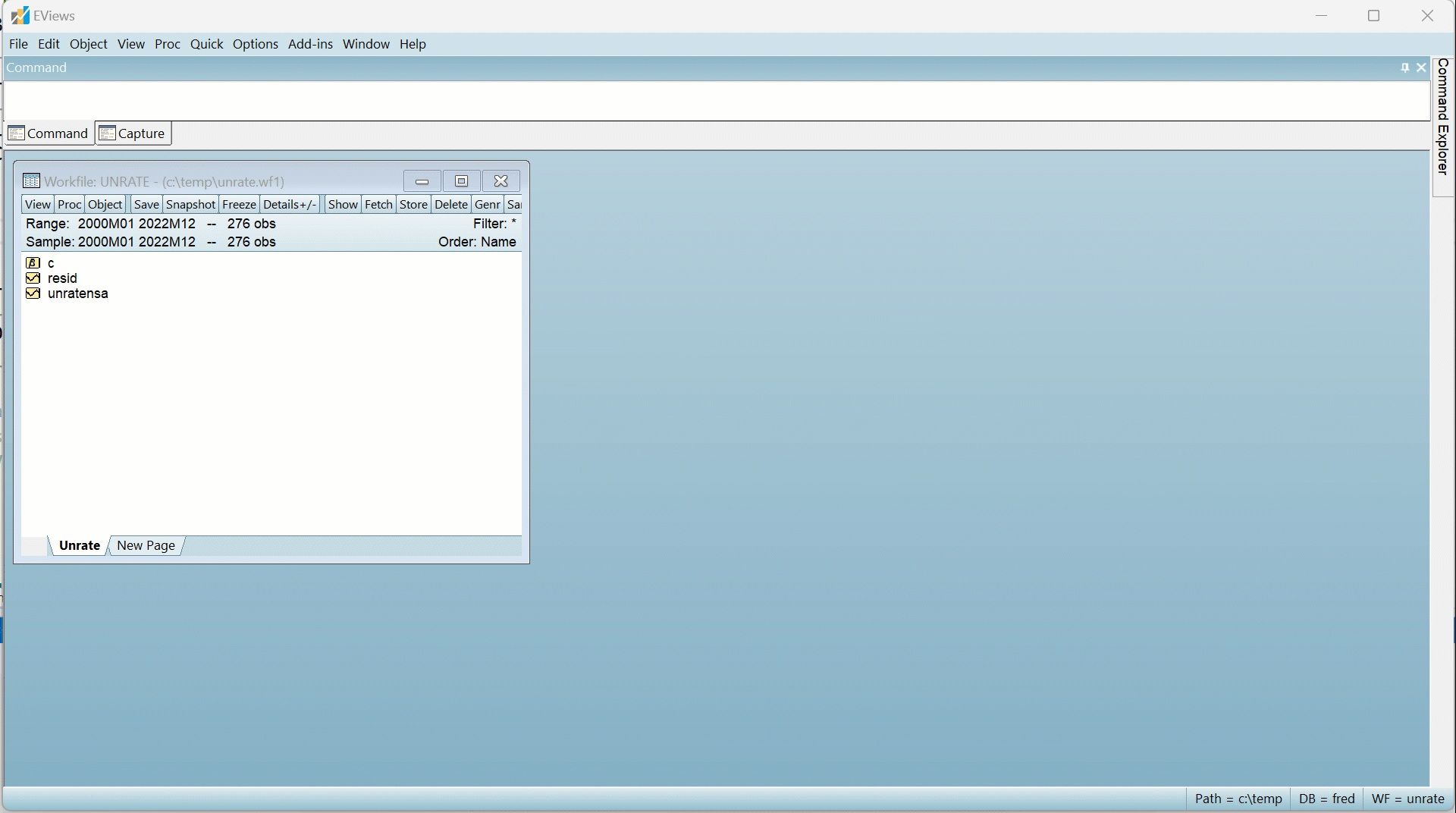
S&P Global EViews Enterprise 2025 v14 by S&P Global is a powerful econometric, statistical, and forecasting software designed for economists, researchers, analysts, and data scientists. Developed under the EViews platform (Econometric Views), this Enterprise edition provides advanced tools for data analysis, time series modeling, forecasting, and seamless integration with external databases.

It is widely used in academic research, financial analysis, policy modeling, and business forecasting thanks to its intuitive interface and extensive analytical capabilities.

Features of S&P GLOBAL EVIEW ENTERPRISE 2025 v14

1. Advanced Econometric Analysis
Perform linear and nonlinear regression models
Support for ARDL, VAR, VEC, GARCH, and more
Advanced hypothesis testing and diagnostics

2. Time Series Modeling & Forecasting
Analyze trends, cycles, and seasonality
Built-in unit root, cointegration, and causality tests
Forecast using ARIMA, exponential smoothing, and modern models

3. Powerful Data Management
Handle time series, cross-section, and panel data
Advanced data transformation and manipulation tools
Support for structured datasets and dynamic updates

4. Integration with External Databases
Connect to Bloomberg, S&P Global, CEIC, and more
Direct access to online economic databases
ODBC support for enterprise-level data connectivity

5. User-Friendly Interface
Point-and-click environment (no complex coding required)
Easy model creation and visualization
Suitable for both beginners and professionals

6. Visualization & Reporting
Create charts, graphs, and statistical plots
Export reports to PDF, HTML, and other formats
Interactive data visualization tools

7. Automation & Programming
Built-in scripting language for automation
Batch processing and model replication
Integration with Jupyter Notebook for workflows

8. Machine Learning & Modern Methods
Elastic Net, Lasso, and advanced regression techniques
Bayesian models and impulse response analysis
Enhanced forecasting and model selection tools

9. Multi-Format Data Support
Import/export Excel, CSV, SPSS, Stata, SAS, and more
Drag-and-drop data import
Seamless data exchange across platforms

10. Enterprise-Level Enhancements
High-performance computing for large datasets
Multi-user and enterprise database access
Improved scalability and performance in v14

💻 System Requirements
OS: Windows 10 / 11 (64-bit)
CPU: Multi-core processor
RAM: 8 GB minimum (16 GB recommended)
Storage: 2–5 GB free disk space
Internet: Required for database connectivity

🎯 Why Choose EViews Enterprise 2025 v14?
S&P Global EViews Enterprise 2025 v14 is a top-tier solution because it:
Combines econometrics, statistics, and forecasting in one platform
Handles complex datasets and large-scale models efficiently
Integrates directly with global financial and economic databases
Offers both beginner-friendly UI and advanced analytical depth
Supports enterprise workflows and collaborative environments
It is ideal for economic research, financial modeling, academic studies, and data-driven decision-making.

If you want to download S&P GLOBAL EVIEW ENTERPRISE 2025 v14 full license, please click to DOWNLOAD button to download.
CLICKDOWN.ORG Download CAD CAM CNC software
Inside package S&P GLOBAL EVIEW ENTERPRISE 2025 v14, already have cracked files and instruction how to install S&P GLOBAL EVIEW ENTERPRISE 2025 v14 step by step. I guarantee you can install S&P GLOBAL EVIEW ENTERPRISE 2025 v14 successfully if you follow that instruction.
If you also can’t install it or get any problems, please contact to me by email: clickdown.org@gmail.com, then I will help you to install software by teamviewer or Ultraviewer or Anydesk.
Thanks a lot

SOFTWARES

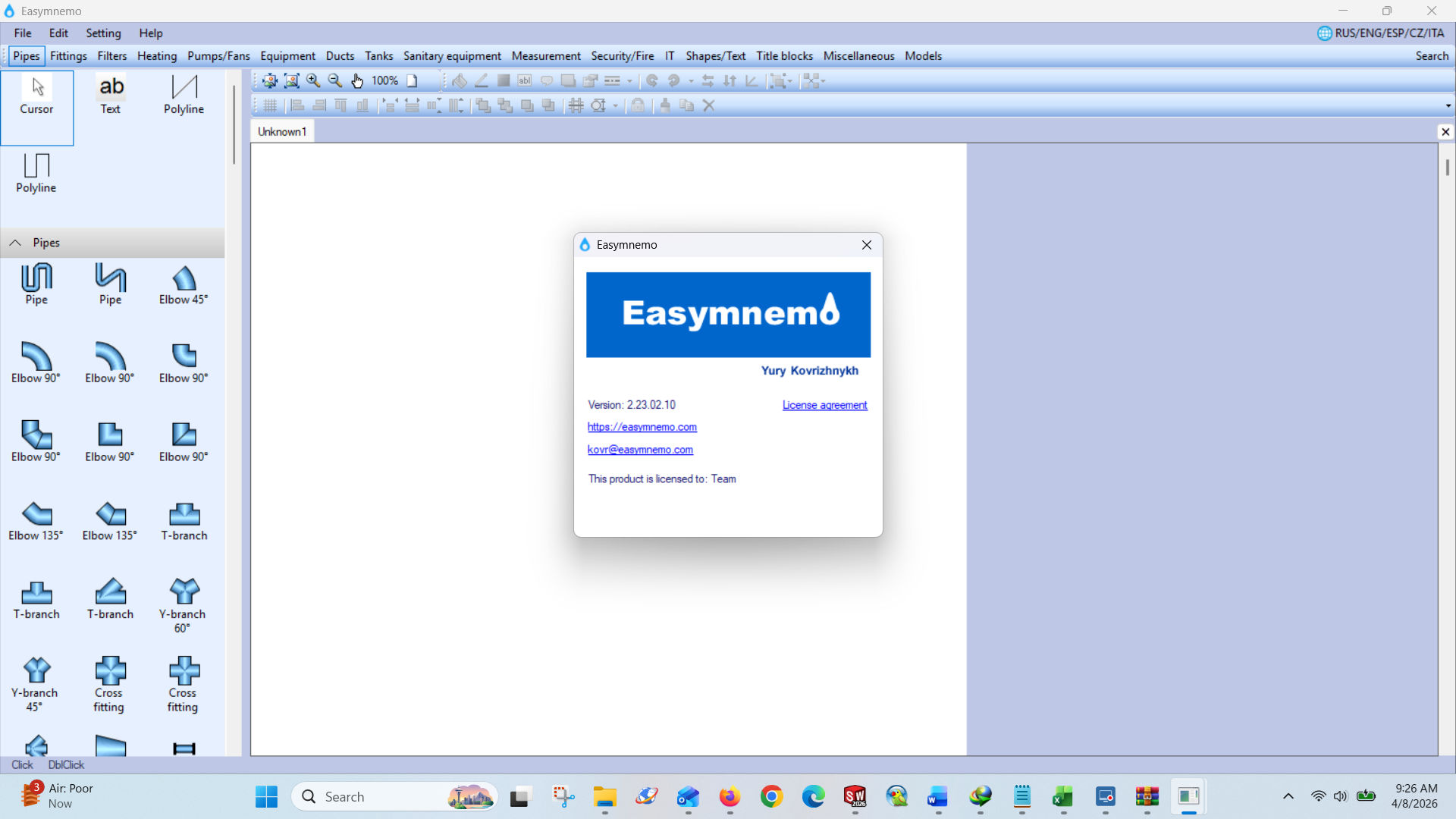
Download Easymnemo 2.23.02.10 full license 100% working

Download Easymnemo 2.23.02.10 full license 100% working

Link download Easymnemo 2.23.02.10 full activated

Working with Easymnemo 2.23.02.10 full license

Description of Easymnemo 2.23.02.10

The Mome diagram (Easymnemo – short for easy mnemonic diagram) is a convenient program for creating two-dimensional schemes, drawings. Much attention is paid to heat, water, gas, water treatment, AUTPT, evacuation plans for fire / accident, fundamental electrical schemes. The obtained drawings can be used for documents, presentations, mnemosomes, promotional materials, business cards. The library of elements contains images of equipment, conditional graphical designations from the standards of GOST and ABOCS, etc.

The installation kit contains a catalog of examples (schemes of metering of heat energy, water, gas, heat nodes schemes, schemes for connecting boiling equipment, water treatment schemes, switching circuits, structural schemes, data transfer schemes, schemes of computer networks, security and fire alarm schemes, fire alarm schemes, fire surveillance plans, electrical circuits, etc.)

Interface languages – Russian, English, Spanish, Czech, Italian.

If you want to download Easymnemo 2.23.02.10 full license, please click to DOWNLOAD button to download.
CLICKDOWN.ORG Download CAD CAM CNC software
Inside package Easymnemo 2.23.02.10, already have cracked files and instruction how to install Easymnemo 2.23.02.10 step by step. I guarantee you can install Easymnemo 2.23.02.10 successfully if you follow that instruction.
If you also can’t install it or get any problems, please contact to me by email: clickdown.org@gmail.com, then I will help you to install software by teamviewer or Ultraviewer or Anydesk.
Thanks a lot
SOFTWARES

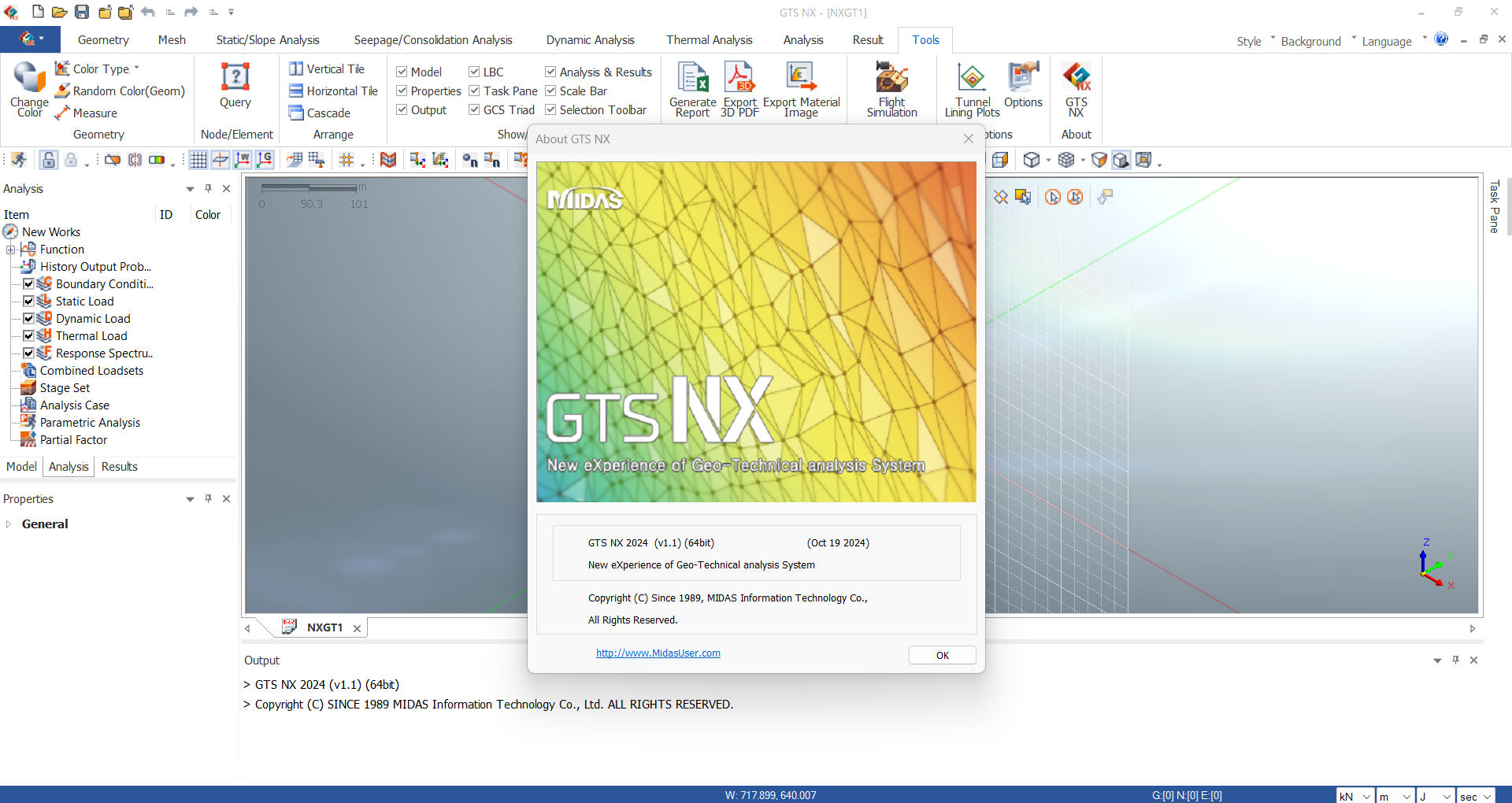
Download MIDAS GTS NX 2024 v1.1 win64 full license

Download MIDAS GTS NX 2024 v1.1 win64 full license

Link download MIDAS GTS NX 2024 v1.1 full activated

Working with MIDAS GTS NX 2024 v1.1 win64 full license

Description of MIDAS GTS NX 2024 v1.1

MIDAS GTS NX 2024 v1.1 by MIDAS IT is a powerful geotechnical and finite element analysis (FEA) software designed for civil and geotechnical engineers. It provides advanced tools for analyzing soil-structure interaction, underground construction, slope stability, and foundation systems.

With an intuitive interface and high-performance solver, MIDAS GTS NX enables engineers to perform accurate simulations and optimize designs for complex geotechnical projects.

Features of MIDAS GTS NX 2024 v1.1

1. Advanced Finite Element Analysis (FEA)
Perform 2D and 3D geotechnical simulations
Analyze stress, deformation, and stability
Support linear and nonlinear analysis

2. Soil-Structure Interaction Modeling
Model interaction between soil and structural elements
Analyze retaining walls, tunnels, and foundations
Improve design safety and performance

3. Tunnel & Underground Analysis
Simulate tunnel excavation and construction stages
Analyze ground movement and support systems
Suitable for metro, mining, and infrastructure projects

4. Slope Stability Analysis
Evaluate slope safety factors
Analyze landslide risks and failure mechanisms
Provide solutions for slope reinforcement

5. Seepage & Groundwater Analysis
Model groundwater flow and pore pressure
Analyze seepage through soil and structures
Essential for dam and embankment design

6. Construction Stage Analysis
Simulate step-by-step construction processes
Evaluate time-dependent behavior
Improve planning and execution

7. Advanced Material Models
Wide range of soil and rock constitutive models
Accurately represent real-world conditions
Enhance simulation precision

8. Visualization & Post-Processing
Detailed contour plots and deformation views
Graphs for stress, displacement, and pore pressure
Generate professional engineering reports

9. Integration & Compatibility
Import CAD models and mesh data
Compatible with industry-standard formats
Supports efficient project workflows

10. Performance Improvements (v1.1)
Enhanced solver speed and stability
Improved user interface and workflow
Better handling of large-scale models

💻 System Requirements
OS: Windows 10 / 11 (64-bit)
CPU: Multi-core processor (Intel/AMD)
RAM: 8 GB minimum (16 GB or more recommended)
Storage: 10 GB free disk space
GPU: Optional for enhanced visualization

🎯 Why Choose MIDAS GTS NX 2024 v1.1?
MIDAS GTS NX 2024 v1.1 is an ideal solution for geotechnical engineering because it:
Combines advanced FEA with geotechnical analysis tools
Supports complex soil-structure interaction simulations
Improves safety through accurate stability analysis
Enhances productivity with automated workflows
Delivers reliable results for critical infrastructure projects
It is widely used in projects such as tunnels, foundations, slopes, dams, and underground structures.

If you want to download MIDAS GTS NX 2024 v1.1 full license, please click to DOWNLOAD button to download.
CLICKDOWN.ORG Download CAD CAM CNC software
Inside package MIDAS GTS NX 2024 v1.1, already have cracked files and instruction how to install MIDAS GTS NX 2024 v1.1 step by step. I guarantee you can install MIDAS GTS NX 2024 v1.1 successfully if you follow that instruction.
If you also can’t install it or get any problems, please contact to me by email: clickdown.org@gmail.com, then I will help you to install software by teamviewer or Ultraviewer or Anydesk.
Thanks a lot
SOFTWARES

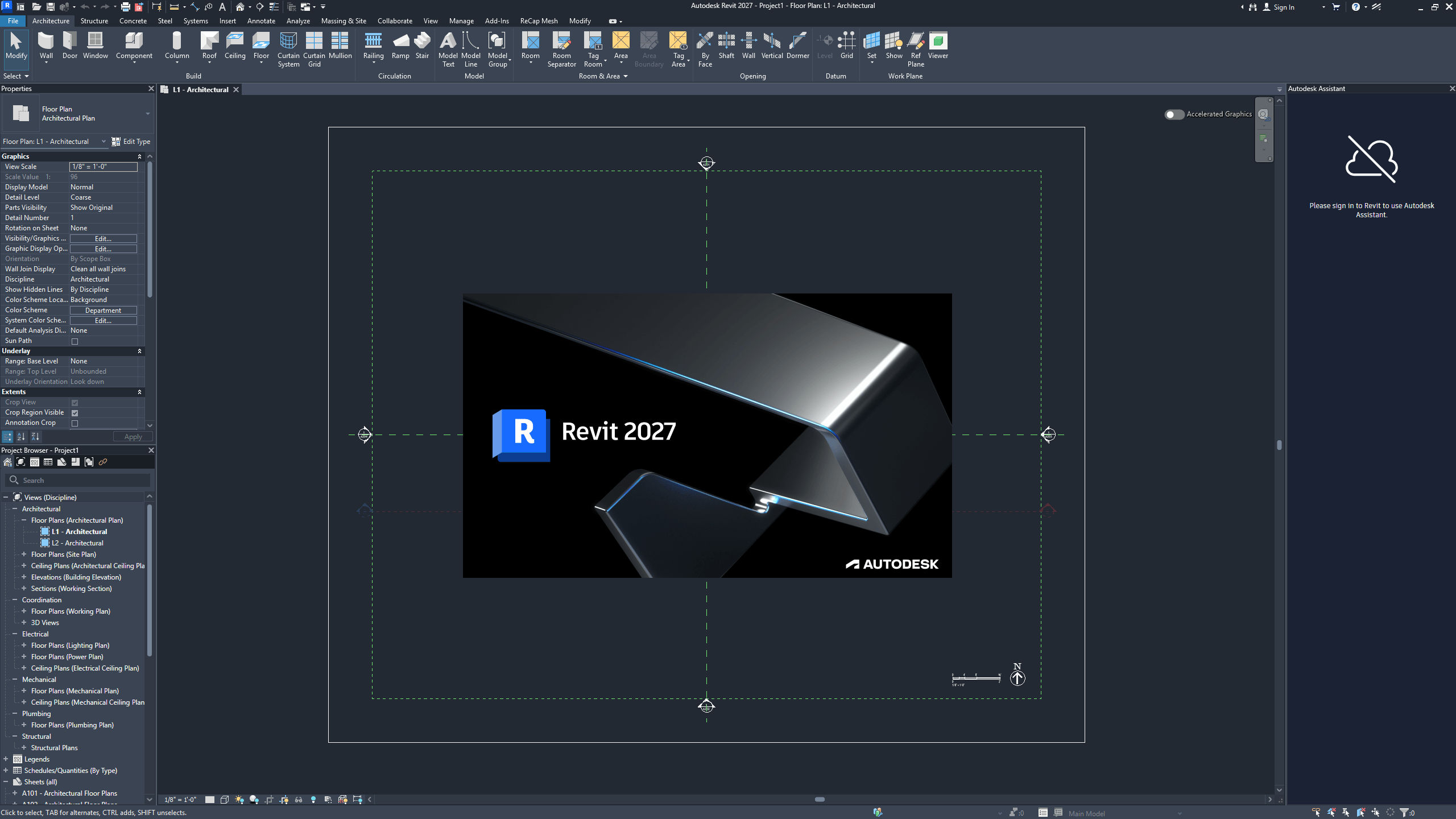
Download Autodesk Revit 2027 win64 full license forever

Download Autodesk Revit 2027 x64 full license

Link download Autodesk Revit 2027 win64 full activated

Working with Autodesk Revit 2027 full license

Description of Autodesk Revit 2027

Autodesk Revit 2027 by Autodesk is a leading Building Information Modeling (BIM) software designed for architects, engineers, and construction professionals. It enables users to plan, design, construct, and manage buildings and infrastructure projects with high precision and efficiency.

Revit is widely recognized for its ability to integrate multidisciplinary workflows into a single intelligent 3D model, allowing teams to collaborate seamlessly across architecture, structural engineering, and MEP (mechanical, electrical, plumbing) disciplines.

Features of Autodesk Revit 2027

1. Advanced BIM Modeling
Create intelligent 3D building models with embedded data
Parametric components for dynamic design updates
Ensure consistency across all project views

2. Multi-Discipline Collaboration
Work simultaneously with architects, engineers, and contractors
Real-time collaboration using cloud-based workflows
Reduce conflicts and improve coordination

3. Parametric Design Tools
Modify designs efficiently with parametric relationships
Automatic updates across plans, sections, and elevations
Enhance design flexibility and accuracy

4. Architectural Design Capabilities
Tools for walls, floors, roofs, doors, and windows
Conceptual design and detailed documentation
Visualization for design presentations

5. Structural Engineering Tools
Design structural elements such as beams, columns, and foundations
Perform structural analysis integration
Ensure safety and compliance with standards

6. MEP Engineering Features
Design HVAC, electrical, and plumbing systems
Analyze energy performance and system efficiency
Coordinate building services with architectural models

7. Documentation & Detailing
Automatically generate construction documents
Create schedules, annotations, and detailed drawings
Reduce manual drafting work

8. Visualization & Rendering
Built-in rendering tools for realistic presentations
Integration with Autodesk 3ds Max and other visualization tools
Produce high-quality images and walkthroughs

9. Interoperability & File Support
Import/export various formats including DWG, IFC, and more
Seamless integration with other Autodesk solutions
Support for open BIM workflows

10. Performance Enhancements (2027)
Faster model performance and reduced lag
Improved handling of large and complex BIM projects
Enhanced user interface and workflow efficiency

💻 System Requirements
OS: Windows 10 / 11 (64-bit)
CPU: Multi-core Intel/AMD processor
RAM: 8 GB minimum (16–32 GB recommended)
Storage: 10 GB free disk space
GPU: DirectX 11 compatible graphics card

🎯 Why Choose Autodesk Revit 2027?
Autodesk Revit 2027 is a top choice for BIM professionals because it:
Integrates architecture, structure, and MEP in one platform
Enhances collaboration across project teams
Improves design accuracy with parametric modeling
Automates documentation and reduces errors
Supports full project lifecycle from design to construction
It is ideal for building design, construction planning, and facility management in modern infrastructure projects.

If you want to download Autodesk Revit 2027 full license, please click to DOWNLOAD button to download.
CLICKDOWN.ORG Download CAD CAM CNC software
Inside package Autodesk Revit 2027, already have cracked files and instruction how to install Autodesk Revit 2027 step by step. I guarantee you can install Autodesk Revit 2027 successfully if you follow that instruction.
If you also can’t install it or get any problems, please contact to me by email: clickdown.org@gmail.com, then I will help you to install software by teamviewer or Ultraviewer or Anydesk.
Thanks a lot
SOFTWARES

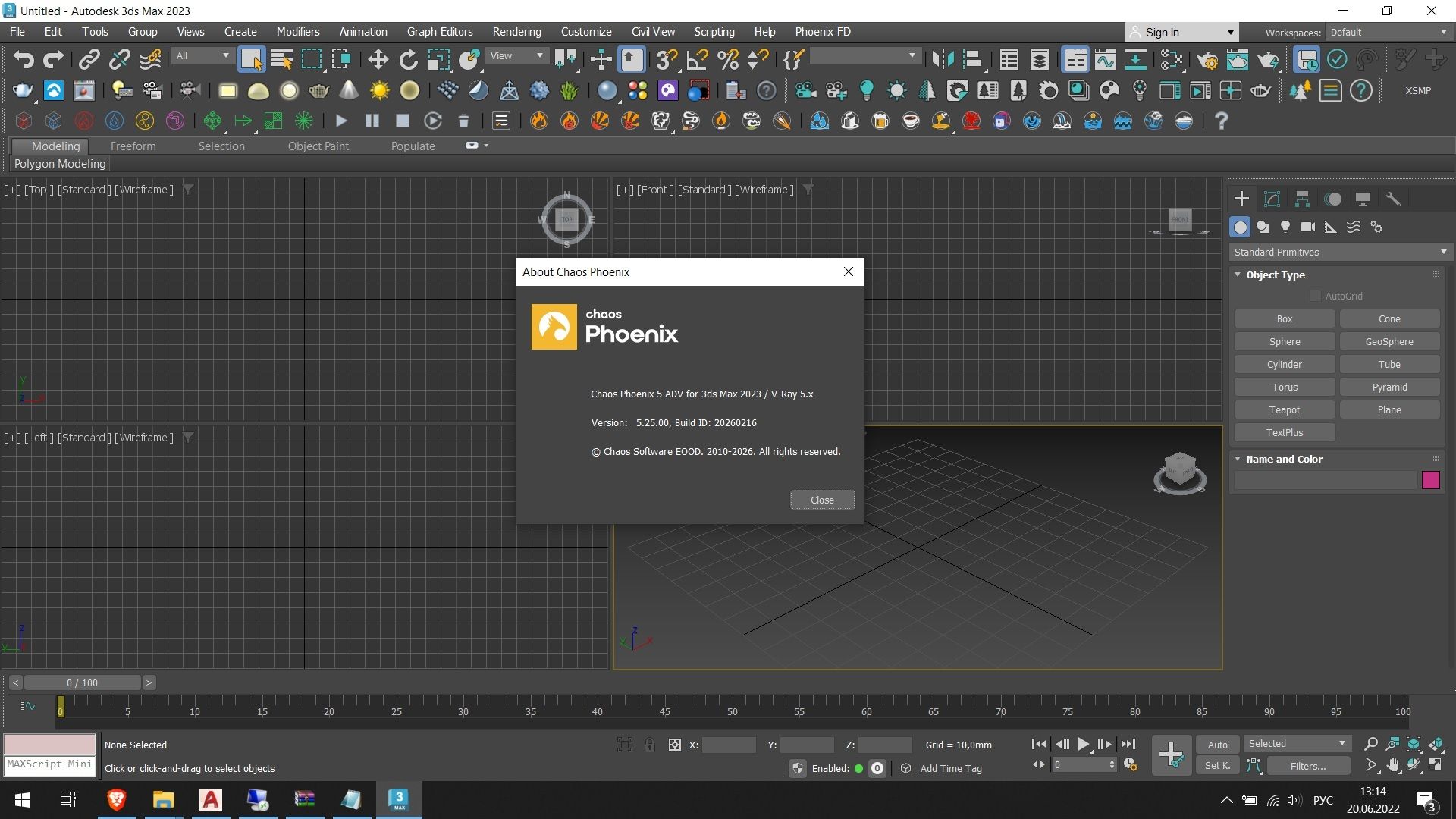
Download Chaos Phoenix 5.25.00 for 3ds Max 2022 – 2027 full

Download Chaos Phoenix 5.25.00 for 3ds Max 2022 – 2027 full

Link download Chaos Phoenix 5.25.00 for 3ds Max 2022 – 2027 full activated

Working with Chaos Phoenix 5.25.00 for 3ds Max 2022 - 2027 full

Description of Chaos Phoenix 5.25.00 for 3ds Max 2022 – 2027

Chaos Phoenix 5.25.00 for 3ds Max 2022–2027 by Chaos is a powerful fluid dynamics simulation plugin designed for creating realistic fire, smoke, liquids, explosions, and ocean effects directly inside Autodesk 3ds Max.

Widely used in visual effects (VFX), animation, and architectural visualization, Chaos Phoenix provides artists with fast, flexible, and physically accurate simulation tools, tightly integrated with V-Ray for high-quality rendering.

Features of Chaos Phoenix 5.25.00 for 3ds Max 2022 – 2027

1. Realistic Fluid Simulation
Simulate fire, smoke, liquids, splashes, and explosions
Physically accurate fluid dynamics engine
Suitable for VFX, cinematics, and simulations

2. GPU-Accelerated Preview
Fast GPU preview for real-time simulation feedback
Adjust parameters and instantly see results
Speed up iteration and creative workflows

3. Tight Integration with V-Ray
Seamless rendering with V-Ray
High-quality shading and lighting for simulations
Realistic volumetric effects and materials

4. Liquid Simulation Tools
Create oceans, rivers, splashes, and pouring liquids
Control viscosity, surface tension, and foam
Advanced meshing for detailed liquid surfaces

5. Fire & Smoke Effects
Generate realistic flames and smoke behavior
Control temperature, fuel, and burn dynamics
Ideal for explosions and cinematic effects

6. Adaptive Grid System
Automatically adjusts simulation resolution
Saves memory and improves performance
Efficient handling of large-scale simulations

7. Simulation Caching
Cache simulations to disk for faster playback
Reuse simulation data across scenes
Improve workflow efficiency for large projects

8. Custom Forces & Controls
Add wind, turbulence, and directional forces
Control simulation behavior with fine precision
Create complex and dynamic effects easily

9. Volumetric Rendering
High-quality volumetric shading for smoke and fire
Realistic light scattering and absorption
Enhanced visual realism for final renders

10. Performance Enhancements (v5.25.00)
Faster simulation speeds and improved stability
Better compatibility with 3ds Max 2022–2027
Optimized memory usage for complex scenes

💻 System Requirements
OS: Windows 10 / 11 (64-bit)
Software: Autodesk 3ds Max 2022–2027
CPU: Multi-core Intel/AMD processor
RAM: 16 GB minimum (32 GB recommended)
GPU: CUDA-compatible GPU recommended
Storage: SSD with at least 5 GB free space

🎯 Why Choose Chaos Phoenix 5.25.00?
Chaos Phoenix 5.25.00 is a top choice for simulation and VFX because it:
Delivers realistic fluid, fire, and smoke simulations
Integrates seamlessly with V-Ray and 3ds Max
Offers fast GPU previews for efficient workflows
Handles complex simulations with adaptive grids
Provides high-quality volumetric rendering
It is ideal for VFX artists, animators, and designers working on films, commercials, architectural visualization, and game cinematics.

If you want to download Chaos Phoenix 5.25.00 for 3ds Max 2022 – 2027 full license, please click to DOWNLOAD button to download.
CLICKDOWN.ORG Download CAD CAM CNC software
Inside package Chaos Phoenix 5.25.00 for 3ds Max 2022 – 2027, already have cracked files and instruction how to install Chaos Phoenix 5.25.00 for 3ds Max 2022 – 2027 step by step. I guarantee you can install Chaos Phoenix 5.25.00 for 3ds Max 2022 – 2027 successfully if you follow that instruction.
If you also can’t install it or get any problems, please contact to me by email: clickdown.org@gmail.com, then I will help you to install software by teamviewer or Ultraviewer or Anydesk.
Thanks a lot
SOFTWARES

Download V-Ray 7.3.33511 For 3ds Max 2020-2027 full license

Download V-Ray 7.3.33511 For 3ds Max 2020-2027 full license

Link download V-Ray 7.3.33511 For 3ds Max 2020-2027 full activated

V-Ray 7.3.33511 For 3ds Max 2020-2027 x64 full

Working with V-Ray 7.3.33511 For 3ds Max 2020-2027 full license

Description of V-Ray 7.3.33511 For 3ds Max 2020-2027

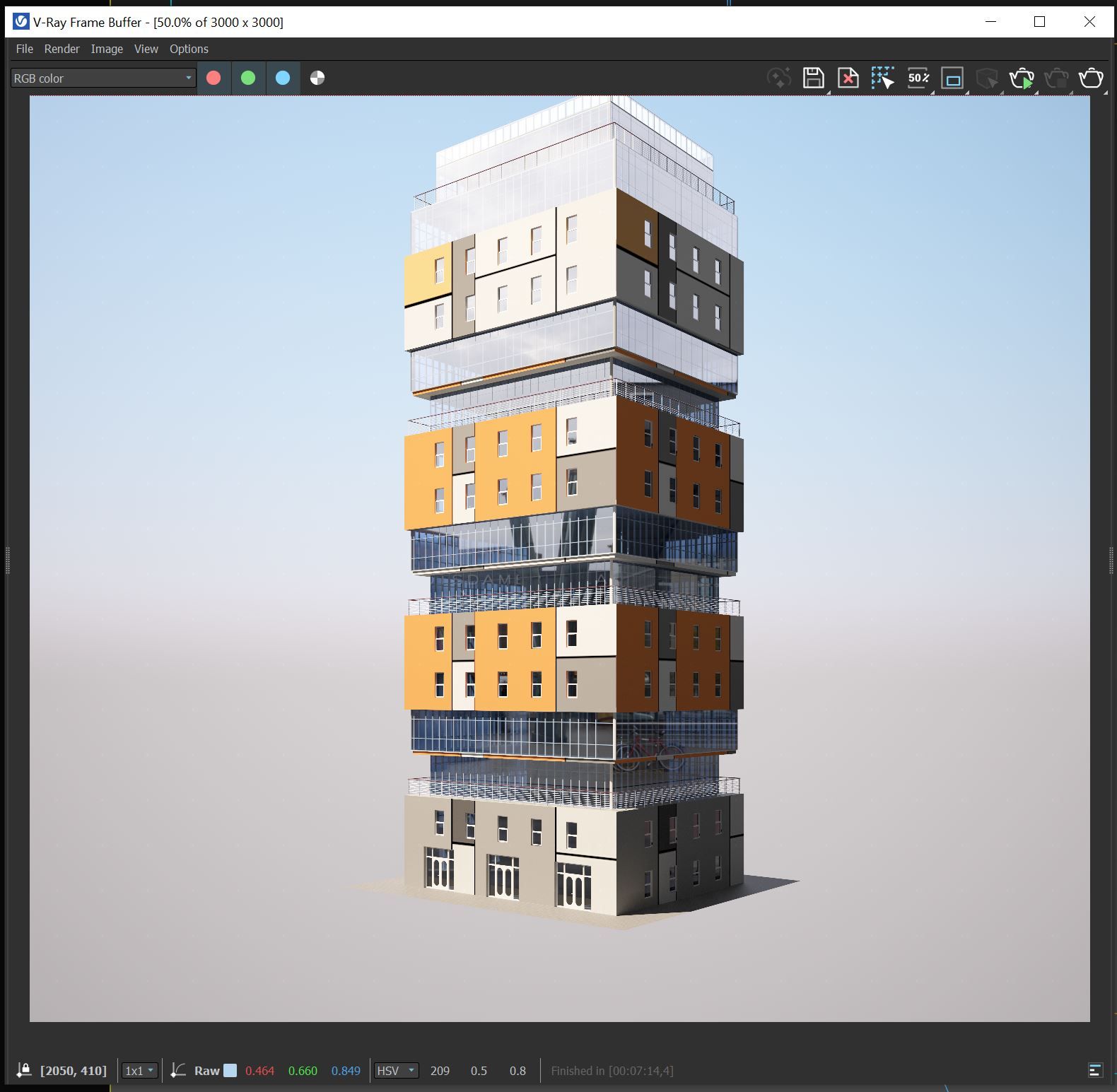
V-Ray 7.3.33511 for 3ds Max 2020–2027 by Chaos is a professional rendering engine widely used for creating photorealistic images, animations, and visual effects. Fully integrated with Autodesk 3ds Max, V-Ray delivers powerful rendering tools for architects, designers, and VFX artists.

This latest version introduces enhanced rendering performance, improved GPU acceleration, and advanced lighting and material workflows to help users achieve stunning visual results faster and more efficiently.

Features of V-Ray 7.3.33511 For 3ds Max 2020-2027

1. Photorealistic Rendering Engine
Industry-leading ray tracing technology
Produce highly realistic lighting, shadows, and reflections
Ideal for architectural visualization and product rendering

2. CPU, GPU & Hybrid Rendering
Supports CPU, GPU, and hybrid rendering modes
Optimize performance based on hardware capabilities
Faster rendering times with GPU acceleration

3. Advanced Lighting System
Accurate global illumination (GI)
Real-world lighting with HDRI and physical lights
Enhanced light mixing for real-time adjustments

4. Real-Time Rendering with V-Ray Interactive
Instant feedback while editing scenes
Fine-tune materials, lighting, and camera settings in real time
Speed up creative workflows

5. Enhanced Material System
Physically based materials (PBR)
Improved reflections, refractions, and translucency
Extensive material library for quick setup

6. V-Ray Frame Buffer (VFB)
Advanced post-processing tools
Color correction, exposure control, and compositing
Non-destructive workflow for final output

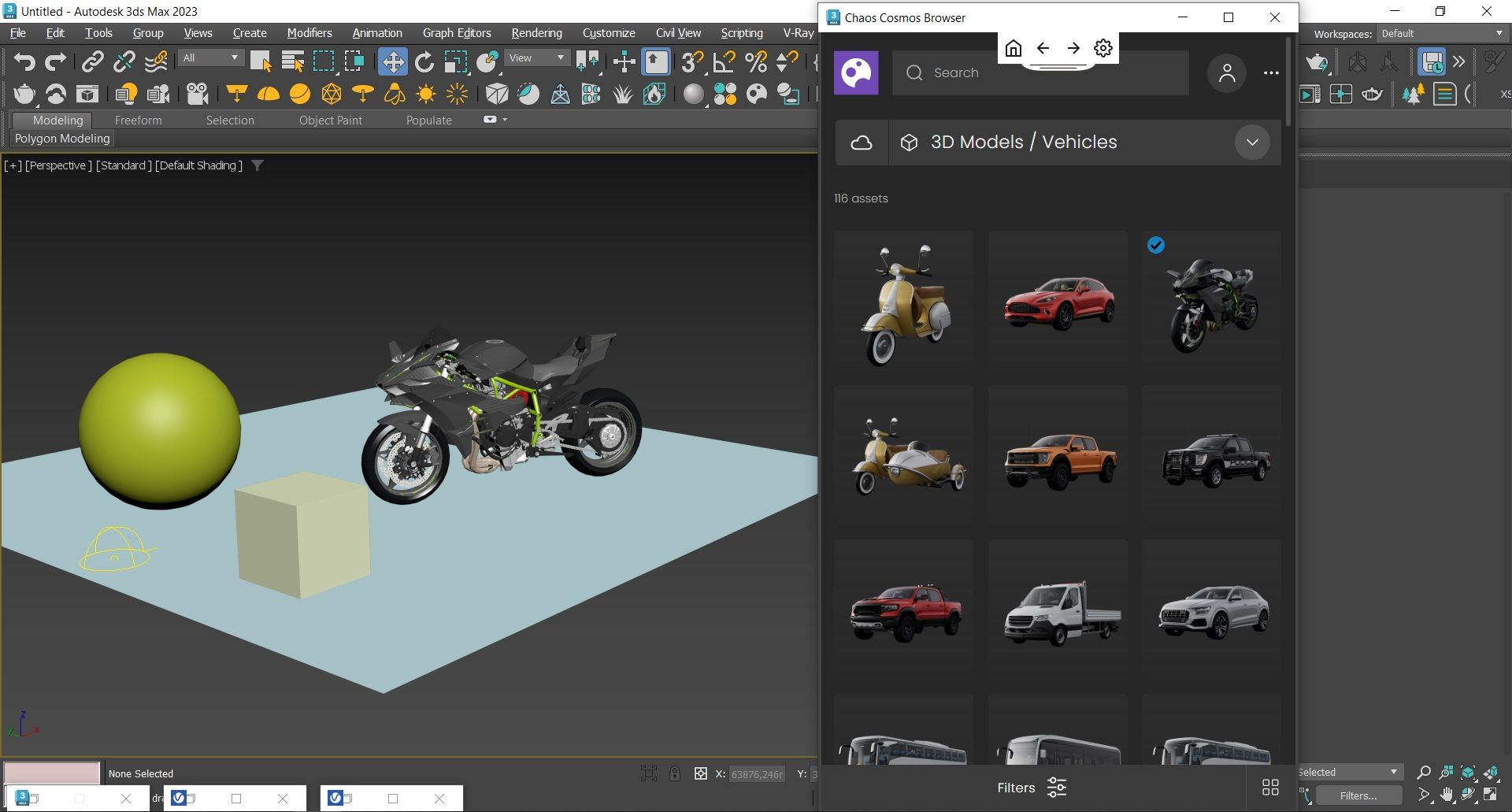
7. Scatter & Chaos Cosmos Integration
Efficient scattering of objects like vegetation and assets
Access to Chaos Cosmos asset library
Simplify scene creation and environment setup

8. Distributed Rendering
Render across multiple machines
Reduce rendering time for complex projects
Ideal for studios and large-scale productions

9. Denoising & AI Enhancements
Built-in AI denoiser for cleaner images
Faster rendering with reduced noise
Improve quality without long render times

10. Performance Improvements (7.3.33511)
Faster scene loading and rendering
Improved stability with 3ds Max 2020–2027
Optimized memory usage for large scenes

💻 System Requirements
OS: Windows 10 / 11 (64-bit)
Software: Autodesk 3ds Max 2020–2027
CPU: Multi-core Intel/AMD processor
RAM: 8 GB minimum (16 GB+ recommended)
GPU: CUDA/RTX-compatible GPU recommended
Storage: 2–5 GB free disk space

🎯 Why Choose V-Ray 7.3.33511?
V-Ray 7.3.33511 for 3ds Max is one of the most trusted rendering engines because it:
Delivers industry-leading photorealistic rendering quality
Supports both CPU and GPU workflows
Integrates seamlessly with 3ds Max
Provides powerful tools for lighting, materials, and post-processing
Enhances productivity with real-time rendering and AI tools
It is an ideal solution for architectural visualization, product design, animation, and visual effects production.

If you want to download V-Ray 7.3.33511 For 3ds Max 2020-2027 full license, please click to DOWNLOAD button to download.
CLICKDOWN.ORG Download CAD CAM CNC software
Inside package V-Ray 7.3.33511 For 3ds Max 2020-2027, already have cracked files and instruction how to install V-Ray 7.3.33511 For 3ds Max 2020-2027 step by step. I guarantee you can install V-Ray 7.3.33511 For 3ds Max 2020-2027 successfully if you follow that instruction.
If you also can’t install it or get any problems, please contact to me by email: clickdown.org@gmail.com, then I will help you to install software by teamviewer or Ultraviewer or Anydesk.
Thanks a lot
SOFTWARES

Download ANSYS SCADE 2026 R1 x64 full license forever

Download ANSYS SCADE 2026 R1 x64 full license forever

Link download ANSYS SCADE 2026 R1 win64 full activated

ANSYS SCADE 2026 R1 Win64 full license

Working with ANSYS SCADE 2026 R1 full

Working with ANSYS SCADE 2026 R1 Win64 full activated

Description of ANSYS SCADE 2026 R1

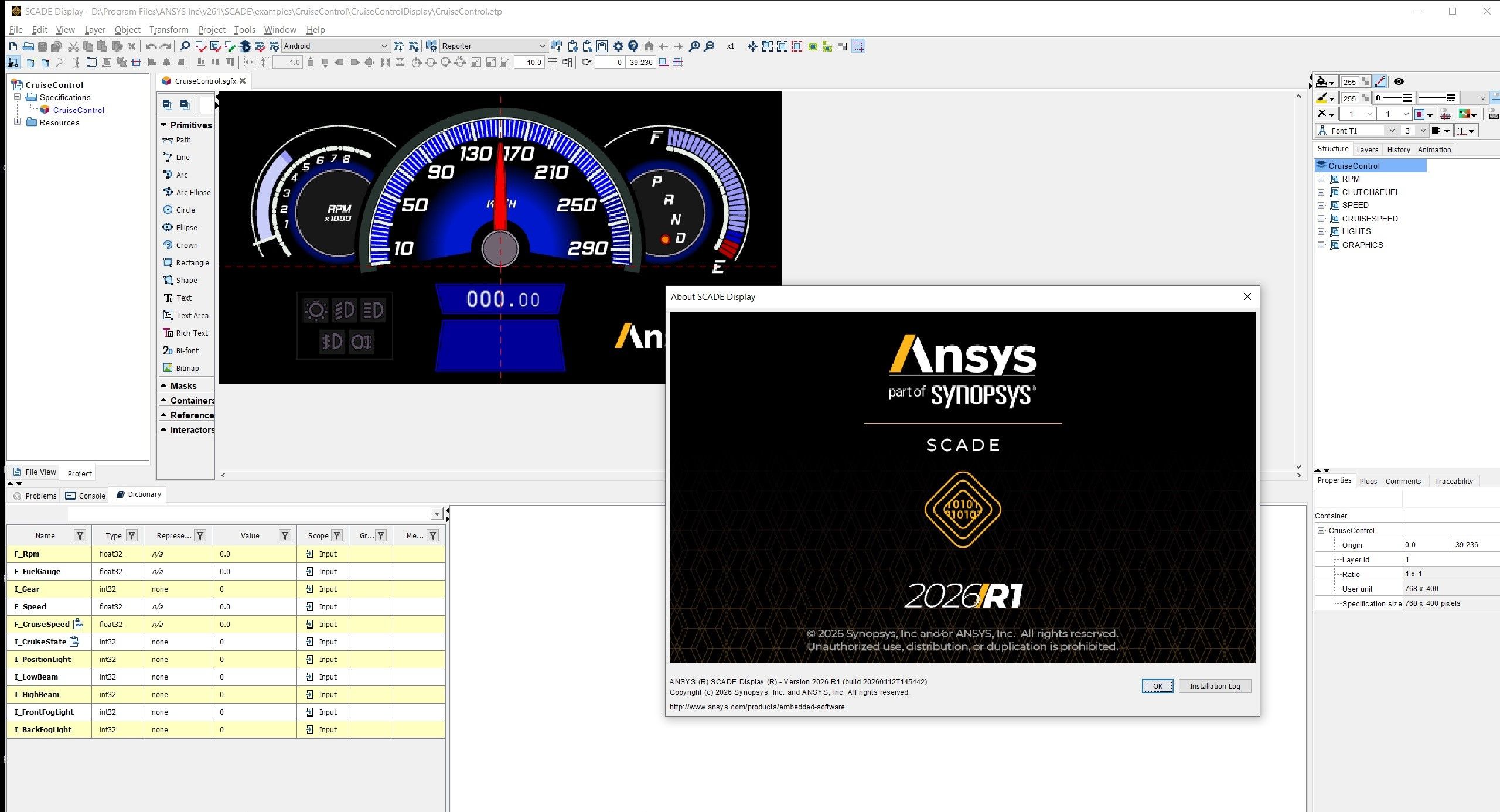
ANSYS SCADE 2026 R1 by Ansys is a model-based development environment designed for building safety-critical embedded software systems. It is widely used in industries such as aerospace, automotive, rail, and industrial automation where reliability, certification, and precision are essential.

SCADE (Safety Critical Application Development Environment) enables engineers to design, simulate, verify, and automatically generate certified code for embedded systems, significantly reducing development time while ensuring compliance with strict industry standards.

Features of ANSYS SCADE 2026 R1

1. Model-Based Development Environment
Graphical modeling using synchronous dataflow and state machines
Design complex embedded systems with clarity and precision
Reduce coding errors with visual development

2. Certified Code Generation
Automatically generate C code from models
Qualification support for standards like:
DO-178C (aerospace)
ISO 26262 (automotive)
IEC 61508 (industrial safety)
Eliminate manual coding risks

3. Formal Verification & Validation
Built-in formal methods for model verification
Detect design errors early in development
Ensure correctness of safety-critical systems

4. Advanced Simulation & Testing
Simulate system behavior in real-time
Perform model-in-the-loop (MIL) and software-in-the-loop (SIL) testing
Validate system logic before deployment

5. Requirements Traceability
Link system requirements directly to models
Maintain full traceability throughout development
Simplify compliance audits and certification processes

6. Human-Machine Interface (HMI) Development
Design interactive cockpit displays and dashboards
Use SCADE Display for embedded UI development
Optimize usability and performance for real-time systems

7. Modular & Scalable Architecture
Build reusable components and libraries
Support large-scale system development
Improve maintainability and collaboration

8. Integration with Engineering Ecosystem
Seamless integration with other ANSYS tools
Connect with third-party development and testing environments
Enhance end-to-end engineering workflows

9. Safety & Certification Support
Pre-qualified toolchain for safety standards
Documentation support for certification authorities
Reduce time and cost of compliance

10. Performance Improvements (2026 R1)
Faster model execution and code generation
Enhanced UI and usability
Improved support for complex system architectures

💻 System Requirements
OS: Windows 10 / 11 (64-bit)
CPU: Multi-core Intel/AMD processor
RAM: 8 GB minimum (16 GB recommended)
Storage: 5 GB free disk space
Additional: Development toolchain for embedded systems

🎯 Why Choose ANSYS SCADE 2026 R1?
ANSYS SCADE 2026 R1 is a top-tier solution for embedded software development because it:
Ensures high reliability for safety-critical systems
Automates code generation and reduces human error
Supports strict industry certification standards
Improves productivity with model-based workflows
Enables early validation and verification
It is ideal for engineers working on avionics, automotive control systems, rail signaling, and industrial automation applications.

If you want to download ANSYS SCADE 2026 R1 full license, please click to DOWNLOAD button to download.
CLICKDOWN.ORG Download CAD CAM CNC software
Inside package ANSYS SCADE 2026 R1, already have cracked files and instruction how to install ANSYS SCADE 2026 R1 step by step. I guarantee you can install ANSYS SCADE 2026 R1 successfully if you follow that instruction.
If you also can’t install it or get any problems, please contact to me by email: clickdown.org@gmail.com, then I will help you to install software by teamviewer or Ultraviewer or Anydesk.
Thanks a lot
SOFTWARES

Download Bentley RAM Concept 25.0.0.115 win64 full license

Download Bentley RAM Concept 25.0.0.115 win64 full license

Link download Bentley RAM Concept 25.0.0.115 x64 full activated

Working with Bentley RAM Concept 25.0.0.115 full license

Description of Bentley RAM Concept 25.0.0.115

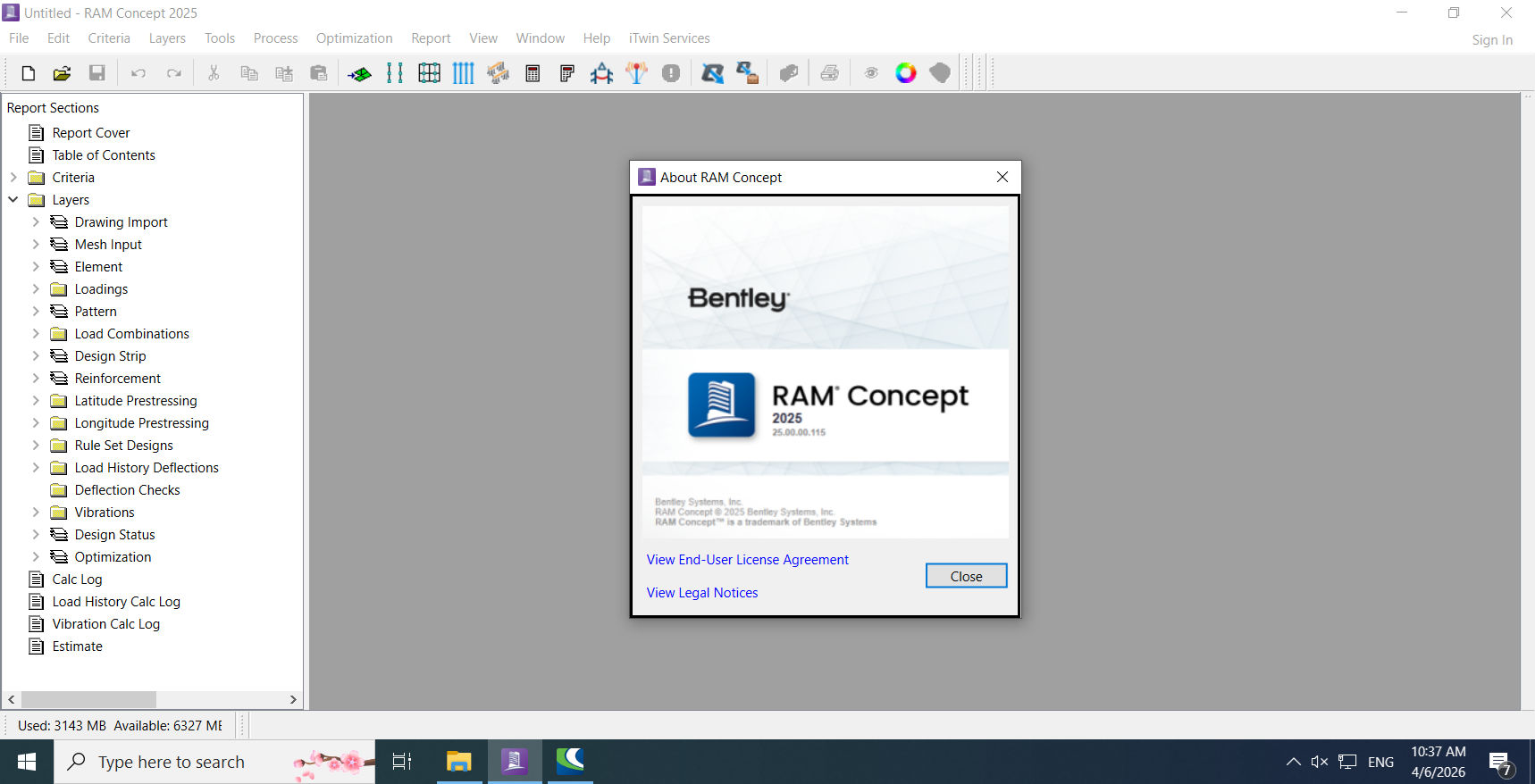
Bentley RAM Concept 25.0.0.115 by Bentley Systems is a powerful structural engineering software designed for the analysis, design, and detailing of reinforced and post-tensioned concrete slabs and foundations.

Widely used by structural engineers, it provides advanced finite element analysis (FEA) capabilities to evaluate slab performance, optimize reinforcement, and ensure compliance with international design codes.

This latest version (25.0.0.115) enhances performance, improves usability, and introduces refinements for more efficient and accurate slab and foundation design workflows.

Features of Bentley RAM Concept 25.0.0.115

1. Advanced Slab & Foundation Design
Design reinforced concrete (RC) and post-tensioned (PT) slabs
Analyze flat slabs, waffle slabs, and mat foundations
Optimize structural performance and material usage

2. Finite Element Analysis (FEA)
High-precision finite element modeling
Analyze stresses, deflections, and load distribution
Handle complex slab geometries and support conditions

3. Post-Tensioning (PT) Capabilities
Efficient PT tendon layout and design
Evaluate tendon profiles and stresses
Optimize prestressing for cost-effective solutions

4. Comprehensive Load Analysis
Supports gravity, lateral, and environmental loads
Evaluate load combinations based on design standards
Accurate modeling of real-world conditions

5. Crack Control & Deflection Analysis
Predict cracking behavior and long-term deflection
Ensure serviceability and structural integrity
Meet performance-based design requirements

6. Code Compliance & Design Standards
Supports major international codes such as:
ACI
Eurocode
BS standards
Automatic checks for safe and compliant designs

7. Reinforcement Detailing
Generate detailed reinforcement layouts
Optimize rebar placement and quantities
Produce clear construction documentation

8. Integration with BIM Workflows
Compatible with Bentley’s BIM ecosystem
Import/export data with other structural tools
Enhance collaboration across project teams

9. Reporting & Documentation
Generate comprehensive calculation reports
Include design summaries, diagrams, and results
Export data for project submission and review

10. Performance Enhancements (v25.0.0.115)
Faster solver and improved computation speed
Better handling of large slab models
Enhanced user interface and workflow efficiency

💻 System Requirements
OS: Windows 10 / 11 (64-bit)
CPU: Multi-core Intel/AMD processor
RAM: 8 GB minimum (16 GB recommended)
Storage: 5 GB free disk space
Graphics: Standard GPU for visualization

🎯 Why Choose Bentley RAM Concept 25?
Bentley RAM Concept 25 is a trusted solution for structural engineers because it:
Provides accurate slab and foundation analysis
Supports both reinforced and post-tensioned designs
Ensures compliance with international standards
Improves efficiency with automation and optimization tools
Integrates seamlessly with BIM and structural workflows
It is ideal for designing buildings, parking structures, commercial facilities, and complex foundation systems.

If you want to download Bentley RAM Concept 25.0.0.115 full license, please click to DOWNLOAD button to download.
CLICKDOWN.ORG Download CAD CAM CNC software
Inside package Bentley RAM Concept 25.0.0.115, already have cracked files and instruction how to install Bentley RAM Concept 25.0.0.115 step by step. I guarantee you can install Bentley RAM Concept 25.0.0.115 successfully if you follow that instruction.
If you also can’t install it or get any problems, please contact to me by email: clickdown.org@gmail.com, then I will help you to install software by teamviewer or Ultraviewer or Anydesk.
Thanks a lot
SOFTWARES

Download Bentley Plaxis 2D 2025.1.2.76 win64 full license

Download Bentley Plaxis 2D 2025.1.2.76 win64 full license

Link download Bentley Plaxis 2D 2025.1.2.76 x64 full activated

Working with Bentley Plaxis 2D 2025.1.2.76 full license

Description of Bentley Plaxis 2D 2025.1.2.76

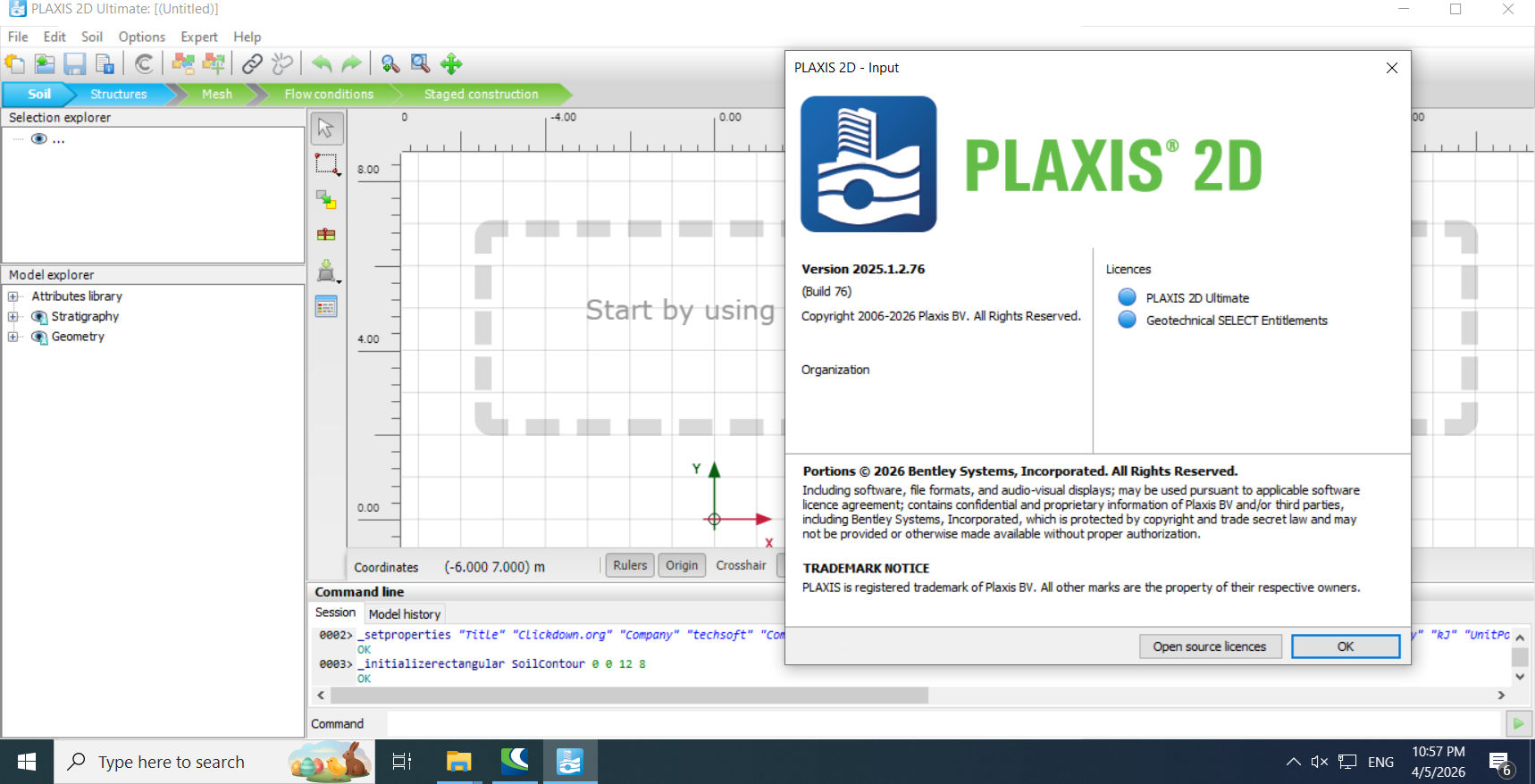
Bentley PLAXIS 2D 2025.1.2.76 by Bentley Systems is a leading finite element analysis (FEA) software specifically developed for geotechnical engineering and soil-structure interaction analysis.

It enables engineers to perform advanced simulations for soil deformation, stability, and groundwater flow in 2D environments, making it an essential tool for infrastructure, construction, and civil engineering projects.

This latest version (2025.1.2.76) introduces improved calculation performance, enhanced modeling capabilities, and better usability for complex geotechnical simulations.

Features of Bentley Plaxis 2D 2025.1.2.76

1. Advanced Finite Element Analysis (FEA)
Powerful 2D finite element engine for geotechnical problems
Accurate simulation of soil behavior under different loads
Suitable for complex engineering scenarios

2. Soil & Material Modeling
Wide range of soil models including:
Mohr-Coulomb
Hardening Soil
Soft Soil models
Simulate realistic soil responses and conditions

3. Groundwater Flow Analysis
Coupled flow-deformation analysis
Simulate pore pressure and seepage behavior
Essential for dam, tunnel, and excavation projects

4. Excavation & Construction Stages
Model phased construction processes
Analyze excavation sequences step-by-step
Evaluate stability during each stage

5. Slope Stability & Safety Analysis
Perform safety factor calculations
Identify potential failure surfaces
Optimize design for stability and risk reduction

6. Structural Interaction
Model interaction between soil and structures
Include retaining walls, foundations, tunnels, and embankments
Analyze load transfer and deformation

7. Mesh Generation & Refinement
Automatic mesh generation with local refinement options
Improve accuracy in critical areas
Optimize computational performance

8. Automation & Scripting
Python scripting support for automation
Batch processing and parametric studies
Increase productivity for large projects

9. Visualization & Reporting Tools
High-quality result visualization (deformation, stress, flow)
Generate detailed engineering reports
Export graphs and data for analysis

10. Performance Improvements (2025.1.2.76)
Faster calculation speeds and solver optimization
Improved memory usage for large models
Enhanced user interface and workflow efficiency

💻 System Requirements
OS: Windows 10 / 11 (64-bit)
CPU: Multi-core Intel/AMD processor
RAM: 8 GB minimum (16–32 GB recommended)
Storage: 5 GB free disk space
GPU: Optional for enhanced visualization

🎯 Why Choose Bentley PLAXIS 2D 2025?
Bentley PLAXIS 2D 2025 is a top choice for geotechnical engineers because it:
Provides highly accurate soil and structure interaction analysis
Supports advanced material models and groundwater simulations
Enables safe and optimized infrastructure design
Improves productivity with automation and scripting tools
Handles complex projects with reliable performance
It is widely used for projects such as foundations, tunnels, embankments, excavations, and slope stability analysis.

If you want to download Bentley Plaxis 2D 2025.1.2.76 full license, please click to DOWNLOAD button to download.
CLICKDOWN.ORG Download CAD CAM CNC software
Inside package Bentley Plaxis 2D 2025.1.2.76, already have cracked files and instruction how to install Bentley Plaxis 2D 2025.1.2.76 step by step. I guarantee you can install Bentley Plaxis 2D 2025.1.2.76 successfully if you follow that instruction.
If you also can’t install it or get any problems, please contact to me by email: clickdown.org@gmail.com, then I will help you to install software by teamviewer or Ultraviewer or Anydesk.
Thanks a lot
SOFTWARES

Download FIFTY2 Technology PreonLab 7.0.5 win64 full license

Download FIFTY2 Technology PreonLab 7.0.5 full license

Link download FIFTY2 Technology PreonLab 7.0.5 full activated

Working with FIFTY2 Technology PreonLab 7.0.5 full license

Description of FIFTY2 Technology PreonLab 7.0.5

FIFTY2 Technology PreonLab 7.0.5 by FIFTY2 Technology GmbH is a cutting-edge Computational Fluid Dynamics (CFD) software that uses a particle-based Smoothed Particle Hydrodynamics (SPH) approach to simulate complex fluid behavior with high accuracy and efficiency.

Designed for engineers in automotive, aerospace, and industrial sectors, PreonLab enables fast and reliable simulation of multiphase flows, thermal interactions, and fluid-structure dynamics without the need for traditional meshing.

The 7.0.5 version builds upon the major innovations of PreonLab 7.0, offering improved stability, enhanced performance, and refined simulation capabilities for real-world engineering challenges.

Features of FIFTY2 Technology PreonLab 7.0.5

1. Particle-Based CFD Simulation (SPH Technology)
Uses Smoothed Particle Hydrodynamics instead of mesh-based methods
Handles complex free-surface flows and moving geometries easily
Eliminates time-consuming meshing processes

2. Advanced Multiphase Flow Simulation
Simulate interactions between liquids, gases, and solids
Accurate modeling of splashing, mixing, and phase transitions
Improved phase distribution and stability in challenging conditions

3. High-Order Thermal Solver
Enhanced thermal simulation using SPH + Moving Least Squares
More accurate boundary and heat transfer calculations
Suitable for cooling systems and thermal management applications

4. Transmission & Gearbox Simulation Enhancements
Wall Confinement Handling prevents particle trapping in tight spaces
Realistic simulation of oil behavior between gear teeth
Improved numerical stability and physical accuracy

5. Particle Shifting Technology
Optimizes particle distribution along physical trajectories
Reduces numerical noise in velocity and pressure fields
Produces smoother and more stable flow results

6. Vehicle Dynamics Simulation Tools
Full Car Suspension Model (FCSM) enhancements
Support for wheel detachment and realistic motion behavior
Virtual Driver system for realistic driving simulations

7. Flexible Motion Control
Distance-based velocity mapping and heading control
Realistic object movement in simulations
Improved setup for dynamic scenarios

8. Multi-GPU & HPC Performance
Optimized for high-performance computing environments
Multi-GPU acceleration and parallel processing support
Faster simulation times for large-scale projects

9. Visualization & Usability Improvements
Enhanced visualization tools for better analysis
Improved UI and workflow efficiency
Support for advanced input devices (e.g., 3D mouse)

10. Broad Industry Applications
Automotive (rain, oil, cooling simulations)
Aerospace and marine engineering
Industrial fluid systems and manufacturing processes
Digital prototyping and virtual testing

💻 System Requirements
OS: Windows 10 / 11 (64-bit) or Linux
CPU: Multi-core Intel/AMD processor
RAM: 8 GB minimum (16 GB+ recommended)
GPU: CUDA-compatible GPU recommended
Storage: 5 GB or more free space

🎯 Why Choose PreonLab 7.0.5?
PreonLab 7.0.5 stands out because it:
Eliminates meshing with advanced particle-based simulation
Handles highly complex fluid and multiphysics scenarios
Delivers accurate and stable results for engineering analysis
Supports large-scale simulations with HPC acceleration
Enables faster product development and virtual testing
It is an ideal solution for engineers seeking a modern, efficient, and highly accurate CFD simulation platform.

If you want to download FIFTY2 Technology PreonLab 7.0.5 full license, please click to DOWNLOAD button to download.
CLICKDOWN.ORG Download CAD CAM CNC software
Inside package FIFTY2 Technology PreonLab 7.0.5, already have cracked files and instruction how to install FIFTY2 Technology PreonLab 7.0.5 step by step. I guarantee you can install FIFTY2 Technology PreonLab 7.0.5 successfully if you follow that instruction.
If you also can’t install it or get any problems, please contact to me by email: clickdown.org@gmail.com, then I will help you to install software by teamviewer or Ultraviewer or Anydesk.
Thanks a lot
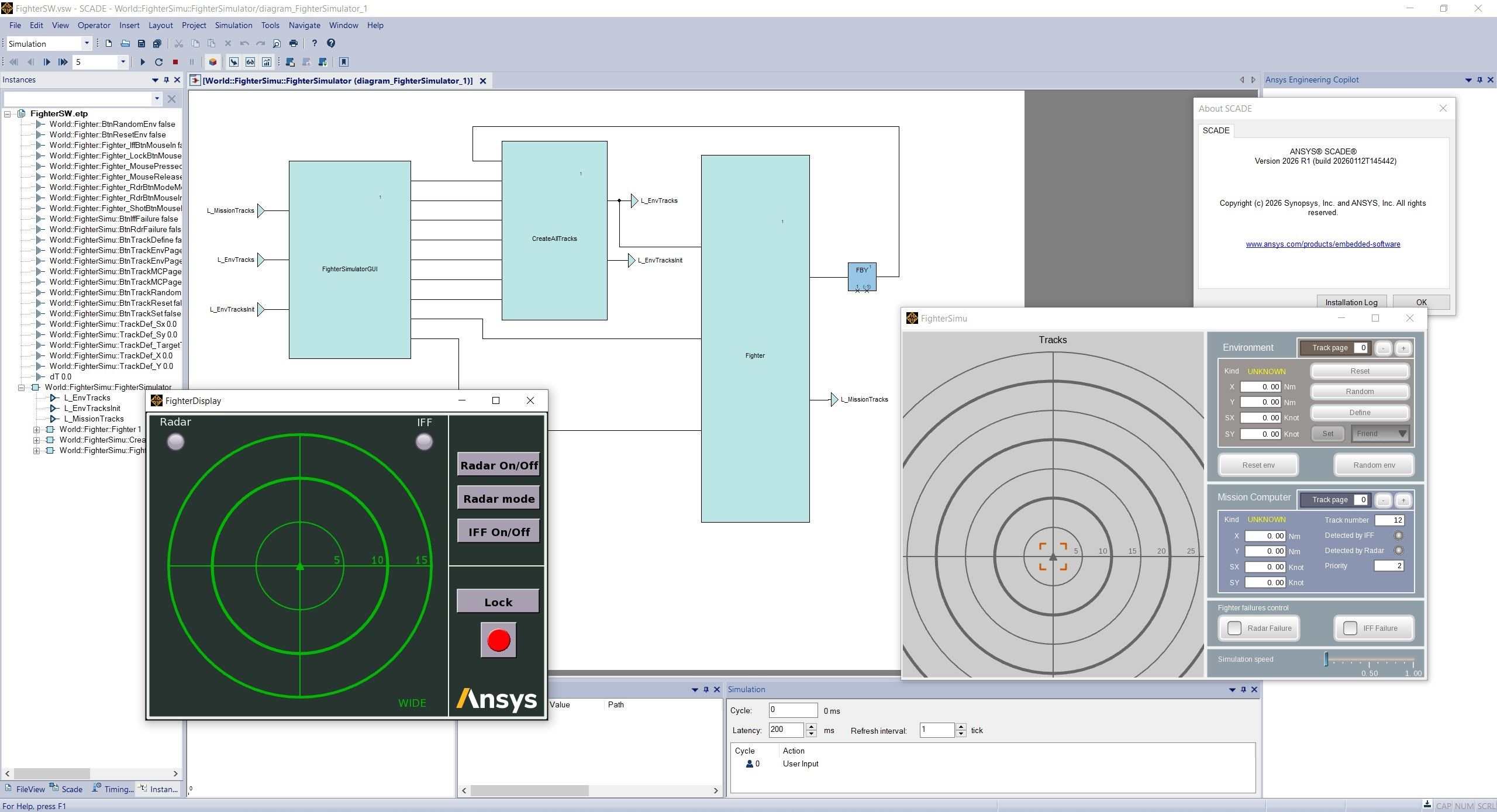
error: Content is protected !!
Scroll to Top