SOFTWARES

SOFTWARES

Download ZW3D 2026 SP2 v17.0.26.0325 Win64 full license

Download ZW3D 2026 SP2 full license

Link download ZW3D 2026 SP2 full activated
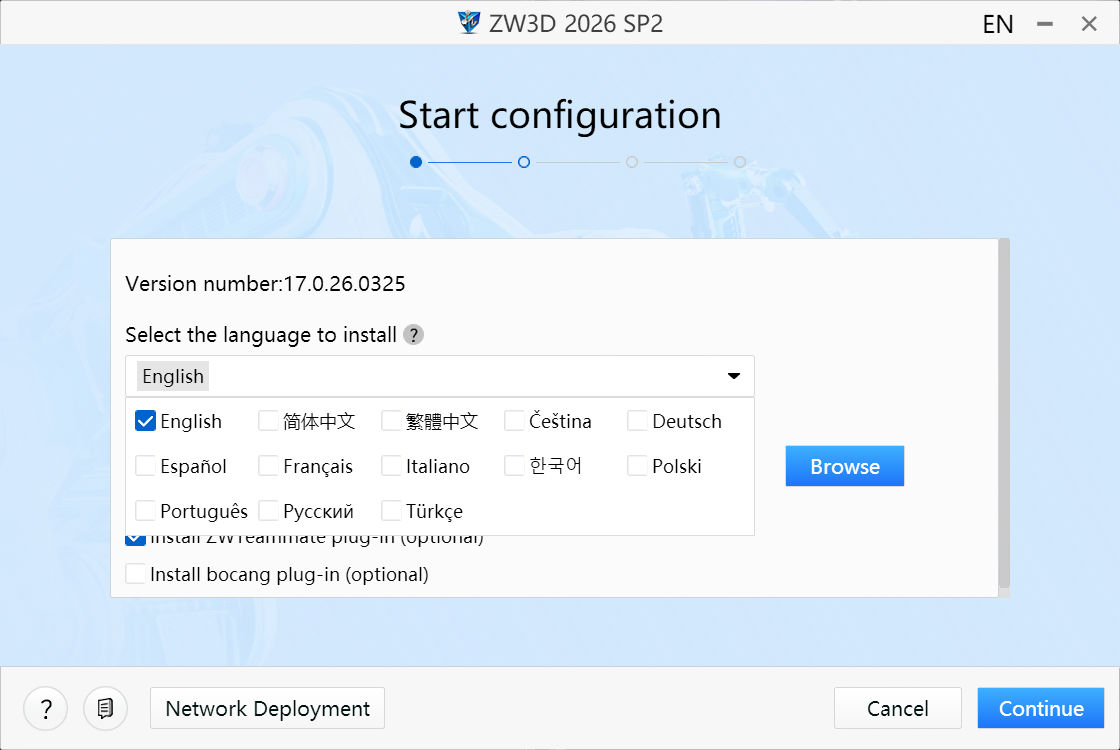
Install ZW3D 2026 SP2 v17.0.26.0325 Win64 full

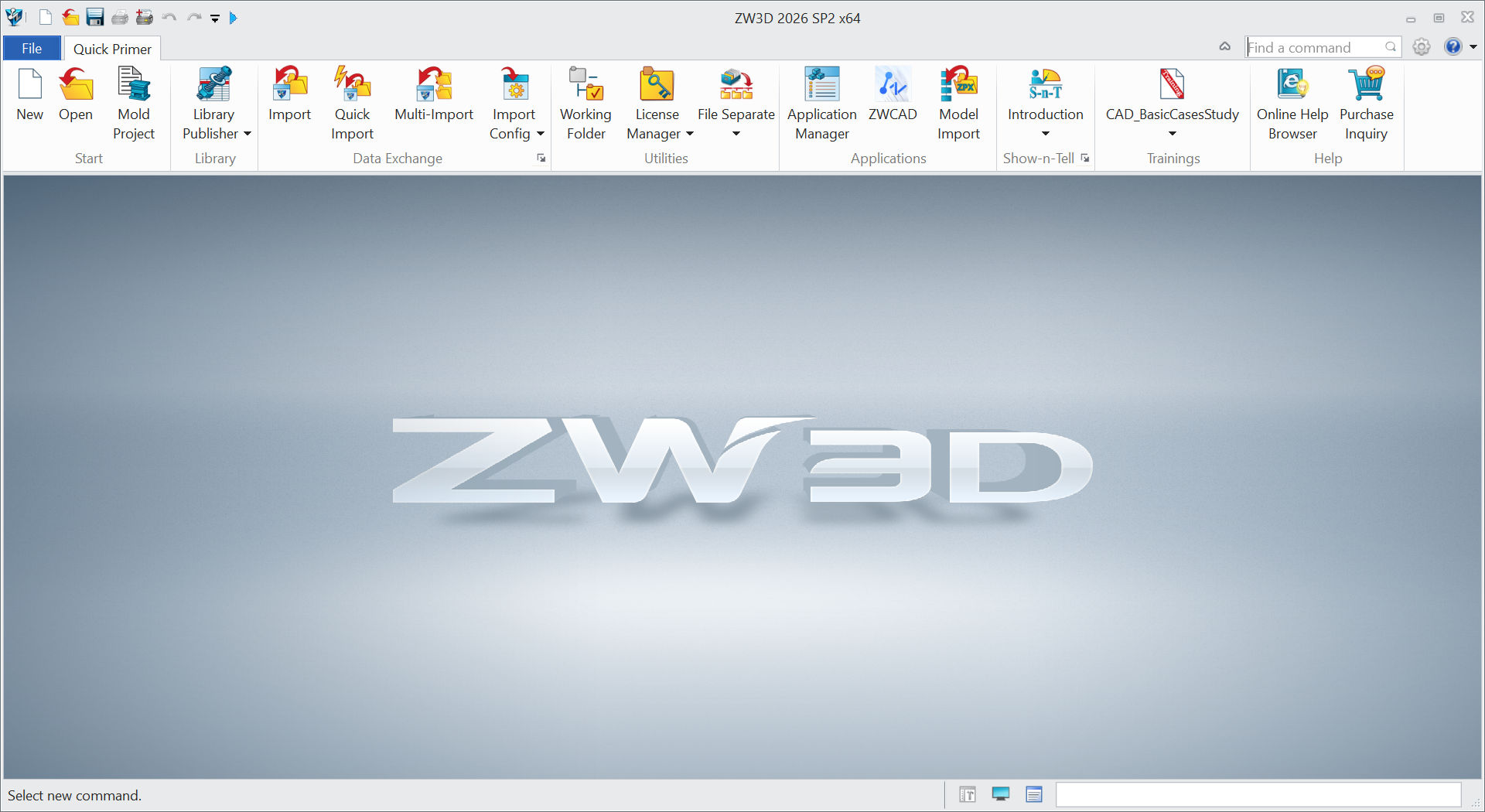
Working with ZW3D 2026 SP2 v17.0.26.0325 Win64 full

Description of ZW3D 2026 SP2

ZW3D 2026 SP2 by ZWSOFT is a powerful all-in-one CAD/CAM/CAE solution designed to streamline the entire product development lifecycleβ€”from concept design to manufacturing. This latest Service Pack (SP2) improves performance, stability, and introduces enhanced tools for mechanical design, simulation, and CNC machining.

Built for engineers, manufacturers, and product designers, ZW3D integrates 3D modeling, simulation, and machining into a unified platform, helping reduce development time and improve productivity.

Features of ZW3D 2026 SP2

1. All-in-One CAD/CAM/CAE Platform
Combines design, simulation, and manufacturing in one software
Eliminates need for multiple tools
Improves workflow efficiency and reduces costs

2. Enhanced 3D Modeling Capabilities
Solid-surface hybrid modeling for complex geometry
Improved fillet, sweep, and draft tools
New features like slots, threads, and structural components

3. Smarter Assembly Design
Intelligent constraint prediction for faster assembly setup
Batch duplication of components with preserved constraints
Smart fasteners and motion conversion tools

4. Advanced 2D Drawing & Drafting
Automatic 2D drawing generation from 3D models
Real-time associative updates between 2D and 3D
Faster projection and annotation tools

5. Integrated Simulation Tools
Structural and motion simulation capabilities
New CFD simulation integration for fluid and thermal analysis
Validate designs early in the workflow

6. Powerful CAM & Machining
2-axis to 5-axis CNC machining support
Faster toolpath generation and area milling
Advanced finishing strategies and post-processing tools

7. Sheet Metal & Mold Design
Convert complex models into sheet metal quickly
Specialized tools for mold design and plastic parts
Enhanced rib, snap hook, and structural features

8. Data Compatibility & Interoperability
High-accuracy data exchange with major CAD formats
Improved IPX 2.0 engine for feature recognition
Smooth transition from other CAD systems

9. Product Data Management (PDM)
Integration with ZWTeammate for collaboration
Centralized data management and version control
Improve teamwork and project coordination

10. Performance & UI Enhancements (SP2)
Faster model loading and processing
Optimized handling of large assemblies
Improved user interface with micro-panel editing tools

πŸ’» System Requirements
OS: Windows 10 / 11 (64-bit)
CPU: Intel/AMD multi-core processor
RAM: 8 GB minimum (16 GB recommended)
Storage: 10 GB free disk space
GPU: OpenGL-supported graphics card

🎯 Why Choose ZW3D 2026 SP2?
ZW3D 2026 SP2 stands out as a comprehensive engineering solution because it:
Integrates CAD, CAM, and CAE into a single platform
Enhances productivity with automation and smart tools
Supports full product lifecycle from design to manufacturing
Offers strong compatibility with other CAD systems
Reduces costs and development time for businesses
It is an ideal choice for industries such as mechanical engineering, mold design, automotive, and manufacturing.

If you want to download ZW3D 2026 SP2 full license, please click to DOWNLOAD button to download.
CLICKDOWN.ORG Download CAD CAM CNC software
Inside package ZW3D 2026 SP2, already have cracked files and instruction how to install ZW3D 2026 SP2 step by step. I guarantee you can install ZW3D 2026 SP2 successfully if you follow that instruction.
If you also can’t install it or get any problems, please contact to me by email: clickdown.org@gmail.com, then I will help you to install software by teamviewer or Ultraviewer or Anydesk.
Thanks a lot
SOFTWARES

Download AutoPipe Vessel 2026 v47.00.00.126 x64 full license

Download AutoPipe Vessel 2026 v47.00.00.126 x64 full license

Link download AutoPipe Vessel 2026 v47.00.00.126 win64 full activated

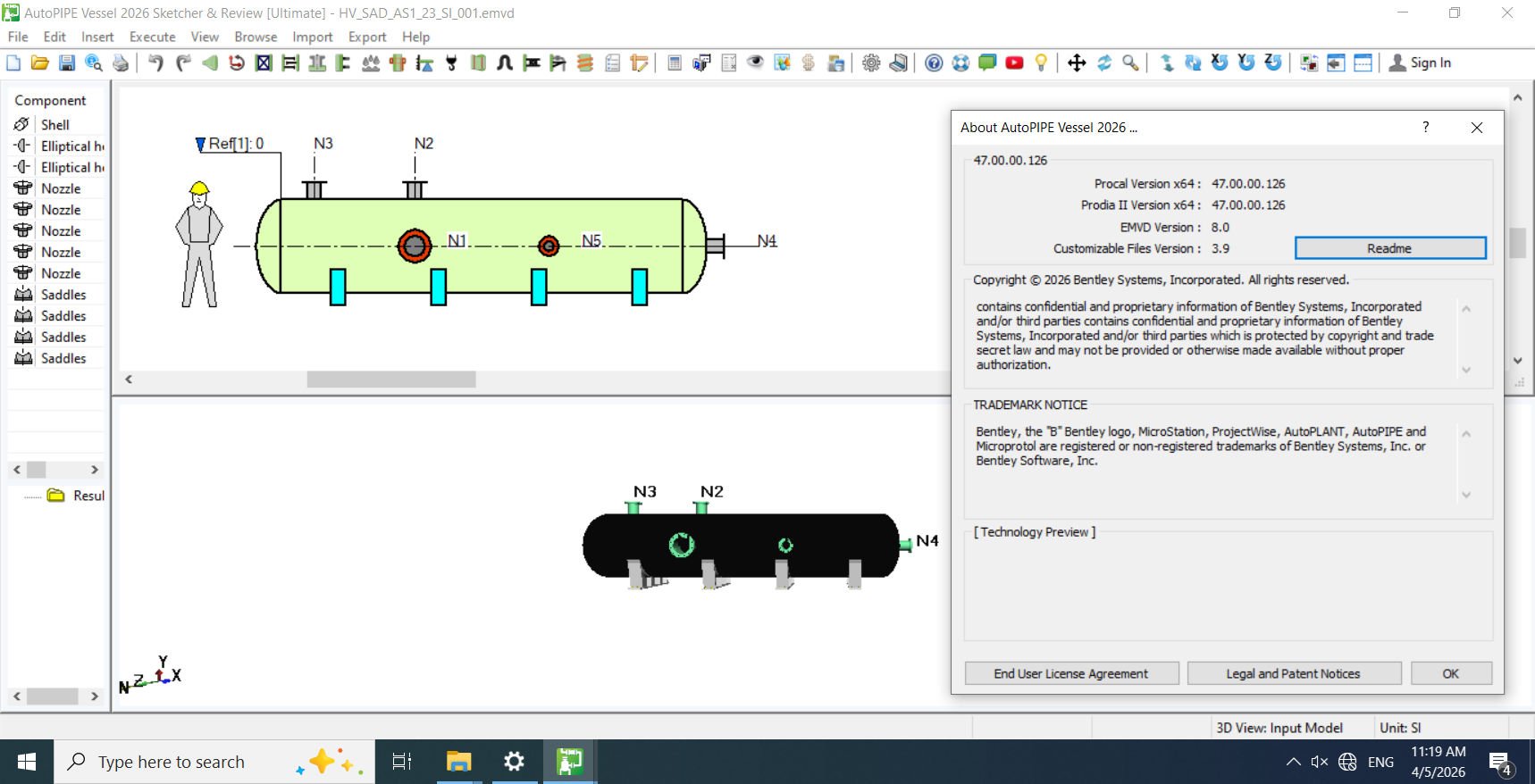
Working with AutoPipe Vessel 2026 v47.00.00.126 full license

Description of AutoPipe Vessel 2026 v47.00.00.126

AutoPIPE Vessel 2026 v47.00.00.126 by Bentley Systems is a specialized pressure vessel and heat exchanger design software used by engineers in the oil & gas, petrochemical, and power industries. It enables precise modeling, analysis, and code compliance for complex vessel geometries under various operating conditions.

This latest 2026 release introduces performance improvements, enhanced design automation, and updated international code compliance, making it a reliable solution for modern engineering workflows.

Features of AutoPipe Vessel 2026 v47.00.00.126

1. Comprehensive Vessel Design
Design vertical and horizontal pressure vessels
Support for columns, reactors, separators, and drums
Accurate modeling of complex geometries and configurations

2. Heat Exchanger Modeling
Built-in tools for shell-and-tube heat exchangers
Thermal and mechanical design capabilities
Compliance with industry standards for exchanger design

3. Code Compliance & Standards
Supports major international design codes including:
ASME Section VIII Division 1 & 2
EN 13445
PD 5500
Automatic checks ensure safe and compliant designs

4. Advanced Stress Analysis
Evaluate stresses due to pressure, weight, wind, and seismic loads
Perform detailed nozzle load and support analysis
Identify critical stress points for safer designs

5. Wind & Seismic Load Analysis
Analyze environmental effects on vessel structures
Ensure stability under extreme conditions
Built-in tools for regional code compliance

6. Saddle & Support Design
Design vessel supports including saddles, skirts, and legs
Perform structural analysis of support systems
Optimize support placement for safety and efficiency

7. Nozzle & Flange Design
Accurate modeling of nozzles and openings
Reinforcement calculations for structural integrity
Integrated flange design and analysis tools

8. Automated Reports & Documentation
Generate detailed engineering reports
Include calculation sheets, drawings, and compliance data
Export results for project documentation and review

9. Integration with Bentley Ecosystem
Seamless compatibility with AutoPIPE and other Bentley tools
Streamline workflows across piping and vessel design
Improve collaboration across engineering teams

10. Performance Enhancements (v47.00.00.126)
Faster computation and improved solver performance
Enhanced UI for better usability
Improved handling of large and complex vessel models

πŸ’» System Requirements
OS: Windows 10 / 11 (64-bit)
CPU: Intel/AMD multi-core processor
RAM: 8 GB minimum (16 GB recommended)
Storage: 2–5 GB free disk space
Graphics: Standard GPU for visualization

🎯 Why Choose AutoPIPE Vessel 2026?
AutoPIPE Vessel 2026 stands out as a professional-grade engineering tool because it:
Ensures compliance with global pressure vessel standards
Provides accurate stress and structural analysis
Simplifies complex vessel and heat exchanger design
Integrates with other Bentley engineering solutions
Improves productivity through automation and reporting
It is an essential solution for mechanical and process engineers working on pressure vessel design and analysis projects.

If you want to download AutoPipe Vessel 2026 v47.00.00.126 full license, please click to DOWNLOAD button to download.
CLICKDOWN.ORG Download CAD CAM CNC software
Inside package AutoPipe Vessel 2026 v47.00.00.126, already have cracked files and instruction how to install AutoPipe Vessel 2026 v47.00.00.126 step by step. I guarantee you can install AutoPipe Vessel 2026 v47.00.00.126 successfully if you follow that instruction.
If you also can’t install it or get any problems, please contact to me by email: clickdown.org@gmail.com, then I will help you to install software by teamviewer or Ultraviewer or Anydesk.
Thanks a lot
SOFTWARES

Download iTwin Capture Modeler Flex 2026 v26.0.1.5040 x64

Download iTwin Capture Modeler Flex 2026 v26.0.1.5040 full license

Link download iTwin Capture Modeler Flex 2026 v26.0.1.5040 full activated

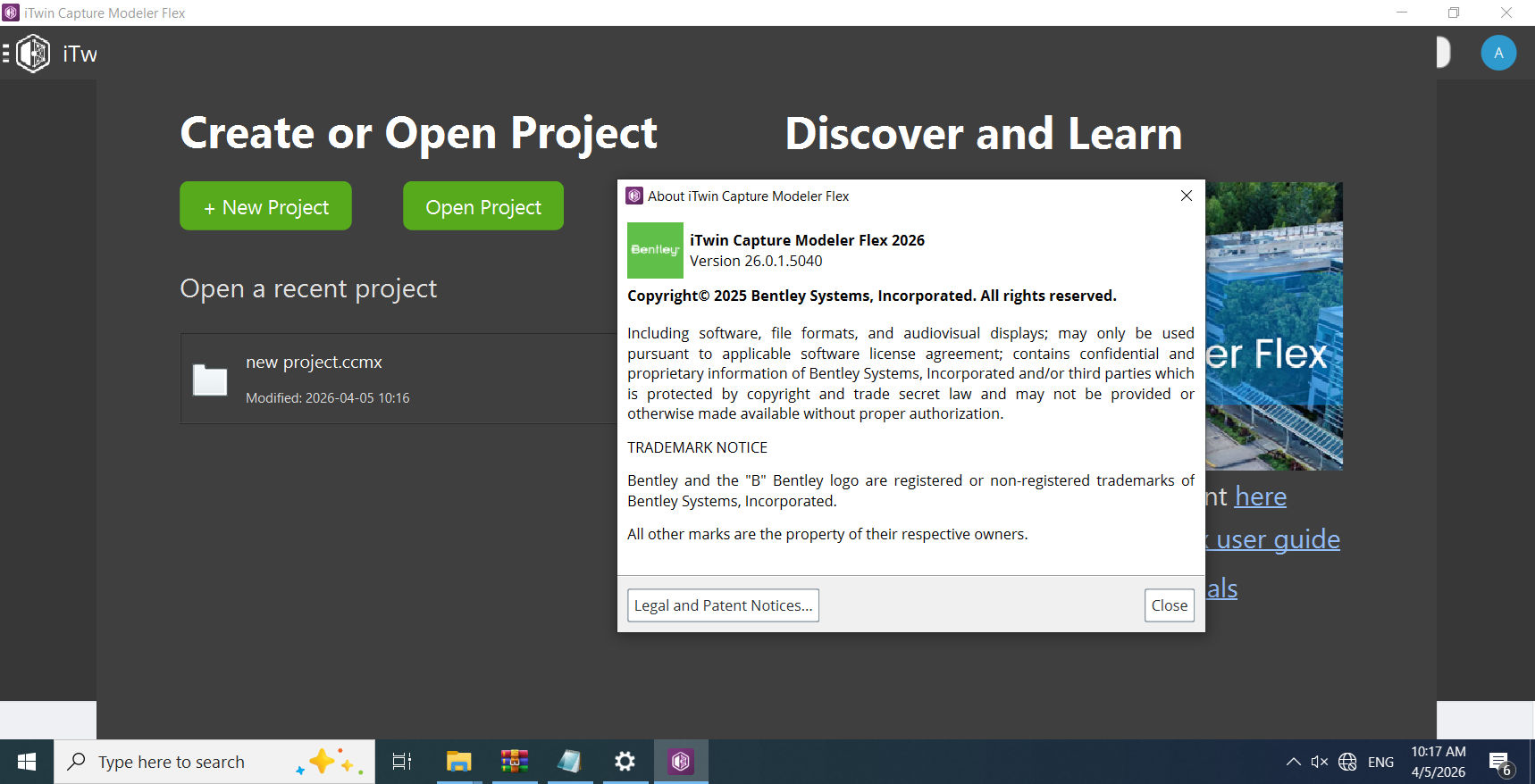
Working with iTwin Capture Modeler Flex 2026 v26.0.1.5040 full license

Description of iTwin Capture Modeler Flex 2026 v26.0.1.5040

iTwin Capture Modeler Flex 2026 v26.0.1.5040 by Bentley Systems is a powerful reality modeling and photogrammetry solution designed to transform photos, point clouds, and LiDAR data into high-quality 3D models and digital twins.

It is widely used in infrastructure, construction, surveying, and geospatial industries to create accurate, scalable, and data-rich models for real-world environments. The Flex edition offers a cost-effective and scalable licensing model, making it suitable for both small teams and large enterprises.

Features of iTwin Capture Modeler Flex 2026 v26.0.1.5040

1. Advanced Reality Modeling
Convert images and LiDAR scans into detailed 3D meshes
Generate textured models, point clouds, and orthophotos
Achieve survey-grade accuracy for real-world projects

2. Digital Twin Creation
Build intelligent digital twins using the iTwin Platform
Integrate real-world data with engineering workflows
Enable better decision-making and lifecycle management

3. High-Performance Processing
Optimized for large datasets and high-resolution imagery
GPU acceleration for faster reconstruction
Efficient handling of complex urban and infrastructure projects

4. LiDAR & Photogrammetry Integration
Seamlessly combine drone imagery with LiDAR scans
Improve accuracy and completeness of models
Support multiple data formats and sensors

5. Automated Workflow
End-to-end automation from data import to final model output
Minimal manual intervention required
Faster project turnaround time

6. Scalable Flex Licensing
Flexible licensing model based on usage
Ideal for organizations with varying workloads
Reduce upfront software costs

7. Cloud & Collaboration Support
Share models across teams via cloud integration
Collaborate in real-time with stakeholders
Improve coordination across project teams

8. Rich Output Formats
Export models to industry-standard formats
Compatible with CAD, BIM, and GIS applications
Easy integration into existing workflows

9. Survey & Mapping Tools
Generate orthomosaics, DSMs, DTMs, and contours
Perform measurements directly within models
Suitable for land surveying and mapping tasks

10. Enhanced Performance (v26.0.1.5040)
Improved processing speed and stability
Better memory management for large-scale projects
Refined UI for smoother user experience

πŸ’» System Requirements
OS: Windows 10/11 (64-bit)
CPU: Multi-core Intel/AMD processor
RAM: 16 GB minimum (32 GB+ recommended)
GPU: CUDA-compatible GPU recommended
Storage: SSD with at least 10 GB free space

🎯 Why Choose iTwin Capture Modeler Flex 2026?
iTwin Capture Modeler Flex 2026 is a leading solution for reality modeling because it:
Combines photogrammetry and LiDAR in one platform
Enables accurate digital twin creation
Handles massive datasets efficiently
Offers flexible licensing for cost optimization
Integrates seamlessly with Bentley’s ecosystem
It is an ideal tool for professionals working in construction, infrastructure, geospatial mapping, and smart city development.

If you want to download iTwin Capture Modeler Flex 2026 v26.0.1.5040 full license, please click to DOWNLOAD button to download.
CLICKDOWN.ORG Download CAD CAM CNC software
Inside package iTwin Capture Modeler Flex 2026 v26.0.1.5040, already have cracked files and instruction how to install iTwin Capture Modeler Flex 2026 v26.0.1.5040 step by step. I guarantee you can install iTwin Capture Modeler Flex 2026 v26.0.1.5040 successfully if you follow that instruction.
If you also can’t install it or get any problems, please contact to me by email: clickdown.org@gmail.com, then I will help you to install software by teamviewer or Ultraviewer or Anydesk.
Thanks a lot
SOFTWARES

Download AVEVA Process Simulation 2026 Patch 1 full license

Download AVEVA Process Simulation 2026 Patch 1 full license

Link download AVEVA Process Simulation 2026 Patch 1 full activated

Working with AVEVA Process Simulation 2026 Patch 1 full license

Description of AVEVA Process Simulation 2026 Patch 1

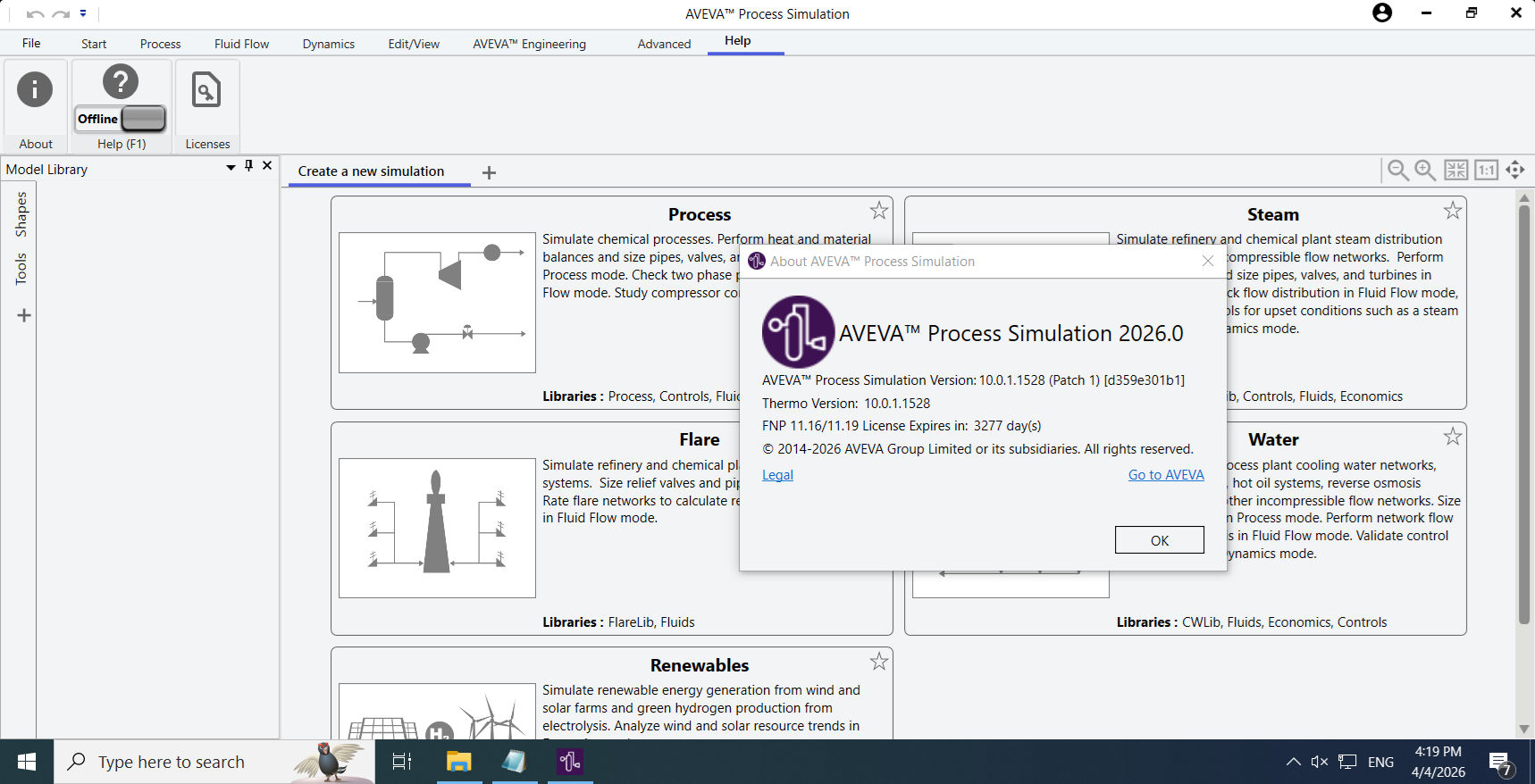
AVEVA Process Simulation 2026 Patch 1 is an advanced engineering simulation platform designed for modeling, analyzing, and optimizing industrial processes across chemical, oil & gas, energy, and manufacturing sectors. Built on a unified simulation environment, it allows engineers to perform steady-state, dynamic, and fluid flow simulations within a single integrated workspace.

This Patch 1 release enhances stability, performance, and compatibility, ensuring smoother workflows and improved accuracy for complex simulations. The software is widely recognized for enabling digital twin development, helping organizations bridge the gap between design and real-world plant operations.

Features of AVEVA Process Simulation 2026 Patch 1

1. Unified Simulation Environment
Combine process, fluid flow, and dynamic simulation in one platform
Eliminate the need for multiple tools and reduce data transfer errors
Seamless workflow across engineering stages

2. Multi-Mode Simulation Capability
Switch between:
Steady-state (process design)
Pressure-driven (fluid flow)
Dynamic simulation (real-time behavior)
Instant transitions without rebuilding models

3. Digital Twin Integration
Transform static models into real-time digital twins
Connect simulation models with operational data
Enable predictive analytics and performance optimization

4. Advanced Equation-Oriented Solver
Full equation-based modeling approach
Efficient handling of complex systems with recycles
High numerical stability and accuracy

5. Extensive Model Libraries
Built-in thermodynamic and process models
Suitable for chemical, petrochemical, and energy systems
Customizable components for specialized workflows

6. Real-Time Data Integration
Connect with external systems and historians
Import operational data for live simulation updates
Support for data-driven decision making

7. Collaboration & Multi-Discipline Engineering
Shared simulation environment for teams
Supports process, mechanical, and control engineers
Improves project coordination and reduces silos

8. Sustainability & Economic Analysis
Evaluate emissions (Scope 1 & 2)
Perform CAPEX/OPEX analysis
Optimize processes for efficiency and environmental impact

9. Customization & Open Modeling
Modify existing models or create new ones
Python scripting support for automation
Open architecture for integration with other tools

10. Improved User Experience (Patch 1 Enhancements)
Enhanced performance and stability
Faster model convergence and calculation speed
Improved UI responsiveness and workflow efficiency

πŸ’» System Requirements
OS: Windows 10 / Windows Server (64-bit)
CPU: 2 GHz or higher
RAM: 16 GB minimum (32 GB recommended)
Storage: 1–2 GB free disk space
Additional: Microsoft Excel support for reporting

🎯 Why Choose AVEVA Process Simulation 2026 Patch 1?
AVEVA Process Simulation 2026 Patch 1 stands out as a next-generation process simulation tool because it:
Integrates the entire engineering lifecycle in one platform
Enables digital twin development for smarter operations
Improves collaboration across engineering disciplines
Reduces project risks through accurate simulation and testing
Supports sustainability and cost optimization goals
It is an ideal solution for engineers and organizations seeking to modernize process design, accelerate innovation, and improve operational efficiency.

If you want to download AVEVA Process Simulation 2026 Patch 1 full license, please click to DOWNLOAD button to download.
CLICKDOWN.ORG Download CAD CAM CNC software
Inside package AVEVA Process Simulation 2026 Patch 1, already have cracked files and instruction how to install AVEVA Process Simulation 2026 Patch 1 step by step. I guarantee you can install AVEVA Process Simulation 2026 Patch 1 successfully if you follow that instruction.
If you also can’t install it or get any problems, please contact to me by email: clickdown.org@gmail.com, then I will help you to install software by teamviewer or Ultraviewer or Anydesk.
Thanks a lot
SOFTWARES

Download RealCADD 5.80 full license 100% working forever

Download RealCADD 5.80 full license 100% working forever

Link download RealCADD 5.80 full activated

Working with RealCADD 5.80 full license

Description of RealCADD 5.80

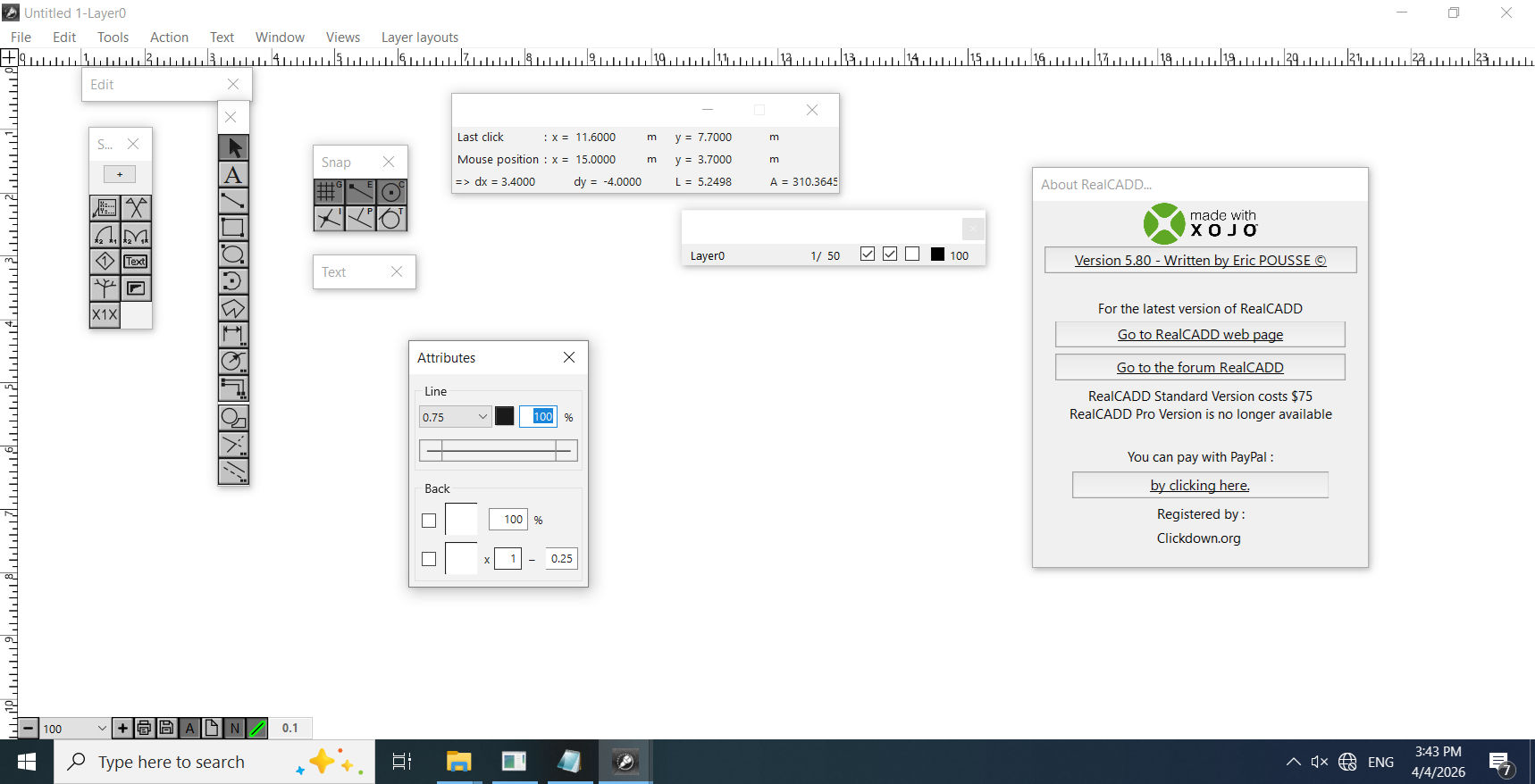
RealCADD 5.80 is a lightweight and intuitive 2D CAD (Computer-Aided Design) software designed for creating precise technical drawings, layouts, and diagrams. It is widely used by architects, engineers, designers, and students who need a simple yet powerful drafting solution without the complexity of large CAD systems.

Built as a vector-based drawing program, RealCADD provides accuracy, flexibility, and ease of use, making it an excellent alternative to heavier CAD software for 2D design work.

Features of RealCADD 5.80

1. Powerful 2D Drawing Tools
Create lines, arcs, splines, rectangles, polygons, and more
Support for text, dimensions, and annotations
Ideal for technical drawings and plans

2. Vector-Based Precision
High-quality vector graphics ensure scalable drawings
Maintain accuracy when printing or exporting
Suitable for engineering and architectural work

3. Layer Management System
Organize drawings using multiple layers
Control visibility and editing of elements
Improve workflow efficiency for complex projects

4. Flexible Drawing Modes
Choose between click-and-drag or click-and-click modes
Adapt to different drafting styles
Improve usability for beginners and professionals

5. Snap & Constraint Tools
Snap to grid, endpoints, intersections, and tangents
Ensure precise alignment and positioning
Enhance drafting accuracy

6. DXF/DWG Compatibility
Import and export DXF files
Work with industry-standard CAD formats
Ensure compatibility with other CAD tools

7. Layouts & Multi-Page Drawings
Create multiple layouts in a single file
Manage complex projects efficiently
Reuse layers across different layouts

8. Advanced Editing Tools
Cut, extend, chamfer, fillet, and rotate objects
Perform union and intersection operations
Modify drawings quickly and accurately

9. Customizable Interface
Clean and intuitive workspace
Auto-hide tool panels for better focus
Customize tools and settings to fit your workflow

10. Lightweight & Cross-Platform
Runs on Windows, macOS, and Linux
Low system requirements
Ideal for small offices, freelancers, and students

πŸ’» System Requirements
OS: Windows / macOS / Linux
CPU: Intel/AMD processor
RAM: 4 GB minimum (8 GB recommended)
Storage: 1–2 GB free disk space

πŸš€ Why Choose RealCADD 5.80?
RealCADD 5.80 stands out because it:
Provides a simple yet powerful 2D CAD environment
Offers precise drafting tools without unnecessary complexity
Supports industry-standard file formats
Runs smoothly on low-end systems
It is an ideal solution for users who need efficient 2D drafting without the steep learning curve of advanced CAD software.

If you want to download RealCADD 5.80 full license, please click to DOWNLOAD button to download.
CLICKDOWN.ORG Download CAD CAM CNC software
Inside package RealCADD 5.80, already have cracked files and instruction how to install RealCADD 5.80 step by step. I guarantee you can install RealCADD 5.80 successfully if you follow that instruction.
If you also can’t install it or get any problems, please contact to me by email: clickdown.org@gmail.com, then I will help you to install software by teamviewer or Ultraviewer or Anydesk.
Thanks a lot
SOFTWARES

Download Tecplot 360ex & Chorus 2025 R2 MR1 x64 full license

Download Tecplot 360ex & Chorus 2025 R2 MR1 x64 full license

Link download Tecplot 360ex & Chorus 2025 R2 MR1 full activated

Working with Tecplot 360ex 2025 R2 MR1 full license

Working with Tecplot Chorus 2025 R2 MR1 full license

Description of Tecplot 360ex & Chorus 2025 R2 MR1

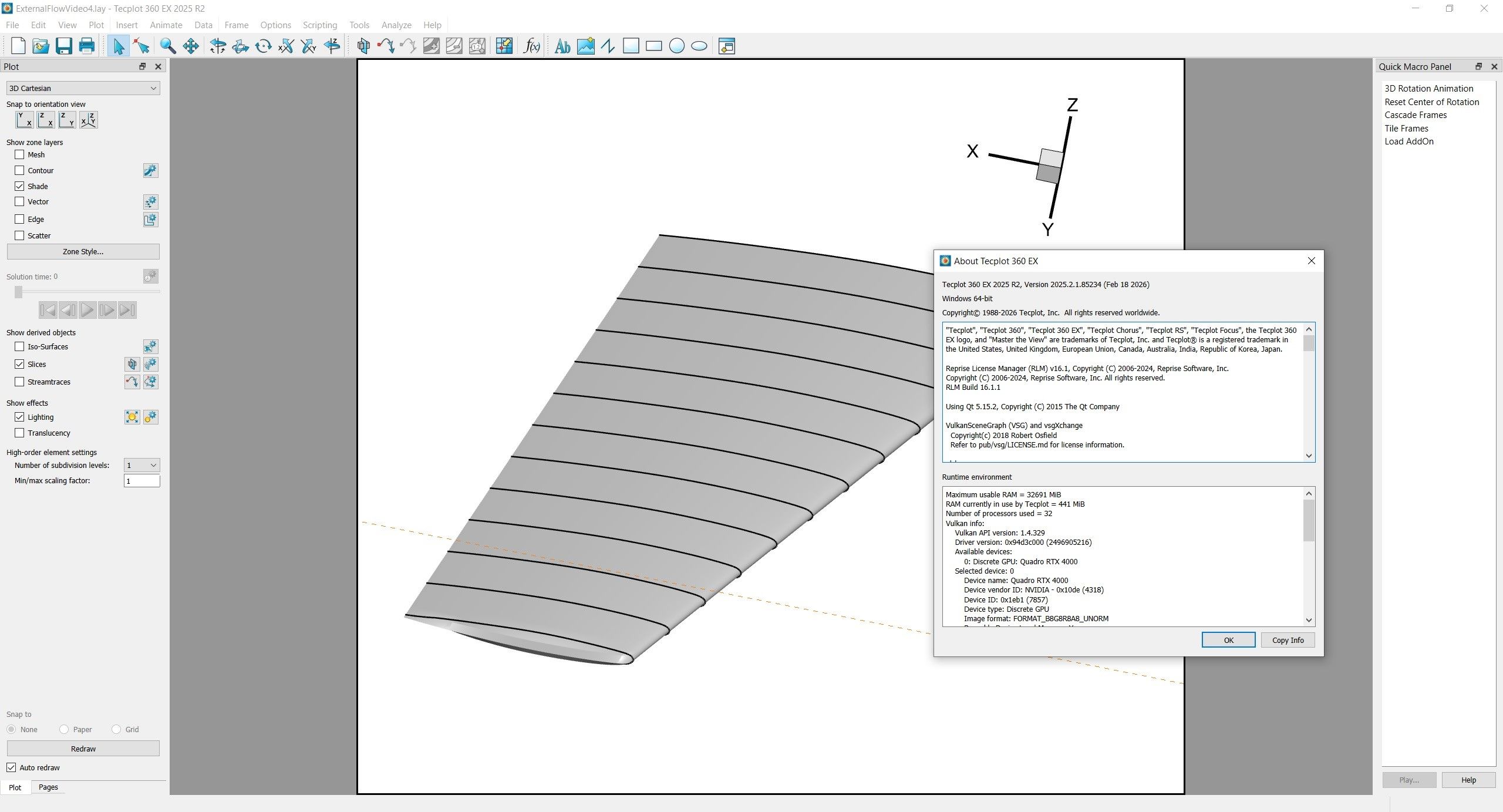
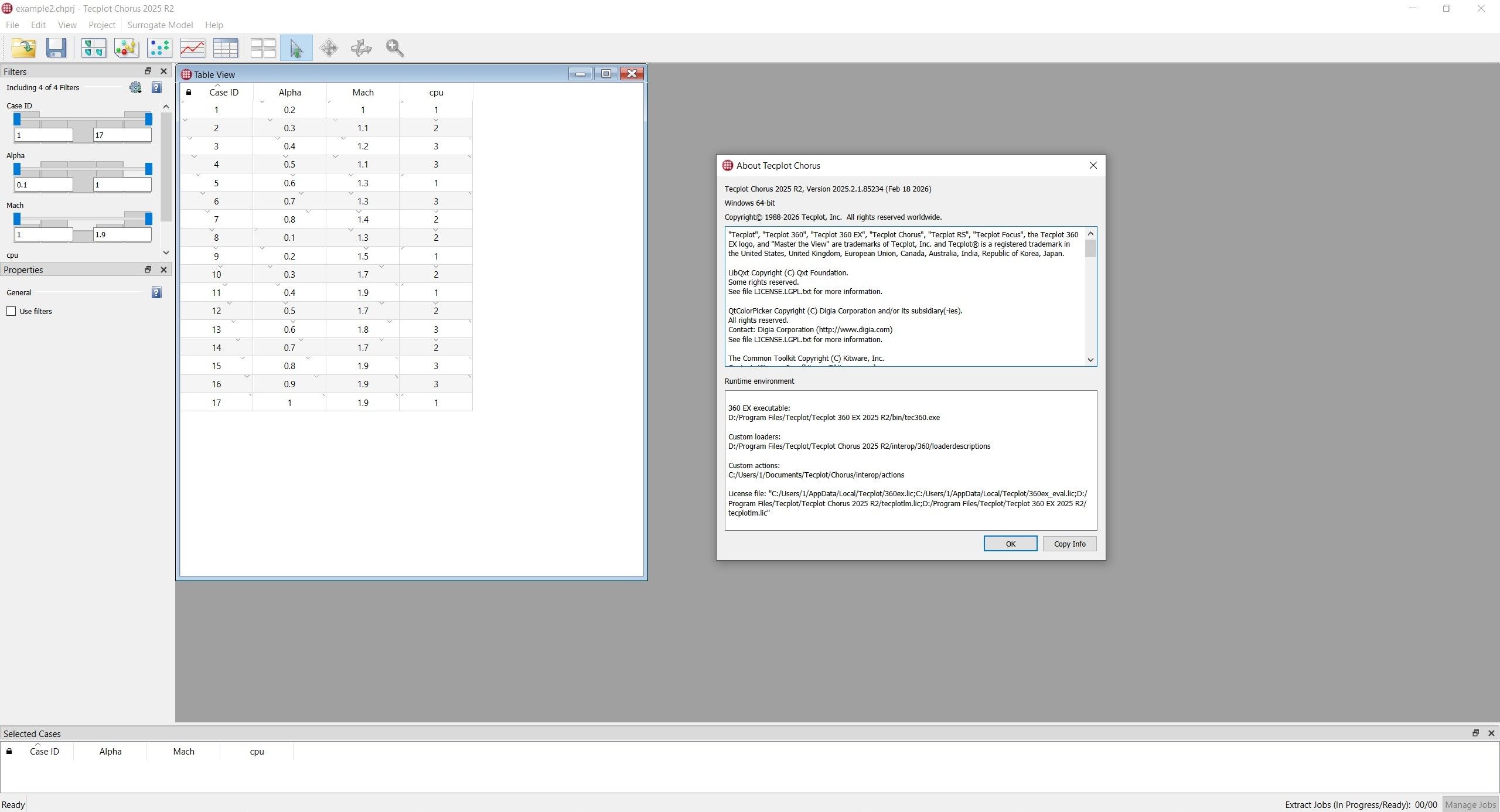
Tecplot 360ex & Chorus 2025 R2 MR1 is a powerful engineering data visualization and analysis suite developed by Tecplot Inc.. It combines advanced CFD post-processing capabilities (Tecplot 360ex) with parametric data analytics (Chorus), enabling engineers and scientists to analyze, visualize, and compare complex simulation datasets efficiently.

This release introduces significant performance improvements, enhanced graphics rendering, and better tools for handling large-scale engineering data.

Features of Tecplot 360ex & Chorus 2025 R2 MR1

1. Advanced CFD Post-Processing
Analyze complex Computational Fluid Dynamics (CFD) results
Support for large-scale simulation datasets
Accurate visualization of flow behavior and physics

2. High-Performance Visualization Engine
New Vulkan-based graphics engine for faster rendering
Up to 3x–400x performance improvements for large datasets
Smooth and responsive visualization experience

3. 2D & 3D Plotting Capabilities
Create XY, 2D, and 3D plots with precision
Contour, vector, and surface visualization tools
Multi-frame layouts for comparative analysis

4. GPU-Accelerated Rendering
Faster particle and vector rendering
GPU-based translucency and anti-aliasing
Improved lighting effects and visual quality

5. Chorus for Parametric Data Analysis
Analyze multiple simulation cases simultaneously
Identify trends, anomalies, and performance patterns
Optimize designs and evaluate system behavior

6. Large Dataset Handling (SZL Technology)
Work with billion-cell models efficiently
Load data on demand to reduce memory usage
Handle remote datasets with ease

7. Automation & Scripting
Automate workflows using Python (PyTecplot)
Batch processing and macro support
Improve productivity and reduce manual work

8. Multi-Case Comparison & Design Exploration
Compare multiple simulations side by side
Perform parametric studies and optimization
Accelerate engineering decision-making

9. Data Compatibility & Integration
Supports CFD, FEA, and various scientific data formats
Integrates into engineering simulation workflows
Compatible with tools like ANSYS, OpenFOAM, and more

10. Improved Accuracy & Visualization Quality
Enhanced lighting and shading models
Better rendering of translucent surfaces
Improved clarity for complex geometries

πŸ’» System Requirements
OS: Windows / Linux (64-bit)
CPU: Multi-core Intel/AMD processor
RAM: 8 GB minimum (16 GB+ recommended)
GPU: Dedicated GPU recommended for best performance
Storage: 4 GB+ free disk space

πŸš€ Why Choose Tecplot 360ex & Chorus 2025 R2 MR1?
Tecplot 360ex & Chorus 2025 R2 MR1 stands out because it:
Combines visualization and parametric analysis in one suite
Handles massive simulation datasets efficiently
Provides high-performance GPU-accelerated rendering
Enhances engineering insights and decision-making
It is an essential tool for engineers and researchers working in CFD, aerospace, automotive, and scientific simulation fields.

If you want to download Tecplot 360ex & Chorus 2025 R2 MR1 full license, please click to DOWNLOAD button to download.
CLICKDOWN.ORG Download CAD CAM CNC software
Inside package Tecplot 360ex & Chorus 2025 R2 MR1, already have cracked files and instruction how to install Tecplot 360ex & Chorus 2025 R2 MR1 step by step. I guarantee you can install Tecplot 360ex & Chorus 2025 R2 MR1 successfully if you follow that instruction.
If you also can’t install it or get any problems, please contact to me by email: clickdown.org@gmail.com, then I will help you to install software by teamviewer or Ultraviewer or Anydesk.
Thanks a lot
SOFTWARES

Download Tecplot Focus 2025 R2 MR1 x64 full license forever

Tecplot Focus 2025 R2 MR1 (2025.2.1.85234) Win-Linux x64

Download Tecplot Focus 2025 R2 MR1 x64 full license forever

Link download Tecplot Focus 2025 R2 MR1 full activated

Description of Tecplot Focus 2025 R2 MR1

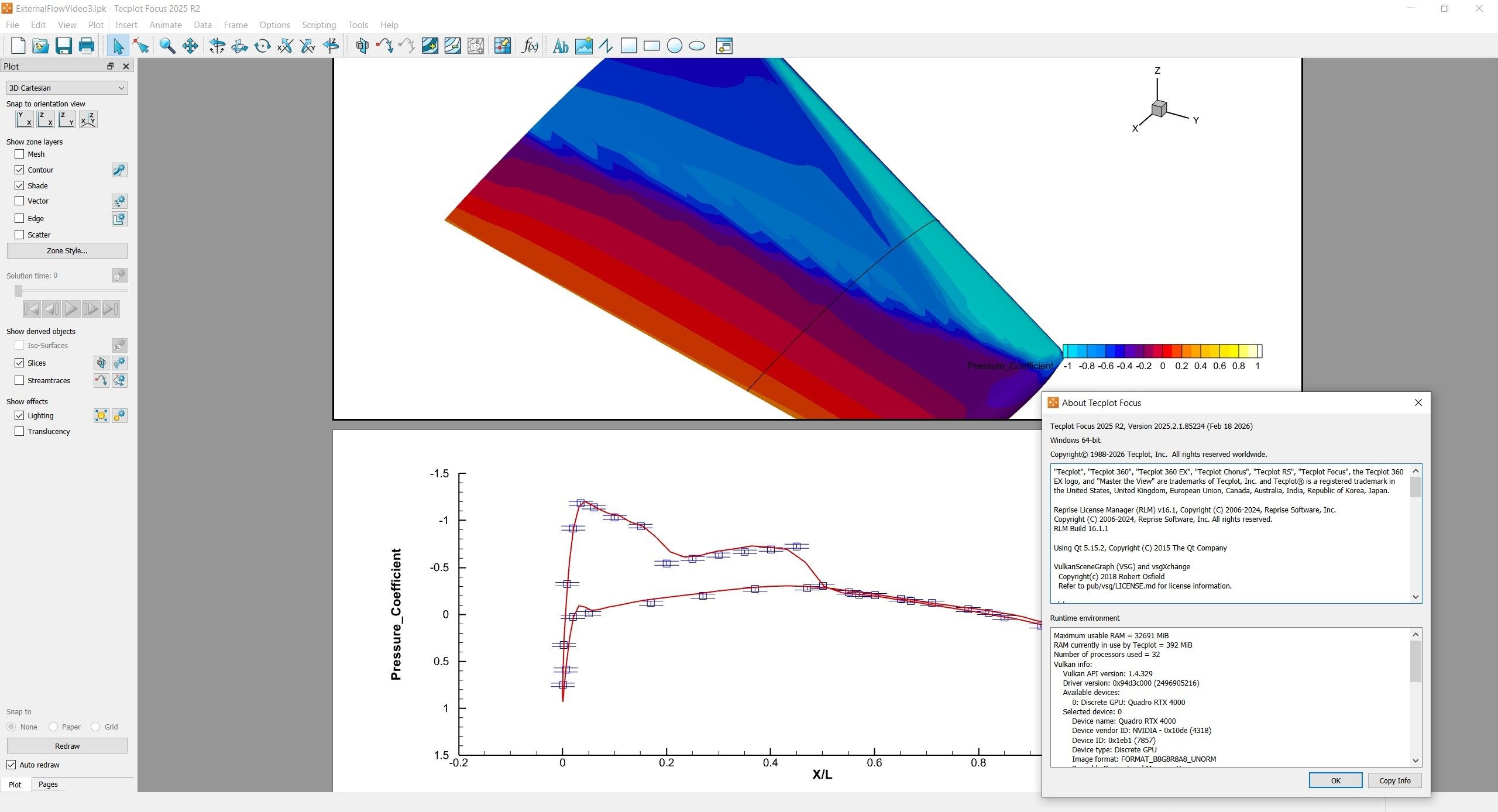
Tecplot Focus 2025 R2 MR1 is a powerful engineering data visualization and plotting software developed by Tecplot Inc.. It is designed for engineers, scientists, and researchers who need advanced tools to analyze, visualize, and present complex simulation and experimental data.

This latest release improves performance, enhances visualization capabilities, and provides more flexibility for handling large datasets across various engineering and scientific disciplines.

Features of Tecplot Focus 2025 R2 MR1

1. Advanced 2D & 3D Plotting
Create high-quality 2D and 3D plots
Visualize complex datasets with precision
Support for contour, vector, and surface plots

2. Engineering Data Visualization
Analyze simulation and experimental results
Handle structured and unstructured data
Improve understanding of engineering processes

3. Large Dataset Handling
Efficiently process large datasets
Optimized memory usage and performance
Smooth interaction with complex data

4. Data Import & Compatibility
Import data from multiple formats
Compatible with CFD, FEA, and scientific tools
Seamless integration into engineering workflows

5. Customizable Plot Styling
Customize colors, legends, and annotations
Create publication-quality graphics
Enhance presentations and reports

6. Automation & Scripting
Automate repetitive tasks with macros
Use scripting for batch processing
Improve productivity and efficiency

7. Data Analysis Tools
Perform mathematical operations on datasets
Extract key insights and trends
Support decision-making processes

8. Multi-Frame & Layout Control
Combine multiple plots in one layout
Compare datasets side by side
Improve data presentation clarity

9. Export & Reporting
Export plots in various formats
Generate reports for research and engineering
Share results easily with teams

10. Improvements in 2025 R2 MR1
Faster rendering and data processing
Enhanced stability and usability
Improved handling of large-scale datasets

πŸ’» System Requirements
OS: Windows 10 / 11 (64-bit)
CPU: Multi-core Intel/AMD processor
RAM: 8 GB minimum (16 GB recommended)
Storage: 2 GB free disk space

πŸš€ Why Choose Tecplot Focus 2025?
Tecplot Focus 2025 R2 MR1 stands out because it:
Provides high-quality engineering visualization tools
Handles complex and large datasets efficiently
Offers flexible customization and automation options
Supports a wide range of scientific and engineering workflows
It is an essential tool for professionals working in CFD, FEA, and data-driven engineering analysis.

If you want to download Tecplot Focus 2025 R2 MR1 full license, please click to DOWNLOAD button to download.
CLICKDOWN.ORG Download CAD CAM CNC software
Inside package Tecplot Focus 2025 R2 MR1, already have cracked files and instruction how to install Tecplot Focus 2025 R2 MR1 step by step. I guarantee you can install Tecplot Focus 2025 R2 MR1 successfully if you follow that instruction.
If you also can’t install it or get any problems, please contact to me by email: clickdown.org@gmail.com, then I will help you to install software by teamviewer or Ultraviewer or Anydesk.
Thanks a lot
SOFTWARES

Download Chaos Enscape 4.17.0.1175 x64 full license forever

Download Chaos Enscape 4.17.0.1175 x64 full license forever

Link download Chaos Enscape 4.17.0.1175 win64 full activated

Working with Chaos Enscape 4.17.0.1175 full license

Description of Chaos Enscape 4.17.0.1175

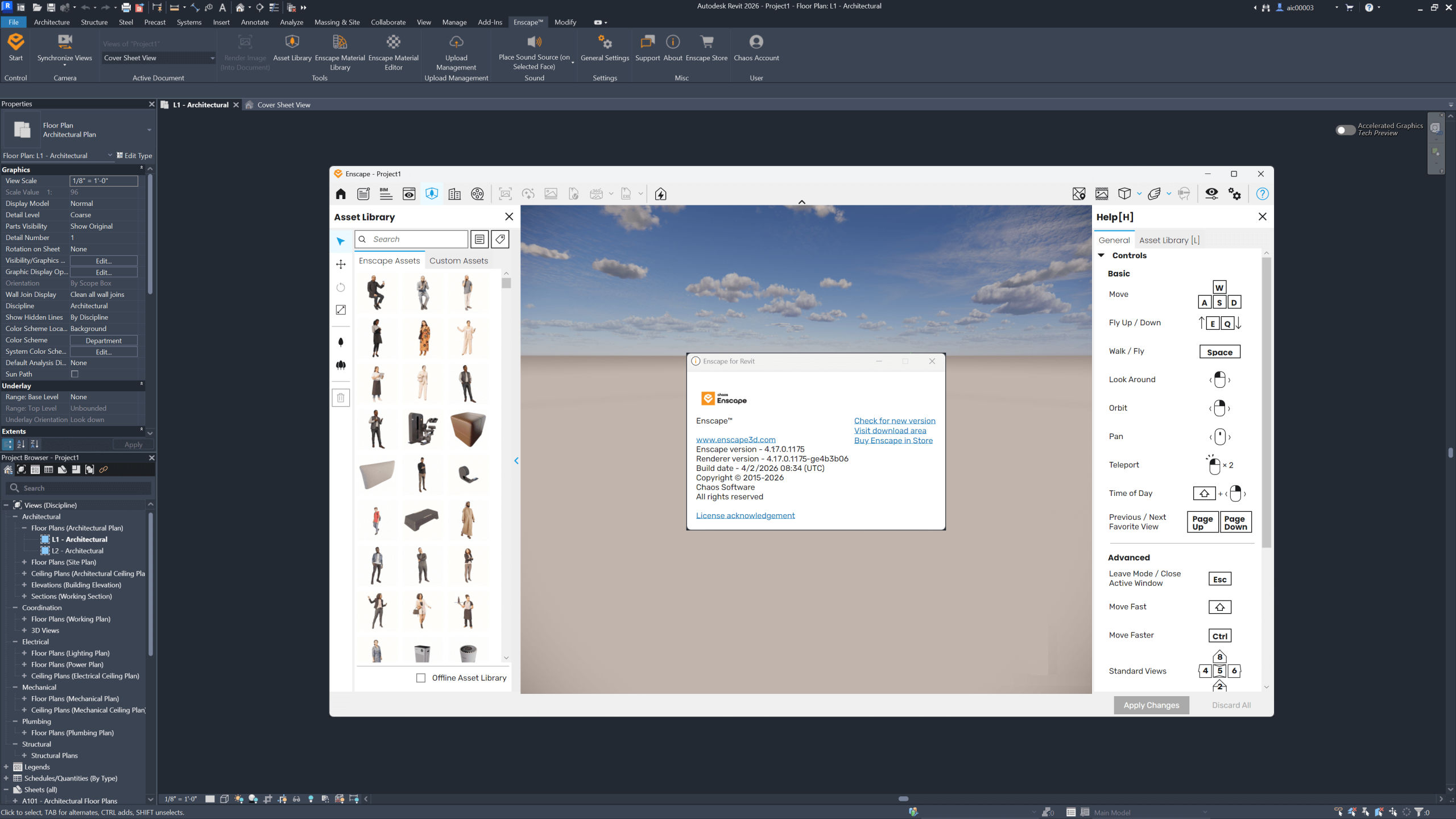
Chaos Enscape 4.17.0.1175 is a real-time rendering and visualization software developed by Chaos. It is widely used by architects, designers, and visualization professionals to create high-quality renders, walkthroughs, and virtual reality experiences directly from their design models.

Fully integrated with popular CAD and BIM tools, Enscape allows users to visualize projects instantly without complex setup or long rendering times.

Features of Chaos Enscape 4.17.0.1175

1. Real-Time Rendering
Instantly render 3D models with high-quality visuals
No need for time-consuming offline rendering
See design changes in real time

2. Seamless Integration with Design Software
Works with Revit, SketchUp, Rhino, and Archicad
Direct synchronization between model and render
Streamlined workflow for designers

3. High-Quality Visual Output
Realistic lighting, reflections, and shadows
Physically based rendering (PBR) materials
Produce photorealistic images and animations

4. Virtual Reality (VR) Support
Explore projects in immersive VR environments
Improve client presentations and engagement
Support for major VR headsets

5. Walkthroughs & Flythroughs
Create interactive walkthroughs
Generate cinematic animations
Showcase designs effectively

6. Asset Library
Built-in library of vegetation, furniture, and objects
Drag-and-drop assets into scenes
Enhance visual realism quickly

7. Collaborative Design Review
Share standalone executable files with clients
Enable real-time feedback and collaboration
Improve communication with stakeholders

8. Cloud & Web Sharing
Upload projects to the cloud
Share via web browser links
Access models from anywhere

9. Customizable Visual Settings
Adjust lighting, exposure, and effects
Fine-tune rendering output
Achieve desired visual style

10. Improvements in Version 4.17.0.1175
Enhanced rendering performance
Improved ray tracing and lighting accuracy
Better stability and workflow optimization

πŸ’» System Requirements
OS: Windows 10 / 11 (64-bit)
CPU: Intel/AMD multi-core processor
RAM: 8 GB minimum (16 GB+ recommended)
GPU: Dedicated GPU with DirectX 12 support
Storage: 5 GB free disk space

πŸš€ Why Choose Chaos Enscape 4.17?
Chaos Enscape 4.17.0.1175 stands out because it:
Provides instant real-time rendering
Integrates seamlessly with major design tools
Supports VR for immersive visualization
Simplifies architectural visualization workflows
It is an ideal solution for architects, designers, and visualization experts who need fast, high-quality rendering and presentation tools.

If you want to download Chaos Enscape 4.17.0.1175 full license, please click to DOWNLOAD button to download.
CLICKDOWN.ORG Download CAD CAM CNC software
Inside package Chaos Enscape 4.17.0.1175, already have cracked files and instruction how to install Chaos Enscape 4.17.0.1175 step by step. I guarantee you can install Chaos Enscape 4.17.0.1175 successfully if you follow that instruction.
If you also can’t install it or get any problems, please contact to me by email: clickdown.org@gmail.com, then I will help you to install software by teamviewer or Ultraviewer or Anydesk.
Thanks a lot
SOFTWARES

Download iTwin Capture Modeler 2024 Update 1 v24.1.8.680 x64

Download iTwin Capture Modeler 2024 Update 1 v24.1.8.680 x64

Link download iTwin Capture Modeler 2024 Update 1 v24.1.8.680 full activated

Working with iTwin Capture Modeler 2024 Update 1.8 v24.1.8.680

Description of iTwin Capture Modeler 2024 Update 1 v24.1.8.680

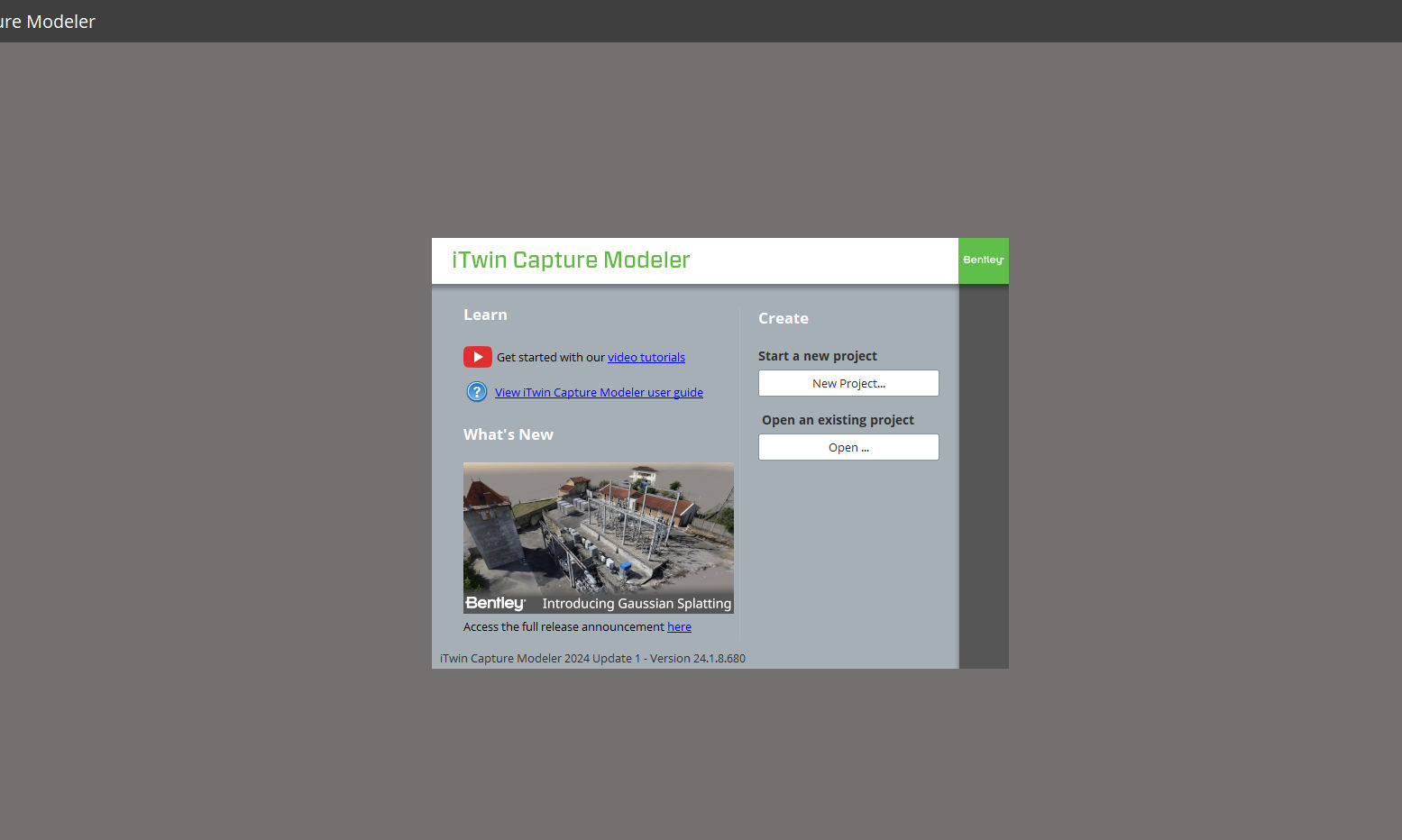
iTwin Capture Modeler 2024 Update 1 v24.1.8.680 is an advanced reality modeling and digital twin creation software developed by Bentley Systems. It enables professionals to generate high-resolution 3D models, point clouds, and digital twins from photos and LiDAR data.

Widely used in infrastructure, construction, and geospatial industries, this software helps transform real-world conditions into accurate digital representations for analysis, planning, and visualization.

Features of iTwin Capture Modeler 2024 Update 1 v24.1.8.680

1. Reality Modeling from Photos & LiDAR
Convert images and LiDAR data into detailed 3D models
Generate accurate point clouds and meshes
Capture real-world environments digitally

2. Digital Twin Creation
Build and manage infrastructure digital twins
Monitor and analyze real-world assets
Improve decision-making and project management

3. High-Resolution 3D Reconstruction
Produce photorealistic 3D models
Preserve fine details and textures
Ideal for large-scale projects

4. Massive Data Processing
Handle large datasets from drones and surveys
Efficient processing of thousands of images
Optimized for high-performance computing

5. Integration with Bentley Ecosystem
Works seamlessly with MicroStation and other Bentley tools
Supports infrastructure and BIM workflows
Improve collaboration across teams

6. Automated Workflow
Automate image alignment and model generation
Reduce manual processing time
Increase productivity

7. Geospatial Accuracy
Support for georeferencing and coordinate systems
Ensure precise spatial data alignment
Ideal for surveying and mapping applications

8. Visualization & Analysis Tools
View and analyze 3D models interactively
Extract measurements and insights
Improve project understanding

9. Export & Compatibility
Export models to multiple formats
Compatible with GIS and CAD software
Facilitate data sharing and collaboration

10. Improvements in Update 1 v24.1.8.680
Enhanced processing speed and performance
Improved model accuracy and stability
Better handling of large-scale datasets

πŸ’» System Requirements
OS: Windows 10 / 11 (64-bit)
CPU: Multi-core Intel/AMD processor
RAM: 16 GB minimum (32 GB+ recommended)
GPU: High-performance GPU with CUDA/OpenCL support
Storage: SSD with 20 GB+ free space

πŸš€ Why Choose iTwin Capture Modeler 2024?
iTwin Capture Modeler 2024 Update 1 v24.1.8.680 stands out because it:
Enables accurate reality capture and digital twin creation
Processes large datasets efficiently
Integrates with infrastructure and BIM workflows
Improves planning, monitoring, and analysis
It is an essential tool for engineers, surveyors, and professionals working in construction, infrastructure, and geospatial industries.

If you want to download iTwin Capture Modeler 2024 Update 1 v24.1.8.680 full license, please click to DOWNLOAD button to download.
CLICKDOWN.ORG Download CAD CAM CNC software
Inside package iTwin Capture Modeler 2024 Update 1 v24.1.8.680, already have cracked files and instruction how to install iTwin Capture Modeler 2024 Update 1 v24.1.8.680 step by step. I guarantee you can install iTwin Capture Modeler 2024 Update 1 v24.1.8.680 successfully if you follow that instruction.
If you also can’t install it or get any problems, please contact to me by email: clickdown.org@gmail.com, then I will help you to install software by teamviewer or Ultraviewer or Anydesk.
Thanks a lot
SOFTWARES

Download Valentin Software GeoTSOL 2026 R3 v2026.3.14 x64

Download Valentin Software GeoTSOL 2026 R3 v2026.3.14 x64 full

Link download Valentin Software GeoTSOL 2026 R3 v2026.3.14 full activated

Working with Valentin Software GeoTSOL 2026 R3 v2026.3.14 full license

Description of Valentin Software GeoTSOL 2026 R3 v2026.3.14

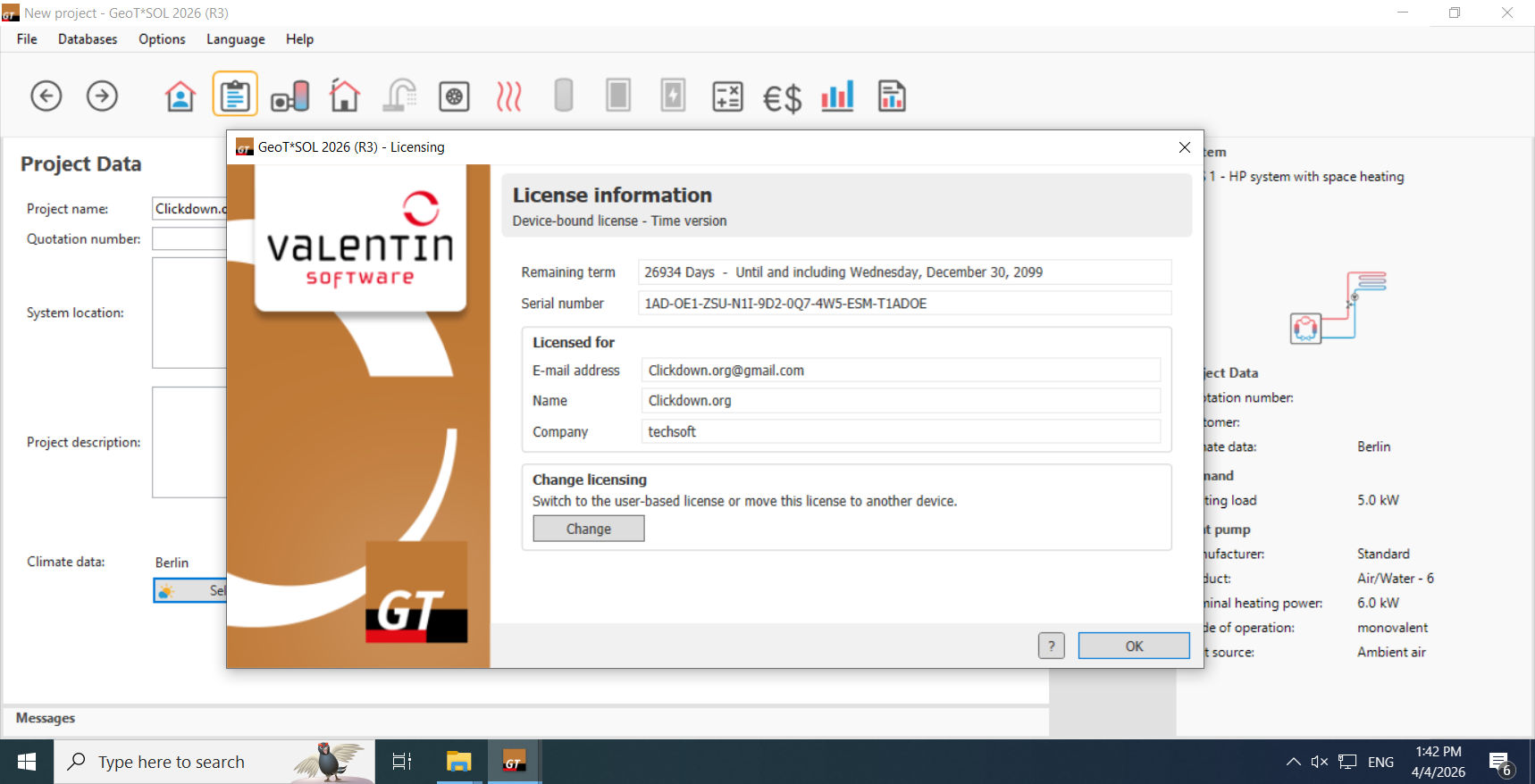
Valentin Software GeoTSOL 2026 R3 is a professional simulation software for designing and analyzing solar thermal systems. Developed by Valentin Software GmbH, it is widely used by engineers, planners, and renewable energy specialists to optimize solar heating systems for residential, commercial, and industrial applications.

The 2026 R3 version introduces improved simulation accuracy, enhanced system components, and better usability for efficient solar thermal project planning.

Features of Valentin Software GeoTSOL 2026 R3 v2026.3.14

1. Solar Thermal System Simulation
Simulate solar thermal systems with high precision
Analyze system performance under real-world conditions
Optimize energy efficiency and output

2. Comprehensive System Design
Design domestic hot water and heating systems
Configure collector arrays, storage tanks, and piping
Adapt systems to specific project requirements

3. Extensive Component Database
Includes a wide range of solar collectors and components
Predefined system templates for faster setup
Easily customize system configurations

4. Energy Yield Calculation
Calculate solar energy production and savings
Evaluate system efficiency and performance
Support sustainable energy planning

5. Economic Analysis
Estimate investment costs and payback periods
Analyze financial viability of projects
Support decision-making for renewable investments

6. Climate Data Integration
Use global weather and climate datasets
Simulate system performance in different locations
Improve accuracy of results

7. Detailed Reporting & Documentation
Generate professional reports and system summaries
Export results for presentations and analysis
Support project documentation requirements

8. User-Friendly Interface
Intuitive workflow and easy navigation
Step-by-step project setup
Suitable for both beginners and professionals

9. Integration with Other Tools
Compatible with other Valentin Software solutions
Supports broader energy system analysis workflows
Enhances project collaboration

10. Performance Improvements in 2026 R3
Faster simulation processing
Improved stability and accuracy
Enhanced usability and interface design

πŸ’» System Requirements
OS: Windows 10 / 11 (64-bit)
CPU: Intel/AMD multi-core processor
RAM: 8 GB minimum (16 GB recommended)
Storage: 5 GB free disk space

πŸš€ Why Choose GeoTSOL 2026 R3?
Valentin Software GeoTSOL 2026 R3 stands out because it:
Provides accurate solar thermal system simulation
Supports efficient design and optimization
Offers economic and energy performance analysis
Helps reduce costs and improve sustainability
It is an ideal solution for renewable energy professionals, engineers, and consultants working on solar heating and energy efficiency projects.

If you want to download Valentin Software GeoTSOL 2026 R3 v2026.3.14 full license, please click to DOWNLOAD button to download.
CLICKDOWN.ORG Download CAD CAM CNC software
Inside package Valentin Software GeoTSOL 2026 R3 v2026.3.14, already have cracked files and instruction how to install Valentin Software GeoTSOL 2026 R3 v2026.3.14 step by step. I guarantee you can install Valentin Software GeoTSOL 2026 R3 v2026.3.14 successfully if you follow that instruction.
If you also can’t install it or get any problems, please contact to me by email: clickdown.org@gmail.com, then I will help you to install software by teamviewer or Ultraviewer or Anydesk.
Thanks a lot
SOFTWARES

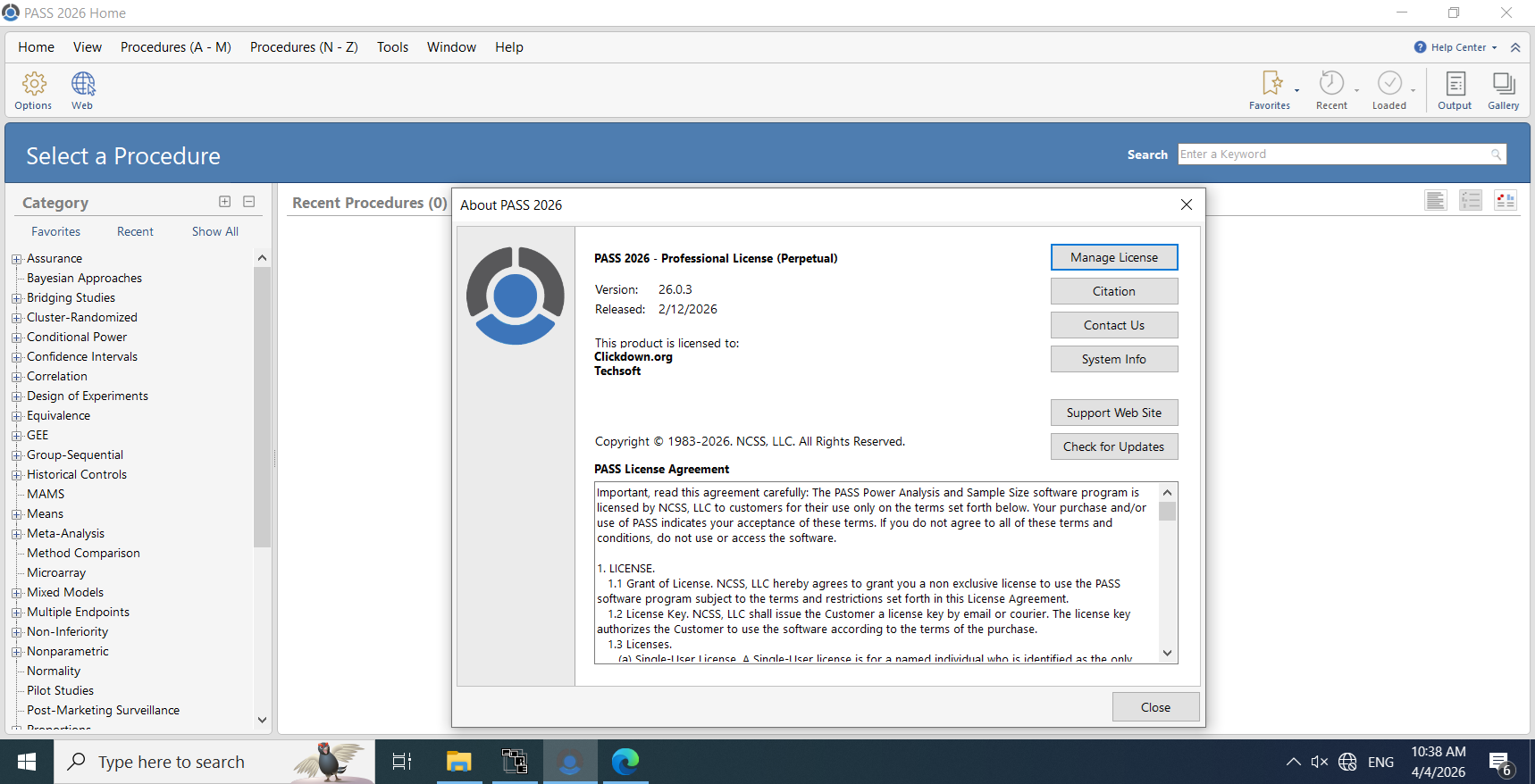
Download NCSS PASS 2026 v26.0.3 x64 full license forever

Download NCSS PASS 2026 v26.0.3 x64 full license forever

Link download NCSS PASS 2026 v26.0.3 win64 full activated

Working with NCSS PASS 2026 v26.0.3 full license

Description of NCSS PASS 2026 v26.0.3

NCSS PASS 2026 v26.0.3 is a powerful statistical software dedicated to sample size determination and power analysis, developed by NCSS LLC. It is widely used by researchers, biostatisticians, clinical trial designers, and analysts to ensure studies are properly powered and statistically valid.

This latest version enhances calculation accuracy, expands statistical procedures, and improves usability for complex research and experimental designs.

Features of NCSS PASS 2026 v26.0.3

1. Advanced Power Analysis
Calculate statistical power for a wide range of tests
Ensure adequate sample size before conducting studies
Reduce risk of underpowered or overpowered experiments

2. Extensive Procedure Library
Supports hundreds of statistical tests
Includes t-tests, ANOVA, regression, survival analysis, and more
Covers both parametric and non-parametric methods

3. Clinical Trial Design Support
Tools tailored for medical and pharmaceutical research
Design randomized controlled trials efficiently
Improve study reliability and compliance

4. Confidence Interval Calculations
Compute precise confidence intervals
Evaluate margin of error and precision
Support accurate statistical interpretation

5. Survival & Time-to-Event Analysis
Power analysis for survival studies
Kaplan-Meier and Cox regression methods
Ideal for clinical and epidemiological research

6. Equivalence & Non-Inferiority Testing
Design equivalence and non-inferiority trials
Essential for pharmaceutical and bioequivalence studies
Ensure regulatory compliance

7. Graphical Output & Visualization
Generate clear graphs for power and sample size
Visualize relationships between variables
Improve reporting and presentations

8. User-Friendly Interface
Step-by-step guided setup
Easy navigation and workflow
Suitable for both beginners and experts

9. Automation & Reporting
Save analysis setups for reuse
Generate detailed reports automatically
Improve efficiency and documentation

10. Performance Improvements in 2026
Faster calculations for complex models
Improved interface responsiveness
Enhanced stability and usability

πŸ’» System Requirements
OS: Windows 10 / 11 (64-bit)
CPU: Intel/AMD multi-core processor
RAM: 8 GB minimum (16 GB recommended)
Storage: 3 GB free disk space

πŸš€ Why Choose NCSS PASS 2026?
NCSS PASS 2026 v26.0.3 stands out because it:
Provides industry-leading tools for power and sample size analysis
Supports a wide range of statistical tests and study designs
Ensures accuracy and reliability in research planning
Simplifies complex statistical calculations
It is an essential solution for researchers, statisticians, and professionals involved in study design and data analysis.

If you want to download NCSS PASS 2026 v26.0.3 full license, please click to DOWNLOAD button to download.
CLICKDOWN.ORG Download CAD CAM CNC software
Inside package NCSS PASS 2026 v26.0.3, already have cracked files and instruction how to install NCSS PASS 2026 v26.0.3 step by step. I guarantee you can install NCSS PASS 2026 v26.0.3 successfully if you follow that instruction.
If you also can’t install it or get any problems, please contact to me by email: clickdown.org@gmail.com, then I will help you to install software by teamviewer or Ultraviewer or Anydesk.
Thanks a lot
SOFTWARES

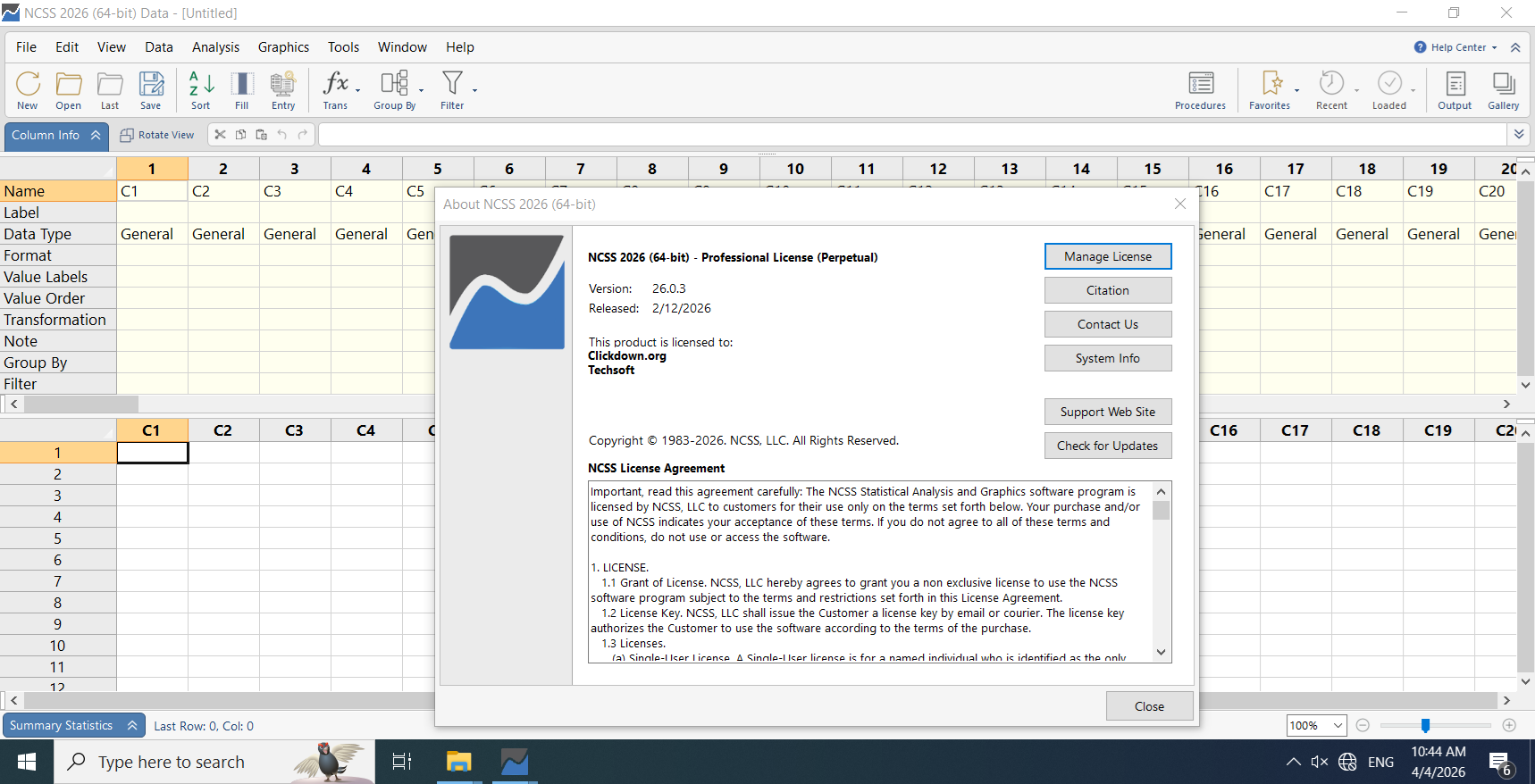
Download NCSS Pro 2026 v26.0.3 win64 full license forever

Download NCSS Pro 2026 v26.0.3 win64 full license forever

Link download NCSS Pro 2026 v26.0.3 x64 full activated

Working with NCSS Pro 2026 v26.0.3 full license

Description of NCSS Pro 2026 v26.0.3

NCSS Pro 2026 v26.0.3 is a comprehensive statistical analysis software developed by NCSS LLC. It is widely used by researchers, data analysts, healthcare professionals, and scientists for performing advanced statistical analysis, data visualization, and predictive modeling.

The 2026 release introduces improved performance, enhanced statistical procedures, and a more user-friendly interface, making it an essential tool for data-driven decision-making.

Features of NCSS Pro 2026 v26.0.3

1. Extensive Statistical Procedures
Over 300 statistical and graphical procedures
Includes parametric and non-parametric tests
Supports advanced statistical modeling

2. Data Visualization Tools
Create high-quality charts and graphs
Customizable plots for presentations and reports
Visualize trends and patterns effectively

3. Regression & Predictive Modeling
Linear and nonlinear regression analysis
Logistic regression and generalized models
Forecasting and predictive analytics tools

4. Survival Analysis
Kaplan-Meier survival curves
Cox proportional hazards models
Ideal for medical and clinical research

5. Experimental Design (DOE)
Design and analyze experiments efficiently
Factorial, response surface, and mixture designs
Optimize processes and outcomes

6. Time Series Analysis
Analyze trends and seasonal patterns
Forecast future data behavior
Useful for finance, economics, and research

7. Data Management & Import
Import data from Excel, CSV, and databases
Clean, filter, and manage datasets
Handle large datasets efficiently

8. User-Friendly Interface
Intuitive workflow and easy navigation
Step-by-step analysis setup
Suitable for both beginners and experts

9. Automation & Batch Processing
Automate repetitive analysis tasks
Save workflows and scripts
Improve productivity

10. Performance Improvements in 2026
Faster computation and analysis
Enhanced stability with large datasets
Improved graphics rendering and usability

πŸ’» System Requirements
OS: Windows 10 / 11 (64-bit)
CPU: Multi-core Intel/AMD processor
RAM: 8 GB minimum (16 GB recommended)
Storage: 4 GB free disk space

πŸš€ Why Choose NCSS Pro 2026?
NCSS Pro 2026 v26.0.3 stands out because it:
Offers a wide range of advanced statistical tools
Provides powerful visualization and reporting features
Supports research, healthcare, and business analytics
Delivers accurate and reliable analytical results
It is an ideal solution for professionals who need robust statistical analysis and data modeling capabilities.

If you want to download NCSS Pro 2026 v26.0.3 full license, please click to DOWNLOAD button to download.
CLICKDOWN.ORG Download CAD CAM CNC software
Inside package NCSS Pro 2026 v26.0.3, already have cracked files and instruction how to install NCSS Pro 2026 v26.0.3 step by step. I guarantee you can install NCSS Pro 2026 v26.0.3 successfully if you follow that instruction.
If you also can’t install it or get any problems, please contact to me by email: clickdown.org@gmail.com, then I will help you to install software by teamviewer or Ultraviewer or Anydesk.
Thanks a lot
SOFTWARES

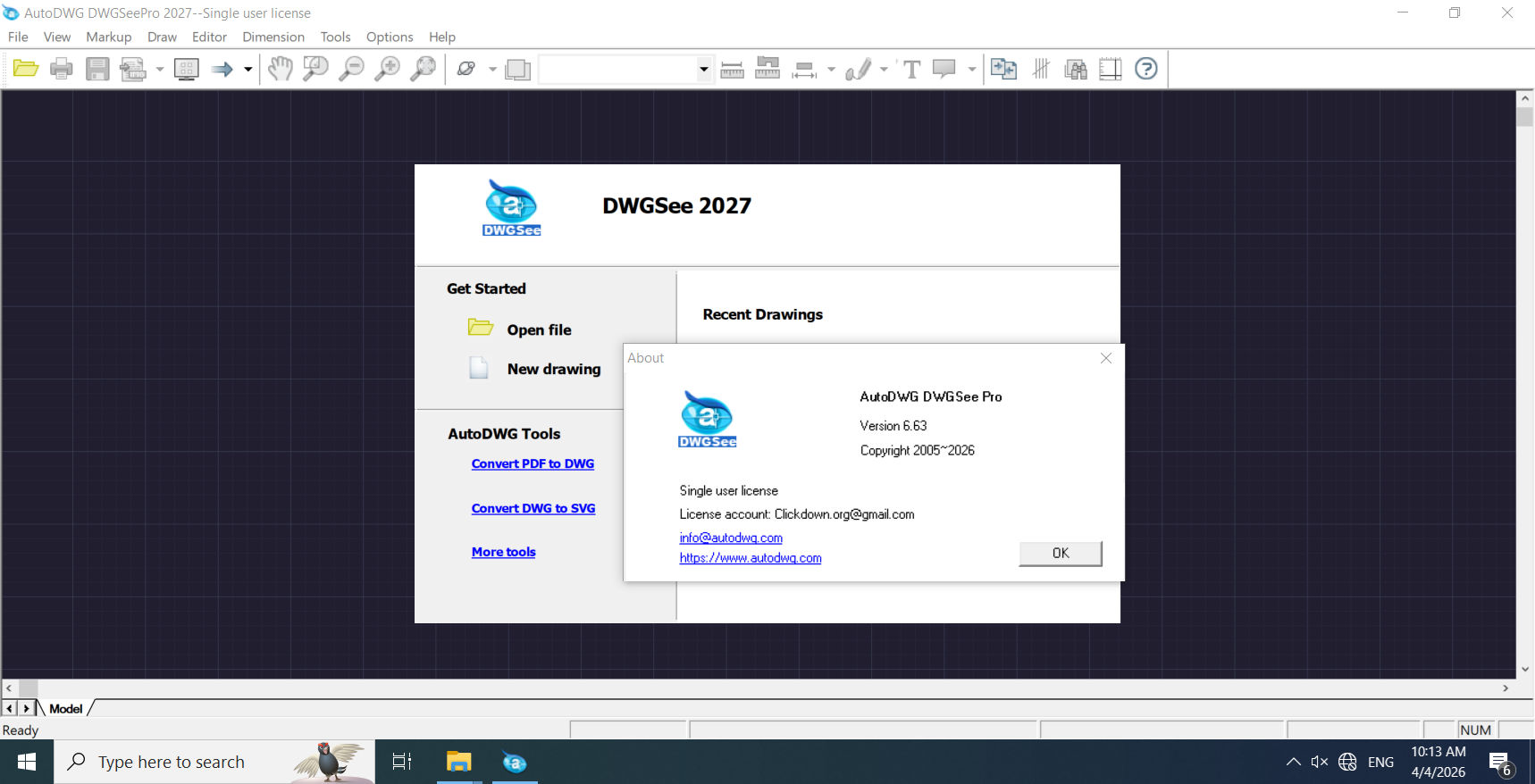
Download AutoDWG DWGSee Pro 2027 v6.63 full license

Download AutoDWG DWGSee Pro 2027 v6.63 full license

Link download AutoDWG DWGSee Pro 2027 v6.63 full activated

Working with AutoDWG DWGSee Pro 2027 v6.63 full license

Description of AutoDWG DWGSee Pro 2027 v6.63

AutoDWG DWGSee Pro 2027 v6.63 is a lightweight yet powerful DWG viewer and markup tool developed by AutoDWG. It is designed for engineers, architects, and CAD professionals who need a fast and reliable solution to view, measure, and annotate DWG, DXF, and DWF files without requiring full CAD software.

This latest version brings improved performance, enhanced markup tools, and better compatibility with modern CAD formats.

Features of AutoDWG DWGSee Pro 2027 v6.63

1. Fast DWG/DXF Viewer
Open and view large DWG and DXF files quickly
Smooth zooming and navigation
Supports latest AutoCAD file formats

2. Advanced Markup & Annotation
Add comments, notes, and shapes
Highlight important areas in drawings
Improve collaboration and feedback

3. Measurement Tools
Measure distances, areas, and angles
Accurate dimensioning directly in drawings
Useful for quick design validation

4. Batch Printing & Plotting
Print multiple drawings at once
Support for various plot settings
Save time on documentation tasks

5. DWG to PDF Conversion
Convert DWG, DXF, and DWF files to PDF
Maintain drawing quality and scale
Easy sharing with non-CAD users

6. Layer Management
Control visibility of layers
Simplify complex drawings
Improve clarity and focus

7. Compare Drawings
Identify differences between file versions
Highlight changes automatically
Useful for revision tracking

8. Lightweight & Standalone
No need for AutoCAD installation
Low system resource usage
Fast startup and operation

9. Snap & Object Selection Tools
Accurate snapping for precise measurements
Easy object selection and inspection
Improve workflow efficiency

10. Performance Improvements in 2027
Faster file loading and rendering
Improved stability for large drawings
Enhanced user interface responsiveness

πŸ’» System Requirements
OS: Windows 7 / 10 / 11 (64-bit)
CPU: Intel/AMD processor
RAM: 4 GB minimum (8 GB recommended)
Storage: 1 GB free disk space

πŸš€ Why Choose AutoDWG DWGSee Pro 2027?
AutoDWG DWGSee Pro 2027 v6.63 is ideal because it:
Provides a fast and lightweight DWG viewing solution
Includes powerful markup and measurement tools
Eliminates the need for full CAD software
Improves collaboration and document sharing
It is perfect for professionals who need efficient access to CAD drawings without the complexity of full-featured design software.

If you want to download AutoDWG DWGSee Pro 2027 v6.63 full license, please click to DOWNLOAD button to download.
CLICKDOWN.ORG Download CAD CAM CNC software
Inside package AutoDWG DWGSee Pro 2027 v6.63, already have cracked files and instruction how to install AutoDWG DWGSee Pro 2027 v6.63 step by step. I guarantee you can install AutoDWG DWGSee Pro 2027 v6.63 successfully if you follow that instruction.
If you also can’t install it or get any problems, please contact to me by email: clickdown.org@gmail.com, then I will help you to install software by teamviewer or Ultraviewer or Anydesk.
Thanks a lot
SOFTWARES

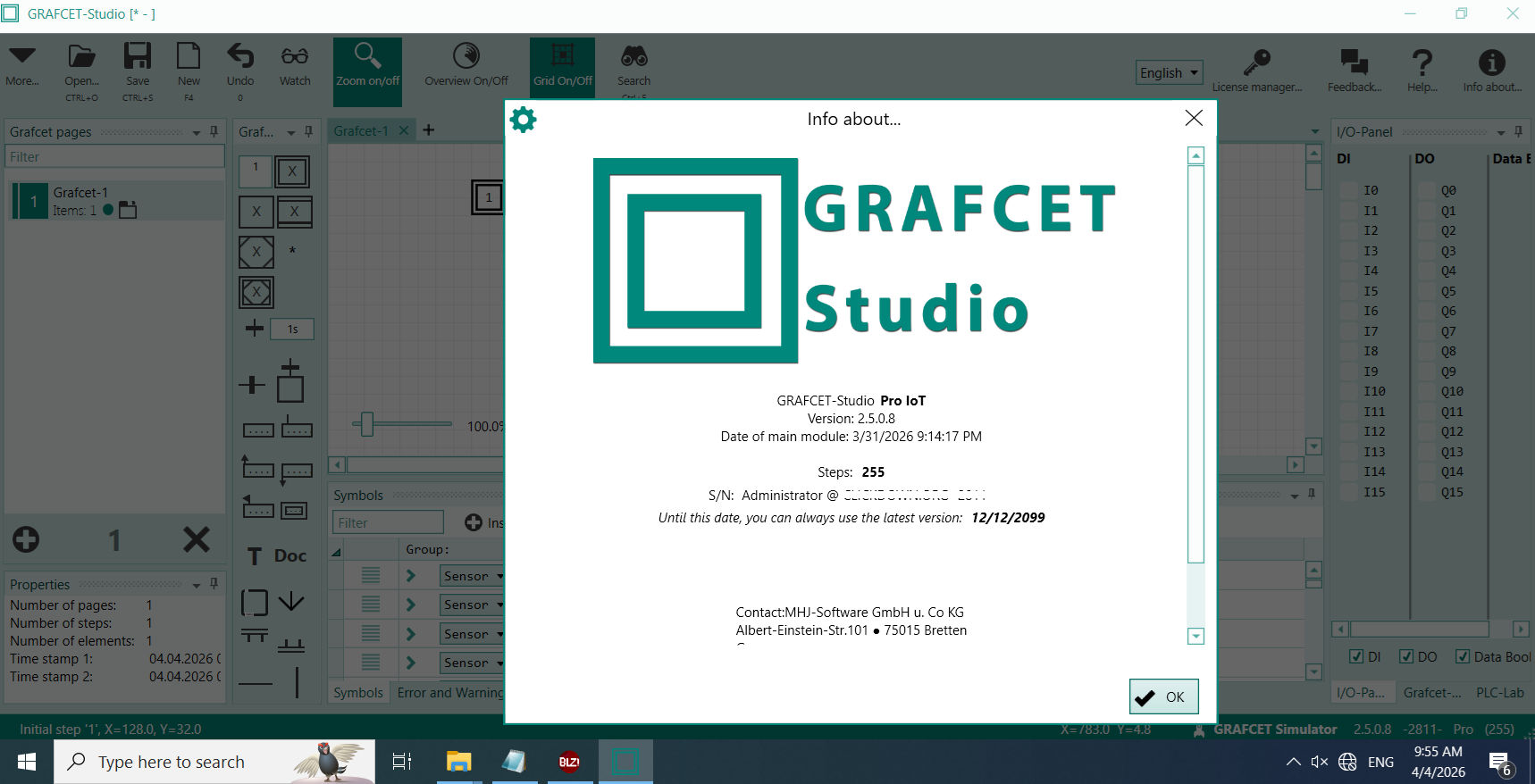
Download GrafCet Studio Pro 2.5.0.8 full license forever

Download GrafCet Studio Pro 2.5.0.8 full license forever

Link download GrafCet Studio Pro 2.5.0.8 full activated

Working with GrafCet Studio Pro 2.5.0.8 full license

Description of GrafCet Studio Pro 2.5.0.8

GrafCet Studio Pro 2.5.0.8 is a professional software solution for designing and simulating sequential control systems using Grafcet (Sequential Function Charts). It is widely used by automation engineers, educators, and industrial programmers to model, test, and validate control logic in automated processes.

Built around the GRAFCET methodology, this software helps users create structured, visual representations of complex automation workflows with precision and efficiency.

Features of GrafCet Studio Pro 2.5.0.8

1. GRAFCET-Based Design Environment
Create sequential function charts visually
Model complex automation processes step-by-step
Follow standardized control system design methods

2. Intuitive Graphical Interface
User-friendly drag-and-drop environment
Easy creation of steps, transitions, and actions
Simplifies control logic design

3. Real-Time Simulation
Simulate automation processes in real time
Test sequences before deployment
Identify logical errors early

4. PLC-Oriented Workflow
Designed for industrial automation and PLC systems
Compatible with common automation practices
Bridge between design and implementation

5. Debugging & Validation Tools
Monitor transitions and step execution
Detect logical conflicts and errors
Improve system reliability

6. Documentation & Reporting
Generate clear diagrams and reports
Export documentation for projects
Support training and project handover

7. Modular Project Structure
Organize large automation systems efficiently
Reuse modules across projects
Improve scalability and maintainability

8. Educational & Training Support
Ideal for teaching automation concepts
Helps students understand sequential logic
Widely used in technical training environments

9. Integration Capabilities
Supports export/import for industrial workflows
Works alongside PLC programming tools
Enhances automation development pipelines

10. Performance Improvements in Version 2.5.0.8
Improved simulation speed
Enhanced interface responsiveness
Better stability and usability

πŸ’» System Requirements
OS: Windows 10 / 11 (64-bit)
CPU: Intel/AMD processor
RAM: 4 GB minimum (8 GB recommended)
Storage: 2 GB free disk space

πŸš€ Why Choose GrafCet Studio Pro 2.5.0.8?
GrafCet Studio Pro 2.5.0.8 is an excellent choice because it:
Simplifies sequential control system design
Provides powerful simulation and validation tools
Supports industrial automation and PLC workflows
Enhances learning and professional development
It is ideal for automation engineers, PLC programmers, and students working in industrial control system design.

If you want to download GrafCet Studio Pro 2.5.0.8 full license, please click to DOWNLOAD button to download.
CLICKDOWN.ORG Download CAD CAM CNC software
Inside package GrafCet Studio Pro 2.5.0.8, already have cracked files and instruction how to install GrafCet Studio Pro 2.5.0.8 step by step. I guarantee you can install GrafCet Studio Pro 2.5.0.8 successfully if you follow that instruction.
If you also can’t install it or get any problems, please contact to me by email: clickdown.org@gmail.com, then I will help you to install software by teamviewer or Ultraviewer or Anydesk.
Thanks a lot
SOFTWARES

Download Rapidlasso LAStools Suite 2026 v1.6.3 full license

Rapidlasso LAStools Suite 2026 v1.6.3 build 2603

Download Rapidlasso LAStools Suite 2026 v1.6.3 full license

Link download Rapidlasso LAStools Suite 2026 v1.6.3 full activated

Working with Rapidlasso LAStools Suite 2026 v1.6.3 full license

Description of Rapidlasso LAStools Suite 2026 v1.6.3

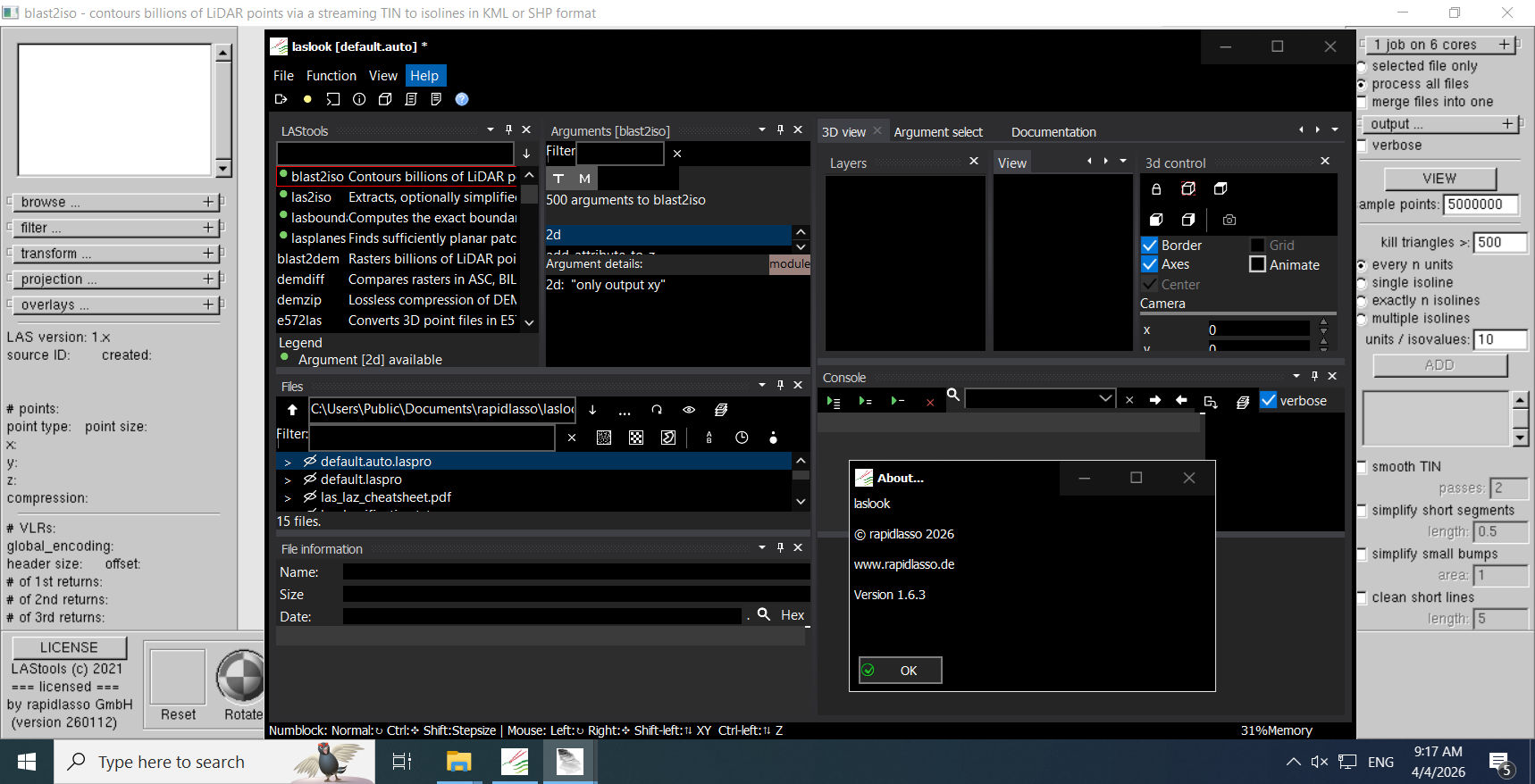
Rapidlasso LAStools Suite 2026 v1.6.3 is a powerful and highly efficient LiDAR processing software developed by rapidlasso GmbH. It is widely used by geospatial professionals, surveyors, and GIS analysts for processing massive point cloud datasets quickly and accurately.

Known for its speed and command-line flexibility, LAStools is one of the most trusted solutions for LiDAR data management, classification, and conversion.

Features of Rapidlasso LAStools Suite 2026 v1.6.3

1. High-Speed LiDAR Processing
Process billions of LiDAR points efficiently
Optimized for large-scale datasets
Industry-leading performance and speed

2. LAS/LAZ File Management
Read, write, and convert LAS/LAZ formats
Compress LiDAR data with LAZ format
Efficient storage and data handling

3. Point Cloud Classification
Automatic classification of ground, vegetation, and buildings
Advanced filtering algorithms
Improve data accuracy for analysis

4. Terrain & Surface Modeling
Generate Digital Terrain Models (DTM)
Create Digital Surface Models (DSM)
Extract elevation and contour data

5. Command-Line & Batch Processing
Automate workflows using command-line tools
Batch process multiple files
Ideal for large production environments

6. LiDAR Data Conversion Tools
Convert LiDAR data into various formats
Export to raster and vector formats
Ensure compatibility with GIS software

7. Quality Control & Validation
Check data integrity and accuracy
Validate classification and elevation data
Reduce errors in final outputs

8. Integration with GIS Platforms
Works with tools like ArcGIS and QGIS
Supports geospatial workflows
Enhance spatial analysis capabilities

9. Tiling & Merging Tools
Split large datasets into manageable tiles
Merge multiple LiDAR files seamlessly
Optimize workflow efficiency

10. Performance Improvements in 2026
Faster processing of large point clouds
Improved stability and tool efficiency
Enhanced support for modern hardware

πŸ’» System Requirements
OS: Windows / Linux (64-bit)
CPU: Multi-core processor recommended
RAM: 8 GB minimum (16 GB+ recommended)
Storage: Depends on dataset size (SSD recommended)

πŸš€ Why Choose LAStools Suite 2026?
Rapidlasso LAStools Suite 2026 v1.6.3 stands out because it:
Offers extremely fast LiDAR data processing
Supports large-scale geospatial datasets
Provides flexible command-line automation
Integrates well with GIS platforms
It is an essential tool for professionals working in mapping, surveying, environmental analysis, and geospatial data processing.

If you want to download Rapidlasso LAStools Suite 2026 v1.6.3 full license, please click to DOWNLOAD button to download.
CLICKDOWN.ORG Download CAD CAM CNC software
Inside package Rapidlasso LAStools Suite 2026 v1.6.3, already have cracked files and instruction how to install Rapidlasso LAStools Suite 2026 v1.6.3 step by step. I guarantee you can install Rapidlasso LAStools Suite 2026 v1.6.3 successfully if you follow that instruction.
If you also can’t install it or get any problems, please contact to me by email: clickdown.org@gmail.com, then I will help you to install software by teamviewer or Ultraviewer or Anydesk.
Thanks a lot
SOFTWARES

Download Vero VISI 2025.4.2612 x64 full license 100% working

Download Vero VISI 2025.4.2612 x64 full license

Link download Vero VISI 2025.4.2612 win64 full activated

Working with Vero VISI 2025.4.2612 full license

Description of Vero VISI 2025.4.2612

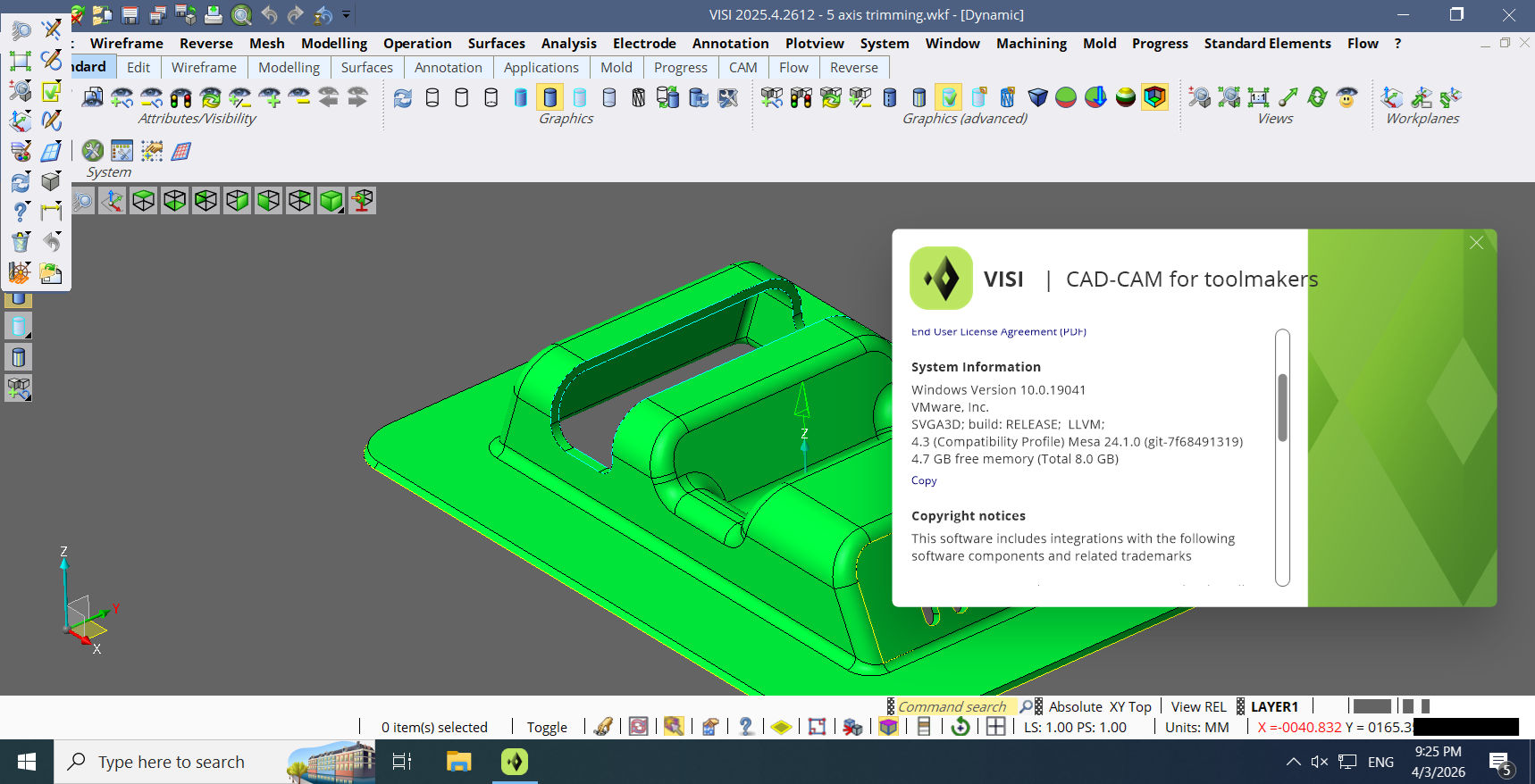
Vero VISI 2025.4.2612 is an advanced CAD/CAM software solution designed for mold and die manufacturing, developed by Hexagon under its Vero Software brand. It offers a complete suite of tools for product design, mold tooling, and CNC machining, making it a powerful choice for manufacturers and engineers.

This latest version delivers enhanced performance, improved machining strategies, and optimized workflows to boost productivity and precision in manufacturing processes.

Features of Vero VISI 2025.4.2612

1. Integrated CAD/CAM Environment
Combines design, analysis, and manufacturing in one platform
Streamlines workflows from concept to production
Eliminates the need for multiple software tools

2. Advanced Mold & Die Design
Specialized tools for mold base design
Efficient cavity and core creation
Support for complex tooling projects

3. High-Speed CNC Machining
Optimized toolpaths for high-speed machining
Improved surface finish and accuracy
Reduce machining time and tool wear

4. 3D Modeling & Surface Design
Create complex 3D geometries and freeform surfaces
Powerful modeling tools for industrial design
Enhance product development processes

5. Multi-Axis Machining Support
Full support for 3-axis, 4-axis, and 5-axis machining
Precise control of complex machining operations
Improve manufacturing flexibility

6. Electrode Design & Management
Automate electrode creation for EDM processes
Manage electrode libraries efficiently
Improve EDM machining workflows

7. Simulation & Verification
Simulate machining processes before production
Detect collisions and errors early
Reduce material waste and production risks

8. Automation & Customization
Automate repetitive tasks with templates and macros
Customize workflows to suit project needs
Increase productivity and consistency

9. Data Compatibility & Integration
Supports a wide range of CAD file formats
Integrates with other CAD/CAM systems
Improve collaboration across teams

10. Performance Improvements in 2025.4
Faster toolpath calculation
Enhanced stability and usability
Improved handling of large and complex models

πŸ’» System Requirements
OS: Windows 10 / 11 (64-bit)
CPU: Multi-core Intel/AMD processor
RAM: 16 GB minimum (32 GB recommended)
GPU: OpenGL-compatible graphics card
Storage: 10 GB free disk space

πŸš€ Why Choose Vero VISI 2025.4.2612?
Vero VISI 2025.4.2612 is an excellent choice because it:
Provides a complete CAD/CAM solution for mold and die industries
Enhances machining accuracy and efficiency
Supports advanced multi-axis machining
Reduces production time and costs
It is ideal for manufacturers, CNC programmers, and engineers looking to streamline tooling design and machining processes.

If you want to download Vero VISI 2025.4.2612 full license, please click to DOWNLOAD button to download.
CLICKDOWN.ORG Download CAD CAM CNC software
Inside package Vero VISI 2025.4.2612, already have cracked files and instruction how to install Vero VISI 2025.4.2612 step by step. I guarantee you can install Vero VISI 2025.4.2612 successfully if you follow that instruction.
If you also can’t install it or get any problems, please contact to me by email: clickdown.org@gmail.com, then I will help you to install software by teamviewer or Ultraviewer or Anydesk.
Thanks a lot
SOFTWARES

Download Schlumberger PIPESIM 2026.2 win64 full license

Download Schlumberger PIPESIM 2026.2 win64 full license

Link download Schlumberger PIPESIM 2026.2 x64 full activated

Working with Schlumberger PIPESIM 2026.2 full license

Description of Schlumberger PIPESIM 2026.2

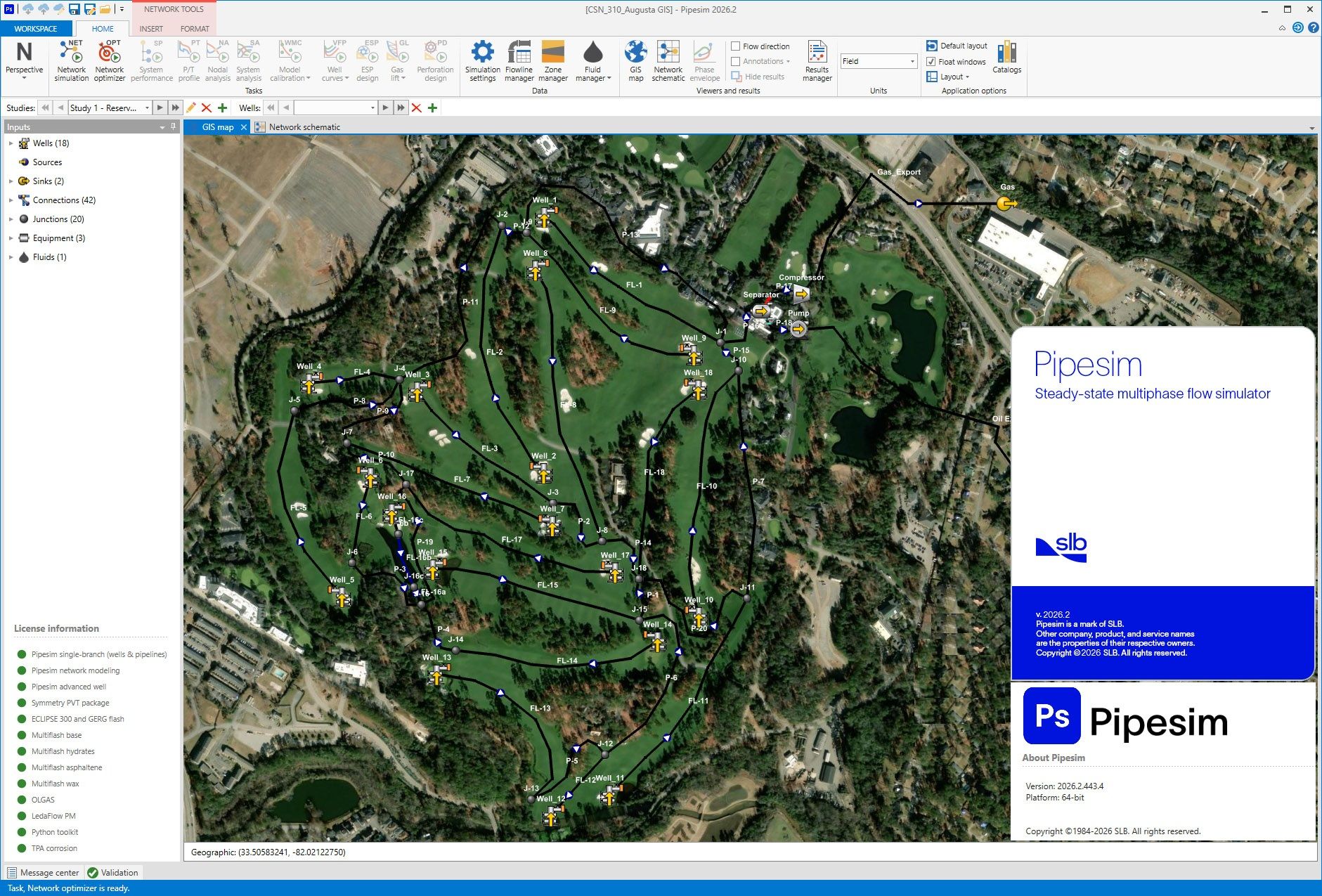
Schlumberger PIPESIM 2026.2 is a leading steady-state multiphase flow simulation software developed by Schlumberger. It is widely used in the oil and gas industry to design, analyze, and optimize pipeline networks and production systems.

PIPESIM helps engineers model complex fluid behavior in wells, pipelines, and surface facilities, enabling efficient planning and improved production performance.

Features of Schlumberger PIPESIM 2026.2

1. Multiphase Flow Simulation
Model oil, gas, and water flow in pipelines
Accurate steady-state simulation of fluid behavior
Predict pressure, temperature, and flow rates

2. Production System Modeling
Simulate wells, pipelines, and surface networks
Analyze complete production systems
Optimize system performance and efficiency

3. Network Modeling & Optimization
Build complex pipeline network models
Optimize flow distribution and capacity
Identify bottlenecks and improve throughput

4. Artificial Lift Design
Evaluate artificial lift methods (ESP, gas lift, etc.)
Optimize lift system performance
Improve production rates

5. Thermal Modeling
Simulate heat transfer in pipelines and wells
Analyze temperature effects on fluid flow
Prevent issues like hydrate formation

6. Flow Assurance Analysis
Identify risks such as wax, hydrates, and slugging
Ensure safe and continuous production
Support flow assurance strategies

7. Integration with Digital Oilfield Tools
Works with platforms like Petrel
Supports integrated reservoir and production workflows
Enhance decision-making with connected data

8. Sensitivity & Scenario Analysis
Test multiple operating scenarios
Perform sensitivity studies
Optimize system design under different conditions

9. Advanced Visualization & Reporting
Generate detailed plots and reports
Visualize pressure and temperature profiles
Export results for analysis and documentation

10. Enhanced Performance in 2026.2
Faster simulations and improved solver performance
Better handling of large network models
Enhanced user interface and usability

πŸ’» System Requirements
OS: Windows 10 / 11 (64-bit)
CPU: Multi-core processor
RAM: 8 GB minimum (16 GB+ recommended)
Storage: 10 GB free disk space
GPU: Optional for visualization

πŸš€ Why Choose Schlumberger PIPESIM 2026.2?
Schlumberger PIPESIM 2026.2 stands out because it:
Provides accurate multiphase flow simulation
Supports full production system modeling
Enhances flow assurance and operational safety
Improves efficiency in oil and gas production
It is an essential tool for petroleum engineers, production engineers, and pipeline designers working on upstream and midstream projects.

If you want to download Schlumberger PIPESIM 2026.2 full license, please click to DOWNLOAD button to download.
CLICKDOWN.ORG Download CAD CAM CNC software
Inside package Schlumberger PIPESIM 2026.2, already have cracked files and instruction how to install Schlumberger PIPESIM 2026.2 step by step. I guarantee you can install Schlumberger PIPESIM 2026.2 successfully if you follow that instruction.
If you also can’t install it or get any problems, please contact to me by email: clickdown.org@gmail.com, then I will help you to install software by teamviewer or Ultraviewer or Anydesk.
Thanks a lot
SOFTWARES

Download HYPACK 2026.1 x64 full license 100% working forever

Download HYPACK 2026.1 x64 full license 100% working forever

Link download HYPACK 2026.1 full activated

Working with HYPACK 2026.1 full license

Description of HYPACK 2026.1

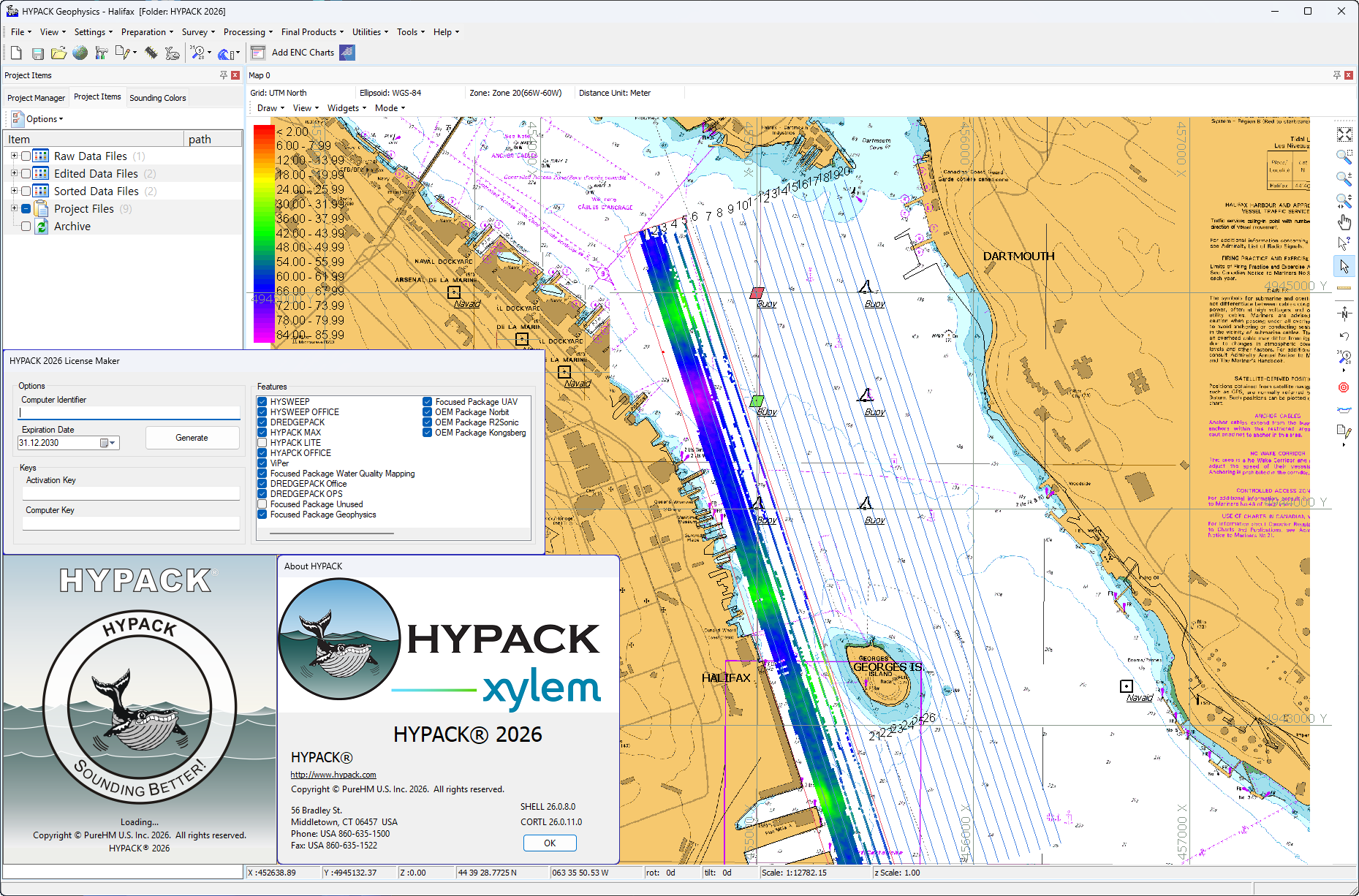
HYPACK 2026.1 is a leading hydrographic survey and dredging software suite developed by HYPACK Inc.. It is widely used by surveyors, marine engineers, and dredging professionals for collecting, processing, and analyzing bathymetric and geophysical data.

This latest version introduces enhanced data processing, improved visualization tools, and better hardware integration, making it an essential solution for marine surveying and underwater mapping projects.

Features of HYPACK 2026.1

1. Hydrographic Surveying Tools
Plan and execute bathymetric surveys
Real-time data acquisition from sonar and GPS systems
Accurate positioning and depth measurements

2. Dredging Support & Monitoring
Monitor dredging operations in real time
Ensure compliance with project specifications
Optimize dredging efficiency and safety

3. Multibeam & Single Beam Integration
Support for multibeam and single beam echo sounders
Capture detailed underwater terrain data
Improve survey accuracy and coverage

4. Advanced Data Processing
Clean, filter, and process collected survey data
Generate high-quality bathymetric maps
Automate data workflows

5. 3D Visualization & Mapping
Create 2D and 3D representations of seabed data
Visualize underwater terrain with clarity
Enhance project analysis and reporting

6. Geophysical Survey Integration
Combine bathymetric data with geophysical sensors
Support side-scan sonar and sub-bottom profiling
Improve subsurface analysis

7. Real-Time Navigation & Guidance
Provide navigation tools for survey vessels
Ensure precise survey line tracking
Reduce operational errors

8. Reporting & Charting Tools
Generate professional reports and charts
Export data in multiple formats
Support regulatory and project documentation

9. Hardware Compatibility
Integrates with a wide range of marine survey equipment
Supports GPS, sonar, and motion sensors
Flexible system configuration

10. Improved Performance in 2026.1
Faster data processing and rendering
Enhanced stability and reliability
Improved user interface and usability

πŸ’» System Requirements
OS: Windows 10 / 11 (64-bit)
CPU: Multi-core processor
RAM: 8 GB minimum (16 GB+ recommended)
Storage: 10 GB free disk space
GPU: DirectX/OpenGL compatible graphics

πŸš€ Why Choose HYPACK 2026.1?
HYPACK 2026.1 stands out because it:
Provides a complete solution for hydrographic surveying
Supports real-time data acquisition and processing
Enhances accuracy in marine mapping and dredging
Integrates seamlessly with industry-standard equipment
It is an ideal tool for hydrographic surveyors, marine engineers, and environmental professionals working on underwater mapping, dredging, and coastal projects.

If you want to download HYPACK 2026.1 full license, please click to DOWNLOAD button to download.
CLICKDOWN.ORG Download CAD CAM CNC software
Inside package HYPACK 2026.1, already have cracked files and instruction how to install HYPACK 2026.1 step by step. I guarantee you can install HYPACK 2026.1 successfully if you follow that instruction.
If you also can’t install it or get any problems, please contact to me by email: clickdown.org@gmail.com, then I will help you to install software by teamviewer or Ultraviewer or Anydesk.
Thanks a lot
SOFTWARES

Download BIOSOVEIT INFINISEE 2025 v7.0.0 ARKE full license

Download BIOSOVEIT INFINISEE 2025 v7.0.0 ARKE full license

Link download BIOSOVEIT INFINISEE 2025 v7.0.0 full activated

Working with BIOSOVEIT INFINISEE 2025 v7.0.0 ARKE full license

Description of BIOSOVEIT INFINISEE 2025 v7.0.0

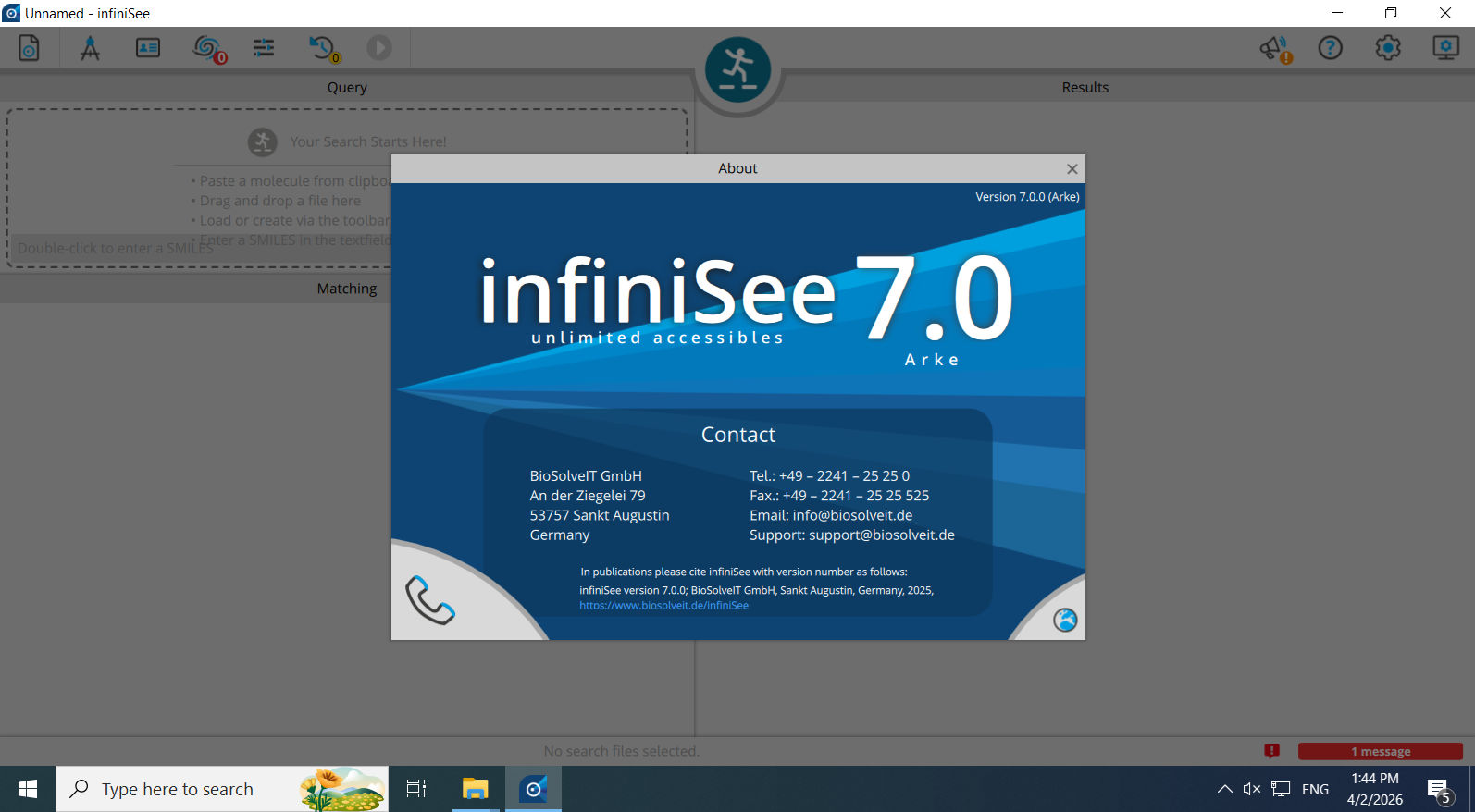
BIOSOLVEIT infiniSee 2025 v7.0.0 ARKE is a cutting-edge virtual screening and chemical space exploration software developed by BioSolveIT GmbH. It is designed for researchers and pharmaceutical professionals to rapidly search vast chemical spaces and identify promising drug candidates with high efficiency.

The ARKE release introduces improved search algorithms, expanded chemical libraries, and enhanced performance, making it a powerful tool for modern drug discovery workflows.

Features of BIOSOVEIT INFINISEE 2025 v7.0.0

1. Ultra-Large Chemical Space Exploration
Search billions to trillions of virtual compounds
Explore chemical libraries beyond traditional databases
Discover novel molecules efficiently

2. Fast Virtual Screening
High-speed search algorithms for rapid screening
Identify potential drug candidates quickly
Reduce time in early-stage drug discovery

3. FTrees Technology
Fragment-based similarity search
Efficient identification of relevant compounds
Accurate matching of molecular features

4. Interactive Search Interface
Real-time feedback during screening
Easy-to-use graphical interface
Refine searches dynamically

5. Integration with SeeSAR
Seamless workflow with SeeSAR
Transition from screening to structure-based design
Improve lead optimization processes

6. Chemical Library Support
Access large commercial and proprietary compound libraries
Expand search capabilities
Flexible data import options

7. High Performance Computing
Optimized for multi-core systems
Efficient handling of large datasets
Improved speed in ARKE release

8. Smart Filtering & Ranking
Filter compounds based on properties and criteria
Rank results by relevance and similarity
Focus on high-quality candidates

9. Drug Discovery Workflow Integration
Supports standard file formats and pipelines
Integrates with computational chemistry tools
Enhances research productivity

10. Enhanced ARKE Release Improvements
Faster search results and improved scalability
Expanded chemical space coverage
Improved usability and interface design

πŸ’» System Requirements
OS: Windows 10 / 11 (64-bit) or Linux
CPU: Multi-core processor
RAM: 8 GB minimum (16 GB+ recommended)
Storage: 10 GB free disk space
GPU: Optional for visualization

πŸš€ Why Choose BIOSOLVEIT infiniSee 2025?
BIOSOLVEIT infiniSee 2025 v7.0.0 ARKE stands out because it:
Enables exploration of ultra-large chemical spaces
Delivers fast and accurate virtual screening
Integrates seamlessly with molecular modeling tools
Accelerates early-stage drug discovery
It is an ideal solution for pharmaceutical researchers, chemists, and computational scientists seeking efficient and scalable chemical search tools.

If you want to download BIOSOVEIT INFINISEE 2025 v7.0.0 full license, please click to DOWNLOAD button to download.
CLICKDOWN.ORG Download CAD CAM CNC software
Inside package BIOSOVEIT INFINISEE 2025 v7.0.0, already have cracked files and instruction how to install BIOSOVEIT INFINISEE 2025 v7.0.0 step by step. I guarantee you can install BIOSOVEIT INFINISEE 2025 v7.0.0 successfully if you follow that instruction.
If you also can’t install it or get any problems, please contact to me by email: clickdown.org@gmail.com, then I will help you to install software by teamviewer or Ultraviewer or Anydesk.
Thanks a lot
SOFTWARES

Download BIOSOVEIT SEESAR 2026 v15.0.0 APOLLO full license

Download BIOSOVEIT SEESAR 2026 v15.0.0 APOLLO x64 full license

Link download BIOSOVEIT SEESAR 2026 v15.0.0 APOLLO full activated

Working with BIOSOVEIT SEESAR 2026 v15.0.0 APOLLO full license

Description of BIOSOVEIT SEESAR 2026 v15.0.0 APOLLO

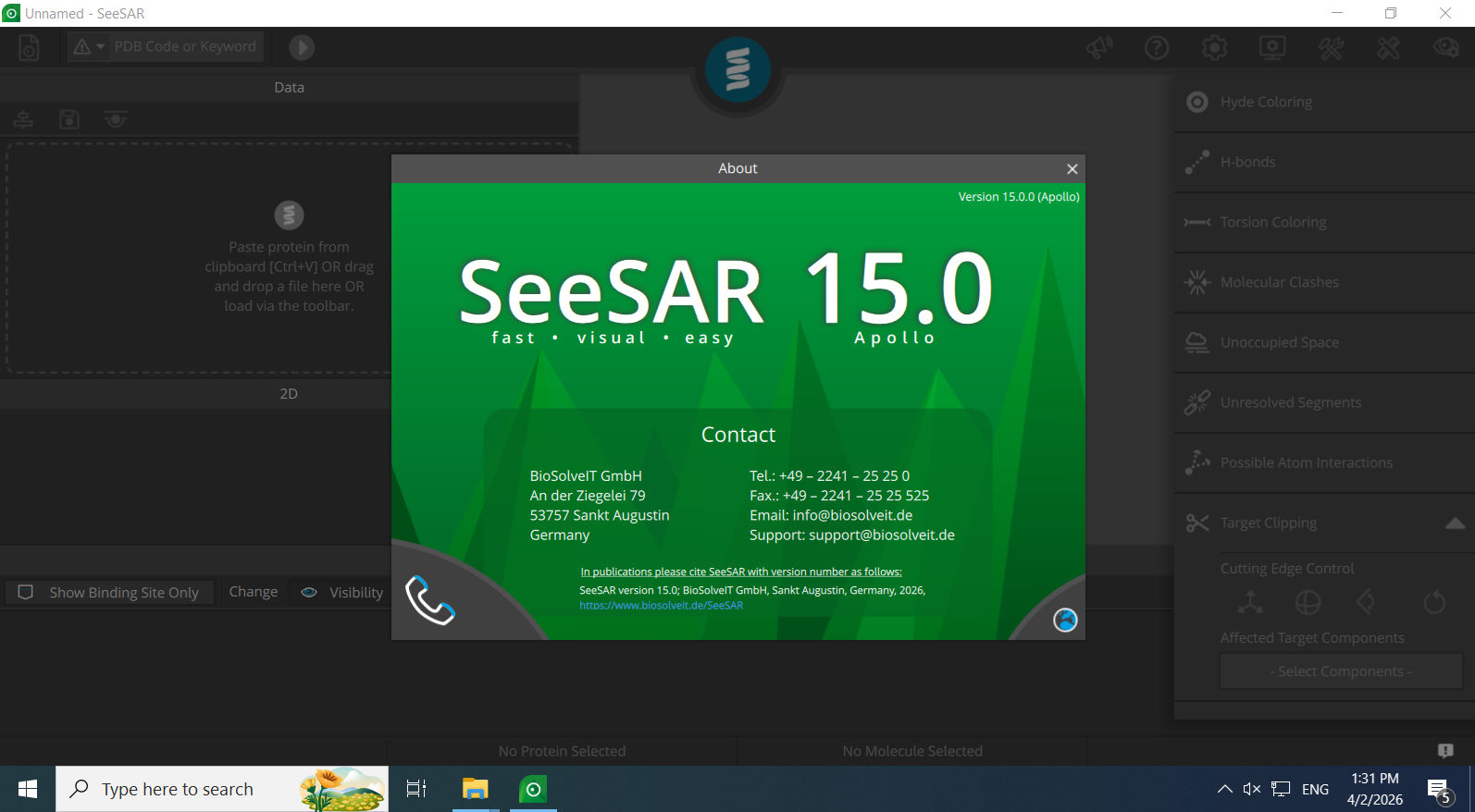
BIOSOLVEIT SeeSAR 2026 v15.0.0 APOLLO is an advanced molecular modeling and drug discovery software developed by BioSolveIT GmbH. It is widely used by researchers, chemists, and pharmaceutical professionals for structure-based drug design and interactive molecular analysis.

This latest APOLLO release introduces enhanced visualization, improved scoring functions, and faster computational performance, enabling scientists to accelerate the drug discovery process.

Features of BIOSOVEIT SEESAR 2026 v15.0.0 APOLLO

1. Interactive Structure-Based Drug Design
Real-time ligand binding analysis
Optimize molecular interactions interactively
Visualize protein-ligand complexes with precision

2. HYDE Scoring Function
Accurate estimation of binding affinity
Evaluate hydrogen bonding and desolvation effects
Reliable predictions for drug candidates

3. 3D Visualization & Modeling
High-quality 3D molecular visualization
Analyze structures from multiple perspectives
Easy manipulation of molecules and binding sites

4. Fragment-Based Drug Design
Build drug candidates from molecular fragments
Explore chemical space efficiently
Accelerate lead optimization

5. Docking & Pose Generation
Generate ligand docking poses quickly
Evaluate multiple binding conformations
Identify optimal molecular orientations

6. Real-Time Feedback & Optimization
Instant feedback on molecular modifications
Improve drug design decisions interactively
Reduce trial-and-error cycles

7. Integration with Drug Discovery Workflows
Compatible with other computational chemistry tools
Supports standard molecular file formats
Streamlines research processes

8. High Performance Computing
Optimized algorithms for fast calculations
Efficient handling of complex molecular systems
Improved performance in version 2026

9. User-Friendly Interface
Intuitive graphical interface for researchers
Easy-to-use tools for molecular design
Minimal learning curve

10. APOLLO Release Enhancements
Improved scoring accuracy and visualization
Faster docking and analysis workflows
Enhanced stability and usability

πŸ’» System Requirements
OS: Windows 10 / 11 (64-bit) or Linux
CPU: Multi-core processor
RAM: 8 GB minimum (16 GB+ recommended)
GPU: OpenGL-compatible graphics card
Storage: 5 GB free disk space

πŸš€ Why Choose BIOSOLVEIT SeeSAR 2026?
BIOSOLVEIT SeeSAR 2026 v15.0.0 APOLLO stands out because it:
Provides interactive and intuitive drug design tools
Delivers accurate binding affinity predictions
Speeds up molecular modeling and analysis
Enhances productivity in pharmaceutical research
It is an ideal solution for scientists and researchers working in drug discovery, medicinal chemistry, and computational biology.

If you want to download BIOSOVEIT SEESAR 2026 v15.0.0 APOLLO full license, please click to DOWNLOAD button to download.
CLICKDOWN.ORG Download CAD CAM CNC software
Inside package BIOSOVEIT SEESAR 2026 v15.0.0 APOLLO, already have cracked files and instruction how to install BIOSOVEIT SEESAR 2026 v15.0.0 APOLLO step by step. I guarantee you can install BIOSOVEIT SEESAR 2026 v15.0.0 APOLLO successfully if you follow that instruction.
If you also can’t install it or get any problems, please contact to me by email: clickdown.org@gmail.com, then I will help you to install software by teamviewer or Ultraviewer or Anydesk.
Thanks a lot

error: Content is protected !!
Scroll to Top