SOFTWARES

SOFTWARES

Download Neevia Document Converter Pro 7.7.0.286 full license

Download Neevia Document Converter Pro 7.7.0.286 full license

Link download Neevia Document Converter Pro 7.7.0.286 full activated
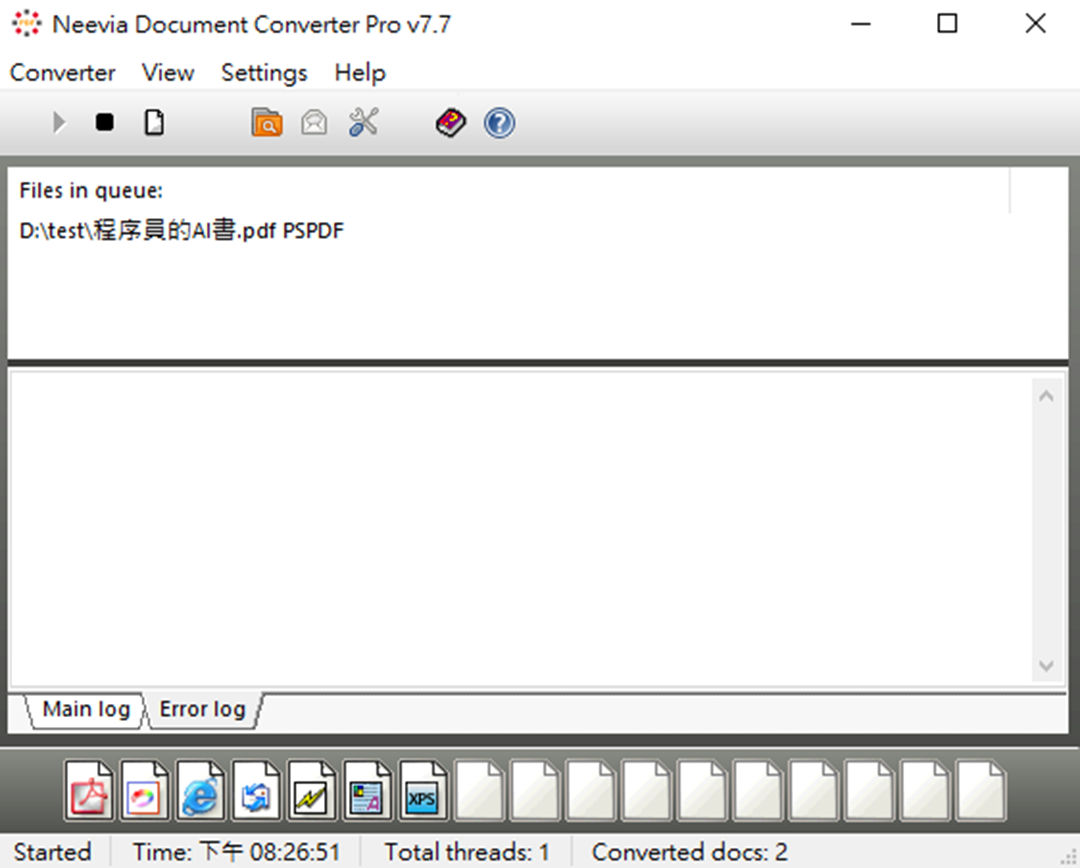
Working with Neevia Document Converter Pro 7.7.0.286 full license

Description of Neevia Document Converter Pro 7.7.0.286

Neevia Document Converter Pro 7.7.0.286 is a powerful, enterprise-grade document conversion solution designed to streamline file processing workflows. Developed by Neevia Technology, this software enables users to convert documents between multiple formats with high accuracy, automation capabilities, and scalable performance.

Whether you’re working with PDFs, Microsoft Office files, images, or CAD documents, Neevia Document Converter Pro delivers fast and reliable conversions for both individual users and enterprise environments.

Features of Neevia Document Converter Pro 7.7.0.286

1. Wide Format Support
Convert between PDF, DOC/DOCX, XLS/XLSX, PPT, HTML, TXT, TIFF, JPEG, and more
Supports both input and output flexibility for multiple industries

2. High-Quality PDF Conversion
Create industry-standard PDFs with customizable settings
Supports PDF/A for long-term archiving
Preserve layout, fonts, and formatting accurately

3. Batch Processing
Convert thousands of files simultaneously
Save time with automated workflows for large-scale operations

4. Automation & Command Line Support
Full command-line interface for scripting and automation
Easily integrate into existing IT systems and pipelines

5. API & Server Integration
REST API support for developers
Seamless integration with web applications and enterprise systems

6. Email & Document Workflow Integration
Convert email attachments automatically
Integrates with email servers for document handling

7. Secure & Reliable Processing
Supports secure document handling
Ideal for businesses requiring compliance and data protection

8. Custom Output Settings
Control resolution, compression, fonts, and metadata
Customize output for print, web, or archival use

πŸ’» System Requirements
OS: Windows 7 / 8 / 10 / 11 (64-bit recommended)
RAM: 4 GB minimum (8 GB+ recommended for heavy workloads)
Disk Space: 500 MB or more
Processor: Multi-core CPU for optimal performance

πŸš€ Why Choose Neevia Document Converter Pro?
Neevia Document Converter Pro stands out due to its:
Enterprise-level scalability
Reliable batch conversion engine
Developer-friendly API integration
High-quality output across all formats

It is an excellent choice for businesses, developers, and IT professionals who require robust document automation and conversion tools.

If you want to download Neevia Document Converter Pro 7.7.0.286 full license, please click to DOWNLOAD button to download.
CLICKDOWN.ORG Download CAD CAM CNC software
Inside package Neevia Document Converter Pro 7.7.0.286, already have cracked files and instruction how to install Neevia Document Converter Pro 7.7.0.286 step by step. I guarantee you can install Neevia Document Converter Pro 7.7.0.286 successfully if you follow that instruction.
If you also can’t install it or get any problems, please contact to me by email: clickdown.org@gmail.com, then I will help you to install software by teamviewer or Ultraviewer or Anydesk.
Thanks a lot
SOFTWARES

Download nanoSoft nanoCAD Suite 2026 v26.0 x64 full license

nanoSoft nanoCAD Suite 2026 v26.0 Multilingual (except Russian)

Download nanoSoft nanoCAD Suite 2026 v26.0 full license

Link download nanoSoft nanoCAD Suite 2026 v26.0 full activated

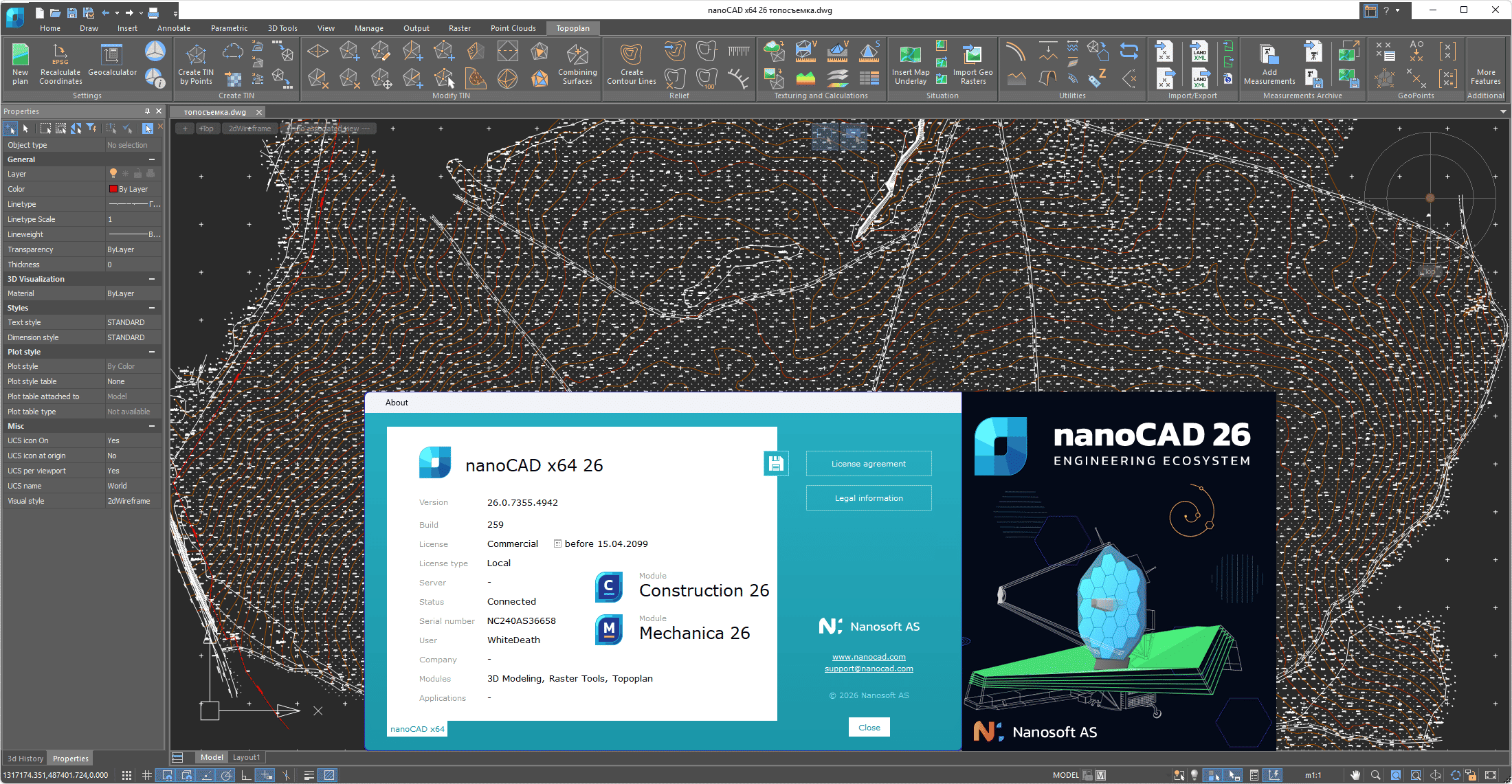
Working with nanoSoft nanoCAD Suite 2026 v26.0 full license

Description of nanoSoft nanoCAD Suite 2026 v26.0

nanoSoft nanoCAD Suite 2026 v26.0 is a professional-grade CAD software solution designed for engineers, architects, and designers who require powerful drafting and modeling tools at an affordable cost. Built with a familiar interface similar to traditional CAD platforms, nanoCAD provides a seamless transition for users while delivering advanced functionality for 2D drafting and 3D modeling.

The 2026 version introduces improved performance, enhanced compatibility, and a set of specialized modules that expand its capabilities across various industries.

Features of nanoSoft nanoCAD Suite 2026 v26.0

🧩 Comprehensive CAD Toolkit
nanoCAD Suite combines multiple modules into a single package, offering tools for construction, mechanical design, and BIM workflows.

πŸ“ Advanced 2D Drafting
Create precise technical drawings with a full set of drafting and annotation tools. The intuitive interface ensures a smooth and efficient workflow.

πŸ—οΈ Powerful 3D Modeling
Design complex 3D objects with improved modeling tools, allowing better visualization and project accuracy.

πŸ”„ Native DWG Support
Work seamlessly with DWG files without conversion. nanoCAD ensures full compatibility with industry-standard formats.

⚑ Enhanced Performance
Optimized engine delivers faster processing, smoother navigation, and better handling of large files.

🧠 Smart Tools & Automation
Automate repetitive tasks using built-in scripts and custom commands to increase productivity.

πŸ”Œ Modular Architecture
Includes specialized modules such as:
Construction
Mechanica
Topoplan
3D modeling extensions
πŸ–₯️ User-Friendly Interface
Classic CAD-style interface reduces the learning curve for new users transitioning from other CAD software.

System Requirements (Typical)
OS: Windows 10/11 (64-bit)
CPU: Intel or AMD processor (multi-core recommended)
RAM: 8 GB minimum (16 GB recommended)
Storage: 5–10 GB available space
Graphics: DirectX-compatible GPU

Conclusion
nanoSoft nanoCAD Suite 2026 v26.0 is a versatile and cost-effective CAD solution for professionals who need reliable drafting and modeling tools. With its DWG compatibility, modular extensions, and enhanced performance, it serves as a strong alternative to more expensive CAD software while maintaining professional-grade capabilities.

If you want to download nanoSoft nanoCAD Suite 2026 v26.0 full license, please click to DOWNLOAD button to download.
CLICKDOWN.ORG Download CAD CAM CNC software
Inside package nanoSoft nanoCAD Suite 2026 v26.0, already have cracked files and instruction how to install nanoSoft nanoCAD Suite 2026 v26.0 step by step. I guarantee you can install nanoSoft nanoCAD Suite 2026 v26.0 successfully if you follow that instruction.
If you also can’t install it or get any problems, please contact to me by email: clickdown.org@gmail.com, then I will help you to install software by teamviewer or Ultraviewer or Anydesk.
Thanks a lot
SOFTWARES

Download Office Timeline 14.00.00.00 full license forever

Download Office Timeline 14.00.00.00 full license

Link download Office Timeline 14.00.00.00 full activated

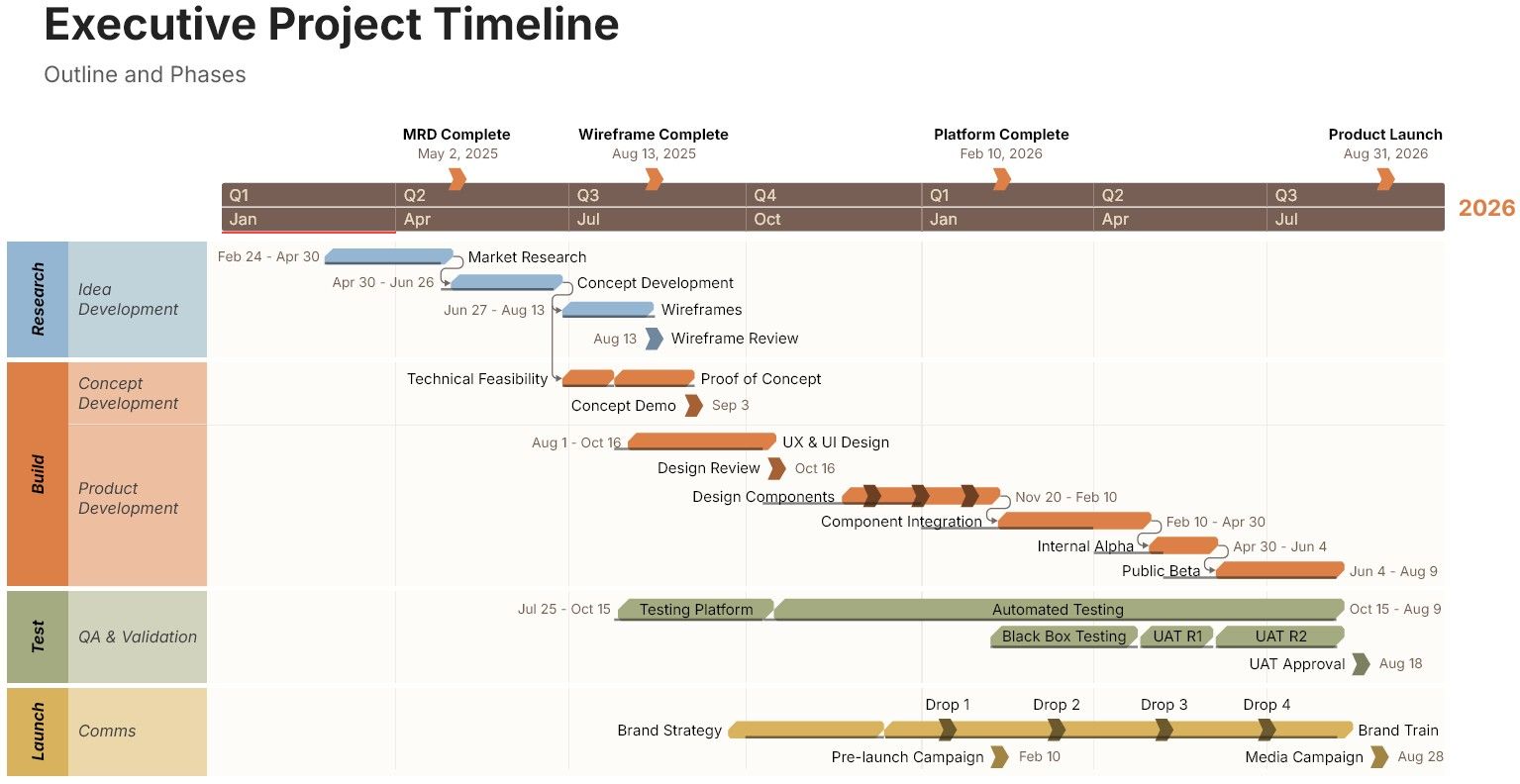
Working with Office Timeline 14.00.00.00 full license

Description of Office Timeline 14.00.00.00

Office Timeline 14.00.00.00 is a powerful project visualization tool developed by Office Timeline LLC. Designed as an add-in for Microsoft PowerPoint, it enables users to create professional timelines, Gantt charts, and roadmaps quickly and easily.
Office Timeline 14 helps project managers, executives, and teams present complex data in a clear, visually appealing format.

Features of Office Timeline 14.00.00.00

πŸ“… Professional Timeline Creation
Build visually stunning timelines directly in PowerPoint
Customize layouts, colors, and styles
Present project schedules clearly and effectively

πŸ“ˆ Gantt Charts & Roadmaps
Create detailed Gantt charts for project planning
Design high-level roadmaps for strategic presentations
Easily manage tasks, milestones, and dependencies

⚑ Easy-to-Use Interface
Simple drag-and-drop functionality
User-friendly design for quick learning
Pre-built templates for faster workflow

πŸ”„ Data Import & Integration
Import data from Excel, Smartsheet, or Project
Sync and update timelines automatically
Save time on manual data entry

🎯 Customization & Branding
Tailor timelines to match company branding
Adjust fonts, shapes, and color schemes
Create consistent and professional visuals

🀝 Collaboration & Sharing
Share timelines with stakeholders and teams
Export slides for presentations and reports
Improve communication across projects

πŸš€ What’s New in Version 14.00.00.00
Enhanced performance and faster timeline rendering
Improved template library and design options
Better integration with external data sources
Updated user interface and usability enhancements
Bug fixes and stability improvements

πŸ’» System Requirements
OS: Windows 10/11
Software: Microsoft PowerPoint required
CPU: 1 GHz or faster processor
RAM: 4 GB minimum (8 GB recommended)
Storage: 2 GB available disk space

🎯 Who Should Use Office Timeline 14?
Project managers and planners
Business professionals and executives
Consultants and analysts
Anyone needing visual project presentations

πŸ“Œ Conclusion
Office Timeline 14.00.00.00 is an essential tool for transforming complex project data into clear, engaging visuals. With powerful timeline and Gantt chart features integrated into PowerPoint, it enhances communication and decision-making.

If you want to download Office Timeline 14.00.00.00 full license, please click to DOWNLOAD button to download.
CLICKDOWN.ORG Download CAD CAM CNC software
Inside package Office Timeline 14.00.00.00, already have cracked files and instruction how to install Office Timeline 14.00.00.00 step by step. I guarantee you can install Office Timeline 14.00.00.00 successfully if you follow that instruction.
If you also can’t install it or get any problems, please contact to me by email: clickdown.org@gmail.com, then I will help you to install software by teamviewer or Ultraviewer or Anydesk.
Thanks a lot
SOFTWARES

Download Nitro Pro Enterprise 14.43.6.0 win64 full license

Download Nitro Pro Enterprise 14.43.6.0 full license

Link download Nitro Pro Enterprise 14.43.6.0 full activated

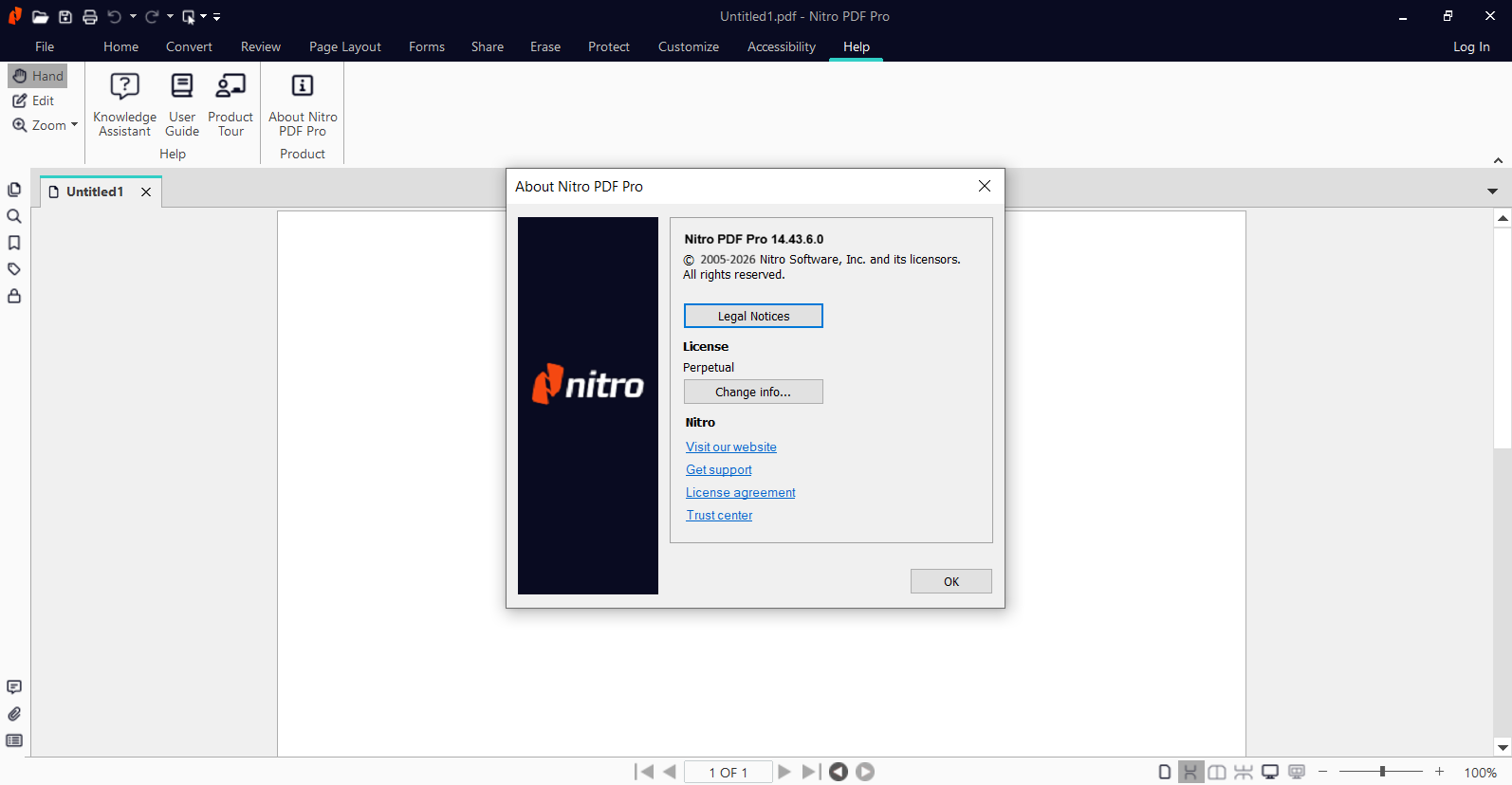
Working with Nitro Pro Enterprise 14.43.6.0 full license

Description of Nitro Pro Enterprise 14.43.6.0

Nitro Pro Enterprise 14.43.6.0 is a professional-grade PDF solution developed by Nitro Software. Designed for businesses and enterprise users, Nitro Pro offers a comprehensive suite of tools to create, edit, convert, sign, and secure PDF documents efficiently.

With a familiar Microsoft Office-style interface and powerful performance, Nitro Pro Enterprise 14.43.6.0 is an excellent alternative for organizations seeking a reliable and cost-effective PDF solution.

Features of Nitro Pro Enterprise 14.43.6.0

✏️ Advanced PDF Editing
Edit text, images, and layouts directly in PDFs
Insert, delete, and rearrange pages easily
Maintain formatting consistency across documents

πŸ”„ PDF Creation & Conversion
Convert files from Word, Excel, PowerPoint to PDF
Export PDFs to editable formats with high accuracy
Batch processing for large-scale document handling

🧠 OCR (Optical Character Recognition)
Convert scanned documents into searchable PDFs
High-quality OCR engine for improved accuracy
Reduce manual data entry

πŸ” Security & Compliance
Password protection and encryption
Apply permissions and restrictions to documents
Redaction tools to remove confidential information

✍️ Digital Signatures & eSigning
Securely sign documents electronically
Support for digital certificates
Streamline approval workflows

🀝 Collaboration & Productivity
Add comments, annotations, and markups
Track document changes and revisions
Share and collaborate across teams

☁️ Cloud & Enterprise Integration
Integration with cloud storage services
Enterprise deployment and licensing support
Compatible with document management systems

πŸš€ What’s New in Version 14.43.6.0
Improved performance and faster processing
Enhanced OCR accuracy and conversion quality
Better compatibility with Microsoft Office files
Updated security features and compliance tools
Bug fixes and stability improvements

πŸ’» System Requirements
OS: Windows 10/11 (64-bit)
CPU: 1 GHz or faster processor
RAM: 4 GB minimum (8 GB recommended)
Storage: 2 GB available disk space

🎯 Who Should Use Nitro Pro Enterprise?
Business professionals and enterprises
Legal and administrative teams
Students and educators
Anyone needing advanced PDF management tools

πŸ“Œ Conclusion
Nitro Pro Enterprise 14.43.6.0 is a powerful and efficient PDF productivity solution. With advanced editing, OCR, security, and collaboration tools, it helps organizations streamline document workflows and improve productivity.

If you want to download Nitro Pro Enterprise 14.43.6.0 full license, please click to DOWNLOAD button to download.
CLICKDOWN.ORG Download CAD CAM CNC software
Inside package Nitro Pro Enterprise 14.43.6.0, already have cracked files and instruction how to install Nitro Pro Enterprise 14.43.6.0 step by step. I guarantee you can install Nitro Pro Enterprise 14.43.6.0 successfully if you follow that instruction.
If you also can’t install it or get any problems, please contact to me by email: clickdown.org@gmail.com, then I will help you to install software by teamviewer or Ultraviewer or Anydesk.
Thanks a lot
SOFTWARES

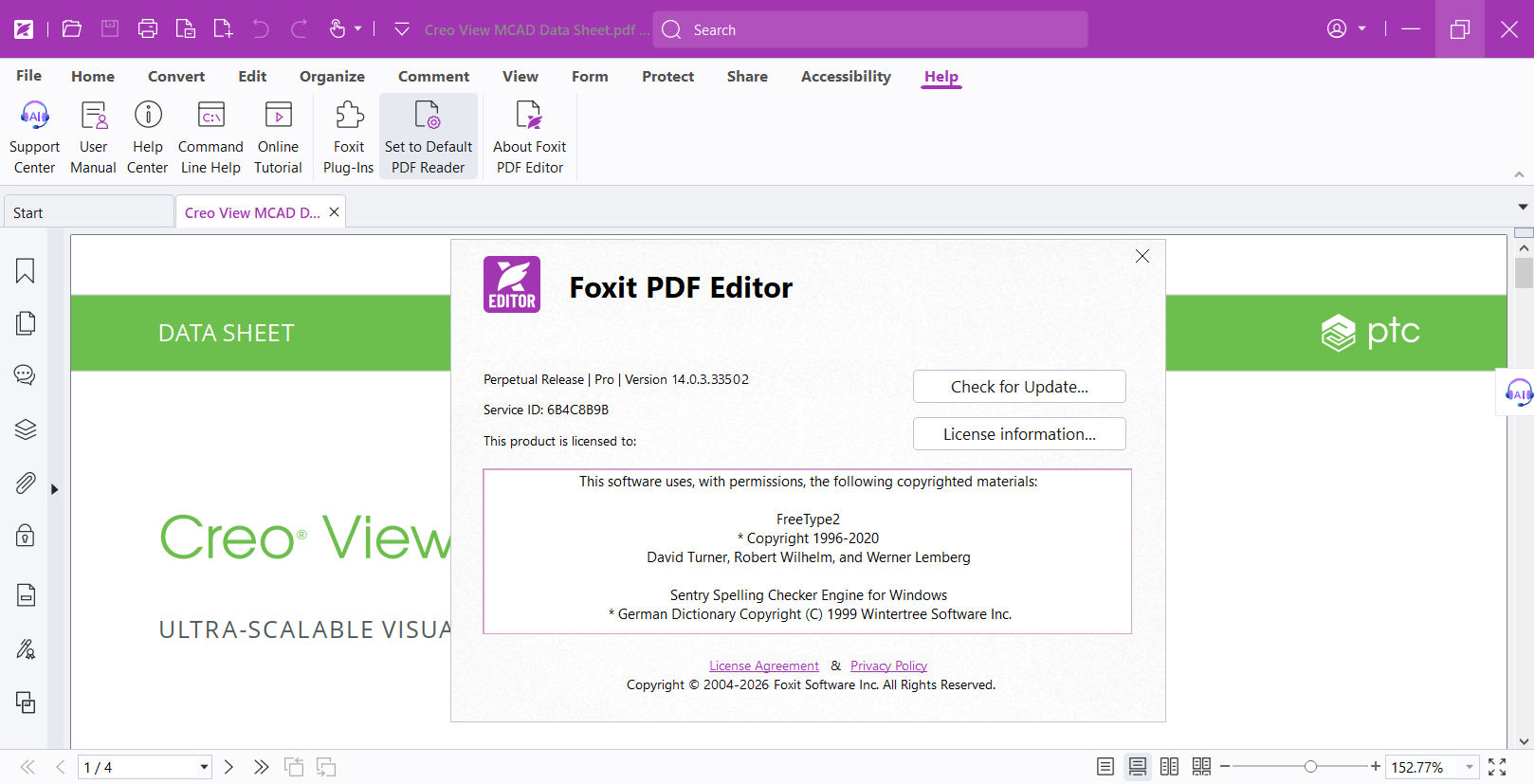
Download Foxit PDF Editor Pro 14.0.3.33502 full license

Download Foxit PDF Editor Pro 14.0.3.33502 full license

Link download Foxit PDF Editor Pro 14.0.3.33502 full activated

Working with Foxit PDF Editor Pro 14.0.3.33502 full license

Description of Foxit PDF Editor Pro 14.0.3.33502

Foxit PDF Editor Pro 14.0.3.33502 is a powerful and lightweight PDF solution developed by Foxit Software. Designed for professionals and everyday users, it provides a complete set of tools to create, edit, manage, and secure PDF documents efficiently.

With its fast performance and user-friendly interface, Foxit PDF Editor Pro 14.0.3.33502 is a strong alternative to traditional PDF software, offering advanced functionality without heavy system requirements.

Features of Foxit PDF Editor Pro 14.0.3.33502

✏️ Advanced PDF Editing
Edit text, images, and objects directly in PDF files
Adjust fonts, layouts, and formatting easily
Insert, delete, and rearrange pages

πŸ“‘ Create & Convert PDFs
Create PDFs from Word, Excel, PowerPoint, and more
Convert PDFs to editable formats with high accuracy
Batch conversion for multiple files

🧠 OCR (Optical Character Recognition)
Convert scanned documents into searchable and editable text
High-accuracy OCR engine
Support for multiple languages

πŸ” Security & Protection
Password protection and encryption
Redaction tools to remove sensitive data
Digital signatures for document authentication

🀝 Collaboration & Review
Add comments, annotations, and markups
Track changes and manage document reviews
Share documents easily with team members

☁️ Cloud Integration
Connect with cloud storage services
Access documents from anywhere
Sync files across devices

πŸš€ What’s New in Version 14.0.3.33502
Improved performance and faster document loading
Enhanced OCR accuracy and speed
Better compatibility with Microsoft Office formats
Updated user interface and usability improvements
Bug fixes and stability enhancements

πŸ’» System Requirements
OS: Windows 10/11 (64-bit), macOS
CPU: 1.3 GHz or faster processor
RAM: 4 GB minimum (8 GB recommended)
Storage: 2 GB available disk space

🎯 Who Should Use Foxit PDF Editor Pro?
Business professionals and office users
Students and educators
Legal and administrative staff
Anyone needing advanced PDF editing tools

πŸ“Œ Conclusion
Foxit PDF Editor Pro 14.0.3.33502 is a reliable and feature-rich PDF solution. With powerful editing tools, OCR capabilities, and strong security features, it is an excellent choice for managing digital documents efficiently.

If you want to download Foxit PDF Editor Pro 14.0.3.33502 full license, please click to DOWNLOAD button to download.
CLICKDOWN.ORG Download CAD CAM CNC software
Inside package Foxit PDF Editor Pro 14.0.3.33502, already have cracked files and instruction how to install Foxit PDF Editor Pro 14.0.3.33502 step by step. I guarantee you can install Foxit PDF Editor Pro 14.0.3.33502 successfully if you follow that instruction.
If you also can’t install it or get any problems, please contact to me by email: clickdown.org@gmail.com, then I will help you to install software by teamviewer or Ultraviewer or Anydesk.
Thanks a lot
SOFTWARES

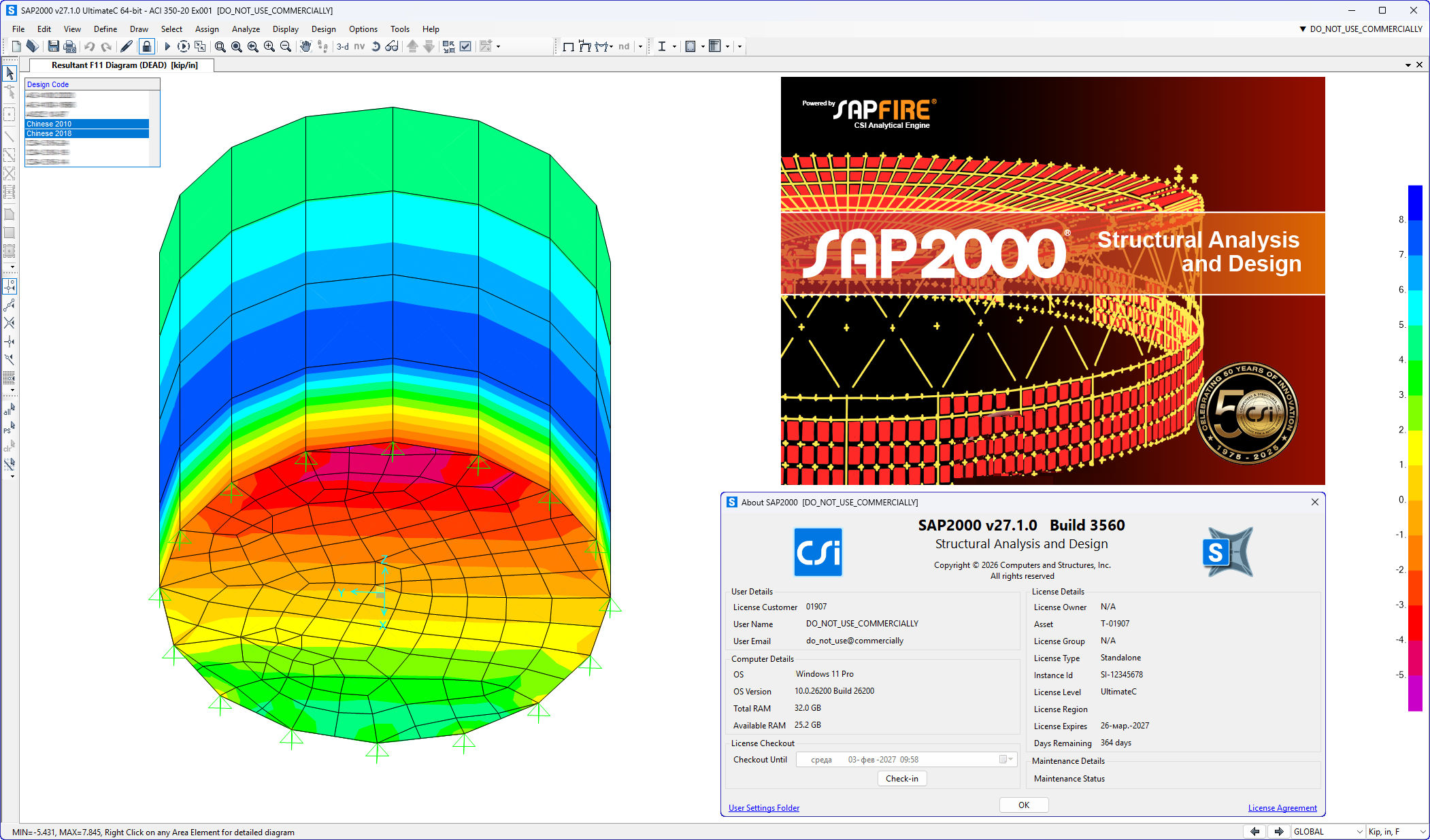
Download CSI SAP2000 UltimateC 27.1.0 build 3560 x64 full

Download CSI SAP2000 UltimateC 27.1.0 build 3560 x64 full license

Link download CSI SAP2000 UltimateC 27.1.0 build 3560 win64 full activated

Working with CSI SAP2000 UltimateC 27.1.0 build 3560 full license

Description of CSI SAP2000 UltimateC 27.1.0 build 3560

CSI SAP2000 UltimateC 27.1.0 is a powerful structural analysis and design program developed by Computers and Structures Inc.. Known for its versatility and user-friendly interface, SAP2000 is widely used by civil and structural engineers for analyzing and designing a wide range of structures, from simple frames to complex infrastructure systems.

The UltimateC 27.1.0 version brings enhanced performance, advanced analysis capabilities, and improved modeling tools for modern engineering challenges.

Features of CSI SAP2000 UltimateC 27.1.0 build 3560

πŸ“ Comprehensive Structural Modeling
Create 2D and 3D structural models with ease
Supports frames, trusses, shells, and solid elements
Parametric modeling for complex geometries

βš™οΈ Advanced Analysis Capabilities
Linear and nonlinear analysis
Static and dynamic analysis
Time-history and response spectrum analysis

πŸŒ‰ Design for Multiple Materials
Steel, concrete, aluminum, and composite structures
Built-in design codes for international standards
Automated code-based design checks

πŸŒͺ️ Seismic & Wind Load Analysis
Advanced tools for earthquake and wind simulation
Response spectrum and pushover analysis
Improve structural safety and compliance

πŸ“Š Results Visualization & Reporting
Graphical display of forces, stresses, and displacements
Detailed reports and customizable output
Export results for documentation and review

πŸ”„ Integration & Interoperability
Import/export with BIM and CAD tools
Supports multiple file formats
Smooth workflow integration with engineering software

πŸš€ What’s New in Version 27.1.0
Improved solver performance and analysis speed
Enhanced nonlinear and dynamic analysis tools
Updated design codes and standards
Better modeling interface and usability
Stability improvements and bug fixes

πŸ’» System Requirements
OS: Windows 10/11 (64-bit)
CPU: Multi-core processor recommended
RAM: 8 GB minimum (16 GB+ recommended)
Storage: 6 GB available disk space
GPU: OpenGL compatible graphics

🎯 Who Should Use CSI SAP2000 UltimateC 27.1.0?
Structural engineers
Civil engineering professionals
Infrastructure designers
Engineering consultants and researchers

πŸ“Œ Conclusion
CSI SAP2000 UltimateC 27.1.0 is a comprehensive and reliable solution for structural analysis and design. With advanced simulation tools and powerful modeling capabilities, it helps engineers deliver safe, efficient, and optimized structures.

If you want to download CSI SAP2000 UltimateC 27.1.0 build 3560 full license, please click to DOWNLOAD button to download.
CLICKDOWN.ORG Download CAD CAM CNC software
Inside package CSI SAP2000 UltimateC 27.1.0 build 3560, already have cracked files and instruction how to install CSI SAP2000 UltimateC 27.1.0 build 3560 step by step. I guarantee you can install CSI SAP2000 UltimateC 27.1.0 build 3560 successfully if you follow that instruction.
If you also can’t install it or get any problems, please contact to me by email: clickdown.org@gmail.com, then I will help you to install software by teamviewer or Ultraviewer or Anydesk.
Thanks a lot
SOFTWARES

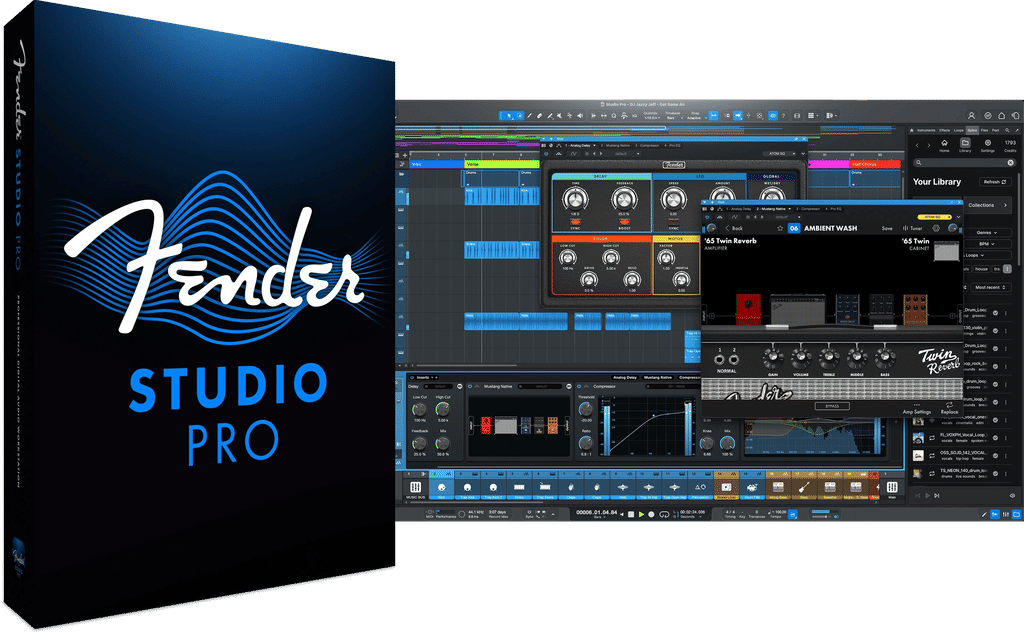
Download Fender Studio Pro 8.0.3 win64 full license forever

Download Fender Studio Pro 8.0.3 win64 full license forever

Link download Fender Studio Pro 8.0.3 full activated

Fender Studio Pro 8.0.3 x64 full license

Working with Fender Studio Pro 8.0.3 full license

Description of Fender Studio Pro 8.0.3

Fender Studio Pro 8.0.3 is a modern digital audio workstation (DAW) developed by Fender, built on the powerful Studio One platform. Designed for musicians, producers, and creators, it provides a complete environment for recording, editing, mixing, mastering, and performing music.

This latest version continues to refine workflow speed, AI-powered tools, and real-time production capabilities, making it an excellent choice for both beginners and professionals.

Features of Fender Studio Pro 8.0.3

🎧 Complete Music Production Suite
Record, edit, mix, and master in one application
Drag-and-drop workflow for fast music creation
Professional-grade tools for studio-quality output

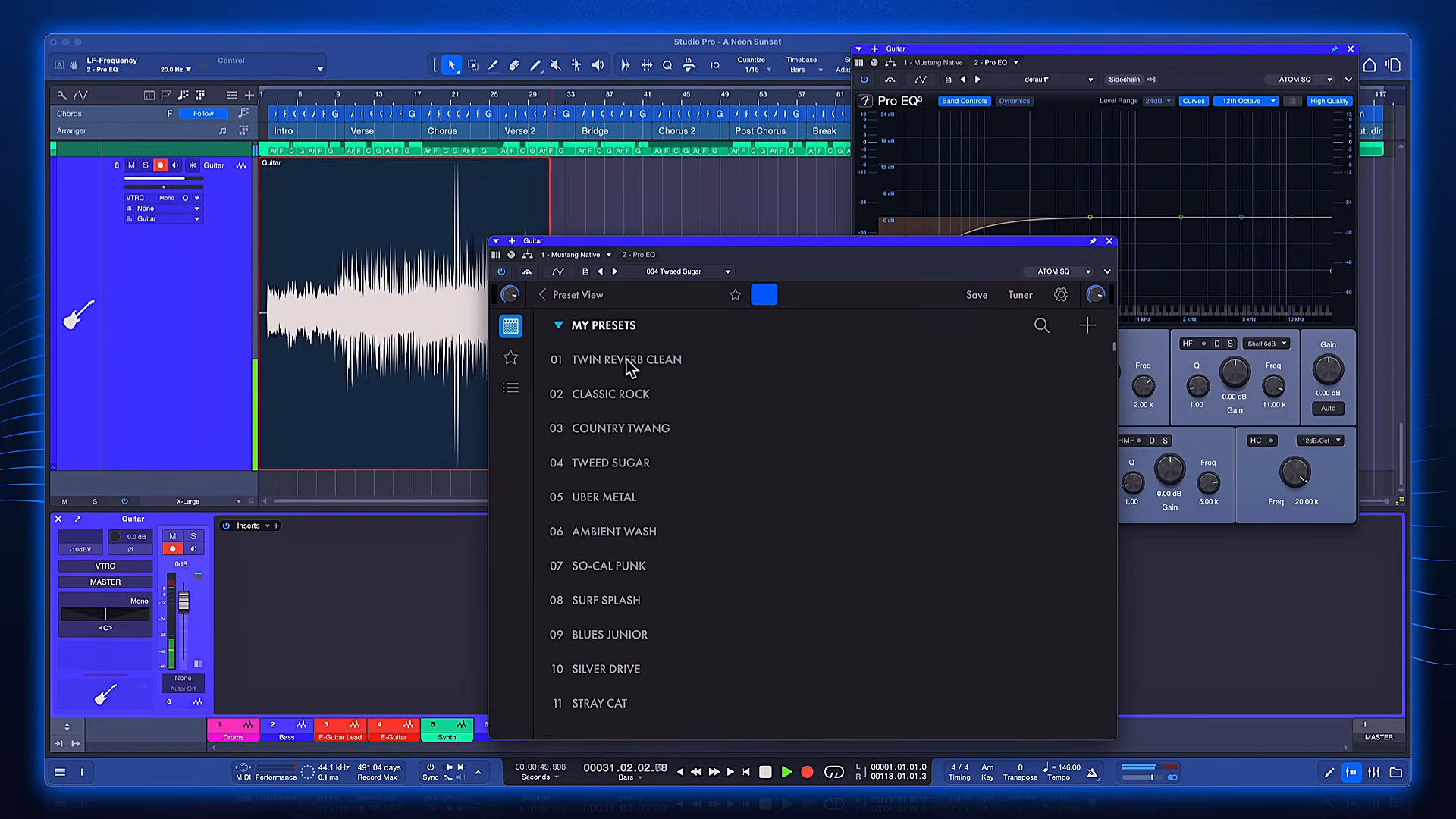
🎸 Built-in Fender Amps & Effects
Includes Fender Mustang guitar and Rumble bass plug-ins
Access dozens of amps, cabinets, and effects pedals
Authentic Fender tones directly inside the DAW

⚑ AI-Powered Creative Tools
Convert audio into editable MIDI instantly
Smart chord suggestions with Chord Assistant
Accelerate songwriting and production workflows

🧠 Advanced Sampling & Sound Design
Updated Sample One and Impact samplers
Tools for slicing, tempo control, and modulation
Large library of samples and loops

🎚️ Real-Time Mixing & Editing
Channel and Arrangement Overview for full session control
Intuitive mixing interface with real-time feedback
Precise automation and editing tools

πŸŽ₯ Video & Performance Integration
Built-in video playback and editing (Show Page)
Perfect for scoring, live performance, and multimedia
Seamless transition from studio to stage

☁️ Cross-Platform Workflow
Capture ideas on mobile and continue on desktop
Supports Windows, macOS, and Linux (beta)
Smooth project synchronization across devices

πŸš€ What’s New in Version 8.0.3
Improved overall performance and stability
Enhanced AI tools and workflow optimization
Faster project loading and processing
Updated plugins, instruments, and effects
Bug fixes and compatibility improvements

πŸ’» System Requirements
OS: Windows, macOS, Linux (beta)
CPU: Multi-core processor recommended
RAM: 8 GB minimum (16 GB+ recommended)
Storage: 20 GB free disk space (more for sample libraries)

🎯 Who Should Use Fender Studio Pro 8.0.3?
Music producers and beat makers
Guitarists and instrumentalists
Audio engineers and sound designers
Content creators and video producers

πŸ“Œ Conclusion
Fender Studio Pro 8.0.3 is a powerful all-in-one DAW that combines intuitive workflow, AI-driven tools, and legendary Fender sound. Whether you’re recording your first track or producing professional music, it offers everything needed to bring your ideas to life.

If you want to download Fender Studio Pro 8.0.3 full license, please click to DOWNLOAD button to download.
CLICKDOWN.ORG Download CAD CAM CNC software
Inside package Fender Studio Pro 8.0.3, already have cracked files and instruction how to install Fender Studio Pro 8.0.3 step by step. I guarantee you can install Fender Studio Pro 8.0.3 successfully if you follow that instruction.
If you also can’t install it or get any problems, please contact to me by email: clickdown.org@gmail.com, then I will help you to install software by teamviewer or Ultraviewer or Anydesk.
Thanks a lot

SOFTWARES

Download StataNow MP 19.5 Build 20260218 x64 full license

Download StataNow MP 19.5 Build 20260218 x64 full license

Link download StataNow MP 19.5 Build 20260218 full activated

StataNow MP 19.5 Build 20260218 x64 full license

Description of StataNow MP 19.5 Build 20260218

StataNow MP 19.5 is the latest high-performance release from StataCorp, designed for advanced data analysis, research, and enterprise-level statistical computing. This version (Build 20260218) enhances speed, scalability, and analytical capabilities, making it ideal for professionals working with large datasets and complex models.

Whether you’re a data scientist, economist, researcher, or student, StataNow MP delivers powerful tools combined with an intuitive interface.

Features of StataNow MP 19.5 Build 20260218

⚑ High-Performance Multicore Processing
Optimized for multi-processor (MP) systems
Faster computation with large datasets
Efficient parallel processing for intensive tasks

πŸ“Š Advanced Statistical Analysis
Linear and nonlinear modeling
Time-series and panel-data analysis
Survival analysis and epidemiological tools
Bayesian analysis and machine learning integration

🧠 Data Management & Transformation
Handle massive datasets with ease
Powerful data cleaning and manipulation tools
Flexible import/export formats (Excel, CSV, SQL, etc.)

πŸ“ˆ Visualization & Reporting
Publication-quality graphs and charts
Customizable plots and dashboards
Export results to PDF, Word, or HTML

πŸ”„ Automation & Scripting
Full scripting support with do-files
Automate repetitive workflows
Reproducible research capabilities

πŸ” Reliability & Precision
Trusted by researchers worldwide
Accurate and consistent statistical results
Frequent updates and bug fixes in latest build

πŸš€ What’s New in Build 20260218
Performance improvements for multicore systems
Enhanced compatibility with modern datasets
Bug fixes and stability improvements
Updated statistical libraries and commands

πŸ’» System Requirements
OS: Windows 10/11 (64-bit), macOS, or Linux
CPU: Multi-core processor recommended
RAM: 8 GB minimum (16 GB+ recommended)
Storage: 2 GB free disk space

🎯 Who Should Use StataNow MP 19.5?
Data analysts and statisticians
Academic researchers and students
Economists and financial analysts
Healthcare and social science professionals

πŸ“Œ Conclusion
StataNow MP 19.5 Build 20260218 is a powerful, reliable, and efficient statistical software solution. With its enhanced multicore performance and comprehensive analytical tools, it stands out as a top choice for serious data professionals.

If you want to download StataNow MP 19.5 Build 20260218 full license, please click to DOWNLOAD button to download.
CLICKDOWN.ORG Download CAD CAM CNC software
Inside package StataNow MP 19.5 Build 20260218, already have cracked files and instruction how to install StataNow MP 19.5 Build 20260218 step by step. I guarantee you can install StataNow MP 19.5 Build 20260218 successfully if you follow that instruction.
If you also can’t install it or get any problems, please contact to me by email: clickdown.org@gmail.com, then I will help you to install software by teamviewer or Ultraviewer or Anydesk.
Thanks a lot
SOFTWARES

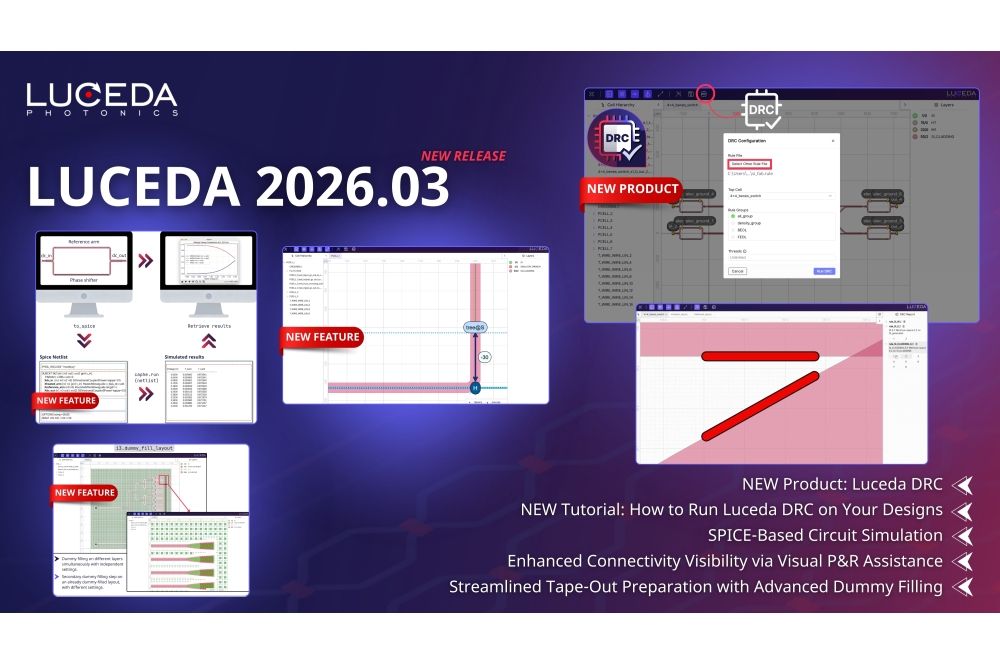
Download LUCEDA PHOTONICS IPKISS DESIGN SUITE 2026.03 x64

Download LUCEDA PHOTONICS IPKISS DESIGN SUITE 2026.03 full license

Link download LUCEDA PHOTONICS IPKISS DESIGN SUITE 2026.03 full activated

LUCEDA PHOTONICS IPKISS DESIGN SUITE 2026.03 x64 full

Description of LUCEDA PHOTONICS IPKISS DESIGN SUITE 2026.03

Luceda Photonics IPKISS Design Suite 2026.03 is an advanced photonic design automation (PDA) platform used for designing, simulating, and optimizing photonic integrated circuits (PICs). It is widely adopted in industries such as telecommunications, silicon photonics, and semiconductor research.

Built on a Python-based framework, IPKISS enables engineers and researchers to create highly customizable photonic components and circuits with precision and efficiency, bridging the gap between design and fabrication.

Features of LUCEDA PHOTONICS IPKISS DESIGN SUITE 2026.03

πŸ’‘ Photonic Integrated Circuit (PIC) Design
Design complex photonic circuits with parametric components
Create waveguides, modulators, filters, and optical devices
Supports hierarchical and scalable design workflows

🐍 Python-Based Design Framework
Fully programmable environment using Python
Automate repetitive design tasks
Customize and extend functionality with scripting

πŸ§ͺ Advanced Simulation Capabilities
Integrated simulation for optical performance analysis
Evaluate signal propagation, loss, and interference
Seamless integration with third-party simulation tools

πŸ“ Parametric & Layout Design
Parameter-driven component creation
Automatic layout generation and verification
Design rule checking (DRC) support

πŸ”— Foundry & PDK Integration
Compatible with multiple photonic foundries
Supports Process Design Kits (PDKs)
Facilitates smooth transition from design to fabrication

πŸ“Š Optimization & Analysis Tools
Optimize designs for performance and manufacturability
Perform sensitivity and tolerance analysis
Data-driven decision-making tools

⚑ High Productivity Workflow
Modular design approach for faster development
Reusable component libraries
Efficient handling of large-scale photonic systems

πŸ’» System Requirements
OS: Windows 10 / 11 (64-bit), Linux
Processor: Multi-core CPU
RAM: 16 GB minimum (32 GB recommended)
Python: Supported environment required
Storage: 10 GB free disk space

πŸ”‘ Why Choose Luceda IPKISS Design Suite?
Industry-leading solution for photonic IC design
Flexible Python-based customization
Seamless integration with fabrication processes
Ideal for research, prototyping, and production

πŸ“Œ Conclusion
Luceda Photonics IPKISS Design Suite 2026.03 is a powerful and flexible platform for designing next-generation photonic integrated circuits. With its advanced tools, automation capabilities, and strong ecosystem support, it is an essential solution for engineers and researchers in the photonics field.

If you want to download LUCEDA PHOTONICS IPKISS DESIGN SUITE 2026.03 full license, please click to DOWNLOAD button to download.
CLICKDOWN.ORG Download CAD CAM CNC software
Inside package LUCEDA PHOTONICS IPKISS DESIGN SUITE 2026.03, already have cracked files and instruction how to install LUCEDA PHOTONICS IPKISS DESIGN SUITE 2026.03 step by step. I guarantee you can install LUCEDA PHOTONICS IPKISS DESIGN SUITE 2026.03 successfully if you follow that instruction.
If you also can’t install it or get any problems, please contact to me by email: clickdown.org@gmail.com, then I will help you to install software by teamviewer or Ultraviewer or Anydesk.
Thanks a lot
SOFTWARES

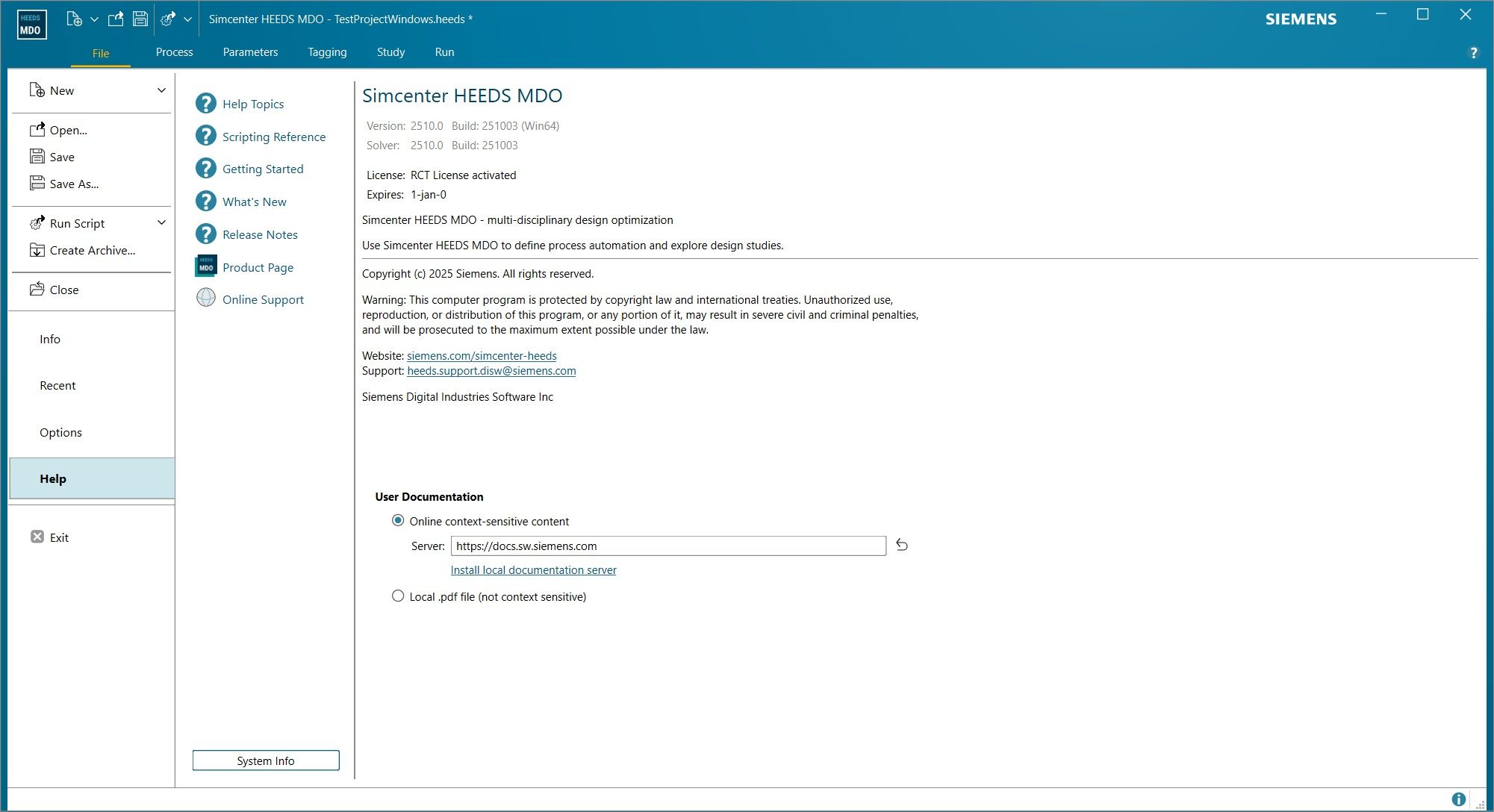
Download Siemens Simcenter HEEDS MDO 2510.0 and VCollab 25.1

Download Siemens Simcenter HEEDS MDO 2510.0 and VCollab 25.1 full license

Link download Siemens Simcenter HEEDS MDO 2510.0 and VCollab 25.1 full activated

Siemens Simcenter HEEDS MDO 2510.0 and VCollab 25.1 x64

Working with Siemens Simcenter HEEDS MDO 2510.0 full license

Description of Siemens Simcenter HEEDS MDO 2510.0 and VCollab 25.1

Siemens Simcenter HEEDS MDO 2510.0 combined with VCollab 25.1 delivers a powerful engineering solution for design optimization and advanced CAE visualization. This integrated toolkit helps engineers explore design alternatives, automate workflows, and efficiently analyze simulation results.

Simcenter HEEDS focuses on Multidisciplinary Design Optimization (MDO), enabling smarter decision-making through automation and AI-driven exploration. Meanwhile, VCollab enhances collaboration by simplifying complex CAE data into lightweight, interactive visual formats.

Features of Siemens Simcenter HEEDS MDO 2510.0 and VCollab 25.1

🧠 Intelligent Design Exploration
Automated design space exploration using AI algorithms
Evaluate thousands of design variations quickly
Identify optimal solutions based on defined objectives

πŸ”„ Multidisciplinary Optimization (MDO)
Integrates multiple engineering disciplines into one workflow
Supports CAD, CAE, and external simulation tools
Enhances product performance while reducing costs

πŸ€– Automation & Workflow Integration
Automates repetitive simulation tasks
Seamless integration with popular CAE tools
Reduces manual effort and human error

πŸ“Š Advanced Data Analytics
Visualize performance trends and trade-offs
Generate reports for better decision-making
Sensitivity and correlation analysis tools

πŸ–₯️ Key Features of VCollab 25.1
πŸ“ˆ CAE Visualization & Post-Processing
Convert complex simulation data into lightweight 3D models
Interactive visualization of FEA and CFD results
Easy navigation of large datasets

πŸ“€ Collaboration & Sharing
Share simulation results without heavy CAD/CAE files
Create interactive reports and presentations
Supports team collaboration across departments

⚑ Performance Optimization
Fast rendering of large simulation models
Reduced file sizes for efficient data handling
Smooth performance on standard systems

🧩 Multi-Format Support
Compatible with leading CAE solvers
Import/export various engineering formats
Integration with PLM and enterprise systems

πŸ”— Combined Benefits
End-to-end solution for design optimization and visualization
Accelerates product development cycles
Improves collaboration between engineering teams
Reduces costs through better decision-making

πŸ’» System Requirements
OS: Windows 10 / 11 (64-bit)
Processor: Multi-core Intel/AMD CPU
RAM: 16 GB minimum (32 GB recommended)
GPU: Dedicated graphics card recommended
Storage: 20 GB free disk space

πŸ”‘ Why Choose Simcenter HEEDS + VCollab?
Powerful combination of optimization and visualization tools
AI-driven insights for better engineering outcomes
Efficient handling of complex simulation data
Scalable for enterprise-level applications

πŸ“Œ Conclusion
Siemens Simcenter HEEDS MDO 2510.0 and VCollab 25.1 provide a comprehensive solution for modern engineering challenges. From intelligent design exploration to advanced visualization, this combination empowers teams to innovate faster and make smarter decisions.

If you want to download Siemens Simcenter HEEDS MDO 2510.0 and VCollab 25.1 full license, please click to DOWNLOAD button to download.
CLICKDOWN.ORG Download CAD CAM CNC software
Inside package Siemens Simcenter HEEDS MDO 2510.0 and VCollab 25.1, already have cracked files and instruction how to install Siemens Simcenter HEEDS MDO 2510.0 and VCollab 25.1 step by step. I guarantee you can install Siemens Simcenter HEEDS MDO 2510.0 and VCollab 25.1 successfully if you follow that instruction.
If you also can’t install it or get any problems, please contact to me by email: clickdown.org@gmail.com, then I will help you to install software by teamviewer or Ultraviewer or Anydesk.
Thanks a lot
SOFTWARES

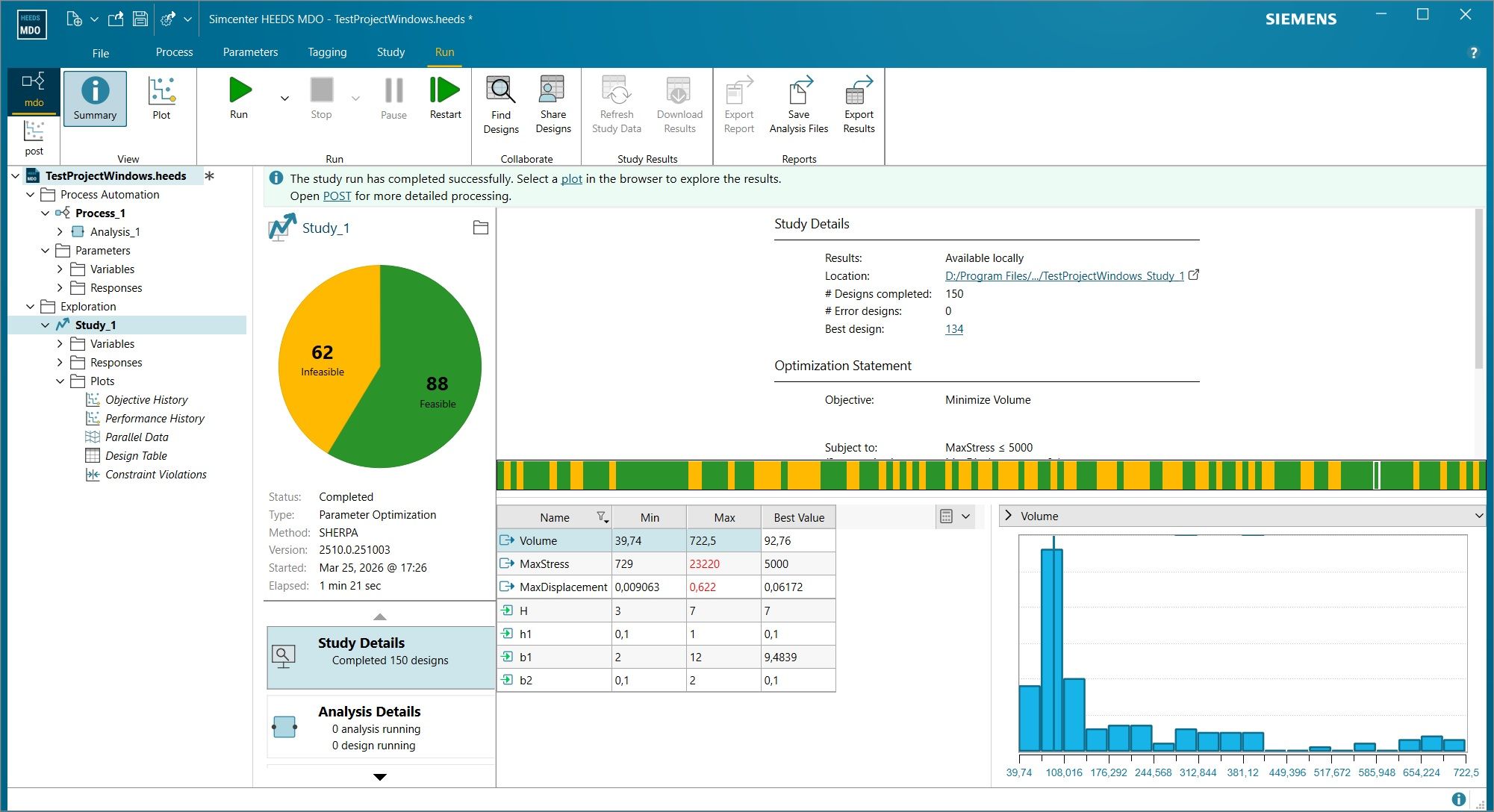
Download FunctionBay RecurDyn 2025.1 win64 full license

Download FunctionBay RecurDyn 2025.1 x64 full license forever

Link download FunctionBay RecurDyn 2025.1 full activated

Working with FunctionBay RecurDyn 2025.1 full license

Description of FunctionBay RecurDyn 2025.1

FunctionBay RecurDyn 2025.1 is a leading multi-body dynamics (MBD) simulation software designed for advanced mechanical system analysis. It enables engineers to simulate complex interactions between rigid and flexible bodies, making it an essential tool for industries such as automotive, aerospace, robotics, and heavy machinery.

With its powerful solver technology and intuitive interface, RecurDyn provides accurate and efficient simulation capabilities, helping users reduce development time and improve product performance.

Features of FunctionBay RecurDyn 2025.1

πŸ”„ Advanced Multibody Dynamics Simulation
Simulate motion of rigid and flexible bodies
Analyze complex mechanical systems with high accuracy
Supports contact, friction, and nonlinear dynamics

🧠 High-Performance Solver Technology
Industry-leading recursive solver for fast computations
Efficient handling of large-scale models
Reduced simulation time with improved stability

πŸ§ͺ Flexible Body & FEA Integration
Fully integrated finite element analysis (FEA) tools
Flexible body simulation with RFlex and FFlex technology
Co-simulation with other CAE tools

πŸš— Industry-Specific Modules
Automotive: suspension, drivetrain, and durability analysis
Robotics: motion control and mechanism simulation
Manufacturing: machinery and equipment optimization

πŸ“Š Advanced Analysis & Visualization
Real-time simulation visualization
Graphs, charts, and result analysis tools
Post-processing for detailed performance insights

πŸ”— CAD & CAE Integration
Import models from major CAD software
Integration with tools like ANSYS and MATLAB
Supports co-simulation and data exchange

⚑ Automation & Productivity Tools
Scripting support for automated workflows
Parameter studies and optimization tools
Batch simulation capabilities

πŸ’» System Requirements
OS: Windows 10 / 11 (64-bit)
Processor: Multi-core CPU (Intel/AMD)
RAM: 16 GB minimum (32 GB recommended)
GPU: Dedicated graphics card recommended
Storage: 20 GB free disk space

πŸ”‘ Why Choose FunctionBay RecurDyn?
Accurate and fast multibody dynamics simulation
Ideal for complex mechanical system analysis
Reduces prototyping costs and development time
Scalable for both research and industrial applications

πŸ“Œ Conclusion
FunctionBay RecurDyn 2025.1 is a powerful and reliable simulation software that delivers advanced multibody dynamics analysis for engineers and researchers. With its robust solver, flexible modeling capabilities, and seamless integration, it is a top choice for modern engineering challenges.

If you want to download FunctionBay RecurDyn 2025.1 full license, please click to DOWNLOAD button to download.
CLICKDOWN.ORG Download CAD CAM CNC software
Inside package FunctionBay RecurDyn 2025.1, already have cracked files and instruction how to install FunctionBay RecurDyn 2025.1 step by step. I guarantee you can install FunctionBay RecurDyn 2025.1 successfully if you follow that instruction.
If you also can’t install it or get any problems, please contact to me by email: clickdown.org@gmail.com, then I will help you to install software by teamviewer or Ultraviewer or Anydesk.
Thanks a lot
SOFTWARES

Download Luxion KeyShot Studio Enteprise 2026.1 v15.0.0.174

Download Luxion KeyShot Studio Enteprise 2026.1 v15.0.0.174 full license

Link download Luxion KeyShot Studio Enteprise 2026.1 v15.0.0.174 full activated

Luxion KeyShot Studio Enteprise 2026.1 v15.0.0.174 x64 full

Description of Luxion KeyShot Studio Enteprise 2026.1 v15.0.0.174

Luxion KeyShot Studio Enterprise 2026.1 v15.0.0.174 is a high-end real-time 3D rendering and animation software designed for professionals in product design, engineering, marketing, and visualization. Known for its speed, accuracy, and ease of use, KeyShot enables users to create stunning photorealistic visuals without complex setup.

This latest version enhances rendering performance, introduces improved AI-powered tools, and expands integration capabilities, making it an essential solution for modern design workflows.

Features of Luxion KeyShot Studio Enteprise 2026.1 v15.0.0.174

⚑ Real-Time Rendering Engine
Instant rendering with physically accurate lighting
See changes in real time without long processing delays
GPU and CPU rendering support for maximum performance

🌟 Photorealistic Materials & Textures
Advanced material editor with realistic shaders
Massive library of pre-built materials and textures
Accurate reflections, refractions, and surface details

πŸŽ₯ Animation & Visual Storytelling
Create product animations, turntables, and camera paths
Keyframe animation system for full control
Export high-quality videos and presentations

🧠 AI-Powered Enhancements
AI denoising for faster and cleaner renders
Smart image upscaling and optimization tools
Automated scene adjustments

🧩 Seamless Integration
Plugins for popular CAD software like SolidWorks, NX, and Creo
Import multiple 3D file formats with ease
Live linking for real-time updates from CAD models

πŸ–ΌοΈ Advanced Lighting & Environment
HDRI lighting for realistic environments
Global illumination and caustics support
Studio lighting presets for professional scenes

πŸ“¦ Enterprise-Level Features
Network rendering for distributed processing
Batch rendering and automation tools
Asset management for large teams

πŸ’» System Requirements
OS: Windows 10 / 11 (64-bit), macOS
Processor: Multi-core CPU (Intel/AMD)
RAM: 16 GB minimum (32 GB recommended)
GPU: Dedicated GPU recommended for faster rendering
Storage: 10 GB free disk space

πŸ”‘ Why Choose KeyShot Studio Enterprise?
Industry-leading real-time rendering performance
Easy to use with minimal setup required
Produces high-quality, photorealistic visuals
Ideal for product design, marketing, and presentations

πŸ“Œ Conclusion
KeyShot Studio Enterprise 2026.1 v15.0.0.174 is a powerful and efficient rendering solution that enables professionals to create stunning visuals quickly and easily. With its real-time engine, advanced materials, and enterprise features, it stands out as one of the best tools for 3D visualization.

If you want to download Luxion KeyShot Studio Enteprise 2026.1 v15.0.0.174 full license, please click to DOWNLOAD button to download.
CLICKDOWN.ORG Download CAD CAM CNC software
Inside package Luxion KeyShot Studio Enteprise 2026.1 v15.0.0.174, already have cracked files and instruction how to install Luxion KeyShot Studio Enteprise 2026.1 v15.0.0.174 step by step. I guarantee you can install Luxion KeyShot Studio Enteprise 2026.1 v15.0.0.174 successfully if you follow that instruction.
If you also can’t install it or get any problems, please contact to me by email: clickdown.org@gmail.com, then I will help you to install software by teamviewer or Ultraviewer or Anydesk.
Thanks a lot

SOFTWARES

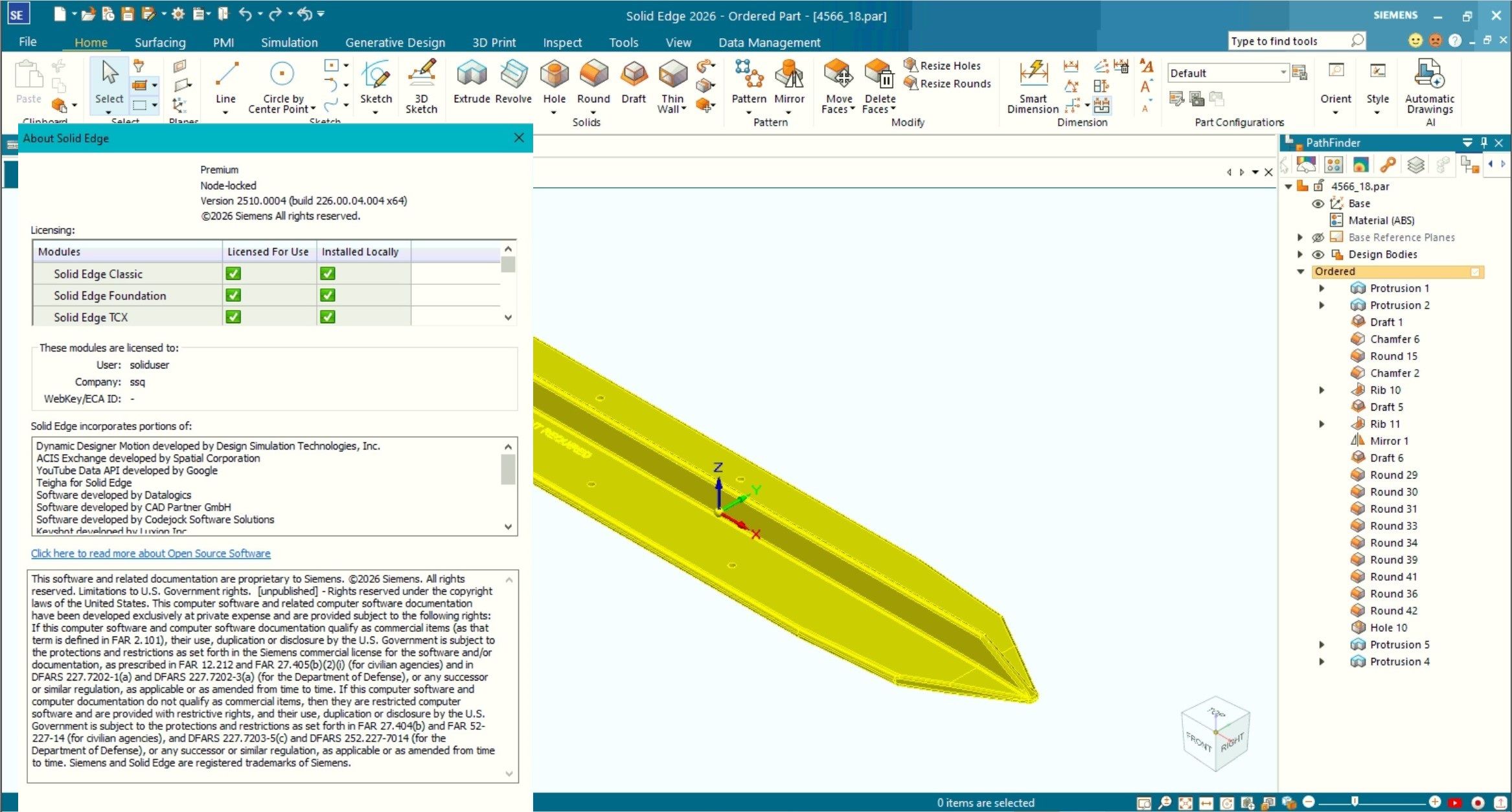
Download Siemens Solid Edge 2026 MP04 Win64 full license

Download Siemens Solid Edge 2026 MP04 x64 full license

Link download Siemens Solid Edge 2026 MP04 win64 full activated

Working with Siemens Solid Edge 2026 MP04 Win64 full license

Description of Siemens Solid Edge 2026 MP04

Siemens Solid Edge 2026 MP04 is a powerful and modern CAD software designed for product development, mechanical engineering, and industrial design. Built on advanced synchronous technology, it combines the speed of direct modeling with the precision of parametric design, enabling engineers to create complex products faster and more efficiently.

The 2026 release introduces significant improvements in AI-driven tools, cloud collaboration, and immersive visualization, helping users streamline workflows and enhance productivity across the entire design process.

Features of Siemens Solid Edge 2026 MP04

🧠 AI-Powered Design & Automation
Magnetic Snap Assembly automatically detects constraints for faster assembly creation
Automatic Drawing generation reduces manual drafting work
Built-in Design Copilot provides real-time assistance and guidance

πŸ—οΈ Advanced 3D Modeling & CAD Tools
Combines direct and parametric modeling using synchronous technology
Create complex parts, assemblies, and sheet metal designs
Improved part modeling and geometry reuse tools

πŸ“ Enhanced Drafting & Documentation
AI-assisted 2D drawing creation and detailing
Improved revision tracking and annotation tools
Support for 3D PDFs and advanced documentation workflows

🧩 Assembly Design & Management

Faster handling of large assemblies
Multiple display configurations without duplicating files
Enhanced explode views for better visualization and communication

🌐 Cloud Collaboration & Data Management
Integration with Teamcenter X for secure cloud-based data management
Real-time collaboration, markup, and design sharing
Access projects anywhere with SaaS-based Solid Edge X

πŸŒ„ Immersive Visualization & Walkthrough
New Walkthrough mode for first-person design exploration
Create interactive presentations and flythrough animations
Realistic visualization for design reviews

πŸ› οΈ Manufacturing & Sheet Metal Enhancements
Tab-and-slot automation for faster fabrication design
Improved flange trimming and etching tools
Fill pattern tool for repeated structures and lightweight design

⚑ Performance & Workflow Improvements
Faster rendering and optimized performance
Customizable interface with dark mode support
Flexible licensing and scalable modules for simulation, CAM, and more

πŸ’» System Requirements
OS: Windows 10 / 11 (64-bit)
Processor: Multi-core CPU (Intel/AMD)
RAM: 8 GB minimum (16 GB recommended)
GPU: Dedicated graphics card recommended
Storage: 10 GB free disk space

πŸ”‘ Why Choose Siemens Solid Edge 2026?
Combines powerful CAD tools with AI automation
Supports complete product development workflows
Scalable from small teams to enterprise environments
Seamless integration with cloud and data management systems

πŸ“Œ Conclusion
Siemens Solid Edge 2026 MP04 is a cutting-edge CAD solution that empowers engineers and designers to work smarter, faster, and more collaboratively. With AI-driven features, cloud capabilities, and robust modeling tools, it stands out as a top choice for modern product development.

If you want to download Siemens Solid Edge 2026 MP04 full license, please click to DOWNLOAD button to download.
CLICKDOWN.ORG Download CAD CAM CNC software
Inside package Siemens Solid Edge 2026 MP04, already have cracked files and instruction how to install Siemens Solid Edge 2026 MP04 step by step. I guarantee you can install Siemens Solid Edge 2026 MP04 successfully if you follow that instruction.
If you also can’t install it or get any problems, please contact to me by email: clickdown.org@gmail.com, then I will help you to install software by teamviewer or Ultraviewer or Anydesk.
Thanks a lot
SOFTWARES

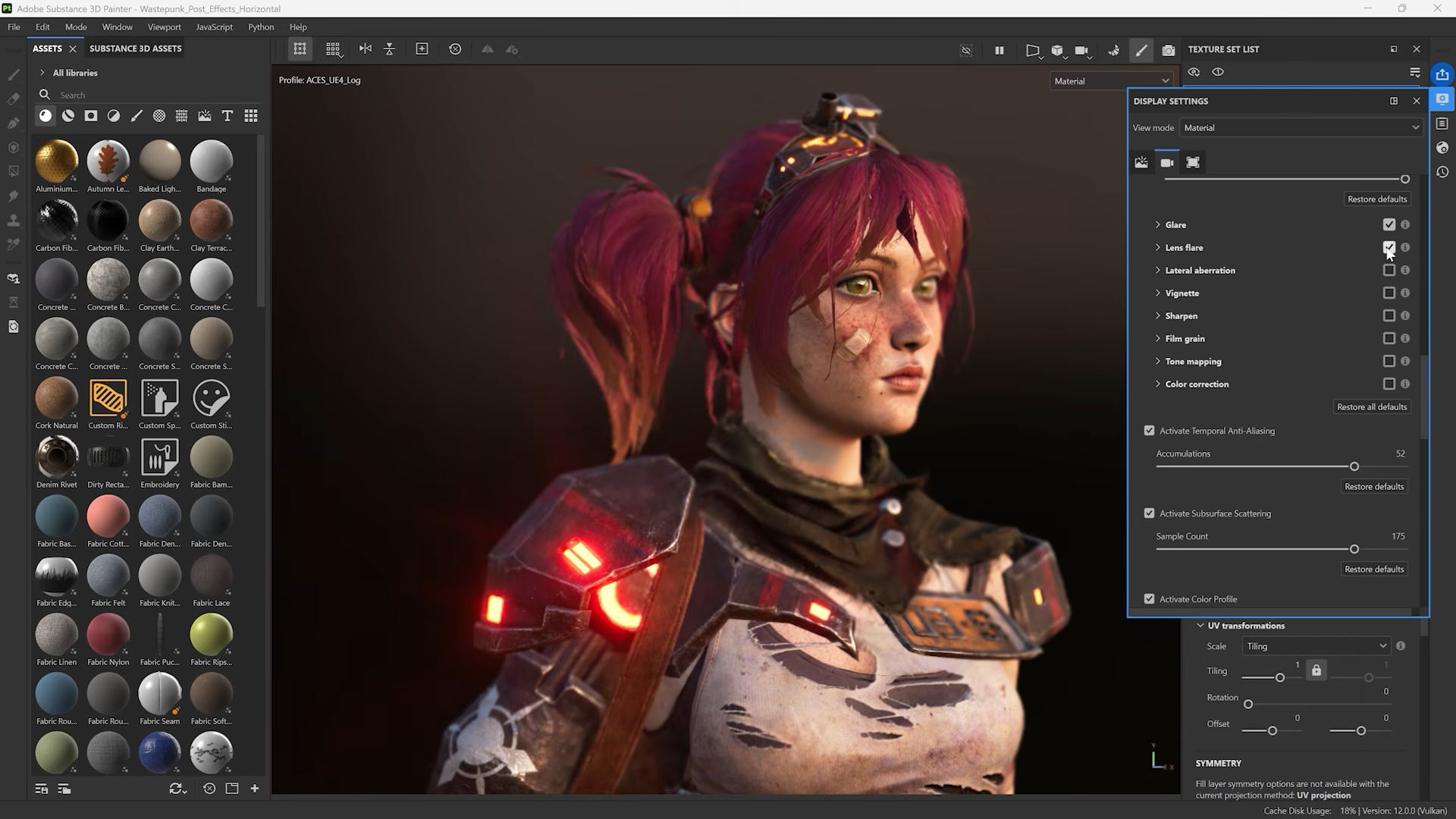
Download Adobe Substance 3D Painter 12.0.1.5292 win64 full

Download Adobe Substance 3D Painter 12.0.1.5292 full license

Link download Adobe Substance 3D Painter 12.0.1.5292 full activated

Working with Adobe Substance 3D Painter 12.0.1.5292 full license

Description of Adobe Substance 3D Painter 12.0.1.5292

Adobe Substance 3D Painter 12.0.1.5292 is an industry-leading 3D texturing software used by game developers, VFX artists, and 3D designers worldwide. It provides advanced tools for painting textures directly onto 3D models in real time, delivering highly realistic and detailed results.

With its powerful rendering engine and smart material system, users can create lifelike textures for characters, environments, and assets with incredible speed and accuracy.

Features of Adobe Substance 3D Painter 12.0.1.5292

πŸ–ŒοΈ Real-Time 3D Texturing
Paint directly on 3D models with instant visual feedback
Supports PBR (Physically Based Rendering) workflows
Layer-based texture editing similar to Photoshop

🧠 Smart Materials & Masks
Pre-built smart materials that adapt to model surfaces
Advanced masking tools for precise detailing
Procedural effects like dirt, wear, and scratches

⚑ High-Performance Rendering
Real-time viewport powered by advanced rendering engine
Supports ray tracing for realistic lighting
Smooth performance with GPU acceleration

🧩 Extensive Asset Library
Access to a large library of materials, brushes, and effects
Import custom assets and textures
Integration with Substance 3D Assets ecosystem

πŸ”„ Seamless Integration
Compatible with major 3D tools like Blender, Maya, and Unreal Engine
Easy export to game engines and rendering pipelines
Supports multiple file formats

🎯 Advanced Workflow Tools
Baking tools for mesh maps (AO, curvature, normal maps)
UV unwrapping support
Non-destructive workflow with full editability

πŸ’» System Requirements
OS: Windows 10 / 11 (64-bit)
Processor: Intel/AMD multi-core CPU
RAM: 8 GB minimum (16 GB recommended)
GPU: 4 GB VRAM (8 GB recommended)
Storage: 10 GB free disk space

πŸ”‘ Why Choose Adobe Substance 3D Painter?
Industry-standard tool for 3D texturing
Powerful and flexible material system
Real-time feedback speeds up workflow
Perfect for games, films, and product visualization

πŸ“Œ Conclusion
Adobe Substance 3D Painter 12.0.1.5292 is a must-have tool for anyone working in 3D design and digital content creation. Its advanced features, real-time performance, and seamless integration make it one of the best texturing solutions available today.

If you want to download Adobe Substance 3D Painter 12.0.1.5292 full license, please click to DOWNLOAD button to download.
CLICKDOWN.ORG Download CAD CAM CNC software
Inside package Adobe Substance 3D Painter 12.0.1.5292, already have cracked files and instruction how to install Adobe Substance 3D Painter 12.0.1.5292 step by step. I guarantee you can install Adobe Substance 3D Painter 12.0.1.5292 successfully if you follow that instruction.
If you also can’t install it or get any problems, please contact to me by email: clickdown.org@gmail.com, then I will help you to install software by teamviewer or Ultraviewer or Anydesk.
Thanks a lot
SOFTWARES

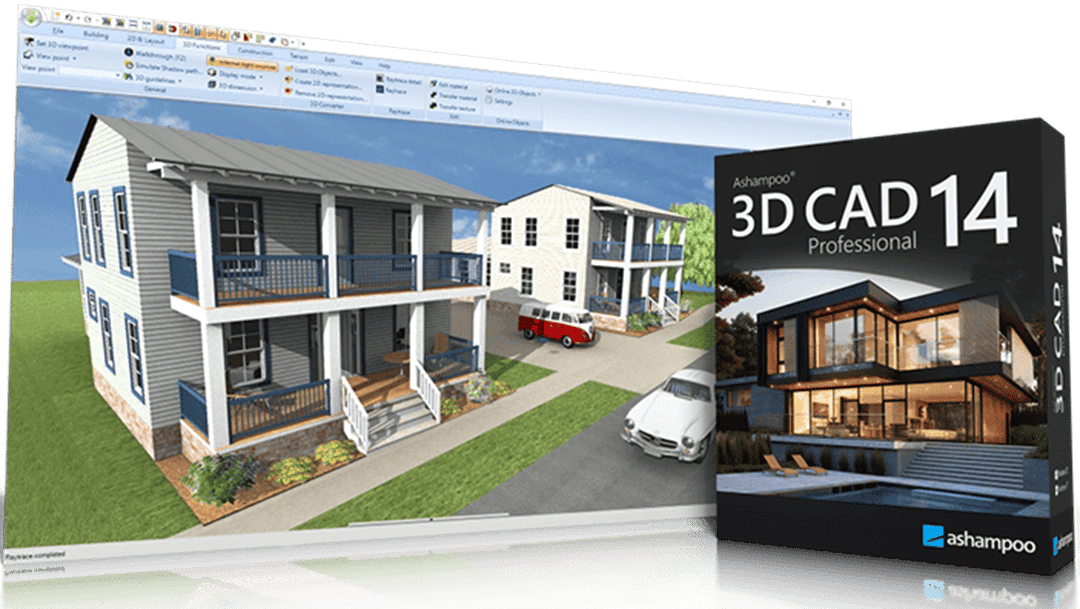
Download Ashampoo 3D CAD Professional 14.0.0 win64 full

Download Ashampoo 3D CAD Professional 14.0.0 win64 full license

Link download Ashampoo 3D CAD Professional 14.0.0 full activated

Ashampoo 3D CAD Professional 14.0.0 x64 full license

Description of Ashampoo 3D CAD Professional 14.0.0

Ashampoo 3D CAD Professional 14.0.0 is a high-end CAD solution designed for architects, engineers, and construction professionals who require precision, flexibility, and advanced modeling capabilities. This software delivers a complete toolkit for creating detailed 2D drawings and complex 3D models with professional accuracy.

With enhanced performance, improved usability, and a wide range of design tools, it enables users to plan, visualize, and execute construction projects efficientlyβ€”from concept to final presentation.

Features of Ashampoo 3D CAD Professional 14.0.0

πŸ“ Advanced CAD & Drafting Tools
Create precise 2D plans and technical drawings
Convert designs into fully detailed 3D models
Support for complex architectural and engineering elements

🏒 Comprehensive Building Design
Multi-level construction planning
Design walls, roofs, windows, doors, and structural components
Parametric editing for flexible adjustments

πŸ›‹οΈ Interior & Exterior Planning
Extensive library of objects, furniture, and materials
Customize textures, lighting, and finishes
Plan indoor layouts and outdoor environments

πŸŒ„ High-Quality 3D Visualization
Realistic rendering engine with lighting effects
Walkthrough and real-time preview features
Presentation-ready visual outputs

πŸ“ Precision Measurement & Analysis
Accurate calculations for distances, areas, and volumes
Snapping, alignment, and grid tools
Ideal for professional construction planning

⚑ Performance & Productivity
Faster rendering and smoother workflow
Optimized for handling large-scale projects
User-friendly interface with drag-and-drop tools

πŸ’» System Requirements
OS: Windows 10 / 11 (64-bit)
Processor: Multi-core CPU
RAM: 8 GB recommended
Storage: 3 GB free disk space
Graphics: DirectX-compatible GPU

πŸ”‘ Why Choose Ashampoo 3D CAD Professional?
Professional-grade CAD tools with high precision
Suitable for architecture, engineering, and construction projects
Combines design, modeling, and visualization in one platform
Efficient workflow for both small and large-scale designs

πŸ“Œ Conclusion
Ashampoo 3D CAD Professional 14.0.0 is a powerful and versatile CAD software solution that meets the demands of modern architectural and engineering design. With its robust feature set and intuitive interface, it is an excellent choice for professionals seeking accuracy and efficiency.

If you want to download Ashampoo 3D CAD Professional 14.0.0 full license, please click to DOWNLOAD button to download.
CLICKDOWN.ORG Download CAD CAM CNC software
Inside package Ashampoo 3D CAD Professional 14.0.0, already have cracked files and instruction how to install Ashampoo 3D CAD Professional 14.0.0 step by step. I guarantee you can install Ashampoo 3D CAD Professional 14.0.0 successfully if you follow that instruction.
If you also can’t install it or get any problems, please contact to me by email: clickdown.org@gmail.com, then I will help you to install software by teamviewer or Ultraviewer or Anydesk.
Thanks a lot
SOFTWARES

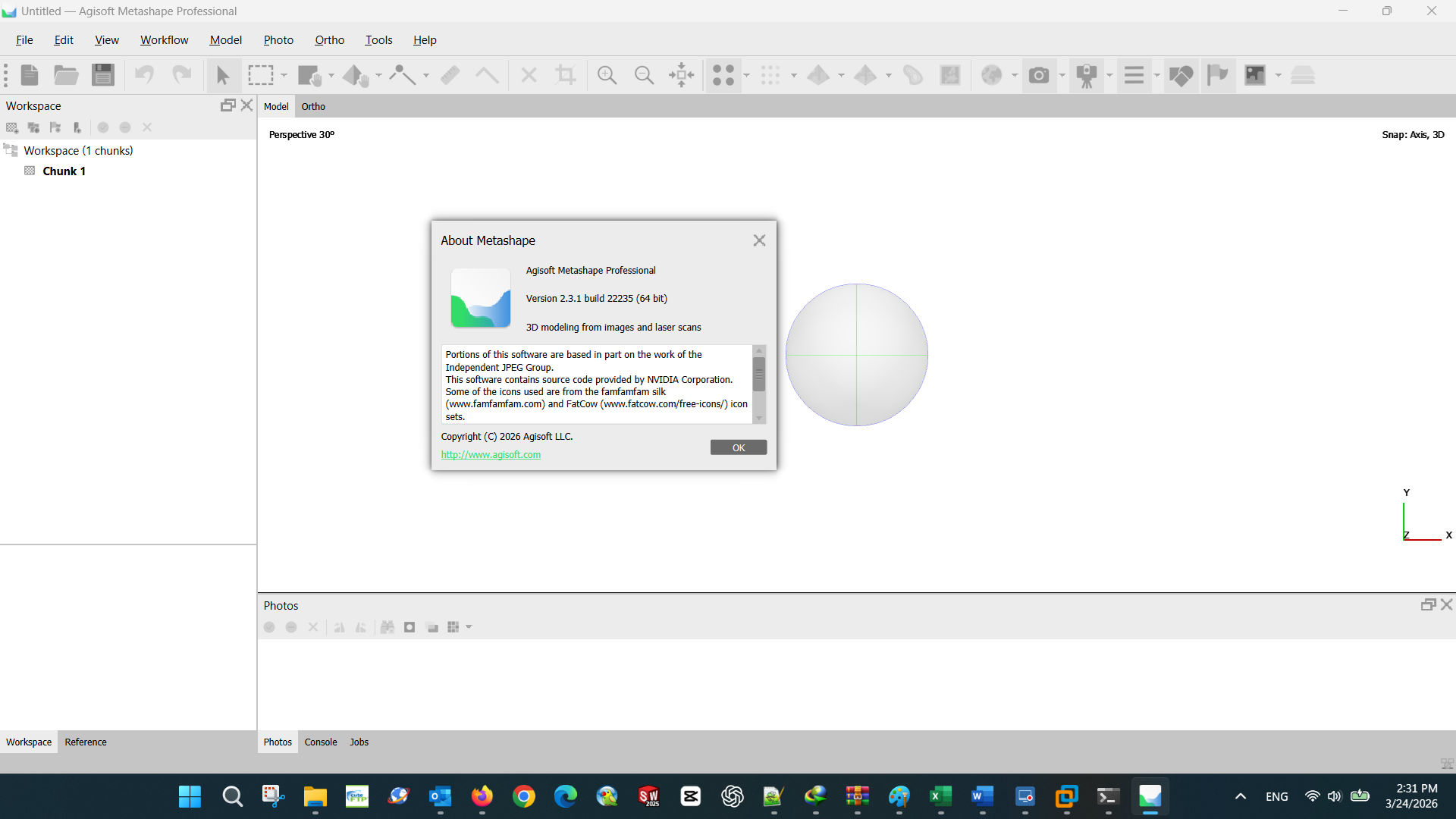
Download Agisoft Metashape Professional 2.3.1 Build 22235

Download Agisoft Metashape Professional 2.3.1 Build 22235

Link download Agisoft Metashape Professional 2.3.1 Build 22235 full activated

Working with Agisoft Metashape Professional 2.3.1 Build 22235 full

Description of Agisoft Metashape Professional 2.3.1 Build 22235

Agisoft LLC Metashape Professional 2.3.1 Build 22235 is a leading photogrammetry software designed to process digital images and generate high-quality 3D spatial data. It is widely used in fields such as surveying, mapping, archaeology, architecture, and game development for creating accurate 3D models, orthomosaics, and point clouds.

This professional edition offers advanced tools for geospatial analysis, making it ideal for users who require precision and scalability in their workflows.

Features of Agisoft Metashape Professional 2.3.1 Build 22235

πŸ“Έ Advanced Photogrammetry Processing
Convert digital images into detailed 3D models
Supports aerial, drone, and close-range photography
High-accuracy image alignment and dense point cloud generation

πŸ—ΊοΈ Geospatial Data Generation
Create orthomosaics, DEM (Digital Elevation Models), and DSM
Full GIS compatibility for mapping and surveying
Import/export with common geospatial formats

🧠 AI-Powered Automation
Automatic feature detection and matching
Smart reconstruction workflows
Batch processing for large datasets

🧱 3D Model Creation & Texturing
Generate textured 3D meshes with high detail
Seamless UV mapping and texture blending
Export models for CAD, BIM, and game engines

πŸ“ Precision Measurement Tools
Accurate scaling and distance measurement
Ground control point (GCP) support
Coordinate system and georeferencing tools

⚑ Performance & Scalability
GPU acceleration for faster processing
Handles large projects and high-resolution imagery
Network processing support for distributed workflows

πŸ’» System Requirements
OS: Windows 10 / 11 (64-bit), Linux, macOS
Processor: Intel/AMD multi-core CPU
RAM: 8 GB minimum (16 GB+ recommended)
GPU: NVIDIA/AMD with OpenGL support
Storage: SSD recommended for large datasets

πŸ”‘ Why Choose Agisoft Metashape Professional?
Industry-leading photogrammetry accuracy
Supports a wide range of industries and applications
Advanced automation saves time and effort
Scalable for both small and large projects

πŸ“Œ Conclusion
Agisoft Metashape Professional 2.3.1 Build 22235 is a powerful and versatile solution for transforming images into precise 3D spatial data. Whether you’re working in mapping, surveying, or 3D modeling, it provides all the tools needed for professional-grade results.

If you want to download Agisoft Metashape Professional 2.3.1 Build 22235 full license, please click to DOWNLOAD button to download.
CLICKDOWN.ORG Download CAD CAM CNC software
Inside package Agisoft Metashape Professional 2.3.1 Build 22235, already have cracked files and instruction how to install Agisoft Metashape Professional 2.3.1 Build 22235 step by step. I guarantee you can install Agisoft Metashape Professional 2.3.1 Build 22235 successfully if you follow that instruction.
If you also can’t install it or get any problems, please contact to me by email: clickdown.org@gmail.com, then I will help you to install software by teamviewer or Ultraviewer or Anydesk.
Thanks a lot
SOFTWARES

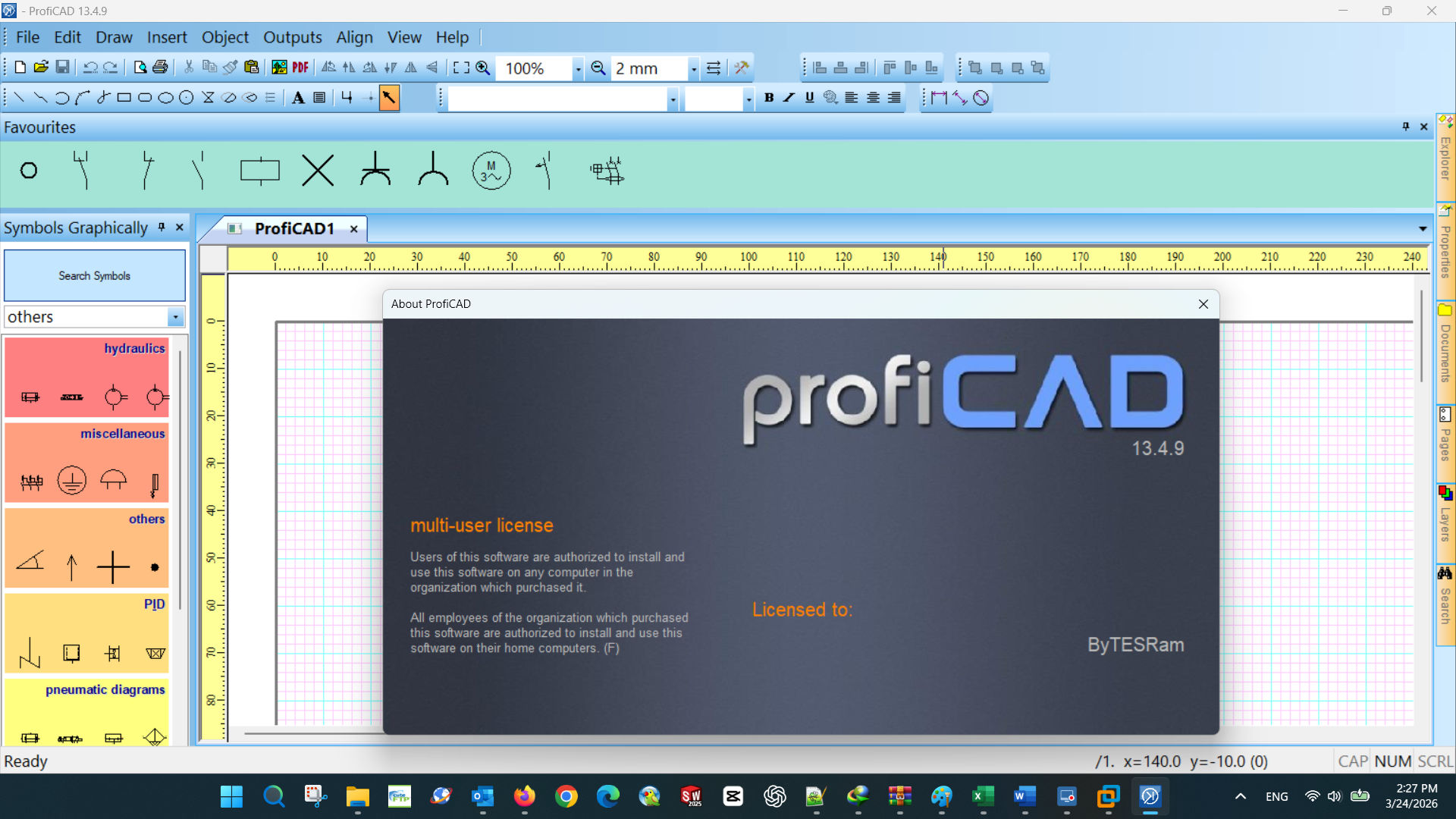
Download ProfiCAD 13.4.9 full license 100% working forever

Download ProfiCAD 13.4.9 full license 100% working forever

Link download ProfiCAD 13.4.9 full activated

Working with ProfiCAD 13.4.9 Multilingual full license

Description of ProfiCAD 13.4.9

ProfiCAD 13.4.9 is a lightweight yet powerful software designed for creating electrical and electronic diagrams quickly and efficiently. It is widely used by engineers, electricians, and technical designers who need a simple but capable tool for schematic drawing without the complexity of large CAD systems.

With its intuitive interface and extensive symbol library, ProfiCAD enables users to design professional-quality circuit diagrams, control schematics, and wiring layouts in a fraction of the time.

Features of ProfiCAD 13.4.9

πŸ”Œ Electrical Diagram Design
Create electrical schematics and circuit diagrams easily
Supports control circuits, wiring diagrams, and technical drawings
Ideal for industrial and educational use

πŸ“š Extensive Symbol Library
Thousands of predefined electrical symbols
Easily searchable and customizable symbols
Create and save your own symbols

πŸ–±οΈ User-Friendly Interface
Drag-and-drop functionality for fast diagram creation
Minimal learning curve for beginners
Clean and organized workspace

πŸ“„ Automatic Numbering & Labeling
Auto numbering of wires, components, and symbols
Generate bill of materials (BOM)
Simplifies large and complex projects

πŸ“€ Export & Print Options
Export diagrams to PDF, PNG, and DXF formats
High-quality printing support
Share designs easily

βš™οΈ Lightweight & Fast Performance
Small installation size
Runs smoothly on low-end systems
Quick startup and low resource usage

πŸ’» System Requirements
OS: Windows 7 / 8 / 10 / 11
Processor: 1 GHz or higher
RAM: 1 GB minimum
Storage: 100 MB free disk space

πŸ”‘ Why Choose ProfiCAD?
Simple yet powerful tool for electrical design
No steep learning curve compared to complex CAD software
Ideal for professionals, students, and hobbyists
Saves time with automation and smart features

πŸ“Œ Conclusion
ProfiCAD 13.4.9 is a reliable and efficient solution for anyone working with electrical schematics and circuit diagrams. Its ease of use, combined with essential professional features, makes it a perfect choice for fast and accurate diagram creation.

If you want to download ProfiCAD 13.4.9 full license, please click to DOWNLOAD button to download.
CLICKDOWN.ORG Download CAD CAM CNC software
Inside package ProfiCAD 13.4.9, already have cracked files and instruction how to install ProfiCAD 13.4.9 step by step. I guarantee you can install ProfiCAD 13.4.9 successfully if you follow that instruction.
If you also can’t install it or get any problems, please contact to me by email: clickdown.org@gmail.com, then I will help you to install software by teamviewer or Ultraviewer or Anydesk.
Thanks a lot
SOFTWARES

Download Ashampoo 3D CAD Architecture 14.0.0 x64 full

Download Ashampoo 3D CAD Architecture 14.0.0 full license

Link download Ashampoo 3D CAD Architecture 14.0.0 full activated

Ashampoo 3D CAD Architecture 14.0.0 x64 full license

Description of Ashampoo 3D CAD Architecture 14.0.0

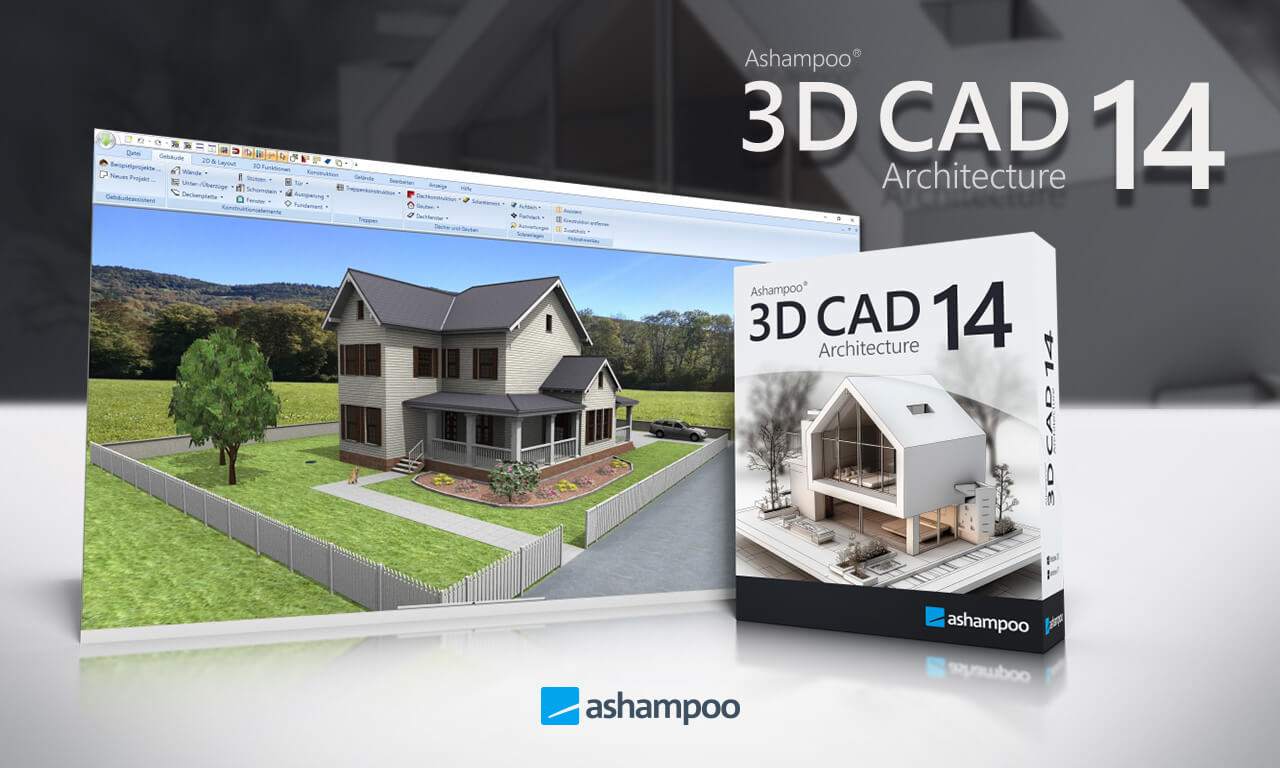
Ashampoo 3D CAD Architecture 14.0.0 is a professional-grade architectural design solution built for precise planning, modeling, and visualization of buildings and construction projects. It provides powerful CAD tools combined with an intuitive interface, making it ideal for architects, engineers, and advanced home designers.

With enhanced performance and improved design workflows, this version allows users to create accurate blueprints, detailed 3D structures, and photorealistic renderings. From floor planning to structural design and visualization, everything is integrated into one efficient platform.

Features of Ashampoo 3D CAD Architecture 14.0.0

πŸ“ Advanced CAD Design Tools
Create precise 2D construction drawings and blueprints
Convert plans into detailed 3D building models
Supports complex architectural elements

🏒 Comprehensive Building Design
Multi-level floor planning with full structural control
Design walls, roofs, ceilings, doors, and windows
Smart object placement and parametric editing

πŸ›‹οΈ Interior & Exterior Design
Extensive library of furniture and design objects
Customize textures, colors, and materials
Plan both indoor and outdoor environments

πŸŒ„ Realistic 3D Visualization
High-quality rendering engine for lifelike results
Real-time preview and walkthrough navigation
Lighting, shadows, and environmental effects

πŸ“ Precision Measurement & Analysis
Accurate calculations for distances, areas, and volumes
Grid, snapping, and alignment tools
Ideal for construction-ready planning

⚑ Performance & Workflow Enhancements
Faster rendering and improved stability
User-friendly interface with drag-and-drop support
Efficient project management tools

πŸ’» System Requirements
OS: Windows 10 / 11 (64-bit)
Processor: Multi-core CPU
RAM: 4 GB minimum (8 GB recommended)
Storage: 2 GB free disk space
Graphics: DirectX-compatible GPU

πŸ”‘ Why Choose Ashampoo 3D CAD Architecture 14?
Professional CAD tools with an easy learning curve
Suitable for both technical and creative workflows
Accurate results for real-world construction projects
Combines design, modeling, and visualization in one solution

πŸ“Œ Conclusion
Ashampoo 3D CAD Architecture 14.0.0 is a powerful and flexible architectural design software that delivers precision, performance, and ease of use. Whether you’re designing a house, renovation, or large-scale project, it provides all the tools needed to turn ideas into reality.

If you want to download Ashampoo 3D CAD Architecture 14.0.0 full license, please click to DOWNLOAD button to download.
CLICKDOWN.ORG Download CAD CAM CNC software
Inside package Ashampoo 3D CAD Architecture 14.0.0, already have cracked files and instruction how to install Ashampoo 3D CAD Architecture 14.0.0 step by step. I guarantee you can install Ashampoo 3D CAD Architecture 14.0.0 successfully if you follow that instruction.
If you also can’t install it or get any problems, please contact to me by email: clickdown.org@gmail.com, then I will help you to install software by teamviewer or Ultraviewer or Anydesk.
Thanks a lot
SOFTWARES

Download Ashampoo Home Designer Pro 11.0.0 x64 full license

Download Ashampoo Home Designer Pro 11.0.0 full license

Link download Ashampoo Home Designer Pro 11.0.0 full activated

Ashampoo Home Designer Pro 11.0.0 x64 full license

Description of Ashampoo Home Designer Pro 11.0.0

Ashampoo Home Designer Pro 11.0.0 is a powerful and intuitive home planning solution that allows users to design, visualize, and customize houses in both 2D and 3D. Whether you’re an architect, interior designer, or a homeowner planning renovations, this software provides all the tools needed to bring your ideas to life with precision and realism.

With its modern interface and extensive object libraries, you can create detailed floor plans, design interiors, and simulate outdoor environments like gardens and patios. The software supports accurate measurements and realistic rendering, making it suitable for both beginners and professionals.

Features of Ashampoo Home Designer Pro 11.0.0

🎯 Professional Home Planning
Create detailed 2D floor plans with exact dimensions
Automatically generate 3D models from your designs
Multi-story building support

πŸ›‹οΈ Interior Design Tools
Huge catalog of furniture, decorations, and materials
Customize colors, textures, and lighting
Realistic room visualization

🌳 Outdoor & Landscape Design
Plan gardens, terraces, and outdoor spaces
Add plants, paths, fences, and pools
Terrain modeling for realistic landscapes

🎨 Advanced 3D Visualization
High-quality 3D rendering engine
Walkthrough and virtual tour features
Real-time lighting and shadow effects

πŸ“ Precision & Measurement
Accurate area, length, and volume calculations
Snap-to-grid and alignment tools
Ideal for construction planning

⚑ User-Friendly Interface
Drag-and-drop functionality
Easy navigation for beginners
Efficient workflow tools for professionals

πŸ’» System Requirements
OS: Windows 10 / 11 (64-bit)
Processor: Multi-core CPU
RAM: 4 GB minimum (8 GB recommended)
Storage: 2 GB free disk space
GPU: DirectX-compatible graphics card

πŸ”‘ Why Choose Ashampoo Home Designer Pro?
Combines ease of use with professional-grade tools
Suitable for both personal and commercial projects
Saves time with automation and smart design features
Provides realistic previews before construction

πŸ“Œ Conclusion
Ashampoo Home Designer Pro 11.0.0 is an excellent choice for anyone looking to design and visualize their dream home efficiently. With its powerful features, realistic rendering, and user-friendly interface, it stands out as a reliable home design solution.

If you want to download Ashampoo Home Designer Pro 11.0.0 full license, please click to DOWNLOAD button to download.
CLICKDOWN.ORG Download CAD CAM CNC software
Inside package Ashampoo Home Designer Pro 11.0.0, already have cracked files and instruction how to install Ashampoo Home Designer Pro 11.0.0 step by step. I guarantee you can install Ashampoo Home Designer Pro 11.0.0 successfully if you follow that instruction.
If you also can’t install it or get any problems, please contact to me by email: clickdown.org@gmail.com, then I will help you to install software by teamviewer or Ultraviewer or Anydesk.
Thanks a lot

SOFTWARES

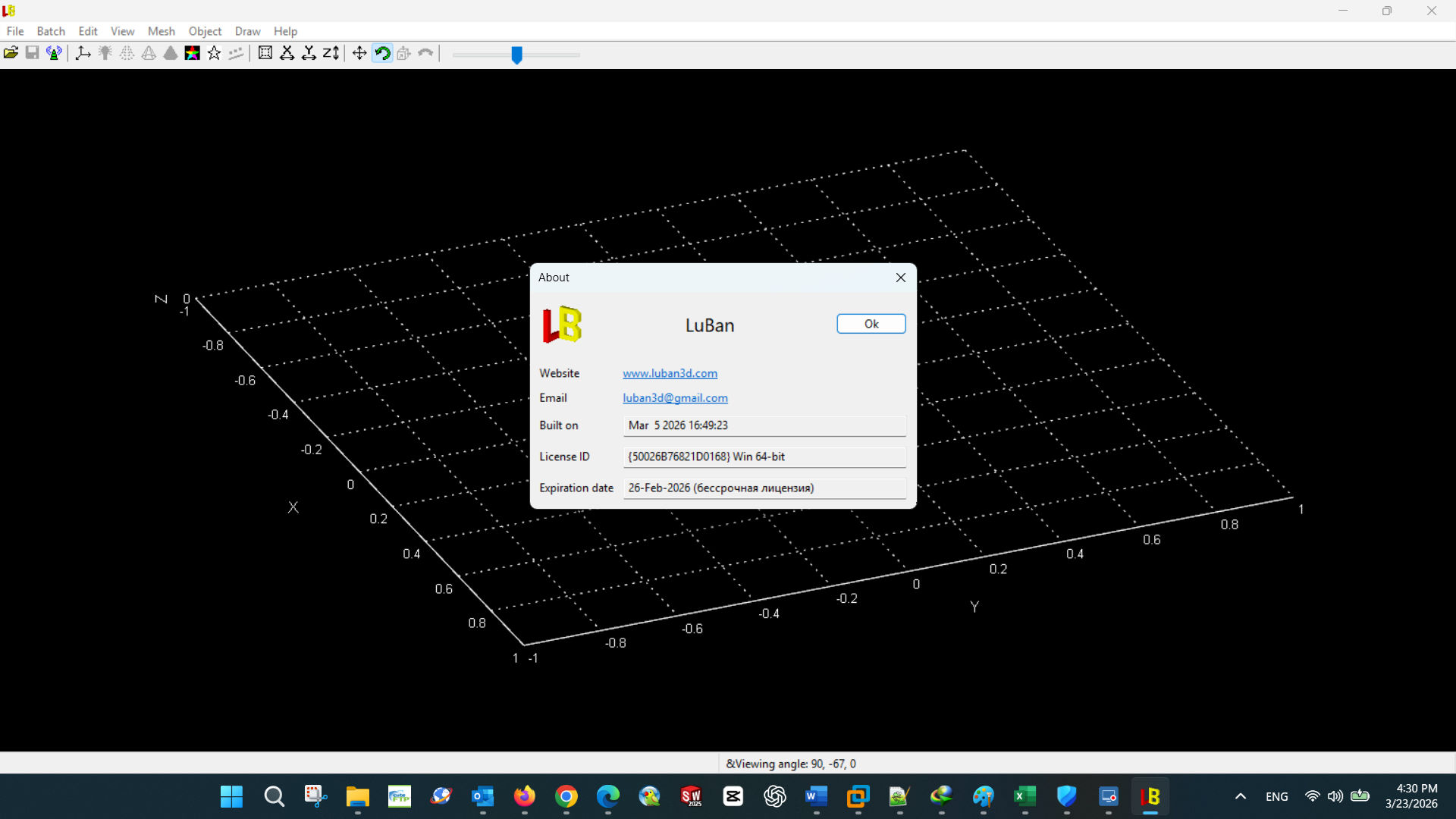
Download LuBan 3D 05.03.2026 full license 100% working

LuBan 3D 05.03.2026 – Creative 3D Modeling and Fabrication Software

Download LuBan 3D 05.03.2026 full license

Link download LuBan 3D 05.03.2026 full activated

Working with LuBan 3D 05.03.2026 full license

Description of LuBan 3D 05.03.2026

LuBan 3D 05.03.2026 is an innovative design and fabrication software developed by Luban 3D. It is designed to help makers, designers, and engineers transform 3D models into manufacturable structures for CNC machining, laser cutting, and 3D printing.

LuBan 3D stands out for its ability to convert complex 3D models into layered, modular, or lattice-based structures, making it ideal for creative fabrication and digital manufacturing workflows.

Features of LuBan 3D 05.03.2026

1. 3D Model to Fabrication Conversion
Convert 3D models into ready-to-build structures
Supports STL and other common 3D formats
Optimized for digital fabrication processes

2. Modular Design Tools
Break down models into interlocking parts
Generate assembly-ready components
Ideal for large-scale builds and installations

3. Lattice and Structure Generation
Create lightweight lattice structures
Optimize material usage and strength
Unique artistic and engineering applications

4. Slicing for CNC and Laser Cutting
Generate slices for laser cutting and CNC machining
Export cutting paths and layouts
Compatible with fabrication hardware

5. 3D Printing Optimization
Prepare models for 3D printing workflows
Reduce material waste and print time
Improve structural integrity of prints

6. Customizable Parameters
Adjust thickness, spacing, and joint types
Full control over structural design
Flexible design configurations

7. Visualization and Preview
Real-time preview of structures and assemblies
Check design feasibility before production
Improve accuracy and planning

8. User-Friendly Interface
Simple and intuitive workflow
Suitable for beginners and professionals
Fast learning curve for creative projects

System Requirements
Operating System: Windows 10 / 11 (64-bit)
Processor: Intel or AMD multi-core CPU
RAM: 8 GB minimum (16 GB recommended)
Storage: 2 GB available disk space
Graphics: OpenGL-compatible GPU

Why Choose LuBan 3D 05.03.2026?
LuBan 3D 05.03.2026 is an excellent tool for bridging the gap between digital design and physical fabrication. Compared to traditional modeling tools like Autodesk Fusion 360 or Blender, LuBan focuses specifically on preparing models for manufacturing and assembly.

Its ability to generate modular and lattice structures makes it especially valuable for artists, makers, and engineers working on innovative fabrication projects.

Conclusion
If you are looking for a creative and practical solution for digital fabrication, LuBan 3D 05.03.2026 is a powerful choice. With its advanced structure generation tools and easy-to-use interface, it enables you to turn complex 3D ideas into real-world creations efficiently.

If you want to download LuBan 3D 05.03.2026 full license, please click to DOWNLOAD button to download.
CLICKDOWN.ORG Download CAD CAM CNC software
Inside package LuBan 3D 05.03.2026, already have cracked files and instruction how to install LuBan 3D 05.03.2026 step by step. I guarantee you can install LuBan 3D 05.03.2026 successfully if you follow that instruction.
If you also can’t install it or get any problems, please contact to me by email: clickdown.org@gmail.com, then I will help you to install software by teamviewer or Ultraviewer or Anydesk.
Thanks a lot
error: Content is protected !!
Scroll to Top