SOFTWARES

SOFTWARES

Download ANSYS FreeFlow 2026 R1 Win64 full license forever

ANSYS FreeFlow 2026 R1 – Advanced Injection Molding Simulation Software

Download ANSYS FreeFlow 2026 R1 Win64 full license forever

Link download ANSYS FreeFlow 2026 R1 full activated
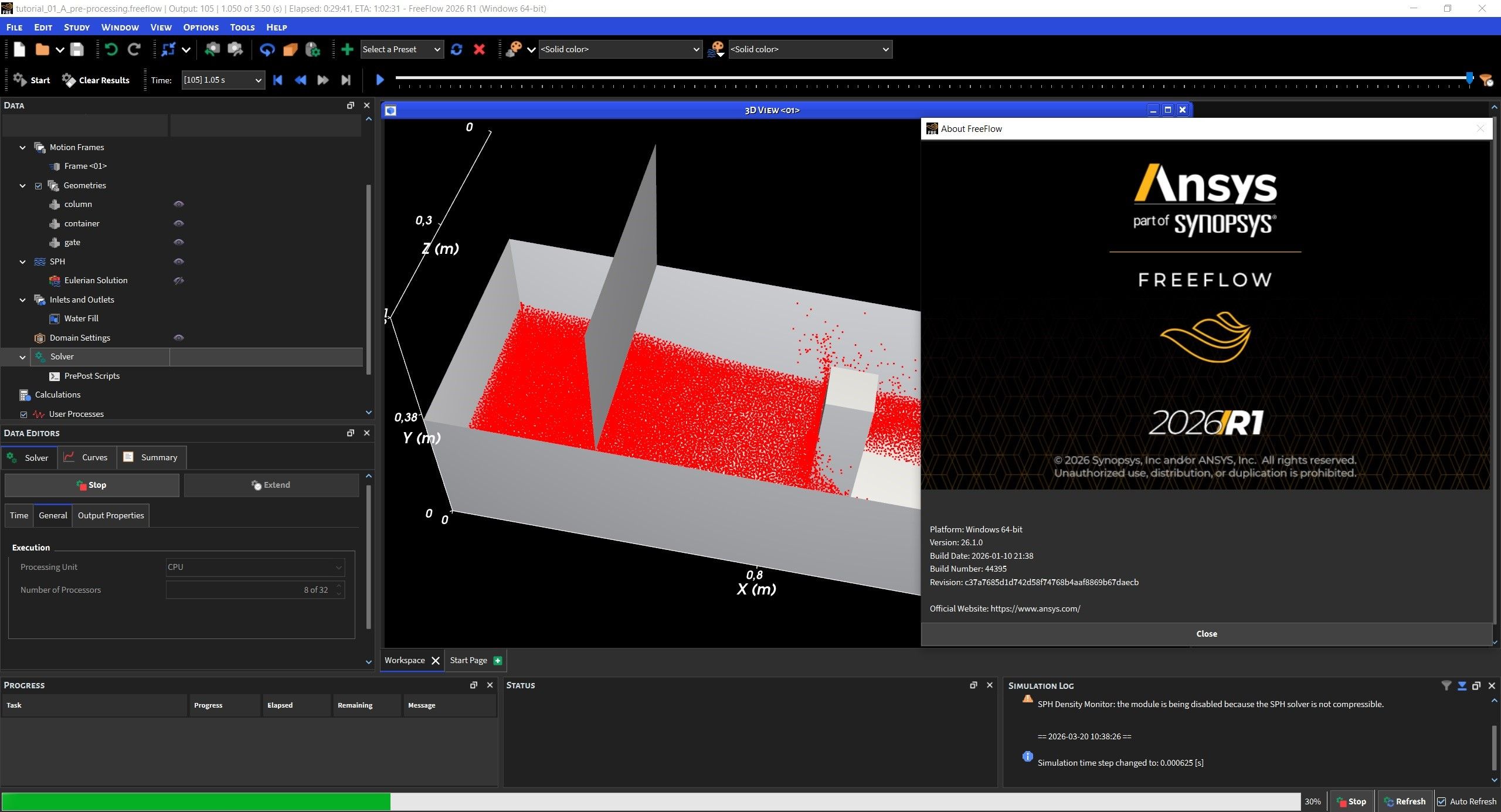
Working with ANSYS FreeFlow 2026 R1 full license

Description of ANSYS FreeFlow 2026 R1

ANSYS FreeFlow 2026 R1 is a cutting-edge simulation tool designed for injection molding and fluid flow analysis in manufacturing processes. It enables engineers to accurately predict how molten materials behave inside molds, helping optimize product quality, reduce defects, and shorten development cycles.

With the 2026 R1 release, ANSYS FreeFlow introduces enhanced solver performance, improved accuracy in flow prediction, and a more streamlined user experience. It is widely used in industries such as automotive, consumer goods, electronics, and plastics manufacturing.

Features of ANSYS FreeFlow 2026 R1

1. Advanced Injection Molding Simulation
Simulate mold filling, packing, and cooling processes
Predict flow patterns of molten plastics and resins
Analyze multi-material and multi-component molding

2. High-Accuracy Flow Analysis
Advanced computational fluid dynamics (CFD) capabilities
Precise prediction of pressure, temperature, and velocity fields
Handles complex geometries with ease

3. Defect Prediction and Optimization
Identify common defects such as air traps, weld lines, and sink marks
Optimize gate location and mold design
Reduce material waste and production costs

4. Enhanced Solver Performance
Faster simulation times with optimized algorithms
Improved stability for complex flow conditions
Efficient handling of large-scale industrial models

5. Material and Process Modeling
Comprehensive material database for polymers and composites
Accurate modeling of viscosity and thermal properties
Supports advanced rheological models

6. User-Friendly Interface
Simplified workflow for setup and analysis
Intuitive visualization tools for results interpretation
Faster learning curve for new users

7. Integration with ANSYS Ecosystem
Seamless connection with other ANSYS simulation tools
Enables multiphysics simulations including structural and thermal analysis
Supports end-to-end product development workflows

8. Design Optimization and Automation
Perform parametric studies and design exploration
Automate repetitive simulation tasks
Accelerate product development and innovation

System Requirements (Typical)
OS: Windows 10 / Windows 11 (64-bit)
CPU: Multi-core processor recommended
RAM: 16 GB minimum (32 GB or more recommended)
Storage: SSD for better performance
GPU: Optional for advanced visualization

Why Choose ANSYS FreeFlow 2026 R1?
ANSYS FreeFlow 2026 R1 empowers engineers to simulate and optimize injection molding processes with high precision. By reducing the need for physical prototypes and minimizing defects, it significantly improves manufacturing efficiency and product quality.

This solution is ideal for companies aiming to innovate faster while maintaining cost-effectiveness and reliability in their production workflows.

If you want to download ANSYS FreeFlow 2026 R1 full license, please click to DOWNLOAD button to download.
CLICKDOWN.ORG Download CAD CAM CNC software
Inside package ANSYS FreeFlow 2026 R1, already have cracked files and instruction how to install ANSYS FreeFlow 2026 R1 step by step. I guarantee you can install ANSYS FreeFlow 2026 R1 successfully if you follow that instruction.
If you also can’t install it or get any problems, please contact to me by email: clickdown.org@gmail.com, then I will help you to install software by teamviewer or Ultraviewer or Anydesk.
Thanks a lot
SOFTWARES

Download ANSYS Forming 2026 R1 win64 full license forever

ANSYS Forming 2026 R1 – Advanced Metal Forming Simulation Software

Download ANSYS Forming 2026 R1 win64 full license

Link download ANSYS Forming 2026 R1 full activated

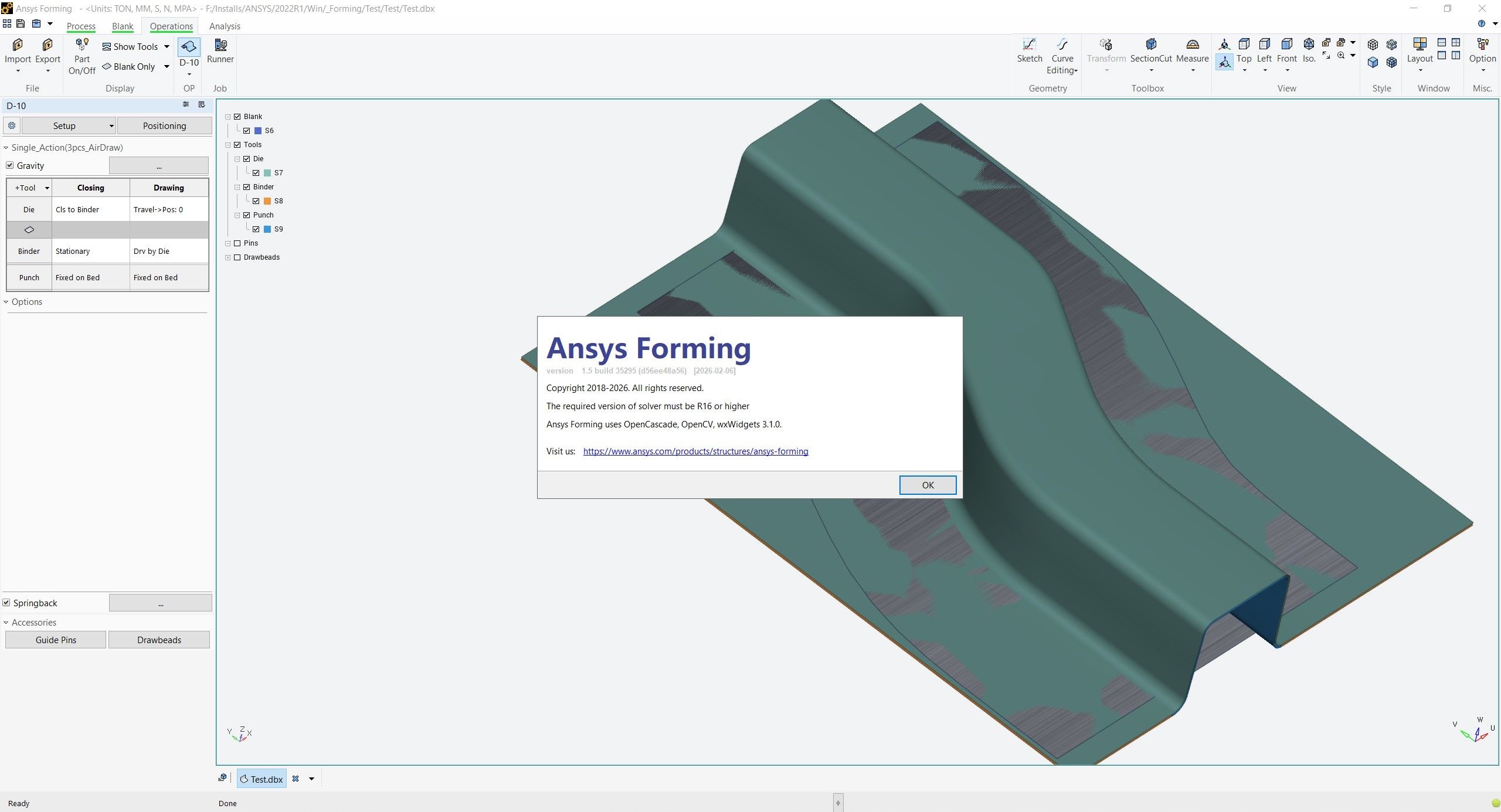
Working with ANSYS Forming 2026 R1 full license

Description of ANSYS Forming 2026 R1

ANSYS Forming 2026 R1 is a powerful and specialized simulation solution designed for metal forming processes such as stamping, forging, rolling, and sheet metal operations. Built on advanced physics-based modeling, this software enables engineers and manufacturers to accurately predict material behavior, optimize tooling designs, and reduce production costs.

With its latest 2026 R1 release, ANSYS Forming delivers improved solver performance, enhanced user workflows, and more robust simulation capabilities. It is widely used across automotive, aerospace, and manufacturing industries to ensure high-quality production and minimize costly trial-and-error in real-world processes.

Features of ANSYS Forming 2026 R1

1. Advanced Metal Forming Simulation
Accurate modeling of complex forming processes including stamping and forging
Supports both hot and cold forming simulations
Predicts defects such as cracks, wrinkles, and thinning

2. High-Performance Solver
Faster computation speeds with optimized algorithms
Efficient handling of large-scale and complex models
Improved convergence for nonlinear material behavior

3. Enhanced Material Modeling
Extensive material libraries for metals and alloys
Advanced plasticity and damage models
Realistic prediction of stress, strain, and deformation

4. User-Friendly Workflow
Simplified interface for faster project setup
Streamlined preprocessing and postprocessing tools
Reduced learning curve for new users

5. Tooling and Die Optimization
Evaluate and optimize die design before manufacturing
Reduce wear and extend tool life
Improve product quality and consistency

6. Defect Prediction and Prevention
Early detection of forming defects
Minimize scrap rates and rework
Improve overall production efficiency

7. Integration with ANSYS Ecosystem
Seamless integration with other ANSYS tools
Supports multiphysics simulations
Enables end-to-end engineering workflows

8. Automation and Parametric Studies
Perform design exploration and optimization
Automate repetitive simulation tasks
Accelerate product development cycles

System Requirements (Typical)
OS: Windows 10 / Windows 11 (64-bit)
CPU: Multi-core processor recommended
RAM: 16 GB minimum (32 GB+ recommended)
Storage: SSD for optimal performance
GPU: Optional for enhanced visualization

Why Choose ANSYS Forming 2026 R1?
ANSYS Forming 2026 R1 provides engineers with a reliable and efficient solution for simulating metal forming processes. By reducing physical prototyping and improving predictive accuracy, it helps companies save time, cut costs, and deliver higher-quality products.

Whether you’re working on automotive body panels or complex forged components, this software ensures precision, performance, and productivity in every stage of manufacturing.

If you want to download ANSYS Forming 2026 R1 full license, please click to DOWNLOAD button to download.
CLICKDOWN.ORG Download CAD CAM CNC software
Inside package ANSYS Forming 2026 R1, already have cracked files and instruction how to install ANSYS Forming 2026 R1 step by step. I guarantee you can install ANSYS Forming 2026 R1 successfully if you follow that instruction.
If you also can’t install it or get any problems, please contact to me by email: clickdown.org@gmail.com, then I will help you to install software by teamviewer or Ultraviewer or Anydesk.
Thanks a lot
SOFTWARES

Download PVSOL Premium 2026 R4 2026.4.6210 x64 full license

Download PVSOL Premium 2026 R4 2026.4.6210 x64 full license

Link download PVSOL Premium 2026 R4 2026.4.6210 full activated

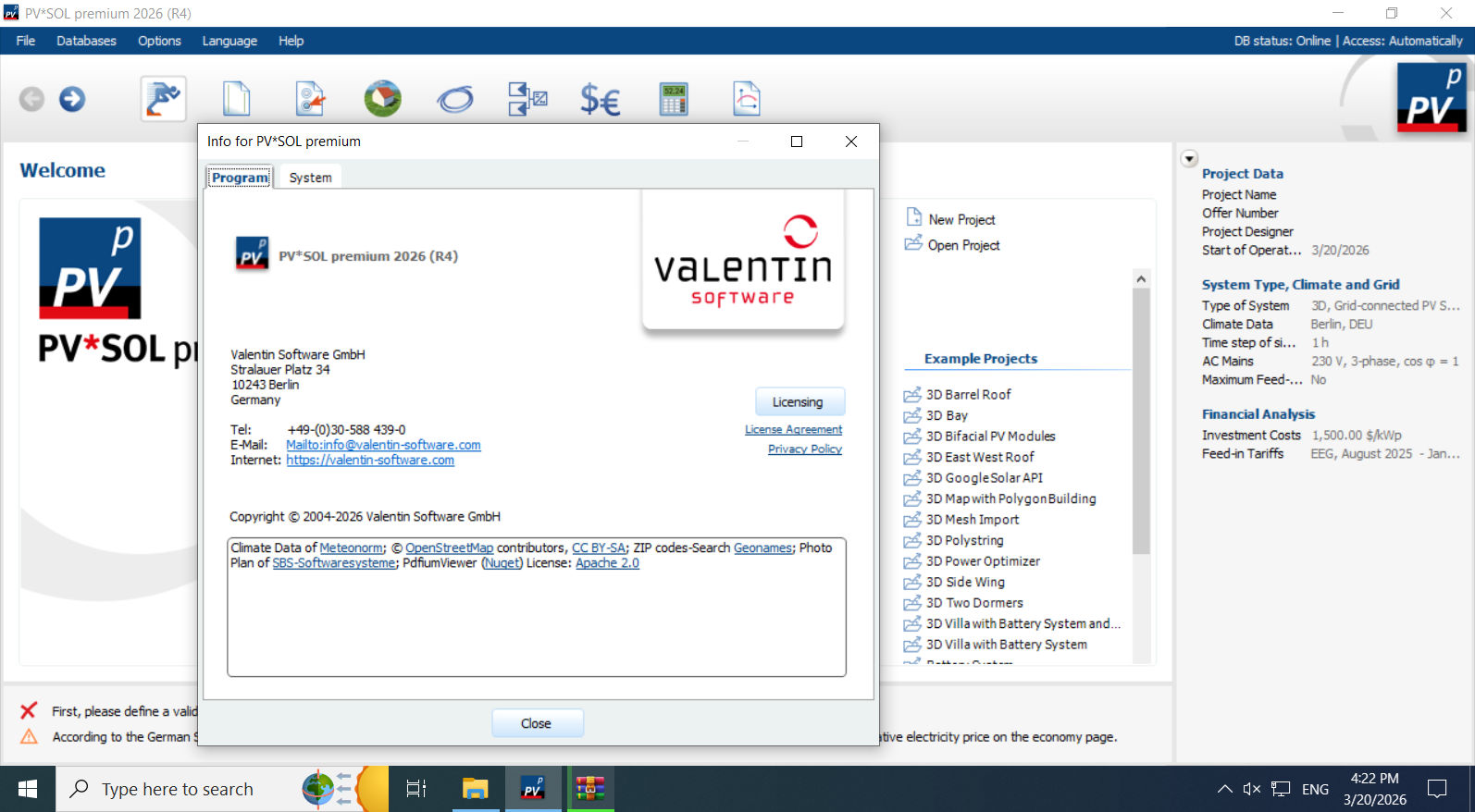
Working with PVSOL Premium 2026 R4 2026.4.6210 full license

Description of PVSOL Premium 2026 R4 2026.4.6210

PVSOL Premium 2026 R4 (2026.4.6210) is a leading photovoltaic (PV) system design and simulation software developed by Valentin Software GmbH. It is widely used by engineers, solar designers, and energy consultants to plan, simulate, and optimize solar power systems with high accuracy.

This advanced tool combines detailed 3D design capabilities with powerful simulation engines, enabling users to analyze system performance, shading effects, and energy output before installation.

Features of PVSOL Premium 2026 R4 2026.4.6210

Comprehensive PV System Design
Design grid-connected, off-grid, and hybrid photovoltaic systems with ease.

3D Visualization & Shading Analysis
Create detailed 3D models of buildings and surroundings to simulate shading and optimize panel placement.

Accurate Energy Yield Simulation
Predict annual energy production using real weather data and advanced algorithms.

Extensive Component Database
Includes a wide selection of solar panels, inverters, and battery storage systems.

Battery Storage Integration
Simulate energy storage systems and optimize self-consumption rates.

Economic Analysis Tools
Evaluate project profitability, ROI, and financial feasibility.

Detailed Reports & Documentation
Generate professional reports for clients, including performance data and system layouts.

User-Friendly Interface
Intuitive workflow suitable for both beginners and experienced professionals.

Why Choose PVSOL Premium 2026?
PVSOL Premium is an industry-standard solution for solar energy design, offering precise simulations and powerful visualization tools. It helps reduce project risks, improve system efficiency, and deliver optimized solar installations.

System Requirements
Windows 10 / Windows 11 (64-bit)
Minimum 8GB RAM (16GB recommended)
Multi-core processor
Dedicated GPU for 3D visualization
Sufficient disk space for large projects

Conclusion
PVSOL Premium 2026 R4 (2026.4.6210) is a robust and reliable software solution for photovoltaic system planning and analysis. With its advanced simulation tools and 3D capabilities, it empowers professionals to design efficient and cost-effective solar energy systems.

If you want to download PVSOL Premium 2026 R4 2026.4.6210 full license, please click to DOWNLOAD button to download.
CLICKDOWN.ORG Download CAD CAM CNC software
Inside package PVSOL Premium 2026 R4 2026.4.6210, already have cracked files and instruction how to install PVSOL Premium 2026 R4 2026.4.6210 step by step. I guarantee you can install PVSOL Premium 2026 R4 2026.4.6210 successfully if you follow that instruction.
If you also can’t install it or get any problems, please contact to me by email: clickdown.org@gmail.com, then I will help you to install software by teamviewer or Ultraviewer or Anydesk.
Thanks a lot
SOFTWARES

Download Archelios CALC 2024.0.0.10 x64 full license forever

Download Archelios CALC 2024.0.0.10 x64 full license forever

Link download Archelios CALC 2024.0.0.10 full activated

Working with Archelios CALC 2024.0.0.10 full license

Description of Archelios CALC 2024.0.0.10

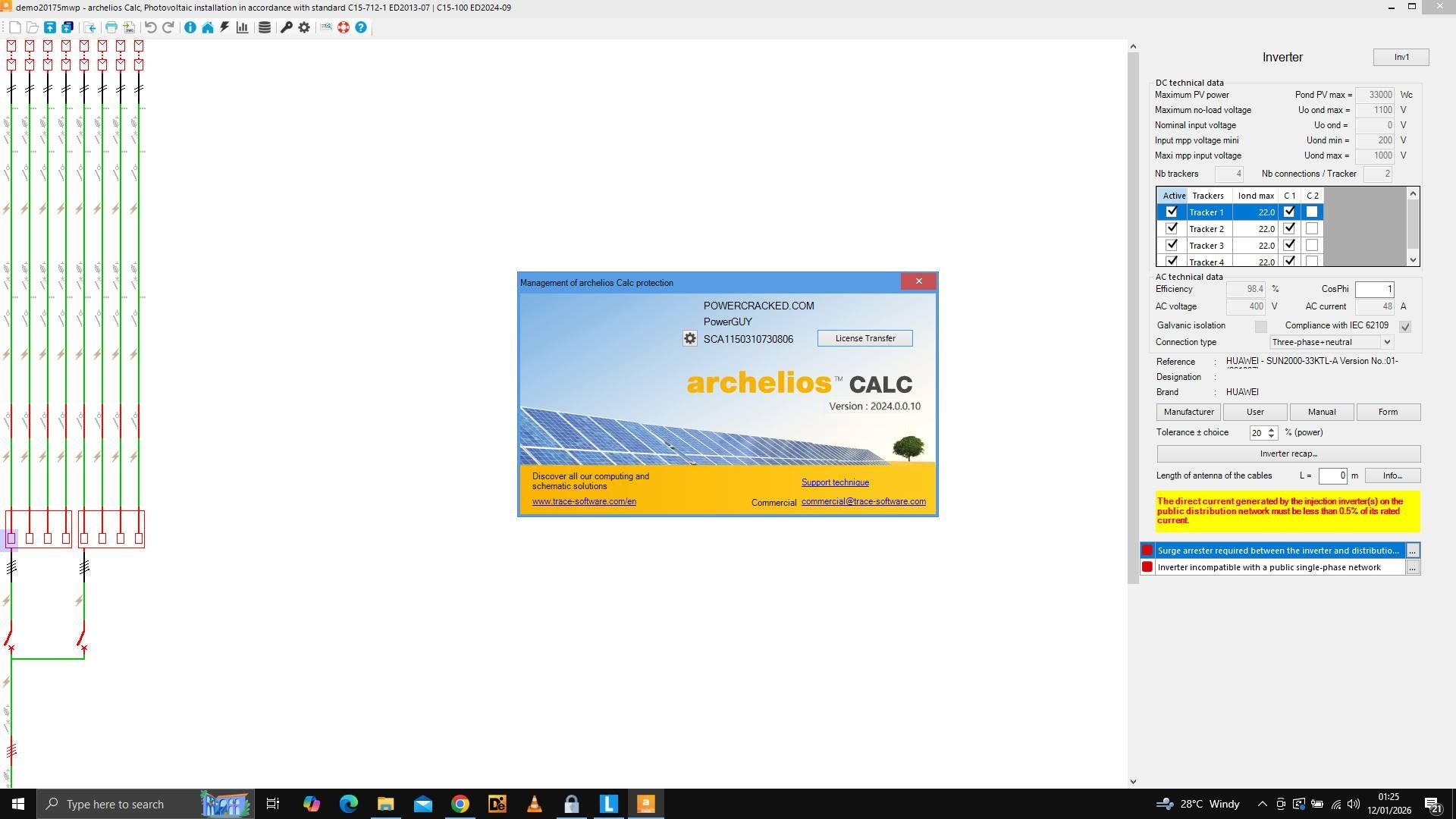
Archelios CALC 2024.0.0.10 is a powerful photovoltaic (PV) calculation and simulation software developed by Trace Software International. Designed for solar energy professionals, this tool enables accurate analysis, sizing, and optimization of solar power systems to ensure maximum efficiency and compliance with international standards.

Widely used by engineers, installers, and renewable energy consultants, Archelios CALC simplifies complex PV calculations while delivering reliable and precise results for both small-scale and large-scale solar projects.

Features of Archelios CALC 2024.0.0.10

Advanced PV System Sizing
Accurately size photovoltaic installations based on project requirements and environmental conditions.

Energy Production Simulation
Predict system performance and annual energy yield using detailed simulation models.

Compliance with International Standards
Supports global standards for PV system design and electrical safety.

Electrical Calculation Tools
Perform cable sizing, voltage drop calculations, and protection device selection.

Comprehensive Component Database
Access a wide range of solar panels, inverters, and components for realistic system design.

Detailed Reporting & Documentation
Generate professional reports including system layouts, calculations, and performance analysis.

User-Friendly Interface
Simplifies complex solar design processes for both beginners and experienced professionals.

Integration with PV Design Workflow
Seamlessly integrates into broader solar project planning and engineering processes.

Why Choose Archelios CALC 2024?
Archelios CALC is an essential tool for solar energy professionals aiming to design efficient and compliant PV systems. It reduces design time, improves accuracy, and ensures optimal performance, making it a reliable choice for renewable energy projects.

System Requirements
Windows 10 / Windows 11 (64-bit)
Minimum 8GB RAM (16GB recommended)
Multi-core processor for faster simulations
Adequate disk space for project files

Conclusion
Archelios CALC 2024.0.0.10 provides a comprehensive solution for photovoltaic system design and analysis. With its advanced features and ease of use, it helps professionals deliver high-quality solar energy solutions efficiently.

If you want to download Archelios CALC 2024.0.0.10 full license, please click to DOWNLOAD button to download.
CLICKDOWN.ORG Download CAD CAM CNC software
Inside package Archelios CALC 2024.0.0.10, already have cracked files and instruction how to install Archelios CALC 2024.0.0.10 step by step. I guarantee you can install Archelios CALC 2024.0.0.10 successfully if you follow that instruction.
If you also can’t install it or get any problems, please contact to me by email: clickdown.org@gmail.com, then I will help you to install software by teamviewer or Ultraviewer or Anydesk.
Thanks a lot
SOFTWARES

Download Softree RoadEng11 v11.0.731 + Tutorials full license

Download Softree RoadEng11 v11.0.731 + Tutorials full license

Link download Softree RoadEng11 v11.0.731 full activated

Working with Softree RoadEng11 v11.0.731 + Tutorials full license

Description of Softree RoadEng11 v11.0.731

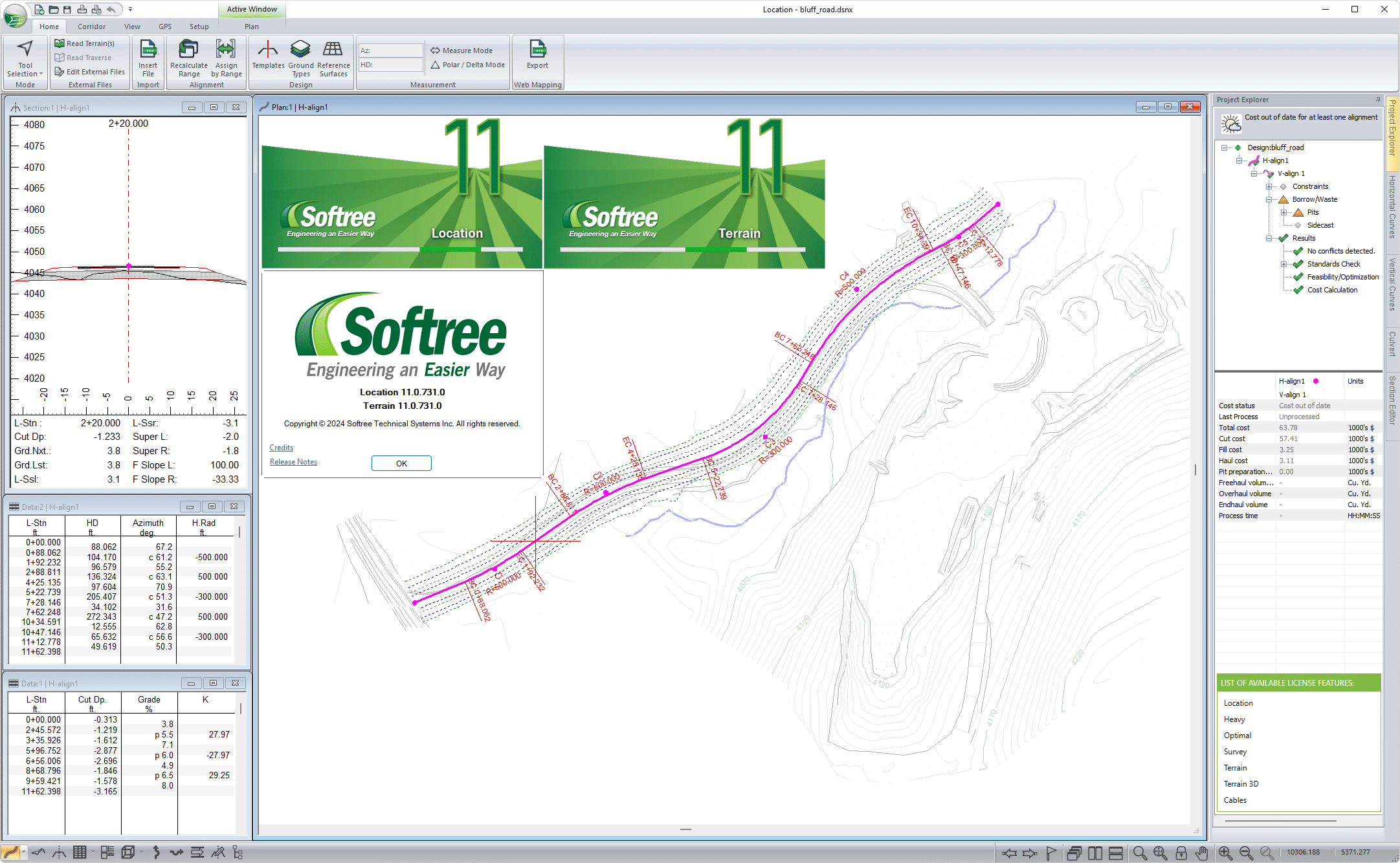
Softree RoadEng 11 v11.0.731 is a comprehensive road design and terrain modeling software tailored for civil engineers, surveyors, and infrastructure professionals. Developed by Softree Technical Systems Inc., RoadEng provides powerful tools for designing roads, highways, forestry access routes, and transportation infrastructure with precision and efficiency.

This software combines advanced terrain modeling, corridor design, and earthwork calculation capabilities, making it an essential solution for modern road engineering projects.

Features of Softree RoadEng11 v11.0.731

Advanced Terrain Modeling
Generate accurate digital terrain models (DTM) from survey data, LiDAR, and GIS sources.

Road and Corridor Design
Design horizontal and vertical alignments, cross-sections, and complete road corridors with ease.

Earthwork Calculation & Optimization
Calculate cut-and-fill volumes and optimize earthwork to reduce construction costs.

Forestry and Resource Road Design
Specialized tools for forestry roads, including steep terrain and environmentally sensitive areas.

Integrated GIS and Survey Data Support
Import and manage data from multiple sources, ensuring accurate project planning.

3D Visualization
Visualize road designs in a dynamic 3D environment for better decision-making and presentations.

Automated Reporting Tools
Generate detailed reports for design parameters, quantities, and construction planning.

User-Friendly Workflow
Intuitive interface designed to streamline complex engineering processes.

Why Choose Softree RoadEng 11?

Softree RoadEng 11 is ideal for professionals working on transportation and infrastructure projects who need reliable and efficient design tools. Its ability to handle complex terrain and optimize road alignments helps reduce project costs while improving safety and design accuracy.

System Requirements
Windows 10 / Windows 11 (64-bit)
Multi-core processor recommended
Minimum 8GB RAM (16GB recommended)
Graphics card supporting 3D visualization
Adequate storage for project data

Conclusion
Softree RoadEng 11 v11.0.731 is a powerful and flexible solution for road design and terrain modeling. With its advanced features and user-friendly interface, it enables engineers to deliver high-quality infrastructure projects efficiently and accurately.

If you want to download Softree RoadEng11 v11.0.731 full license, please click to DOWNLOAD button to download.
CLICKDOWN.ORG Download CAD CAM CNC software
Inside package Softree RoadEng11 v11.0.731, already have cracked files and instruction how to install Softree RoadEng11 v11.0.731 step by step. I guarantee you can install Softree RoadEng11 v11.0.731 successfully if you follow that instruction.
If you also can’t install it or get any problems, please contact to me by email: clickdown.org@gmail.com, then I will help you to install software by teamviewer or Ultraviewer or Anydesk.
Thanks a lot
SOFTWARES

Download ANSYS EMA3D Cable and Charge 2026 R1 win64 full

Download ANSYS EMA3D Cable and Charge 2026 R1 win64 full license

Link download ANSYS EMA3D Cable and Charge 2026 R1 full activated

Working with ANSYS EMA3D Cable and Charge 2026 R1 Win64 full license

Description of ANSYS EMA3D Cable and Charge 2026 R1

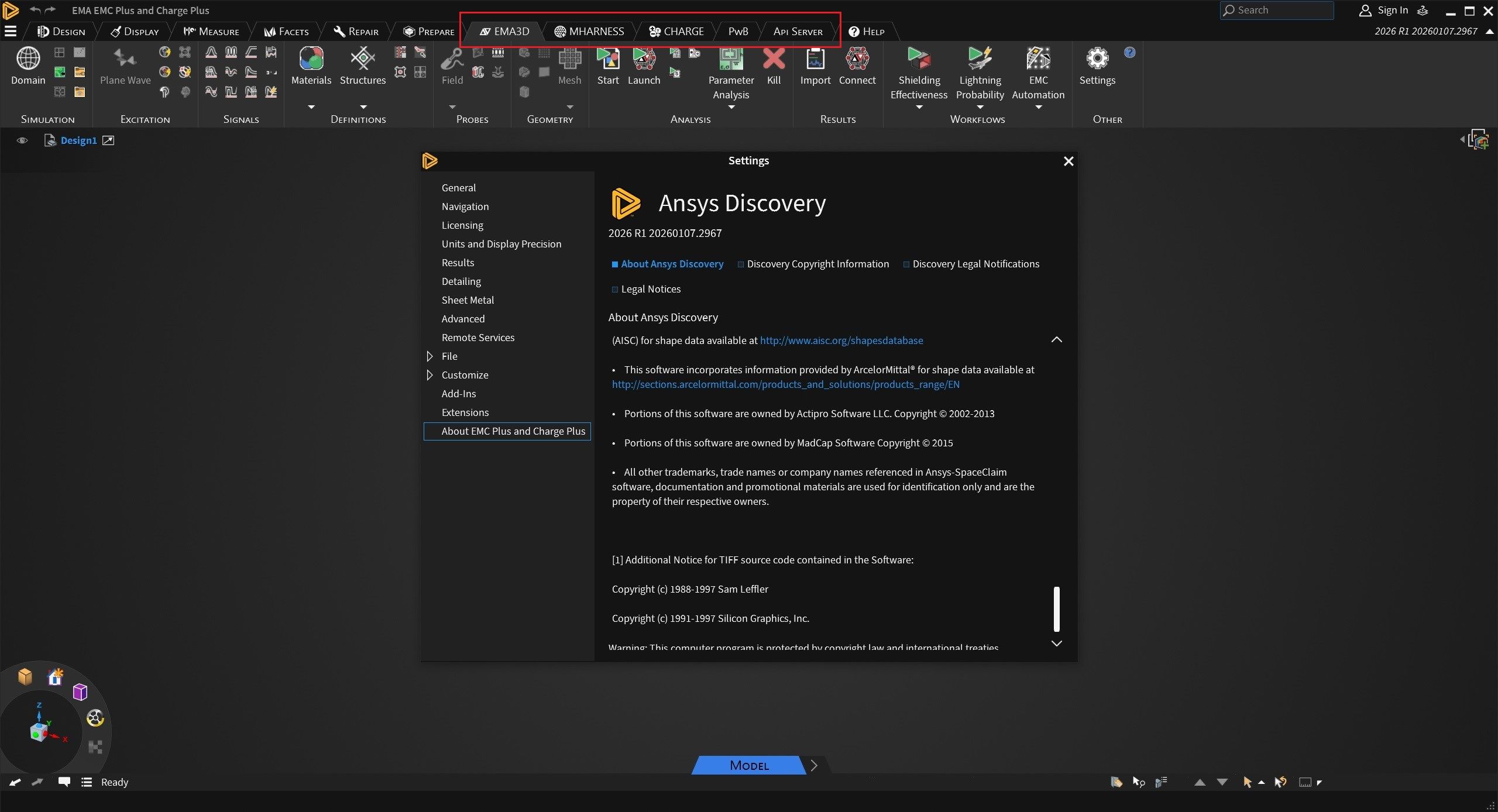
ANSYS EMA3D Cable and Charge 2026 R1 is an advanced electromagnetic simulation solution designed to analyze complex cable systems, electromagnetic interference (EMI), and electrostatic discharge (ESD) phenomena. Developed to support high-performance engineering applications, this software enables accurate modeling of cable harnesses and electromagnetic environments across industries such as automotive, aerospace, and electronics.

With cutting-edge simulation technology, ANSYS EMA3D Cable and Charge helps engineers predict and mitigate electromagnetic issues early in the design process, reducing costly errors and ensuring compliance with industry standards.

Features of ANSYS EMA3D Cable and Charge 2026 R1

Comprehensive Cable Modeling
Accurately simulate complex cable harnesses, including shielding, grounding, and routing configurations.

Advanced EMI/EMC Analysis
Evaluate electromagnetic interference and compatibility to ensure reliable system performance.

Electrostatic Discharge (ESD) Simulation
Analyze and predict ESD events to protect sensitive electronic components.

High-Frequency Electromagnetic Simulation
Supports broadband frequency analysis for detailed electromagnetic behavior.

Integration with ANSYS Ecosystem
Seamlessly works with other ANSYS tools for multiphysics simulations and enhanced workflows.

3D Visualization and Post-Processing
Powerful visualization tools for analyzing simulation results with precision.

Scalable Performance
Optimized for high-performance computing (HPC) to handle large and complex models efficiently.

User-Friendly Interface
Simplified workflow with intuitive controls for both beginners and advanced users.

Why Choose ANSYS EMA3D Cable and Charge 2026 R1?
This software is essential for engineers working with modern electronic systems where electromagnetic effects can significantly impact performance. By providing accurate and reliable simulations, ANSYS EMA3D Cable and Charge helps reduce development time, improve product reliability, and ensure compliance with industry standards.

System Requirements
Windows 10 / Windows 11 (64-bit)
Multi-core processor recommended
Minimum 16GB RAM (32GB or higher recommended)
GPU support for enhanced visualization
Sufficient disk space for large simulation projects

Conclusion
ANSYS EMA3D Cable and Charge 2026 R1 is a powerful and reliable solution for electromagnetic simulation, offering engineers the tools needed to design safer and more efficient systems. Its advanced capabilities make it a valuable addition to any engineering workflow.

If you want to download ANSYS EMA3D Cable and Charge 2026 R1 full license, please click to DOWNLOAD button to download.
CLICKDOWN.ORG Download CAD CAM CNC software
Inside package ANSYS EMA3D Cable and Charge 2026 R1, already have cracked files and instruction how to install ANSYS EMA3D Cable and Charge 2026 R1 step by step. I guarantee you can install ANSYS EMA3D Cable and Charge 2026 R1 successfully if you follow that instruction.
If you also can’t install it or get any problems, please contact to me by email: clickdown.org@gmail.com, then I will help you to install software by teamviewer or Ultraviewer or Anydesk.
Thanks a lot
SOFTWARES

Download PVCAD Mega Plugin 2026 for Autocad 2026 x64 full

Download PVCAD Mega Plugin 2026 for Autocad 2026 x64 full

Link download PVCAD Mega Plugin 2026 for Autocad 2026 full activated

Working with PVCAD Mega Plugin 2026 for Autocad 2026 full

Description of PVCAD Mega Plugin 2026 for Autocad 2026

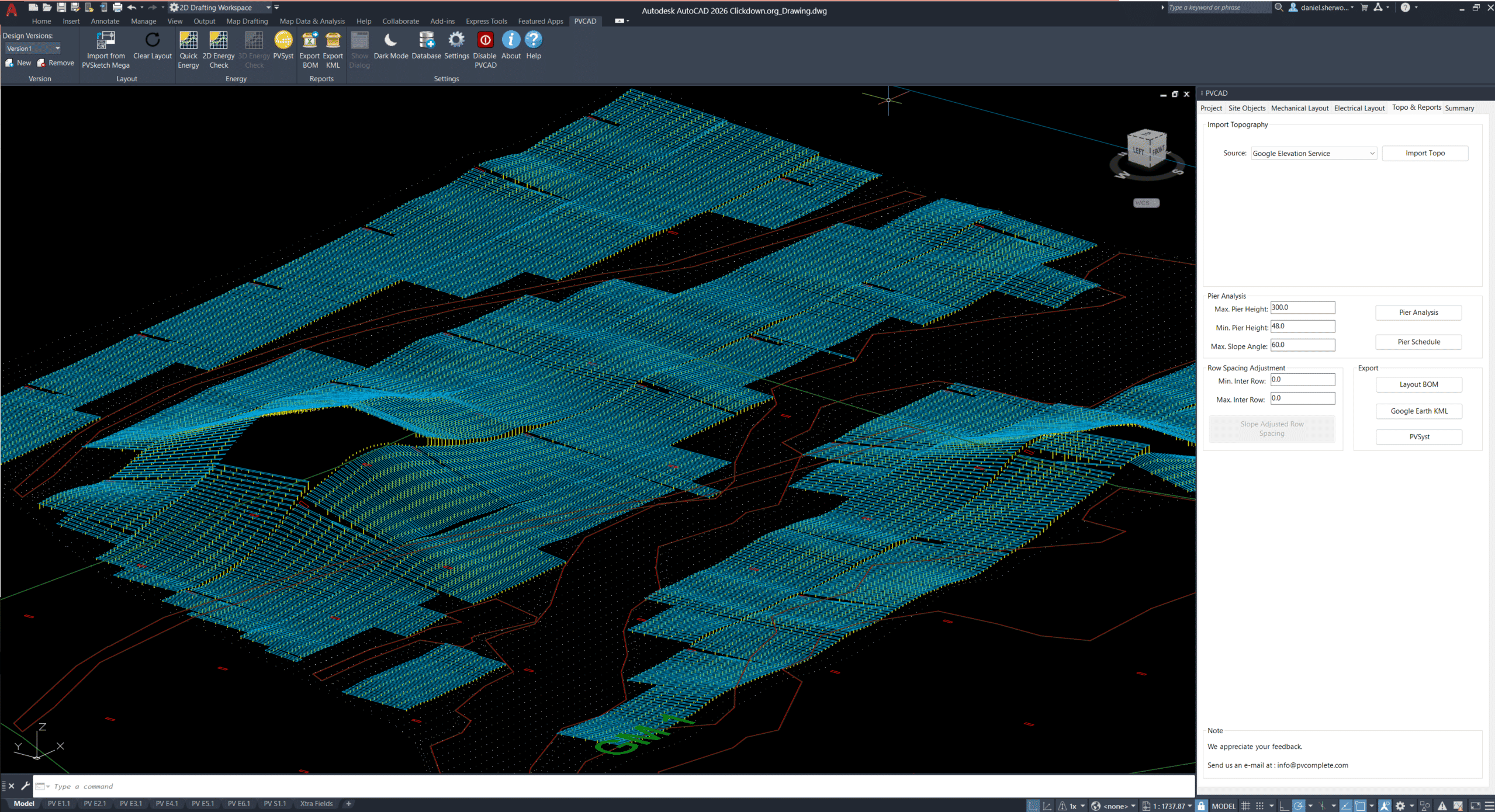
PVCAD Mega Plugin 2026 for AutoCAD 2026 is a powerful extension designed to significantly enhance the capabilities of AutoCAD. Built for engineers, architects, and CAD professionals, this plugin integrates advanced tools, automation features, and intelligent design utilities to streamline workflows and boost productivity.

Whether you’re working on complex technical drawings or routine drafting tasks, PVCAD Mega Plugin delivers efficiency and precision by reducing manual work and improving design accuracy.

Features of PVCAD Mega Plugin 2026 for Autocad 2026

Advanced Drafting Tools
Expand AutoCAD’s core functionality with specialized commands for faster and more accurate drafting.

Automation & Productivity Enhancements
Automate repetitive tasks, saving time and minimizing human error in large-scale projects.

Smart Design Utilities
Includes intelligent features that assist with layout optimization, dimensioning, and object management.

Seamless AutoCAD 2026 Integration
Fully compatible with AutoCAD 2026, ensuring stable performance and smooth workflow integration.

User-Friendly Interface
Easy-to-use tools and commands designed for both beginners and experienced CAD users.

Customizable Workflows
Adapt the plugin to your specific needs with flexible settings and configurations.

High Performance
Optimized for speed and efficiency, even when working with large and complex drawings.

Engineering & Architectural Support
Tailored features for professionals in construction, mechanical design, and infrastructure projects.

Why Choose PVCAD Mega Plugin 2026?
PVCAD Mega Plugin 2026 is ideal for professionals looking to maximize the potential of AutoCAD 2026. By integrating powerful tools and automation features, it reduces workload, enhances design precision, and accelerates project completion.

System Requirements
AutoCAD 2026 (64-bit)
Windows 10 / Windows 11
Minimum 8GB RAM (16GB recommended)
Sufficient disk space for installation

Conclusion
If you’re looking to enhance your AutoCAD experience with powerful tools and efficient workflows, PVCAD Mega Plugin 2026 is a reliable solution. It offers a comprehensive set of features that improve productivity and streamline design processes for professionals across multiple industries.

If you want to download PVCAD Mega Plugin 2026 for Autocad 2026 full license, please click to DOWNLOAD button to download.
CLICKDOWN.ORG Download CAD CAM CNC software
Inside package PVCAD Mega Plugin 2026 for Autocad 2026, already have cracked files and instruction how to install PVCAD Mega Plugin 2026 for Autocad 2026 step by step. I guarantee you can install PVCAD Mega Plugin 2026 for Autocad 2026 successfully if you follow that instruction.
If you also can’t install it or get any problems, please contact to me by email: clickdown.org@gmail.com, then I will help you to install software by teamviewer or Ultraviewer or Anydesk.
Thanks a lot
SOFTWARES

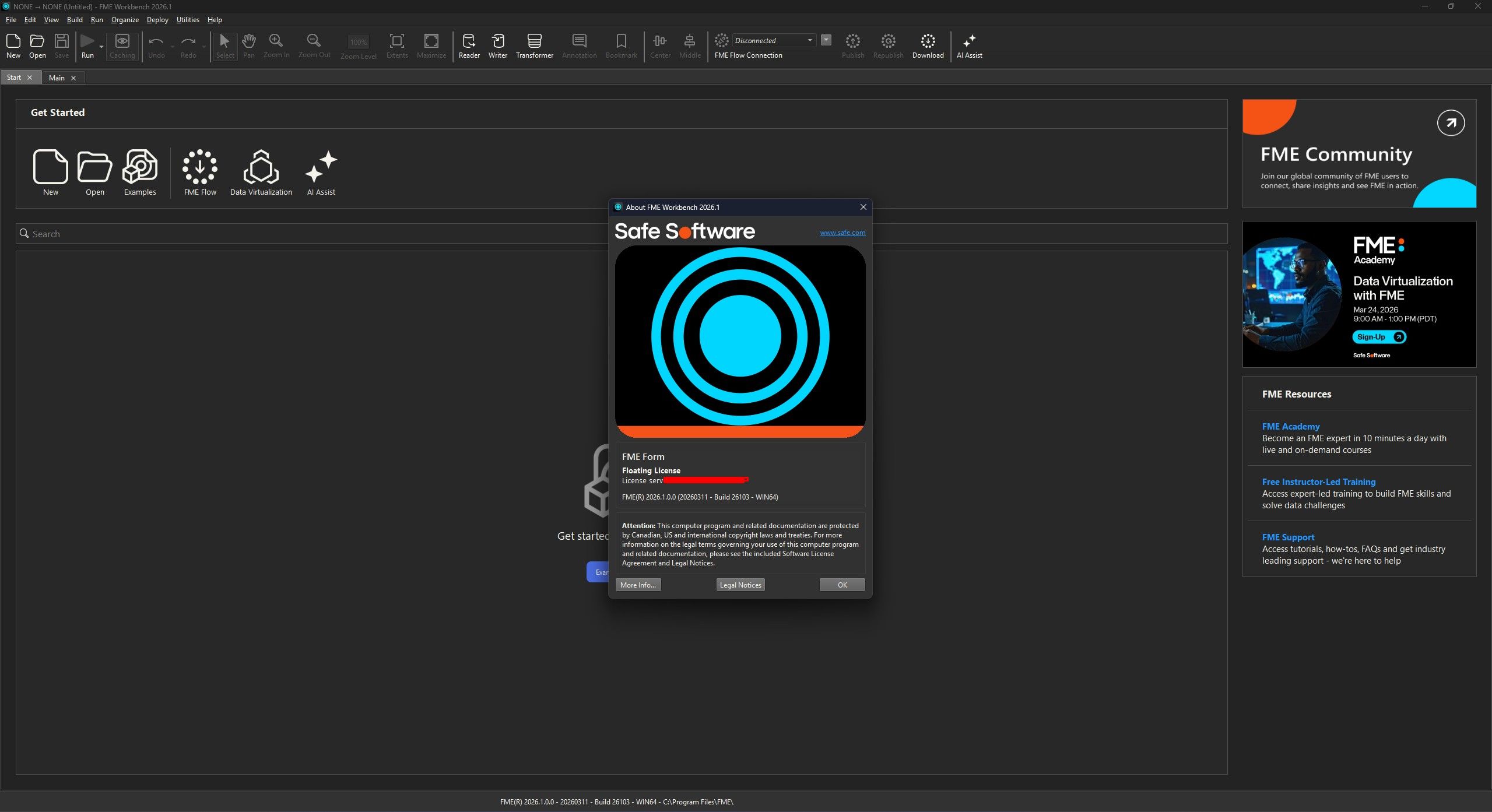
Download Safe FME Form 2026.1 x64 full license 100% working

Safe FME Form 2026.1 – Advanced Data Integration and Transformation Software

Download Safe FME Form 2026.1 x64 full license 100% working

Link download Safe FME Form 2026.1 win64 full activated

Working with Safe FME Form 2026.1 full license

Description of Safe FME Form 2026.1

Safe FME Form 2026.1 is a powerful data integration and transformation software designed to help organizations connect, convert, and automate data workflows across multiple systems. Developed by Safe Software, FME Form is widely used in GIS, engineering, data management, and enterprise integration environments.

FME (Feature Manipulation Engine) allows users to work with hundreds of data formats, making it an essential tool for professionals who need to move and transform data between different platforms. With its visual workspace interface, FME Form simplifies complex data processing tasks without requiring extensive programming knowledge.

With Safe FME Form 2026.1, users can automate repetitive data workflows, improve data quality, and integrate systems efficiently across organizations.

Features of Safe FME Form 2026.1

Powerful Data Integration
Connect and transform data between hundreds of formats including GIS, CAD, databases, and cloud systems.

Visual Workflow Builder
Design data workflows using a drag-and-drop interface for easy data manipulation and automation.

Extensive Format Support
Work with a wide range of formats such as AutoCAD, GIS datasets, databases, and more.

Data Transformation Tools
Perform advanced data cleaning, restructuring, and conversion operations.

Automation and Scheduling
Automate repetitive data tasks to improve efficiency and reduce manual effort.

Spatial Data Processing
Handle complex geospatial data for mapping, surveying, and GIS applications.

Data Validation and Quality Control
Ensure data accuracy with built-in validation and error-checking tools.

Integration with Enterprise Systems
Connect with databases, cloud platforms, and enterprise applications.

Reusable Workflows
Save and reuse workflows to standardize data processes across projects.

Improvements in Version 2026.1
The latest version introduces improved performance, enhanced workflow tools, expanded format support, and better integration with modern data systems.

System Requirements
Operating System: Windows 10 / Windows 11 (64-bit)
Processor: Intel or AMD multi-core processor
RAM: 8 GB minimum (16 GB recommended)
Storage: 2 GB available disk space
Graphics: Not required (standard display sufficient)

Why Use Safe FME Form?
Managing and transforming data across multiple platforms can be complex and time-consuming. Safe FME Form 2026.1 provides a flexible and powerful solution for automating data workflows and ensuring seamless data integration.

With its intuitive interface and extensive format support, FME Form helps organizations improve productivity, maintain data quality, and streamline data-driven processes.

If you want to download Safe FME Form 2026.1 full license, please click to DOWNLOAD button to download.
CLICKDOWN.ORG Download CAD CAM CNC software
Inside package Safe FME Form 2026.1, already have cracked files and instruction how to install Safe FME Form 2026.1 step by step. I guarantee you can install Safe FME Form 2026.1 successfully if you follow that instruction.
If you also can’t install it or get any problems, please contact to me by email: clickdown.org@gmail.com, then I will help you to install software by teamviewer or Ultraviewer or Anydesk.
Thanks a lot
SOFTWARES

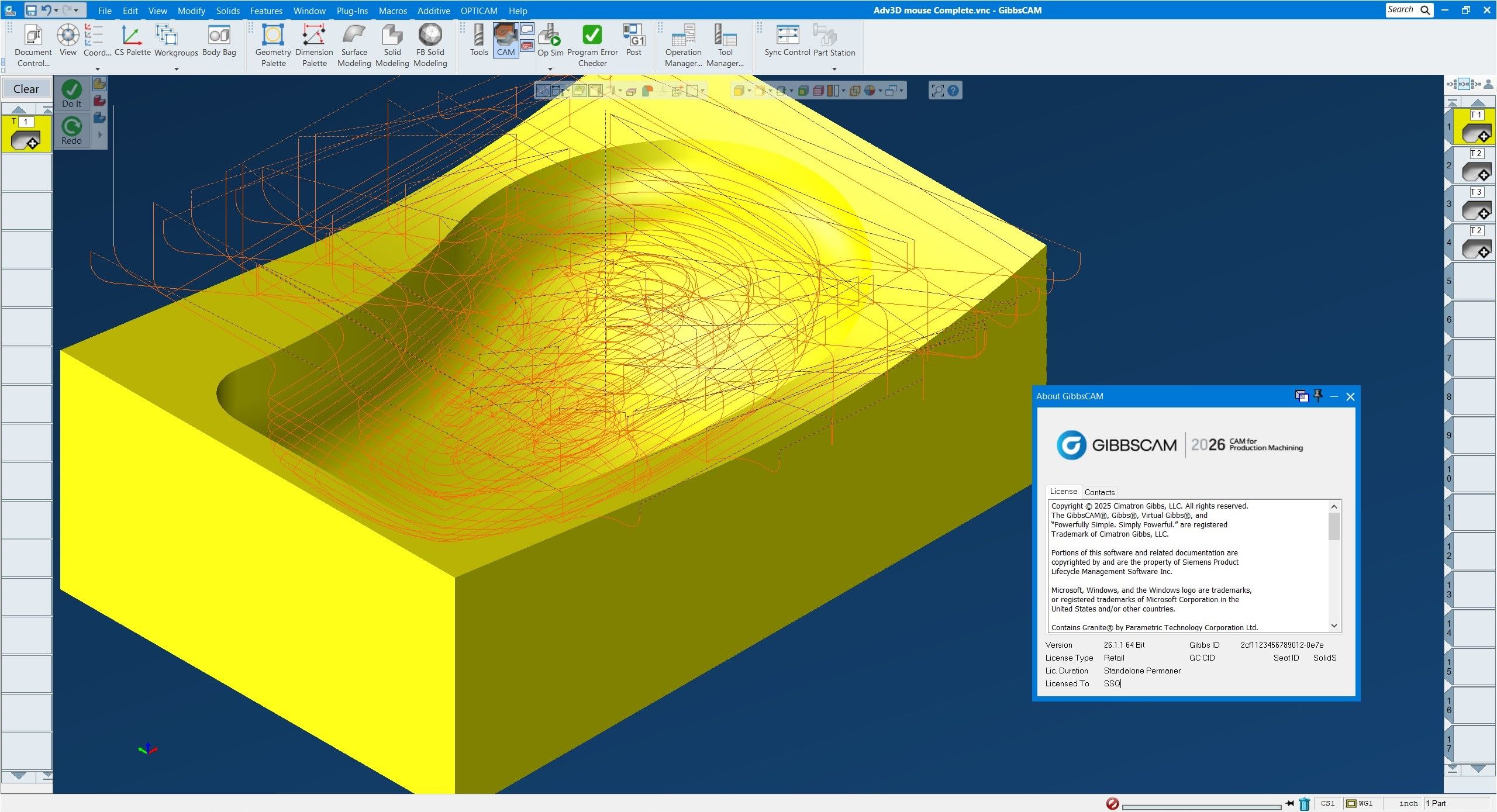
Download GibbsCAM 2026 v26.1.1.0 Win64 full license

GibbsCAM 2026 v26.1.1.0 – Advanced CAM Software for CNC Programming

Download GibbsCAM 2026 v26.1.1.0 Win64 full license

Link download GibbsCAM 2026 v26.1.1.0 x64 full activated

Working with GibbsCAM 2026 v26.1.1.0 full license

Description of GibbsCAM 2026 v26.1.1.0

GibbsCAM 2026 v26.1.1.0 is a powerful CAM (Computer-Aided Manufacturing) software designed for CNC programming and machining process optimization. Developed by 3D Systems, GibbsCAM is widely used by manufacturers, machinists, and engineers to create efficient and precise CNC toolpaths.

Known for its flexibility and ease of use, GibbsCAM supports a wide range of machining operations including milling, turning, and multi-task machining. The software is ideal for industries such as aerospace, automotive, mold making, and precision engineering.

With GibbsCAM 2026, users can streamline CNC programming workflows, reduce machining time, and improve part quality through advanced toolpath strategies.

Features of GibbsCAM 2026 v26.1.1.0

Advanced CNC Programming
Create efficient CNC programs for a wide range of machining operations.

Multi-Axis Machining Support
Supports 3-axis, 4-axis, and 5-axis machining, including complex part geometries.

Milling and Turning Capabilities
Comprehensive tools for both milling and turning operations in a single platform.

High-Performance Toolpath Strategies
Optimize machining processes with advanced cutting strategies that improve efficiency and surface finish.

CAD Integration
Import CAD models and prepare them for machining with built-in geometry tools.

Multi-Task Machining
Program complex machines that perform multiple operations such as milling and turning simultaneously.

Tool and Material Libraries
Access predefined tooling and material data to simplify setup and configuration.

Simulation and Verification
Simulate machining processes to detect errors, collisions, and inefficiencies.

Post Processor Support
Generate CNC code compatible with various CNC machines and controllers.

Improvements in Version 2026 v26.1.1.0
This version includes enhanced toolpath performance, improved multi-axis capabilities, updated user interface, and better compatibility with modern CNC systems.

System Requirements
Operating System: Windows 10 / Windows 11 (64-bit)
Processor: Intel or AMD multi-core processor
RAM: 8 GB minimum (16 GB recommended)
Storage: 5 GB available disk space
Graphics: OpenGL-compatible graphics card

Why Choose GibbsCAM?
For manufacturers seeking efficient and reliable CNC programming solutions, GibbsCAM 2026 v26.1.1.0 offers a comprehensive platform that simplifies machining workflows.

By combining advanced toolpath generation, simulation, and multi-axis support, GibbsCAM helps improve productivity, reduce errors, and achieve high-quality machining results.

If you want to download GibbsCAM 2026 v26.1.1.0 full license, please click to DOWNLOAD button to download.
CLICKDOWN.ORG Download CAD CAM CNC software
Inside package GibbsCAM 2026 v26.1.1.0, already have cracked files and instruction how to install GibbsCAM 2026 v26.1.1.0 step by step. I guarantee you can install GibbsCAM 2026 v26.1.1.0 successfully if you follow that instruction.
If you also can’t install it or get any problems, please contact to me by email: clickdown.org@gmail.com, then I will help you to install software by teamviewer or Ultraviewer or Anydesk.
Thanks a lot
SOFTWARES

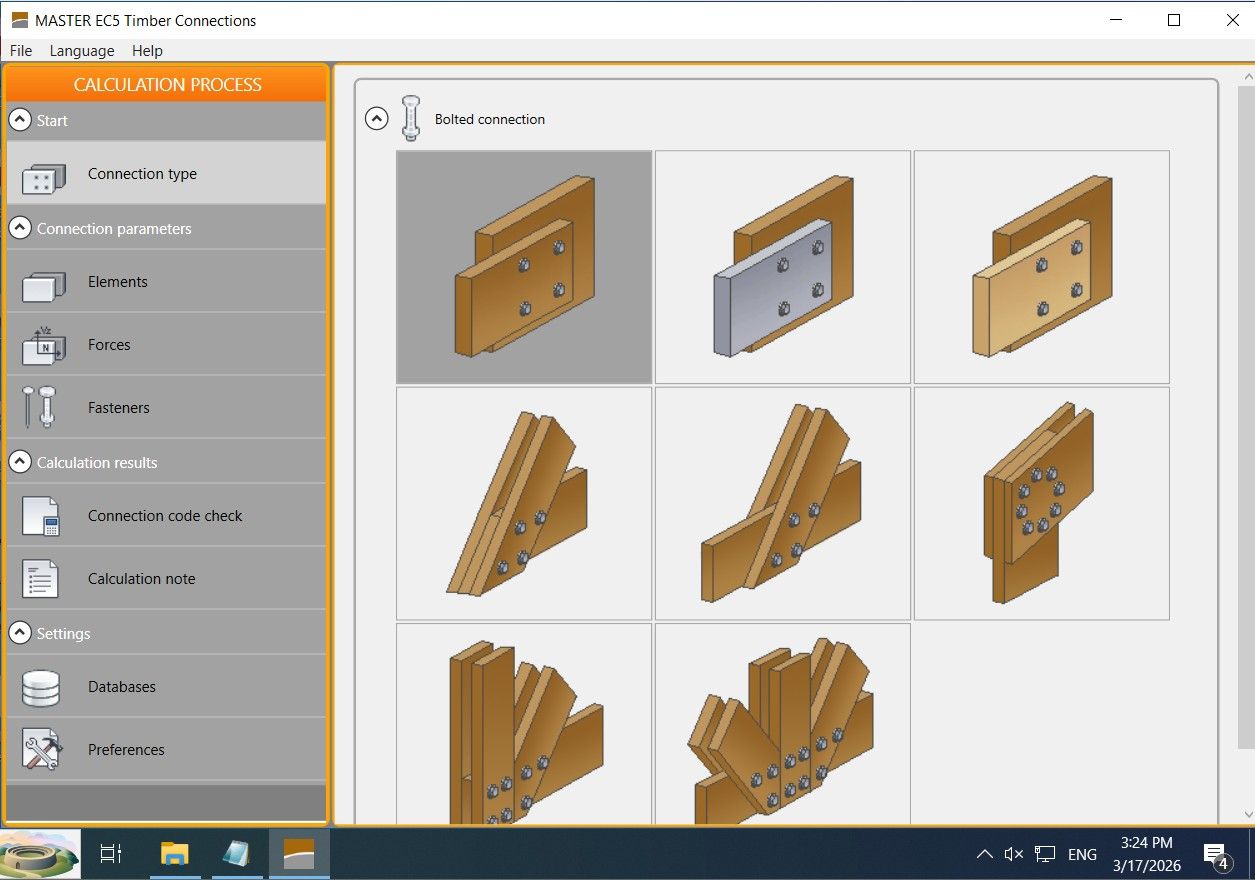
Download BIMware MASTER EC5 Timber Connections 15.2.0 full

BIMware MASTER EC5 Timber Connections 15.2.0 – Timber Connection Design Software

Download BIMware MASTER EC5 Timber Connections 15.2.0 full license

Link download BIMware MASTER EC5 Timber Connections 15.2.0 full activated

Working with BIMware MASTER EC5 Timber Connections 15.2.0 full

Description of BIMware MASTER EC5 Timber Connections 15.2.0

BIMware MASTER EC5 Timber Connections 15.2.0 is a specialized structural engineering software designed for the analysis and design of timber connections according to Eurocode 5 (EC5). Developed by BIMware Software, this solution provides engineers with advanced tools to design safe and efficient wood connections in structural projects.

The software is widely used in timber construction, civil engineering, and structural design for analyzing connections such as bolts, screws, dowels, and nails. MASTER EC5 Timber Connections ensures compliance with European design standards while simplifying complex calculations involved in timber joint design.

With version 15.2.0, engineers can accurately evaluate connection strength, load capacity, and failure modes for a wide range of timber structures.

Features of BIMware MASTER EC5 Timber Connections 15.2.0

Eurocode 5 (EC5) Compliance
Design timber connections in accordance with Eurocode 5 standards for structural safety and reliability.

Timber Connection Design
Analyze and design connections using bolts, screws, dowels, nails, and other fasteners.

Load Capacity Calculation
Determine load-bearing capacity of timber joints under various loading conditions.

Failure Mode Analysis
Evaluate potential failure modes such as shear, tension, and embedment.

Multiple Load Combinations
Apply different load cases including dead, live, wind, and seismic loads.

Fastener Configuration Tools
Define and customize fastener layouts for optimized connection design.

Detailed Calculation Reports
Generate professional reports with clear and detailed engineering calculations.

User-Friendly Interface
Simplified workflow for fast input, analysis, and result interpretation.

Real-Time Results
Instantly view calculation results and adjust parameters for optimization.

Improvements in Version 15.2.0
This version includes enhanced calculation accuracy, improved reporting features, updated Eurocode compliance, and better performance.

System Requirements
Operating System: Windows 10 / Windows 11
Processor: Intel or AMD processor
RAM: 4 GB minimum (8 GB recommended)
Storage: 500 MB available disk space
Display: 1280×800 resolution or higher

Why Use BIMware MASTER EC5 Timber Connections?
Timber connections are critical components in structural integrity. BIMware MASTER EC5 Timber Connections 15.2.0 provides engineers with precise tools to design and verify safe connections in timber structures.

By automating complex calculations and ensuring compliance with Eurocode 5, the software helps improve efficiency, reduce errors, and deliver reliable structural designs.

If you want to download BIMware MASTER EC5 Timber Connections 15.2.0 full license, please click to DOWNLOAD button to download.
CLICKDOWN.ORG Download CAD CAM CNC software
Inside package BIMware MASTER EC5 Timber Connections 15.2.0, already have cracked files and instruction how to install BIMware MASTER EC5 Timber Connections 15.2.0 step by step. I guarantee you can install BIMware MASTER EC5 Timber Connections 15.2.0 successfully if you follow that instruction.
If you also can’t install it or get any problems, please contact to me by email: clickdown.org@gmail.com, then I will help you to install software by teamviewer or Ultraviewer or Anydesk.
Thanks a lot
SOFTWARES

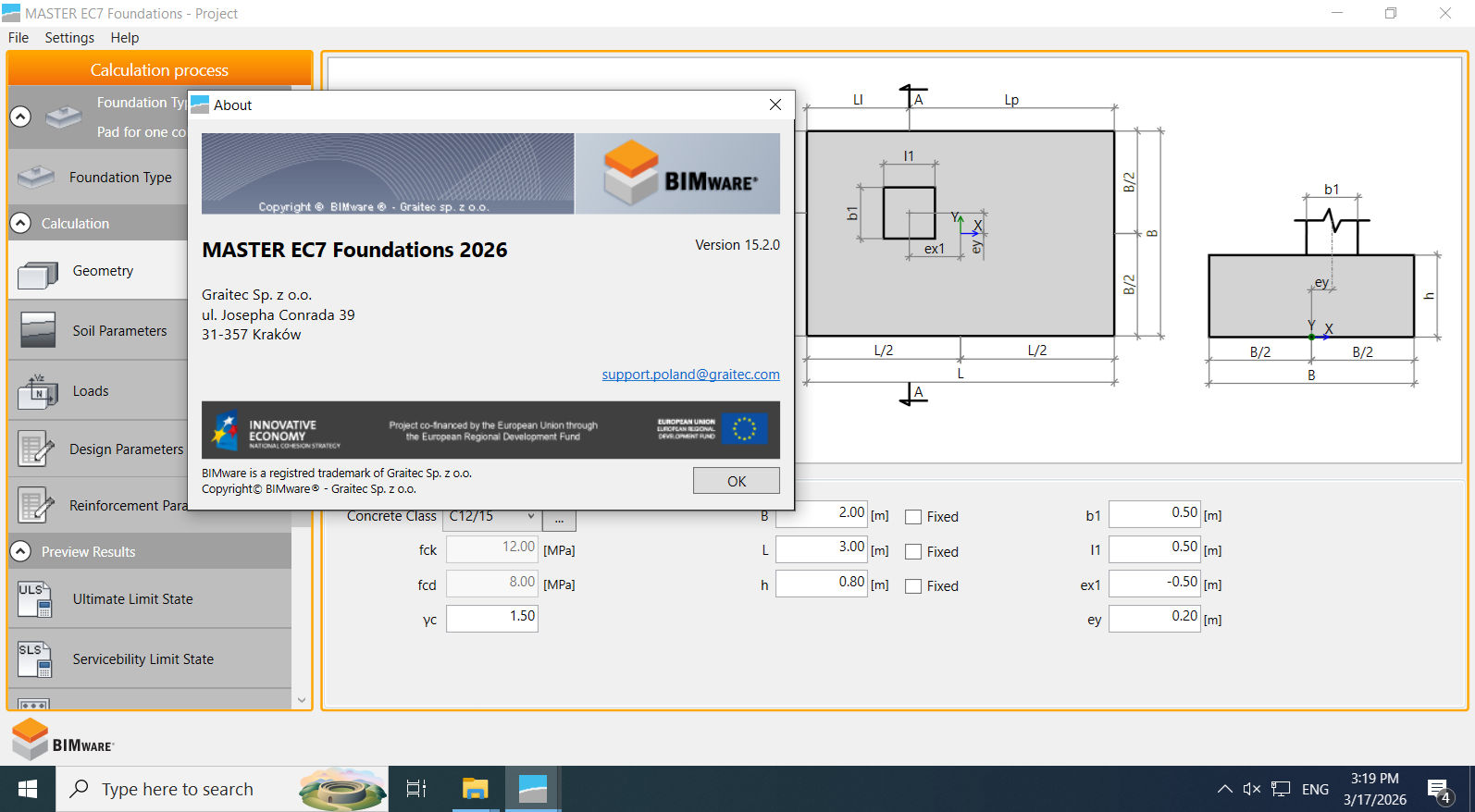
Download BIMware MASTER EC7 Foundations 15.2.0 full license

BIMware MASTER EC7 Foundations 15.2.0 – Geotechnical Foundation Design Software

Download BIMware MASTER EC7 Foundations 15.2.0 full license

Link download BIMware MASTER EC7 Foundations 15.2.0 full activated

Working with BIMware MASTER EC7 Foundations 15.2.0 full license

Description of BIMware MASTER EC7 Foundations 15.2.0

BIMware MASTER EC7 Foundations 15.2.0 is a specialized geotechnical engineering software designed for the analysis and design of foundations according to Eurocode 7 (EC7). Developed by BIMware Software, this tool provides engineers with advanced calculation capabilities for safe and efficient foundation design.

The software is widely used in civil engineering, geotechnical engineering, and construction projects to design various types of foundations including shallow foundations, footings, and soil-structure interaction systems. MASTER EC7 Foundations ensures compliance with European standards while simplifying complex geotechnical calculations.

With version 15.2.0, engineers can perform detailed soil analysis, evaluate bearing capacity, and design reliable foundation systems with confidence.

Features of BIMware MASTER EC7 Foundations 15.2.0

Eurocode 7 (EC7) Compliance
Design foundations in accordance with Eurocode 7 standards for geotechnical engineering.

Shallow Foundation Design
Analyze and design spread footings, strip footings, and raft foundations.

Bearing Capacity Analysis
Calculate soil bearing capacity to ensure safe load transfer from structures to the ground.

Settlement Calculations
Evaluate settlement and deformation of foundation systems under different load conditions.

Soil Parameter Management
Input and manage geotechnical soil properties for accurate analysis.

Load Combination Analysis
Apply various load combinations including dead, live, wind, and seismic loads.

Structural Interaction Modeling
Analyze interaction between soil and structural elements.

Detailed Calculation Reports
Generate professional reports with step-by-step design calculations.

User-Friendly Interface
Simplified interface for efficient workflow and easy data input.

Improvements in Version 15.2.0
This version includes enhanced calculation accuracy, improved reporting tools, updated Eurocode compliance features, and better performance.

System Requirements
Operating System: Windows 10 / Windows 11
Processor: Intel or AMD processor
RAM: 4 GB minimum (8 GB recommended)
Storage: 500 MB available disk space
Display: 1280×800 resolution or higher

Why Use BIMware MASTER EC7 Foundations?
Foundation design is critical to the safety and stability of any structure. BIMware MASTER EC7 Foundations 15.2.0 provides engineers with reliable tools to perform accurate geotechnical analysis and ensure compliance with international standards.

By automating complex calculations and providing detailed reports, the software helps improve efficiency and reduce risks in foundation design projects.

If you want to download BIMware MASTER EC7 Foundations 15.2.0 full license, please click to DOWNLOAD button to download.
CLICKDOWN.ORG Download CAD CAM CNC software
Inside package BIMware MASTER EC7 Foundations 15.2.0, already have cracked files and instruction how to install BIMware MASTER EC7 Foundations 15.2.0 step by step. I guarantee you can install BIMware MASTER EC7 Foundations 15.2.0 successfully if you follow that instruction.
If you also can’t install it or get any problems, please contact to me by email: clickdown.org@gmail.com, then I will help you to install software by teamviewer or Ultraviewer or Anydesk.
Thanks a lot
SOFTWARES

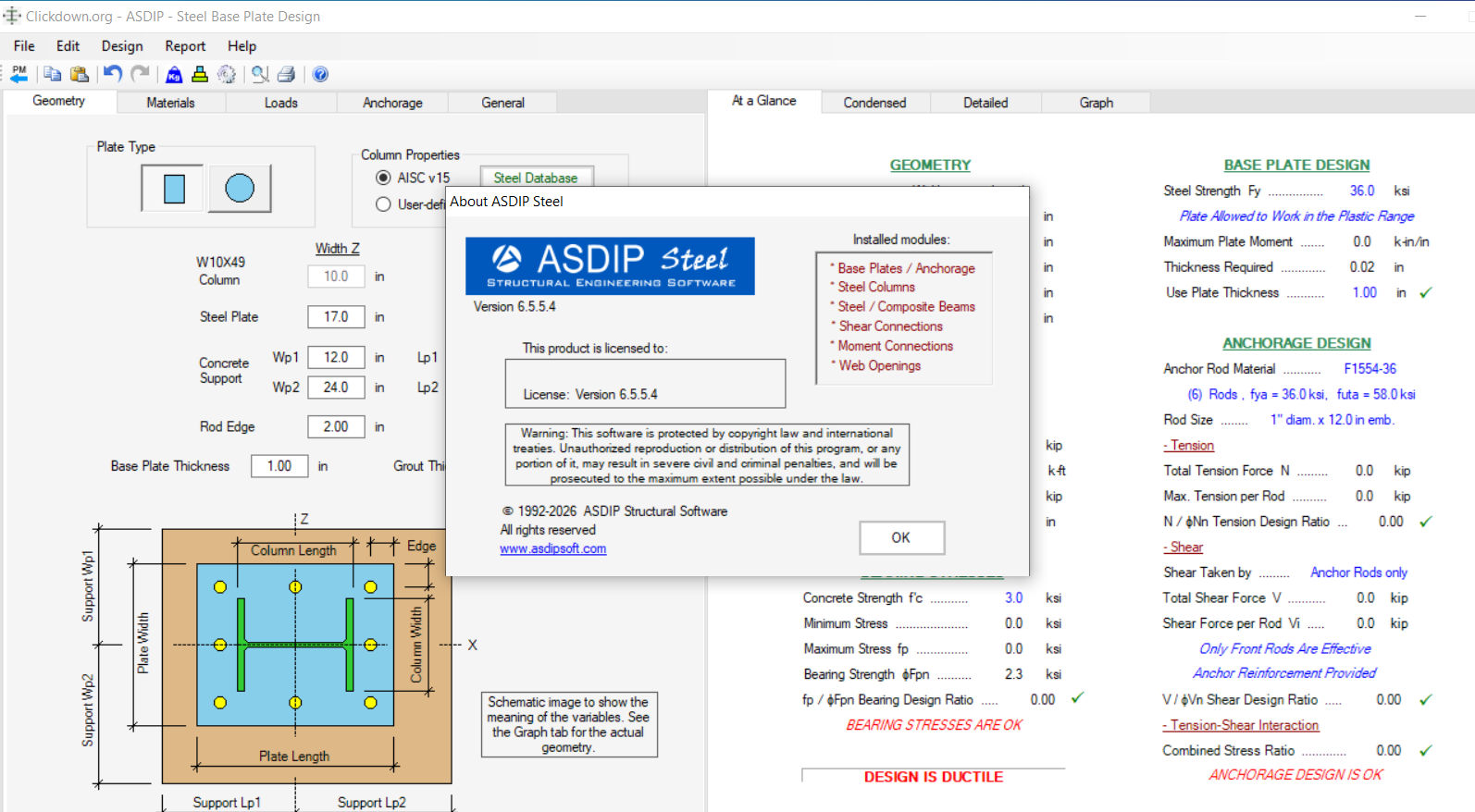
Download ASDIP Steel 6.5.5.4 full license 100% working

ASDIP Steel 6.5.5.4 – Structural Steel Design Software for Engineers

Download ASDIP Steel 6.5.5.4 full license 100% working

Link download ASDIP Steel 6.5.5.4 full activated

Working with ASDIP Steel 6.5.5.4 full license

Description of ASDIP Steel 6.5.5.4

ASDIP Steel 6.5.5.4 is a professional structural engineering software developed for the design and analysis of steel members in accordance with modern building codes. Created by ASDIP Structural Software, this tool is widely used by civil and structural engineers for designing safe and efficient steel structures.

The software supports the design of steel beams, columns, base plates, and connections, ensuring compliance with standards such as AISC (American Institute of Steel Construction). With its intuitive interface and automated calculations, ASDIP Steel simplifies complex structural design tasks.

With ASDIP Steel 6.5.5.4, engineers can quickly evaluate load conditions, verify code compliance, and generate detailed design reports for structural projects.

Features of ASDIP Steel 6.5.5.4

Steel Member Design
Design and analyze steel beams, columns, and structural elements with accurate engineering calculations.

Load Analysis and Combinations
Evaluate various load types including dead, live, wind, and seismic loads.

Code Compliance (AISC)
Automatically verify designs according to AISC standards and applicable building codes.

Connection and Base Plate Design
Design steel connections and base plates to ensure structural stability and safety.

Interaction Checks
Perform axial and bending interaction checks for columns and beams.

User-Friendly Interface
Simple and intuitive interface for quick input and efficient design workflows.

Real-Time Design Results
Instantly view analysis results and optimize designs interactively.

Detailed Calculation Reports
Generate professional engineering reports with step-by-step calculations.

Multiple Design Scenarios
Handle multiple load cases and design configurations within a single project.

Improvements in Version 6.5.5.4
This version includes enhanced calculation accuracy, improved reporting features, updated design standards, and better performance.

System Requirements
Operating System: Windows 10 / Windows 11
Processor: Intel or AMD processor
RAM: 4 GB minimum (8 GB recommended)
Storage: 500 MB available disk space
Display: 1280×800 resolution or higher

Why Use ASDIP Steel?
Designing steel structures requires precision and compliance with strict engineering standards. ASDIP Steel 6.5.5.4 provides engineers with reliable tools to simplify structural design and ensure safety.

By automating calculations and providing clear, detailed reports, ASDIP Steel helps improve productivity and reduce design errors in structural engineering projects.

If you want to download ASDIP Steel 6.5.5.4 full license, please click to DOWNLOAD button to download.
CLICKDOWN.ORG Download CAD CAM CNC software
Inside package ASDIP Steel 6.5.5.4, already have cracked files and instruction how to install ASDIP Steel 6.5.5.4 step by step. I guarantee you can install ASDIP Steel 6.5.5.4 successfully if you follow that instruction.
If you also can’t install it or get any problems, please contact to me by email: clickdown.org@gmail.com, then I will help you to install software by teamviewer or Ultraviewer or Anydesk.
Thanks a lot
SOFTWARES

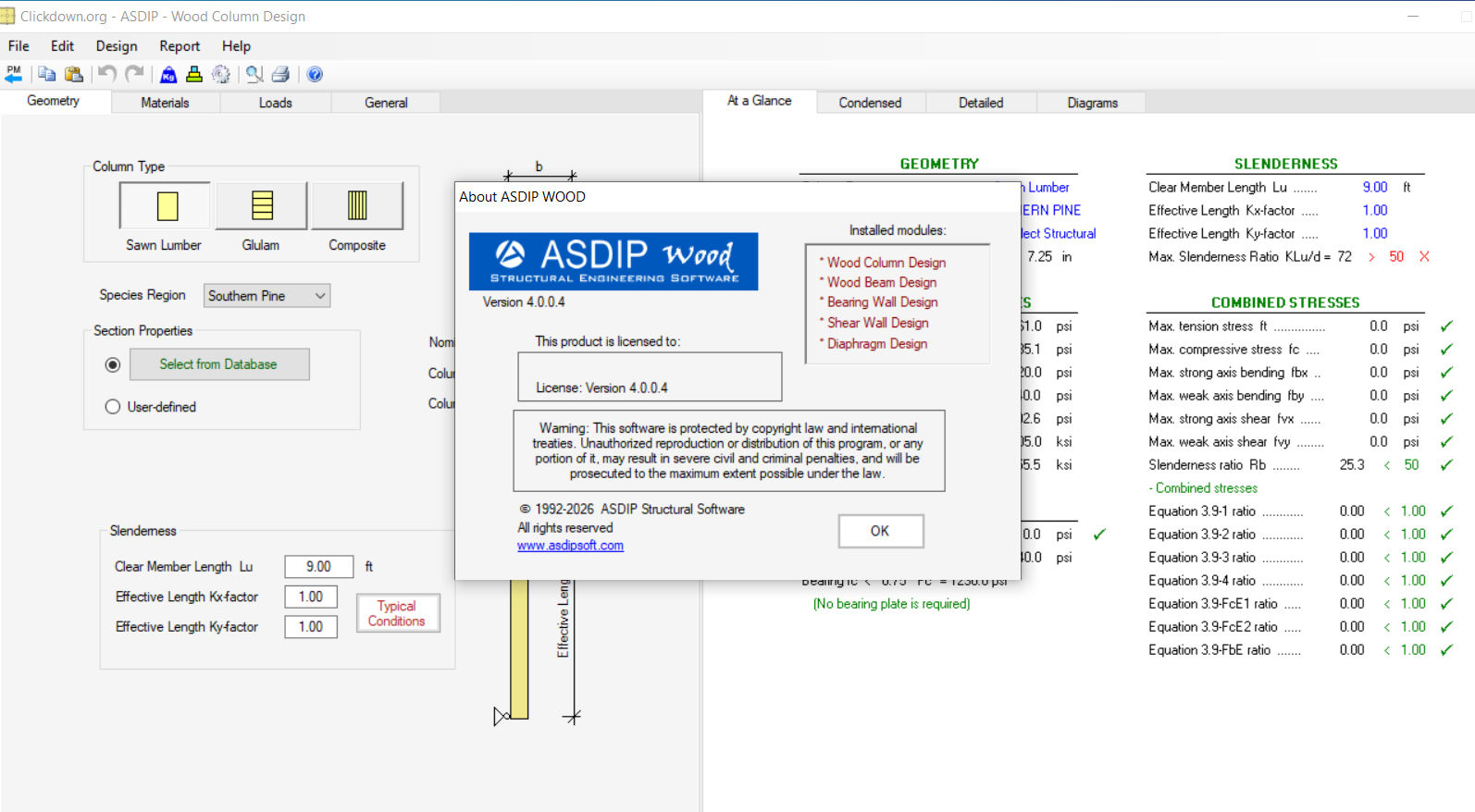
Download ASDIP Wood 4.0.0.4 full license 100% working

ASDIP Wood 4.0.0.4 – Structural Wood Design Software for Engineers

Download ASDIP Wood 4.0.0.4 full license

Link download ASDIP Wood 4.0.0.4 full activated

Working with ASDIP Wood 4.0.0.4 full license

Description of ASDIP Wood 4.0.0.4

ASDIP Wood 4.0.0.4 is a specialized structural engineering software developed for the design and analysis of wood members according to modern building codes. Created by ASDIP Structural Software, this tool is widely used by civil and structural engineers working on residential, commercial, and timber construction projects.

The software simplifies the design of wood elements such as beams, columns, studs, joists, and shear walls, ensuring compliance with design standards like NDS (National Design Specification for Wood Construction). With its intuitive interface and automated calculations, ASDIP Wood helps engineers perform accurate and efficient structural design.

With ASDIP Wood 4.0.0.4, users can analyze loads, check code compliance, and generate professional calculation reports for wood structures.

Features of ASDIP Wood 4.0.0.4

Wood Member Design
Design and analyze wood beams, columns, joists, and studs according to applicable building codes.

Load Analysis and Combinations
Evaluate various load conditions including dead, live, wind, and seismic loads.

Code Compliance Checks
Automatically verify designs based on NDS standards and other relevant building codes.

Shear Wall Design
Analyze and design wood shear walls for lateral load resistance.

Connection Design Support
Evaluate connections and fasteners for structural integrity.

User-Friendly Interface
Simple interface that allows engineers to quickly input data and obtain results.

Detailed Calculation Reports
Generate comprehensive and professional reports with step-by-step calculations.

Real-Time Results
Instantly view design results and make adjustments for optimization.

Multiple Design Cases
Handle multiple load cases and design scenarios within a single project.

Improvements in Version 4.0.0.4
This version includes improved calculation accuracy, enhanced reporting features, updated design standards, and better performance.

System Requirements
Operating System: Windows 10 / Windows 11
Processor: Intel or AMD processor
RAM: 4 GB minimum (8 GB recommended)
Storage: 500 MB available disk space
Display: 1280×800 resolution or higher

Why Use ASDIP Wood?
Designing safe and efficient wood structures requires precise calculations and code compliance. ASDIP Wood 4.0.0.4 provides engineers with reliable tools to streamline structural design and ensure safety in timber construction.

By automating complex calculations and providing clear reports, ASDIP Wood improves productivity and reduces design errors in structural engineering projects.

If you want to download ASDIP Wood 4.0.0.4 full license, please click to DOWNLOAD button to download.
CLICKDOWN.ORG Download CAD CAM CNC software
Inside package ASDIP Wood 4.0.0.4, already have cracked files and instruction how to install ASDIP Wood 4.0.0.4 step by step. I guarantee you can install ASDIP Wood 4.0.0.4 successfully if you follow that instruction.
If you also can’t install it or get any problems, please contact to me by email: clickdown.org@gmail.com, then I will help you to install software by teamviewer or Ultraviewer or Anydesk.
Thanks a lot
SOFTWARES

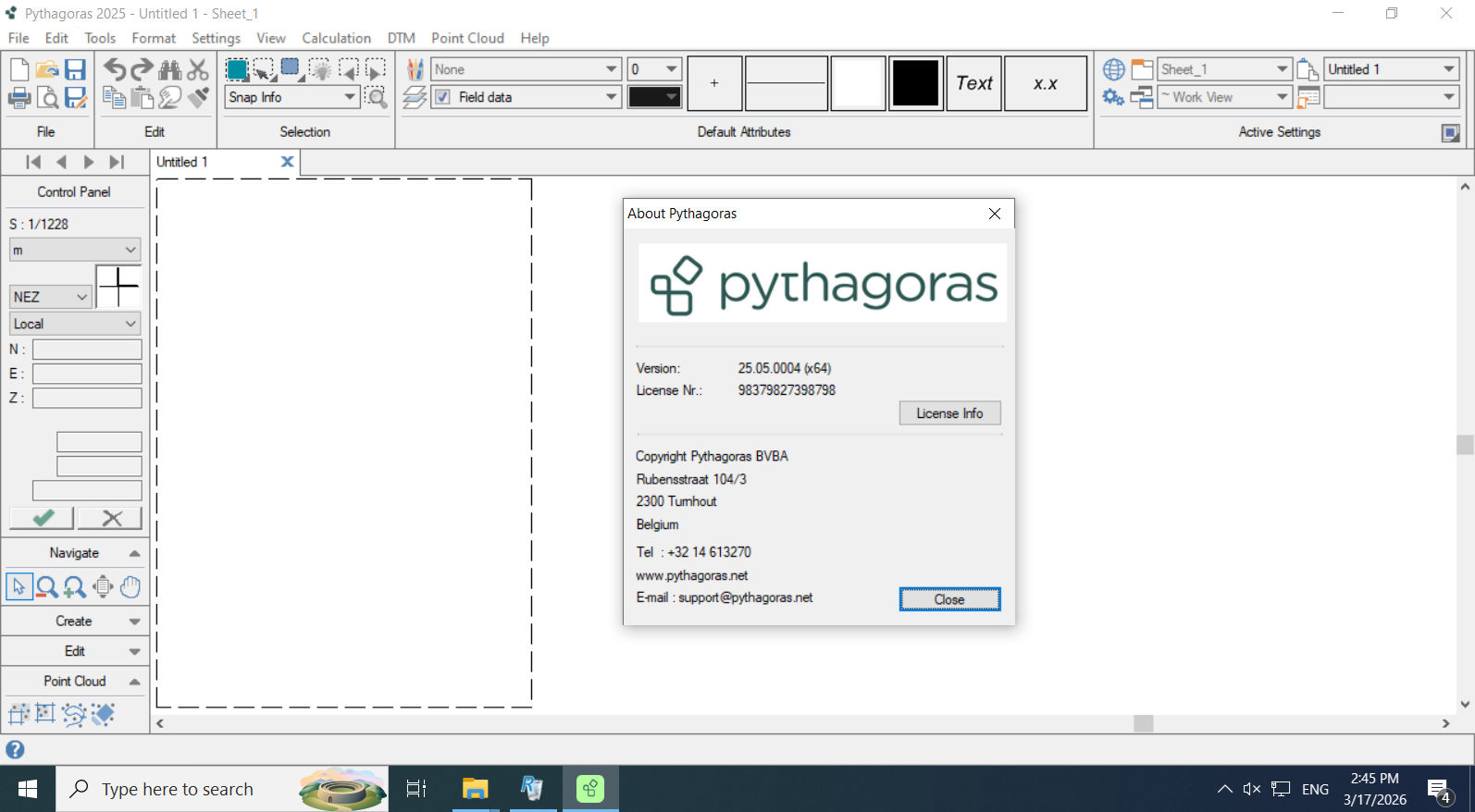
Download Pythagoras CAD+GIS 25.05.0004 full license

Pythagoras CAD+GIS 25.05.0004 – Integrated Surveying, CAD and GIS Software

Download Pythagoras CAD+GIS 25.05.0004 full license

Link download Pythagoras CAD+GIS 25.05.0004 full activated

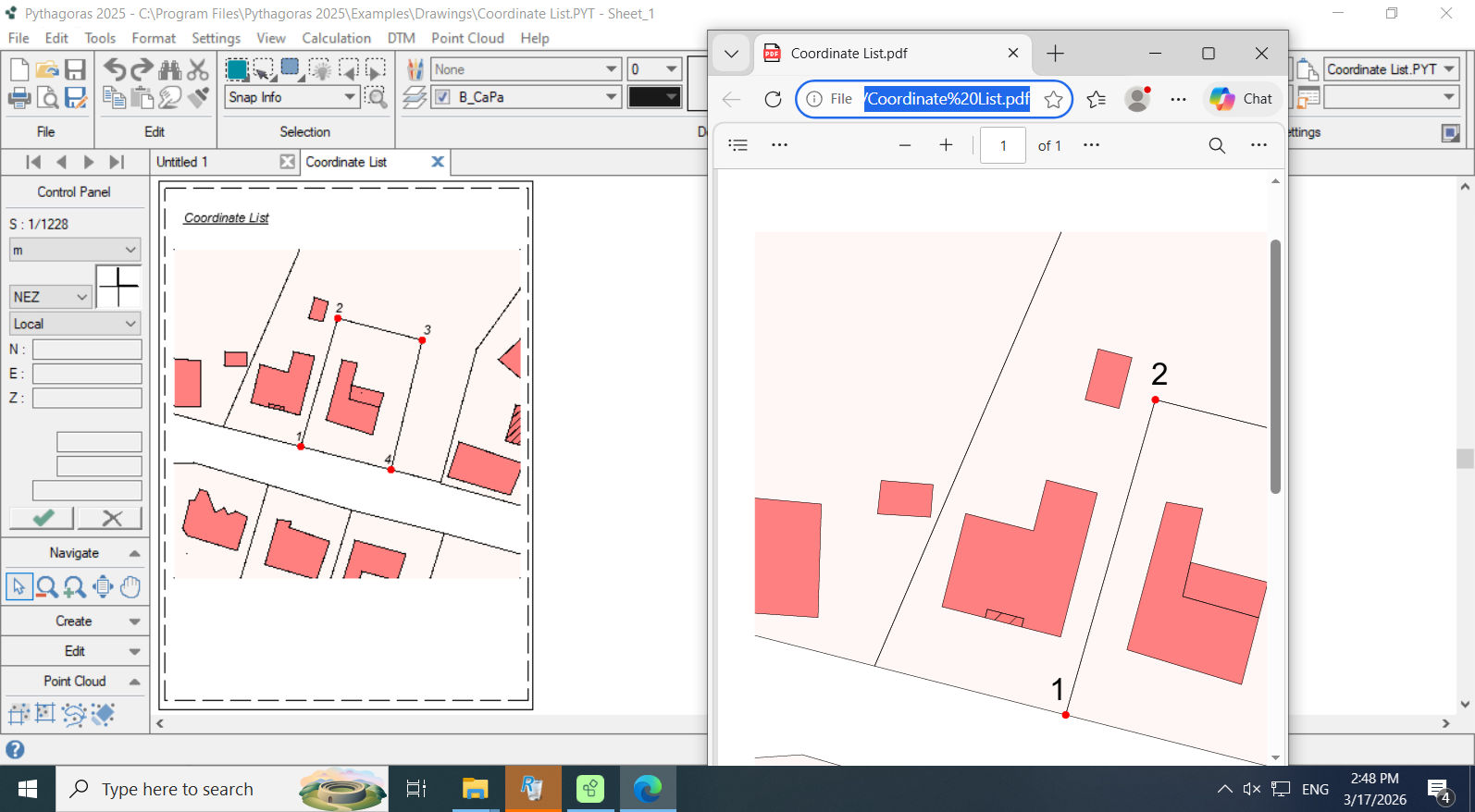
Pythagoras CAD+GIS 25.05.0004 full license

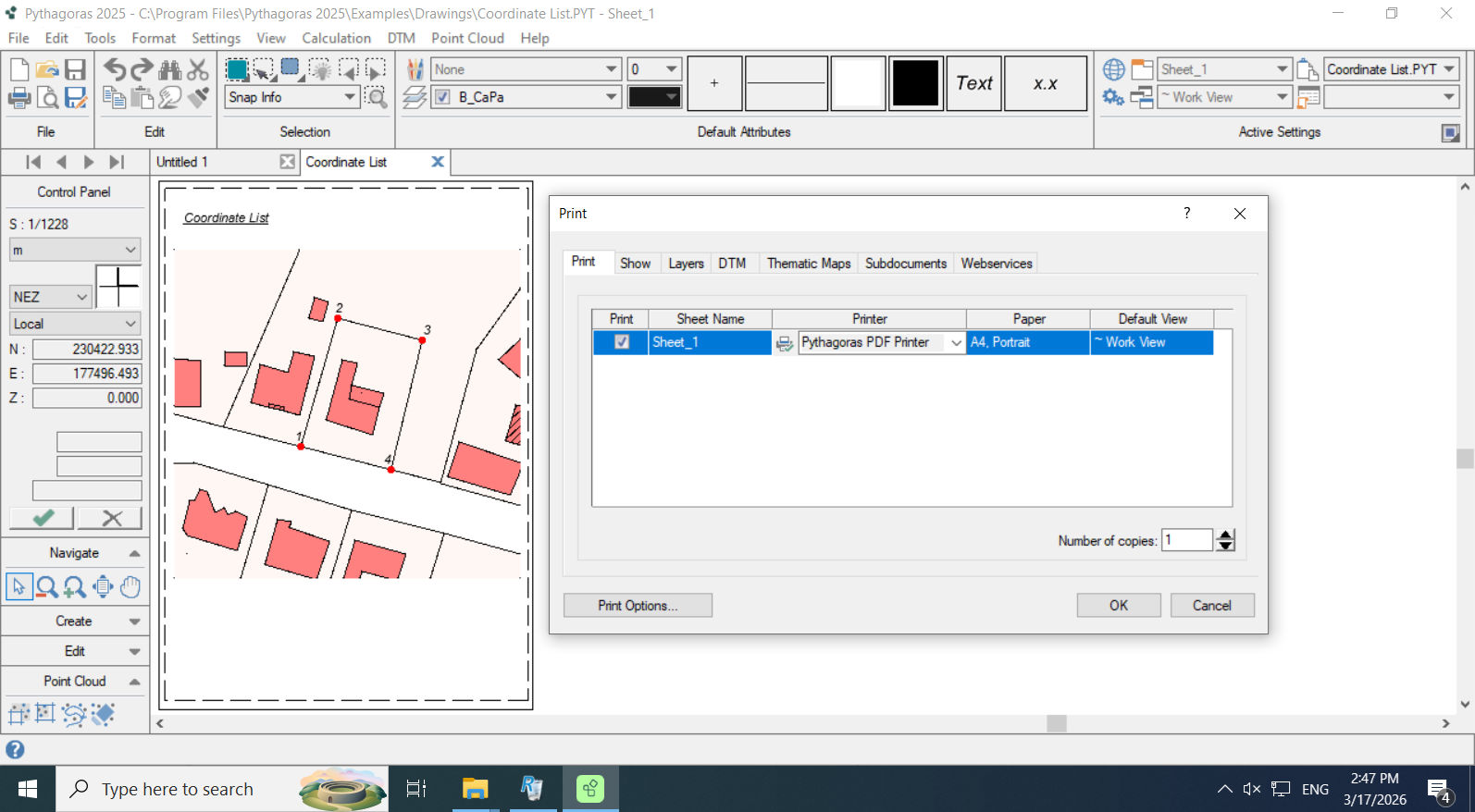
Working with Pythagoras CAD+GIS 25.05.0004 full activated

Print result with Pythagoras CAD+GIS 25.05.0004 full license

Description of Pythagoras CAD+GIS 25.05.0004

Pythagoras CAD+GIS 25.05.0004 is a powerful software solution that combines CAD functionality with GIS capabilities, specifically designed for surveying, mapping, and geospatial data processing. Developed by Pythagoras NV, this software is widely used by surveyors, engineers, and GIS professionals.

The software provides an all-in-one environment for processing survey data, creating maps, managing geospatial information, and producing accurate engineering drawings. With support for various data formats and surveying equipment, Pythagoras CAD+GIS streamlines workflows from field data collection to final project delivery.

With version 25.05.0004, users benefit from improved performance, enhanced GIS tools, and better integration with modern surveying technologies.

Features of Pythagoras CAD+GIS 25.05.0004

Integrated CAD and GIS Environment
Combine CAD drafting and GIS data management in a single platform for efficient workflows.

Survey Data Processing
Import and process data from total stations, GNSS devices, and other surveying instruments.

Mapping and Cartography Tools
Create detailed maps with precise geospatial data and customizable layouts.

Coordinate System Management
Work with multiple coordinate systems and projections for accurate geospatial analysis.

Digital Terrain Modeling (DTM)
Generate terrain models, contours, and elevation profiles from survey data.

Point Cloud and LiDAR Support
Handle point cloud datasets for advanced surveying and mapping applications.

Geospatial Data Analysis
Analyze spatial data and perform GIS-based calculations and measurements.

CAD Drafting Tools
Create engineering drawings, plans, and layouts with precise drafting tools.

Data Import and Export
Support for common CAD and GIS formats for seamless data exchange.

Improvements in Version 25.05.0004
This version includes enhanced performance, improved GIS features, better handling of large datasets, and updated compatibility with modern surveying equipment.

System Requirements
Operating System: Windows 10 / Windows 11 (64-bit)
Processor: Intel or AMD multi-core processor
RAM: 8 GB minimum (16 GB recommended)
Storage: 2 GB available disk space
Graphics: OpenGL-compatible graphics card

Why Choose Pythagoras CAD+GIS?
For professionals working in surveying and geospatial analysis, Pythagoras CAD+GIS 25.05.0004 offers a complete solution that bridges the gap between CAD drafting and GIS data processing.

By integrating mapping, surveying, and design tools into one platform, it helps users improve productivity, reduce errors, and deliver accurate geospatial projects efficiently.

If you want to download Pythagoras CAD+GIS 25.05.0004 full license, please click to DOWNLOAD button to download.
CLICKDOWN.ORG Download CAD CAM CNC software
Inside package Pythagoras CAD+GIS 25.05.0004, already have cracked files and instruction how to install Pythagoras CAD+GIS 25.05.0004 step by step. I guarantee you can install Pythagoras CAD+GIS 25.05.0004 successfully if you follow that instruction.
If you also can’t install it or get any problems, please contact to me by email: clickdown.org@gmail.com, then I will help you to install software by teamviewer or Ultraviewer or Anydesk.
Thanks a lot
SOFTWARES

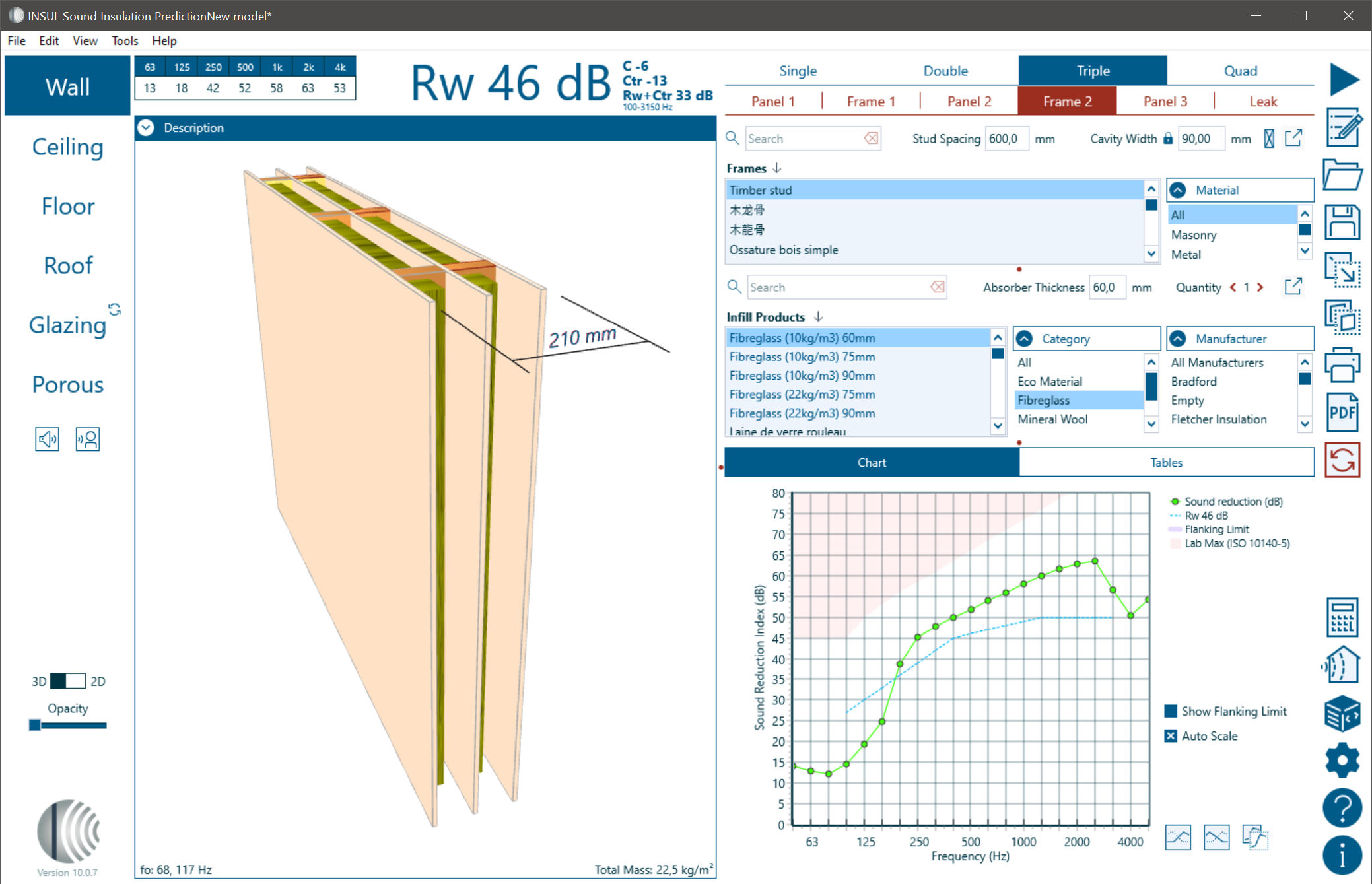
Download Marshall Day Acoustics INSUL 10.0.7 x64 full license

Marshall Day Acoustics INSUL 10.0.7 – Sound Insulation Prediction Software

Download Marshall Day Acoustics INSUL 10.0.7 x64 full license

Link download Marshall Day Acoustics INSUL 10.0.7 win64 full activated

Working with Marshall Day Acoustics INSUL 10.0.7 full license

Description of Marshall Day Acoustics INSUL 10.0.7

Marshall Day Acoustics INSUL 10.0.7 is a specialized acoustic simulation software used for predicting sound insulation performance in building elements. Developed by Marshall Day Acoustics, INSUL is widely used by acoustical engineers, architects, and building consultants to evaluate how different materials and constructions reduce sound transmission.

The software is ideal for designing walls, floors, ceilings, windows, and other building components where sound insulation is critical. INSUL 10.0.7 allows users to simulate acoustic performance and compare different construction assemblies before actual implementation.

With accurate prediction models and an extensive material database, INSUL helps professionals design buildings that meet acoustic standards and improve occupant comfort.

Features of Marshall Day Acoustics INSUL 10.0.7

Sound Insulation Prediction
Predict airborne sound insulation performance of building elements such as walls, floors, and ceilings.

Multi-Layer Construction Modeling
Simulate complex structures with multiple layers of materials to evaluate their acoustic behavior.

Material Database
Access a comprehensive library of building materials with predefined acoustic properties.

Frequency-Based Analysis
Analyze sound insulation performance across a wide range of frequencies.

Comparison of Design Options
Compare multiple construction configurations to determine the most effective acoustic solution.

Lightweight Partition Analysis
Evaluate acoustic performance of lightweight walls and partitions commonly used in modern construction.

Glazing and Window Analysis
Simulate sound insulation for windows and glazing systems.

User-Friendly Interface
Simple and intuitive interface for quick setup and analysis of acoustic models.

Detailed Reporting
Generate professional reports with graphs and acoustic performance data.

Improvements in Version 10.0.7
The latest version includes updated material data, improved calculation accuracy, enhanced interface usability, and better compatibility with modern systems.

System Requirements
Operating System: Windows 10 / Windows 11
Processor: Intel or AMD processor
RAM: 4 GB minimum (8 GB recommended)
Storage: 500 MB available disk space
Display: 1280×800 resolution or higher

Why Use INSUL?
Designing buildings with proper sound insulation is essential for comfort and compliance with regulations. Marshall Day Acoustics INSUL 10.0.7 provides accurate prediction tools that help engineers and architects optimize building designs for acoustic performance.

By simulating different material combinations and construction methods, INSUL reduces the need for costly physical testing and helps achieve better acoustic outcomes in building projects.

If you want to download Marshall Day Acoustics INSUL 10.0.7 full license, please click to DOWNLOAD button to download.
CLICKDOWN.ORG Download CAD CAM CNC software
Inside package Marshall Day Acoustics INSUL 10.0.7, already have cracked files and instruction how to install Marshall Day Acoustics INSUL 10.0.7 step by step. I guarantee you can install Marshall Day Acoustics INSUL 10.0.7 successfully if you follow that instruction.
If you also can’t install it or get any problems, please contact to me by email: clickdown.org@gmail.com, then I will help you to install software by teamviewer or Ultraviewer or Anydesk.
Thanks a lot
SOFTWARES

Download Datamine Studio UG 4.1.387.0 win64 full license

Datamine Studio UG 4.1.387.0 – Underground Mining Design and Planning Software

Download Datamine Studio UG 4.1.387.0 win64 full license

Link download Datamine Studio UG 4.1.387.0 x64 full activated

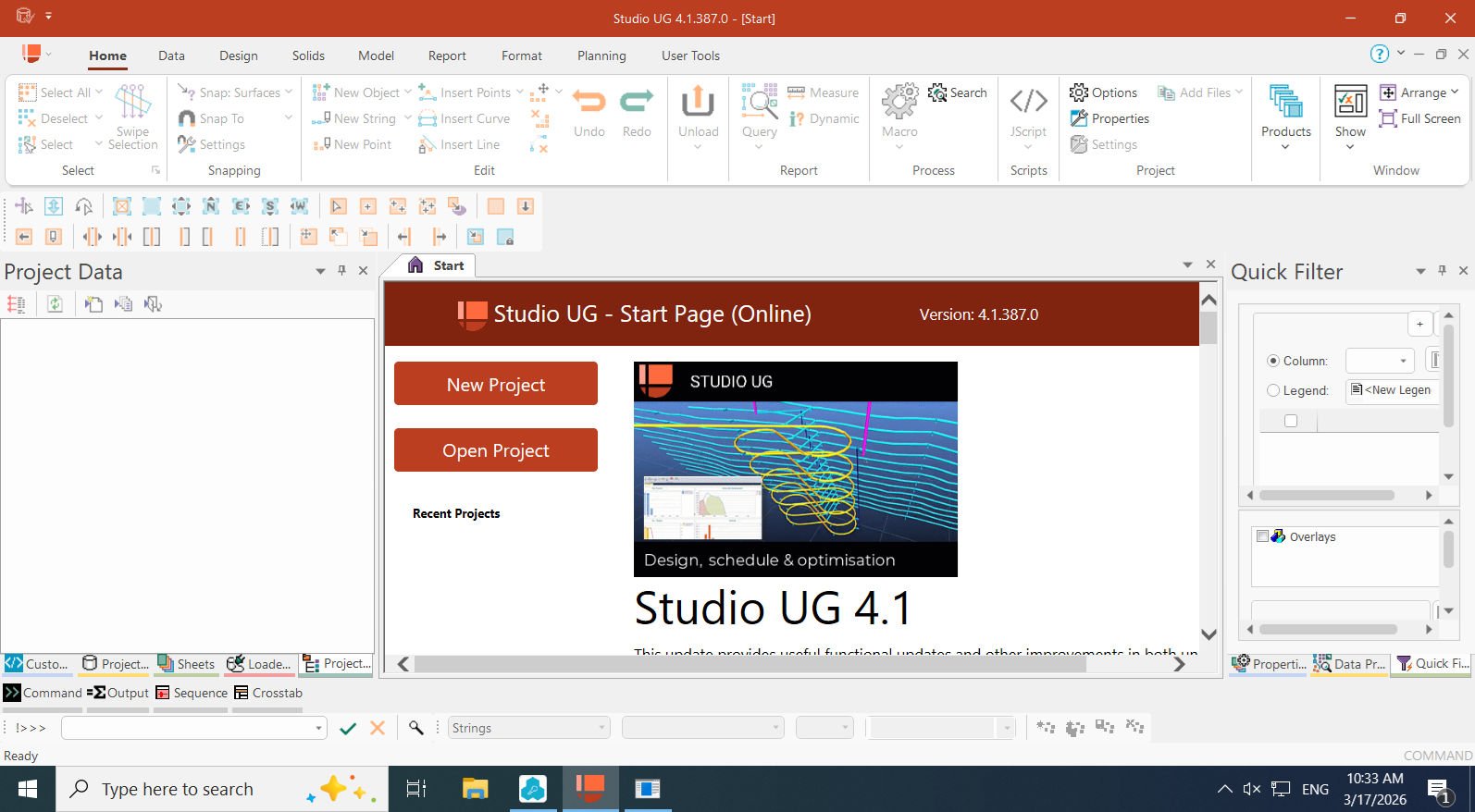
Working with Datamine Studio UG 4.1.387.0 full license

Description of Datamine Studio UG 4.1.387.0

Datamine Studio UG 4.1.387.0 is a specialized mining engineering software designed for underground mine design, geological modeling, and production planning. Developed by Datamine Software, Studio UG provides a comprehensive environment for managing underground mining operations efficiently and accurately.

Widely used in the mining and resource industries, Datamine Studio UG enables engineers and geologists to create detailed underground mine designs, plan development activities, and optimize production processes. The software integrates geological data, survey information, and mine planning tools into a single platform.

With Studio UG 4.1.387.0, users can visualize ore bodies, design tunnels and stopes, and manage underground workflows to improve productivity and safety.

Features of Datamine Studio UG 4.1.387.0

Underground Mine Design
Design tunnels, shafts, stopes, and other underground structures with precision engineering tools.

Geological Modeling
Create accurate 3D geological models using drilling data, block models, and survey information.

Orebody Visualization
Visualize ore bodies and geological formations to support better decision-making in mine planning.

Production Planning and Scheduling
Plan mining operations, production schedules, and resource allocation efficiently.

Drillhole Data Integration
Import and manage drilling data for accurate geological interpretation.

Survey Data Management
Integrate survey data to maintain accurate mine layouts and development plans.

Stope Optimization
Optimize stope design to maximize ore recovery while maintaining safety and stability.

Reporting and Documentation
Generate detailed reports for mine planning, production tracking, and project analysis.

3D Visualization Tools
Explore underground mine designs in an interactive 3D environment.

Improvements in Version 4.1.387.0
This version includes enhanced modeling performance, improved visualization tools, better workflow efficiency, and updated compatibility with modern mining standards.

System Requirements
Operating System: Windows 10 / Windows 11 (64-bit)
Processor: Intel or AMD multi-core processor
RAM: 8 GB minimum (16 GB recommended)
Storage: 5 GB available disk space
Graphics: OpenGL-compatible graphics card

Why Use Datamine Studio UG?
Efficient underground mining requires accurate design, planning, and data integration. Datamine Studio UG 4.1.387.0 provides a robust platform for engineers to manage complex mining operations and improve productivity.

By combining geological modeling, mine design, and production planning tools, Studio UG helps mining professionals optimize resource extraction and ensure safe underground operations.

If you want to download Datamine Studio UG 4.1.387.0 full license, please click to DOWNLOAD button to download.
CLICKDOWN.ORG Download CAD CAM CNC software
Inside package Datamine Studio UG 4.1.387.0, already have cracked files and instruction how to install Datamine Studio UG 4.1.387.0 step by step. I guarantee you can install Datamine Studio UG 4.1.387.0 successfully if you follow that instruction.
If you also can’t install it or get any problems, please contact to me by email: clickdown.org@gmail.com, then I will help you to install software by teamviewer or Ultraviewer or Anydesk.
Thanks a lot
SOFTWARES

Download Cimco Edit 2026.01.01 win64 full license forever

CIMCO Edit 2026.01.01 – Professional CNC Program Editor for Manufacturing

Download Cimco Edit 2026.01.01 win64 full license forever

Link download Cimco Edit 2026.01.01 full activated

Working with Cimco Edit 2026.01.01 full license forever

Description of Cimco Edit 2026.01.01

CIMCO Edit 2026.01.01 is a powerful CNC program editing, simulation, and management software used by machinists, programmers, and manufacturing engineers. Developed by CIMCO A/S, the software is widely recognized as one of the most advanced editors for CNC programming and G-code management.

Designed specifically for CNC environments, CIMCO Edit provides a wide range of tools for editing, analyzing, and optimizing CNC programs. It supports numerous CNC machine types and integrates easily into modern manufacturing workflows.

With CIMCO Edit 2026.01.01, users can quickly modify G-code, simulate toolpaths, manage CNC files, and improve machining accuracy while reducing production errors.

Features of Cimco Edit 2026.01.01

Advanced CNC Program Editor
Edit large CNC programs quickly with powerful editing tools designed specifically for G-code and CNC programming.

Intelligent G-Code Syntax Highlighting
Automatically highlight and format G-code for easier reading and editing.

CNC Program Simulation
Visualize CNC toolpaths and simulate machining operations to verify program accuracy before production.

Backplot Toolpath Visualization
Graphically display tool movements to detect programming errors or potential collisions.

Compare CNC Programs
Quickly compare two CNC programs to identify differences and track revisions.

Program Optimization Tools
Optimize CNC code to improve machining efficiency and reduce unnecessary machine movements.

DNC Communication
Transfer CNC programs directly between the computer and CNC machines using built-in DNC functionality.

File and Program Management
Organize and manage large numbers of CNC programs efficiently.

Support for Multiple CNC Controllers
Compatible with various CNC machines and controllers used in modern manufacturing.

Improvements in Version 2026.01.01
The latest version introduces enhanced performance, improved simulation capabilities, better editing tools, and updated compatibility with modern CNC systems.

System Requirements
Operating System: Windows 10 / Windows 11 (64-bit)
Processor: Intel or AMD processor
RAM: 4 GB minimum (8 GB recommended)
Storage: 500 MB available disk space
Display: 1280×800 resolution or higher

Why Choose CIMCO Edit?
For CNC programmers and machinists, accurate and efficient code editing is essential. CIMCO Edit 2026.01.01 provides powerful editing tools, visualization features, and program management capabilities that help streamline CNC programming workflows.

The software helps reduce programming errors, improve machining efficiency, and ensure reliable CNC operations in manufacturing environments.

If you want to download Cimco Edit 2026.01.01 full license, please click to DOWNLOAD button to download.
CLICKDOWN.ORG Download CAD CAM CNC software
Inside package Cimco Edit 2026.01.01, already have cracked files and instruction how to install Cimco Edit 2026.01.01 step by step. I guarantee you can install Cimco Edit 2026.01.01 successfully if you follow that instruction.
If you also can’t install it or get any problems, please contact to me by email: clickdown.org@gmail.com, then I will help you to install software by teamviewer or Ultraviewer or Anydesk.
Thanks a lot
SOFTWARES

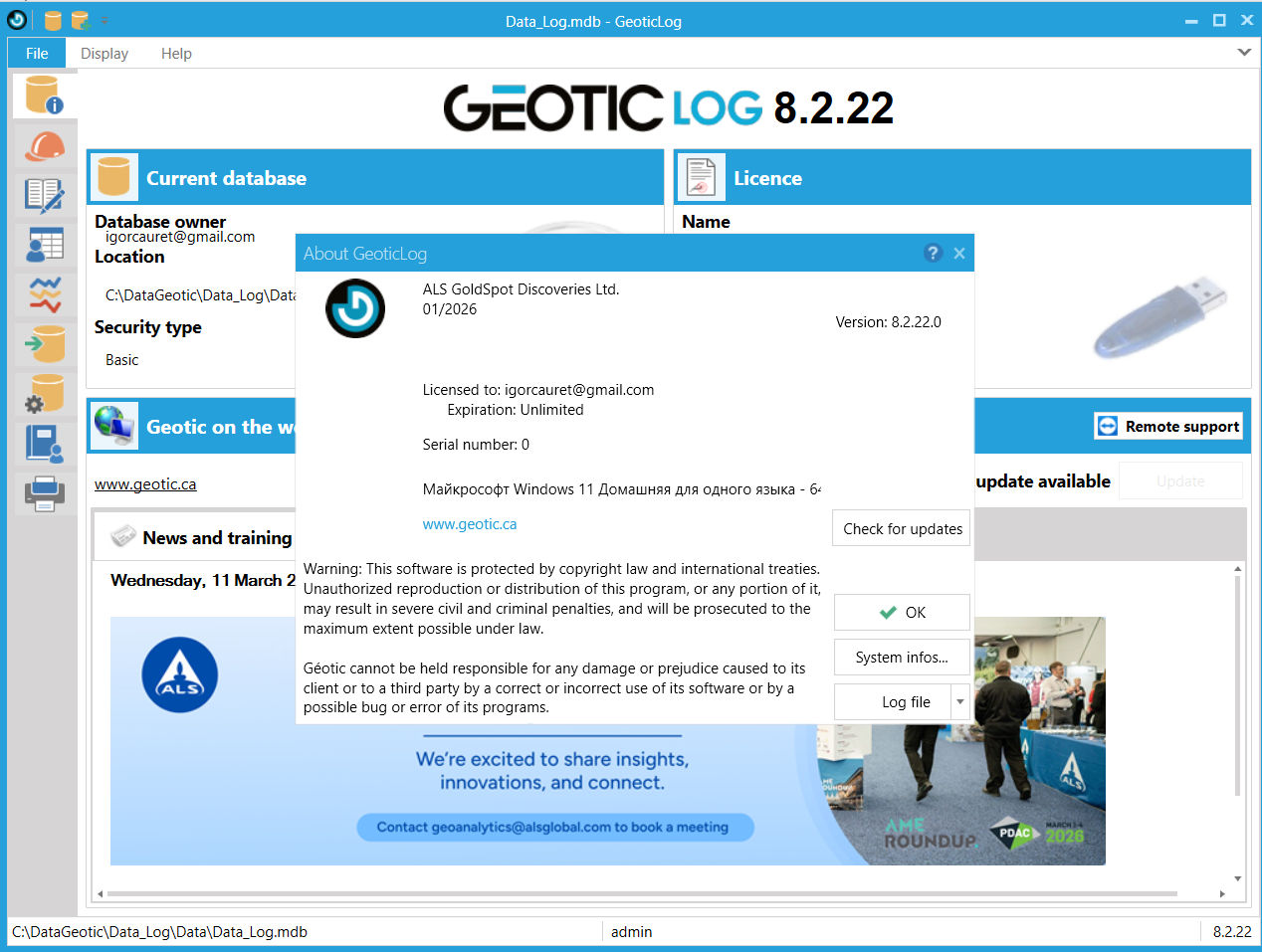
Download GeoticLog 8.2.22 full license 100% working

GeoticLog 8.2.22 – Geological Logging and Geotechnical Data Management Software

Download GeoticLog 8.2.22 x64 full license

Link download GeoticLog 8.2.22 win64 full activated

Working with GeoticLog 8.2.22 full license

Description of GeoticLog 8.2.22

GeoticLog 8.2.22 is a professional software solution designed for geological logging, borehole data management, and geotechnical analysis. Developed by Geotic Inc., the software provides geologists, engineers, and exploration teams with powerful tools to collect, organize, and analyze subsurface data.

Widely used in industries such as mining, geotechnical engineering, environmental studies, and mineral exploration, GeoticLog enables professionals to efficiently manage drilling information, lithology descriptions, sampling results, and geological observations.

With GeoticLog 8.2.22, users can record borehole logs, visualize geological layers, and generate professional reports for exploration and engineering projects.

Features of GeoticLog 8.2.22

Borehole Logging Management
Record and manage detailed borehole and drilling information with structured geological logging tools.

Lithology and Stratigraphy Recording
Document rock types, stratigraphic layers, and geological characteristics with customizable logging templates.

Drillhole Data Visualization
Visualize borehole data through graphical logs and geological profiles.

Sample and Assay Data Management
Track sample information and laboratory assay results within a centralized database.

Geotechnical Data Integration
Record geotechnical parameters such as RQD, fracture data, and rock quality indicators.

Customizable Logging Templates
Adapt logging forms and parameters to meet the needs of different geological and engineering projects.

Data Import and Export
Import data from external sources and export geological datasets for further analysis.

Mapping and Visualization Tools
Generate clear geological diagrams and reports for project documentation.

Project Data Organization
Manage large geological datasets across multiple drilling campaigns and exploration sites.

Improvements in Version 8.2.22
The latest version introduces improved data management performance, enhanced visualization tools, and better compatibility with modern geological workflows.

System Requirements
Operating System: Windows 10 / Windows 11
Processor: Intel or AMD processor
RAM: 4 GB minimum (8 GB recommended)
Storage: 1 GB available disk space
Display: 1280×800 resolution or higher

Why Use GeoticLog?
Accurate geological data management is essential for exploration and engineering projects. GeoticLog 8.2.22 helps professionals organize drilling information, analyze geological structures, and produce reliable reports for decision-making.

By combining borehole logging, data visualization, and project management tools, GeoticLog simplifies geological data workflows and improves productivity for exploration teams.

If you want to download GeoticLog 8.2.22 full license, please click to DOWNLOAD button to download.
CLICKDOWN.ORG Download CAD CAM CNC software
Inside package GeoticLog 8.2.22, already have cracked files and instruction how to install GeoticLog 8.2.22 step by step. I guarantee you can install GeoticLog 8.2.22 successfully if you follow that instruction.
If you also can’t install it or get any problems, please contact to me by email: clickdown.org@gmail.com, then I will help you to install software by teamviewer or Ultraviewer or Anydesk.
Thanks a lot
SOFTWARES

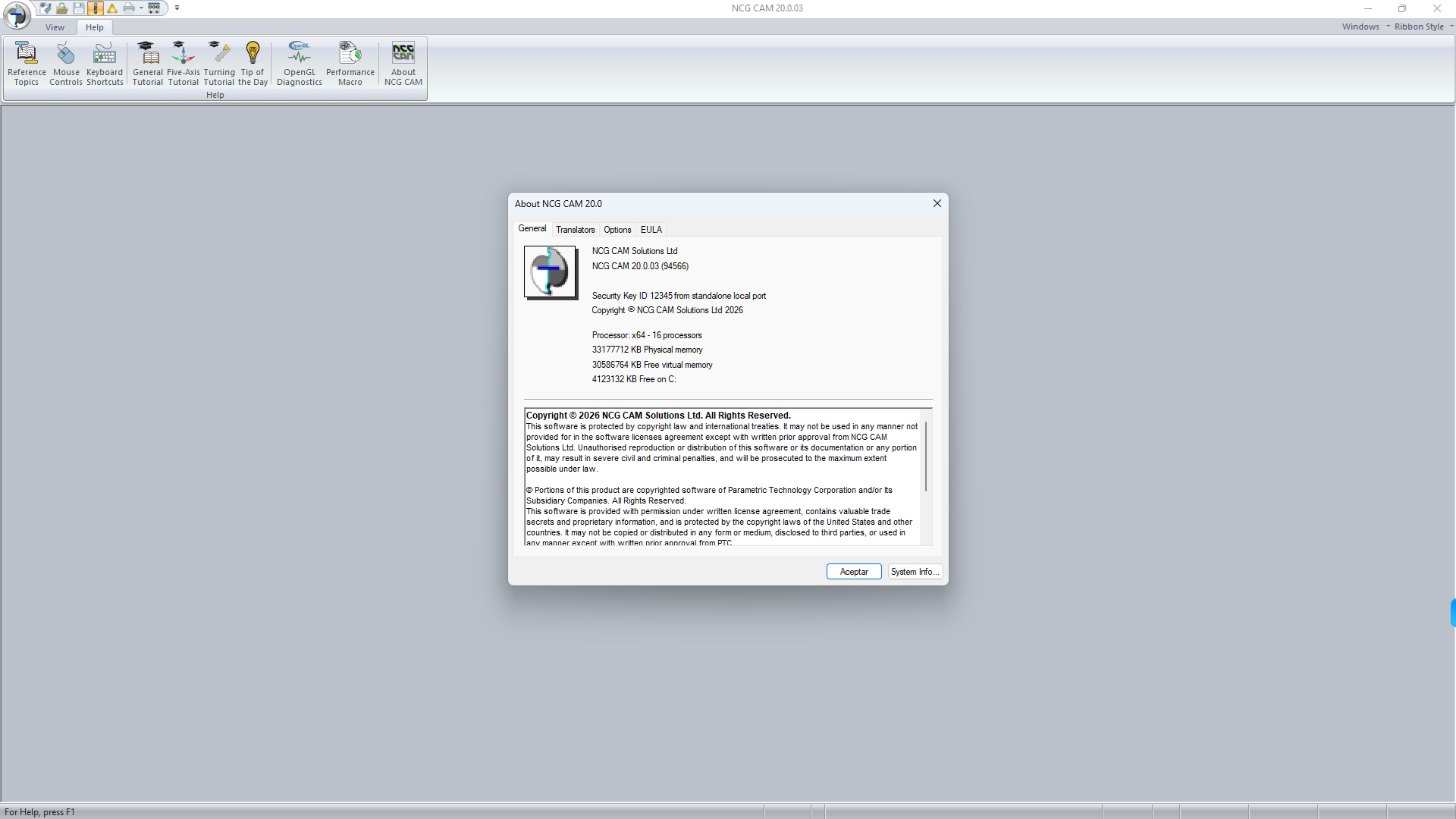
Download NCG Cam 20.0.03 win64 full license 100% working

NCG Cam 20.0.03 – High-Performance CAM Software for CNC Machining

Download NCG Cam 20.0.03 win64 full license 100% working

Link download NCG Cam 20.0.03 win64 full activated

Working with NCG Cam 20.0.03 full license

Description of NCG Cam 20.0.03

NCG Cam 20.0.03 is a professional CAM (Computer-Aided Manufacturing) software designed for generating efficient CNC toolpaths for machining complex 3D surfaces. Developed by NCG CAM Solutions Ltd, the software is widely used in industries such as mold making, tool manufacturing, automotive, aerospace, and precision engineering.

NCG Cam focuses on high-speed machining and advanced toolpath strategies, allowing manufacturers to produce high-quality parts while reducing machining time and tool wear. The software is especially well known for its ability to machine complex 3D surfaces and molds with exceptional accuracy.

With NCG Cam 20.0.03, engineers and machinists can generate optimized CNC programs, simulate machining operations, and improve productivity in modern manufacturing environments.

Features of NCG Cam 20.0.03

Advanced CNC Toolpath Generation
Generate highly efficient toolpaths for machining complex 3D surfaces and freeform geometries.

High-Speed Machining Strategies
Optimized toolpath algorithms reduce machining time while maintaining high surface quality.

3D Surface Machining
Ideal for mold, die, and precision component manufacturing requiring accurate surface finishing.

Multi-Axis Machining Support
Supports advanced machining operations including 3-axis and 5-axis CNC machining.

Intelligent Toolpath Optimization
Automatically calculates optimal cutting paths to minimize tool wear and improve productivity.

Tool and Material Libraries
Access predefined tool libraries and material settings for efficient machining configuration.

Machining Simulation
Simulate machining operations to verify toolpaths and detect potential collisions.

CAD File Compatibility
Import 3D models from common CAD formats used in engineering and manufacturing.

Post Processor Support
Generate CNC code compatible with a wide range of CNC machines and controllers.

Improvements in Version 20.0.03
This version includes performance improvements, enhanced toolpath strategies, updated compatibility with modern CNC systems, and better machining efficiency.

System Requirements
Operating System: Windows 10 / Windows 11 (64-bit)
Processor: Intel or AMD multi-core processor
RAM: 8 GB minimum (16 GB recommended)
Storage: 2 GB available disk space
Graphics: OpenGL-compatible graphics card

Why Choose NCG Cam?
For manufacturers working with complex surfaces and precision parts, NCG Cam 20.0.03 provides powerful CAM tools that simplify CNC programming while maximizing machining efficiency.

The software helps engineers generate accurate toolpaths, reduce production time, and improve the overall quality of machined components.

If you want to download NCG Cam 20.0.03 full license, please click to DOWNLOAD button to download.
CLICKDOWN.ORG Download CAD CAM CNC software
Inside package NCG Cam 20.0.03, already have cracked files and instruction how to install NCG Cam 20.0.03 step by step. I guarantee you can install NCG Cam 20.0.03 successfully if you follow that instruction.
If you also can’t install it or get any problems, please contact to me by email: clickdown.org@gmail.com, then I will help you to install software by teamviewer or Ultraviewer or Anydesk.
Thanks a lot
SOFTWARES

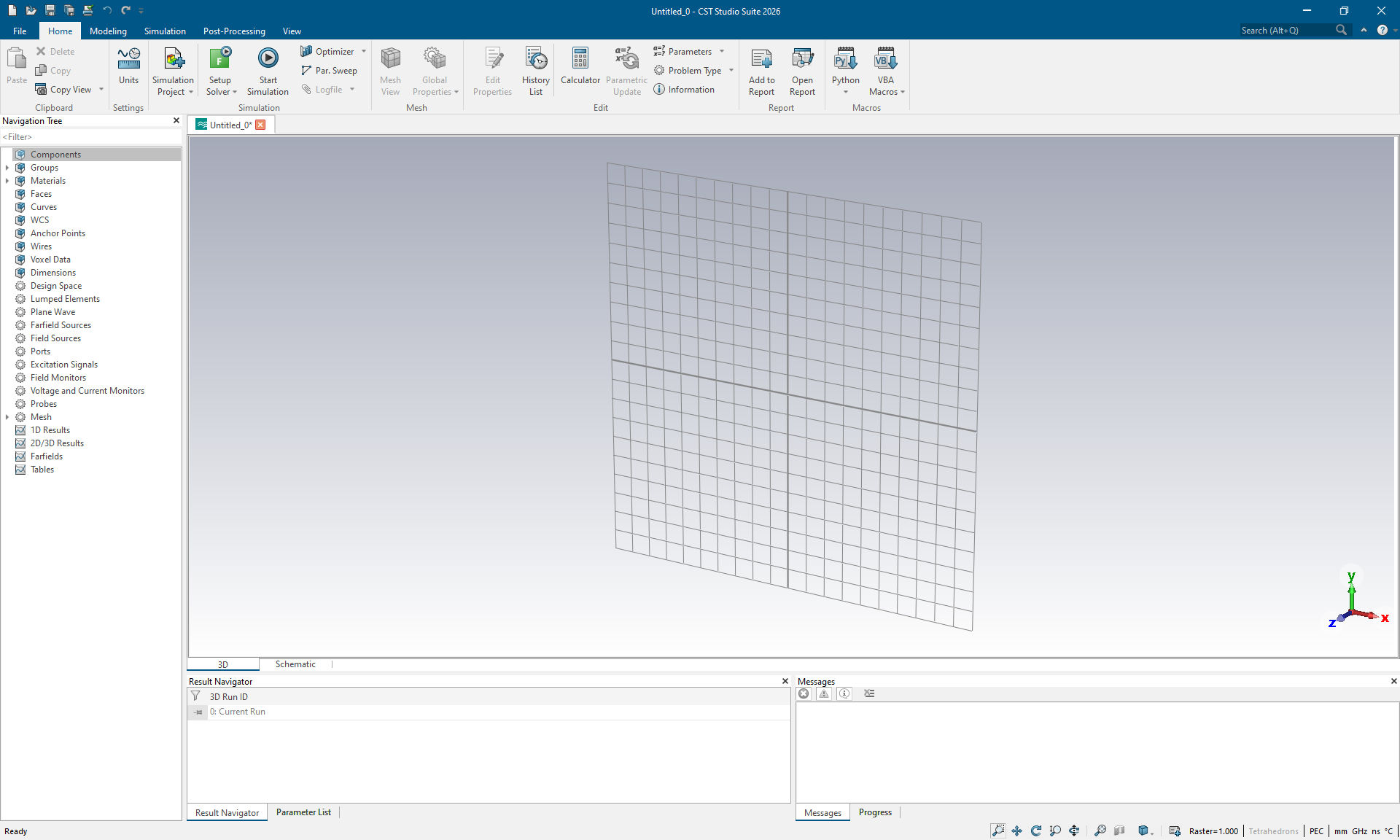
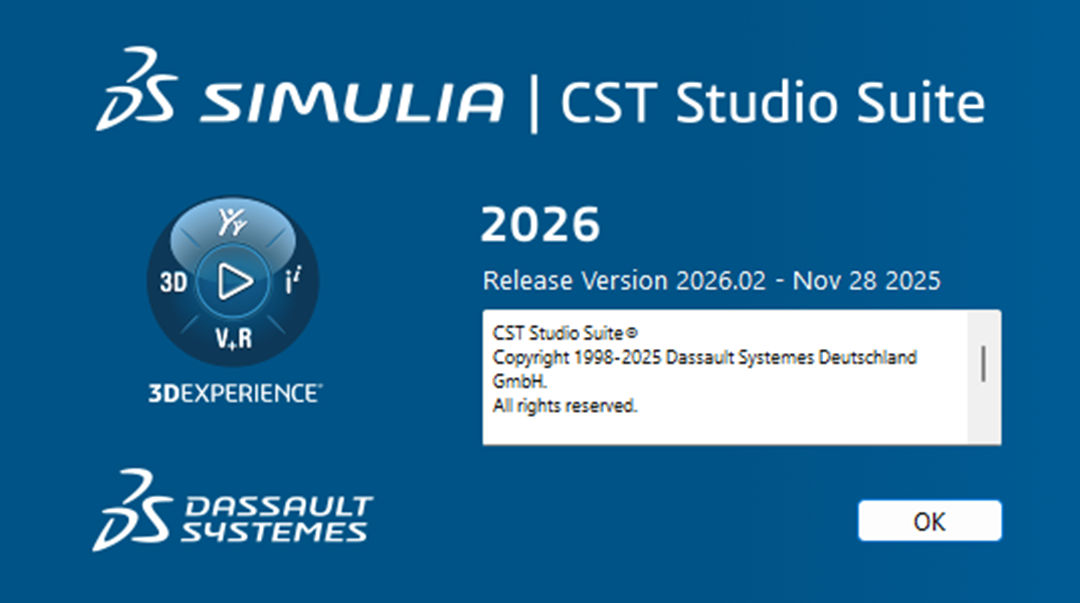
Download DS SIMULIA CST Studio Suite 2026 SP2 win64 full

DS SIMULIA CST Studio Suite 2026 SP2 – Electromagnetic Simulation Software

Download DS SIMULIA CST Studio Suite 2026 SP2 win64 full

Link download DS SIMULIA CST Studio Suite 2026 SP2 full activated

DS SIMULIA CST Studio Suite 2026 SP2 x64 full

Working with DS SIMULIA CST Studio Suite 2026 SP2 full license

Description of DS SIMULIA CST Studio Suite 2026 SP2

DS SIMULIA CST Studio Suite 2026 SP2 is a leading electromagnetic (EM) simulation software used for designing and analyzing high-frequency electronic components and systems. Developed by Dassault Systèmes under the SIMULIA brand, CST Studio Suite provides advanced simulation tools for electromagnetic, thermal, and multiphysics analysis.

The software is widely used in industries such as telecommunications, aerospace, automotive, defense, and electronics design. Engineers rely on CST Studio Suite to simulate antennas, RF components, microwave devices, and high-speed electronic systems with high accuracy.

With CST Studio Suite 2026 SP2, users can model complex electromagnetic environments, analyze signal behavior, and optimize product performance before physical prototyping.

Features of DS SIMULIA CST Studio Suite 2026 SP2

Advanced Electromagnetic Simulation
Simulate electromagnetic fields and wave propagation across a wide range of frequencies and applications.

Antenna Design and Analysis
Design, simulate, and optimize antennas for wireless communication, radar systems, and satellite technology.

RF and Microwave Component Modeling
Analyze RF circuits, waveguides, filters, couplers, and other high-frequency components.

Multiphysics Simulation
Combine electromagnetic analysis with thermal and mechanical simulations for realistic product performance evaluation.

High-Speed Electronics Simulation
Model signal integrity, electromagnetic interference (EMI), and electromagnetic compatibility (EMC).

GPU-Accelerated Solvers
Use high-performance solvers and GPU acceleration to speed up complex simulations.

3D Modeling and Visualization
Create detailed 3D models of electronic devices and visualize electromagnetic field distributions.

Integration with Engineering Workflows
Integrates with the 3DEXPERIENCE Platform for collaborative engineering and data management.

Parameter Optimization
Optimize design parameters to achieve better performance and efficiency in electronic systems.

Enhancements in Version 2026 SP2
This version introduces improved solver performance, enhanced modeling tools, better multiphysics integration, and updated compatibility with modern engineering workflows.

System Requirements
Operating System: Windows 10 / Windows 11 (64-bit)
Processor: Intel or AMD multi-core processor
RAM: 16 GB minimum (32 GB recommended for large simulations)
Storage: 15 GB available disk space
Graphics: Professional GPU recommended for visualization

Why Choose CST Studio Suite?
Modern electronic systems require accurate electromagnetic simulation to ensure optimal performance and reliability. DS SIMULIA CST Studio Suite 2026 SP2 provides a powerful environment for engineers to design, simulate, and optimize advanced electronic and RF systems.

By enabling virtual testing and design optimization, CST Studio Suite helps reduce development costs and accelerate innovation in high-frequency electronics and communication technologies.

If you want to download DS SIMULIA CST Studio Suite 2026 SP2 full license, please click to DOWNLOAD button to download.
CLICKDOWN.ORG Download CAD CAM CNC software
Inside package DS SIMULIA CST Studio Suite 2026 SP2, already have cracked files and instruction how to install DS SIMULIA CST Studio Suite 2026 SP2 step by step. I guarantee you can install DS SIMULIA CST Studio Suite 2026 SP2 successfully if you follow that instruction.
If you also can’t install it or get any problems, please contact to me by email: clickdown.org@gmail.com, then I will help you to install software by teamviewer or Ultraviewer or Anydesk.
Thanks a lot
error: Content is protected !!
Scroll to Top