SOFTWARES

SOFTWARES

Download Movicon.NExT 4.2 Build 355 x64 full license forever

Movicon.NExT 4.2 Build 355 – Advanced SCADA/HMI Automation Platform

Download Movicon.NExT 4.2 Build 355 full license

Link download Movicon.NExT 4.2 Build 355 full activated
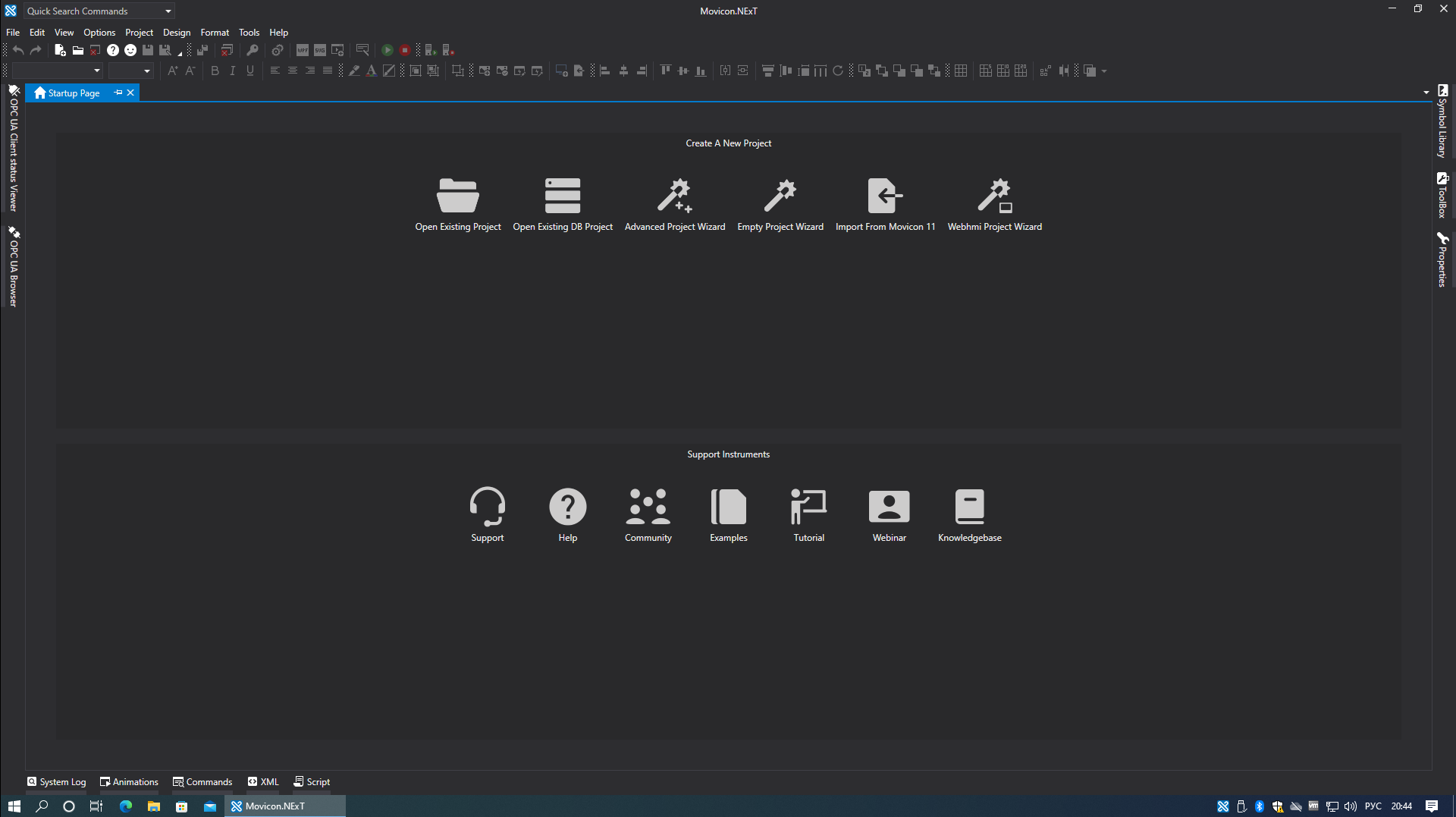
Movicon.NExT 4.2 Build 355 x64 full license

Working with Movicon.NExT 4.2 Build 355 full activated
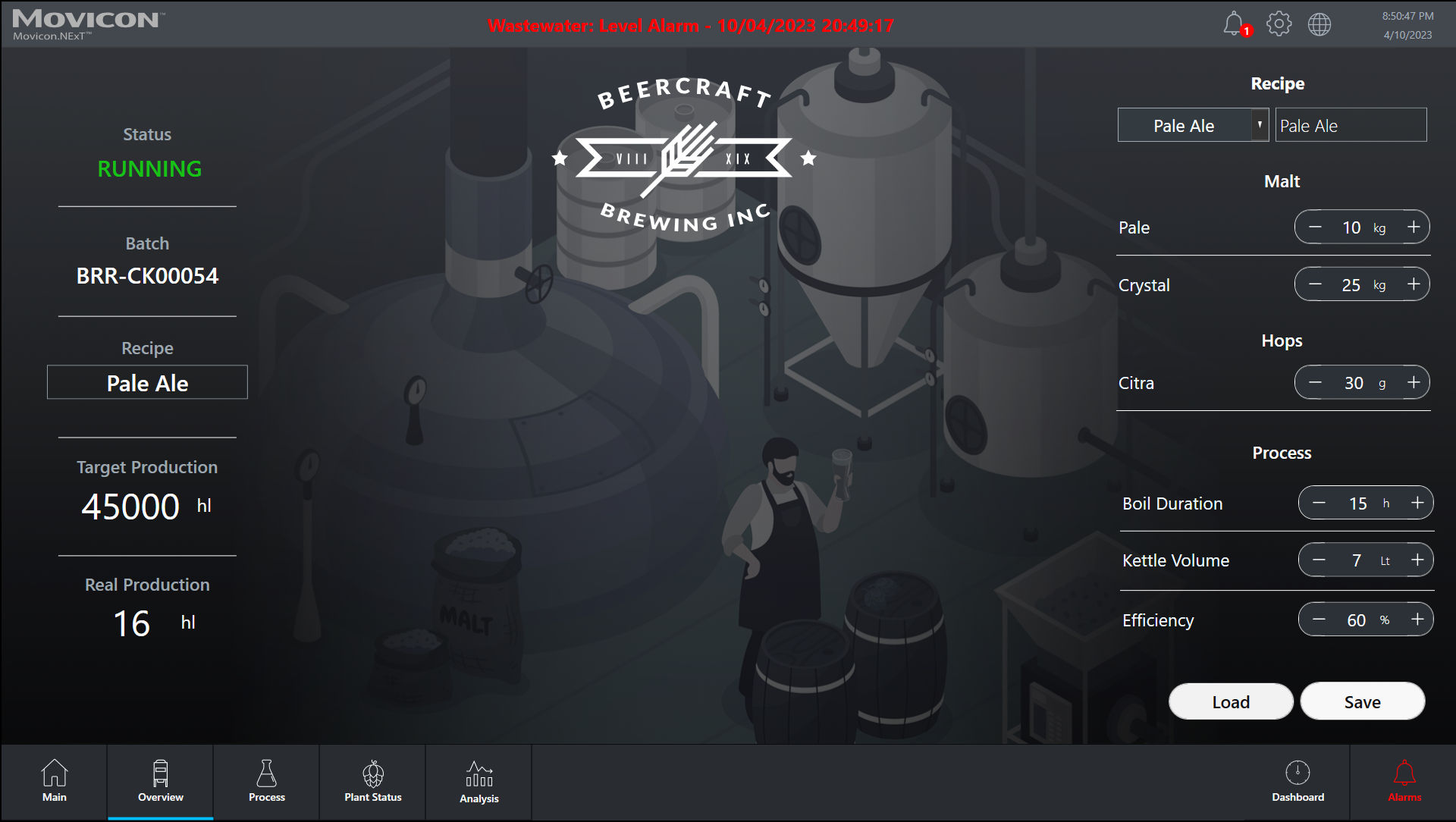
Description of Movicon.NExT 4.2 Build 355

Movicon.NExT 4.2 Build 355 is a powerful and scalable SCADA/HMI software platform designed for industrial automation, Industry 4.0, and smart manufacturing environments. Developed with modern .NET technology, Movicon.NExT delivers high-performance visualization, data acquisition, connectivity, and control solutions for complex industrial systems.

Built to support cross-platform deployment and web-based supervision, Movicon.NExT 4.2 provides secure, flexible, and future-ready tools for engineers, system integrators, and automation professionals.

Movicon.NExT is a next-generation automation platform engineered for high scalability and advanced system integration. It enables real-time monitoring, control, and data management across distributed industrial networks.

Version 4.2 Build 355 introduces performance improvements, enhanced security features, and optimized connectivity for modern industrial infrastructures.

Whether used in manufacturing plants, energy facilities, building automation, or infrastructure systems, Movicon.NExT ensures reliability, efficiency, and seamless integration.

Features of Movicon.NExT 4.2 Build 355

✔ Modern .NET Architecture
Built on Microsoft .NET framework
High stability and performance
Future-ready development platform

✔ Advanced SCADA & HMI Capabilities
Real-time monitoring and control
High-resolution graphic interface
Multi-touch HMI support
Dynamic dashboards and visualization tools

✔ Cross-Platform Deployment
Windows-based runtime support
WebHMI technology for browser access
Mobile and remote supervision

✔ Extensive Connectivity
OPC UA/DA support
Industrial protocol integration
IoT-ready communication
Database connectivity (SQL support)

✔ Powerful Alarm & Event Management
Real-time alarm notifications
Historical event tracking
Custom alarm filtering and reporting

✔ Data Logging & Historical Analysis
Built-in data historian
Trend analysis tools
Performance tracking and reporting

✔ Cybersecurity & User Management
Role-based access control
Encrypted communication
Secure authentication system

✔ Industry 4.0 & IoT Integration
Cloud connectivity support
Smart factory integration
IIoT device compatibility

Benefits of Using Movicon.NExT 4.2
Improved operational efficiency
Centralized industrial supervision
Scalable architecture for growing systems
Reduced downtime with advanced diagnostics
Seamless integration with existing automation systems
Movicon.NExT 4.2 Build 355 is ideal for system integrators, automation engineers, and industrial enterprises seeking a robust and flexible SCADA/HMI solution.

Why Choose Movicon.NExT 4.2 Build 355?
Movicon.NExT stands out for its scalability, performance, and integration flexibility. With its modern architecture and Industry 4.0 capabilities, it enables businesses to build intelligent, connected, and secure automation systems.
If you are looking for a professional SCADA/HMI platform with advanced monitoring, connectivity, and data management features, Movicon.NExT 4.2 Build 355 is a reliable choice.

If you want to download Movicon.NExT 4.2 Build 355 full license, please click to DOWNLOAD button to download.
CLICKDOWN.ORG Download CAD CAM CNC software
Inside package Movicon.NExT 4.2 Build 355, already have cracked files and instruction how to install Movicon.NExT 4.2 Build 355 step by step. I guarantee you can install Movicon.NExT 4.2 Build 355 successfully if you follow that instruction.
If you also can’t install it or get any problems, please contact to me by email: clickdown.org@gmail.com, then I will help you to install software by teamviewer or Ultraviewer or Anydesk.
Thanks a lot
SOFTWARES

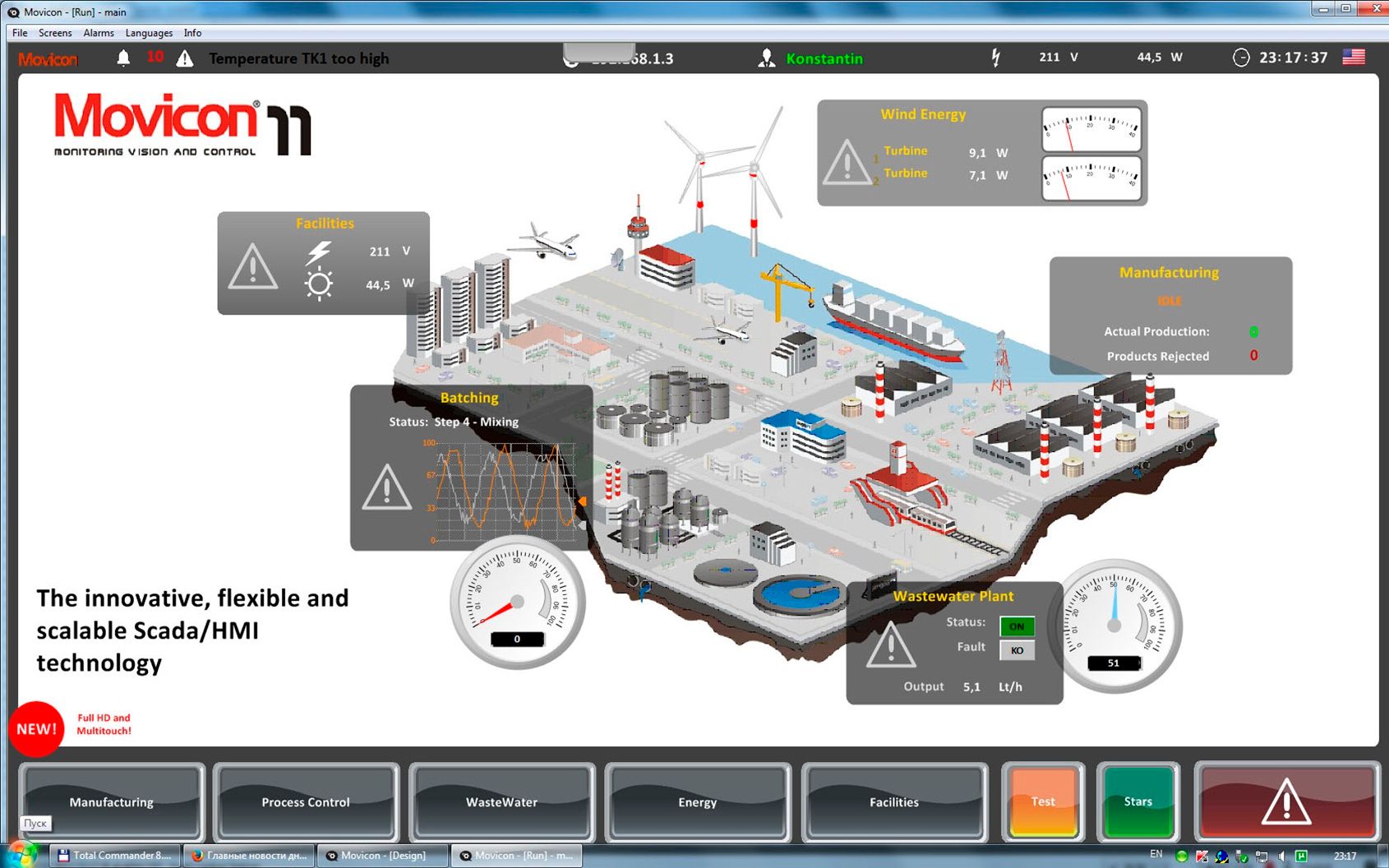
Download Movicon 11.6 build 1208.0 full license forever

Movicon 11.6 – Professional SCADA & HMI Software for Industrial Automation

Download Movicon 11.6 build 1208.0 full license forever

Link download Movicon 11.6 build 1208.0 full activated

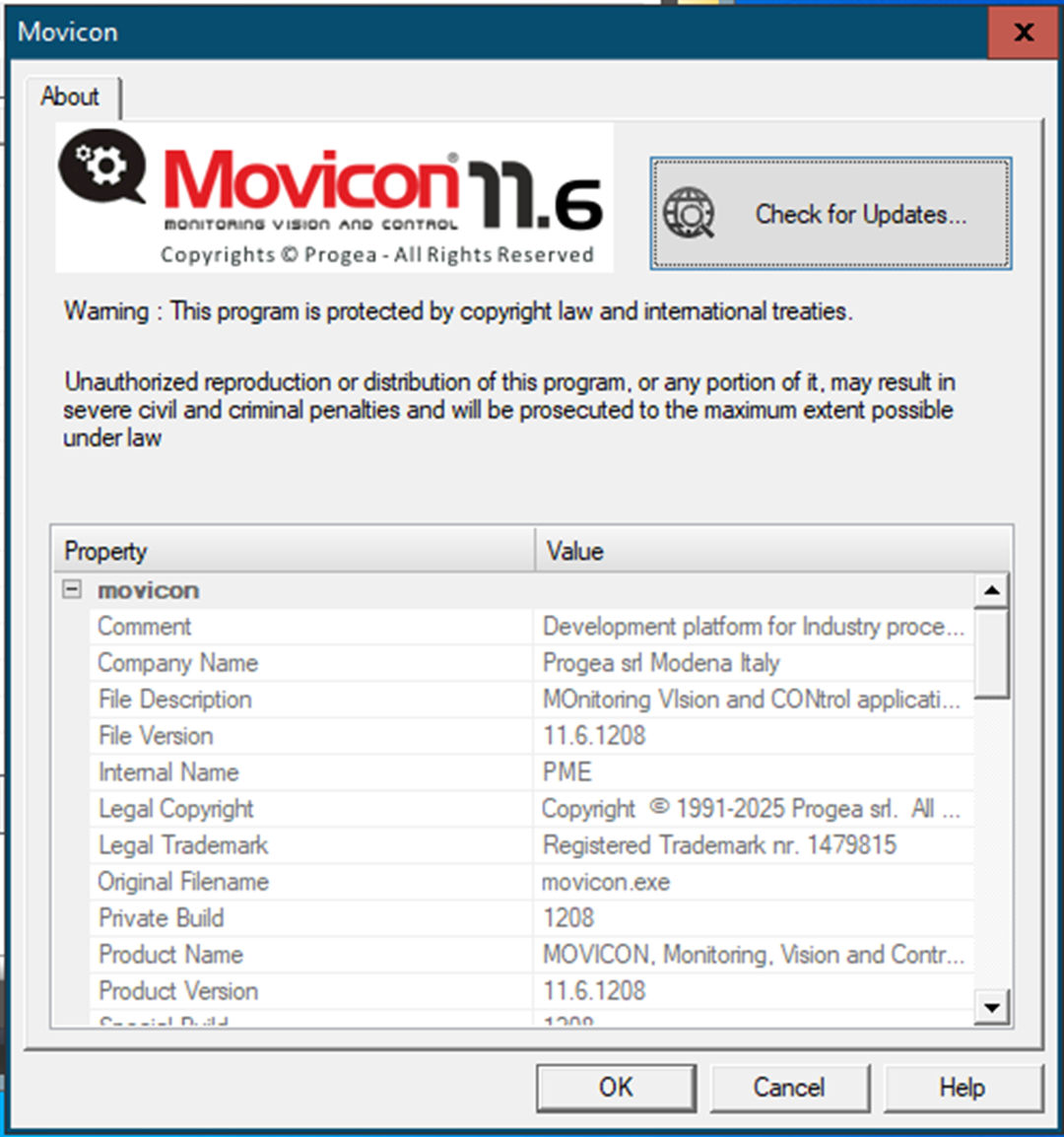
Movicon 11.6 build 1208.0 full license

Working with Movicon 11.6 build 1208.0 full license

Description of Movicon 11.6 build 1208.0

Movicon 11.6 is a powerful SCADA (Supervisory Control and Data Acquisition) and HMI (Human-Machine Interface) development platform designed for industrial automation, control systems, and real-time monitoring. It provides engineers and automation professionals with advanced tools to design, deploy, and manage visual control applications across manufacturing plants, process industries, building automation, and utilities.

Movicon’s flexible architecture supports a wide range of communication protocols, offers robust data logging and analytics, and enables secure, scalable supervision of machines, lines, and distributed systems.

Movicon 11.6 empowers industrial automation teams with a complete environment for creating intuitive, easy-to-use control and monitoring applications. It supports real-time data acquisition, configurable dashboards, trend analysis, alarm management, and remote access via web and mobile interfaces.

This version delivers enhancements in system stability, visualization performance, communication drivers, and reporting tools — all designed to help engineers run smarter automation systems and reduce response times to events.

Features of Movicon 11.6 build 1208.0

Advanced SCADA & HMI Design Tools
Create professional supervisory and operator interface applications with visual editors and drag-and-drop elements.

Real-Time Monitoring & Control
Track machine states, sensor data, and process variables in real time with responsive dashboards.

Multi-Protocol Connectivity
Support for OPC UA/DA, Modbus, BACnet, MQTT, and other industrial communication standards.

Alarm Management & Notifications
Configure triggers, alarms, and alerts to notify operators of critical conditions.

Historical Data Logging
Log process and event data for analysis, compliance, and reporting.

Web & Mobile Access
Visualize and control systems via browsers or mobile devices without extra software.

Custom Reports & Analytics
Generate professional reports with trends, summaries, and performance metrics.

Improved Performance & Stability in Version 11.6
Performance optimizations, smoother visualization, and enhanced driver compatibility.

Why Choose Movicon 11.6?
Movicon 11.6 stands out for its flexibility, scalability, and industry-grade reliability. It’s ideal for automation engineers seeking seamless connectivity, robust data visualization tools, and advanced system supervision capabilities. Whether deploying in factories, plants, buildings, or remote installations, Movicon offers a dependable platform to manage and optimize operations.

If you want to download Movicon 11.6 build 1208.0 full license, please click to DOWNLOAD button to download.
CLICKDOWN.ORG Download CAD CAM CNC software
Inside package Movicon 11.6 build 1208.0, already have cracked files and instruction how to install Movicon 11.6 build 1208.0 step by step. I guarantee you can install Movicon 11.6 build 1208.0 successfully if you follow that instruction.
If you also can’t install it or get any problems, please contact to me by email: clickdown.org@gmail.com, then I will help you to install software by teamviewer or Ultraviewer or Anydesk.
Thanks a lot
SOFTWARES

Download EdrawMax Ultimate 15.1.4.1481 Multilingual full

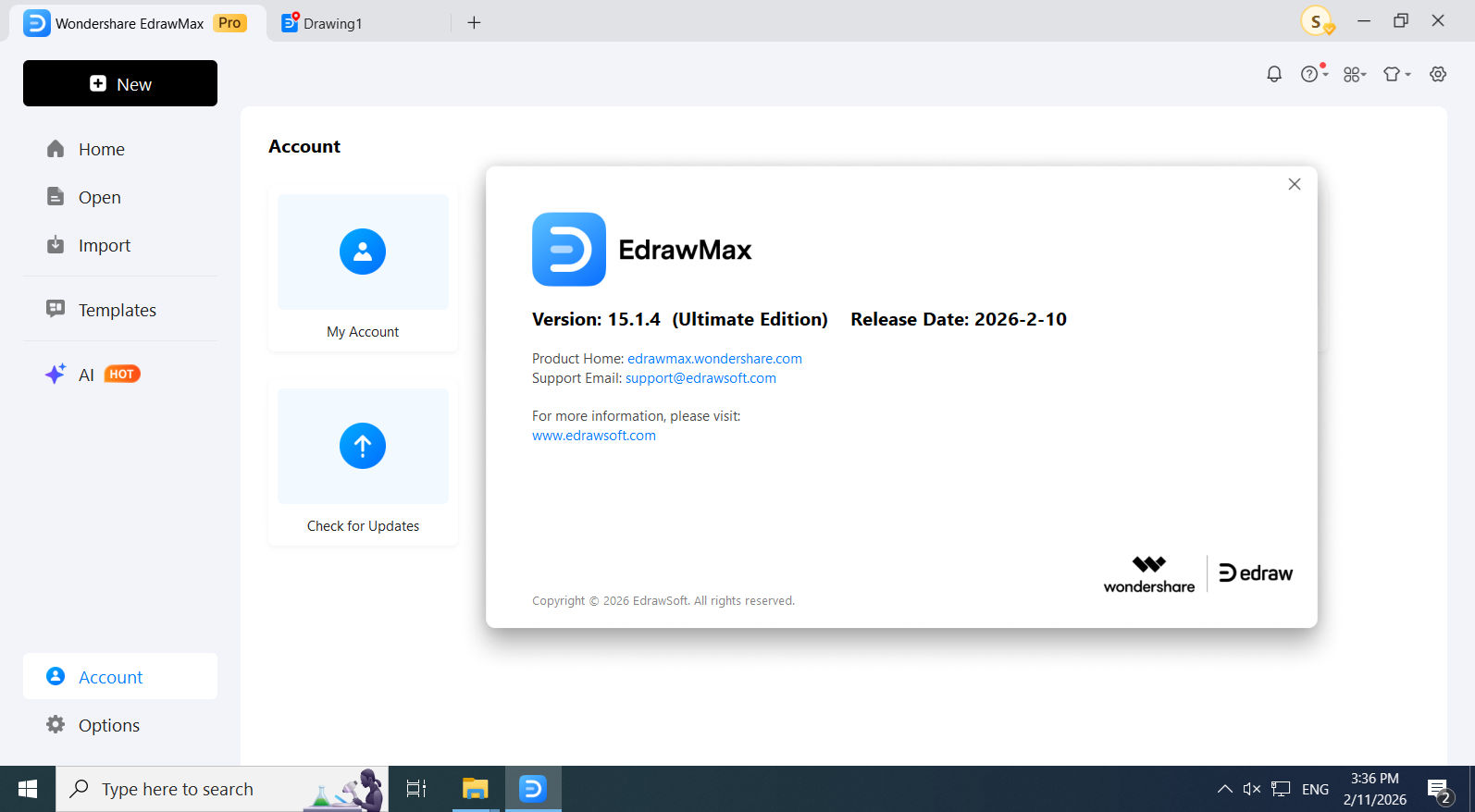
EdrawMax Ultimate 15.1.4.1481 – All-in-One Diagramming & Visualization Software

Download EdrawMax Ultimate 15.1.4.1481 Multilingual full license

Link download EdrawMax Ultimate 15.1.4.1481 full activated

EdrawMax Ultimate 15.1.4.1481 Multilingual full license

Working with EdrawMax Ultimate 15.1.4.1481 Multilingual full

Description of EdrawMax Ultimate 15.1.4.1481

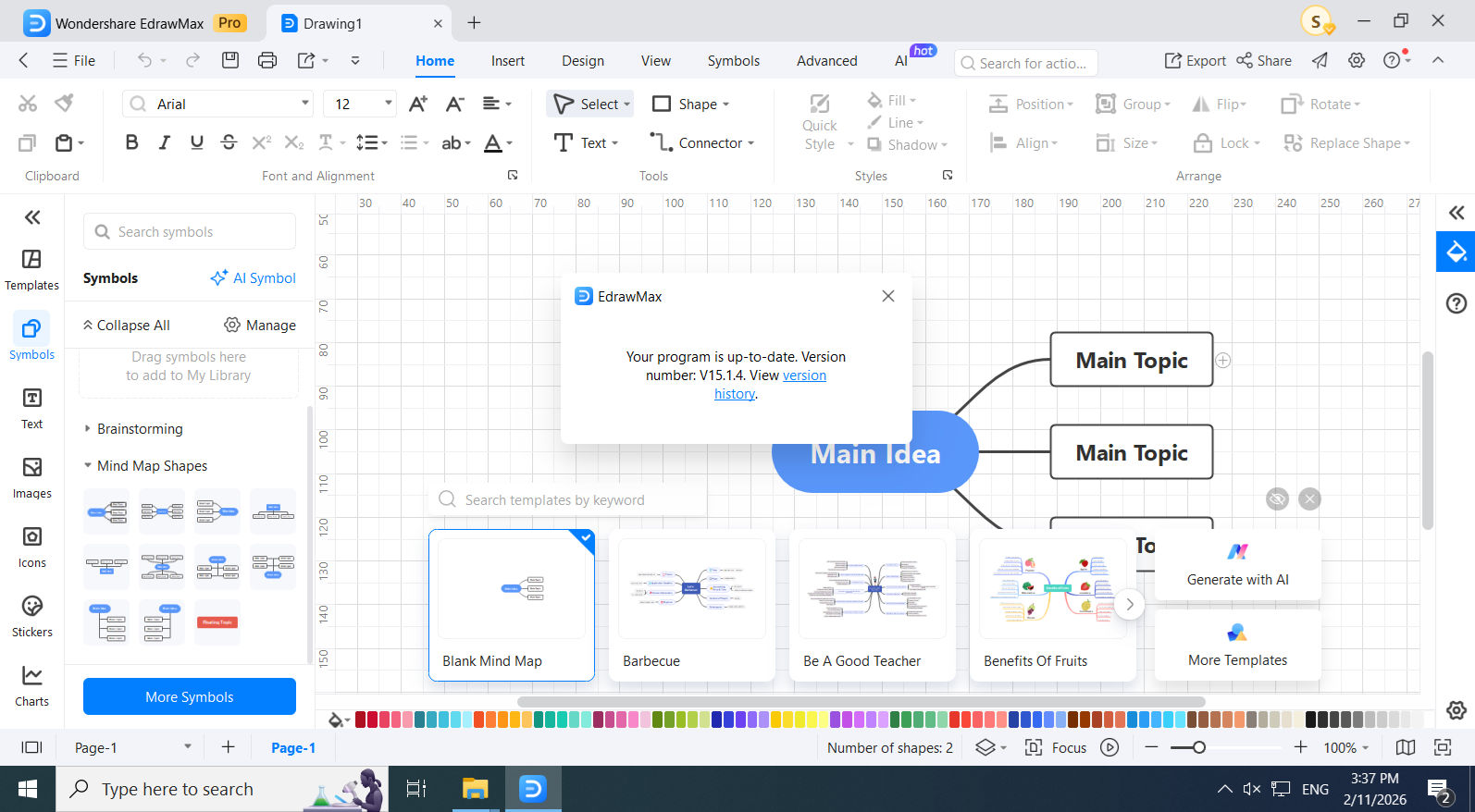
EdrawMax Ultimate 15.1.4.1481 is a versatile diagramming and visualization platform designed for professionals, educators, students, and business users. It provides a comprehensive toolkit to create flowcharts, mind maps, org charts, network diagrams, floor plans, infographics, and more — all with ease and precision.

With an intuitive drag-and-drop interface and extensive template library, EdrawMax Ultimate makes complex charting tasks fast and intuitive. Whether you’re preparing technical diagrams, roadmaps, or visual presentations, this updated version empowers users to communicate ideas clearly and professionally.

Features of EdrawMax Ultimate 15.1.4.1481

All-in-One Diagram Solution
Create flowcharts, mind maps, org charts, network diagrams, UML diagrams, ER diagrams, floor plans, and more from one platform.

Extensive Template & Symbol Library
Includes thousands of built-in templates and symbols to kick-start projects quickly and professionally.

Drag-and-Drop Editing
Seamless creation and editing of diagrams with an intuitive, user-friendly interface.

Cross-Platform Compatibility
Works on Windows, macOS, and Linux, and supports multiple export formats such as PDF, Word, Excel, PPT, SVG, and JPG.

Professional Presentation Tools
Generate visually stunning diagrams and export them for publications, reports, or client presentations.

Collaborative Features
Share diagrams with team members, export interactive files, and collaborate on visual content efficiently.

Advanced Customization Options
Customize shapes, colors, themes, and formatting to tailor diagrams for specific audiences or purposes.

Improved Performance in Version 15.1.4.1481
Optimized stability, faster rendering, and smoother diagram creation compared to earlier releases.

Why Choose EdrawMax Ultimate 15.1.4.1481?
EdrawMax Ultimate 15.1.4.1481 is ideal for anyone who needs professional diagramming tools without complexity. Its broad format support, customizable visuals, and intuitive workflow make it an essential tool for business planning, education, engineering, and design visualization.

If you want to download EdrawMax Ultimate 15.1.4.1481 full license, please click to DOWNLOAD button to download.
CLICKDOWN.ORG Download CAD CAM CNC software
Inside package EdrawMax Ultimate 15.1.4.1481, already have cracked files and instruction how to install EdrawMax Ultimate 15.1.4.1481 step by step. I guarantee you can install EdrawMax Ultimate 15.1.4.1481 successfully if you follow that instruction.
If you also can’t install it or get any problems, please contact to me by email: clickdown.org@gmail.com, then I will help you to install software by teamviewer or Ultraviewer or Anydesk.
Thanks a lot
SOFTWARES

Download DraftSight Enterprise Plus 2026 SP1 full license

DraftSight Enterprise Plus 2026 SP1 – Professional CAD Drafting & Design Software

Download DraftSight Enterprise Plus 2026 SP1 full license

Link download DraftSight Enterprise Plus 2026 SP1 full activated

Working with DraftSight Enterprise Plus 2026 SP1 full license

Description of DraftSight Enterprise Plus 2026 SP1

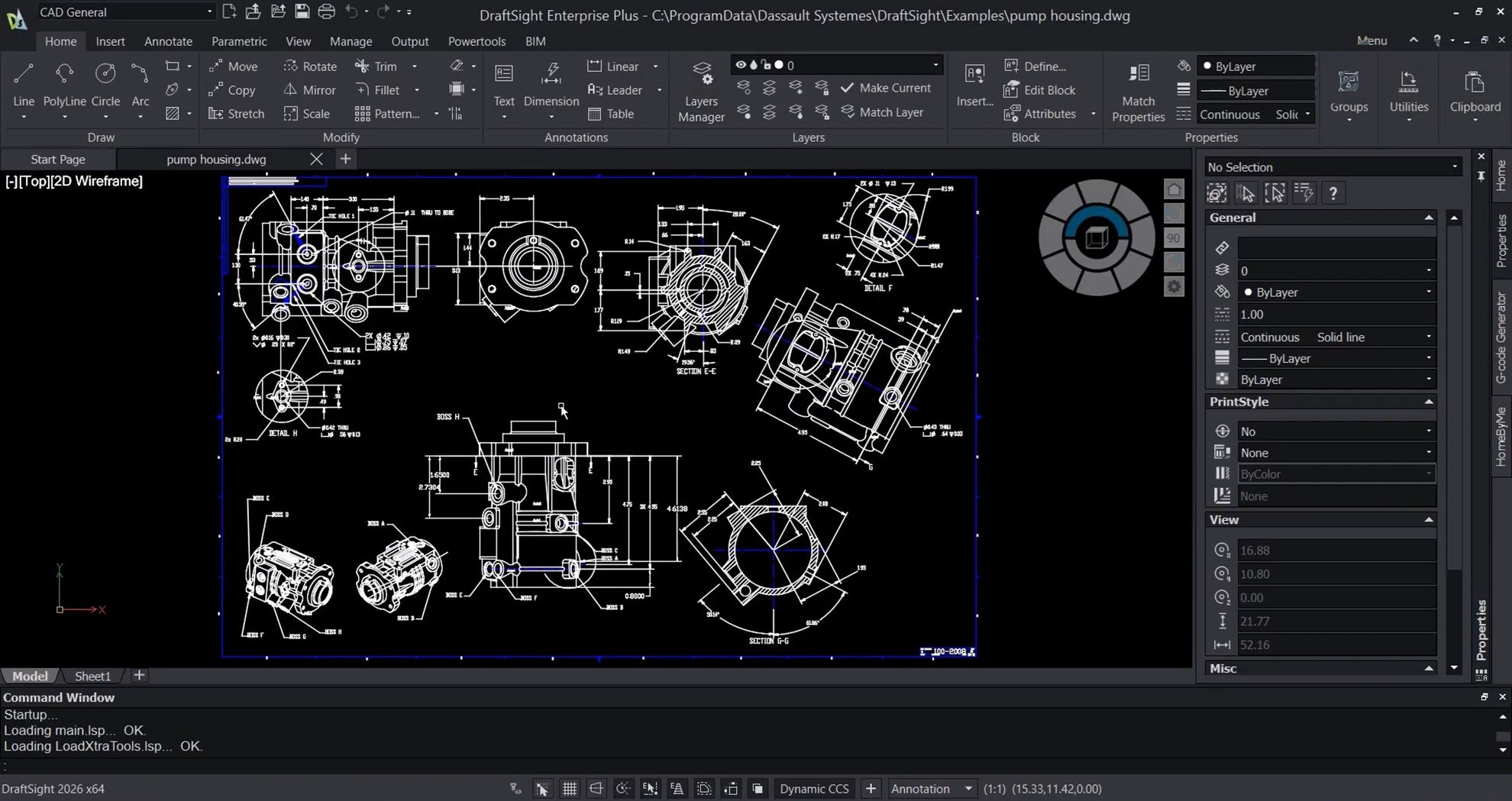
DraftSight Enterprise Plus 2026 SP1 is a powerful, high-performance CAD solution designed for architects, engineers, and design professionals who need advanced drafting, modeling, and documentation tools. Built for enterprise environments, this version delivers comprehensive 2D and 3D CAD capabilities with optimized performance, robust collaboration features, and scalable deployment options.

DraftSight Enterprise Plus supports complex design workflows while ensuring compatibility with standard DWG and DXF formats, making it a trusted choice for large technical teams and organizations across engineering, construction, manufacturing, and infrastructure sectors.

DraftSight Enterprise Plus 2026 SP1 is tailored for professional CAD users and enterprise deployments who require accuracy, consistency, and collaboration on large drafting projects. It combines advanced drawing tools, enterprise-grade support, batch processing, and customization options into an integrated CAD platform that scales with your team’s needs.

With improved performance and refined feature sets in the 2026 SP1 release, DraftSight Enterprise Plus helps organizations standardize design processes, streamline documentation, and reduce project delivery time without sacrificing precision.

Features of DraftSight Enterprise Plus 2026 SP1

Advanced 2D Drafting Tools
Comprehensive drawing commands and annotation tools for accurate technical documentation.

3D Design & Modeling Support
Create and edit 3D parts, wireframes, surfaces, and visualizations within the same interface.

Enterprise-Grade Performance
Optimized for large files, multi-user collaboration, and centralized deployment.

DWG & DXF Compatibility
Native support for standard CAD formats ensures seamless data exchange with other tools.

Batch Printing & Publishing
Print or publish multiple drawings automatically with configurable settings.

Customizable Workspace & APIs
Tailor toolsets to your workflow with macros, LISP routines, and API extensions.

Layer Management & Annotation Tools
Powerful controls to organize drawings, manage annotations, and maintain standardization.

Security & License Management
Centralized network licensing with enhanced control for IT administrators.

Why Choose DraftSight Enterprise Plus 2026 SP1?
DraftSight Enterprise Plus 2026 SP1 is ideal for organizations that require robust, scalable CAD software with collaborative features, enterprise licensing, and advanced drafting tools — all while maintaining full compatibility with industry standards. It supports teams that design, document, and review technical drawings across disciplines and geographic locations.

If you want to download DraftSight Enterprise Plus 2026 SP1 full license, please click to DOWNLOAD button to download.
CLICKDOWN.ORG Download CAD CAM CNC software
Inside package DraftSight Enterprise Plus 2026 SP1, already have cracked files and instruction how to install DraftSight Enterprise Plus 2026 SP1 step by step. I guarantee you can install DraftSight Enterprise Plus 2026 SP1 successfully if you follow that instruction.
If you also can’t install it or get any problems, please contact to me by email: clickdown.org@gmail.com, then I will help you to install software by teamviewer or Ultraviewer or Anydesk.
Thanks a lot
SOFTWARES

Download CADlogic Draft IT Plus-Pro-Architectural 5.0.37 x64

CADlogic Draft IT Plus-Pro-Architectural 5.0.37 – Professional Architectural Drafting & CAD Software

Download CADlogic Draft IT Plus-Pro-Architectural 5.0.37 x64

Link download CADlogic Draft IT Plus-Pro-Architectural 5.0.37 full activated

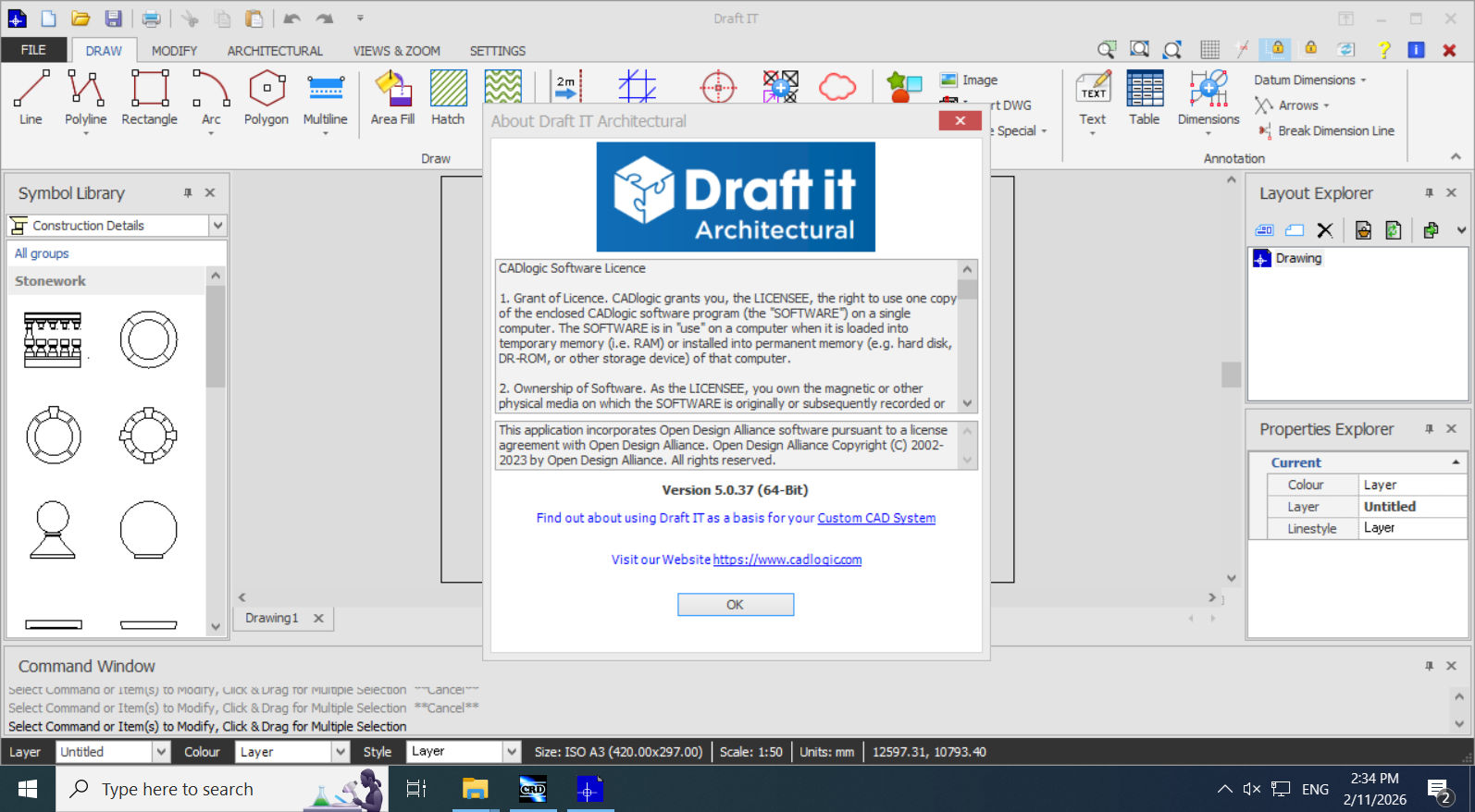
Working with CADlogic Draft IT Plus- Pro- Architectural 5.0.37 full

Description of CADlogic Draft IT Plus-Pro-Architectural 5.0.37

CADlogic Draft IT Plus-Pro-Architectural 5.0.37 is a powerful CAD drafting solution designed specifically for architects, builders, and design professionals. It combines intuitive drafting tools with architectural features that streamline drawing creation, modification, documentation, and presentation — all within a familiar CAD environment.

Whether you’re working on residential plans, commercial blueprints, or construction documentation, Draft IT Plus-Pro-Architectural delivers reliable tools to produce accurate 2D architectural drawings and technical plans efficiently.

Features of CADlogic Draft IT Plus-Pro-Architectural 5.0.37

Architectural Drafting Tools
A complete set of tools for drawing walls, doors, windows, roofs, slabs, and structural elements with precision.

Intuitive User Interface
Easy-to-navigate interface that supports fast learning and efficient drafting, suitable for both beginners and experienced users.

Dynamic Dimensioning & Annotation
Add automatic dimensions, labels, and text annotations that update with drawing changes.

Layer & Object Management
Organize drawings with robust layer controls and object properties for clean, structured plans.

Flexible Drawing Tools
Includes smart lines, polylines, arcs, circles, and custom shapes tailored to architectural workflows.

Accurate Snap & Constraint Controls
Advanced snapping, constraints, and alignment tools ensure consistent and error-free drafting.

Import & Export Compatibility
Supports standard industry formats such as DWG and DXF for easy collaboration across CAD platforms.

Enhanced Stability in Version 5.0.37
Improved performance, bug fixes, and smoother operation compared to earlier releases.

Why Choose CADlogic Draft IT Plus-Pro-Architectural?
CADlogic Draft IT Plus-Pro-Architectural 5.0.37 offers a professional architectural drafting environment that combines precision, flexibility, and ease of use. It’s ideal for architectural offices, construction documentation, landscape architects, and any design workflow that demands accurate and clear architectural plans.

If you want to download CADlogic Draft IT Plus-Pro-Architectural 5.0.37 full license, please click to DOWNLOAD button to download.
CLICKDOWN.ORG Download CAD CAM CNC software
Inside package CADlogic Draft IT Plus-Pro-Architectural 5.0.37, already have cracked files and instruction how to install CADlogic Draft IT Plus-Pro-Architectural 5.0.37 step by step. I guarantee you can install CADlogic Draft IT Plus-Pro-Architectural 5.0.37 successfully if you follow that instruction.
If you also can’t install it or get any problems, please contact to me by email: clickdown.org@gmail.com, then I will help you to install software by teamviewer or Ultraviewer or Anydesk.
Thanks a lot
SOFTWARES

Download Command Digital Studios AutoHook 2023-2026 full

Command Digital Studios AutoHook 2023–2026 – Automatic Hook & Trailer Creation Software

Download Command Digital Studios AutoHook 2023-2026 full license

Link download Command Digital Studios AutoHook 2023-2026 full activated

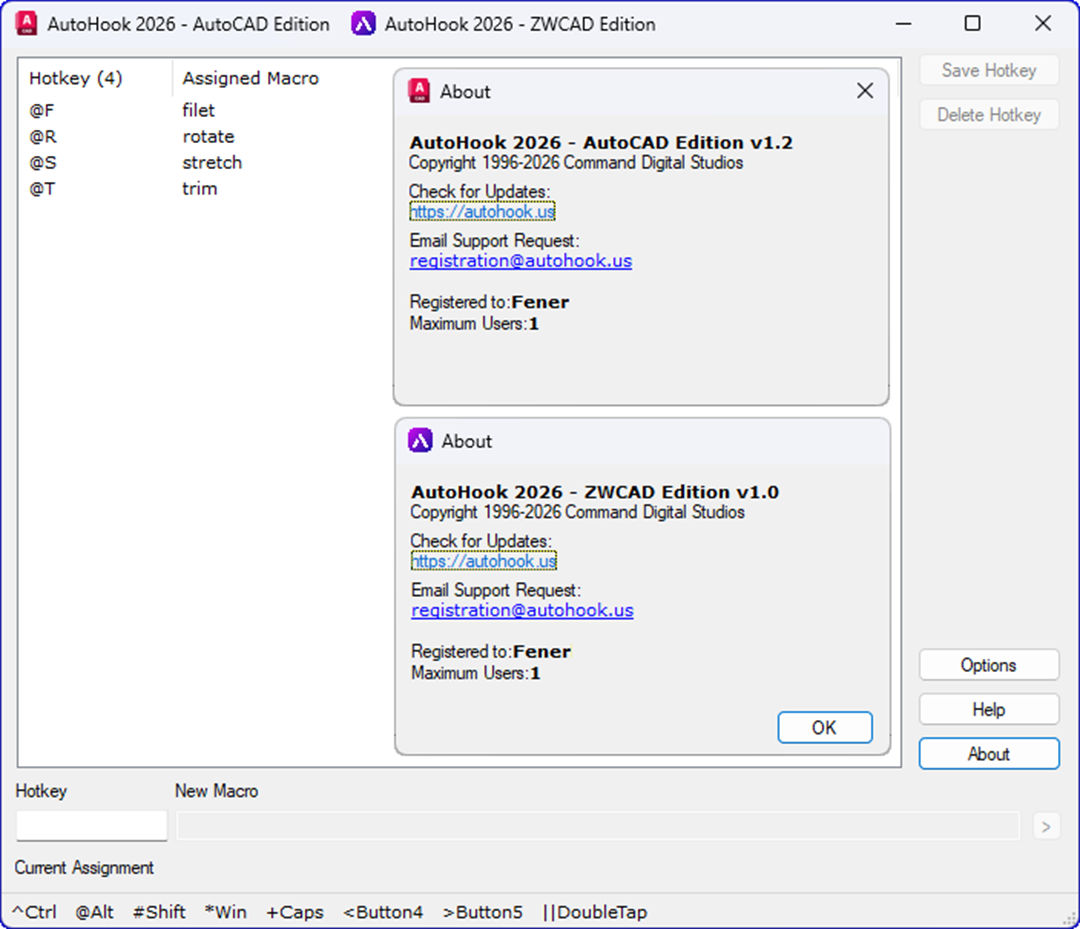
Command Digital Studios AutoHook 2023-2026 full activated

Description of Command Digital Studios AutoHook 2023-2026

Command Digital Studios AutoHook 2023–2026 is an innovative video editing tool designed to help content creators, marketers, and video editors quickly generate compelling hooks, trailers, and short promotional clips from longer videos. Using intelligent analysis and automated editing workflows, AutoHook identifies the most engaging moments in your footage and assembles them into dynamic, attention-grabbing clips tailored for social media and digital marketing.

This streamlined solution saves time and effort by eliminating manual editing of highlight reels. Whether you’re producing YouTube trailers, TikTok teasers, Instagram Reels, or promotional videos for your brand, AutoHook empowers you to craft high-impact clips that drive engagement and viewer interest.

Features of Command Digital Studios AutoHook 2023-2026

Automatic Hook Generation
AI-assisted detection of exciting and relevant video moments to create hooks instantly.

Smart Content Analysis
Scans footage to find high-impact scenes based on movement, audio peaks, and visual interest.

Customizable Templates
Use modern hook templates designed for different platforms like Instagram, TikTok, and YouTube.

Scene Selection Tools
Preview and adjust selected clips before export for refined control over the final result.

Multi-Format Export
Output clips in various resolutions and aspect ratios suitable for social media platforms.

Easy Drag-and-Drop Workflow
Intuitive drag-and-drop interface makes editing simple even for beginners.

Built-In Transitions & Effects
Add dynamic transitions, overlays, and visual enhancements with minimal effort.

Batch Processing Support
Create multiple hooks from different videos at once to streamline your workflow.

Why Choose AutoHook 2023–2026?
Command Digital Studios AutoHook 2023–2026 is ideal for creators who want to boost engagement with high-quality promotional clips without spending hours on manual editing. Its intelligent automation, customizable output options, and social-media friendly templates make it perfect for content teams, influencers, and marketing professionals.

If you want to download Command Digital Studios AutoHook 2023-2026 full license, please click to DOWNLOAD button to download.
CLICKDOWN.ORG Download CAD CAM CNC software
Inside package Command Digital Studios AutoHook 2023-2026, already have cracked files and instruction how to install Command Digital Studios AutoHook 2023-2026 step by step. I guarantee you can install Command Digital Studios AutoHook 2023-2026 successfully if you follow that instruction.
If you also can’t install it or get any problems, please contact to me by email: clickdown.org@gmail.com, then I will help you to install software by teamviewer or Ultraviewer or Anydesk.
Thanks a lot
SOFTWARES

Download Luceda Photonics IPKISS Design Suite 2025.12 full

Luceda Photonics IPKISS Design Suite 2025.12 – Advanced Photonic Integrated Circuit Design Software

Download Luceda Photonics IPKISS Design Suite 2025.12 full license

Link download Luceda Photonics IPKISS Design Suite 2025.12 full activated

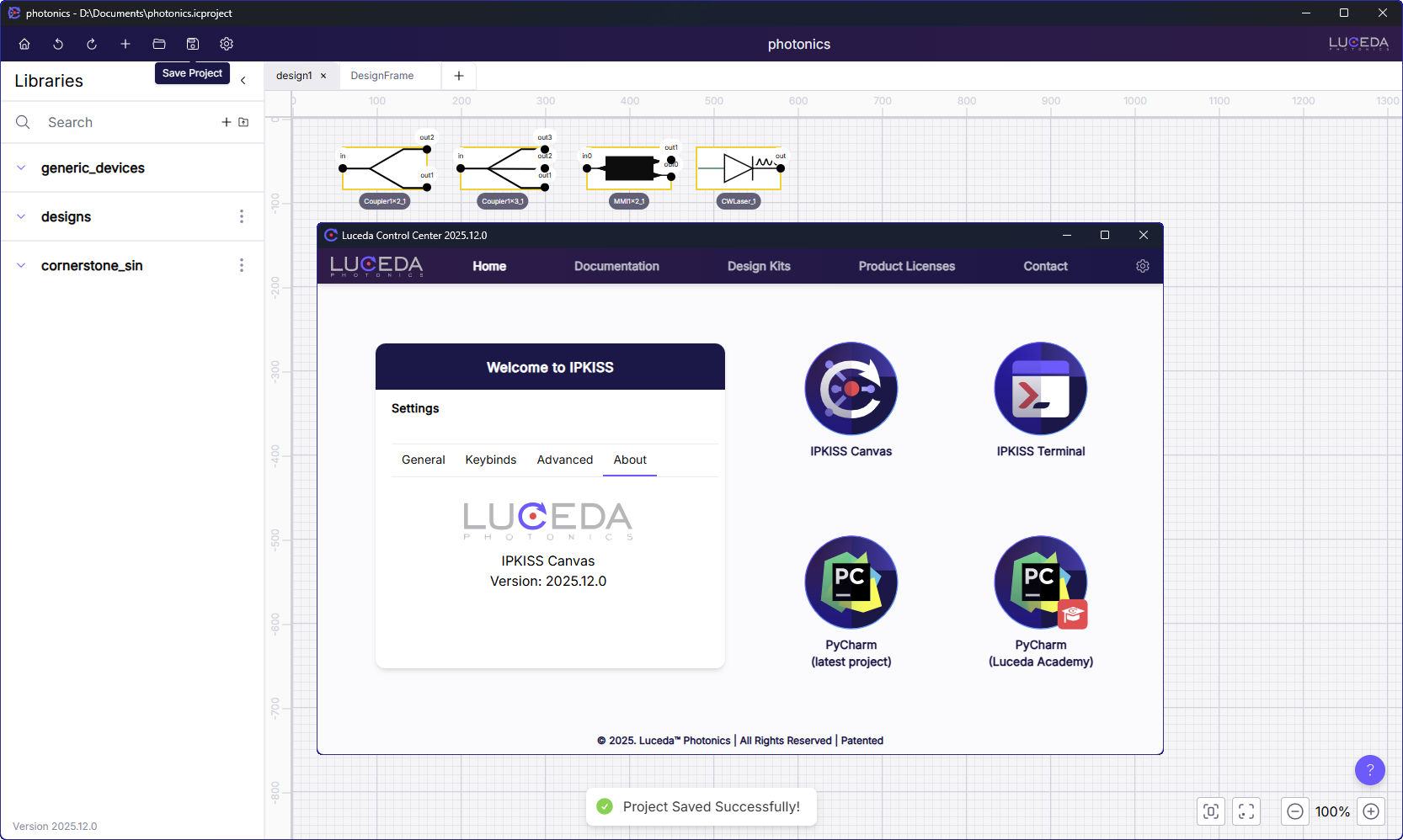
Working with Luceda Photonics IPKISS Design Suite 2025.12 full

Description of Luceda Photonics IPKISS Design Suite 2025.12

Luceda Photonics IPKISS Design Suite 2025.12 is a professional software platform for designing, simulating, and optimizing photonic integrated circuits (PICs). Developed for engineers, researchers, and designers in the photonics and semiconductor industries, IPKISS enables robust design flows for next-generation optical devices, optical networks, and integrated photonics platforms.

The IPKISS Design Suite streamlines complex photonics workflows, making it easier to model light behavior, manage layouts, and validate designs before fabrication — helping teams reduce costs, minimize risk, and accelerate innovation.

Features of Luceda Photonics IPKISS Design Suite 2025.12

Photonic Integrated Circuit (PIC) Design
Build complex photonic structures, waveguides, couplers, resonators, modulators, and detectors with full design control.

Advanced Simulation Tools
Analyze light propagation, mode behavior, and device performance using physics-based simulation engines.

Parametric & Modular Design Components
Use reusable libraries and parameterized building blocks to accelerate design iteration and standardization.

Layout Automation & Editing
Generate fabrication-ready layouts with precision control and automated checks for design rule violations.

Process & Foundry Support
Export GDSII/OASIS layouts with foundry-specific design rule compliance for trusted manufacturing handoff.

Optimization & Tuning Tools
Iteratively refine device characteristics with optimization engines and performance metrics.

Collaboration & Version Control
Manage design versions, share modules, and coordinate team projects with integrated tracking tools.

Enhanced Performance in 2025.12
Improved stability, faster modeling, and refined UI workflow efficiency for professional design processes.

Why Choose Luceda Photonics IPKISS Design Suite?
Luceda Photonics IPKISS Design Suite 2025.12 empowers engineers and designers to create high-performance PICs with precision and confidence. Its combination of design flexibility, simulation accuracy, and production readiness supports the full lifecycle of photonic device development — from concept to fabrication.

If you want to download Luceda Photonics IPKISS Design Suite 2025.12 full license, please click to DOWNLOAD button to download.
CLICKDOWN.ORG Download CAD CAM CNC software
Inside package Luceda Photonics IPKISS Design Suite 2025.12, already have cracked files and instruction how to install Luceda Photonics IPKISS Design Suite 2025.12 step by step. I guarantee you can install Luceda Photonics IPKISS Design Suite 2025.12 successfully if you follow that instruction.
If you also can’t install it or get any problems, please contact to me by email: clickdown.org@gmail.com, then I will help you to install software by teamviewer or Ultraviewer or Anydesk.
Thanks a lot
SOFTWARES

Download Rhinoceros 8.28.26041.11001 win64 full license

Rhinoceros 8.28.26041.11001 – Professional 3D Modeling & Design Software

Download Rhinoceros 8.28.26041.11001 win64 full license

Link download Rhinoceros 8.28.26041.11001 x64 full activated

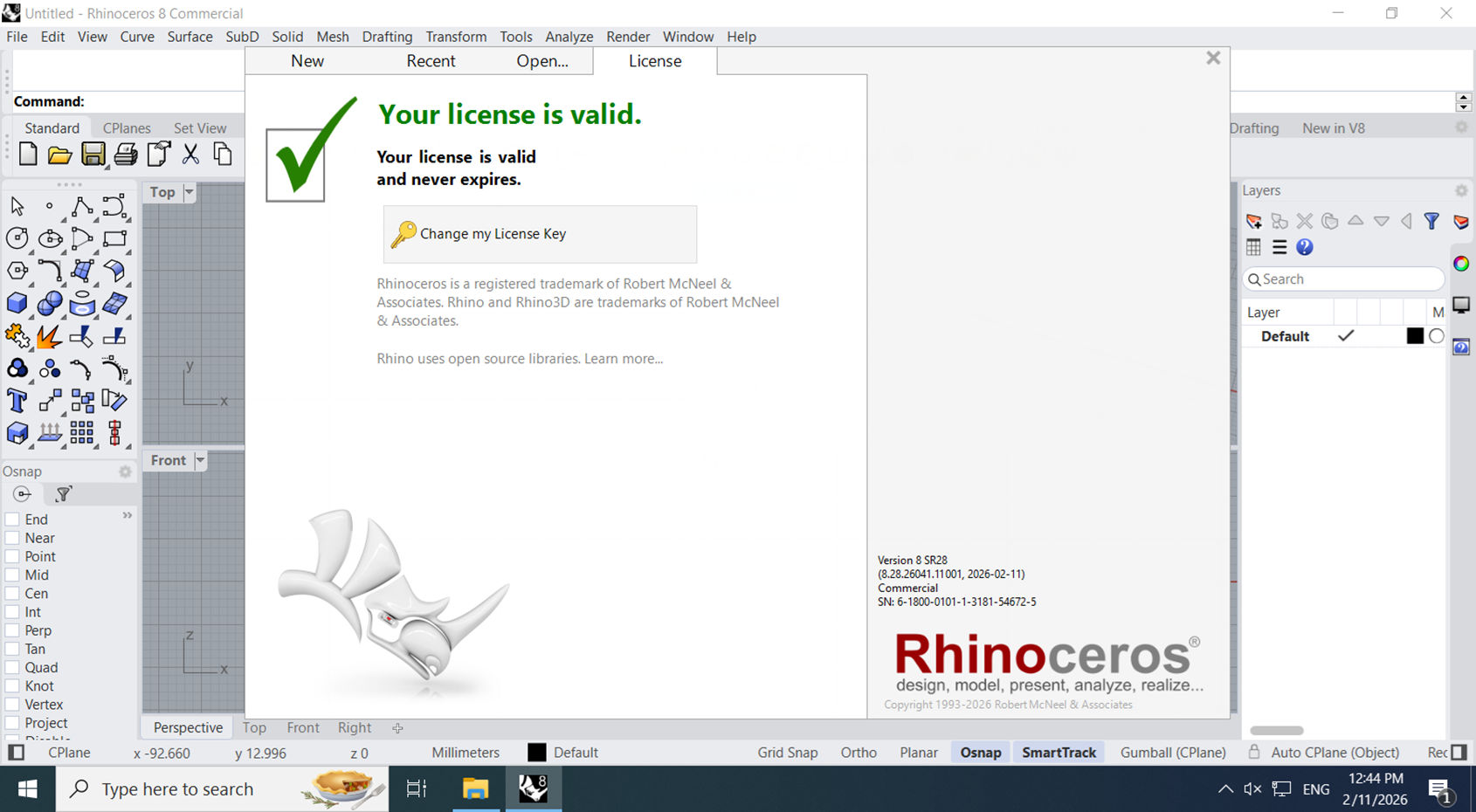
Working with Rhinoceros 8.28.26041.11001 full license

Description of Rhinoceros 8.28.26041.11001

Rhinoceros 8.28.26041.11001 is a powerful and versatile 3D CAD (computer-aided design) software used by architects, industrial designers, product engineers, jewelers, and visual artists to create precise 3D models. Rhino’s advanced geometry engine handles complex freeform shapes and detailed technical designs with ease, making it one of the most flexible modeling platforms in the industry.

Whether for concept ideation, surface modeling, or fabrication-ready output, Rhino supports workflows across design, rendering, analysis, and manufacturing.

Features of Rhinoceros 8.28.26041.11001

Advanced NURBS Modeling
Create and edit curves, surfaces, and solids with high precision using Rhino’s robust geometry tools.

Freeform & Technical Design Tools
Work with intricate forms and precise mechanical details in the same model.

Fast and Efficient Workflow
Rhino balances performance with flexibility, handling complex 3D models quickly and stably.

Comprehensive Import/Export Support
Compatible with most 3D file formats including OBJ, STL, STEP, IGES, DWG/DXF, FBX, and more for seamless collaboration.

Rendering & Visualization Integration
Produce high-quality renderings with built-in tools or third-party plugins such as V-Ray or KeyShot.

Grasshopper Parametric Design
Integrated visual programming environment lets you create parametric systems and procedural models.

Annotation & Drafting Tools
Generate layouts, dimensions, and construction drawings directly from your 3D model.

Stability and Usability Improvements
Version 8.28.26041.11001 adds reliability enhancements, smoother navigation, and refined tool performance.

Why Choose Rhinoceros 8.28.26041.11001?
Rhinoceros 8.28.26041.11001 stands out for its balance of power, precision, and accessibility. Its broad toolset supports fields from architectural design to industrial engineering, jewelry creation, and digital art—making it a go-to choice for professionals who need flexible and reliable 3D modeling software.

If you want to download Rhinoceros 8.28.26041.11001 full license, please click to DOWNLOAD button to download.
CLICKDOWN.ORG Download CAD CAM CNC software
Inside package Rhinoceros 8.28.26041.11001, already have cracked files and instruction how to install Rhinoceros 8.28.26041.11001 step by step. I guarantee you can install Rhinoceros 8.28.26041.11001 successfully if you follow that instruction.
If you also can’t install it or get any problems, please contact to me by email: clickdown.org@gmail.com, then I will help you to install software by teamviewer or Ultraviewer or Anydesk.
Thanks a lot
SOFTWARES

Download Agisoft Metashape Professional 2.3.1 Build 22070

Agisoft Metashape Professional 2.3.1 – Advanced Photogrammetry & 3D Reconstruction Software

Download Agisoft Metashape Professional 2.3.1 x64 full license

Link download Agisoft Metashape Professional 2.3.1 full activated

Working with Agisoft Metashape Professional 2.3.1 full license

Description of Agisoft Metashape Professional 2.3.1

Agisoft Metashape Professional 2.3.1 is a powerful photogrammetry application designed for professionals in surveying, mapping, archaeology, engineering, architecture, and visual effects. It enables users to generate accurate 3D spatial data from images or drone-captured aerial photography, turning them into detailed 3D models, point clouds, orthomosaics, and textured meshes.

With high-performance processing and flexible workflow tools, Metashape Professional is ideal for aerial mapping, heritage documentation, GIS applications, and precise 3D model creation.

Features of Agisoft Metashape Professional 2.3.1

High-Accuracy Photogrammetry Engine
Process photos into dense point clouds, textured meshes, and georeferenced 3D models.

Drone & Aerial Image Support
Import and align images from drones and cameras for large-scale mapping projects.

Georeferencing & GPS Integration
Use ground control points (GCPs) and GPS data for accurate real-world spatial alignment.

Dense Point Cloud Generation
Create highly detailed 3D point clouds for analysis and measurement.

3D Model Building & Texturing
Generate textured mesh models with photographic detail for realistic visualizations.

Orthomosaic & DEM Export
Produce accurate orthophotos, digital elevation models (DEM), and tiled maps.

Automatic & Manual Tie Point Editing
Improve alignment accuracy using automatic detection or manual refinement.

Enhanced Performance in Version 2.3.1
Improved processing speed, stability upgrades, and better GPU utilization.

Why Choose Agisoft Metashape Professional 2.3.1?
Agisoft Metashape Professional 2.3.1 is a complete solution for converting images into accurate 3D spatial data. Its powerful photogrammetry tools help professionals across industries quickly derive actionable insights and high-quality models without complex workflows.

If you want to download Agisoft Metashape Professional 2.3.1 full license, please click to DOWNLOAD button to download.
CLICKDOWN.ORG Download CAD CAM CNC software
Inside package Agisoft Metashape Professional 2.3.1, already have cracked files and instruction how to install Agisoft Metashape Professional 2.3.1 step by step. I guarantee you can install Agisoft Metashape Professional 2.3.1 successfully if you follow that instruction.
If you also can’t install it or get any problems, please contact to me by email: clickdown.org@gmail.com, then I will help you to install software by teamviewer or Ultraviewer or Anydesk.
Thanks a lot
SOFTWARES

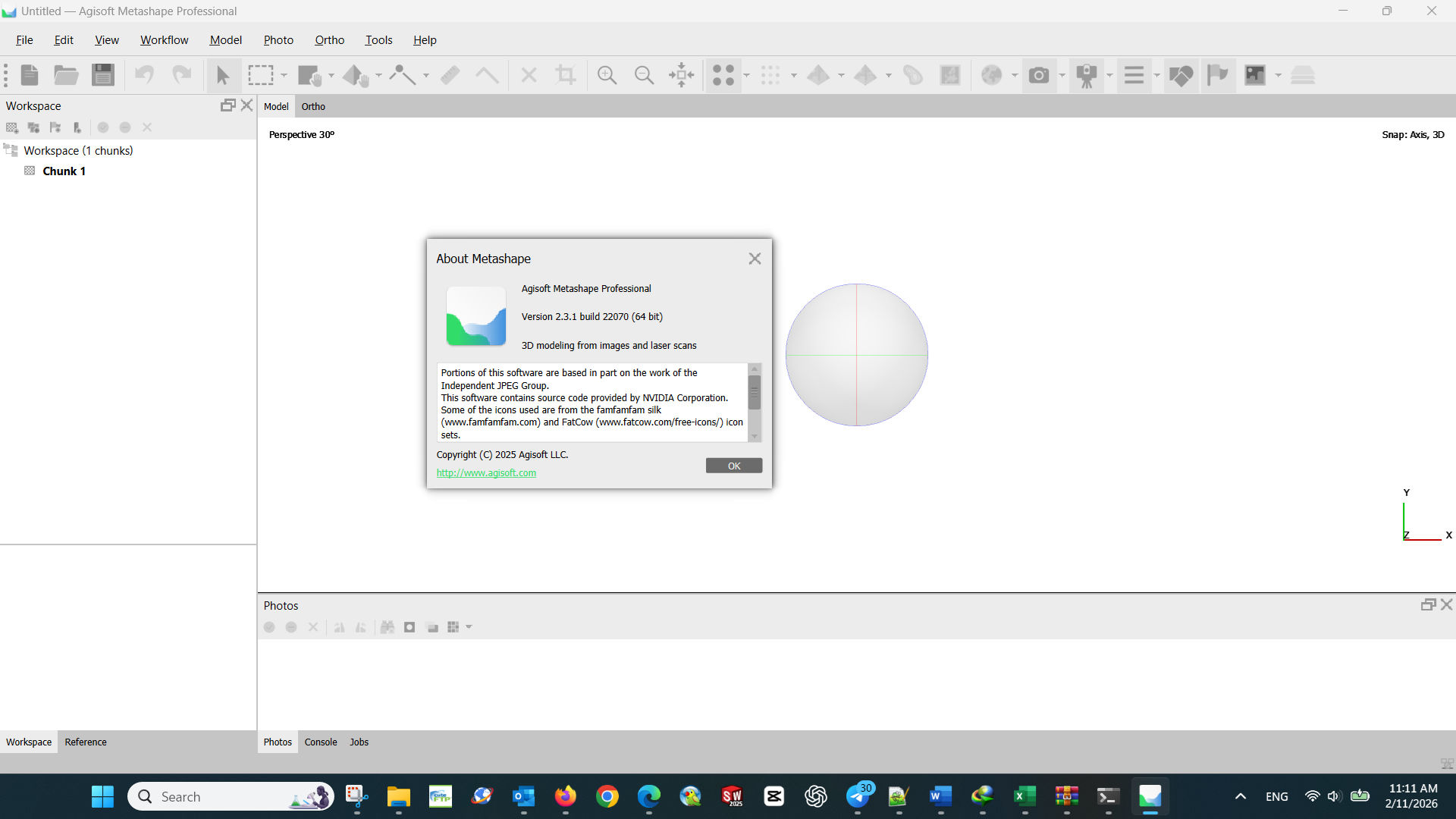
Download GibbsCAM 2026 v26.0.56.00 x64 full license forever

GibbsCAM 2026 v26.0.56.00 – Advanced CAM Software for CNC Programming & Machining

Download GibbsCAM 2026 v26.0.56.00 x64 full license forever

Link download GibbsCAM 2026 v26.0.56.00 win64 full activated

Working with GibbsCAM 2026 v26.0.56.00 full license

Description of GibbsCAM 2026 v26.0.56.00

GibbsCAM 2026 v26.0.56.00 is a professional CAM (Computer-Aided Manufacturing) solution designed to help machinists, CNC programmers, and manufacturing engineers generate accurate toolpaths, optimize machining strategies, and reduce production time. With enhanced performance and intuitive workflows, GibbsCAM empowers users to program CNC milling, turning, and mill-turn machines with precision and efficiency.

Whether you’re working in aerospace, automotive, medical, or general manufacturing, GibbsCAM’s flexible toolset supports complex parts, high-speed machining, and modern production demands.

Features of GibbsCAM 2026 v26.0.56.00

Advanced CNC Programming Tools
Generate efficient 2-axis to 5-axis toolpaths for milling, turning, and multi-task machines.

Intuitive User Interface
Streamlined layout and workflow help reduce learning time and improve productivity.

High-Precision Toolpath Strategies
Advanced roughing, finishing, and rest-machining operations for superior surface quality.

Multi-Axis Machining Support
Full support for complex 3D machining on 4-axis and 5-axis CNC machines.

Simulation & Verification
Visualize complete machining sequences and detect collisions before production.

Custom Post-Processors
Tailor post files to your specific CNC controllers for accurate code output.

Integrated CAD Tools
Essential modeling and editing features allow quick adjustments without switching programs.

Optimized Performance in Version 26.0.56.00
Enhanced processing speed, stability improvements, and smoother toolpath generation.

Why Choose GibbsCAM 2026 v26.0.56.00?
GibbsCAM 2026 v26.0.56.00 delivers a complete solution for modern machining challenges. With powerful tools for generating accurate toolpaths, visual verification, and multi-axis support, it helps manufacturers increase efficiency, improve part quality, and reduce production risks.

If you want to download GibbsCAM 2026 v26.0.56.00 full license, please click to DOWNLOAD button to download.
CLICKDOWN.ORG Download CAD CAM CNC software
Inside package GibbsCAM 2026 v26.0.56.00, already have cracked files and instruction how to install GibbsCAM 2026 v26.0.56.00 step by step. I guarantee you can install GibbsCAM 2026 v26.0.56.00 successfully if you follow that instruction.
If you also can’t install it or get any problems, please contact to me by email: clickdown.org@gmail.com, then I will help you to install software by teamviewer or Ultraviewer or Anydesk.
Thanks a lot
SOFTWARES

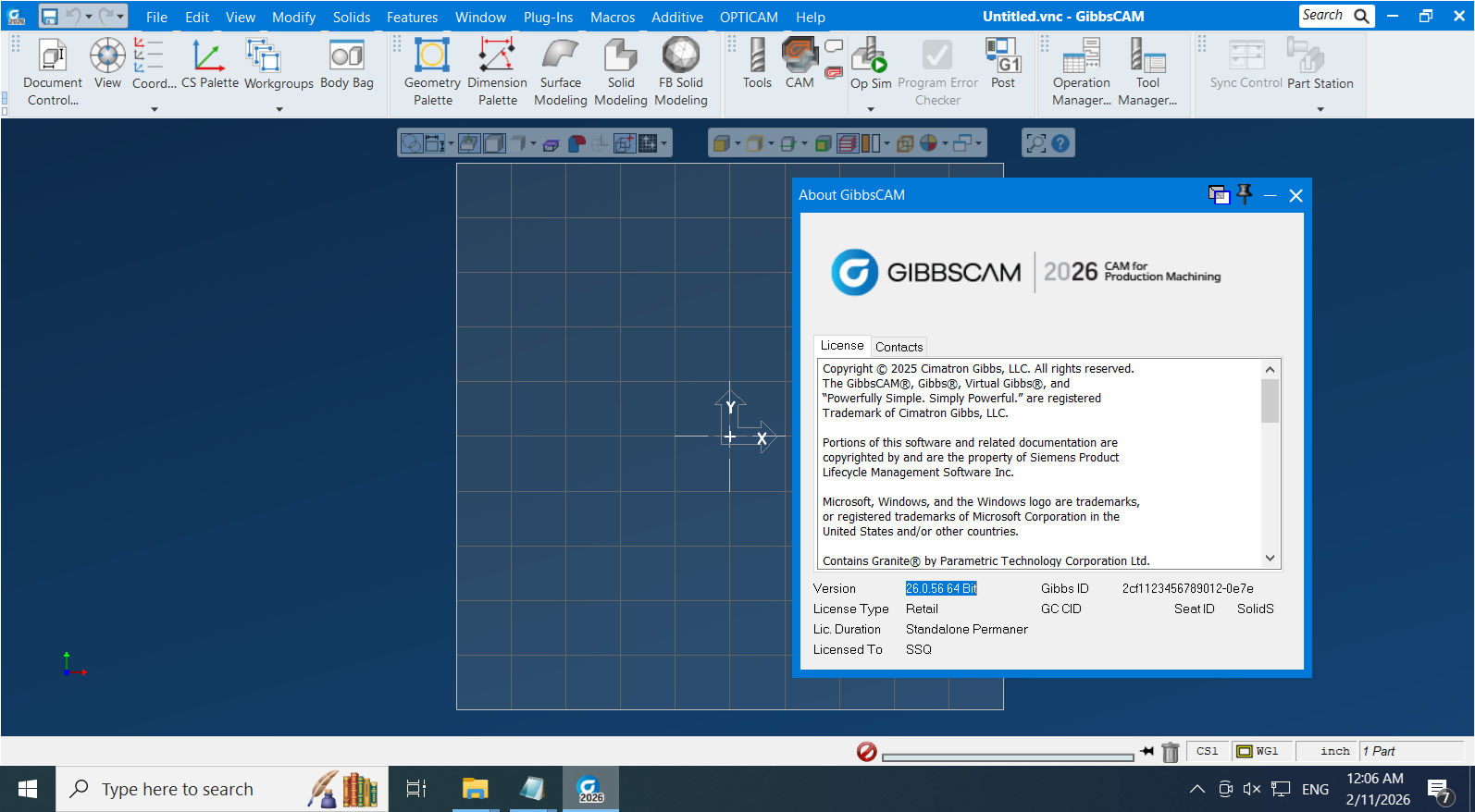
Download Ashlar-Vellum Graphite 9.0.11 SP0 R5 full license

Ashlar-Vellum Graphite 9.0.11 SP0 R5 – Enhanced CAD Drawing & 3D Modeling Software

Download Ashlar-Vellum Graphite 9.0.11 SP0 R5 full license

Link download Ashlar-Vellum Graphite 9.0.11 SP0 R5 full activated

Working with Ashlar-Vellum Graphite 9.0.11 SP0 R5 full license

Description of Ashlar-Vellum Graphite 9.0.11 SP0 R5

Ashlar-Vellum Graphite 9.0.11 SP0 R5 is a powerful and intuitive CAD solution built for designers, engineers, architects, and technical illustrators who need a flexible tool for both 2D drafting and 3D modeling. Graphite combines precision geometry, intuitive direct modeling, and robust documentation tools in a single environment, making it ideal for product design, architectural layouts, and detailed technical illustrations.

Designed to support both creative workflows and engineering requirements, Graphite empowers professionals to produce accurate, clean designs with minimal complexity.

Features of Ashlar-Vellum Graphite 9.0.11 SP0 R5

Versatile 2D Drafting Tools
Create precise floor plans, schematics, and technical drawings with easy control over line work and annotations.

Integrated 3D Modeling
Build 3D geometry directly from 2D designs, with real-time visual feedback and intuitive push-pull modeling.

Hybrid Workflow Support
Seamlessly switch between 2D and 3D workspaces without losing design intent or accuracy.

Direct and Organic Modeling Tools
Drag-based and direct manipulation tools let you shape forms quickly and naturally.

Associative Documentation
Auto-update 2D drawings when 3D models change for consistent documentation and reduced errors.

Flexible File Compatibility
Import and export multiple CAD formats to support collaboration with other software.

Professional Visualization
Real-time shading and rendering provide visual clarity for presentations and client reviews.

Performance Improvements in Version 9.0.11 SP0 R5
Enhanced stability, performance updates, and smoother design operations.

Why Choose Ashlar-Vellum Graphite?
Ashlar-Vellum Graphite 9.0.11 SP0 R5 delivers the perfect balance of precision drafting and 3D modeling in a user-friendly interface. It is ideal for professionals who want powerful CAD tools without the complexity or steep learning curve of more traditional systems.

If you want to download Ashlar-Vellum Graphite 9.0.11 SP0 R5 full license, please click to DOWNLOAD button to download.
CLICKDOWN.ORG Download CAD CAM CNC software
Inside package Ashlar-Vellum Graphite 9.0.11 SP0 R5, already have cracked files and instruction how to install Ashlar-Vellum Graphite 9.0.11 SP0 R5 step by step. I guarantee you can install Ashlar-Vellum Graphite 9.0.11 SP0 R5 successfully if you follow that instruction.
If you also can’t install it or get any problems, please contact to me by email: clickdown.org@gmail.com, then I will help you to install software by teamviewer or Ultraviewer or Anydesk.
Thanks a lot
SOFTWARES

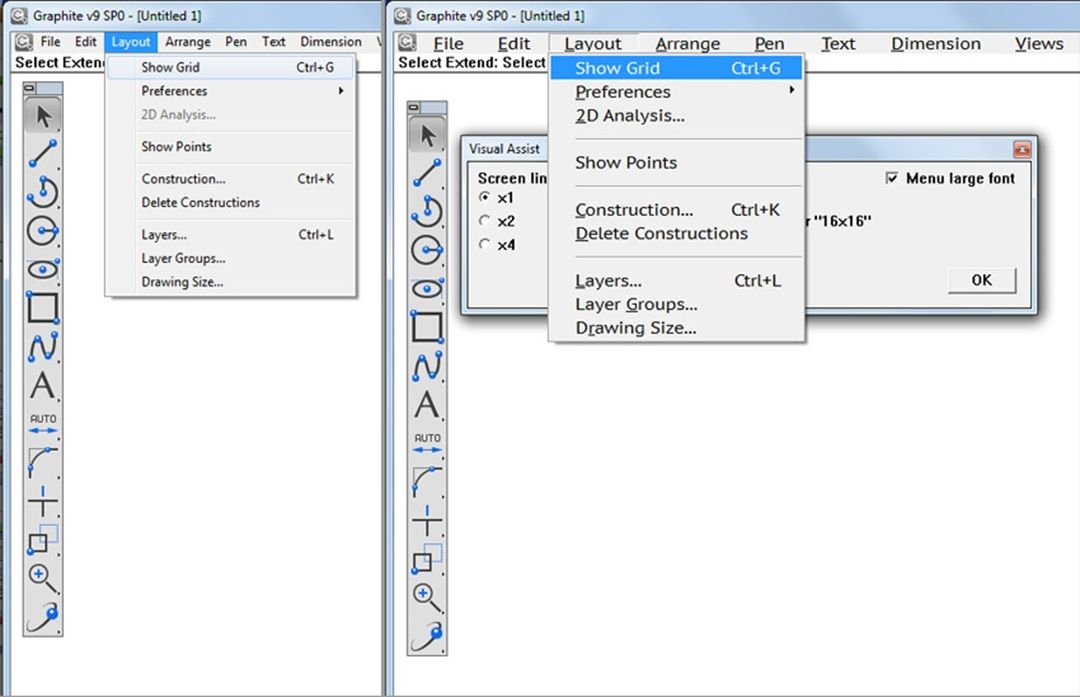
Download Ashlar-Vellum Xenon 9.0.908 SP0 R0 full license

Ashlar-Vellum Xenon 9.0.908 SP0 R0 – Professional 3D CAD Modeling & Engineering Design Software

Download Ashlar-Vellum Xenon 9.0.908 SP0 R0 full license

Link download Ashlar-Vellum Xenon 9.0.908 SP0 R0 full activated

Working with Ashlar-Vellum Xenon 9.0.908 SP0 R0 full license

Description of Ashlar-Vellum Xenon 9.0.908 SP0 R0

Ashlar-Vellum Xenon 9.0.908 SP0 R0 is a powerful CAD solution designed for engineers, product designers, and technical professionals who need precise and flexible 3D modeling capabilities. With a strong focus on engineering accuracy and practical design workflows, Xenon offers parametric modeling, advanced surfacing, assembly management, and detailed documentation tools — all within an intuitive interface that reduces the learning curve.

From mechanical parts to complex assemblies and manufacturing-ready geometry, Xenon empowers users to create, validate, and communicate design intent seamlessly.

Features of Ashlar-Vellum Xenon 9.0.908 SP0 R0

Parametric 3D Modeling
Build intelligent, constraint-driven models that update dynamically as design changes occur.

Advanced Surface & Solid Tools
Create both complex freeform surfaces and precise solid geometry for engineering and manufacturing.

Assembly Management & Motion
Assemble components, define relationships, and evaluate kinematics and fit.

Automated 2D Drawing Generation
Generate accurate 2D blueprints and annotation sheets automatically from 3D models.

Constraint & Dimension Control
Apply precise dimensions and geometric constraints to control model behavior.

Flexible File Import/Export
Work with popular industry formats for smooth collaboration with other CAD systems.

High-Quality Visualization
Use real-time shading and rendering previews to communicate design aesthetics and function.

Performance & Stability Enhancements
Version 9.0.908 SP0 R0 introduces improved responsiveness, stability, and workflow fluidity.

Why Choose Ashlar-Vellum Xenon?
Ashlar-Vellum Xenon 9.0.908 SP0 R0 combines engineering precision with user-friendly design tools, making it ideal for professionals who require both advanced functionality and an intuitive experience. It helps streamline product development from concept through manufacturing documentation.

If you want to download Ashlar-Vellum Xenon 9.0.908 SP0 R0 full license, please click to DOWNLOAD button to download.
CLICKDOWN.ORG Download CAD CAM CNC software
Inside package Ashlar-Vellum Xenon 9.0.908 SP0 R0, already have cracked files and instruction how to install Ashlar-Vellum Xenon 9.0.908 SP0 R0 step by step. I guarantee you can install Ashlar-Vellum Xenon 9.0.908 SP0 R0 successfully if you follow that instruction.
If you also can’t install it or get any problems, please contact to me by email: clickdown.org@gmail.com, then I will help you to install software by teamviewer or Ultraviewer or Anydesk.
Thanks a lot
SOFTWARES

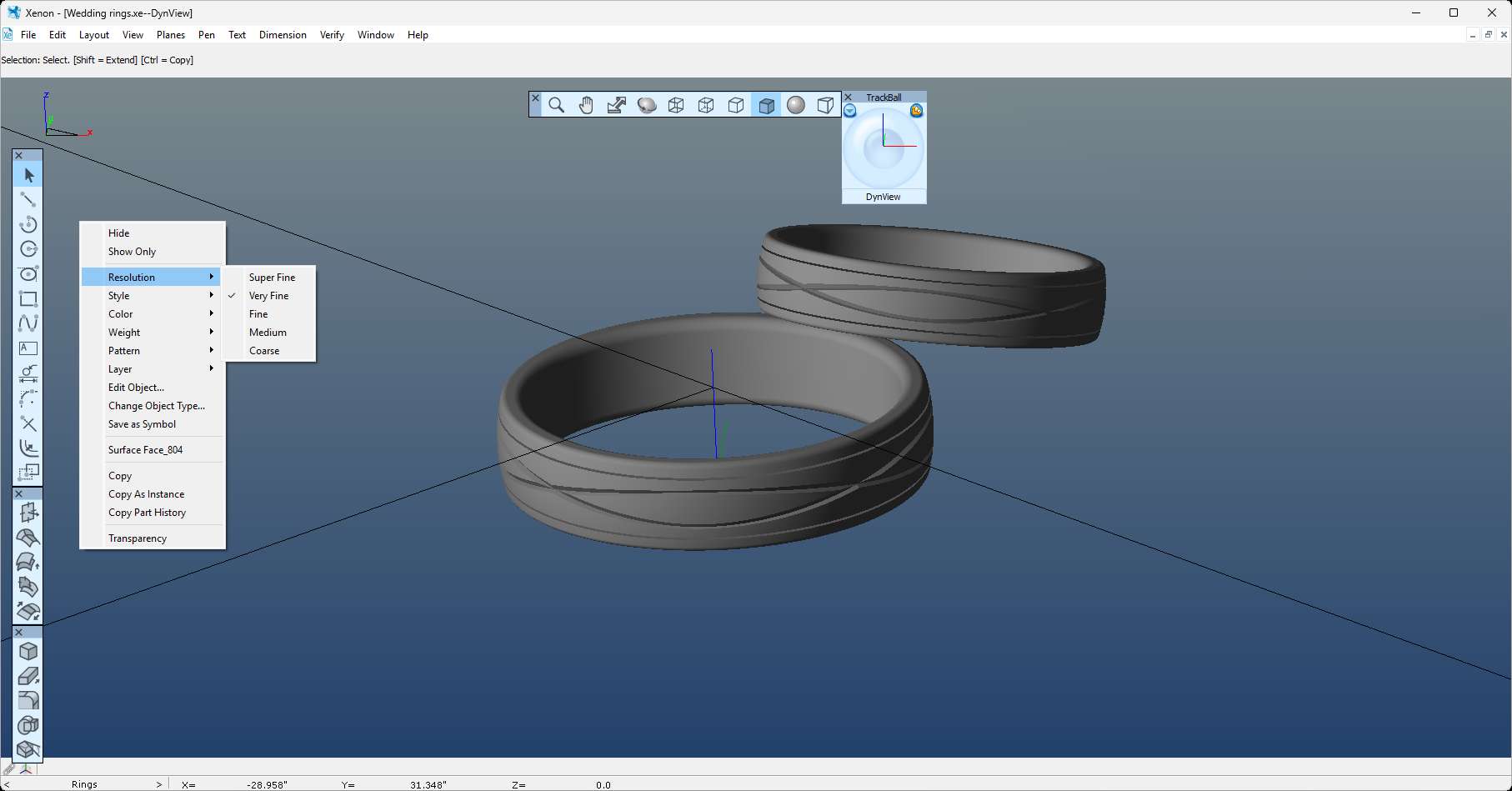
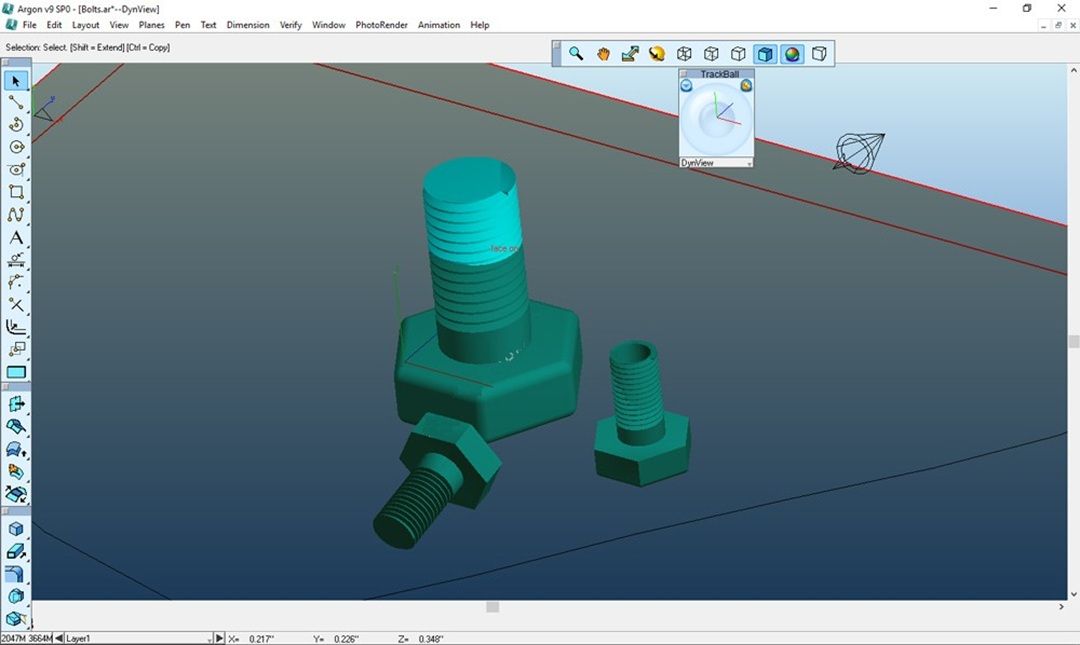
Download Ashlar-Vellum Argon 9.0.908 SP0 R0 full license

Ashlar-Vellum Argon 9.0.908 SP0 R0 – Powerful Parametric 3D CAD Design Software

Download Ashlar-Vellum Argon 9.0.908 SP0 R0 full license

Link download Ashlar-Vellum Argon 9.0.908 SP0 R0 full activated

Working with Ashlar-Vellum Argon 9.0.908 SP0 R0 full license

Description of Ashlar-Vellum Argon 9.0.908 SP0 R0

Ashlar-Vellum Argon 9.0.908 SP0 R0 is a professional 3D CAD modeling software developed for designers, engineers, and product developers who need precise and flexible parametric modeling without complexity. Argon delivers advanced solid and surface modeling tools with a clean and intuitive interface, making it suitable for industrial design, mechanical parts, product prototyping, and engineering documentation.

Known for its ease of use and strong modeling flexibility, Argon bridges the gap between creative conceptual design and detailed engineering requirements.

Features of Ashlar-Vellum Argon 9.0.908 SP0 R0

Parametric 3D Modeling
Create and edit 3D solids with associative, history-aware tools that adapt as your design evolves.

Advanced Surface Modeling
Design complex surfaces for aesthetic parts, industrial components, and smooth organic shapes.

Precise Constraint-Driven Design
Apply dimensions, constraints, and relationships that update dynamically for controlled modeling.

Assembly Modeling & Positioning
Build multi-component assemblies, control motion, and check fit and interference.

High-Quality Drafting & Documentation
Generate accurate 2D drawings directly from the 3D model with automatic updates.

Seamless File Compatibility
Import and export industry standard formats for collaboration with other CAD platforms.

Visualization & Real-Time Shading
See shaded previews and rendered views as you build for design validation and presentations.

Performance Enhancements in Version 9.0.908 SP0 R0
Improved stability, faster processing, and optimized tool performance.

Why Choose Ashlar-Vellum Argon?
Ashlar-Vellum Argon 9.0.908 SP0 R0 offers a balanced solution for professionals who need robust parametric and surface modeling with a short learning curve. Its flexible toolset makes it ideal for both conceptual design and manufacturing-ready modeling.

If you want to download Ashlar-Vellum Argon 9.0.908 SP0 R0 full license, please click to DOWNLOAD button to download.
CLICKDOWN.ORG Download CAD CAM CNC software
Inside package Ashlar-Vellum Argon 9.0.908 SP0 R0, already have cracked files and instruction how to install Ashlar-Vellum Argon 9.0.908 SP0 R0 step by step. I guarantee you can install Ashlar-Vellum Argon 9.0.908 SP0 R0 successfully if you follow that instruction.
If you also can’t install it or get any problems, please contact to me by email: clickdown.org@gmail.com, then I will help you to install software by teamviewer or Ultraviewer or Anydesk.
Thanks a lot
SOFTWARES

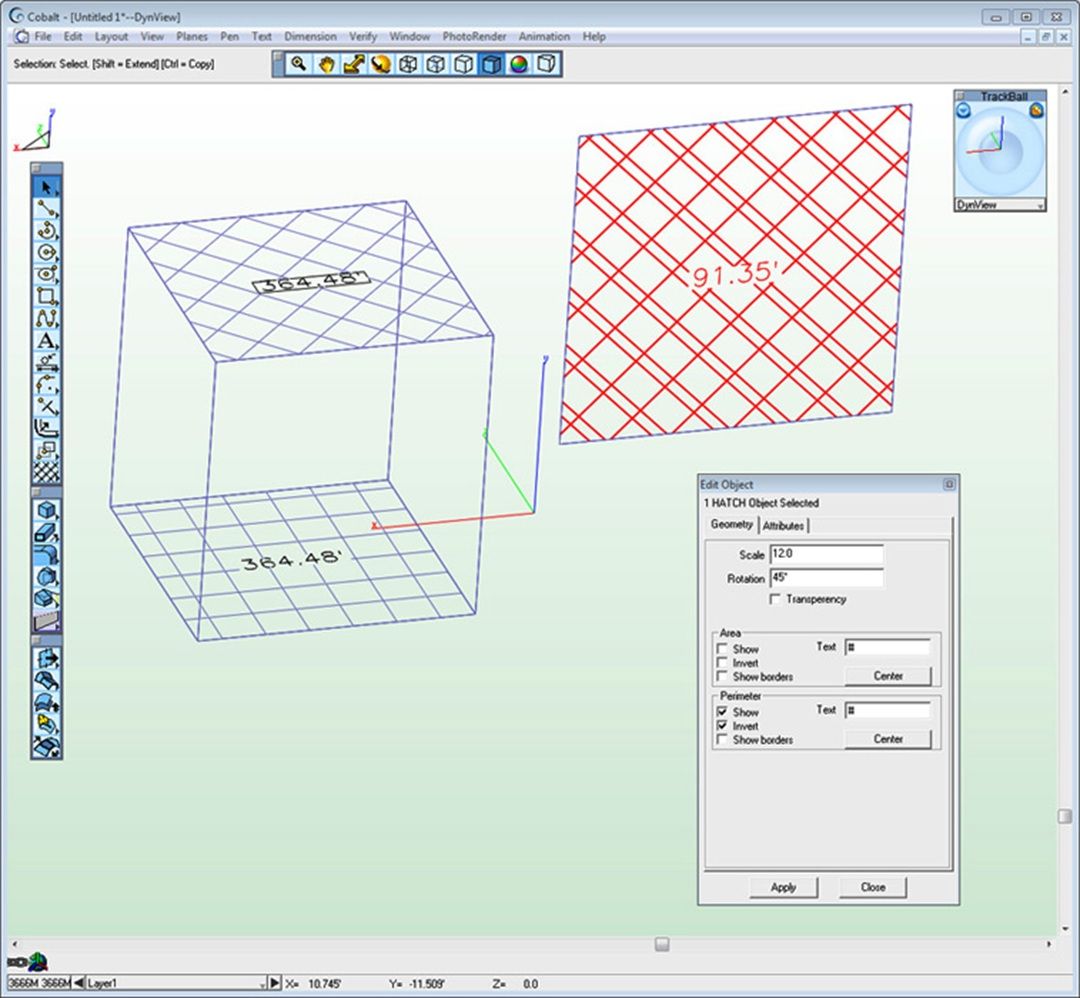
Download Ashlar-Vellum Cobalt 9.0.908 SP0 R0 full license

Ashlar-Vellum Cobalt 9.0.908 SP0 R0 – Intuitive 2D & 3D CAD Design Software

Download Ashlar-Vellum Cobalt 9.0.908 SP0 R0 full license

Link download Ashlar-Vellum Cobalt 9.0.908 SP0 R0 full activated

Working with Ashlar-Vellum Cobalt 9.0.908 SP0 R0 full license

Description of Ashlar-Vellum Cobalt 9.0.908 SP0 R0

Ashlar-Vellum Cobalt 9.0.908 SP0 R0 is a powerful and flexible CAD solution designed for designers, engineers, architects, and creative professionals who want fast, visual 2D drafting and 3D modeling in one elegant tool. It combines precision drafting with organic 3D modeling, making it ideal for product design, industrial workflows, architectural concepts, and technical documentation.

Cobalt’s unique approach emphasizes intuitive interaction, allowing users to create complex forms and detailed designs without steep learning curves. With robust geometry tools and seamless transitions between 2D and 3D, it enhances productivity and supports creative engineering processes.

Features of Ashlar-Vellum Cobalt 9.0.908 SP0 R0

Hybrid 2D & 3D Design Environment
Work in both 2D drafting and 3D modeling with smooth context switching.

Intuitive Direct Modeling Tools
Push-pull and drag-based modeling for fast shape creation and edits.

Precision Geometry Controls
Maintain exact dimensions and constraints for engineering accuracy.

Organic Surface & Solid Modeling
Create complex surfaces and manufacturable solids without complicated workflows.

Associative Drafting & Documentation
2D drawings update automatically from 3D changes for consistent documentation.

Flexible File Compatibility
Import and export major CAD formats for collaboration with other systems.

Visualization & Rendering Tools
Real-time shading and rendering for presentation-ready visuals

Enhanced Stability in Version 9.0.908 SP0 R0
Performance improvements, UI refinements, and smoother tool operations.

Why Choose Ashlar-Vellum Cobalt?
Ashlar-Vellum Cobalt 9.0.908 SP0 R0 empowers creative engineers and designers by blending intuitive interaction with professional CAD accuracy. It’s ideal for projects where speed, clarity, and flexibility matter — from concept sketches to detailed production drawings.

If you want to download Ashlar-Vellum Cobalt 9.0.908 SP0 R0 full license, please click to DOWNLOAD button to download.
CLICKDOWN.ORG Download CAD CAM CNC software
Inside package Ashlar-Vellum Cobalt 9.0.908 SP0 R0, already have cracked files and instruction how to install Ashlar-Vellum Cobalt 9.0.908 SP0 R0 step by step. I guarantee you can install Ashlar-Vellum Cobalt 9.0.908 SP0 R0 successfully if you follow that instruction.
If you also can’t install it or get any problems, please contact to me by email: clickdown.org@gmail.com, then I will help you to install software by teamviewer or Ultraviewer or Anydesk.
Thanks a lot
SOFTWARES

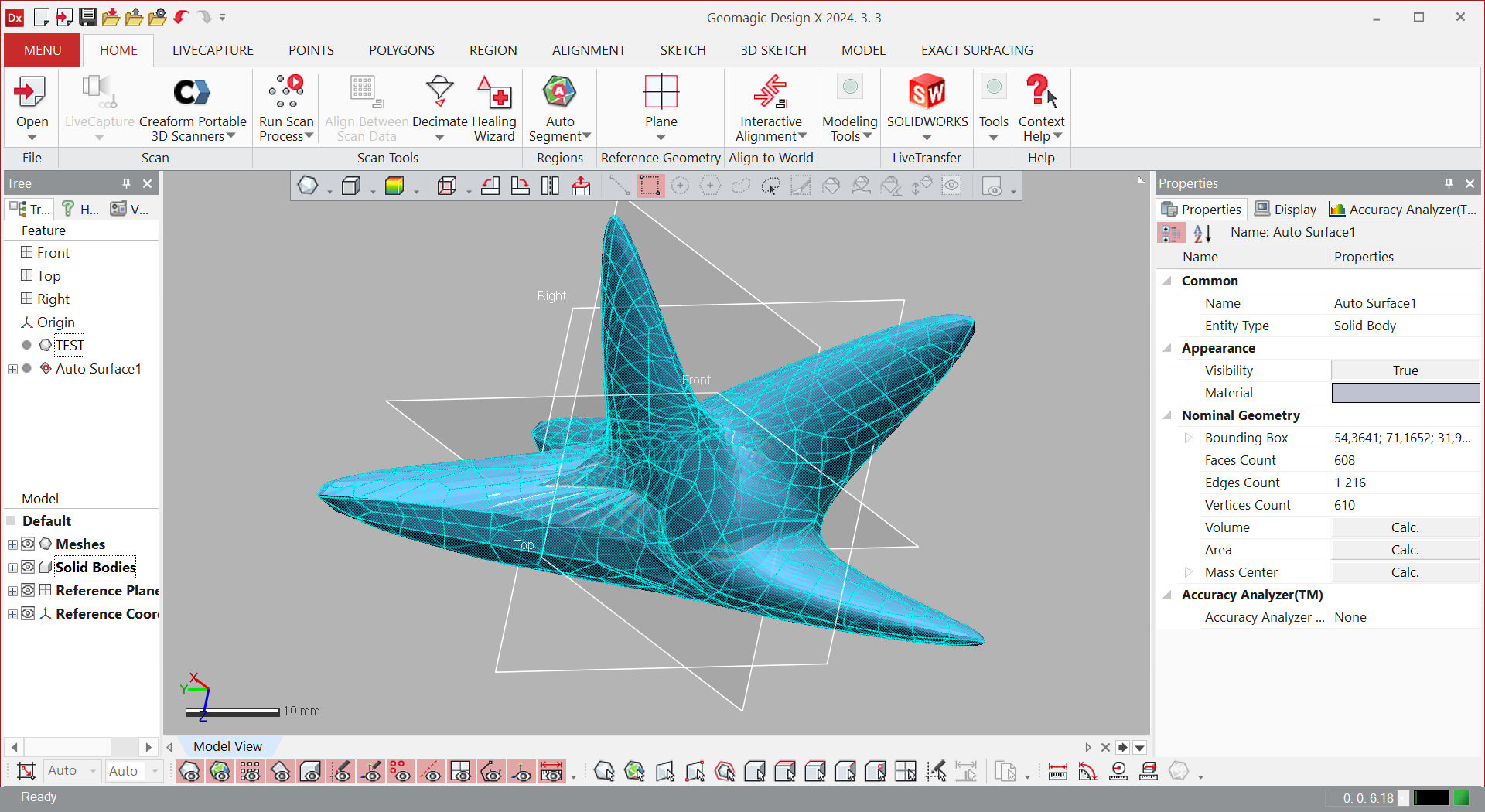
Download Geomagic Design X 2024.3.3.24 x64 full license

Geomagic Design X 2024.3.3.24 – Premium Reverse Engineering & 3D Scan Processing Software

Download Geomagic Design X 2024.3.3.24 x64 full license

Link download Geomagic Design X 2024.3.3.24 full activated

Working with Geomagic Design X 2024.3.3.24 full license

Description of Geomagic Design X 2024.3.3.24

Geomagic Design X 2024.3.3.24 is a professional reverse engineering and 3D scan processing solution that enables engineers, product designers, and manufacturing professionals to convert real-world physical objects into accurate digital 3D CAD models. Powered by robust scanning and modeling tools, Design X helps users accelerate product development, improve design workflows, and create manufacturing-ready geometry from physical parts.

Whether you work with handheld scanners, structured light systems, or industrial metrology devices, Geomagic Design X provides a comprehensive toolkit for importing, processing, editing, and exporting precise CAD data.

Features of Geomagic Design X 2024.3.3.24

Accurate 3D Scan Import
Import point clouds and mesh data from a wide range of 3D scanners and file formats.

Advanced Reverse Engineering Tools
Convert scan data into editable parametric CAD models that can be further refined.

Mesh Editing & Cleanup
Clean and optimize mesh data by removing noise, filling holes, and repairing artifacts.

Surface & Solid Modeling Workflow
Blend surface and solid modeling techniques to reconstruct complex geometry with precision.

Automatic Feature Recognition
Detect and extract geometric features like planes, cylinders, and holes for fast reconstruction.

High-Quality Output for CAD
Generate engineering-ready CAD models compatible with major systems like SOLIDWORKS, Siemens NX, and more.

Alignment & Registration Tools
Precisely align multiple scans and reference geometry to ensure coherent models.

Enhanced Performance & Stability in Version 2024.3.3.24
Improved processing speed, better mesh handling, and refined tool workflows.

Why Choose Geomagic Design X 2024.3.3.24?
Geomagic Design X 2024.3.3.24 streamlines the reverse engineering process by combining powerful scan processing with flexible CAD model creation. It empowers engineers to recreate parts quickly, improve product design accuracy, bridge physical and digital workflows, and reduce development time for prototyping and manufacturing.

If you want to download Geomagic Design X 2024.3.3.24 full license, please click to DOWNLOAD button to download.
CLICKDOWN.ORG Download CAD CAM CNC software
Inside package Geomagic Design X 2024.3.3.24, already have cracked files and instruction how to install Geomagic Design X 2024.3.3.24 step by step. I guarantee you can install Geomagic Design X 2024.3.3.24 successfully if you follow that instruction.
If you also can’t install it or get any problems, please contact to me by email: clickdown.org@gmail.com, then I will help you to install software by teamviewer or Ultraviewer or Anydesk.
Thanks a lot
SOFTWARES

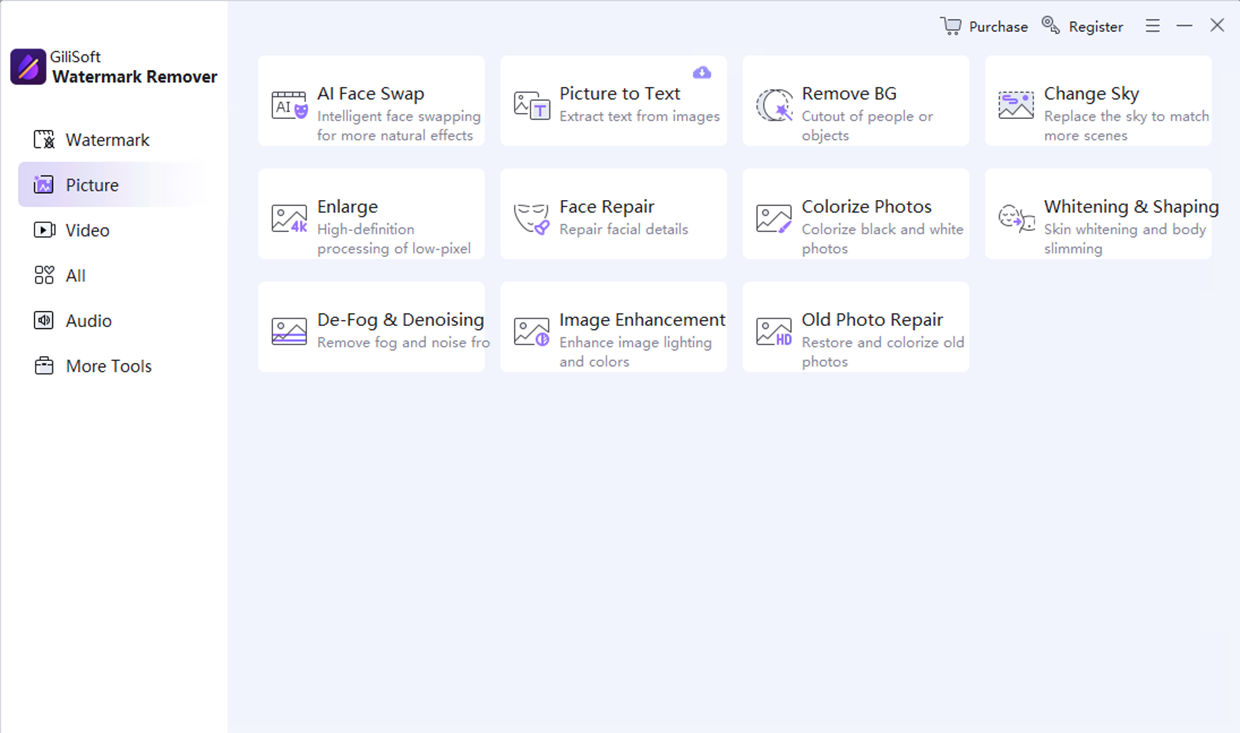
Download Gilisoft Watermark Remover 9.0.0 full license

Gilisoft Watermark Remover 9.0.0 – Easy Tool to Remove Unwanted Marks on Your Own Media

Download Gilisoft Watermark Remover 9.0.0 full license

Link download Gilisoft Watermark Remover 9.0.0 full activated

Working with Gilisoft Watermark Remover 9.0.0 full license

Description of Gilisoft Watermark Remover 9.0.0

Gilisoft Watermark Remover 9.0.0 is a user-friendly application designed to help you remove various types of visual marks — such as timestamps, logos, date stamps, or other unwanted overlays — from images and videos you own or have the rights to edit. It’s ideal for photographers, videographers, and content creators who want to clean up their own media before publishing or archiving.

Features of Gilisoft Watermark Remover 9.0.0

Image Watermark Removal
Remove logos, text, and date stamps from your own photos with smart selection tools.

Video Watermark Removal
Eliminate fixed or moving marks from videos you’ve captured or licensed.

Multiple Selection Tools
Use rectangle, lasso, or brush selection to highlight unwanted areas precisely.

Batch Processing Support
Clean up multiple photos or videos at once to save time.

Easy Preview & Adjustments
See results before finalizing changes, and fine-tune selections for best quality.

Supports Popular Formats
Works with common image (JPG, PNG) and video (MP4, AVI, MOV) formats.

Simple, Intuitive Interface
Designed for users of all skill levels, with clear controls and step-by-step workflow.

Improved Stability in Version 9.0.0
Enhanced performance, compatibility updates, and smoother operation.

Why Choose Gilisoft Watermark Remover 9.0.0?
Gilisoft Watermark Remover 9.0.0 helps you refine your own media by reducing or removing unintended visual elements that distract from your subject. It’s a practical solution for content creators who want cleaner, more polished imagery while respecting copyright and proper usage rights.

If you want to download Gilisoft Watermark Remover 9.0.0 full license, please click to DOWNLOAD button to download.
CLICKDOWN.ORG Download CAD CAM CNC software
Inside package Gilisoft Watermark Remover 9.0.0, already have cracked files and instruction how to install Gilisoft Watermark Remover 9.0.0 step by step. I guarantee you can install Gilisoft Watermark Remover 9.0.0 successfully if you follow that instruction.
If you also can’t install it or get any problems, please contact to me by email: clickdown.org@gmail.com, then I will help you to install software by teamviewer or Ultraviewer or Anydesk.
Thanks a lot
SOFTWARES

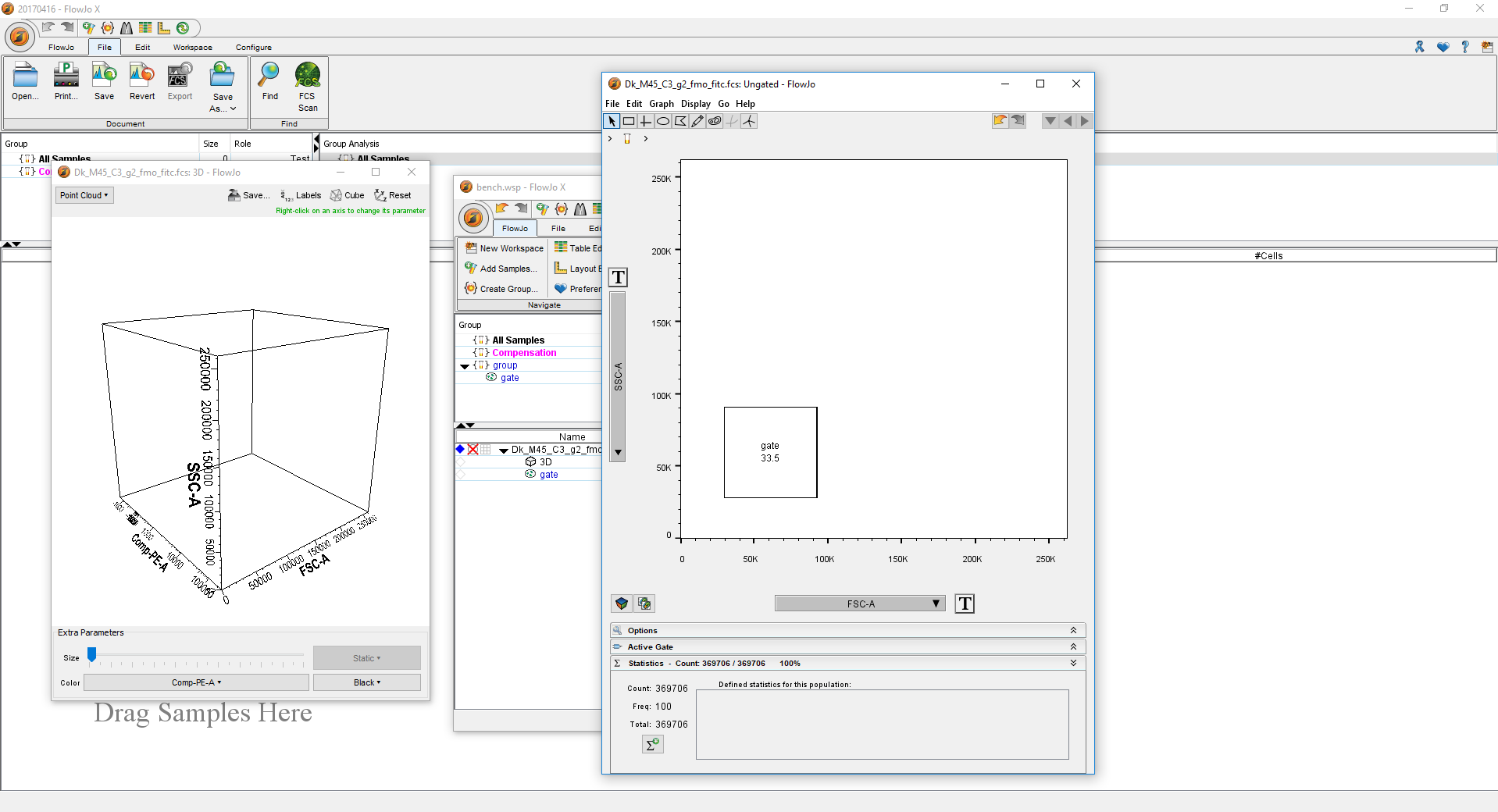
Download FlowJo 10.10.1 full license 100% working forever

FlowJo 10.10.1 – Professional Flow Cytometry Analysis Software

Download FlowJo 10.10.1 full license

Link download FlowJo 10.10.1 full activated

Working with FlowJo 10.10.1 full license

Description of FlowJo 10.10.1

FlowJo 10.10.1 is a powerful data analysis software designed for researchers, scientists, and laboratory professionals working with flow cytometry data. It enables users to visualize, analyze, interpret, and report complex cellular datasets with unmatched clarity and flexibility.

Widely used in immunology, cell biology, cancer research, and clinical laboratories, FlowJo provides an intuitive environment for analyzing multi-parameter flow cytometry data from a wide range of instruments. Its advanced tools help researchers uncover insights, streamline workflows, and present results with publication-quality graphs.

Features of FlowJo 10.10.1

Comprehensive Data Import & Management
Easily import flow cytometry data files (FCS format) from all major instruments and organize large datasets.

Flexible Gating & Population Analysis
Define and refine cell populations with customizable gates, hierarchical layouts, and batch processing.

Advanced Statistics & Metrics
Calculate detailed quantitative metrics like frequencies, medians, and expression levels.

Visualization & Graphing Tools
Produce high-resolution histograms, dot plots, contour plots, and overlays for clear interpretation.

Batch Analysis & Automation
Automate repetitive tasks and run workflows across multiple samples to save time.

Custom Reports & Layouts
Create exportable reports with annotated graphs, tables, and summaries for publications and presentations.

Integration with Third-Party Tools
Seamlessly work with R, Python, and other bioinformatics tools for expanded analyses.

Enhanced Performance in Version 10.10.1
Improved stability, faster processing of large datasets, and refined user experience.

Why Choose FlowJo 10.10.1?
FlowJo 10.10.1 delivers a complete and robust platform for flow cytometry data analysis. Its combination of powerful visualization, advanced statistics, and streamlined workflows makes it an essential tool for labs seeking deeper insight into complex biological data.

If you want to download FlowJo 10.10.1 full license, please click to DOWNLOAD button to download.
CLICKDOWN.ORG Download CAD CAM CNC software
Inside package FlowJo 10.10.1, already have cracked files and instruction how to install FlowJo 10.10.1 step by step. I guarantee you can install FlowJo 10.10.1 successfully if you follow that instruction.
If you also can’t install it or get any problems, please contact to me by email: clickdown.org@gmail.com, then I will help you to install software by teamviewer or Ultraviewer or Anydesk.
Thanks a lot
SOFTWARES

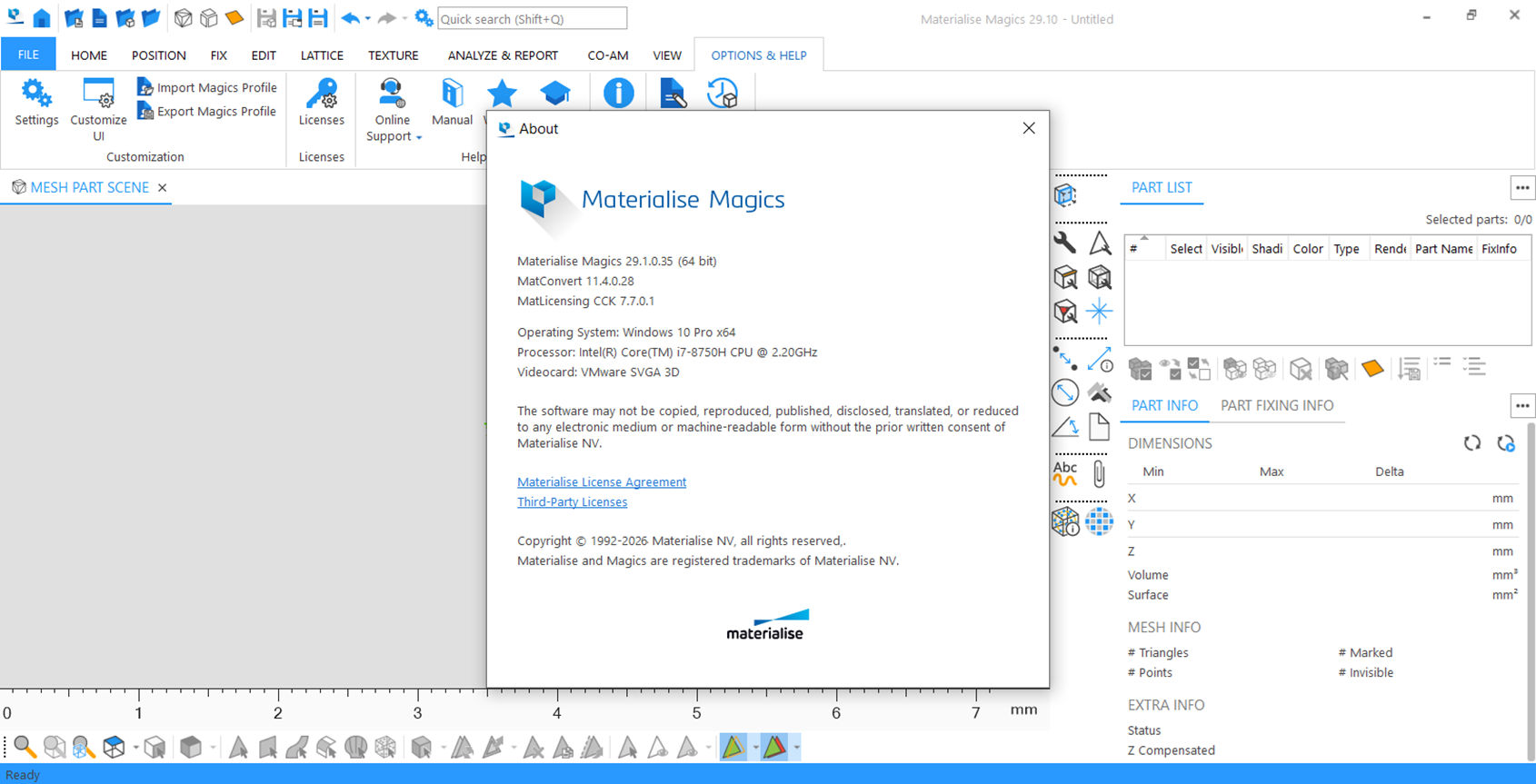
Download Materialise Magics 29.1.0.35 win64 full license

Materialise Magics 29.1.0.35 – Professional Additive Manufacturing & 3D Print Preparation Software

Download Materialise Magics 29.1.0.35 win64 full license

Link download Materialise Magics 29.1.0.35 full activated

Working with Materialise Magics 29.1.0.35 full activated

Description of Materialise Magics 29.1.0.35

Materialise Magics 29.1.0.35 is a powerful and industry-leading software solution designed for additive manufacturing (AM) professionals, engineers, and 3D printing specialists. It provides comprehensive tools to prepare, edit, fix, and optimize CAD files for high-quality 3D printing across industrial and professional applications.

Magics is widely used in aerospace, healthcare, automotive, and manufacturing sectors for its robust data preparation tools, mesh editing capabilities, and seamless compatibility with major 3D printers and manufacturing workflows.

Features of Materialise Magics 29.1.0.35

Advanced 3D Data Preparation
Import and organize CAD and mesh files with smart build preparation tools.

Mesh Analysis & Repair Tools
Automatically detect and fix common mesh issues like holes, inverted normals, and non-manifold edges.

Support Generation & Optimization
Create and customize support structures for stable and successful 3D prints.

Part Orientation & Nesting
Optimize part placement and orientation to reduce print time and material use.

Slicing & Export Tools
Prepare print-ready slices and export build files compatible with a wide range of AM systems.

Material & Printer Libraries
Extensive libraries ensure accurate build settings for different materials and machines.

Multi-Part Build Management
Organize, arrange, and manage multiple components in a single build tray.

Enhanced Performance in Version 29.1.0.35
Improved speed, stability, and workflow enhancements for faster project turnaround.

Why Choose Materialise Magics 29.1.0.35?
Materialise Magics 29.1.0.35 delivers a complete, reliable, and efficient workflow for preparing 3D models for additive manufacturing. Its powerful feature set helps users produce accurate, manufacturable prints while reducing build errors and material waste.

If you want to download Materialise Magics 29.1.0.35 full license, please click to DOWNLOAD button to download.
CLICKDOWN.ORG Download CAD CAM CNC software
Inside package Materialise Magics 29.1.0.35, already have cracked files and instruction how to install Materialise Magics 29.1.0.35 step by step. I guarantee you can install Materialise Magics 29.1.0.35 successfully if you follow that instruction.
If you also can’t install it or get any problems, please contact to me by email: clickdown.org@gmail.com, then I will help you to install software by teamviewer or Ultraviewer or Anydesk.
Thanks a lot
SOFTWARES

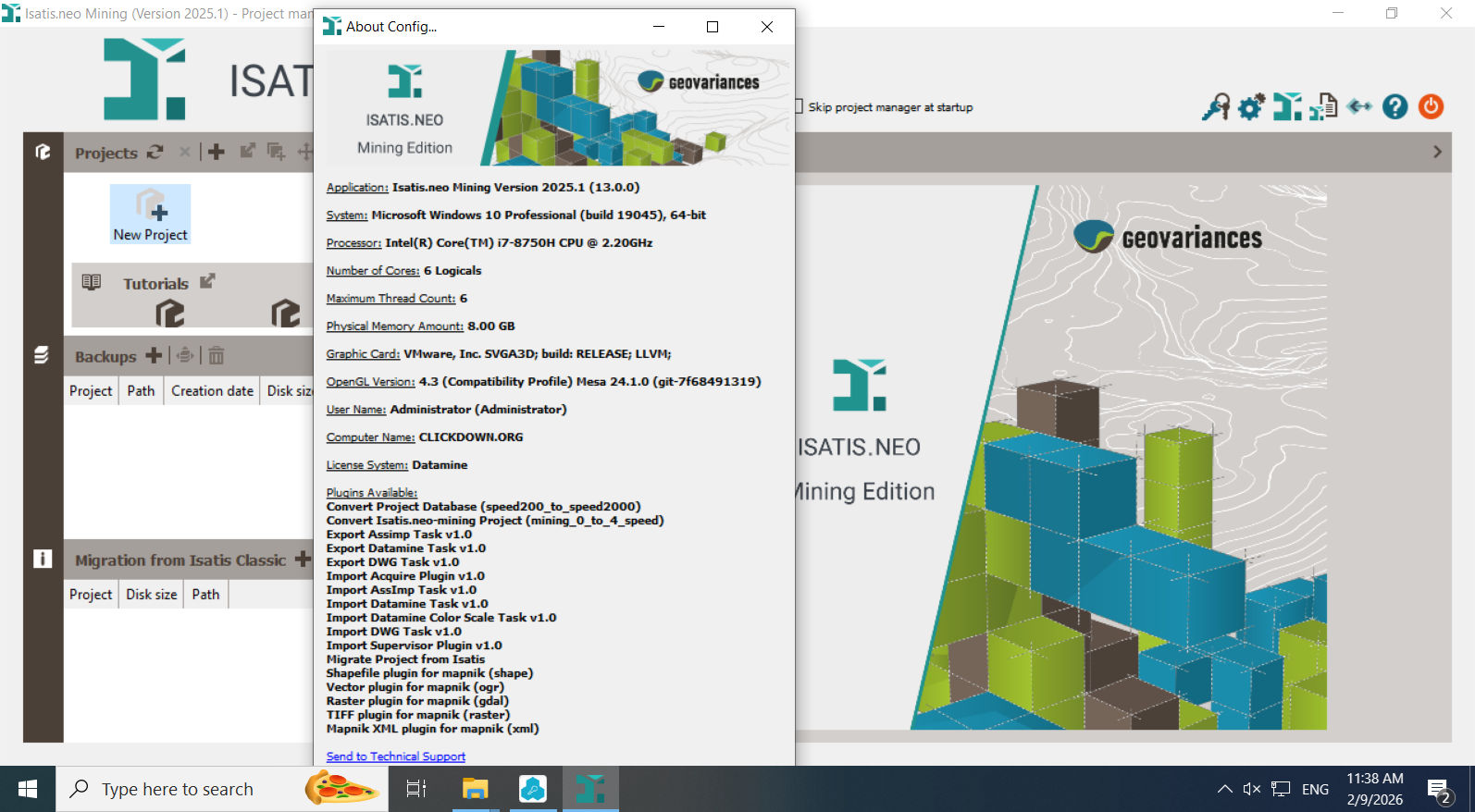
Download isatis.neo mining 2025.1 x64 full license forever

isatis.neo mining 2025.1 – Advanced Geostatistics & Mining Software

Download isatis.neo mining 2025.1 x64 full license forever

Link download isatis.neo mining 2025.1 full activated

isatis.neo mining 2025.1 x64 full license

Working with isatis.neo mining 2025.1 full activated

Description of isatis.neo mining 2025.1

isatis.neo mining 2025.1 is a powerful geostatistical and resource estimation software tailored for the mining industry. It helps geologists, mining engineers, and resource analysts model mineral deposits, analyze geospatial data, and optimize resource estimation with high precision.

Built on a robust computational platform, isatis.neo mining combines cutting-edge statistical tools with practical mining workflows, enabling users to make data-driven decisions for exploration, resource definition, and mine planning.

Features of isatis.neo mining 2025.1

Geostatistical Resource Modeling
Perform accurate variography, kriging, and conditional simulation to estimate mineral resources with confidence.

Spatial Data Analysis Tools
Analyze drillhole data, geological surfaces, and spatial distributions using advanced statistical methods.

3D Visualization & Mapping
Visualize geological models and spatial results in interactive 3D for enhanced understanding and presentations.

Multivariate Analysis
Handle complex datasets with principal component analysis, cluster analysis, and multivariate statistics.

Block Model Creation
Build detailed block models for resource estimation, mine design, and reporting purposes.

Support for Large Datasets
Efficiently process extensive data without compromise on performance or accuracy.

Customizable Workflows
Adapt workflows to specific project needs using flexible tools and user-defined parameters.

Enhanced Stability & Performance in 2025.1
Improved computational speed, error handling, and usability enhancements for smoother project execution.

Why Choose isatis.neo mining 2025.1?
isatis.neo mining 2025.1 empowers mining professionals with state-of-the-art geostatistical tools that increase confidence in resource evaluation and reduce uncertainty in geological interpretations. Its combination of analytical depth and practical mining features makes it indispensable for modern resource modeling.

If you want to download isatis.neo mining 2025.1 full license, please click to DOWNLOAD button to download.
CLICKDOWN.ORG Download CAD CAM CNC software
Inside package isatis.neo mining 2025.1, already have cracked files and instruction how to install isatis.neo mining 2025.1 step by step. I guarantee you can install isatis.neo mining 2025.1 successfully if you follow that instruction.
If you also can’t install it or get any problems, please contact to me by email: clickdown.org@gmail.com, then I will help you to install software by teamviewer or Ultraviewer or Anydesk.
Thanks a lot
SOFTWARES

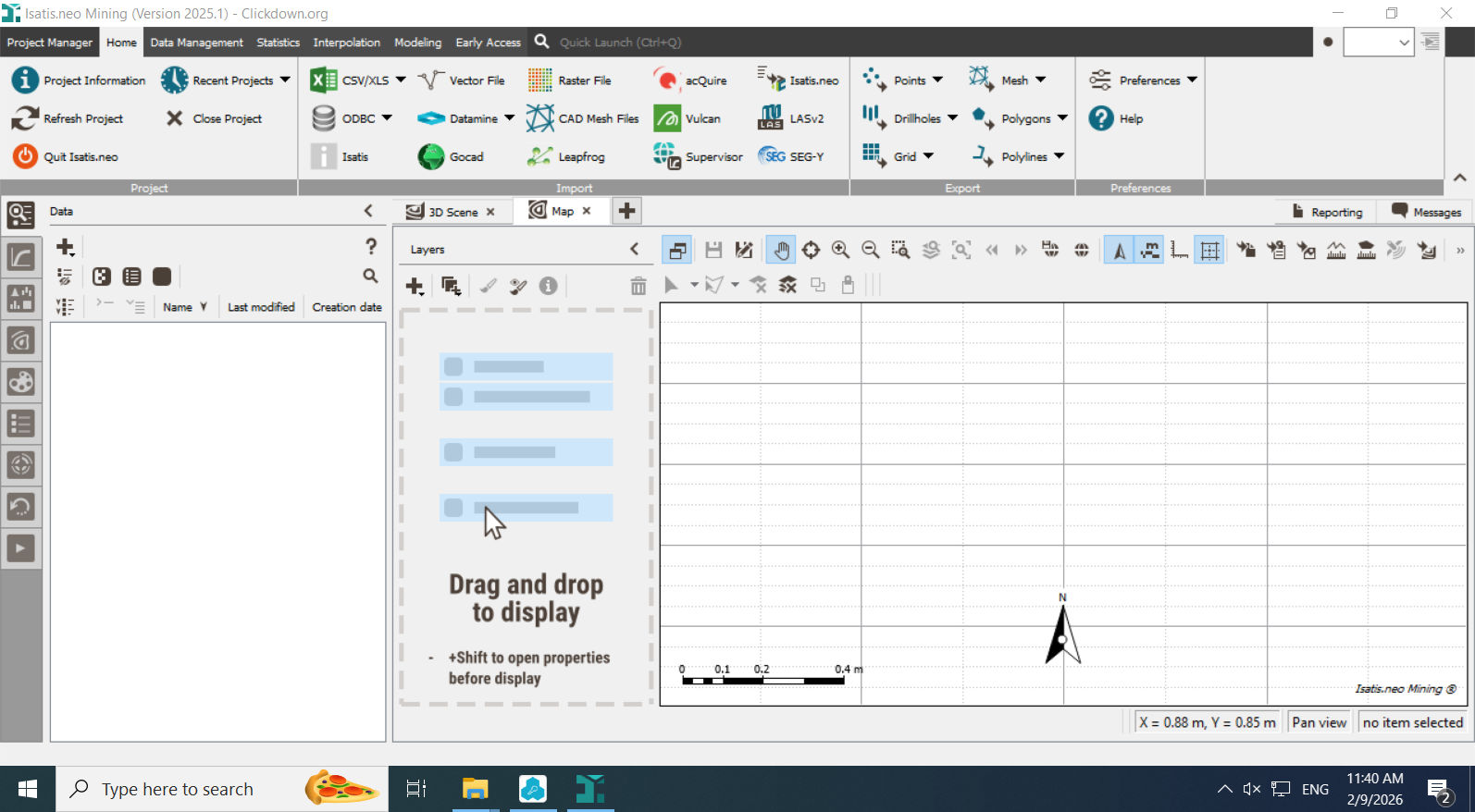
Download Chief Architect Premier X17 27.3.2.5 full license

Chief Architect Premier X17 27.3.2.5 – Professional Residential Design & BIM Software

Download Chief Architect Premier X17 27.3.2.5 full license

Link download Chief Architect Premier X17 27.3.2.5 full activated

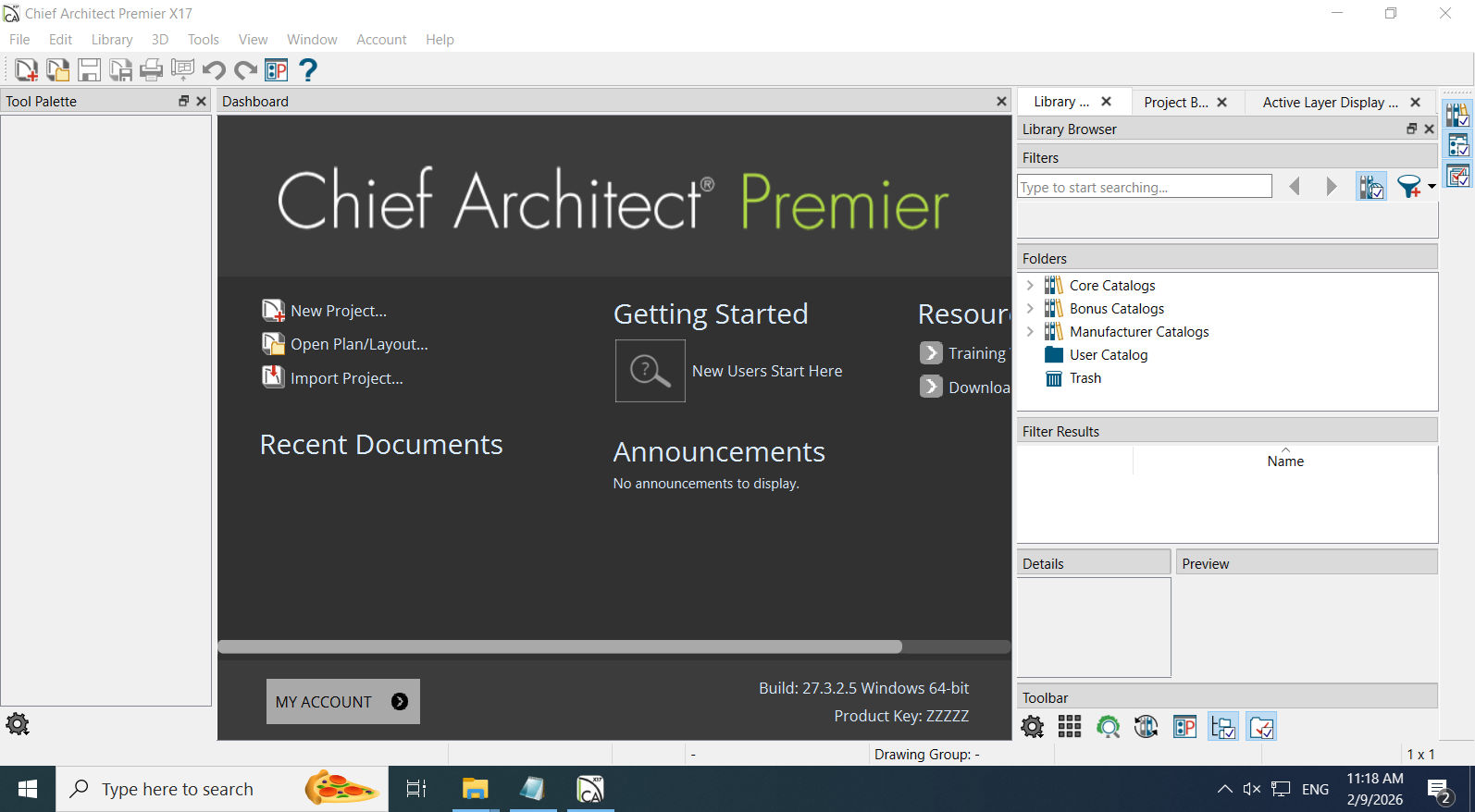
Working with Chief Architect Premier X17 27.3.2.5 full license

Description of Chief Architect Premier X17 27.3.2.5

Chief Architect Premier X17 27.3.2.5 is a powerful architectural design software created for architects, residential designers, and builders. It provides advanced tools for 2D drafting, 3D modeling, and BIM-based workflows, allowing users to design accurate residential and light commercial projects with speed and precision.

With automated building tools and realistic visualization features, Chief Architect Premier helps professionals turn concepts into detailed construction-ready designs efficiently.

Features of Chief Architect Premier X17 27.3.2.5

Intelligent Residential Design Tools
Automatically generate walls, roofs, floors, and foundations.

Advanced 3D Modeling & Visualization
Create realistic 3D views, walkthroughs, and renderings.

BIM-Based Workflow
Maintain accurate design data for construction and documentation.

Construction Documentation
Produce detailed floor plans, elevations, sections, and schedules.

Material & Cost Estimation
Generate material lists and cost estimates automatically.

Extensive Library Content
Access thousands of architectural objects, fixtures, and materials.

Terrain & Site Design Tools
Model landscapes, grading, and site elements accurately.

Enhancements in X17 Version
Improved performance, stability, and design productivity.

Why Choose Chief Architect Premier X17 27.3.2.5?
Chief Architect Premier X17 27.3.2.5 offers a complete solution for residential design, combining automation, accuracy, and professional presentation tools to streamline the entire design-to-build process.

If you want to download Chief Architect Premier X17 27.3.2.5 full license, please click to DOWNLOAD button to download.
CLICKDOWN.ORG Download CAD CAM CNC software
Inside package Chief Architect Premier X17 27.3.2.5, already have cracked files and instruction how to install Chief Architect Premier X17 27.3.2.5 step by step. I guarantee you can install Chief Architect Premier X17 27.3.2.5 successfully if you follow that instruction.
If you also can’t install it or get any problems, please contact to me by email: clickdown.org@gmail.com, then I will help you to install software by teamviewer or Ultraviewer or Anydesk.
Thanks a lot
error: Content is protected !!
Scroll to Top