SOFTWARES

SOFTWARES

Download MSC Dytran 2025.2 Win64 full license forever

MSC Dytran 2025.2 – Advanced Nonlinear Dynamics & Fluid-Structure Interaction Simulation

Download MSC Dytran 2025.2 Win64 full license forever

Link download MSC Dytran 2025.2 x64 full activated
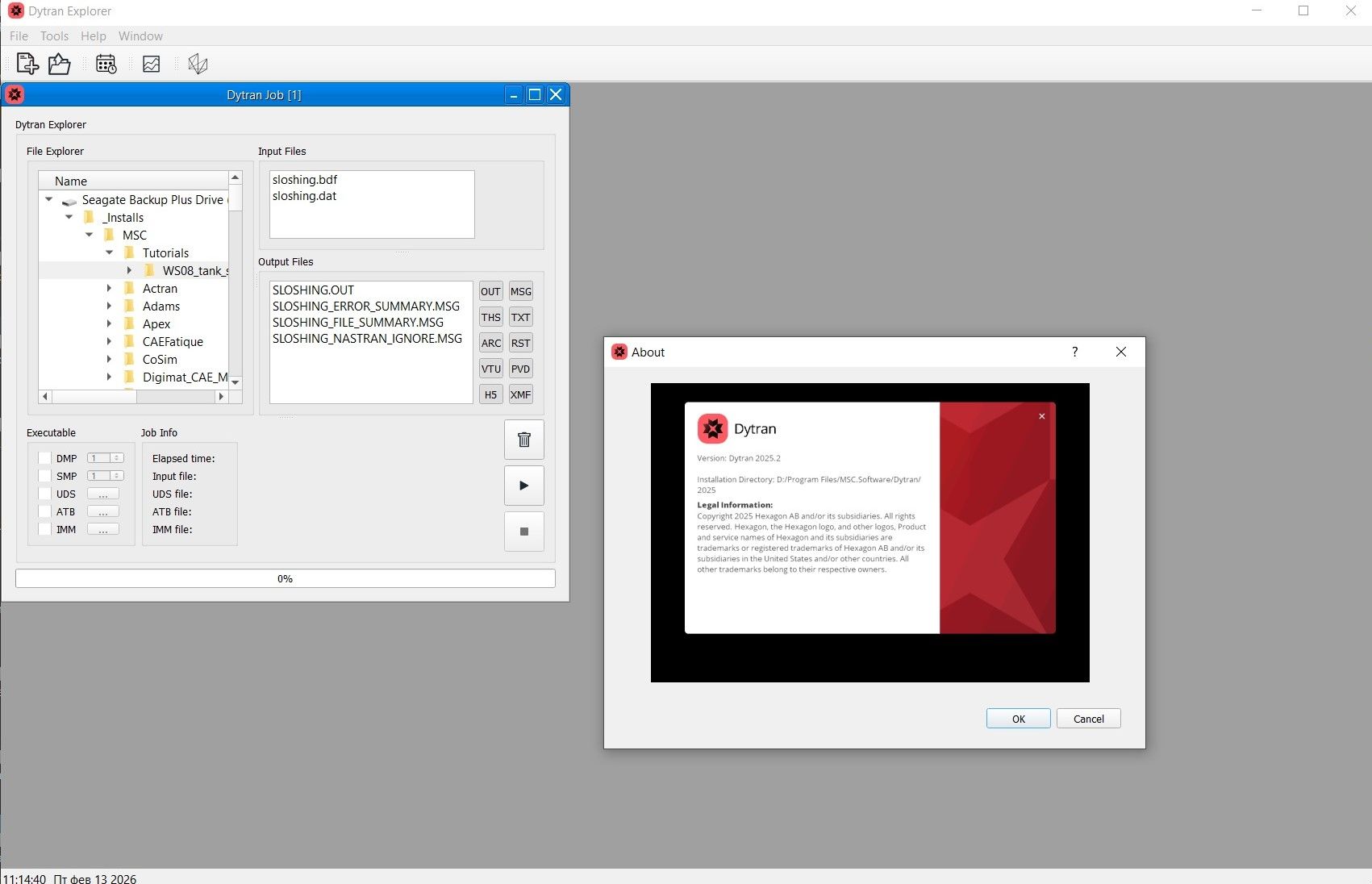
Working with MSC Dytran 2025.2 full license

Description of MSC Dytran 2025.2

MSC Dytran 2025.2 is a powerful explicit dynamics simulation software developed by MSC Software, part of Hexagon AB. It is widely used by engineers to analyze highly nonlinear transient events such as impacts, crashes, fluid-structure interaction (FSI), and extreme loading conditions.

The 2025.2 release delivers improved solver performance, enhanced multiphysics capabilities, and workflow optimizations to support accurate and efficient simulation of complex dynamic events.

What is MSC Dytran 2025.2?
MSC Dytran is an explicit finite element analysis (FEA) solver designed for simulating short-duration, highly nonlinear events involving structural deformation, fluid flow, and their interactions. It enables engineers to predict system behavior under extreme conditions and optimize designs for safety and durability.
Version 2025.2 enhances computational efficiency and modeling flexibility, making it suitable for modern engineering challenges.

Features of MSC Dytran 2025.2

1. Explicit Nonlinear Dynamics Simulation
Simulate high-speed impacts and crash events
Analyze large deformations and material nonlinearities
Predict structural response under extreme loads

2. Fluid-Structure Interaction (FSI)
Coupled simulation of fluid flow and structural response
Eulerian-Lagrangian interaction modeling
Accurate prediction of pressure waves and fluid forces

3. Multiphysics & Coupled Analysis
Combine structural dynamics with fluid and thermal effects
Model blast, shock, and explosion scenarios
Support complex real-world loading conditions

4. Advanced Material Modeling
Extensive material library for metals, composites, and foams
Strain-rate dependent and nonlinear material behavior
Failure and fracture prediction capabilities

5. Airbag & Occupant Safety Simulation
Airbag deployment and interaction modeling
Occupant safety and restraint system evaluation
Automotive crashworthiness analysis

6. High-Performance Solver & Scalability
Parallel processing for large-scale simulations
Improved solver efficiency and numerical stability
Optimized performance for high-performance computing environments

7. Pre/Post-Processing Integration
Seamless integration with MSC Apex and MSC Nastran workflows
Enhanced visualization and result interpretation
Efficient data management and reporting

8. Workflow & Usability Enhancements
Streamlined model setup and simulation control
Improved robustness for complex models
Enhanced debugging and solution monitoring tools

Benefits of Using MSC Dytran 2025.2
✅ Predict structural behavior under extreme conditions
✅ Improve safety and crashworthiness performance
✅ Analyze fluid-structure interaction accurately
✅ Reduce physical testing and development costs
✅ Accelerate product development and certification
MSC Dytran enables engineers to simulate real-world dynamic events with precision, helping improve safety, reliability, and performance.

Typical Applications
Automotive crash and occupant safety analysis
Aerospace impact and bird strike simulations
Blast and explosion analysis
Fluid-structure interaction in industrial systems
Defense and protective structure design

Why Choose MSC Dytran 2025.2?
MSC Dytran remains a trusted solution for explicit dynamics and fluid-structure interaction analysis. The 2025.2 release enhances performance, multiphysics accuracy, and workflow efficiency, making it essential for engineers analyzing extreme dynamic events.

If you want to download MSC Dytran 2025.2 full license, please click to DOWNLOAD button to download.
CLICKDOWN.ORG Download CAD CAM CNC software
Inside package MSC Dytran 2025.2, already have cracked files and instruction how to install MSC Dytran 2025.2 step by step. I guarantee you can install MSC Dytran 2025.2 successfully if you follow that instruction.
If you also can’t install it or get any problems, please contact to me by email: clickdown.org@gmail.com, then I will help you to install software by teamviewer or Ultraviewer or Anydesk.
Thanks a lot
SOFTWARES

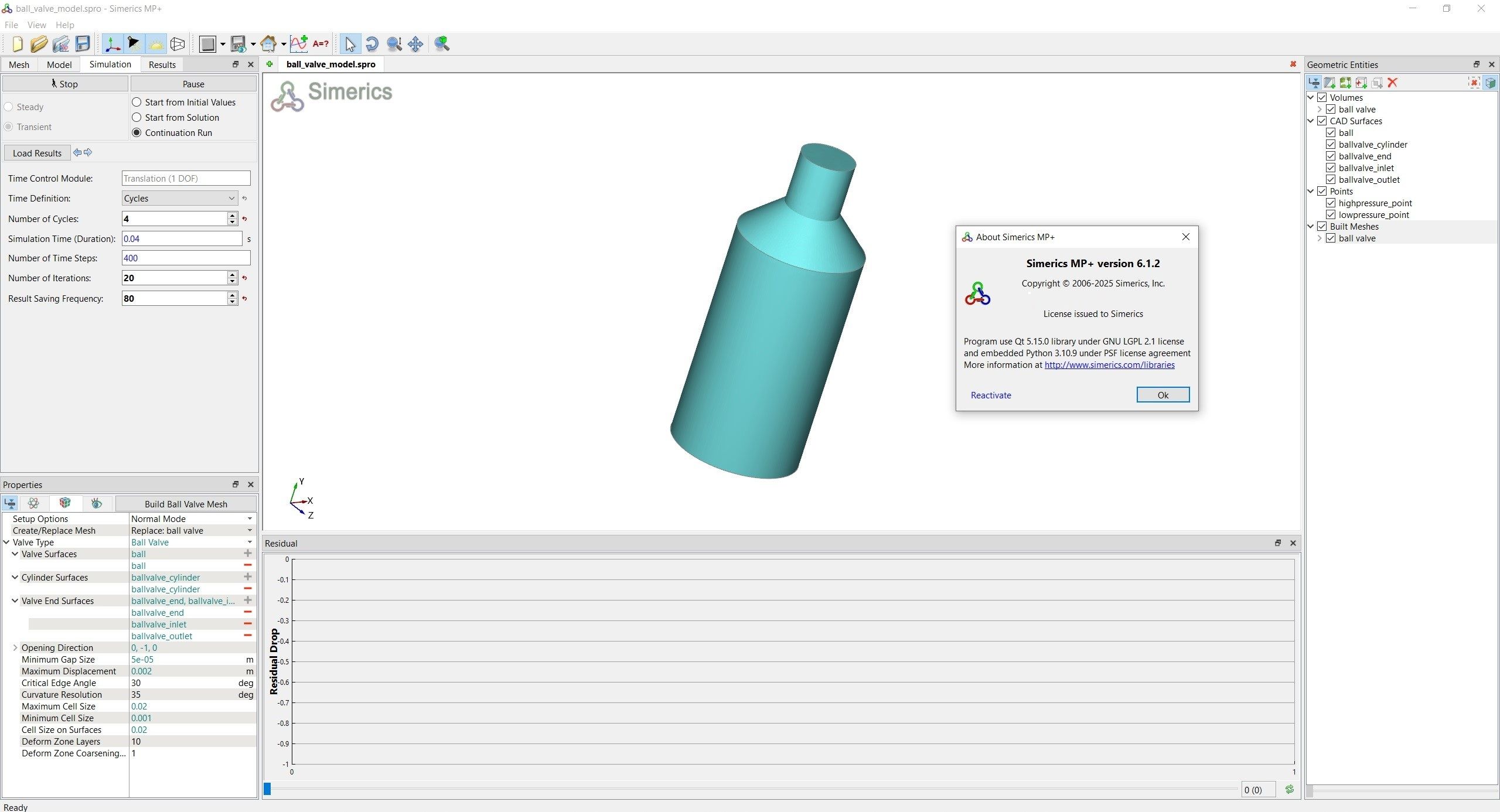
Download Simerics MP 6.1.2 x64 full license 100% working

Simerics MP 6.1.2 – Advanced CFD Simulation for Fluid Flow & Thermal Analysis

Download Simerics MP 6.1.2 x64 full license 100% working

Link download Simerics MP 6.1.2 win64 full activated

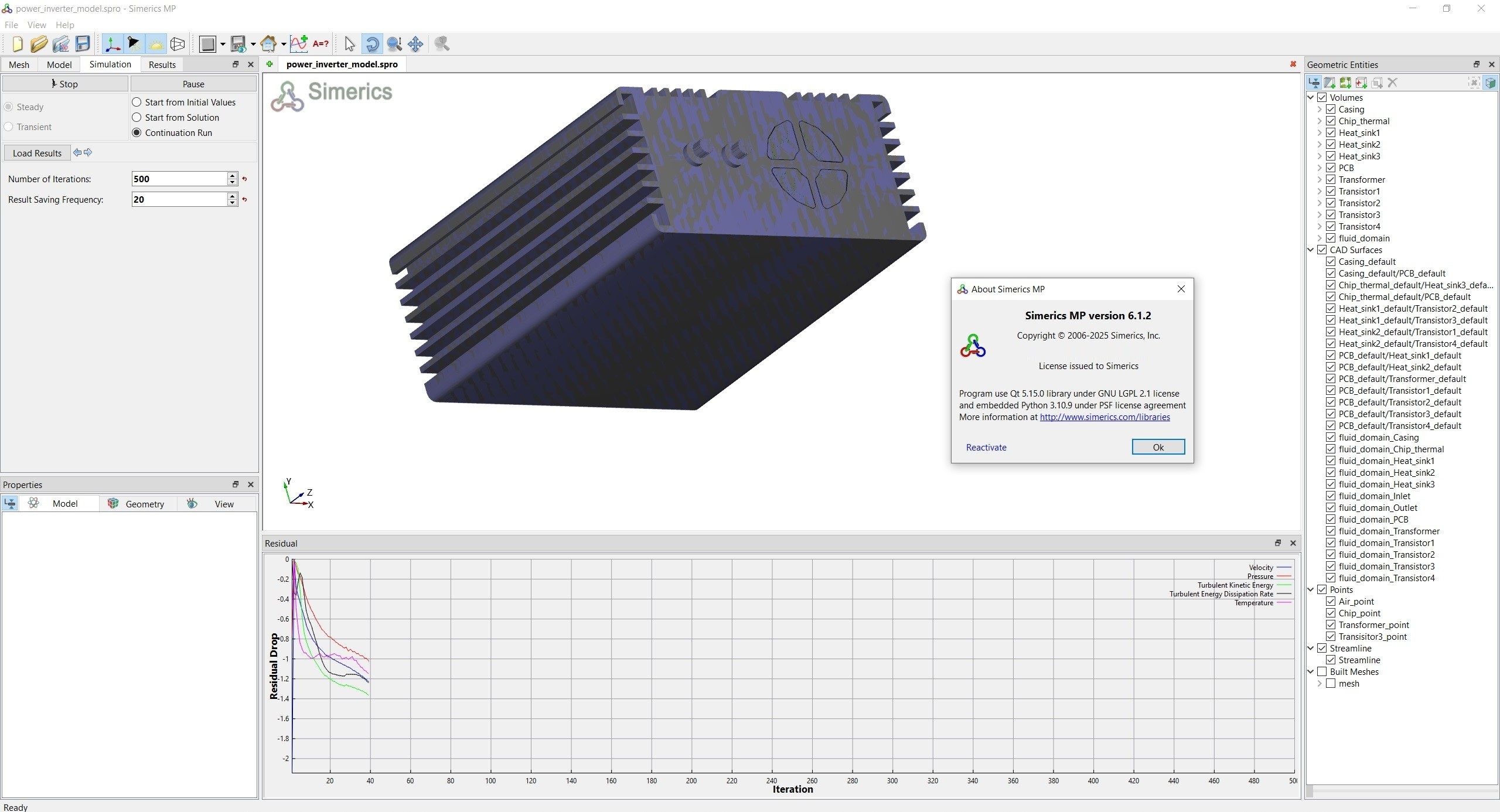
Working with Simerics MP 6.1.2 full license

Description of Simerics MP 6.1.2

Simerics MP 6.1.2 is a powerful computational fluid dynamics (CFD) solution developed by Simerics Inc.. Designed for engineers and researchers, Simerics MP provides accurate simulation of fluid flow, heat transfer, and moving components, helping optimize performance and reliability across industrial systems.

Version 6.1.2 enhances solver efficiency, improves numerical stability, and refines workflow usability, making it a dependable tool for complex fluid dynamics analysis.

What is Simerics MP 6.1.2?
Simerics MP is a general-purpose CFD solver used to simulate fluid motion, thermal behavior, and fluid-structure interactions in engineering systems. It is particularly effective for applications involving moving boundaries, rotating equipment, and transient flow conditions.
The 6.1.2 release focuses on improved performance and modeling accuracy for demanding simulation tasks.

Features of Simerics MP 6.1.2

1. Advanced Fluid Flow Simulation
Accurate modeling of laminar and turbulent flows
Transient and steady-state simulation capabilities
Support for incompressible and compressible flows

2. Moving & Rotating Component Simulation
Sliding mesh and moving boundary technology
Simulation of pumps, compressors, and rotating machinery
Realistic dynamic flow behavior analysis

3. Heat Transfer & Thermal Modeling
Conjugate heat transfer analysis
Thermal performance evaluation for cooling systems
Support for convection, conduction, and radiation

4. Cavitation & Pressure Fluctuation Analysis
Predict cavitation formation and pressure pulsations
Improve reliability of fluid machinery
Analyze performance under extreme operating conditions

5. High-Performance Solver Technology
Parallel processing for large-scale simulations
Improved convergence and numerical stability
Efficient handling of complex geometries

6. CAD Integration & Mesh Generation
Import CAD geometry from major formats
Automated mesh generation and refinement tools
Adaptive mesh capabilities for improved accuracy

7. Visualization & Post-Processing
Detailed visualization of velocity, pressure, and temperature fields
Flow pathline and particle tracking tools
Export results for reporting and analysis

8. Workflow & Usability Improvements
Simplified model setup and boundary condition assignment
Enhanced user interface responsiveness
Improved project management tools

Benefits of Using Simerics MP 6.1.2
✅ Improve efficiency and performance of fluid systems
✅ Reduce reliance on costly physical testing
✅ Optimize cooling and thermal management designs
✅ Enhance reliability of rotating equipment
✅ Accelerate engineering development cycles
Simerics MP enables engineers to predict fluid and thermal behavior accurately, supporting better design decisions and improved product performance.

Typical Applications
Pumps and compressors performance analysis
Automotive cooling and lubrication systems
Aerospace thermal and fluid systems
Energy and power generation equipment
Industrial fluid process optimization

Why Choose Simerics MP 6.1.2?
Simerics MP remains a trusted CFD solution for fluid flow and thermal simulations. Version 6.1.2 enhances solver stability, modeling accuracy, and usability, making it an essential tool for engineers working with complex fluid systems.

If you want to download Simerics MP 6.1.2 full license, please click to DOWNLOAD button to download.
CLICKDOWN.ORG Download CAD CAM CNC software
Inside package Simerics MP 6.1.2, already have cracked files and instruction how to install Simerics MP 6.1.2 step by step. I guarantee you can install Simerics MP 6.1.2 successfully if you follow that instruction.
If you also can’t install it or get any problems, please contact to me by email: clickdown.org@gmail.com, then I will help you to install software by teamviewer or Ultraviewer or Anydesk.
Thanks a lot
SOFTWARES

Download Cresset-BMD Flare 11.0.0 full license forever

Cresset BMD Flare 11.0.0 – Advanced Structure-Based Drug Design & Molecular Modeling Platform

Download Cresset-BMD Flare 11.0.0 full license forever

Link download Cresset-BMD Flare 11.0.0 full activated

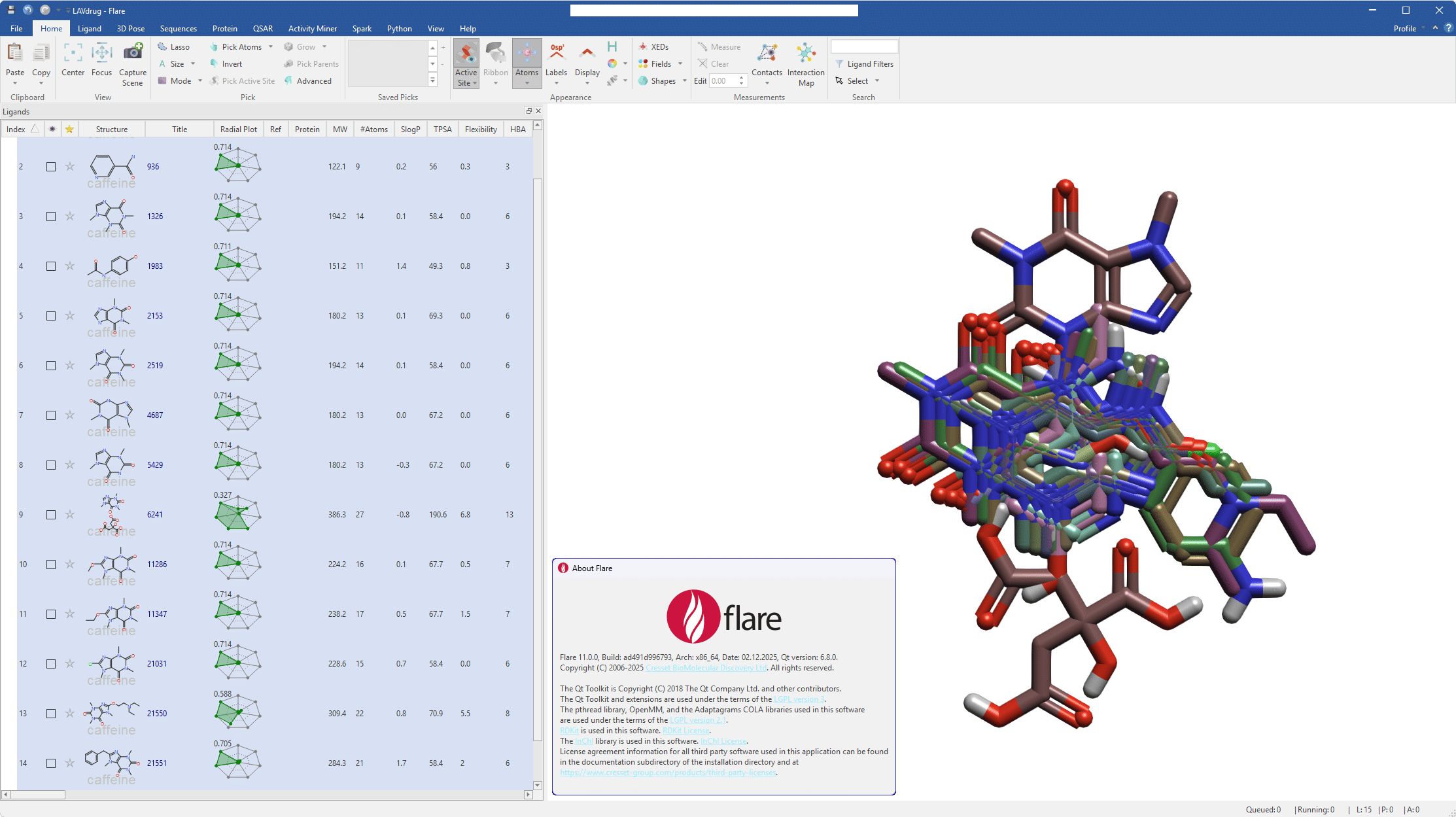
Working with Cresset-BMD Flare 11.0.0 full license

Description of Cresset-BMD Flare 11.0.0

Cresset BMD Flare 11.0.0 is a powerful structure-based drug design (SBDD) and molecular modeling platform developed by Cresset. Designed for computational chemists, medicinal chemists, and pharmaceutical researchers, Flare provides advanced tools for protein-ligand modeling, binding analysis, and molecular optimization.

Version 11.0.0 introduces improved workflow efficiency, enhanced visualization, and refined computational tools to support faster and more accurate drug discovery research.

What is Cresset BMD Flare 11.0.0?
Flare is an integrated computational chemistry environment used to analyze protein-ligand interactions and guide drug design decisions. It combines molecular visualization, docking, electrostatic analysis, and ligand optimization in a single platform.
The 11.0.0 release improves usability and performance while strengthening modeling accuracy for structure-based drug design projects.

New AI-Powered Tools
MolGenai – Generative Chemistry:
AI-driven angle generation using REINVENT4-based technology (decade on CheMBL and other datasets).
Users can focus on specific chemical space via transfer learning – refining models example using association.
Integrates with the Radial Plot scoring to filtered molecules based on target properties.

Flare AI Assistant:
Chat model: answers questions about, features worksflows, and scientific underlying methods.
Code Assistant (Copilot): helps and customize Python scripts natural use, runnable direct in Flare.

Enhanced Modelling Capabilities
Protein-Protein Docking with Constraints:
Users can now introduce spatial constraints to bias docking – useful for modeling specific orientation (e.g., ternary complexes).

Detached Calculations:
Long-running compute jobs (via Cresset Engine Broker v3.5) can run of the independent Flare GUI.
You can close the interface while tasks continue on an HPC cluster, improving and flexible resource management.

New Scoring & Analysis Features
Prevalence Score:
Estimates how common molecular challenges are in quared databases (ChemBL, eMolecules) as a proxy for digital for accessibility.
Fragments are scored from 0 (rare/complex) to 1 (common/simple), and the point score in a coordination overalls with its prevalence.
Color-by-score visualization highlights problematic regions.

Performance & Data Handling
Ingredients under the hood for treatment very large projects (Ties of ligands, of my motherhood).
More efficient memory use and responsiveness.

Nested Ligand Roles:
Supports parent/child relationships among molecular versions (e.g., tautomers, protonation states) in the ligand table for the later organization.

FEP & Dynamics Enhancements
Flare FEP:
Faster graph generation and improved handling of peptides.
Support for machine-learned OpenFFR partial charges (via AshGC) to speed parameterization for large appeals.
New FEP Overview tab consolidates vs experimental ΔG and structure data.
Absolute FEP restraints and plot adjustments now better tendered and presentation.

Dynamics:
AMBER force field includes improved support (e.g., ZaFF for zinc).
Trajectories can be exported in compatible formats (XTC).
Better controls for RMSD plots and PCA on treadgyrical subsets.

Features of Cresset-BMD Flare 11.0.0

1. Protein-Ligand Docking & Binding Analysis
Predict ligand binding modes and affinities
Analyze hydrogen bonding and hydrophobic interactions
Evaluate binding site complementarity

2. Electrostatic & Field-Based Modeling
Cresset’s field technology for electrostatic interaction analysis
Visualize electrostatic potentials and interaction hotspots
Optimize ligand design based on field similarity

3. Molecular Visualization & Editing
High-quality 3D visualization of proteins and ligands
Interactive molecular editing and structure preparation
Clear representation of binding pockets and interactions

4. Ligand Optimization & Lead Design
Modify and optimize compounds for improved binding
Explore structure-activity relationships (SAR)
Support lead optimization workflows

5. Water Network & Binding Site Analysis
Evaluate structural water molecules in binding pockets
Assess water displacement and energetic contributions
Improve ligand efficiency through hydration analysis

6. Workflow Integration & Data Management
Seamless workflow for docking, scoring, and analysis
Integration with external modeling tools and databases
Efficient project organization and data handling

7. Performance & Usability Enhancements
Faster docking and scoring calculations
Improved interface responsiveness and workflow navigation
Enhanced visualization clarity and rendering performance

Benefits of Using Cresset BMD Flare 11.0.0
✅ Accelerate structure-based drug discovery
✅ Improve ligand binding prediction accuracy
✅ Optimize compounds with field-based insights
✅ Enhance decision-making in medicinal chemistry
✅ Reduce experimental trial-and-error costs
Flare empowers researchers to design better drug candidates by understanding molecular interactions at a deeper level.

Typical Applications
Structure-based drug design (SBDD)
Lead optimization and SAR analysis
Protein-ligand interaction studies
Pharmaceutical research and development
Computational chemistry and molecular modeling

Why Choose Cresset BMD Flare 11.0.0?
Cresset Flare continues to be a trusted platform for molecular modeling and drug design. Version 11.0.0 enhances visualization, computational accuracy, and workflow efficiency, making it an essential tool for modern pharmaceutical research.

If you want to download Cresset-BMD Flare 11.0.0 full license, please click to DOWNLOAD button to download.
CLICKDOWN.ORG Download CAD CAM CNC software
Inside package Cresset-BMD Flare 11.0.0, already have cracked files and instruction how to install Cresset-BMD Flare 11.0.0 step by step. I guarantee you can install Cresset-BMD Flare 11.0.0 successfully if you follow that instruction.
If you also can’t install it or get any problems, please contact to me by email: clickdown.org@gmail.com, then I will help you to install software by teamviewer or Ultraviewer or Anydesk.
Thanks a lot
SOFTWARES

Download Simerics MP+ 6.1.2 win64 full license

Simerics MP+ 6.1.2 – Advanced Multiphase CFD Simulation Software

Download Simerics MP+ 6.1.2 win64 full license

Link download Simerics MP+ 6.1.2 x64 full activated

Working with Simerics MP+ 6.1.2 full license

Description of Simerics MP+ 6.1.2

Simerics MP+ 6.1.2 is a high-performance computational fluid dynamics (CFD) software developed by Simerics Inc.. Designed for engineers and researchers, MP+ specializes in simulating complex fluid flow, heat transfer, and multiphase interactions across a wide range of industrial applications.
Version 6.1.2 delivers enhanced solver robustness, improved multiphase modeling accuracy, and workflow refinements to help users simulate real-world fluid systems with greater confidence and efficiency.

What is Simerics MP+ 6.1.2?
Simerics MP+ is a general-purpose CFD solver focused on multiphase flow and moving geometry simulations. It enables accurate modeling of fluid dynamics in systems involving liquids, gases, cavitation, thermal processes, and rotating machinery.
This version enhances computational performance and modeling flexibility, making it suitable for demanding engineering simulations.

Features of Simerics MP+ 6.1.2

1. Advanced Multiphase Flow Simulation
Simulate gas-liquid, liquid-solid, and cavitation flows
Accurate interface tracking and phase interaction modeling
Suitable for pumps, compressors, valves, and fuel systems

2. Moving & Rotating Geometry Modeling
Sliding mesh and moving boundary capabilities
Simulation of rotating machinery and dynamic components
Accurate transient flow analysis

3. Heat Transfer & Thermal Analysis
Conjugate heat transfer modeling
Thermal performance evaluation for cooling systems
Support for phase change and boiling processes

4. Cavitation & Compressible Flow Modeling
Predict cavitation formation and collapse
Compressible flow simulation for high-speed applications
Improve reliability of fluid machinery designs

5. High-Performance Solver & Scalability
Efficient parallel processing for large-scale simulations
Improved numerical stability and convergence
Optimized performance for complex multiphase models

6. CAD Integration & Meshing Support
Import geometry from major CAD formats
Automated mesh generation and refinement tools
Adaptive mesh refinement for improved accuracy

7. Visualization & Post-Processing Tools
Detailed flow visualization and particle tracking
Velocity, pressure, temperature, and phase distribution analysis
Customizable reports and export options

8. Workflow & Usability Enhancements
Streamlined model setup and boundary condition assignment
Improved user interface responsiveness
Enhanced project management and automation features

Benefits of Using Simerics MP+ 6.1.2
✅ Accurately simulate complex multiphase fluid behavior
✅ Improve efficiency and reliability of fluid systems
✅ Reduce costly physical testing and prototypes
✅ Optimize thermal and hydraulic performance
✅ Accelerate engineering design cycles
Simerics MP+ provides engineers with the tools needed to analyze and optimize fluid systems in real-world operating conditions.

Typical Applications
Pumps, compressors, and rotating machinery
Automotive cooling and fuel systems
Aerospace fluid and thermal systems
Energy and power generation equipment
Industrial process and chemical engineering

Why Choose Simerics MP+ 6.1.2?
Simerics MP+ continues to be a trusted solution for complex multiphase CFD analysis. Version 6.1.2 enhances accuracy, solver performance, and usability, making it an essential tool for engineers working with fluid dynamics and thermal systems.

If you want to download Simerics MP+ 6.1.2 full license, please click to DOWNLOAD button to download.
CLICKDOWN.ORG Download CAD CAM CNC software
Inside package Simerics MP+ 6.1.2, already have cracked files and instruction how to install Simerics MP+ 6.1.2 step by step. I guarantee you can install Simerics MP+ 6.1.2 successfully if you follow that instruction.
If you also can’t install it or get any problems, please contact to me by email: clickdown.org@gmail.com, then I will help you to install software by teamviewer or Ultraviewer or Anydesk.
Thanks a lot
SOFTWARES

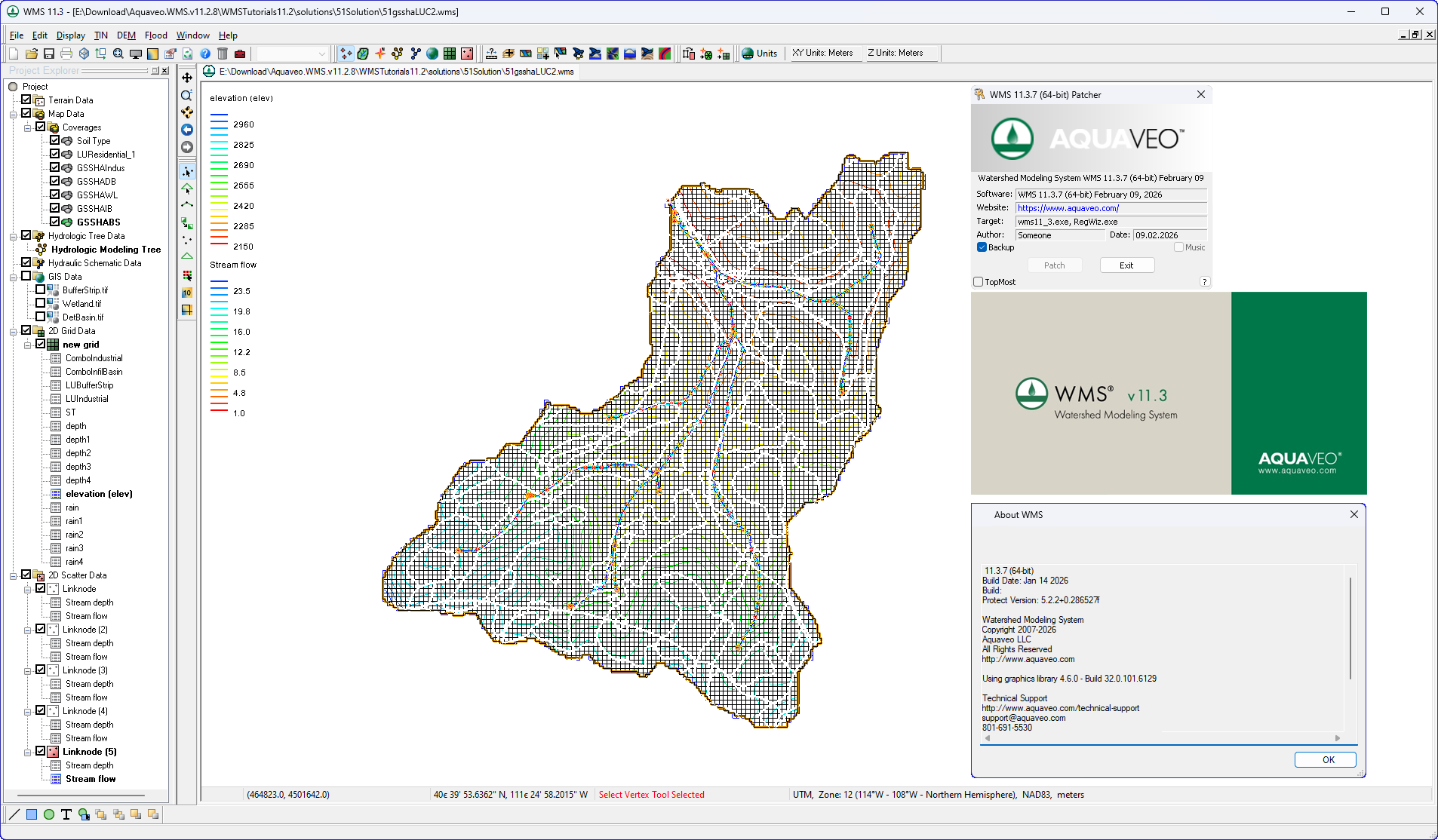
Download Aquaveo Watershed Modeling System 11.3.7 x64 full

Aquaveo Watershed Modeling System 11.3.7 – Comprehensive Hydrologic & Hydraulic Modeling Software

Download Aquaveo Watershed Modeling System 11.3.7 full license

Link download Aquaveo Watershed Modeling System 11.3.7 full activated

Working with Aquaveo Watershed Modeling System 11.3.7 full

Description of Aquaveo Watershed Modeling System 11.3.7

Aquaveo Watershed Modeling System (WMS) 11.3.7 is a powerful hydrologic and hydraulic modeling platform developed by Aquaveo. Designed for engineers, hydrologists, and environmental professionals, WMS provides advanced tools for watershed analysis, flood prediction, stormwater management, and drainage design.

Version 11.3.7 delivers improved model integration, enhanced GIS workflows, and performance optimizations to support accurate and efficient water resource planning.

What is Aquaveo Watershed Modeling System 11.3.7?
Watershed Modeling System (WMS) is a comprehensive solution used to simulate rainfall-runoff processes, watershed hydrology, and hydraulic flow behavior. It integrates multiple industry-standard models within a single interface, enabling users to build accurate simulations and analyze water movement across complex terrains.

This version enhances workflow efficiency and strengthens support for modern hydrologic modeling requirements.

Features of Aquaveo Watershed Modeling System 11.3.7

1. Advanced Hydrologic Modeling
Rainfall-runoff simulation and watershed analysis
Hydrograph generation and flow prediction
Support for urban and rural watershed modeling

2. Integrated Hydraulic Modeling
Channel flow and floodplain analysis
Culvert, bridge, and storm drainage modeling
Flood risk and inundation mapping

3. Support for Industry-Standard Models
Integration with HEC-HMS, HEC-1, TR-20, and TR-55
Compatibility with MODRAT and Rational Method tools
Flexible modeling approaches for diverse projects

4. GIS & Terrain Data Integration
Import DEM, LiDAR, and GIS datasets
Automated watershed delineation tools
Terrain processing and elevation analysis

5. Stormwater & Drainage System Design
Urban stormwater system modeling
Detention basin and retention pond design
Drainage network analysis and optimization

6. Floodplain Mapping & Risk Assessment
Flood inundation mapping and visualization
Evaluate flood hazards and mitigation strategies
Support for regulatory compliance studies

7. Visualization & Reporting Tools
2D and 3D visualization of watershed terrain
Graphs, hydrographs, and simulation results display
Automated report generation and data export

8. Performance & Workflow Improvements
Faster processing of large terrain datasets
Improved model setup and workflow automation
Enhanced stability and user interface responsiveness

Benefits of Using WMS 11.3.7
✅ Improve flood prediction and risk management
✅ Optimize stormwater infrastructure design
✅ Enhance watershed planning and sustainability
✅ Reduce environmental and infrastructure risks
✅ Support regulatory compliance and reporting
WMS enables professionals to make informed decisions for water resource management and flood mitigation.

Typical Applications
Flood risk assessment and mitigation planning
Urban stormwater management systems
Watershed and drainage basin analysis
Infrastructure and transportation drainage design
Environmental and water resource engineering

Why Choose Aquaveo WMS 11.3.7?
Aquaveo WMS continues to be a trusted solution for hydrologic and hydraulic modeling. Version 11.3.7 enhances performance, GIS integration, and modeling flexibility, making it an essential tool for modern watershed and stormwater management projects.

If you want to download Aquaveo Watershed Modeling System 11.3.7 full license, please click to DOWNLOAD button to download.
CLICKDOWN.ORG Download CAD CAM CNC software
Inside package Aquaveo Watershed Modeling System 11.3.7, already have cracked files and instruction how to install Aquaveo Watershed Modeling System 11.3.7 step by step. I guarantee you can install Aquaveo Watershed Modeling System 11.3.7 successfully if you follow that instruction.
If you also can’t install it or get any problems, please contact to me by email: clickdown.org@gmail.com, then I will help you to install software by teamviewer or Ultraviewer or Anydesk.
Thanks a lot
SOFTWARES

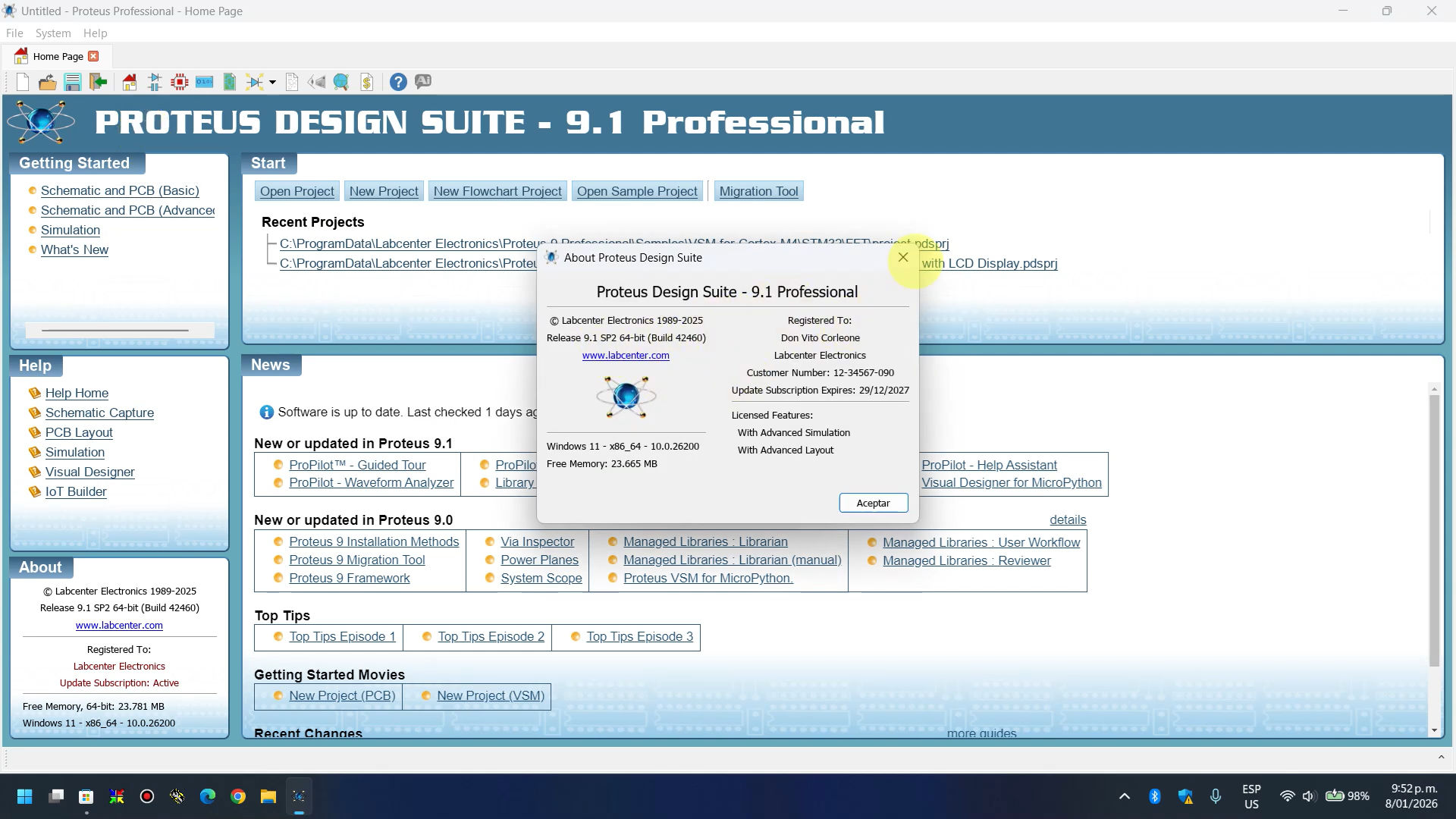
Download Proteus Professional 9.1 SP2 x64 full license

Proteus Professional 9.1 SP2 – Advanced PCB Design & Embedded System Simulation Software

Download Proteus Professional 9.1 SP2 x64 full license

Link download Proteus Professional 9.1 SP2 win64 full activated

Working with Proteus Professional 9.1 SP2 full license

Description of Proteus Professional 9.1 SP2

Proteus Professional 9.1 SP2 is a powerful electronics design and simulation platform developed by Labcenter Electronics. Widely used by engineers, educators, and embedded developers, Proteus provides an integrated environment for schematic capture, PCB layout, and microcontroller simulation.

This service pack enhances stability, improves simulation accuracy, and refines workflow efficiency, making Proteus Professional 9.1 SP2 an essential tool for modern electronic design projects.

What is Proteus Professional 9.1 SP2?
Proteus Professional is an all-in-one electronic design automation (EDA) solution that enables users to design, test, and validate electronic circuits before building physical prototypes. Its unique microcontroller simulation capabilities allow embedded software testing directly within the circuit environment.

Version 9.1 SP2 improves performance and reliability while maintaining the powerful design and simulation features trusted by professionals worldwide.

Features of Proteus Professional 9.1 SP2

1. Schematic Capture & Circuit Design
Intuitive schematic editor with extensive component libraries
Hierarchical design support for complex circuits
Real-time electrical rule checking (ERC)

2. Advanced PCB Layout Design
Professional PCB layout tools with multilayer support
Auto-routing and interactive routing features
Design rule checking (DRC) and manufacturing validation

3. Microcontroller Simulation & Debugging
Simulate popular microcontrollers including Arduino, PIC, AVR, and ARM
Run embedded firmware within the virtual circuit
Step-by-step debugging and real-time variable monitoring

4. Mixed-Mode Circuit Simulation
Combine analog, digital, and microcontroller simulation
SPICE-based simulation engine for accurate results
Real-time waveform analysis and measurement tools

5. Virtual Instruments & Testing Tools
Oscilloscope, logic analyzer, signal generator, and more
Monitor circuit behavior during simulation
Analyze signals and troubleshoot designs effectively

6. Firmware Development Integration
Compatible with leading compilers and toolchains
Load HEX and ELF files for embedded testing
Validate firmware behavior before hardware deployment

7. Manufacturing & Output Tools
Generate Gerber files and manufacturing documentation
3D PCB visualization and design verification
Bill of materials (BOM) generation

8. Performance & Stability Improvements
Enhanced simulation stability and accuracy
Faster rendering and PCB editing performance
Improved project management and workflow reliability

Benefits of Using Proteus Professional 9.1 SP2
✅ Design and test circuits before hardware fabrication
✅ Reduce prototyping costs and development time
✅ Debug embedded systems in a virtual environment
✅ Improve PCB design accuracy and manufacturability
✅ Enhance productivity for engineers and students
Proteus provides a complete electronic design workflow from concept to production-ready PCB.

Typical Applications
Embedded systems development
PCB design and prototyping
Microcontroller education and training
Industrial electronics design
IoT and automation hardware projects

Why Choose Proteus Professional 9.1 SP2?
Proteus remains one of the most versatile EDA solutions available. Version 9.1 SP2 enhances simulation reliability, PCB design efficiency, and embedded debugging capabilities, making it an indispensable tool for electronics professionals and learners alike.

If you want to download Proteus Professional 9.1 SP2 full license, please click to DOWNLOAD button to download.
CLICKDOWN.ORG Download CAD CAM CNC software
Inside package Proteus Professional 9.1 SP2, already have cracked files and instruction how to install Proteus Professional 9.1 SP2 step by step. I guarantee you can install Proteus Professional 9.1 SP2 successfully if you follow that instruction.
If you also can’t install it or get any problems, please contact to me by email: clickdown.org@gmail.com, then I will help you to install software by teamviewer or Ultraviewer or Anydesk.
Thanks a lot
SOFTWARES

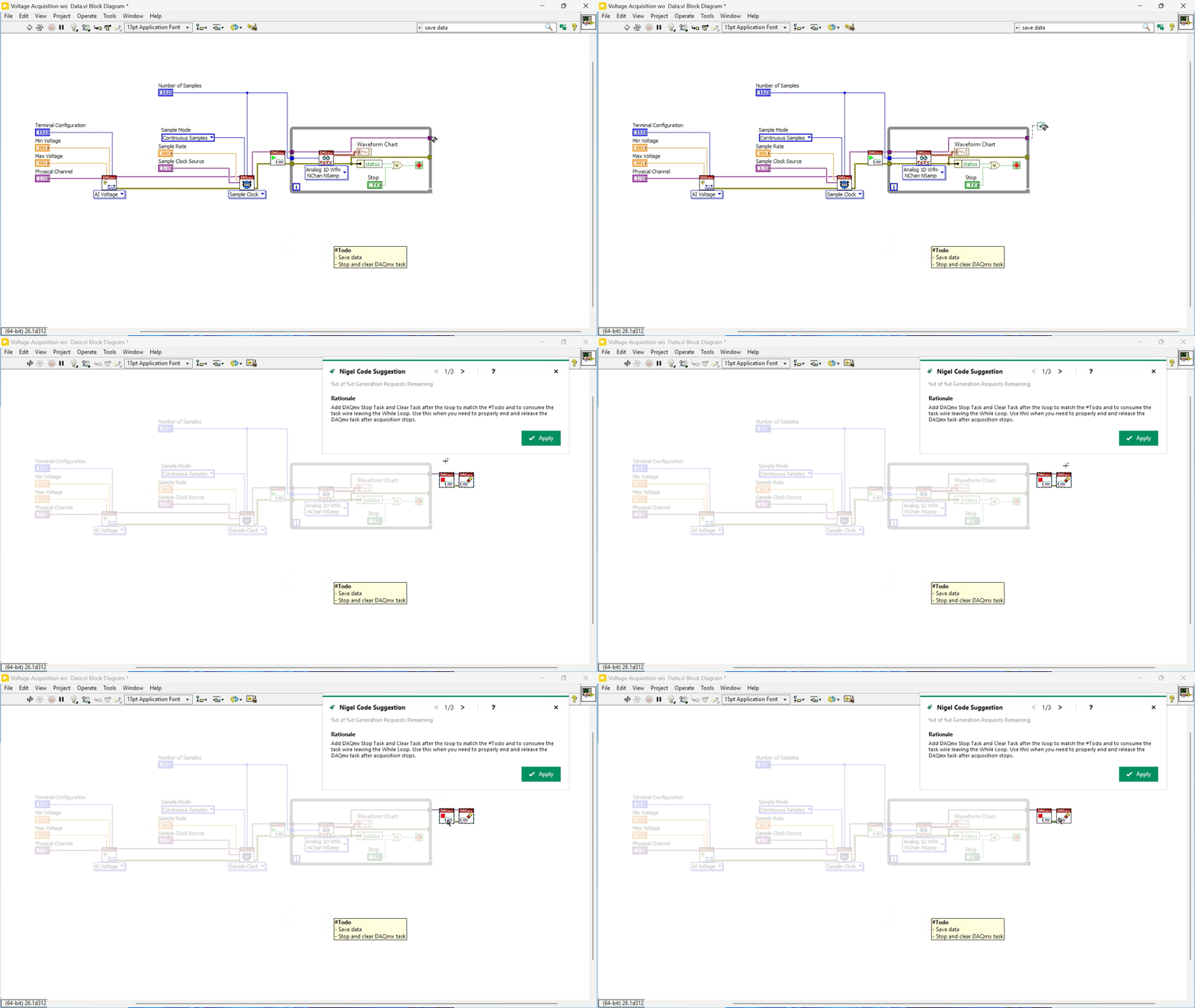
Download NI LabVIEW 2026 v26.0 x64 full license forever

NI LabVIEW 2026 v26.0 – System Design & Automated Test Engineering Platform

Download NI LabVIEW 2026 v26.0 x64 full license forever

Link download NI LabVIEW 2026 v26.0 win64 full activated

Working with NI LabVIEW 2026 v26.0 full license

Description of NI LabVIEW 2026 v26.0

NI LabVIEW 2026 v26.0 is the newest release of the graphical system design software developed by National Instruments. Widely used by engineers, researchers, and automation professionals, LabVIEW enables users to design, automate, and deploy measurement, control, and embedded systems using an intuitive graphical programming environment.

This release introduces improved performance, expanded hardware compatibility, and enhanced development tools, making LabVIEW 2026 a powerful platform for modern test, measurement, and automation workflows.

What is NI LabVIEW 2026?
LabVIEW (Laboratory Virtual Instrument Engineering Workbench) is a graphical programming environment used to create automated test systems, data acquisition applications, and industrial control solutions. Instead of traditional text-based coding, LabVIEW uses visual block diagrams to build applications quickly and efficiently.
Version 26.0 enhances usability, improves execution speed, and strengthens integration with modern hardware and software systems.

Features of NI LabVIEW 2026 v26.0

1. Graphical Programming Environment
Intuitive drag-and-drop visual development
Dataflow programming model for parallel execution
Rapid application development and debugging

2. Advanced Test & Measurement Automation
Automated test system development tools
Real-time data acquisition and analysis
Built-in signal processing and measurement libraries

3. Hardware Integration & Control
Seamless integration with NI hardware and third-party devices
Support for sensors, DAQ systems, PLCs, and instruments
Real-time hardware control and monitoring

4. Real-Time & Embedded System Development
Develop deterministic real-time applications
Deploy to embedded targets and edge devices
FPGA programming support for high-speed control

5. Data Visualization & Reporting
Interactive dashboards and UI components
Real-time waveform and signal visualization
Automated report generation and logging

6. Connectivity & Industrial Protocol Support
Support for Modbus, OPC UA, TCP/IP, and industrial networks
IoT connectivity and cloud integration options
Remote monitoring and system control

7. Performance & Developer Productivity Enhancements
Faster execution and improved memory handling
Enhanced debugging and code management tools
Improved project organization and workflow efficiency

Benefits of Using NI LabVIEW 2026 v26.0
✅ Accelerate development of automated test systems
✅ Improve measurement accuracy and reliability
✅ Simplify complex hardware integration
✅ Enable real-time monitoring and control
✅ Reduce development time with visual programming
LabVIEW empowers engineers to create scalable, reliable, and high-performance systems for testing, monitoring, and automation.

Typical Applications
Automated test equipment (ATE) systems
Data acquisition and instrumentation
Industrial automation and process control
Robotics and embedded systems development
Research and laboratory measurement systems

Why Choose NI LabVIEW 2026?
LabVIEW continues to be a global standard in test and measurement automation. Version 26.0 strengthens performance, connectivity, and development capabilities, making it an essential tool for engineers and researchers building modern automated systems.

If you want to download NI LabVIEW 2026 v26.0 full license, please click to DOWNLOAD button to download.
CLICKDOWN.ORG Download CAD CAM CNC software
Inside package NI LabVIEW 2026 v26.0, already have cracked files and instruction how to install NI LabVIEW 2026 v26.0 step by step. I guarantee you can install NI LabVIEW 2026 v26.0 successfully if you follow that instruction.
If you also can’t install it or get any problems, please contact to me by email: clickdown.org@gmail.com, then I will help you to install software by teamviewer or Ultraviewer or Anydesk.
Thanks a lot
SOFTWARES

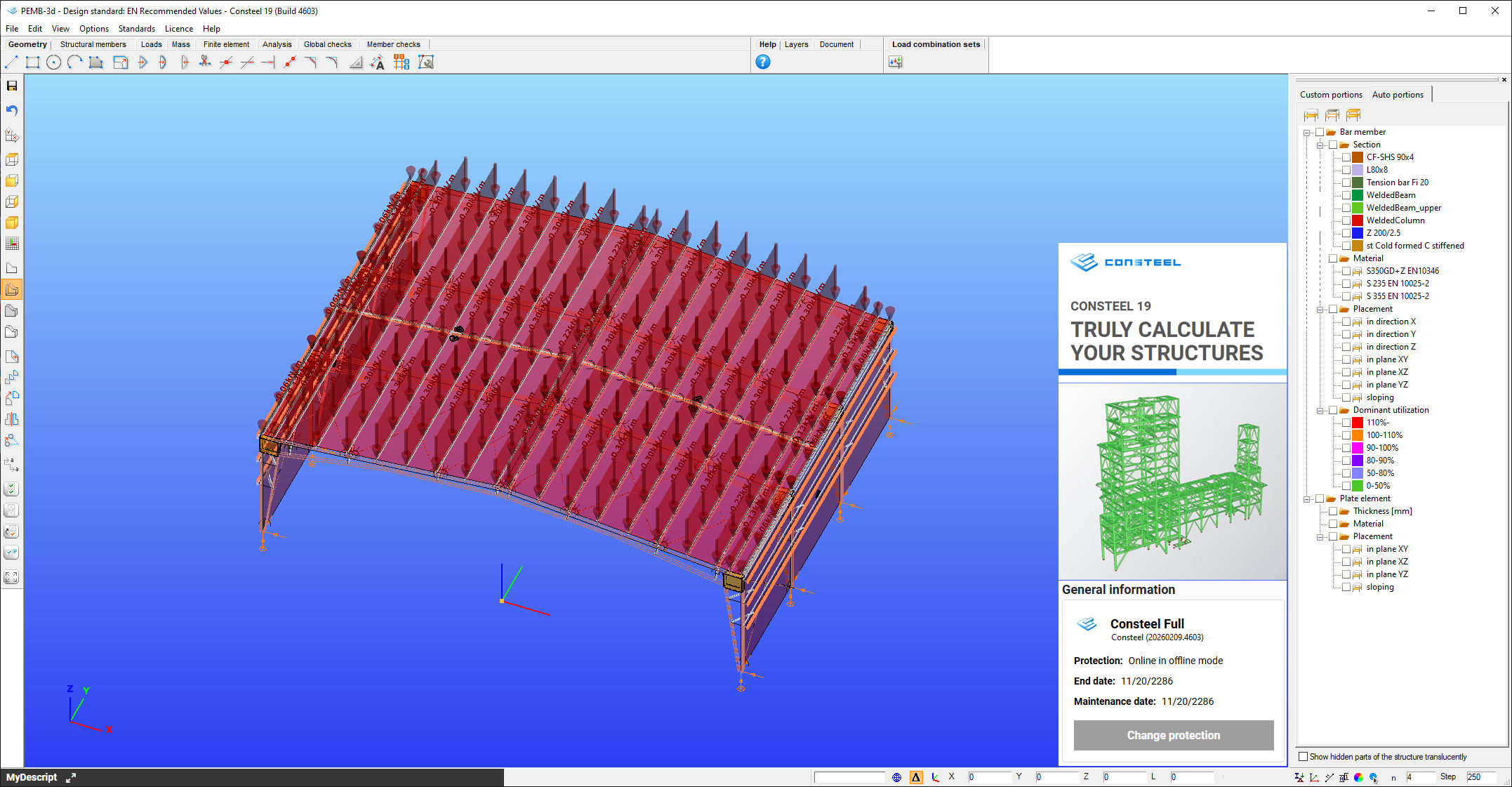
Download ConSteel Solutions ConSteel 19 build 4603 full

ConSteel 19 Build 4603 – Advanced Structural Steel Design & Analysis Software

Download ConSteel Solutions ConSteel 19 build 4603 full

Link download ConSteel Solutions ConSteel 19 build 4603 full activated

Working with ConSteel Solutions ConSteel 19 build 4603

Description of ConSteel Solutions ConSteel 19 build 4603

ConSteel 19 build 4603 is a powerful structural analysis and design solution developed by ConSteel Solutions Ltd.. Built specifically for structural engineers, the software enables accurate analysis, design, and optimization of steel structures using advanced finite element methods and integrated design standards.

With enhanced modeling tools, improved design verification features, and optimized performance, this build strengthens ConSteel’s capabilities for modern steel construction projects.

What is ConSteel 19?
ConSteel is a specialized structural engineering software focused on the analysis and design of steel structures. It integrates structural modeling, global analysis, and code-based design verification in a single environment.
Version 19 build 4603 introduces performance improvements, expanded structural analysis capabilities, and refined workflows to support efficient and reliable steel structure design.

Features of ConSteel Solutions ConSteel 19 build 4603

1. Advanced Structural Analysis
Second-order (geometric nonlinear) analysis
Accurate stability and buckling analysis
Finite element modeling for complex structures

2. Automated Steel Design Verification
Code-based design checks for steel members
Cross-section resistance verification
Stability and buckling compliance evaluation

3. Integrated Superbeam Technology
Automatic identification of critical buckling modes
Improved lateral-torsional buckling analysis
Enhanced structural safety assessment

4. Structural Modeling Tools
Intuitive 3D structural modeling environment
Parametric member definition and editing
Efficient handling of complex frame structures

5. Load & Combination Management
Define multiple load cases and combinations
Wind, snow, seismic, and dynamic load support
Automated load combination generation

6. Connection & Member Optimization
Optimize member sizes for cost efficiency
Evaluate connection forces and structural behavior
Improve material utilization and design economy

7. BIM & Workflow Integration
Import/export with BIM platforms and CAD tools
IFC compatibility for collaborative workflows
Streamlined project documentation and reporting

8. Performance & Usability Improvements
Faster analysis of large structural models
Enhanced visualization and result interpretation
Improved user interface responsiveness

Benefits of Using ConSteel 19 Build 4603
✅ Improve structural safety and reliability
✅ Ensure compliance with steel design standards
✅ Optimize material usage and reduce costs
✅ Accelerate structural design workflows
✅ Enhance collaboration through BIM integration
ConSteel enables engineers to analyze and validate steel structures with confidence, reducing design risks and improving project efficiency.

Typical Applications
Industrial steel buildings
Bridges and large-span structures
Multi-story steel frameworks
Towers and truss systems
Infrastructure and commercial structures

Why Choose ConSteel 19 Build 4603?
ConSteel continues to be a trusted solution for steel structural engineering. Build 4603 enhances analysis accuracy, design verification, and workflow efficiency, making it an essential tool for modern structural design projects.

If you want to download ConSteel Solutions ConSteel 19 build 4603 full license, please click to DOWNLOAD button to download.
CLICKDOWN.ORG Download CAD CAM CNC software
Inside package ConSteel Solutions ConSteel 19 build 4603, already have cracked files and instruction how to install ConSteel Solutions ConSteel 19 build 4603 step by step. I guarantee you can install ConSteel Solutions ConSteel 19 build 4603 successfully if you follow that instruction.
If you also can’t install it or get any problems, please contact to me by email: clickdown.org@gmail.com, then I will help you to install software by teamviewer or Ultraviewer or Anydesk.
Thanks a lot
SOFTWARES

Download MSC Apex 2025.2 win64 full license forever

MSC Apex 2025.2 – Next-Generation CAE Modeling & Simulation Environment

Download MSC Apex 2025.2 win64 full license forever

Link download MSC Apex 2025.2 x64 full activated

Working with MSC Apex 2025.2 full license

Description of MSC Apex 2025.2

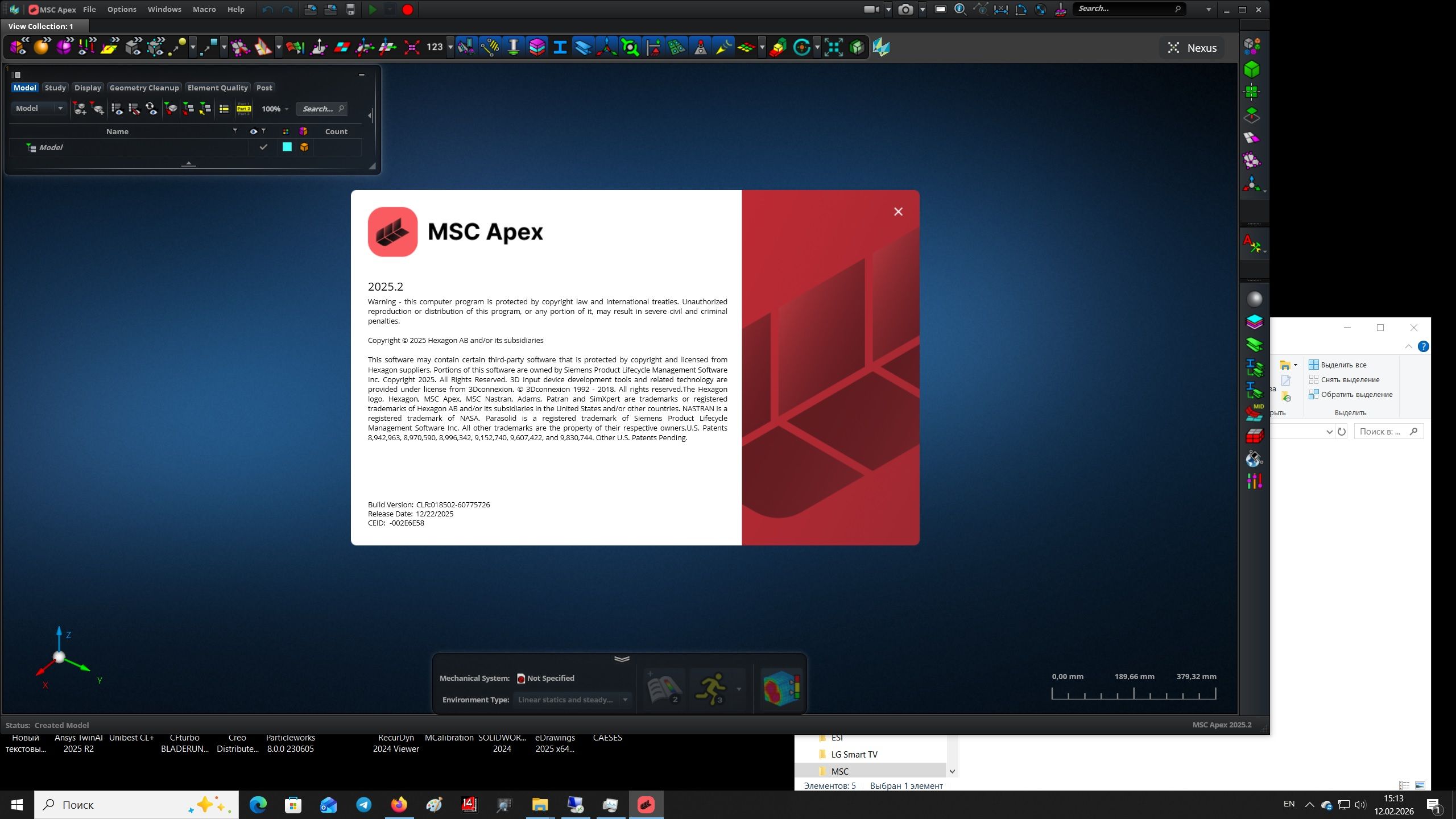
MSC Apex 2025.2 is a modern computer-aided engineering (CAE) platform developed by MSC Software, part of Hexagon AB. Built to streamline the simulation workflow, MSC Apex enables engineers to create, prepare, and analyze models faster with an intuitive direct modeling approach.

The 2025.2 release delivers improved meshing performance, enhanced workflow automation, and better interoperability, making it an ideal solution for rapid simulation-driven design.

What is MSC Apex 2025.2?
MSC Apex is an integrated CAE modeling and meshing environment designed to simplify simulation preparation. It combines geometry editing, mesh generation, and model setup in a single interface, helping engineers reduce preprocessing time and improve simulation accuracy.
Version 2025.2 focuses on speed, usability, and advanced automation to support increasingly complex engineering simulations.

Features of MSC Apex 2025.2

1. Direct Geometry Modeling
Edit and repair CAD geometry without returning to the CAD system
Simplify complex models for faster simulation setup
Push-pull modeling for quick design modifications

2. High-Performance Meshing
Fast and robust hex-dominant and tetrahedral meshing
Automated mesh refinement and quality optimization
Improved mesh control for complex geometries

3. Integrated Simulation Preparation
Create simulation-ready models in a unified environment
Define loads, constraints, and material properties
Streamlined workflow from geometry to solver input

4. Workflow Automation & Productivity Tools
Automated model cleanup and preparation tools
Batch processing and repeatable workflows
Reduced manual intervention in preprocessing

5. Interoperability & Solver Integration
Seamless integration with MSC Nastran and other solvers
Support for multiple CAD formats
Improved data exchange across CAE platforms

6. Performance & Usability Enhancements
Faster processing of large assemblies
Enhanced responsiveness and stability
Improved visualization and model navigation tools

7. Simulation-Driven Design Support
Enable rapid design iterations
Reduce simulation preparation time
Support optimization and engineering decision-making

Benefits of Using MSC Apex 2025.2
✅ Accelerate simulation preprocessing workflows
✅ Reduce geometry cleanup and meshing time
✅ Improve mesh quality and simulation accuracy
✅ Enhance engineering productivity
✅ Enable faster simulation-driven design decisions
MSC Apex helps engineers focus more on analysis and innovation rather than time-consuming model preparation tasks.

Typical Applications
Structural analysis and durability studies
Aerospace and automotive component simulation
Industrial equipment and machinery design
Consumer product engineering
Simulation-driven product development

Why Choose MSC Apex 2025.2?
MSC Apex continues to modernize the CAE preprocessing experience with a powerful and intuitive modeling environment. The 2025.2 release improves speed, automation, and usability, making it an essential tool for engineers seeking efficient and accurate simulation workflows.

If you want to download MSC Apex 2025.2 full license, please click to DOWNLOAD button to download.
CLICKDOWN.ORG Download CAD CAM CNC software
Inside package MSC Apex 2025.2, already have cracked files and instruction how to install MSC Apex 2025.2 step by step. I guarantee you can install MSC Apex 2025.2 successfully if you follow that instruction.
If you also can’t install it or get any problems, please contact to me by email: clickdown.org@gmail.com, then I will help you to install software by teamviewer or Ultraviewer or Anydesk.
Thanks a lot
SOFTWARES

Download MSC Adams Modeler 2025.1 x64 full license

Download MSC Adams Modeler 2025.1 x64 full license

Link download MSC Adams Modeler 2025.1 win64 full activated

Working with MSC Adams Modeler 2025.1 full license

Description of MSC Adams Modeler 2025.1

MSC Adams Modeler 2025.1 is the core modeling environment within the MSC Adams ecosystem, developed by MSC Software, part of Hexagon AB. It provides engineers with a robust platform to build, simulate, and analyze complex mechanical systems with precision and efficiency.

With enhanced modeling workflows, improved visualization, and performance optimizations, the 2025.1 release enables faster system setup and more accurate motion simulations.

What is MSC Adams Modeler 2025.1?
MSC Adams Modeler is the primary interface used to create and manage multibody dynamics models. Engineers use it to assemble mechanical components, define joints and constraints, apply forces, and simulate motion behavior under real-world conditions.

The 2025.1 update improves usability, solver integration, and modeling flexibility, making it easier to construct sophisticated mechanical systems and analyze their performance.

Features of MSC Adams Modeler 2025.1

1. Advanced Mechanical System Modeling
Build complex assemblies using rigid and flexible bodies
Define joints, constraints, contacts, and force elements
Realistic motion representation of mechanical systems

2. Parametric & Template-Based Modeling
Modify designs quickly using parameter-driven modeling
Create reusable templates for faster model development
Support for design variations and optimization studies

3. CAD Integration & Geometry Handling
Import geometry from leading CAD systems
Automatic geometry cleanup and simplification tools
Maintain associativity for design updates

4. Contact & Constraint Definition Tools
Advanced contact detection and interaction modeling
Realistic friction and impact behavior
Flexible constraint creation for complex mechanisms

5. Visualization & Animation Tools
Real-time animation of mechanical motion
Enhanced visualization for debugging and validation
Clear graphical representation of joints and forces

6. Solver Integration & Simulation Setup
Seamless connection with MSC Adams solvers
Configure simulation parameters and motion drivers
Improved stability and solution control

7. Workflow & Usability Improvements
Streamlined user interface and navigation
Faster model loading and processing
Enhanced project organization tools

Benefits of Using MSC Adams Modeler 2025.1
✅ Accelerate creation of complex mechanical models
✅ Improve simulation accuracy and reliability
✅ Reduce design iteration time
✅ Enable rapid evaluation of design alternatives
✅ Enhance collaboration across engineering teams
MSC Adams Modeler provides the foundation for accurate motion simulation, enabling engineers to validate designs before physical prototypes are built.

Typical Applications
Automotive suspension and steering systems
Industrial machinery and automation equipment
Robotics and articulated mechanisms
Aerospace mechanical assemblies
Heavy equipment motion systems

Why Choose MSC Adams Modeler 2025.1?
MSC Adams Modeler remains an essential tool for engineers building and analyzing mechanical systems. The 2025.1 release enhances modeling efficiency, improves visualization, and ensures seamless integration with simulation workflows.

If you want to download MSC Adams Modeler 2025.1 full license, please click to DOWNLOAD button to download.
CLICKDOWN.ORG Download CAD CAM CNC software
Inside package MSC Adams Modeler 2025.1, already have cracked files and instruction how to install MSC Adams Modeler 2025.1 step by step. I guarantee you can install MSC Adams Modeler 2025.1 successfully if you follow that instruction.
If you also can’t install it or get any problems, please contact to me by email: clickdown.org@gmail.com, then I will help you to install software by teamviewer or Ultraviewer or Anydesk.
Thanks a lot
SOFTWARES

Download MSC Adams 2025.1 win64 full license forever

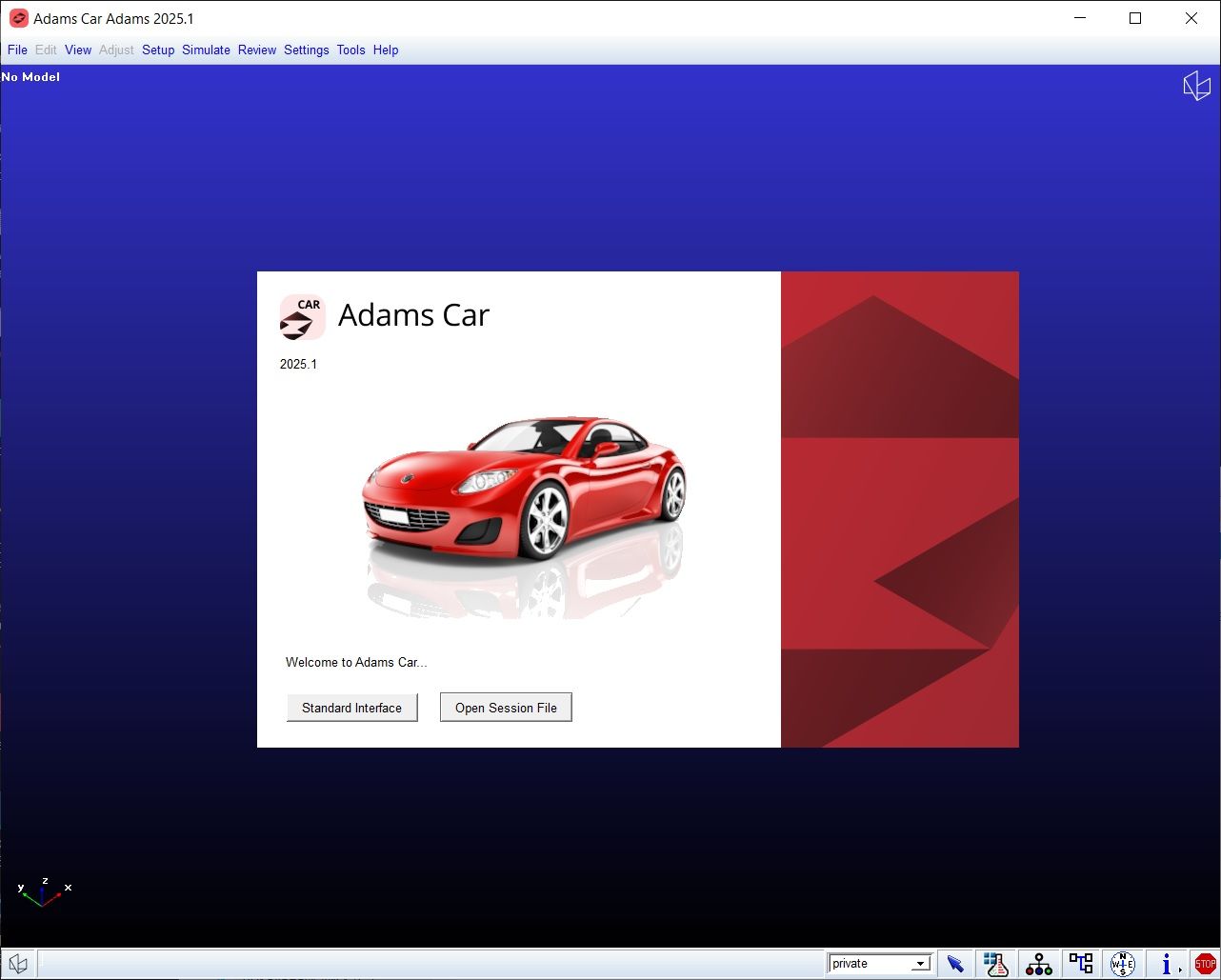
MSC Adams 2025.1 – Advanced Multibody Dynamics & Motion Simulation Software

Download MSC Adams 2025.1 win64 full license forever

Link download MSC Adams 2025.1 x64 full activated

Working with MSC Adams 2025.1 full license

Description of MSC Adams 2025.1

MSC Adams 2025.1 is the latest release of the industry-leading multibody dynamics simulation software developed by MSC Software, a part of Hexagon AB. Widely used by engineers and product designers, MSC Adams enables accurate simulation of mechanical motion and loads, helping teams evaluate performance, durability, and safety before building physical prototypes.
The 2025.1 release introduces enhanced solver performance, improved modeling workflows, and expanded integration capabilities to support modern engineering challenges.

What is MSC Adams 2025.1?
MSC Adams is a powerful multibody dynamics (MBD) simulation tool used to study motion, forces, and stresses in mechanical systems. Engineers can simulate real-world operating conditions to optimize designs, reduce vibration, and predict system behavior under dynamic loads.
Version 2025.1 improves simulation accuracy and efficiency while simplifying complex motion modeling processes.

Features of MSC Adams 2025.1

1. Advanced Multibody Dynamics Simulation
High-fidelity simulation of rigid and flexible body motion
Accurate prediction of forces, accelerations, and system loads
Dynamic response analysis under real operating conditions

2. Flexible Body & Structural Coupling
Integrate flexible components for realistic deformation behavior
Coupling with FEA tools for structural accuracy
Enhanced durability and fatigue evaluation

3. Mechatronics & Control Systems Integration
Co-simulation with control systems and embedded logic
Integration with MATLAB/Simulink environments
Simulation of smart and automated mechanical systems

4. Vehicle & Suspension Modeling
Comprehensive vehicle dynamics simulation
Suspension, steering, and drivetrain performance analysis
Ride comfort and handling optimization

5. Contact, Friction & Impact Analysis
Advanced contact modeling capabilities
Realistic friction and wear simulation
Impact and collision behavior evaluation

6. Solver Performance & Efficiency Improvements
Faster simulation speeds for complex assemblies
Improved numerical stability and convergence
Optimized performance for high-performance computing environments

7. User Experience & Workflow Enhancements
Streamlined model setup and parameter management
Enhanced visualization and post-processing tools
Improved CAD integration and data exchange

Benefits of Using MSC Adams 2025.1
✅ Reduce physical prototyping costs
✅ Improve product durability and reliability
✅ Optimize mechanical performance and efficiency
✅ Detect design issues early in development
✅ Accelerate engineering workflows and innovation
MSC Adams enables engineers to understand motion behavior and system dynamics, helping deliver safer, more efficient, and higher-performance products.

Typical Applications
Automotive vehicle dynamics and suspension systems
Aerospace mechanisms and landing gear systems
Industrial machinery and robotics
Heavy equipment and drivetrain systems
Consumer product motion analysis

Why Choose MSC Adams 2025.1?
MSC Adams remains one of the most trusted motion simulation solutions in engineering. The 2025.1 release enhances simulation speed, accuracy, and workflow efficiency, making it an essential tool for engineers designing complex mechanical systems.

If you want to download MSC Adams 2025.1 full license, please click to DOWNLOAD button to download.
CLICKDOWN.ORG Download CAD CAM CNC software
Inside package MSC Adams 2025.1, already have cracked files and instruction how to install MSC Adams 2025.1 step by step. I guarantee you can install MSC Adams 2025.1 successfully if you follow that instruction.
If you also can’t install it or get any problems, please contact to me by email: clickdown.org@gmail.com, then I will help you to install software by teamviewer or Ultraviewer or Anydesk.
Thanks a lot
SOFTWARES

Download MSC Actran 2025.2 win64 full license forever

MSC Actran 2025.2 – Advanced Acoustic & Vibro-Acoustic Simulation Software

Download MSC Actran 2025.2 win64 full license forever

Link download MSC Actran 2025.2 x64 full activated

Working with MSC Actran 2025.2 full license

Description of MSC Actran 2025.2

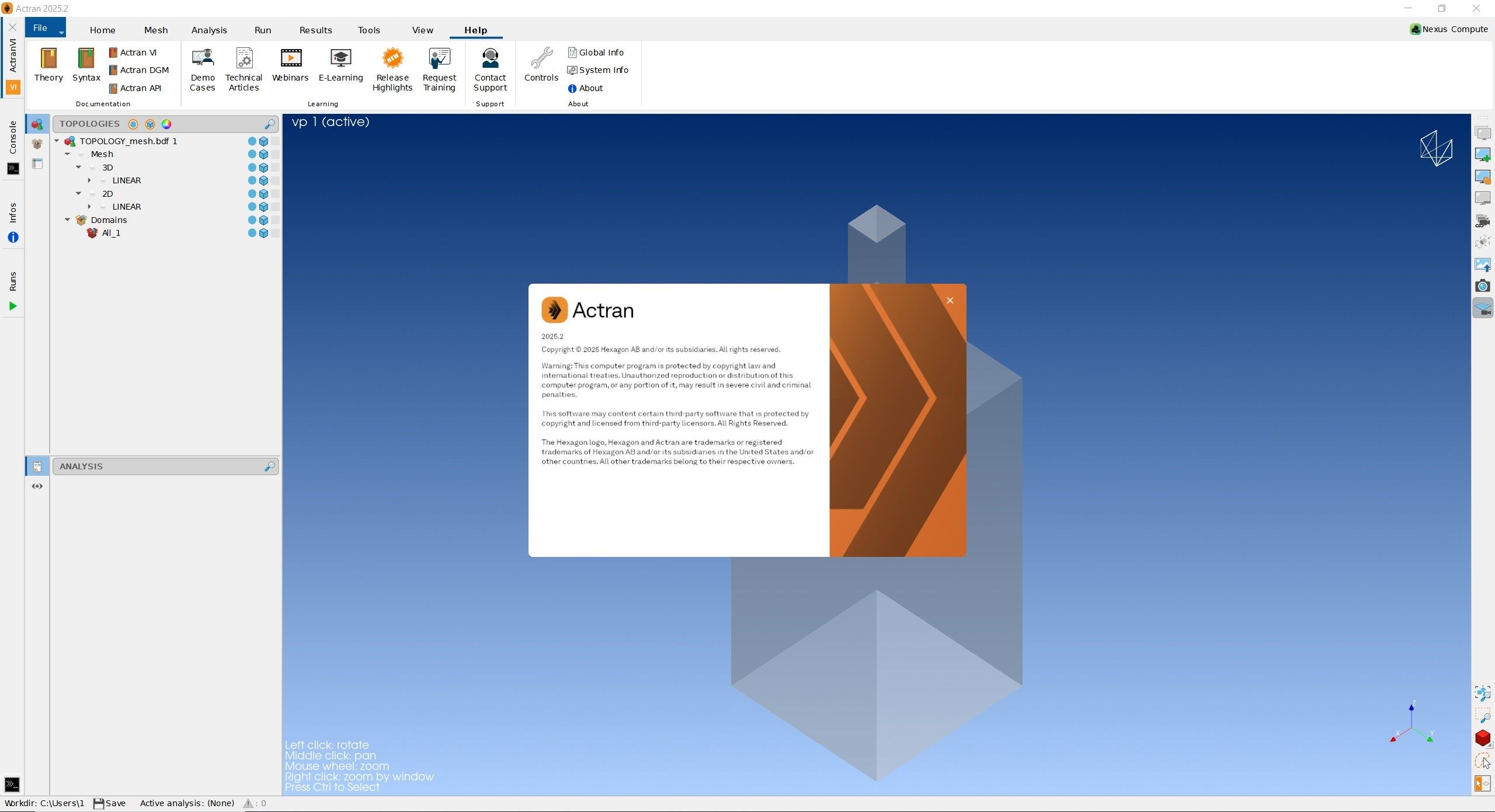
MSC Actran 2025.2 is the latest version of the industry-leading acoustic simulation platform developed by MSC Software, part of Hexagon AB. Designed for engineers and CAE specialists, Actran enables accurate prediction of noise, vibration, and acoustic performance across a wide range of industries.

With improved solver performance, expanded multiphysics capabilities, and enhanced usability, Actran 2025.2 helps engineers reduce noise issues early in development while improving product comfort, compliance, and performance.

What is MSC Actran 2025.2?
MSC Actran is a comprehensive vibro-acoustic simulation software used to model sound propagation, structural vibrations, and fluid-structure interactions. It allows engineers to evaluate acoustic performance digitally, reducing costly physical prototypes and testing.
The 2025.2 release introduces performance improvements, enhanced aeroacoustic capabilities, and refined workflows for complex acoustic modeling.

Features of MSC Actran 2025.2

1. Advanced Acoustic Simulation
High-fidelity modeling of sound radiation and propagation
Interior and exterior acoustic analysis
Accurate noise level prediction and control

2. Vibro-Acoustic Analysis
Coupled structural vibration and acoustic response simulation
Panel contribution and transfer path analysis
Sound transmission loss (STL) evaluation

3. Aeroacoustic Modeling Enhancements
Simulation of flow-induced noise sources
Improved CFD coupling for aeroacoustic studies
Noise prediction for fans, ducts, and airflow systems

4. Multiphysics Coupling
Fluid-structure interaction (FSI) capabilities
Coupling with structural and CFD solvers
Simulation of acoustic performance under real operating conditions

5. Automotive & Aerospace Noise Solutions
Cabin noise and comfort analysis
Wind noise and road noise evaluation
Aircraft interior noise prediction

6. Solver & Performance Improvements
Faster computation for large acoustic models
Enhanced scalability for high-performance computing (HPC)
Improved numerical robustness and accuracy

7. User Experience & Workflow Enhancements
Streamlined model setup and preprocessing
Enhanced visualization and post-processing tools
Improved integration with CAE workflows

Benefits of Using MSC Actran 2025.2
✅ Reduce noise and vibration issues early in design
✅ Improve passenger comfort and product sound quality
✅ Minimize costly physical testing
✅ Ensure compliance with noise regulations
✅ Accelerate product development cycles
Actran enables engineers to identify and resolve acoustic problems before production, resulting in quieter, higher-quality products.

Typical Applications
Automotive NVH and cabin comfort analysis
Aerospace interior and exterior noise studies
HVAC system noise optimization
Consumer appliance sound quality engineering
Industrial equipment noise reduction

Why Choose MSC Actran 2025.2?
MSC Actran continues to be a trusted solution for vibro-acoustic engineering. The 2025.2 release enhances performance, expands aeroacoustic modeling capabilities, and simplifies complex workflows, making it essential for engineers seeking superior noise and vibration control.

If you want to download MSC Actran 2025.2 full license, please click to DOWNLOAD button to download.
CLICKDOWN.ORG Download CAD CAM CNC software
Inside package MSC Actran 2025.2, already have cracked files and instruction how to install MSC Actran 2025.2 step by step. I guarantee you can install MSC Actran 2025.2 successfully if you follow that instruction.
If you also can’t install it or get any problems, please contact to me by email: clickdown.org@gmail.com, then I will help you to install software by teamviewer or Ultraviewer or Anydesk.
Thanks a lot
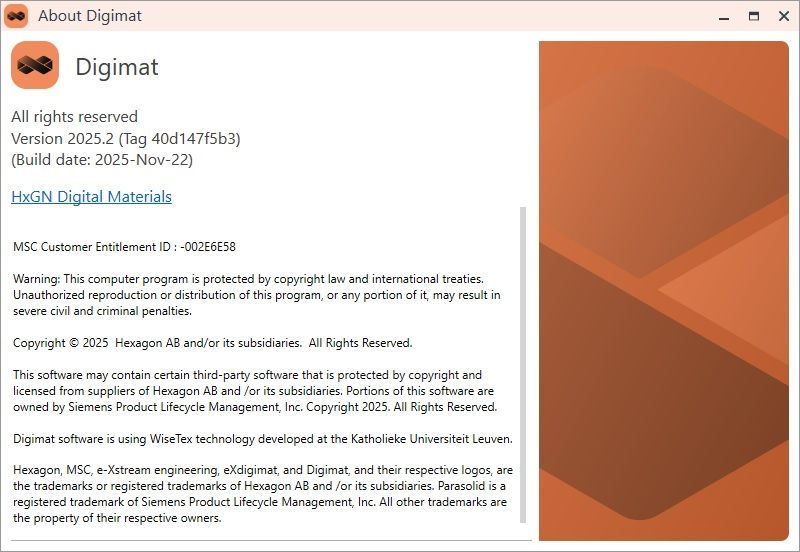
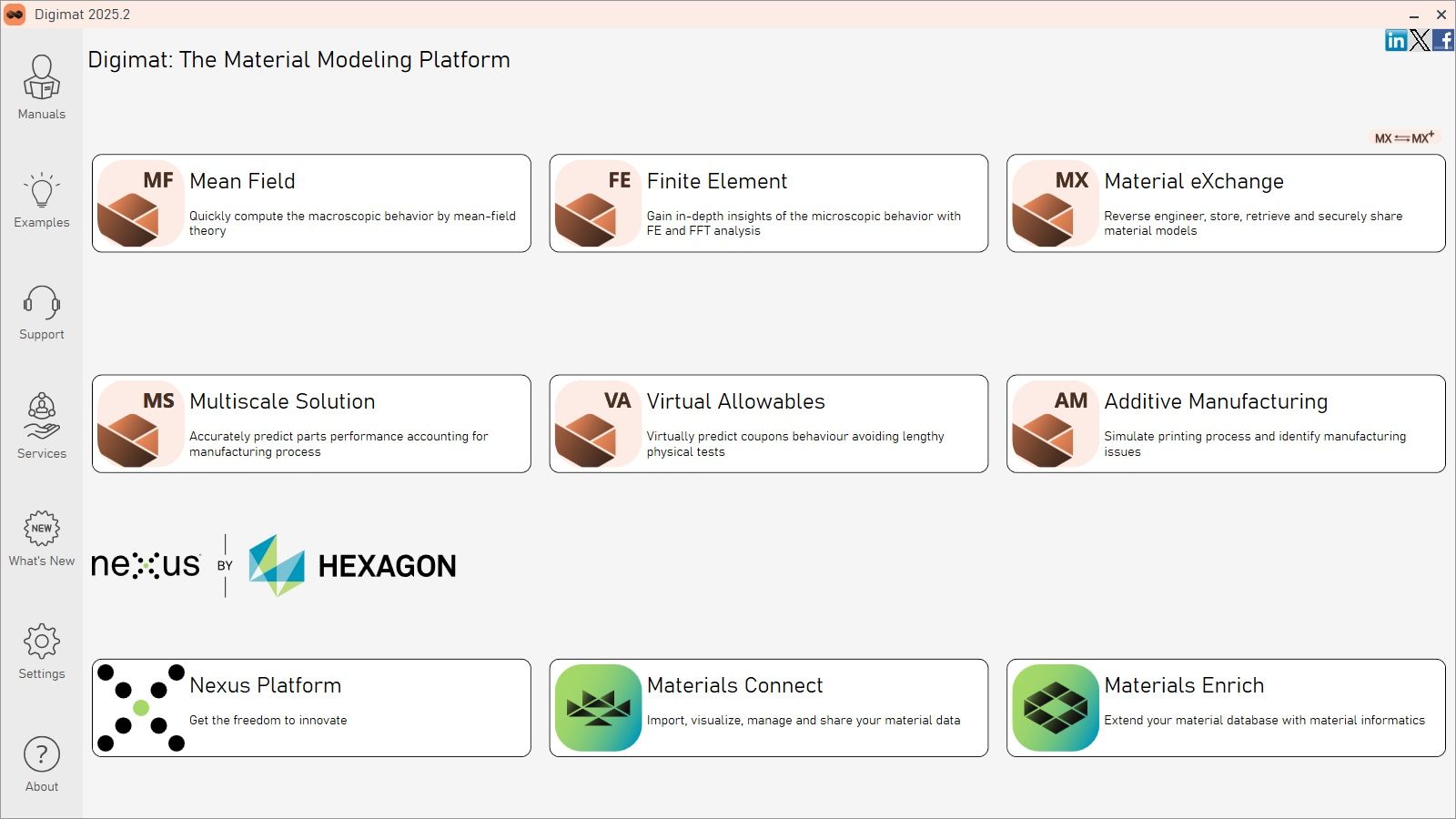
SOFTWARES

Download Hexagon Digimat 2025.2 Win64 full license forever

Hexagon Digimat 2025.2 – Advanced Multiscale Material Modeling & Simulation Software

Download Hexagon Digimat 2025.2 Win64 full license forever

Link download Hexagon Digimat 2025.2 x64 full activated

Hexagon Digimat 2025.2 Win64 full license

Working with Hexagon Digimat 2025.2 Win64 full

Description of Hexagon Digimat 2025.2

Hexagon Digimat 2025.2 is the latest release of the powerful material modeling platform developed by Hexagon AB. Designed for engineers and researchers, Digimat enables accurate prediction of material behavior and performance across multiple scales, helping organizations optimize product design, reduce physical testing, and accelerate innovation.

This release enhances simulation performance, expands material modeling capabilities, and improves integration with leading CAD, CAE, and finite element analysis workflows.

What is Hexagon Digimat 2025.2?
Hexagon Digimat is a multiscale materials engineering software suite used to model and simulate composite materials, polymers, and advanced engineered materials. It allows engineers to accurately predict structural performance based on real material microstructures.

The 2025.2 version introduces improvements in solver efficiency, user workflows, and expanded material modeling features to support modern lightweight and high-performance engineering applications.

Features of Hexagon Digimat 2025.2

1. Multiscale Material Modeling
Predict material behavior from microstructure to structural level
Model fiber-reinforced composites and particulate materials
Accurate anisotropic material property prediction

2. Advanced Composite Simulation
Simulation of continuous and short fiber composites
Orientation tensor modeling and fiber distribution analysis
Improved failure prediction for composite structures

3. Integration with CAE & FEA Tools
Seamless coupling with leading FEA solvers
Support for structural, thermal, and fatigue simulations
Improved interoperability with CAD/CAE workflows

4. Injection Molding & Process Coupling
Capture manufacturing effects on material performance
Fiber orientation import from molding simulations
Enhanced warpage and residual stress prediction

5. Nonlinear & Fatigue Material Behavior
Advanced nonlinear material modeling
Damage and fatigue life prediction
Viscoelastic and viscoplastic material modeling

6. Performance & Solver Improvements
Faster computation for complex material models
Enhanced scalability for large simulations
Improved numerical stability and accuracy

7. User Experience Enhancements
Streamlined user interface and workflows
Improved data visualization tools
Simplified material calibration and parameter setup

Benefits of Using Hexagon Digimat 2025.2
✅ Reduce costly physical prototyping
✅ Optimize composite and lightweight structures
✅ Improve product durability and performance
✅ Accelerate material innovation and validation
✅ Enhance predictive engineering accuracy
By enabling accurate digital material representation, Digimat empowers engineers to make smarter design decisions and deliver high-performance products faster.

Typical Applications
Automotive lightweight structures
Aerospace composite components
Consumer electronics and plastics engineering
Industrial equipment and advanced materials
Energy and high-performance engineering

Why Choose Hexagon Digimat 2025.2?
Hexagon Digimat continues to set the standard in multiscale material modeling. Version 2025.2 strengthens simulation accuracy and workflow integration, making it an essential solution for engineers developing next-generation composite and advanced material products.

If you want to download Hexagon Digimat 2025.2 full license, please click to DOWNLOAD button to download.
CLICKDOWN.ORG Download CAD CAM CNC software
Inside package Hexagon Digimat 2025.2, already have cracked files and instruction how to install Hexagon Digimat 2025.2 step by step. I guarantee you can install Hexagon Digimat 2025.2 successfully if you follow that instruction.
If you also can’t install it or get any problems, please contact to me by email: clickdown.org@gmail.com, then I will help you to install software by teamviewer or Ultraviewer or Anydesk.
Thanks a lot
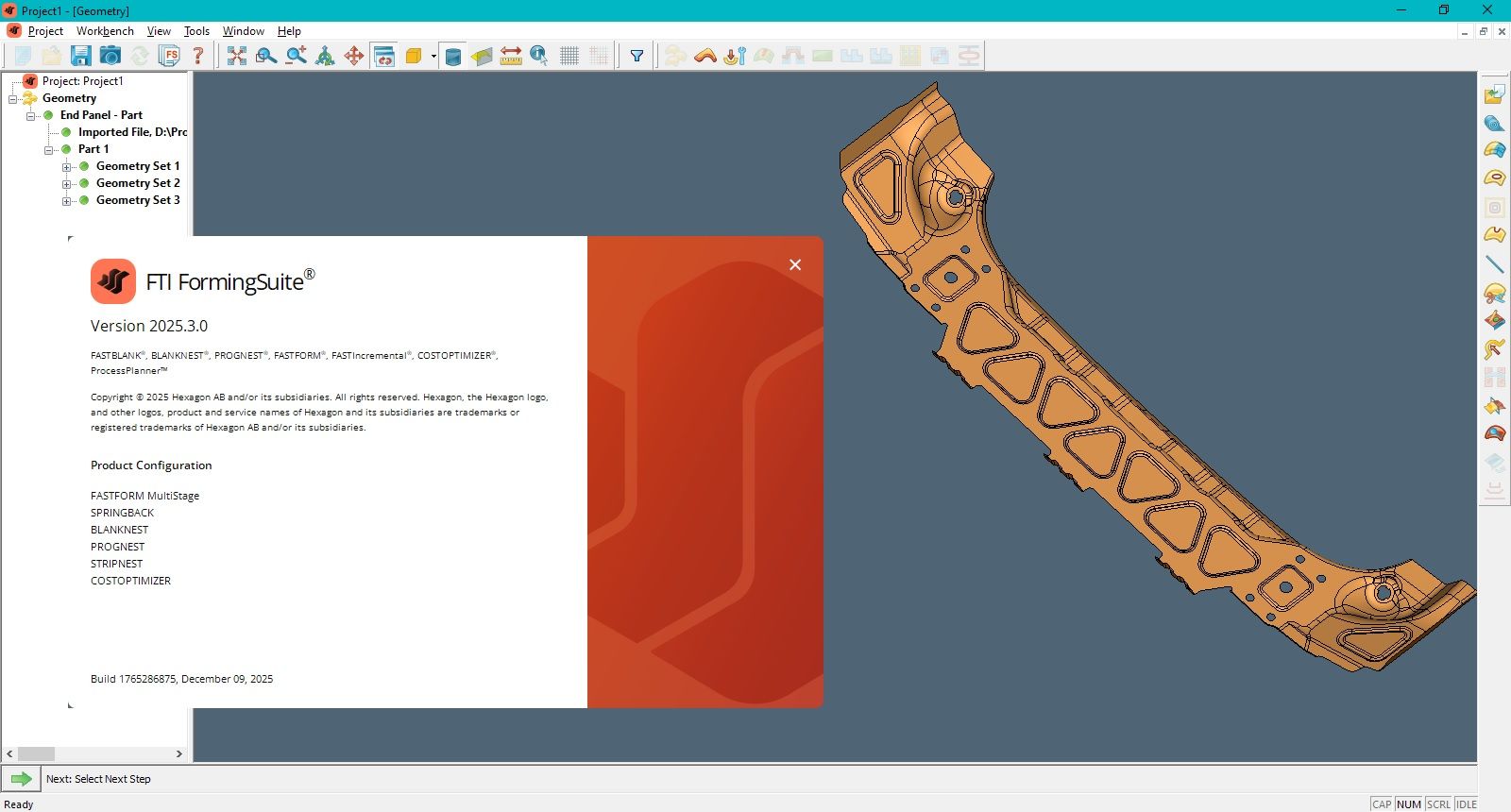
SOFTWARES

Download FTI FormingSuite 2025.3 win64 full license forever

FTI FormingSuite 2025.3 – Advanced Metal Forming Simulation & Die Engineering Software

Download FTI FormingSuite 2025.3 win64 full license forever

Link download FTI FormingSuite 2025.3 x64 full activated

Working with FTI FormingSuite 2025.3 full license

Description of FTI FormingSuite 2025.3

FTI FormingSuite 2025.3 is the latest release of the industry-leading metal forming simulation platform developed by Forming Technologies Incorporated (FTI). Designed specifically for sheet metal forming, stamping, and die design professionals, this powerful solution helps manufacturers reduce production risks, improve part quality, and shorten time-to-market.

With enhanced simulation accuracy, faster processing performance, and improved usability, FormingSuite 2025.3 provides a complete digital environment for predicting and solving forming defects before tooling production begins.

What is FTI FormingSuite 2025.3?
FTI FormingSuite is a comprehensive suite of simulation tools built for engineers working in automotive, aerospace, appliance, and heavy industry manufacturing. The 2025.3 version introduces refined forming analysis algorithms, improved user workflows, and expanded integration capabilities.

This release empowers engineers to:
Predict forming defects such as splits, wrinkles, and thinning
Optimize blank shapes and material usage
Reduce die tryout time
Improve first-time-right production

Features of FTI FormingSuite 2025.3

1. Advanced Forming Simulation
High-accuracy finite element analysis (FEA) for sheet metal forming
Improved solver performance for large assemblies
Enhanced springback prediction and compensation tools

2. Blank Development & Optimization
Automatic blank shape calculation
Material utilization optimization
Cost-saving nesting analysis

3. Die Face Engineering
Robust addendum design tools
Binder and draw bead simulation
Die surface validation and refinement

4. Formability & Material Analysis
Comprehensive forming limit diagram (FLD) evaluation
Accurate thinning and stress distribution analysis
Support for advanced high-strength steels (AHSS)

5. Trim & Springback Compensation
Automated trim line development
Improved springback correction algorithms
Accurate dimensional compensation tools

6. Process Planning & Feasibility
Early feasibility studies for stamping processes
Risk analysis before tool manufacturing
Faster design iteration cycles

7. User Interface Enhancements
Streamlined workflow navigation
Faster project loading times
Improved visualization and reporting tools

Benefits of Using FTI FormingSuite 2025.3
✅ Reduced die tryout costs
✅ Improved part quality and dimensional accuracy
✅ Faster development cycles
✅ Lower material waste
✅ Increased production efficiency
By simulating the entire forming process digitally, manufacturers can detect issues early and make informed engineering decisions before investing in physical tooling.

Why Choose FTI FormingSuite 2025.3?
FTI continues to lead the industry in metal forming simulation innovation. The 2025.3 update reinforces its position as a reliable, high-performance solution for engineering teams seeking precision, efficiency, and cost reduction in sheet metal manufacturing.
Whether you’re working on automotive body panels, structural components, or industrial sheet parts, FormingSuite 2025.3 delivers the predictive power and engineering tools needed for competitive manufacturing.

If you want to download FTI FormingSuite 2025.3 full license, please click to DOWNLOAD button to download.
CLICKDOWN.ORG Download CAD CAM CNC software
Inside package FTI FormingSuite 2025.3, already have cracked files and instruction how to install FTI FormingSuite 2025.3 step by step. I guarantee you can install FTI FormingSuite 2025.3 successfully if you follow that instruction.
If you also can’t install it or get any problems, please contact to me by email: clickdown.org@gmail.com, then I will help you to install software by teamviewer or Ultraviewer or Anydesk.
Thanks a lot
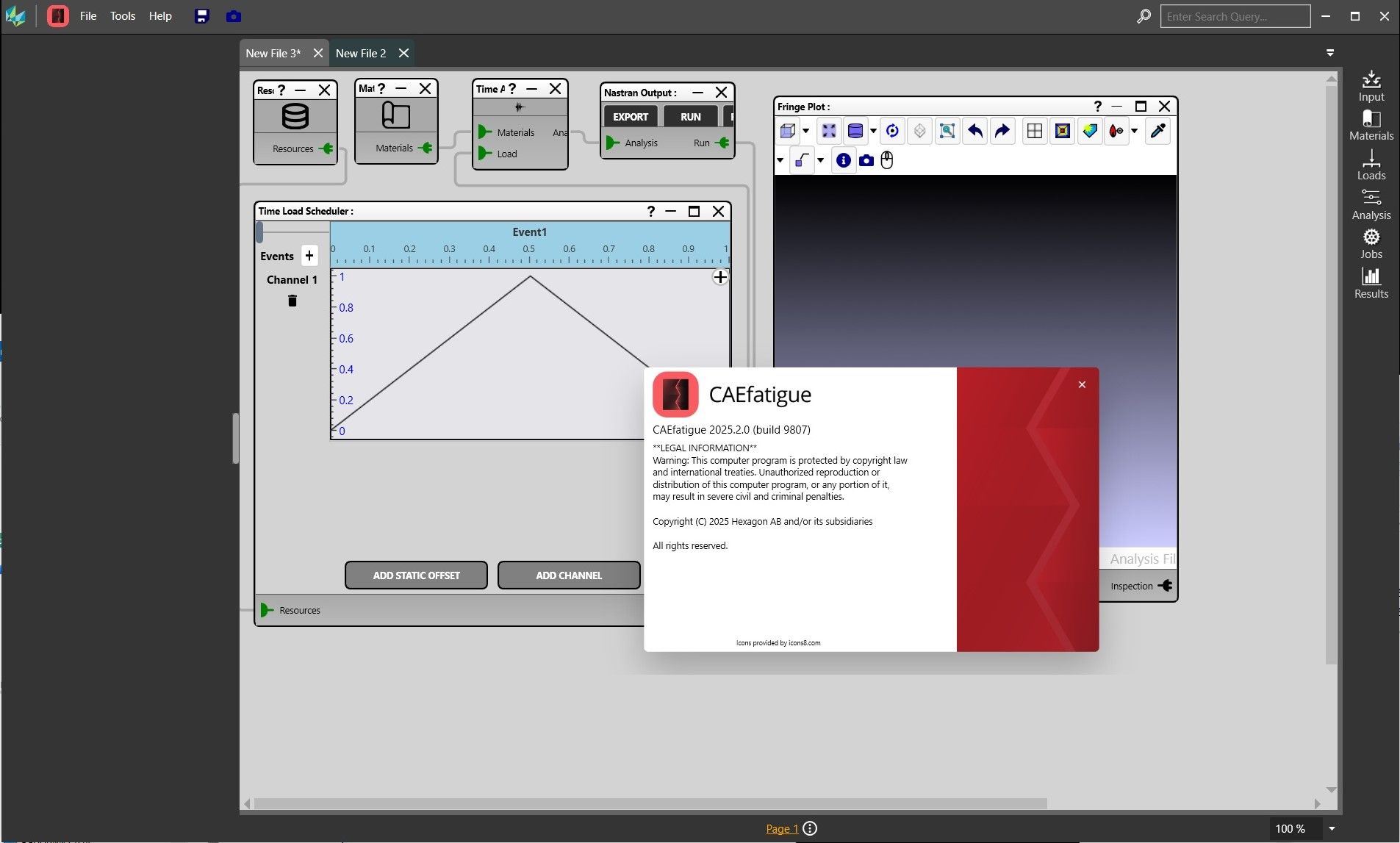
SOFTWARES

Download Hexagon CAEfatigue 2025.2 win64 full license

Hexagon CAEfatigue 2025.2 – Advanced Fatigue Analysis for Engineering Excellence

Download Hexagon CAEfatigue 2025.2 win64 full license

Link download Hexagon CAEfatigue 2025.2 x64 full activated

Working with Hexagon CAEfatigue 2025.2 full license

Description of Hexagon CAEfatigue 2025.2

Hexagon CAEfatigue 2025.2 is a powerful fatigue analysis software developed by Hexagon AB, designed to predict the durability and lifespan of components under real-world loading conditions. Built to integrate seamlessly with leading CAE environments, this latest release enhances performance, accuracy, and workflow efficiency for engineers working in automotive, aerospace, heavy machinery, and industrial design sectors.

With improved solver capabilities, advanced material modeling, and enhanced post-processing tools, Hexagon CAEfatigue 2025.2 enables engineers to evaluate fatigue life early in the design phase—reducing costly physical prototypes and accelerating product development cycles.

What is Hexagon CAEfatigue 2025.2?
Hexagon CAEfatigue 2025.2 is an advanced fatigue life prediction tool that integrates with major FEA solvers to assess structural durability under cyclic loading. It supports stress-life (S-N), strain-life (E-N), and crack growth analysis, allowing engineers to simulate realistic service conditions and optimize product reliability.
This version introduces workflow automation, better material database management, and improved multi-axial fatigue evaluation—making it one of the most efficient fatigue analysis solutions available today.

Features of Hexagon CAEfatigue 2025.2

1. Comprehensive Fatigue Methods
Stress-Life (S-N) approach
Strain-Life (E-N) approach
Crack Growth analysis
Multi-axial fatigue assessment

2. Seamless FEA Integration
Compatible with leading FEA solvers
Direct import of stress/strain results
Efficient post-processing and life contour visualization

3. Advanced Material Modeling
Extensive material database support
Custom material curve definition
Temperature-dependent fatigue properties

4. Realistic Load Handling
Variable amplitude loading
Load sequence effects
Rainflow cycle counting

5. Improved Performance & Speed
Faster computation engine
Optimized memory usage
Enhanced large-model handling

6. Automated Workflow Tools
Batch processing capabilities
Template-based analysis setup
Streamlined reporting and documentation

7. Detailed Reporting & Visualization
Life and damage contour plots
Critical location identification
Customizable fatigue reports

Benefits of Using Hexagon CAEfatigue 2025.2
✅ Reduce product failure risks
✅ Optimize lightweight design strategies
✅ Minimize physical prototype testing
✅ Improve durability validation accuracy
✅ Accelerate product development cycles
Hexagon CAEfatigue 2025.2 is especially valuable for industries where fatigue failure can lead to safety risks or costly downtime. Engineers can confidently predict service life and improve structural performance before manufacturing begins.

Why Choose Hexagon CAEfatigue 2025.2?
As product designs become lighter and more complex, fatigue analysis plays a critical role in ensuring durability. Hexagon CAEfatigue 2025.2 provides industry-grade simulation tools that combine accuracy, efficiency, and seamless integration—making it a trusted solution for advanced engineering teams worldwide.

If you are looking for reliable fatigue life prediction software with powerful analytical capabilities and improved workflow efficiency, Hexagon CAEfatigue 2025.2 is a strong choice for modern CAE environments.

If you want to download Hexagon CAEfatigue 2025.2 full license, please click to DOWNLOAD button to download.
CLICKDOWN.ORG Download CAD CAM CNC software
Inside package Hexagon CAEfatigue 2025.2, already have cracked files and instruction how to install Hexagon CAEfatigue 2025.2 step by step. I guarantee you can install Hexagon CAEfatigue 2025.2 successfully if you follow that instruction.
If you also can’t install it or get any problems, please contact to me by email: clickdown.org@gmail.com, then I will help you to install software by teamviewer or Ultraviewer or Anydesk.
Thanks a lot
SOFTWARES

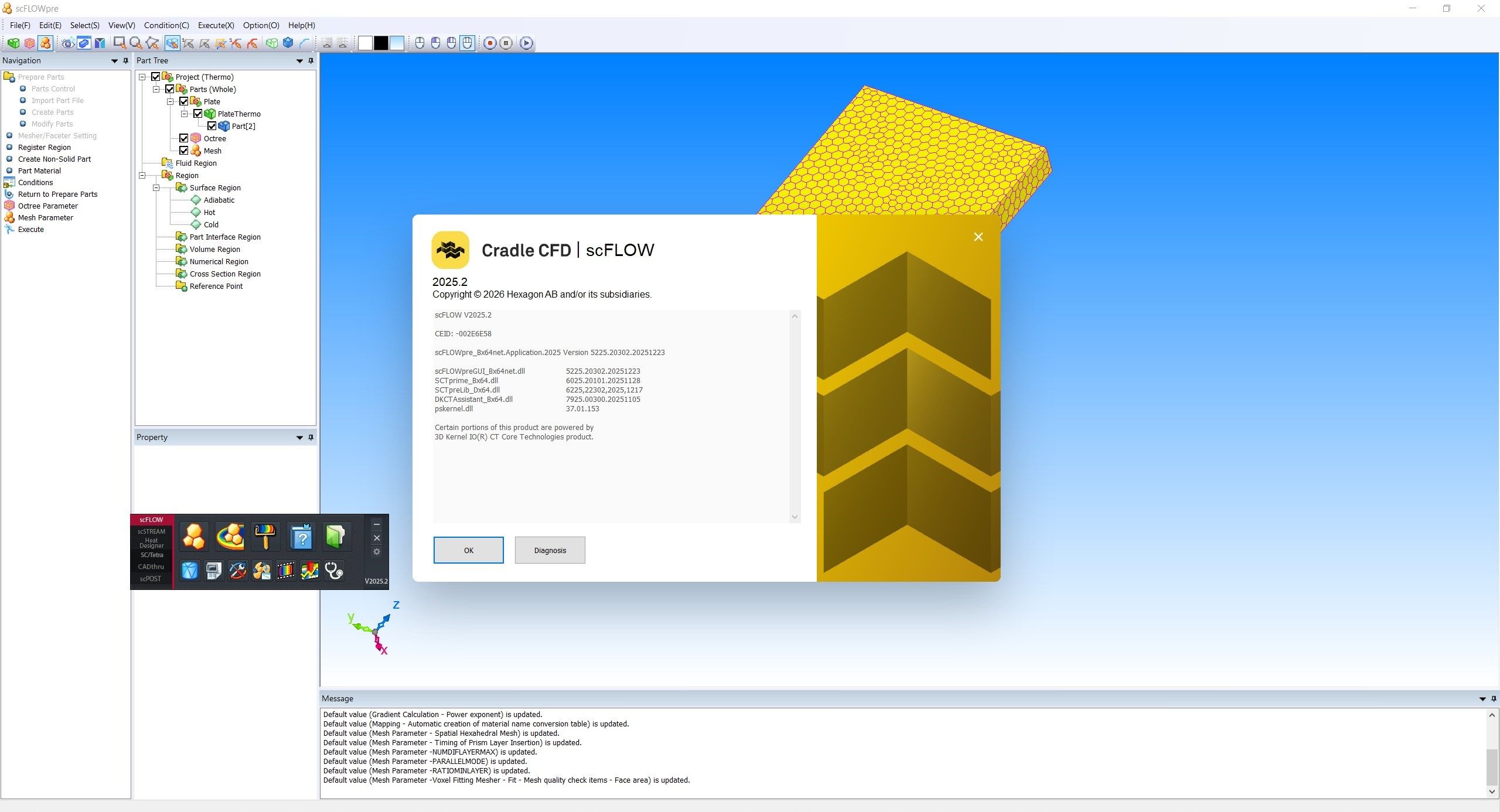
Download Cradle CFD 2025.2 win64 full license forever

Cradle CFD 2025.2 – Advanced CFD Simulation Software for Engineering Analysis

Download Cradle CFD 2025.2 win64 full license forever

Link download Cradle CFD 2025.2 x64 full activated

Working with Cradle CFD 2025.2 full license

Description of Cradle CFD 2025.2

Cradle CFD 2025.2 is a powerful computational fluid dynamics (CFD) solution developed by Hexagon AB under its MSC Software portfolio. Designed for engineers and product developers, Cradle CFD delivers high-accuracy fluid flow and thermal simulations for complex industrial applications including automotive, aerospace, electronics cooling, HVAC, and energy systems.

The 2025.2 release introduces enhanced solver performance, improved meshing technologies, and expanded multi-physics capabilities, allowing users to simulate real-world engineering challenges with greater speed and precision. Whether you are analyzing turbulent flow, heat transfer, or coupled fluid-structure interactions, Cradle CFD 2025.2 provides an intuitive and scalable environment for advanced simulation workflows.

Cradle CFD integrates multiple advanced solvers such as scFLOW and scSTREAM to handle a wide range of flow regimes—from incompressible to compressible, laminar to highly turbulent flows. The platform supports structured and unstructured meshes, ensuring flexibility across different geometries and complexity levels.

With improved parallel processing and GPU acceleration, version 2025.2 significantly reduces computation time while maintaining high numerical accuracy. Engineers can now run larger models with greater efficiency, improving product development cycles and reducing prototyping costs.

Features of Cradle CFD 2025.2

1. Advanced Flow & Thermal Simulation
Accurate prediction of turbulent, multiphase, and compressible flows
Conjugate heat transfer (CHT) simulation
Radiation heat transfer modeling
Natural and forced convection analysis

2. Enhanced Meshing Capabilities
High-quality structured and unstructured mesh generation
Automated mesh refinement tools
Support for complex geometries and large-scale assemblies

3. Multi-Physics Coupling
Fluid-structure interaction (FSI)
Electromagnetic-thermal coupling
Particle tracking and multiphase modeling

4. High-Performance Computing (HPC)
Improved multi-core scalability
GPU acceleration support
Distributed computing for large simulations

5. User-Friendly Interface
Modernized UI for improved workflow efficiency
Seamless CAD data import
Advanced post-processing and visualization tools

What’s New in Version 2025.2?
Solver stability improvements for complex transient simulations
Optimized parallel performance for large industrial models
Enhanced automation tools for repetitive analysis tasks
Expanded compatibility with the latest CAD formats
Refined turbulence modeling options
These improvements help engineering teams perform deeper analysis while reducing turnaround time.

Applications
Cradle CFD 2025.2 is widely used across industries, including:
Automotive aerodynamics and thermal management
Aerospace fluid performance analysis
Electronics cooling and airflow optimization
Energy systems and power generation
HVAC system design and environmental simulations

Why Choose Cradle CFD 2025.2?
Cradle CFD 2025.2 combines advanced physics modeling, scalable performance, and an intuitive interface to help engineers make data-driven decisions. By reducing reliance on physical prototypes, organizations can cut costs, accelerate product innovation, and improve overall design quality.
If you’re looking for a robust CFD platform capable of handling complex, real-world simulations with precision and speed, Cradle CFD 2025.2 is a comprehensive and reliable solution.

If you want to download Cradle CFD 2025.2 full license, please click to DOWNLOAD button to download.
CLICKDOWN.ORG Download CAD CAM CNC software
Inside package Cradle CFD 2025.2, already have cracked files and instruction how to install Cradle CFD 2025.2 step by step. I guarantee you can install Cradle CFD 2025.2 successfully if you follow that instruction.
If you also can’t install it or get any problems, please contact to me by email: clickdown.org@gmail.com, then I will help you to install software by teamviewer or Ultraviewer or Anydesk.
Thanks a lot
SOFTWARES

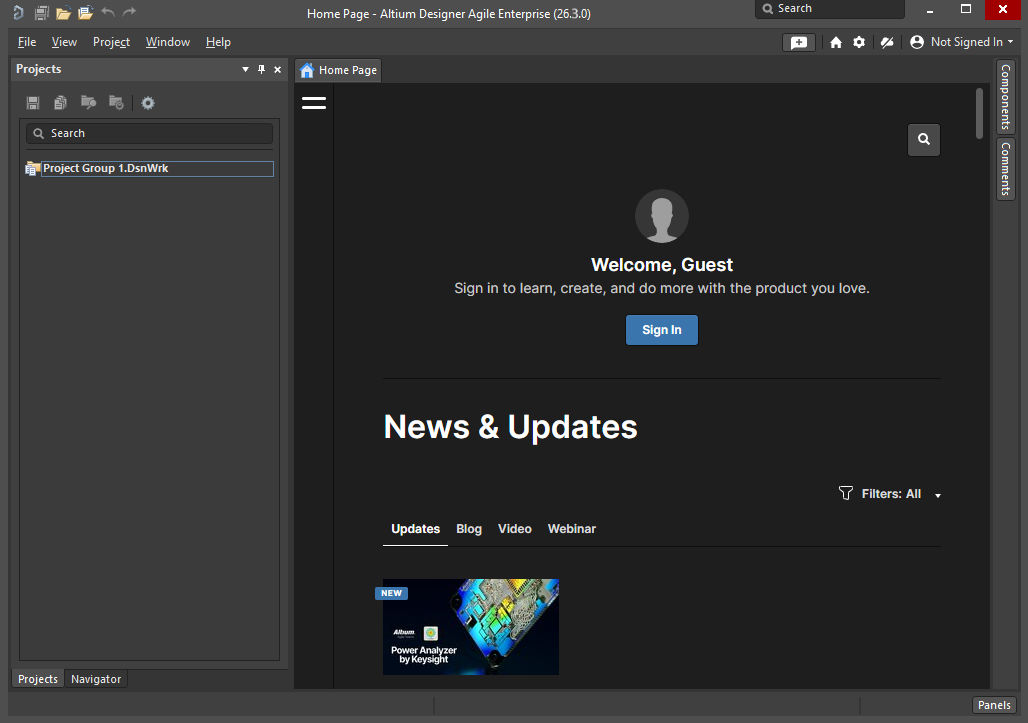
Download Altium Designer Agile 26.3.0 build 18 win64 full

Altium Designer Agile 26.3.0 Build 18 – Advanced PCB Design & Agile Electronics Development

Download Altium Designer Agile 26.3.0 full license

Link download Altium Designer Agile 26.3.0 full activated

Altium Designer Agile 26.3.0 x64 full license

Working with Altium Designer Agile 26.3.0 full license

Description of Altium Designer Agile 26.3.0

Altium Designer Agile 26.3.0 Build 18 is a powerful and modern PCB design solution developed by Altium. This latest version enhances collaborative electronics development with advanced schematic capture, PCB layout, simulation, and Agile product lifecycle management tools—all integrated into a unified platform.

Designed for professional engineers, hardware startups, and enterprise teams, Altium Designer Agile combines high-performance PCB design with cloud-based collaboration, enabling faster product development cycles and seamless teamwork.

Altium Designer Agile 26.3.0 Build 18 introduces performance improvements, enhanced stability, and new productivity tools to streamline electronic design automation (EDA). With improved component management, real-time collaboration, and advanced routing capabilities, this release helps engineers move from concept to production with greater efficiency.

Whether you are designing complex multilayer boards or managing enterprise-scale electronics projects, this version provides a complete, end-to-end PCB development environment.

Features of Altium Designer Agile 26.3.0

1. Unified Design Environment
Integrated schematic, PCB layout, and simulation tools
Single design database for consistency
Real-time synchronization between schematic and PCB

2. Advanced PCB Layout & Routing
High-speed and multi-layer routing support
Interactive routing with design rule checking
Differential pair and length tuning tools
3D PCB visualization and clearance checking

3. Agile Collaboration & Cloud Integration
Real-time team collaboration
Secure project sharing
Version control and change tracking
Centralized component libraries

4. Intelligent Component Management
Unified component library system
Supplier integration and lifecycle tracking
Automated BOM generation

5. Powerful Simulation & Analysis
Signal integrity analysis
Power integrity tools
SPICE simulation support
Design rule validation

6. Manufacturing & Documentation Tools
Automated fabrication outputs (Gerber, ODB++, IPC-2581)
Assembly drawings and 3D exports
Draftsman documentation tools

7. Performance & Stability Enhancements
Faster project loading
Improved routing engine performance
Optimized memory usage
Enhanced system compatibility

Why Choose Altium Designer Agile 26.3.0 Build 18?
Accelerates PCB development cycles
Reduces design errors with intelligent rule checking
Enhances collaboration across distributed teams
Provides complete electronics product lifecycle support
Suitable for startups, SMEs, and large enterprises
This version is ideal for professionals working in embedded systems, IoT devices, automotive electronics, industrial control systems, and consumer electronics.

Conclusion
Altium Designer Agile 26.3.0 Build 18 delivers a comprehensive PCB design and electronics development ecosystem. With enhanced collaboration tools, improved routing performance, and intelligent component management, it remains one of the most powerful EDA solutions available today.
If you are looking for a professional-grade PCB design platform with Agile capabilities, this version is an excellent choice for modern electronics engineering workflows.

If you want to download Altium Designer Agile 26.3.0 full license, please click to DOWNLOAD button to download.
CLICKDOWN.ORG Download CAD CAM CNC software
Inside package Altium Designer Agile 26.3.0, already have cracked files and instruction how to install Altium Designer Agile 26.3.0 step by step. I guarantee you can install Altium Designer Agile 26.3.0 successfully if you follow that instruction.
If you also can’t install it or get any problems, please contact to me by email: clickdown.org@gmail.com, then I will help you to install software by teamviewer or Ultraviewer or Anydesk.
Thanks a lot
SOFTWARES

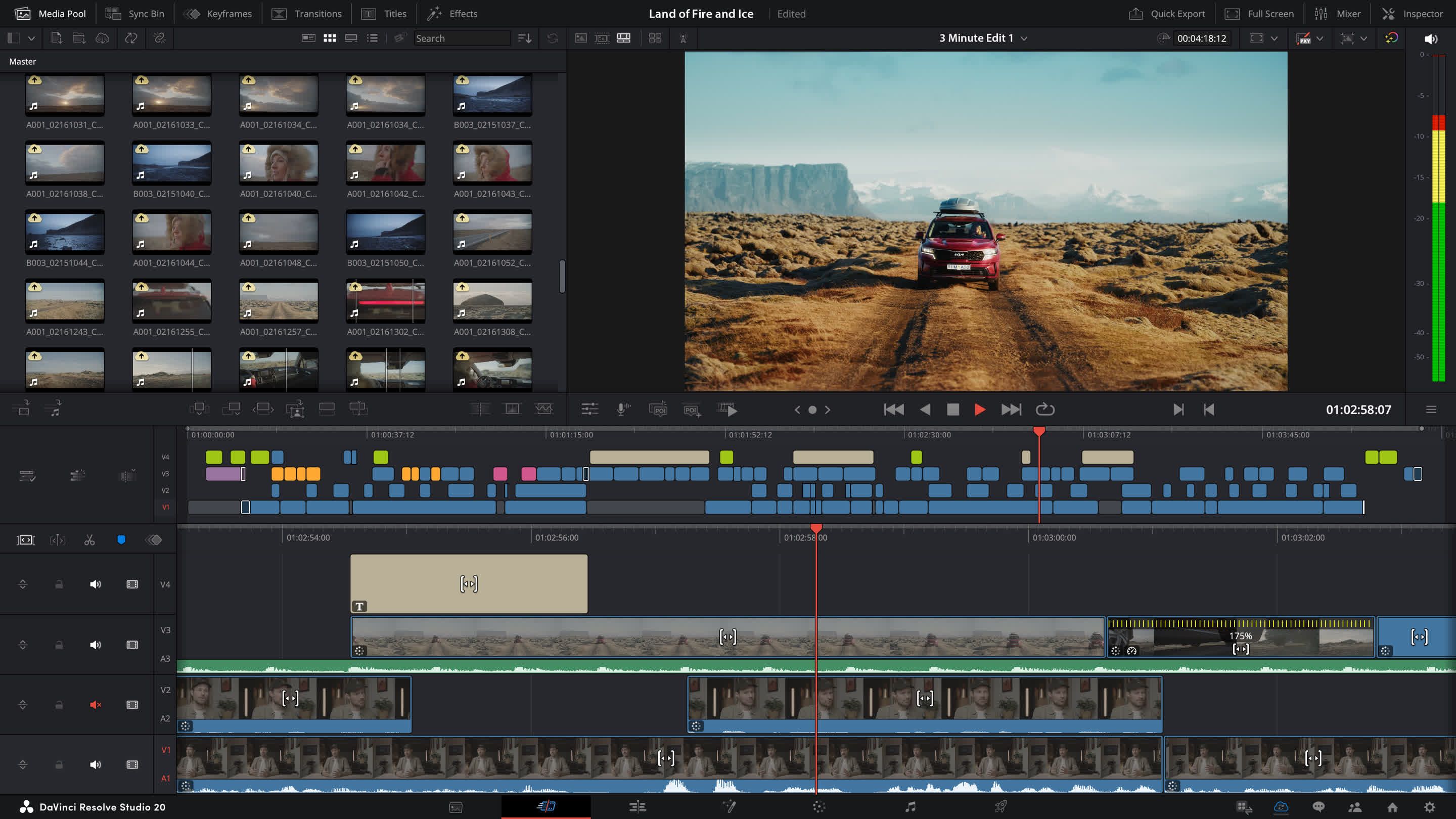
Download DaVinci Resolve Studio 20.3.2.9 x64 full license

DaVinci Resolve Studio 20.3.2.9 – Professional Video Editing, Color Grading & Post-Production Suite

Download DaVinci Resolve Studio 20.3.2.9 x64 full license

Link download DaVinci Resolve Studio 20.3.2.9 full activated

Working with DaVinci Resolve Studio 20.3.2.9 full license

Description of DaVinci Resolve Studio 20.3.2.9

DaVinci Resolve Studio 20.3.2.9 is the latest professional post-production software developed by Blackmagic Design. It combines advanced video editing, cinematic color correction, visual effects, motion graphics, and audio post-production into one powerful application.

Designed for filmmakers, YouTubers, content creators, and professional studios, DaVinci Resolve Studio delivers high-end tools used in Hollywood productions while remaining accessible to independent creators.

What’s New in Version 20.3.2.9?
The 20.3.2.9 build focuses on performance improvements, enhanced stability, and optimized GPU acceleration. It improves playback responsiveness, rendering speed, and compatibility with modern hardware configurations.

Users benefit from smoother timeline performance, refined AI-powered tools, and improved workflow efficiency across large projects.

Features of DaVinci Resolve Studio 20.3.2.9

🎬 1. Professional Video Editing
Advanced cut and edit pages
Multi-camera editing support
Smart trimming tools
Timeline comparison and versioning
High-resolution 8K editing support

🎨 2. Industry-Leading Color Grading
HDR color grading tools
Node-based color correction workflow
Advanced color wheels and curves
Power windows and tracking
LUT management and ACES workflow

🤖 3. DaVinci Neural Engine (AI Tools)
AI-powered object removal
Magic Mask for precise tracking
Smart reframing
Face refinement tools
Scene cut detection

🎥 4. Fusion Visual Effects & Motion Graphics
Node-based VFX compositing
3D workspace and particle systems
Advanced keying and rotoscoping
Titles and animated graphics
Green screen tools

🎧 5. Fairlight Professional Audio
Full digital audio workstation (DAW)
ADR and voiceover tools
3D audio support
Advanced noise reduction
Audio effects and mixing tools

⚡ 6. GPU Acceleration & Performance
Multi-GPU support
Hardware encoding and decoding
Faster rendering engine
Optimized performance for high-resolution footage

Why Choose DaVinci Resolve Studio?
Unlike many editing platforms that require multiple applications, DaVinci Resolve Studio 20.3.2.9 integrates editing, color grading, VFX, and audio in a single unified workflow. This reduces file transfers, speeds up production, and increases efficiency.
It is widely used in film production, television broadcasting, YouTube content creation, documentaries, and commercial advertising.

Conclusion
DaVinci Resolve Studio 20.3.2.9 is one of the most complete and powerful video editing solutions available today. Whether you are creating cinematic films, YouTube videos, social media content, or professional broadcast productions, this software provides everything you need in a single package.
If you’re looking for a professional-grade editing and color grading suite with AI-powered tools and high-performance rendering, this version is an excellent choice.

If you want to download DaVinci Resolve Studio 20.3.2.9 full license, please click to DOWNLOAD button to download.
CLICKDOWN.ORG Download CAD CAM CNC software
Inside package DaVinci Resolve Studio 20.3.2.9, already have cracked files and instruction how to install DaVinci Resolve Studio 20.3.2.9 step by step. I guarantee you can install DaVinci Resolve Studio 20.3.2.9 successfully if you follow that instruction.
If you also can’t install it or get any problems, please contact to me by email: clickdown.org@gmail.com, then I will help you to install software by teamviewer or Ultraviewer or Anydesk.
Thanks a lot
SOFTWARES

Download Carlson Civil Suite 2026 build 260120 x64 full

Carlson Civil Suite 2026 – Complete Civil Engineering & Surveying Software

Download Carlson Civil Suite 2026 build 260120 x64 full license

Link download Carlson Civil Suite 2026 build 260120 full activated

Carlson Civil Suite 2026 build 260120 x64 full license

Working with Carlson Civil Suite 2026 build 260120 full license

Language: Multilingual

Description of Carlson Civil Suite 2026 build 260120

Carlson Civil Suite 2026 is a comprehensive civil engineering software package designed for land development, transportation, site design, and surveying professionals. Built to enhance productivity and streamline project workflows, this powerful suite integrates advanced design tools with user-friendly functionality to deliver accurate and efficient results.

Carlson Civil Suite combines civil design, survey processing, surface modeling, roadway design, hydrology analysis, and construction layout tools into one unified platform. The 2026 edition introduces improved performance, enhanced modeling capabilities, and workflow optimizations that make it ideal for modern infrastructure projects.

Whether you’re working on residential subdivisions, highway corridors, commercial developments, or municipal infrastructure, Carlson Civil Suite 2026 provides everything you need from data collection to final construction plans.

Features of Carlson Civil Suite 2026 build 260120

✔ Advanced Surface Modeling
Create, edit, and analyze digital terrain models (DTMs) with powerful surface tools for grading and earthwork calculations.

✔ Roadway & Corridor Design
Design roads, highways, and corridors with automated profile creation, cross-sections, and alignment tools.

✔ Site & Land Development Tools
Efficiently design subdivisions, lot layouts, grading plans, and utility systems with integrated design modules.

✔ Survey Data Processing
Import, process, and adjust field survey data with precision for accurate project layouts.

✔ Hydrology & Drainage Analysis
Perform stormwater calculations and drainage design to ensure compliance with engineering standards.

✔ Earthwork Calculations
Accurate volume calculations for cut/fill analysis and construction planning.

✔ Construction & Machine Control Support
Prepare data for GPS machine control systems and construction staking.

✔ Seamless CAD Integration
Works within familiar CAD environments to provide flexible drafting and design workflows.

✔ Enhanced Automation Tools
Automate repetitive tasks and streamline project documentation for faster delivery.

✔ Updated 2026 Performance Improvements
Improved system performance, stability, and compatibility with modern Windows systems.

🔹 What’s New in Carlson Civil Suite 2026?
Faster surface processing and rendering
Improved corridor modeling tools
Enhanced grading automation
Updated hydrology calculations
Stability improvements and workflow refinements

🔹 Why Choose Carlson Civil Suite 2026?
Carlson Civil Suite 2026 offers a complete solution for civil engineers and surveyors who require accurate, reliable, and efficient design tools. With its integrated modules and powerful automation features, it reduces project time while improving design precision and collaboration.
From survey data collection to final construction documentation, Carlson Civil Suite 2026 delivers professional-grade civil engineering capabilities in one unified package.

If you want to download Carlson Civil Suite 2026 build 260120 full license, please click to DOWNLOAD button to download.
CLICKDOWN.ORG Download CAD CAM CNC software
Inside package Carlson Civil Suite 2026 build 260120, already have cracked files and instruction how to install Carlson Civil Suite 2026 build 260120 step by step. I guarantee you can install Carlson Civil Suite 2026 build 260120 successfully if you follow that instruction.
If you also can’t install it or get any problems, please contact to me by email: clickdown.org@gmail.com, then I will help you to install software by teamviewer or Ultraviewer or Anydesk.
Thanks a lot
SOFTWARES

Download Able2Extract Professional 21.0.4.0 x64 full license

Able2Extract Professional 21.0.4.0 – Advanced PDF Converter & Editor

Download Able2Extract Professional 21.0.4.0 x64 full license

Link download Able2Extract Professional 21.0.4.0 full activated

Able2Extract Professional 21.0.4.0 full license

Working with Able2Extract Professional 21.0.4.0 full activated

Description of Able2Extract Professional 21.0.4.0

Able2Extract Professional 21.0.4.0 is a powerful all-in-one PDF converter and editor designed for business professionals, students, accountants, and enterprises. This latest version delivers enhanced PDF conversion accuracy, advanced editing tools, secure document handling, and batch processing capabilities to streamline your workflow.

Whether you need to convert PDFs to Excel, Word, PowerPoint, AutoCAD, or edit and secure sensitive documents, Able2Extract Professional provides a reliable and user-friendly solution.

🔹 What is Able2Extract Professional 21.0.4.0?
Able2Extract Professional is a comprehensive PDF management software that enables users to:
Convert PDF files to multiple formats
Edit and customize PDF content
Create PDFs from any printable document
Secure and digitally sign files
Automate document processing with batch conversion
Version 21.0.4.0 brings improved performance, enhanced OCR accuracy, and optimized conversion algorithms for better data extraction results.

Features of Able2Extract Professional 21.0.4.0

✅ Accurate PDF to Excel Conversion
Convert PDF tables into fully formatted Excel spreadsheets with precision. Ideal for financial reports, accounting documents, and data analysis.

✅ Convert PDF to Word, PowerPoint & More
Easily convert PDFs into:
Microsoft Word
Excel
PowerPoint
Publisher
AutoCAD
CSV
Images

✅ Advanced PDF Editing Tools
Modify text, images, and pages directly within your PDF documents. Add comments, annotations, watermarks, and manage document structure effortlessly.

✅ OCR Technology (Optical Character Recognition)
Convert scanned PDFs into searchable and editable documents with improved OCR accuracy.

✅ Batch PDF Conversion
Save time by converting multiple PDF files simultaneously.

✅ PDF Creation
Create professional-quality PDFs from any printable file format.

✅ Security & Encryption
Protect your documents with:
Password protection
256-bit encryption
Permission controls
Digital signatures

✅ Custom Excel Conversion
Select specific tables and define custom Excel formatting before conversion.

✅ Cross-Platform Compatibility
Available for Windows and macOS with consistent performance.

🔹 Why Choose Able2Extract Professional 21.0.4.0?
High-accuracy data extraction
Business-grade security features
User-friendly interface
Reliable batch processing
Ideal for finance, legal, education, and enterprise use
If you regularly work with PDF documents and need accurate data conversion and secure document management, Able2Extract Professional 21.0.4.0 is a dependable solution.

If you want to download Able2Extract Professional 21.0.4.0 full license, please click to DOWNLOAD button to download.
CLICKDOWN.ORG Download CAD CAM CNC software
Inside package Able2Extract Professional 21.0.4.0, already have cracked files and instruction how to install Able2Extract Professional 21.0.4.0 step by step. I guarantee you can install Able2Extract Professional 21.0.4.0 successfully if you follow that instruction.
If you also can’t install it or get any problems, please contact to me by email: clickdown.org@gmail.com, then I will help you to install software by teamviewer or Ultraviewer or Anydesk.
Thanks a lot
error: Content is protected !!
Scroll to Top