SOFTWARES

SOFTWARES

Download AnyLogic Professional 8.9.7 win64 full license

Download AnyLogic Professional 8.9.7 full license

Link download AnyLogic Professional 8.9.7 full activated

Working with AnyLogic Professional 8.9.7 full license
Language: Multilingual

Description of AnyLogic Professional 8.9.7

AnyLogic Professional 8.9.7 is a powerful and versatile simulation software used by analysts, engineers, and researchers to model complex systems across business, logistics, manufacturing, healthcare, and transportation. As the leading multi-method simulation platform, AnyLogic combines discrete event, agent based, and system dynamics modeling in one unified environment, making it ideal for understanding real-world system behavior, testing scenarios, and optimizing performance.

This version enhances model building efficiency, improves simulation performance, and expands integration capabilities with external data sources and enterprise systems. Whether for strategic planning, operational analysis, or predictive modeling, AnyLogic Professional 8.9.7 provides advanced tools to design accurate simulations and make data driven decisions.

Features of AnyLogic Professional 8.9.7

True Multi-Method Modeling
Supports discrete event, agent based, and system dynamics simulation approaches. Users can combine methods to accurately represent complex systems and behaviors.

Advanced Modeling Environment
Offers a graphical drag and drop interface, flowcharts, statecharts, and agent logic tools. Enables intuitive model development without extensive coding.

Enterprise Level Simulation Capabilities
Handles large scale models, interconnected systems, and multi discipline simulations. Suitable for businesses and organizations requiring high fidelity simulation.

Powerful Experimentation Tools
Includes Monte Carlo experiments, parameter variation, optimization, sensitivity analysis, and scenario comparison to evaluate system performance under various conditions.

3D and 2D Animation and Visualization
Provides interactive 2D and 3D animation to visualize system flow, objects, agent behavior, and simulation outcomes in real time.

Extensive Library of Industry Templates
Includes libraries for logistics, pedestrian movement, supply chains, rail transport, manufacturing, road traffic, fluid modeling, and more.

Java Based Customization and Extensibility
Allows advanced users to enhance models using Java code, external algorithms, or custom logic to create highly tailored simulations.

Integration with Databases and External Systems
Connects to SQL databases, Excel, XML, GIS data, and external APIs. Supports exporting results for analytics and reporting.

Cloud Simulation and Model Sharing
Supports AnyLogic Cloud for running, sharing, and comparing simulations online. Enables collaborative testing and remote access to models.

Improved Performance and Stability
Optimized simulation engine, improved memory usage, and enhanced rendering ensure more efficient and stable model execution.

If you want to download AnyLogic Professional 8.9.7 full license, please click to DOWNLOAD button to download.
CLICKDOWN.ORG Download CAD CAM CNC software
Inside package AnyLogic Professional 8.9.7, already have cracked files and instruction how to install AnyLogic Professional 8.9.7 step by step. I guarantee you can install AnyLogic Professional 8.9.7 successfully if you follow that instruction.
If you also can’t install it or get any problems, please contact to me by email: clickdown.org@gmail.com, then I will help you to install software by teamviewer or Ultraviewer or Anydesk.
Thanks a lot
SOFTWARES

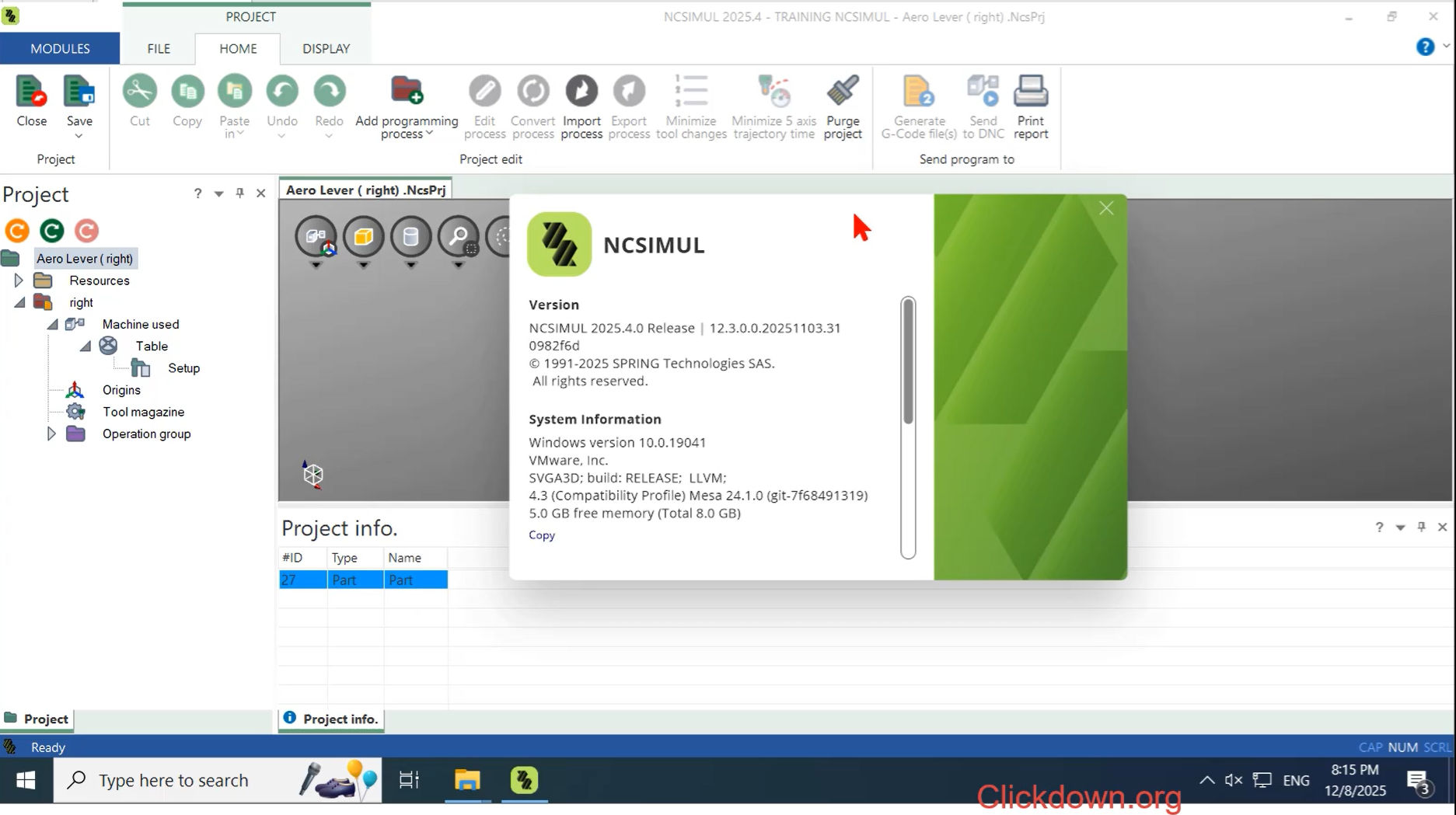
Download HEXAGON NCSIMUL 2025.4.0 x64 full license

Download HEXAGON NCSIMUL 2025.4.0 x64 full license

Link download HEXAGON NCSIMUL 2025.4.0 full activated

Working with HEXAGON NCSIMUL 2025.4.0 full license

Description of HEXAGON NCSIMUL 2025.4.0

HEXAGON NCSIMUL 2025.4.0 is a high performance CNC machine simulation and verification software designed to optimize manufacturing processes, eliminate machining errors, and ensure accurate NC code execution. Built for modern production environments, NCSIMUL offers real time simulation, collision detection, cutting analysis, and toolpath optimization, allowing manufacturers to achieve higher productivity and reduce costly mistakes.

This version introduces enhanced simulation accuracy, improved machine behavior modeling, updated tool libraries, and a more responsive interface, making it an essential tool for CNC programmers, process engineers, and manufacturing professionals who require reliable and intelligent machining validation.

Features of HEXAGON NCSIMUL 2025.4.0

Advanced CNC Machine Simulation
Simulates real machine behavior including axis movements, spindle speeds, feed rates, and tool changes. Delivers an exact representation of machine kinematics to prevent operational issues before machining.

Accurate Collision Detection
Provides real time collision checks between tools, holders, fixtures, and machine components. Reduces risk of damaging equipment and ensures safe machining operations.

Toolpath Verification and NC Code Analysis
Analyzes and validates NC programs generated by any CAM software. Detects potential errors, overcuts, undercuts, and tool compensation issues with high precision.

CNC Machine Optimization
Optimizes NC code for smoother toolpaths, reduced cycle times, and improved machining efficiency. Automatically adjusts feeds, speeds, and movements for maximum performance.

Support for Multi Axis Machining
Handles 3 axis, 4 axis, 5 axis, and complex multi channel machine configurations. Provides synchronized simulation for mill turn and multi turret systems.

Updated Tool and Material Libraries
Includes enhanced libraries with updated tool parameters, material groups, and cutting conditions for accurate and realistic machining simulation.

Digital Twin Technology
Creates a virtual model of CNC machines, tools, and setups. Allows users to test machining scenarios, evaluate performance, and set up operations without stopping real production.

G Code Editing and Optimization Tools
Integrated G code editor enables users to modify, optimize, and instantly recheck NC programs. Reduces manual editing and minimizes programming errors.

Seamless Integration with CAM and Manufacturing Systems
Works with leading CAM platforms and supports all major CNC controllers. Ensures smooth data flow across CAD, CAM, and production environments.

Enhanced Interface and Performance
Improved software responsiveness, faster simulation updates, and optimized graphics rendering for large projects. Boosts user productivity and reduces verification time.

If you want to download HEXAGON NCSIMUL 2025.4.0 full license, please click to DOWNLOAD button to download.
CLICKDOWN.ORG Download CAD CAM CNC software
Inside package HEXAGON NCSIMUL 2025.4.0, already have cracked files and instruction how to install HEXAGON NCSIMUL 2025.4.0 step by step. I guarantee you can install HEXAGON NCSIMUL 2025.4.0 successfully if you follow that instruction.
If you also can’t install it or get any problems, please contact to me by email: clickdown.org@gmail.com, then I will help you to install software by teamviewer or Ultraviewer or Anydesk.
Thanks a lot
SOFTWARES

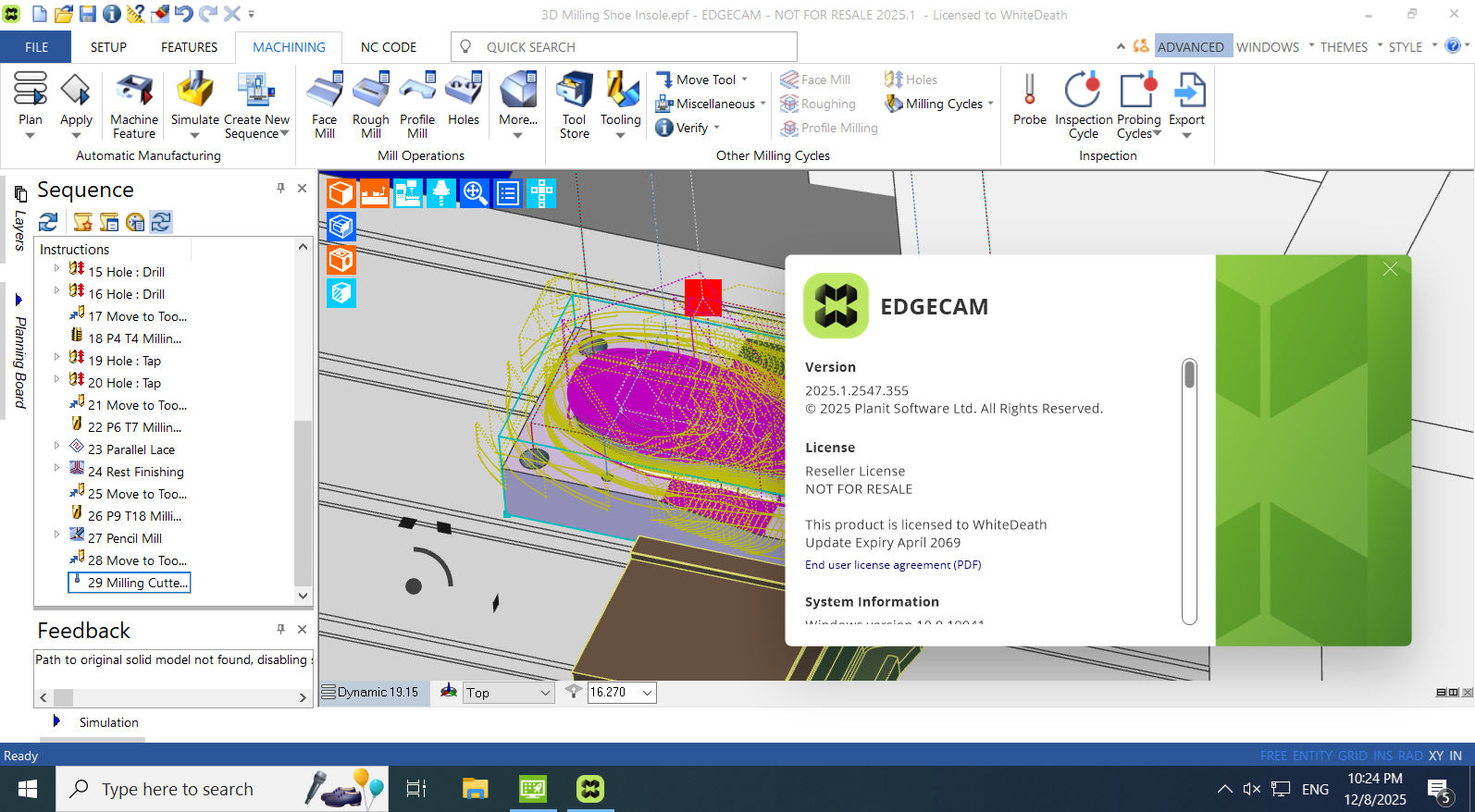
Download HEXAGON EDGECAM 2025.1.2547.355 x64 full license

Download HEXAGON EDGECAM 2025.1.2547.355 x64 full license

Link download HEXAGON EDGECAM 2025.1.2547.355 win64 full activated

Working with EDGECAM 2025.1.2547.355 full license

Description of HEXAGON EDGECAM 2025.1.2547.355

HEXAGON EDGECAM 2025.1.2547.355 is an advanced computer aided manufacturing solution designed to deliver high precision machining, optimized toolpaths, and automated workflows for CNC programming. As part of Hexagon’s industry leading manufacturing portfolio, this version enhances productivity, reduces programming time, and ensures consistent accuracy across milling, turning, multi-axis, and mill-turn operations.

EDGECAM 2025.1.2547.355 integrates intelligent toolpath strategies, improved simulation performance, and enhanced automation features to support modern CNC production environments. It is built for manufacturers seeking reliable CAM software that provides real time optimization, seamless CAD import, and complete control over machining processes.

Features of HEXAGON EDGECAM 2025.1.2547.355

Enhanced Milling and Turning Strategies
Offers refined 2.5D, 3D, and 5 axis milling operations. Supports high performance roughing, advanced finishing techniques, and optimized turning cycles for improved machining accuracy.

Intelligent Toolpath Optimization
Automated toolpath generation reduces manual programming effort while minimizing cycle times. Includes advanced engagement control, adaptive cutting, and collision prevention.

Improved Simulation and Verification
Provides accurate machine simulation with realistic tool, holder, and fixture models. Supports full collision detection, rapid preview, and detailed verification reports to ensure error free machining.

Multi Axis and Mill Turn Support
Delivers complete control over complex multi axis machining, synchronized toolpaths, and smooth transitions. Ideal for advanced parts requiring simultaneous multi axis movement.

CAD Compatibility and Data Import
Supports direct import of major CAD formats such as SolidWorks, Inventor, Creo, CATIA, and STEP. Maintains model integrity and minimizes translation errors.

Tool Management and Database Enhancements
Includes an updated tool library, cutting condition previews, and automated selection recommendations for optimal machining performance.

Automation and Workflow Improvements
Workflow Solids, automatic feature recognition, and macro driven processes streamline repetitive programming tasks. Users can apply consistent manufacturing rules with minimal effort.

Support for Modern CNC Machines
Compatible with a wide range of CNC controllers and machine types. Updated post processors deliver accurate NC code tailored to specific machines.

Performance and Stability Upgrades
Optimized engine ensures faster toolpath calculation, quicker simulation loading, and improved overall performance for large and complex projects.

If you want to download HEXAGON EDGECAM 2025.1.2547.355 full license, please click to DOWNLOAD button to download.
CLICKDOWN.ORG Download CAD CAM CNC software
Inside package HEXAGON EDGECAM 2025.1.2547.355, already have cracked files and instruction how to install HEXAGON EDGECAM 2025.1.2547.355 step by step. I guarantee you can install HEXAGON EDGECAM 2025.1.2547.355 successfully if you follow that instruction.
If you also can’t install it or get any problems, please contact to me by email: clickdown.org@gmail.com, then I will help you to install software by teamviewer or Ultraviewer or Anydesk.
Thanks a lot
SOFTWARES

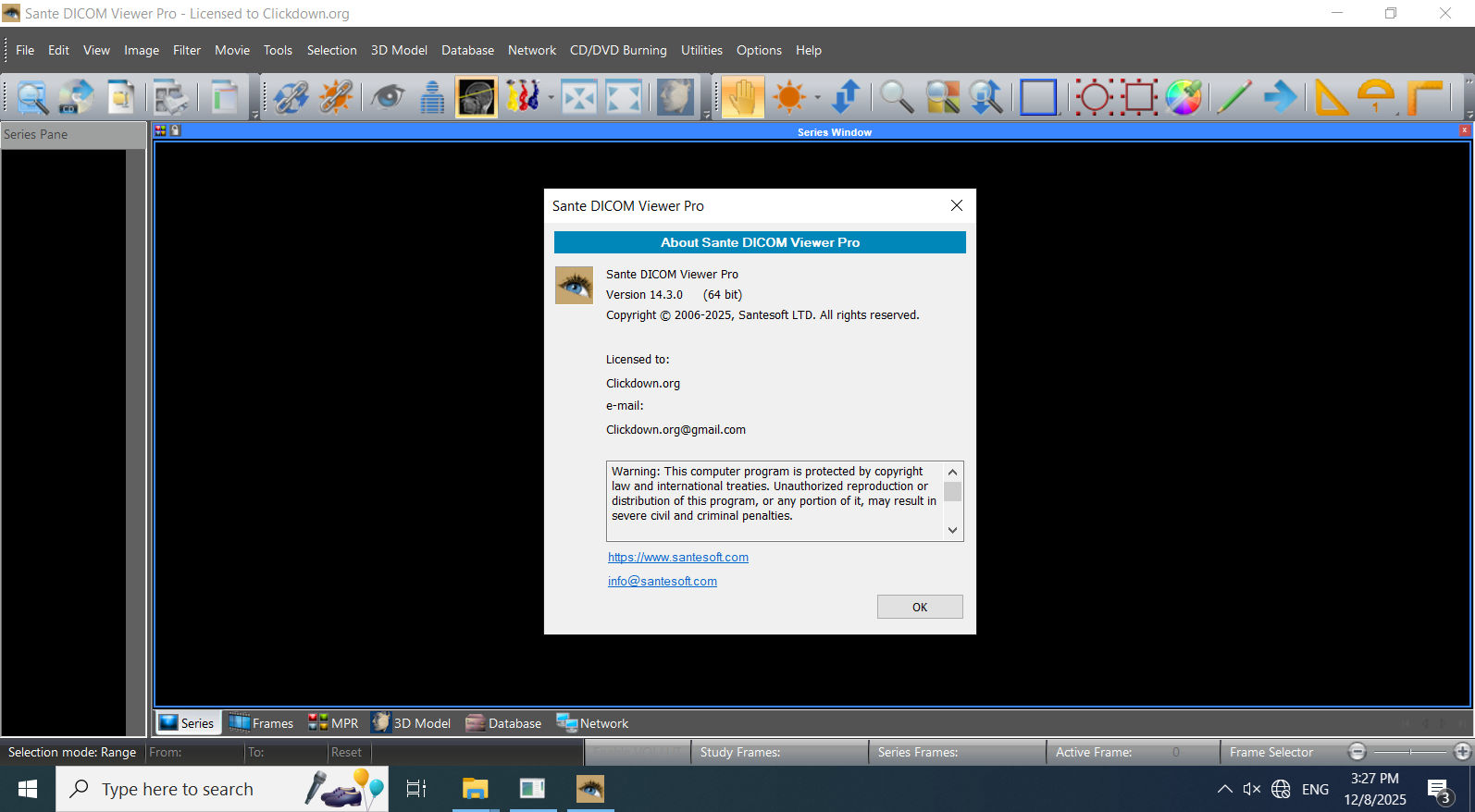
Download Sante DICOM Viewer Pro 14.3 x64 full license

Download Sante DICOM Viewer Pro 14.3 x64 full license forever

Link download Sante DICOM Viewer Pro 14.3 win64 full activated

Working with Sante DICOM Viewer Pro 14.3 full license

Description of Sante DICOM Viewer Pro 14.3

Sante DICOM Viewer Pro 14.3 is a powerful and feature rich medical imaging software designed for radiologists, healthcare professionals, and medical institutions that require advanced DICOM file management and visualization. The application supports a wide range of imaging modalities and provides a comprehensive environment for viewing, processing, analyzing, and exporting medical images with high accuracy and efficiency.

Sante DICOM Viewer Pro 14.3 delivers a complete workstation experience, integrating advanced diagnostic tools, intuitive navigation, and reliable performance for routine or specialized workflows. Its robust image-processing capabilities help improve diagnostic insight while maintaining a smooth and responsive user experience.

Features of Sante DICOM Viewer Pro 14.3

Comprehensive DICOM Support
Compatible with all major DICOM modalities including CT, MRI, PET, CR, DR, US, NM, XA and more. Users can easily import, view and manage large datasets or multi-frame studies without performance loss.

Advanced Image Viewing and Manipulation
Provides multiple viewing layouts, synchronized scrolling, cine playback, zoom, pan, rotate, flip, and windowing presets. Supports MPR (multiplanar reconstruction) for axial, sagittal, and coronal views.

3D Reconstruction Tools
Includes advanced 3D volume rendering, MIP, MinIP, and SSD techniques. Users can rotate, slice, and examine volumetric data for improved diagnostic interpretation.

Measurement and Annotation Tools
Offers precise measurement utilities including length, angle, area, ROI statistics, Hounsfield unit values, and pixel intensity analysis. Annotations can be added, edited, and exported for reports.

DICOM Editing and De-identification
Allows modification of DICOM tags, batch anonymization, and patient data removal for privacy compliance, research, or educational use.

PACS Connectivity and Networking
Supports DICOM send, receive, query, and retrieve functions for seamless communication with PACS servers, worklists, and imaging devices.

Image Processing Enhancements
Features advanced filters such as smoothing, sharpening, noise reduction, equalization, edge detection, and color mapping. Suitable for enhancing low-quality diagnostic images.

Reporting and Export Options
Users can generate professional reports including snapshots, measurements, and notes. Export to formats such as JPG, PNG, TIFF, BMP, and AVI cine videos.

User Friendly Interface
Designed with a clean, modern, and intuitive interface that adapts to both beginners and advanced users. Customizable workspaces and shortcut controls improve workflow efficiency.

High Performance and Reliability
Optimized for handling large datasets, multi-gigabyte studies, and rapid image loading, ensuring stable performance in clinical environments.

If you want to download Sante DICOM Viewer Pro 14.3 full license, please click to DOWNLOAD button to download.
CLICKDOWN.ORG Download CAD CAM CNC software
Inside package Sante DICOM Viewer Pro 14.3, already have cracked files and instruction how to install Sante DICOM Viewer Pro 14.3 step by step. I guarantee you can install Sante DICOM Viewer Pro 14.3 successfully if you follow that instruction.
If you also can’t install it or get any problems, please contact to me by email: clickdown.org@gmail.com, then I will help you to install software by teamviewer or Ultraviewer or Anydesk.
Thanks a lot
SOFTWARES

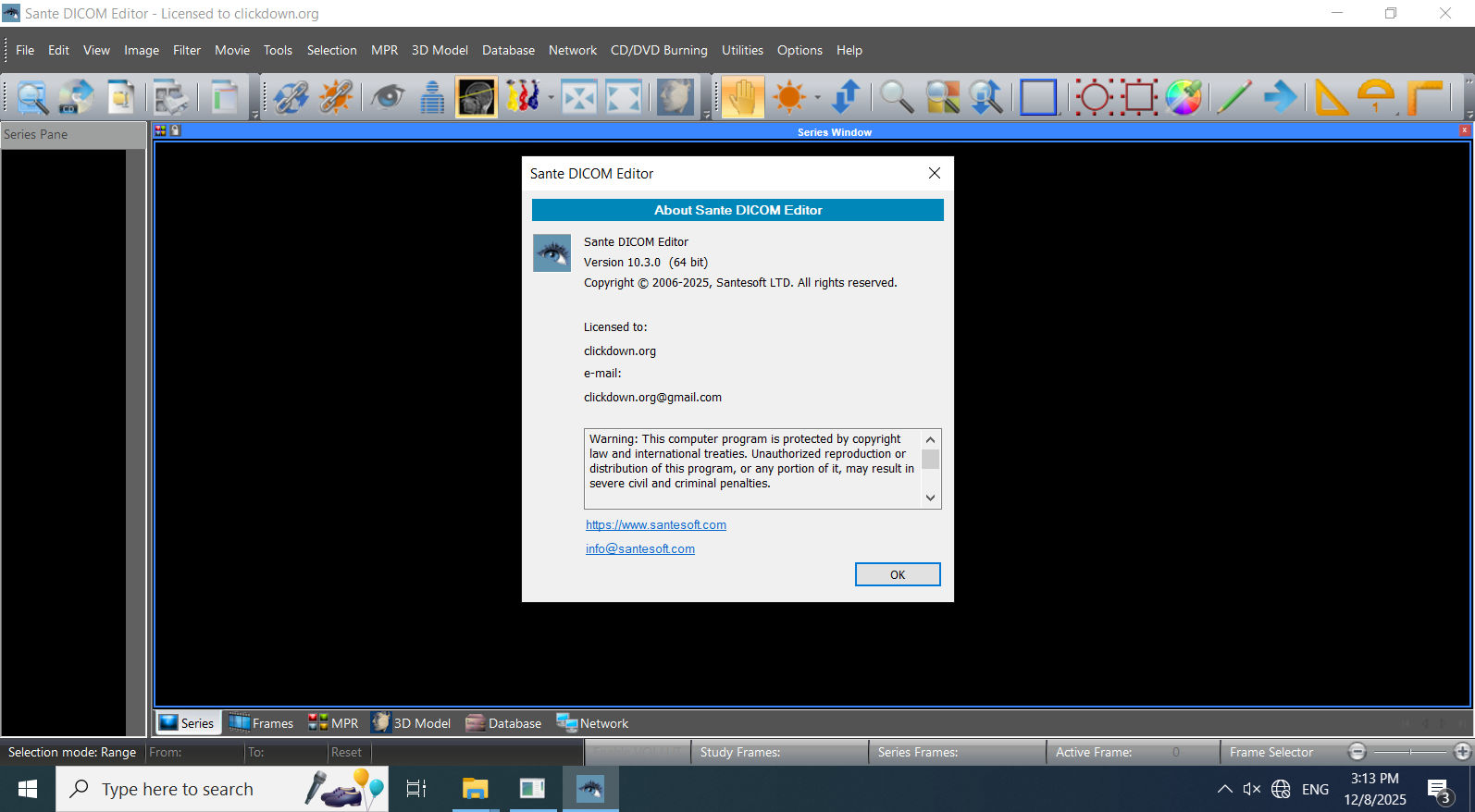
Download Sante DICOM Editor 10.3 x64 full license forever

Download Sante DICOM Editor 10.3 x64 full license forever

Link download Sante DICOM Editor 10.3 full activated

Working with Sante DICOM Editor 10.3 full license

Description of Sante DICOM Editor 10.3

Sante DICOM Editor 10.3 is a powerful and comprehensive DICOM viewing and editing solution designed for radiologists, imaging technicians, medical researchers, and healthcare facilities. It offers advanced tools for analyzing, modifying, and managing DICOM files with a focus on accuracy, performance, and compliance with medical imaging standards. This version provides improved processing speed, enhanced image manipulation capabilities, and professional-level editing tools suitable for clinical and research environments.

With support for DICOM metadata editing, multi-modality imaging, anonymization, 3D volume reconstruction, and advanced measurements, Sante DICOM Editor 10.3 delivers an all-in-one platform for medical image handling. It enables efficient workflow management, detailed diagnostic review, and reliable archival preparation.

Features of Sante DICOM Editor 10.3

1. Advanced DICOM Viewer
Displays images from multiple modalities such as CT, MRI, PET, CR, DR, ultrasound, and nuclear medicine. Offers high-quality visualization and fast loading of large datasets.

2. Complete DICOM Metadata Editor
Allows full modification of DICOM tags, including patient data, study details, image acquisition information, and system metadata. Supports tag creation, editing, and removal.

3. DICOM Anonymization Tools
Provides automated anonymization to remove sensitive patient information for research, training, or sharing purposes. Includes customizable de-identification profiles.

4. 3D Reconstruction and Volume Rendering
Supports reconstruction of 3D models from CT or MRI datasets. Offers maximum intensity projection, surface rendering, and adjustable visualization filters.

5. Image Enhancement and Manipulation
Includes tools for windowing, leveling, filtering, zooming, rotating, brightness and contrast adjustments, and sharpening. Enhances visibility of anatomical structures.

6. Measurement and Annotation Tools
Provides linear, angle, area, ROI, Hounsfield unit measurement, and annotation features for diagnostic analysis and reporting.

7. Multi-Frame and Multi-Series Support
Handles large multi-slice and multi-frame DICOM files with synchronized scrolling, cross-reference lines, and series comparison tools.

8. DICOM Conversion and Export
Converts DICOM files to widely used formats such as JPEG, TIFF, PNG, BMP, and AVI. Supports batch export for large studies.

9. PACS Connectivity and Query/Retrieve
Allows importing and exporting studies through PACS servers using DICOM network protocols. Supports C-ECHO, C-FIND, C-MOVE, and C-STORE.

10. User-Friendly Interface and Workflow Tools
Provides an intuitive layout, customizable tool panels, fast navigation through large datasets, and smooth workflow suitable for clinical environments.

If you want to download Sante DICOM Editor 10.3 full license, please click to DOWNLOAD button to download.
CLICKDOWN.ORG Download CAD CAM CNC software
Inside package Sante DICOM Editor 10.3, already have cracked files and instruction how to install Sante DICOM Editor 10.3 step by step. I guarantee you can install Sante DICOM Editor 10.3 successfully if you follow that instruction.
If you also can’t install it or get any problems, please contact to me by email: clickdown.org@gmail.com, then I will help you to install software by teamviewer or Ultraviewer or Anydesk.
Thanks a lot
SOFTWARES

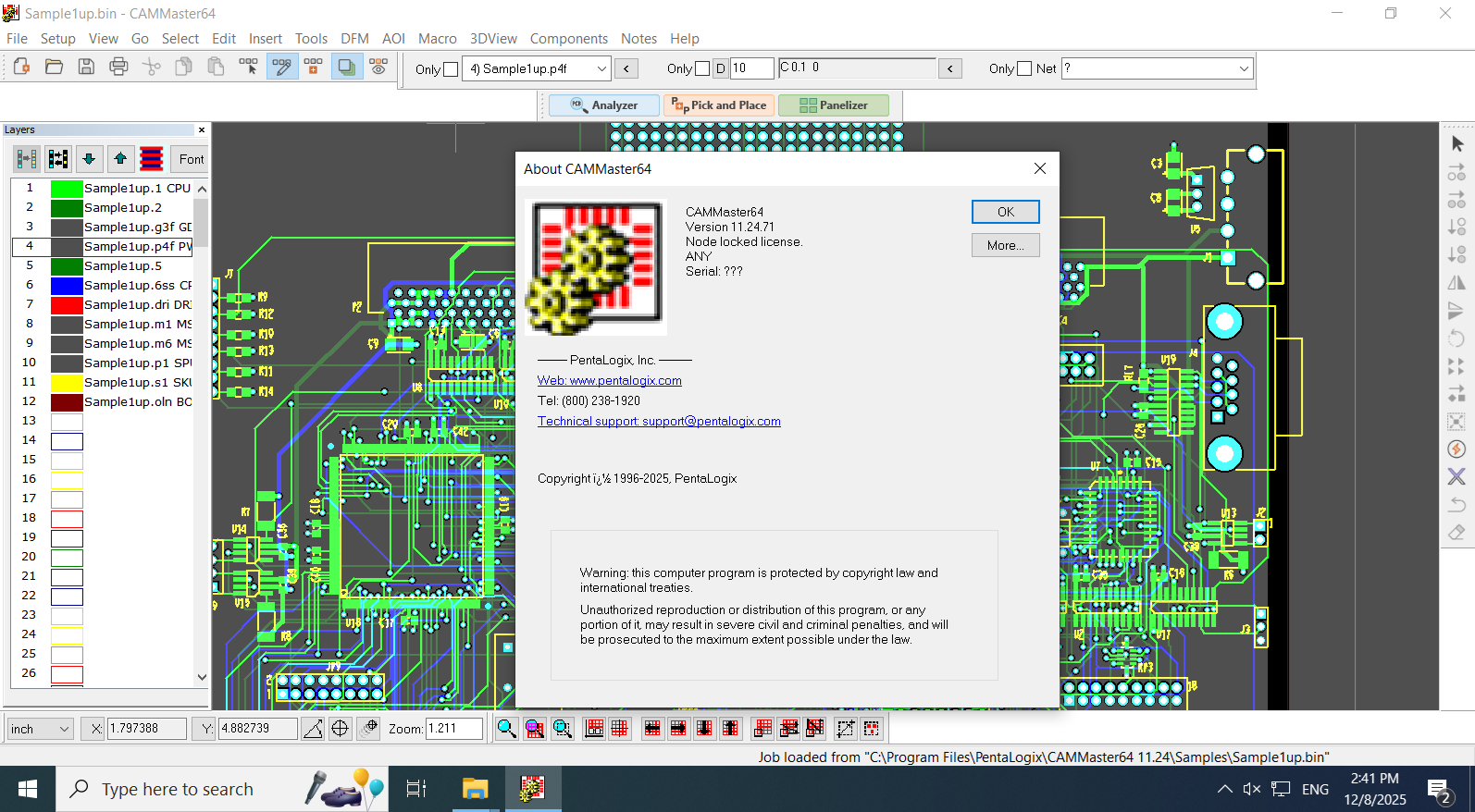
Download PentaLogix CAMMaster 11.24.71 x64 full license

Download PentaLogix CAMMaster 11.24.71 x64 full license

Link download PentaLogix CAMMaster 11.24.71 full activated

Working with PentaLogix CAMMaster 11.24.71 full license

Description of PentaLogix CAMMaster 11.24.71

PentaLogix CAMMaster 11.24.71 is a professional PCB CAM engineering platform designed for high-precision editing, verification, and preparation of manufacturing data. It provides powerful tools for handling Gerber, drill, and ODB++ files with exceptional accuracy, allowing engineers and fabricators to optimize designs before production. This version offers improved performance, expanded design-for-manufacturing (DFM) analysis, and advanced automation features that streamline PCB data preparation from start to finish.

CAMMaster is widely used in PCB fabrication environments for its reliable processing engine, comprehensive editing capabilities, and intelligent optimization systems. From prototype boards to complex multilayer designs, CAMMaster 11.24.71 helps reduce errors, enhance manufacturability, and accelerate time-to-production.

Features of PentaLogix CAMMaster 11.24.71

1. Complete Gerber and Drill File Editing
Allows precise modification of pads, traces, polygons, copper pours, arcs, and other PCB features. Supports RS-274X, Excellon, ODB++, and DXF formats.

2. Advanced DFM Checks and Validation
Offers automated spacing checks, annular ring verification, solder mask clearance evaluation, copper density balancing, and thermal relief analysis to prevent manufacturing defects.

3. Intelligent Panelization Tools
Includes step-and-repeat functions, array creation, break-tab and routing tab generation, fiducial placement, and tooling strip customization for optimized fabrication layouts.

4. Drill Optimization and Management
Features drill renumbering, tool size grouping, drill table creation, and automated drill path optimization to reduce machine time and tool changes.

5. Netlist Extraction and Comparison
Extracts netlists from Gerber files and compares them with external netlists to detect shorts, opens, and connectivity mismatches.

6. Solder Mask and Silkscreen Editing
Provides tools to resize mask openings, adjust silkscreen placement, resolve overlaps, and ensure proper spacing for fabrication compliance.

7. Copper Balancing and Feature Cleanup
Automatically balances copper distribution, removes isolated features, smooths shapes, and repairs common CAM issues that affect board quality.

8. Photoplotter and Output Control
Optimizes output for production with customizable settings for Gerber, ODB++, IPC-2581, and other standard formats used in PCB fabrication.

9. Layer Stack-Up and Comparison Tools
Allows detailed inspection of multilayer boards, comparison of design revisions, and verification of feature alignment across layers.

10. Workflow Automation and Batch Processing
Supports automation of frequent CAM tasks, enabling faster processing and consistent results across multiple PCB designs.

If you want to download PentaLogix CAMMaster 11.24.71 full license, please click to DOWNLOAD button to download.
CLICKDOWN.ORG Download CAD CAM CNC software
Inside package PentaLogix CAMMaster 11.24.71, already have cracked files and instruction how to install PentaLogix CAMMaster 11.24.71 step by step. I guarantee you can install PentaLogix CAMMaster 11.24.71 successfully if you follow that instruction.
If you also can’t install it or get any problems, please contact to me by email: clickdown.org@gmail.com, then I will help you to install software by teamviewer or Ultraviewer or Anydesk.
Thanks a lot
SOFTWARES

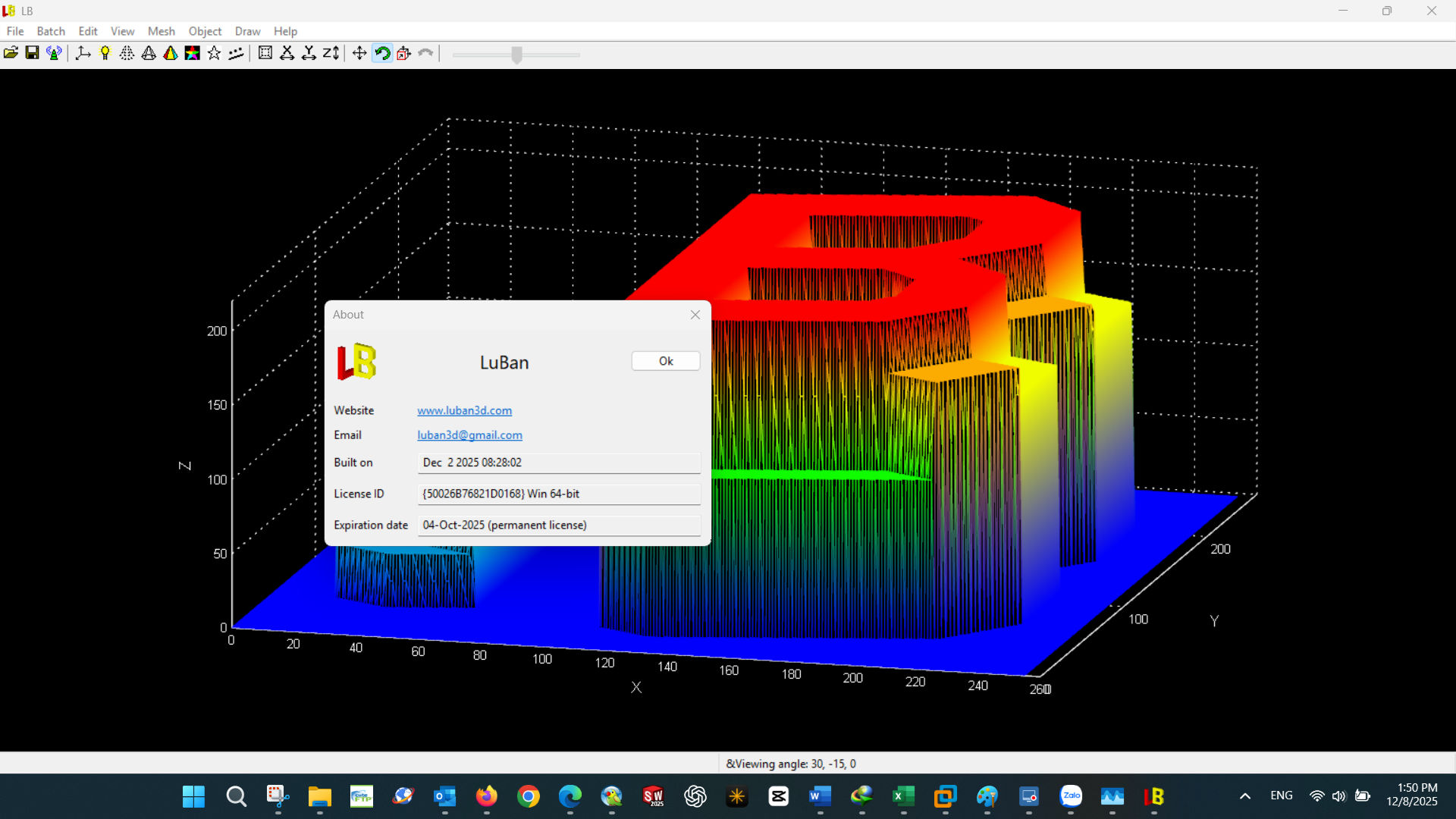
Download LuBan 3D 02.12.2025 x64 full license forever

Download LuBan 3D 02.12.2025 x64 full license forever

Link download LuBan 3D 02.12.2025 full activated

Working with LuBan 3D 02.12.2025 full license

Description of LuBan 3D 02.12.2025

LuBan 3D 02.12.2025 is an advanced 3D model processing and fabrication preparation software designed for artists, makers, engineers, and 3D printing professionals. It provides automated tools for generating structural models, slicing large designs into modular parts, creating assembly-ready components, and preparing models for CNC, laser cutters, or 3D printers. This version introduces improved algorithms, faster processing, and enhanced support for complex geometries, enabling users to turn digital designs into physical creations with less effort and greater accuracy.

Whether for architectural models, sculptures, engineering prototypes, or large-scale installations, LuBan 3D simplifies fabrication planning by offering automated segmentation, interlocking mechanisms, customizable joints, and structural reinforcements. It is ideal for creators who need reliable and efficient workflow tools for producing high-quality physical models.

Features of LuBan 3D 02.12.2025

1. Automated Model Segmentation
Automatically splits large or complex 3D models into smaller components suitable for 3D printing or CNC fabrication. Ensures optimized part arrangement for easier assembly.

2. Modular Construction Tools
Provides systems for generating interlocking parts, joints, and connectors that simplify building large structures or multi-part assemblies.

3. Thickness and Shell Generation
Allows users to define material thickness, hollow structures, and inner supports. Ideal for creating lightweight but strong models for printing or manufacturing.

4. Sculpting and Surface Optimization
Offers tools for smoothing, repairing, and remeshing 3D surfaces to ensure clean output and reduce printing or machining errors.

5. Customizable Fabrication Patterns
Includes pattern generators for rib structures, contour layers, Voronoi designs, and lattice frameworks, enabling visually striking and stable model variations.

6. CNC and Laser Cutter Output
Converts 3D geometry into 2D layouts ready for CNC cutting, laser cutting, or woodworking machines. Supports precise unrolling and flattening of curved surfaces.

7. 3D Printing Optimization
Features support generation, customizable slicing, hollowing tools, and part alignment controls that improve print quality and reduce material usage.

8. Parameter-Based Adjustments
Users can adjust spacing, tolerance, connector size, thickness, and curvature using simple parameter controls, providing detailed customization over the final fabrication output.

9. Improved Algorithm and Performance Enhancements
This version delivers faster model processing, better handling of complex meshes, and more stable exporting workflows for large assemblies.

10. Intuitive User Interface
The interface is designed for accessibility and efficiency, offering clear controls, real-time previews, and fast navigation for beginners and professionals.

If you want to download LuBan 3D 02.12.2025 full license, please click to DOWNLOAD button to download.
CLICKDOWN.ORG Download CAD CAM CNC software
Inside package LuBan 3D 02.12.2025, already have cracked files and instruction how to install LuBan 3D 02.12.2025 step by step. I guarantee you can install LuBan 3D 02.12.2025 successfully if you follow that instruction.
If you also can’t install it or get any problems, please contact to me by email: clickdown.org@gmail.com, then I will help you to install software by teamviewer or Ultraviewer or Anydesk.
Thanks a lot
SOFTWARES

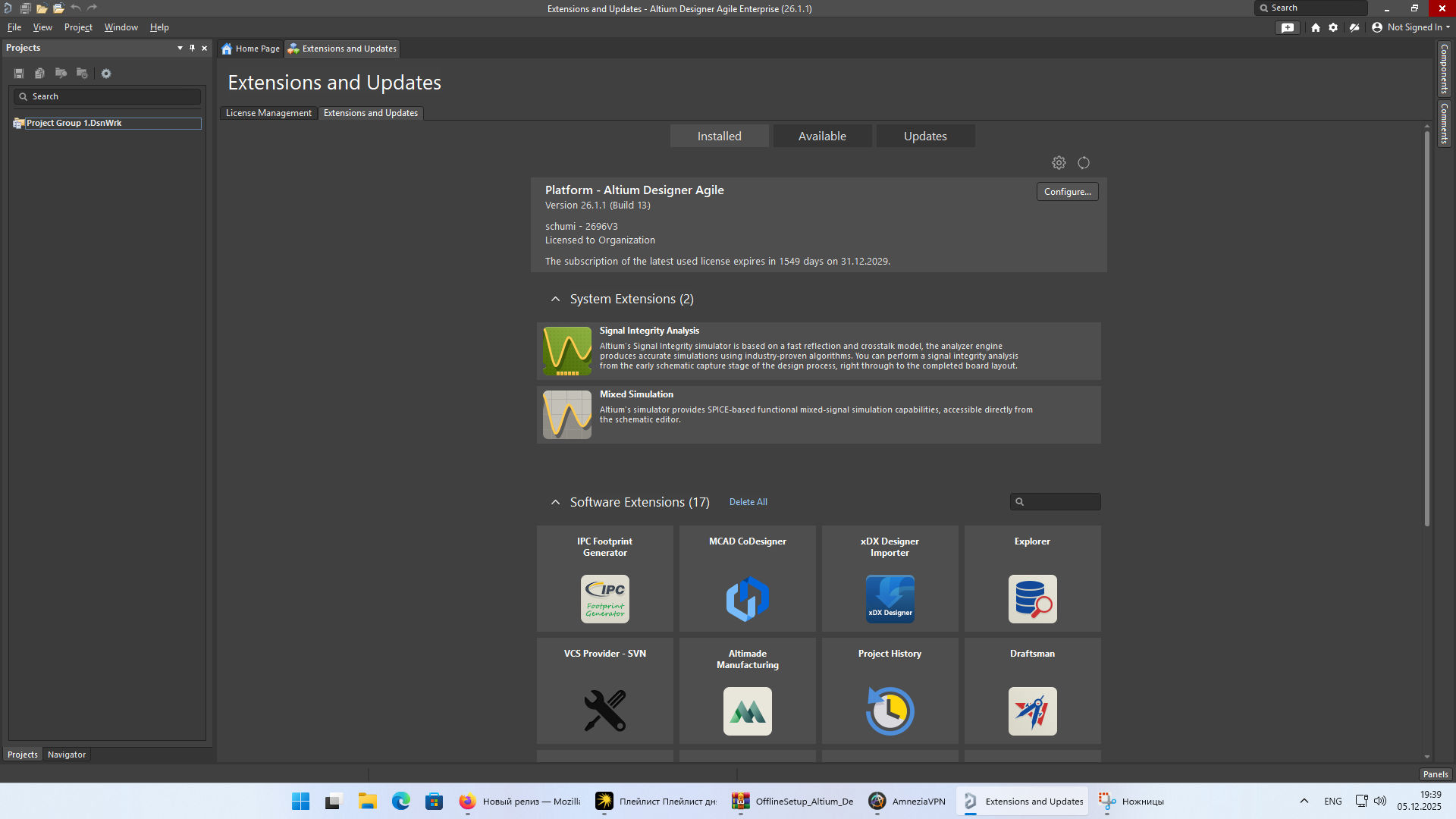
Download Altium Designer Agile 26.1.1.13 x64 full license

Download Altium Designer Agile 26.1.1.13 x64 full license

Link download Altium Designer Agile 26.1.1.13 full activated

Working with Altium Designer Agile 26.1.1 build 13 full working

Description of Altium Designer Agile 26.1.1.13

Altium Designer Agile 26.1.1.13 is an advanced PCB design platform that integrates schematic capture, PCB layout, simulation, documentation, and manufacturing tools into a unified environment. This release enhances workflow efficiency, improves design accuracy, and strengthens collaboration through data-driven features and Agile project management capabilities. It is tailored for engineers who require a high-performance, cohesive design ecosystem that accelerates product development from concept to production.

With improved component management, enhanced 3D modeling, faster routing tools, and optimized manufacturing output, Altium Designer Agile provides a powerful, streamlined experience for electronics design teams. This version delivers improved stability, advanced automation, and seamless integration with cloud and enterprise systems for maximum productivity.

Features of Altium Designer Agile 26.1.1.13

1. Unified Design Environment
Integrates schematic, PCB layout, simulation, BOM generation, and documentation into one interface. This ensures consistent data flow and reduces design errors.

2. Enhanced Schematic Capture Tools
Includes intelligent wiring, hierarchy support, real-time validation, electrical rules checking, and powerful annotation tools for creating accurate schematics.

3. Advanced PCB Layout and Routing
Features interactive routing, push and shove technology, differential pair routing, length tuning, and automated routing optimization for high-speed and dense designs.

4. 3D PCB Visualization and Mechanical Integration
Supports precise 3D board modeling, component clearance checks, enclosure fit verification, and export to MCAD tools for mechanical collaboration.

5. Agile Project Management Integration
Enables structured design workflows, version control, lifecycle status tracking, and team collaboration features that align with Agile development processes.

6. Powerful Component and Library Management
Centralized component database, real-time availability data, lifecycle indicators, footprint verification, and managed libraries ensure consistency across large teams.

7. Signal Integrity and Simulation Tools
Includes SPICE simulation, high-speed design analysis, impedance profiling, and crosstalk evaluation to ensure reliable electrical performance.

8. Improved Manufacturing Outputs
Streamlined generation of fabrication and assembly files including Gerber, ODB++, IPC-2581, drill files, pick-and-place, and documentation packages.

9. Design Rule System and Real-Time Error Checking
Offers advanced rules for spacing, clearance, impedance, manufacturing constraints, and high-speed requirements with continuous verification as you design.

10. Collaboration and Cloud Connectivity
Seamless integration with Altium 365 or enterprise systems supports shared projects, secure file management, version control, comments, and real-time co-design.

If you want to download Altium Designer Agile 26.1.1.13 full license, please click to DOWNLOAD button to download.
CLICKDOWN.ORG Download CAD CAM CNC software
Inside package Altium Designer Agile 26.1.1.13, already have cracked files and instruction how to install Altium Designer Agile 26.1.1.13 step by step. I guarantee you can install Altium Designer Agile 26.1.1.13 successfully if you follow that instruction.
If you also can’t install it or get any problems, please contact to me by email: clickdown.org@gmail.com, then I will help you to install software by teamviewer or Ultraviewer or Anydesk.
Thanks a lot
SOFTWARES

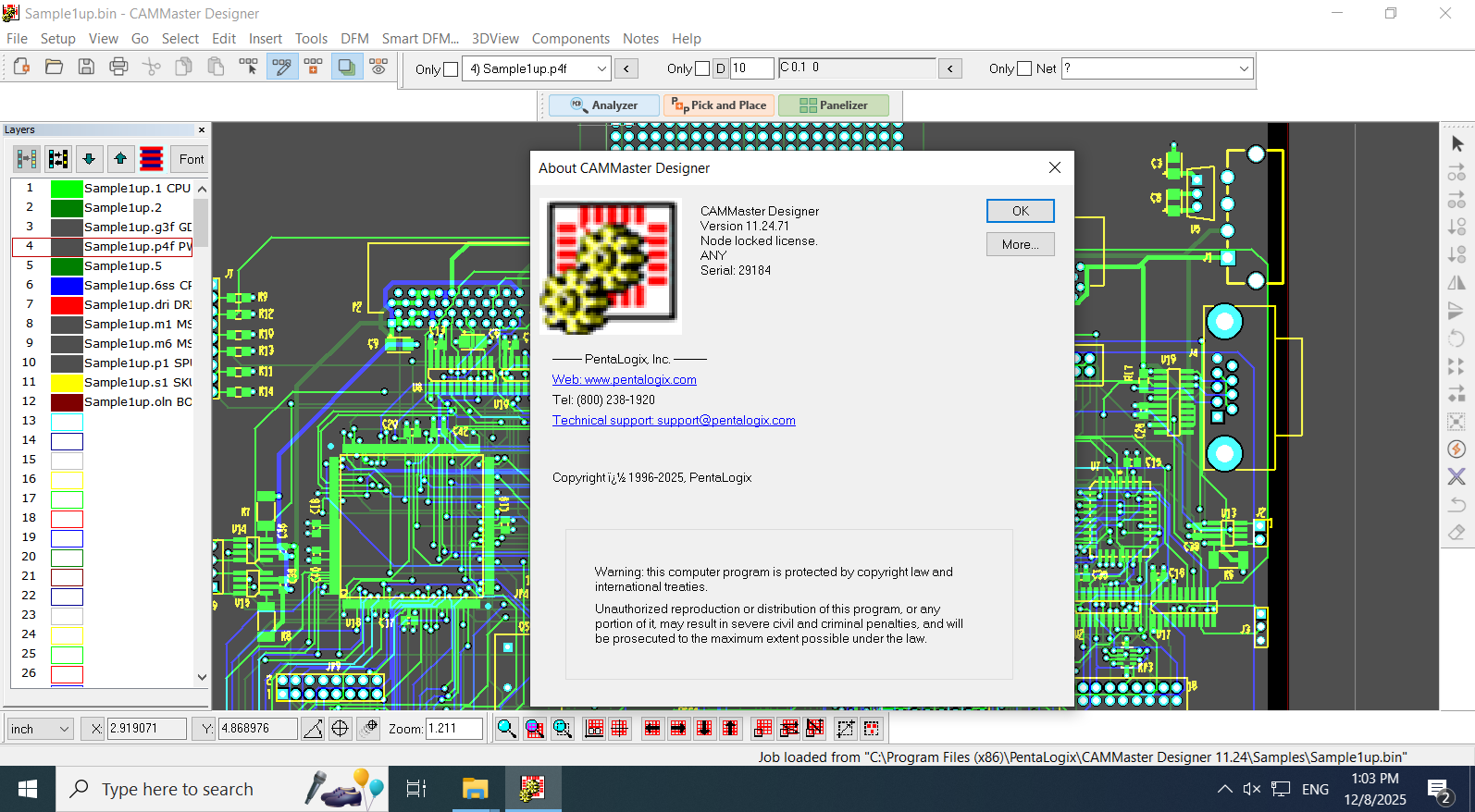
Download PentaLogix CAMMaster Designer 11.24.71 full license

Download PentaLogix CAMMaster Designer 11.24.71 full license

Link download PentaLogix CAMMaster Designer 11.24.71 full activated

Working with PentaLogix CAMMaster Designer 11.24.71 full license

Description of PentaLogix CAMMaster Designer 11.24.71

PentaLogix CAMMaster Designer 11.24.71 is a professional CAM and PCB data preparation tool engineered to streamline the transition from PCB design to manufacturing. It provides advanced editing, verification, and optimization tools that allow engineers and fabricators to clean, correct, and finalize Gerber and drill data with speed and precision. This version enhances overall performance, improves compatibility with modern PCB formats, and offers a reliable workflow for generating fabrication-ready output.

Built for high accuracy and efficiency, CAMMaster Designer delivers powerful DFM validation, robust editing capabilities, intelligent panelization tools, and automated processes that help eliminate production issues before they reach the fabrication floor. Whether for prototype or mass-production projects, it offers complete control over PCB data preparation.

Features of PentaLogix CAMMaster Designer 11.24.71

1. Comprehensive Gerber and Drill Editing Tools
Supports RS-274X, Excellon, ODB++, DXF, and other key PCB formats. Users can modify traces, pads, polygons, shapes, and text with precision.

2. Advanced DFM Analysis
Includes automated checks for spacing violations, thermal balance, annular ring issues, solder mask conflicts, and trace width inconsistencies. These checks help prevent costly fabrication defects.

3. Intelligent Panelization System
Offers step-and-repeat, rotation, spacing control, break-tab creation, and tooling strip support. Users can quickly build optimized production panels to maximize manufacturing efficiency.

4. Drill Management and Optimization
Provides drill grouping, renumbering, size standardization, and drill table generation. It helps reduce tooling changes and improves machining speed.

5. Netlist Extraction and Verification
Extracts netlists directly from Gerber files and compares them to external netlists to identify opens, shorts, and connectivity errors.

6. Solder Mask and Silkscreen Editing
Allows modification of solder mask reliefs, aperture shapes, text placement, and silkscreen alignment to ensure compliance with fabrication requirements.

7. Copper Balancing and Feature Cleanup
Offers automatic copper area balancing, removal of isolated features, shape smoothing, and reconstruction tools to enhance manufacturability.

8. Layer Stack-Up Visualization
Users can inspect multilayer structures, perform layer comparisons, and verify alignment across the full PCB stack.

9. Automated Tasks and Batch Operations
Common CAM tasks can be automated to speed up repetitive processes and reduce manual editing time.

10. User-Friendly Interface and Workflow Tools
Provides intuitive navigation, customizable views, layered editing, powerful selection filters, and productivity shortcuts for handling complex PCB data efficiently.

If you want to download PentaLogix CAMMaster Designer 11.24.71 full license, please click to DOWNLOAD button to download.
CLICKDOWN.ORG Download CAD CAM CNC software
Inside package PentaLogix CAMMaster Designer 11.24.71, already have cracked files and instruction how to install PentaLogix CAMMaster Designer 11.24.71 step by step. I guarantee you can install PentaLogix CAMMaster Designer 11.24.71 successfully if you follow that instruction.
If you also can’t install it or get any problems, please contact to me by email: clickdown.org@gmail.com, then I will help you to install software by teamviewer or Ultraviewer or Anydesk.
Thanks a lot
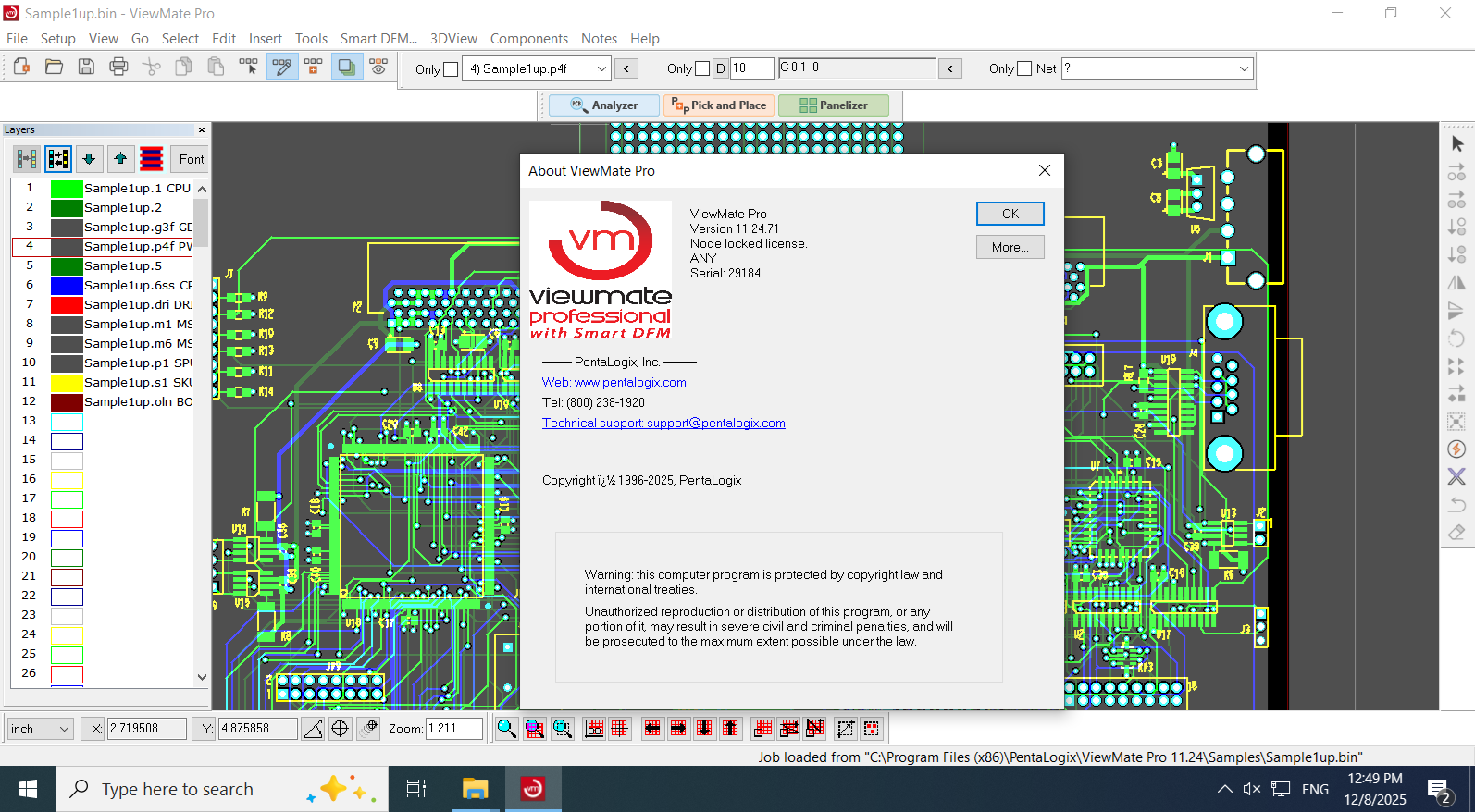
SOFTWARES

Download PentaLogix ViewMate Pro 11.24.71 full license

Download PentaLogix ViewMate Pro 11.24.71 full license

Link download PentaLogix ViewMate Pro 11.24.71 full activated

Working with PentaLogix ViewMate Pro 11.24.71 full license

Description of PentaLogix ViewMate Pro 11.24.71

PentaLogix ViewMate Pro 11.24.71 is a professional-grade Gerber viewer and editing solution designed for PCB engineers, fabricators, and designers who require accuracy, advanced verification tools, and seamless workflow control. This version provides enhanced performance, improved compatibility with industry formats, and expanded editing capabilities to help users prepare, analyze, and optimize PCB manufacturing data with confidence.

The software delivers an efficient environment for inspecting layer structures, modifying design elements, performing error checks, and generating fabrication-ready output. With powerful DFM tools, cross-section views, and customizable editing options, ViewMate Pro streamlines the PCB preparation process and reduces the likelihood of production errors.

Features of PentaLogix ViewMate Pro 11.24.71

1. Advanced Gerber and Drill File Viewer
Supports RS-274X, ODB++, Excellon, and other major PCB formats. Users can display, analyze, and inspect design layers with high accuracy and fast rendering.

2. Full Editing Capabilities
Enables precise modification of tracks, pads, arcs, polygons, and apertures. Users can edit individual elements or entire areas, making it ideal for last-minute corrections and design cleanup.

3. Powerful DFM Checking Tools
Includes automated checks for spacing, annular rings, solder mask clearance, trace widths, and potential manufacturability issues. This reduces PCB production risks and improves fabrication reliability.

4. Panelization Tools
ViewMate Pro provides flexible panel creation with repeat, rotate, step-and-repeat, and spacing options. Users can efficiently arrange boards for optimal manufacturing efficiency.

5. Netlist Comparison and Verification
Allows imported netlists to be compared against copper layers for short, open, and mismatch detection. This ensures electrical integrity and helps catch critical design errors before fabrication.

6. Accurate Measurement and Analysis Tools
Features distance measurements, object search, layer comparisons, and cross-section visualizations. These tools support precise evaluation of design geometry and structural details.

7. Editing of Solder Mask and Silkscreen Layers
Users can refine solder mask openings, adjust silkscreen placements, and resolve overlapping elements to meet fabrication standards.

8. Drill Tools and Optimization
Supports automatic drill grouping, size adjustments, drill renumbering, and drill table generation. These features help optimize the manufacturing process and reduce tooling costs.

9. Import and Export Flexibility
Allows easy transfer of modified Gerber and drill files back into fabrication systems. Export options support multiple formats used by PCB manufacturers.

10. Intuitive User Interface
The interface is designed to simplify navigation through complex PCB layers, offering customizable views, layer opacity controls, zoom tools, and rapid switching between modes.

If you want to download PentaLogix ViewMate Pro 11.24.71 full license, please click to DOWNLOAD button to download.
CLICKDOWN.ORG Download CAD CAM CNC software
Inside package PentaLogix ViewMate Pro 11.24.71, already have cracked files and instruction how to install PentaLogix ViewMate Pro 11.24.71 step by step. I guarantee you can install PentaLogix ViewMate Pro 11.24.71 successfully if you follow that instruction.
If you also can’t install it or get any problems, please contact to me by email: clickdown.org@gmail.com, then I will help you to install software by teamviewer or Ultraviewer or Anydesk.
Thanks a lot
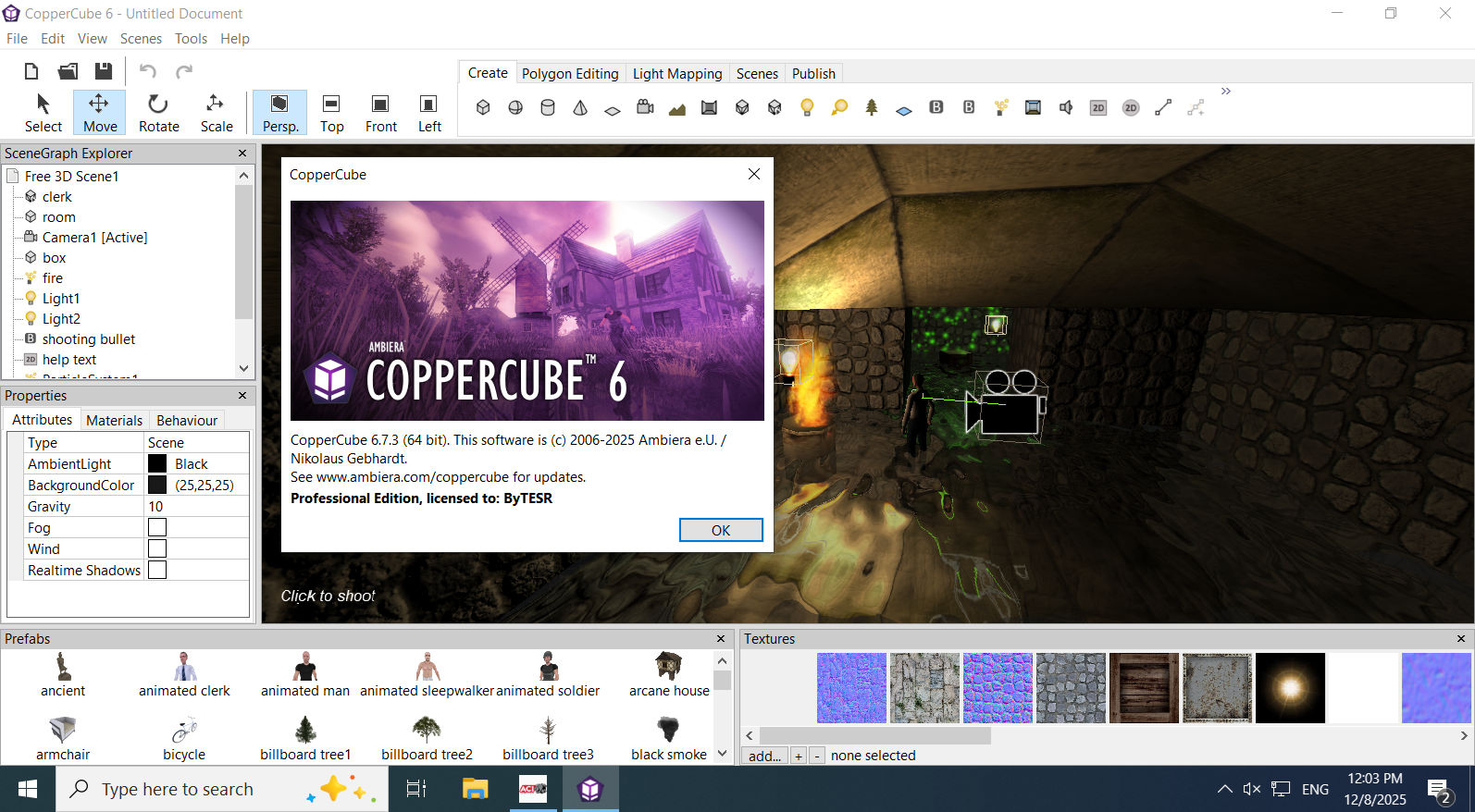
SOFTWARES

Download CopperCube Professional 6.7.3 full license forever

Download CopperCube Professional 6.7.3 full license forever

Link download CopperCube Professional 6.7.3 full activated

Working with CopperCube Professional 6.7.3 full license

Description of CopperCube Professional 6.7.3

CopperCube Professional 6.7.3 is a powerful 3D game development environment designed for users who want to build interactive 3D applications, games, simulations, and virtual experiences without coding. It provides an intuitive editor, visual scripting tools, and multi-platform publishing, making it suitable for both beginners and professional developers. With optimized performance, updated rendering features, and improved plugin support, this version delivers faster workflow and expanded creative capabilities.

Features of CopperCube Professional 6.7.3

1. Visual Scripting and Behavior System
CopperCube Professional offers an advanced visual scripting system that allows users to build complex game logic through behaviors and actions. This eliminates the need for programming while still enabling highly interactive scenes.

2. Integrated JavaScript API for Advanced Users
For developers who want deeper control, the engine includes a complete JavaScript API. This allows custom interactions, AI, GUI elements, and mechanics to be implemented directly inside the engine.

3. Multi-Platform Publishing
With one project, you can publish your game or application to several platforms:
– Windows applications
– Android apps
– WebGL interactive content for browsers
– MacOS applications
The engine optimizes each output format for performance and compatibility.

4. Real-Time 3D Rendering
The 6.7.3 version enhances graphical quality with optimized real-time lighting, improved shaders, fog effects, and dynamic shadows. It supports high-resolution textures, animated models, and scene-wide performance adjustments.

5. Animation System and Character Support
This update includes better handling of skeletal animations, character movement systems, and improved support for animated 3D models. Users can import characters from popular 3D modeling tools and apply flexible animation layers.

6. Terrain Editor and Scene Tools
CopperCube includes a fast terrain editor that allows painting textures, adjusting heightmaps, and adding vegetation. Scene tools make it easy to place objects, lights, cameras, particles, and sound sources for atmospheric environments.

7. Plugin and Extension Support
The engine allows custom extensions using JavaScript, making it possible to add new behaviors, importers, exporters, or editor tools. The community provides many ready-to-use plugins that expand functionality.

8. Built-In Physics and Collision System
The physics engine provides rigid body movement, character controllers, collision detection, and environment interactions. This makes it easier to build 3D exploration games, shooters, or simulations.

9. User-Friendly Interface
The editor interface is clean and easy to learn, featuring drag-and-drop options, property windows, scene graphs, and a preview window. Beginners can start quickly, while professionals benefit from its fast workflow.

10. Lightweight and Fast Engine
CopperCube is known for its small output file size and efficient performance. The 6.7.3 version further improves loading times and rendering stability, making it ideal for deployment on low-end hardware and mobile devices.

If you want to download CopperCube Professional 6.7.3 full license, please click to DOWNLOAD button to download.
CLICKDOWN.ORG Download CAD CAM CNC software
Inside package CopperCube Professional 6.7.3, already have cracked files and instruction how to install CopperCube Professional 6.7.3 step by step. I guarantee you can install CopperCube Professional 6.7.3 successfully if you follow that instruction.
If you also can’t install it or get any problems, please contact to me by email: clickdown.org@gmail.com, then I will help you to install software by teamviewer or Ultraviewer or Anydesk.
Thanks a lot
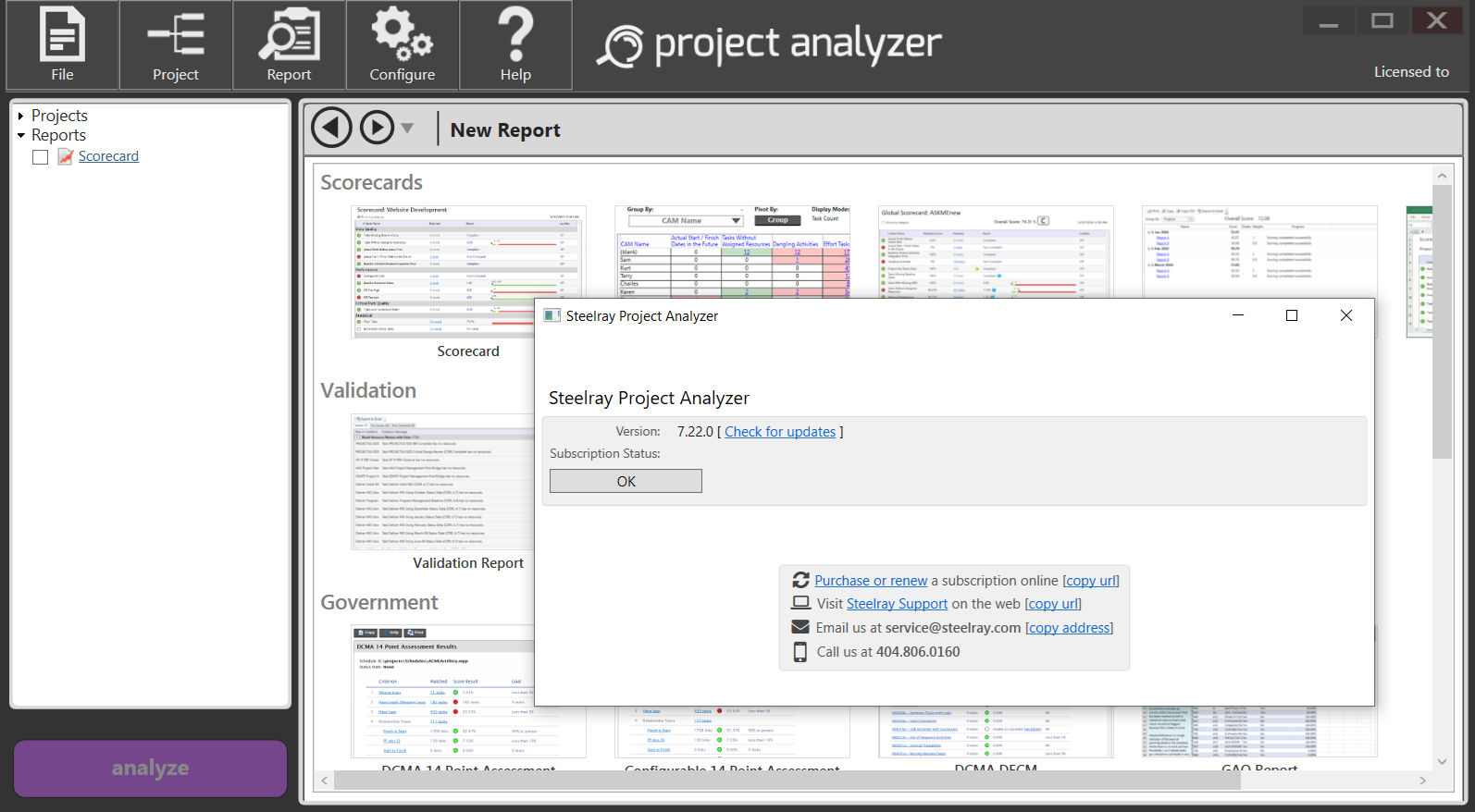
SOFTWARES

Download Steelray Project Analyzer 7.22.0 full license

Download Steelray Project Analyzer 7.22.0 full license forever

Link download Steelray Project Analyzer 7.22.0 full activated

Working with Steelray Project Analyzer 7.22.0 full license

Description of Steelray Project Analyzer 7.22.0

Steelray Project Analyzer 7.22.0 is a professional project schedule analysis tool designed to evaluate, score, and improve Microsoft Project and Primavera P6 schedules. Built for project managers, PMO teams, and contractors, this version delivers enhanced performance, updated metrics, and advanced compliance reporting that helps organizations maintain high-quality project plans.

Steelray Project Analyzer 7.22.0 provides automated schedule analysis based on industry standards such as DCMA 14-Point, NASA, and SEI guidelines. Users can instantly identify scheduling weaknesses, resource issues, logic gaps, and compliance risks. The software includes visual charts, scorecards, and detailed diagnostics that simplify the process of understanding and resolving schedule issues.

This release features improved performance, updated rulesets, and enhanced compatibility with modern versions of Microsoft Project and Primavera P6. The user-friendly dashboard allows teams to review schedule quality, track corrections, and ensure consistent project planning standards across the organization.

Steelray Project Analyzer 7.22.0 also includes built-in reporting tools that generate professional PDF and Excel reports. These reports provide clear insights into schedule health, variance trends, missing dependencies, and potential delays. With its smart recommendations and automated quality checks, the software helps reduce schedule risks, improve planning accuracy, and support better decision-making in project management environments.

Features of Steelray Project Analyzer 7.22.0

Automated analysis of MS Project and Primavera schedules

Compliance checks based on DCMA 14-Point, NASA, SEI, and PMI standards

Visual scorecards and charts that highlight schedule quality

Detailed diagnostics for logic issues, missing links, and inconsistencies

Updated metrics and improved performance in version 7.22.0

Enhanced compatibility with modern PM platforms

Customizable reporting with PDF and Excel export

Rule-based evaluation for consistent project governance

Resource and calendar analysis tools

User-friendly interface designed for PMO teams and contractors

If you want to download Steelray Project Analyzer 7.22.0 full license, please click to DOWNLOAD button to download.
CLICKDOWN.ORG Download CAD CAM CNC software
Inside package Steelray Project Analyzer 7.22.0, already have cracked files and instruction how to install Steelray Project Analyzer 7.22.0 step by step. I guarantee you can install Steelray Project Analyzer 7.22.0 successfully if you follow that instruction.
If you also can’t install it or get any problems, please contact to me by email: clickdown.org@gmail.com, then I will help you to install software by teamviewer or Ultraviewer or Anydesk.
Thanks a lot
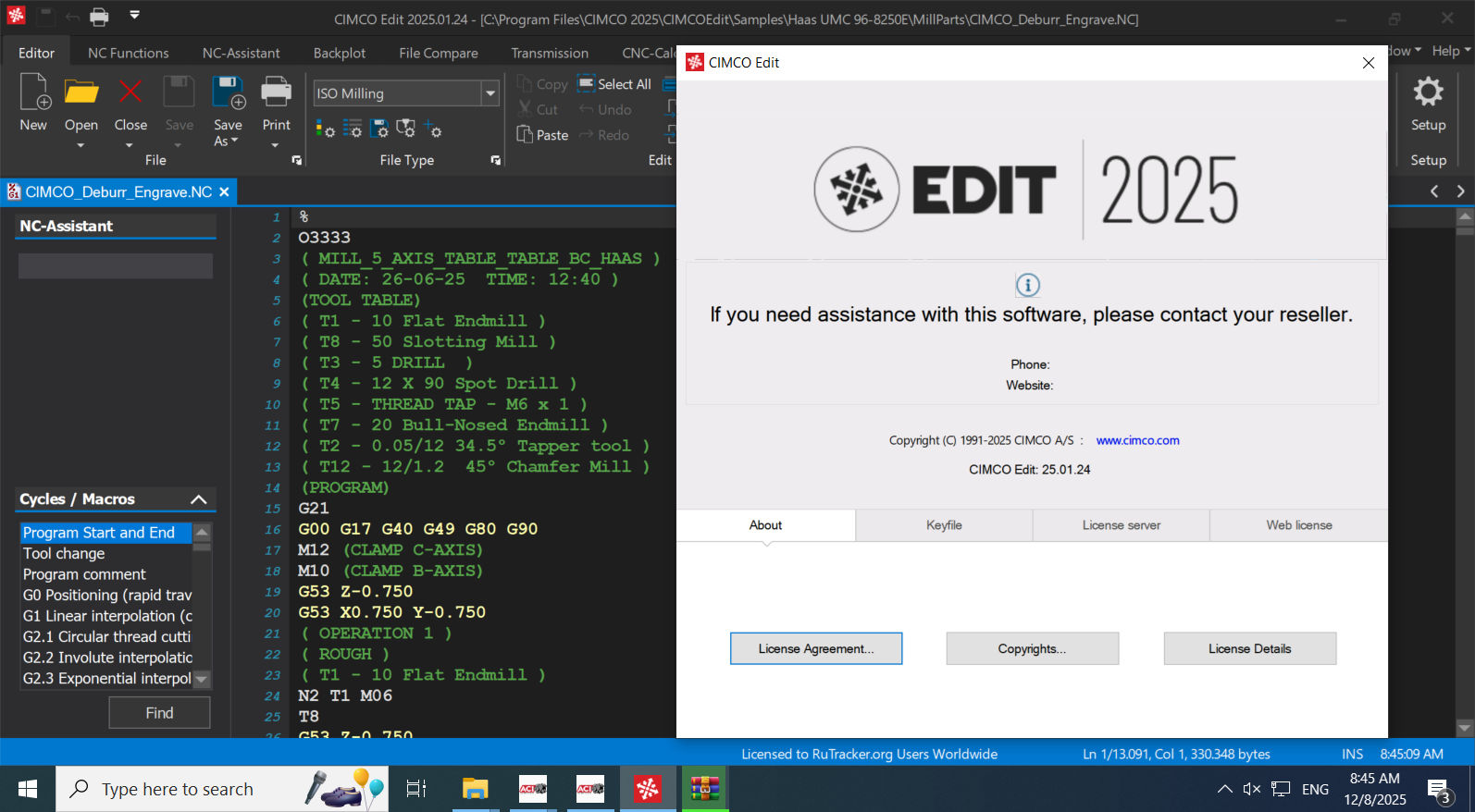
SOFTWARES

Download CIMCO Edit 2025.01.24 x64 full license forever

Download CIMCO Edit 2025.01.24 x64 full license forever

Link download CIMCO Edit 2025.01.24 full activated

Working with CIMCO Edit 2025.01.24 full license forever

Description of CIMCO Edit 2025.01.24

CIMCO Edit 2025.01.24 is a leading CNC program editor designed for manufacturing professionals who need a powerful, reliable and efficient solution for editing, managing and optimizing NC code. Known for its speed and stability, CIMCO Edit is widely used in machining, metalworking and industrial production. The 2025 release introduces enhanced NC editing tools, improved backplot simulation, smarter file management and expanded compatibility with modern CNC machines.

Features of CIMCO Edit 2025.01.24

1. Advanced CNC Code Editing
Edit, compare and optimize NC programs with a fast, customizable editor. Syntax highlighting, code formatting and block numbering make programming more efficient.

2. Improved CNC Backplot Simulation
Visualize toolpath movements in 2D and 3D to verify machining operations. The 2025 update increases rendering speed and simulation accuracy for milling and turning operations.

3. File Compare and Merge Tools
Compare two NC programs side by side to detect differences in toolpaths, parameters and logic. Smart merging ensures accurate and clean code updates.

4. DNC Communication Support
Send and receive CNC programs directly from machines using standardized DNC protocols. The updated version improves transfer stability and multi-machine management.

5. Toolpath Optimization Features
Analyze and refine toolpaths to reduce cycle time, minimize errors and improve machining efficiency. Updated algorithms support high-speed machining strategies.

6. CNC Machine Compatibility
Supports a wide range of CNC controllers including Fanuc, Haas, Heidenhain, Siemens and more. CIMCO Edit 2025 improves parsing accuracy for newer machine formats.

7. Milling and Turning Support
Verify and simulate operations for both lathe and milling machines. Updated machine models offer more accurate previews of complex machining processes.

8. Smart Search and Replace Tools
Quickly find parameters, G-code blocks, coordinates and offsets. Intelligent search patterns help edit large programs more effectively.

9. Code Error Detection
Identify invalid parameters, formatting issues and potential machine errors before sending the program to production. This reduces machining risks and material waste.

10. Integrated File Management and Productivity Tools
Organize CNC programs, templates and tool libraries with structured file management. Enhanced multi-tab support and customizable shortcuts improve workflow efficiency.

If you want to download CIMCO Edit 2025.01.24 full license, please click to DOWNLOAD button to download.
CLICKDOWN.ORG Download CAD CAM CNC software
Inside package CIMCO Edit 2025.01.24, already have cracked files and instruction how to install CIMCO Edit 2025.01.24 step by step. I guarantee you can install CIMCO Edit 2025.01.24 successfully if you follow that instruction.
If you also can’t install it or get any problems, please contact to me by email: clickdown.org@gmail.com, then I will help you to install software by teamviewer or Ultraviewer or Anydesk.
Thanks a lot
SOFTWARES

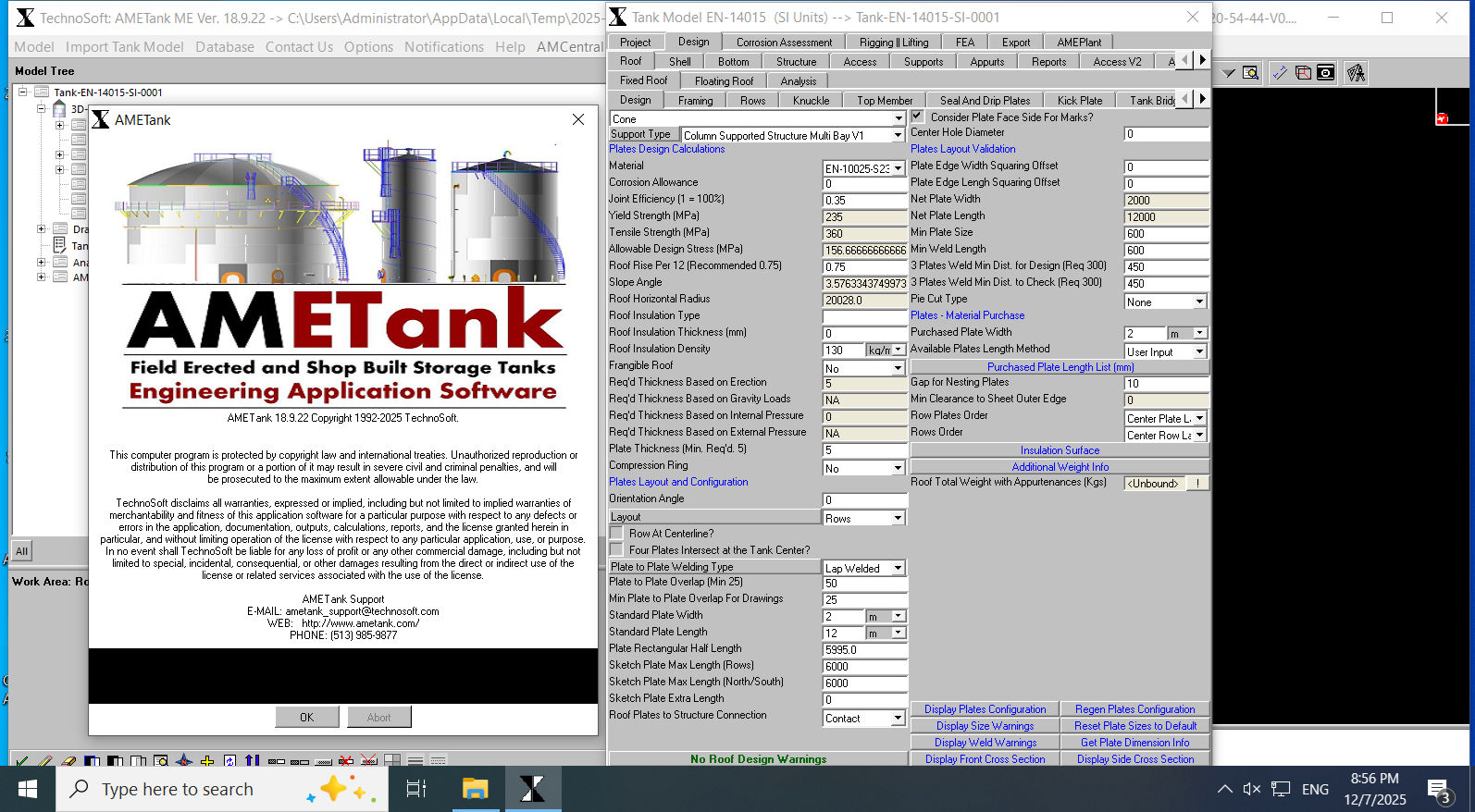
Download AMETANK 2025 v18.9.22 full license 100% working

Download AMETANK 2025 v18.9.22 full license 100% working

Link download AMETANK 2025 v18.9.22 full activated

Working with AMETANK 2025 v18.9.22 full license

Description of AMETANK 2025 v18.9.22

AMETANK 2025 v18.9.22 is a powerful engineering software for the design, analysis and evaluation of aboveground storage tanks. Widely used in oil, gas, chemical and petrochemical industries, AMETANK automates tank engineering workflows by applying international design standards and delivering precise structural calculations. The 2025 version introduces higher accuracy, improved modeling tools, faster calculations and expanded code compliance, making it an essential tool for tank engineers and EPC companies.

Features of AMETANK 2025 v18.9.22

1. Comprehensive Storage Tank Design
Design a wide range of cylindrical aboveground storage tanks including fixed roof, floating roof, cone roof and open-top tanks. Automated geometry creation reduces manual drafting time.

2. Updated API Compliance
Fully supports API 650, API 620, API 653 and related industry standards. The 2025 update includes the latest revisions for structural, seismic and wind load requirements.

3. Advanced Structural Analysis
Perform shell, roof, foundation and seismic analysis with high precision. Improved algorithms enhance wall thickness optimization, buckling checks and uplift calculations.

4. Nozzle and Attachment Design
Model and analyze nozzles, manways, flanges, ladders, platforms and other tank components. The software ensures compliance with stress limitations and structural integrity rules.

5. Detailed Wind and Seismic Load Calculations
AMETANK 2025 provides refined load calculations based on updated international codes, offering accurate assessment of tank stability under extreme conditions.

6. Material and Corrosion Management
Select materials from an extensive library with updated mechanical properties. Corrosion allowances, shell courses and plate thicknesses can be fully customized.

7. Automated Drawing and Report Generation
Generate fabrication drawings, GA drawings, nozzle schedules and detailed engineering reports directly from the model. Reports include code references, formulas and calculation summaries.

8. API 653 Fitness-for-Service Evaluations
Evaluate existing tanks for repairs, reconstruction or re-rating using API 653 guidelines. The tool provides assessment for corrosion, deformation and operational changes.

9. Foundation and Settlement Analysis
Design tank foundations including ring walls and slabs. Settlement evaluation tools help predict long-term tank behavior and foundation safety.

10. User-Friendly Interface and Workflow Integration
The 2025 release offers faster navigation, improved menu structure and better integration with CAD platforms and engineering data management systems.

If you want to download AMETANK 2025 v18.9.22 full license, please click to DOWNLOAD button to download.
CLICKDOWN.ORG Download CAD CAM CNC software
Inside package AMETANK 2025 v18.9.22, already have cracked files and instruction how to install AMETANK 2025 v18.9.22 step by step. I guarantee you can install AMETANK 2025 v18.9.22 successfully if you follow that instruction.
If you also can’t install it or get any problems, please contact to me by email: clickdown.org@gmail.com, then I will help you to install software by teamviewer or Ultraviewer or Anydesk.
Thanks a lot
SOFTWARES

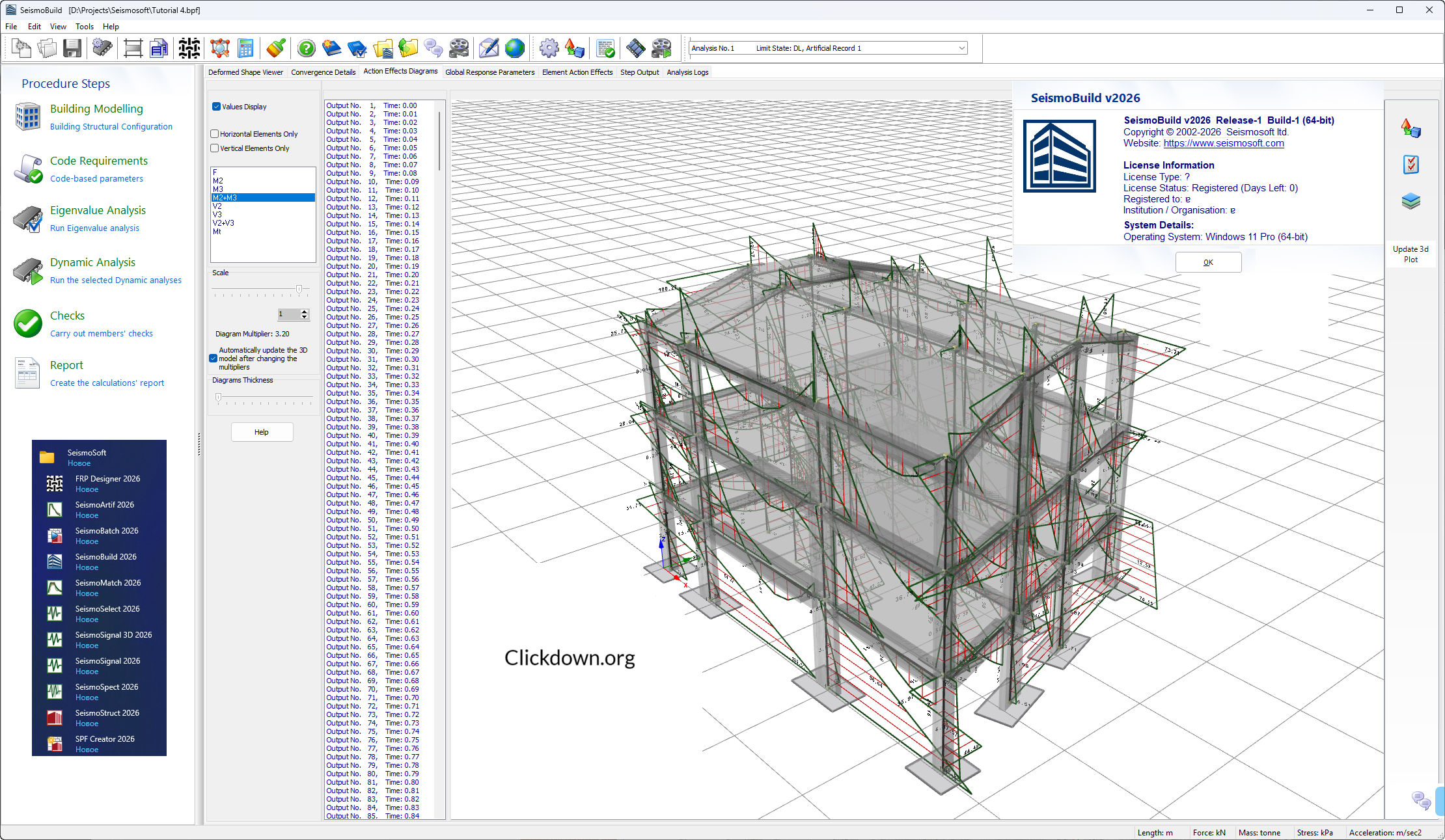
Download SeismoSoft Seismo Suite 2026 x64 full license

Download SeismoSoft Seismo Suite 2026 full license

Link download SeismoSoft Seismo Suite 2026 full activated

Working with SeismoSoft Seismo Suite 2026 Release-1 Build-1 full license

Description of SeismoSoft Seismo Suite 2026

SeismoSoft Seismo Suite 2026 is an advanced structural and earthquake engineering software package designed to support seismic analysis, assessment and structural performance evaluation. This suite integrates SeismoSignal, SeismoMatch, SeismoArtif, SeismoStruct, SeismoBuild and other specialized modules, giving engineers a comprehensive environment for modeling, data processing and seismic response assessment. The 2026 version introduces faster computation, updated analysis methods, improved design capabilities and greater compatibility with international seismic codes.

Features of SeismoSoft Seismo Suite 2026

1. Complete Structural and Seismic Analysis Tools
Seismo Suite 2026 provides a unified workflow for dynamic analysis, ground motion processing, structural modeling and seismic performance evaluation using advanced nonlinear algorithms.

2. Enhanced SeismoStruct Capabilities
SeismoStruct features improved fiber-based finite element modeling, updated material libraries and enhanced nonlinear static and dynamic analysis for reinforced concrete, steel and masonry structures.

3. Advanced Ground Motion Processing
SeismoSignal and SeismoMatch offer high-precision tools for signal processing, spectral matching and filtering. Users can analyze acceleration, velocity and displacement time histories with refined accuracy.

4. Artificial Ground Motion Generation
SeismoArtif allows generation of artificial accelerograms compatible with design spectra. The 2026 release improves matching speed and spectral accuracy based on updated international codes.

5. Seismic Assessment and Retrofit Design
Tools for performance-based assessment help evaluate existing buildings and infrastructure. SeismoBuild offers updated retrofit design features based on global rehabilitation guidelines.

6. Improved Analysis Speed and Stability
Enhanced computational performance reduces analysis time for complex nonlinear models. The updated solver improves convergence and numerical stability.

7. Support for International Seismic Standards
Seismo Suite 2026 includes updated compliance for Eurocode 8, ASCE 41, Italian NTC, Greek Codes and other regional seismic design standards.

8. Ground Motion Database Compatibility
Import, analyze and process earthquake records from global seismic databases. The software supports numerous formats for efficient data handling.

9. Advanced Visualization and Reporting
Generate clear charts, 3D structural views, response spectrum plots and detailed analysis reports. Visualization improvements help engineers interpret results more effectively.

10. Intuitive Interface and Workflow Integration
Seismo Suite provides a user-friendly interface with consistent tools across modules. Import and export options allow integration with structural design software and seismic data platforms.

If you want to download SeismoSoft Seismo Suite 2026 full license, please click to DOWNLOAD button to download.
CLICKDOWN.ORG Download CAD CAM CNC software
Inside package SeismoSoft Seismo Suite 2026 , already have cracked files and instruction how to install SeismoSoft Seismo Suite 2026 step by step. I guarantee you can install SeismoSoft Seismo Suite 2026 successfully if you follow that instruction.
If you also can’t install it or get any problems, please contact to me by email: clickdown.org@gmail.com, then I will help you to install software by teamviewer or Ultraviewer or Anydesk.
Thanks a lot
SOFTWARES

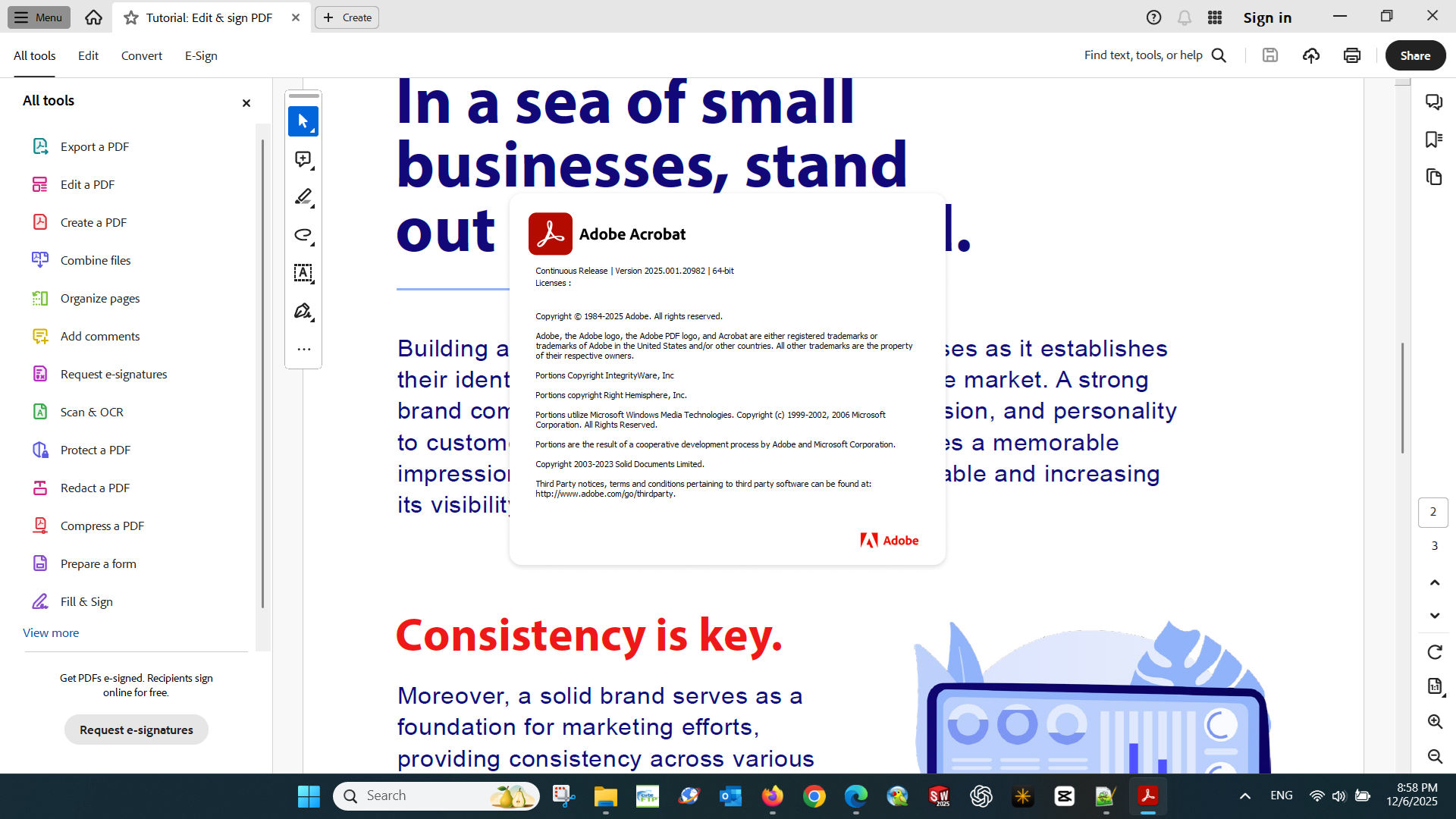
Download Adobe Acrobat Pro 2025 v25.1.20982 x64 full license

Download Adobe Acrobat Pro 2025 v25.1.20982 full license

Link download Adobe Acrobat Pro 2025 v25.1.20982 full activated

Working with Adobe Acrobat Pro 2025 v25.1.20982 full license

Description of Adobe Acrobat Pro 2025 v25.1.20982

Adobe Acrobat Pro 2025 v25.1.20982 is a complete PDF productivity solution designed for professionals who need advanced tools for creating, editing, converting, signing and securing digital documents. This latest 2025 release delivers improved speed, a refined interface, expanded AI-powered tools and stronger integration with Adobe Document Cloud. Acrobat Pro 2025 helps users work more efficiently with PDF files in business, education and enterprise environments.

Features of Adobe Acrobat Pro 2025 v25.1.20982

1. Enhanced PDF Editing Capabilities
Edit text, images, formatting, layouts and structure directly inside a PDF. The 2025 update improves font detection, paragraph reflow and overall editing accuracy.

2. AI-Powered Document Tools
Adobe Sensei enhancements provide automated formatting suggestions, content cleanup, smart form recognition and intelligent document summaries for faster workflows.

3. High-Precision PDF Conversion
Convert PDF files to Word, Excel, PowerPoint, HTML and image formats with improved layout preservation. The updated engine delivers higher accuracy in tables and complex documents.

4. PDF Creation from Any Source
Create industry-standard PDFs from scans, Office files, web pages and custom templates. Users can generate secure and archivable documents for professional use.

5. Advanced OCR for Scanned Files
Optical Character Recognition technology turns printed or scanned documents into fully editable text. The 2025 version offers sharper recognition and multilingual support.

6. Secure Document Protection Tools
Apply passwords, encryption, redaction, permission controls and certificate-based signatures to protect sensitive information and meet compliance requirements.

7. Form Creation and Form Fill Automation
Design interactive forms with text fields, dropdowns, buttons and digital signatures. Automated detection speeds up converting existing documents into fillable forms.

8. Seamless Collaboration and Review Tools
Share PDFs for review, track comments in real time and manage feedback across teams. Cloud collaboration simplifies document approval processes.

9. E-Signature Integration
Built-in Adobe Acrobat Sign allows sending, receiving and tracking legally binding e-signatures. This helps streamline business workflows and reduce paper-based processes.

10. Multi-Platform Support and Cloud Sync
Access and edit your PDFs on Windows, macOS, mobile devices and the web. Projects sync automatically through Adobe Document Cloud for continuous workflow.

If you want to download Adobe Acrobat Pro 2025 v25.1.20982 full license, please click to DOWNLOAD button to download.
CLICKDOWN.ORG Download CAD CAM CNC software
Inside package Adobe Acrobat Pro 2025 v25.1.20982, already have cracked files and instruction how to install Adobe Acrobat Pro 2025 v25.1.20982 step by step. I guarantee you can install Adobe Acrobat Pro 2025 v25.1.20982 successfully if you follow that instruction.
If you also can’t install it or get any problems, please contact to me by email: clickdown.org@gmail.com, then I will help you to install software by teamviewer or Ultraviewer or Anydesk.
Thanks a lot
SOFTWARES

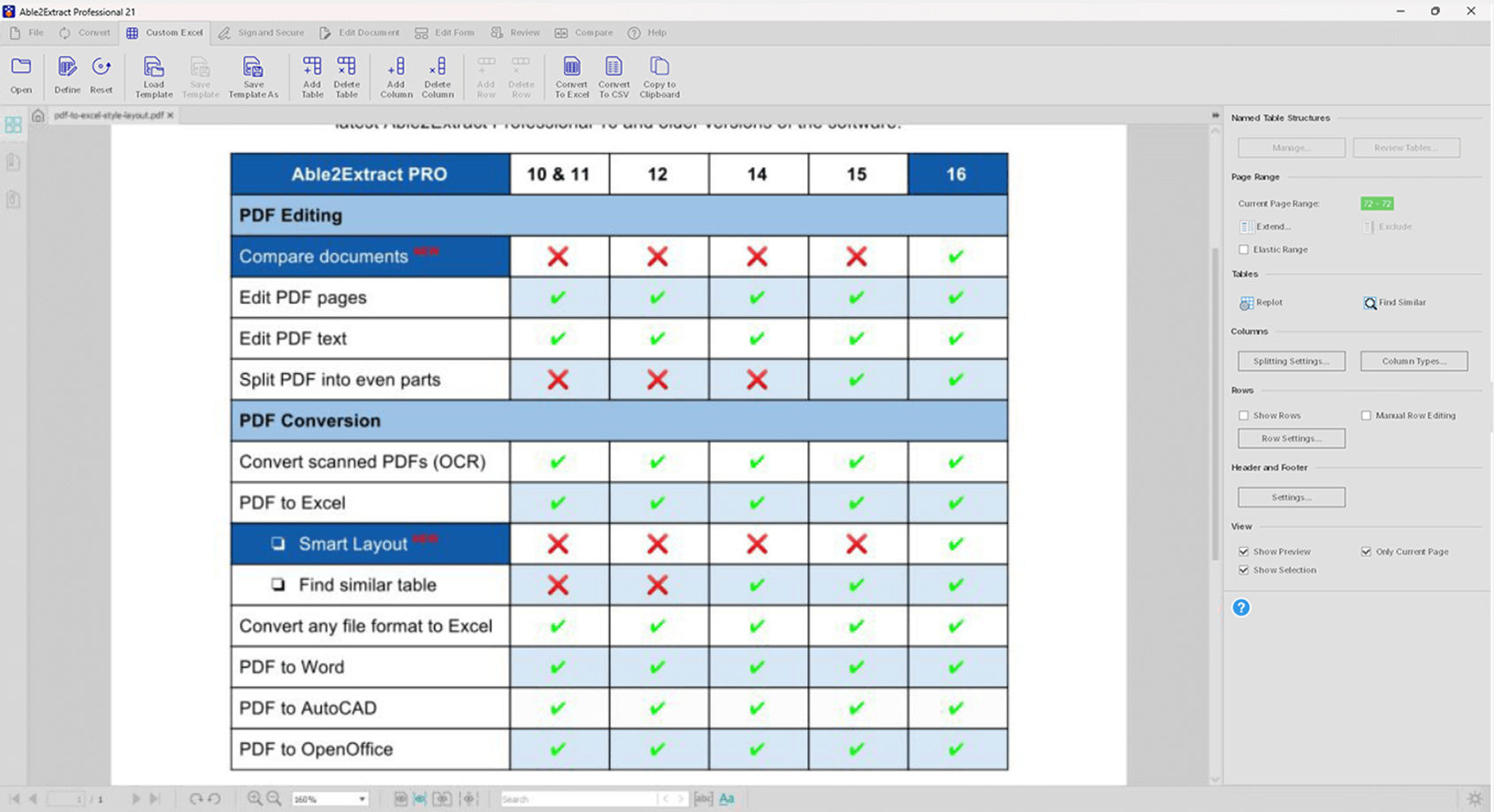
Download Able2Extract Professional 21.0.1.0 x64 full license

Download Able2Extract Professional 21.0.1.0 x64 full license

Link download Able2Extract Professional 21.0.1.0 win64 full activated

Working with Able2Extract Professional 21.0.1.0 full license

Description of Able2Extract Professional 21.0.1.0

Able2Extract Professional 21.0.1.0 is a powerful PDF solution designed for users who need professional control over creating, converting and editing PDF documents. With advanced conversion accuracy, form creation, secure editing tools and a smooth user interface, this version enhances productivity for business, education and personal document workflows. The software supports a wide range of formats and provides industry-trusted tools for managing complex PDF tasks quickly and efficiently.

Features of Able2Extract Professional 21.0.1.0

1. High-Accuracy PDF Conversion
Convert PDF files to Word, Excel, PowerPoint, AutoCAD, CSV, Publisher and more. The improved conversion engine delivers cleaner formatting, preserved layouts and reduced errors during extraction.

2. PDF Creation from Any File
Create professional PDFs from over 300 file formats using a built-in virtual printer. Users can easily generate secure documents for business reports, contracts and presentations.

3. Advanced PDF Editing Tools
Edit text, paragraphs, images and pages directly within the PDF. Version 21 introduces enhanced layout control, faster editing responses and better font matching.

4. Form Creation and Editing
Design interactive PDF forms using customizable text fields, radio buttons, checkboxes and digital signature fields. The form editor ensures compatibility with major PDF readers.

5. Batch Conversion Mode
Convert multiple PDFs at once to streamline high-volume tasks. Perfect for offices dealing with large document sets or repetitive file operations.

6. OCR for Scanned Documents
The built-in OCR engine turns scanned PDFs into editable formats. Improved recognition accuracy helps convert images of documents into searchable, selectable and editable content.

7. Secure PDF Management
Protect sensitive files with password encryption, permission controls, redaction tools and digital signatures. Users can remove metadata and secure PDFs for compliance requirements.

8. Page Manipulation Tools
Insert, rotate, extract, delete or reorder PDF pages. The intuitive page manager gives full document control for preparing files before distribution.

9. PDF Comparison Feature
Compare two PDFs side by side to detect changes in text, structure or layout. Useful for reviewing contracts, reports and technical documents.

10. Cross-Platform and User-Friendly Interface
Able2Extract Professional 21.0.1.0 offers a clean interface on Windows, macOS and Linux. Clear tab navigation and tool categorization improve workflow speed and ease of use.

If you want to download Able2Extract Professional 21.0.1.0 full license, please click to DOWNLOAD button to download.
CLICKDOWN.ORG Download CAD CAM CNC software
Inside package Able2Extract Professional 21.0.1.0, already have cracked files and instruction how to install Able2Extract Professional 21.0.1.0 step by step. I guarantee you can install Able2Extract Professional 21.0.1.0 successfully if you follow that instruction.
If you also can’t install it or get any problems, please contact to me by email: clickdown.org@gmail.com, then I will help you to install software by teamviewer or Ultraviewer or Anydesk.
Thanks a lot

SOFTWARES

Download Pixologic Zbrush 2026.1 win64 full license forever

Download Pixologic Zbrush 2026.1 win64 full license forever

Link download Pixologic Zbrush 2026.1 full activated

Working with Pixologic Zbrush 2026.1 full license

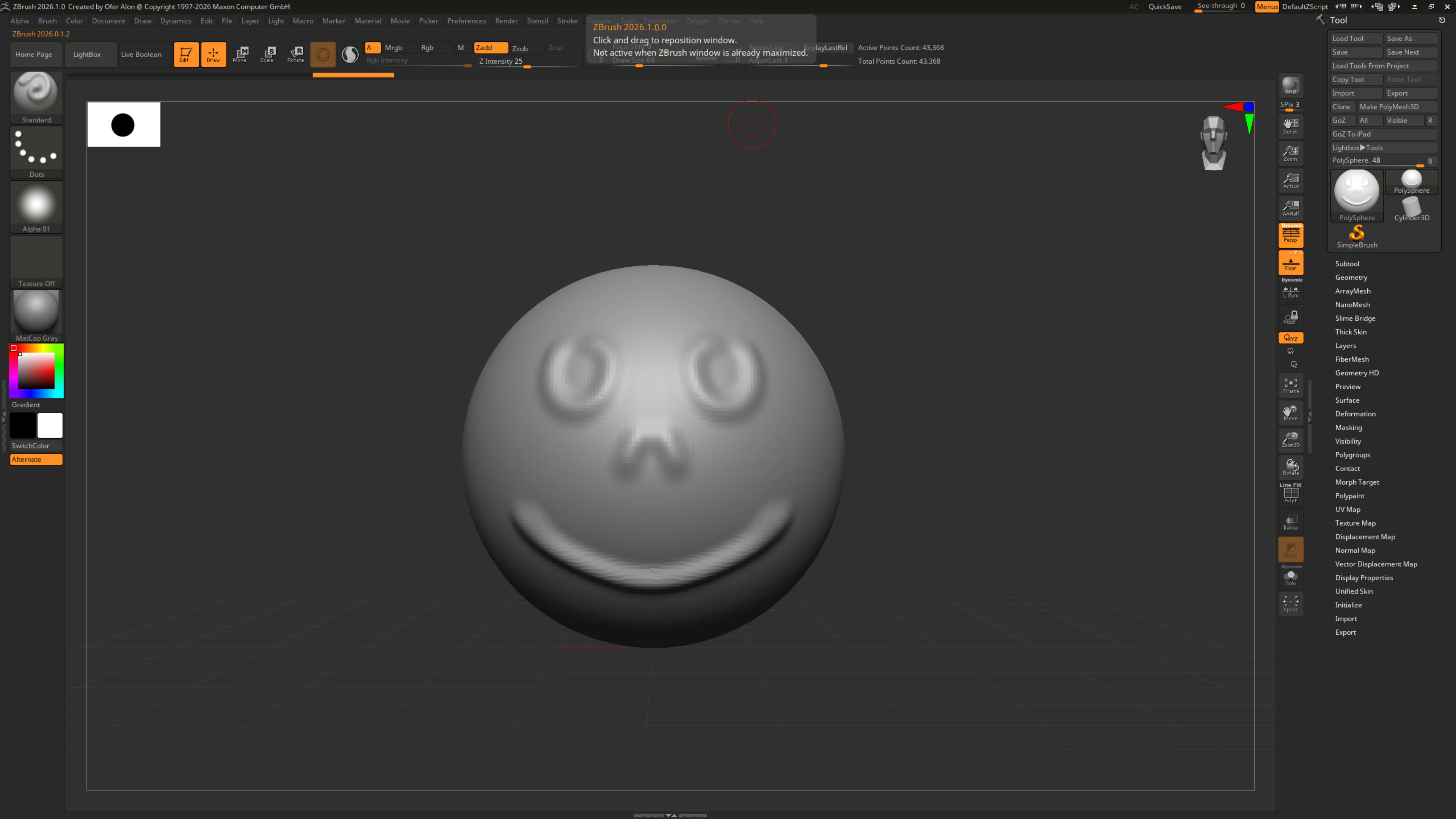
Description of Pixologic Zbrush 2026.1

Pixologic ZBrush 2026.1 is a next-generation digital sculpting and painting platform built for artists, designers and studios that demand precision, performance and creative freedom. This powerful release introduces improved sculpting tools, faster workflows, enhanced rendering quality and expanded interoperability with major 3D applications. ZBrush 2026.1 continues its legacy as the industry standard for character creation, concept art, game assets, visual effects and digital illustration.

Features of Pixologic Zbrush 2026.1

1. Next-Gen Sculpting Brushes
ZBrush 2026.1 introduces enhanced brush engines, new stroke dynamics and smoother deformation control. Sculptors can achieve ultra-high-detail surfaces with improved stability, accuracy and responsiveness.

2. High-Resolution Geometry and Subdivision
The updated multi-resolution system supports even larger polygon counts for detailed character and environment sculpting. Artists can switch between subdivision levels instantly without performance drops.

3. Improved Dynamesh and ZRemesher
Dynamesh delivers cleaner topology regeneration while ZRemesher 2026 offers more intelligent edge flow, perfect for preparing assets for animation, rigging and texturing.

4. Polypaint and Material Enhancements
The Polypaint system provides smoother blending, better color accuracy and expanded material controls, allowing artists to paint directly on high-density meshes without UVs.

5. Advanced Masking and Selection Tools
ZBrush 2026.1 introduces smarter masking with edge-aware selection, soft masking blending and new curvature-based selection tools for efficient sculpt isolation.

6. New Rendering and Lighting Engine
The improved rendering engine delivers higher-quality shadows, global illumination, physically accurate materials and faster preview rendering, ideal for concept visualization and portfolio output.

7. Workflow Integration and File Support
ZBrush integrates smoothly with Blender, Maya, 3ds Max, Cinema 4D, Unreal Engine and Unity. Support for USD, OBJ, FBX and updated GoZ allows quick multi-software workflows.

8. Performance and Multithreading Optimization
ZBrush 2026.1 is engineered for modern CPUs and high-core systems, offering faster load times, smoother sculpting operations and higher stability for large projects.

9. Surface Noise and Advanced Detailing
New noise presets, alpha stamping improvements and micro-detail features allow artists to create complex textures such as pores, wrinkles, metals and organic surfaces more efficiently.

10. Custom UI and Productivity Tools
Enhanced interface customization, hotkey management and workflow automation features give professionals the ability to tailor ZBrush to their personal pipeline.

If you want to download Pixologic Zbrush 2026.1 full license, please click to DOWNLOAD button to download.
CLICKDOWN.ORG Download CAD CAM CNC software
Inside package Pixologic Zbrush 2026.1, already have cracked files and instruction how to install Pixologic Zbrush 2026.1 step by step. I guarantee you can install Pixologic Zbrush 2026.1 successfully if you follow that instruction.
If you also can’t install it or get any problems, please contact to me by email: clickdown.org@gmail.com, then I will help you to install software by teamviewer or Ultraviewer or Anydesk.
Thanks a lot
SOFTWARES

Download Blumentals WeBuilder 2025 x64 full license forever

Download Blumentals WeBuilder 2025 full license forever

Link download Blumentals WeBuilder 2025 full activated

Blumentals WeBuilder/Rapid PHP/HTMLPad/CSS/ 2025 v18.4.0.271

Blumentals WeBuilder 2025 x64 full license

Description of Blumentals WeBuilder 2025

Blumentals WeBuilder 2025 is a web page editor with syntax highlighting for HTML, CSS, JavaScript, VBScript, PHP, ASP, SSI, and Perl. In addition to the web page editor, it includes a built-in web browser, file manager, and FTP client. The program features numerous hints for various programming languages, allows code replacement by multiple parameters, tag validation, and more. You can quickly and easily insert tables, any web form elements, and scripts, and view pages in an integrated browser. It features customizable color code highlighting, a folder browser, a code element browser (variables, classes, element libraries, and tag libraries), a built-in FTP client, and a code validator. You can also create and edit your own snippets, display, customize, and arrange panels as desired, and generate documents from templates that you can create and edit yourself.

Features of Blumentals WeBuilder 2025

• Editing HTML, CSS, JavaScript, PHP, ASP and Ruby code
• Get started quickly with built-in HTML and CSS wizards
• Fully customizable editor, menus, panels, hotkeys
• Effective use of recurring code fragments
• Built-in FTP manager
• Creating and editing page templates and snippets
• Easy to learn and use interface
• Syntax highlighting HTML, CSS, JavaScript, VBScript, PHP, ASP, WML, XML
• Syntax highlighting for ASP.Net, C#.Net, Ruby, eRuby, Perl, SQL
• Unicode support (UTF-8)
• Debugging PHP code using the built-in PHP debugger xDebug
• Saving and opening files via FTP protocol
• Project management
• Working with MySQL, PostgreSQL, Firebird, Interbase databases
• Search and replace using regular expressions
• Spell checking in HTML code and TXT files
• Code folding function
• Ready-to-use page templates

If you want to download Blumentals WeBuilder 2025 full license, please click to DOWNLOAD button to download.
CLICKDOWN.ORG Download CAD CAM CNC software
Inside package Blumentals WeBuilder 2025, already have cracked files and instruction how to install Blumentals WeBuilder 2025 step by step. I guarantee you can install Blumentals WeBuilder 2025 successfully if you follow that instruction.
If you also can’t install it or get any problems, please contact to me by email: clickdown.org@gmail.com, then I will help you to install software by teamviewer or Ultraviewer or Anydesk.
Thanks a lot
SOFTWARES

Download Altium Designer 26.1.1.7 win64 full license forever

Download Altium Designer 26.1.1.7 full license

Link download Altium Designer 26.1.1.7 full activated

Altium Designer 26.1.1.7 x64 full license

Working with Altium Designer 26.1.1.7 full license

Description of Altium Designer 26.1.1.7

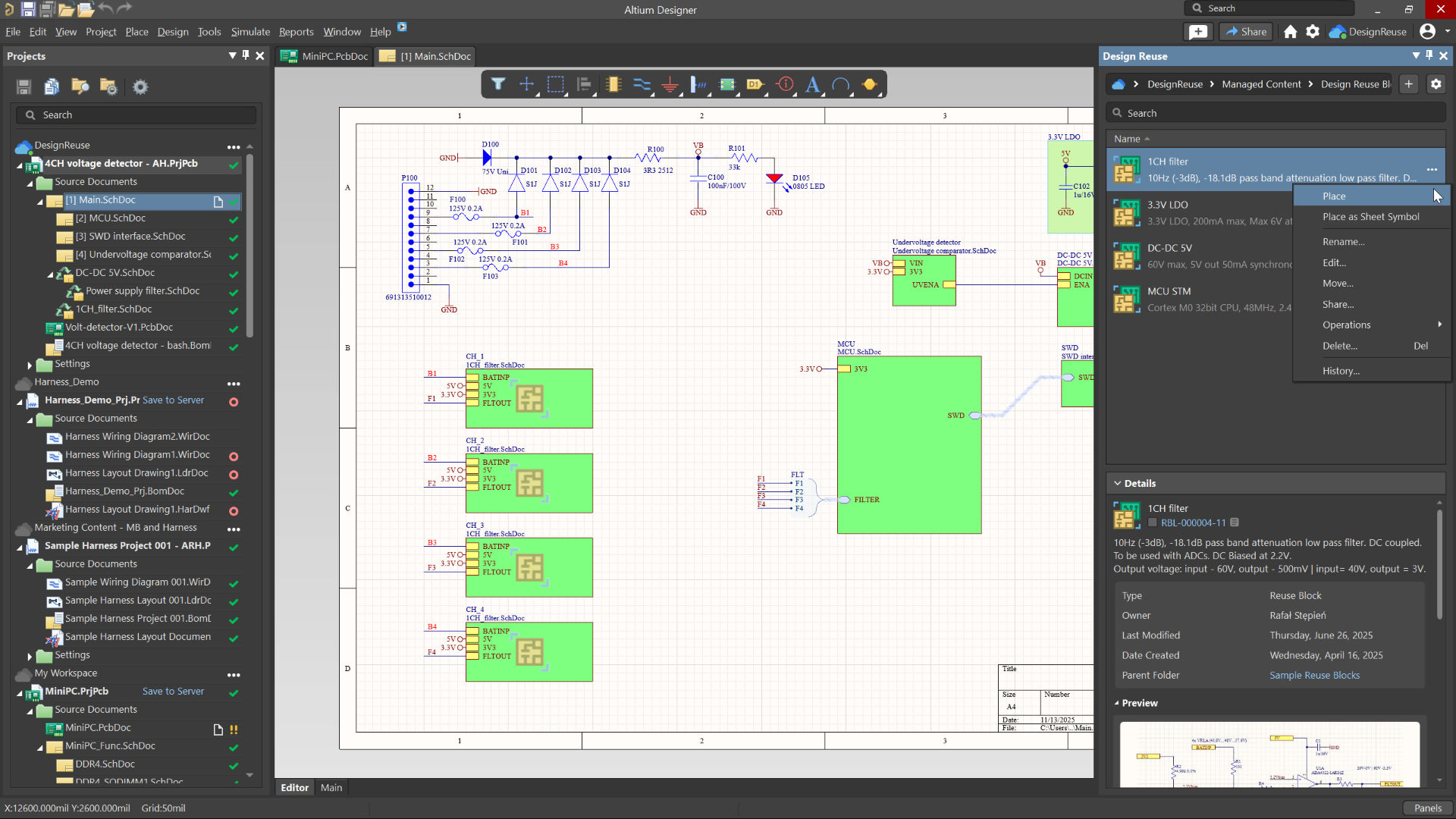
Altium Designer 26.1.1.7 is a leading PCB design and electronic product development platform that integrates schematic capture, PCB layout, simulation, MCAD collaboration, data management, and manufacturing preparation in a single unified environment. This latest version enhances design reliability, improves workflow automation, expands component management tools, and delivers faster performance for complex multi-board and high-speed designs.

Engineers choose Altium Designer for its intuitive interface, industry-proven toolset, and powerful collaboration features, making it ideal for professional electronics development across consumer electronics, automotive, aerospace, medical devices, and embedded systems.

Features of Altium Designer 26.1.1.7

1. Unified PCB Design Environment
Combines schematics, PCB layout, libraries, simulation, and manufacturing tools in one interface, ensuring design consistency and workflow continuity.

2. Enhanced Schematic Capture Tools
Offers intelligent wiring, hierarchy support, electrical rule checks, and improved annotation tools for creating accurate and scalable electronic schematics.

3. High-Speed and Signal Integrity Tools
Includes length tuning, impedance control, differential pair routing, and signal integrity analysis to support advanced high-speed digital designs.

4. Improved PCB Layout Performance
Optimized routing engine, dynamic clearance checking, advanced DRC rules, multi-layer management, and enhanced 3D visualization ensure precise PCB layouts.

5. Multi-Board System Design
Supports system-level design with multi-board assemblies, interconnect management, and cross-board simulation for complex electronic products.

6. Real-Time 3D PCB Editing
Provides 3D modeling with step file import/export, mechanical clearance checks, and MCAD integration for accurate enclosure and mechanical fit validation.

7. Advanced Component and Library Management
Improved centralized libraries, lifecycle management, automated symbol creation, and supply chain integration ensure reliable component sourcing and traceability.

8. SPICE and Mixed-Signal Simulation
Built-in simulation tools allow engineers to evaluate circuit behavior, verify design performance, and optimize parameters early in development.

9. Manufacturing Output and DFM Tools
Generates Gerbers, ODB++, IPC-2581, assembly files, and fabrication drawings with comprehensive DFM checks to eliminate production errors.

10. Cloud Collaboration via Altium 365
Supports cloud-based project sharing, versioning, design reviews, and real-time collaboration for distributed engineering teams.

If you want to download Altium Designer 26.1.1.7 full license, please click to DOWNLOAD button to download.
CLICKDOWN.ORG Download CAD CAM CNC software
Inside package Altium Designer 26.1.1.7, already have cracked files and instruction how to install Altium Designer 26.1.1.7 step by step. I guarantee you can install Altium Designer 26.1.1.7 successfully if you follow that instruction.
If you also can’t install it or get any problems, please contact to me by email: clickdown.org@gmail.com, then I will help you to install software by teamviewer or Ultraviewer or Anydesk.
Thanks a lot

error: Content is protected !!
Scroll to Top