SOFTWARES

SOFTWARES

Download GRAPHISOFT Archicad 29.0.2 Build 3200 x64 full

Download GRAPHISOFT Archicad 29.0.2 full license

Link download GRAPHISOFT Archicad 29.0.2 full activated
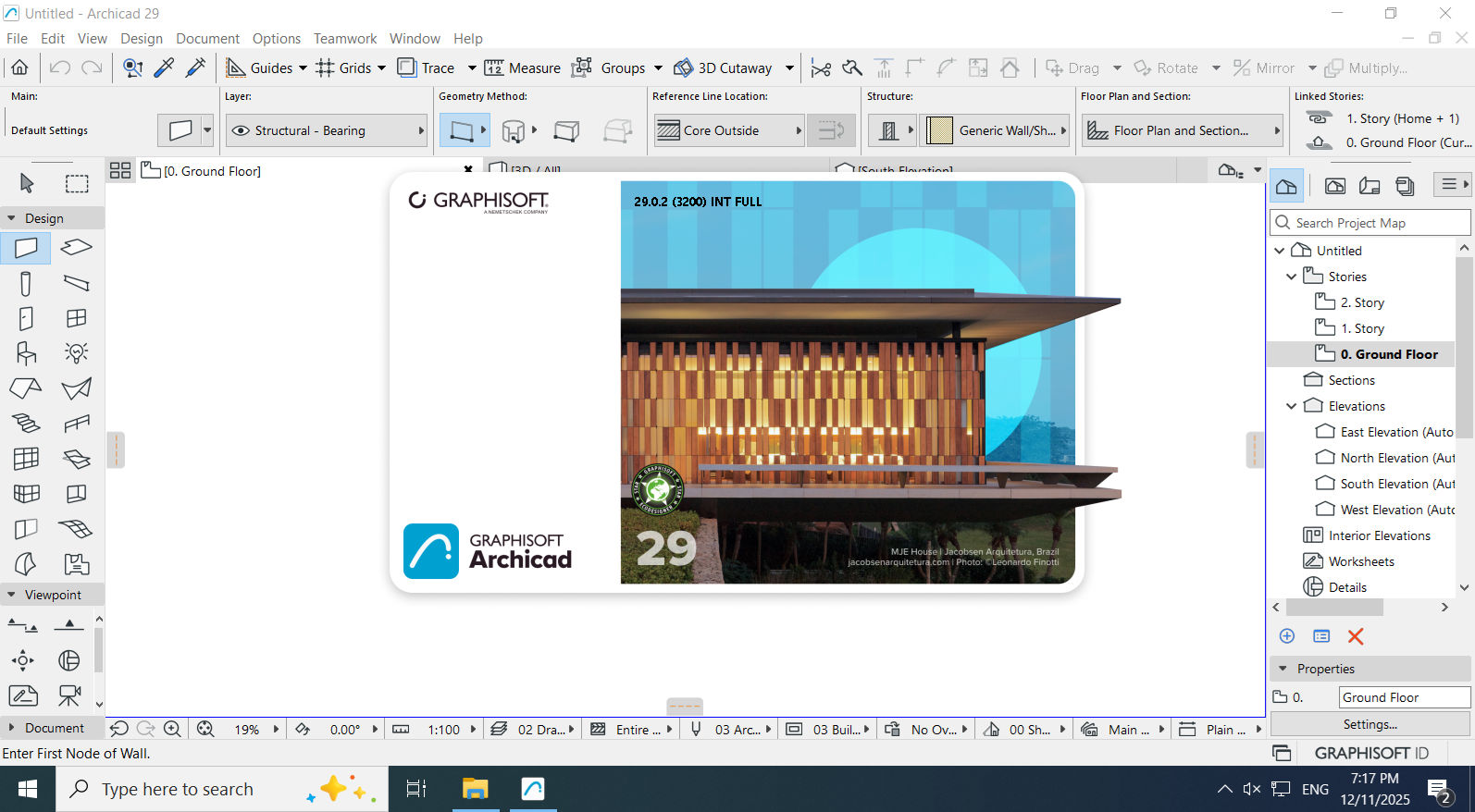
GRAPHISOFT Archicad 29.0.2 Build 3200

Description of GRAPHISOFT Archicad 29.0.2

GRAPHISOFT Archicad 29.0.2 is the latest advanced BIM solution designed for architects, engineers, and construction professionals who require precision, speed, and collaborative efficiency. This updated release delivers enhanced modeling workflows, improved performance, and stronger interoperability, making it a powerful platform for modern design and documentation.

Archicad 29.0.2 focuses on intelligent automation, real-time collaboration, and improved rendering capabilities. With an optimized BIM engine, users can create highly detailed architectural models, manage complex building data, and produce accurate documentation with ease. The software also includes upgraded Teamwork features, ensuring smooth collaboration in large multidisciplinary projects.

Features of GRAPHISOFT Archicad 29.0.2

Enhanced BIM Modeling
Archicad 29.0.2 features improved parametric design tools that help users build complex structures faster. The updated modeling engine supports high-detail geometries, optimized object handling, and more efficient editing options for walls, roofs, and curtain wall systems.

Improved Teamwork Collaboration
The new version includes faster data exchange, reduced file sync times, and improved BIMcloud integration. Collaboration across teams is smoother, allowing architects and engineers to work simultaneously without version conflicts.

Updated Documentation Tools
Archicad introduces more accurate dimensioning, smarter annotations, and improved layout management. Automated drawing updates ensure consistency between 2D documents and the 3D BIM model.

High-Quality Rendering Improvements
With an upgraded rendering engine, Archicad 29.0.2 delivers more realistic materials, better lighting, and improved visualization quality. Designers can produce photorealistic renders and animations directly within the software.

Faster Performance and Optimization
This version delivers noticeable improvements in overall speed, including quicker loading times, smoother navigation in large models, and enhanced GPU acceleration for visual workflows.

Better Interoperability
Archicad 29.0.2 improves support for open standards such as IFC, DWG, and PDF workflows. Enhanced connectivity with structural and MEP tools ensures accurate and efficient data coordination across disciplines.

Automated Design Tools
AI-powered functions such as automated clash detection, smart object placement, and predictive design suggestions help streamline workflows and reduce manual tasks.

BIMcloud Integration
Seamless integration with the latest BIMcloud version ensures instant project syncing, remote collaboration, and secure access to shared models from anywhere.

Improved User Experience
With a refined interface, customizable workspaces, and improved navigation tools, users can work more efficiently and manage large projects with greater clarity.

If you want to download GRAPHISOFT Archicad 29.0.2 full license, please click to DOWNLOAD button to download.
CLICKDOWN.ORG Download CAD CAM CNC software
Inside package GRAPHISOFT Archicad 29.0.2, already have cracked files and instruction how to install GRAPHISOFT Archicad 29.0.2 step by step. I guarantee you can install GRAPHISOFT Archicad 29.0.2 successfully if you follow that instruction.
If you also can’t install it or get any problems, please contact to me by email: clickdown.org@gmail.com, then I will help you to install software by teamviewer or Ultraviewer or Anydesk.
Thanks a lot
SOFTWARES

Download PLEXOS Desktop 2025 v11.000 R03 x64 full license

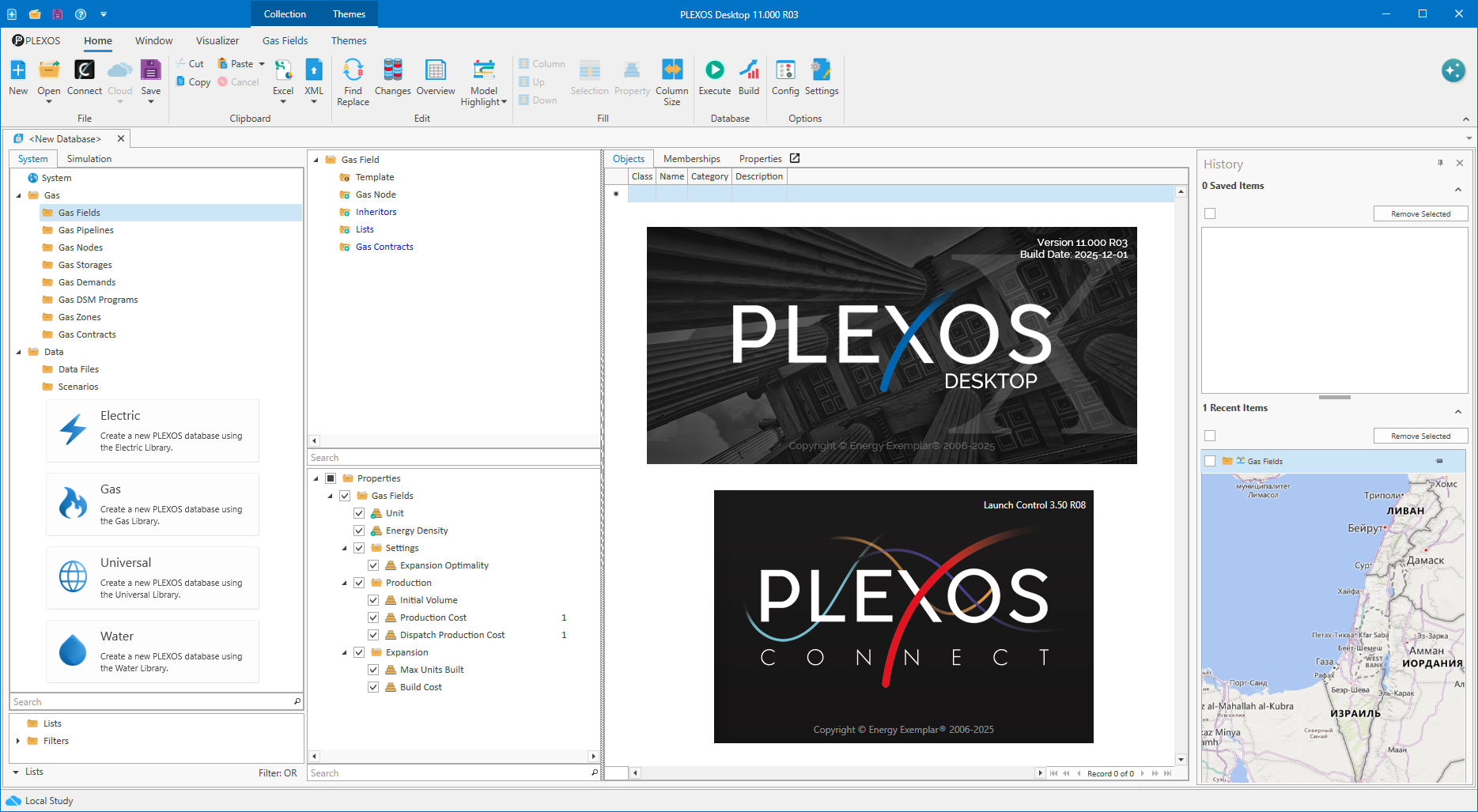
Energy Exemplar PLEXOS Desktop 2025 v11.000 R03 win64

Download PLEXOS Desktop 2025 v11.000 R03 full license

Link download PLEXOS Desktop 2025 v11.000 R03 full activated

Working with Energy Exemplar PLEXOS Desktop 2025 v11.000 R03 full

Description of PLEXOS Desktop 2025 v11.000 R03

PLEXOS Desktop 2025 v11.000 R03 is the latest release of the world-leading simulation platform for energy, power markets, and integrated resource planning. Designed for utility companies, grid operators, consultants, planners, and energy analysts, PLEXOS 2025 brings unmatched accuracy, speed, and modeling flexibility.

This version delivers improved system performance, expanded data handling, refined optimization algorithms, and advanced reporting tools. With its powerful mixed-integer optimization engine and comprehensive modeling environment, PLEXOS remains the preferred solution for electricity, gas, water, and renewable energy planning.

Features of PLEXOS Desktop 2025 v11.000 R03

1. Next-Generation Optimization Engine
PLEXOS 2025 introduces:
Faster mixed-integer programming performance
More efficient solver routines
Reduced simulation time for large-scale models
Enhanced stability for complex market scenarios
This accelerates long-term planning, capacity expansion, and operational simulations.

2. Advanced Energy Market Modeling
The software includes upgraded market modules with support for:
Electricity market bidding and dispatch
Nodal and zonal pricing models
Integrated gas-electric market interactions
Reserve, ancillary services, and reliability assessments
Ideal for forecasting and multi-market evaluations.

3. Expanded Renewable and Battery Storage Modeling
PLEXOS 2025 improves renewable energy representation through:
More accurate wind and solar variability modeling
Improved battery degradation simulation
Hybrid plant support
Optimized charging and discharging strategies
Perfect for utilities transitioning to clean energy systems.

4. Integrated Resource Planning Improvements
New features support long-term strategic planning:
Probabilistic scenario analysis
Expanded demand forecasting tools
Multi-decade investment evaluation
Portfolio optimization and risk assessment
This helps organizations assess cost, reliability, and environmental impacts.

5. Enhanced Data Management and Visualization
The updated Desktop interface includes:
Faster data import and synchronization
More intuitive hierarchical data views
Improved mapping and network visualization
Expanded chart types and dynamic reporting
These tools make it easier to analyze model outputs and present results.

6. Gas and Water Network Modeling Upgrades
PLEXOS 2025 continues to expand beyond electricity by refining:
Gas pipeline flow modeling
Water system simulation
Cross-sector coupling and resource linking
Ideal for integrated infrastructure planning.

7. Cloud and Collaboration Support
With better compatibility for cloud workflows, PLEXOS offers:
Improved shared database handling
Version control compatibility
Faster remote model execution
Easier team collaboration across departments

Why PLEXOS Desktop 2025 v11.000 R03 Is Essential
This version provides a powerful and complete platform for analyzing future energy systems. Whether modeling grid reliability, renewable integration, capacity expansion, or market behavior, PLEXOS delivers industry-leading accuracy and performance. Its tools help organizations make informed, data-driven decisions in a fast-changing energy landscape.

If you want to download PLEXOS Desktop 2025 v11.000 R03 full license, please click to DOWNLOAD button to download.
CLICKDOWN.ORG Download CAD CAM CNC software
Inside package PLEXOS Desktop 2025 v11.000 R03, already have cracked files and instruction how to install PLEXOS Desktop 2025 v11.000 R03 step by step. I guarantee you can install PLEXOS Desktop 2025 v11.000 R03 successfully if you follow that instruction.
If you also can’t install it or get any problems, please contact to me by email: clickdown.org@gmail.com, then I will help you to install software by teamviewer or Ultraviewer or Anydesk.
Thanks a lot
SOFTWARES

Download Adobe Illustrator 2026 v30.1 win64 full license

Download Adobe Illustrator 2026 v30.1 full license

Link download Adobe Illustrator 2026 v30.1 full activated

Working with Adobe Illustrator 2026 v30.1 full license

Description of Adobe Illustrator 2026 v30.1

Adobe Illustrator 2026 v30.1 is the latest generation of Adobe’s industry-leading vector graphics software, delivering higher performance, improved AI-assisted creativity, and a more refined design workflow. This version enhances precision, speed, and compatibility, making it ideal for branding designers, illustrators, UI designers, marketers, and print professionals.

With significant upgrades to the vector engine, improved cloud collaboration, and smarter automation tools, Illustrator 2026 v30.1 ensures that both beginners and experts can create professional artwork with maximum efficiency.

Features of Adobe Illustrator 2026 v30.1

1. Enhanced Vector Engine for Faster Performance
Illustrator 2026 introduces an optimized vector processing engine that supports ultra-smooth zooming, real-time previews, and faster rendering. Complex files with thousands of paths load more quickly and respond instantly during editing.

2. AI-Powered Shape Builder and Auto Vectorize
Adobe Sensei AI delivers improved automatic vectorization with cleaner lines, better edge detection, and accurate color mapping. The new Smart Shape Builder intelligently predicts shapes and connections to accelerate layout creation.

3. Advanced Text and Typography Controls
This version expands its typography capabilities with:
Variable font enhancements
Real-time font preview
Automatic spacing and balance suggestions
Better alignment features for multilingual designs
Perfect for branding, posters, UI text, and publishing workflows.

4. Improved 3D and Materials Panel
Illustrator 2026 v30.1 enhances 3D design tools with:
New material presets
Soft shadow rendering
Faster 3D object manipulation
Support for exporting 3D assets to other Adobe apps
Ideal for packaging, product visualization, and digital artwork.

5. Cloud Documents 2.0
Workflows are faster with:
Real-time syncing
Large file optimization
Version history up to 365 days
Shared document permissions
This enables teams to collaborate on Illustrator files across devices seamlessly.

6. Refined UI for Better Productivity
The new minimalist interface provides:
Customizable toolbars
Adaptive layout for large displays
Enhanced dark mode
Context-aware controls
This makes designing easier and more intuitive.

7. Export and Asset Management Upgrades
The Export panel has been redesigned with:
Optimized export presets for web, print, and mobile
Faster SVG cleanup
Color-profile safe exporting
One-click batch exports
Essential for UI/UX designers and developers.

8. Expanded Plugins and Adobe Ecosystem Support
Illustrator 2026 integrates smoothly with:
Photoshop 2026
InDesign 2026
Adobe Express
Adobe Firefly AI
This allows creators to move assets between applications without loss of quality or editability.

Why Adobe Illustrator 2026 v30.1 Is Ideal for Professionals
Professionals choose Illustrator for its precision, reliability, and compatibility with modern design workflows. The 2026 release enhances creative freedom through AI-assisted tools, improved performance for large projects, and advanced typography settings that meet global branding standards.

If you want to download Adobe Illustrator 2026 v30.1 full license, please click to DOWNLOAD button to download.
CLICKDOWN.ORG Download CAD CAM CNC software
Inside package Adobe Illustrator 2026 v30.1, already have cracked files and instruction how to install Adobe Illustrator 2026 v30.1 step by step. I guarantee you can install Adobe Illustrator 2026 v30.1 successfully if you follow that instruction.
If you also can’t install it or get any problems, please contact to me by email: clickdown.org@gmail.com, then I will help you to install software by teamviewer or Ultraviewer or Anydesk.
Thanks a lot
SOFTWARES

Download Maxon Red Giant 2026.2.1 x64 full license forever

Download Maxon Red Giant 2026.2.1 x64 full license forever

Link download Maxon Red Giant 2026.2.1 full activated

Working with Maxon Red Giant 2026.2.1 full license

Description of Maxon Red Giant 2026.2.1

Maxon Red Giant 2026.2.1 is a complete suite of professional tools for motion graphics, visual effects, color correction and video finishing. Designed for filmmakers, editors and compositors, Red Giant offers industry leading plugins that enhance creativity, speed up workflows and deliver cinematic results for any production.

This version introduces improved performance, updated effects, enhanced GPU acceleration and deeper integration with major post-production platforms including Adobe After Effects, Premiere Pro and Maxon Cinema 4D.

Features of Maxon Red Giant 2026.2.1

Full Suite of Professional VFX Tools
Red Giant includes Trapcode, Magic Bullet, VFX, Universe and Looks, offering a comprehensive set of tools for particle effects, motion graphics, color grading, compositing and finishing.

Trapcode for Motion Graphics and Particles
Trapcode Suite provides 3D particle systems, fluid dynamics, physics simulations, organic animations, and advanced text and logo effects. It supports GPU acceleration for fast real time previews.

Magic Bullet Color Correction and Finishing
Magic Bullet includes powerful color grading tools such as Colorista, Looks and Film. Users can create stylized color contrasts, cinematic film tones, skin tone enhancement and HDR friendly grading.

VFX Suite for Compositing and Effects
The VFX Suite adds high quality keying, tracking, image cleanup and realistic lighting tools. Effects such as Supercomp, King Pin Tracker and Spot Clone help achieve seamless visual integration.

Universe for Quick Effects and Transitions
Universe offers a large library of fast, customizable transitions, glows, distortions, text effects and stylization presets designed for rapid editing workflows.

Improved GPU Performance
Version 2026.2.1 enhances GPU utilization across multiple effects, resulting in faster rendering and smoother previews on supported hardware.

High Quality Presets and Templates
Red Giant includes hundreds of professional presets, LUTs, color profiles and animation templates, helping users achieve consistent high quality results without starting from scratch.

Deep Software Integration
The suite works seamlessly with Adobe After Effects, Premiere Pro, DaVinci Resolve and other major editing and compositing tools, ensuring a streamlined workflow.

Enhanced Workflow Optimizations
Real time previews, simplified effect controls, faster caching and multi frame rendering support increase productivity for large or complex projects.

Regular Updates and Maxon App Management
Red Giant integrates with the Maxon App for easy updates, license management and access to the latest features and content libraries.

If you want to download Maxon Red Giant 2026.2.1 full license, please click to DOWNLOAD button to download.
CLICKDOWN.ORG Download CAD CAM CNC software
Inside package Maxon Red Giant 2026.2.1, already have cracked files and instruction how to install Maxon Red Giant 2026.2.1 step by step. I guarantee you can install Maxon Red Giant 2026.2.1 successfully if you follow that instruction.
If you also can’t install it or get any problems, please contact to me by email: clickdown.org@gmail.com, then I will help you to install software by teamviewer or Ultraviewer or Anydesk.
Thanks a lot
SOFTWARES

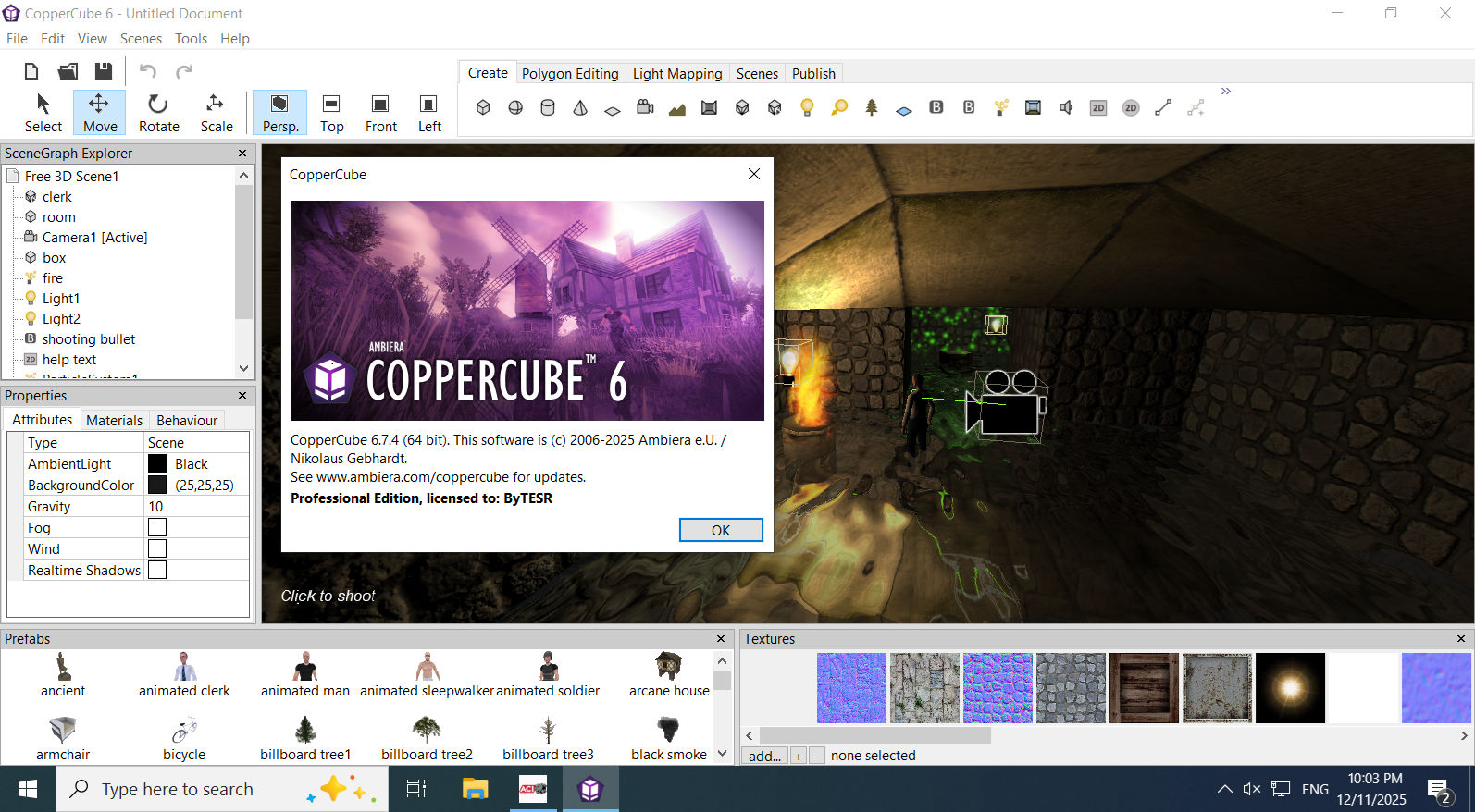
Download CopperCube Professional 6.7.4 x64 full license

Download CopperCube Professional 6.7.4 x64 full license

Link download CopperCube Professional 6.7.4 full activated

Working with CopperCube Professional 6.7.4 full license

Description of CopperCube Professional 6.7.4

CopperCube Professional 6.7.4 is a lightweight yet powerful 3D game development software that allows users to create interactive 3D applications, simulations, and games without requiring deep programming skills. Designed for speed, accessibility, and cross-platform publishing, it is a popular choice for developers who want to build 3D projects quickly and efficiently.

Features of CopperCube Professional 6.7.4

No-Code 3D Game Development
CopperCube offers a visual editor with an intuitive drag and drop system, enabling users to design scenes, place models, and set up behaviors without writing code. Its event based system allows you to add actions, interactions, animations, and logic easily.

Advanced JavaScript Scripting Support
For developers who want more control, CopperCube includes full JavaScript scripting capabilities. Users can extend game logic, build custom behaviors, and integrate scripts for deeper functionality.

Cross-Platform Publishing
CopperCube Professional 6.7.4 supports exporting to Windows applications, macOS apps, WebGL for browsers, mobile devices, and Android APK. This flexibility makes it suitable for a wide range of game and simulation projects.

Fast 3D Rendering Engine
The software features a built-in 3D rendering engine optimized for real-time performance. It includes features like dynamic lighting, shaders, fog, skyboxes, particle effects, and support for animated 3D characters.

Terrain Generator and Scene Tools
Users can create landscapes with the integrated terrain editor, sculpt hills, add textures, and populate the scene with vegetation or models. The scene graph provides a clean structure for organizing objects.

Animation and Character Support
CopperCube supports skeletal animation, character movement, and AI behaviors. You can import animated meshes, set up walking cycles, and add simple AI tasks such as follow, patrol, or attack.

Integrated Physics and Collision Detection
The engine features built-in collision detection and physics behaviors, enabling smooth character movement, object interactions, triggers, and environmental reactions.

Lightweight and Beginner Friendly
CopperCube is known for being extremely small in size and requiring little system power. Its simple interface helps beginners start building 3D projects quickly while still offering professionals deep control.

Extensive Asset Compatibility
The software supports multiple import formats including OBJ, FBX, 3DS, and more. This makes it easy to integrate external models, animations, textures, and environment assets into your scene.

Publishing and Performance Optimization Tools
CopperCube Professional includes options for texture compression, LOD generation, scene optimization, and batch processing to ensure the final project runs smoothly across all platforms.

If you want to download CopperCube Professional 6.7.4 full license, please click to DOWNLOAD button to download.
CLICKDOWN.ORG Download CAD CAM CNC software
Inside package CopperCube Professional 6.7.4, already have cracked files and instruction how to install CopperCube Professional 6.7.4 step by step. I guarantee you can install CopperCube Professional 6.7.4 successfully if you follow that instruction.
If you also can’t install it or get any problems, please contact to me by email: clickdown.org@gmail.com, then I will help you to install software by teamviewer or Ultraviewer or Anydesk.
Thanks a lot

SOFTWARES

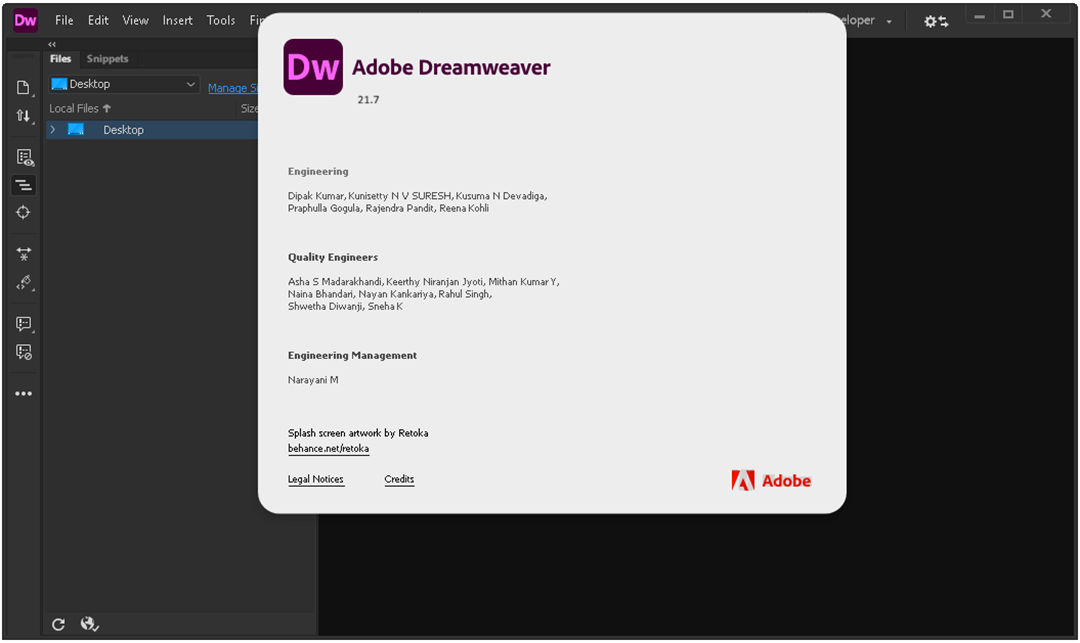
Download Adobe Dreamweaver 2021 v21.7.0.15757 x64 full

Download Adobe Dreamweaver 2021 v21.7.0.15757 x64 full

Link download Adobe Dreamweaver 2021 v21.7.0.15757 full activated

Working with Adobe Dreamweaver 2021 v21.7.0.15757 full license

Description of Adobe Dreamweaver 2021 v21.7.0.15757

Adobe Dreamweaver 2021 v21.7.0.15757 is a powerful web design and development tool used for creating responsive, modern, and visually rich websites. This release offers improved performance, updated coding features, and enhanced support for the latest web standards. Designed for beginners and professionals, Dreamweaver provides a full set of tools for building dynamic sites with HTML, CSS, JavaScript, PHP, and various frameworks.

The 2021 version features a streamlined interface, real-time code validation, and integrated preview options that help developers work more efficiently. The updated Live View environment improves rendering accuracy and supports new CSS properties and JavaScript functions. Enhanced Git integration and customizable workspace layouts make Dreamweaver 2021 ideal for designers, front-end developers, and full-stack teams.

With native support for Bootstrap, improved multi-monitor workflows, and advanced coding assistance, Dreamweaver 2021 ensures faster development, cleaner code, and better compatibility across devices and browsers.

Features of Adobe Dreamweaver 2021 v21.7.0.15757

Responsive Web Design Tools
Built-in support for Bootstrap enables rapid responsive layout creation. Users can design flexible pages that adapt smoothly to different screen sizes.

Enhanced Coding Environment
Dreamweaver includes intelligent code completion, syntax highlighting, advanced search and replace, and real-time linting for cleaner and more reliable code.

Improved Live View Rendering
The Live View engine has been updated for better accuracy, supporting the latest HTML5, CSS3, and JavaScript standards. Developers can preview changes instantly without external browsers.

Git Integration
Version control is easier with integrated Git support. Users can manage branches, commit changes, and sync projects directly within the workspace.

Multi-Monitor Optimization
Improved multi-screen support provides a more flexible workflow for developers who need additional workspace for panels, code editors, or previews.

Support for Modern Frameworks
Dreamweaver 2021 works smoothly with tools like Bootstrap, jQuery, and Node-based workflows, allowing developers to create dynamic and interactive web experiences.

Faster Performance
The 2021 version includes performance optimizations to reduce loading times, speed up file management, and improve responsiveness during coding.

Customizable User Interface
Users can adjust panel layouts, color themes, and shortcuts to match their preferred working style and increase productivity.

Quick Start Templates
A wide range of templates for landing pages, portfolios, and blogs helps users begin projects quickly with professional design structures.

Integrated FTP and Publishing Tools
Publish websites directly from Dreamweaver using built-in FTP, SFTP, and other transfer protocols for fast deployment.

If you want to download Adobe Dreamweaver 2021 v21.7.0.15757 full license, please click to DOWNLOAD button to download.
CLICKDOWN.ORG Download CAD CAM CNC software
Inside package Adobe Dreamweaver 2021 v21.7.0.15757, already have cracked files and instruction how to install Adobe Dreamweaver 2021 v21.7.0.15757 step by step. I guarantee you can install Adobe Dreamweaver 2021 v21.7.0.15757 successfully if you follow that instruction.
If you also can’t install it or get any problems, please contact to me by email: clickdown.org@gmail.com, then I will help you to install software by teamviewer or Ultraviewer or Anydesk.
Thanks a lot
SOFTWARES

Download JetBrains IntelliJ IDEA Ultimate 2025.3 win64 full

Download JetBrains IntelliJ IDEA Ultimate 2025.3 full license

Link download JetBrains IntelliJ IDEA Ultimate 2025.3 full activated

Working with JetBrains IntelliJ IDEA Ultimate 2025.3 full license

Description of JetBrains IntelliJ IDEA Ultimate 2025.3

JetBrains IntelliJ IDEA Ultimate 2025.3 is a leading professional IDE designed for high-performance development across Java, Kotlin, JVM languages, web technologies, and enterprise frameworks. Built for productivity and intelligent code assistance, this release provides significant upgrades in performance, AI-powered development, UI refinement, and deeper integration with cloud and DevOps tools.

The 2025.3 version enhances developer workflows with smarter code completion, improved refactoring, advanced debugging tools, and seamless framework support. Whether building microservices, enterprise applications, or modern web solutions, IntelliJ IDEA Ultimate delivers a unified environment with deep code understanding, automated insights, and optimized development pipelines.

With updated plugins, faster indexing, and stronger security analysis, IntelliJ IDEA Ultimate 2025.3 helps teams produce cleaner, safer, and more efficient code. It is ideal for professional developers working in complex multi-module projects and large codebases.

Features of JetBrains IntelliJ IDEA Ultimate 2025.3

Enhanced AI-Assisted Development
This release integrates JetBrains AI advancements for contextual code suggestions, auto-generated tests, smart documentation creation, and real-time refactoring tips.

Faster Indexing and Project Loading
Improved project indexing reduces startup times and delivers smoother performance when navigating large repositories and complex build structures.

Advanced Code Completion and Analysis
Enjoy deeper language understanding with enhanced inspections, better quick-fix recommendations, and improved cross-language navigation for Java, Kotlin, Python, JavaScript, and more.

Updated User Interface
The modern UI provides a cleaner layout, refined typography, reduced visual noise, and improved dark mode for long coding sessions.

Stronger Framework and Language Support
Support includes Spring, Jakarta EE, Micronaut, Quarkus, React, Angular, Vue, Node.js, and SQL tools. Built-in support for cloud-native development enhances productivity across microservices ecosystems.

Improved DevOps and Cloud Integration
2025.3 improves integration with Docker, Kubernetes, Terraform, and cloud providers. Developers can manage containers, clusters, and infrastructure directly from the IDE.

Advanced Debugger and Profiler
The built-in debugger features improved stepping performance, multi-thread visualization, and memory tools. Profiling enhancements allow deeper analysis of CPU and memory hotspots.

Better Database and SQL Tools
Enhanced database explorer, faster query execution, ERD visualization, and improved schema synchronization help streamline backend and data-driven development.

Secure Coding and Vulnerability Analysis
Security scanning identifies potential vulnerabilities, outdated dependencies, and unsafe coding patterns. This helps maintain secure and compliant projects.

Improved Version Control Integration
Upgraded Git, GitHub, GitLab, and Bitbucket integrations ensure smoother branching, merging, conflict resolution, and CI pipeline tracking.

If you want to download JetBrains IntelliJ IDEA Ultimate 2025.3 full license, please click to DOWNLOAD button to download.
CLICKDOWN.ORG Download CAD CAM CNC software
Inside package JetBrains IntelliJ IDEA Ultimate 2025.3, already have cracked files and instruction how to install JetBrains IntelliJ IDEA Ultimate 2025.3 step by step. I guarantee you can install JetBrains IntelliJ IDEA Ultimate 2025.3 successfully if you follow that instruction.
If you also can’t install it or get any problems, please contact to me by email: clickdown.org@gmail.com, then I will help you to install software by teamviewer or Ultraviewer or Anydesk.
Thanks a lot

SOFTWARES

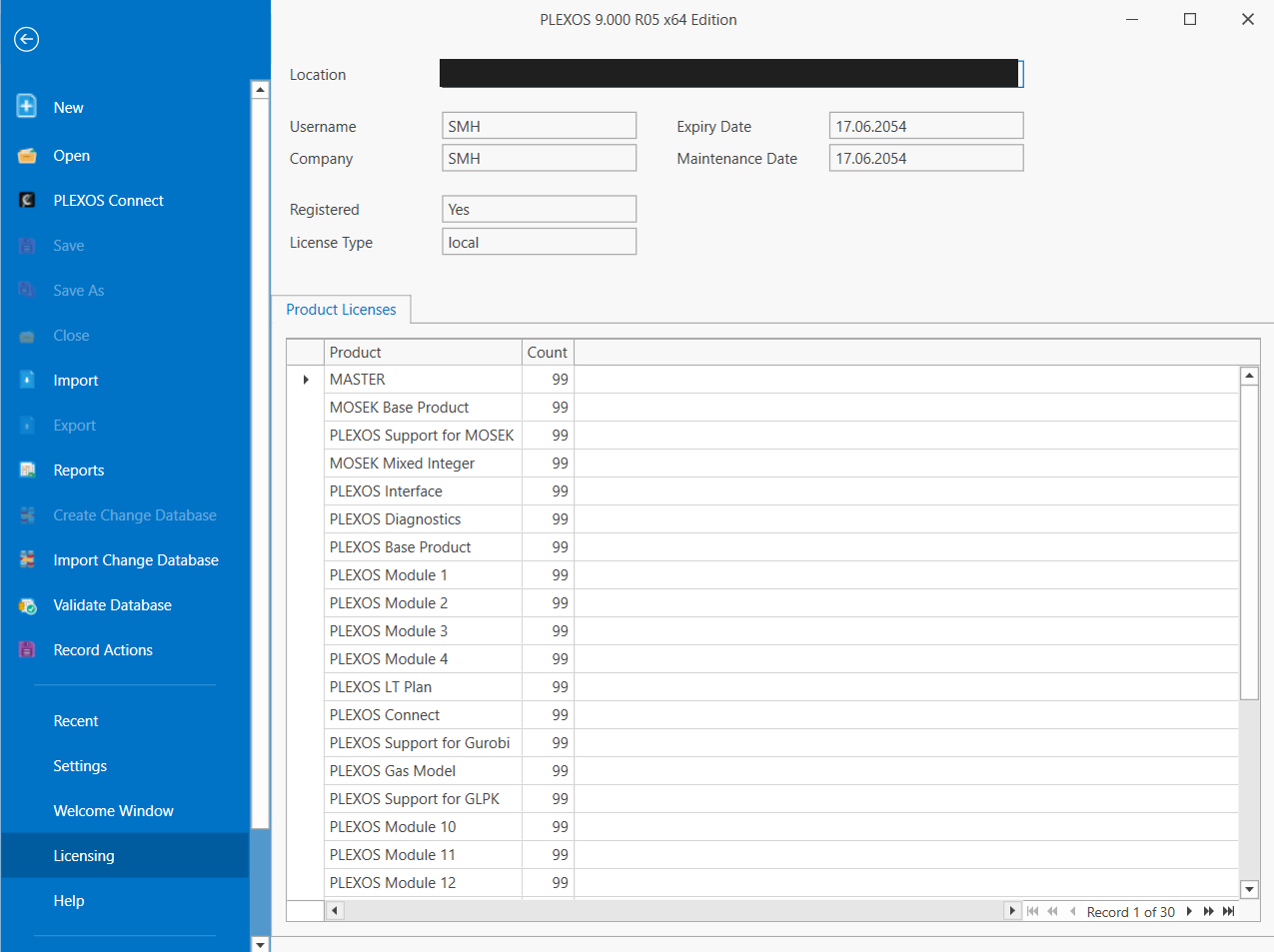
Download ENERGY EXEMPLAR PLEXOS 2022 v9.000 R05 full license

Download ENERGY EXEMPLAR PLEXOS 2022 v9.000 R05 full license

Link download ENERGY EXEMPLAR PLEXOS 2022 v9.000 R05 full activated

PLEXOS 2022 v9.000 R05 x64 full activated

Working with ENERGY EXEMPLAR PLEXOS 2022 v9.000 R05 full license

Description of ENERGY EXEMPLAR PLEXOS 2022 v9.000 R05

Energy Exemplar PLEXOS 2022 v9.000 R05 is a powerful energy market simulation platform designed for detailed modeling, optimization, and forecasting of electricity, gas, and water systems. Built with advanced mathematical algorithms and high-performance optimization engines, this version delivers improved accuracy, faster simulation speeds, and expanded modeling capabilities for system operators, utilities, consultants, and policy planners.

PLEXOS 2022 v9.000 R05 supports integrated energy planning with enhanced functionality for long-term and short-term market analysis. The software provides real-world modelling environments where users can evaluate dispatch strategies, investment options, demand forecasts, renewable penetration, and storage requirements. With improved scenario management and robust data handling tools, this release ensures reliable insights into economic, operational, and environmental performance.

Features of ENERGY EXEMPLAR PLEXOS 2022 v9.000 R05

Advanced Energy Market Simulation
Perform detailed simulations for electricity, gas, and water systems using state-of-the-art optimization algorithms. Model generation units, transmission networks, storage assets, and market rules with precise accuracy.

Enhanced Optimization Engine
The 2022 version includes performance improvements that speed up solving times. Users can run complex, large-scale models with higher efficiency and reduced processing demands.

Integrated Multi-Sector Modeling
Analyze cross-sector interactions between electricity, gas, and water networks. Evaluate the impact of renewable energy, fuel supply constraints, and storage technologies on overall system performance.

Improved Renewable and Storage Modelling
PLEXOS 2022 offers more robust features for analyzing solar, wind, hydro, and battery storage resources. Users can forecast variability, assess intermittency risks, and optimize storage dispatch strategies.

Comprehensive Scenario Management
Create, compare, and manage multiple scenarios effortlessly. This release includes improved tools for sensitivity analysis, probabilistic forecasting, and future demand modelling.

Detailed Cost and Emissions Analysis
Evaluate capital expenditure, operational costs, fuel consumption, and emissions. PLEXOS provides transparent reporting to support regulatory compliance and strategic planning.

High-Quality Visualization and Reporting
Generate customizable dashboards, charts, and performance reports. The updated interface allows faster access to model outputs and improved interpretation of simulation results.

Flexible Data Integration
Easily import and export data from various industry formats. Connect to external datasets, databases, and planning tools to maintain consistent workflows.

Cloud and High-Performance Computing Support
Optimize large simulations with distributed computing options. Cloud integration ensures scalable performance for large models and long-term planning studies.

Improved User Interface
PLEXOS 2022 features enhanced navigation, clearer project structures, and streamlined modelling workflows to boost productivity for both new and experienced users.

If you want to download ENERGY EXEMPLAR PLEXOS 2022 v9.000 R05 full license, please click to DOWNLOAD button to download.
CLICKDOWN.ORG Download CAD CAM CNC software
Inside package ENERGY EXEMPLAR PLEXOS 2022 v9.000 R05, already have cracked files and instruction how to install ENERGY EXEMPLAR PLEXOS 2022 v9.000 R05 step by step. I guarantee you can install ENERGY EXEMPLAR PLEXOS 2022 v9.000 R05 successfully if you follow that instruction.
If you also can’t install it or get any problems, please contact to me by email: clickdown.org@gmail.com, then I will help you to install software by teamviewer or Ultraviewer or Anydesk.
Thanks a lot
SOFTWARES

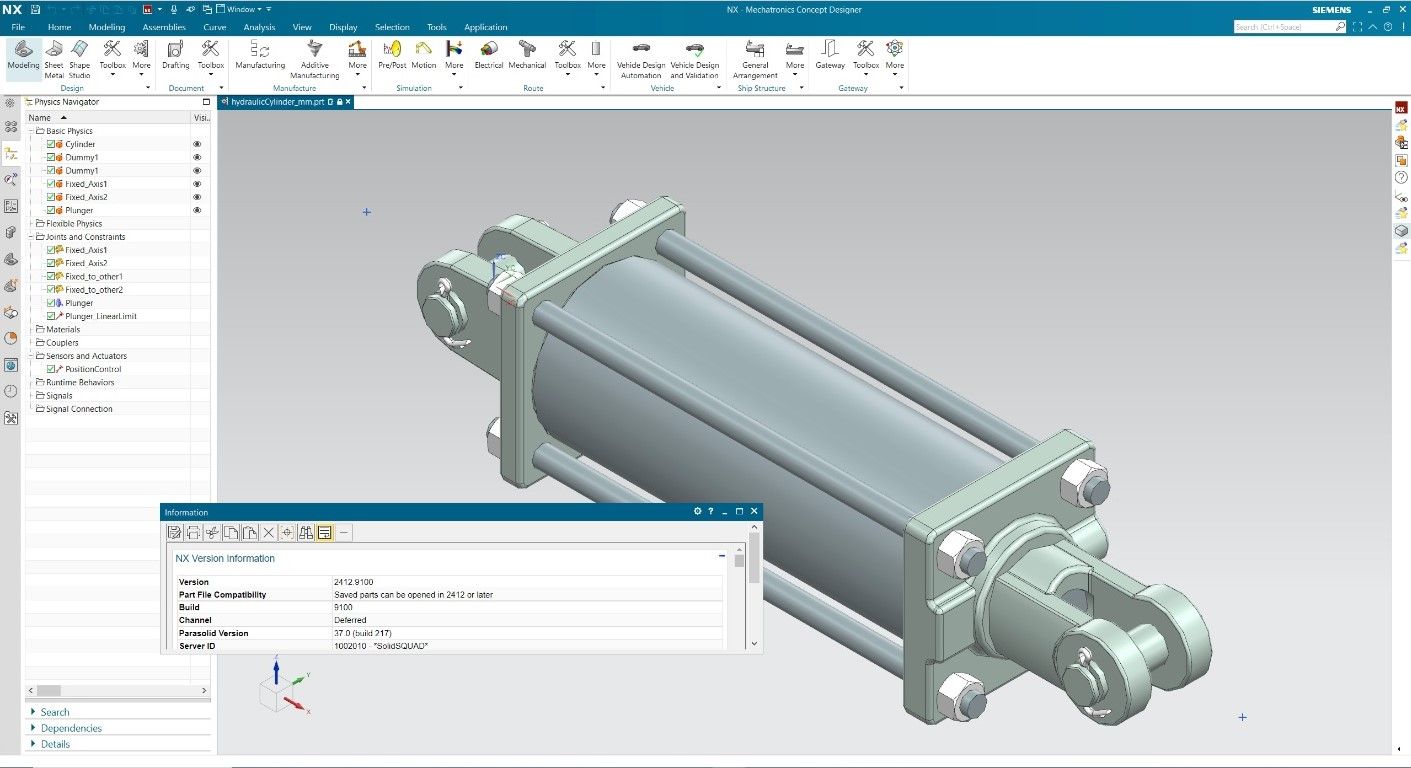
Download Siemens NX 2412 Build 9100 win64 full license

Download Siemens NX 2412 Build 9100 win64 full license

Link download Siemens NX 2412 Build 9100 full activated

Working with Siemens NX 2412 Build 9100 full license

Description of Siemens NX 2412 Build 9100

Siemens NX 2412 Build 9100 is a next-generation integrated CAD, CAM, and CAE solution designed to support modern product engineering, advanced manufacturing, and high-precision simulation workflows. Built for industries such as automotive, aerospace, industrial machinery, and high-tech manufacturing, this version delivers superior performance, improved modeling accuracy, and powerful automation tools that accelerate product development.

NX 2412 introduces upgraded design capabilities, smarter generative modeling tools, enhanced simulation accuracy, and more efficient manufacturing programming. With an improved user experience and seamless integration across the Siemens Digital Industries ecosystem, this release strengthens the end-to-end digital thread for engineering teams.

Features of Siemens NX 2412 Build 9100

1. Enhanced CAD Modeling Engine
NX 2412 improves the core modeling kernel for faster geometry processing, better handling of complex surfaces, and more accurate feature creation, supporting advanced industrial design tasks.

2. Generative Design and AI Automation
The new version includes expanded topology optimization tools, AI-assisted refinements, and automated design recommendations that help engineers produce lightweight and structurally efficient components.

3. Synchronous Modeling Improvements
Enhanced direct editing tools allow quick modifications of imported geometry. Users can edit complex assemblies and multi-body models more efficiently without losing associativity.

4. Expanded Simulation and CAE Tools
NX CAE offers improved multiphysics simulation, structural analysis, thermal modeling, and motion analysis. Enhanced solver performance ensures faster and more precise engineering evaluations.

5. Advanced CAM and Manufacturing Capabilities
Manufacturers benefit from upgraded toolpath generation, high-speed machining strategies, optimized cutting routines, and better collision detection for CNC programming.

6. Hybrid and Multi-Axis Machining Support
NX 2412 includes improved 5-axis machining, additive manufacturing, and hybrid workflows. Users can combine printing and subtractive steps in a single environment.

7. Powerful Assembly Management
Large assemblies load faster with improved memory handling. New tools help users manage configurations, detect clashes, and maintain assembly relationships with precision.

8. Improved Drafting and PMI Tools
Upgraded drawing automation, PMI enhancements, and annotation tools support manufacturing documentation and GD&T requirements with greater accuracy.

9. Cloud Collaboration and Teamcenter Integration
Seamless connectivity with Teamcenter enables version control, digital twin workflows, and collaborative engineering across distributed teams.

10. UI Enhancements and Workflow Optimization
Streamlined menus, improved tool organization, and customizable interfaces help users work more efficiently and reduce repetitive tasks.

If you want to download Siemens NX 2412 Build 9100 full license, please click to DOWNLOAD button to download.
CLICKDOWN.ORG Download CAD CAM CNC software
Inside package Siemens NX 2412 Build 9100, already have cracked files and instruction how to install Siemens NX 2412 Build 9100 step by step. I guarantee you can install Siemens NX 2412 Build 9100 successfully if you follow that instruction.
If you also can’t install it or get any problems, please contact to me by email: clickdown.org@gmail.com, then I will help you to install software by teamviewer or Ultraviewer or Anydesk.
Thanks a lot
SOFTWARES

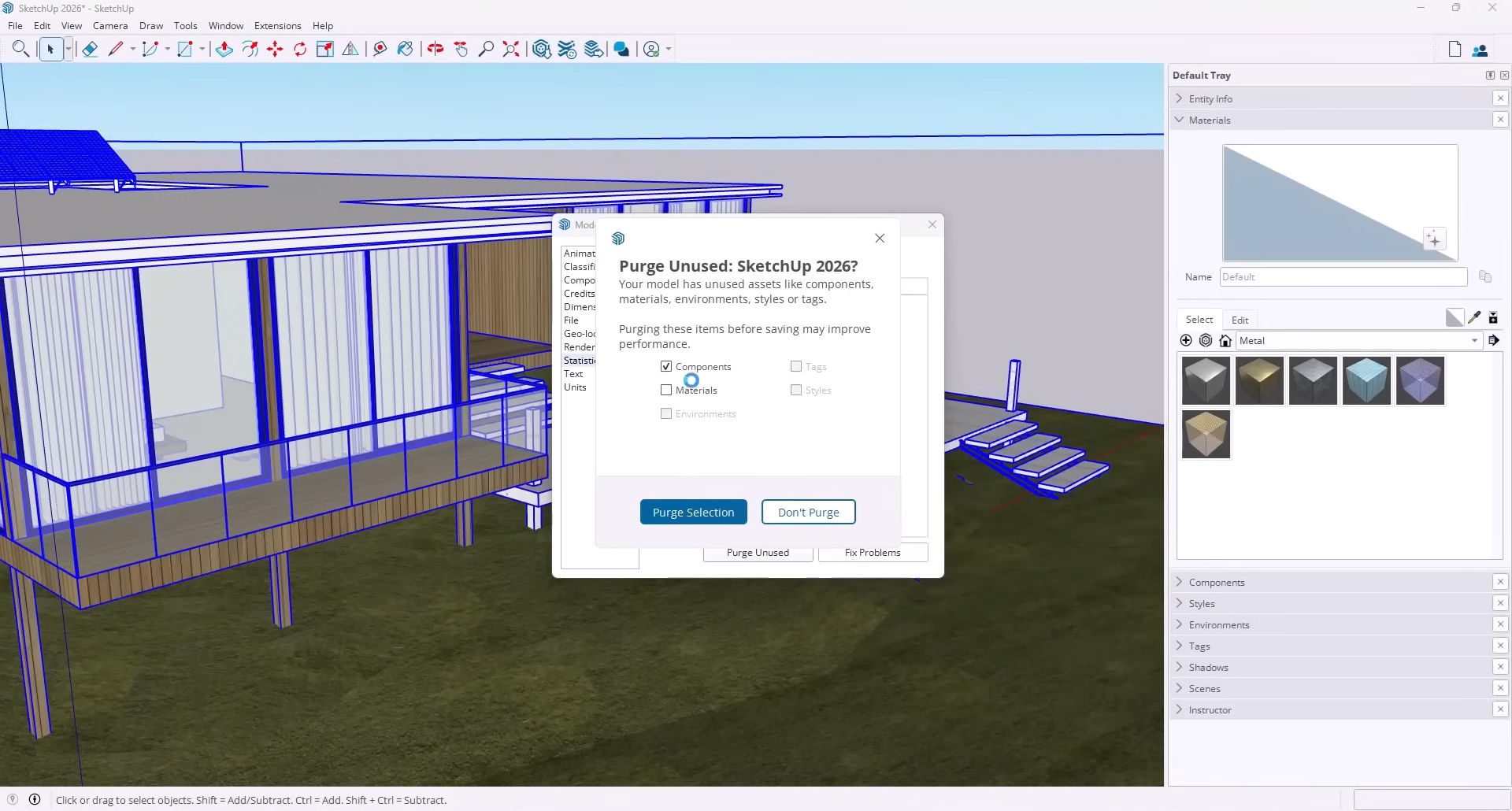
Download SketchUp Pro 2026 v26.1.185 x64 full license

Download SketchUp Pro 2026 v26.1.185 x64 full license

Link download SketchUp Pro 2026 v26.1.185 full activated

Working with SketchUp Pro 2026 v26.1.185 full license

Description of SketchUp Pro 2026 v26.1.185

SketchUp Pro 2026 v26.1.185 is the latest generation of the popular 3D modeling software used by architects, interior designers, engineers, builders, and creative professionals worldwide. Known for its simplicity and flexibility, this version brings enhanced performance, improved modeling tools, and advanced visualization capabilities to support everything from conceptual sketches to detailed construction documentation.

SketchUp Pro 2026.1 focuses on precision, speed, and collaboration. With upgraded modeling engines, improved graphics performance, and better interoperability with design tools, users can create accurate 3D models while maintaining a smooth and efficient workflow. The addition of new drawing tools, updated LayOut features, and improved cloud integration makes this version one of the most versatile releases to date.

Features of SketchUp Pro 2026 v26.1.185

1. Enhanced 3D Modeling Engine
The updated modeling core delivers faster responsiveness, smoother navigation, and improved handling of complex models. Large projects now load and render more efficiently.

2. Improved Graphics and Rendering Performance
With upgraded real-time rendering engines, users experience better shadows, textures, and lighting previews. Viewport quality is noticeably improved during orbiting and editing.

3. Expanded Modeling and Drawing Tools
New and refined tools make it easier to create detailed geometry, curved elements, and parametric-like structures. Updated snapping and inference systems help ensure high accuracy.

4. LayOut Enhancements for Documentation
LayOut 2026 includes improved dimensioning, faster document rendering, better scaling controls, and smoother vector output for high-quality project presentations and construction drawings.

5. Better BIM and CAD Interoperability
Support for updated DWG, DXF, IFC, and other file formats allows easier collaboration across BIM and CAD platforms. Import and export workflows are faster and more reliable.

6. Updated SketchUp Warehouse Integration
Access to millions of 3D models with faster search, improved loading, and better asset management. Components now import with optimized geometry.

7. Professional Visualization Improvements
Support for high-resolution textures, improved material editing, and better lighting simulations creates more realistic previews and final renders.

8. Cloud Collaboration and Version Control
SketchUp Pro 2026 connects seamlessly with Trimble Connect, enabling multi-user collaboration, cloud storage, project sharing, and version history tracking.

9. Performance Optimization for Large Models
The latest version reduces lag during editing, supports detailed layers and tagging systems, and improves memory usage for large architectural and engineering models.

10. Custom Extensions and Plugin Support
With updated API support, users can integrate third-party extensions for rendering, automation, simulation, landscaping, and design customization.

If you want to download SketchUp Pro 2026 v26.1.185 full license, please click to DOWNLOAD button to download.
CLICKDOWN.ORG Download CAD CAM CNC software
Inside package SketchUp Pro 2026 v26.1.185, already have cracked files and instruction how to install SketchUp Pro 2026 v26.1.185 step by step. I guarantee you can install SketchUp Pro 2026 v26.1.185 successfully if you follow that instruction.
If you also can’t install it or get any problems, please contact to me by email: clickdown.org@gmail.com, then I will help you to install software by teamviewer or Ultraviewer or Anydesk.
Thanks a lot
SOFTWARES

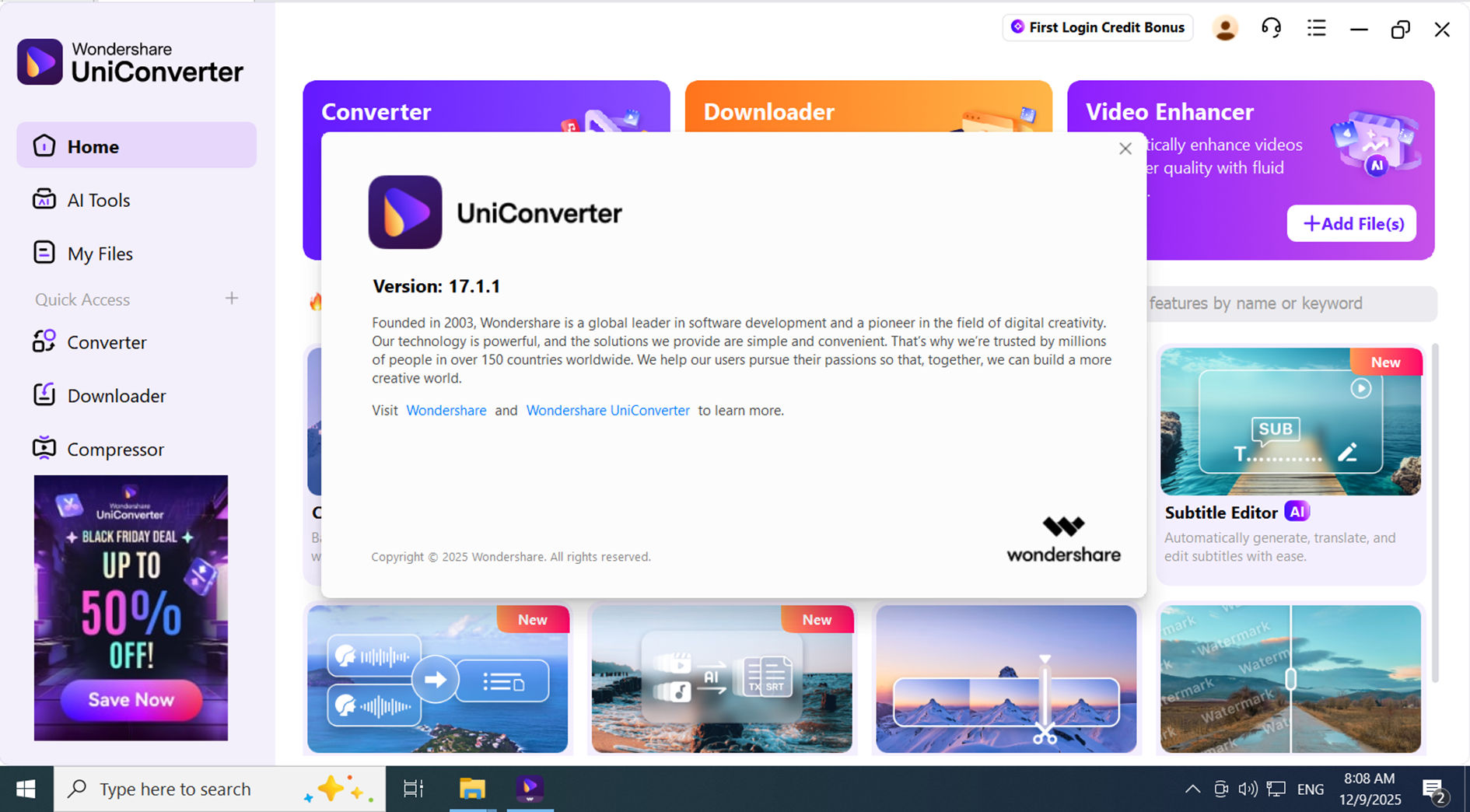
Download Wondershare UniConverter 17.1.1.457 full license

Download Wondershare UniConverter 17.1.1.457 full license

Link download Wondershare UniConverter 17.1.1.457 full activated

Working with Wondershare UniConverter 17.1.1.457 full license

Description of Wondershare UniConverter 17.1.1.457

Wondershare UniConverter 17.1.1.457 is an all-in-one video conversion and multimedia management solution designed for users who need fast, high-quality file processing. This latest release combines powerful video conversion, editing, compression, and screen recording features with an enhanced interface and improved performance. Ideal for content creators, marketers, educators, and everyday users, UniConverter provides a complete toolkit for managing video and audio files across multiple formats and devices.

With its advanced GPU acceleration, batch processing capabilities, and extensive format support, UniConverter 17.1.1.457 ensures smooth workflows for video conversion, DVD burning, AI-powered editing, and media transfers. The new version offers better stability, faster output speeds, and updated tools for modern video standards including 4K, 8K, HDR, and HEVC.

Features of Wondershare UniConverter 17.1.1.457

1. High-Speed Video Conversion
UniConverter supports over 1000 video and audio formats, including MP4, MKV, MOV, AVI, HEVC, and H.264. GPU acceleration technology delivers significantly faster conversion speeds without quality loss.

2. AI-Powered Smart Tools
This version includes AI tools for noise reduction, subtitle generation, video enhancement, and auto-cropping. These features improve efficiency and simplify complex editing tasks.

3. Built-In Video Editor
Users can trim, cut, merge, rotate, crop, add effects, and apply filters directly within the software. The editor is designed for quick adjustments without needing advanced editing experience.

4. Video Compression with Quality Preservation
The compression module reduces file sizes while maintaining visual integrity. Users can preview compression results and adjust bitrate, resolution, or format settings.

5. DVD Burning and Disc Management
UniConverter 17.1.1.457 offers tools for burning videos to DVD, creating menus, customizing chapters, and converting DVDs to digital files for backup or editing.

6. Screen Recording and Webcam Capture
The software includes a built-in screen recorder for capturing tutorials, gameplay, meetings, and presentations with audio and webcam overlay options.

7. Downloader for Online Media
Users can download videos, playlists, and audio files from popular platforms and convert them into their desired formats.

8. Full Support for 4K and 8K Video Processing
The updated engine performs optimally with high-resolution video, ensuring smooth playback, editing, and exporting.

9. Batch Processing for Large Projects
Batch conversion and editing allow users to process multiple files at once, saving time on large video or audio collections.

10. Device Conversion and Transfer Tools
UniConverter provides optimized profiles for smartphones, smart TVs, gaming devices, and VR headsets, along with fast file transfer options.

If you want to download Wondershare UniConverter 17.1.1.457 full license, please click to DOWNLOAD button to download.
CLICKDOWN.ORG Download CAD CAM CNC software
Inside package Wondershare UniConverter 17.1.1.457, already have cracked files and instruction how to install Wondershare UniConverter 17.1.1.457 step by step. I guarantee you can install Wondershare UniConverter 17.1.1.457 successfully if you follow that instruction.
If you also can’t install it or get any problems, please contact to me by email: clickdown.org@gmail.com, then I will help you to install software by teamviewer or Ultraviewer or Anydesk.
Thanks a lot

SOFTWARES

Download EPTAR Reinforcement 7.0.5.0 for ArchiCAD 29 x64 full

Download EPTAR Reinforcement 7.0.5.0 for ArchiCAD 29 x64 full

Link download EPTAR Reinforcement 7.0.5.0 for ArchiCAD 29 full activated

Working with EPTAR Reinforcement 7.0.5.0 for ArchiCAD 29 x64 full

Description of EPTAR Reinforcement 7.0.5.0 for ArchiCAD 29

EPTAR Reinforcement 7.0.5.0 for ArchiCAD 29 is a powerful structural design extension that enables architects and engineers to create accurate, detailed, and fully parametric reinforcement plans directly inside ArchiCAD. Developed to improve workflow efficiency and reduce manual drafting, this version offers improved reinforcement modeling, better visualization, and enhanced documentation tools tailored for structural concrete projects.

With its intelligent automation features, EPTAR Reinforcement allows users to design rebars, meshes, stirrups, and reinforcement systems with precision. The 7.0.5.0 release provides improved compatibility with ArchiCAD 29, faster performance, and updated tools that support complex geometries and industry-standard documentation requirements.

Features of EPTAR Reinforcement 7.0.5.0 for ArchiCAD 29

1. Full Integration with ArchiCAD 29
This version provides complete compatibility with ArchiCAD 29, ensuring seamless use of reinforcement tools inside the BIM workflow without manual adjustments.

2. Parametric Reinforcement Modeling
Users can create intelligent, rule-based rebar elements including slabs, beams, walls, footings, and columns. Models automatically adapt to changes in geometry and design modifications.

3. Assignment of Rebar Types and Shapes
EPTAR supports multiple rebar types such as straight bars, stirrups, meshes, bent bars, and U-shaped elements. This allows precise modeling for any structural component.

4. Automatic 2D and 3D Reinforcement Views
The add-on generates both 2D drawings and 3D reinforcement models. This helps users visualize placement, detect collisions, and validate reinforcement layouts.

5. Detailed Rebar Schedules and Lists
Version 7.0.5.0 includes enhanced scheduling tools that automatically generate quantity lists, weight calculations, and material summaries according to international standards.

6. Smart Placement Tools
Users can insert reinforcement with automated placement rules such as spacing, cover settings, bending shapes, and anchoring methods for fast and consistent modeling.

7. Improved Clash Detection and Validation
The updated engine helps identify conflicts between rebars and structural elements, ensuring constructability and reducing design errors.

8. Support for Complex Geometry
EPTAR Reinforcement can handle curved surfaces, irregular shapes, and non-standard structural elements, making it suitable for advanced architectural designs.

9. Customizable Documentation Output
The software produces detailed reinforcement drawings, tags, symbols, and annotations. Users can customize documentation to meet regional or project-specific standards.

10. Faster Performance and Stability Improvements
The latest release offers optimized computing, smoother navigation, and greater reliability when working on large-scale structural models.

If you want to download EPTAR Reinforcement 7.0.5.0 for ArchiCAD 29 full license, please click to DOWNLOAD button to download.
CLICKDOWN.ORG Download CAD CAM CNC software
Inside package EPTAR Reinforcement 7.0.5.0 for ArchiCAD 29, already have cracked files and instruction how to install EPTAR Reinforcement 7.0.5.0 for ArchiCAD 29 step by step. I guarantee you can install EPTAR Reinforcement 7.0.5.0 for ArchiCAD 29 successfully if you follow that instruction.
If you also can’t install it or get any problems, please contact to me by email: clickdown.org@gmail.com, then I will help you to install software by teamviewer or Ultraviewer or Anydesk.
Thanks a lot
SOFTWARES

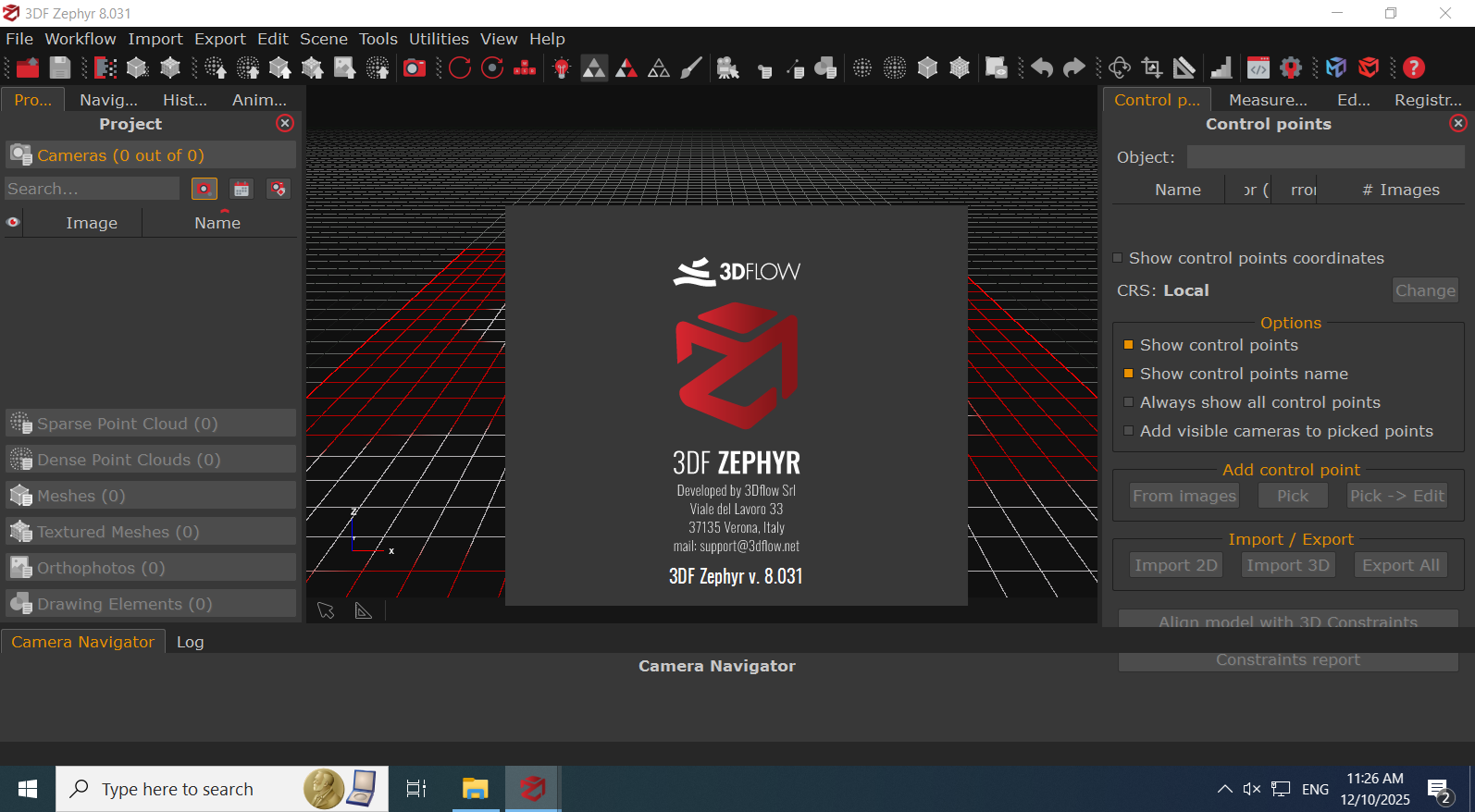
Download 3DF Zephyr 8.031 Multilingual win64 full license

Download 3DF Zephyr 8.031 Multilingual x64 full license forever

Link download 3DF Zephyr 8.031 full activated

Working with 3DF Zephyr 8.031 full activated permanent

Description of 3DF Zephyr 8.031

3DF Zephyr 8.031 is a leading photogrammetry software designed to convert photos and videos into accurate 3D models. Developed by 3Dflow, this version delivers improved reconstruction quality, enhanced processing speed, and advanced workflow tools suitable for professionals in surveying, architecture, archaeology, visual effects, gaming, and industrial applications.

Known for its intuitive interface and fully automated process, 3DF Zephyr 8.031 allows users to capture, align, reconstruct, and export high-quality 3D models with minimal manual input. The update brings powerful algorithms, better texture handling, and expanded export compatibility, making it one of the most reliable solutions in digital 3D reconstruction.

Features of 3DF Zephyr 8.031

1. Improved Photogrammetry Engine
The latest version includes enhanced Structure from Motion and Multi-View Stereo algorithms, offering more accurate point clouds, mesh details, and texture fidelity.

2. Fully Automated Workflow
3DF Zephyr automatically processes image sets from start to finish. Beginners can generate complete 3D models with just a few clicks, while professionals retain full control over advanced settings.

3. High-Quality Point Cloud and Mesh Generation
Version 8.031 delivers sharper point clouds, optimized meshes, and richer surface detail, improving model accuracy for surveying, reverse engineering, and documentation projects.

4. Advanced Texturing System
Zephyr 8.031 includes improved texture baking, color balance, and UV mapping tools that produce realistic and consistent textures even in complex environments.

5. Video Reconstruction Support
Users can extract frames from videos and process them directly, enabling 3D capture from drones, GoPro cameras, and handheld devices.

6. GPU Acceleration and Faster Processing
The software supports multi-GPU computing, significantly reducing processing time during alignment, reconstruction, and mesh creation.

7. Control Points and Georeferencing Tools
3DF Zephyr provides professional tools such as ground control points, scale constraints, and GPS data integration. This ensures accurate georeferenced models for mapping and surveying.

8. Multiple Export Formats
Zephyr 8.031 supports a wide range of export formats including OBJ, FBX, PLY, STL, LAS, and more. This allows smooth integration with CAD, BIM, game engines, and 3D printing workflows.

9. Built-In Editing Tools
Users can clean point clouds, repair meshes, merge objects, remove noise, and refine geometry directly within the software.

10. Enhanced User Interface and Usability
The updated interface offers better project organization, easier navigation, improved visualization tools, and customizable layouts for efficient project management.

If you want to download 3DF Zephyr 8.031 full license, please click to DOWNLOAD button to download.
CLICKDOWN.ORG Download CAD CAM CNC software
Inside package 3DF Zephyr 8.031, already have cracked files and instruction how to install 3DF Zephyr 8.031 step by step. I guarantee you can install 3DF Zephyr 8.031 successfully if you follow that instruction.
If you also can’t install it or get any problems, please contact to me by email: clickdown.org@gmail.com, then I will help you to install software by teamviewer or Ultraviewer or Anydesk.
Thanks a lot
SOFTWARES

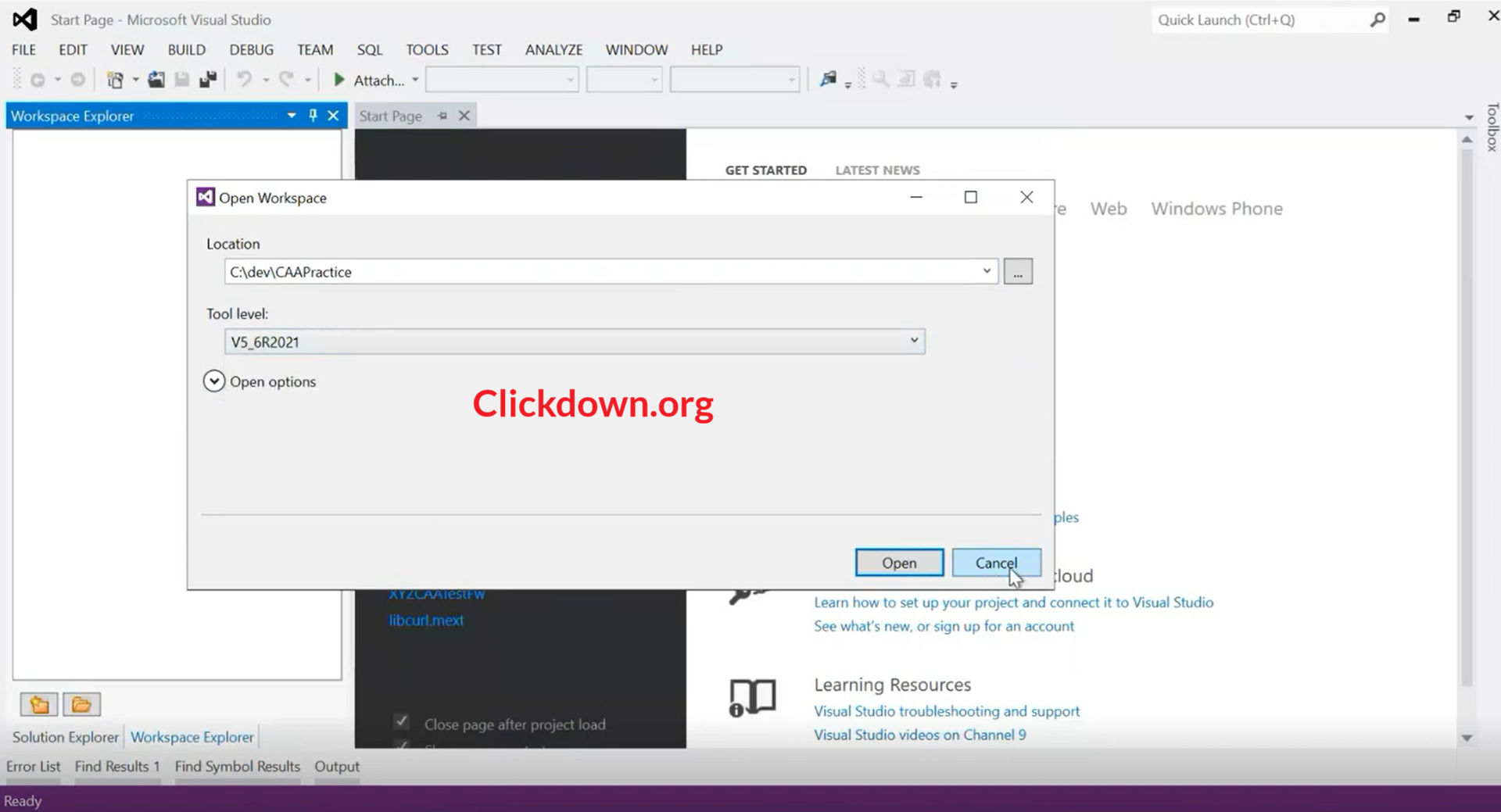
Download CATIA CAA RADE V5_6R2021 x64 full license forever

Download CATIA CAA RADE V5_6R2021 x64 full license forever

Link download CATIA CAA RADE V5_6R2021 full activated

Working with CATIA CAA RADE V5_6R2021 full license

Description of CATIA CAA RADE V5_6R2021

CATIA CAA RADE V5_6R2021 is an advanced development environment designed for customizing, extending, and integrating CATIA V5 applications. Built on the powerful CAA (Component Application Architecture) framework by Dassault Systèmes, this release gives developers the tools they need to create robust engineering applications, automate design processes, and build powerful add-ons tailored to industry workflows.

CAA RADE V5_6R2021 offers a complete suite of tools for code development, UI creation, debugging, testing, and deployment within the CATIA environment. Engineering companies, software developers, and system integrators use this platform to build specialized solutions that enhance productivity and expand CATIA capabilities across aviation, automotive, industrial design, and manufacturing sectors.

Features of CATIA CAA RADE V5_6R2021

1. Full Integration with CATIA V5 Platform
CAA RADE enables developers to build applications that behave as native CATIA components. This ensures seamless integration with CATIA features, data structures, and user interfaces.

2. Comprehensive CAA Development Tools
The suite includes tools for project creation, class modeling, interface definition, and code generation. Developers can build complex logic through the CAA API using C++ for high-performance application development.

3. Robust Debugging and Testing Environment
Version V5_6R2021 offers enhanced debugging tools, error detection features, and runtime inspection capabilities that help ensure stable and reliable add-ons.

4. Custom UI and Command Development
CAA RADE provides tools for designing custom toolbars, menus, dialogs, and commands. This makes it easy to tailor CATIA interfaces to specific engineering processes.

5. Access to CATIA Geometry and Feature APIs
Developers can leverage CATIA APIs to work with geometry creation, feature manipulation, design tree management, parametric modeling, and advanced surface operations.

6. Automation of Repetitive Engineering Tasks
Organizations can automate workflows, reduce manual design steps, and streamline product development through custom macros, scripts, and engineering templates.

7. Strong Documentation and Sample Libraries
The platform includes extensive documentation, API references, and sample code. This helps new developers quickly learn the framework and accelerate project delivery.

8. Improved Performance and Compiler Support
V5_6R2021 supports updated compilers, optimized runtime performance, and better compatibility with modern development environments.

9. Deployment and Version Management Tools
The software simplifies deployment of custom CATIA applications across workstations. Version management tools ensure compatibility with CATIA V5 updates and engineering standards.

10. Enterprise-Level Customization Capabilities
CAA RADE allows organizations to build full-scale engineering platforms integrated with PLM, manufacturing systems, and enterprise workflows.

If you want to download CATIA CAA RADE V5_6R2021 full license, please click to DOWNLOAD button to download.
CLICKDOWN.ORG Download CAD CAM CNC software
Inside package CATIA CAA RADE V5_6R2021, already have cracked files and instruction how to install CATIA CAA RADE V5_6R2021 step by step. I guarantee you can install CATIA CAA RADE V5_6R2021 successfully if you follow that instruction.
If you also can’t install it or get any problems, please contact to me by email: clickdown.org@gmail.com, then I will help you to install software by teamviewer or Ultraviewer or Anydesk.
Thanks a lot
SOFTWARES

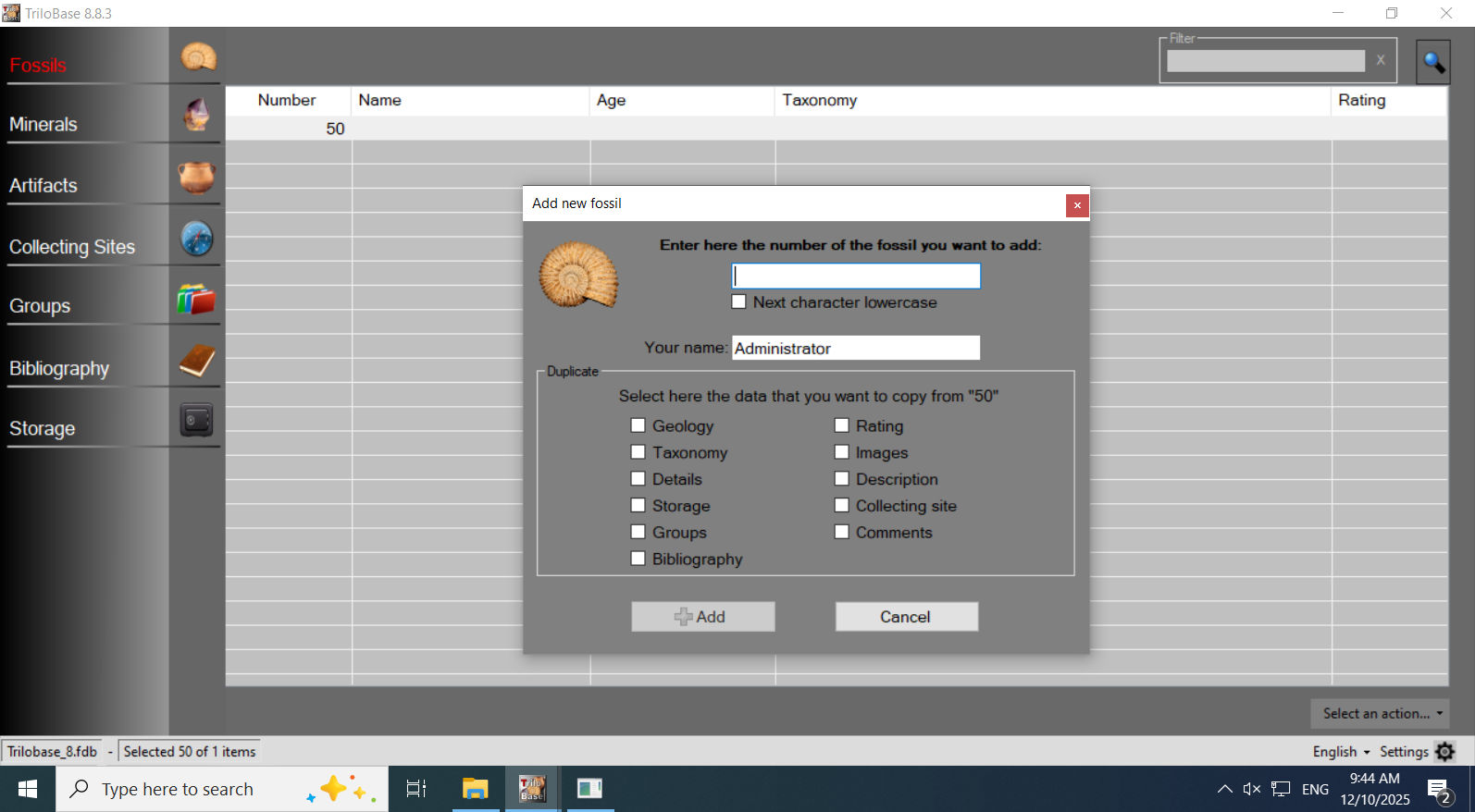
Download TriloBase 8.8.3 Multilingual full license forever

Download TriloBase 8.8.3 full license

Link download TriloBase 8.8.3 full activated

Working with TriloBase 8.8.3 full license forever

Description of TriloBase 8.8.3

TriloBase 8.8.3 is a powerful database and document management solution designed for industries that require secure data storage, structured information handling, and fast retrieval of complex records. This latest version enhances performance, improves workflow automation, and introduces new tools for managing technical documentation, project records, and operational data.

TriloBase is widely used in engineering companies, laboratories, research facilities, and industrial organizations where data accuracy and long-term preservation are essential. Version 8.8.3 focuses on faster indexing, stronger security, and advanced search capabilities, making it easier for teams to maintain and access critical information.

Features of TriloBase 8.8.3

1. Advanced Data Management System
TriloBase offers a highly structured database platform capable of storing technical documents, project files, specifications, and operational records with efficient categorization and indexing.

2. Improved Document Control Workflow
The software includes updated tools for document versioning, approval cycles, and change tracking. Version 8.8.3 enhances audit transparency and ensures compliance with industry standards.

3. High-Performance Search Engine
Users can search by keywords, fields, metadata, or document type. The optimized search engine in this version delivers faster and more accurate results across large datasets.

4. Secure Multi-User Access
TriloBase supports role-based permissions, encrypted storage, and secure access protocols. Enhanced security features protect sensitive data and ensure reliable user authentication.

5. Integration with External Tools
The system connects with a wide range of third-party software, allowing smooth import and export of data. This includes CAD files, project documents, laboratory reports, and operational logs.

6. Automated Data Import and Processing
Version 8.8.3 improves batch processing tools so users can automatically import files, process metadata, and organize information without manual effort.

7. Customizable Forms and Templates
Users can design custom input forms, templates, and document structures that match internal workflows. This feature improves consistency and reduces data entry errors.

8. Enhanced Reporting and Analytics
TriloBase provides detailed reports, usage analytics, and data summaries. Updated visualization tools make it easier to track document history, user activity, and system performance.

9. Reliable Backup and Restoration
The software includes automatic backup schedules, secure archival options, and advanced data recovery tools to prevent information loss.

10. Optimized Performance and Stability
TriloBase 8.8.3 introduces faster system response times, improved indexing algorithms, and higher stability for large-scale deployments.

If you want to download TriloBase 8.8.3 full license, please click to DOWNLOAD button to download.
CLICKDOWN.ORG Download CAD CAM CNC software
Inside package TriloBase 8.8.3, already have cracked files and instruction how to install TriloBase 8.8.3 step by step. I guarantee you can install TriloBase 8.8.3 successfully if you follow that instruction.
If you also can’t install it or get any problems, please contact to me by email: clickdown.org@gmail.com, then I will help you to install software by teamviewer or Ultraviewer or Anydesk.
Thanks a lot

SOFTWARES

Download Snowden Supervisor 9.1.1.0 x64 full license forever

Download Snowden Supervisor 9.1.1.0 x64 full license forever

Link download Snowden Supervisor 9.1.1.0 win64 full activated

Working with Snowden Supervisor 9.1.1.0 full license

Description of Snowden Supervisor 9.1.1.0

Snowden Supervisor 9.1.1.0 is a powerful resource estimation and geostatistical analysis software designed specifically for mining professionals. Widely used by geologists, resource modellers, and mining engineers, this latest release delivers greater accuracy, improved workflows, and advanced tools for building reliable geological models and resource estimates.

Supervisor is known for its rigorous statistical framework, intuitive interface, and strong integration with industry-standard mining software. Version 9.1.1.0 enhances data validation, variography, domaining, and model optimization, ensuring that users can produce defensible and transparent resource estimates that meet international reporting standards.

Features of Snowden Supervisor 9.1.1.0

1. Enhanced Data Validation and QAQC Tools
Supervisor provides automated checks to detect outliers, errors, duplicates, and inconsistencies in drilling and sample data. The improved QAQC dashboard ensures data integrity before modeling begins.

2. Advanced Variography Tools
The software offers comprehensive experimental variogram construction and model fitting. Version 9.1.1.0 refines variogram modeling algorithms, allowing more accurate spatial analysis and improved continuity assessment.

3. Domaining and Geological Interpretation
Supervisor enables users to define domains, manage boundaries, and analyze geological structures. Enhanced domaining tools support more accurate resource classification and modeling.

4. Resource Estimation and Kriging Methods
The platform includes a full suite of estimation techniques, including ordinary kriging, inverse distance weighting, indicator kriging, and more. Upgrades in this version deliver better computation speed and improved estimation output.

5. Simulation and Uncertainty Analysis
Users can perform conditional simulation, quantify variability, and assess uncertainty in geological models. These tools help evaluate risk and improve confidence in final resource estimates.

6. Advanced Graphical Visualization
Supervisor 9.1.1.0 includes optimized 2D and 3D visualization tools for variograms, domains, and statistical plots. Enhanced graphics allow clearer interpretation and better reporting.

7. Geostatistical Analysis Suite
The software provides comprehensive tools for data distribution analysis, declustering, trend modeling, and sample population studies. Enhancements improve workflow efficiency and data exploration depth.

8. Integration with Major Mining Platforms
Supervisor seamlessly exports variograms, domain files, and resource models to standard mining software packages like Datamine, Vulcan, and Micromine, ensuring smooth interoperability.

9. Automated Reporting
Improved reporting tools enable users to generate high-quality charts, variogram plots, and summary tables that support technical documentation and compliance with JORC and NI 43-101 standards.

10. Improved Performance and Usability
The new version includes faster processing, refined algorithms, and an enhanced user interface, enabling quicker turnaround times and more accurate modeling results.

If you want to download Snowden Supervisor 9.1.1.0 full license, please click to DOWNLOAD button to download.
CLICKDOWN.ORG Download CAD CAM CNC software
Inside package Snowden Supervisor 9.1.1.0, already have cracked files and instruction how to install Snowden Supervisor 9.1.1.0 step by step. I guarantee you can install Snowden Supervisor 9.1.1.0 successfully if you follow that instruction.
If you also can’t install it or get any problems, please contact to me by email: clickdown.org@gmail.com, then I will help you to install software by teamviewer or Ultraviewer or Anydesk.
Thanks a lot
SOFTWARES

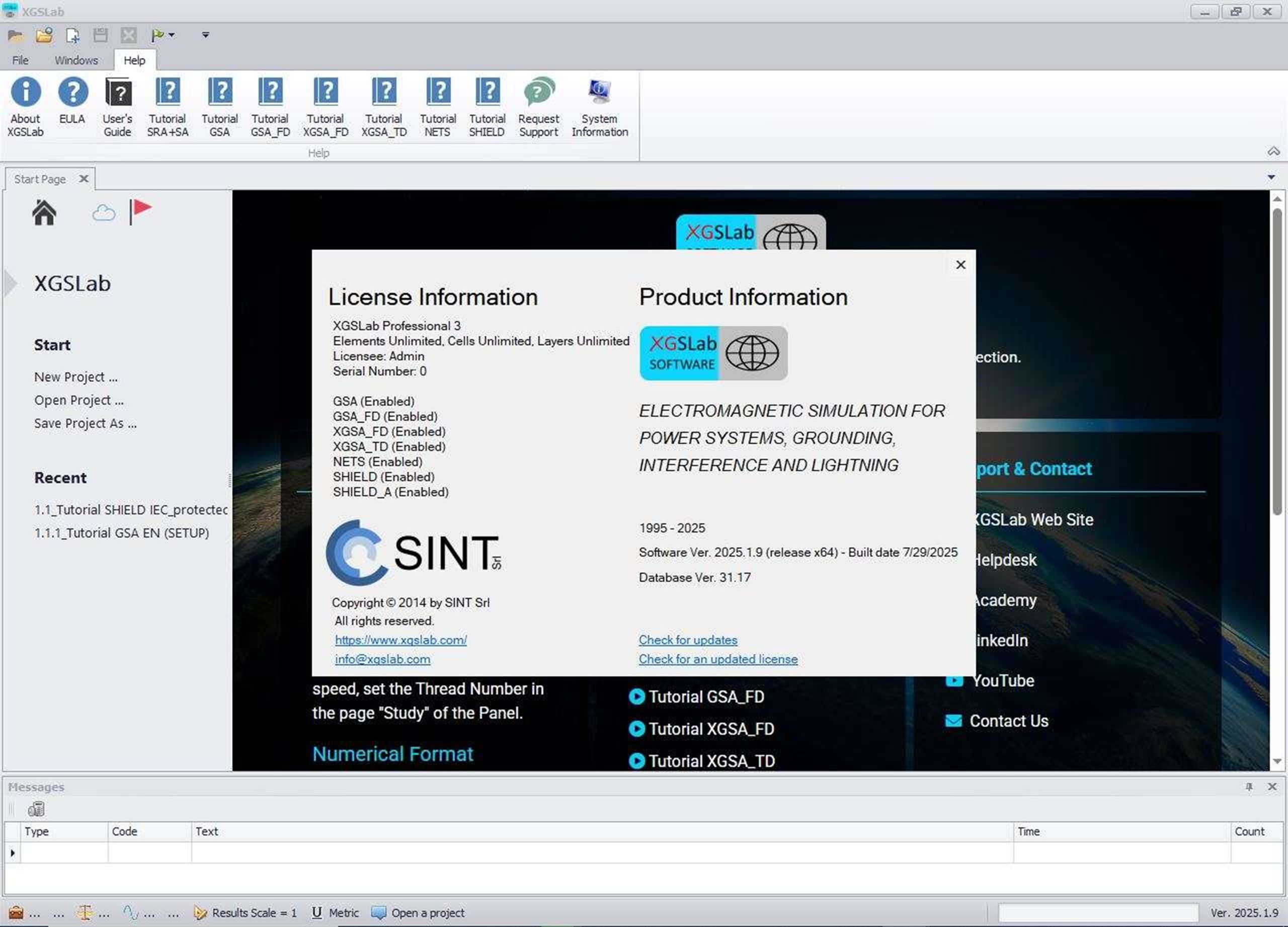
Download XGSLAB 2025.1.9 win64 full license 100% working

Download XGSLAB 2025.1.9 win64 full license 100% working

Link download XGSLAB 2025.1.9 x64 full activated

Working with XGSLAB 2025.1.9 full license

Description of XGSLAB 2025.1.9

XGSLAB 2025.1.9 is an advanced simulation environment designed for grounding, lightning, electromagnetic interference, and power system analysis. This latest release delivers improved modelling accuracy, enhanced numerical solvers, and a more intuitive interface, making it one of the most powerful tools for engineers working with electrical networks and electromagnetic environments.

XGSLAB 2025.1.9 is used across utility companies, engineering firms, research centers, and industrial facilities to analyze grounding systems, evaluate fault currents, simulate electromagnetic fields, and ensure compliance with international standards. The software integrates multiple modules that work together to provide a complete and reliable solution for low frequency electromagnetic studies.

XGSLab strength points:
SCIENTIFIC: based on electromagnetic field theory and in particular in Maxwell’s equations and Sommerfeld Integrals
EASY: a program with an intuitive interface. Very easy even for beginners. Expert users of competing tools can use XGS right away
POWERFUL: a powerful code that uses parallel computing, advanced math libraries and OpenGL vector graphics
OPEN: frequency-dependent self and mutual impedances can be exported to EMTP® or ATP® for dynamic behavior studies. Layout data can be imported / exported from / to AutoCAD®. Numerical output can be read by MATLAB®, EXCEL®, and GOOGLE EARTH®
ADVANCED: based on full-wave PEEC model and suitable for general applications, in a wide frequency range, with arbitrary conductors arrangement and many soil models including multilayer and multizone. Available in the frequency and time domain
COMPLETE: a complete virtual laboratory for electromagnetic simulation of Power Systems, Grounding, Interference and Lightning
VALIDATED: accuracy validated since 1990 by comparison with analytical cases, published researches, field measures and similar programs
WORLDWIDE: it takes into account International (IEC), USA (IEEE) and European (EN) standard

XGS includes the modules:
GSA (Grounding System Analysis)
GSA_FD (Grounding System Analysis in the Frequency Domain)
XGSA_FD (System Analysis in the Frequency Domain)
XGSA_TD (System Analysis in the Time Domain)
NETS (Network Solver)
SHIELD (Lightning Shielding)
SHIELD_A (Lightning Shielding Advanced)

Features of XGSLAB 2025.1.9

1. Advanced Grounding System Analysis
XGSLAB provides accurate simulation of grounding systems under normal and fault conditions. Users can model soil stratification, complex conductor layouts, and grounding grids while obtaining precise results for touch voltage, step voltage, and impedance.

2. Lightning Protection and Transient Analysis
The software supports detailed studies of lightning strikes, surge propagation, and transient effects in grounding networks and power systems. Enhanced algorithms in version 2025.1.9 provide faster and more reliable lightning performance calculations.

3. Electromagnetic Interference Simulation
Engineers can analyze electromagnetic coupling, interference between cables, and the influence of external fields. The module helps evaluate EMC conditions and prevent operational issues in sensitive installations.

4. Power Line and Underground Cable Modelling
XGSLAB includes tools for analyzing overhead power lines, underground cables, and distribution systems. Users can simulate current distribution, inductive effects, and voltage drops with high accuracy.

5. Soil and Environment Modelling Tools
The software allows multi-layer soil models, enabling precise evaluation of grounding effectiveness across different environments. Version 2025.1.9 improves soil parameter estimation and data handling.

6. Compliance with International Standards
XGSLAB supports major electrical and safety standards including IEC, IEEE, EN, and other industry regulations. This ensures engineering results meet global safety and performance requirements.

7. High-Performance Numerical Solvers
With optimized algorithms, version 2025.1.9 delivers faster processing, improved matrix handling, and robust convergence for complex electrical models.

8. Intuitive Interface and Workflow Enhancements
The updated interface improves project navigation, visualization, data import, and reporting. Engineers can generate detailed tables, diagrams, and graphical outputs suitable for documentation.

9. Multi-Module Integrated Environment
All modules, including GSA, GSA FD, XGSA, and SPLITS, work seamlessly to provide a unified workflow for grounding, electromagnetic, and power system studies.

10. Comprehensive Reporting Tools
XGSLAB 2025.1.9 includes enhanced reporting options with improved graphics, export formats, and result summaries for technical presentations and project documentation.

If you want to download XGSLAB 2025.1.9 full license, please click to DOWNLOAD button to download.
CLICKDOWN.ORG Download CAD CAM CNC software
Inside package XGSLAB 2025.1.9, already have cracked files and instruction how to install XGSLAB 2025.1.9 step by step. I guarantee you can install XGSLAB 2025.1.9 successfully if you follow that instruction.
If you also can’t install it or get any problems, please contact to me by email: clickdown.org@gmail.com, then I will help you to install software by teamviewer or Ultraviewer or Anydesk.
Thanks a lot
SOFTWARES

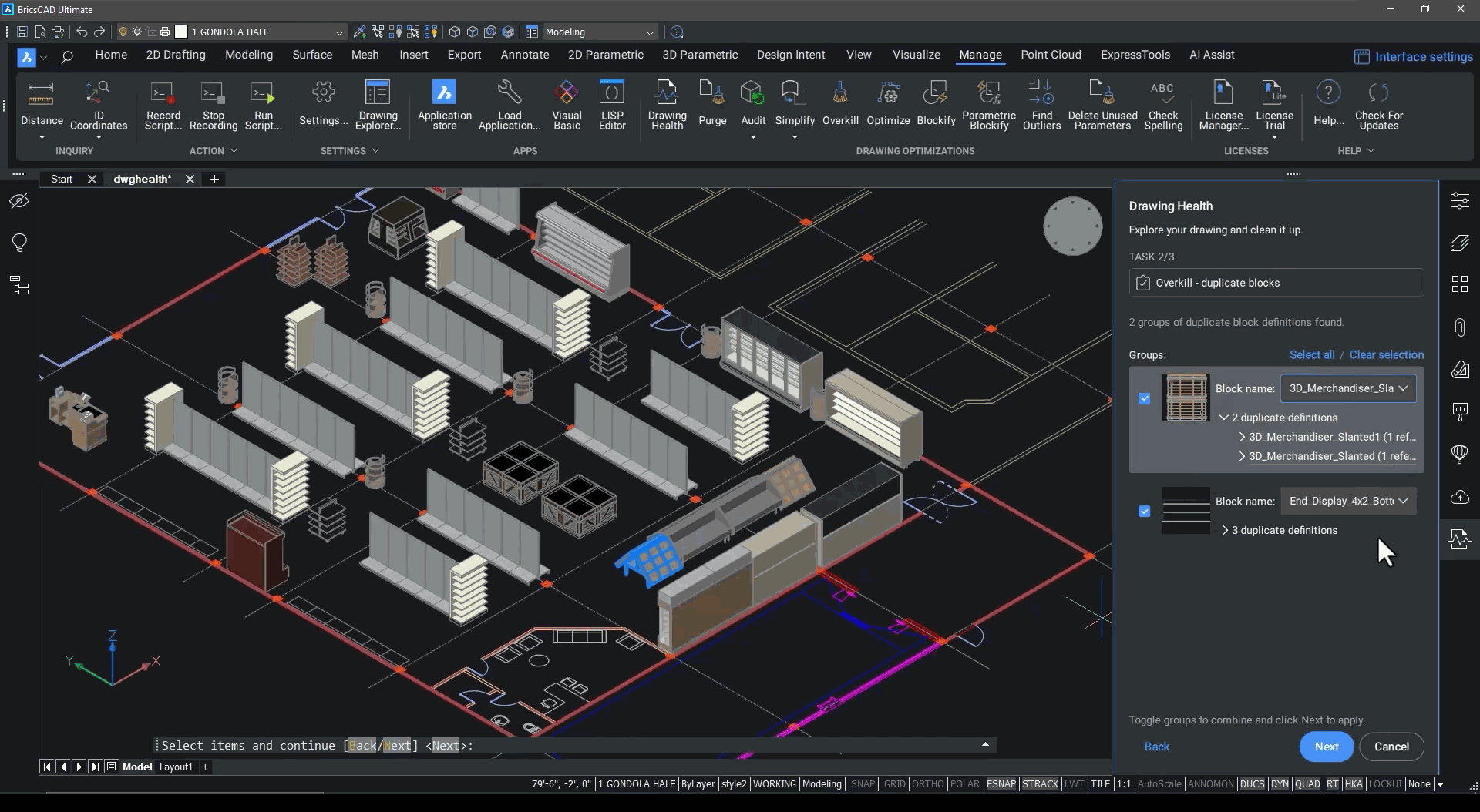
Download BricsCad Ultimate 26.1.07 x64 full license forever

Download BricsCad Ultimate 26.1.07 full license

Link download BricsCad Ultimate 26.1.07 full activated

Working with BricsCad Ultimate 26.1.07 full license

Description of BricsCad Ultimate 26.1.07

BricsCAD Ultimate 26.1.07 is an all-in-one CAD platform that unifies 2D drafting, 3D modeling, BIM workflows, and mechanical design in a single, powerful environment. This version provides enhanced performance, improved interoperability and intelligent tools that help professionals work faster and with greater accuracy.

BricsCAD Ultimate combines the capabilities of BricsCAD Pro, BIM and Mechanical, giving engineers, architects and designers a complete solution for drafting, parametric modeling, building information modeling and mechanical assembly design. The familiar DWG-based workflow makes it easy to transition from other CAD platforms, while its AI-assisted features streamline drawing cleanup, block management and modeling tasks.

The 26.1.07 release focuses on improved speed, enhanced rendering quality, smarter constraints and expanded compatibility with industry-standard formats. Advanced parametric tools allow users to create adaptive 3D models, automate repetitive design steps and maintain precision across complex assemblies. The BIM module offers better IFC handling, faster section generation and more accurate quantity takeoffs for construction documentation.

With integrated cloud connectivity, customizable workspaces and powerful automation using LISP, Python and .NET, BricsCAD Ultimate 26.1.07 delivers a flexible and scalable CAD ecosystem suitable for teams of any size.

Features of BricsCad Ultimate 26.1.07

1. Unified CAD, BIM and Mechanical Platform
Access 2D drafting, 3D modeling, BIM workflows and mechanical design tools in one comprehensive solution.

2. DWG-Native Environment
Full support for DWG ensures seamless exchange with other CAD software without conversion issues.

3. AI-Powered Design Tools
Automate drawing cleanup, block optimization and modeling tasks with intelligent algorithms.

4. Enhanced 3D Parametric Modeling
Create flexible, constraint-based 3D models and assemblies with improved parametric control.

5. Advanced BIM Capabilities
Better IFC import, faster section creation, automated classifications and enhanced construction documentation tools.

6. Mechanical Design Tools
Model sheet metal, assemblies and mechanical components with precision and automated unfolding.

7. High-Performance Rendering
Improved visualization engine delivers more realistic materials, lighting and real-time rendering quality.

8. Improved Collaboration and Cloud Support
Work more efficiently with cloud-based storage, version control and smooth project sharing.

9. Extensive Automation Support
Use LISP, VBA, Python and .NET APIs to automate workflows and build custom tools.

10. Expanded File Interoperability
Import and export major industry formats such as IFC, STEP, IGES, STL and point clouds.

If you want to download BricsCad Ultimate 26.1.07 full license, please click to DOWNLOAD button to download.
CLICKDOWN.ORG Download CAD CAM CNC software
Inside package BricsCad Ultimate 26.1.07, already have cracked files and instruction how to install BricsCad Ultimate 26.1.07 step by step. I guarantee you can install BricsCad Ultimate 26.1.07 successfully if you follow that instruction.
If you also can’t install it or get any problems, please contact to me by email: clickdown.org@gmail.com, then I will help you to install software by teamviewer or Ultraviewer or Anydesk.
Thanks a lot
SOFTWARES

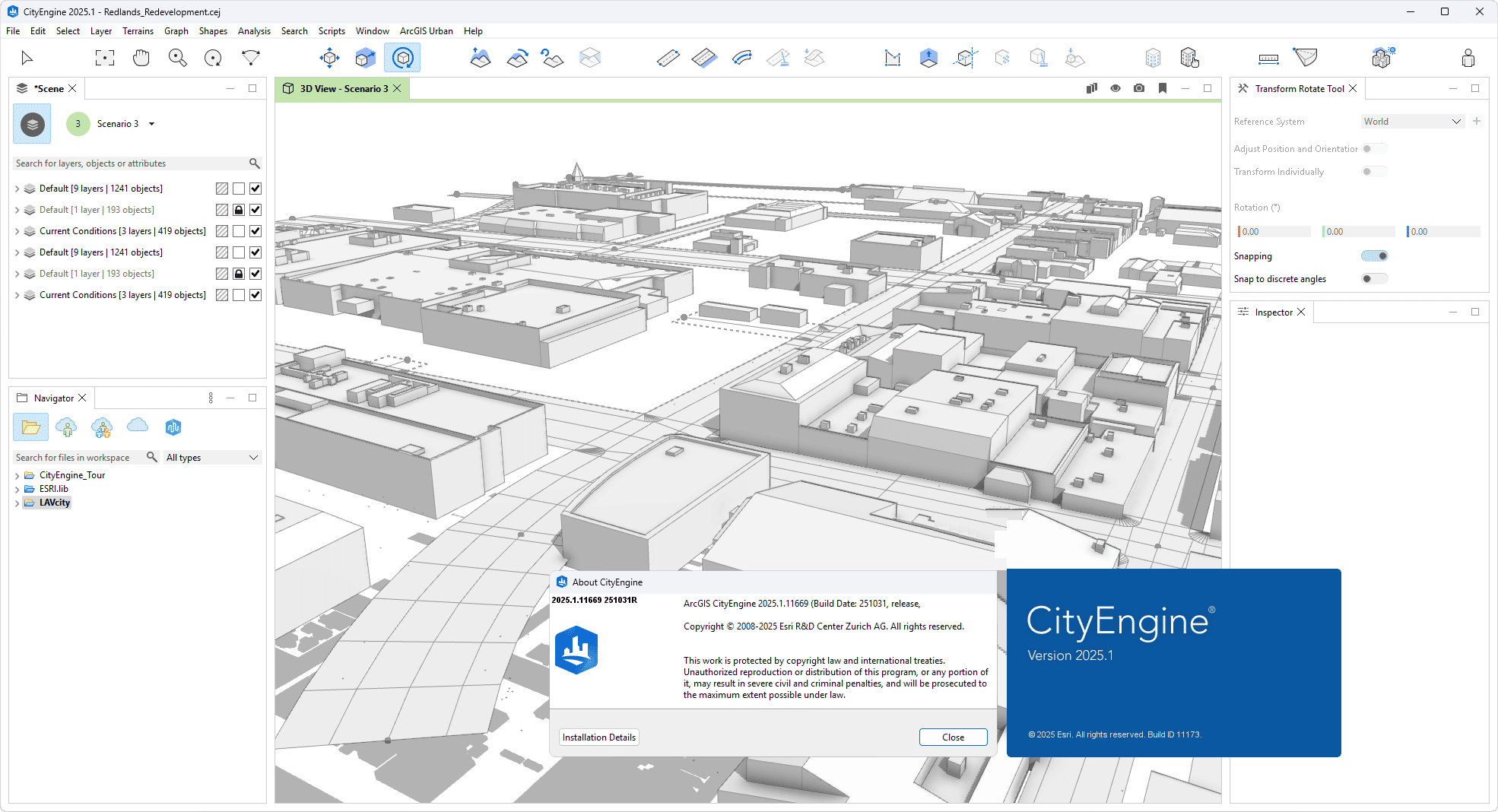
Download ESRI CityEngine 2025.1.11669 x64 full license

Download ESRI CityEngine 2025.1.11669 x64 full license

Link download ESRI CityEngine 2025.1.11669 win64 full activated

Working with ESRI CityEngine 2025.1.11669 full license

Description of ESRI CityEngine 2025.1.11669

ESRI CityEngine 2025.1.11669 is a powerful 3D modeling and urban design software designed for planners, architects, GIS professionals and smart city developers. The 2025.1 release delivers improved performance, advanced procedural modeling tools and enhanced integration with ArcGIS, making it easier than ever to create detailed, data-driven urban environments.

CityEngine 2025.1.11669 introduces refined modeling workflows, allowing users to generate complex cityscapes from GIS data, custom rule sets and real-world geospatial inputs. Its procedural generation system accelerates design iterations, helping teams visualize urban growth, transportation planning, zoning layouts and development scenarios with accuracy and speed.

The upgraded interface improves productivity with streamlined navigation, real-time viewport rendering and advanced shape editing. New texture handling and material enhancements provide more realistic visualization for urban simulations, architectural scenes and environmental impact presentations.

CityEngine 2025.1 also enhances interoperability, offering seamless connections with ArcGIS Online, ArcGIS Pro and common 3D formats such as FBX, OBJ and glTF. This makes asset exchange with CAD, BIM and game engines more efficient for large-scale infrastructure and digital twin projects.

Whether for master planning, environmental analysis, virtual city creation or urban storytelling, CityEngine 2025.1.11669 provides the flexibility and performance needed to build high-quality 3D cities at any scale.

Features of ESRI CityEngine 2025.1.11669

1. Advanced Procedural Modeling
Create complex 3D buildings, urban layouts and landscapes using rule-based generation for rapid design iterations.

2. Enhanced GIS Integration
Directly import and work with geospatial data from ArcGIS Pro and ArcGIS Online, maintaining accurate spatial relationships.

3. Real-Time Visualization
Improved rendering engine delivers faster viewport performance and more realistic material representation for city simulations.

4. Upgraded Editing Tools
Refined shape editing, improved selection behavior and enhanced snapping tools support detailed urban modeling tasks.

5. Better Material and Texture Management
Higher-quality materials, upgraded texture pipeline and improved UV mapping ensure more professional visualization outputs.

6. Scenario Planning and Analysis
Evaluate zoning changes, population growth, environmental impacts and transportation planning with data-driven workflows.

7. Improved Export Options
Export to FBX, OBJ, COLLADA, glTF and Unreal or Unity pipelines for VR, simulation and digital twin applications.

8. Python Scripting and Automation
Automate repetitive tasks, create custom tools and streamline workflows with expanded Python API functions.

9. Multi-Scale City Modeling
Efficiently handle large datasets ranging from campus-level designs to full metropolitan regions.

10. Integrated Reporting and Metrics
Generate reports on building height, density, land-use distribution and other planning metrics for informed decision-making.

If you want to download ESRI CityEngine 2025.1.11669 full license, please click to DOWNLOAD button to download.
CLICKDOWN.ORG Download CAD CAM CNC software
Inside package ESRI CityEngine 2025.1.11669, already have cracked files and instruction how to install ESRI CityEngine 2025.1.11669 step by step. I guarantee you can install ESRI CityEngine 2025.1.11669 successfully if you follow that instruction.
If you also can’t install it or get any problems, please contact to me by email: clickdown.org@gmail.com, then I will help you to install software by teamviewer or Ultraviewer or Anydesk.
Thanks a lot
SOFTWARES

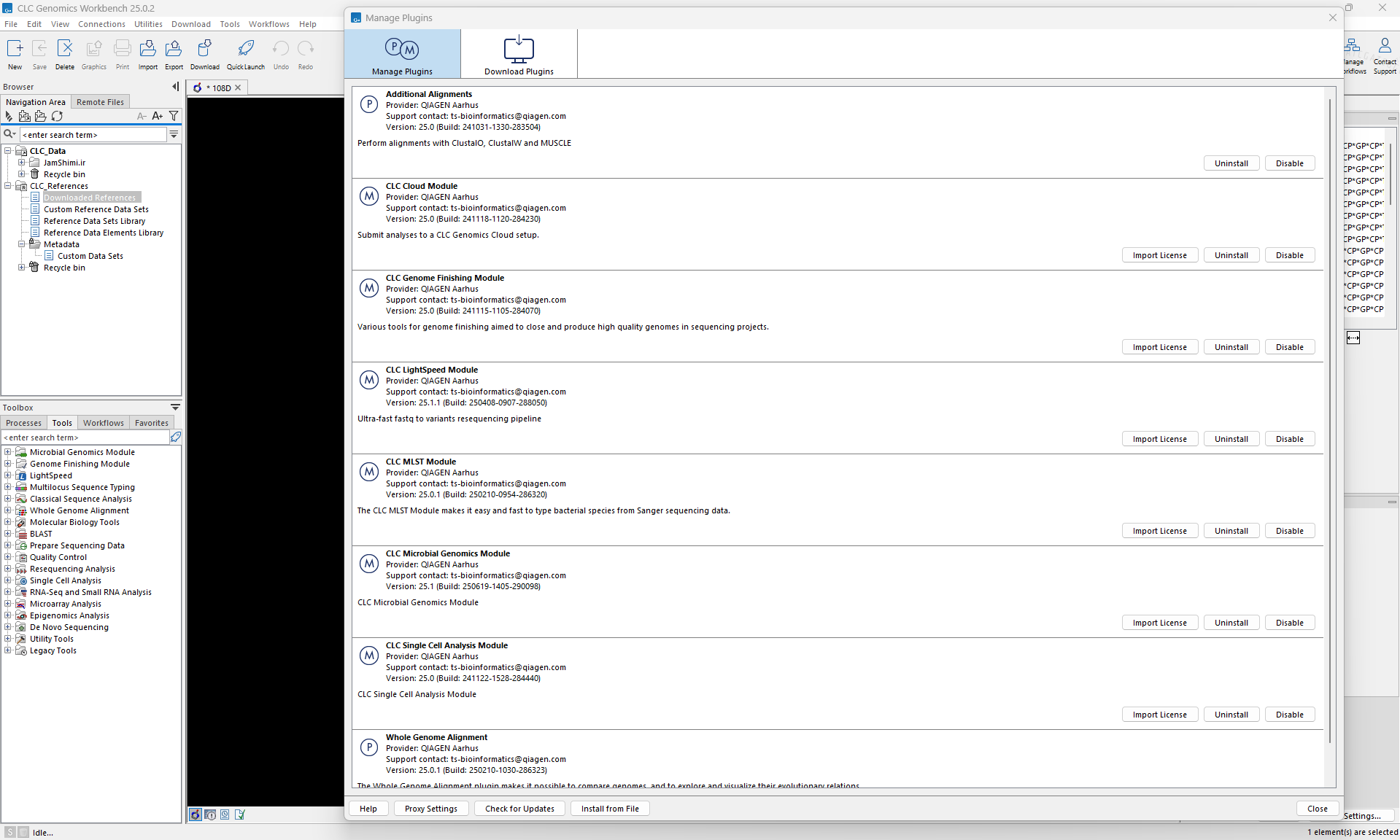
Download CLC Genomics Workbench Premium 25.0.2 x64 full

Download CLC Genomics Workbench Premium 25.0.2 full license

Link download CLC Genomics Workbench Premium 25.0.2 full activated

Working with CLC Genomics Workbench Premium 25.0.2 full

Description of CLC Genomics Workbench Premium 25.0.2

CLC Genomics Workbench Premium 25.0.2 is a powerful, all-in-one bioinformatics platform designed for analyzing, visualizing, and interpreting next generation sequencing data. Built for researchers, geneticists, and laboratory professionals, this premium edition combines high-performance algorithms, intuitive workflows, and advanced data management tools to support genomics, transcriptomics, metagenomics, and variant analysis.

This version introduces enhanced performance, updated reference data, improved visualization modules, and expanded tools for precision genomics. CLC Genomics Workbench Premium 25.0.2 provides end-to-end NGS analysis capabilities, from raw data import to high-level biological interpretation, making it an essential solution for modern genomic research.

Features of CLC Genomics Workbench Premium 25.0.2

Comprehensive NGS Data Analysis
Handles whole genome, whole exome, targeted sequencing, RNA-seq, small RNA, ChIP-seq, and metagenomics datasets with highly accurate processing and interpretation.

Advanced Variant Detection and Interpretation
Supports SNP, indel, CNV, SV detection, and annotation. Delivers high-confidence variant calling pipelines and integrates population databases and gene-level functional insights.

High-Performance Read Mapping and Alignment
Features optimized algorithms for fast and precise read alignment to reference genomes. Ideal for large datasets and high-throughput sequencing workflows.

Transcriptomics and Expression Analysis
Provides differential expression analysis, isoform quantification, gene expression matrices, pathway insights, and visualization tools for RNA-seq experiments.

Metagenomics and Microbiome Profiling
Includes taxonomic classification, microbial abundance analysis, diversity metrics, and advanced tools for studying complex microbial communities.

Fully Integrated Data Visualization
Offers genome browsers, heatmaps, clustering, 3D plots, coverage graphs, and interactive reports for exploring results and presenting findings clearly.

Workflow Automation and Custom Pipelines
Enables users to create automated workflows, customize analysis pipelines, and standardize bioinformatics processes across teams.

QIAGEN Reference Data Integration
Provides access to curated reference sets, annotations, and biological databases to support high-confidence genomic interpretation.

Cloud and Server Compatibility
Supports scalable analysis through CLC Genomics Server and cloud platforms, allowing efficient handling of large datasets and multi-user collaboration.

User-Friendly Interface with Professional Tools
Designed for researchers with or without coding experience. Combines an intuitive interface with advanced tools suitable for academic and clinical research environments.

If you want to download CLC Genomics Workbench Premium 25.0.2 full license, please click to DOWNLOAD button to download.
CLICKDOWN.ORG Download CAD CAM CNC software
Inside package CLC Genomics Workbench Premium 25.0.2, already have cracked files and instruction how to install CLC Genomics Workbench Premium 25.0.2 step by step. I guarantee you can install CLC Genomics Workbench Premium 25.0.2 successfully if you follow that instruction.
If you also can’t install it or get any problems, please contact to me by email: clickdown.org@gmail.com, then I will help you to install software by teamviewer or Ultraviewer or Anydesk.
Thanks a lot

error: Content is protected !!
Scroll to Top