SOFTWARES

SOFTWARES

Download Graitec Tricalc Gest Mideplan AdvanceCAD 2026.0 x64

Download Graitec Tricalc Gest Mideplan AdvanceCAD 2026.0 x64

Link download Graitec Tricalc Gest Mideplan AdvanceCAD 2026.0 win64
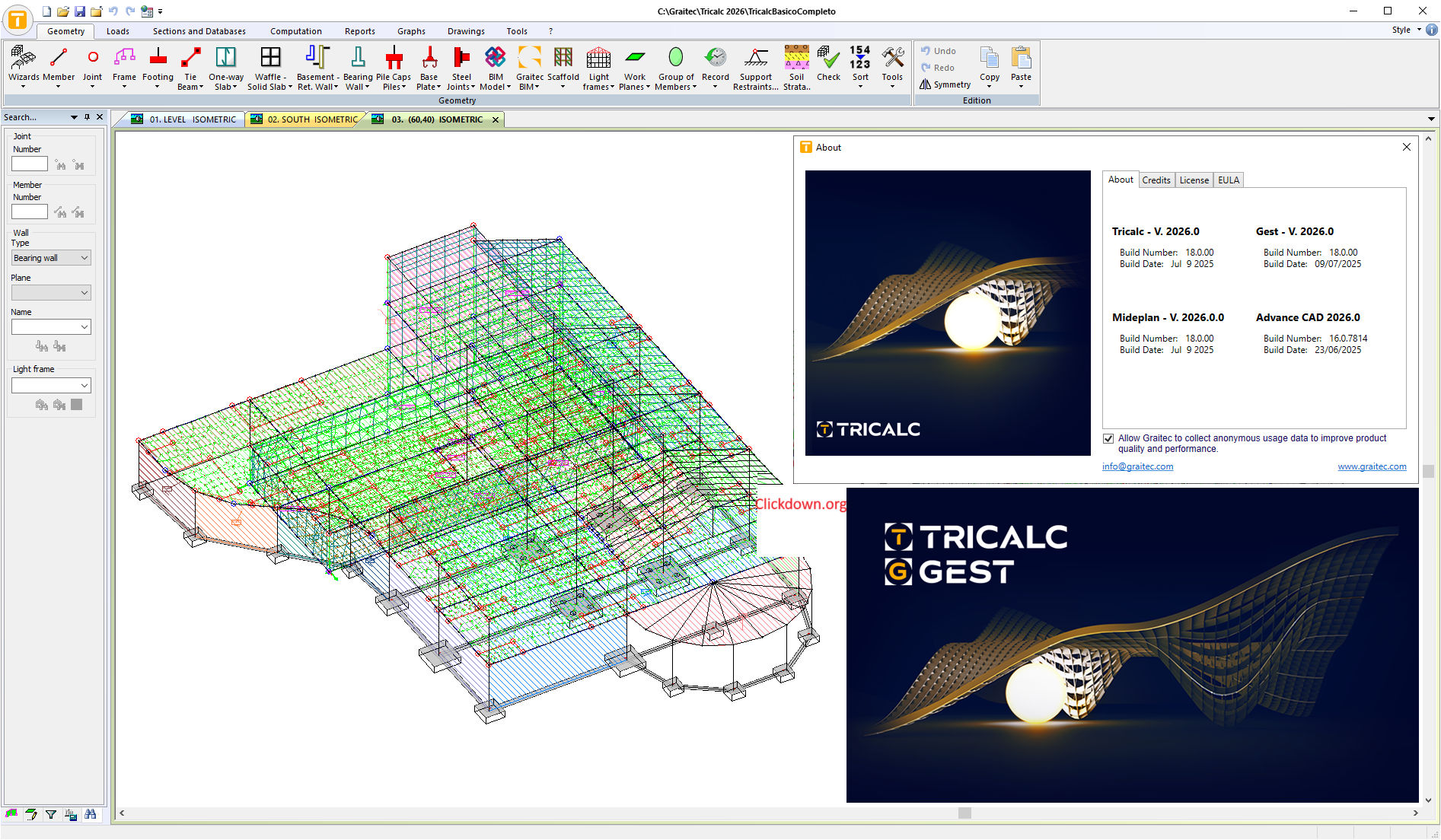
Working with Graitec Tricalc Gest Mideplan AdvanceCAD 2026.0 full

Here’s an overview of GRAITEC Tricalc 2026, Gest (MidePlan) and Advance CAD, highlighting what’s new in 2026

Tricalc 2026 (v18.0.00)
A full-featured structural analysis and design solution that handles 3D modelling, advanced FEM analysis, and code‑based design for reinforced concrete, steel, timber, foundations, retaining walls, and more. Delivers an integrated workflow from modelling through dimensioning, detailing, and fabrication planning
While no detailed 2026‑specific release notes were publicly available, the version numbering (v18.0.00) confirms it as the official 2026 release. It builds upon the integrated, realistic structural behaviour modelling and second‑order analysis capabilities found in earlier versions

Gest BIM Estimations (MidePlan)
A GRAITEC tool dedicated to BIM-based cost estimation, quantity take-offs, and project documentation. Widely used for integrating BIM model information into ISO 19650‑compliant workflows plus reporting in Excel, Word, or PDF formats
Although direct “2026” update highlights weren’t published, Gest MidePlan 2024.1 represents the latest available version mentioned publicly. It includes enhanced multi-format export capabilities and workflow-specific support, likely carried forward into 2025 and beyond

Advance CAD
Part of the GRAITEC Advance suite, Advance CAD is a dedicated DWG‑compatible 2D/3D CAD environment integrated with modelling and drafting functionalities optimized for AEC professionals. It supports full interoperability with AutoCAD DWG formats, 3D solid modelling, layer controls, snap points, navigation features, and more
Although there are no explicit “2026” release notes, recent editions remain consistent with modern CAD tools—and likely benefit from integration improvements across the GRAITEC Advance platform.

🔧 What’s New in Advance Design 2026 (to which Tricalc, Gest, and Advance CAD often integrate)

While Advance Design itself is distinct (not Tricalc or Gest), many components share workflows. The 2026 release of Advance Design introduces major features including:
Composite beam modelling: steel beams under concrete decks with defined shear connectors; verified to Eurocode 4 and AISC standards
Pile foundation support modelling: define stiffness/bearing properties per degree of freedom and verify capacities including tension/lateral loads
Steel connection design modules: full AISC 360‑22 verification for MEP moment-end plate and shear-plate connections, including stiffener and bolt layouts, matching European features
RC design upgrades: vector export (DWG, DXF, EMF) of 2D/3D views; foundation reinforcement fabrics; multispan beam view isolation; slab deflection relative plane options; faster report preview and PDF export, and updated steel/timber material libraries
There are also various UX improvements, a new user‑account based licensing system, and performance refinements based on community feedback

✅ In Summary

Tricalc 2026 (v18.0.00) is the latest structural analysis and design module for structural engineers, enabling model‑based workflows from analysis through fabrication.

Gest MidePlan serves BIM-based estimation and documentation needs—v2024.1 is the latest publicly detailed version, forming a typical part of GRAITEC’s BIM ecosystem.

Advance CAD is the CAD backbone, fully DWG-compatible with both 2D and 3D drafting capabilities.

The Advance Design 2026 release (related and integrated) brings major improvements in composite design, pile modelling, connection verification, RC detailing, material libraries, output formats, and a new licensing system.

If you want to download Graitec Tricalc Gest Mideplan AdvanceCAD 2026.0 full license, please click to DOWNLOAD symbol and complete check out a little help my website is maintained. The download link is appeared automatically after you complete check out.
CLICKDOWN.ORG Download CAD CAM CNC software
Inside package Graitec Tricalc Gest Mideplan AdvanceCAD 2026.0, already have cracked’s files and instruction how to install Graitec Tricalc Gest Mideplan AdvanceCAD 2026.0 step by step. I guarantee you can install Graitec Tricalc Gest Mideplan AdvanceCAD 2026.0 successfully if you follow that instruction.
If you also can’t install it or any problems, please contact to me by email: clickdown.org@gmail.com, then I will help you to install software by teamviewer or Ultraviewer or Anydesk.
Thanks a lot
SOFTWARES

Download ASDIP Structural Concrete 6.0.0.2 full license

Download ASDIP Structural Concrete 6.0.0.2 full license

Link download ASDIP Structural Concrete 6.0.0.2 full activated

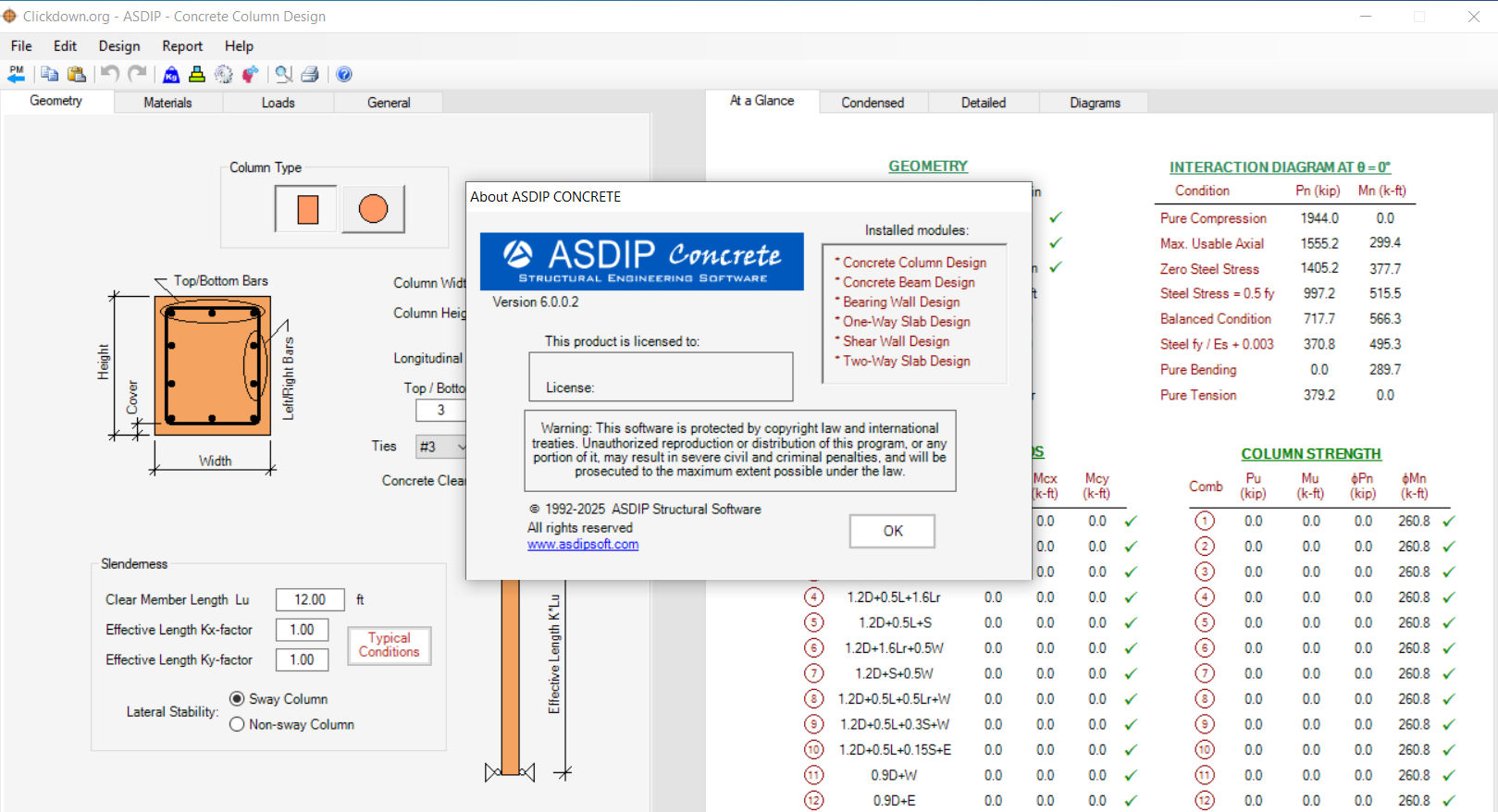
Working with ASDIP Structural Concrete 6.0.0.2 full license

ASDIP Structural Concrete 6.0.0.2 – Description

ASDIP Structural Concrete 6.0.0.2 is a specialized structural engineering software developed for the design of reinforced concrete members in compliance with ACI 318 provisions. This version offers a suite of intuitive tools to streamline the structural design process for elements such as concrete beams, columns, walls, and retaining structures. It is widely used by structural engineers for its powerful automation, transparent calculations, and ease of use.

Key Features of ASDIP Structural Concrete 6.0.0.2:

Comprehensive Design Modules: Includes design capabilities for:

Concrete columns (biaxial bending)

Continuous beams (one-way slabs or T-beams)

Bearing walls and shear walls

Combined footings

Code Compliance: Fully adheres to the ACI 318-19 design code, ensuring safe and up-to-date structural practices.

Graphical Interaction: Offers user-friendly interfaces with live previews of input geometry, load diagrams, interaction diagrams, and reinforcement details.

Calculation Transparency: Step-by-step hand calculations and detailed reports are generated, helping engineers verify and document their designs.

Load Combinations Automation: Automatically generates and applies load combinations per ASCE 7 provisions.

Design Optimization Tools: Provides iterative tools to optimize reinforcement size and layout for economy and code compliance.

Import/Export Capabilities: Supports exporting reports in PDF and other formats, aiding communication and documentation.

What’s Improved in v6.0.0.2:

Performance improvements and bug fixes

Enhanced user interface responsiveness

Minor enhancements in calculation modules and reporting

ASDIP Structural Concrete 6.0.0.2 is ideal for civil and structural engineers seeking accurate, code-based design and documentation of concrete structural elements.

If you want to download ASDIP Structural Concrete 6.0.0.2 full license, please click to DOWNLOAD symbol and complete check out a little help my website is maintained. The download link is appeared automatically after you complete check out.
CLICKDOWN.ORG Download CAD CAM CNC software
Inside package ASDIP Structural Concrete 6.0.0.2, already have cracked’s files and instruction how to install ASDIP Structural Concrete 6.0.0.2 step by step. I guarantee you can install ASDIP Structural Concrete 6.0.0.2 successfully if you follow that instruction.
If you also can’t install it or any problems, please contact to me by email: clickdown.org@gmail.com, then I will help you to install software by teamviewer or Ultraviewer or Anydesk.
Thanks a lot
SOFTWARES

Download Tech Soft 3D SpinFire Insight 2025.2.0 x64 full

Download Tech Soft 3D SpinFire Insight 2025.2.0 x64 full

Link download Tech Soft 3D SpinFire Insight 2025.2.0 win64

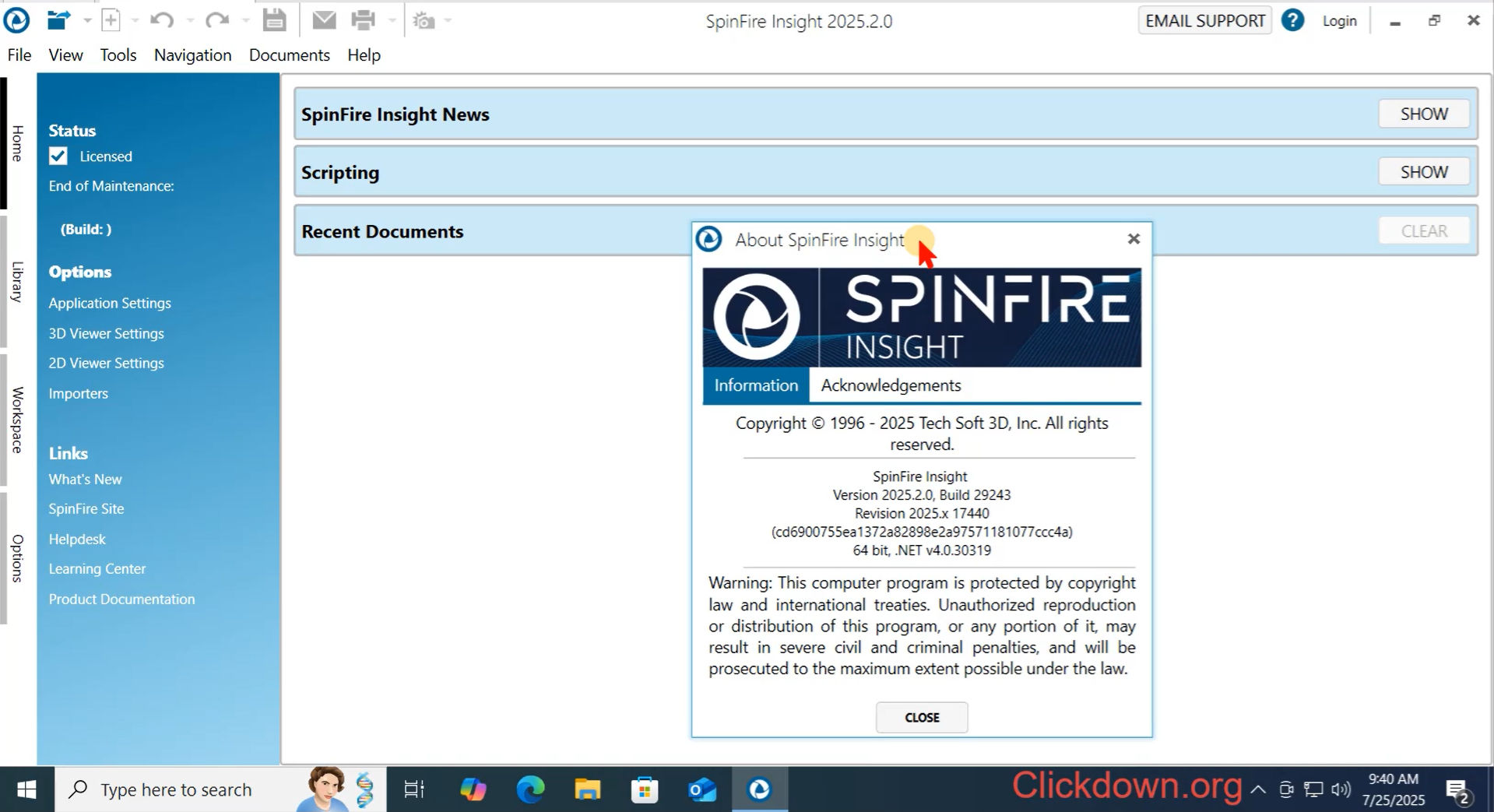
Working with Tech Soft 3D SpinFire Insight 2025.2.0 full license

Description of SpinFire Insight 2025.2.0

SpinFire Insight 2025.2.0 is the latest release of Actify’s powerful 3D CAD viewer and digital collaboration platform designed to enhance engineering data access across manufacturing organizations. Tailored for professionals needing fast, lightweight access to complex CAD files without requiring native CAD software, this version introduces improved performance, greater interoperability, and expanded file format support.

Key Features in SpinFire Insight 2025.2.0:

Enhanced Multi-CAD Support: View, analyze, and compare files from major CAD formats including CATIA, NX, Creo, SolidWorks, Inventor, JT, STEP, and more—without needing the original CAD applications.

Intuitive 3D Visualization Tools: Includes precise measurement, sectioning, explode views, annotation, and part comparison tools to enable deeper inspection of 3D models.

Advanced File Comparison: Easily detect differences between versions of CAD models to track engineering changes and revisions accurately.

Improved Performance: Faster loading and rendering of large assemblies and complex geometry for a smoother user experience.

Expanded PMI Support: Better handling of Product Manufacturing Information (PMI), including GD&T data, directly in 3D models.

Secure Collaboration: Share design data safely with internal teams or external suppliers using lightweight .ACT3D files while preserving intellectual property.

Integration Ready: Connects with PLM and ERP systems, streamlining workflows and enabling traceability across product development.

Benefits:
Empowers non-CAD users to interact with 3D models.

Reduces reliance on expensive CAD licenses for viewing purposes.

Enhances communication between design, engineering, procurement, and manufacturing.

Accelerates decision-making and review processes with visual data clarity.

SpinFire Insight 2025.2.0 continues to be a vital tool for manufacturers aiming to bridge the gap between CAD data and enterprise-wide collaboration, ensuring that product data is accessible, secure, and actionable.

If you want to download SpinFire Insight 2025.2.0 full license, please click to DOWNLOAD symbol and complete check out a little help my website is maintained. The download link is appeared automatically after you complete check out.
CLICKDOWN.ORG Download CAD CAM CNC software
Inside package SpinFire Insight 2025.2.0, already have cracked’s files and instruction how to install SpinFire Insight 2025.2.0 step by step. I guarantee you can install SpinFire Insight 2025.2.0 successfully if you follow that instruction.
If you also can’t install it or any problems, please contact to me by email: clickdown.org@gmail.com, then I will help you to install software by teamviewer or Ultraviewer or Anydesk.
Thanks a lot
SOFTWARES

Download Milestone XProtect Essential+ 2023 R3 win64 full

Download Milestone XProtect Essential+ 2023 R3 win64 full

Link download Milestone XProtect Essential+ 2023 R3 x64 full

Working with Milestone XProtect Essential+ 2023 R3 full license

Description of Milestone XProtect Essential+ 2023 R3

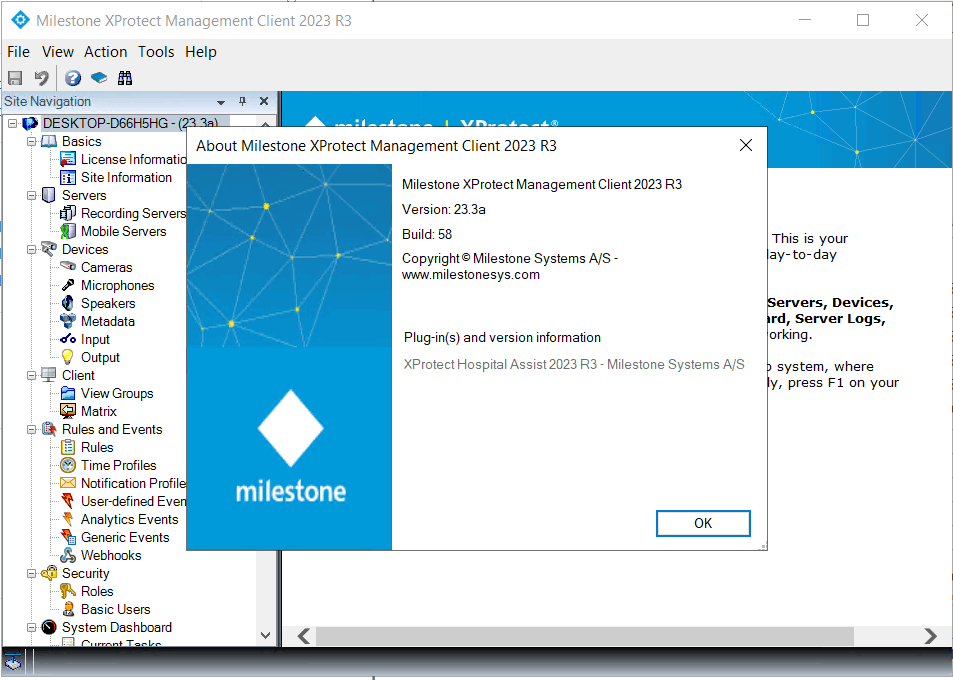
Milestone XProtect Essential+ 2023 R3 is a video management software (VMS) edition designed for small-scale surveillance installations. As part of Milestone’s XProtect 2023 R3 release (third release of 2023), Essential+ delivers robust core VMS capabilities while offering seamless scalability into the full XProtect product family as needs grow.

✅ Key Features of XProtect Essential+ 2023 R3:

1. Free VMS for up to 8 cameras

Fully functional, free to use forever with support for up to 8 recording devices.

No licensing cost, ideal for small businesses or home use.

2. Full access to Milestone’s advanced VMS engine

Same video processing engine as paid versions.

Provides a professional-grade experience with real-time viewing, recording, and playback.

3. Wide device support

Compatible with over 13,000 IP cameras and devices via Milestone’s supported device list.

4. Smart Client and Mobile Access

Access live and recorded video through XProtect Smart Client (Windows) and XProtect Mobile apps (iOS, Android).

Web Client also available for browser-based access.

5. Built-in video motion detection (VMD)

Configure and respond to motion events.

Enables basic video analytics without extra hardware.

6. Hardware-accelerated video decoding

Enhances performance when viewing video from multiple cameras using supported GPUs.

7. Secure system design

HTTPS encryption for camera communication.

Role-based user management and secure video storage.

8. Easy upgrade path

Supports direct upgrade to higher XProtect editions (e.g., Express+, Professional+, etc.) without reinstalling or reconfiguring.

9. Software Developer Kit (SDK) access

Open platform allows integration with third-party systems and plug-ins.

10. Support for ONVIF devices (Profile S, G, T)

Ensures compatibility with a wide range of IP video devices.

If you want to download Milestone XProtect Essential+ 2023 R3 full license, please click to DOWNLOAD symbol and complete check out a little help my website is maintained. The download link is appeared automatically after you complete check out.
CLICKDOWN.ORG Download CAD CAM CNC software
Inside package Milestone XProtect Essential+ 2023 R3, already have cracked’s files and instruction how to install Milestone XProtect Essential+ 2023 R3 step by step. I guarantee you can install Milestone XProtect Essential+ 2023 R3 successfully if you follow that instruction.
If you also can’t install it or any problems, please contact to me by email: clickdown.org@gmail.com, then I will help you to install software by teamviewer or Ultraviewer or Anydesk.
Thanks a lot
SOFTWARES

Download CFTurbo FEA 2025 R2.0 x64 full license forever

Download CFTurbo FEA 2025 R2.0 x64 full license forever

Link download CFTurbo FEA 2025 R2.0 win64 full activated

Working with CFTurbo FEA 2025 R2.0 full license

🛠 What is CFTurbo FEA 2025 R2.0?

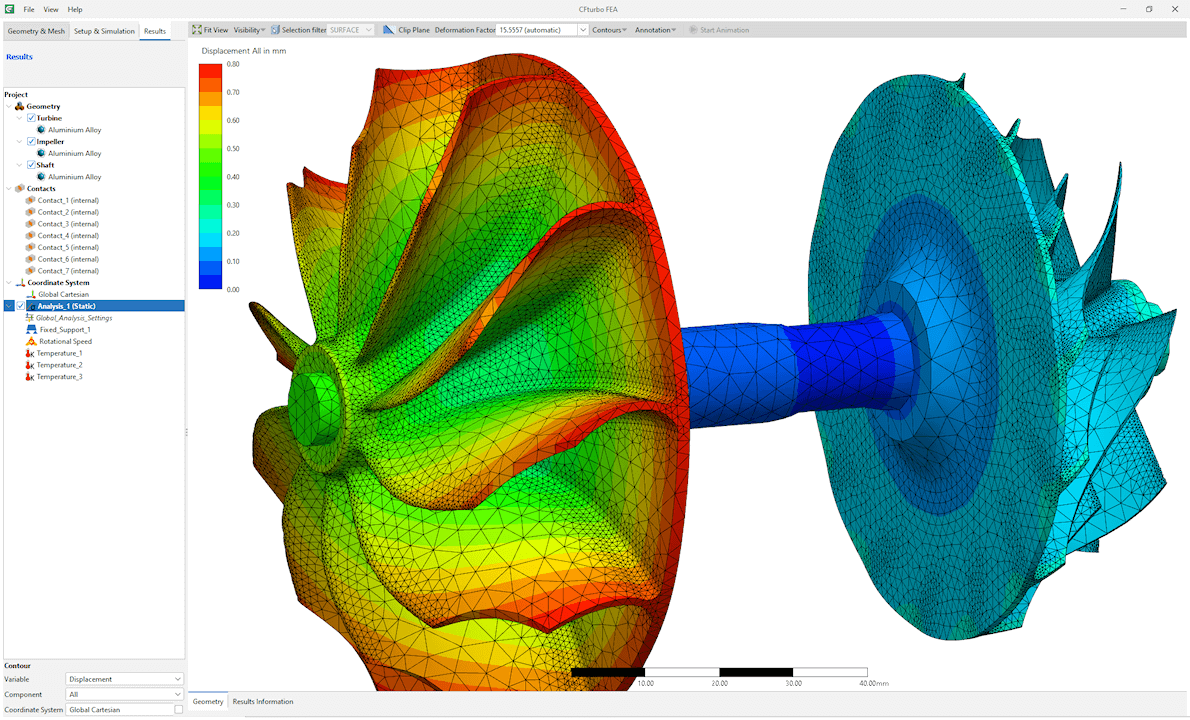
CFTurbo FEA 2025 R2.0 is a free-of-charge, stand-alone structural analysis tool included with CFturbo 2025 (requires a valid CFturbo license). It’s designed to help users assess the mechanical integrity of turbomachinery geometries via static stress analysis, deformation studies, modal (vibration) analysis, and harmonic response evaluations.

🎯 Core Capabilities of CFTurbo FEA 2025 R2.0

1. Geometry Import & Meshing
Supports CAD formats like STEP, IGES, BREP

Users control tetrahedral mesh parameters and can fine-tune quality for accurate results

2. Static Structural Analysis
Set up loads, boundary conditions, and rotational effects (e.g. impeller spin).

Typical examples: apply force and moment to impeller blades to evaluate deflection (~0.01 mm at 6000 rpm)

3. Modal & Harmonic Analysis
Determine natural frequencies and mode shapes (e.g. Campbell diagrams).

Perform harmonic response studies to see vibration under cyclic loads

4. Contact & Loading Options
Static contact modeling: bonded, non-separating, or frictional (separable) contacts
You can add rotational loads, forces, fixed supports, and displacement constraints

5. Solver Backend
Leverages the open-source CalculiX solver.

Users select solver types (e.g., SPOOLES), specify multi-core usage, and choose linear or non-linear calculation paths

6. Post-processing & Results
Visualize deformation contours, stress distributions, mode shapes, and frequency results directly within the GUI.

Export Campbell diagrams and animation of vibration modes

If you want to download CFTurbo FEA 2025 R2.0 full license, please click to DOWNLOAD symbol and complete check out a little help my website is maintained. The download link is appeared automatically after you complete check out.
CLICKDOWN.ORG Download CAD CAM CNC software
Inside package CFTurbo FEA 2025 R2.0, already have cracked’s files and instruction how to install CFTurbo FEA 2025 R2.0 step by step. I guarantee you can install CFTurbo FEA 2025 R2.0 successfully if you follow that instruction.
If you also can’t install it or any problems, please contact to me by email: clickdown.org@gmail.com, then I will help you to install software by teamviewer or Ultraviewer or Anydesk.
Thanks a lot
SOFTWARES

Download CFTurbo 2025 R2.0.117 win64 full license

Download CFTurbo 2025 R2.0.117 win64 full license

Link download CFTurbo 2025 R2.0.117 x64 full activated

Working with CFTurbo v2025 R2.0.117 full license

Description of CFTurbo 2025 R2.0.117

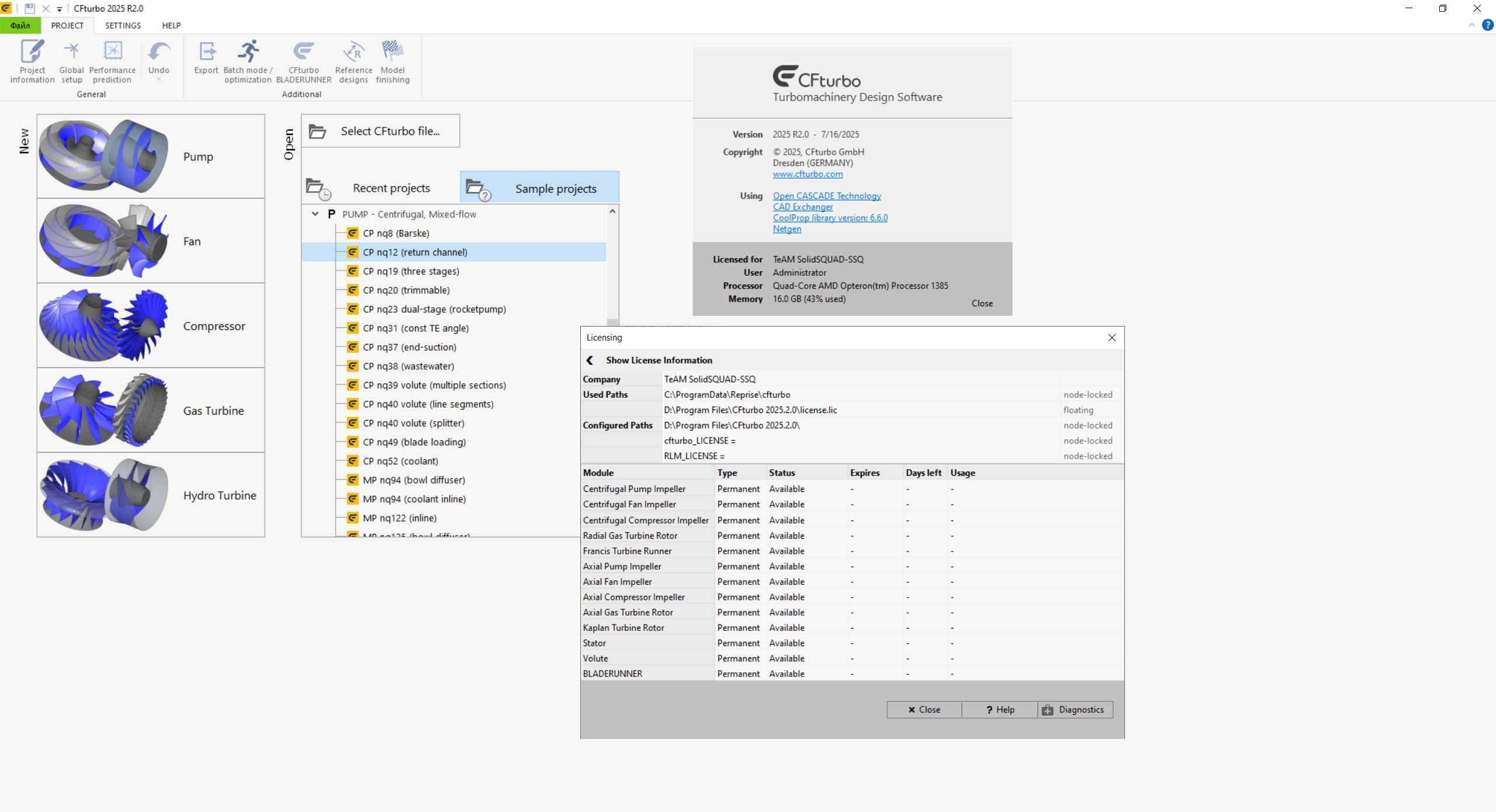
CFTurbo 2025 R2.0.117 is a powerful and user-friendly software solution for the conceptual and detailed design of rotating machinery components such as pumps, compressors, turbines, fans, blowers, and turbochargers. It is widely used in mechanical, aerospace, automotive, and energy industries for the design, analysis, and optimization of fluid dynamic systems.

🛠 Key Enhancements & New Features of CFTurbo 2025 R2.0.117

1. Geometry & Export Improvements
Flexible Meridional Design: Enhanced handling of curve segments, split features, and B‑splines for smoother geometry control
Volute Inlet Direction: Now adjustable between axial and radial—no longer fixed to the axis
Variable Blade Fillet Radius: Users can specify four separate radii around the blade root
Blade Thickness Options: Thickness can now be assigned to the meanline, suction side, or pressure side
2. Mesh/STL Export Control
Introduction of new STL parameters—“Grading” and “Element Optimization”—for refined mesh size progression and smoother surfaces
3. Airfoil-Based Stator Design
Supports airfoil profiles in axial stators, in addition to meanline-based design methods; aligns with the same approach used in axial impellers
4. Batch & Optimization Enhancements
Optional alias names for each batch parameter simplify integration with DoE/optimization tools by replacing hierarchical naming with linear labels
5. Read‑Only Mode for Non-Licensed Users
CFturbo can now be started in a read‑only mode without consuming a license—useful for viewing projects but not editing them
6. TCAE & CFD Export Interfaces
Improved TCAE compatibility, now supporting all modules (TMESH, TCFD, TFEA, TCAA, TOPT)
New direct export to CONVERGE, including geometry, mesh, and solver settings
Enhanced support for Ansys Fluent and Ansys Discovery within the CFturbo Ansys Workbench extension

🔁 Release Context
CFturbo follows a semi-annual release cycle: full feature releases in June (R2) and December (R1), with maintenance updates approximately every six weeks
The R2.0.117 version (June 2025) continues this cadence, focusing on usability and interoperability upgrades.

✅ Summary
CFturbo 2025 R2 (2.0.117) brings notable enhancements in geometric control, export flexibility, stator design, mesh generation, and interoperability—especially valuable to users running batch processes, DoE optimizations, and complex CFD/FEA workflows. The introduction of a read‑only mode also extends its usefulness for broader deployment scenarios.

If you want to download CFTurbo 2025 R2.0.117 full license, please click to DOWNLOAD symbol and complete check out a little help my website is maintained. The download link is appeared automatically after you complete check out.
CLICKDOWN.ORG Download CAD CAM CNC software
Inside package CFTurbo 2025 R2.0.117, already have cracked’s files and instruction how to install CFTurbo 2025 R2.0.117 step by step. I guarantee you can install CFTurbo 2025 R2.0.117 successfully if you follow that instruction.
If you also can’t install it or any problems, please contact to me by email: clickdown.org@gmail.com, then I will help you to install software by teamviewer or Ultraviewer or Anydesk.
Thanks a lot
SOFTWARES

Download Nitro Pro Enterprise 14.39.0.18 x64 full license

Download Nitro Pro Enterprise 14.39.0.18 x64 full license

Link download Nitro Pro Enterprise 14.39.0.18 win64 full activated

Nitro Pro Enterprise 14.39.0.18 full license

Working with Nitro Pro Enterprise 14.39.0.18 full activated

Description of Nitro Pro Enterprise 14.39.0.18

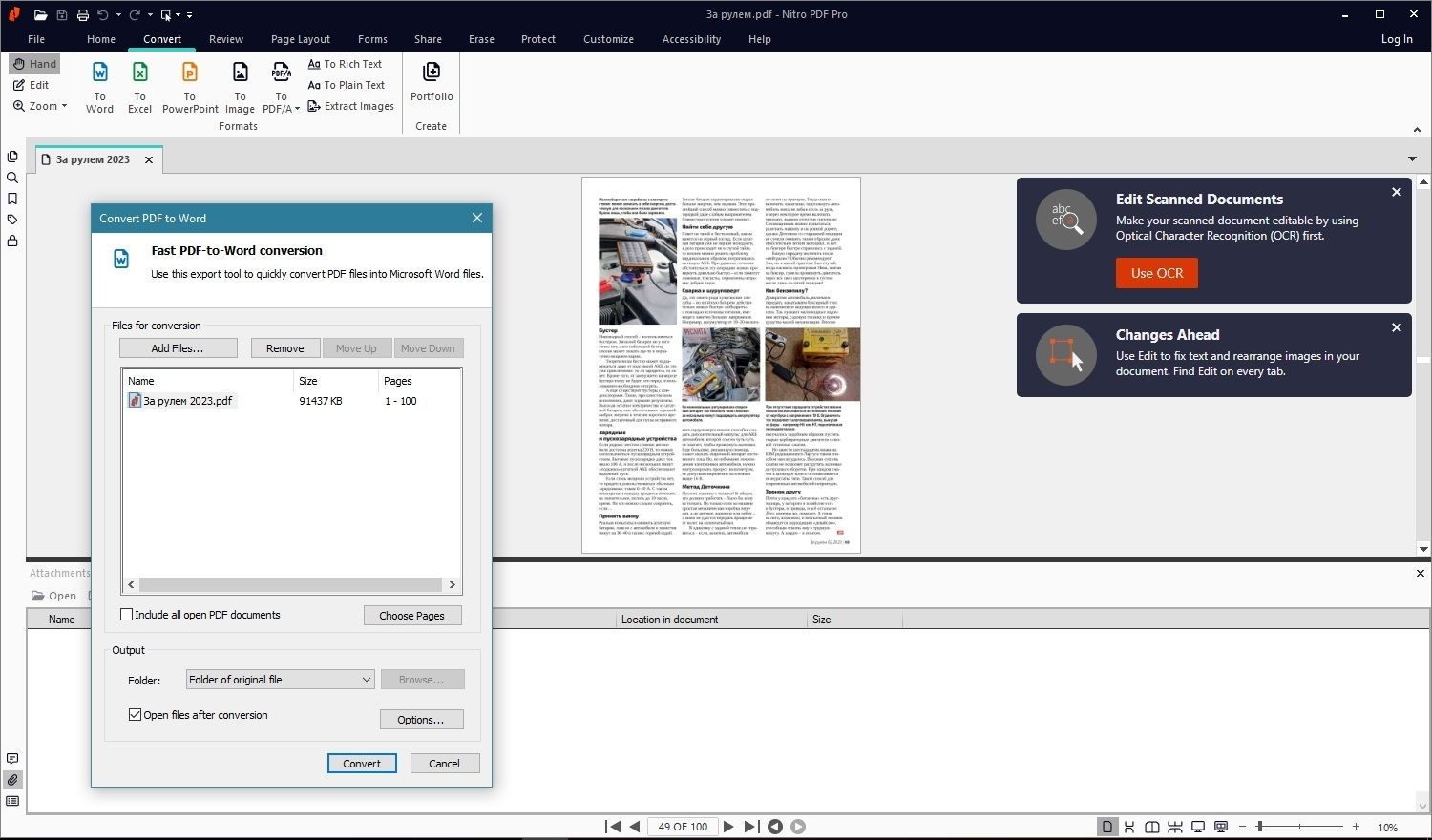
Nitro Pro Enterprise 14.39.0.18 is a full-featured PDF management suite designed for enterprise environments running Windows. It builds on Nitro Pro’s core capabilities—creating, editing, converting, and securing PDFs—with advanced administration, collaboration, and security tools tailored for large organizations .

🎯 Core Features of Nitro Pro Enterprise 14.39.0.18

1. PDF Creation & Conversion
Generate professional, universally compatible PDF or PDF/A documents from formats like Word, Excel, PowerPoint, HTML, text, and more
Batch conversion supports entire sets of files at once, preserving original formatting exactly (text, tables, images)

2. PDF Editing
Edit text and images directly in-place—adjust text, fonts, styles, page layout, and graphics with intuitive, Word-like controls
Rearrange pages easily (insert/extract/rotate/split) and add bookmarks or hyperlinks

3. OCR and Redaction
Accurately convert scanned or image-based documents into searchable, editable PDFs in multiple languages
Permanently redact sensitive content (text and images) or use “white‑out” tools to hide visible content without deleting underlying data

4. Collaboration & Annotation
Extensive markup tools (sticky notes, highlights, underlines, callouts, freehand drawings) and tracked annotations facilitate team reviews
Version control and commenting support seamless multi-user collaboration across teams

5. eSignature & Seal
Integrated electronic signature (Nitro Sign) allows you to sign, send for signature, and track documents securely with legally binding workflows

6. Security & Permissions
256‑bit encryption, password protection, permissions control, and digital certification to protect document integrity and restrict unauthorized actions (copying, printing, editing)
Full support for redaction and access policies tailored to enterprise confidentiality needs.

7. Cloud & Integration
Seamlessly integrate with Dropbox, Google Drive, OneDrive, Box and Nitro Cloud for easy access, review, and sharing with online collaboration capabilities

8. Compare & CAD Support
Document comparison tools detect differences between two versions (text and images) to streamline version review workflows
CAD compatibility enables effective rendering and exporting of high-quality engineering designs from formats like AutoCAD, Revit, and MicroStation

9. Accessibility & UI Enhancements
Meets WCAG 2.1 and PDF/UA compliance with features like auto-tagging, reading order, role mapping, and multilingual screen reader support
Updated ribbon-based interface, modern icons, and refined navigation improve usability and workflow speed

10. Batch & Enterprise Scalability
Batch processing allows simultaneous handling of multiple documents—convert, watermark, optimize, secure, and merge at scale
Offers silent install packages (MSI/MST) for large-scale deployment via SCCM or Intune; note manual package creation is required rather than patch-based updates

⚙️ Enterprise-Specific Capabilities
In addition to feature parity with Nitro Pro Business editions, the Enterprise tier includes:
Advanced IT control: centralized license/account management, deployment support, and usage analytics
Enterprise-grade authentication: single sign-on (SSO), two-factor authentication (2FA), and optional branding integration (custom logos, theming)
Unlimited signature workflows: request e‑signatures from multiple stakeholders, with sequential signing features included
Enhanced support: enterprise-level onboarding, user training, and priority customer success services

🚀 Who Is It For?
Nitro Pro Enterprise 14 is tailored for mid-size to large organizations (20+ users) needing comprehensive PDF capabilities with enterprise-grade control and security. It’s especially suited for firms that require custom branding, SSO/2FA authentication, large-scale deployment tools, and legally-binding signature workflows.

For smaller teams or individual users, Nitro Pro Business may suffice; but if you need full administrative oversight, compliance features, and priority support, Enterprise is the right tier.

Final Verdict
Nitro Pro Enterprise 14 delivers a robust, enterprise-ready PDF platform—combining full-feature PDF editing, advanced security, cloud integration, and signed document workflows. While it demands warranted caution around deployment strategy and feedback reception, it remains a cost-effective alternative to Acrobat, especially for enterprises looking to manage licenses centrally and maintain PDF compliance workflows.

If you want to download Nitro Pro Enterprise 14.39.0.18 full license, please click to DOWNLOAD symbol and complete check out a little help my website is maintained. The download link is appeared automatically after you complete check out.
CLICKDOWN.ORG Download CAD CAM CNC software
Inside package Nitro Pro Enterprise 14.39.0.18, already have cracked’s files and instruction how to install Nitro Pro Enterprise 14.39.0.18 step by step. I guarantee you can install Nitro Pro Enterprise 14.39.0.18 successfully if you follow that instruction.
If you also can’t install it or any problems, please contact to me by email: clickdown.org@gmail.com, then I will help you to install software by teamviewer or Ultraviewer or Anydesk.
Thanks a lot
SOFTWARES

Download ABViewer Enterprise 15.2.0.9 x64 full license

Download ABViewer Enterprise 15.2.0.9 x64 full license

Link download ABViewer Enterprise 15.2.0.9 win64 full activated

ABViewer Enterprise 15.2.0.9 x64 multilingual full license

Working with ABViewer Enterprise 15.2.0.9 full activated

Language: Multilingual

Description of ABViewer Enterprise 15.2.0.9

ABViewer Enterprise 15.2.0.9 is a comprehensive desktop application for viewing, editing, converting, measuring, and printing CAD drawings and 3D models in formats such as DWG, DXF, IGES, STEP, STL, OBJ, and more—on Windows (native) and Linux (via Wine). It supports both 2D and 3D workflows, along with batch processing and G‑code generation for CNC machines

🆕 What’s New in ABViewer Enterprise 15.2.0.9 (Released October 2024)

📝 PDF → DWG Conversion
Better overall conversion quality

Option to convert text to hatch fills

Import and retain PDF line weights

🧩 3D Improvements
Enhanced import for ACIS, STEP, Parasolid, SolidWorks, IFC formats

Better export to STEP

Ability to recolor 3D model parts

Convert OBJ to DWG/DXF

Option to explode ACIS objects on export

🖨 G‑Code Generation
Optimized radius compensation for GRBL machines

Syntax highlighting in the G-code editor

Option to end G-code run without returning to origin

🧰 2D Editor Enhancements
Improved Scale, Fillet, Bevel operations

Accelerated drawing speed in editor mode

🌐 General / UI Updates
Better handling of DWG, DXF, DWF, SVG, HPGL imports

Enhanced export to DWG, DXF, SVG, PLT

Added Grayscale display mode

Improved XML API and general interface, plus Wine stability fixes

⚙️ Core Features (Overall)
Viewer & Editor for both 2D and 3D formats (DWG, DXF, PDF, STEP, IGES, STL, CGM, SVG…)

Conversion Tools: PDF→DWG/DXF, raster ↔ vector, batch conversions

G‑Code Support: Export DWG/DXF drawings for CNC/GRBL controllers

Measurement & Comparison: Distance, area, angles; compare drawing revisions

Printing & Batch Printing: Multi-sheet and layout-specific print outputs

Redline & Markup: Review drawings without altering originals

Automation & SDK: XML API, and enterprise licensing options (single, network)

✅ Should You Upgrade?
Yes, if you need:

High‑quality PDF conversion with layer/text options

Robust 3D CAD handling and G‑code support for CNC workflows

Improved editing tools (scale, fillet, bevel performance)

Better compatibility with Linux/Wine and XML automation capabilities

ABViewer 15.2 is a free upgrade for v15 license holders; older users can benefit from upgrade offers

If you want to download ABViewer Enterprise 15.2.0.9 full license, please click to DOWNLOAD symbol and complete check out a little help my website is maintained. The download link is appeared automatically after you complete check out.
CLICKDOWN.ORG Download CAD CAM CNC software
Inside package ABViewer Enterprise 15.2.0.9, already have cracked’s files and instruction how to install ABViewer Enterprise 15.2.0.9 step by step. I guarantee you can install ABViewer Enterprise 15.2.0.9 successfully if you follow that instruction.
If you also can’t install it or any problems, please contact to me by email: clickdown.org@gmail.com, then I will help you to install software by teamviewer or Ultraviewer or Anydesk.
Thanks a lot

SOFTWARES

Download nTopology 5.26.2 x64 full license forever

Download nTopology 5.26.2 x64 full license forever

Link download nTopology 5.26.2 win64 full activated

Working with nTopology 5.26.2 full license

Description of nTopology 5.26.2

nTopology 5.26.2 is a leading computational design software that bridges geometry, performance, and manufacturability within a single, reusable workflow. Its unique implicit modeling kernel allows engineers to iterate designs 10–100× faster than traditional CAD—and even 1000× faster for extremely complex operations

🔧 Core Technology Pillars

1. Implicit Modeling
Every geometry is defined as a mathematical field, ensuring unbreakable, highly precise models that perform well at scale

2. Field‑Driven Design
Control design parameters (e.g. wall thickness, lattice density) based on simulation results, test data, or formulas

3. Block‑Based Workflow Automation
A visual, modular interface enables building reusable “blocks” and toolkits for automated design processes

✨ Major Features & Capabilities

Generative Design & Optimization
Embedded tools support topology optimization, TPMS/lattice designs, and smooth geometry reconstruction

Advanced Lattice Toolkit
Packed with hundreds of primitives and conformal lattice generation, driven by performance criteria

Simulation Integration
Import results from software like Abaqus or Ansys, use them to drive design, and export STEP/FE models seamlessly

Reusable Toolkits
Pre-packaged and custom toolkits can be securely shared across teams, supporting enterprise-scale workflows

High Performance & GPU Acceleration
Complex operations and remeshing run in near real-time with multi-core and GPU support

Interoperability & Integration
Connects with CAD, CAE, PLM, and MDO tools—Materialise, Autodesk, Hexagon, and more

🏭 Industry Applications
Widely used in aerospace, automotive, medical, consumer products, and energy, nTopology excels where performance, weight reduction, and complex geometry meet production demands

🔧 What’s New in nTop 5.26.2

1. Expanded Primitive Block Library
Adds three versatile new primitives: Rounded Box, Rounded Cylinder, and Capsule blocks.

These enriched primitives simplify the creation of filleted and streamlined shapes—useful for ergonomic designs, fillet-ready geometry, or computational blending workflows.

🛠️ General Updates & Improvements
This patch continues the consistent approach of nTop’s minor releases:

Enhanced workflow stability and improved user interface consistency.

Developers and users can expect quieter improvements under the hood, reinforcing usability across the platform.

🎯 Who Should Upgrade?
Anyone using nTop v5.26 or later will benefit from the new primitives.

Designers needing quick, parametric filleted shapes (e.g., ergonomic handles, connectors).

Users seeking stable, polished functionality and UI consistency.

If you want to download nTopology 5.26.2 full license, please click to DOWNLOAD symbol and complete check out a little help my website is maintained. The download link is appeared automatically after you complete check out.
CLICKDOWN.ORG Download CAD CAM CNC software
Inside package nTopology 5.26.2, already have cracked’s files and instruction how to install nTopology 5.26.2 step by step. I guarantee you can install nTopology 5.26.2 successfully if you follow that instruction.
If you also can’t install it or any problems, please contact to me by email: clickdown.org@gmail.com, then I will help you to install software by teamviewer or Ultraviewer or Anydesk.
Thanks a lot
SOFTWARES

Download Eriksson Technologies Culvert 6.3.6.4 full license

Download Eriksson Technologies Culvert 6.3.6.4 full license

Link download Eriksson Technologies Culvert 6.3.6.4 full activated

Working with Eriksson Technologies Culvert 6.3.6.4 full

Description of Eriksson Technologies Culvert 6.3.6.4

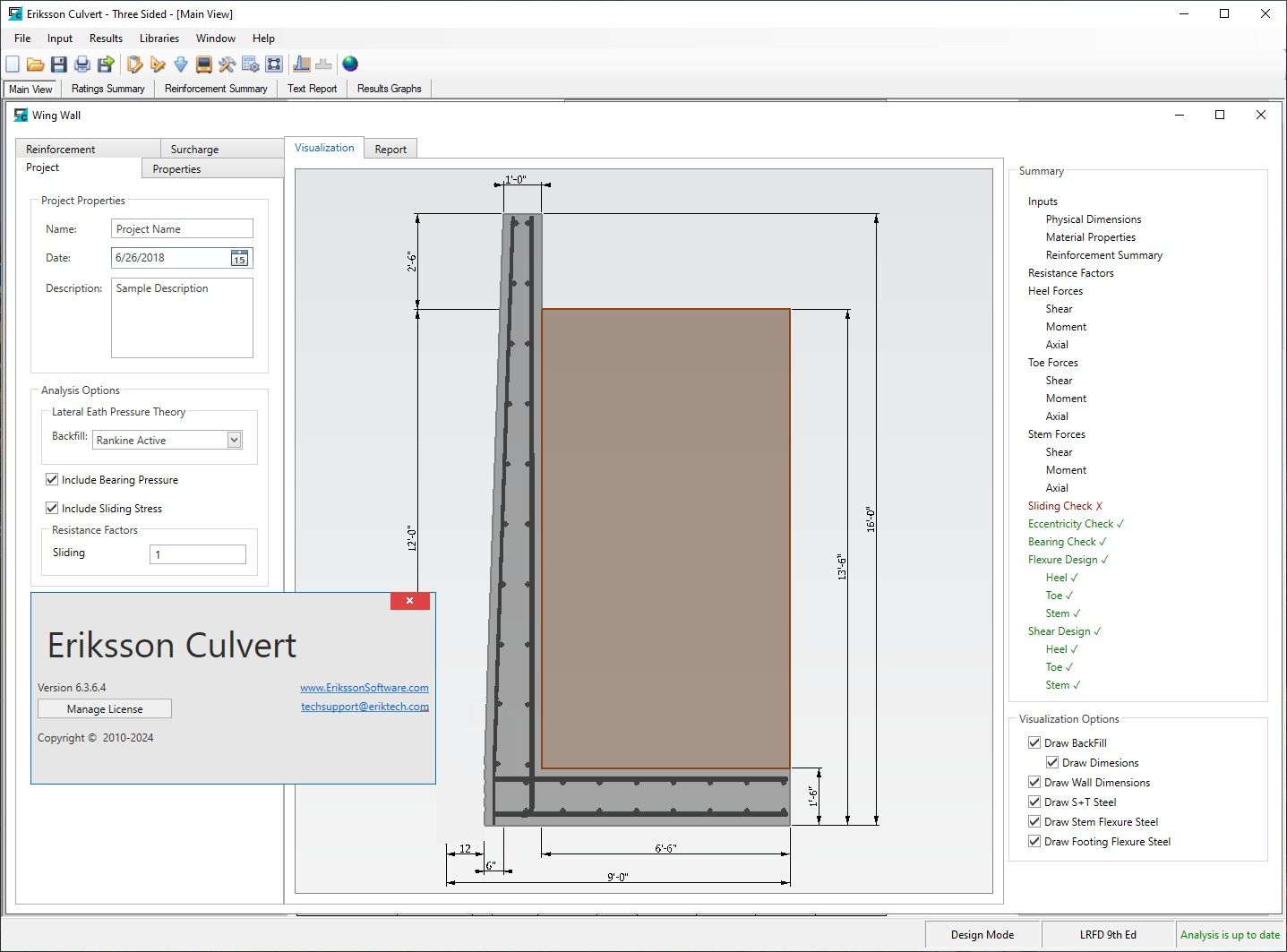
Eriksson Technologies Culvert 6.3.6.4 is a comprehensive structural analysis and design application specifically tailored for reinforced concrete culvert structures such as box culverts (precast or CIP) and three-sided designs. Now in a cloud-based subscription model, Culvert 6 replaces the older ETCulvert and delivers enhanced functionality informed by user feedback.

⚙️ Key Features & Capabilities of Eriksson Technologies Culvert 6.3.6.4

📐 Design & Analysis
Automatic or Manual Mode: Quickly auto-designs wall thicknesses and reinforcement (rebar, mesh) sizes and spacing; manual mode allows full user control.

Multiple Culvert Types Supported: Includes four-sided box, inverted three-sided, vertical boxes, type I, type II, and multi-cell configurations.

Specifications & Units: Supports AASHTO LRFD (5th–8th editions), Standard (STND), AREMA, CHBDC; handles US customary and metric units.

Full Load Modeling: Incorporates static and moving live loads (HL‑93, HS, H trucks), advanced truck library, horizontal/vertical surcharge loads, seismic loading, buoyancy, internal/external pressure.

🧱 Reinforcement & Detailing
Automatically generates detailed schedules for rebar and mesh including bar dimensions, bends, spacing, and cover.

Offers enhanced detailing options like shear steel in walls and customized mesh layout.

📊 Fast Calculation & UI
Real-time recalculation with results updating instantly in response to any input change.

Offers multiple output formats: text reports, graphs, and fully rendered 3D visualizations of the structure and reinforcement.
Graphical interface uses OpenGL for a dynamic, interactive 3D experience.

🚀 New & Recent Enhancements (v6.x Series)
Vertical box and inverted three-sided form support

Ratings Summary and Reinforcement Summary tabs for easier result navigation

Multi-tab printing support

New surcharge load options (horizontal & vertical)

Shear reinforcement detailing

Enhanced 3D rebar visualization engine

✅ Ideal Users

Structural or civil engineers designing highway and transit culverts.

Professionals needing rapid, code-compliant culvert design and documentation.

Teams upgrading from older ETCulvert versions.

Firms requiring high‑quality reinforcement schedules, 3D rebar visuals, and parametric workflows.

🌟 Why Choose Eriksson Technologies Culvert 6.3.6.4?

Highly automated design process accelerates typical layouts and reinforcement specifications.

Full compliance with multiple design codes widely used across North America.

Visual clarity and detailed reports enhance accuracy and quality control.

Subscription model ensures you stay current with updates and technical support.

If you want to download Eriksson Technologies Culvert 6.3.6.4 full license, please click to DOWNLOAD symbol and complete check out a little help my website is maintained. The download link is appeared automatically after you complete check out.
CLICKDOWN.ORG Download CAD CAM CNC software
Inside package Eriksson Technologies Culvert 6.3.6.4, already have cracked’s files and instruction how to install Eriksson Technologies Culvert 6.3.6.4 step by step. I guarantee you can install Eriksson Technologies Culvert 6.3.6.4 successfully if you follow that instruction.
If you also can’t install it or any problems, please contact to me by email: clickdown.org@gmail.com, then I will help you to install software by teamviewer or Ultraviewer or Anydesk.
Thanks a lot
SOFTWARES

Download Dlubal RFEM 5.38.01 x64 full license

Download Dlubal RFEM 5.38.01 x64 full license

Link download Dlubal RFEM 5.38.01 win64 full activated

Working with Dlubal RFEM 5.38.01 full license

Description of Dlubal RFEM 5.38.01

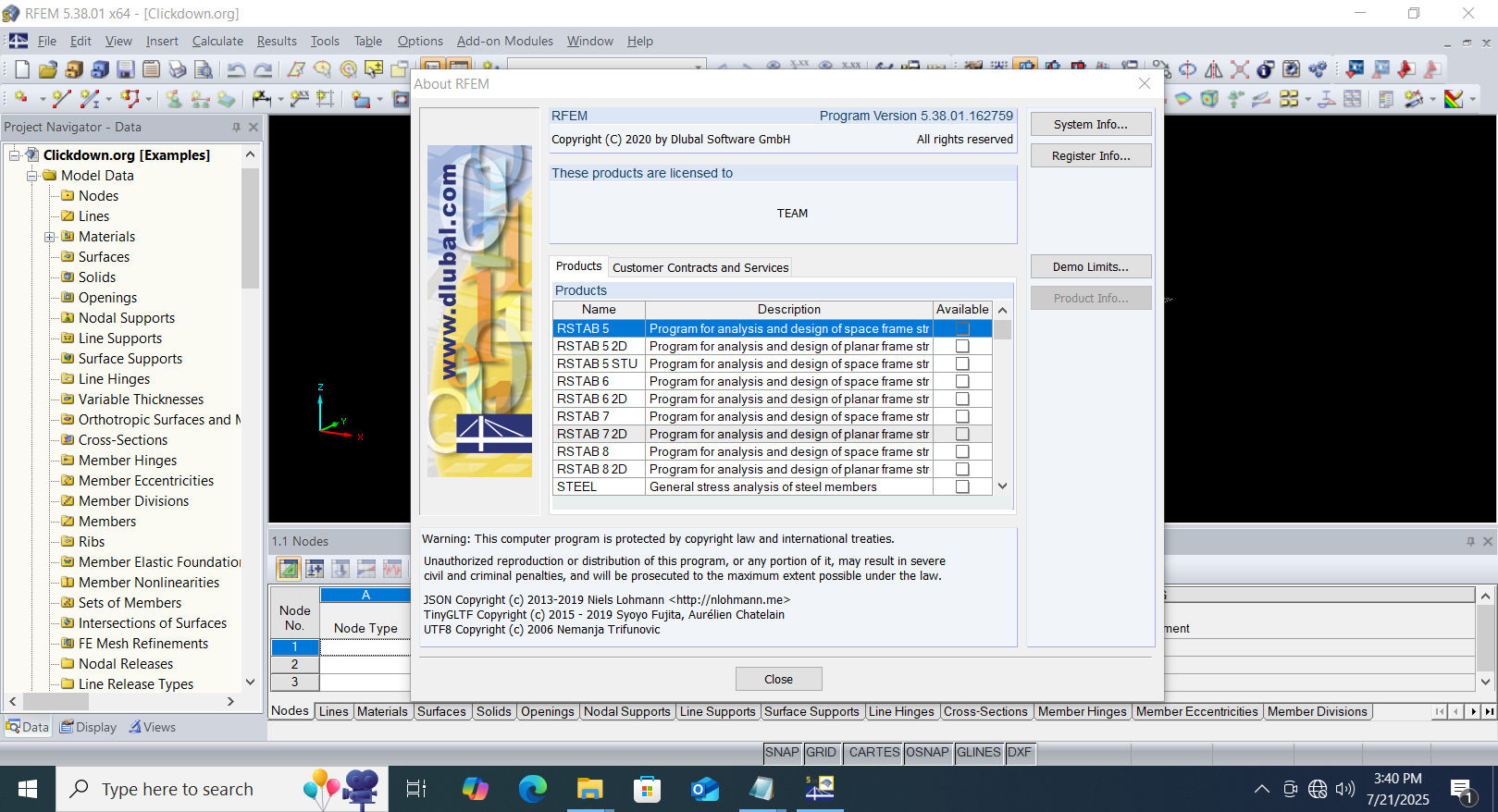
Dlubal RFEM 5.38.01 is a powerful 3D structural FEA software developed by Dlubal Software. It’s specifically designed for both static and dynamic analysis across diverse structure types: members, plates, shells, walls, folded plates, solids, and contact elements. Users define materials, loads, supports, and boundary conditions in a graphical CAD-like interface.

🔍 Core Capabilities of Dlubal RFEM 5.38.01

Handles multi-material structures including steel, concrete, timber, aluminum, glass, composite, and soil models—with potential mixed-material assemblies.

Performs analysis of deformations, internal forces, stresses, support actions, and soil-structure contact stresses, along with linear and non-linear behaviors (geometric & material nonlinearity).

Fully modular architecture: the base RFEM 5 application can be extended via add-ons for concrete, steel, timber design, stability analysis, dynamic loading, and more.

🚀 Workflow & Interface

Intuitive modeling environment: CAD-like visual interface with graphical input and tabular editing support. Users can easily hide/display nodes, members, and supports with photorealistic rendering previews.

Automatic load and combination generation: supports Eurocode, British, U.S., Indian, and other design standards; automatically generates load combinations and accidental design situations.

Parametric modeling: repeatable structures via user-defined templates, frame and load wizards, and macros via COM/API using Python or C# for automation or custom workflows.

✅ Best For

Structural engineers needing versatile FEA capabilities beyond beam/truss models.

Projects using diverse construction materials—steel, concrete, timber, glass.

Firms requiring code-based design checks, parametric workflows, and BIM interoperability.

Users comfortable with a modular system who want to customize tools per project needs.

If you want to download Dlubal RFEM 5.38.01 full license, please click to DOWNLOAD symbol and complete check out a little help my website is maintained. The download link is appeared automatically after you complete check out.
CLICKDOWN.ORG Download CAD CAM CNC software
Inside package Dlubal RFEM 5.38.01, already have cracked’s files and instruction how to install Dlubal RFEM 5.38.01 step by step. I guarantee you can install Dlubal RFEM 5.38.01 successfully if you follow that instruction.
If you also can’t install it or any problems, please contact to me by email: clickdown.org@gmail.com, then I will help you to install software by teamviewer or Ultraviewer or Anydesk.
Thanks a lot
SOFTWARES

Download FonixGeo LIME 3.0.1 full license forever

Download FonixGeo LIME 3.0.1 full license forever

Link download FonixGeo LIME 3.0.1 full activated

Working with FonixGeo LIME 3.0.1 full license

Description of FonixGeo LIME 3.0.1

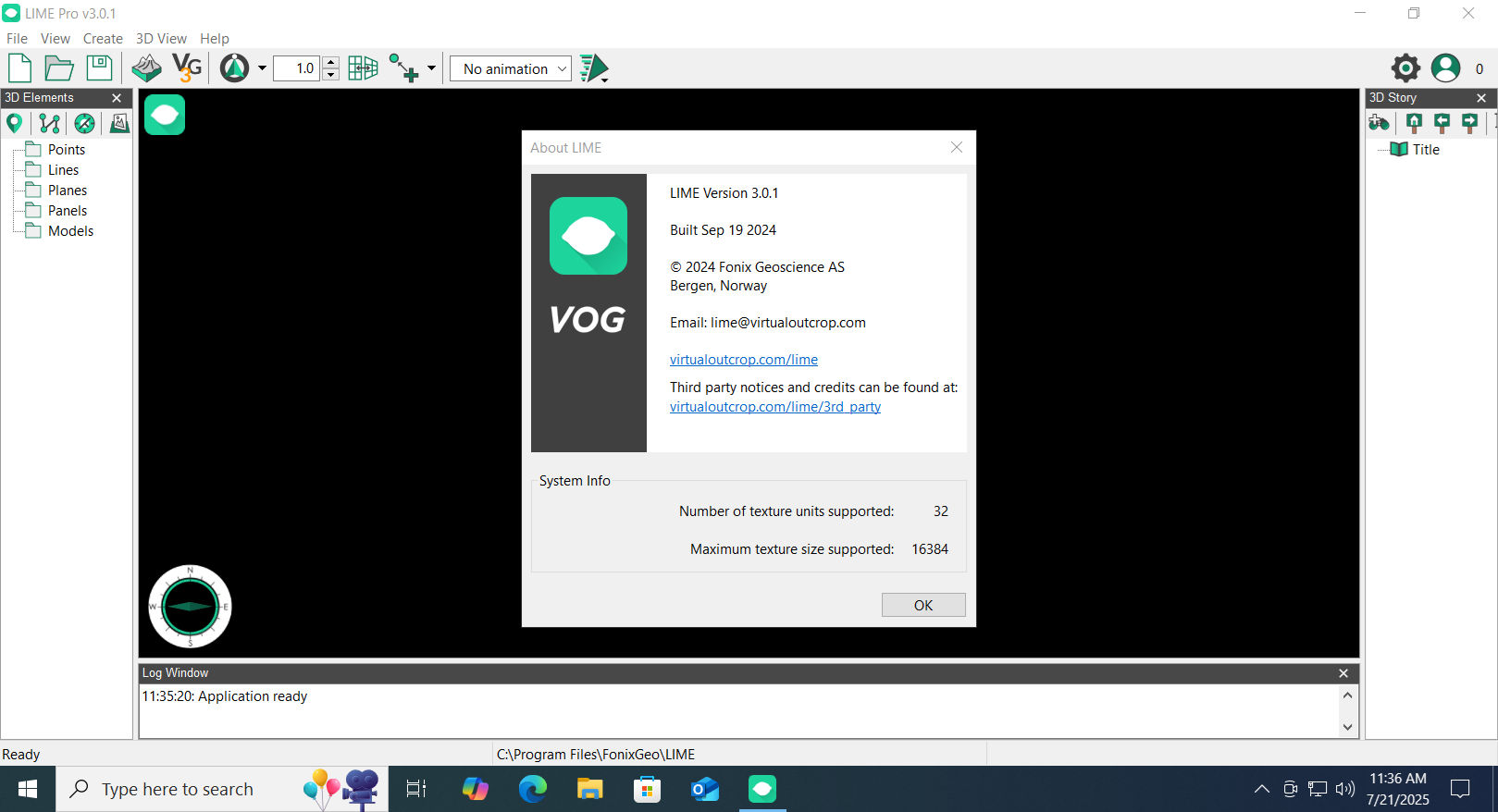
LIME 3.0.1 (Landscape Interpretation and Model Exploration) is a high-performance 3D viewer designed for geoscientists, field geologists, and educators. It facilitates intuitive exploration, interpretation, and presentation of models derived from lidar, photogrammetry, drone mapping, and geological surveys

⚙️ Core Features of FonixGeo LIME 3.0.1

1. 3D Data Import & Visualization
Supports formats like OBJ, PLY, STL, plus tiled models (OSG) with GPU-accelerated rendering for smooth interaction even with large datasets

Seamless loading of elevation models (DEMs), point clouds, and texturized terrain—all viewable in a dynamic environment

2. Interpretation Tools
Digitize geologic features: lines, polygons, oriented planes directly in 3D scenes.

Users can hierarchically organize interpretations and export data to formats like ASCII or XML—compatible with GIS and reservoir modeling tools

3. Panel / Dashboard System
Known as “Panels” or “Dashboards,” these flat surfaces allow embedding images, geophysical cross-sections, field photos, maps, logs, or slides into the 3D scene.

Users can drag, rotate, scale, and project these panels onto the 3D models to craft immersive virtual field trips

4. DEM & Raster Handling
Optimized handling of DEMs: overlay multiple layers, conduct comparative views, and analyze terrain effectively

5. Cloud & Remote Data Access
Connects to cloud-hosted 3D datasets (e.g., V3Geo), enabling access to large or tiled models without full local download

6. Virtual Field Trip Creation
Scripted camera paths with stops and annotations let creators build and share immersive field-trip experiences within the software

🎓 Ideal Users

Geoscientists & Geologists: interpret subsurface or surface models.

Environmental & Civil Professionals: overlay infrastructure or terrain data.

Educators & Trainers: create virtual field trips and immersive learning modules.

Consultants & Project Presenters: visualize 3D data combined with imagery or logs for stakeholder communication.

If you want to download LIME 3.0.1 full license, please click to DOWNLOAD symbol and complete check out a little help my website is maintained. The download link is appeared automatically after you complete check out.
CLICKDOWN.ORG Download CAD CAM CNC software
Inside package LIME 3.0.1, already have cracked’s files and instruction how to install LIME 3.0.1 step by step. I guarantee you can install LIME 3.0.1 successfully if you follow that instruction.
If you also can’t install it or any problems, please contact to me by email: clickdown.org@gmail.com, then I will help you to install software by teamviewer or Ultraviewer or Anydesk.
Thanks a lot
SOFTWARES

Download Maxon Red Giant 2025.6.0 x64 full license

Download Maxon Red Giant 2025.6.0 x64 full license

Link download Maxon Red Giant 2025.6.0 win64 full activated

Maxon Red Giant 2025.6.0 x64 full license

Description of Maxon Red Giant 2025.6.0

Maxon Red Giant 2025.6.0 is a visual effects and motion‑graphics plugin suite originally founded in 2002 and merged into Maxon (makers of Cinema 4D and Redshift) in early 2020.Today, the Red Giant Complete subscription offers an integrated, artist‑driven toolbox tailored for filmmakers, editors, motion designers, and VFX artists.

🔧 Core Plugin Suites of Maxon Red Giant 2025.6.0

1. Trapcode Suite

A powerful 3D particle system within After Effects, used to create effects like fire, smoke, snow, fluid simulations, UI elements, and volumetric lighting. Includes GPU acceleration, physics behaviors, and support for Cinema 4D (.c4d) files as emitters or geometry
2. Magic Bullet Suite

A color correction and film-grade finishing toolkit. Offers professional tools like Looks, film stock simulation, cosmetic cleanup, denoising, skin retouching, and halation or diffusion effects for cinematic grading workflows
3. VFX Suite

Includes essential tools for compositing, cleanup, motion tracking, and realism inside After Effects, including Supercomp, Primatte Keyer, Lens Distortion Matcher, Optical Glow, Spot Clone Tracker, King Pin Tracker, chromatic displacement, reflections and more
4. Universe

Offers a wide range of video transitions and stylized effects—glows, retro analog looks, looping backgrounds, HUD components, dithering, bokeh, sketch and text effects, plus multi‑frame rendering support in After Effects for multicore performance

5. PluralEyes
An automatic audio synchronization tool that matches video and audio clips without the need for timecode or clapboards—ideal for multi-camera editing workflows

🆕 Recent Developments (2024–2025)

Geo Tool: Introduced in Red Giant 2024.2 for importing 3D models (OBJ, FBX, glTF, etc.) into After Effects, with PBR workflows and multi-material support

Maxon Studio (Capsules): A template engine within After Effects launched mid‑2024; offers over 250 responsive “Capsule” motion‑graphics templates built using Red Giant tools, easy to customize and template-driven

Universe 6, Trapcode 18, VFX 3: Introduced new effects like Sketchify, Box Bokeh, Chromatown (Universe), M1‑native support in Trapcode, Real Lens Flares in VFX Suite, and OpenColorIO/ACES color management in Magic Bullet

🎯 Who’s Maxon Red Giant 2025.6.0 For?

Motion graphic artists and VFX professionals using After Effects and DaVinci Resolve.

Content creators and editors needing fast, stylish templates and collaborative finishing.

Filmmakers and broadcasters requiring audio sync tools and cinematic finishing plugins.

Artists who benefit from a broad plugin suite but can tolerate subscription-based licensing.

If you want to download Maxon Red Giant 2025.6.0 full license, please click to DOWNLOAD symbol and complete check out a little help my website is maintained. The download link is appeared automatically after you complete check out.
CLICKDOWN.ORG Download CAD CAM CNC software
Inside package Maxon Red Giant 2025.6.0, already have cracked’s files and instruction how to install Maxon Red Giant 2025.6.0 step by step. I guarantee you can install Maxon Red Giant 2025.6.0 successfully if you follow that instruction.
If you also can’t install it or any problems, please contact to me by email: clickdown.org@gmail.com, then I will help you to install software by teamviewer or Ultraviewer or Anydesk.
Thanks a lot

SOFTWARES

Download Aquaveo GMS Premium 10.8.10 win64 full activated

Download Aquaveo Groundwater Modeling System (GMS) Premium 10.8.10 x64 license

Link download Aquaveo GMS Premium 10.8.10 win64 full activated

Working with Aquaveo Groundwater Modeling System (GMS) Premium 10.8.10

Description of Aquaveo GMS Premium 10.8.10

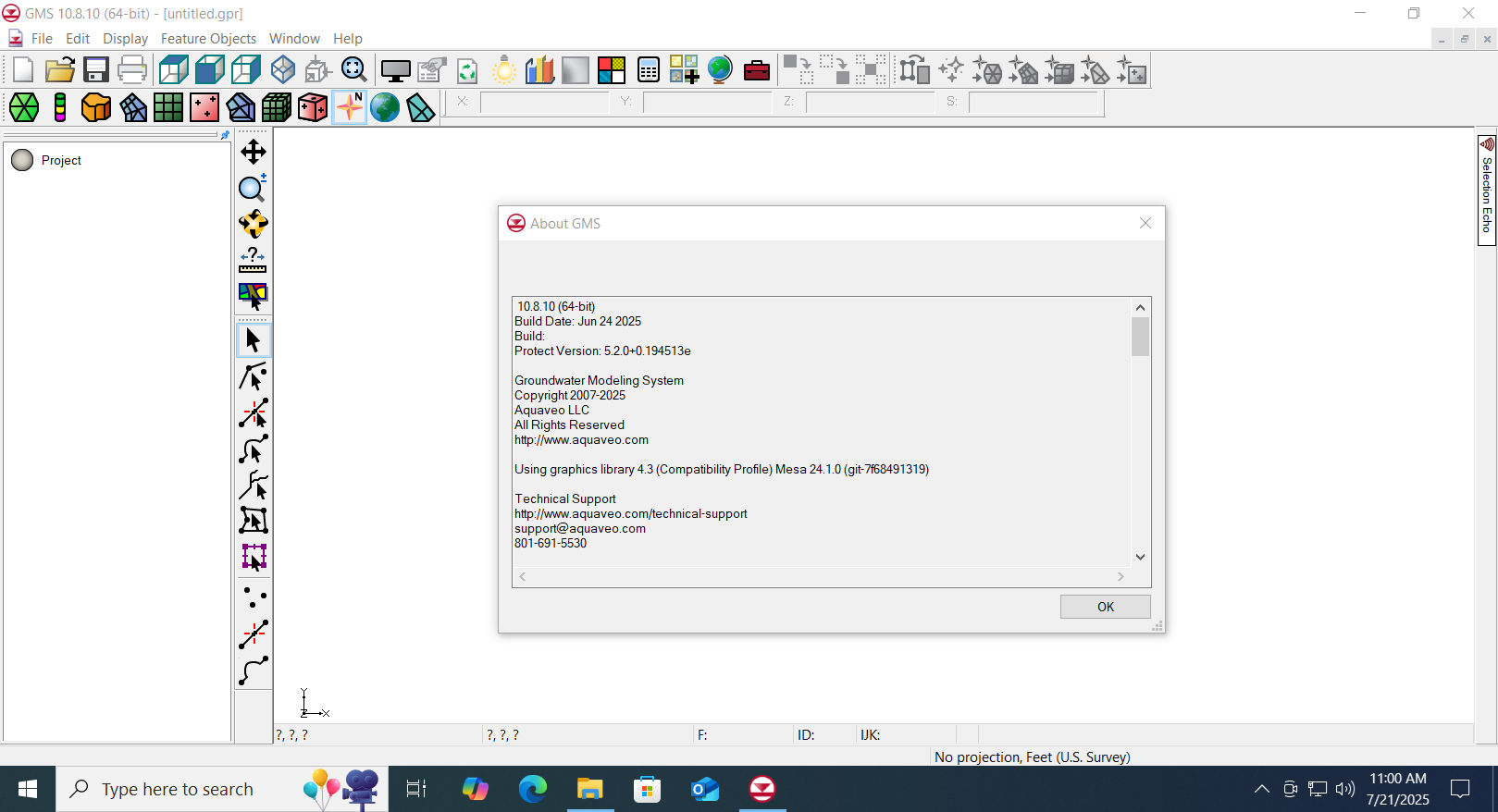
Aquaveo GMS Premium 10.8.10 is a leading Windows-based software for groundwater and surface-water modeling, integrating tools like MODFLOW, MODPATH, MT3DMS, SEAWAT, and many more into one environment.

The Premium edition includes the full suite:

MODFLOW variants (including USG, NWT, LGR, 6)

Transport models (e.g. MODFLOW‑USG Transport, RT3D, SEAWAT)

Pathline tracing (MODPATH, mod‑PATH3DU)

Geostatistics, subsurface mesh tools, stochastic modeling

PEST & parallel PEST, SAMG solver, FEMWATER, RT3D, SEAM3D, and more

🆕 What’s New in Aquaveo GMS Premium 10.8.10

1. HydroGeoSphere Integration

A fresh interface supports HydroGeoSphere—a powerful 3D integrated surface-groundwater model—bridging overland and variably saturated subsurface flow

2. Model Engine Updates
Support for the latest versions:

MODFLOW‑USG Transport v2.1.1

mod‑PATH3DU v2.1.7

MODFLOW 6 v6.4.2

PEST v17.5

3. Enhanced Solver Performance

The upgraded SAMG solver now features machine-learning enhancements that dynamically adapt solver strategies for faster parallel/serial performance

4. Improved Visualization & UI

Proper display of non-English character sets

Selection feedback now shows UGrid cell/point IDs

Legends can include dataset and time units (via “UNITS”/“TUNITS”)

New customizable color ramps with preview, reverse, and “favorites” options

5. Advanced Tools & Automation

3D UGrid creation from rasters

New keyboard shortcut (“L”) to select all UGrid cells

Tools for mapping RCH/EVT/ETS packages to 3D datasets/rasters

Right-click to open containing folder from recent files

✅ Why Use Aquaveo GMS Premium 10.8.10?

Comprehensive modeling suite: supports the full range of groundwater and surface-water modeling techniques.

Modern interface: conceptual modeling, robust visualization, and integrated GIS/CAD tools.

Efficient solvers: adaptive SAMG improves simulation speed.

Cutting-edge extensions: built-in HydroGeoSphere support for fully integrated hydrology.

Rich learning resources: extensive tutorials covering both 2D/3D and integrated models.

Scalable licensing: choose Local or Flex with paid add-ons as needed.

If you want to download Aquaveo GMS Premium 10.8.10 full license, please click to DOWNLOAD symbol and complete check out a little help my website is maintained. The download link is appeared automatically after you complete check out.
CLICKDOWN.ORG Download CAD CAM CNC software
Inside package Aquaveo GMS Premium 10.8.10, already have cracked’s files and instruction how to install Aquaveo GMS Premium 10.8.10 step by step. I guarantee you can install Aquaveo GMS Premium 10.8.10 successfully if you follow that instruction.
If you also can’t install it or any problems, please contact to me by email: clickdown.org@gmail.com, then I will help you to install software by teamviewer or Ultraviewer or Anydesk.
Thanks a lot
SOFTWARES

Download ECam PRO 5.0.392.0 full license

Download ECam PRO 5.0.392.0 full license

Link download ECam PRO 5.0.392.0 full activated

Working with ECam PRO 5.0.392.0 full license

Description of ECam PRO 5.0.392.0

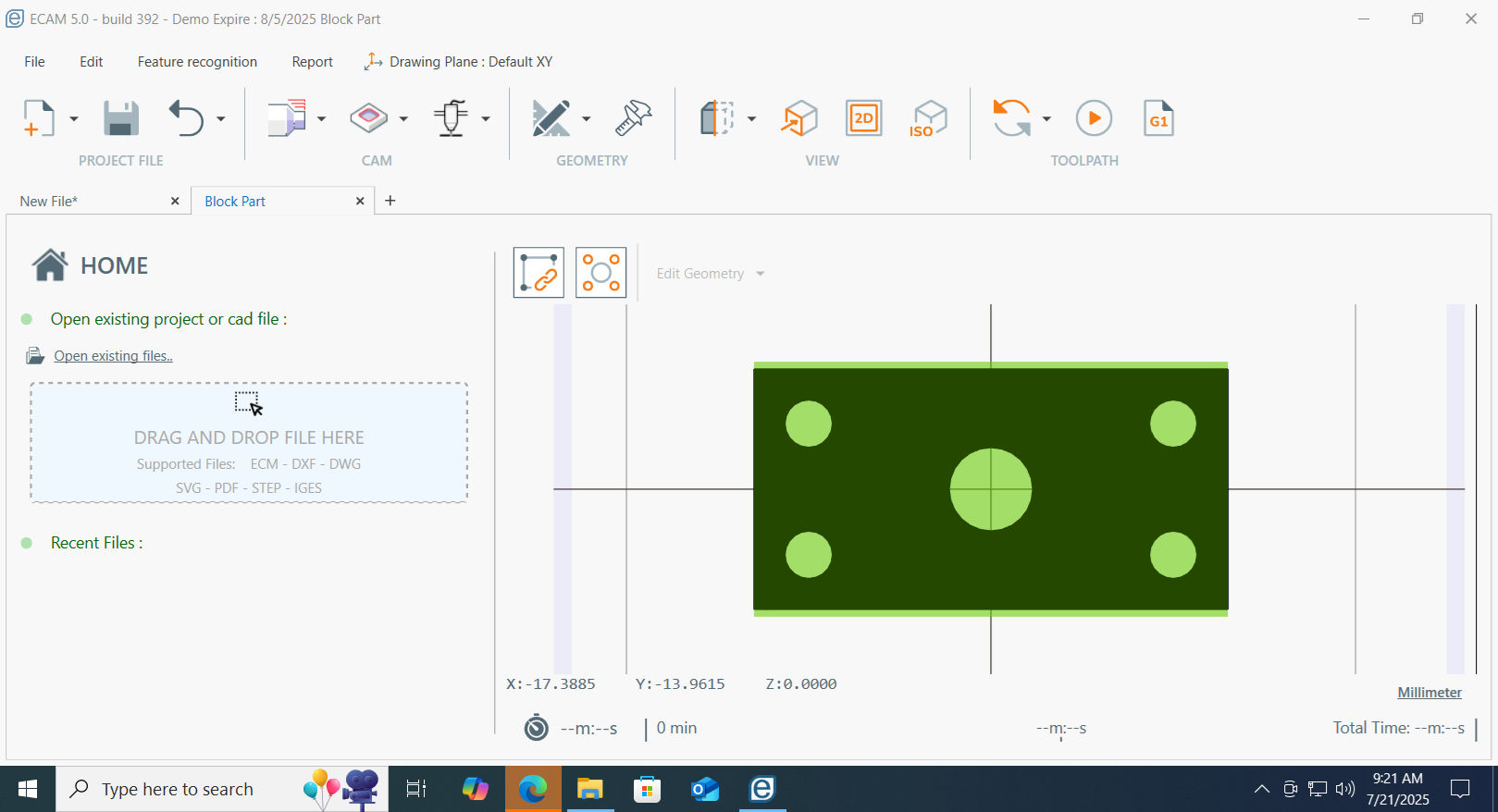
ECam PRO 5.0.392.0 is a CNC programming system (“conversational CAM”) designed for machining simple to moderately complex parts without requiring high‑end CAD/CAM tools. It targets users needing rapid G-code generation with minimal overhead.

The software is currently part of the eCam 5.x product line, with PRO being the full-featured edition of version 5.0

🚀 Key Features in ECam PRO 5.0.392.0

1. Conversational CAM Workflow
Offers intuitive menus for defining operations like milling, turning, pocketing, drilling, engraving, chamfering, and threading.

Provides a guided interface so no extensive CAM training is required

2. Timeline & Setup Sheets
Visual timeline highlights which operations consume the most time, aiding optimization.

One-click setup sheet generation shares all job details with shop floor teams

3. Toolpath Simulation & Stock Modeling
Visualize machining in real-time on a 3D stock model.

Monitor feed/spindle speed values during simulation for better validation

4. CAD Import / Basic CAD Editing
Import 2D/3D models to generate operations.

Edit simple geometries directly within eCam using a built-in CAD editor

5. Lathe & Mill Support
PRO supports live C-axis turning, Y-axis turning operations, adaptive roughing, and indexed multi-axis machining

6. Tool & Thread Management
Central tool store lets you assign cutting parameters per tool and material.

Built-in thread database includes common thread families for tapping or thread milling

7. Post-Processing & G-Code Customization
Customizable post-processor framework allows code editing without scripting.

Easily tailor output to match specific CNC controllers

8. Modular Ops & Adaptive Roughing
Operations update automatically when linked geometry changes.

Adaptive roughing module (optional in lower editions) speeds up machining of tough materials like steel or stainless steel

✅ Why Choose eCam PRO 5.0?

Fast ramp-up: ideal when full CAD/CAM is overkill.

Conversational interface: guided CNC operations without programming syntax.

Clear output: visual simulations and setup sheets reduce errors.

Flexible post‑processing: adapts to many machine formats without manual code scripting.

Efficient licensing: one-time cost, no subscription model.

It suits small shops, prototyping workshops, or standalone operators who need reliable G‑code generation fast.

If you want to download ECam PRO 5.0.392.0 full license, please click to DOWNLOAD symbol and complete check out a little help my website is maintained. The download link is appeared automatically after you complete check out.
CLICKDOWN.ORG Download CAD CAM CNC software
Inside package ECam PRO 5.0.392.0, already have cracked’s files and instruction how to install ECam PRO 5.0.392.0 step by step. I guarantee you can install ECam PRO 5.0.392.0 successfully if you follow that instruction.
If you also can’t install it or any problems, please contact to me by email: clickdown.org@gmail.com, then I will help you to install software by teamviewer or Ultraviewer or Anydesk.
Thanks a lot
SOFTWARES

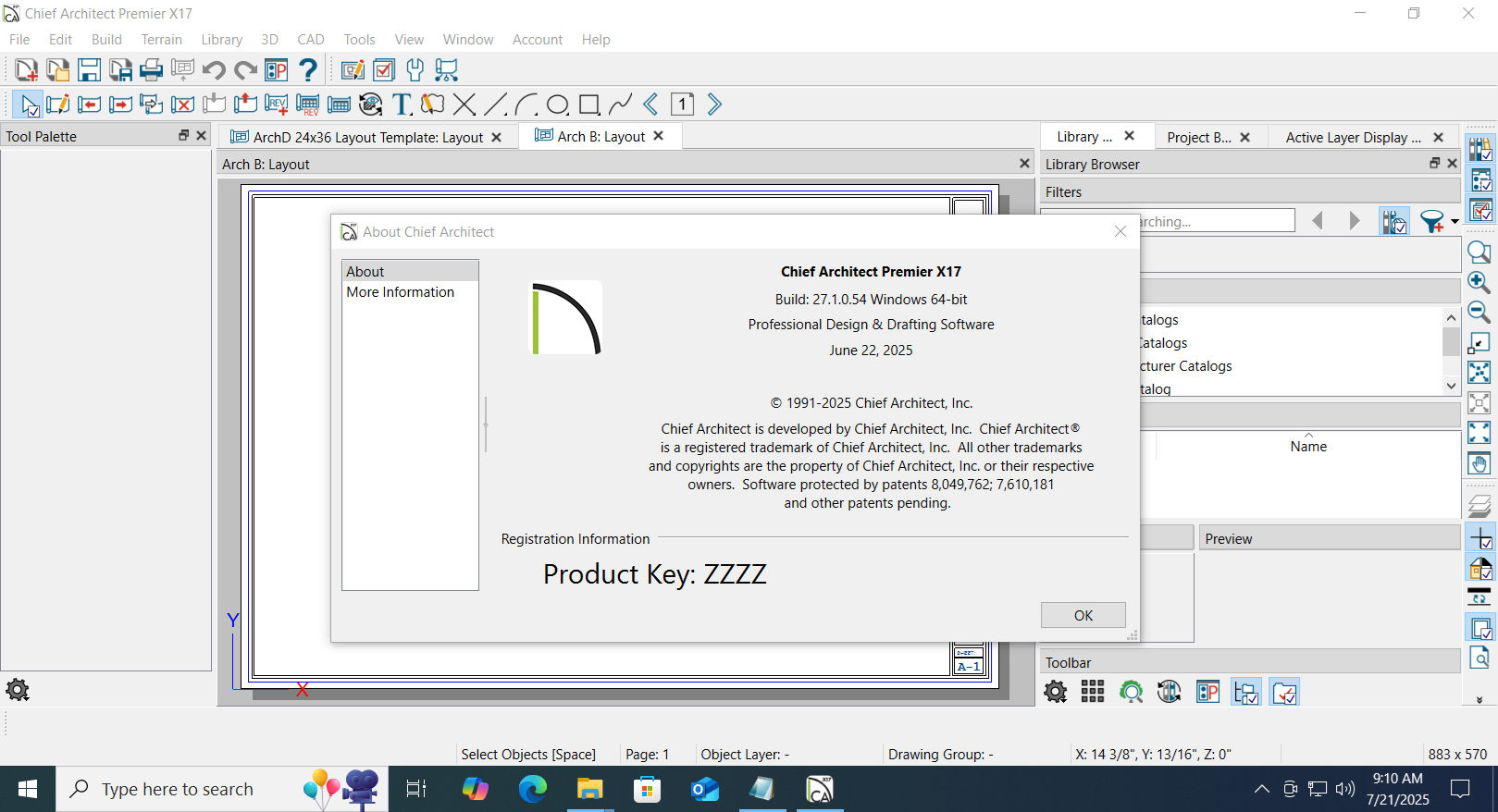
Download Chief Architect Premier X17 Build 27.1.0.54 x64 full

Download Chief Architect Premier X17 Build 27.1.0.54 x64 full

Link download Chief Architect Premier X17 Build 27.1.0.54 win64 activated

Working with Chief Architect Premier X17 Build 27.1.0.54 x64 full

Description of Chief Architect Premier X17 Build 27.1.0.54

Chief Architect Premier X17 Build 27.1.0.54 is advanced 3D architectural CAD/BIM software designed for professional use across all aspects of building design—from initial layouts to construction documentation and final visualizations

🚀 What’s New in Chief Architect Premier X17?

1. Project Browser & Full Project Management

Introduces a centralized Project Browser that automatically organizes plans, layout sheets, CAD details, materials, PDFs, and more within a single .CAproject container. No more broken links or missing files.

Features drag‑and‑drop views straight to layout pages, built‑in asset storage, and seamless import/export for sharing and version control.

2. 3D Temporary Dimensions & Smart Annotation Tools

Supports placing temporary and permanent dimensions directly in 3D views—including edges, centerlines, and bounding boxes.

Integrated text within 3D with snapping to planes—ideal for precise layout detailing.

3. Electrical Enhancements: Ganged Boxes & Lighting Control

Streamlines electrical planning by enabling ganged switches and outlets in both 2D and 3D.

Allows adjustment of spacing and alignment, schedule tracking per device in a gang, and light dimming tied to specific fixtures.

4. CAD & DWG Workflow Upgrades

Allows bulk DWG import into CAD details, auto-grouping into editable blocks, preserving original layering, and adding assets directly to your Chief library.

5. Efficient Layout Management

Facilitates drag-and-drop placement of saved views from the Project Browser to layout sheets—making documentation workflows faster and clearer.

Supports referencing as-built vs. proposed views and glass-house overlays.

6. Custom Toolbar & Workspace Personalization

Design your own toolbars with custom icons, switch toolbar sets easily, and tailor workspace layouts to match design stages (e.g., framing, detailing).

7. 3D Mouse Compatibility

Fully compatible with 3D navigation devices like the SpaceMouse Wireless, enabling 6-DOF orbit and zoom, with programmable buttons for frequently used functions.

🎯 Why Upgrade to X17?

Chief Architect X17 represents a major evolution in design workflows—a leap beyond drafting into smarter project structure, immersive 3D control, and elevated collaboration. Whether you’re working solo or across teams, X17 helps you:

Save time

Reduce file errors

Streamline documentation

Create polished visual presentations

Leverage modern hardware and materials systems

✅ For Whom is X17 Ideal?

Residential designers, remodelers, and build firms

CAD-heavy workflows and consultants

Teams needing robust collaboration across plans

Visual-driven interior or electrical design professionals

If you want to download Chief Architect Premier X17 Build 27.1.0.54 full license, please click to DOWNLOAD symbol and complete check out a little help my website is maintained. The download link is appeared automatically after you complete check out.
CLICKDOWN.ORG Download CAD CAM CNC software
Inside package Chief Architect Premier X17 Build 27.1.0.54, already have cracked’s files and instruction how to install Chief Architect Premier X17 Build 27.1.0.54 step by step. I guarantee you can install Chief Architect Premier X17 Build 27.1.0.54 successfully if you follow that instruction.
If you also can’t install it or any problems, please contact to me by email: clickdown.org@gmail.com, then I will help you to install software by teamviewer or Ultraviewer or Anydesk.
Thanks a lot
SOFTWARES

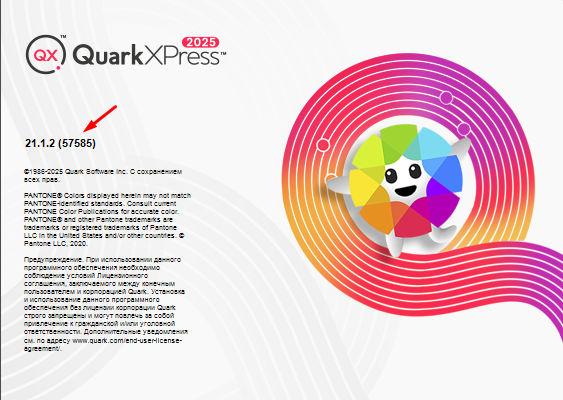
Download QuarkXPress 2025 v21.1.2 Build 57585 x64 full

Download QuarkXPress 2025 v21.1.2 Build 57585 x64 full

Link download QuarkXPress 2025 v21.1.2 win64 full activated

QuarkXPress 2025 21.1.2.57585 x64 full license

🖋️ Description of QuarkXPress 2025 v21.1.2 Build 57585

QuarkXPress 2025 v21.1.2 Build 57585 is the latest version of Quark’s industry-leading desktop publishing software, designed for creative professionals and organizations that require precise control over layout, typography, and digital publishing. This release builds on the platform’s legacy of powerful design tools while introducing AI integration, expanded language support, and performance upgrades.

🆕 Key New Features in QuarkXPress 2025 v21.1.2 Build 57585

1. AI Integration (Quarky AI Assistant)
Quarky AI is a new optional feature (available to users with a maintenance plan) that provides smart design assistance.

Helps automate repetitive tasks, generate content, and suggest layout refinements.

2. Improved Multilingual & RTL Language Support
Now supports Indic scripts (e.g., Devanagari, Tamil, Bengali) and Right-to-Left languages (e.g., Arabic, Hebrew).

Built-in Hunspell-based spell checking covers more languages with improved accuracy.

3. Enhanced Word & Excel Import
Smarter importing of Microsoft Word and Excel documents:

Maintains styles (bold, italic, colors, etc.).

Better handling of embedded images and tables.

4. Modernized User Interface Enhancements
Refined UI with cleaner icons, resizable panels, and improved dark mode support.

Customizable toolbars and workspace presets for faster workflows.

5. Performance & Stability Improvements
Faster startup and document rendering.

Enhanced compatibility with modern OS platforms:

Windows 10/11 (64-bit only)

🧰 Core Features Retained & Improved
Professional page layout and typesetting.

Print and digital publishing (ePub, HTML5, mobile apps).

Flex Layouts for responsive web design.

PDF/X-4 and accessibility-compliant output.

Variable font support and advanced OpenType features.

Conclusion:
QuarkXPress 2025 v21.1.2 Build 57585 is a powerful, professional-grade publishing solution ideal for designers, publishers, and marketers who need precise control over content and layout, now augmented by AI and broader language support for a global, modern workflow.

If you want to download QuarkXPress 2025 v21.1.2 Build 57585 full license, please click to DOWNLOAD symbol and complete check out a little help my website is maintained. The download link is appeared automatically after you complete check out.
CLICKDOWN.ORG Download CAD CAM CNC software
Inside package QuarkXPress 2025 v21.1.2 Build 57585, already have cracked’s files and instruction how to install QuarkXPress 2025 v21.1.2 Build 57585 step by step. I guarantee you can install QuarkXPress 2025 v21.1.2 Build 57585 successfully if you follow that instruction.
If you also can’t install it or any problems, please contact to me by email: clickdown.org@gmail.com, then I will help you to install software by teamviewer or Ultraviewer or Anydesk.
Thanks a lot
SOFTWARES

Download iSpring Suite 11.11.3 Build 9053 x64 full

Download iSpring Suite 11.11.3 Build 9053 x64 full license

Link download iSpring Suite 11.11.3 win64 full activated

iSpring Suite 11.11.3 x64 full activated

Working with iSpring Suite 11.11.3 full license

Description of iSpring Suite 11.11.3 Build 9053

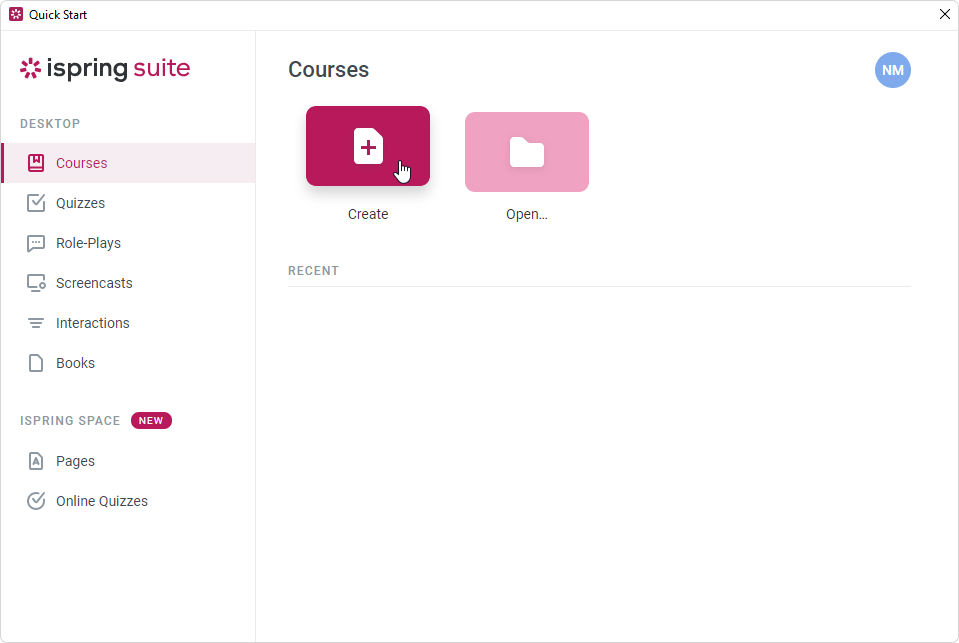
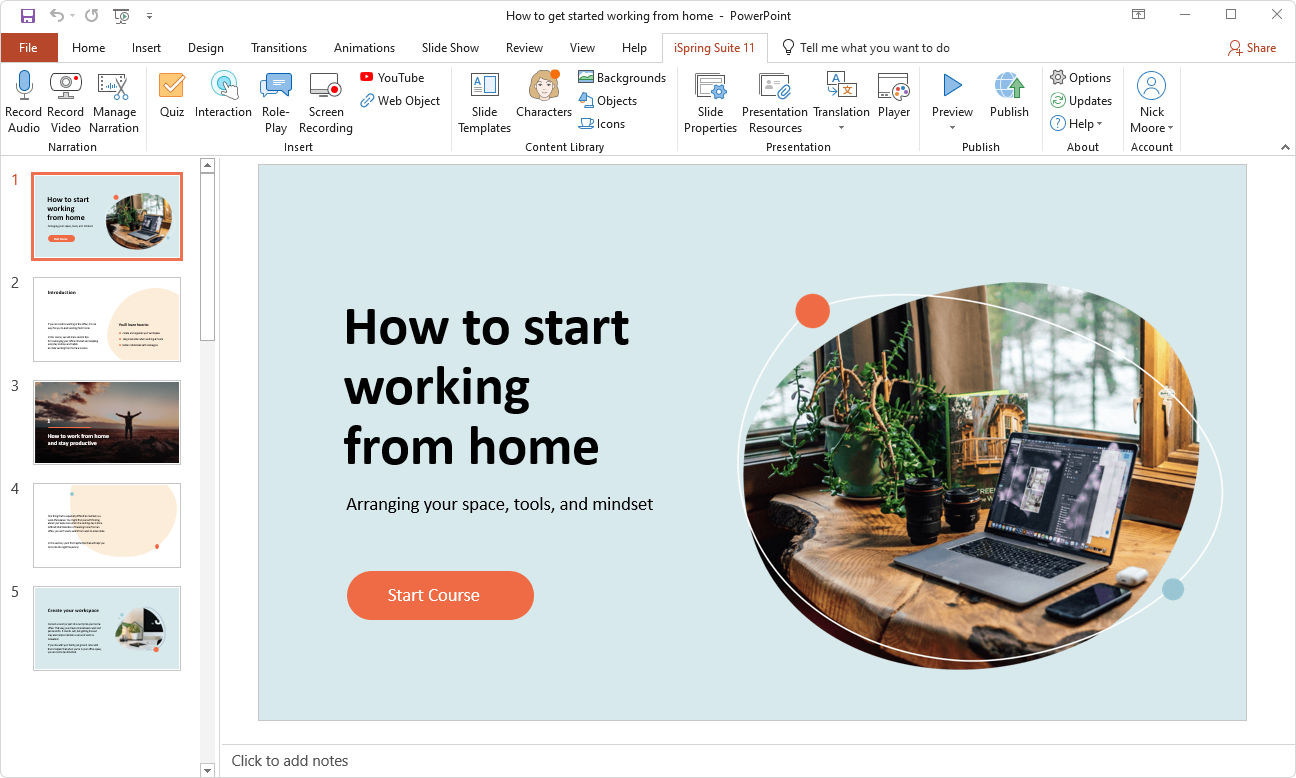
iSpring Suite 11.11.3.9053 is the latest update in the iSpring Suite 11 series—a powerful, all-in-one eLearning authoring toolkit built as a PowerPoint add-in. It allows users to create interactive courses, quizzes, video lectures, role-plays, and eLearning content quickly and easily with no coding skills required.

🔑 Key Features in Version 11.11.3.9053:

✅ PowerPoint Integration:
Seamless integration into Microsoft PowerPoint.

Turn standard presentations into engaging eLearning courses.

🎬 Interactive Video and Screencast Tools:
Record screen with webcam, voice-over, and annotations.

Built-in iSpring Cam Pro for editing and enhancing videos.

Insert quizzes, pop-ups, and branching into videos.

📊 Advanced Quiz Maker:
Create graded and survey quizzes with 14 question types.

Support for branching scenarios, feedback, and scoring.

Randomization, question pools, and timed quizzes.

🎭 Role-Play Simulations:
Build interactive dialogue simulations for training communication skills.

Choose characters, backgrounds, and branching conversation paths.

🎨 Content Library & Characters:
Over 89,000 eLearning assets including templates, characters, backgrounds, and icons.

Professional photo characters in diverse roles and attire.

🌍 Responsive Design for Mobile Learning:
Courses adapt to all screen sizes automatically.

Publish to HTML5, SCORM, xAPI (Tin Can), AICC, and cmi5.

☁️ iSpring Space Integration:
Collaborate and co-edit courses online with team members.

Store projects in the cloud and share via link.

🔁 Updates in 11.11.3.9053:
Performance improvements and stability enhancements.

Bug fixes for SCORM packaging and character animation transitions.

Improved compatibility with PowerPoint 2021 and Office 365.

Updated character packs and refreshed visual assets.

Ideal for:
Corporate trainers, instructional designers, HR departments, educators, and anyone creating professional eLearning content quickly within PowerPoint.

If you want to download iSpring Suite 11.11.3 full license, please click to DOWNLOAD symbol and complete check out a little help my website is maintained. The download link is appeared automatically after you complete check out.
CLICKDOWN.ORG Download CAD CAM CNC software
Inside package iSpring Suite 11.11.3, already have cracked’s files and instruction how to install iSpring Suite 11.11.3 step by step. I guarantee you can install iSpring Suite 11.11.3 successfully if you follow that instruction.
If you also can’t install it or any problems, please contact to me by email: clickdown.org@gmail.com, then I will help you to install software by teamviewer or Ultraviewer or Anydesk.
Thanks a lot
Ask ChatGPT

SOFTWARES

Download Room Arranger 10.2.0.720 full license

Download Room Arranger 10.2.0.720 full license

Link download Room Arranger 10.2.0.720 full activated

Working with Room Arranger 10.2.0.720 full license

Description of Room Arranger 10.2.0.720

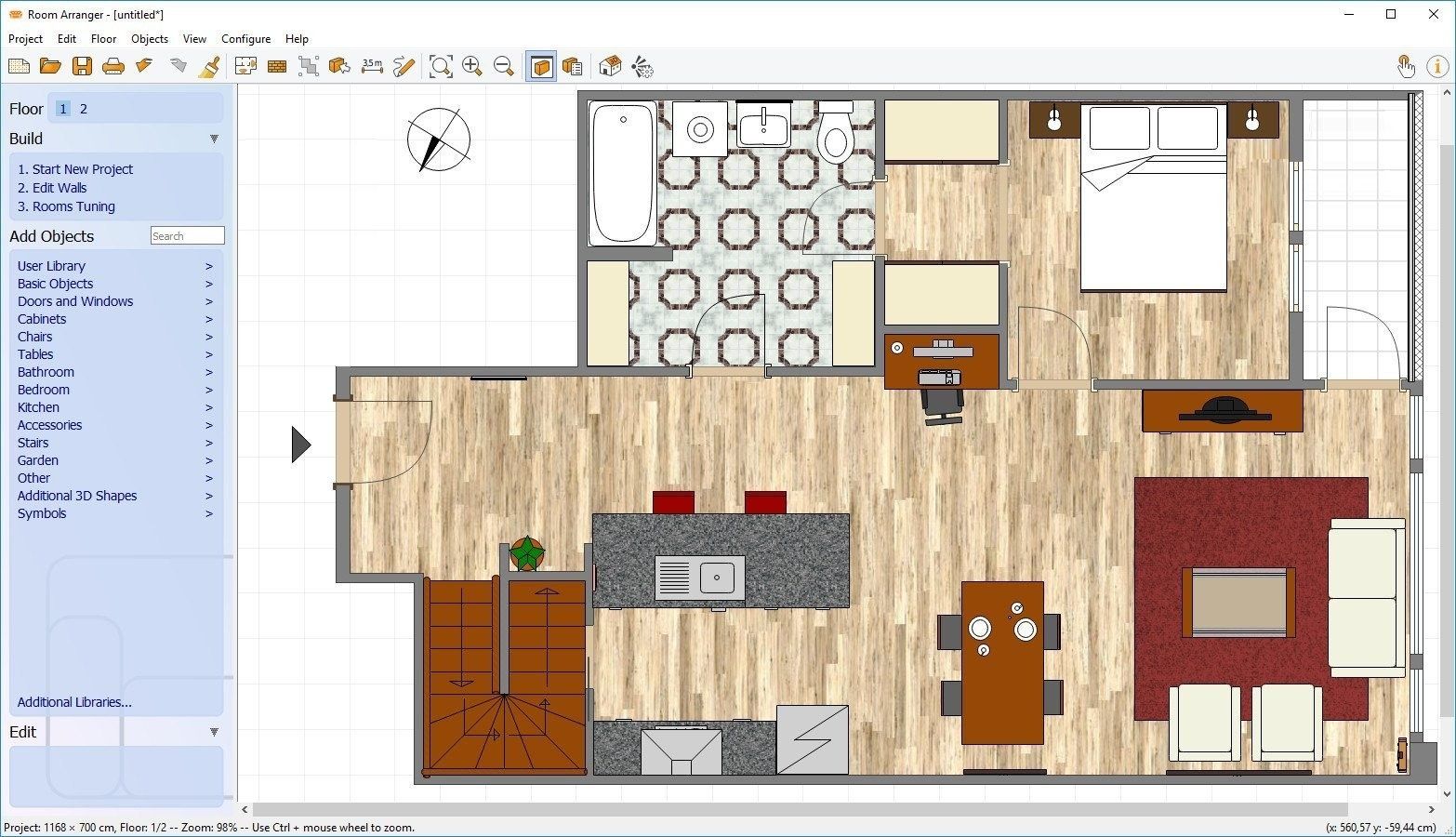
Room Arranger 10.2.0.720 is a software tool designed for creating and visualizing room layouts, floor plans, and interior designs. It is typically used by interior designers, architects, and DIY enthusiasts who want to design and arrange spaces in a realistic 2D or 3D environment. The tool provides an intuitive interface that allows users to easily plan, experiment, and visualize different arrangements of furniture, walls, doors, windows, and other elements in a given room or building.

Key Features of Room Arranger 10.2.0.720

1. Intuitive Interface:

The software provides a user-friendly, drag-and-drop interface that makes it easy to place and arrange furniture, fixtures, and other elements within a room or building.

2. 2D and 3D Views:

Users can switch between 2D and 3D views to get different perspectives of the design. The 3D view helps visualize how the room or space will look in real life.

3. Extensive Library of Objects:

Room Arranger includes an extensive library of furniture, décor items, doors, windows, walls, and appliances. Users can select from these to populate their designs or even import custom objects.

4. Room Dimensions and Measurements:

The tool allows users to enter accurate room dimensions, ensuring that the design adheres to the real-life proportions of the space. This is particularly useful for ensuring that furniture and objects fit the space properly.

5. Realistic 3D Rendering:

Room Arranger offers realistic rendering in 3D, helping users visualize how lighting, shadows, and textures will appear in the designed room. This gives a better sense of how a space will feel.

6. Floor Plan Creation:

Users can create detailed floor plans by defining room shapes, walls, and openings. The software also supports multi-floor layouts, allowing users to design buildings or multi-level spaces.

7. Furniture Arrangement:

Furniture and other objects can be arranged freely within the space. Users can experiment with different layouts to see which arrangement works best for the room.

8. Customizable Room Elements:

Room Arranger 10.2 allows users to customize the dimensions and features of room elements. For instance, users can adjust the size of doors, windows, and furniture pieces according to their needs.

9. Measurement Tools:

The software provides measurement tools to ensure precise placement and arrangement of objects. Users can easily calculate distances between elements to maintain a balanced and functional design.

10. Compatibility:

Room Arranger 10.2 supports importing and exporting designs in various formats, including DXF, which is compatible with CAD tools and other professional design software. It also supports various image formats for output.

11. Multi-Language Support:

The software supports multiple languages, making it accessible to users from different regions and backgrounds.

12. Print & Export Options:

Once the design is complete, users can print the floor plan or export it as an image or 3D model for sharing or further modification in other software.

13. Furniture Customization:

Users can adjust the size, shape, and orientation of individual furniture pieces, giving them full control over the design elements.

14. Lighting and Textures:

In 3D mode, Room Arranger allows users to experiment with different textures and lighting setups to simulate realistic lighting conditions and material finishes.

15. Room Templates:

The software may offer pre-designed templates to get started quickly, such as templates for bedrooms, living rooms, kitchens, offices, and more.

Common Use Cases:

Interior Design: Planning and designing the layout of rooms and spaces in homes, offices, or commercial buildings.

Furniture Placement: Experimenting with the arrangement of furniture and décor items to find the most efficient or aesthetically pleasing configuration.

Real Estate: Creating floor plans and room layouts for real estate listings to help buyers or tenants visualize spaces.

Renovation Planning: Helping homeowners or designers plan home renovations or remodeling projects by visualizing changes to room layouts.

Professional Design: Used by interior designers and architects to showcase potential room designs to clients before implementation.

Summary:

Room Arranger 10.2.0.720 is a versatile and powerful tool for anyone looking to design, visualize, and experiment with room layouts and interior spaces. Its combination of ease-of-use, customization options, and realistic 3D rendering makes it a popular choice for both professionals and enthusiasts looking to bring their interior design ideas to life. Whether you’re designing a single room or an entire building, Room Arranger helps streamline the creative process and ensure that the final design meets functional and aesthetic goals.

If you want to download Room Arranger 10.2.0.720 full license, please click to DOWNLOAD symbol and complete check out a little help my website is maintained. The download link is appeared automatically after you complete check out.
CLICKDOWN.ORG Download CAD CAM CNC software
Inside package Room Arranger 10.2.0.720, already have cracked’s files and instruction how to install Room Arranger 10.2.0.720 step by step. I guarantee you can install Room Arranger 10.2.0.720 successfully if you follow that instruction.
If you also can’t install it or any problems, please contact to me by email: clickdown.org@gmail.com, then I will help you to install software by teamviewer or Ultraviewer or Anydesk.
Thanks a lot
SOFTWARES

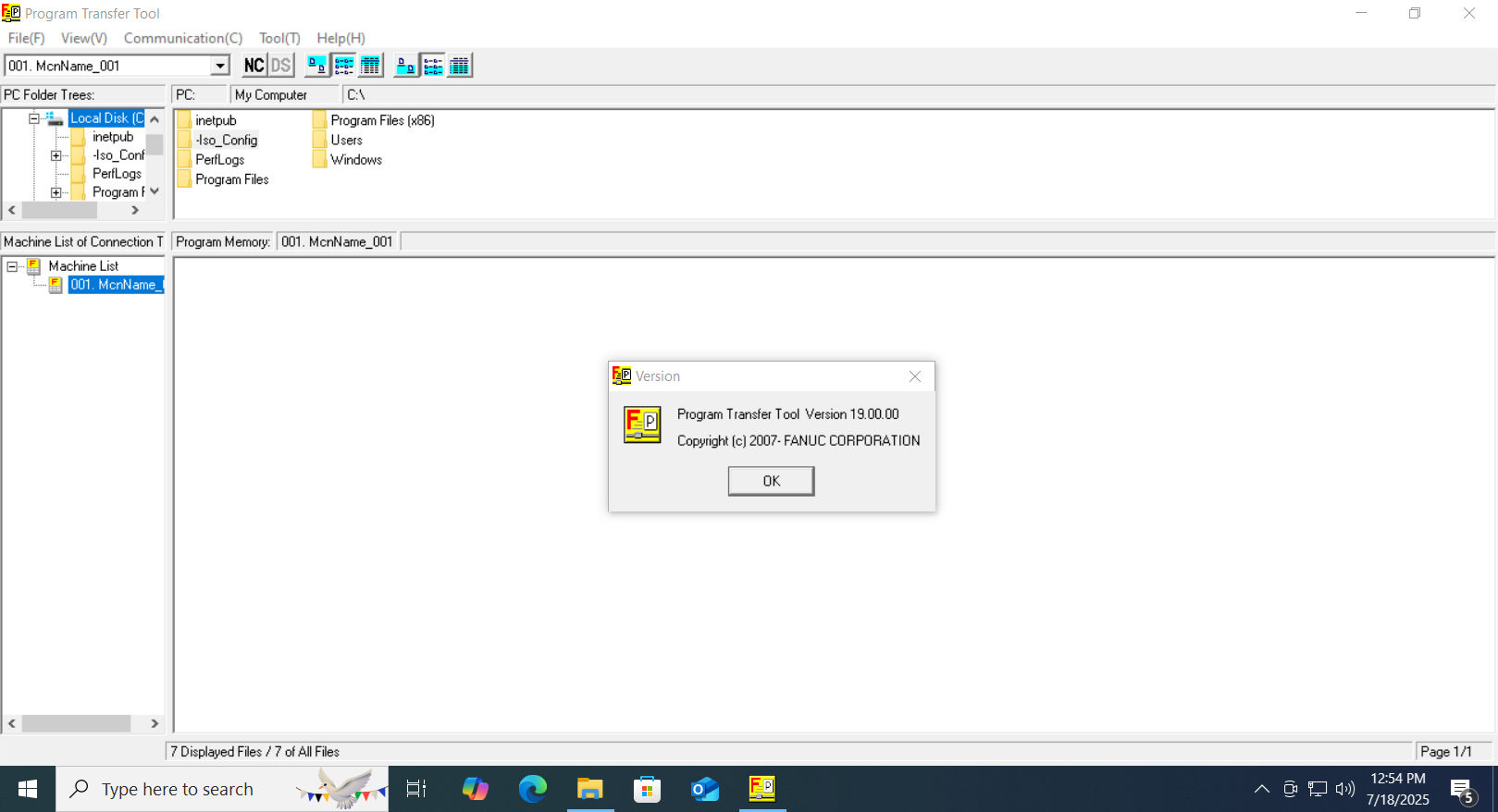
Download FANUC Program Transfer Tool Edition 19.0 full

Download FANUC Program Transfer Tool Edition 19.0 full

Link download FANUC Program Transfer Tool Edition 19.0 full activated

Working with FANUC Program Transfer Tool 19.0 full license

Description of FANUC Program Transfer Tool Edition 19.0

FANUC Program Transfer Tool Edition 19.0 is a software utility that is used to manage and transfer programs between a computer or other external devices and FANUC CNC (Computer Numerical Control) systems. FANUC, a leading manufacturer of industrial robots and CNC controllers, offers this tool to streamline the process of transferring data such as CNC programs, parameters, and other machine-related files.

Key Features of FANUC Program Transfer Tool Edition 19.0

1. Program Upload/Download:

It allows the easy upload and download of CNC programs between the FANUC controller and a PC, usually via a USB or network connection.

2. File Management:

Users can manage programs by organizing them, backing them up, or moving them between different systems.

It supports multiple formats of CNC programs, such as text-based G-code or proprietary FANUC formats.

3. Data Communication:

The tool enables data communication over multiple protocols like RS232, Ethernet, or even wireless connections, depending on the machine’s configuration.

4. Multi-Machine Support:

It supports connection to various FANUC CNC machines and robotic systems, allowing users to transfer data between different machines or controllers.

5. Error Checking:

The tool may also offer error-checking functionality to ensure the integrity of the programs being transferred, reducing the risk of errors during machining operations.

6. Easy Interface:

The software usually provides an easy-to-use graphical interface that simplifies the process of program transfer, making it accessible for operators who may not have advanced technical expertise.

7. Backup and Restore:

It enables the backup of entire machine parameters and configurations, which can be useful for restoration in case of system failure or when setting up a new machine.

8. Customizable Settings:

The tool often allows users to configure transfer settings, like communication speed or file formats, based on the specific machine or network environment.

Common Use Cases:

Program Loading: Loading CNC programs from a central server to machines in a workshop.

Data Backup: Regular backups of CNC parameters and machine configurations.

Remote Monitoring and Control: Monitoring machine status and managing files remotely from a connected PC or network.

Error Recovery: Restoring programs or machine settings after a system crash or machine reset.

Overall, the FANUC Program Transfer Tool simplifies the management of CNC programs, improves data accuracy, and enhances the efficiency of industrial operations that rely on FANUC CNC controllers.

If you want to download FANUC Program Transfer Tool Edition 19.0 full license, please click to DOWNLOAD symbol and complete check out a little help my website is maintained. The download link is appeared automatically after you complete check out.
CLICKDOWN.ORG Download CAD CAM CNC software
Inside package FANUC Program Transfer Tool Edition 19.0, already have cracked’s files and instruction how to install FANUC Program Transfer Tool Edition 19.0 step by step. I guarantee you can install FANUC Program Transfer Tool Edition 19.0 successfully if you follow that instruction.
If you also can’t install it or any problems, please contact to me by email: clickdown.org@gmail.com, then I will help you to install software by teamviewer or Ultraviewer or Anydesk.
Thanks a lot
error: Content is protected !!
Scroll to Top