SOFTWARES

SOFTWARES

Download schrodinger PyMOL 3.1.7.0 x64 full license

Schrödinger PyMOL 3.1.7.0 – Advanced Molecular Visualization & Analysis Tool

Download schrodinger PyMOL 3.1.7.0 x64 full license

Link download schrodinger PyMOL 3.1.7.0 full activated
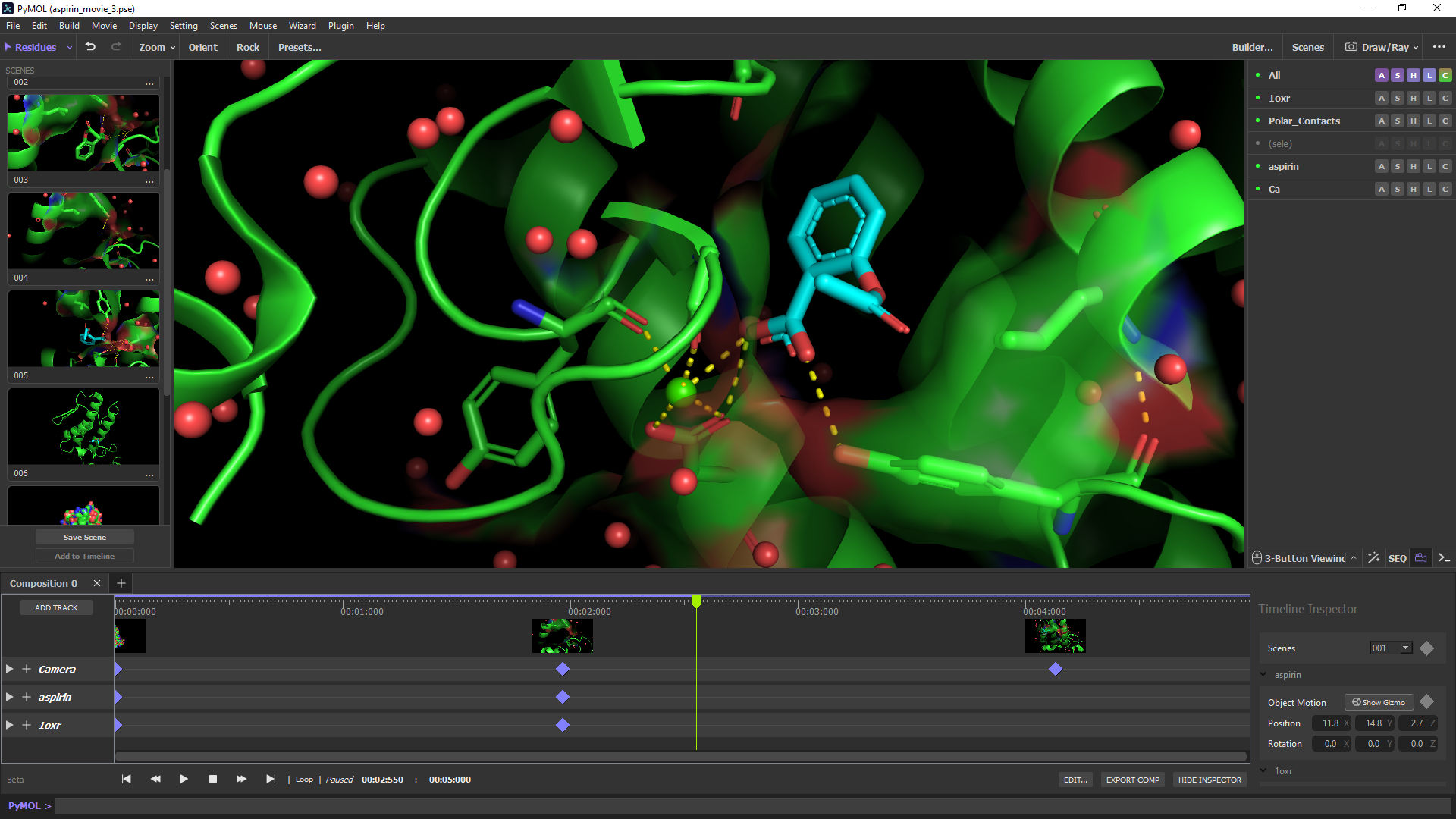
Working with schrodinger PyMOL 3.1.7.0 full license

Description of schrodinger PyMOL 3.1.7.0

Schrödinger PyMOL 3.1.7.0 is a professional molecular visualization and rendering software developed by Schrödinger, Inc.. Widely used in structural biology, bioinformatics, and pharmaceutical research, PyMOL provides high-quality 3D visualization of macromolecules with powerful analysis and publication-ready graphics.

Version 3.1.7.0 delivers improved performance, enhanced rendering quality, and updated compatibility for modern research workflows.

What is Schrödinger PyMOL 3.1.7.0?
PyMOL is an advanced molecular graphics system designed for the visualization of proteins, nucleic acids, ligands, and small molecules. It allows researchers to explore molecular structures in detailed 3D environments, analyze interactions, and generate high-resolution images for publications and presentations.

It is widely used in academic research, drug discovery, and structural biology laboratories worldwide.

Features of schrodinger PyMOL 3.1.7.0

1. High-Quality 3D Molecular Visualization
Real-time interactive 3D rendering
Publication-quality ray tracing
Advanced shading and lighting options
Customizable molecular representations

2. Comprehensive Structure Analysis
Measurement of distances and angles
Hydrogen bond visualization
Surface and electrostatic mapping
Structural alignment tools

3. Wide File Format Support
PDB and mmCIF files
MOL and SDF formats
Compatibility with common structural biology data standards

4. Scripting & Automation
Python-based scripting interface
Batch processing capabilities
Custom plugin development
Workflow automation for repetitive tasks

5. Presentation & Export Tools
High-resolution image export
Movie and animation creation
Transparent backgrounds for figures
Vector and raster export formats

6. Improvements in Version 3.1.7.0
Enhanced GPU rendering performance
Improved stability for large molecular datasets
Updated Python compatibility
Minor bug fixes and UI refinements

Benefits for Researchers
Visualize complex biomolecular structures clearly
Analyze ligand–protein interactions efficiently
Prepare high-quality figures for scientific publications
Improve communication of structural findings
Streamline molecular research workflows

Ideal Users
Structural biologists
Computational chemists
Pharmaceutical researchers
Bioinformatics specialists
Academic researchers and educators

Conclusion
Schrödinger PyMOL 3.1.7.0 remains one of the most trusted molecular visualization tools in scientific research. With its advanced rendering engine, scripting flexibility, and comprehensive analysis features, it supports accurate structural exploration and professional-quality presentation output.

For researchers in structural biology and drug discovery, PyMOL 3.1.7.0 offers precision, performance, and reliability in one powerful package.

If you want to download schrodinger PyMOL 3.1.7.0 full license, please click to DOWNLOAD button to download.
CLICKDOWN.ORG Download CAD CAM CNC software
Inside package schrodinger PyMOL 3.1.7.0, already have cracked files and instruction how to install schrodinger PyMOL 3.1.7.0 step by step. I guarantee you can install schrodinger PyMOL 3.1.7.0 successfully if you follow that instruction.
If you also can’t install it or get any problems, please contact to me by email: clickdown.org@gmail.com, then I will help you to install software by teamviewer or Ultraviewer or Anydesk.
Thanks a lot
SOFTWARES

Download CorelDRAW Graphics Suite 2026 v27.0.0.121 x64 full

CorelDRAW Graphics Suite 2026 v27.0.0.121 – Professional Design Software for Creative Experts

Download CorelDRAW Graphics Suite 2026 v27.0.0.121 x64 full

Link download CorelDRAW Graphics Suite 2026 v27.0.0.121 full activated

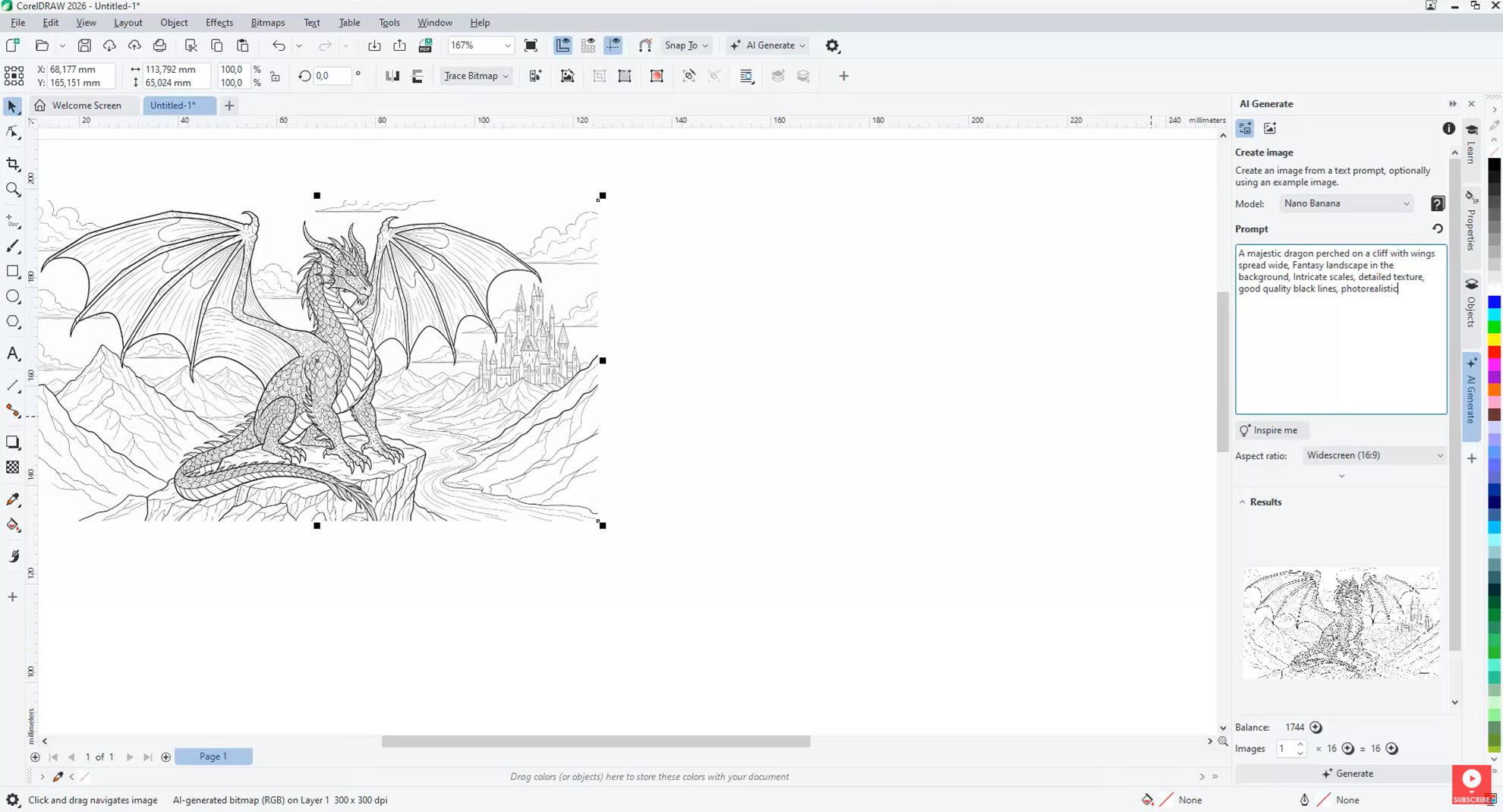
Working with CorelDRAW Graphics Suite 2026 v27.0.0.121 full license

Description of CorelDRAW Graphics Suite 2026 v27.0.0.121

CorelDRAW Graphics Suite 2026 v27.0.0.121 is the latest release of the powerful design package developed by Corel. Known for its professional vector illustration, layout, photo editing, and typography tools, CorelDRAW remains a trusted solution for designers, illustrators, and creative professionals worldwide.

Version 27.0.0.121 introduces performance enhancements, workflow improvements, and updated compatibility for modern creative environments.

What is CorelDRAW Graphics Suite 2026?
CorelDRAW Graphics Suite is a comprehensive design ecosystem that includes multiple professional applications for vector graphics, page layout, image editing, and font management. It is widely used in branding, advertising, print production, web graphics, and digital illustration.

The suite typically includes:
CorelDRAW – Vector illustration and page layout
Corel PHOTO-PAINT – Professional photo editing
Corel Font Manager – Font organization and exploration

Features of CorelDRAW Graphics Suite 2026 v27.0.0.121

1. Advanced Vector Illustration Tools
Precision drawing and shaping tools
Non-destructive effects and adjustments
Advanced node editing
Flexible object alignment and layout controls

2. Professional Page Layout
Multi-page document management
Master page support
Print-ready output options
CMYK and spot color control

3. Powerful Photo Editing
Layer-based image editing
AI-powered image enhancements
RAW image support
Advanced retouching tools

4. Typography & Font Management
Extensive OpenType support
Real-time text preview
Integrated font organization
Variable font compatibility

5. Modern Workflow Enhancements
Improved performance and responsiveness
Optimized GPU acceleration
Seamless file import/export (AI, PSD, PDF, SVG)
Cloud collaboration options

6. What’s New in v27.0.0.121
Stability improvements
Faster file handling
Updated compatibility with latest Windows systems
Minor bug fixes and interface refinements

Benefits for Designers
Create high-quality branding and marketing materials
Design logos, brochures, packaging, and signage
Produce print-ready and digital assets
Improve workflow efficiency with integrated tools
Maintain full creative control over vector and raster graphics

Ideal For
Graphic designers
Marketing professionals
Print production specialists
Illustrators
Small business owners creating visual materials

System Requirements (Typical)
Windows 10 / 11 (64-bit)
Multi-core processor
8 GB RAM minimum (16 GB recommended)
GPU support for enhanced performance

Conclusion
CorelDRAW Graphics Suite 2026 v27.0.0.121 continues to provide a complete and professional design environment for creative projects of any scale. With advanced vector tools, powerful image editing, and modern workflow optimizations, it remains one of the most versatile graphic design suites available.
For professionals seeking precision, flexibility, and performance in one package, CorelDRAW Graphics Suite 2026 is a reliable and feature-rich solution.

If you want to download CorelDRAW Graphics Suite 2026 v27.0.0.121 full license, please click to DOWNLOAD button to download.
CLICKDOWN.ORG Download CAD CAM CNC software
Inside package CorelDRAW Graphics Suite 2026 v27.0.0.121, already have cracked files and instruction how to install CorelDRAW Graphics Suite 2026 v27.0.0.121 step by step. I guarantee you can install CorelDRAW Graphics Suite 2026 v27.0.0.121 successfully if you follow that instruction.
If you also can’t install it or get any problems, please contact to me by email: clickdown.org@gmail.com, then I will help you to install software by teamviewer or Ultraviewer or Anydesk.
Thanks a lot
SOFTWARES

Download Isatis.neo Mining 2025.2.1 x64 full license forever

Isatis.neo Mining 2025.2.1 – Advanced Geostatistical Software for Mining Projects

Download Isatis.neo Mining 2025.2.1 x64 full license forever

Link download Isatis.neo Mining 2025.2.1 win64 full activated

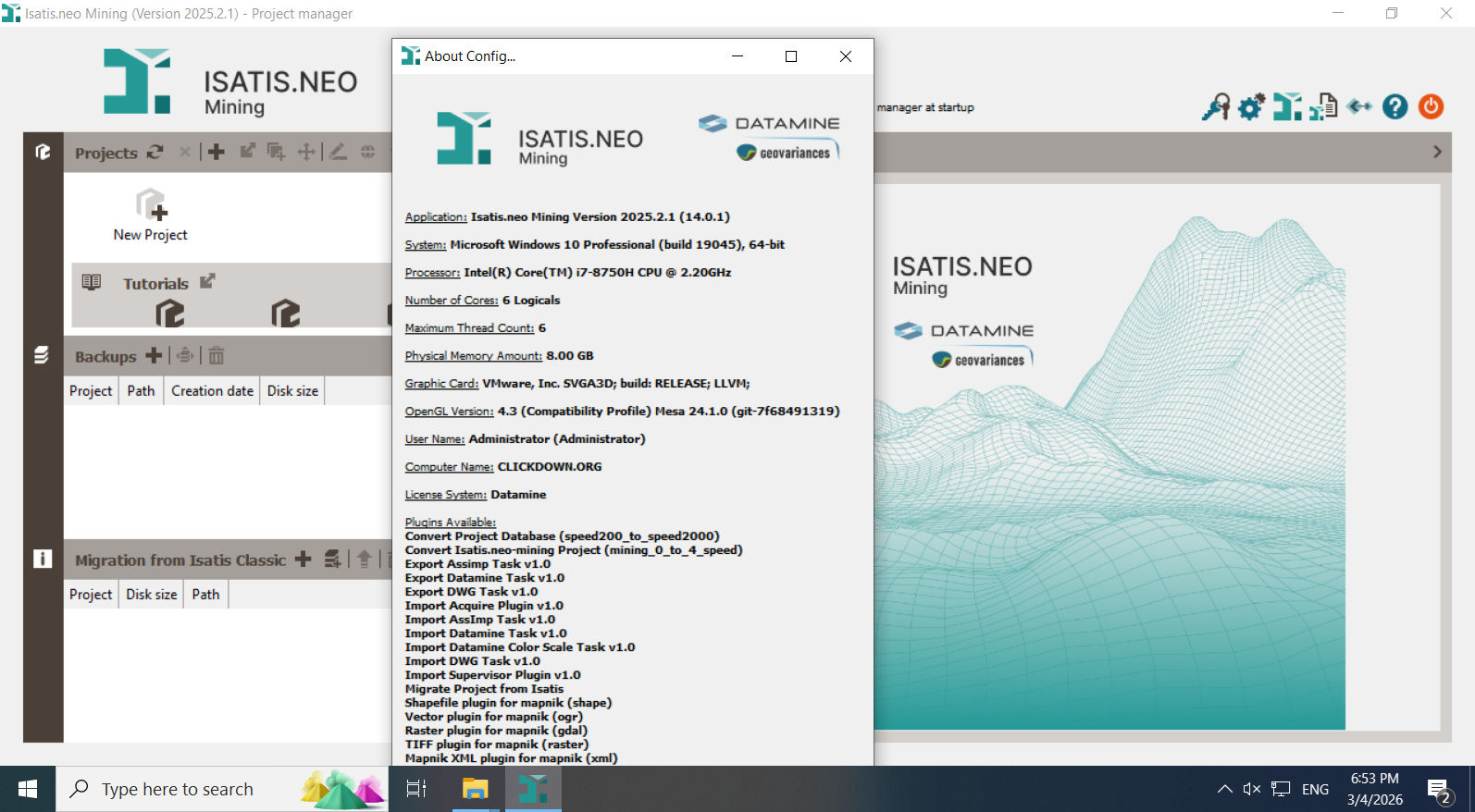
Working with Isatis.neo Mining_2025.2.1 full license

Description of Isatis.neo Mining 2025.2.1

Isatis.neo Mining 2025.2.1 is a powerful geostatistical and resource modeling solution developed by Geovariances. Designed specifically for mining professionals, this software delivers advanced tools for resource estimation, grade control, and geological modeling using state-of-the-art geostatistical methods.

Version 2025.2.1 introduces performance improvements, enhanced workflow capabilities, and updated compatibility for modern mining environments.

What is Isatis.neo Mining 2025.2.1?
Isatis.neo Mining is a specialized edition of the Isatis.neo platform tailored to mineral resource evaluation and mine planning. It integrates advanced geostatistics with user-friendly workflows, enabling mining engineers and geologists to analyze spatial data accurately and efficiently.

The software supports exploration, feasibility studies, production planning, and reporting, ensuring reliable resource classification and reserve estimation.

Features of Isatis.neo Mining 2025.2.1

1. Advanced Resource Estimation
Ordinary and indicator kriging
Co-kriging and multi-variable estimation
Conditional simulation techniques
Block model creation and validation

2. Geological Modeling Tools
Structural and domain modeling
Variogram analysis and modeling
2D and 3D data visualization
Drillhole data management

3. Uncertainty & Risk Analysis
Quantification of estimation uncertainty
Simulation-based risk assessment
Scenario comparison tools
Sensitivity analysis

4. Data Integration & Workflow
Import/export of common mining formats
Seamless integration with mine planning tools
Automated workflows for repetitive tasks
Advanced scripting capabilities

5. Performance & Stability (2025.2.1)
Improved computational efficiency
Faster large dataset processing
Enhanced 3D visualization performance
Stability improvements and bug fixes

Benefits for Mining Professionals
Improve accuracy in resource estimation
Reduce geological uncertainty
Support compliance with international reporting standards
Optimize mine planning and decision-making
Increase confidence in project feasibility

Ideal Users
Mining engineers
Exploration geologists
Resource modelers
Geostatisticians
Technical consultants in mineral projects

System Requirements (Typical)
Windows 10 / 11 (64-bit)
16 GB RAM recommended for large datasets
Dedicated graphics card for 3D visualization
Multi-core processor for optimal performance

Conclusion
Isatis.neo Mining 2025.2.1 provides a comprehensive geostatistical framework tailored to the mining industry. With its advanced estimation techniques, uncertainty analysis tools, and efficient workflows, it supports reliable resource modeling and strategic decision-making throughout the mining lifecycle.

For professionals seeking precision, performance, and confidence in mineral resource evaluation, Isatis.neo Mining 2025.2.1 is a powerful and dependable solution.

If you want to download Isatis.neo Mining 2025.2.1 full license, please click to DOWNLOAD button to download.
CLICKDOWN.ORG Download CAD CAM CNC software
Inside package Isatis.neo Mining 2025.2.1, already have cracked files and instruction how to install Isatis.neo Mining 2025.2.1 step by step. I guarantee you can install Isatis.neo Mining 2025.2.1 successfully if you follow that instruction.
If you also can’t install it or get any problems, please contact to me by email: clickdown.org@gmail.com, then I will help you to install software by teamviewer or Ultraviewer or Anydesk.
Thanks a lot
SOFTWARES

Download Arturia FX Collection 2026.2 x64 full license

Arturia FX Collection 2026.2 – Complete Studio Effects Suite for Modern Production

Download Arturia FX Collection 2026.2 x64 full license

Arturia – FX Collection 6 PRO – STANDALONE, VST, VST3, AAX x64

Arturia FX Collection 2026.2 x64 full license

Description of Arturia FX Collection 2026.2

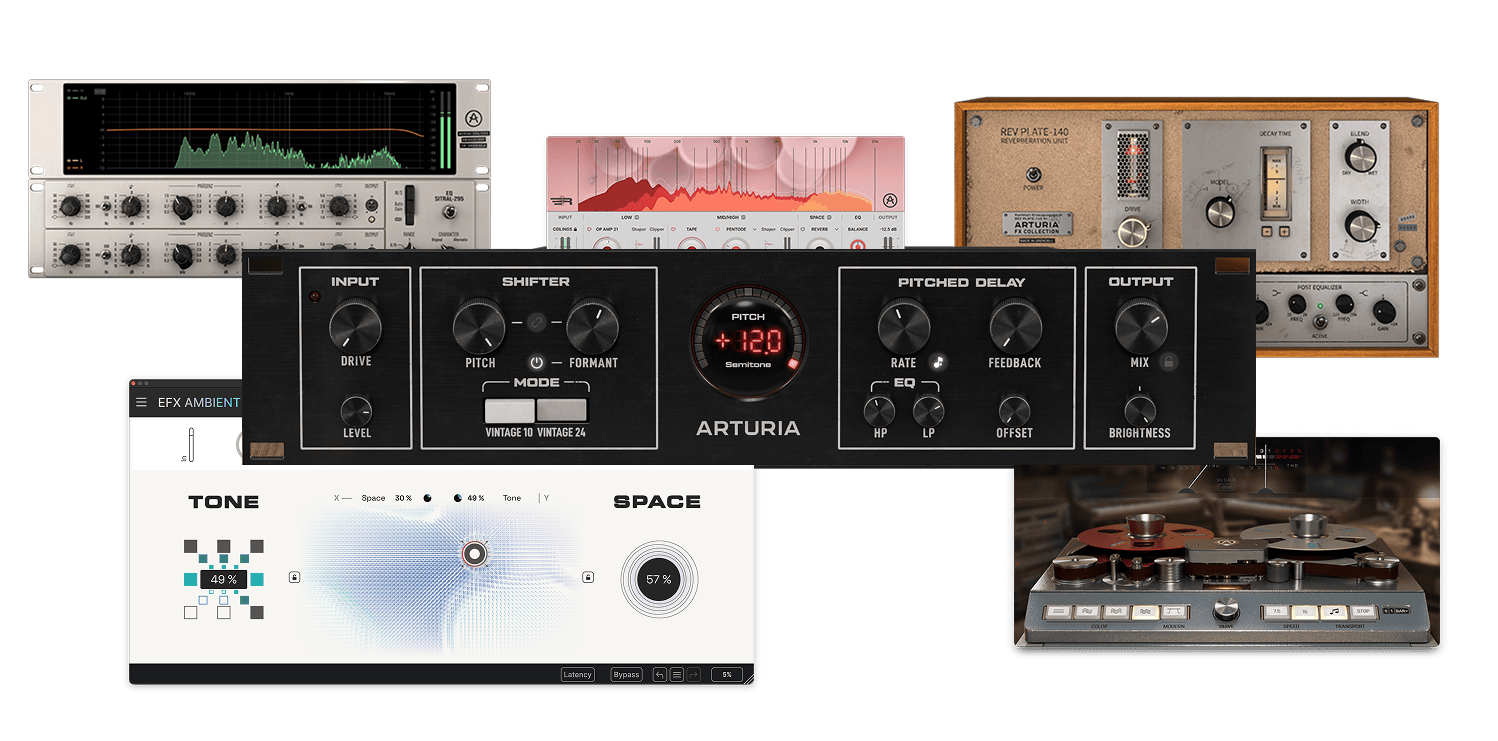
Arturia FX Collection 2026.2 is a comprehensive bundle of professional audio effects developed by Arturia. Designed for producers, mixing engineers, and sound designers, this collection combines vintage hardware emulations with modern creative tools, delivering high-quality processing for any music genre.

Version 2026.2 introduces performance optimizations, updated compatibility, and refined workflows for a smoother studio experience.

What is Arturia FX Collection 2026.2?
Arturia FX Collection is an all-in-one suite of studio-grade plugins covering dynamics, modulation, delay, reverb, filters, distortion, and creative sound-shaping tools. It blends authentic analog emulations with innovative digital processing, making it suitable for mixing, mastering, and sound design.

Compatible with major DAWs such as Ableton Live, FL Studio, Logic Pro, Cubase, and Pro Tools, the FX Collection integrates seamlessly into professional workflows.

Features of Arturia FX Collection 2026.2

1. Vintage Compressor Emulations
Classic FET, VCA, and optical compressor models
Transparent to aggressive dynamic control
Ideal for vocals, drums, bass, and mix bus

2. Professional EQ & Filtering
Modeled analog equalizers
Precision digital EQ tools
Creative filter effects for sound shaping

3. Reverb & Delay Effects
Plate, spring, and room reverb models
Modern digital reverbs with advanced controls
Tape and analog-style delay emulations

4. Modulation & Creative Effects
Chorus, flanger, and phaser plugins
Distortion and saturation processors
Experimental sound design tools

5. Advanced Workflow & Interface
Resizable modern UI
Preset browser with tagging system
A/B comparison
Mid/Side processing options

6. 2026.2 Improvements
Enhanced CPU efficiency
Faster plugin loading
Improved DAW compatibility
Stability fixes and UI refinements

Benefits for Producers & Engineers
Achieve warm analog character in digital productions
Access a wide variety of studio tools in one bundle
Improve workflow with intuitive controls
Mix and master with professional-grade processing
Create unique textures and creative sound design

Ideal For
Music producers
Mixing and mastering engineers
Electronic music creators
Film and TV composers
Sound designers

System Requirements (Typical)
Windows 10 / 11 or macOS
64-bit DAW (VST, VST3, AU, AAX support)
8 GB RAM minimum recommended

Conclusion
Arturia FX Collection 2026.2 delivers a powerful suite of vintage-inspired and modern studio effects in one complete package. Whether you are shaping vocals, tightening drums, adding spatial depth, or crafting experimental textures, this collection provides the flexibility and quality required for professional production.

With improved performance and refined workflow enhancements, version 2026.2 remains an essential toolkit for today’s music creators.

If you want to download Arturia FX Collection 2026.2 full license, please click to DOWNLOAD button to download.
CLICKDOWN.ORG Download CAD CAM CNC software
Inside package Arturia FX Collection 2026.2, already have cracked files and instruction how to install Arturia FX Collection 2026.2 step by step. I guarantee you can install Arturia FX Collection 2026.2 successfully if you follow that instruction.
If you also can’t install it or get any problems, please contact to me by email: clickdown.org@gmail.com, then I will help you to install software by teamviewer or Ultraviewer or Anydesk.
Thanks a lot
SOFTWARES

Download Fractal Audio Systems ICONS Fullerton Complete 1.0.1

Fractal Audio Systems ICONS Fullerton Complete 1.0.1 – Premium Amp Capture Collection

Download Fractal Audio Systems ICONS Fullerton Complete 1.0.1 full license

Link download Fractal Audio Systems ICONS Fullerton Complete 1.0.1 full activated

Working with Fractal Audio Systems ICONS Fullerton Complete 1.0.1

Description of Fractal Audio Systems ICONS Fullerton Complete 1.0.1

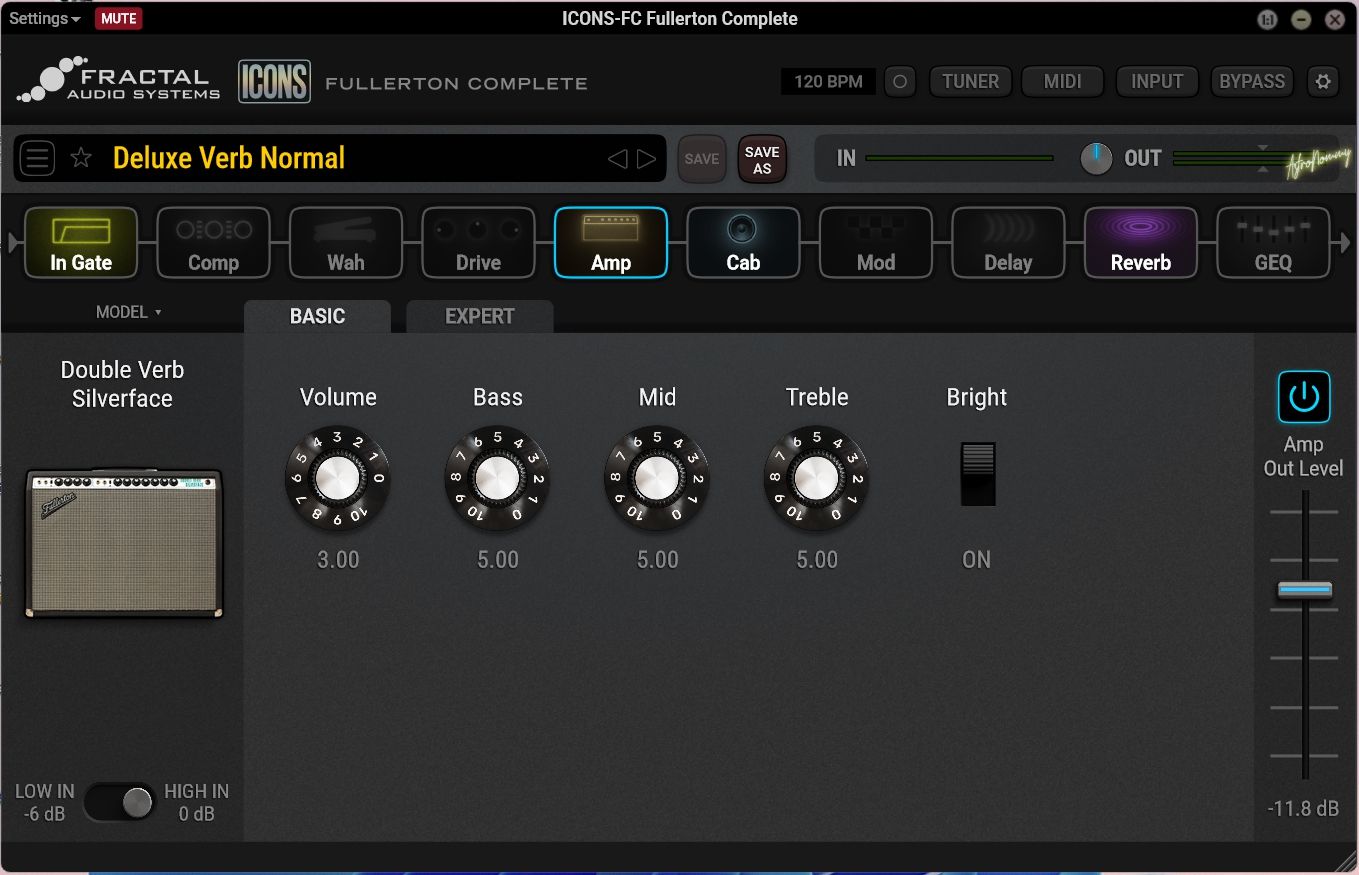
Fractal Audio Systems ICONS Fullerton Complete 1.0.1 is a high-end amp capture and modeling collection developed by Fractal Audio Systems. Designed for professional guitarists, producers, and tone enthusiasts, this package delivers meticulously captured Fullerton-style amplifier tones with studio-grade realism and dynamic response.

Version 1.0.1 refines performance, improves preset organization, and enhances tonal consistency across supported Fractal hardware platforms.

What is ICONS Fullerton Complete 1.0.1?
ICONS Fullerton Complete is a comprehensive tone collection focused on classic Fullerton-inspired amplifier sounds. These tones are known for their sparkling cleans, warm midrange character, and dynamic breakup response.

Built specifically for Fractal Audio processors such as the Axe-Fx III, FM9, and FM3, this collection provides ready-to-use presets that capture the feel of legendary American tube amplifiers.

Features of Fractal Audio Systems ICONS Fullerton Complete 1.0.1

1. Authentic Fullerton-Style Amp Captures
Classic American clean tones
Dynamic edge-of-breakup textures
Vintage-style overdrive character
Accurate tube response and feel

2. Studio-Grade Signal Chains
Professionally crafted signal paths
Optimized cab and mic simulations
Balanced EQ and gain staging
Mix-ready presets

3. Wide Tonal Range
Sparkling cleans
Bluesy crunch tones
Warm rhythm sounds
Expressive lead textures

4. Optimized for Fractal Hardware
Fully compatible with Axe-Fx III, FM9, and FM3
Seamless preset loading
Efficient CPU usage
Stable performance across firmware versions

5. Version 1.0.1 Improvements
Preset refinements
Minor tonal balancing adjustments
Enhanced compatibility updates
Improved organization structure

Why Choose ICONS Fullerton Complete?
Achieve authentic vintage American amp tones
Save studio time with mix-ready presets
Experience dynamic touch sensitivity
Ideal for live performance and studio recording
Designed by experts in high-end guitar modeling
This collection is especially valuable for guitarists seeking classic clean and driven tones with modern digital reliability.

Ideal For
Blues and rock guitarists
Session musicians
Studio producers
Worship and clean-tone players
Tone collectors and Fractal enthusiasts

Conclusion
Fractal Audio Systems ICONS Fullerton Complete 1.0.1 delivers premium Fullerton-inspired amplifier tones with exceptional realism and dynamic response. Whether performing live or recording in the studio, this collection provides versatile, professional-grade sounds optimized for Fractal Audio hardware.
If you’re looking to expand your tonal palette with authentic American-style amp character, ICONS Fullerton Complete 1.0.1 is a powerful addition to your Fractal setup.

If you want to download Fractal Audio Systems ICONS Fullerton Complete 1.0.1 full license, please click to DOWNLOAD button to download.
CLICKDOWN.ORG Download CAD CAM CNC software
Inside package Fractal Audio Systems ICONS Fullerton Complete 1.0.1, already have cracked files and instruction how to install Fractal Audio Systems ICONS Fullerton Complete 1.0.1 step by step. I guarantee you can install Fractal Audio Systems ICONS Fullerton Complete 1.0.1 successfully if you follow that instruction.
If you also can’t install it or get any problems, please contact to me by email: clickdown.org@gmail.com, then I will help you to install software by teamviewer or Ultraviewer or Anydesk.
Thanks a lot
SOFTWARES

Native Instruments Kontakt 8.8.1 x64 full license forever

Native Instruments Kontakt 8.8.1 – Industry-Standard Sampling Platform

Native Instruments Kontakt 8.8.1 x64 full license forever

Link download Instruments Kontakt 8.8.1 win64 full activated

Working with Native Instruments Kontakt 8.8.1 full license

Description of Instruments Kontakt 8.8.1

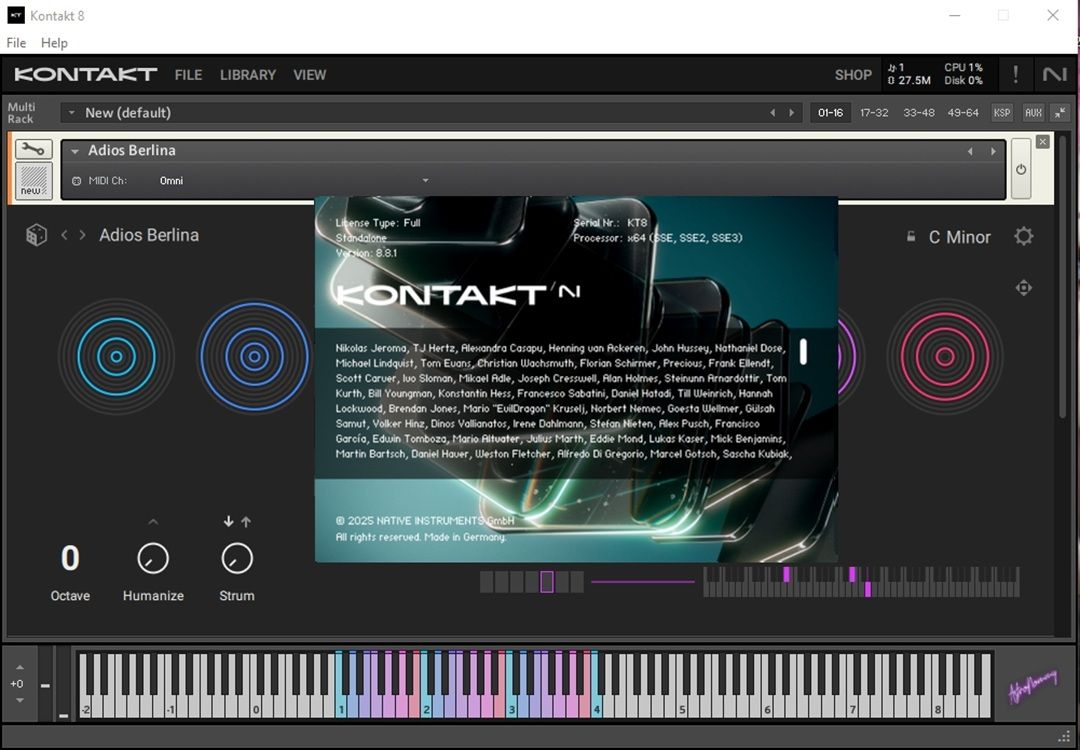
Native Instruments Kontakt 8.8.1 is the latest update to the powerful software sampler developed by Native Instruments. Widely used in professional studios worldwide, Kontakt remains the backbone of modern music production, film scoring, and game audio design.

Version 8.8.1 delivers enhanced stability, performance improvements, and refined workflow optimizations, making it an essential upgrade for composers and producers.

What is Native Instruments Kontakt 8.8.1?
Kontakt is a professional-grade virtual instrument platform that hosts thousands of third-party libraries. From orchestral scoring tools to electronic sound design instruments, it provides unmatched flexibility and deep sampling capabilities.

It supports advanced scripting, realistic articulation control, and detailed sound shaping, making it the go-to sampler for industry professionals.

Features of Instruments Kontakt 8.8.1

1. Advanced Sampling Engine
High-performance 64-bit architecture
Multi-core CPU optimization
High-quality time-stretching and pitch-shifting
Efficient disk streaming

2. Massive Library Compatibility
Access to thousands of Kontakt libraries
Full support for commercial and custom instruments
NKS integration for seamless browsing

3. Powerful Editing Tools
Built-in wave editor
Advanced mapping editor
Flexible modulation routing
Professional scripting engine (KSP)

4. Modern User Interface
Improved browser experience
Resizable UI
Clear instrument management
Enhanced workflow navigation

5. Effects & Sound Design Tools
Studio-grade filters and EQ
Convolution and algorithmic reverb
Creative modulation effects
Flexible routing and bus system

6. DAW Compatibility
VST, VST3, AU, and AAX support
Compatible with major DAWs including:
Ableton Live
FL Studio
Logic Pro
Cubase
Pro Tools

What’s New in Version 8.8.1?
Improved system stability
Faster preset and library loading
Optimized memory management
Better compatibility with latest OS updates
Minor bug fixes and performance refinements

Who Should Use Kontakt 8.8.1?
Native Instruments Kontakt 8.8.1 is ideal for:
Film and TV composers
Game audio designers
Orchestral arrangers
Electronic music producers
Professional studio engineers
It remains the most widely adopted sampling platform in the industry, powering countless chart-topping productions and cinematic scores.

Conclusion
Native Instruments Kontakt 8.8.1 continues to set the standard for professional sampling. With its advanced engine, vast library ecosystem, and deep editing capabilities, it remains an indispensable tool for modern music production and sound design.

Whether you are scoring films or producing electronic music, Kontakt 8.8.1 delivers flexibility, realism, and performance at the highest level.

If you want to download Instruments Kontakt 8.8.1 full license, please click to DOWNLOAD button to download.
CLICKDOWN.ORG Download CAD CAM CNC software
Inside package Instruments Kontakt 8.8.1, already have cracked files and instruction how to install Instruments Kontakt 8.8.1 step by step. I guarantee you can install Instruments Kontakt 8.8.1 successfully if you follow that instruction.
If you also can’t install it or get any problems, please contact to me by email: clickdown.org@gmail.com, then I will help you to install software by teamviewer or Ultraviewer or Anydesk.
Thanks a lot
SOFTWARES

Download Lunacy Audio BEAM 2.1.4 x64 full license forever

Lunacy Audio BEAM 2.1.4 – Expressive 3D Audio Instrument for Modern Producers

Download Lunacy Audio BEAM 2.1.4 x64 full license forever

Link download Lunacy Audio BEAM 2.1.4 win64 full activated

Working with Lunacy Audio BEAM 2.1.4 full license

Description of Lunacy Audio BEAM 2.1.4

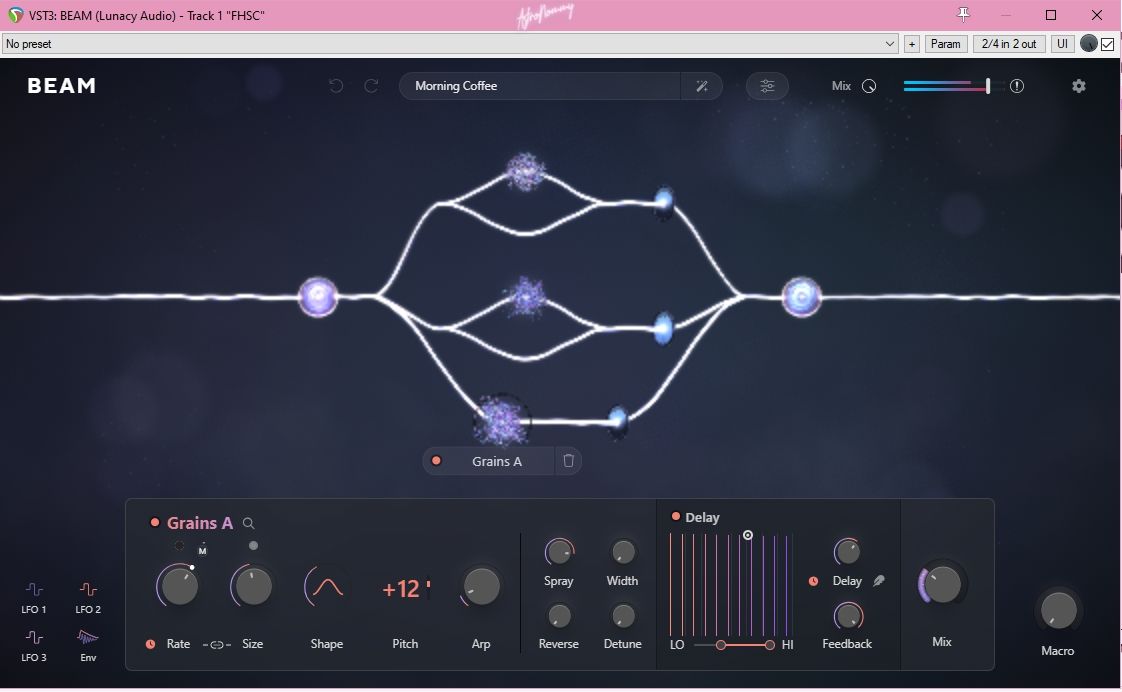
Lunacy Audio BEAM 2.1.4 is an innovative virtual instrument developed by Lunacy Audio. Designed for cinematic composers, electronic producers, and sound designers, BEAM delivers expressive 3D sound movement, evolving textures, and immersive spatial modulation in a powerful yet intuitive interface.

Version 2.1.4 improves stability, enhances performance, and refines modulation responsiveness for smoother creative workflows.

What is Lunacy Audio BEAM 2.1.4?
BEAM is a modern software instrument focused on spatial sound design and expressive modulation. It allows users to manipulate sound in a dynamic 3D space, creating movement-based textures and immersive audio experiences that go beyond traditional synthesis.

With an advanced sound engine and flexible modulation system, BEAM is ideal for cinematic scoring, ambient production, experimental music, and contemporary electronic genres.

Features of Lunacy Audio BEAM 2.1.4

1. 3D Sound Movement Engine
Real-time spatial modulation
Dynamic sound positioning
Interactive motion control
Immersive stereo and surround textures

2. Advanced Modulation System
Multi-parameter modulation
Custom movement paths
Flexible LFO and envelope control
Expressive automation support

3. High-Quality Sound Library
Cinematic pads and textures
Atmospheric soundscapes
Modern synth elements
Creative experimental presets

4. Intuitive User Interface
Visual spatial control display
Easy parameter adjustment
Real-time waveform feedback
Clean and modern design

5. DAW Compatibility
VST / VST3 / AU plugin formats
Compatible with major DAWs including:
Ableton Live
FL Studio
Logic Pro
Cubase

6. Performance Improvements in 2.1.4
Improved CPU efficiency
Enhanced stability in large projects
Smoother automation handling
Optimized preset loading times

Benefits of Using Lunacy Audio BEAM 2.1.4
Create immersive and evolving soundscapes
Add spatial depth to productions
Enhance cinematic and ambient compositions
Generate unique movement-based textures
Improve workflow efficiency with intuitive controls

Who Should Use BEAM?
Lunacy Audio BEAM 2.1.4 is ideal for:
Film and game composers
Ambient and electronic music producers
Sound designers
Experimental musicians
Audio professionals seeking immersive sound tools
It is particularly suited for creators who want expressive, movement-driven sound design capabilities.

Conclusion
Lunacy Audio BEAM 2.1.4 offers a unique approach to modern sound design by combining spatial modulation with expressive synthesis. With its 3D movement engine, flexible modulation system, and cinematic sound library, it provides producers and composers with a powerful creative tool.

For artists seeking immersive and evolving textures in their music, BEAM 2.1.4 is an inspiring and professional solution.

If you want to download Lunacy Audio BEAM 2.1.4 full license, please click to DOWNLOAD button to download.
CLICKDOWN.ORG Download CAD CAM CNC software
Inside package Lunacy Audio BEAM 2.1.4, already have cracked files and instruction how to install Lunacy Audio BEAM 2.1.4 step by step. I guarantee you can install Lunacy Audio BEAM 2.1.4 successfully if you follow that instruction.
If you also can’t install it or get any problems, please contact to me by email: clickdown.org@gmail.com, then I will help you to install software by teamviewer or Ultraviewer or Anydesk.
Thanks a lot
SOFTWARES

Download BuildSoft Diamonds 2026 build 9551.28807 full

BuildSoft Diamonds 2026 – Comprehensive Structural Analysis Software

Download BuildSoft Diamonds 2026 build 9551.28807 full

Link download BuildSoft Diamonds 2026 x64 full activated

Working with BuildSoft Diamonds 2026 build 9551.28807 full license

Description of BuildSoft Diamonds 2026

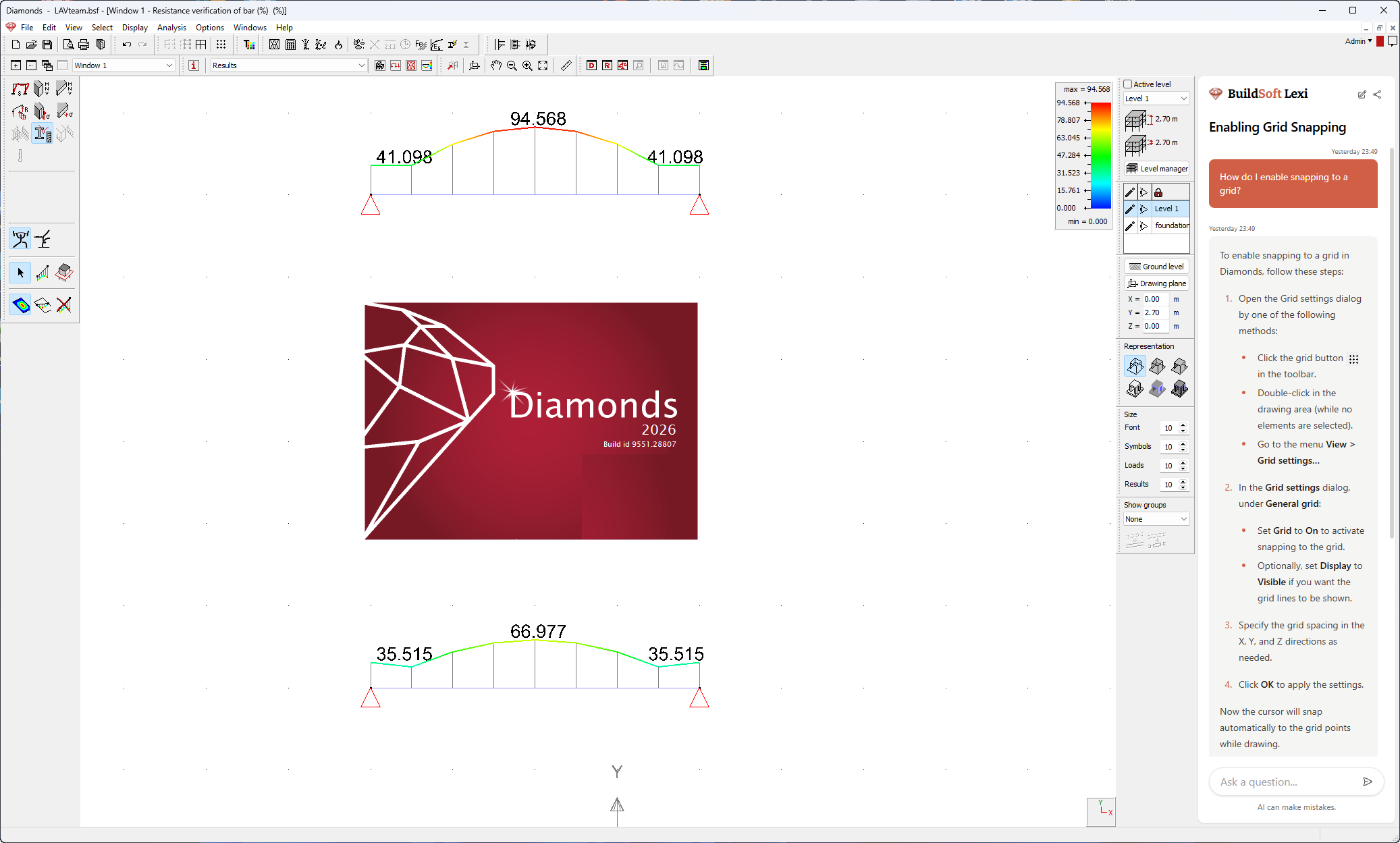
BuildSoft Diamonds 2026 is an advanced structural analysis and design software developed by BuildSoft. It provides engineers with powerful tools for modeling, analyzing, and verifying building structures made of steel, concrete, timber, and other materials.

The 2026 release introduces performance enhancements, improved modeling flexibility, and updated design code support, making it a reliable solution for modern structural engineering projects.

What is BuildSoft Diamonds 2026?
BuildSoft Diamonds 2026 is a finite element-based structural analysis platform designed for civil and structural engineers. It supports 2D and 3D modeling of frames, beams, slabs, foundations, and complete building systems.

The software enables accurate load analysis, structural verification, and compliance checks according to international design standards, ensuring safe and efficient structural performance.

Features of BuildSoft Diamonds 2026

1. Advanced Structural Modeling
2D and 3D structural modeling
Frame, plate, and shell elements
Automatic mesh generation
Flexible geometry input

2. Finite Element Analysis (FEA)
Linear and non-linear analysis
Static and dynamic load cases
Stability and buckling analysis
Modal and vibration analysis

3. Multi-Material Design Support
Steel structure design
Reinforced concrete analysis
Timber structure checks
Composite structure evaluation

4. Load & Combination Management
Dead, live, wind, and seismic loads
Automatic load combinations
Eurocode and international standard compliance
Custom load case definitions

5. Code-Based Design Verification
Eurocode integration
Automated safety checks
Design ratio calculations
Detailed verification reports

6. Visualization & Results Interpretation
3D deformation visualization
Stress and moment diagrams
Reaction force outputs
Clear graphical representation

7. Reporting & Documentation
Comprehensive calculation reports
Export to standard engineering formats
Printable diagrams and summaries
Project documentation tools

8. Performance Improvements in 2026
Faster analysis engine
Enhanced stability for large projects
Improved user interface responsiveness
Optimized memory handling

Benefits of Using BuildSoft Diamonds 2026
Accurate and reliable structural analysis
Reduced manual calculation errors
Improved compliance with design codes
Efficient modeling of complex structures
Clear visualization of structural behavior
Enhanced productivity for engineering teams

Who Should Use BuildSoft Diamonds?
BuildSoft Diamonds 2026 is ideal for:
Structural engineers
Civil engineering consultants
Building design firms
Infrastructure development companies
Engineering design offices
It is particularly suitable for professionals working on residential, commercial, industrial, and infrastructure projects.

Conclusion
BuildSoft Diamonds 2026 delivers a comprehensive structural analysis and design environment for modern engineering projects. With advanced finite element analysis, multi-material support, and code-based verification tools, it ensures safe and efficient structural solutions.

For engineers seeking a reliable and professional structural analysis platform, BuildSoft Diamonds 2026 is a powerful and dependable choice.

If you want to download BuildSoft Diamonds 2026 full license, please click to DOWNLOAD button to download.
CLICKDOWN.ORG Download CAD CAM CNC software
Inside package BuildSoft Diamonds 2026, already have cracked files and instruction how to install BuildSoft Diamonds 2026 step by step. I guarantee you can install BuildSoft Diamonds 2026 successfully if you follow that instruction.
If you also can’t install it or get any problems, please contact to me by email: clickdown.org@gmail.com, then I will help you to install software by teamviewer or Ultraviewer or Anydesk.
Thanks a lot
SOFTWARES

Download BuildSoft PowerConnect 2026 build 9551.28681 full

BuildSoft PowerConnect 2026 – Advanced Steel Connection Design Software

Download BuildSoft PowerConnect 2026 build 9551.28681 full

Link download BuildSoft PowerConnect 2026 build 9551.28681 full activated

Working with BuildSoft PowerConnect 2026 build 9551.28681 full license

Description of BuildSoft PowerConnect 2026 build 9551.28681

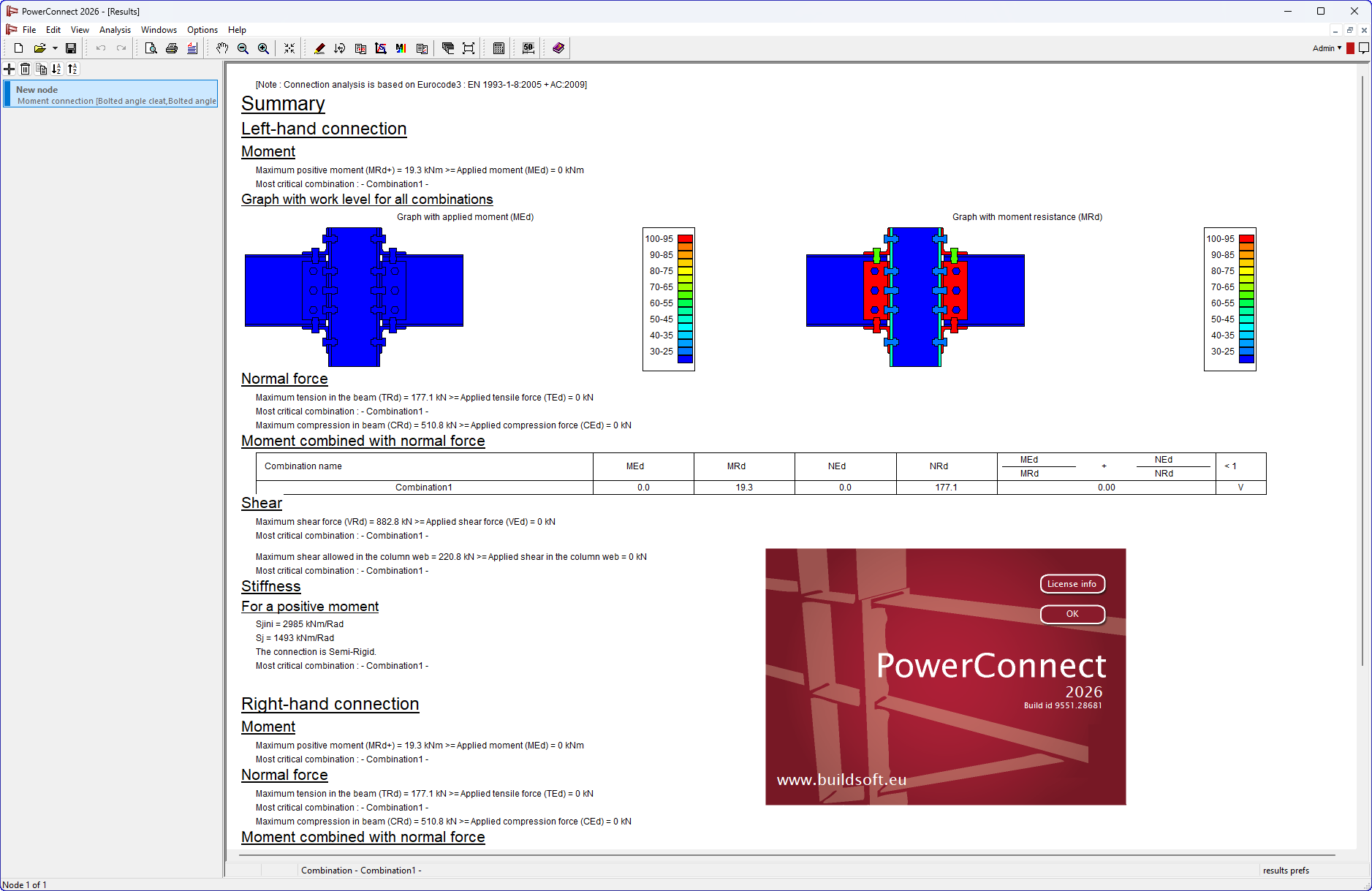
BuildSoft PowerConnect 2026 is a professional structural engineering software developed by BuildSoft. It is designed for the design, analysis, and verification of steel and timber connections according to international design standards.

The 2026 edition introduces enhanced modeling capabilities, improved design checks, and optimized performance for complex structural connection projects.

What is BuildSoft PowerConnect 2026?
BuildSoft PowerConnect 2026 is specialized software used by structural engineers to design safe and efficient steel connections. It allows detailed modeling of bolted, welded, and anchored joints, ensuring compliance with structural codes such as Eurocode and other international standards.

The software provides 3D modeling tools, advanced calculation engines, and automated reporting features for streamlined engineering workflows.

Features of BuildSoft PowerConnect 2026 build 9551.28681

1. Steel Connection Design
Beam-to-column connections
Base plate design
Bracing and truss joints
Moment-resisting connections

2. Code Compliance & Verification
Eurocode design support
International standard compatibility
Automated design checks
Detailed safety factor calculations

3. 3D Modeling Environment
Interactive 3D visualization
Accurate geometry input
Real-time design validation
Clear stress distribution display

4. Bolted & Welded Joint Analysis
Bolt group analysis
Weld strength verification
Shear and tension checks
Anchorage and plate design

5. Finite Element-Based Analysis
Advanced stress evaluation
Plate bending analysis
Load combination support
Non-linear analysis options

6. Reporting & Documentation
Comprehensive calculation reports
Exportable documentation
Detailed diagrams and drawings
Professional project summaries

7. Performance Improvements in 2026
Faster calculation engine
Enhanced stability for large models
Improved user interface
Optimized workflow efficiency

Benefits of Using BuildSoft PowerConnect 2026
Accurate steel connection verification
Reduced manual calculation errors
Compliance with international standards
Efficient structural detailing
Improved project documentation
Faster design iterations

Who Should Use BuildSoft PowerConnect?
BuildSoft PowerConnect 2026 is ideal for:
Structural engineers
Steel design specialists
Engineering consultants
Construction companies
Infrastructure design firms
It is particularly useful for professionals working on industrial buildings, commercial structures, bridges, and complex steel frameworks.

Conclusion
BuildSoft PowerConnect 2026 provides a powerful and reliable solution for steel connection design and verification. With advanced 3D modeling, code-compliant checks, and detailed reporting tools, it helps engineers ensure structural safety and efficiency.
For professionals seeking precision and productivity in steel connection engineering, BuildSoft PowerConnect 2026 is a dependable choice.

If you want to download BuildSoft PowerConnect 2026 build 9551.28681 full license, please click to DOWNLOAD button to download.
CLICKDOWN.ORG Download CAD CAM CNC software
Inside package BuildSoft PowerConnect 2026 build 9551.28681, already have cracked files and instruction how to install BuildSoft PowerConnect 2026 build 9551.28681 step by step. I guarantee you can install BuildSoft PowerConnect 2026 build 9551.28681 successfully if you follow that instruction.
If you also can’t install it or get any problems, please contact to me by email: clickdown.org@gmail.com, then I will help you to install software by teamviewer or Ultraviewer or Anydesk.
Thanks a lot
SOFTWARES

Download PCSWMM 2024 Professional 2D v7.7.3920 full license

PCSWMM 2024 Professional 2D v7.7.3920 – Advanced Stormwater & Flood Modeling Software

Download PCSWMM 2024 Professional 2D v7.7.3920 full license

Link download PCSWMM 2024 Professional 2D v7.7.3920 full activated

Working with PCSWMM 2024 Professional 2D v7.7.3920 full license

Description of PCSWMM 2024 Professional 2D v7.7.3920

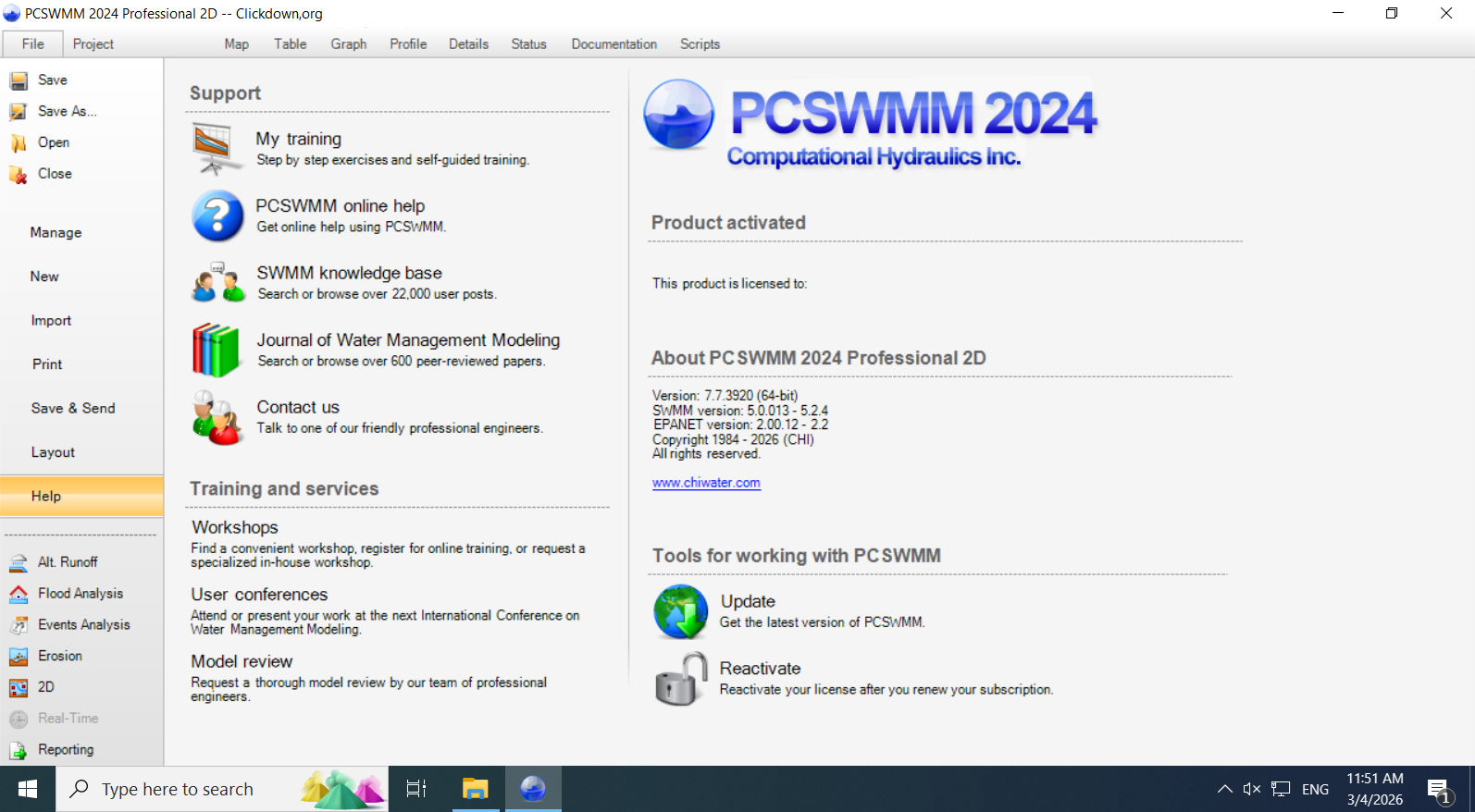
PCSWMM 2024 Professional 2D v7.7.3920 is a comprehensive hydrologic and hydraulic modeling platform developed by Computational Hydraulics International (CHI). Built around the widely recognized Storm Water Management Model (SWMM) engine, PCSWMM enhances stormwater, wastewater, and flood analysis with a powerful graphical interface and advanced 2D simulation capabilities.

Version 7.7.3920 delivers improved 2D modeling performance, enhanced GIS integration, and optimized computational efficiency for large-scale infrastructure projects.

What is PCSWMM 2024 Professional 2D?
PCSWMM Professional 2D is an advanced modeling tool used by engineers and planners to simulate rainfall-runoff processes, urban drainage systems, sewer networks, and floodplain behavior. The integrated 2D module allows accurate surface flow modeling, enabling more realistic flood risk and stormwater management assessments.

It is widely applied in urban infrastructure planning, climate resilience studies, and environmental impact assessments.

Features of PCSWMM 2024 Professional 2D v7.7.3920

1. Integrated 1D/2D Hydraulic Modeling
Combined pipe network and surface flow simulation
Dynamic interaction between 1D and 2D domains
Accurate floodplain representation
Detailed flow depth and velocity outputs

2. Advanced Stormwater Simulation
Rainfall-runoff modeling
Infiltration and evaporation analysis
Detention and retention basin modeling
Green infrastructure simulation

3. GIS & Mapping Integration
Direct GIS data import
Terrain and DEM integration
Geospatial analysis tools
Layer-based project organization

4. Flood Risk & Climate Analysis
Urban flood mapping
Extreme rainfall scenario simulation
Climate change impact studies
Risk-based infrastructure evaluation

5. Visualization & Reporting Tools
Animated flood maps
Graphical time-series outputs
Customizable reports
Exportable results for stakeholders

6. Performance Improvements in v7.7.3920
Faster 2D computational engine
Improved mesh handling
Enhanced stability for large models
Optimized memory management

Benefits of Using PCSWMM 2024 Professional 2D
Accurate urban flood prediction
Improved stormwater infrastructure design
Enhanced climate resilience planning
Reduced flood risk through data-driven analysis
Streamlined engineering workflows
Reliable compliance with environmental regulations

Who Should Use PCSWMM?
PCSWMM 2024 Professional 2D v7.7.3920 is ideal for:
Civil engineers
Water resource engineers
Urban planners
Environmental consultants
Municipal infrastructure authorities
It is particularly valuable for professionals working on drainage system design, flood mitigation, and sustainable urban development projects.

Conclusion
PCSWMM 2024 Professional 2D v7.7.3920 offers a powerful and integrated solution for stormwater management and flood modeling. With advanced 1D/2D simulation capabilities, GIS integration, and enhanced visualization tools, it enables engineers to design safer and more resilient urban water infrastructure.

For professionals seeking accurate hydrologic and hydraulic modeling, PCSWMM 2024 Professional 2D is a robust and industry-proven solution.

If you want to download PCSWMM 2024 Professional 2D v7.7.3920 full license, please click to DOWNLOAD button to download.
CLICKDOWN.ORG Download CAD CAM CNC software
Inside package PCSWMM 2024 Professional 2D v7.7.3920, already have cracked files and instruction how to install PCSWMM 2024 Professional 2D v7.7.3920 step by step. I guarantee you can install PCSWMM 2024 Professional 2D v7.7.3920 successfully if you follow that instruction.
If you also can’t install it or get any problems, please contact to me by email: clickdown.org@gmail.com, then I will help you to install software by teamviewer or Ultraviewer or Anydesk.
Thanks a lot
SOFTWARES

Download LUMINA ANALYTICA 2026 v7.0.6.296 x64 full license

LUMINA ANALYTICA 2026 v7.0.6.296 – Advanced Decision Modeling & Risk Analysis Software

Download LUMINA ANALYTICA 2026 v7.0.6.296 x64 full license

Link download LUMINA ANALYTICA 2026 v7.0.6.296 win64 full activated

Working with LUMINA ANALYTICA 2026 v7.0.6.296 full license

Description of LUMINA ANALYTICA 2026 v7.0.6.296

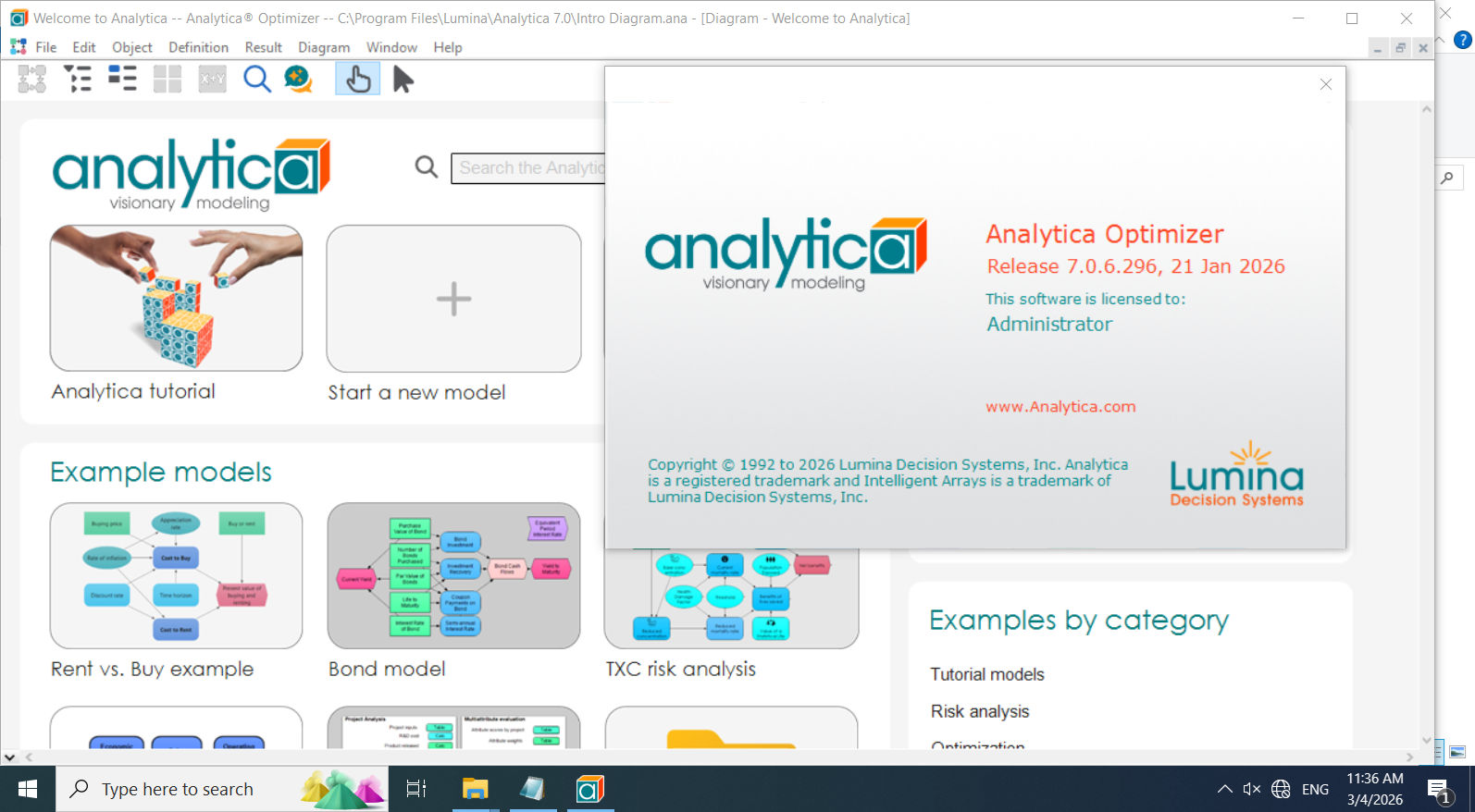
LUMINA ANALYTICA 2026 v7.0.6.296 is a powerful decision analysis and risk modeling platform developed by Lumina Decision Systems. It is designed to help professionals build influence diagrams, perform probabilistic analysis, and evaluate complex business or engineering decisions with clarity and precision.

The 2026 v7.0.6.296 release enhances computational performance, improves model visualization, and refines usability for enterprise-level analytical workflows.

What is LUMINA ANALYTICA 2026?
LUMINA ANALYTICA is a structured decision analysis software that enables users to create graphical influence diagrams, define uncertainties, assess risks, and perform sensitivity analysis. It is widely used in strategic planning, financial forecasting, engineering risk assessment, and policy evaluation.

By combining probability distributions, decision trees, and mathematical modeling, the software helps organizations make data-driven decisions with greater confidence.

Features of LUMINA ANALYTICA 2026 v7.0.6.296

1. Influence Diagram Modeling
Visual representation of decisions and uncertainties
Node-based modeling interface
Clear relationship mapping
Structured model organization

2. Probabilistic Risk Analysis
Monte Carlo simulation support
Probability distribution modeling
Expected value calculations
Scenario-based analysis

3. Sensitivity & Tornado Analysis
Identify key risk drivers
Sensitivity charts and graphs
Impact comparison tools
Decision robustness evaluation

4. Decision Tree & Policy Modeling
Multi-stage decision modeling
Conditional probability support
Strategic alternative comparison
Policy optimization tools

5. Advanced Mathematical Capabilities
Built-in statistical functions
Custom equation support
Spreadsheet-style calculations
Flexible variable management

6. Reporting & Visualization
Graphical results presentation
Exportable charts and reports
Executive-ready summaries
Clear outcome comparisons

7. Performance Improvements in v7.0.6.296
Faster simulation processing
Improved stability for large models
Enhanced user interface responsiveness
Better compatibility with modern Windows systems

Benefits of Using LUMINA ANALYTICA 2026
Make informed decisions under uncertainty
Quantify risks and probabilities clearly
Compare multiple strategic options
Improve transparency in complex decisions
Reduce reliance on assumptions
Support data-driven business strategy

Who Should Use LUMINA ANALYTICA?
LUMINA ANALYTICA 2026 v7.0.6.296 is ideal for:
Risk analysts
Business strategists
Financial planners
Policy analysts
Engineering project managers
Research and consulting professionals
It is particularly valuable for organizations that require structured, quantitative decision analysis.

Conclusion
LUMINA ANALYTICA 2026 v7.0.6.296 provides a comprehensive environment for decision modeling and risk analysis. With influence diagrams, probabilistic simulations, and advanced sensitivity analysis tools, it empowers professionals to evaluate uncertainty and optimize strategic decisions effectively.

For organizations seeking a structured and analytical approach to complex decision-making, LUMINA ANALYTICA 2026 is a powerful and reliable solution.

If you want to download LUMINA ANALYTICA 2026 v7.0.6.296 full license, please click to DOWNLOAD button to download.
CLICKDOWN.ORG Download CAD CAM CNC software
Inside package LUMINA ANALYTICA 2026 v7.0.6.296, already have cracked files and instruction how to install LUMINA ANALYTICA 2026 v7.0.6.296 step by step. I guarantee you can install LUMINA ANALYTICA 2026 v7.0.6.296 successfully if you follow that instruction.
If you also can’t install it or get any problems, please contact to me by email: clickdown.org@gmail.com, then I will help you to install software by teamviewer or Ultraviewer or Anydesk.
Thanks a lot
SOFTWARES

Download LIMITSTATE RING 2026 v4.3.37355 win64 full license

LIMITSTATE RING 2026 v4.3.37355 – Advanced Masonry Arch Bridge Analysis Software

Download LIMITSTATE RING 2026 v4.3.37355 win64 full license

Link download LIMITSTATE RING 2026 v4.3.37355 full activated

Working with LIMITSTATE RING 2026 v4.3.37355 full license

Description of LIMITSTATE RING 2026 v4.3.37355

LIMITSTATE RING 2026 v4.3.37355 is a specialized structural analysis software developed by LimitState. It is designed for the assessment and analysis of masonry arch bridges using advanced limit state and rigid block analysis methods.

The 2026 v4.3.37355 release improves computational performance, enhances modeling flexibility, and refines reporting tools to support modern infrastructure assessment standards.

What is LIMITSTATE RING 2026?
LIMITSTATE RING is dedicated software for analyzing masonry arch bridges and similar structures. It applies advanced limit analysis techniques to evaluate load capacity, collapse mechanisms, and structural safety.

Unlike traditional finite element methods, RING uses rigid block analysis, making it particularly effective for historic masonry bridges where material behavior differs from modern reinforced concrete structures.

Features of LIMITSTATE RING 2026 v4.3.37355

1. Rigid Block Limit Analysis
Accurate modeling of masonry arch behavior
Identification of potential collapse mechanisms
Load factor calculation
Non-linear structural assessment

2. Masonry Arch Bridge Modeling
Single-span and multi-span bridges
Barrel geometry definition
Backfill and soil interaction modeling
Support for skew arches

3. Load Case Simulation
Highway vehicle loading
Rail loading configurations
Custom load definitions
Moving load analysis

4. Soil-Structure Interaction
Backfill pressure modeling
Influence of embankment conditions
Live load dispersion analysis
Realistic load distribution

5. Advanced Reporting Tools
Detailed calculation outputs
Graphical collapse mechanism visualization
Load capacity summaries
Professional report generation

6. Performance Improvements in v4.3.37355
Faster computation engine
Improved stability for complex bridge models
Enhanced user interface responsiveness
Updated compliance support for modern design codes

Benefits of Using LIMITSTATE RING 2026
Reliable assessment of historic masonry bridges
Accurate load capacity evaluation
Cost-effective strengthening decisions
Reduced over-conservative design assumptions
Efficient infrastructure asset management
Clear visualization of structural behavior

Who Should Use LIMITSTATE RING?
LIMITSTATE RING 2026 v4.3.37355 is ideal for:
Structural engineers
Bridge assessment specialists
Infrastructure consultants
Transportation authorities
Civil engineering firms
It is particularly valuable for professionals involved in evaluating and maintaining aging masonry arch bridge infrastructure.

Conclusion
LIMITSTATE RING 2026 v4.3.37355 provides a specialized and reliable solution for masonry arch bridge analysis. With advanced rigid block limit analysis, realistic load simulation, and comprehensive reporting tools, it supports accurate and efficient structural assessments.

For engineers responsible for historic and modern masonry bridge evaluation, LIMITSTATE RING 2026 is a professional-grade and dependable choice.

If you want to download LIMITSTATE RING 2026 v4.3.37355 full license, please click to DOWNLOAD button to download.
CLICKDOWN.ORG Download CAD CAM CNC software
Inside package LIMITSTATE RING 2026 v4.3.37355, already have cracked files and instruction how to install LIMITSTATE RING 2026 v4.3.37355 step by step. I guarantee you can install LIMITSTATE RING 2026 v4.3.37355 successfully if you follow that instruction.
If you also can’t install it or get any problems, please contact to me by email: clickdown.org@gmail.com, then I will help you to install software by teamviewer or Ultraviewer or Anydesk.
Thanks a lot
SOFTWARES

Download PDF Suite Pro+OCR 20.0.41.21545 Multilingual full

PDF Suite Pro+OCR 20.0.41.21545 – Complete PDF Editing & OCR Solution

Download PDF Suite Pro+OCR 20.0.41.21545 Multilingual full

Link download PDF Suite Pro+OCR 20.0.41.21545 x64 full activated

Working with PDF Suite Pro+OCR 20.0.41.21545 Multilingual full

Description of PDF Suite Pro+OCR 20.0.41.21545

PDF Suite Pro+OCR 20.0.41.21545 is a comprehensive PDF management software developed by PDF Suite. It provides powerful tools for creating, editing, converting, securing, and signing PDF documents, along with advanced Optical Character Recognition (OCR) technology for converting scanned files into fully editable text.

Version 20.0.41.21545 enhances performance, improves OCR accuracy, and delivers a smoother document workflow for business and professional users.

What is PDF Suite Pro+OCR 20.0.41.21545?
PDF Suite Pro+OCR is an all-in-one PDF editor designed for individuals and organizations that require full control over their digital documents. It allows users to modify text and images, annotate files, merge and split documents, convert PDFs into other formats, and protect sensitive information.

The integrated OCR engine enables scanned documents and image-based PDFs to be converted into searchable and editable formats.

Features of PDF Suite Pro+OCR 20.0.41.21545

1. Full PDF Editing Capabilities
Edit text and images directly
Adjust fonts, sizes, and formatting
Insert, delete, or rearrange pages
Add headers, footers, and watermarks

2. Advanced OCR Technology
Convert scanned documents to editable text
Recognize multiple languages
Create searchable PDFs
Maintain layout accuracy

3. PDF Conversion Tools
Convert PDF to Word, Excel, PowerPoint
Convert documents to PDF format
Batch conversion support
High-quality output preservation

4. Annotation & Review Tools
Add comments and highlights
Insert shapes and stamps
Draw freehand notes
Collaborative document review support

5. Security & Digital Signatures
Password protection
File encryption
Redaction tools
Electronic signature support

6. Document Management
Merge multiple PDFs
Split large files
Compress PDF size
Organize and reorder pages easily

7. Performance Enhancements in 20.0.41.21545
Faster document loading
Improved OCR accuracy
Enhanced stability
Optimized memory usage

Benefits of Using PDF Suite Pro+OCR
Save time editing and managing PDFs
Convert scanned documents into editable files
Improve document security
Simplify collaboration and review
Replace multiple PDF tools with one solution
Increase productivity in office environments

Who Should Use PDF Suite Pro+OCR?
This software is ideal for:
Office professionals
Legal teams
Administrative staff
Students and educators
Small businesses
Corporate environments
It is especially useful for organizations that frequently work with scanned documents and require reliable OCR functionality.

Conclusion
PDF Suite Pro+OCR 20.0.41.21545 offers a powerful and user-friendly solution for complete PDF management. With full editing capabilities, accurate OCR conversion, and strong security features, it provides everything needed to handle professional document workflows efficiently.

For users seeking a versatile and reliable PDF editor with OCR support, PDF Suite Pro+OCR 20.0.41.21545 is an excellent choice.

If you want to download PDF Suite Pro+OCR 20.0.41.21545 full license, please click to DOWNLOAD button to download.
CLICKDOWN.ORG Download CAD CAM CNC software
Inside package PDF Suite Pro+OCR 20.0.41.21545, already have cracked files and instruction how to install PDF Suite Pro+OCR 20.0.41.21545 step by step. I guarantee you can install PDF Suite Pro+OCR 20.0.41.21545 successfully if you follow that instruction.
If you also can’t install it or get any problems, please contact to me by email: clickdown.org@gmail.com, then I will help you to install software by teamviewer or Ultraviewer or Anydesk.
Thanks a lot
SOFTWARES

Download Land Prо 10.3.3 full license 100% working

Land Pro 10.3.3 – Professional Land Surveying & Mapping Software

Download Land Prо 10.3.3 full license 100% working

Link download Land Prо 10.3.3 full activated

Working with Land Prо 10.3.3 full license

Description of Land Prо 10.3.3

Land Pro 10.3.3 is a powerful land surveying and mapping solution designed for surveyors, civil engineers, and GIS professionals. It provides advanced tools for managing field data, processing survey measurements, and generating accurate maps and reports for infrastructure and land development projects.

Version 10.3.3 focuses on improved performance, enhanced data handling, and better compatibility with modern surveying equipment and CAD workflows.

What is Land Pro 10.3.3?
Land Pro 10.3.3 is professional surveying software used to process field measurements, calculate coordinates, adjust traverses, and create detailed topographic maps. It streamlines the workflow from raw data collection to final documentation, helping professionals complete projects with greater accuracy and efficiency.

The software supports integration with total stations, GNSS receivers, and other modern surveying tools.

Features of Land Prо 10.3.3

1. Survey Data Processing
Import field data from surveying instruments
Coordinate calculation and adjustment
Traverse computation tools
Error detection and correction

2. Topographic Mapping
Generate contour maps
Elevation modeling tools
Surface creation and analysis
2D and 3D visualization options

3. CAD Integration
Compatible with common CAD formats
DXF/DWG file support
Seamless export for engineering design
Layer management tools

4. GNSS & Total Station Support
Raw data processing
Baseline and network adjustments
Accurate positioning tools
Field-to-office workflow optimization

5. Reporting & Documentation
Professional survey reports
Area and volume calculations
Customizable output formats
Print-ready documentation

6. Performance Improvements in 10.3.3
Faster data processing engine
Improved stability with large datasets
Enhanced file compatibility
Optimized memory management

Benefits of Using Land Pro 10.3.3
Improve surveying accuracy
Reduce manual calculation errors
Streamline field-to-office workflow
Generate professional mapping outputs
Save time on complex land calculations
Enhance project documentation quality

Who Should Use Land Pro?
Land Pro 10.3.3 is ideal for:
Professional land surveyors
Civil engineers
Construction companies
GIS specialists
Infrastructure development teams
It is particularly useful for projects involving land subdivision, road design, property boundary mapping, and site development.

Conclusion
Land Pro 10.3.3 offers a comprehensive and reliable solution for land surveying and mapping professionals. With advanced data processing tools, CAD compatibility, and GNSS support, it ensures precise calculations and efficient project delivery.

For surveyors and engineers seeking accuracy and workflow efficiency, Land Pro 10.3.3 is a dependable choice.

If you want to download Land Prо 10.3.3 full license, please click to DOWNLOAD button to download.
CLICKDOWN.ORG Download CAD CAM CNC software
Inside package Land Prо 10.3.3, already have cracked files and instruction how to install Land Prо 10.3.3 step by step. I guarantee you can install Land Prо 10.3.3 successfully if you follow that instruction.
If you also can’t install it or get any problems, please contact to me by email: clickdown.org@gmail.com, then I will help you to install software by teamviewer or Ultraviewer or Anydesk.
Thanks a lot
SOFTWARES

Download Ableton Live Suite 12.3.6 x64 full license forever

Ableton Live Suite 12.3.6 – Complete Music Production & Performance Software

Download Ableton Live Suite 12.3.6 x64 full license forever

Link download Ableton Live Suite 12.3.6 win64 full activated

Working with Ableton Live Suite 12.3.6 full license

Description of Ableton Live Suite 12.3.6

Ableton Live Suite 12.3.6 is the latest version of the professional digital audio workstation developed by Ableton. Known for its powerful workflow, creative flexibility, and live performance capabilities, Live Suite 12.3.6 delivers a comprehensive set of instruments, effects, and sound design tools for producers, DJs, and composers.

This update improves performance stability, enhances workflow efficiency, and refines creative tools for modern music production environments.

What is Ableton Live Suite 12.3.6?
Ableton Live Suite 12.3.6 is the most complete edition of the Live 12 series, offering everything needed for composing, recording, editing, mixing, mastering, and live performance. It combines an intuitive interface with advanced production features and a vast sound library.

Live’s dual-view system — Session View and Arrangement View — allows users to experiment freely while maintaining structured composition control.

Features of Ableton Live Suite 12.3.6

1. Session & Arrangement Workflow
Non-linear clip launching in Session View
Traditional timeline editing in Arrangement View
Seamless switching between views
Fast creative experimentation

2. Extensive Instrument Collection
Powerful synthesizers and samplers
Advanced wavetable synthesis
Drum machines and percussion tools
Multi-sampled instrument libraries

3. Professional Audio Effects
EQ, compression, reverb, delay
Creative modulation effects
Saturation and distortion tools
Advanced mixing utilities

4. MIDI & Composition Tools
Advanced MIDI editing
Scale and key-aware features
Probability and generative tools
Groove pool for rhythmic variation

5. Live Performance Capabilities
Real-time clip triggering
MIDI controller integration
Flexible routing options
Stable stage-ready performance

6. Max for Live Integration
Custom device creation
Community-built instruments and effects
Extended automation capabilities
Modular sound design tools

7. Compatibility & Formats
VST / VST3 / AU plugin support
Multi-track recording
Audio and MIDI export options
Cross-platform support (Windows & macOS)

Benefits of Using Ableton Live Suite 12.3.6
Complete all-in-one music production solution
Ideal for studio production and live shows
Flexible creative workflow
Extensive built-in instruments and sounds
Strong MIDI and audio editing capabilities
Scalable for beginners and professionals

Who Should Use Ableton Live Suite?
Ableton Live Suite 12.3.6 is ideal for:
Electronic music producers
DJs and live performers
Film and game composers
Songwriters
Sound designers
Music production students
It is particularly popular in electronic genres such as techno, house, EDM, hip-hop, and experimental music.

Conclusion
Ableton Live Suite 12.3.6 remains one of the most powerful and flexible digital audio workstations available today. With advanced composition tools, extensive sound libraries, live performance features, and Max for Live integration, it provides a complete platform for modern music creation.

For producers seeking creative freedom and professional-grade tools, Ableton Live Suite 12.3.6 is an outstanding choice.

If you want to download Ableton Live Suite 12.3.6 full license, please click to DOWNLOAD button to download.
CLICKDOWN.ORG Download CAD CAM CNC software
Inside package Ableton Live Suite 12.3.6, already have cracked files and instruction how to install Ableton Live Suite 12.3.6 step by step. I guarantee you can install Ableton Live Suite 12.3.6 successfully if you follow that instruction.
If you also can’t install it or get any problems, please contact to me by email: clickdown.org@gmail.com, then I will help you to install software by teamviewer or Ultraviewer or Anydesk.
Thanks a lot
SOFTWARES

Download Minimal Audio All Access 2026.02 x64 full license

Minimal Audio All Access 2026.02 – Complete Sound Design & Music Production Suite

Download Minimal Audio All Access 2026.02 x64 full license

Link download Minimal Audio All Access 2026.02 win64 full activated

Working with Minimal Audio All Access 2026.02 full license

Description of Minimal Audio All Access 2026.02

Minimal Audio All Access 2026.02 is a comprehensive plugin bundle from Minimal Audio, offering producers and sound designers a full collection of modern synthesis, effects, and creative processing tools. Designed for professional music production workflows, this subscription package provides access to the latest instruments and FX plugins with continuous updates.

The 2026.02 release enhances performance, stability, and expands creative sound design capabilities across supported DAWs.

What is Minimal Audio All Access 2026.02?
Minimal Audio All Access is a subscription-based bundle that includes all current and future plugins developed by Minimal Audio. It is built for electronic music producers, composers, mixing engineers, and sound designers who need cutting-edge tools for shaping modern sounds.

The bundle typically includes powerful synthesizers, modulation effects, distortion units, delay processors, and advanced sound-shaping utilities compatible with major digital audio workstations.

Features of Minimal Audio All Access 2026.02

1. Advanced Software Synthesizers
Modern wavetable synthesis engine
Extensive modulation system
Custom waveform design
High-quality preset libraries

2. Creative Audio Effects
Distortion and saturation tools
Multi-mode delay processors
Dynamic filtering effects
Modulation-based processing

3. Professional Sound Design Tools
Flexible routing architecture
Real-time parameter automation
Macro controls for performance
Deep modulation matrix

4. Continuous Updates
Access to all new plugin releases
Regular feature improvements
Ongoing compatibility updates
Expanded preset collections

5. DAW Compatibility
VST, VST3, AU, and AAX formats
Works with major DAWs including:
Ableton Live
FL Studio
Logic Pro
Pro Tools

6. Modern User Interface
Clean and intuitive design
High-resolution scalable UI
Real-time visual feedback
Efficient workflow layout

Benefits of Using Minimal Audio All Access 2026.02
Access to a full suite of professional plugins
Cost-effective subscription model
Modern sound design capabilities
Seamless DAW integration
Continuous updates without separate purchases
Ideal for electronic and contemporary music production

Who Should Use Minimal Audio All Access?
This bundle is ideal for:
Electronic music producers
Sound designers
Mixing and mastering engineers
Film and game composers
EDM, techno, and house producers
Creative audio professionals
It is especially valuable for creators who want a flexible and evolving toolkit for modern music production.

Conclusion
Minimal Audio All Access 2026.02 provides a powerful, modern plugin collection tailored for professional sound design and music production. With advanced synthesis engines, creative effects, and continuous updates, it delivers exceptional value for producers seeking innovative and high-quality tools.

For musicians and producers aiming to expand their sonic palette, Minimal Audio All Access 2026.02 is a comprehensive and future-ready solution.

If you want to download Minimal Audio All Access 2026.02 full license, please click to DOWNLOAD button to download.
CLICKDOWN.ORG Download CAD CAM CNC software
Inside package Minimal Audio All Access 2026.02, already have cracked files and instruction how to install Minimal Audio All Access 2026.02 step by step. I guarantee you can install Minimal Audio All Access 2026.02 successfully if you follow that instruction.
If you also can’t install it or get any problems, please contact to me by email: clickdown.org@gmail.com, then I will help you to install software by teamviewer or Ultraviewer or Anydesk.
Thanks a lot
SOFTWARES

Download Nomad Sculpt 2.9.3 Win64 full license forever

Nomad Sculpt 2.9.3 – Powerful Mobile 3D Sculpting Application

Download Nomad Sculpt 2.9.3 win64 full license

Link download Nomad Sculpt 2.9.3 x64 full activated

Working with Nomad Sculpt 2.9.3 full license

Description of Nomad Sculpt 2.9.3

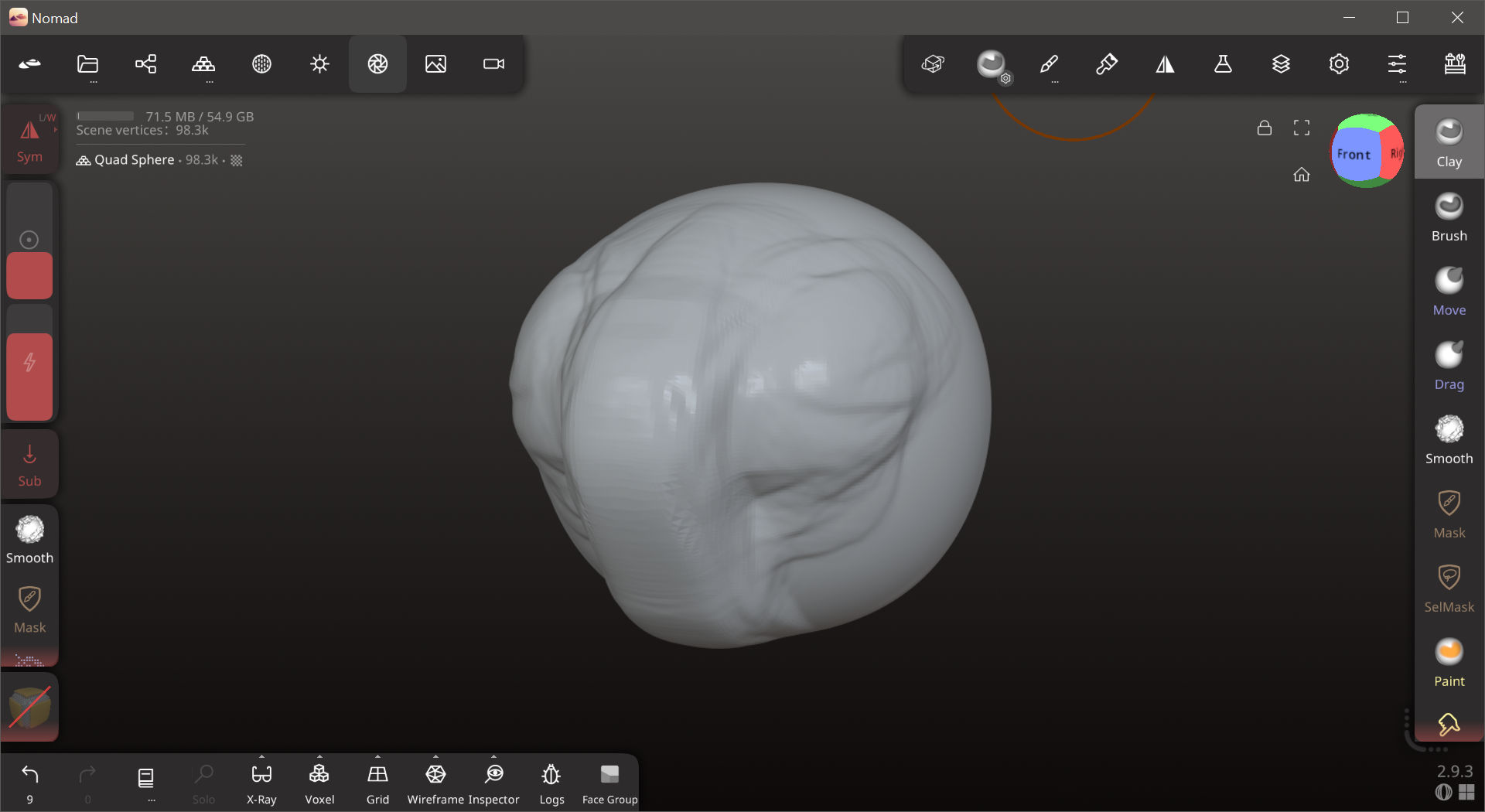
Nomad Sculpt 2.9.3 is a professional digital sculpting app developed by Stephane Ginier. Designed for artists who want high-quality 3D sculpting directly on tablets and mobile devices, Nomad Sculpt offers advanced tools for modeling, detailing, painting, and rendering in an intuitive touch-based interface.

Version 2.9.3 brings performance optimizations, stability improvements, and refined sculpting tools for smoother creative workflows.

What is Nomad Sculpt 2.9.3?
Nomad Sculpt is a mobile-first 3D sculpting software available for iPad, Android tablets, and other supported devices. It allows artists to create detailed 3D models using powerful sculpting brushes, dynamic topology, and real-time rendering features — all without needing a desktop workstation.

It is widely used by character artists, hobbyists, designers, and 3D enthusiasts who want portability without sacrificing capability.

Features of Nomad Sculpt 2.9.3

1. Advanced Sculpting Tools
Clay, crease, smooth, flatten, and inflate brushes
Custom brush settings
Symmetry and masking tools
Dynamic topology (dyntopo) support

2. Voxel & Remeshing Tools
Voxel remeshing for clean topology
Automatic mesh refinement
Boolean operations
Mesh decimation options

3. Painting & Texturing
Vertex painting tools
PBR material support
Real-time shading previews
Customizable material properties

4. Real-Time Rendering
HDRI lighting environment
MatCap shading options
Post-processing effects
Turntable preview mode

5. Mobile-Optimized Workflow
Touch and stylus support
Apple Pencil compatibility
Gesture-based navigation
Lightweight and responsive performance

6. Export & Compatibility
Export to OBJ, STL, GLTF and other formats
Compatible with major 3D software
3D printing export support
Easy project sharing

Benefits of Using Nomad Sculpt 2.9.3
Create detailed 3D models anywhere
No need for high-end desktop hardware
Intuitive interface for beginners and professionals
Fast iteration and creative experimentation
Affordable alternative to desktop sculpting software

Who Should Use Nomad Sculpt?
Nomad Sculpt 2.9.3 is ideal for:
3D character artists
Concept designers
Hobbyist sculptors
Game asset creators
3D printing enthusiasts
Students learning digital sculpting
It is particularly valuable for creators who want flexibility and mobility in their 3D workflow.

Conclusion
Nomad Sculpt 2.9.3 delivers a powerful and portable 3D sculpting experience on mobile devices. With advanced brushes, voxel tools, real-time rendering, and export compatibility, it provides artists with professional-level sculpting tools in a compact and intuitive package.

For creators seeking flexible 3D sculpting on the go, Nomad Sculpt 2.9.3 is an excellent solution.

If you want to download Nomad Sculpt 2.9.3 full license, please click to DOWNLOAD button to download.
CLICKDOWN.ORG Download CAD CAM CNC software
Inside package Nomad Sculpt 2.9.3, already have cracked files and instruction how to install Nomad Sculpt 2.9.3 step by step. I guarantee you can install Nomad Sculpt 2.9.3 successfully if you follow that instruction.
If you also can’t install it or get any problems, please contact to me by email: clickdown.org@gmail.com, then I will help you to install software by teamviewer or Ultraviewer or Anydesk.
Thanks a lot
SOFTWARES

Download Maxon Redshift 2026.3.0 win64 full license

Maxon Redshift 2026.3.0 – High-Performance GPU Rendering Engine

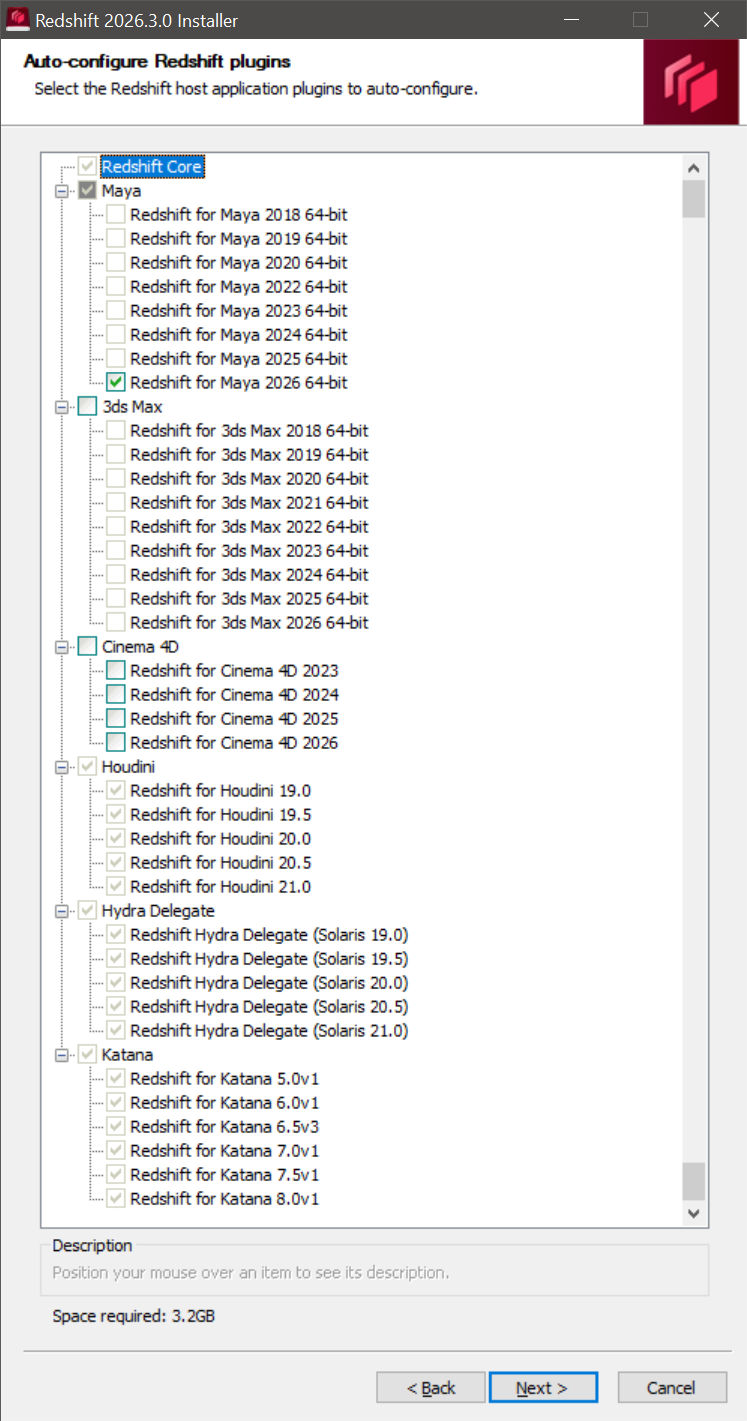
Maxon Redshift 2026.3.0 for Maya, 3ds Max, C4D, Houdini, Katana

Download Maxon Redshift 2026.3.0 win64 full license

Link download Maxon Redshift 2026.3.0 x64 full activated

Maxon Redshift 2026.3.0 x64 full license

Working with Maxon Redshift 2026.3.0 full activated

Description of Maxon Redshift 2026.3.0

Maxon Redshift 2026.3.0 is a powerful GPU-accelerated rendering engine developed by Maxon. Designed for professional 3D artists, animators, and VFX studios, Redshift delivers fast, high-quality rendering with optimized performance for complex production workflows.

The 2026.3.0 release introduces improved GPU optimization, enhanced shading tools, and better integration with major 3D applications, making it an essential tool for modern content creation pipelines.

What is Maxon Redshift 2026.3.0?
Redshift is a biased GPU renderer built to meet the demands of high-end production environments. Unlike traditional CPU renderers, Redshift uses GPU acceleration to significantly reduce render times while maintaining exceptional image quality.

It is widely used in film production, advertising, motion graphics, architectural visualization, and game cinematics for its speed and flexibility.

Features of Maxon Redshift 2026.3.0

1. GPU-Accelerated Rendering
High-performance GPU engine
Multi-GPU support
Optimized memory usage
Faster render times for complex scenes

2. Advanced Shading & Materials
Physically-based material system
Node-based shader editor
Realistic reflections and refractions
Subsurface scattering support

3. Production-Ready Rendering Tools
Global illumination
Motion blur and depth of field
Volumetric lighting and effects
Hair and fur rendering support

4. Seamless 3D Software Integration
Redshift integrates with major 3D applications, including:
Cinema 4D
Autodesk Maya
Houdini
Blender
This allows artists to work within their preferred environment while leveraging Redshift’s powerful rendering capabilities.

5. Scalability & Pipeline Integration
Network rendering support
Render farm compatibility
Production pipeline integration
Efficient scene handling

6. Improvements in Version 2026.3.0
Enhanced GPU performance optimization
Improved stability in heavy scenes
Faster shader compilation
Updated compatibility with latest GPU drivers

Benefits of Using Maxon Redshift 2026.3.0
Significantly reduced rendering times
High-quality cinematic output
Efficient handling of large scenes
Flexible shader and lighting controls
Scalable for studio-level production
Reliable GPU performance

Who Should Use Redshift?
Maxon Redshift 2026.3.0 is ideal for:
3D artists
Motion graphics designers
Visual effects professionals
Architectural visualization experts
Animation studios
It is especially suited for professionals requiring fast turnaround times without compromising render quality.

Conclusion
Maxon Redshift 2026.3.0 delivers professional-grade GPU rendering performance for demanding 3D production environments. With powerful shading tools, advanced lighting systems, and seamless integration with leading 3D software, it remains a top choice for artists seeking speed and quality.

For studios and creators focused on high-performance rendering, Redshift 2026.3.0 is a dependable and production-ready solution.

If you want to download Maxon Redshift 2026.3.0 full license, please click to DOWNLOAD button to download.
CLICKDOWN.ORG Download CAD CAM CNC software
Inside package Maxon Redshift 2026.3.0, already have cracked files and instruction how to install Maxon Redshift 2026.3.0 step by step. I guarantee you can install Maxon Redshift 2026.3.0 successfully if you follow that instruction.
If you also can’t install it or get any problems, please contact to me by email: clickdown.org@gmail.com, then I will help you to install software by teamviewer or Ultraviewer or Anydesk.
Thanks a lot
SOFTWARES

Download Viva Designer 11.5.0.9224 Win64 full license

Viva Designer 11.5.0.9224 – Professional Publishing & Layout Software

Download Viva Designer 11.5.0.9224 Win64 full license

Link download Viva Designer 11.5.0.9224 x64 full activated

Working with Viva Designer 11.5.0.9224 full license

Description of Viva Designer 11.5.0.9224

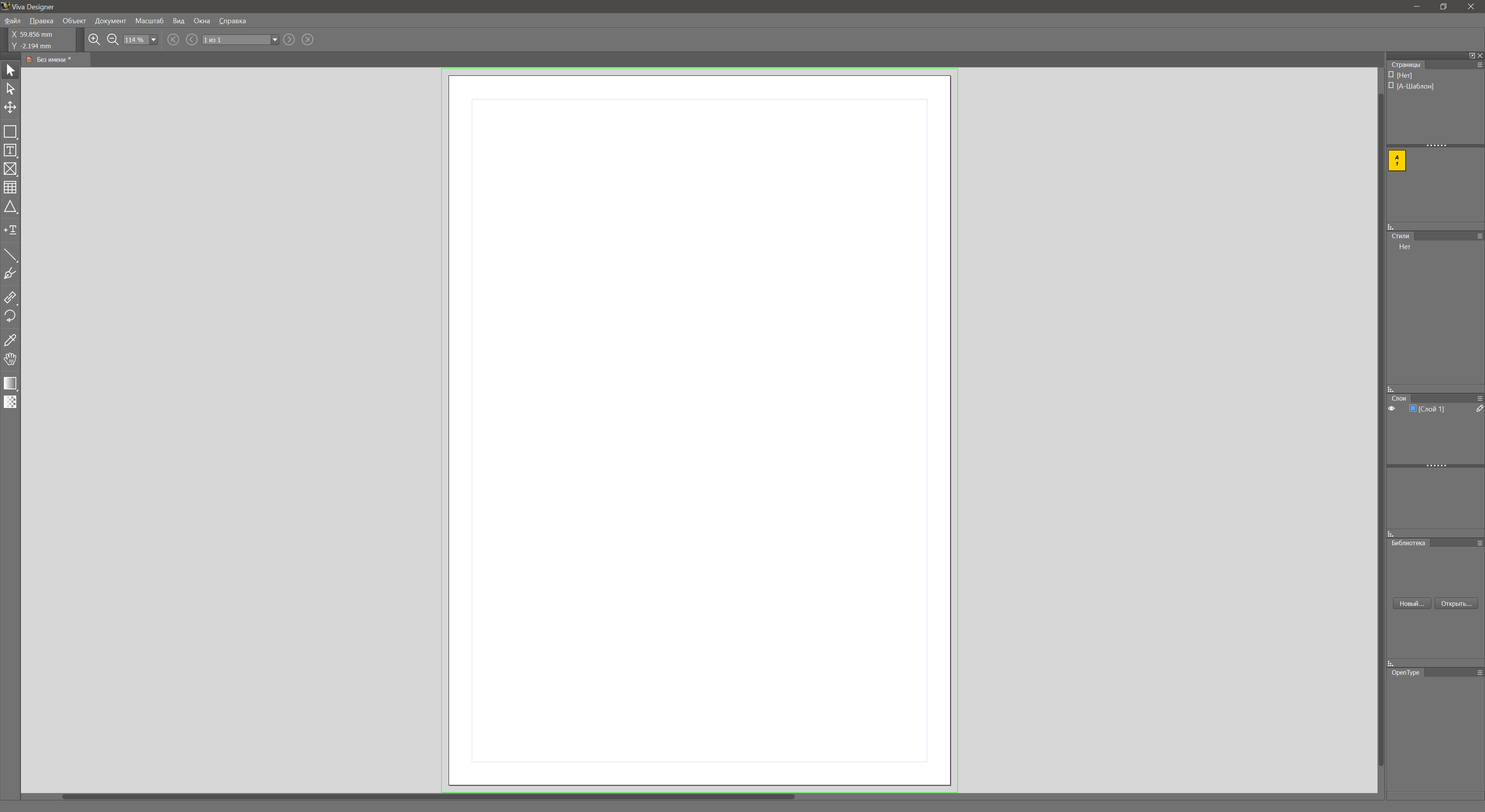
Viva Designer 11.5.0.9224 is a powerful desktop publishing and layout software developed by Viva Software. It provides professional tools for creating magazines, brochures, catalogs, newspapers, and digital publications with precision and flexibility.

The 11.5.0.9224 release focuses on improved performance, enhanced layout handling, and better compatibility with modern publishing workflows, making it a reliable solution for designers, publishers, and marketing teams.

What is Viva Designer 11.5.0.9224?
Viva Designer is an advanced page layout and publishing application designed for both print and digital media production. It supports complex typography, structured document management, and automation features that streamline professional publishing processes.

Whether you are creating corporate reports, marketing materials, or large multi-page publications, Viva Designer offers precise layout control and flexible output options.

Features of Viva Designer 11.5.0.9224

1. Professional Page Layout Tools
Advanced multi-page document management
Master page functionality
Grid and guide systems
Flexible object positioning

2. Advanced Typography Control
Full OpenType support
Precise kerning and tracking adjustments
Paragraph and character styles
Multi-language text support

3. Print & Digital Publishing
High-quality print output
PDF export with professional settings
Digital publishing options
Prepress-ready file generation

4. Automation & Database Integration
Variable data publishing
Database-driven content
Automated layout workflows
Efficient large document handling

5. Compatibility & File Support
Import and export various file formats
PDF editing capabilities
Image and vector graphic support
Cross-platform workflow integration

6. Performance Improvements in Version 11.5.0.9224
Faster rendering engine
Improved stability for large projects
Enhanced export speed
Optimized memory management

Benefits of Using Viva Designer
Create professional publications with precision
Improve workflow efficiency
Handle large and complex documents easily
Ensure high-quality print results
Reduce manual layout adjustments
Enhance productivity for publishing teams

Who Should Use Viva Designer?
Viva Designer 11.5.0.9224 is ideal for:
Graphic designers
Publishing houses
Marketing departments
Print production professionals
Corporate communication teams
It is especially suitable for organizations requiring professional publishing with automation and structured workflows.

Conclusion
Viva Designer 11.5.0.9224 delivers a comprehensive publishing solution for print and digital media production. With powerful layout tools, advanced typography, and workflow automation, it supports professional-grade publishing projects of any scale.

For designers and publishers seeking precision and efficiency, Viva Designer 11.5.0.9224 is a dependable and feature-rich solution.

If you want to download Viva Designer 11.5.0.9224 full license, please click to DOWNLOAD button to download.
CLICKDOWN.ORG Download CAD CAM CNC software
Inside package Viva Designer 11.5.0.9224, already have cracked files and instruction how to install Viva Designer 11.5.0.9224 step by step. I guarantee you can install Viva Designer 11.5.0.9224 successfully if you follow that instruction.
If you also can’t install it or get any problems, please contact to me by email: clickdown.org@gmail.com, then I will help you to install software by teamviewer or Ultraviewer or Anydesk.
Thanks a lot
SOFTWARES

Download nTopology 5.41.3 win64 full license forever

nTopology 5.41.3 – Advanced Engineering Design for Additive Manufacturing

Download nTopology 5.41.3 win64 full license forever

Link download nTopology 5.41.3 full activated

Working with nTopology 5.41.3 full license

Description of nTopology 5.41.3

nTopology 5.41.3 is a powerful computational design software developed by nTopology. It is widely used in additive manufacturing, product engineering, and advanced simulation workflows to create highly optimized, lightweight, and performance-driven designs.

Version 5.41.3 introduces workflow enhancements, improved performance, and expanded lattice and field-driven design capabilities, making it a robust solution for engineers working with complex geometries.

What is nTopology 5.41.3?
nTopology is an engineering design platform that uses implicit modeling and field-driven design to generate highly complex structures that traditional CAD tools cannot easily handle. It is particularly strong in lattice design, topology optimization, and simulation-based modeling.

The software enables engineers to create parts optimized for additive manufacturing (3D printing), reducing weight while maintaining structural integrity.

Features of nTopology 5.41.3

1. Implicit Modeling Engine
Fast generation of complex geometries
Smooth transitions between structures
Scalable performance for large models
Reliable handling of intricate designs

2. Advanced Lattice Design
Custom lattice generation
Graded lattice structures
Field-driven density control
Performance-based optimization

3. Topology Optimization
Lightweight structural design
Load-driven material distribution
Integration with simulation data
Performance validation tools

4. Simulation Integration
FEA-driven workflows
Structural analysis compatibility
Thermal performance modeling
Multi-physics design support

5. Additive Manufacturing Ready
Build preparation tools
Export to standard 3D printing formats
Support for metal and polymer AM processes
Manufacturing constraint controls

6. Workflow Automation
Node-based workflow environment
Parametric design control
Design iteration management
Reusable templates

Benefits of Using nTopology 5.41.3
Create highly optimized lightweight parts
Reduce material usage and production costs
Improve structural performance
Accelerate design-to-manufacturing workflows
Enable innovative engineering solutions
Handle geometry complexity beyond traditional CAD

Industries Using nTopology
nTopology 5.41.3 is commonly used in:
Aerospace engineering
Automotive design
Medical device development
Industrial manufacturing
Research and advanced product development
It is especially valuable for companies leveraging additive manufacturing technologies.

Conclusion
nTopology 5.41.3 provides an advanced computational design platform for engineers seeking high-performance, lightweight, and additive-ready components. With powerful implicit modeling, lattice generation, and optimization tools, it enables next-generation engineering design workflows.

For organizations focused on additive manufacturing and performance-driven product development, nTopology 5.41.3 is a leading solution.

If you want to download nTopology 5.41.3 full license, please click to DOWNLOAD button to download.
CLICKDOWN.ORG Download CAD CAM CNC software
Inside package nTopology 5.41.3, already have cracked files and instruction how to install nTopology 5.41.3 step by step. I guarantee you can install nTopology 5.41.3 successfully if you follow that instruction.
If you also can’t install it or get any problems, please contact to me by email: clickdown.org@gmail.com, then I will help you to install software by teamviewer or Ultraviewer or Anydesk.
Thanks a lot

error: Content is protected !!
Scroll to Top