SOFTWARES

SOFTWARES

Download Microsoft Visual Studio 2026 x64 full license

Microsoft Visual Studio 2026 – Advanced IDE for Modern Software Development

Download Microsoft Visual Studio 2026 x64 full license

Microsoft Visual Studio 2026 18.0.11205.157, Professional, Enterprise
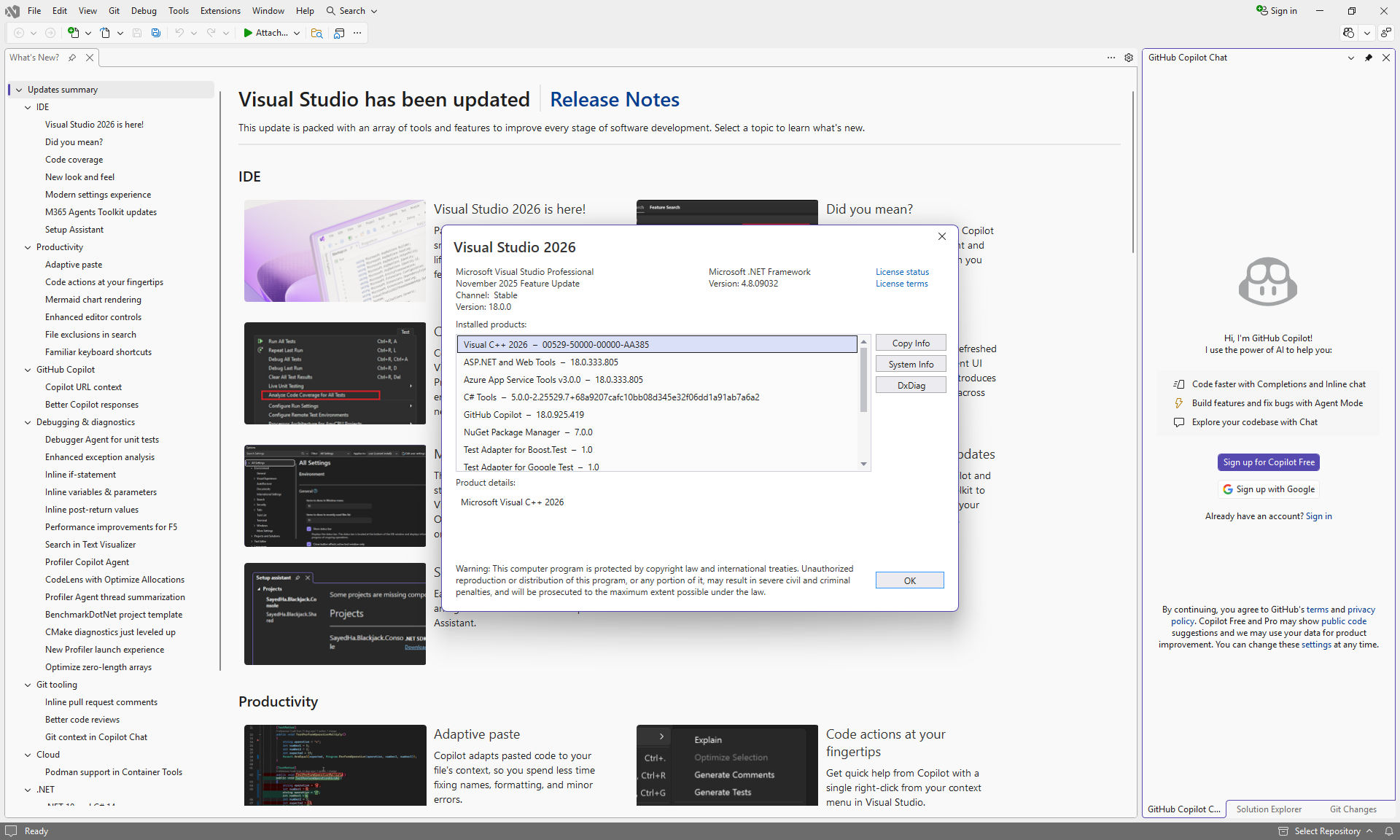
Working with Microsoft Visual Studio 2026 full license

Description of Microsoft Visual Studio 2026

Microsoft Visual Studio 2026 is the latest integrated development environment (IDE) from Microsoft, built to support modern application development across desktop, web, cloud, mobile, and gaming platforms. With enhanced performance, AI-powered coding assistance, and improved collaboration tools, Visual Studio 2026 delivers a comprehensive environment for professional developers and teams.

This new release focuses on productivity, faster builds, intelligent debugging, and seamless integration with cloud services.

What is Microsoft Visual Studio 2026?
Microsoft Visual Studio 2026 is a full-featured IDE designed for building applications using a wide range of programming languages including C#, C++, .NET, Python, JavaScript, and more. It provides powerful debugging, code editing, testing, and deployment tools in one unified workspace.

Whether you are developing enterprise software, web apps, cloud services, or cross-platform solutions, Visual Studio 2026 provides the necessary tools and frameworks to streamline the entire development lifecycle.

Features of Microsoft Visual Studio 2026

1. AI-Powered Code Assistance
Intelligent code suggestions
Smart auto-completion
Real-time error detection
Code refactoring recommendations

2. Enhanced Performance
Faster startup times
Optimized project loading
Improved build speed
Reduced memory usage

3. Advanced Debugging Tools
Real-time variable inspection
Multi-thread debugging
Performance profiling tools
Integrated diagnostic utilities

4. Modern .NET & Cross-Platform Support
Full support for latest .NET versions
Cross-platform app development
Native Windows application tools
Cloud-ready application frameworks

5. Integrated Git & DevOps Tools
Built-in version control support
Git repository management
Continuous integration workflows
Seamless team collaboration

6. Cloud & Azure Integration
Direct deployment to Microsoft Azure
Cloud debugging support
Container and microservices tools
Kubernetes integration

7. Improved User Interface
Modernized design
Customizable themes
Flexible workspace layout
Accessibility enhancements

Benefits of Using Microsoft Visual Studio 2026
Boosts developer productivity
Simplifies complex debugging tasks
Accelerates application deployment
Supports full software development lifecycle
Improves collaboration across teams
Enables scalable cloud development

Who Should Use Microsoft Visual Studio 2026?
Visual Studio 2026 is ideal for:
Professional software developers
Enterprise development teams
Web and cloud developers
Game developers
Mobile app developers
DevOps engineers
It is especially suitable for organizations building large-scale applications that require performance, reliability, and modern development workflows.

Conclusion
Microsoft Visual Studio 2026 continues to set the standard for professional development environments. With AI-powered tools, faster performance, and strong cloud integration, it provides everything developers need to build, test, and deploy high-quality applications efficiently.

If you are looking for a powerful, scalable, and future-ready IDE, Microsoft Visual Studio 2026 is an excellent solution.

If you want to download Microsoft Visual Studio 2026 full license, please click to DOWNLOAD button to download.
CLICKDOWN.ORG Download CAD CAM CNC software
Inside package Microsoft Visual Studio 2026, already have cracked files and instruction how to install Microsoft Visual Studio 2026 step by step. I guarantee you can install Microsoft Visual Studio 2026 successfully if you follow that instruction.
If you also can’t install it or get any problems, please contact to me by email: clickdown.org@gmail.com, then I will help you to install software by teamviewer or Ultraviewer or Anydesk.
Thanks a lot
SOFTWARES

Download MiniMeters 1.0.26 STANDALONE full license

MiniMeters 1.0.26 – Lightweight Desktop System Monitoring Tool

Download MiniMeters 1.0.26 STANDALONE full license

Link download MiniMeters 1.0.26 STANDALONE full activated

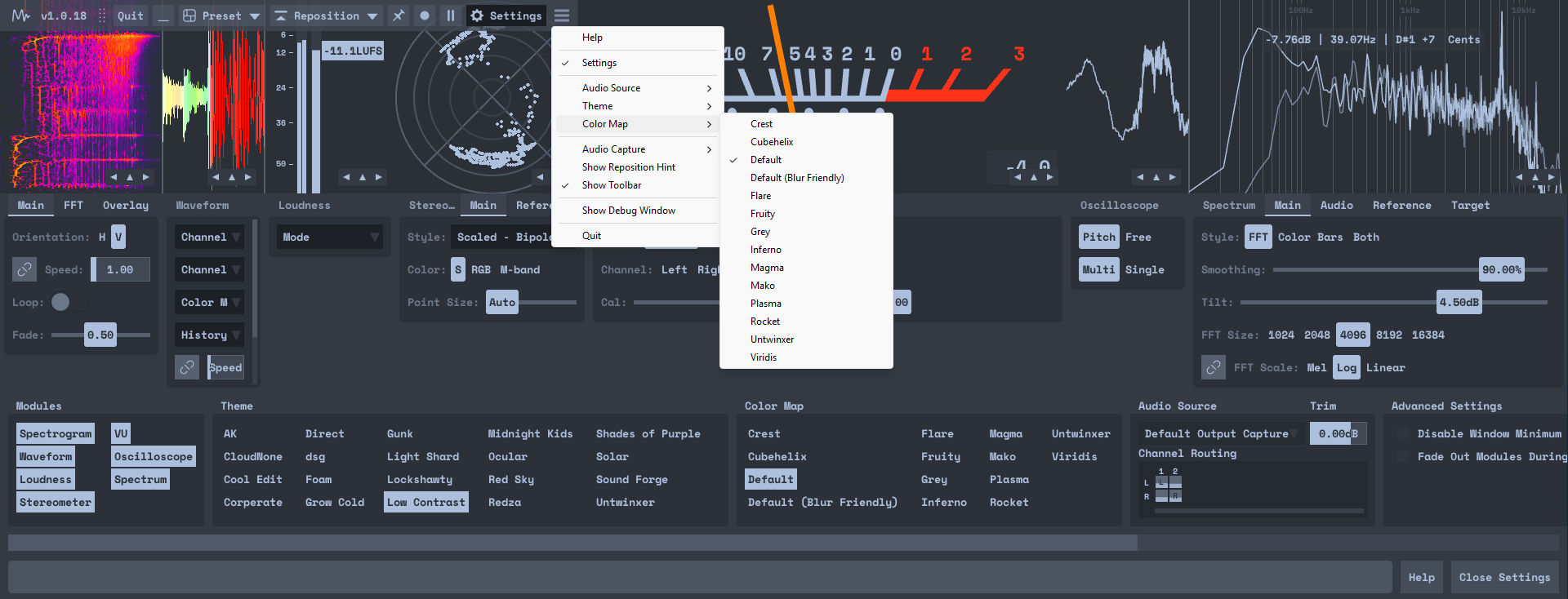
Working with MiniMeters 1.0.26 STANDALONE full license

Description of MiniMeters 1.0.26 STANDALONE

MiniMeters 1.0.26 is a compact and efficient system monitoring utility developed by Direct Logic Systems. Designed for Windows users who want real-time visibility into system performance, MiniMeters provides live monitoring of CPU, RAM, disk activity, and network usage directly on the desktop.

Version 1.0.26 improves stability, enhances performance tracking accuracy, and refines customization options for a smoother monitoring experience.

What is MiniMeters 1.0.26?
MiniMeters is a lightweight desktop application that displays small, customizable meters showing real-time system resource usage. It runs quietly in the background while giving users quick visual feedback about their computer’s performance.

Unlike heavy monitoring suites, MiniMeters focuses on simplicity and minimal system impact while delivering essential performance metrics.

Features of MiniMeters 1.0.26 STANDALONE

1. Real-Time CPU Monitoring
Track overall CPU usage
Monitor multi-core processor activity
Live graphical usage display
Instant performance feedback

2. Memory (RAM) Usage Tracking
View available and used memory
Identify high memory consumption
Real-time updates
Clear visual indicators

3. Disk Activity Monitoring
Monitor read/write operations
Track disk throughput
Detect heavy storage activity
Useful for troubleshooting performance issues

4. Network Usage Monitoring
Real-time upload and download speeds
Network activity visualization
Bandwidth tracking
Helpful for diagnosing connectivity problems

5. Customizable Interface
Adjustable meter size
Color customization options
Transparent and always-on-top mode
Flexible desktop positioning

6. Lightweight & Efficient
Minimal CPU and RAM usage
Fast startup time
Stable background operation
Suitable for older systems

Benefits of Using MiniMeters 1.0.26
Monitor system performance at a glance
Detect resource bottlenecks quickly
Improve troubleshooting efficiency
Maintain awareness of hardware usage
Minimal impact on system performance
Simple and intuitive interface

Who Should Use MiniMeters?
MiniMeters 1.0.26 is ideal for:
Power users
IT professionals
Gamers
System administrators
Users who want lightweight monitoring tools
It is particularly useful for individuals who need quick access to system performance data without installing complex monitoring software.

Conclusion
MiniMeters 1.0.26 offers a practical and lightweight solution for real-time system monitoring. With live CPU, RAM, disk, and network tracking in a simple desktop interface, it helps users maintain better control over their computer’s performance.

If you are looking for an easy-to-use and resource-friendly monitoring utility, MiniMeters 1.0.26 is a reliable choice.

If you want to download MiniMeters 1.0.26 STANDALONE full license, please click to DOWNLOAD button to download.
CLICKDOWN.ORG Download CAD CAM CNC software
Inside package MiniMeters 1.0.26 STANDALONE, already have cracked files and instruction how to install MiniMeters 1.0.26 STANDALONE step by step. I guarantee you can install MiniMeters 1.0.26 STANDALONE successfully if you follow that instruction.
If you also can’t install it or get any problems, please contact to me by email: clickdown.org@gmail.com, then I will help you to install software by teamviewer or Ultraviewer or Anydesk.
Thanks a lot
SOFTWARES

Download Maple Flow 2025.2 win64 full license forever

Maple Flow 2025.2 – Advanced Engineering Calculation & Documentation Software

Download Maple Flow 2025.2 x64 full license

Link download Maple Flow 2025.2 win64 full activated

Description of Maple Flow 2025.2

Maple Flow 2025.2 is a modern engineering calculation and documentation tool developed by Maplesoft. Designed for engineers, scientists, and technical professionals, Maple Flow provides a flexible environment for performing mathematical calculations, solving engineering problems, and documenting workflows in a clear, structured format.

The 2025.2 release enhances performance, improves usability, and expands calculation capabilities, making it an efficient solution for technical documentation and analysis.

What is Maple Flow 2025.2?
Maple Flow is an intuitive calculation software that combines the power of advanced mathematics with a free-form worksheet interface. It allows users to enter mathematical expressions naturally, mix text with equations, and create organized engineering documents that are easy to read and share.

Unlike traditional spreadsheet tools, Maple Flow is built specifically for technical calculations, offering symbolic and numeric computation in one seamless workflow.

Features of Maple Flow 2025.2

1. Natural Math Input
Enter equations as written on paper
Automatic unit recognition and conversion
Real-time calculation updates
Clear step-by-step evaluation

2. Symbolic & Numeric Computation
Algebraic simplification
Equation solving
Calculus operations
Matrix and vector calculations

3. Engineering Units Management
Built-in unit handling system
Automatic dimensional analysis
Unit conversion tools
Error prevention for mismatched units

4. Structured Technical Documentation
Combine text, math, and images
Create professional engineering reports
Organized worksheet layout
Easy formatting tools

5. Performance & Usability Improvements
Faster calculation engine
Enhanced worksheet navigation
Improved stability
Optimized large document handling

6. Seamless Integration
Compatible with Maple ecosystem tools
Export to PDF and other formats
Collaboration-friendly document sharing
Supports modern engineering workflows

Benefits of Using Maple Flow 2025.2
Simplifies complex engineering calculations
Reduces risk of mathematical errors
Improves clarity in technical documentation
Enhances productivity for engineers
Supports structured problem-solving workflows
Saves time compared to traditional spreadsheets

Who Should Use Maple Flow?
Maple Flow 2025.2 is ideal for:
Mechanical engineers
Civil engineers
Electrical engineers
Scientists and researchers
Engineering students
Technical consultants
It is particularly valuable for professionals who require accurate calculations combined with clear documentation.

Conclusion
Maple Flow 2025.2 delivers a modern and intuitive platform for engineering calculations and technical documentation. With natural math input, robust symbolic computation, and integrated unit management, it provides engineers with a reliable tool for solving and documenting complex problems efficiently.

If you need a powerful yet easy-to-use engineering calculation software, Maple Flow 2025.2 is an excellent choice.

If you want to download Maple Flow 2025.2 full license, please click to DOWNLOAD button to download.
CLICKDOWN.ORG Download CAD CAM CNC software
Inside package Maple Flow 2025.2, already have cracked files and instruction how to install Maple Flow 2025.2 step by step. I guarantee you can install Maple Flow 2025.2 successfully if you follow that instruction.
If you also can’t install it or get any problems, please contact to me by email: clickdown.org@gmail.com, then I will help you to install software by teamviewer or Ultraviewer or Anydesk.
Thanks a lot
SOFTWARES

Download Plandroid 6.0.1.10555 full license forever

Plandroid 6.0.1.10555 – Mobile PDF Preflight & Print Production Tool

Download Plandroid 6.0.1.10555 full license forever

Link download Plandroid 6.0.1.10555 full activated

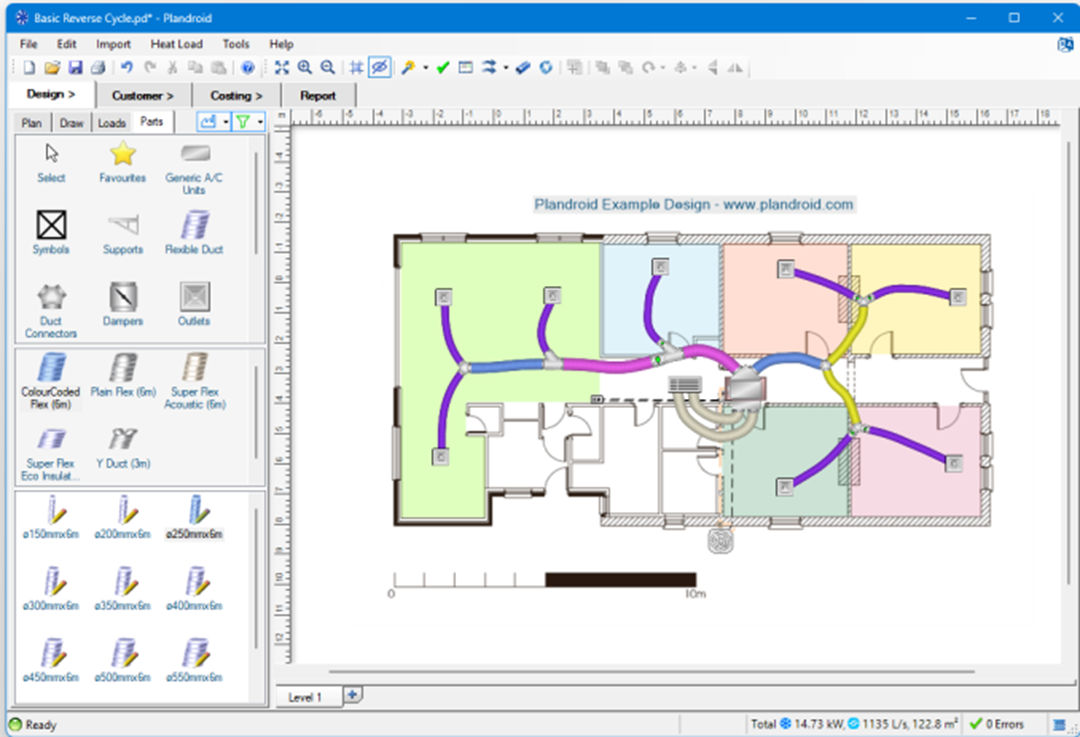
Working with Plandroid 6.0.1.10555 full license

Description of Plandroid 6.0.1.10555

Plandroid 6.0.1.10555 is a mobile PDF preflight and print production application developed by Enfocus. Designed for print professionals, prepress technicians, and production teams, Plandroid enables users to inspect, validate, and troubleshoot print-ready PDF files directly from Android devices.

Version 6.0.1.10555 enhances performance, improves file handling reliability, and delivers a smoother workflow for on-the-go print verification.

What is Plandroid 6.0.1.10555?
Plandroid is a mobile extension of professional prepress workflows, allowing users to analyze and validate PDF files before printing. It provides detailed insights into color spaces, fonts, image resolution, overprint settings, and other critical print production parameters.

This mobile solution helps printing companies reduce costly errors and ensure production-ready files meet quality standards before reaching the press.

Features of Plandroid 6.0.1.10555

1. PDF Preflight Inspection
Detailed PDF structure analysis
Font verification and embedding checks
Image resolution and compression review
Transparency and overprint detection

2. Color & Print Validation
CMYK, RGB, and spot color inspection
Ink coverage analysis
Output intent verification
Bleed and trim box validation

3. Mobile Workflow Convenience
Open and review PDF files on Android devices
Cloud file access support
Email attachment inspection
Quick file validation on-site

4. Production Error Detection
Identify missing fonts
Detect low-resolution images
Spot incorrect color settings
Highlight potential printing issues

5. Integration with Print Workflows
Compatible with Enfocus print solutions
Supports standardized PDF/X formats
Designed for professional print environments
Helps streamline quality control processes

6. Performance & Stability Improvements
Faster PDF rendering
Improved file compatibility
Optimized system performance
Reliable large-file handling

Benefits of Using Plandroid 6.0.1.10555
Reduces printing errors and rework
Saves time during prepress validation
Enables mobile quality control
Improves communication between teams
Ensures compliance with print standards
Increases production efficiency

Who Should Use Plandroid?
Plandroid 6.0.1.10555 is ideal for:
Print production managers
Prepress technicians
Graphic designers
Quality control specialists
Commercial printing companies
It is especially useful for professionals who need quick, accurate PDF inspections while away from desktop systems.

Conclusion
Plandroid 6.0.1.10555 delivers powerful mobile PDF preflight and inspection tools tailored for professional print production. With enhanced performance, reliable PDF validation, and on-the-go accessibility, it helps ensure print-ready files meet quality standards before production begins.

If you require efficient mobile PDF inspection for print workflows, Plandroid 6.0.1.10555 is a practical and dependable solution.

If you want to download Plandroid 6.0.1.10555 full license, please click to DOWNLOAD button to download.
CLICKDOWN.ORG Download CAD CAM CNC software
Inside package Plandroid 6.0.1.10555, already have cracked files and instruction how to install Plandroid 6.0.1.10555 step by step. I guarantee you can install Plandroid 6.0.1.10555 successfully if you follow that instruction.
If you also can’t install it or get any problems, please contact to me by email: clickdown.org@gmail.com, then I will help you to install software by teamviewer or Ultraviewer or Anydesk.
Thanks a lot

SOFTWARES

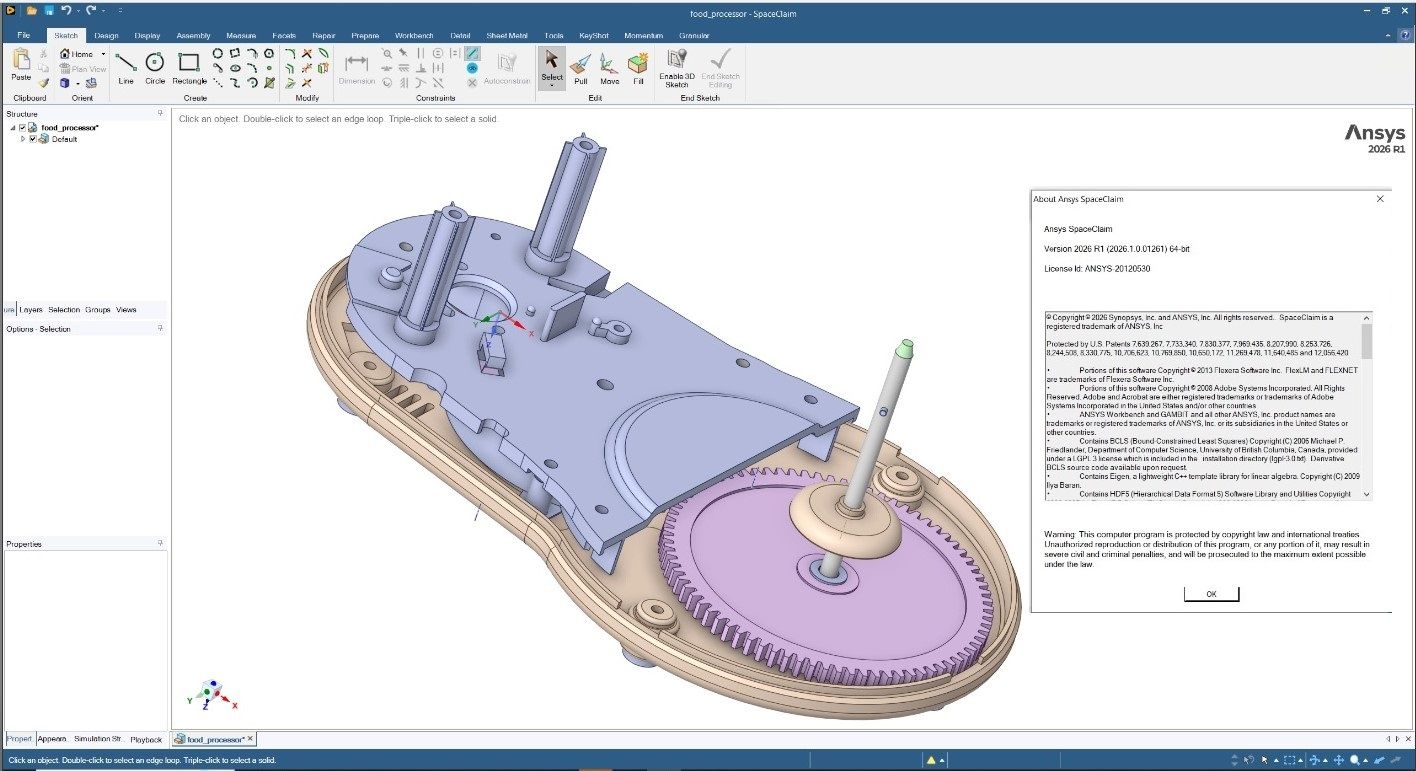
Download ANSYS SpaceClaim 2026 R1 Win64 full license

ANSYS SpaceClaim 2026 R1 – Direct 3D Modeling for Engineering Simulation

Download ANSYS SpaceClaim 2026 R1 Win64 full license

Link download ANSYS SpaceClaim 2026 R1 x64 full activated

Working with ANSYS SpaceClaim 2026 R1 full license

Description of ANSYS SpaceClaim 2026 R1

ANSYS SpaceClaim 2026 R1 is a powerful direct modeling software developed by Ansys Inc.. Designed specifically for engineers and simulation specialists, SpaceClaim enables fast geometry creation, editing, and preparation for CAE workflows without the complexity of traditional parametric CAD systems.

The 2026 R1 release enhances geometry handling performance, improves simulation preparation tools, and delivers a smoother user experience for design modification and model cleanup.

What is ANSYS SpaceClaim 2026 R1?
ANSYS SpaceClaim is a 3D direct modeling application focused on simplifying geometry creation and editing for simulation. It allows users to quickly modify imported CAD data, repair geometry issues, extract volumes, and prepare models for CFD, FEA, and other engineering analyses.

Unlike history-based CAD systems, SpaceClaim uses intuitive push-pull modeling techniques that allow rapid design changes without rebuilding complex feature trees.

Features of ANSYS SpaceClaim 2026 R1

1. Direct Modeling Technology
Push-pull geometry editing
Rapid concept modeling
Face, edge, and surface manipulation
History-free design workflow

2. CAD Import & Interoperability
Support for major CAD formats
Direct editing of neutral files (STEP, IGES, Parasolid)
Geometry healing and repair tools
Accurate data translation

3. Simulation Model Preparation
Simplification of complex assemblies
Volume extraction for CFD analysis
Mid-surface creation for FEA
Defeaturing and geometry cleanup

4. Advanced Geometry Editing Tools
Boolean operations
Surface patching
Shell and offset features
Measurement and validation tools

5. Integration with ANSYS Simulation
Seamless workflow with ANSYS Mechanical and Fluent
Direct geometry transfer
Optimized model preparation for multiphysics simulations
Reduced preprocessing time

6. Performance & Usability Improvements
Faster handling of large assemblies
Improved rendering engine
Enhanced stability
Streamlined user interface

Benefits of Using ANSYS SpaceClaim 2026 R1
Accelerates simulation model preparation
Reduces time spent fixing CAD geometry
Simplifies complex design edits
Improves workflow efficiency between CAD and CAE
Enhances collaboration between design and analysis teams
Minimizes simulation errors due to geometry issues

Who Should Use ANSYS SpaceClaim?
ANSYS SpaceClaim 2026 R1 is ideal for:
CAE engineers
CFD analysts
Mechanical engineers
Product designers preparing models for simulation
R&D engineering teams
It is especially useful for professionals who need fast geometry editing and preparation tools without relying on full parametric CAD reconstruction.

Conclusion
ANSYS SpaceClaim 2026 R1 delivers a fast and intuitive direct modeling environment tailored for engineering simulation workflows. With powerful geometry editing tools, improved CAD interoperability, and seamless ANSYS integration, it remains a leading solution for simulation-driven design.

If you require efficient 3D modeling and geometry preparation for advanced CAE analysis, ANSYS SpaceClaim 2026 R1 is a highly capable and reliable choice.

If you want to download ANSYS SpaceClaim 2026 R1 full license, please click to DOWNLOAD button to download.
CLICKDOWN.ORG Download CAD CAM CNC software
Inside package ANSYS SpaceClaim 2026 R1, already have cracked files and instruction how to install ANSYS SpaceClaim 2026 R1 step by step. I guarantee you can install ANSYS SpaceClaim 2026 R1 successfully if you follow that instruction.
If you also can’t install it or get any problems, please contact to me by email: clickdown.org@gmail.com, then I will help you to install software by teamviewer or Ultraviewer or Anydesk.
Thanks a lot
SOFTWARES

Download Bondware Poser Pro 14.0.265 full license forever

Bondware Poser Pro 14.0.265 – Professional 3D Character Animation & Rendering Software

Download Bondware Poser Pro 14.0.265 full license forever

Link download Bondware Poser Pro 14.0.265 full activated

Bondware Poser Pro 14.0.265 x64 full license

Description of Bondware Poser Pro 14.0.265

Bondware Poser Pro 14.0.265 is a powerful 3D character design and animation software developed by Bondware Inc.. Designed for artists, illustrators, animators, and content creators, Poser Pro offers advanced tools for creating realistic human figures, dynamic poses, detailed environments, and high-quality renders.

Version 14.0.265 enhances rendering performance, improves figure rigging workflows, and delivers greater stability for professional 3D production environments.

What is Bondware Poser Pro 14.0.265?
Poser Pro is a comprehensive 3D graphics application focused on character creation and animation. It allows users to design fully articulated human and fantasy figures, apply realistic materials, simulate hair and cloth, and render cinematic-quality images and animations.

With an intuitive interface and a large content library, Poser Pro simplifies complex character workflows for both beginners and professionals.

Features of Bondware Poser Pro 14.0.265

1. Advanced 3D Character Creation
Fully rigged human figures
Custom morph targets and body shaping
Facial expression controls
Support for imported 3D models

2. Professional Animation Tools
Keyframe animation system
Inverse kinematics (IK) controls
Walk and pose designer tools
Timeline and motion editing

3. High-Quality Rendering Engine
Physically based rendering (PBR)
Realistic lighting and shadows
Ray tracing capabilities
GPU-accelerated rendering support

4. Dynamic Hair & Cloth Simulation
Realistic hair styling tools
Cloth physics simulation
Natural fabric movement
Customizable materials and textures

5. Extensive Content Library
Pre-built characters and props
Poses and expressions
Environment assets
Expandable marketplace content

6. Improved Performance & Stability
Optimized render performance
Faster scene loading
Better memory management
Enhanced system compatibility

Benefits of Using Bondware Poser Pro 14.0.265
Simplifies character animation workflows
Produces high-quality 3D renders
Reduces time spent on manual rigging
Ideal for comics, illustrations, and animations
Supports creative storytelling projects
Suitable for both beginners and professionals

Who Should Use Poser Pro 14.0.265?
This software is ideal for:
Digital artists
3D animators
Comic and graphic novel creators
Game asset designers
Educators and students in 3D design
Poser Pro 14.0.265 provides flexible tools for creating realistic characters and expressive animations in a professional environment.

Conclusion
Bondware Poser Pro 14.0.265 continues to deliver powerful 3D character modeling and animation tools for creative professionals. With enhanced rendering performance, improved simulation features, and a rich asset library, it remains a reliable solution for producing detailed 3D characters and dynamic animations.

If you’re seeking a professional 3D character animation platform, Bondware Poser Pro 14.0.265 is a strong and versatile choice.

If you want to download Bondware Poser Pro 14.0.265 full license, please click to DOWNLOAD button to download.
CLICKDOWN.ORG Download CAD CAM CNC software
Inside package Bondware Poser Pro 14.0.265, already have cracked files and instruction how to install Bondware Poser Pro 14.0.265 step by step. I guarantee you can install Bondware Poser Pro 14.0.265 successfully if you follow that instruction.
If you also can’t install it or get any problems, please contact to me by email: clickdown.org@gmail.com, then I will help you to install software by teamviewer or Ultraviewer or Anydesk.
Thanks a lot
SOFTWARES

Download Gerbview 11.35.0.642 win64 full license forever

GerbView 11.35.0.642 – Professional Gerber & PCB File Viewer Software

Download Gerbview 11.35.0.642 win64 full license forever

Link download Gerbview 11.35.0.642 x64 full activated

Working with Gerbview 11.35.0.642 full license

Description of Gerbview 11.35.0.642

GerbView 11.35.0.642 is a powerful Gerber file viewer and PCB data inspection tool developed by Software Companions. Designed for PCB designers, electronics engineers, and manufacturing professionals, GerbView allows accurate viewing, analysis, conversion, and printing of Gerber, Excellon, and other PCB-related file formats.

The 11.35.0.642 version improves performance, enhances file compatibility, and delivers a smoother workflow for inspecting and verifying printed circuit board designs.

What is GerbView 11.35.0.642?
GerbView is a professional software application used to open, view, analyze, and convert Gerber files—the standard format for PCB manufacturing. It helps users validate board layouts, detect potential design issues, and prepare files for fabrication.

With support for multiple industry-standard formats, GerbView ensures reliable PCB data visualization and accurate manufacturing preparation.

Features of Gerbview 11.35.0.642

1. Comprehensive Gerber File Support
RS-274D and RS-274X Gerber formats
Extended Gerber (X2) support
Excellon drill file compatibility
HPGL and other vector file formats

2. Multi-Layer PCB Visualization
Simultaneous multi-layer viewing
Layer alignment and overlay tools
Color customization for layers
Zoom and pan navigation controls

3. Advanced Measurement & Inspection Tools
Distance and coordinate measurement
Aperture inspection
Object selection and highlighting
Detailed file property analysis

4. Conversion & Export Options
Convert Gerber to DXF, PDF, TIFF, and other formats
Batch conversion support
High-resolution printing capabilities
Export with customizable settings

5. Editing & Data Preparation Tools
Basic file editing features
Layer management controls
Design corrections before fabrication
Enhanced drill file handling

6. Improved Performance & Stability
Faster file loading
Optimized rendering engine
Better memory management
Stable handling of large PCB projects

Benefits of Using GerbView 11.35.0.642
Ensures accurate PCB design verification
Reduces manufacturing errors
Simplifies file conversion and sharing
Enhances communication between design and production teams
Saves time during pre-fabrication checks
Supports professional PCB workflows

Who Should Use GerbView?
GerbView 11.35.0.642 is ideal for:
PCB designers
Electronics engineers
Manufacturing technicians
Quality control inspectors
Electronic production facilities
It is especially useful for professionals who need reliable Gerber file visualization and verification tools before sending designs to fabrication.

Conclusion
GerbView 11.35.0.642 delivers a professional solution for viewing, analyzing, and converting Gerber and PCB-related files. With improved compatibility, powerful inspection tools, and enhanced performance, it remains a reliable choice for electronics design and manufacturing environments.

If you require precise Gerber file verification and conversion software, GerbView 11.35.0.642 is an efficient and dependable option.

If you want to download Gerbview 11.35.0.642 full license, please click to DOWNLOAD button to download.
CLICKDOWN.ORG Download CAD CAM CNC software
Inside package Gerbview 11.35.0.642, already have cracked files and instruction how to install Gerbview 11.35.0.642 step by step. I guarantee you can install Gerbview 11.35.0.642 successfully if you follow that instruction.
If you also can’t install it or get any problems, please contact to me by email: clickdown.org@gmail.com, then I will help you to install software by teamviewer or Ultraviewer or Anydesk.
Thanks a lot
SOFTWARES

Download Siemens Star-CCM+ 2602 v21.02.007 x64 full license

Siemens Star-CCM+ 2602 – Advanced CFD & Multiphysics Simulation Software

Download Siemens Star-CCM+ 2602 v21.02.007 x64 full license

Siemens Star-CCM+ 2602 (21.02.007 single precision)

Siemens Star-CCM+ 2602 R8 (21.02.007-R8 double precision)

Siemens Star-CCM+ 2602 v21.02.007 x64 full license
System requirements: Windows 64bit, Linux 64bit

Description of Siemens Star-CCM+ 2602

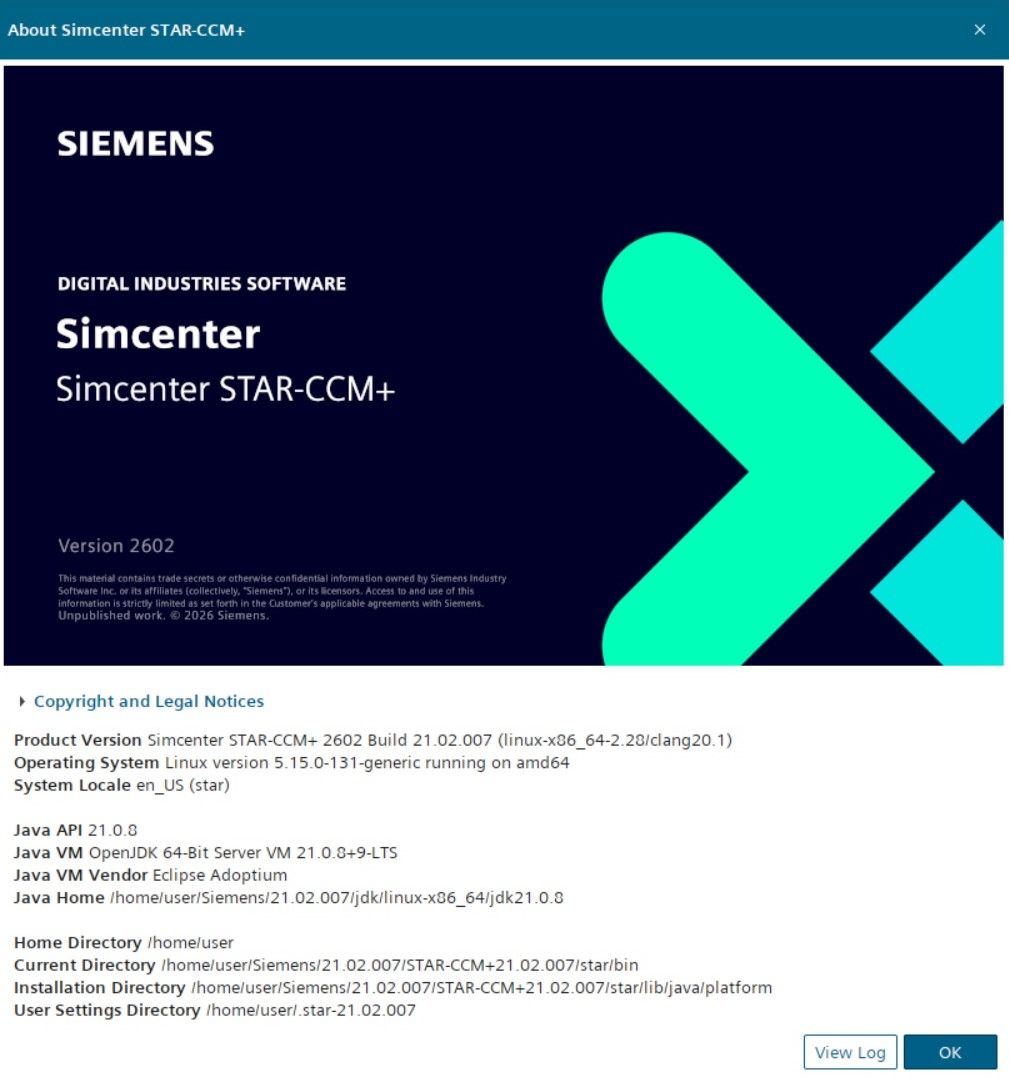
Siemens Star-CCM+ 2602 is a powerful computational fluid dynamics (CFD) and multiphysics simulation solution developed by Siemens Digital Industries Software. Designed for engineers and researchers, Star-CCM+ provides an integrated platform for fluid flow, heat transfer, particle dynamics, electromagnetics, and structural interaction simulations.

The 2602 release introduces performance improvements, enhanced solver capabilities, and refined automation tools to help organizations accelerate innovation and reduce development time.

What is Siemens Star-CCM+ 2602?
Siemens Star-CCM+ is a fully integrated CAE software environment that combines geometry preparation, meshing, physics modeling, simulation, and post-processing into a single workflow. It eliminates the need for multiple disconnected tools, allowing engineers to manage complex simulations more efficiently.

It is widely used in industries such as automotive, aerospace, energy, marine, electronics cooling, and industrial equipment manufacturing.

Features of Siemens Star-CCM+ 2602

1. Advanced CFD Capabilities
Steady and transient flow simulations
Turbulence modeling (RANS, LES, DES)
Multiphase flow analysis
Compressible and incompressible fluid modeling

2. Multiphysics Simulation
Conjugate heat transfer
Fluid-structure interaction (FSI)
Particle and spray modeling
Electromagnetic and battery simulation modules

3. Automated Meshing Technology
Polyhedral meshing
Automated surface wrapping
High-quality mesh generation
Adaptive mesh refinement

4. High-Performance Computing (HPC)
Parallel processing support
Scalable cluster deployment
Optimized solver performance
Reduced simulation runtime

5. Design Exploration & Optimization
Parametric studies
Automated design sweeps
Optimization workflows
Sensitivity analysis tools

6. Integrated Workflow Environment
CAD integration support
Built-in pre- and post-processing
Advanced visualization tools
Scriptable automation and customization

Benefits of Using Siemens Star-CCM+ 2602
Accelerates product development cycles
Reduces physical prototyping costs
Improves simulation accuracy
Enhances cross-disciplinary collaboration
Handles complex multiphysics challenges
Supports scalable enterprise deployment

Who Should Use Siemens Star-CCM+?
Siemens Star-CCM+ 2602 is ideal for:
CFD engineers
Simulation analysts
R&D departments
Automotive and aerospace manufacturers
Energy and power system engineers
It is particularly valuable for organizations that require high-fidelity simulations for performance validation and product optimization.

Conclusion
Siemens Star-CCM+ 2602 continues to deliver a unified and powerful simulation environment for CFD and multiphysics analysis. With improved automation, scalable computing support, and advanced modeling tools, it enables engineers to solve complex engineering challenges efficiently and accurately.

If you are seeking a comprehensive CFD and simulation platform, Siemens Star-CCM+ 2602 is a robust and industry-proven solution.

If you want to download Siemens Star-CCM+ 2602 full license, please click to DOWNLOAD button to download.
CLICKDOWN.ORG Download CAD CAM CNC software
Inside package Siemens Star-CCM+ 2602, already have cracked files and instruction how to install Siemens Star-CCM+ 2602 step by step. I guarantee you can install Siemens Star-CCM+ 2602 successfully if you follow that instruction.
If you also can’t install it or get any problems, please contact to me by email: clickdown.org@gmail.com, then I will help you to install software by teamviewer or Ultraviewer or Anydesk.
Thanks a lot
SOFTWARES

Download ConceptDraw Office 10.2.0.0 full license forever

ConceptDraw Office 10.2.0.0 – Integrated Business Productivity & Diagramming Suite

Download ConceptDraw Office 10.2.0.0 full license forever

Link download ConceptDraw Office 10.2.0.0 full activated

Working with ConceptDraw Office 10.2.0.0 full license

Description of ConceptDraw Office 10.2.0.0

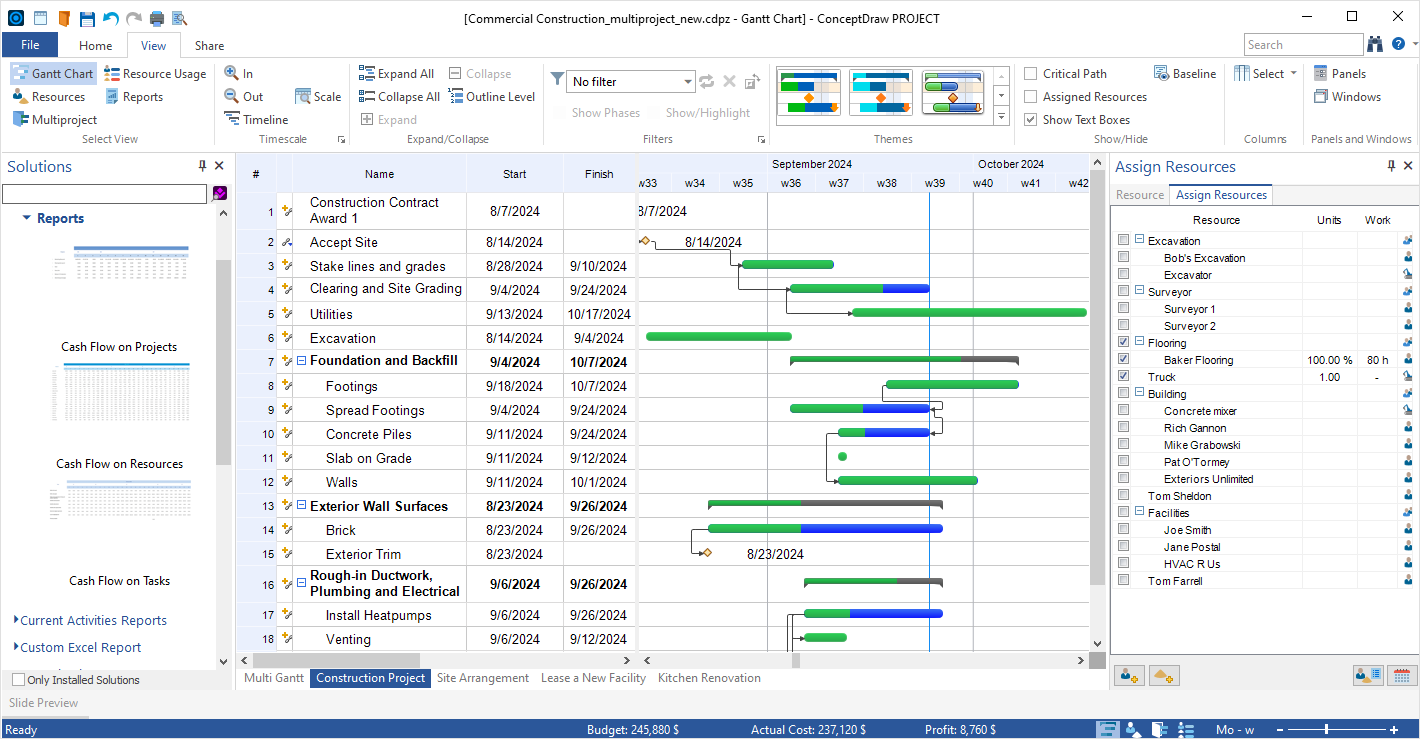
ConceptDraw Office 10.2.0.0 is a comprehensive business productivity suite developed by CS Odessa. It combines professional diagramming, mind mapping, and project management tools into a single integrated environment designed to support business planning, documentation, and team collaboration.

Version 10.2.0.0 enhances performance, improves cross-application integration, and delivers a more streamlined workflow for professionals managing complex projects and business processes.

What is ConceptDraw Office 10.2.0.0?
ConceptDraw Office is an all-in-one solution that integrates three core applications:
ConceptDraw DIAGRAM – Professional diagramming and vector drawing
ConceptDraw MINDMAP – Advanced mind mapping and brainstorming
ConceptDraw PROJECT – Project planning and task management
Together, these tools create a powerful platform for visual thinking, project execution, and strategic documentation.

Features of ConceptDraw Office 10.2.0.0

1. Professional Diagramming Tools
Flowcharts and process diagrams
Network and IT infrastructure diagrams
UML and system design diagrams
Business process modeling
Engineering and technical drawings

2. Advanced Mind Mapping Capabilities
Visual brainstorming tools
Hierarchical idea organization
Task conversion from mind maps
Presentation-ready map layouts

3. Integrated Project Management
Gantt chart planning
Task dependencies and milestones
Resource allocation tools
Project tracking and reporting

4. Seamless Cross-Application Integration
Convert mind maps into project plans
Transform diagrams into presentation materials
Data synchronization across modules
Unified interface for workflow continuity

5. Rich Templates & Libraries
Hundreds of built-in templates
Industry-specific solution packs
Customizable symbols and styles
Professional export-ready designs

6. Export & Collaboration Support
Export to PDF, Word, Excel, and image formats
Shareable reports and diagrams
Compatible file exchange formats
Presentation mode for meetings

7. Improved Performance & Stability
Faster rendering of large diagrams
Enhanced memory optimization
Smooth navigation between modules
Stable operation for enterprise projects

Benefits of Using ConceptDraw Office 10.2.0.0
Increases business productivity
Simplifies complex planning processes
Enhances collaboration and communication
Reduces time spent switching between tools
Provides professional-grade documentation
Supports structured project execution

Who Should Use ConceptDraw Office?
ConceptDraw Office 10.2.0.0 is ideal for:
Business analysts
Project managers
IT professionals
Consultants
Educators and students
Corporate teams
It is particularly useful for organizations that require integrated diagramming, planning, and project management in a unified environment.

Conclusion
ConceptDraw Office 10.2.0.0 delivers a powerful combination of diagramming, mind mapping, and project management tools in one cohesive suite. With improved performance and seamless integration between modules, it provides professionals with a reliable platform for planning, visualization, and execution.

If you’re looking for an all-in-one business productivity solution, ConceptDraw Office 10.2.0.0 is a practical and efficient choice.

If you want to download ConceptDraw Office 10.2.0.0 full license, please click to DOWNLOAD button to download.
CLICKDOWN.ORG Download CAD CAM CNC software
Inside package ConceptDraw Office 10.2.0.0, already have cracked files and instruction how to install ConceptDraw Office 10.2.0.0 step by step. I guarantee you can install ConceptDraw Office 10.2.0.0 successfully if you follow that instruction.
If you also can’t install it or get any problems, please contact to me by email: clickdown.org@gmail.com, then I will help you to install software by teamviewer or Ultraviewer or Anydesk.
Thanks a lot
SOFTWARES

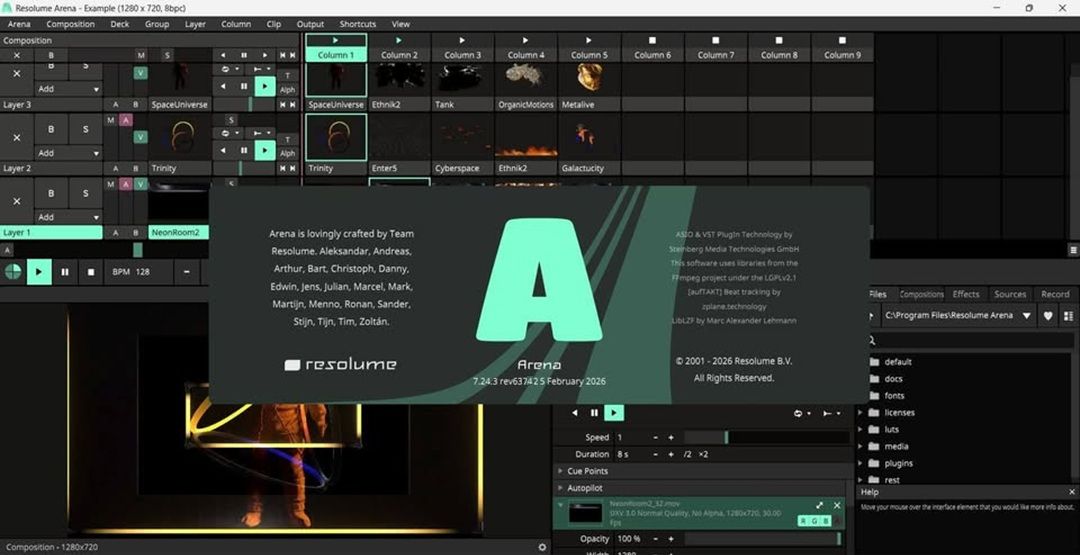
Download Resolume Arena 7.24.3 rev 63742 x64 full

Resolume Arena 7.24.3 – Professional VJ & Live Visual Performance Software

Download Resolume Arena 7.24.3 rev 63742 x64 full license

Link download Resolume Arena 7.24.3 win64 full activated

Resolume Arena 7.24.3 x64 full license

Working with Resolume Arena 7.24.3 full license

Description of Resolume Arena 7.24.3

Resolume Arena 7.24.3 is the latest version of the industry-leading VJ and live visual performance software developed by Resolume. Designed for live events, concerts, festivals, clubs, and multimedia installations, Resolume Arena provides powerful tools for real-time video mixing, projection mapping, and immersive visual experiences.

Version 7.24.3 delivers improved performance, enhanced stability, and refined creative tools to ensure smooth operation during demanding live shows.

What is Resolume Arena 7.24.3?
Resolume Arena is a professional-grade software solution for mixing and manipulating video, audio, and visual effects in real time. It allows VJs, lighting designers, and multimedia artists to trigger clips, apply effects, sync visuals to music, and map projections onto complex surfaces.

With advanced output control and mapping tools, Arena is widely used for stage productions, LED wall setups, and interactive installations.

Features of Resolume Arena 7.24.3

1. Real-Time Video Mixing
Trigger and layer video clips instantly
Multi-layer composition support
Smooth crossfades and transitions
Live preview and performance control

2. Advanced Projection Mapping
Precise surface mapping tools
Edge blending support
Warp and corner pin features
Multi-screen output configuration

3. Powerful Effects & Visual Processing
Built-in video and audio effects
Real-time parameter control
GPU-accelerated rendering
Custom effect stacking

4. Audio-Visual Synchronization
BPM sync capabilities
Audio reactive visuals
MIDI and OSC control support
Timecode synchronization

5. LED & Stage Integration
DMX lighting integration
LED pixel mapping
Multi-output video routing
Support for large LED wall setups

6. Enhanced Performance & Stability
Optimized GPU performance
Improved memory management
Faster clip loading
Stable live performance environment

Benefits of Using Resolume Arena 7.24.3
Deliver stunning live visuals
Seamlessly sync visuals with music
Create immersive projection mapping shows
Control lighting and LED systems from one platform
Enhance creativity with real-time effects
Reliable performance for professional events

Who Should Use Resolume Arena?
Resolume Arena 7.24.3 is ideal for:
VJs and live visual artists
Event production companies
Concert and festival organizers
Stage designers
Multimedia installation creators
It is especially suited for professionals who require high-performance visual mixing and projection mapping capabilities.

Conclusion
Resolume Arena 7.24.3 continues to lead the live visual performance industry with powerful real-time video mixing, advanced projection mapping, and robust hardware integration. Whether performing in clubs or producing large-scale stage shows, Arena provides the tools needed for dynamic and immersive visual storytelling.

If you’re searching for professional VJ and projection mapping software, Resolume Arena 7.24.3 is a top-tier solution.

If you want to download Resolume Arena 7.24.3 full license, please click to DOWNLOAD button to download.
CLICKDOWN.ORG Download CAD CAM CNC software
Inside package Resolume Arena 7.24.3, already have cracked files and instruction how to install Resolume Arena 7.24.3 step by step. I guarantee you can install Resolume Arena 7.24.3 successfully if you follow that instruction.
If you also can’t install it or get any problems, please contact to me by email: clickdown.org@gmail.com, then I will help you to install software by teamviewer or Ultraviewer or Anydesk.
Thanks a lot
SOFTWARES

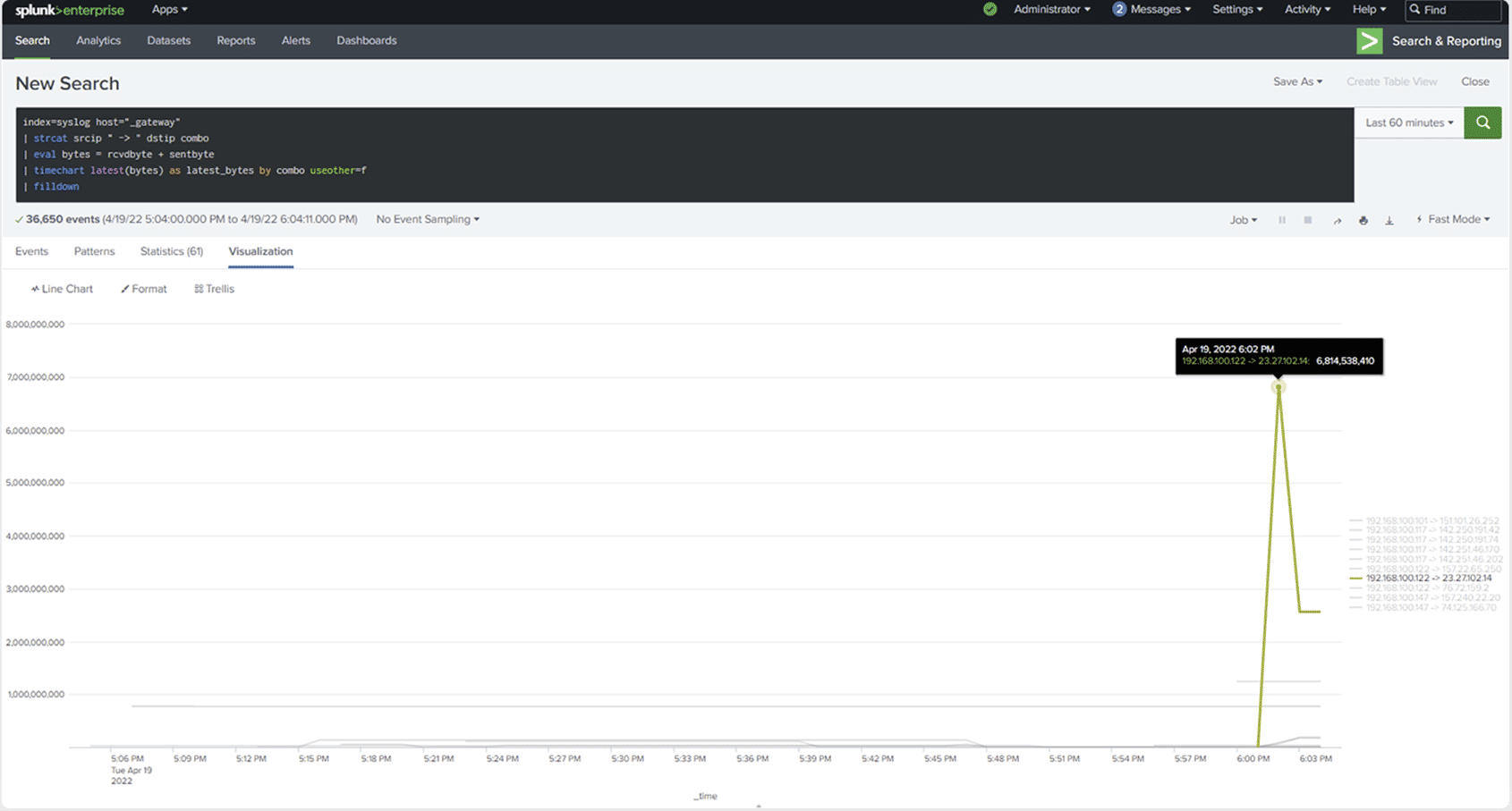
Download Splunk Enterprise 10.2.1 x64 full license forever

Splunk Enterprise 10.2.1 – Powerful Data Analytics & Security Monitoring Platform

Download Splunk Enterprise 10.2.1 x64 full license forever

Link download Splunk Enterprise 10.2.1 win64 full activated

Working with Splunk Enterprise 10.2.1 full license

Description of Splunk Enterprise 10.2.1

Splunk Enterprise 10.2.1 is a leading data platform developed by Splunk Inc. that enables organizations to search, monitor, and analyze machine-generated data in real time. Designed for IT operations, security teams, and business analysts, Splunk Enterprise transforms massive volumes of log and event data into actionable insights.

Version 10.2.1 introduces performance optimizations, enhanced security capabilities, improved search efficiency, and stronger scalability for enterprise environments.

What is Splunk Enterprise 10.2.1?
Splunk Enterprise is a robust data analytics solution that collects and indexes machine data from servers, applications, networks, and devices. It allows users to visualize patterns, detect anomalies, monitor infrastructure, and respond quickly to operational or security incidents.

With powerful search processing language (SPL) and advanced dashboards, Splunk Enterprise helps organizations make informed decisions based on real-time data.

Features of Splunk Enterprise 10.2.1

1. Real-Time Data Collection & Indexing
Ingest data from multiple sources
High-speed indexing engine
Structured and unstructured data support
Scalable data pipelines

2. Advanced Search & Analytics
Powerful Search Processing Language (SPL)
Custom search queries and filters
Correlation and pattern detection
Scheduled reports and alerts

3. Security Monitoring & Threat Detection
Log analysis for security events
Anomaly detection capabilities
Incident investigation tools
Integration with SIEM workflows

4. Interactive Dashboards & Visualization
Customizable dashboards
Real-time performance monitoring
Data-driven visual insights
Exportable reports and charts

5. Scalability & Enterprise Performance
Distributed deployment support
High availability architecture
Load balancing capabilities
Improved indexing and search performance

6. Integration & Extensibility
API access for custom integrations
App and add-on ecosystem
Cloud and hybrid deployment options
Automation support for IT workflows

Benefits of Using Splunk Enterprise 10.2.1
Faster troubleshooting and root cause analysis
Improved system reliability and uptime
Enhanced cybersecurity monitoring
Centralized visibility across infrastructure
Scalable architecture for growing data needs
Data-driven decision-making support

Who Should Use Splunk Enterprise?
Splunk Enterprise 10.2.1 is ideal for:
IT operations teams
Security analysts and SOC teams
DevOps engineers
Network administrators
Large enterprises managing complex infrastructures
It is particularly valuable for organizations that need deep visibility into operational data and proactive security monitoring.

Conclusion
Splunk Enterprise 10.2.1 continues to deliver enterprise-grade data analytics, monitoring, and security intelligence. With enhanced scalability, faster search performance, and advanced visualization tools, it remains a top solution for organizations managing high volumes of machine data.

If your business requires powerful real-time data analysis and infrastructure monitoring, Splunk Enterprise 10.2.1 is a reliable and scalable choice.

If you want to download Splunk Enterprise 10.2.1 full license, please click to DOWNLOAD button to download.
CLICKDOWN.ORG Download CAD CAM CNC software
Inside package Splunk Enterprise 10.2.1, already have cracked files and instruction how to install Splunk Enterprise 10.2.1 step by step. I guarantee you can install Splunk Enterprise 10.2.1 successfully if you follow that instruction.
If you also can’t install it or get any problems, please contact to me by email: clickdown.org@gmail.com, then I will help you to install software by teamviewer or Ultraviewer or Anydesk.
Thanks a lot
SOFTWARES

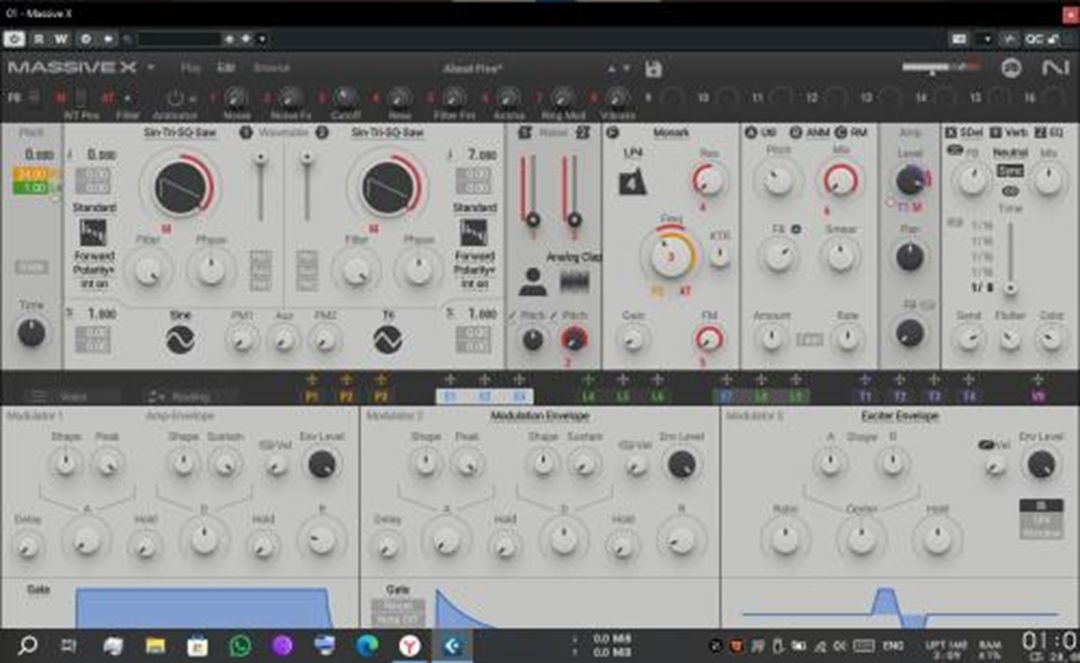
Download Native Instruments Massive X 1.7 x64 full license

Native Instruments Massive X 1.7 – Next-Level Wavetable Synthesizer for Music Production

Download Native Instruments Massive X 1.7 x64 full license

Link download Native Instruments Massive X 1.7 win64 full activated

Native Instruments Massive X 1.7 x64 full license

Description of Native Instruments Massive X 1.7

Native Instruments Massive X 1.7 is the latest major update to the powerful wavetable synthesizer developed by Native Instruments. Built for professional music producers, sound designers, and electronic musicians, Massive X delivers expansive sound design capabilities with flexible routing, rich modulation options, and modern wavetable synthesis for cutting-edge sonic results.

Version 1.7 introduces performance enhancements, expanded modulation features, streamlined workflow improvements, and optimized stability across major DAWs.

What is Native Instruments Massive X 1.7?
Native Instruments Massive X is a premium virtual instrument plugin that redefines wavetable synthesis with deep modulation, dynamic sound shaping, and next-generation synthesis architecture. Designed to inspire creativity, Massive X offers a massive sonic palette that ranges from pristine digital tones and evolving textures to aggressive basses and complex rhythmic patches.

Whether you’re producing electronic music, film scores, or sound effects, Massive X 1.7 equips you with the tools to explore endless sound-design possibilities.

Features of Native Instruments Massive X 1.7

1. Cutting-Edge Wavetable Engine
Advanced wavetable oscillator design
Multiple wavetable morphing modes
High-resolution sound generation
Rich digital and analog-inspired timbres

2. Flexible Modulation System
Extensive Modulation Bus System (MBS)
Drag-and-drop assignment
Dual flexible envelopes
Adaptive step sequencer LFOs

3. Deep Routings & Signal Control
Customizable signal routing matrix
Dual filter blocks with multiple types
Insert effects and FX routing
Sidechain modulation options

4. Creative Performance Tools
Macro controls for intuitive tweaking
Smart randomization options
Real-time playback modulation
Dynamic performance expression

5. User-Friendly Interface & Workflow
Scalable vector interface
Clear visual feedback
Preset browser with tagging
Customizable workspace layout

6. DAW Integration & Compatibility
Works in VST, AU, and AAX formats
Host automation support
High-resolution audio support
Smooth workflow with major DAWs

Benefits of Using Native Instruments Massive X 1.7
Unparalleled sound design flexibility
Powerful modulation and routing options
Inspires new creative directions
Produces professional-quality synth sounds
Ideal for electronic genres and cinematic textures
Seamless integration in production sessions

Who Should Use Massive X 1.7?
Native Instruments Massive X 1.7 is perfect for:
Music producers
Sound designers
Electronic musicians
Film and game audio creators
Synth enthusiasts
Whether building soundscapes, booming basslines, or expressive leads, Massive X 1.7 provides advanced tools for modern music production.

Conclusion
Native Instruments Massive X 1.7 elevates wavetable synthesis with expanded modulation, enhanced performance, and versatile sound-shaping tools. Its depth, clarity, and creative flexibility make it a standout synthesizer for producers and composers seeking powerful sonic expression.

If you want a cutting-edge synth instrument with immense sound design potential, Native Instruments Massive X 1.7 is a top-tier choice.

If you want to download Native Instruments Massive X 1.7 full license, please click to DOWNLOAD button to download.
CLICKDOWN.ORG Download CAD CAM CNC software
Inside package Native Instruments Massive X 1.7, already have cracked files and instruction how to install Native Instruments Massive X 1.7 step by step. I guarantee you can install Native Instruments Massive X 1.7 successfully if you follow that instruction.
If you also can’t install it or get any problems, please contact to me by email: clickdown.org@gmail.com, then I will help you to install software by teamviewer or Ultraviewer or Anydesk.
Thanks a lot
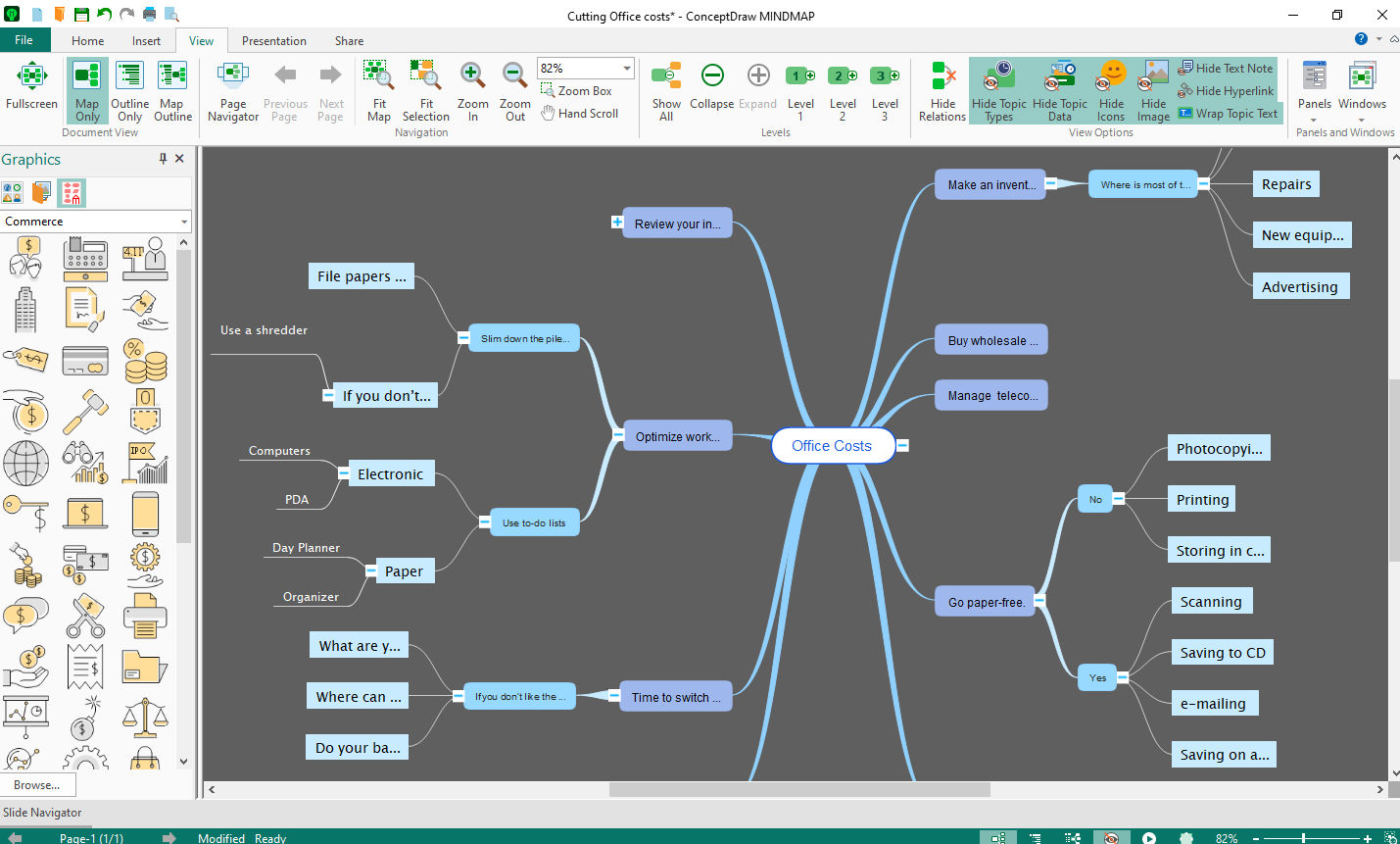
SOFTWARES

Download ConceptDraw MindMap 15.1.1.296 full license

ConceptDraw MindMap 15.1.1.296 – Professional Mind Mapping & Brainstorming Software

Download ConceptDraw MindMap 15.1.1.296 full license

Link download ConceptDraw MindMap 15.1.1.296 full activated

Working with ConceptDraw MindMap 15.1.1.296 full license

Description of ConceptDraw MindMap 15.1.1.296

ConceptDraw MindMap 15.1.1.296 is a powerful brainstorming and visual planning tool developed by CS Odessa. Designed for professionals, educators, and business teams, this software helps users structure ideas, plan projects, and organize information using intuitive mind maps and visual diagrams.

The 15.1.1.296 release improves performance, enhances collaboration features, and delivers a more streamlined user experience for creating clear and dynamic visual maps.

What is ConceptDraw MindMap 15.1.1.296?
ConceptDraw MindMap is a professional mind mapping application that transforms complex ideas into structured, easy-to-understand visual diagrams. It supports brainstorming sessions, strategic planning, project management, and knowledge organization.

With seamless integration into the ConceptDraw ecosystem, users can convert mind maps into presentations, reports, and project plans efficiently.

Features of ConceptDraw MindMap 15.1.1.296

1. Advanced Mind Mapping Tools
Flexible tree and radial map structures
Drag-and-drop topic organization
Unlimited subtopics and branches
Smart connectors and visual formatting

2. Project Planning & Task Management
Convert mind maps into task lists
Set priorities, deadlines, and progress tracking
Gantt chart export capabilities
Integration with project workflows

3. Rich Visual Customization
Pre-designed templates and themes
Icons, images, and callouts
Custom styles and formatting options
Professional presentation-ready layouts

4. Brainstorming & Idea Organization
Real-time idea capture
Rapid restructuring of topics
Notes and attachments support
Cross-linking between topics

5. Export & Collaboration Options
Export to PDF, Word, PowerPoint, and image formats
Share maps with team members
Import/export compatibility with other mind mapping tools
Presentation mode for meetings

6. Improved Performance & Stability
Faster rendering of large maps
Enhanced file handling
Optimized system resource usage
Stable operation for complex projects

Benefits of Using ConceptDraw MindMap 15.1.1.296
Improves productivity and organization
Simplifies complex information
Enhances team collaboration
Supports strategic planning and project execution
Creates professional visual documentation
Saves time during brainstorming sessions

Who Should Use ConceptDraw MindMap?
This software is ideal for:
Business professionals
Project managers
Students and educators
Consultants and analysts
Creative teams
Whether planning a business strategy, organizing research, or preparing presentations, ConceptDraw MindMap 15.1.1.296 provides a flexible and efficient solution.

Conclusion
ConceptDraw MindMap 15.1.1.296 offers a comprehensive environment for visual thinking, project planning, and idea management. With powerful mapping tools, task integration, and flexible export options, it remains a reliable solution for individuals and teams seeking structured creativity and productivity.

If you need professional mind mapping software with advanced features and ease of use, ConceptDraw MindMap 15.1.1.296 is an excellent choice.

If you want to download ConceptDraw MindMap 15.1.1.296 full license, please click to DOWNLOAD button to download.
CLICKDOWN.ORG Download CAD CAM CNC software
Inside package ConceptDraw MindMap 15.1.1.296, already have cracked files and instruction how to install ConceptDraw MindMap 15.1.1.296 step by step. I guarantee you can install ConceptDraw MindMap 15.1.1.296 successfully if you follow that instruction.
If you also can’t install it or get any problems, please contact to me by email: clickdown.org@gmail.com, then I will help you to install software by teamviewer or Ultraviewer or Anydesk.
Thanks a lot
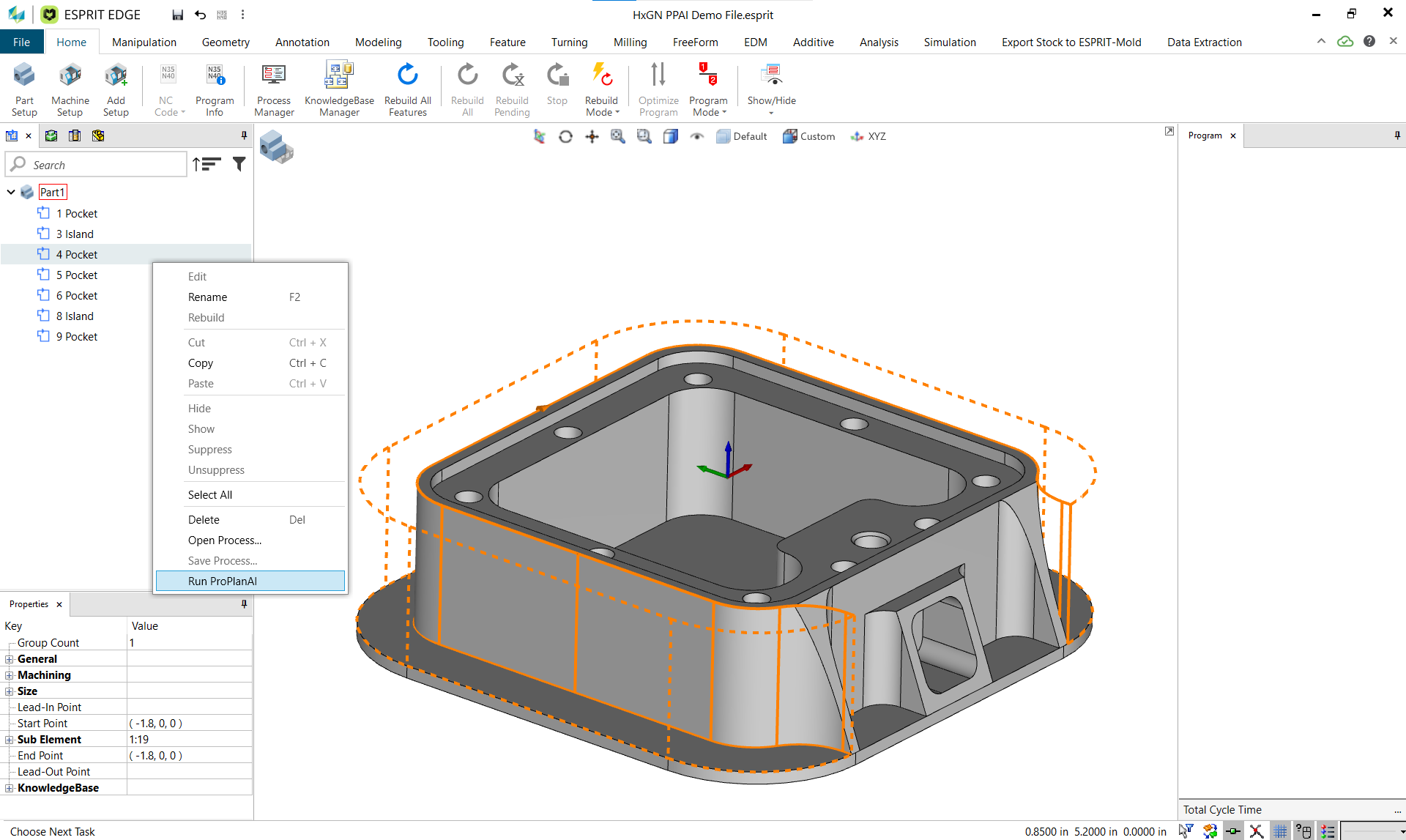
SOFTWARES

Download Hexagon Machine Tool Builder 2025.4 full license

Hexagon Machine Tool Builder 2025.4 – Advanced CNC Machine Simulation & Configuration Software

Download Hexagon Machine Tool Builder 2025.4 full license

Link download Hexagon Machine Tool Builder 2025.4 full activated

Working with Hexagon Machine Tool Builder 2025.4 full

Description of Hexagon Machine Tool Builder 2025.4

Hexagon Machine Tool Builder 2025.4 is a specialized software solution developed by Hexagon AB to design, configure, and simulate CNC machines within digital manufacturing environments. It enables manufacturers and machine tool builders to create accurate virtual machine models for simulation, verification, and production optimization.

The 2025.4 release enhances machine configuration flexibility, improves simulation accuracy, and optimizes integration with CAM and manufacturing software.

What is Hexagon Machine Tool Builder 2025.4?
Hexagon Machine Tool Builder is a professional tool for constructing precise digital twins of CNC machines. It allows users to define machine kinematics, axes movements, tool changers, spindles, and other components to ensure accurate machining simulation and collision detection.

By creating realistic machine models, manufacturers can reduce setup errors, improve machining safety, and optimize production workflows before physical machining begins.

Features of Hexagon Machine Tool Builder 2025.4

1. Accurate Machine Kinematics Modeling
Multi-axis configuration (3, 4, and 5-axis machines)
Custom axis definitions and limits
Rotary and linear axis simulation
Head-head, table-table, and head-table configurations

2. Digital Twin Creation
Build realistic virtual CNC machines
Define machine structures and components
Configure tool changers and magazines
Simulate spindle and axis behaviors

3. Advanced Simulation & Collision Detection
Full machine motion simulation
Tool, holder, and fixture verification
Real-time collision detection
Improved safety validation before machining

4. Integration with CAM Systems
Seamless connection to Hexagon CAM solutions
Accurate post-processing configuration
Optimized toolpath validation
Smooth workflow from programming to verification

5. Performance & Stability Enhancements
Faster simulation engine
Improved handling of complex machine structures
Enhanced graphical visualization
Increased software stability in large projects

6. Customization & Flexibility
Editable machine libraries
Modular configuration options
Support for various machine brands and layouts
Adaptable for custom manufacturing environments

Benefits of Using Hexagon Machine Tool Builder 2025.4
Reduces machine setup errors
Prevents costly collisions
Improves machining reliability
Enhances digital manufacturing workflows
Optimizes CNC production efficiency
Supports safe and validated machining operations

Who Should Use This Software?
Hexagon Machine Tool Builder 2025.4 is ideal for:
CNC machine manufacturers
CAM programmers
Production engineers
Tooling specialists
Manufacturing simulation experts
It is particularly valuable in high-precision industries such as aerospace, automotive, and mold & die manufacturing.

Conclusion
Hexagon Machine Tool Builder 2025.4 delivers advanced machine modeling and simulation capabilities essential for modern CNC manufacturing. By enabling accurate digital twin creation and detailed collision verification, this solution significantly improves production safety, efficiency, and overall machining performance.

For manufacturers seeking precise virtual machine configuration and simulation tools, Hexagon Machine Tool Builder 2025.4 is a powerful and reliable choice.

If you want to download Hexagon Machine Tool Builder 2025.4 full license, please click to DOWNLOAD button to download.
CLICKDOWN.ORG Download CAD CAM CNC software
Inside package Hexagon Machine Tool Builder 2025.4, already have cracked files and instruction how to install Hexagon Machine Tool Builder 2025.4 step by step. I guarantee you can install Hexagon Machine Tool Builder 2025.4 successfully if you follow that instruction.
If you also can’t install it or get any problems, please contact to me by email: clickdown.org@gmail.com, then I will help you to install software by teamviewer or Ultraviewer or Anydesk.
Thanks a lot
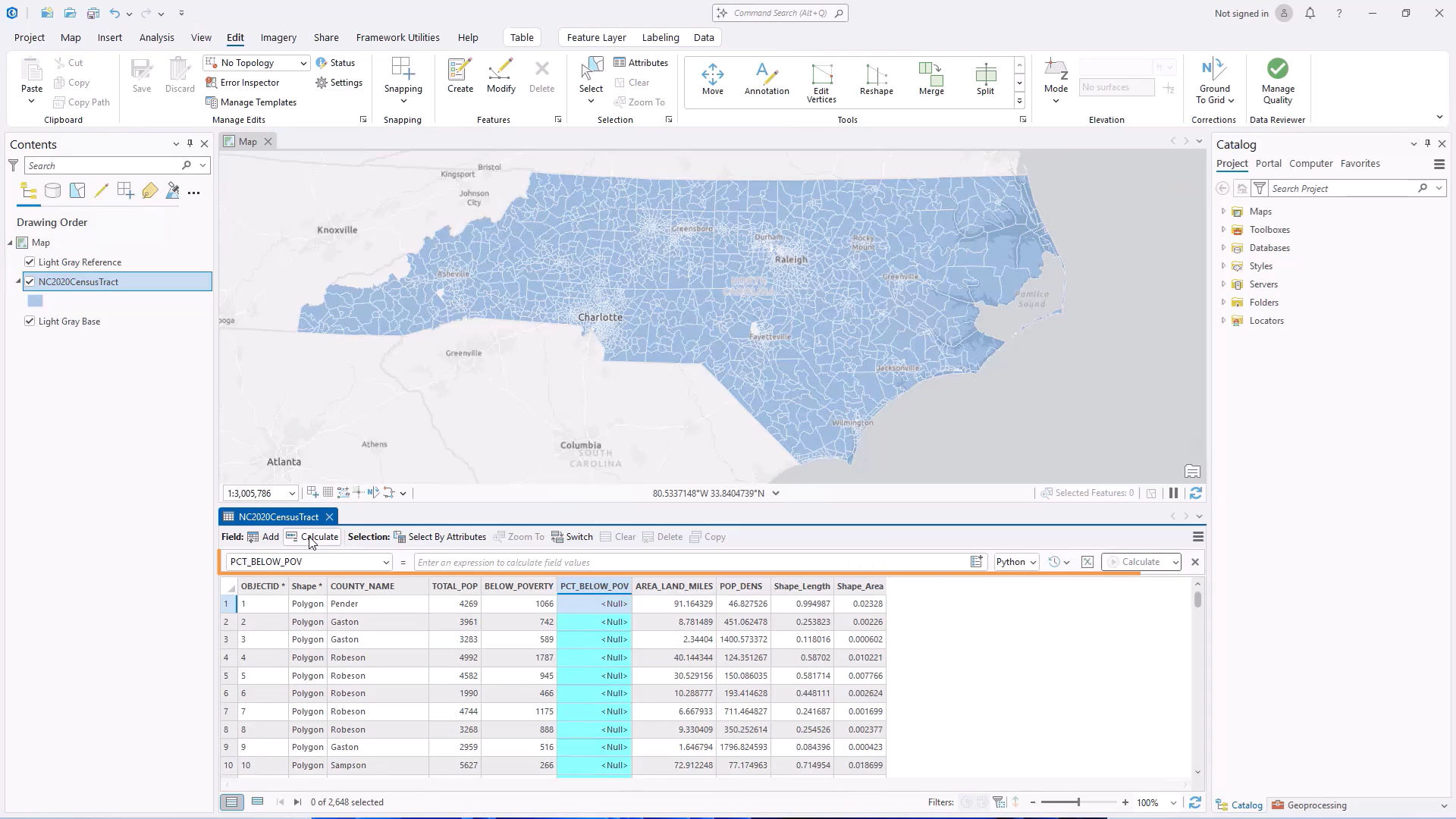
SOFTWARES

Download ESRI ArcGIS Pro 3.6.2 win64 full license

ESRI ArcGIS Pro 3.6.2 – Advanced Desktop GIS for Mapping & Spatial Analysis

Download ESRI ArcGIS Pro 3.6.2 win64 full license

Link download ESRI ArcGIS Pro 3.6.2 x64 full activated

Working with ESRI ArcGIS Pro 3.6.2 full license

Description of ESRI ArcGIS Pro 3.6.2

ESRI ArcGIS Pro 3.6.2 is the latest update of the powerful desktop GIS application developed by Esri. Designed for professionals in mapping, spatial analysis, urban planning, environmental science, and infrastructure management, ArcGIS Pro delivers a modern, 64-bit GIS environment with advanced visualization and analytics capabilities.

Version 3.6.2 enhances performance, improves geoprocessing tools, and strengthens integration across the ArcGIS platform, making it a robust solution for handling complex spatial data projects.

What is ESRI ArcGIS Pro 3.6.2?
ArcGIS Pro is a comprehensive Geographic Information System (GIS) desktop software that enables users to visualize, analyze, manage, and share spatial data. It supports 2D mapping, 3D scene visualization, spatial modeling, and real-time data integration within a single, unified interface.

With deep integration into the ArcGIS ecosystem, ArcGIS Pro allows seamless collaboration and publishing to ArcGIS Online and enterprise environments.

Features of ESRI ArcGIS Pro 3.6.2

1. Advanced 2D & 3D Mapping
High-performance 2D map creation
Realistic 3D scene visualization
Custom symbology and cartographic tools
Dynamic labeling and annotation

2. Powerful Spatial Analysis Tools
Comprehensive geoprocessing toolbox
Raster and vector analysis
Spatial statistics and modeling
Network and proximity analysis

3. Enhanced Data Management
Support for large geodatabases
Multi-user editing capabilities
Versioned data workflows
Improved data validation tools

4. Image & Remote Sensing Processing
Raster analytics
Satellite imagery processing
Elevation and terrain modeling
Change detection tools

5. Python & Automation Support
Integrated Python scripting
ArcPy support for workflow automation
ModelBuilder visual workflow design
Custom tool development

6. Seamless Platform Integration
Direct publishing to ArcGIS Online
Enterprise portal connectivity
Web map and service creation
Cloud data compatibility

Benefits of Using ESRI ArcGIS Pro 3.6.2
Accelerates spatial data analysis
Improves map accuracy and visualization quality
Enhances collaboration across teams
Handles large datasets efficiently
Automates complex GIS workflows
Supports professional cartography standards

Who Should Use ArcGIS Pro 3.6.2?
This software is ideal for:
GIS analysts
Urban planners
Environmental scientists
Civil engineers
Government agencies
Infrastructure and utility managers
ArcGIS Pro 3.6.2 provides the tools necessary to transform geographic data into actionable insights.

Conclusion
ESRI ArcGIS Pro 3.6.2 delivers a high-performance GIS platform for modern spatial analysis, mapping, and data management. With enhanced 2D/3D capabilities, advanced geoprocessing tools, and strong platform integration, it remains a leading choice for professionals working with geographic data.
If you require a comprehensive and scalable GIS desktop solution, ESRI ArcGIS Pro 3.6.2 is a powerful and reliable option.

If you want to download ESRI ArcGIS Pro 3.6.2 full license, please click to DOWNLOAD button to download.
CLICKDOWN.ORG Download CAD CAM CNC software
Inside package ESRI ArcGIS Pro 3.6.2, already have cracked files and instruction how to install ESRI ArcGIS Pro 3.6.2 step by step. I guarantee you can install ESRI ArcGIS Pro 3.6.2 successfully if you follow that instruction.
If you also can’t install it or get any problems, please contact to me by email: clickdown.org@gmail.com, then I will help you to install software by teamviewer or Ultraviewer or Anydesk.
Thanks a lot
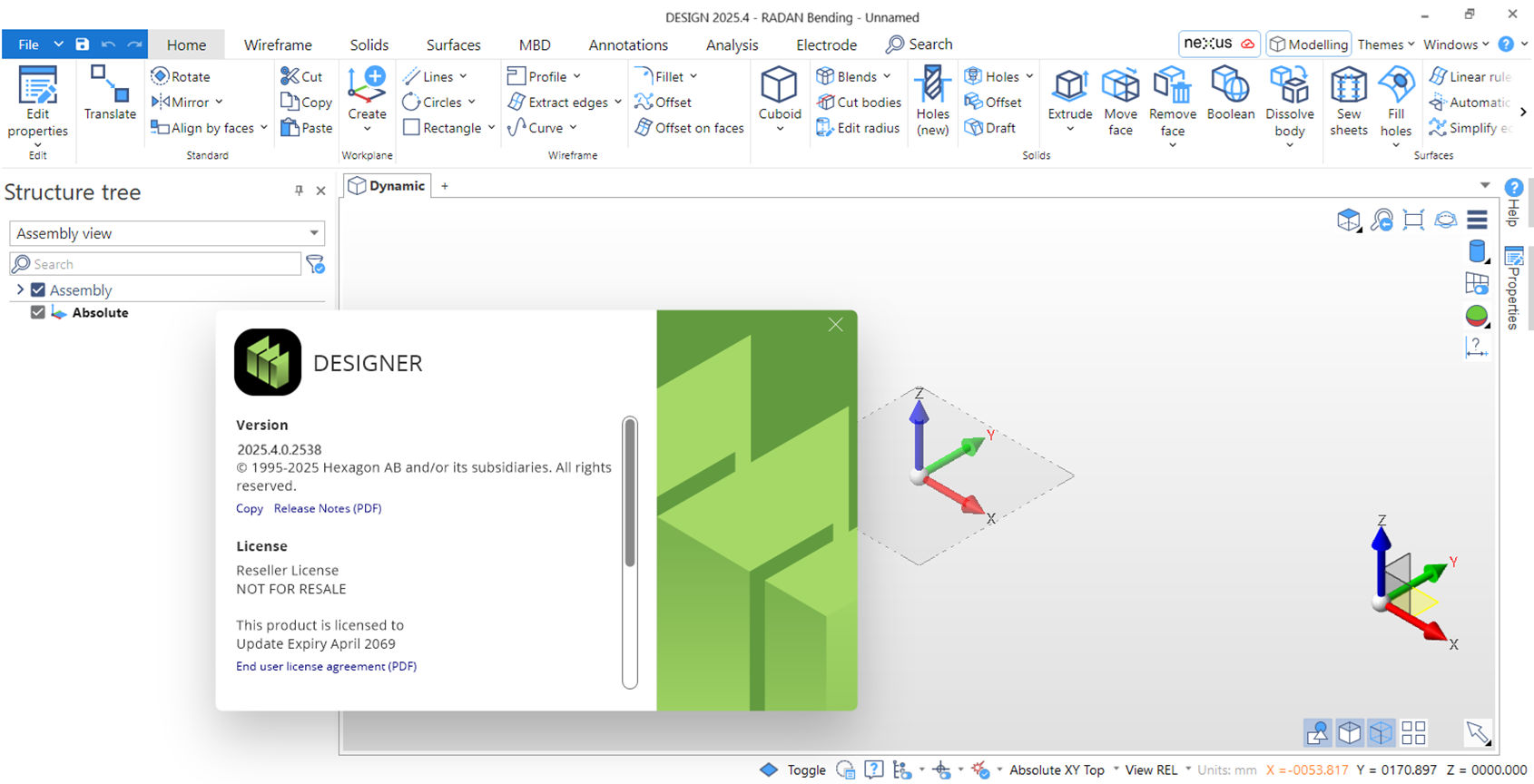
SOFTWARES

Download HEXAGON DESIGNER 2025.4.0 win64 full license

HEXAGON DESIGNER 2025.4.0 – Advanced CAD Modeling for Manufacturing & Engineering

Download HEXAGON DESIGNER 2025.4.0 win64 full license

Link download HEXAGON DESIGNER 2025.4.0 full activated

Working with HEXAGON DESIGNER 2025.4.0 full license

Description of HEXAGON DESIGNER 2025.4.0

HEXAGON DESIGNER 2025.4.0 is a powerful and flexible CAD software solution developed by Hexagon AB. Built to support product design, manufacturing preparation, and engineering workflows, Hexagon Designer delivers advanced modeling tools with seamless integration into Hexagon’s metrology and production ecosystem.

This latest 2025.4.0 release enhances performance, improves large assembly handling, and introduces refined modeling features to accelerate product development cycles.

What is HEXAGON DESIGNER 2025.4.0?
HEXAGON DESIGNER is a professional 2D and 3D CAD platform designed for engineers, designers, and manufacturers who require precise modeling tools with strong interoperability. It supports parametric, direct, and hybrid modeling, allowing users to adapt quickly to changing design requirements.

The software integrates efficiently with Hexagon’s inspection and manufacturing solutions, creating a smooth workflow from design to production.

Features of HEXAGON DESIGNER 2025.4.0

1. Advanced 3D Modeling Capabilities
Parametric solid modeling
Direct modeling for rapid edits
Surface modeling tools for complex geometry
Hybrid modeling workflows

2. Improved Large Assembly Performance
Faster loading of complex assemblies
Enhanced memory optimization
Improved graphical rendering performance
Better management of large BOM structures

3. 2D Drafting & Documentation
Professional drawing creation tools
Automated dimensioning
GD&T support
Industry-standard annotation tools

4. Seamless CAD Data Interoperability
Import/export of major CAD formats
Direct modeling of neutral file types (STEP, IGES, etc.)
Accurate translation of design intent
Improved data exchange reliability

5. Enhanced User Interface & Productivity
Optimized command workflows
Customizable workspace environment
Improved feature tree management
Faster regeneration of models

6. Integration with Manufacturing & Metrology
Smooth connection to CAM systems
Compatibility with inspection software
Streamlined transition from design to manufacturing

Benefits of Using HEXAGON DESIGNER 2025.4.0
Accelerates product development
Improves design accuracy and reliability
Enhances collaboration through CAD compatibility
Reduces design-to-production time
Supports complex industrial applications
Increases engineering productivity

Who Should Use HEXAGON DESIGNER 2025.4.0?
This software is ideal for:
Mechanical engineers
Product designers
Manufacturing engineers
Tooling and mold designers
Industrial design professionals
HEXAGON DESIGNER 2025.4.0 provides a flexible and powerful CAD environment tailored for modern engineering and manufacturing demands.

Conclusion
HEXAGON DESIGNER 2025.4.0 delivers advanced CAD modeling capabilities with improved performance and interoperability. Whether working with complex assemblies or detailed product designs, this release enhances efficiency, accuracy, and collaboration across engineering teams.

If you’re looking for a professional CAD solution integrated within the Hexagon ecosystem, HEXAGON DESIGNER 2025.4.0 is a strong and reliable choice.

If you want to download HEXAGON DESIGNER 2025.4.0 full license, please click to DOWNLOAD button to download.
CLICKDOWN.ORG Download CAD CAM CNC software
Inside package HEXAGON DESIGNER 2025.4.0, already have cracked files and instruction how to install HEXAGON DESIGNER 2025.4.0 step by step. I guarantee you can install HEXAGON DESIGNER 2025.4.0 successfully if you follow that instruction.
If you also can’t install it or get any problems, please contact to me by email: clickdown.org@gmail.com, then I will help you to install software by teamviewer or Ultraviewer or Anydesk.
Thanks a lot
SOFTWARES

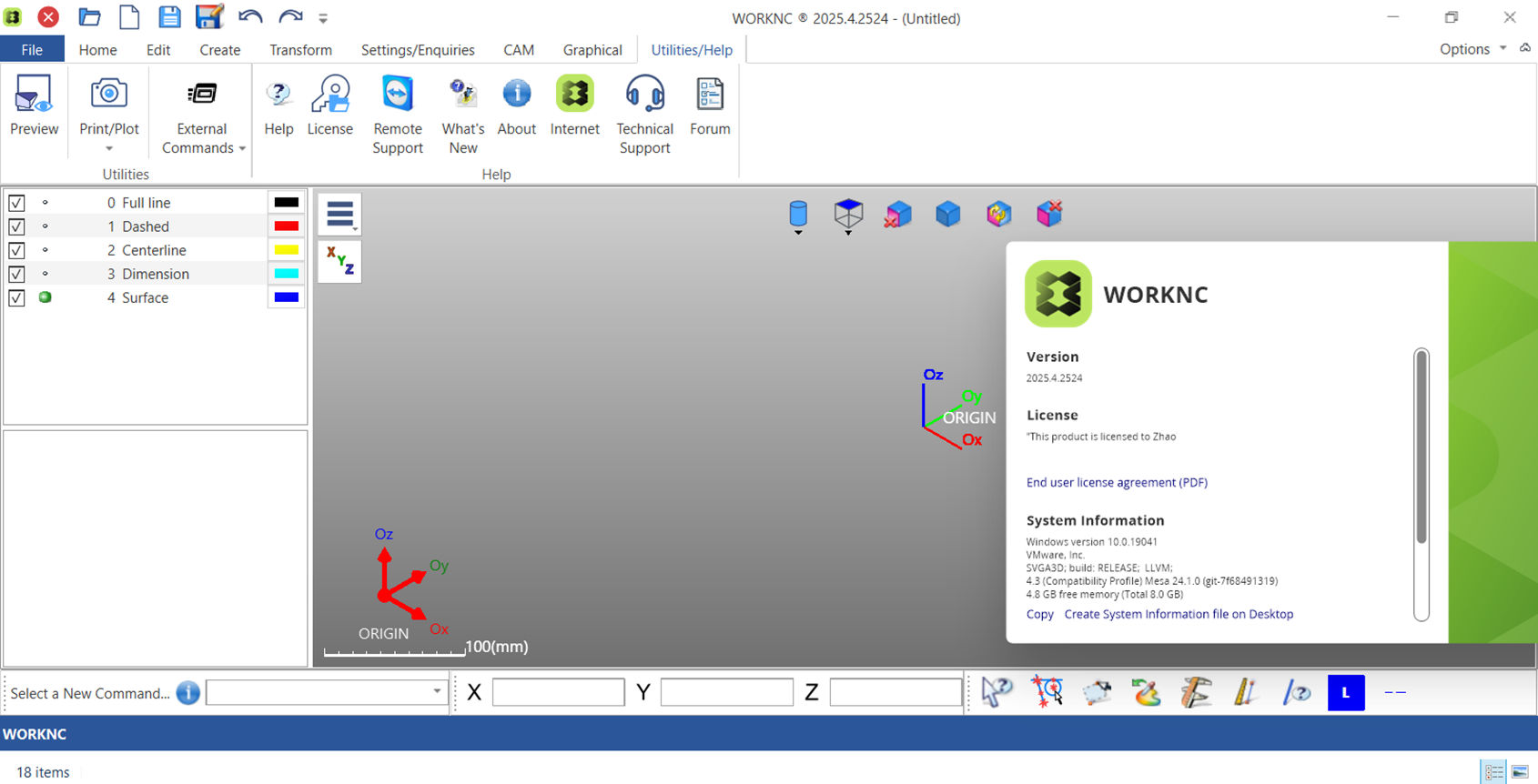
Download HEXAGON WORKNC 2025.4 win64 full license

HEXAGON WORKNC 2025.4 – Advanced CAM Software for High-Performance CNC Programming

Download HEXAGON WORKNC 2025.4 win64 full license

Link download HEXAGON WORKNC 2025.4 x64 full activated

Working with HEXAGON WORKNC 2025.4.2524 full activated

Description of HEXAGON WORKNC 2025.4

WORKNC 2025.4 is the latest release of the powerful CAD/CAM solution developed by Hexagon Manufacturing Intelligence. Designed specifically for complex surface machining, mold & die manufacturing, and high-precision part production, WORKNC provides an automated, reliable, and efficient toolpath generation system for 2 to 5-axis CNC machining.

This version introduces performance enhancements, improved toolpath strategies, and optimized workflows to help manufacturers reduce machining time, improve surface quality, and maximize productivity.

What is WORKNC 2025.4?
WORKNC is a fully integrated CAM software solution built to simplify CNC programming while maintaining maximum precision. It is widely used in automotive, aerospace, mold & die, and general manufacturing industries where accuracy and reliability are critical.

With a focus on automation and safety, WORKNC minimizes manual programming efforts while ensuring consistent machining results.

Features of HEXAGON WORKNC 2025.4

1. Advanced 2 to 5-Axis Machining
Simultaneous 5-axis machining strategies
Optimized 3+2 positioning operations
High-speed machining (HSM) support
Smooth and accurate multi-axis toolpaths

2. Intelligent Toolpath Automation
Automatic feature recognition
Knowledge-based machining templates
Collision avoidance and safe tool motion
Adaptive roughing and finishing strategies

3. Improved Surface Quality
Enhanced finishing algorithms
Constant scallop machining
Optimized step-over calculations
Superior surface finish on complex geometries

4. Enhanced Simulation & Verification
Full machine simulation
Collision detection and prevention
Tool holder and machine component verification
Accurate material removal visualization

5. Optimized Performance & Stability
Faster toolpath calculation engine
Improved memory handling
Better handling of large CAD models
Increased overall system stability

6. Broad CAD Compatibility
Direct import of major CAD formats
Native support for industry-standard file types
Seamless integration into existing production workflows

Benefits of Using WORKNC 2025.4
Reduce CNC programming time
Improve machining efficiency
Increase tool life through optimized strategies
Minimize scrap and machining errors
Deliver superior surface finishes
Boost overall production productivity

Who Should Use WORKNC 2025.4?
WORKNC 2025.4 is ideal for:
Mold & die manufacturers
Automotive component producers
Aerospace machining companies
Precision engineering workshops
CNC programming professionals
Whether you’re producing complex molds or high-precision components, WORKNC 2025.4 delivers the automation and control required for modern manufacturing demands.

Conclusion
WORKNC 2025.4 continues to set the benchmark for automated CAM programming. With enhanced multi-axis capabilities, improved surface finishing, and robust simulation tools, this release empowers manufacturers to achieve higher precision, better efficiency, and reduced machining risk.

If you are looking for a reliable and production-proven CAM solution, WORKNC 2025.4 is a powerful choice for demanding CNC environments.

If you want to download HEXAGON WORKNC 2025.4 full license, please click to DOWNLOAD button to download.
CLICKDOWN.ORG Download CAD CAM CNC software
Inside package HEXAGON WORKNC 2025.4, already have cracked files and instruction how to install HEXAGON WORKNC 2025.4 step by step. I guarantee you can install HEXAGON WORKNC 2025.4 successfully if you follow that instruction.
If you also can’t install it or get any problems, please contact to me by email: clickdown.org@gmail.com, then I will help you to install software by teamviewer or Ultraviewer or Anydesk.
Thanks a lot
SOFTWARES

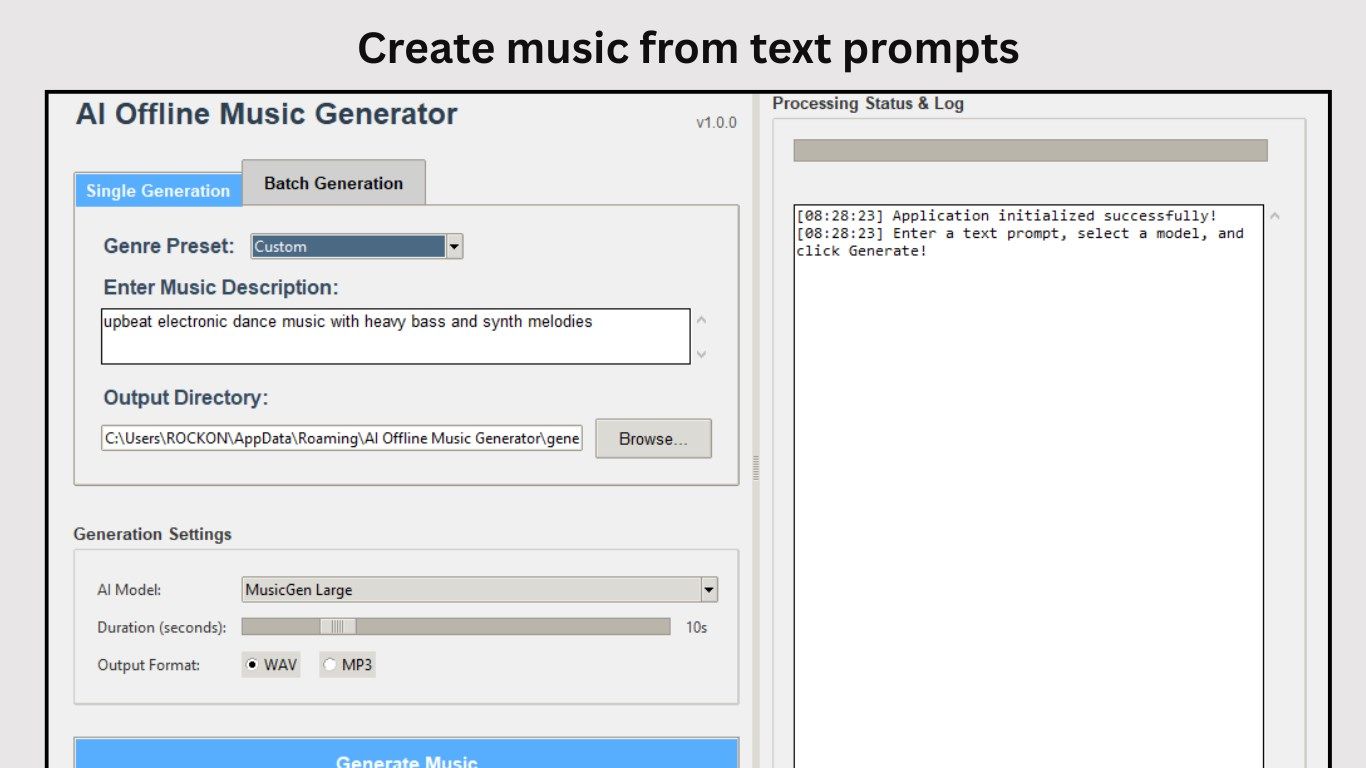
Download AI Offline Music Generator 1.0.0 full license

AI Offline Music Generator 1.0.0 – Create Music Anytime Without Internet

Download AI Offline Music Generator 1.0.0 full license

Link download AI Offline Music Generator 1.0.0 full activated

Working with AI Offline Music Generator 1.0.0 full license

Description of AI Offline Music Generator 1.0.0

AI Offline Music Generator 1.0.0 is an innovative music creation software that uses artificial intelligence to compose original tracks directly on your computer — no internet connection required. Designed for content creators, musicians, video editors, and hobbyists, this tool enables fast, customizable music production completely offline.

With built-in AI composition algorithms, genre presets, and export options, AI Offline Music Generator 1.0.0 offers a convenient way to generate background music, soundtracks, and creative audio projects without relying on cloud-based services.

What is AI Offline Music Generator?
AI Offline Music Generator is a standalone application that leverages AI-based pattern recognition and music modeling to compose royalty-free music tracks locally on your device. Unlike online AI music platforms, this software ensures privacy, faster generation speeds, and uninterrupted workflow even without internet access.

Version 1.0.0 delivers core composition features, user-friendly controls, and optimized performance for smooth music creation.

Features of AI Offline Music Generator 1.0.0

1. Fully Offline AI Music Creation
No internet connection required
Local AI processing
Enhanced privacy and data security
Fast generation speed

2. Multiple Genre Presets
Pop, EDM, cinematic, ambient, lo-fi, and more
Customizable mood settings
Adjustable tempo and key
Flexible composition length

3. Custom Track Controls
Control song duration
Instrument layering options
Loop creation support
Melody and rhythm variation tools

4. Royalty-Free Output
Suitable for YouTube videos
Podcast background music
Social media content
Commercial and personal use (check license terms)

5. Export & Compatibility
Export to MP3 or WAV formats
High-quality audio rendering
Compatible with video editing software
Easy file management

6. Lightweight & Easy to Use
Simple interface
Quick setup process
Minimal system resource usage
Beginner-friendly workflow

Applications
AI Offline Music Generator 1.0.0 is ideal for:
YouTube content creators
Short-form video production
Podcast production
Game developers
Independent musicians
Social media marketers

Benefits for Creators
Save time on music production
Avoid subscription-based online services
Maintain full privacy
Generate unlimited tracks
Enhance creative projects instantly
This software is especially useful for creators who need quick background music without complicated digital audio workstation setups.

Why Choose AI Offline Music Generator 1.0.0?
AI Offline Music Generator 1.0.0 offers a practical solution for fast and private music generation. Its offline capability, customizable genre options, and easy export features make it an excellent choice for creators who want simple yet effective AI-powered music production.

For users seeking convenient, royalty-free, AI-generated music without relying on cloud platforms, AI Offline Music Generator 1.0.0 provides flexibility and creative freedom.

If you want to download AI Offline Music Generator 1.0.0 full license, please click to DOWNLOAD button to download.
CLICKDOWN.ORG Download CAD CAM CNC software
Inside package AI Offline Music Generator 1.0.0, already have cracked files and instruction how to install AI Offline Music Generator 1.0.0 step by step. I guarantee you can install AI Offline Music Generator 1.0.0 successfully if you follow that instruction.
If you also can’t install it or get any problems, please contact to me by email: clickdown.org@gmail.com, then I will help you to install software by teamviewer or Ultraviewer or Anydesk.
Thanks a lot
SOFTWARES

Download NI VeriStand 2026 Q1 x64 full activated forever

NI VeriStand 2026 Q1 – Real-Time Test & HIL Simulation Software

Download NI VeriStand 2026 Q1 x64 full activated forever

Link download NI VeriStand 2026 Q1 win64 full activated

NI VeriStand 2026 Q1 x64 full activated

Description of NI VeriStand 2026 Q1

NI VeriStand 2026 Q1 is a powerful real-time test configuration and hardware-in-the-loop (HIL) simulation software developed by National Instruments (NI). Designed for engineers working in automotive, aerospace, and industrial automation, NI VeriStand provides a configurable environment for deploying real-time testing applications without extensive custom programming.

With advanced model integration, deterministic execution, and scalable system architecture, NI VeriStand 2026 Q1 helps engineering teams validate embedded systems and control strategies efficiently.

What is NI VeriStand?
NI VeriStand is a software platform used for configuring, executing, and monitoring real-time test systems. It enables users to integrate simulation models, I/O channels, data logging, stimulus profiles, and fault insertion capabilities into a unified testing environment.

The 2026 Q1 release introduces workflow optimizations, improved hardware compatibility, and enhanced performance for complex real-time simulation projects.

Features of NI VeriStand 2026 Q1

1. Real-Time Test Configuration
Configure deterministic real-time systems
Deploy models to NI real-time hardware
Centralized system definition interface
Scalable test system architecture

2. Hardware-in-the-Loop (HIL) Simulation
Support for HIL testing environments
Integration with ECU testing setups
Fault injection and signal conditioning
Real-time stimulus profile management

3. Model Integration & Execution
Import models from Simulink and other modeling tools
Support for compiled real-time models
Deterministic model execution
Multi-rate simulation capabilities

4. Data Logging & Monitoring
High-speed data acquisition
Customizable dashboards and displays
Real-time parameter adjustment
Automated test result recording

5. Test Automation & Scripting
Python and .NET API support
Automated test sequencing
Customizable stimulus profiles
Integration with third-party automation tools

6. Hardware Compatibility
Seamless integration with NI PXI systems
FPGA and data acquisition device support
Modular I/O configuration
Scalable distributed test systems

Applications
NI VeriStand 2026 Q1 is widely used for:
Automotive ECU validation
Aerospace control system testing
Power electronics testing
Industrial control system verification
Embedded system development
Advanced research and development projects

Benefits for Engineering Teams
Faster validation cycles
Reduced development risks
Improved test repeatability
Scalable test system deployment
Enhanced collaboration between hardware and software teams
NI VeriStand provides a flexible platform that adapts to evolving test requirements while maintaining deterministic real-time performance.

Why Choose NI VeriStand 2026 Q1?
NI VeriStand 2026 Q1 delivers a comprehensive and configurable real-time testing platform for HIL simulation and embedded system validation. Its seamless integration with NI hardware, advanced model deployment capabilities, and automation support make it a trusted solution for mission-critical engineering applications.

For organizations seeking reliable real-time simulation and validation tools, NI VeriStand 2026 Q1 offers performance, flexibility, and scalability.

If you want to download NI VeriStand 2026 Q1 full license, please click to DOWNLOAD button to download.
CLICKDOWN.ORG Download CAD CAM CNC software
Inside package NI VeriStand 2026 Q1, already have cracked files and instruction how to install NI VeriStand 2026 Q1 step by step. I guarantee you can install NI VeriStand 2026 Q1 successfully if you follow that instruction.
If you also can’t install it or get any problems, please contact to me by email: clickdown.org@gmail.com, then I will help you to install software by teamviewer or Ultraviewer or Anydesk.
Thanks a lot
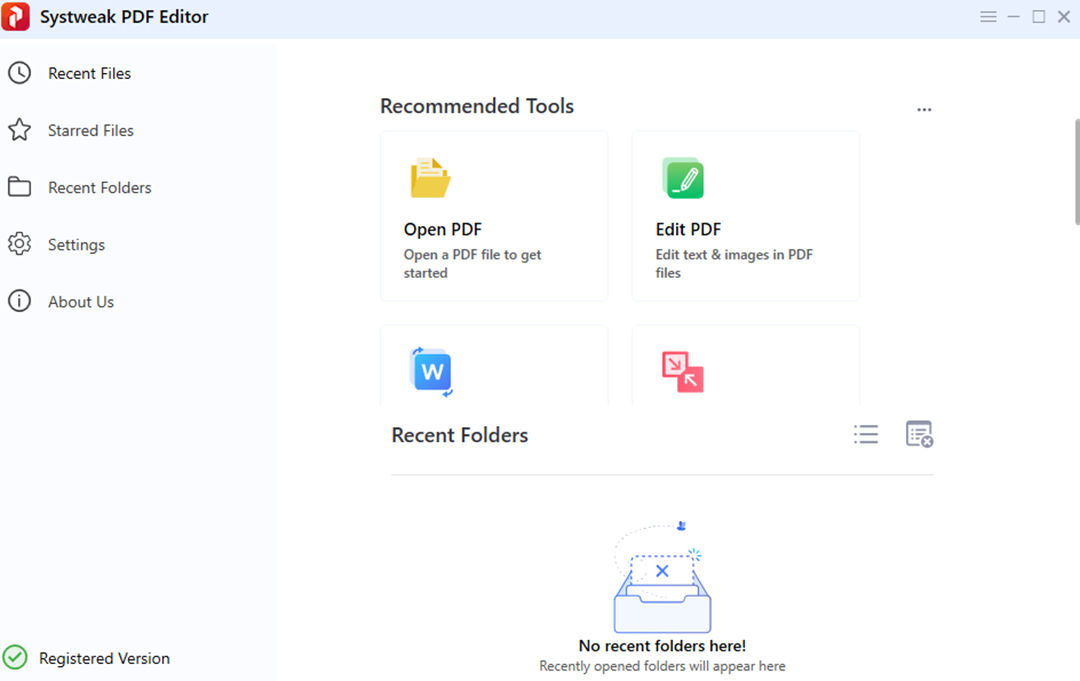
SOFTWARES

Download Systweak PDF Editor Pro 1.0.0.8664 full license

Systweak PDF Editor Pro 1.0.0.8664 – Complete PDF Editing & Document Management Solution

Download Systweak PDF Editor Pro 1.0.0.8664 full license

Link download Systweak PDF Editor Pro 1.0.0.8664 full activated

Working with Systweak PDF Editor Pro 1.0.0.8664 full license

Description of Systweak PDF Editor Pro 1.0.0.8664

Systweak PDF Editor Pro 1.0.0.8664 is a professional PDF editing software developed by Systweak Software. Designed for business users, students, and professionals, this all-in-one PDF tool allows you to create, edit, convert, annotate, and secure PDF documents with ease.

With its clean interface and powerful editing capabilities, Systweak PDF Editor Pro provides a reliable solution for handling everyday document tasks as well as advanced PDF workflows.

What is Systweak PDF Editor Pro?
Systweak PDF Editor Pro is a Windows-based PDF management application that enables users to modify text and images, manage pages, convert file formats, and apply security protections. Version 1.0.0.8664 focuses on performance optimization, enhanced stability, and improved editing tools to deliver a smooth user experience.

Features of Systweak PDF Editor Pro 1.0.0.8664

1. Advanced PDF Editing
Edit text directly within PDF files
Modify fonts, size, and formatting
Insert, resize, or replace images
Add links and interactive elements

2. PDF Creation & Conversion
Create PDFs from multiple file formats
Convert PDF to Word, Excel, PowerPoint
Export PDF to image formats (JPEG, PNG)
Batch conversion support

3. Annotation & Markup Tools
Highlight, underline, and strike-through text
Add comments, notes, and stamps
Draw shapes and freehand annotations
Review and collaboration tools

4. Page Management
Merge and split PDF files
Rearrange, rotate, or delete pages
Insert new pages
Extract specific page ranges

5. Security & Protection
Password protection for PDFs
Permission controls (print, edit, copy)
Digital signature support
Redaction tools for sensitive information

6. OCR (Optical Character Recognition)
Convert scanned PDFs into editable text
Searchable document creation
Improved accuracy for document digitization

Applications
Systweak PDF Editor Pro 1.0.0.8664 is suitable for:
Business document management
Legal and administrative paperwork
Academic assignments and research
Contract editing and review
Digital document archiving

Benefits for Users
Easy-to-use interface
Comprehensive PDF toolkit in one application
Time-saving batch operations
Secure document handling
Cost-effective PDF solution
This software simplifies complex document tasks while maintaining professional-quality output.

Why Choose Systweak PDF Editor Pro 1.0.0.8664?
Systweak PDF Editor Pro offers a balanced combination of editing power, conversion flexibility, and security features. Whether you need to modify contracts, create fillable forms, convert documents, or secure sensitive files, this solution provides the essential tools in a single package.

For users seeking a reliable and efficient PDF editing software, Systweak PDF Editor Pro 1.0.0.8664 delivers practical functionality and professional results.

If you want to download Systweak PDF Editor Pro 1.0.0.8664 full license, please click to DOWNLOAD button to download.
CLICKDOWN.ORG Download CAD CAM CNC software
Inside package Systweak PDF Editor Pro 1.0.0.8664, already have cracked files and instruction how to install Systweak PDF Editor Pro 1.0.0.8664 step by step. I guarantee you can install Systweak PDF Editor Pro 1.0.0.8664 successfully if you follow that instruction.
If you also can’t install it or get any problems, please contact to me by email: clickdown.org@gmail.com, then I will help you to install software by teamviewer or Ultraviewer or Anydesk.
Thanks a lot

error: Content is protected !!
Scroll to Top