SOFTWARES

SOFTWARES

Download Adobe Photoshop 2026 v27.4.0.15 x64 full license

Adobe Photoshop 2026 v27.4.0.15 – Advanced AI Photo Editing & Design Software

Download Adobe Photoshop 2026 v27.4.0.15 x64 full license

Link download Adobe Photoshop 2026 v27.4.0.15 win64 full activated
Adobe Photoshop 2026 v27.4.0.15 x64 full license

Working with Adobe Photoshop 2026 v27.4.0.15 full license

Description of Adobe Photoshop 2026 v27.4.0.15

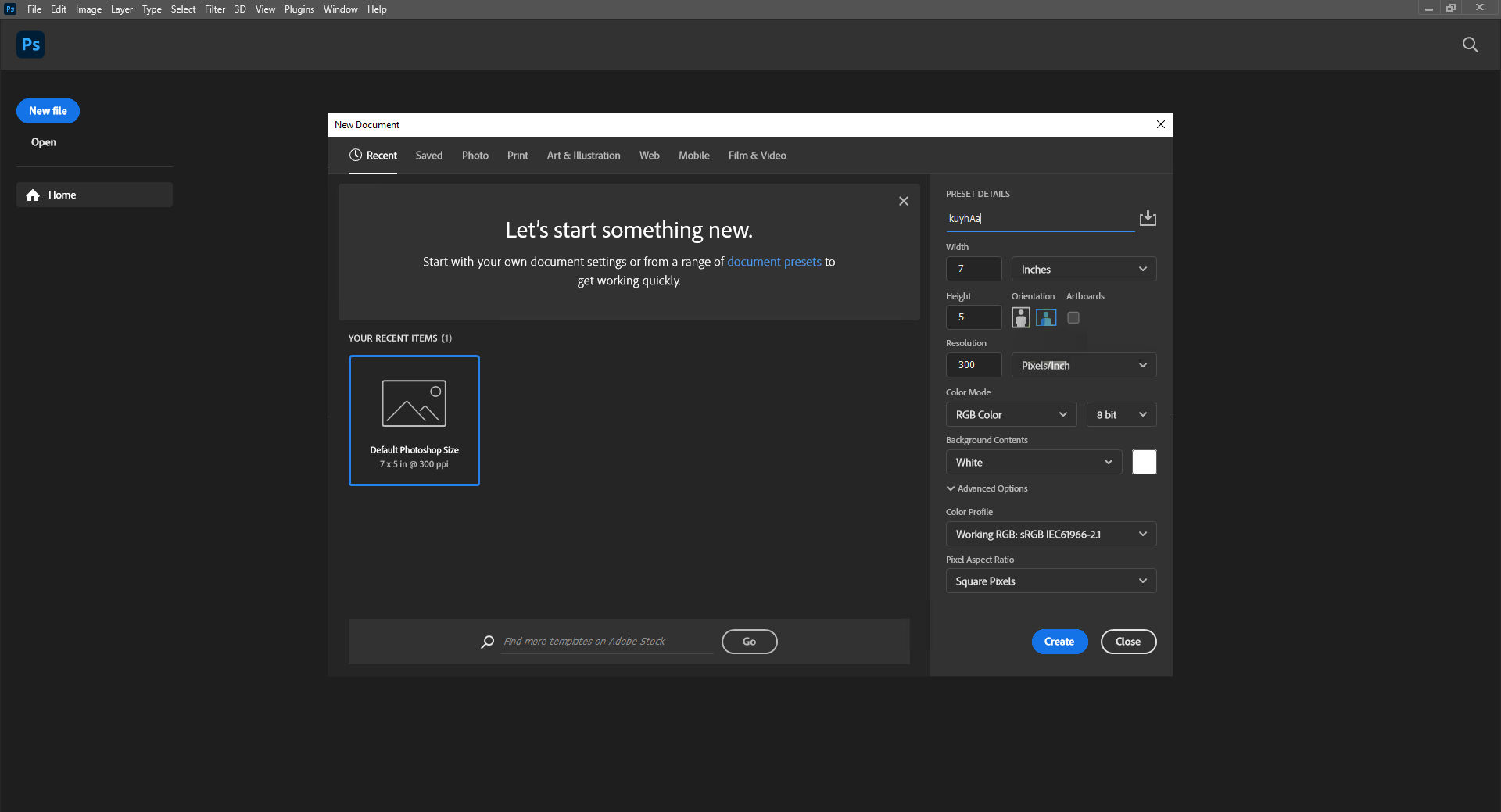
Adobe Photoshop 2026 v27.4.0.15 is the latest release of the world’s most powerful image editing and graphic design software from Adobe Inc.. This version introduces enhanced AI-driven tools, improved performance, and streamlined workflows that help photographers, designers, and digital artists create stunning visuals faster than ever.

Whether you are retouching photos, designing marketing graphics, creating digital art, or preparing web assets, Photoshop 2026 delivers professional-grade tools with intelligent automation and precision control.

Features of Adobe Photoshop 2026 v27.4.0.15

🎨 Next-Generation AI Tools
Enhanced Generative Fill & Expand for seamless content creation
AI-powered object removal with improved edge blending
Smart subject selection with higher accuracy

⚑ Performance & Workflow Enhancements
Faster canvas rendering and brush responsiveness
Optimized GPU acceleration for smoother editing
Improved multi-layer editing performance

πŸ–ŒοΈ Professional Photo Retouching
Advanced skin smoothing and texture preservation
Intelligent lighting and color correction
Non-destructive editing with improved adjustment layers

✏️ Creative Design & Illustration
Enhanced brush engine for natural painting effects
Improved vector shape tools and typography controls
New gradient and pattern creation options

πŸ“· Smart Selection & Masking
Refined hair and edge detection
One-click background removal
AI-enhanced masking tools

🌐 Modern Workflow Integration
Seamless integration with Adobe Creative Cloud libraries
Cloud document support for remote collaboration
Improved export presets for web, print, and social media

🎬 Advanced Layer & Effects System
Expanded blending modes and smart filters
Real-time layer preview effects
Enhanced 3D lighting and shadow controls

What’s New in Version 27.4.0.15
Improved Generative AI precision and realism
Faster startup and file opening speeds
Enhanced color grading and HDR editing tools
New neural filters for creative transformations
Stability improvements and bug fixes

What’s New in Version 27.4.0.15
Improved Generative AI precision and realism
Faster startup and file opening speeds
Enhanced color grading and HDR editing tools
New neural filters for creative transformations
Stability improvements and bug fixes

If you want to download Adobe Photoshop 2026 v27.4.0.15 full license, please click to DOWNLOAD button to download.
CLICKDOWN.ORG Download CAD CAM CNC software
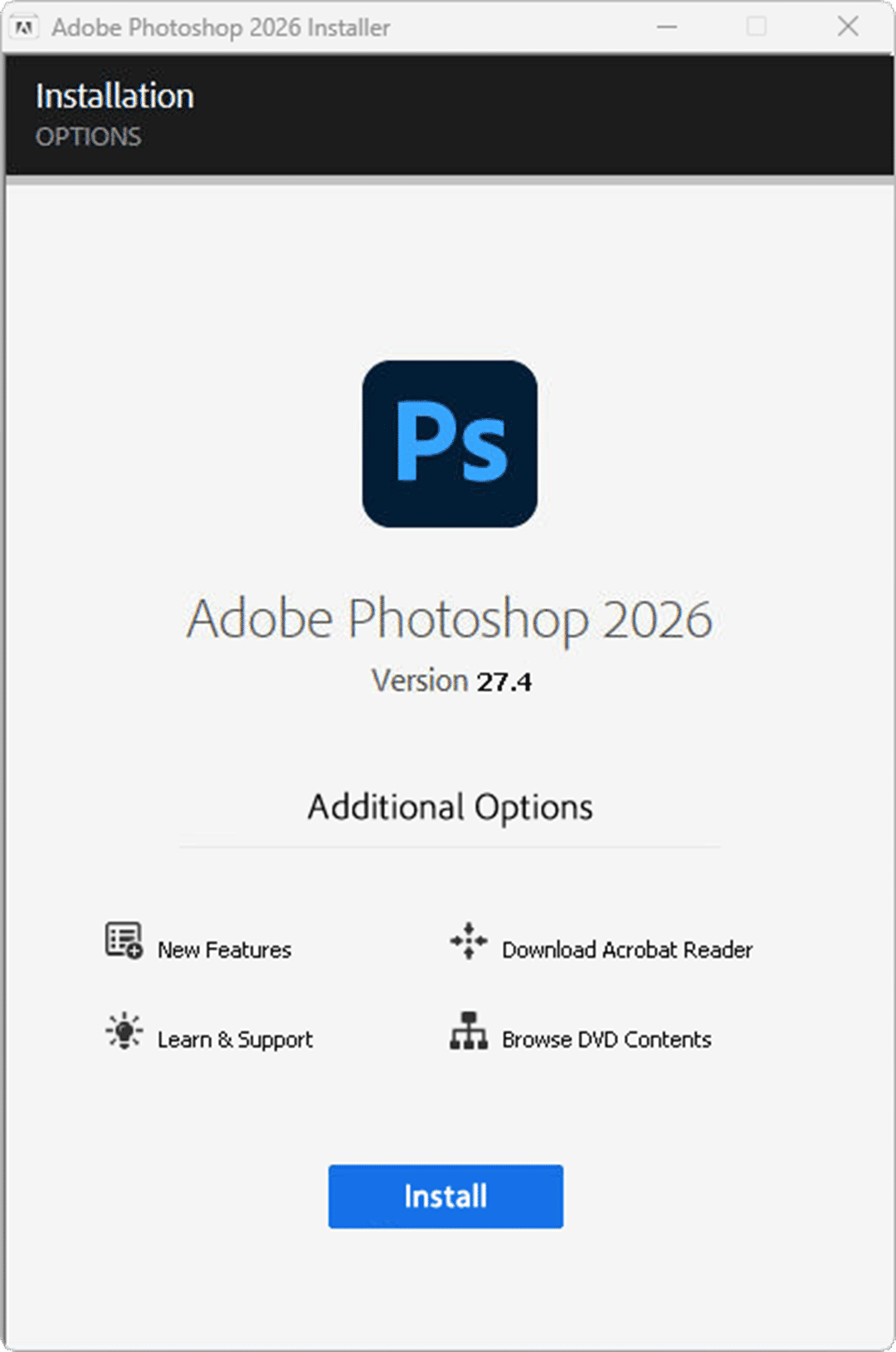
Inside package Adobe Photoshop 2026 v27.4.0.15, already have cracked files and instruction how to install Adobe Photoshop 2026 v27.4.0.15 step by step. I guarantee you can install Adobe Photoshop 2026 v27.4.0.15 successfully if you follow that instruction.
If you also can’t install it or get any problems, please contact to me by email: clickdown.org@gmail.com, then I will help you to install software by teamviewer or Ultraviewer or Anydesk.
Thanks a lot
SOFTWARES

Download Keysight ProCAST 2026.0 win64 full license forever

Keysight ProCAST 2026.0 – Advanced Metal Casting Simulation & Process Optimization Software

Download Keysight ProCAST 2026.0 win64 full license forever

Link download Keysight ProCAST 2026.0 x64 full activated

Working with Keysight ProCAST 2026.0 full license

Description of Keysight ProCAST 2026.0

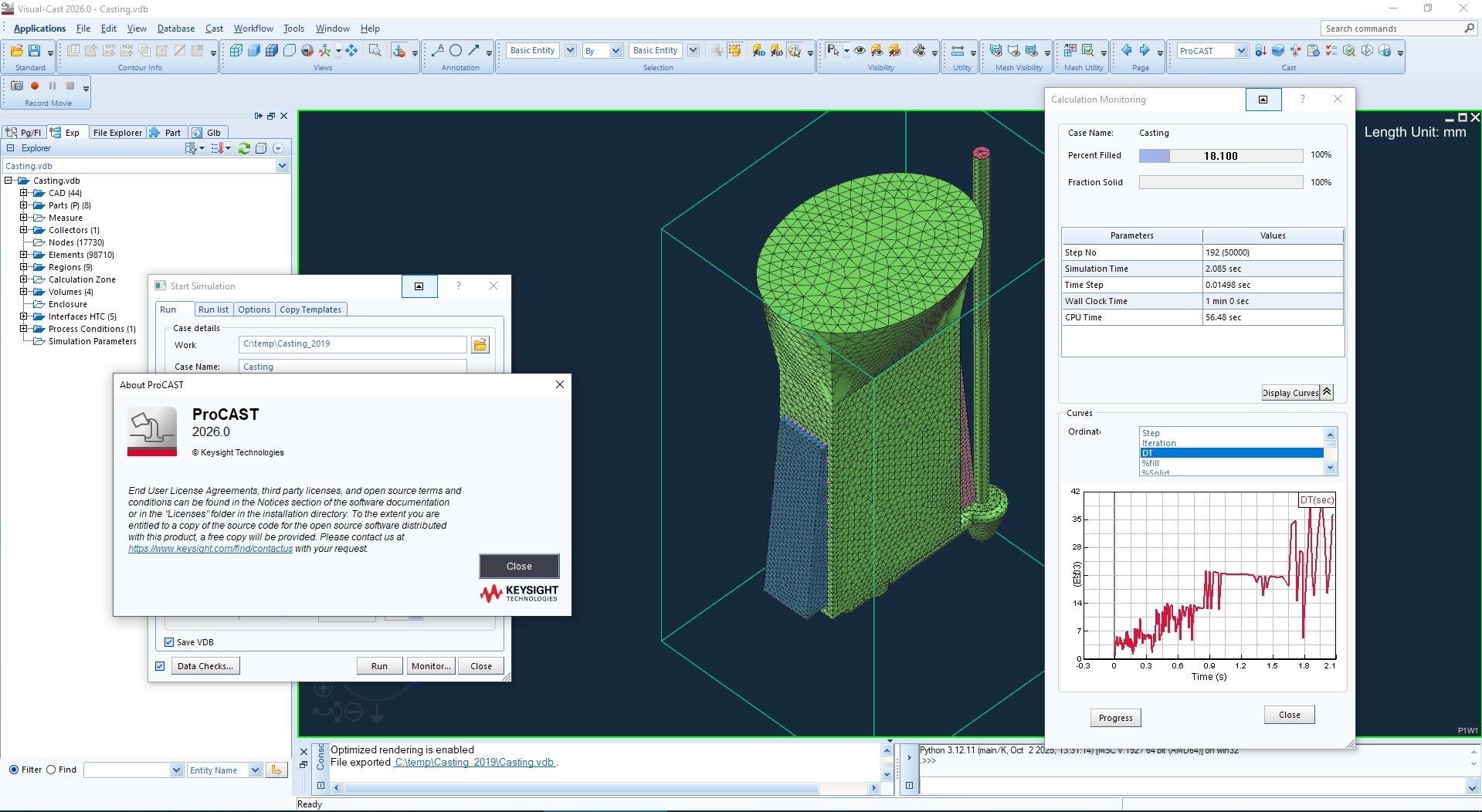
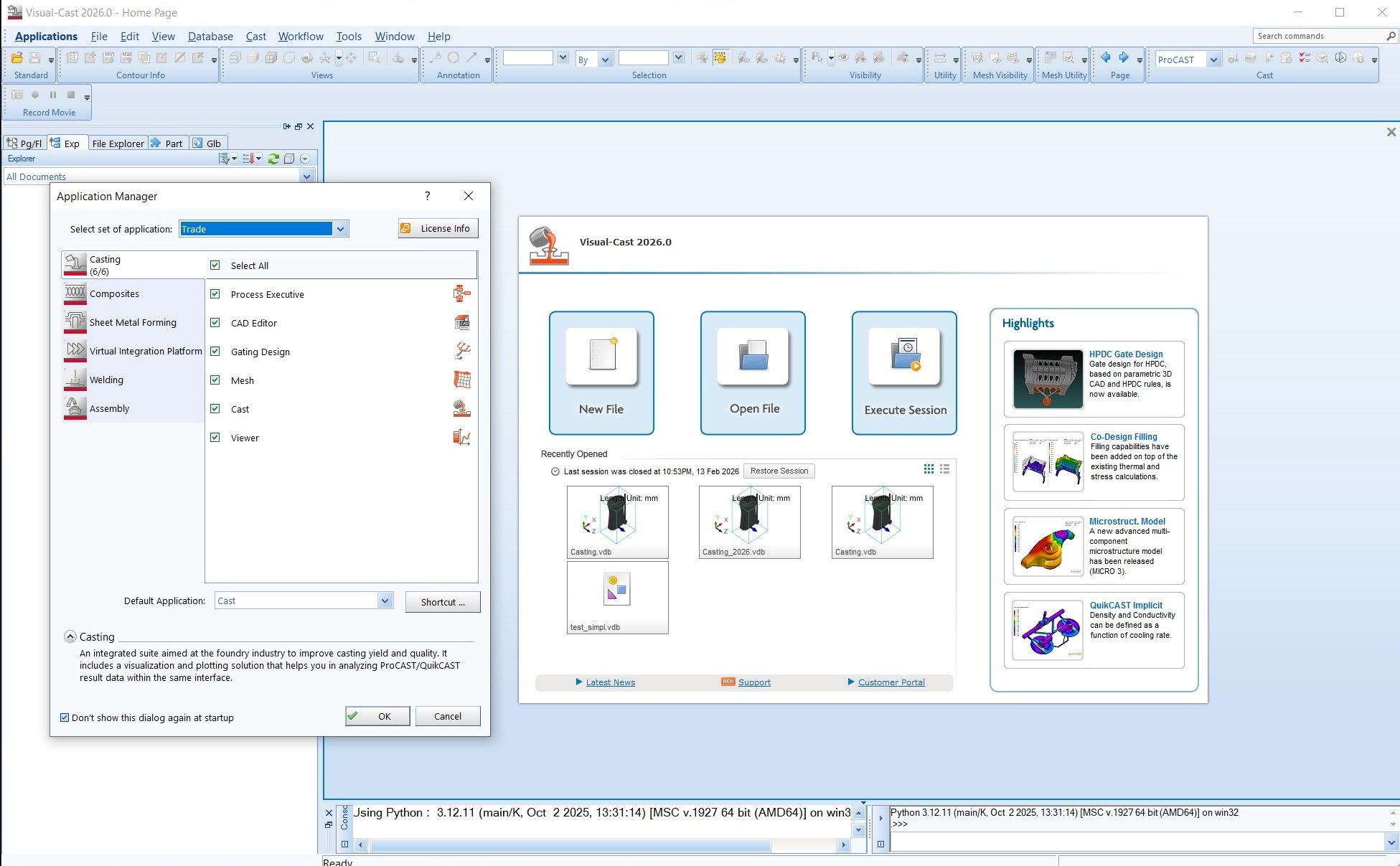
Keysight ProCAST 2026.0 is a leading casting process simulation software designed to model, analyze, and optimize metal casting operations. Developed by Keysight Technologies, ProCAST enables foundry engineers and manufacturing specialists to predict casting defects, optimize mold design, and improve product quality.

The 2026.0 release introduces enhanced solver performance, improved defect prediction accuracy, and expanded workflow capabilities to support modern casting processes and high-performance alloys.

ProCAST provides a comprehensive simulation environment for analyzing mold filling, solidification, thermal behavior, and stress development during casting. By simulating the entire casting process, engineers can reduce trial-and-error iterations, minimize defects, and optimize manufacturing efficiency.

Version 2026.0 enhances accuracy and usability, making it suitable for complex casting geometries and advanced materials.

Features of Keysight ProCAST 2026.0

πŸ”Ή Mold Filling Simulation
Simulate molten metal flow during mold filling
Predict turbulence, air entrapment, and flow behavior
Optimize gating and runner system design

πŸ”Ή Solidification & Cooling Analysis
Model solidification processes and cooling rates
Predict shrinkage, porosity, and hot spots
Improve casting integrity and structural performance

πŸ”Ή Defect Prediction & Prevention
Identify porosity, shrinkage cavities, and inclusions
Reduce casting defects before production
Improve yield and product reliability

πŸ”Ή Thermal & Stress Analysis
Evaluate thermal gradients and residual stresses
Predict distortion and cracking risks
Improve dimensional accuracy and durability

πŸ”Ή Advanced Material & Alloy Support
Simulate behavior of ferrous and non-ferrous alloys
Support aluminum, steel, magnesium, and specialty alloys
Model material-specific solidification characteristics

πŸ”Ή Process Optimization Tools
Optimize mold design and process parameters
Reduce material waste and production costs
Improve productivity and casting quality

πŸ”Ή High-Performance Solver Technology
Fast and accurate simulations for complex geometries
Efficient handling of large casting models
Improved stability and convergence

πŸ”Ή Visualization & Reporting
Advanced visualization of flow, temperature, and defects
Generate detailed engineering reports
Support decision-making and process validation

Benefits
Reduce casting defects and improve product quality
Minimize production costs and material waste
Accelerate product development cycles
Optimize mold and process design
Enhance manufacturing efficiency and reliability

Typical Applications
Automotive casting components
Aerospace structural castings
Heavy machinery and industrial parts
Aluminum and steel foundry operations
High-performance alloy casting

Conclusion
Keysight ProCAST 2026.0 delivers advanced simulation capabilities for metal casting process optimization. With accurate defect prediction, thermal analysis, and process optimization tools, it enables manufacturers to improve casting quality, reduce costs, and accelerate production workflows.

If you want to download Keysight ProCAST 2026.0 full license, please click to DOWNLOAD button to download.
CLICKDOWN.ORG Download CAD CAM CNC software
Inside package Keysight ProCAST 2026.0, already have cracked files and instruction how to install Keysight ProCAST 2026.0 step by step. I guarantee you can install Keysight ProCAST 2026.0 successfully if you follow that instruction.
If you also can’t install it or get any problems, please contact to me by email: clickdown.org@gmail.com, then I will help you to install software by teamviewer or Ultraviewer or Anydesk.
Thanks a lot
SOFTWARES

Download MSC CoSim 2022.1-2025.1 Win64 full license

MSC CoSim 2022.1–2025.1 – Advanced Co-Simulation & Multiphysics Integration Platform

Download MSC CoSim 2022.1-2025.1 Win64 full license

Link download MSC CoSim 2022.1-2025.1 x64 full activated

Working with MSC CoSim 2022.1-2025.1 full license

Description of MSC CoSim 2022.1-2025.1

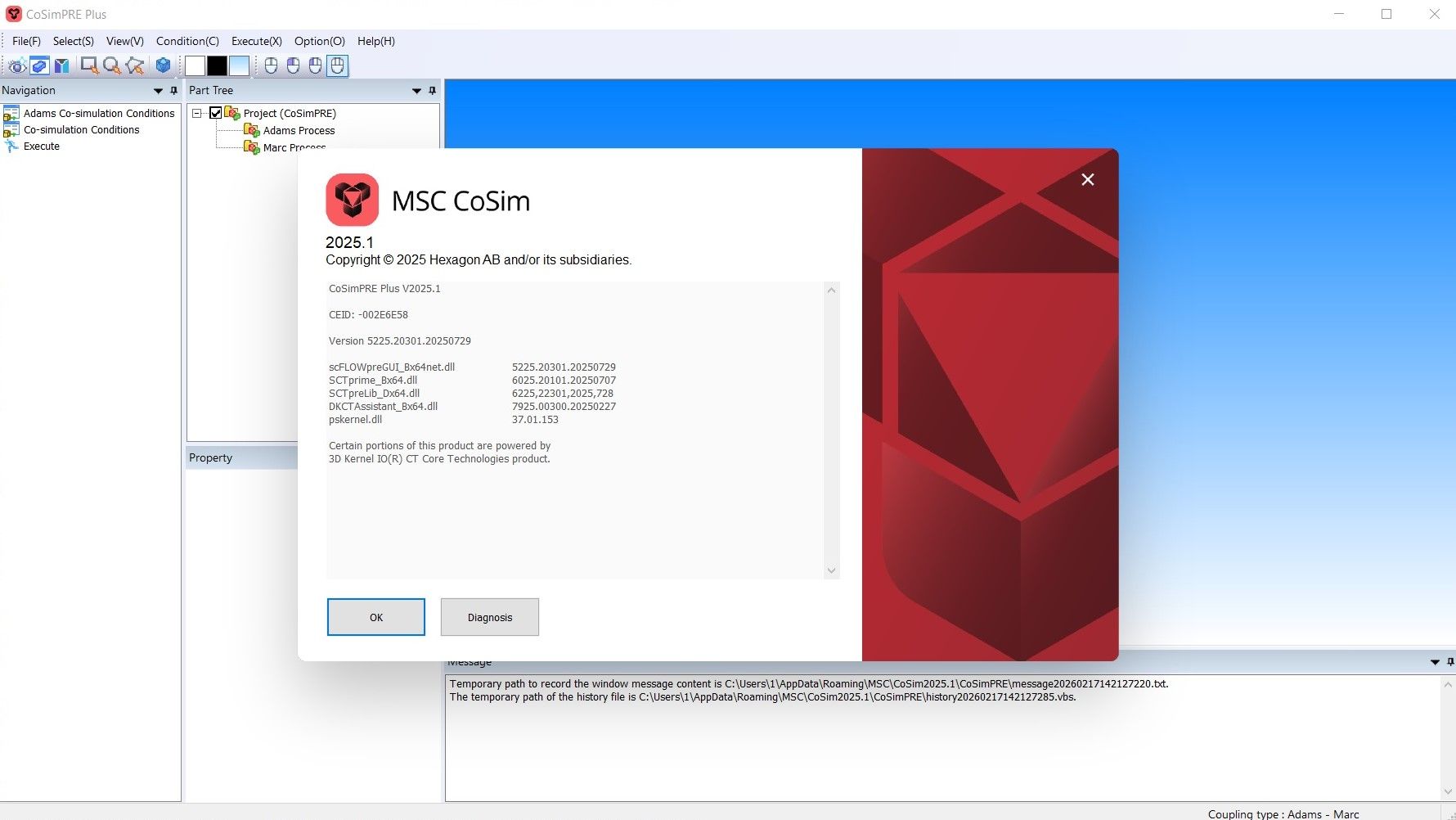
MSC CoSim 2022.1–2025.1 is a powerful co-simulation platform designed to enable real-time data exchange and integration between multiple engineering simulation tools. Developed by Hexagon Manufacturing Intelligence, MSC CoSim allows engineers to combine different physics domains and simulation environments into a unified workflow for accurate system-level analysis.

Supporting releases from 2022.1 through 2025.1, MSC CoSim enhances interoperability, synchronization, and simulation accuracy across multidisciplinary engineering projects.

Modern engineering systems often involve multiple physical domains such as structural mechanics, fluid dynamics, thermal behavior, and control systems. MSC CoSim enables these simulations to run simultaneously while exchanging data in real time, ensuring accurate interaction between subsystems.

This platform is widely used in aerospace, automotive, energy, electronics, and industrial equipment design to improve system performance and reduce development cycles.

Features of MSC CoSim 2022.1-2025.1

πŸ”Ή Multiphysics Co-Simulation
Integrate structural, thermal, fluid, and control simulations
Enable real-time data exchange between simulation tools
Improve accuracy of system-level performance predictions

πŸ”Ή Real-Time Data Synchronization
Synchronize simulation solvers during runtime
Maintain stable coupling between models
Ensure consistent results across disciplines

πŸ”Ή Broad Tool Integration
Connect leading CAE and simulation platforms
Support multidisciplinary workflows
Facilitate collaboration across engineering teams

πŸ”Ή System-Level Performance Analysis
Evaluate subsystem interactions and dependencies
Identify performance bottlenecks and design issues
Improve overall system reliability and efficiency

πŸ”Ή Flexible Coupling Methods
Support explicit and implicit coupling strategies
Configure co-simulation workflows for accuracy or spee
Adapt to project-specific simulation requirements

πŸ”Ή Automation & Workflow Efficiency
Automate co-simulation setup and execution
Reduce manual data exchange and setup errors
Improve productivity in complex simulation environments

πŸ”Ή High-Performance Computing Support
Parallel processing for large co-simulation models
Efficient resource utilization across compute clusters
Scalable performance for complex engineering systems

πŸ”Ή Visualization & Results Analysis
Monitor coupled simulation behavior in real time
Analyze system responses and performance metrics
Export results for reporting and design validation

Benefits
Improve accuracy of multidisciplinary system simulations
Reduce development time through integrated workflows
Enhance collaboration between engineering domains
Identify design issues earlier in the development cycle
Support digital engineering and model-based development

Typical Applications
Aerospace system integration and validation
Automotive powertrain and thermal system simulation
Energy systems and industrial equipment design
Electronics cooling and thermal management
Complex mechatronic system development

Conclusion
MSC CoSim 2022.1–2025.1 provides a robust co-simulation environment that enables real-time integration of multiple simulation domains. With powerful coupling capabilities, automation tools, and HPC support, it empowers engineers to analyze complex system interactions and optimize performance across multidisciplinary engineering projects.

If you want to download MSC CoSim 2022.1-2025.1 full license, please click to DOWNLOAD button to download.
CLICKDOWN.ORG Download CAD CAM CNC software
Inside package MSC CoSim 2022.1-2025.1, already have cracked files and instruction how to install MSC CoSim 2022.1-2025.1 step by step. I guarantee you can install MSC CoSim 2022.1-2025.1 successfully if you follow that instruction.
If you also can’t install it or get any problems, please contact to me by email: clickdown.org@gmail.com, then I will help you to install software by teamviewer or Ultraviewer or Anydesk.
Thanks a lot
SOFTWARES

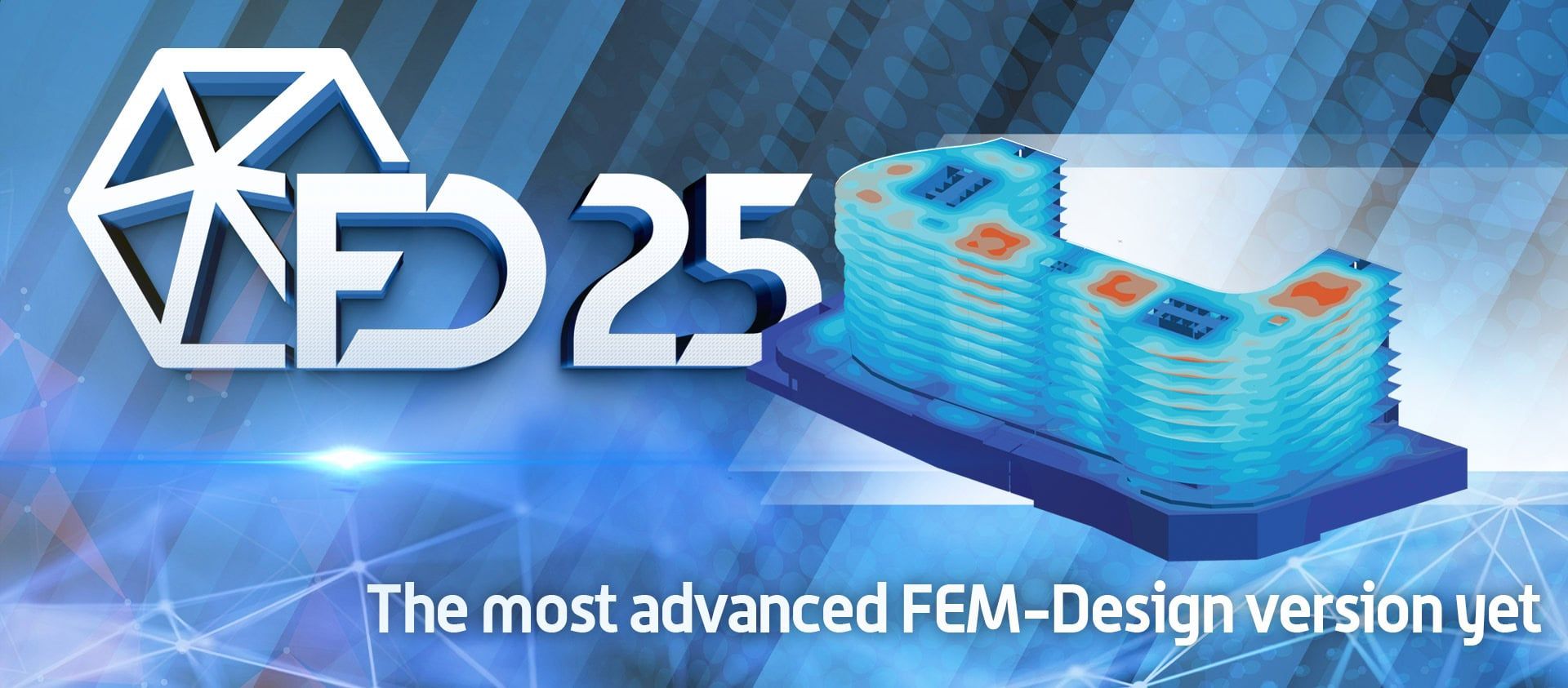
Download StruSoft FEM-Design Suite 25.00.001 x64 full

StruSoft FEM-Design Suite 25.00.001 – Advanced Structural Analysis & Design Software

Download StruSoft FEM-Design Suite 25.00.001 x64 full license

Link download StruSoft FEM-Design Suite 25.00.001 win64 full activated

StruSoft FEM-Design Suite 25.00.001 x64 full license

Working with StruSoft FEM-Design Suite 25.00.001 full activated

Description of StruSoft FEM-Design Suite 25.00.001

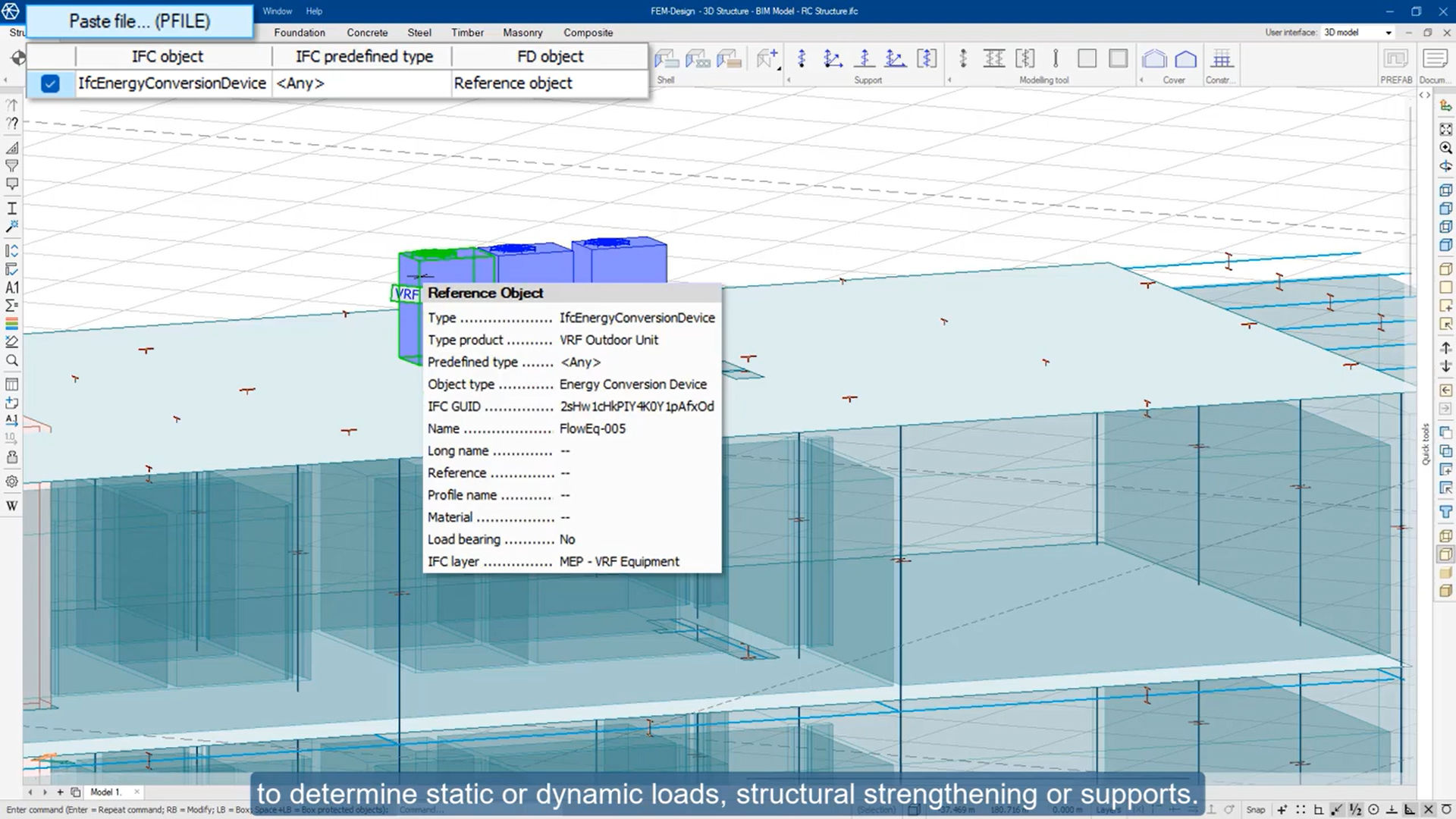
StruSoft FEM-Design Suite 25.00.001 is a comprehensive structural analysis and design solution used by civil and structural engineers to model, analyze, and verify buildings and infrastructure. Developed by StruSoft, FEM-Design enables accurate simulation of reinforced concrete, steel, timber, and composite structures in compliance with international design standards.

The 25.00.001 release enhances performance, improves BIM integration, and introduces workflow improvements to support modern structural engineering practices.

FEM-Design Suite provides advanced finite element analysis (FEA) tools for structural modeling, load analysis, and design verification. Engineers can simulate real-world structural behavior, evaluate safety factors, and optimize designs while ensuring compliance with Eurocodes and other international standards.

Version 25.00.001 improves computational efficiency and usability, enabling faster analysis and more precise structural validation.

Features of StruSoft FEM-Design Suite 25.00.001

πŸ”Ή Advanced Finite Element Analysis
Perform detailed structural simulations using FEM technology
Analyze stress, strain, deformation, and load distribution
Evaluate structural performance under complex load cases

πŸ”Ή Multi-Material Structural Design
Design reinforced concrete, steel, timber, and composite structures
Verify material performance and structural integrity
Support modern hybrid construction methods

πŸ”Ή Building & Infrastructure Modeling
Model multi-story buildings and structural systems
Analyze foundations, slabs, walls, and frames
Support infrastructure and civil engineering projects

πŸ”Ή Code Compliance & Design Standards
Verify structures according to Eurocodes and international standards
Automated safety checks and compliance verification
Generate design reports for regulatory approval

πŸ”Ή Load & Stability Analysis
Evaluate wind, seismic, snow, and live loads
Perform stability and buckling analysis
Improve safety and resilience of structures

πŸ”Ή BIM Integration & Workflow Efficiency
Integration with BIM workflows and structural design tools
Import/export models using common industry formats
Enhance collaboration between design teams

πŸ”Ή Optimization & Performance Improvements
Optimize structural elements for cost and efficiency
Reduce material usage while maintaining safety
Faster solver performance for large models

πŸ”Ή Visualization & Reporting Tools
Advanced 3D visualization of structural behavior
Clear graphical representation of loads and stresses
Automated documentation and engineering reports

Benefits
Improve structural safety and reliability
Accelerate design and analysis workflows
Ensure compliance with international building standards
Optimize material usage and construction costs
Enhance collaboration through BIM integration

Typical Applications
Residential and commercial building design
Infrastructure and civil engineering projects
Reinforced concrete and steel structure analysis
Seismic and wind load structural studies
Structural retrofit and safety assessments

Conclusion
StruSoft FEM-Design Suite 25.00.001 delivers powerful finite element analysis and structural design tools for modern engineering projects. With advanced modeling capabilities, code compliance verification, and BIM integration, it enables engineers to design safe, efficient, and compliant structures with confidence.

If you want to download StruSoft FEM-Design Suite 25.00.001 full license, please click to DOWNLOAD button to download.
CLICKDOWN.ORG Download CAD CAM CNC software
Inside package StruSoft FEM-Design Suite 25.00.001, already have cracked files and instruction how to install StruSoft FEM-Design Suite 25.00.001 step by step. I guarantee you can install StruSoft FEM-Design Suite 25.00.001 successfully if you follow that instruction.
If you also can’t install it or get any problems, please contact to me by email: clickdown.org@gmail.com, then I will help you to install software by teamviewer or Ultraviewer or Anydesk.
Thanks a lot
SOFTWARES

Download Slyce Software FormulaDesk Suite 2026 full license

Slyce Software FormulaDesk Suite 2026 – Advanced Excel Productivity & Formula Management Toolkit

Download Slyce Software FormulaDesk Suite 2026 full license

Link download Slyce Software FormulaDesk Suite 2026 full activated

Working with Slyce Software FormulaDesk Suite 2026 full license
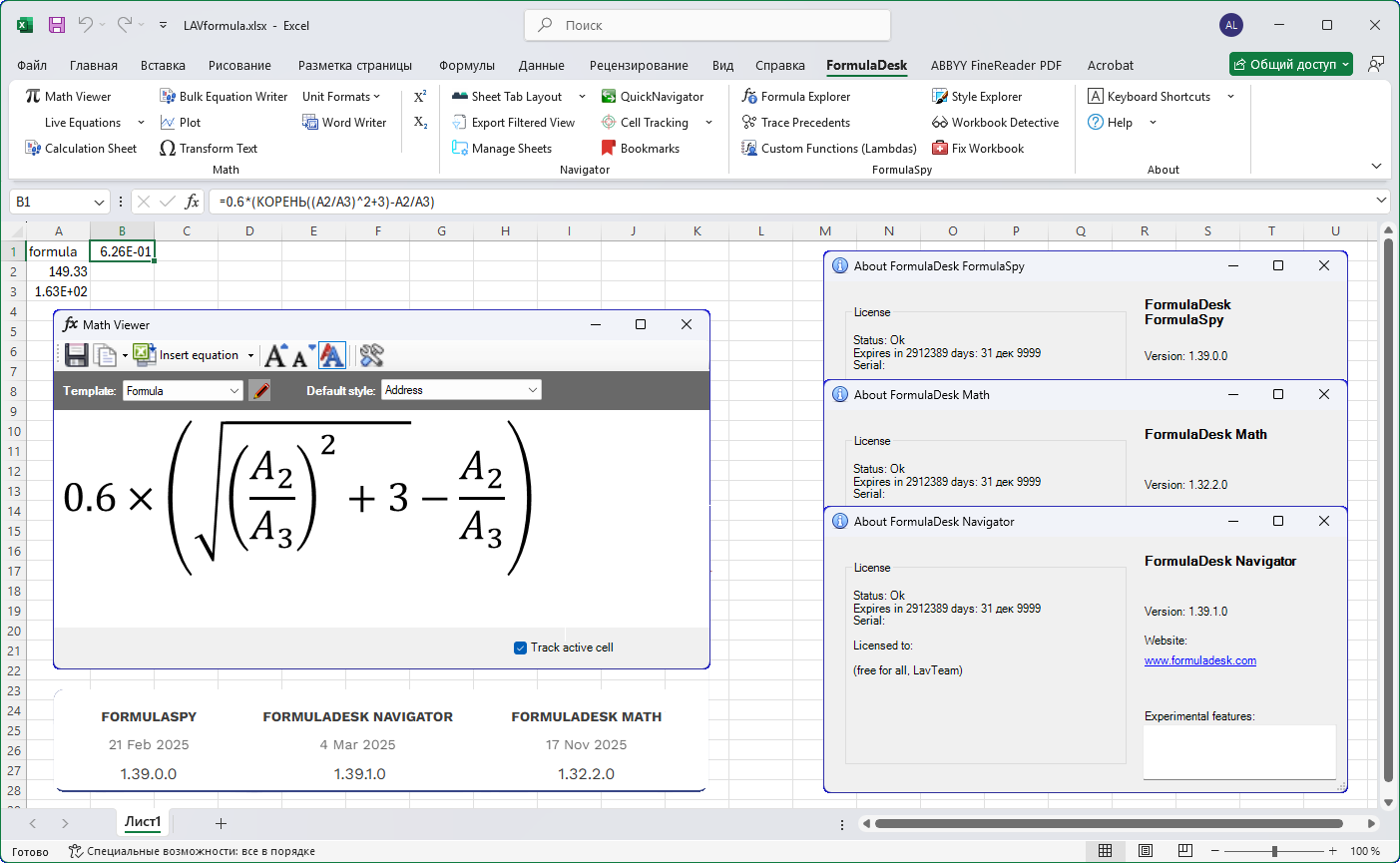
FormulaDesk Spy, FormulaDesk Math, FormulaDesk Navigator

Description of Slyce Software FormulaDesk Suite 2026

Slyce Software FormulaDesk Suite 2026 is a comprehensive productivity toolkit designed to enhance spreadsheet development, auditing, and management within Microsoft Excel. Developed by Slyce Software, the suite provides powerful tools to simplify formula editing, improve spreadsheet accuracy, and boost productivity for analysts, accountants, and business professionals.

The 2026 release introduces performance enhancements, improved formula management tools, and usability improvements to support complex spreadsheet workflows.

FormulaDesk Suite extends Excel functionality by offering advanced formula editing, auditing, and documentation tools. It helps users manage complex formulas, detect errors, and maintain spreadsheet integrity, making it especially valuable in finance, engineering, research, and data analysis environments.

Version 2026 improves workflow efficiency and enhances compatibility with modern Excel environments.

Features of Slyce Software FormulaDesk Suite 2026

πŸ”Ή Formula Editing & Productivity Tools
Advanced formula editor with enhanced readability
Simplify complex nested formulas
Accelerate formula creation and modification

πŸ”Ή Spreadsheet Auditing & Error Detection
Identify formula errors and inconsistencies
Detect broken references and logical issues
Improve spreadsheet accuracy and reliability

πŸ”Ή Formula Comparison & Analysis
Compare formulas across worksheets and files
Track changes and identify discrepancies
Support quality control and auditing processes

πŸ”Ή Documentation & Reporting Tools
Automatically generate formula documentation
Improve transparency and compliance reporting
Create structured reports for audits and reviews

πŸ”Ή Workbook Management Utilities
Manage named ranges and dependencies
Clean and optimize large spreadsheets
Improve workbook organization and performance

πŸ”Ή Integration with Excel Workflows
Seamless integration into existing Excel environments
Enhance productivity without disrupting workflows
Support modern Excel versions and enterprise environments

πŸ”Ή Automation & Time-Saving Features
Batch operations for formula updates
Automate repetitive spreadsheet tasks
Increase efficiency for large datasets

πŸ”Ή Usability & Performance Improvements
Faster processing for large workbooks
Improved interface for easier navigation
Enhanced stability and user experience

Benefits
Reduce errors in complex spreadsheets
Improve productivity and workflow efficiency
Enhance transparency and audit readiness
Simplify management of large Excel workbooks
Support accurate financial and data analysis

Typical Applications
Financial modeling and accounting
Business analytics and reporting
Engineering calculations and data analysis
Audit and compliance documentation
Large-scale spreadsheet management

Conclusion
Slyce Software FormulaDesk Suite 2026 provides essential tools for managing, auditing, and optimizing Excel spreadsheets. With advanced formula editing, error detection, and documentation features, it enables professionals to improve accuracy, streamline workflows, and maintain reliable spreadsheet systems.

If you want to download Slyce Software FormulaDesk Suite 2026 full license, please click to DOWNLOAD button to download.
CLICKDOWN.ORG Download CAD CAM CNC software
Inside package Slyce Software FormulaDesk Suite 2026, already have cracked files and instruction how to install Slyce Software FormulaDesk Suite 2026 step by step. I guarantee you can install Slyce Software FormulaDesk Suite 2026 successfully if you follow that instruction.
If you also can’t install it or get any problems, please contact to me by email: clickdown.org@gmail.com, then I will help you to install software by teamviewer or Ultraviewer or Anydesk.
Thanks a lot
SOFTWARES

Download DELTARES SYSTEMS DELFT3D FM SUITE 2026.01 2D3D full

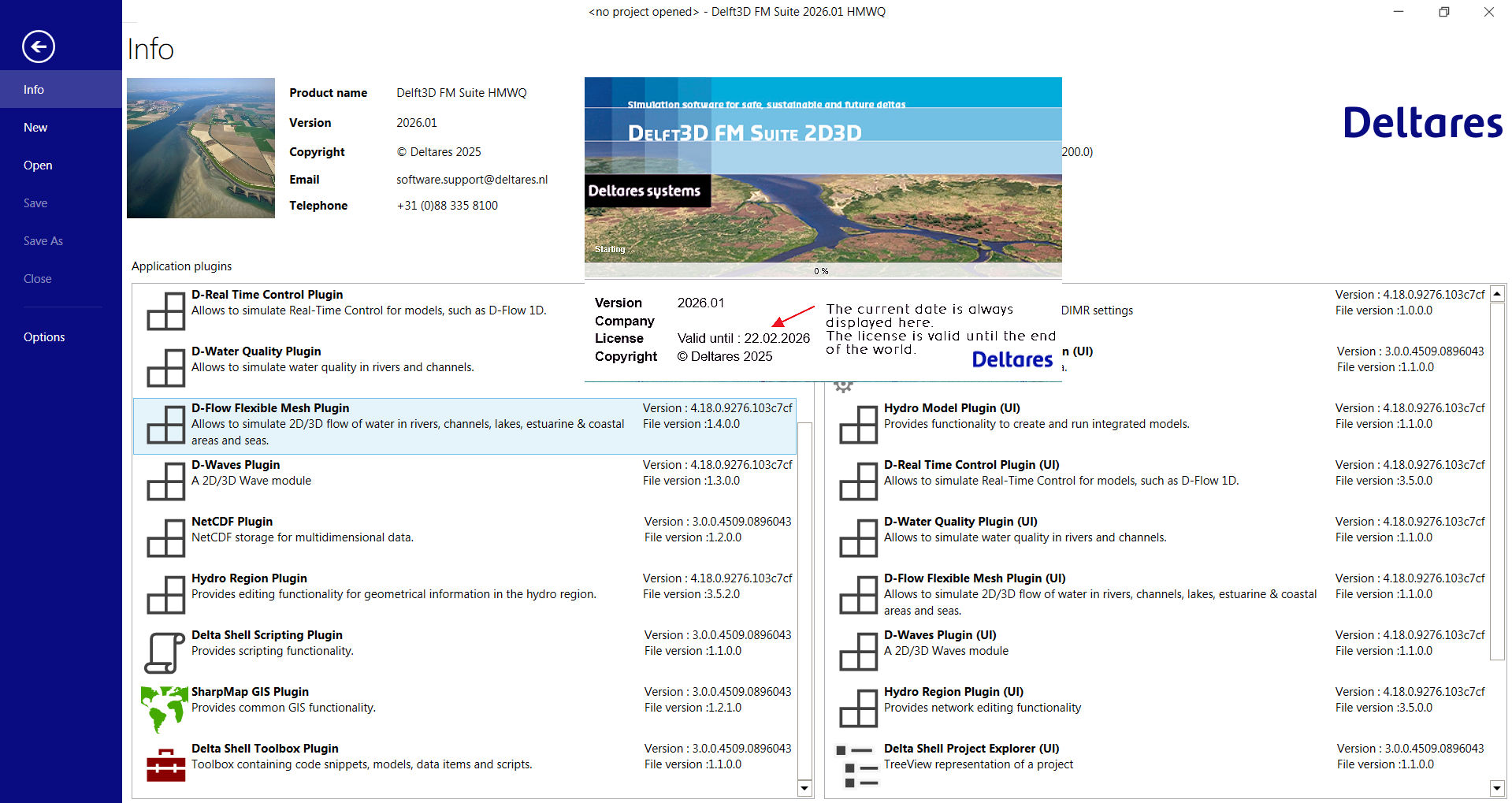
DELFT3D FM Suite 2026.01 2D3D HMWQ – Advanced Hydrodynamic & Water Quality Modeling System

Download DELTARES SYSTEMS DELFT3D FM SUITE 2026.01 2D3D HMWQ full

Link download DELFT3D FM SUITE 2026.01 2D3D HMWQ full activated

Working with DELFT3D FM SUITE 2026.01 2D3D full license

Description of DELFT3D FM SUITE 2026.01 2D3D HMWQ

DELFT3D FM Suite 2026.01 2D3D HMWQ is a powerful hydrodynamic and environmental modeling solution used to simulate water flow, sediment transport, and water quality processes in rivers, coastal zones, estuaries, and lakes. Developed by Deltares, this advanced suite enables engineers, researchers, and environmental planners to analyze complex water systems and support sustainable water management.

The Flexible Mesh (FM) technology allows highly accurate 2D and 3D simulations using adaptive grids, making it ideal for modeling dynamic aquatic environments and predicting environmental impacts.

DELFT3D FM Suite provides a comprehensive platform for simulating hydrodynamics, morphology, and water quality processes. The 2D3D HMWQ module enables detailed analysis of hydrodynamics and water quality interactions, supporting studies related to pollution dispersion, nutrient transport, and ecosystem health.

Version 2026.01 enhances solver performance, improves flexible mesh capabilities, and expands water quality modeling tools for more accurate and efficient environmental analysis.

Features of DELFT3D FM SUITE 2026.01 2D3D HMWQ

πŸ”Ή Flexible Mesh Hydrodynamic Modeling
Advanced 2D and 3D flow simulations
Adaptive flexible mesh for complex geometries
Accurate modeling of tides, currents, and water levels

πŸ”Ή Water Quality & Environmental Modeling
Simulate pollutant transport and dispersion
Nutrient cycling and eutrophication analysis
Dissolved oxygen and ecosystem health assessment

πŸ”Ή River, Coastal & Estuarine Applications
Model river hydraulics and flood behavior
Coastal circulation and storm surge analysis
Estuarine mixing and salinity intrusion modeling

πŸ”Ή Sediment Transport & Morphodynamics
Simulate sediment transport processes
Predict erosion, deposition, and bed level changes
Support coastal and river engineering projects

πŸ”Ή Coupled Hydrodynamics & Water Quality (HMWQ)
Integrated simulation of flow and water quality processes
Analyze interactions between hydrodynamics and pollutants
Improve environmental impact assessments

πŸ”Ή Climate & Flood Risk Analysis
Evaluate flood scenarios and extreme weather impacts
Support climate adaptation planning
Improve resilience of water infrastructure

πŸ”Ή High-Performance Computing Support
Parallel processing for large-scale simulations
Efficient handling of complex environmental models
Scalable performance for regional studies

πŸ”Ή Visualization & Data Interpretation
Advanced visualization of flow patterns and water quality
Time-series analysis and spatial mapping tools
Export results for reporting and decision-making

Benefits
Improve water resource management and planning
Support environmental protection and regulatory compliance
Predict flood risks and climate change impacts
Enhance coastal and river engineering design
Enable science-based decision-making for aquatic ecosystems

Typical Applications
Coastal and estuarine engineering
Flood risk and river management studies
Environmental impact and water quality assessments
Sediment transport and shoreline evolution analysis
Climate adaptation and resilience planning

Conclusion
DELFT3D FM Suite 2026.01 2D3D HMWQ provides advanced hydrodynamic and water quality modeling capabilities for complex aquatic environments. With flexible mesh technology, integrated environmental analysis, and high-performance computing support, it enables professionals to understand water systems, mitigate risks, and support sustainable water management.

If you want to download DELFT3D FM SUITE 2026.01 2D3D HMWQ full license, please click to DOWNLOAD button to download.
CLICKDOWN.ORG Download CAD CAM CNC software
Inside package DELFT3D FM SUITE 2026.01 2D3D HMWQ, already have cracked files and instruction how to install DELFT3D FM SUITE 2026.01 2D3D HMWQ step by step. I guarantee you can install DELFT3D FM SUITE 2026.01 2D3D HMWQ successfully if you follow that instruction.
If you also can’t install it or get any problems, please contact to me by email: clickdown.org@gmail.com, then I will help you to install software by teamviewer or Ultraviewer or Anydesk.
Thanks a lot
SOFTWARES

Download Hexagon Digimat inc Moldex3D 2025.2 full license

Hexagon Digimat in Moldex3D 2025.2 – Advanced Composite Injection Molding Simulation

Download Hexagon Digimat inc Moldex3D 2025.2 x64 full license

Link download Hexagon Digimat inc Moldex3D 2025.2 full activated

Working with Hexagon Digimat inc Moldex3D 2025.2 full license

Description of Hexagon Digimat inc Moldex3D 2025.2

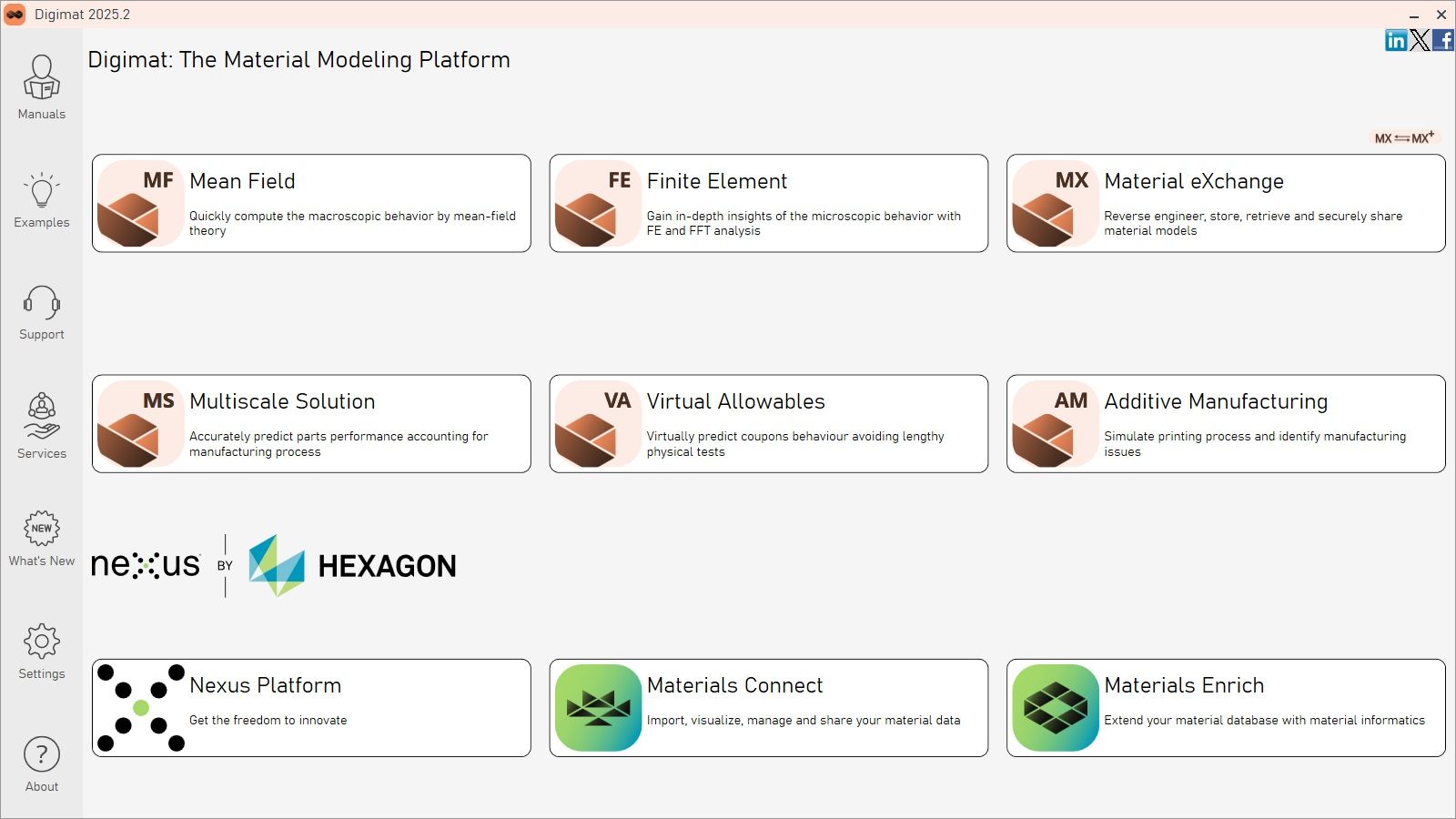
Hexagon Digimat in Moldex3D 2025.2 is an advanced simulation solution that integrates Digimat material modeling technology with Moldex3D injection molding analysis to accurately predict the behavior of fiber-reinforced composite parts during manufacturing. Developed through collaboration between Hexagon Manufacturing Intelligence and CoreTech System Co., Ltd., this integration enables engineers to simulate fiber orientation, structural performance, and warpage with high precision.

The 2025.2 release introduces improved composite material modeling, enhanced solver performance, and streamlined workflows for lightweight and high-performance plastic component design.

Hexagon Digimat in Moldex3D combines injection molding simulation with advanced material modeling to predict how fiber-reinforced polymers behave during molding and in final structural performance. Engineers can evaluate fiber orientation, anisotropic mechanical properties, shrinkage, and warpage to ensure optimal part quality and structural integrity.

Version 2025.2 enhances accuracy and usability, supporting modern lightweight design and composite manufacturing processes.

Features of Hexagon Digimat inc Moldex3D 2025.2

πŸ”Ή Fiber-Reinforced Composite Simulation
Predict fiber orientation during injection molding
Evaluate anisotropic mechanical properties
Optimize strength and stiffness of composite parts

πŸ”Ή Integrated Injection Molding Analysis
Simulate filling, packing, cooling, and warpage
Predict shrinkage and dimensional stability
Improve mold design and manufacturing outcomes

πŸ”Ή Structural Performance Prediction
Transfer fiber orientation results to structural analysis
Evaluate strength, durability, and stiffness
Improve product reliability and safety

πŸ”Ή Advanced Material Modeling
Accurate modeling of short and long fiber composites
Support for thermoplastic composite materials
Enhanced calibration for material behavior prediction

πŸ”Ή Warpage & Shrinkage Analysis
Predict deformation caused by fiber orientation and cooling
Minimize dimensional inaccuracies
Improve part quality and assembly fit

πŸ”Ή Lightweight Design Optimization
Optimize composite structures for weight reduction
Improve performance-to-weight ratio
Support sustainability and material efficiency goals

πŸ”Ή Solver Performance Enhancements
Faster computation for large composite models
Improved stability and accuracy
Efficient memory usage for complex simulations

πŸ”Ή Workflow Integration & Usability
Seamless data exchange between molding and structural analysis
Streamlined workflow for design and manufacturing teams
Enhanced visualization and reporting tools

Benefits
Improve accuracy of composite injection molding simulations
Optimize fiber orientation for structural performance
Reduce warpage and manufacturing defects
Accelerate lightweight product development
Minimize material waste and production costs

Typical Applications
Automotive lightweight components
Aerospace composite structures
Consumer electronics housings
Industrial plastic components
High-performance composite product design

Conclusion
Hexagon Digimat in Moldex3D 2025.2 delivers advanced simulation capabilities for fiber-reinforced composite injection molding. By combining accurate fiber orientation prediction with structural performance analysis, it enables engineers to design lightweight, durable, and high-quality composite components while reducing manufacturing risks and costs.

If you want to download Hexagon Digimat inc Moldex3D 2025.2 full license, please click to DOWNLOAD button to download.
CLICKDOWN.ORG Download CAD CAM CNC software
Inside package Hexagon Digimat inc Moldex3D 2025.2, already have cracked files and instruction how to install Hexagon Digimat inc Moldex3D 2025.2 step by step. I guarantee you can install Hexagon Digimat inc Moldex3D 2025.2 successfully if you follow that instruction.
If you also can’t install it or get any problems, please contact to me by email: clickdown.org@gmail.com, then I will help you to install software by teamviewer or Ultraviewer or Anydesk.
Thanks a lot
SOFTWARES

Download Aquaveo GMS Premium 10.9.3 x64 full license

Aquaveo GMS Premium 10.9.3 – Advanced Groundwater Modeling & Hydrologic Analysis Software

Download Aquaveo GMS Premium 10.9.3 x64 full license

Link download Aquaveo GMS Premium 10.9.3 win64 full activated

Working with Aquaveo GMS Premium 10.9.3 full license

Description of Aquaveo GMS Premium 10.9.3

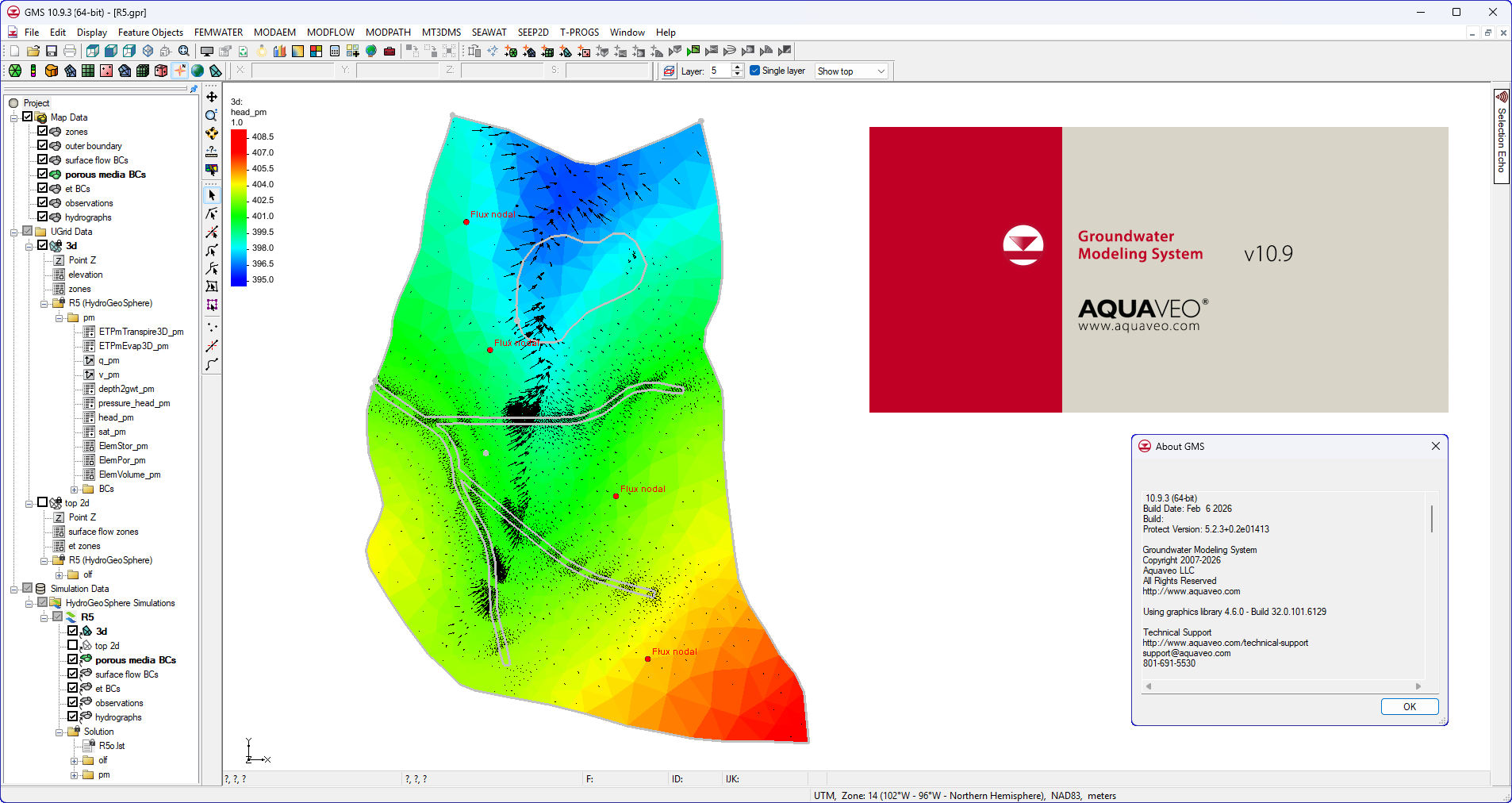
Aquaveo GMS Premium 10.9.3 is a comprehensive groundwater modeling and hydrologic analysis software designed for engineers, hydrologists, and environmental professionals. Developed by Aquaveo, GMS (Groundwater Modeling System) provides advanced tools for simulating groundwater flow, contaminant transport, and aquifer behavior.

Version 10.9.3 introduces performance improvements, enhanced visualization tools, and expanded modeling capabilities, enabling users to analyze complex hydrogeological systems with greater accuracy and efficiency.

GMS Premium offers an integrated environment for building conceptual models, running numerical simulations, and visualizing groundwater systems. It supports industry-standard models and provides powerful tools for environmental impact assessment, water resource management, and contamination remediation planning.

The Premium edition includes advanced features for 3D visualization, model calibration, and data integration to support complex groundwater studies.

Features of Aquaveo GMS Premium 10.9.3

πŸ”Ή Comprehensive Groundwater Flow Modeling
Simulate groundwater flow in confined and unconfined aquifers
Support steady-state and transient flow conditions
Evaluate aquifer recharge and discharge processes

πŸ”Ή Contaminant Transport Simulation
Model contaminant migration and plume behavior
Predict pollutant spread in groundwater systems
Support remediation planning and environmental protection

πŸ”Ή Support for Industry-Standard Models
Integrated support for MODFLOW, MT3DMS, RT3D, and SEAWAT
Advanced calibration and parameter estimation tools
Reliable and validated simulation frameworks

πŸ”Ή Conceptual Model Development
Build conceptual site models with GIS integration
Define hydrogeologic layers and boundary conditions
Streamline model setup and data organization

πŸ”Ή 3D Visualization & Data Interpretation
Advanced 3D visualization of groundwater surfaces and plumes
Contour mapping and cross-section analysis
Improve understanding of subsurface conditions

πŸ”Ή Model Calibration & Parameter Estimation
Automated calibration tools for improved accuracy
Sensitivity analysis and uncertainty evaluation
Optimize model reliability and predictive performance

πŸ”Ή Surface Water & Groundwater Interaction
Analyze interactions between rivers, lakes, and aquifers
Evaluate recharge and stream-aquifer exchanges
Support watershed and water resource studies

πŸ”Ή Data Integration & GIS Support
Import GIS, borehole, and field measurement data
Integrate multi-source datasets into a unified model
Enhance spatial analysis capabilities

Benefits
Improve groundwater resource management
Support environmental protection and remediation planning
Reduce uncertainty in hydrogeological studies
Enhance decision-making with accurate simulations
Streamline complex groundwater modeling workflows

Typical Applications
Groundwater resource assessment
Environmental impact studies
Contamination remediation planning
Mining and construction hydrogeology
Water supply and aquifer management

Conclusion
Aquaveo GMS Premium 10.9.3 provides a powerful platform for groundwater modeling, contaminant transport analysis, and hydrogeological research. With advanced simulation tools, 3D visualization, and support for industry-standard models, it enables professionals to make informed decisions in water resource management and environmental protection.

If you want to download Aquaveo GMS Premium 10.9.3 full license, please click to DOWNLOAD button to download.
CLICKDOWN.ORG Download CAD CAM CNC software
Inside package Aquaveo GMS Premium 10.9.3, already have cracked files and instruction how to install Aquaveo GMS Premium 10.9.3 step by step. I guarantee you can install Aquaveo GMS Premium 10.9.3 successfully if you follow that instruction.
If you also can’t install it or get any problems, please contact to me by email: clickdown.org@gmail.com, then I will help you to install software by teamviewer or Ultraviewer or Anydesk.
Thanks a lot
SOFTWARES

Download MSC Easy5 2025.2 Win64 full license forever

MSC Easy5 2025.2 – Advanced System Simulation & Multidomain Modeling Software

Download MSC Easy5 2025.2 Win64 full license forever

Link download MSC Easy5 2025.2 full activated

Working with MSC Easy5 2025.2 full license

Description of MSC Easy5 2025.2

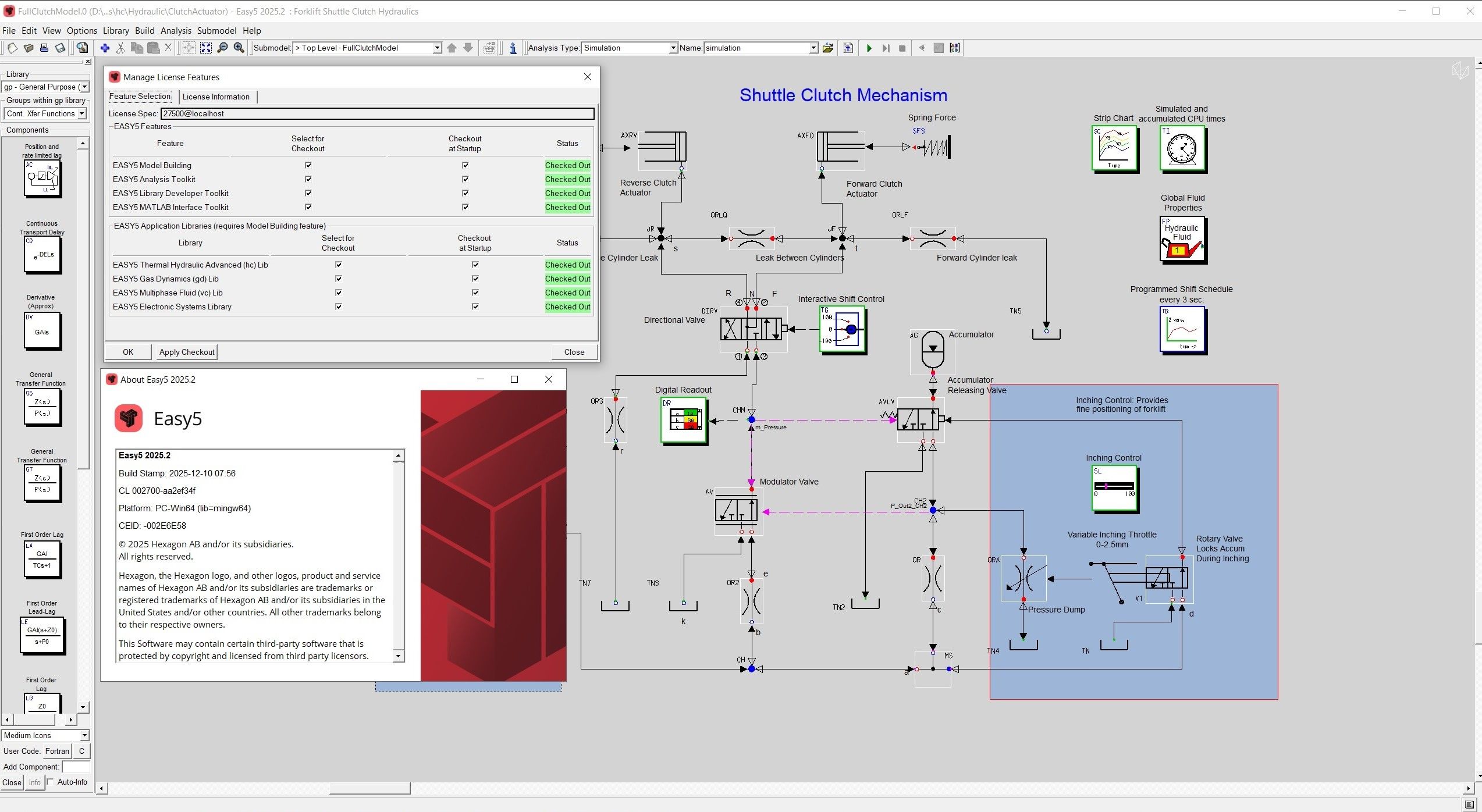
MSC Easy5 2025.2 is a powerful multidomain system simulation platform used to model, analyze, and optimize complex dynamic systems. Developed by Hexagon Manufacturing Intelligence, Easy5 enables engineers to simulate interactions between mechanical, hydraulic, pneumatic, thermal, electrical, and control systems within a single integrated environment.

The 2025.2 release delivers improved solver performance, enhanced modeling capabilities, and workflow enhancements to support modern system-level design and digital engineering processes.

MSC Easy5 provides a comprehensive simulation environment for predicting system behavior, validating control strategies, and optimizing performance before physical prototypes are built. It is widely used in aerospace, automotive, energy, defense, and industrial equipment sectors to simulate complex dynamic systems.

Version 2025.2 enhances usability, expands component libraries, and improves co-simulation capabilities for multidisciplinary engineering projects.

Features of MSC Easy5 2025.2

πŸ”Ή Multidomain System Modeling
Model mechanical, hydraulic, pneumatic, thermal, and electrical systems
Simulate interactions between subsystems in a unified environment
Ideal for complex dynamic system design

πŸ”Ή Control System Integration
Design and validate control logic and feedback systems
Evaluate system response and stability
Integrate with control development workflows

πŸ”Ή Advanced Dynamic Simulation
Time-domain simulation of nonlinear dynamic systems
Evaluate transient and steady-state performance
Analyze system behavior under varying operating conditions

πŸ”Ή Component Libraries & Custom Modeling
Extensive libraries of prebuilt components
Create custom components and system models
Accelerate model development and validation

πŸ”Ή Co-Simulation & Tool Integration
Integrate with other CAE and control design tools
Support co-simulation for multidisciplinary workflows
Improve cross-domain engineering collaboration

πŸ”Ή Optimization & Performance Analysis
Conduct parametric studies and design optimization
Identify performance improvements and efficiency gains
Evaluate multiple operating scenarios

πŸ”Ή Real-Time & Hardware-in-the-Loop (HIL) Support
Support real-time simulation environments
Validate control systems with hardware integration
Improve reliability in mission-critical applications

πŸ”Ή Visualization & Results Analysis
Advanced plotting and visualization tools
Monitor system variables and performance metrics
Generate engineering reports and documentation

Benefits
Reduce development time and physical prototyping costs
Improve system reliability and performance
Optimize control strategies and system behavior
Enhance collaboration across engineering disciplines
Support digital transformation and model-based engineering

Typical Applications
Aircraft and aerospace system simulation
Automotive hydraulic and control systems
Energy and power system modeling
Industrial machinery and automation systems
Defense and mission-critical system development

Conclusion
MSC Easy5 2025.2 provides a robust platform for multidomain system simulation and dynamic modeling. With enhanced performance, advanced control integration, and powerful optimization tools, it enables engineers to design, validate, and optimize complex systems with confidence and efficiency.

If you want to download MSC Easy5 2025.2 full license, please click to DOWNLOAD button to download.
CLICKDOWN.ORG Download CAD CAM CNC software
Inside package MSC Easy5 2025.2, already have cracked files and instruction how to install MSC Easy5 2025.2 step by step. I guarantee you can install MSC Easy5 2025.2 successfully if you follow that instruction.
If you also can’t install it or get any problems, please contact to me by email: clickdown.org@gmail.com, then I will help you to install software by teamviewer or Ultraviewer or Anydesk.
Thanks a lot
SOFTWARES

Download ioAnalytics ioGAS 8.3.1.300231 full license

ioAnalytics ioGAS 8.3.1.300231 – Advanced Geochemical & Geological Data Analysis Software

Download ioAnalytics ioGAS 8.3.1.300231 full license

Link download ioAnalytics ioGAS 8.3.1.300231 full activated

Working with ioAnalytics ioGAS 8.3.1.300231 full license

Description of ioAnalytics ioGAS 8.3.1.300231

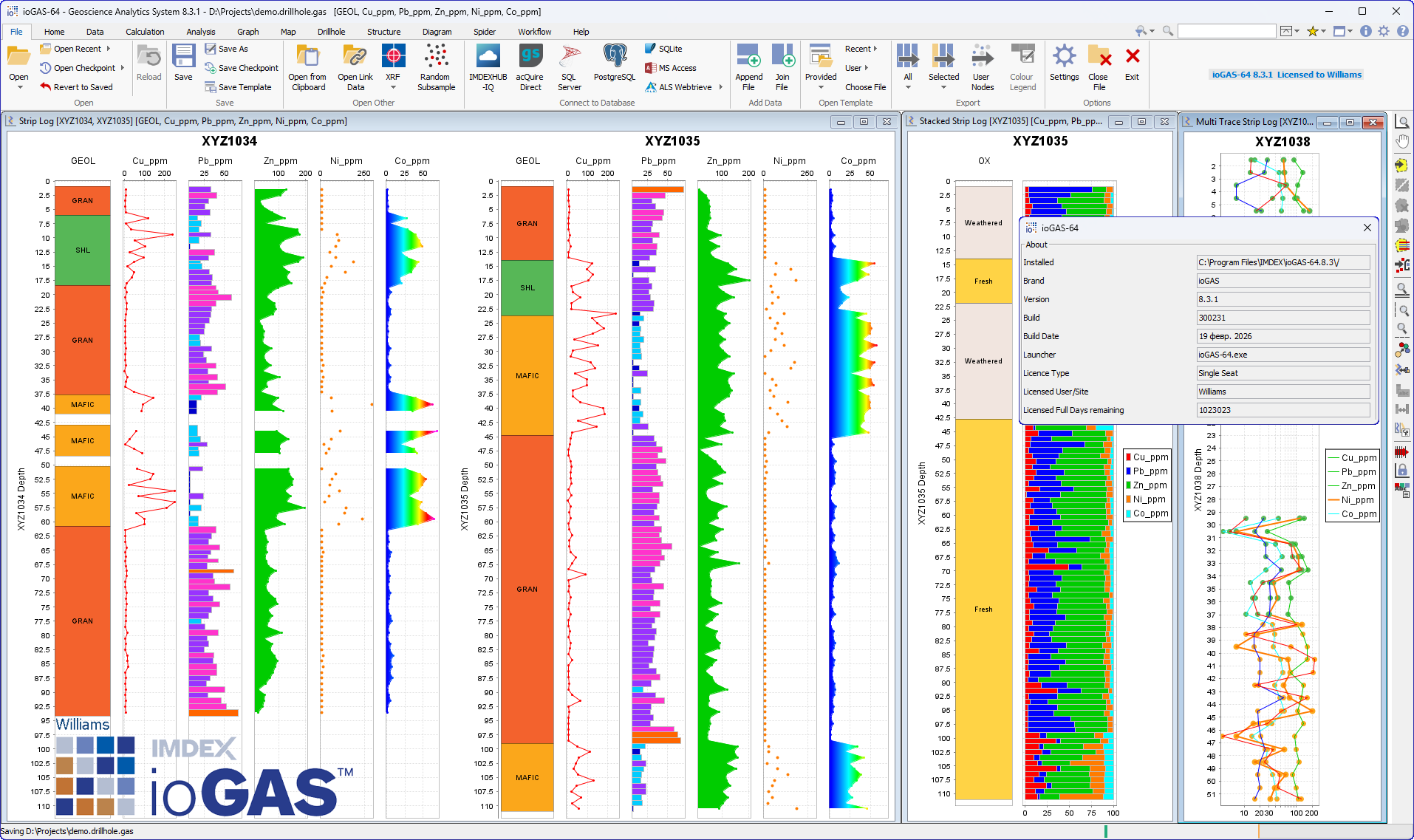
ioAnalytics ioGAS 8.3.1.300231 is a powerful geochemical and geological data analysis platform designed to help geoscientists interpret complex datasets and identify mineral exploration targets. Developed by ioAnalytics, ioGAS provides advanced statistical, spatial, and graphical tools for understanding geochemical patterns and geological relationships.

This latest version enhances data visualization, statistical analysis workflows, and performance, enabling exploration teams to make faster, more informed decisions.

ioGAS is widely used in mineral exploration, mining, environmental geochemistry, and geological research. The platform integrates multivariate statistics, spatial analysis, and visualization tools to uncover hidden relationships in geochemical and geological datasets.

Version 8.3.1.300231 improves usability and computational performance while expanding tools for handling large, complex datasets.

Features of ioAnalytics ioGAS 8.3.1.300231

πŸ”Ή Multivariate Statistical Analysis
Principal Component Analysis (PCA) and cluster analysis
Factor analysis and regression tools
Identify relationships between geochemical variables

πŸ”Ή Advanced Data Visualization
Interactive scatter plots and ternary diagrams
Heat maps and geochemical distribution maps
Dynamic visualization for pattern recognition

πŸ”Ή Spatial & Geological Analysis
Integration with GIS data and spatial coordinates
Analyze geological trends and geochemical anomalies
Support mineral prospectivity mapping

πŸ”Ή Large Dataset Processing
Efficient handling of large exploration datasets
High-performance calculations and data filtering
Rapid processing for regional-scale surveys

πŸ”Ή Data Integration & Import Tools
Import data from spreadsheets, GIS, and laboratory results
Merge multi-source datasets for comprehensive analysis
Clean and preprocess geochemical data

πŸ”Ή Exploration Targeting Tools
Identify anomalous geochemical signatures
Support mineral exploration decision-making
Improve targeting accuracy and reduce exploration risk

πŸ”Ή Automation & Workflow Efficiency
Save workflows and automate repetitive tasks
Batch processing for large projects
Improve productivity and consistency

πŸ”Ή Reporting & Presentation Tools
Export high-quality charts and analytical results
Create reports for technical teams and stakeholders
Support documentation and compliance requirements

Benefits
Improve interpretation of complex geochemical data
Identify mineral exploration targets with greater confidence
Reduce exploration risk and operational costs
Enhance geological understanding through advanced analytics
Accelerate decision-making in exploration projects

Typical Applications
Mineral exploration and resource evaluation
Environmental geochemistry studies
Geological research and academic studies
Mining project development
Regional geochemical surveys

Conclusion
ioAnalytics ioGAS 8.3.1.300231 provides powerful tools for geochemical analysis, spatial interpretation, and mineral exploration targeting. With advanced statistical methods, dynamic visualization, and efficient data processing, it enables geoscientists to transform complex datasets into actionable geological insights.

If you want to download ioAnalytics ioGAS 8.3.1.300231 full license, please click to DOWNLOAD button to download.
CLICKDOWN.ORG Download CAD CAM CNC software
Inside package ioAnalytics ioGAS 8.3.1.300231, already have cracked files and instruction how to install ioAnalytics ioGAS 8.3.1.300231 step by step. I guarantee you can install ioAnalytics ioGAS 8.3.1.300231 successfully if you follow that instruction.
If you also can’t install it or get any problems, please contact to me by email: clickdown.org@gmail.com, then I will help you to install software by teamviewer or Ultraviewer or Anydesk.
Thanks a lot
SOFTWARES

Download Innova Drilling & Intervention Engineering 2.7.0.0

Innova Drilling & Intervention Engineering 2.7.0.0 – Advanced Well Engineering & Drilling Design Software

Download Innova Drilling & Intervention Engineering 2.7.0.0 full license

Link download Innova Drilling & Intervention Engineering 2.7.0.0 full activated

Working with Innova Drilling & Intervention Engineering 2.7.0.0 full license

Description of Innova Drilling & Intervention Engineering 2.7.0.0

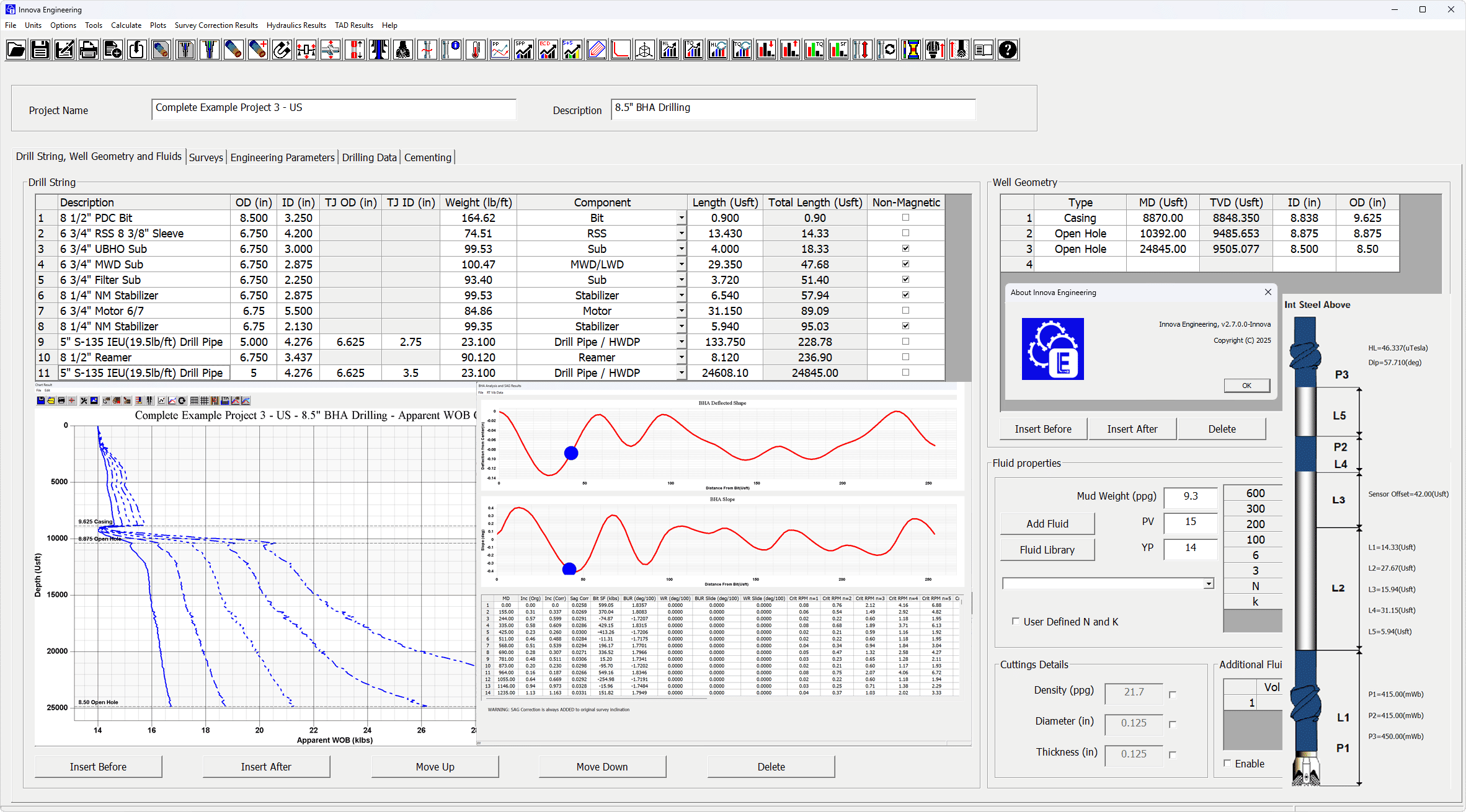
Innova Drilling & Intervention Engineering 2.7.0.0 is a specialized engineering software solution designed to support well planning, drilling design, and intervention operations in the oil and gas industry. Developed by Baker Hughes, the Innova platform provides engineers with integrated tools to optimize drilling performance, enhance well integrity, and improve operational safety.

Version 2.7.0.0 introduces workflow improvements, enhanced modeling capabilities, and improved data integration to support complex drilling environments and modern well engineering challenges.

Innova Drilling & Intervention Engineering enables drilling and well engineers to design, analyze, and optimize drilling programs and intervention strategies. The platform integrates engineering calculations, real-time data evaluation, and risk assessment tools to ensure efficient and safe operations.

This release enhances modeling accuracy and usability, helping engineers plan wells more effectively while minimizing operational risks and non-productive time (NPT).

Features of Innova Drilling & Intervention Engineering 2.7.0.0

πŸ”Ή Comprehensive Well Planning & Design
Design well trajectories and casing programs
Optimize drilling parameters and well architecture
Evaluate directional drilling strategies

πŸ”Ή Drilling Hydraulics & Pressure Analysis
Model fluid hydraulics and pressure profiles
Evaluate equivalent circulating density (ECD)
Optimize mud properties for well stability

πŸ”Ή Torque & Drag Modeling
Predict torque and drag forces along the drill string
Improve equipment selection and operational efficiency
Reduce mechanical risks during drilling

πŸ”Ή Well Integrity & Risk Assessment
Identify potential well control risks
Evaluate casing integrity and load conditions
Support regulatory compliance and safety planning

πŸ”Ή Intervention & Workover Planning
Plan well intervention and remediation operations
Evaluate tools and operational procedures
Improve efficiency in well maintenance activities

πŸ”Ή Data Integration & Workflow Automation
Integrate field data and engineering calculations
Automate workflows for improved productivity
Support collaborative engineering environments

πŸ”Ή Performance Optimization Tools
Reduce non-productive time (NPT) through predictive analysis
Optimize drilling efficiency and cost control
Improve decision-making with scenario analysis

πŸ”Ή Visualization & Reporting
Clear visualization of wellbore geometry and loads
Generate engineering reports and compliance documentation
Improve communication between teams and stakeholders

Benefits
Improve drilling safety and well integrity
Reduce operational risks and non-productive time
Optimize drilling performance and cost efficiency
Enhance decision-making with advanced engineering analysis
Support complex well environments and modern drilling challenges

Typical Applications
Onshore and offshore drilling operations
Complex directional and horizontal wells
Well intervention and remediation planning
Pressure management and well integrity analysis
Oil & gas field development projects

Conclusion
Innova Drilling & Intervention Engineering 2.7.0.0 provides a comprehensive platform for well engineering, drilling design, and intervention planning. With advanced modeling, risk analysis, and workflow automation capabilities, it enables oil and gas professionals to improve operational safety, optimize performance, and reduce costs across drilling operations.

If you want to download Innova Drilling & Intervention Engineering 2.7.0.0 full license, please click to DOWNLOAD button to download.
CLICKDOWN.ORG Download CAD CAM CNC software
Inside package Innova Drilling & Intervention Engineering 2.7.0.0, already have cracked files and instruction how to install Innova Drilling & Intervention Engineering 2.7.0.0 step by step. I guarantee you can install Innova Drilling & Intervention Engineering 2.7.0.0 successfully if you follow that instruction.
If you also can’t install it or get any problems, please contact to me by email: clickdown.org@gmail.com, then I will help you to install software by teamviewer or Ultraviewer or Anydesk.
Thanks a lot
SOFTWARES

Download Aptech Systems GAUSS 25.0.1 full license

Aptech Systems GAUSS 25.0.1 – Advanced Mathematical & Statistical Analysis Platform

Download Aptech Systems GAUSS 25.0.1 full license

Link download Aptech Systems GAUSS 25.0.1 full activated

Working with Aptech Systems GAUSS 25.0.1 full license

Description of Aptech Systems GAUSS 25.0.1

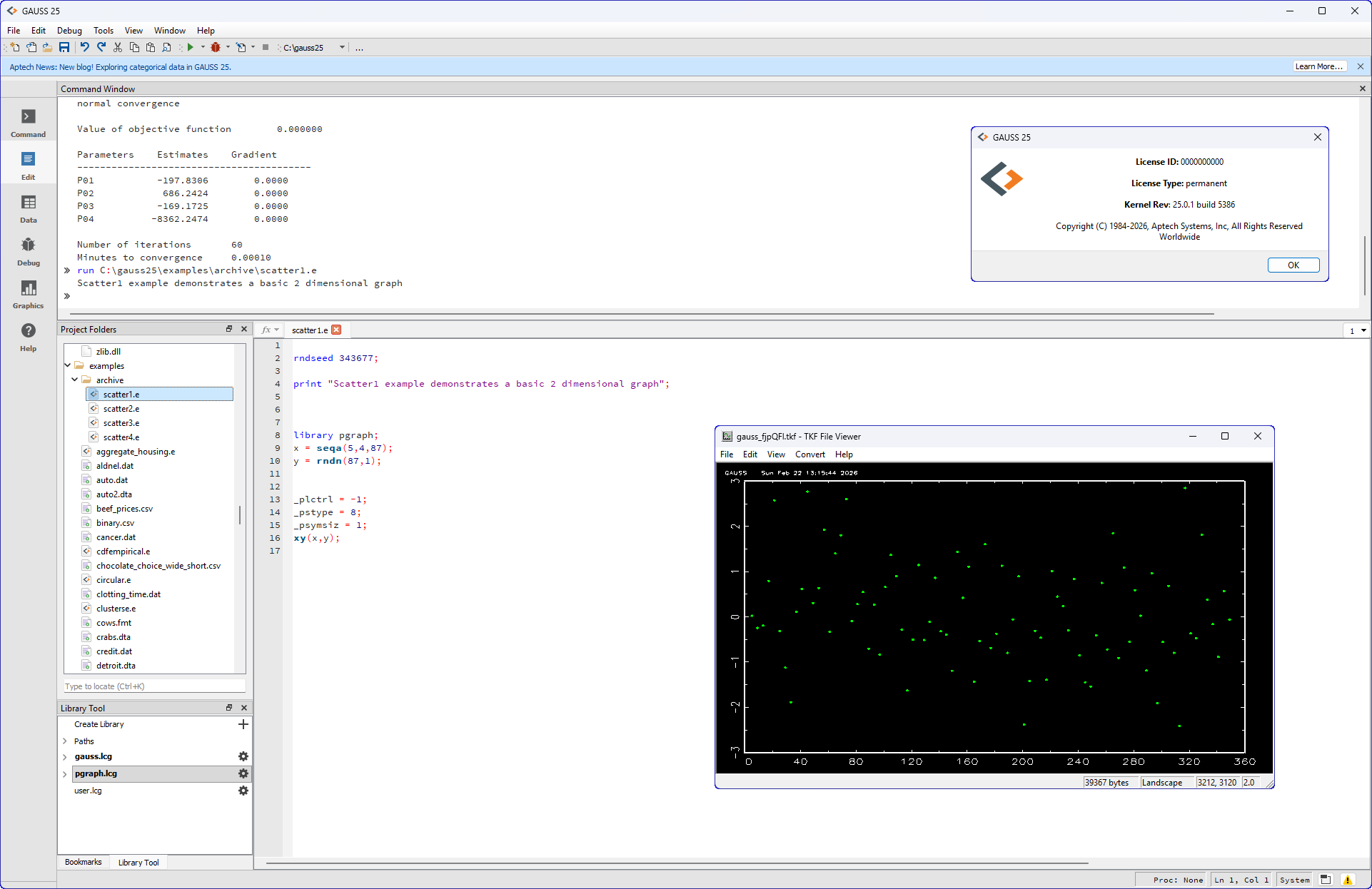
Aptech Systems GAUSS 25.0.1 is a powerful numerical computing and statistical analysis environment designed for data analysis, econometrics, financial modeling, and scientific research. Developed by Aptech Systems, GAUSS provides researchers, analysts, and engineers with a high-performance platform for matrix computations, statistical modeling, and algorithm development.

Version 25.0.1 introduces performance improvements, enhanced data handling capabilities, and expanded statistical tools, making it an ideal solution for modern data-driven research and advanced quantitative analysis.

GAUSS is widely used in academia, finance, economics, engineering, and scientific research for its powerful matrix-based programming language and comprehensive statistical libraries. It enables users to build custom analytical models, automate complex calculations, and process large datasets efficiently.

The 25.0.1 release improves usability and computational efficiency while expanding support for modern data workflows and advanced analytics.

Features of Aptech Systems GAUSS 25.0.1

πŸ”Ή High-Performance Numerical Computing
Optimized matrix operations and linear algebra routines
Efficient handling of large-scale numerical computations
High-speed execution for complex mathematical models

πŸ”Ή Advanced Statistical & Econometric Analysis
Comprehensive statistical testing and modeling tools
Time series analysis and forecasting capabilities
Econometric modeling for financial and policy research

πŸ”Ή Matrix-Based Programming Language
Flexible scripting environment for custom algorithms
Built-in functions for mathematical and statistical operations
Ideal for research, prototyping, and model development

πŸ”Ή Data Management & Integration
Import and process large datasets from multiple formats
Data cleaning and transformation tools
Integration with external databases and data sources

πŸ”Ή Financial Modeling & Risk Analysis
Portfolio analysis and risk modeling tools
Quantitative finance and asset pricing analysis
Support for Monte Carlo simulations

πŸ”Ή Optimization & Simulation Tools
Nonlinear optimization and parameter estimation
Simulation modeling for research and engineering applications
Scenario analysis and sensitivity testing

πŸ”Ή Visualization & Reporting
Graphing and visualization tools for data analysis
Customizable charts and statistical plots
Export results for reporting and publication

πŸ”Ή Performance & Workflow Enhancements
Improved computational performance and memory management
Enhanced scripting productivity features
Better debugging and workflow efficiency tools

Benefits
Perform complex statistical and mathematical analysis efficiently
Build custom econometric and financial models
Handle large datasets with high computational performance
Automate research workflows and analytical processes
Support data-driven decision-making and scientific research

Typical Applications
Econometric and financial research
Academic statistical analysis
Risk modeling and quantitative finance
Engineering and scientific computation
Policy analysis and forecasting

Conclusion
Aptech Systems GAUSS 25.0.1 delivers a robust environment for numerical computing, statistical analysis, and econometric modeling. With enhanced performance, advanced analytics tools, and flexible programming capabilities, it empowers researchers and analysts to solve complex quantitative problems and make informed decisions.

If you want to download Aptech Systems GAUSS 25.0.1 full license, please click to DOWNLOAD button to download.
CLICKDOWN.ORG Download CAD CAM CNC software
Inside package Aptech Systems GAUSS 25.0.1, already have cracked files and instruction how to install Aptech Systems GAUSS 25.0.1 step by step. I guarantee you can install Aptech Systems GAUSS 25.0.1 successfully if you follow that instruction.
If you also can’t install it or get any problems, please contact to me by email: clickdown.org@gmail.com, then I will help you to install software by teamviewer or Ultraviewer or Anydesk.
Thanks a lot
SOFTWARES

Download Keysight Visual-Environment 24.0 win64 full license

Keysight Visual-Environment 24.0 – Advanced Simulation & Workflow Automation Platform

Download Keysight Visual-Environment 24.0 win64 full license

Link download Keysight Visual-Environment 24.0 full activated

Working with Keysight Visual-Environment 24.0 full license

Description of Keysight Visual-Environment 24.0

Keysight Visual-Environment 24.0 is a powerful engineering workflow automation and multidisciplinary simulation platform designed to streamline complex modeling, analysis, and optimization tasks. Developed by Keysight Technologies, this platform provides an integrated environment for automating simulation processes, connecting engineering tools, and improving productivity across aerospace, automotive, electronics, and defense industries.

Version 24.0 introduces enhanced automation capabilities, improved integration options, and performance optimizations that support modern digital engineering workflows and model-based systems engineering (MBSE).

Keysight Visual-Environment enables engineers to automate repetitive simulation tasks, manage complex workflows, and integrate third-party simulation tools into a unified environment. By connecting modeling, analysis, and optimization processes, organizations can accelerate product development while reducing errors and manual intervention.

The 24.0 release enhances usability, expands integration support, and improves performance for large-scale engineering projects.

Features of Keysight Visual-Environment 24.0

πŸ”Ή Workflow Automation & Process Integration
Automate simulation and engineering workflows
Connect multiple CAE and engineering tools into one platform
Reduce manual data transfer and workflow errors

πŸ”Ή Multidisciplinary Simulation Integration
Integrate structural, thermal, electromagnetic, and system simulations
Support co-simulation across engineering domains
Improve cross-discipline collaboration

πŸ”Ή Model-Based Systems Engineering (MBSE) Support
Support model-based development and digital engineering processes
Improve traceability and system validation
Enable data-driven engineering decisions

πŸ”Ή Optimization & Design Exploration
Parametric studies and design space exploration
Automated optimization for performance and efficiency
Evaluate multiple design scenarios quickly

πŸ”Ή Custom Scripting & Automation
Build custom automation scripts and workflows
Flexible API integration for advanced users
Tailor workflows to organizational needs

πŸ”Ή Data Management & Traceability
Manage simulation data and workflow versions
Maintain traceability across engineering processes
Improve compliance and documentation

πŸ”Ή High-Performance Computing (HPC) Support
Parallel processing for large simulations
Efficient resource utilization across compute environments
Scalable performance for complex projects

πŸ”Ή Enhanced Visualization & Usability
Improved graphical workflow editor
Better data visualization and results interpretation
User-friendly interface improvements

Benefits
Accelerate product development cycles
Reduce manual workflow errors and inefficiencies
Improve collaboration across engineering disciplines
Enable digital transformation and MBSE adoption
Optimize design performance through automation

Typical Applications
Aerospace system design and validation
Automotive simulation workflow automation
Electronics and RF system engineering
Defense and mission systems analysis
Complex multidisciplinary engineering projects

Conclusion
Keysight Visual-Environment 24.0 provides a robust platform for automating engineering workflows and integrating multidisciplinary simulations. With enhanced automation, optimization, and MBSE support, it enables organizations to improve productivity, streamline processes, and accelerate innovation in complex engineering environments.

If you want to download Keysight Visual-Environment 24.0 full license, please click to DOWNLOAD button to download.
CLICKDOWN.ORG Download CAD CAM CNC software
Inside package Keysight Visual-Environment 24.0, already have cracked files and instruction how to install Keysight Visual-Environment 24.0 step by step. I guarantee you can install Keysight Visual-Environment 24.0 successfully if you follow that instruction.
If you also can’t install it or get any problems, please contact to me by email: clickdown.org@gmail.com, then I will help you to install software by teamviewer or Ultraviewer or Anydesk.
Thanks a lot
SOFTWARES

Download Simufact Joining Optimizer 2025.2 x64 full license

Simufact Joining Optimizer 2025.2 – Intelligent Joining Process Design & Optimization

Download Simufact Joining Optimizer 2025.2 x64 full license

Link download Simufact Joining Optimizer 2025.2 win64 full activated

Working with Simufact Joining Optimizer 2025.2 full license

Description of Simufact Joining Optimizer 2025.2

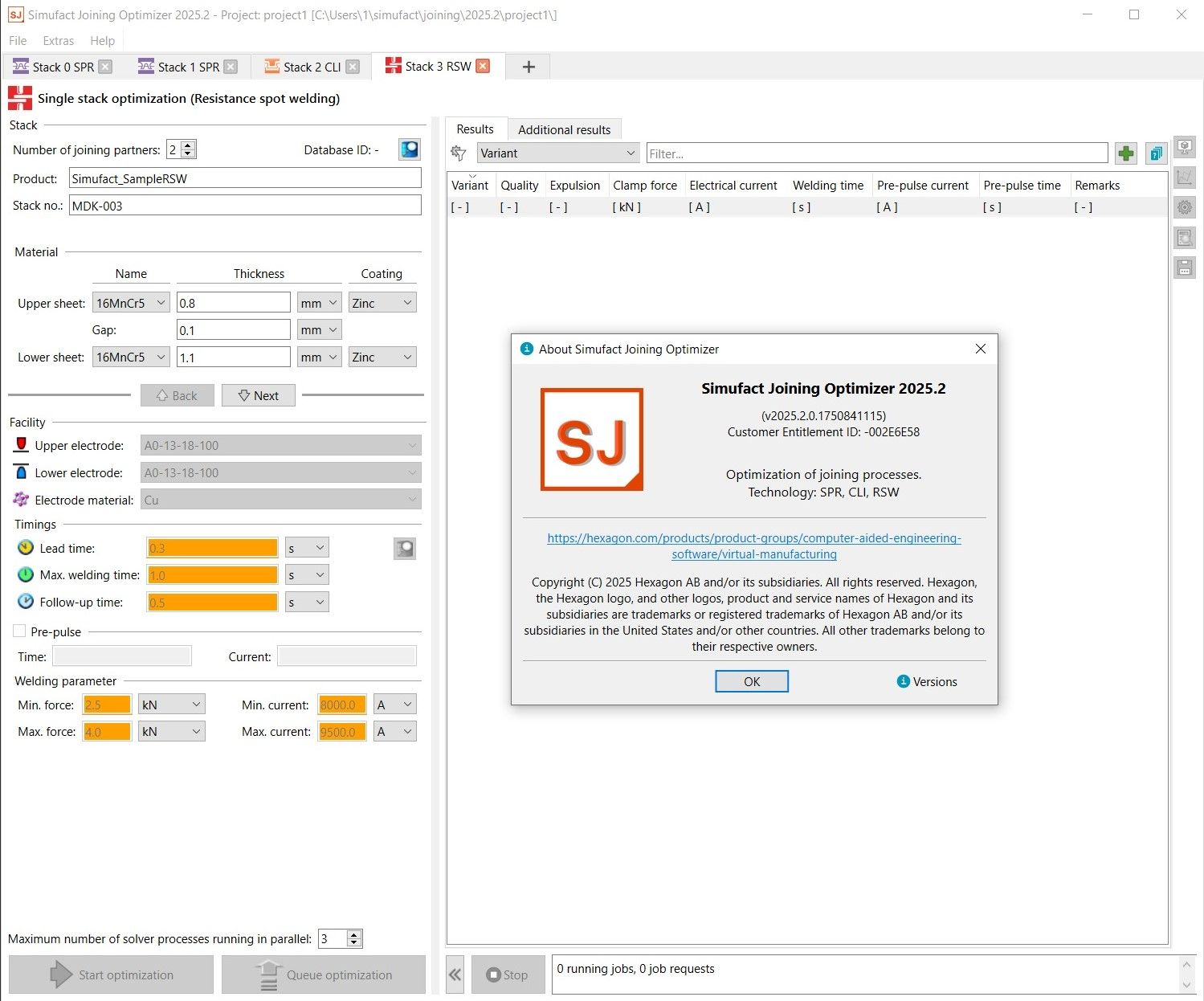
Simufact Joining Optimizer 2025.2 is an advanced engineering solution designed to optimize mechanical joining processes such as self-piercing riveting, clinching, and other fastening techniques. Developed by Hexagon Manufacturing Intelligence, this software helps engineers determine optimal joint configurations, improve structural performance, and reduce manufacturing costs without extensive physical testing.

The 2025.2 release enhances optimization algorithms, expands material compatibility options, and improves workflow efficiency, making it an essential tool for lightweight design and modern multi-material assemblies.

Simufact Joining Optimizer provides a virtual engineering environment for evaluating and optimizing joining techniques used in automotive body structures, aerospace components, and industrial assemblies. Engineers can analyze joint strength, failure behavior, and material interactions to ensure durability and performance.

Version 2025.2 focuses on improved prediction accuracy and streamlined optimization processes, supporting advanced materials such as aluminum alloys, high-strength steels, and mixed-material stacks.

Features of Simufact Joining Optimizer 2025.2

πŸ”Ή Automated Joint Optimization
Intelligent determination of optimal rivet or clinch configurations
Automatic parameter optimization for strength and durability
Reduced trial-and-error testing

πŸ”Ή Multi-Material Compatibility
Supports aluminum, high-strength steel, composites, and mixed stacks
Accurate modeling of dissimilar material joining behavior
Ideal for lightweight and hybrid structures

πŸ”Ή Strength & Failure Prediction
Evaluate joint strength and load-bearing capacity
Predict failure modes and fatigue performance
Improve long-term durability and safety

πŸ”Ή Self-Piercing Riveting & Clinching Analysis
Simulation and optimization of self-piercing riveting (SPR)
Clinching process evaluation and improvement
Ensure consistent joint quality

πŸ”Ή Lightweight Design Support
Optimize joining strategies for weight reduction
Improve structural stiffness and crash performance
Support sustainability and efficiency goals

πŸ”Ή Performance & Algorithm Enhancements
Faster optimization routines and improved solver efficiency
Enhanced accuracy for complex material stacks
Efficient handling of large joint datasets

πŸ”Ή Workflow Integration & Automation
Seamless integration into digital engineering workflows
Batch processing for large assembly evaluations
Supports design iteration and rapid decision-making

πŸ”Ή Visualization & Reporting Tools
Clear joint performance visualization
Automated reporting for engineering validation
Easy comparison of optimization scenarios

Benefits
Reduce development time and physical prototyping
Improve joint strength and structural reliability
Optimize joining processes for multi-material assemblies
Lower manufacturing costs and improve efficiency
Support lightweight design and sustainability initiatives

Typical Applications
Automotive body-in-white assembly
Aerospace structural joints
Electric vehicle battery enclosures
Consumer electronics and appliance manufacturing
Industrial equipment and lightweight structures

Conclusion
Simufact Joining Optimizer 2025.2 provides powerful optimization capabilities for modern joining technologies. With advanced strength prediction, multi-material support, and intelligent optimization tools, it enables manufacturers to create stronger, lighter, and more efficient assemblies while reducing production costs and development time.

If you want to download Simufact Joining Optimizer 2025.2 full license, please click to DOWNLOAD button to download.
CLICKDOWN.ORG Download CAD CAM CNC software
Inside package Simufact Joining Optimizer 2025.2, already have cracked files and instruction how to install Simufact Joining Optimizer 2025.2 step by step. I guarantee you can install Simufact Joining Optimizer 2025.2 successfully if you follow that instruction.
If you also can’t install it or get any problems, please contact to me by email: clickdown.org@gmail.com, then I will help you to install software by teamviewer or Ultraviewer or Anydesk.
Thanks a lot
SOFTWARES

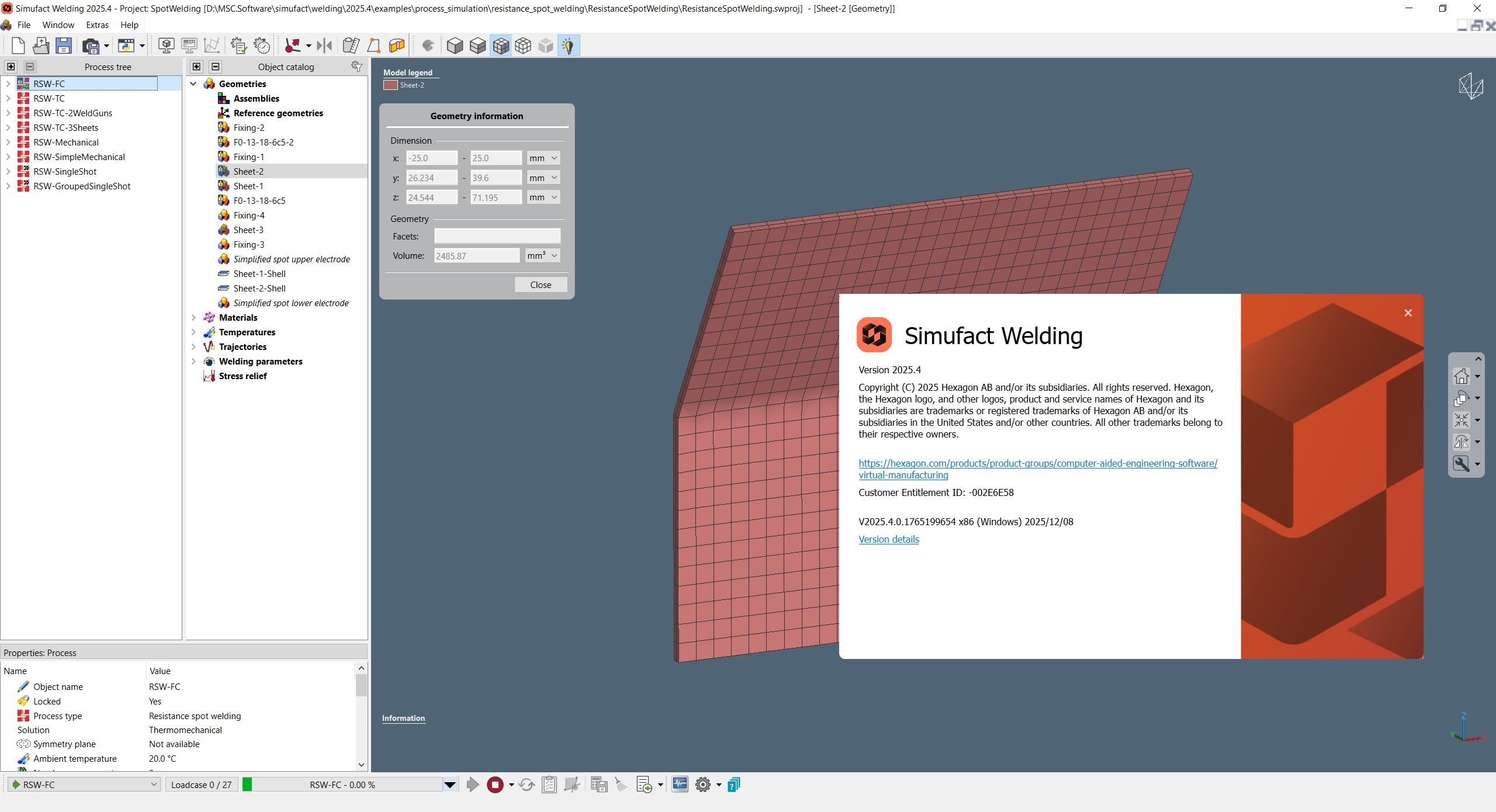
Download Simufact Welding 2025.4 x64 full license forever

Simufact Welding 2025.4 – Advanced Welding Simulation & Process Optimization

Download Simufact Welding 2025.4 x64 full license forever

Link download Simufact Welding 2025.4 win64 full activated

Working with Simufact Welding 2025.4 full license

Description of Simufact Welding 2025.4

Simufact Welding 2025.4 is a high-performance simulation software solution designed to model, analyze, and optimize welding processes. Built for engineers and manufacturers in industries such as automotive, aerospace, shipbuilding, heavy equipment, and structural fabrication, it enables accurate prediction of thermal effects, distortion, residual stresses, and weld quality before production begins.

The 2025.4 release introduces improved solver performance, enhanced material modeling, and refined workflow tools to support complex welding simulations and modern manufacturing requirements.

Simufact Welding provides a virtual environment for simulating welding sequences and thermal cycles to evaluate structural integrity and dimensional accuracy. By predicting distortions and residual stresses early in the design phase, engineers can minimize costly rework, reduce material waste, and ensure high-quality welds.

Version 2025.4 enhances simulation accuracy and usability, making it easier to analyze multi-pass welds, complex assemblies, and heat-affected zones (HAZ).

Features of Simufact Welding 2025.4

πŸ”Ή Comprehensive Welding Process Simulation
Simulation of arc welding, laser welding, resistance welding, and hybrid processes
Multi-pass welding sequence modeling
Accurate heat source modeling for realistic results

πŸ”Ή Thermal & Metallurgical Analysis
Detailed heat distribution and cooling cycle simulation
Heat-affected zone (HAZ) prediction
Microstructure evolution and phase transformation analysis

πŸ”Ή Distortion & Residual Stress Prediction
Predict weld-induced distortion and deformation
Evaluate residual stresses affecting structural performance
Optimize welding sequence to minimize dimensional deviations

πŸ”Ή Material & Filler Modeling Enhancements
Expanded material database and calibration tools
Support for advanced alloys and high-strength steels
Accurate weld filler material behavior modeling

πŸ”Ή Structural Integrity & Fatigue Assessment
Evaluate weld strength and structural performance
Identify weak zones and potential failure points
Improve long-term durability and fatigue life

πŸ”Ή Performance & Solver Improvements
Faster simulation times with improved parallel processing
Enhanced stability for large assemblies and complex weld paths
Efficient memory usage for high-detail simulations

πŸ”Ή Process Optimization & Automation
Parametric studies for welding sequence optimization
Automated workflows and batch processing
Integration with digital manufacturing and PLM systems

πŸ”Ή Visualization & Usability Enhancements
Improved weld bead visualization and temperature mapping
Enhanced result interpretation tools
Streamlined setup for complex welding simulations

Benefits
Reduce distortion and post-weld rework
Improve weld quality and structural reliability
Minimize production costs and material waste
Optimize welding sequences and heat input
Accelerate product development and manufacturing efficiency

Typical Applications
Automotive body and chassis welding
Aerospace structural fabrication
Shipbuilding and offshore structures
Heavy machinery and equipment manufacturing
Pipeline and pressure vessel welding

Conclusion
Simufact Welding 2025.4 delivers powerful simulation capabilities for predicting weld behavior, distortion, and structural integrity. With enhanced accuracy, improved performance, and advanced process optimization tools, it enables manufacturers to achieve superior weld quality while reducing costs and production risks.

If you want to download Simufact Welding 2025.4 full license, please click to DOWNLOAD button to download.
CLICKDOWN.ORG Download CAD CAM CNC software
Inside package Simufact Welding 2025.4, already have cracked files and instruction how to install Simufact Welding 2025.4 step by step. I guarantee you can install Simufact Welding 2025.4 successfully if you follow that instruction.
If you also can’t install it or get any problems, please contact to me by email: clickdown.org@gmail.com, then I will help you to install software by teamviewer or Ultraviewer or Anydesk.
Thanks a lot
SOFTWARES

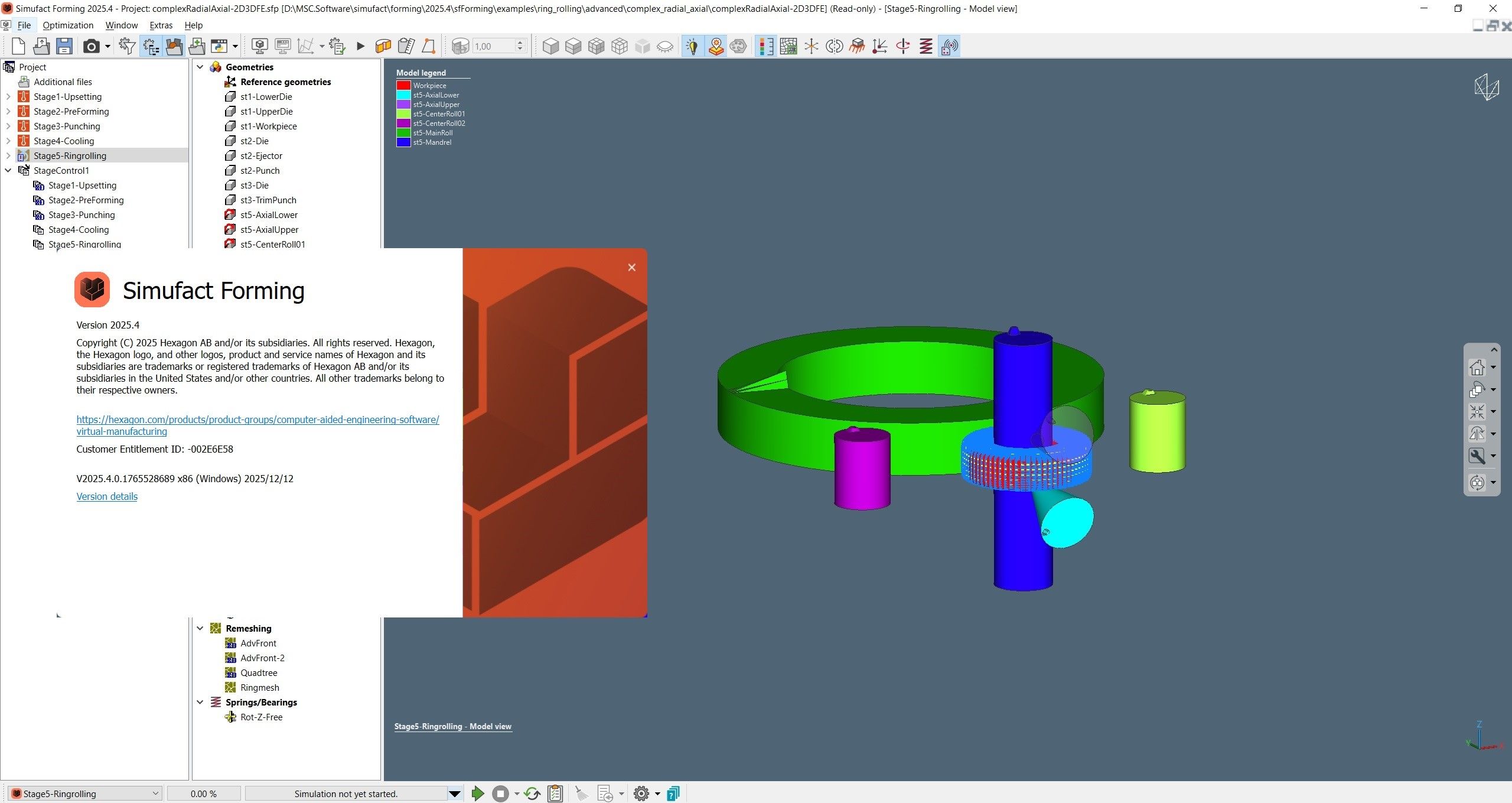
Download Simufact Forming 2025.4 Win64 full license forever

Simufact Forming 2025.4 – Advanced Metal Forming Simulation & Process Optimization

Download Simufact Forming 2025.4 Win64 full license forever

Link download Simufact Forming 2025.4 full activated

Working with Simufact Forming 2025.4 full license

Description of Simufact Forming 2025.4

Simufact Forming 2025.4 is a powerful finite element simulation software designed for modeling, analyzing, and optimizing metal forming processes. Widely used in automotive, aerospace, heavy machinery, and manufacturing industries, it enables engineers to predict material behavior, reduce production defects, and optimize forming processes before physical prototyping.

This latest release introduces enhanced simulation accuracy, improved usability, and performance optimizations to support complex forming workflows such as forging, rolling, extrusion, sheet metal forming, and heat treatment.

Simufact Forming provides a complete virtual environment for simulating manufacturing processes involving metal deformation and thermal treatment. Engineers can evaluate forming feasibility, tool stresses, material flow, and final part properties while reducing costs and development time.

Version 2025.4 builds upon previous versions with refined solvers, improved automation tools, and expanded material modeling capabilities to support modern high-strength alloys and lightweight materials.

Features of Simufact Forming 2025.4

πŸ”Ή Advanced Process Simulation
Accurate simulation of forging, rolling, extrusion, and sheet metal forming
Multi-stage forming process support
Coupled thermal-mechanical analysis for realistic results

πŸ”Ή Enhanced Material Modeling
Improved material libraries and calibration tools
Support for high-strength steels, aluminum alloys, and advanced materials
Accurate prediction of microstructure evolution and mechanical properties

πŸ”Ή Tool & Die Stress Analysis
Evaluate tool loads and fatigue behavior
Predict wear and extend tooling life
Optimize die design for durability and performance

πŸ”Ή Defect Prediction & Quality Improvement
Detect cracks, wrinkles, thinning, and fold formation
Predict springback and dimensional deviations
Improve final product quality and reduce scrap rates

πŸ”Ή Heat Treatment & Thermo-Mechanical Coupling
Simulate quenching, cooling, and heat treatment processes
Predict residual stresses and hardness distribution
Optimize thermal cycles for strength and durability

πŸ”Ή Improved Solver Performance
Faster computation with optimized parallel processing
Enhanced stability for large and complex models
Efficient memory management for high-resolution simulations

πŸ”Ή Automation & Process Optimization
Parametric studies and design optimization tools
Batch processing and automated workflows
Integration into digital manufacturing pipelines

πŸ”Ή User Experience Enhancements
Updated interface for improved usability
Better visualization and result interpretation tools
Simplified setup for complex simulations

Benefits
Reduce development time and manufacturing costs
Minimize tool wear and production defects
Improve product quality and consistency
Optimize forming processes before production
Support digital transformation and smart manufacturing

Conclusion
Simufact Forming 2025.4 delivers cutting-edge simulation technology for metal forming and heat treatment processes. With enhanced accuracy, improved performance, and advanced defect prediction tools, it enables manufacturers to optimize production, improve quality, and reduce costs in today’s competitive manufacturing environment.

If you want to download Simufact Forming 2025.4 full license, please click to DOWNLOAD button to download.
CLICKDOWN.ORG Download CAD CAM CNC software
Inside package Simufact Forming 2025.4, already have cracked files and instruction how to install Simufact Forming 2025.4 step by step. I guarantee you can install Simufact Forming 2025.4 successfully if you follow that instruction.
If you also can’t install it or get any problems, please contact to me by email: clickdown.org@gmail.com, then I will help you to install software by teamviewer or Ultraviewer or Anydesk.
Thanks a lot
SOFTWARES

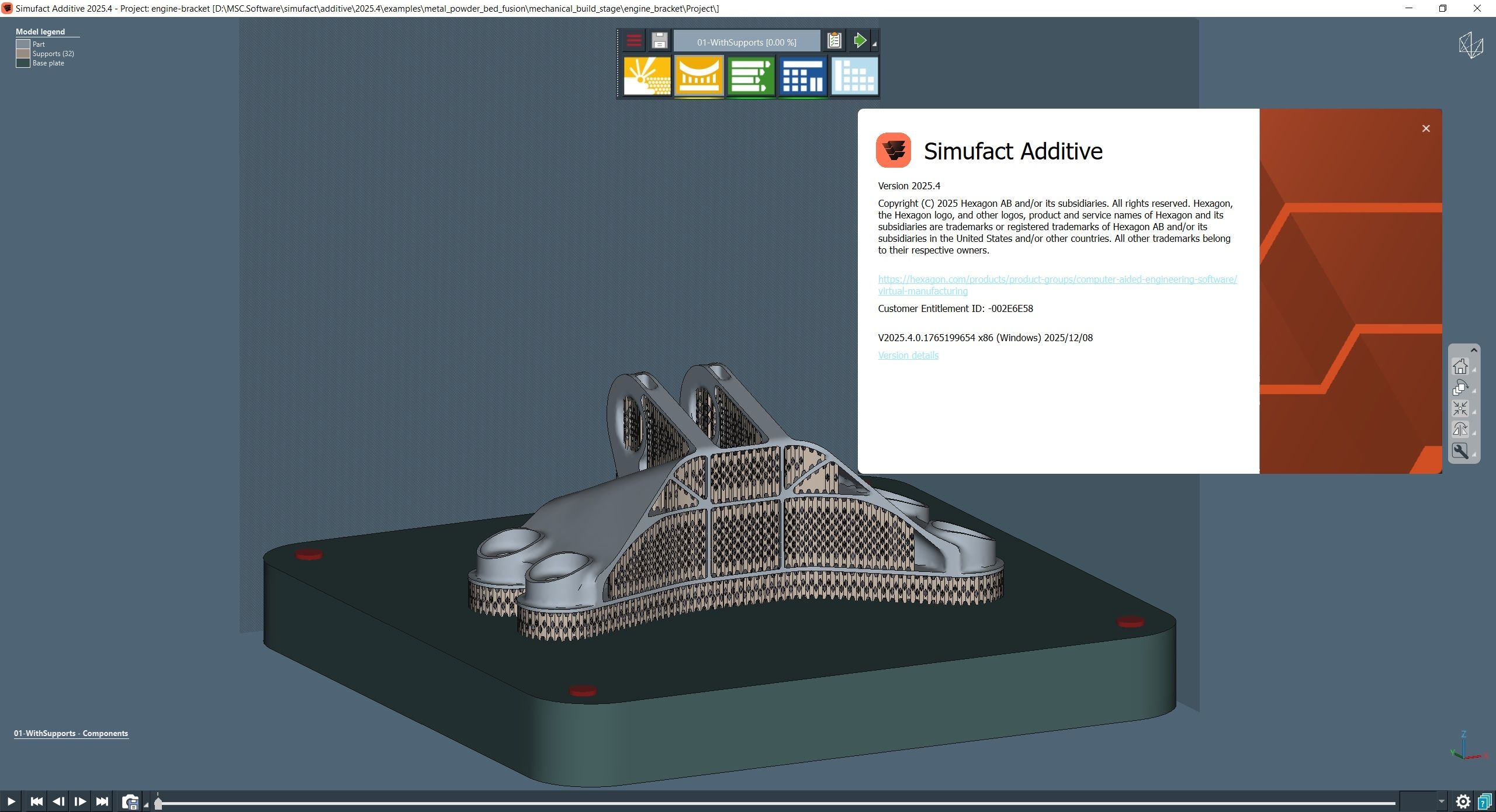
Download Simufact Additive 2025.4 x64 full license forever

Simufact Additive 2025.4 – Advanced Metal Additive Manufacturing Simulation Software

Download Simufact Additive 2025.4 x64 full license forever

Link download Simufact Additive 2025.4 full activated

Working with Simufact Additive 2025.4 full license

Description of Simufact Additive 2025.4

Simufact Additive 2025.4 is a powerful simulation solution designed to optimize metal additive manufacturing processes. Developed by Hexagon AB, the software enables engineers and manufacturers to predict distortion, residual stresses, and thermal behavior before printing, reducing costly trial-and-error production.

This latest release introduces improved simulation accuracy, enhanced usability, and faster processing performance, helping users ensure part quality, minimize support structures, and optimize build strategies.

Simufact Additive is widely used in aerospace, automotive, medical device manufacturing, and industrial engineering to improve reliability and efficiency in metal 3D printing workflows.

Features of Simufact Additive 2025.4

βœ” Process Simulation & Optimization
Predict distortion, shrinkage, and residual stresses
Simulate thermal effects during printing and cooling
Optimize build orientation and support structures

βœ” Powder Bed Fusion & Directed Energy Deposition Support
Simulation for LPBF (Laser Powder Bed Fusion) processes
Support for Directed Energy Deposition (DED) workflows
Accurate layer-by-layer process modeling

βœ” Build Preparation & Support Optimization
Automatic generation and optimization of support structures
Reduce material consumption and post-processing effort
Improve build stability and part accuracy

βœ” Material & Thermal Behavior Modeling
Advanced thermal and mechanical material models
Accurate prediction of phase changes and heat flow
Simulation of real manufacturing conditions

βœ” Distortion Compensation Tools
Automatic geometry compensation for deformation control
Improve dimensional accuracy of printed parts
Reduce costly rework and failed builds

βœ” Seamless Workflow Integration
CAD import compatibility with major formats
Integration with additive manufacturing workflows
Efficient data handling and build preparation

βœ” Performance & Usability Improvements
Faster simulation processing and solver efficiency
Improved user interface and workflow guidance
Enhanced visualization of simulation results

What’s New in Version 2025.4
Improved accuracy in distortion and stress prediction
Faster simulation speeds for large builds
Enhanced support structure optimization tools
Updated material modeling capabilities
Stability improvements and performance enhancements

Who Should Use Simufact Additive?
Simufact Additive 2025.4 is ideal for:
Additive manufacturing engineers
Aerospace and automotive manufacturers
Metal 3D printing service providers
Industrial designers and production engineers

Conclusion
Simufact Additive 2025.4 provides advanced simulation tools to predict and control metal additive manufacturing outcomes. By reducing distortion, optimizing supports, and improving thermal accuracy, it helps manufacturers produce high-quality parts while lowering production costs and development time.

If you want to download Simufact Additive 2025.4 full license, please click to DOWNLOAD button to download.
CLICKDOWN.ORG Download CAD CAM CNC software
Inside package Simufact Additive 2025.4, already have cracked files and instruction how to install Simufact Additive 2025.4 step by step. I guarantee you can install Simufact Additive 2025.4 successfully if you follow that instruction.
If you also can’t install it or get any problems, please contact to me by email: clickdown.org@gmail.com, then I will help you to install software by teamviewer or Ultraviewer or Anydesk.
Thanks a lot
SOFTWARES

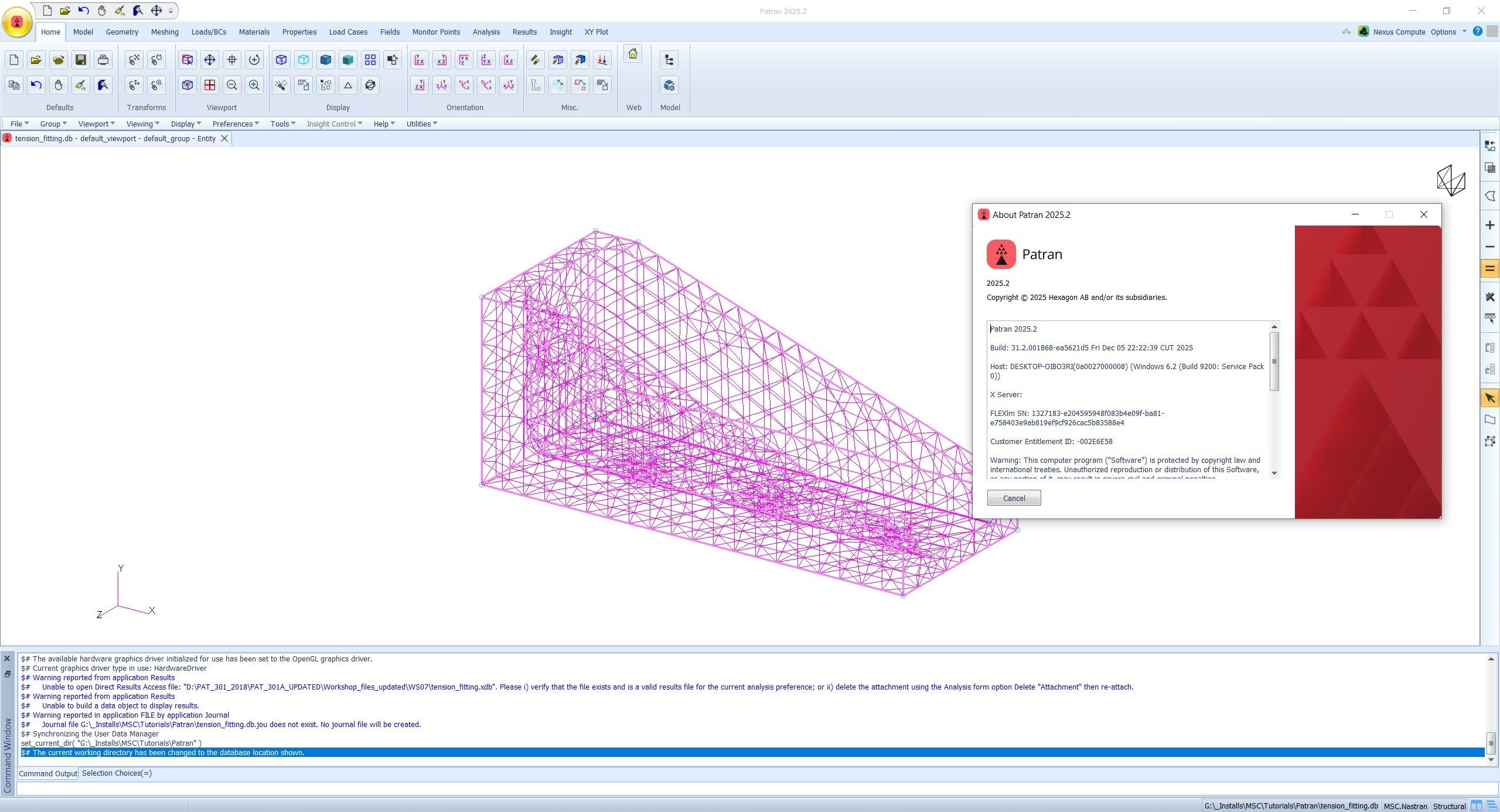
Download MSC Patran 2025.2 win64 full license forever

MSC Patran 2025.2 – Advanced Pre/Post-Processing for Finite Element Analysis

Download MSC Patran 2025.2 win64 full license forever

Link download MSC Patran 2025.2 x64 full activated

Working with MSC Patran 2025.2 full license

Description of MSC Patran 2025.2

MSC Patran 2025.2 is a powerful pre- and post-processing software designed to streamline finite element analysis (FEA) workflows. Widely used in aerospace, automotive, civil engineering, and manufacturing industries, Patran provides engineers with robust tools for model creation, meshing, analysis setup, and results visualization.

The 2025.2 release enhances productivity with improved meshing performance, expanded solver compatibility, and modernized visualization tools, making it easier than ever to prepare complex simulations and interpret results with precision.

Whether working with structural, thermal, or multiphysics simulations, MSC Patran provides the flexibility and scalability required for demanding engineering projects.

Features of MSC Patran 2025.2

βœ” Advanced Geometry & Model Preparation
Import and repair CAD geometry from major formats
Automated geometry cleanup and defeaturing tools
Efficient model organization for complex assemblies

βœ” Powerful Meshing Capabilities
High-quality 1D, 2D, and 3D mesh generation
Automated meshing with improved speed and accuracy
Support for hexahedral, tetrahedral, and hybrid meshes

βœ” Enhanced Solver Integration
Seamless integration with MSC Nastran and other solvers
Improved support for multiphysics and nonlinear analysis
Efficient model setup and solver data management

βœ” Improved Post-Processing & Visualization
High-performance result visualization for large models
Advanced contour plotting and animation tools
Comparative results evaluation and reporting

βœ” Automation & Customization
Python scripting support for workflow automation
Custom macros to streamline repetitive tasks
Flexible interface customization

βœ” Performance & Workflow Improvements
Optimized performance for large-scale models
Improved memory management and processing speed
Modernized UI enhancements for better usability

What’s New in Version 2025.2
Enhanced meshing algorithms for improved element quality
Faster processing for large assemblies
Updated solver compatibility and workflow efficiency
Improved visualization performance and rendering
Stability improvements and bug fixes

Who Should Use MSC Patran?
MSC Patran 2025.2 is ideal for:
Structural and mechanical engineers
Aerospace and automotive analysts
Simulation specialists and researchers
Engineering teams performing advanced FEA

Conclusion
MSC Patran 2025.2 continues to be a leading solution for finite element model preparation and results evaluation. With enhanced meshing, improved performance, and powerful visualization capabilities, this release helps engineers accelerate simulation workflows and achieve more accurate results.

If you want to download MSC Patran 2025.2 full license, please click to DOWNLOAD button to download.
CLICKDOWN.ORG Download CAD CAM CNC software
Inside package MSC Patran 2025.2, already have cracked files and instruction how to install MSC Patran 2025.2 step by step. I guarantee you can install MSC Patran 2025.2 successfully if you follow that instruction.
If you also can’t install it or get any problems, please contact to me by email: clickdown.org@gmail.com, then I will help you to install software by teamviewer or Ultraviewer or Anydesk.
Thanks a lot
SOFTWARES

Download MSC Nastran 2025.2 Win64 full license forever

Download MSC Nastran 2025.2 win64 full license

Link download MSC Nastran 2025.2 x64 full activated

MSC Nastran 2025.2 Win64 full license

Description of MSC Nastran 2025.2

MSC Nastran 2025.2 is a powerful finite element analysis (FEA) software used by engineers to simulate structural behavior, dynamics, and vibration across complex mechanical systems. Developed by Hexagon AB, MSC Nastran is trusted worldwide in aerospace, automotive, and heavy engineering industries for its accuracy, scalability, and advanced solver capabilities.

This latest 2025.2 release introduces enhanced performance, improved solver efficiency, expanded multiphysics capabilities, and better integration with modern simulation workflows.

MSC Nastran enables engineers to analyze stress, vibration, fatigue, thermal effects, and nonlinear behavior in complex structures. It is widely recognized for its high-fidelity simulation and ability to handle large-scale engineering models.

The 2025.2 version focuses on improving solution speed, expanding nonlinear analysis tools, and enhancing usability for advanced engineering simulations.

Features of MSC Nastran 2025.2

βš™οΈ Advanced Structural Analysis
Linear and nonlinear static analysis
Dynamic and transient response simulation
Buckling and post-buckling analysis
Contact and material nonlinearity support

🌊 Enhanced Multiphysics Capabilities
Coupled thermal-structural analysis
Vibro-acoustic simulation improvements
Support for complex load interactions
Improved fatigue life prediction tools

⚑ High-Performance Solver Enhancements
Faster solution times for large models
Improved parallel processing performance
Optimized memory usage for high-efficiency computing
Enhanced iterative solver algorithms

πŸ”§ Improved Nonlinear Simulation
Better convergence in highly nonlinear problems
Advanced contact and friction modeling
Large deformation and plasticity support
Stability improvements for complex simulations

πŸ“Š Fatigue and Durability Analysis
Accurate fatigue life predictions
Advanced stress-life and strain-life methods
Load cycle analysis and durability evaluation

πŸ”— Integration & Workflow Improvements
Improved interoperability with CAD and CAE tools
Enhanced automation and batch processing
Scripting support for simulation customization
Better results visualization compatibility

πŸ†• What’s New in Version 2025.2
Enhanced nonlinear solver robustness and stability
Improved performance for large-scale simulations
Expanded fatigue analysis capabilities
Better vibro-acoustic analysis accuracy
Updated interfaces for streamlined workflows

🎯 Applications
MSC Nastran 2025.2 is widely used in:
Aerospace structural analysis and certification
Automotive crash and durability testing
Civil engineering and infrastructure simulation
Heavy machinery and industrial equipment design
Energy sector structural integrity assessment

βœ… Benefits
βœ” Industry-proven accuracy and reliability
βœ” Handles extremely large and complex models
βœ” Accelerates engineering design validation
βœ” Reduces physical prototyping costs
βœ” Improves product safety and durability

If you want to download MSC Nastran 2025.2 full license, please click to DOWNLOAD button to download.
CLICKDOWN.ORG Download CAD CAM CNC software
Inside package MSC Nastran 2025.2, already have cracked files and instruction how to install MSC Nastran 2025.2 step by step. I guarantee you can install MSC Nastran 2025.2 successfully if you follow that instruction.
If you also can’t install it or get any problems, please contact to me by email: clickdown.org@gmail.com, then I will help you to install software by teamviewer or Ultraviewer or Anydesk.
Thanks a lot
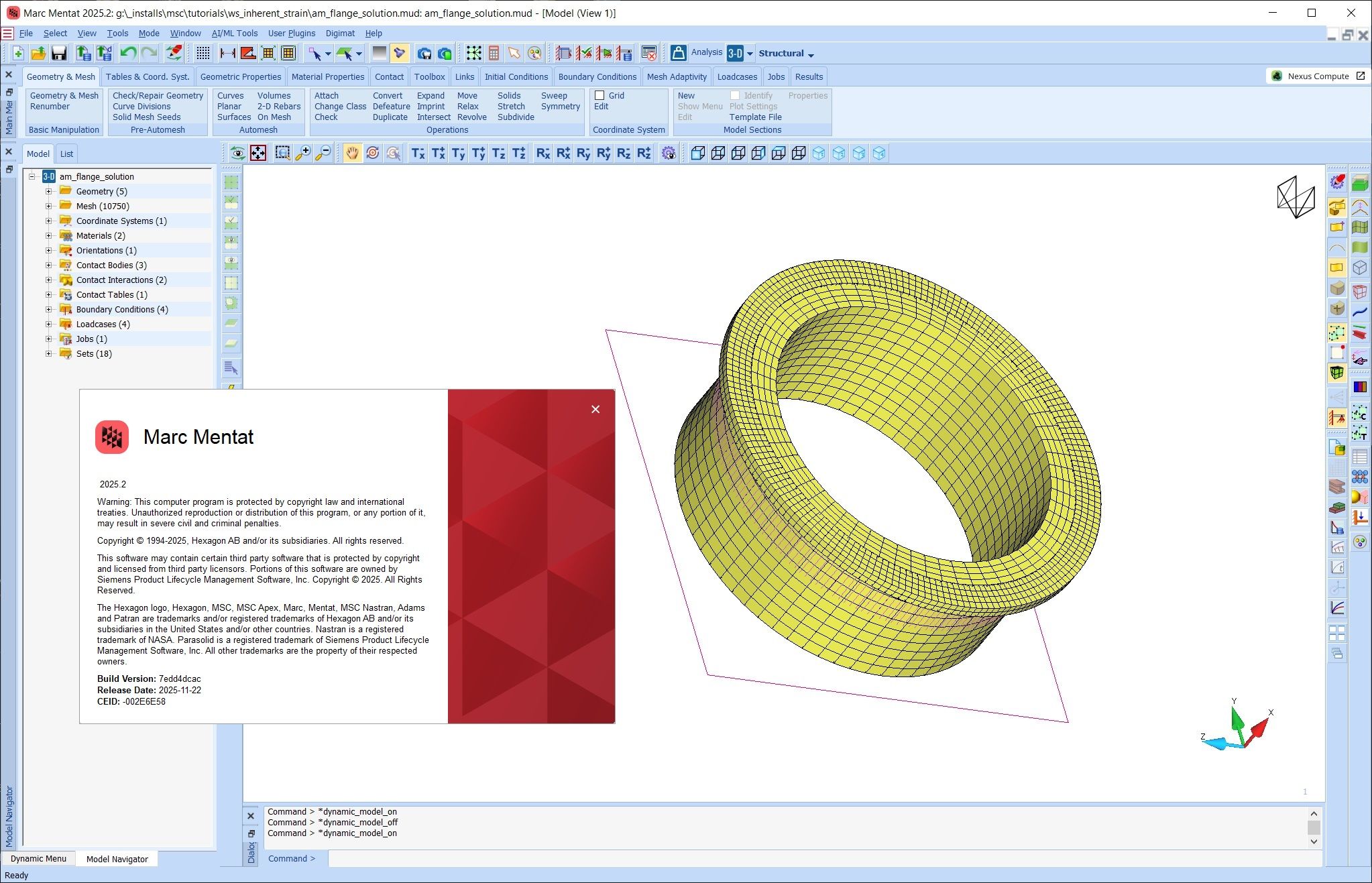
SOFTWARES

Download MSC Marc 2025.2 Win64 full license forever

MSC Marc 2025.2 – Advanced Nonlinear Finite Element Analysis Software

Download MSC Marc 2025.2 win64 full license

Link download MSC Marc 2025.2 x64 full activated

Working with MSC Marc 2025.2 full license

Description of MSC Marc 2025.2

MSC Marc 2025.2 is a powerful nonlinear finite element analysis (FEA) solution developed by MSC Software, part of Hexagon AB. It is widely used by engineers and researchers to simulate complex material behavior, large deformations, and multiphysics interactions.

The 2025.2 release enhances solver robustness, expands multiphysics capabilities, and improves performance to support accurate simulation of challenging engineering problems.

What is MSC Marc 2025.2?
MSC Marc is a nonlinear FEA solver designed for analyzing highly complex structural and multiphysics problems involving contact, material nonlinearities, thermal effects, and coupled field interactions. It enables engineers to evaluate product performance under realistic conditions.
Version 2025.2 improves computational efficiency and modeling flexibility for demanding simulation tasks.

Features of MSC Marc 2025.2

1. Advanced Nonlinear Structural Analysis
Simulate large deformations and nonlinear material behavior
Analyze plasticity, hyperelasticity, creep, and viscoelasticity
Accurate prediction of structural response under extreme conditions

2. Contact & Interaction Modeling
Robust contact algorithms for complex assemblies
Surface-to-surface contact with friction modeling
Self-contact and large sliding capabilities

3. Multiphysics Coupled Analysis
Coupled thermal-structural simulations
Electro-mechanical and thermo-mechanical interactions
Support for fluid-structure and other multiphysics effects

4. Material Modeling & Failure Prediction
Extensive material models for metals, rubber, polymers, and composites
Damage, fracture, and failure analysis tools
Temperature- and rate-dependent material behavior

5. Nonlinear Dynamics & Transient Analysis
Time-dependent response simulation
Dynamic loading and impact analysis
Stability and buckling analysis

6. Adaptive Meshing & Solution Control
Automatic remeshing for large deformation problems
Improved convergence control and solution stability
Error estimation for improved accuracy

7. Solver Performance & HPC Support
Parallel processing for large-scale simulations
Optimized solver performance and memory usage
Scalable performance for complex models

8. Integration & Workflow Enhancements
Seamless integration with MSC Apex and MSC Mentat
Enhanced pre/post-processing capabilities
Improved usability and workflow efficiency

Benefits of Using MSC Marc 2025.2
βœ… Accurately simulate complex nonlinear behavior
βœ… Predict material failure and structural performance
βœ… Reduce physical testing and development costs
βœ… Improve product reliability and safety
βœ… Enable advanced multiphysics engineering analysis
MSC Marc provides engineers with the tools needed to solve highly nonlinear and coupled engineering problems with confidence.

Typical Applications
Rubber and elastomer component analysis
Metal forming and manufacturing processes
Aerospace structural performance evaluation
Automotive durability and safety studies
Electronics and thermal stress analysis

Why Choose MSC Marc 2025.2?
MSC Marc remains a trusted solution for nonlinear and multiphysics finite element analysis. Version 2025.2 enhances performance, modeling accuracy, and workflow efficiency, making it essential for engineers solving complex structural challenges.

If you want to download MSC Marc 2025.2 full license, please click to DOWNLOAD button to download.
CLICKDOWN.ORG Download CAD CAM CNC software
Inside package MSC Marc 2025.2, already have cracked files and instruction how to install MSC Marc 2025.2 step by step. I guarantee you can install MSC Marc 2025.2 successfully if you follow that instruction.
If you also can’t install it or get any problems, please contact to me by email: clickdown.org@gmail.com, then I will help you to install software by teamviewer or Ultraviewer or Anydesk.
Thanks a lot

error: Content is protected !!
Scroll to Top