SOFTWARES

SOFTWARES

Download Nevercenter Silo 2026.0 Professional full license

Download Nevercenter Silo 2026.0 Professional full license

Link download Nevercenter Silo 2026.0 Professional full activated
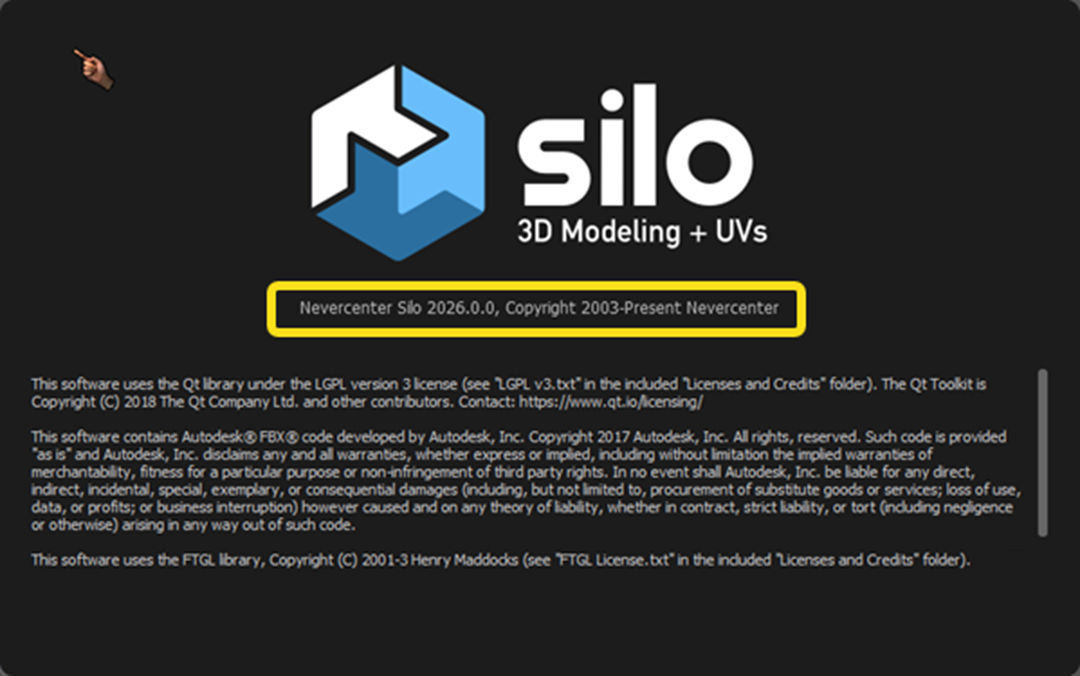
Nevercenter Silo 2026.0 Professional full license

Description of Nevercenter Silo 2026.0 Professional

Nevercenter Silo 2026.0 Professional is a powerful polygonal 3D modeling software designed for artists who focus on clean topology, speed, and precision. It is widely used in game development, animation, visualization, and asset creation workflows where efficient modeling and full control over geometry are essential.

This release enhances performance, stability, and modeling tools, allowing artists to build detailed 3D models with a smooth and distraction-free workflow.

Features of Nevercenter Silo 2026.0 Professional

Advanced Polygon and Subdivision Modeling
Silo provides a comprehensive set of polygon modeling tools for creating low and high resolution meshes. Subdivision surface support allows artists to create smooth and detailed models while maintaining precise edge control.

Clean and Efficient Modeling Workflow
The software is built around a fast and intuitive workflow that minimizes interface clutter. Artists can focus entirely on modeling without unnecessary features slowing down the creative process.

Flexible Selection and Editing Tools
Silo includes powerful selection modes for vertices, edges, and faces. Advanced editing tools enable quick adjustments to geometry while preserving clean topology.

Customizable User Interface and Hotkeys
Users can fully customize the interface and hotkey layout to match personal workflows, improving productivity and comfort during long modeling sessions.

Non-Destructive Modeling Features
Silo supports non-destructive operations that allow artists to experiment freely and revise models without damaging base geometry.

UV Mapping and Texture Support
The software includes essential UV mapping tools for unwrapping and preparing models for texturing in external applications.

Interoperability with Industry Tools
Nevercenter Silo supports common 3D file formats, enabling seamless integration with popular game engines, renderers, and animation software.

Optimized Performance and Stability
Version 2026.0 introduces performance improvements that ensure smooth viewport interaction, even when working with complex meshes.

Professional Asset Creation
Silo is ideal for creating production-ready assets for games, animations, and real-time applications where efficiency and topology quality matter most.

Why Choose Nevercenter Silo 2026.0 Professional
Nevercenter Silo 2026.0 Professional is an excellent choice for 3D artists who want a focused and efficient modeling environment. Its speed, precision, and clean topology tools make it a trusted solution for professional asset creation.

If you want to download Nevercenter Silo 2026.0 Professional full license, please click to DOWNLOAD button to download.
CLICKDOWN.ORG Download CAD CAM CNC software
Inside package Nevercenter Silo 2026.0 Professional, already have cracked files and instruction how to install Nevercenter Silo 2026.0 Professional step by step. I guarantee you can install Nevercenter Silo 2026.0 Professional successfully if you follow that instruction.
If you also can’t install it or get any problems, please contact to me by email: clickdown.org@gmail.com, then I will help you to install software by teamviewer or Ultraviewer or Anydesk.
Thanks a lot
SOFTWARES

Download STM32CubeMX 6.16 x64 full license forever

Download STM32CubeMX 6.16 x64 full license forever

Link download STM32CubeMX 6.16 full activated

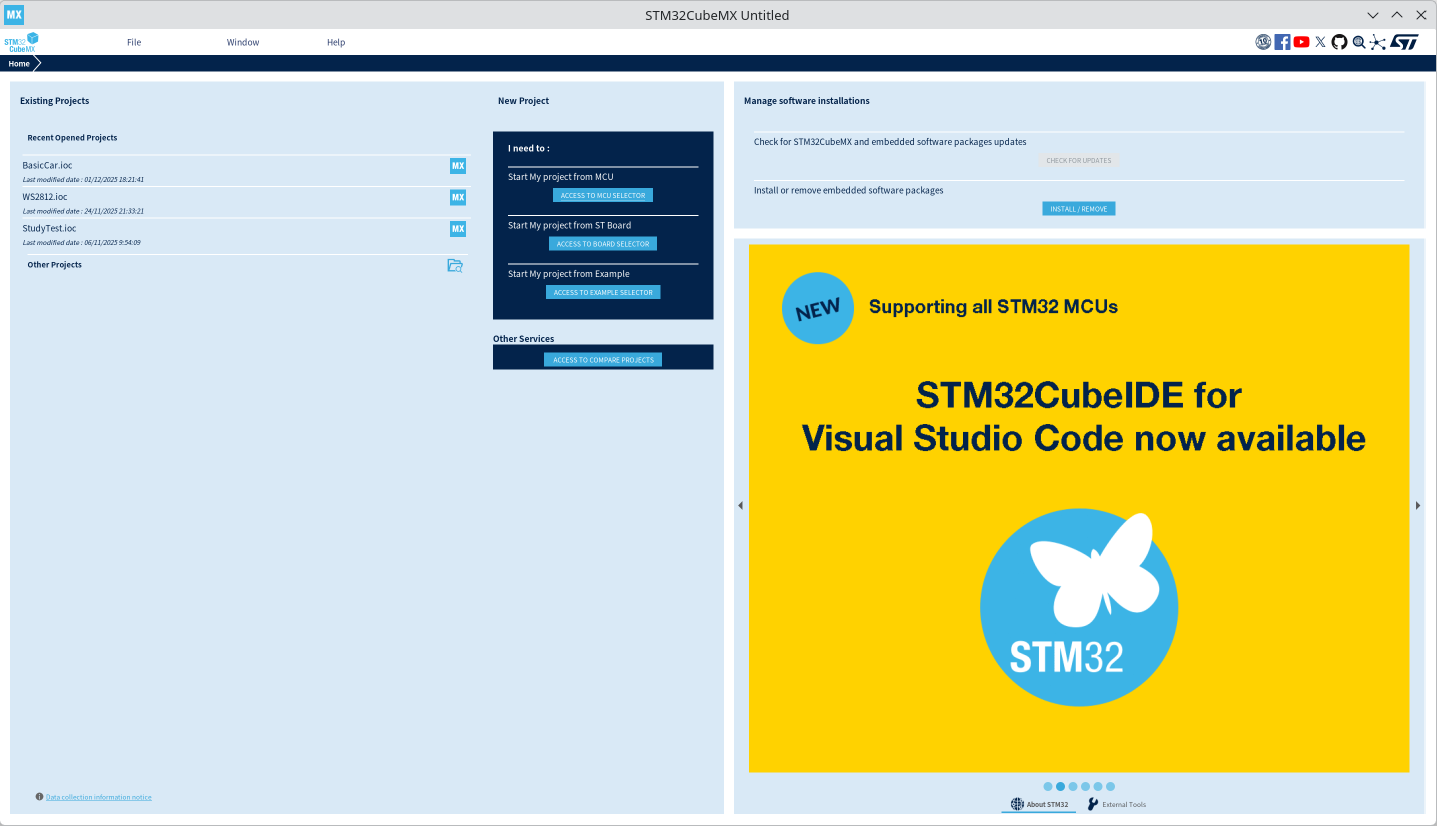
Working with STM32CubeMX 6.16 full license

Description of STM32CubeMX 6.16

STM32CubeMX 6.16 is an official graphical configuration and code generation tool developed by STMicroelectronics for STM32 microcontrollers. It helps embedded developers quickly configure peripherals, pins, clocks, and middleware, then automatically generate initialization code for STM32 projects.

This version improves usability, device support, and configuration accuracy, making it an essential tool for accelerating STM32-based embedded system development.

Features of STM32CubeMX 6.16

Graphical Pin and Peripheral Configuration
STM32CubeMX provides an intuitive graphical interface for selecting microcontroller pins and configuring peripherals such as GPIO, timers, UART, SPI, I2C, ADC, and more. This reduces manual errors and saves development time.

Automatic Code Generation
The software generates ready-to-use initialization code based on user configuration. It supports STM32Cube HAL and Low Layer drivers, ensuring compatibility with ST development standards.

Clock Tree Configuration
An advanced clock configuration view allows users to set system clocks, bus frequencies, and peripheral clocks visually, ensuring correct timing and performance.

Middleware and Software Stack Support
STM32CubeMX integrates middleware components such as USB, TCP IP, FATFS, RTOS, and graphics libraries, allowing fast setup of complex embedded applications.

Board and MCU Selector
Users can select STM32 microcontrollers or development boards based on features, package type, memory size, and peripherals, simplifying hardware selection.

Project Management and IDE Integration
STM32CubeMX supports project generation for popular IDEs including STM32CubeIDE, Keil, IAR, and other toolchains, enabling seamless workflow integration.

Power Consumption Configuration
The tool provides options for configuring low power modes and energy-efficient settings, helping developers optimize power usage in embedded designs.

Error Checking and Configuration Validation
STM32CubeMX checks for configuration conflicts and provides warnings or recommendations to ensure reliable system setup.

Continuous Updates and Device Support
Version 6.16 includes support for new STM32 devices and updated firmware packages, keeping projects aligned with the latest hardware releases.

Why Choose STM32CubeMX 6.16
STM32CubeMX 6.16 is an essential utility for embedded engineers working with STM32 microcontrollers. Its visual configuration tools, automatic code generation, and tight integration with STM32 development ecosystems significantly reduce development time and improve project reliability.

If you want to download STM32CubeMX 6.16 full license, please click to DOWNLOAD button to download.
CLICKDOWN.ORG Download CAD CAM CNC software
Inside package STM32CubeMX 6.16, already have cracked files and instruction how to install STM32CubeMX 6.16 step by step. I guarantee you can install STM32CubeMX 6.16 successfully if you follow that instruction.
If you also can’t install it or get any problems, please contact to me by email: clickdown.org@gmail.com, then I will help you to install software by teamviewer or Ultraviewer or Anydesk.
Thanks a lot
SOFTWARES

Download Advanced Design System (ADS) 2026.0.1 full license

Download Advanced Design System (ADS) 2026.0.1 x64 full license

Link download Advanced Design System (ADS) 2026.0.1 full activated

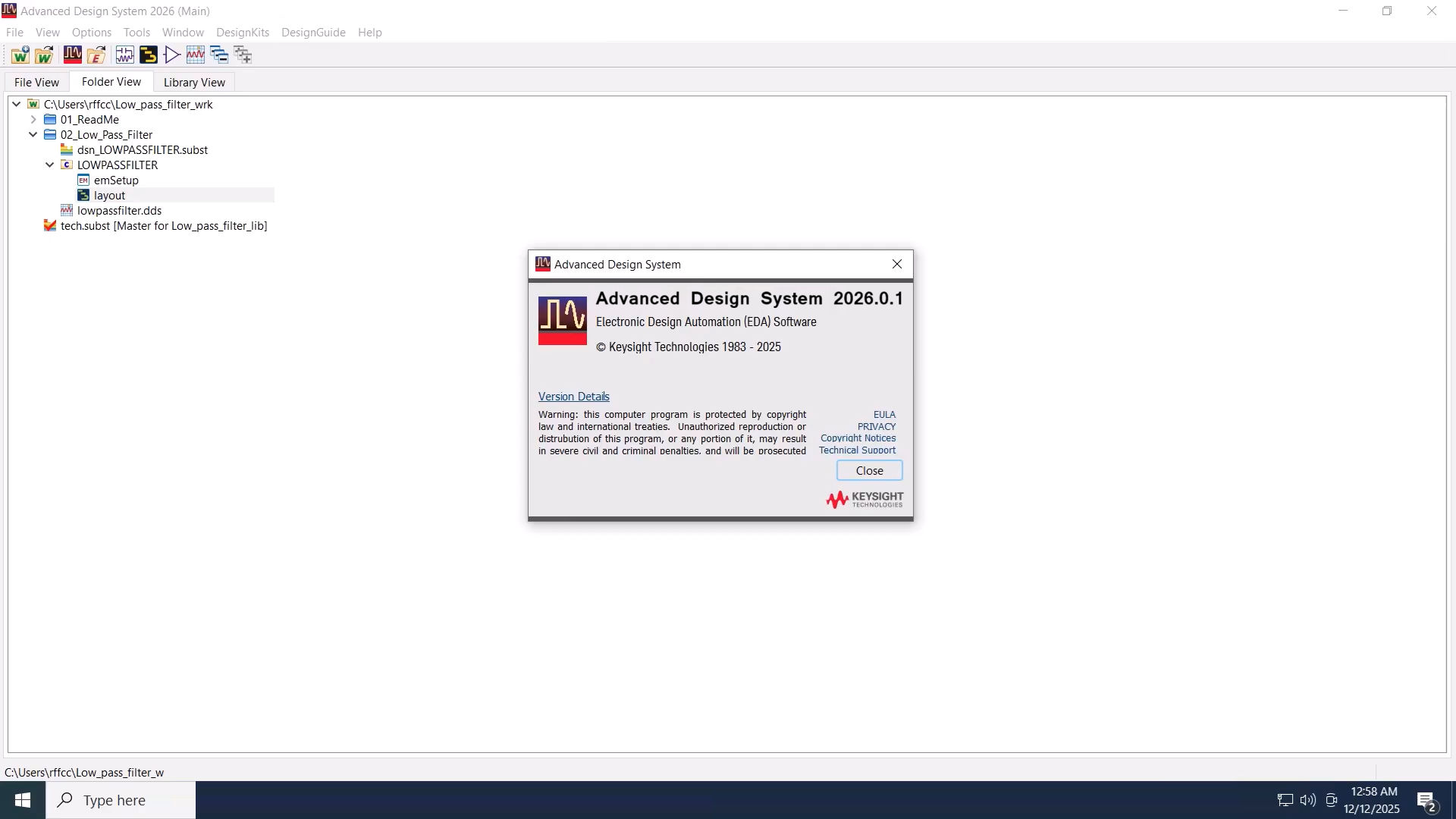
Working with Advanced Design System (ADS) 2026.0.1 x64 full license

Description of Advanced Design System (ADS) 2026.0.1

Advanced Design System ADS 2026.0.1 is a leading electronic design automation software developed for high-frequency, RF, microwave, and high-speed digital circuit design. Widely used in telecommunications, aerospace, defense, and semiconductor industries, ADS provides a complete design and simulation environment for creating reliable and high-performance electronic systems.

This release enhances simulation accuracy, design efficiency, and workflow integration, helping engineers meet the growing demands of modern wireless and high-speed technologies.

Features of Advanced Design System (ADS) 2026.0.1

Industry-Leading RF and Microwave Simulation
ADS offers powerful circuit and system-level simulation for RF, microwave, and millimeter-wave designs. Engineers can analyze signal behavior with high accuracy across a wide frequency range.

Integrated High-Speed Digital Design
The software supports advanced signal integrity and power integrity analysis for high-speed digital designs. This allows engineers to validate performance, reduce noise, and minimize design errors early in development.

Advanced Electromagnetic Analysis
ADS includes robust electromagnetic solvers that enable precise modeling of passive components, antennas, and complex PCB layouts. This ensures accurate correlation between simulation and real-world performance.

Complete Schematic and Layout Environment
Engineers can design schematics and layouts within a unified platform. Tight integration between design and simulation helps maintain consistency and reduces design iterations.

System-Level Simulation and Verification
ADS supports system-level modeling to evaluate complete RF and wireless systems. Designers can simulate modulation schemes, amplifiers, filters, and entire signal chains.

Design Automation and Optimization
Built-in optimization tools help engineers refine circuit performance automatically based on defined goals and constraints, improving productivity and design quality.

Manufacturing and Compliance Support
The software provides tools for design rule checking, yield analysis, and verification to ensure designs are manufacturable and compliant with industry standards.

Seamless Integration with Industry Workflows
ADS integrates with third-party tools and manufacturing workflows, supporting common file formats for collaboration and production readiness.

Performance and Stability Improvements
ADS 2026.0.1 includes performance optimizations that improve simulation speed, solver stability, and handling of complex, large-scale designs.

Why Choose Advanced Design System ADS 2026.0.1
Advanced Design System ADS 2026.0.1 is an essential tool for engineers developing next-generation RF, microwave, and high-speed digital products. Its advanced simulation capabilities, integrated workflows, and proven accuracy make it a trusted solution for professional electronic design environments.

If you want to download Advanced Design System (ADS) 2026.0.1 full license, please click to DOWNLOAD button to download.
CLICKDOWN.ORG Download CAD CAM CNC software
Inside package Advanced Design System (ADS) 2026.0.1, already have cracked files and instruction how to install Advanced Design System (ADS) 2026.0.1 step by step. I guarantee you can install Advanced Design System (ADS) 2026.0.1 successfully if you follow that instruction.
If you also can’t install it or get any problems, please contact to me by email: clickdown.org@gmail.com, then I will help you to install software by teamviewer or Ultraviewer or Anydesk.
Thanks a lot
SOFTWARES

Download FonixGeo LIME 3.3.1 full license 100% working

Download FonixGeo LIME 3.3.1 full license 100% working

Link download FonixGeo LIME 3.3.1 full activated permanent

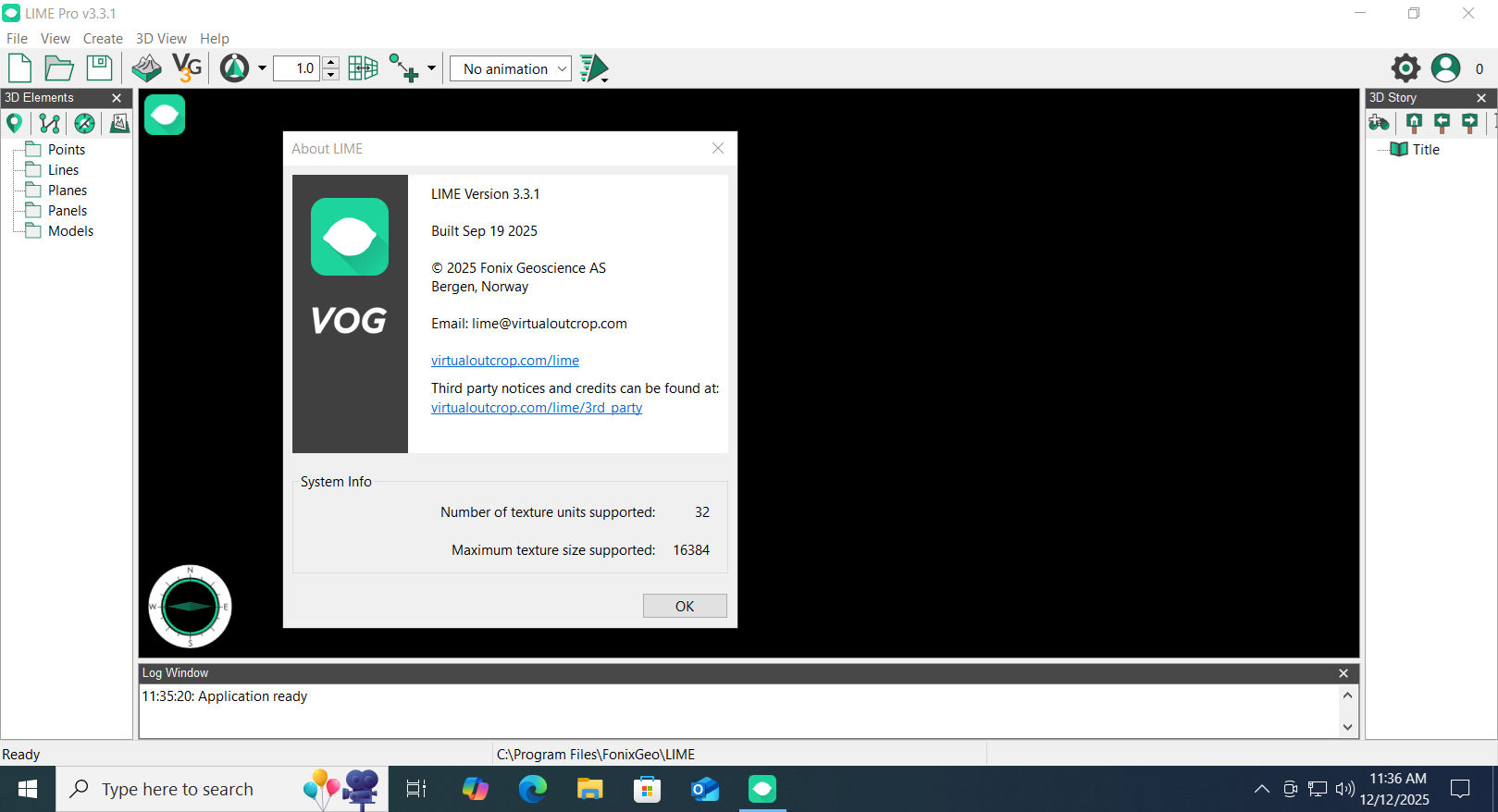
Working with FonixGeo LIME 3.3.1 full license

Description of FonixGeo LIME 3.3.1

FonixGeo LIME 3.3.1 is a professional geotechnical and geomechanical software designed for numerical modeling and analysis of soil and rock behavior. It is widely used by geotechnical engineers, researchers, and consultants to simulate complex ground conditions and evaluate the stability and performance of geotechnical structures.

This version improves calculation accuracy, solver performance, and workflow efficiency, making it suitable for both academic research and real-world engineering projects.

Features of FonixGeo LIME 3.3.1

Advanced Geotechnical Numerical Modeling
LIME provides powerful tools for modeling soil and rock mechanics using advanced numerical methods. It supports complex material behavior and non-linear analysis for realistic ground simulations.

Support for Soil and Rock Constitutive Models
The software includes a wide range of constitutive models for soils and rocks, allowing users to simulate elastic, plastic, and elasto-plastic behavior under different loading conditions.

Static and Dynamic Analysis Capabilities
FonixGeo LIME supports both static and dynamic analyses, enabling engineers to study ground response to loads, excavations, and seismic events with high precision.

Slope Stability and Excavation Analysis
Engineers can evaluate slope stability, tunneling, and excavation scenarios by simulating stress redistribution and deformation during construction stages.

Mesh Generation and Refinement Tools
The software includes flexible mesh generation and refinement tools that help users create accurate computational models while optimizing calculation performance.

Visualization and Result Interpretation
LIME provides clear visualization of stresses, displacements, strains, and failure mechanisms, making it easier to interpret results and support engineering decisions.

Multi-Stage Construction Simulation
Users can model construction sequences step by step, allowing realistic assessment of ground behavior during different project phases.

Data Import and Export Support
FonixGeo LIME supports common data formats for importing geometry and exporting results, ensuring compatibility with other engineering and CAD software.

Improved Performance and Solver Stability
Version 3.3.1 includes solver optimizations that enhance calculation speed, stability, and accuracy when working with large and complex models.

Why Choose FonixGeo LIME 3.3.1
FonixGeo LIME 3.3.1 is a reliable solution for professionals who need accurate and flexible geotechnical analysis tools. Its advanced modeling capabilities, combined with efficient solvers and clear visualization, make it well suited for engineering design, research, and consulting applications.

If you want to download FonixGeo LIME 3.3.1 full license, please click to DOWNLOAD button to download.
CLICKDOWN.ORG Download CAD CAM CNC software
Inside package FonixGeo LIME 3.3.1, already have cracked files and instruction how to install FonixGeo LIME 3.3.1 step by step. I guarantee you can install FonixGeo LIME 3.3.1 successfully if you follow that instruction.
If you also can’t install it or get any problems, please contact to me by email: clickdown.org@gmail.com, then I will help you to install software by teamviewer or Ultraviewer or Anydesk.
Thanks a lot
SOFTWARES

Download Steinberg VST Live Pro 3 v3.0.0 x64 full license

Download Steinberg VST Live Pro 3 v3.0.0 full license

Link download Steinberg VST Live Pro 3 v3.0.0 full activated

Working with Steinberg VST Live Pro 3 v3.0.0 full license

Description of Steinberg VST Live Pro 3 v3.0.0

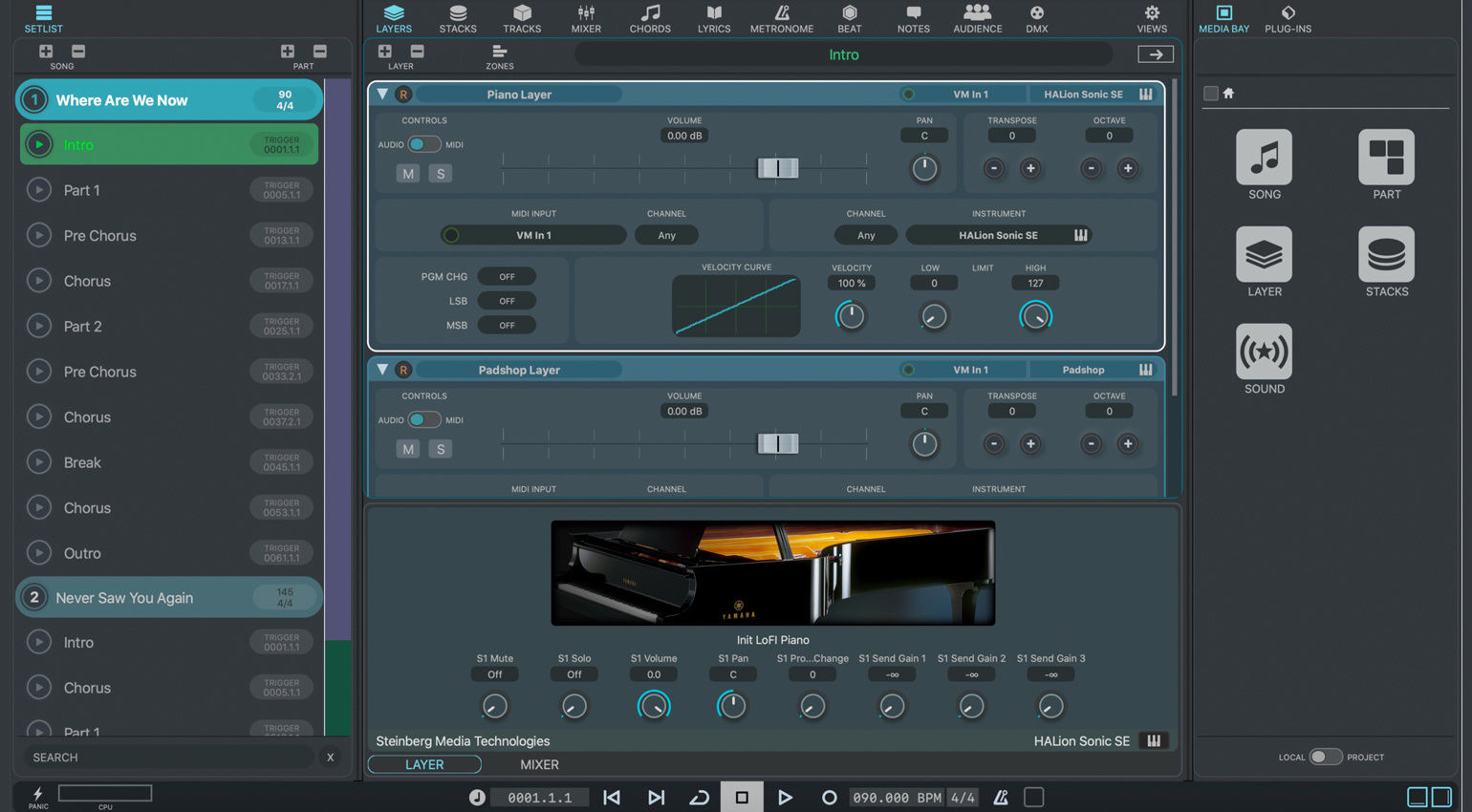
Steinberg VST Live Pro 3 v3.0.0 is a professional live performance and playback software designed for musicians, keyboard players, producers, and live bands. It allows users to run virtual instruments, VST plugins, backing tracks, and MIDI sequences in a stable and flexible environment optimized for stage use.

This major version introduces workflow enhancements, improved performance, and expanded control options, making it a powerful solution for managing complex live shows with confidence and precision.

Features of Steinberg VST Live Pro 3 v3.0.0

Professional Live Performance Environment
VST Live Pro provides a reliable platform for live shows, enabling musicians to host VST instruments and effects with low latency and high stability. It is designed to handle demanding live setups without interruptions.

Setlist and Song-Based Workflow
The software uses a song and setlist structure that allows performers to organize entire shows in advance. Each song can store its own plugins, presets, tempo, time signature, and automation settings for seamless transitions during performances.

Advanced Plugin and Instrument Hosting
VST Live Pro 3 supports Steinberg VST instruments and third-party plugins, allowing performers to use their favorite sounds on stage. Plugin chains can be customized per song or per layer for maximum flexibility.

MIDI Routing and Control
Comprehensive MIDI support enables routing between keyboards, controllers, plugins, and external hardware. Users can map MIDI controllers to parameters for real-time control during live performances.

Audio Playback and Backing Tracks
The software supports high-quality audio playback for backing tracks, stems, and click tracks. This makes it suitable for solo performers, bands, and musical directors managing complex live productions.

Automation and Parameter Control
Automation lanes allow precise control over plugin parameters, volume, effects, and transitions. Changes can be triggered automatically when switching songs or scenes.

Multi-Screen and Stage-Friendly Interface
VST Live Pro offers a clear and customizable interface optimized for stage use. Multi-screen support allows performers to separate control views, lyrics, chords, and performance elements across displays.

Synchronization and Tempo Management
Built-in tempo and time signature management ensures tight synchronization between MIDI, audio, and virtual instruments. This is especially useful for performances that rely on precise timing.

Improved Performance and Stability
Version 3.0.0 includes under-the-hood optimizations that enhance CPU efficiency, reduce latency, and improve overall reliability for professional live environments.

Why Choose Steinberg VST Live Pro 3 v3.0.0
Steinberg VST Live Pro 3 is an ideal solution for musicians who need a dependable and flexible live performance system. Its deep integration with VST technology, powerful setlist management, and professional-grade control tools make it a strong choice for modern stage setups.

If you want to download Steinberg VST Live Pro 3 v3.0.0 full license, please click to DOWNLOAD button to download.
CLICKDOWN.ORG Download CAD CAM CNC software
Inside package Steinberg VST Live Pro 3 v3.0.0, already have cracked files and instruction how to install Steinberg VST Live Pro 3 v3.0.0 step by step. I guarantee you can install Steinberg VST Live Pro 3 v3.0.0 successfully if you follow that instruction.
If you also can’t install it or get any problems, please contact to me by email: clickdown.org@gmail.com, then I will help you to install software by teamviewer or Ultraviewer or Anydesk.
Thanks a lot
SOFTWARES

Download Adobe Substance 3D Painter 11.1.1.5024 x64 full

Download Adobe Substance 3D Painter 11.1.1.5024 full license

Link download Adobe Substance 3D Painter 11.1.1.5024 full activated

Working with Adobe Substance 3D Painter 11.1.1.5024 full license

Description of Adobe Substance 3D Painter 11.1.1.5024

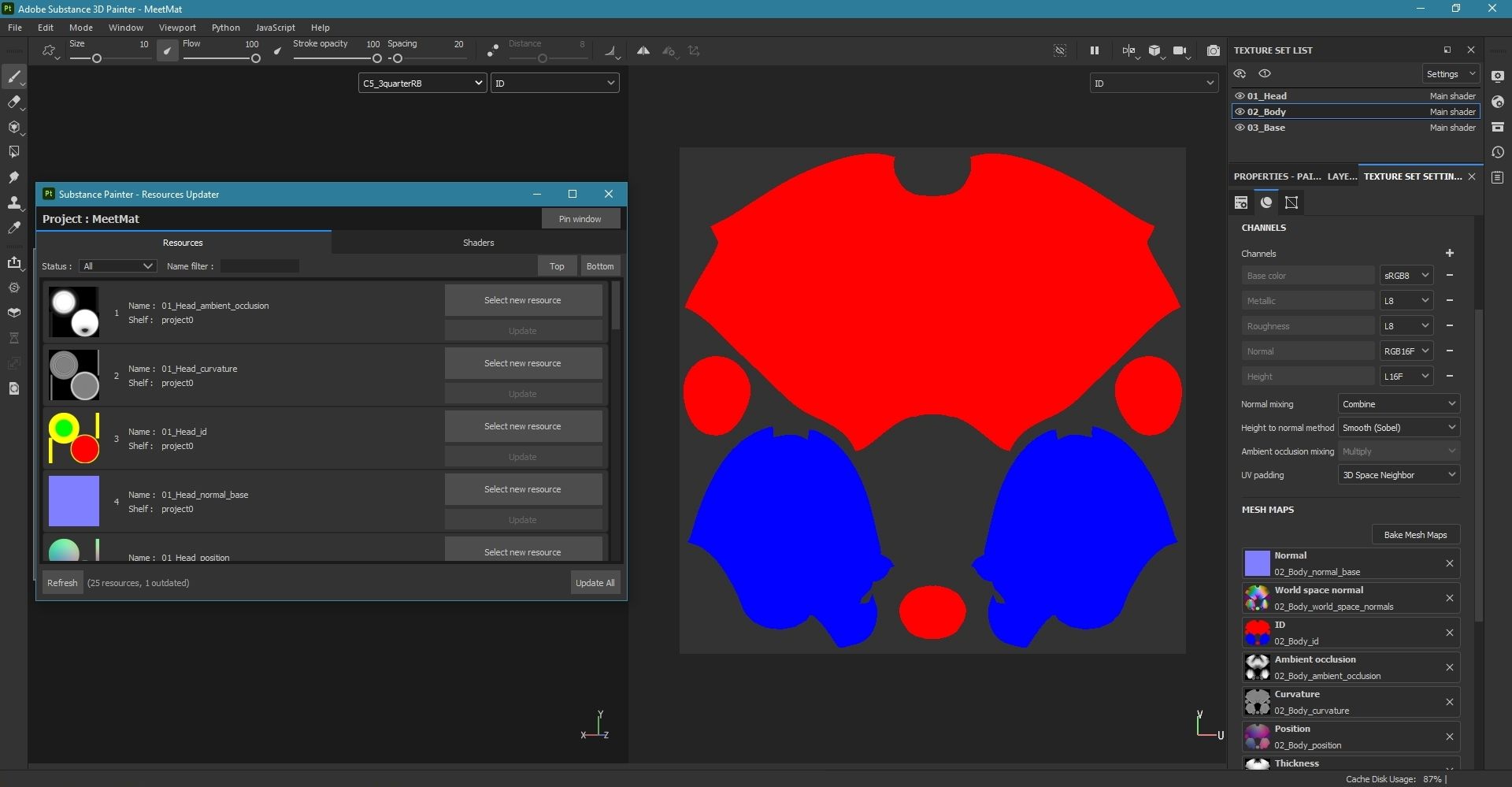
Adobe Substance 3D Painter 11.1.1.5024 is a professional 3D texturing and material authoring application widely used in game development, film production, product visualization, and virtual reality workflows. It enables artists to paint textures directly onto 3D models with high precision, delivering realistic surface details using industry-standard physically based rendering workflows.

This version focuses on performance improvements, stability enhancements, and workflow refinements that help artists work faster and more efficiently while maintaining visual accuracy.

Features of Adobe Substance 3D Painter 11.1.1.5024

Advanced PBR Texture Painting
Substance 3D Painter supports modern PBR workflows, allowing artists to paint directly in metallic roughness and specular glossiness modes. This ensures materials behave accurately under real-world lighting conditions.

Smart Materials and Smart Masks
The software includes a powerful library of Smart Materials and Smart Masks that automatically adapt to mesh geometry and surface details. These tools significantly speed up the texturing process while maintaining consistency across assets.

Layer-Based Non-Destructive Workflow
A flexible layer system allows artists to stack paint layers, effects, and filters non-destructively. Adjustments can be made at any stage of production without damaging the original texture data.

High-Quality Real-Time Viewport
The real-time viewport delivers accurate visual feedback using advanced shaders and lighting. Artists can preview final-quality materials directly while painting, reducing the need for external renders.

Procedural Texture Authoring
Substance 3D Painter integrates procedural textures and generators that respond dynamically to changes in geometry or UVs. This enables rapid iteration and scalable texture creation.

Extensive Texture Export Options
The application supports customizable export presets for major game engines and renderers, including Unreal Engine, Unity, and V-Ray. Textures are exported in optimized formats for production-ready use.

Advanced Baking Tools
High-quality texture baking tools allow artists to generate normal maps, ambient occlusion, curvature, and other essential maps with precision, even from high-poly source meshes.

Seamless Integration with Adobe Ecosystem
Substance 3D Painter integrates smoothly with other Adobe tools such as Photoshop and the wider Substance 3D suite, enabling efficient asset creation and refinement.

Optimized Performance and Stability
Version 11.1.1.5024 includes internal optimizations that improve application stability, viewport performance, and handling of complex textures and large projects.

Why Choose Adobe Substance 3D Painter 11.1.1.5024
Adobe Substance 3D Painter is a trusted industry standard for professional 3D texturing. With its powerful PBR workflow, procedural tools, and real-time feedback, it enables artists to produce high-quality materials efficiently for both real-time and offline rendering pipelines.

If you want to download Adobe Substance 3D Painter 11.1.1.5024 full license, please click to DOWNLOAD button to download.
CLICKDOWN.ORG Download CAD CAM CNC software
Inside package Adobe Substance 3D Painter 11.1.1.5024, already have cracked files and instruction how to install Adobe Substance 3D Painter 11.1.1.5024 step by step. I guarantee you can install Adobe Substance 3D Painter 11.1.1.5024 successfully if you follow that instruction.
If you also can’t install it or get any problems, please contact to me by email: clickdown.org@gmail.com, then I will help you to install software by teamviewer or Ultraviewer or Anydesk.
Thanks a lot
SOFTWARES

Download Cascadeur 2025.3 win64 full license 100% working

Download Cascadeur 2025.3 win64 full license 100% working

Link download Cascadeur 2025.3 x64 full activated permanent

Working with Cascadeur 2025.3 full license forever

Description of Cascadeur 2025.3

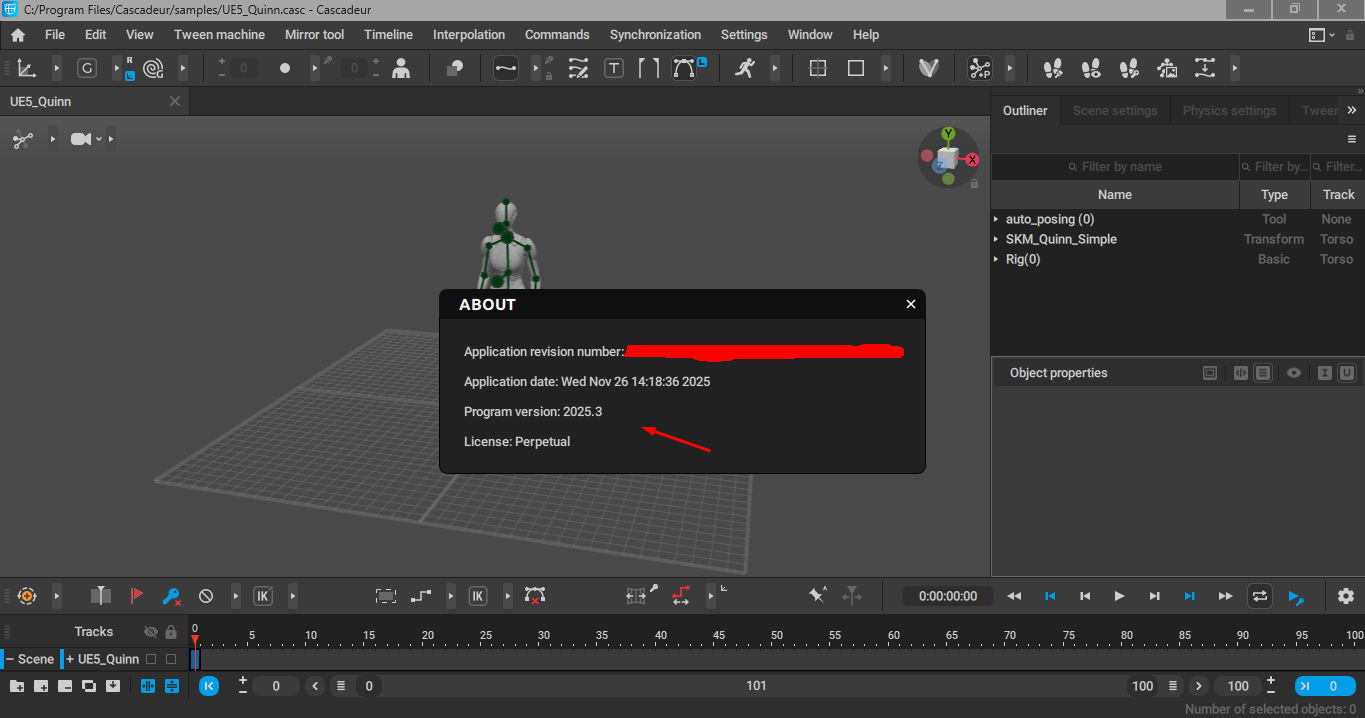
Cascadeur 2025.3 is an advanced 3D animation software designed specifically for creating high-quality character animations with realistic physics and natural motion. Developed for animators, game developers, and VFX artists, Cascadeur combines powerful AI-assisted tools with precise manual control to streamline animation workflows while maintaining full artistic freedom.

This version introduces performance improvements, enhanced AI tools, and refined animation controls, making it ideal for producing realistic human and creature motion for games, films, and cinematic projects.

Features of Cascadeur 2025.3

AI-Assisted Animation Tools
Cascadeur uses intelligent AI algorithms to help animators generate physically accurate poses and movements. The AutoPosing and AutoPhysics systems analyze balance, gravity, and momentum to create natural motion that follows real-world physics.

Physics-Based Character Animation
Built with a strong focus on biomechanics, Cascadeur allows users to visualize forces, center of mass, and joint constraints. This ensures animations look realistic while reducing the need for constant manual corrections.

Non-Linear Animation Workflow
Cascadeur 2025.3 offers a non-linear animation system that allows animators to adjust poses at any frame without breaking existing motion. This makes it easier to iterate and fine-tune complex animations.

Advanced Rigging and Skeleton Controls
The software supports flexible skeleton setups with advanced joint limits and constraints. Animators can easily customize rigs or work with imported characters from other 3D tools.

Seamless Integration with Game Engines and DCC Tools
Cascadeur supports industry-standard formats such as FBX, allowing smooth integration with Unreal Engine, Unity, Blender, Maya, and other popular pipelines.

Improved Timeline and Keyframe Management
The updated timeline provides better control over keyframes, interpolation, and animation layers, enabling faster editing and cleaner motion curves.

Real-Time Motion Visualization
Visual indicators help animators understand movement flow, trajectory, and balance in real time, improving animation accuracy and efficiency.

Optimized Performance and Stability
Cascadeur 2025.3 includes performance optimizations that improve viewport responsiveness and handling of complex scenes, making it suitable for professional production environments.

Why Choose Cascadeur 2025.3
Cascadeur 2025.3 is an ideal solution for animators who want to create realistic, physically accurate character animations without sacrificing creative control. Its AI-driven tools significantly reduce animation time while maintaining professional-level results, making it a valuable addition to any modern animation pipeline.

If you want to download Cascadeur 2025.3 full license, please click to DOWNLOAD button to download.
CLICKDOWN.ORG Download CAD CAM CNC software
Inside package Cascadeur 2025.3, already have cracked files and instruction how to install Cascadeur 2025.3 step by step. I guarantee you can install Cascadeur 2025.3 successfully if you follow that instruction.
If you also can’t install it or get any problems, please contact to me by email: clickdown.org@gmail.com, then I will help you to install software by teamviewer or Ultraviewer or Anydesk.
Thanks a lot
SOFTWARES

Download 3Dsurvey 4.0.2 win64 full license forever

Download 3Dsurvey 4.0.2 full license

Link download 3Dsurvey 4.0.2 full activated

Working with 3Dsurvey 4.0.2 full license

Description of 3Dsurvey 4.0.2

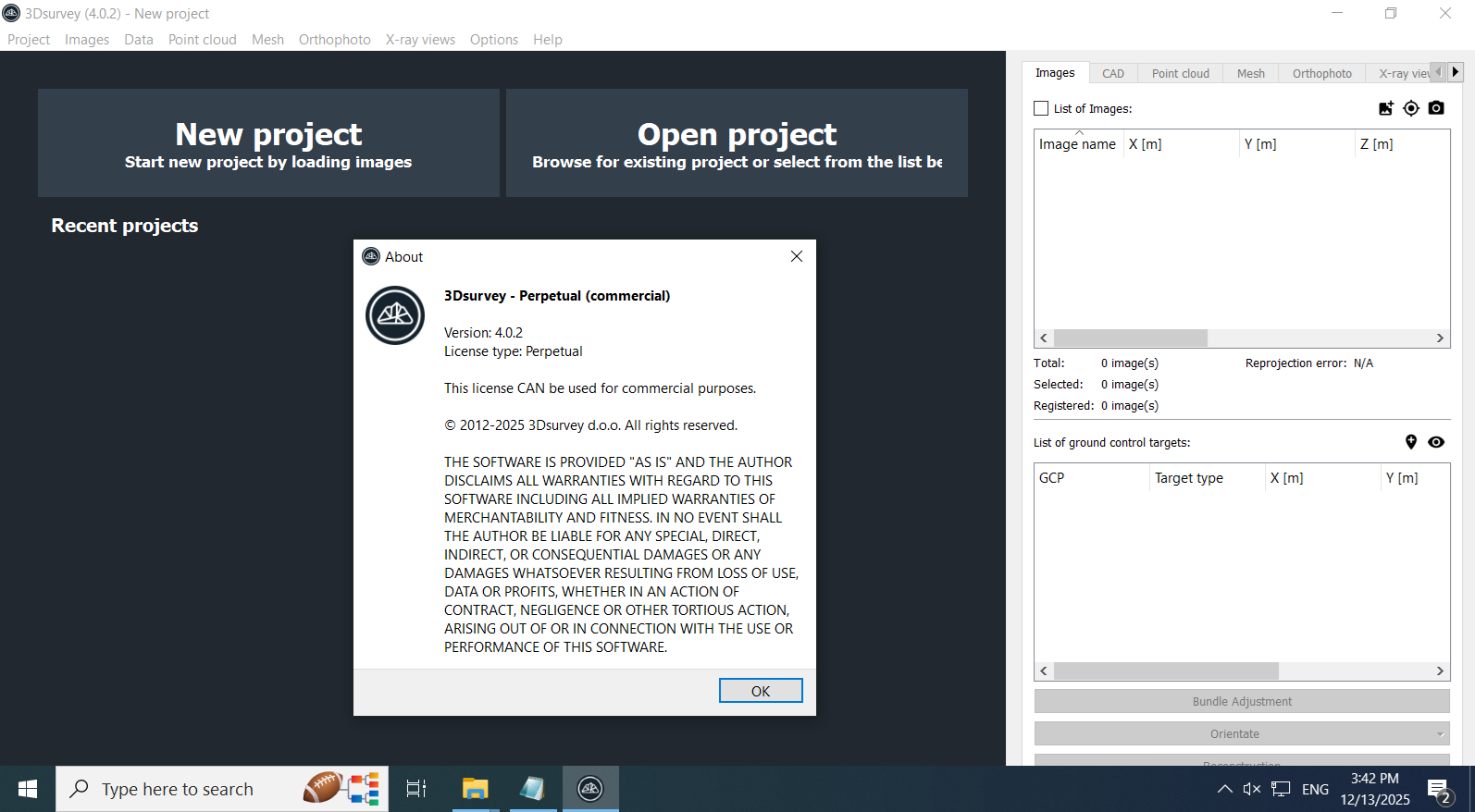
3Dsurvey 4.0.2 is a professional photogrammetry and surveying software designed to transform aerial and terrestrial imagery into accurate 3D models, maps, and measurement-ready data. Widely used in drone mapping, land surveying, construction, mining, and environmental analysis, 3Dsurvey provides a complete workflow from image processing to advanced geospatial outputs. Version 4.0.2 improves stability, processing accuracy, and performance, making it suitable for both small projects and large-scale mapping tasks.

The software supports data from UAV drones, ground cameras, and mobile mapping systems. Users can process RGB, multispectral, and thermal imagery to generate precise digital terrain models and orthophotos. 3Dsurvey 4.0.2 includes advanced algorithms for image alignment, point cloud generation, and surface reconstruction, ensuring reliable results even in complex terrain conditions.

One of the key strengths of 3Dsurvey 4.0.2 is its powerful measurement and analysis tools. Users can calculate distances, areas, volumes, profiles, and cross sections directly on point clouds and surfaces. This makes it ideal for earthworks, stockpile measurements, road design, and site planning. The software also supports ground control points and coordinate systems to ensure survey-grade accuracy.

3Dsurvey 4.0.2 offers comprehensive outputs compatible with GIS, CAD, and BIM workflows. Users can export point clouds, meshes, contours, orthomosaics, and digital elevation models in widely used formats. Integration with external software allows seamless collaboration between surveyors, engineers, and planners.

The user interface is designed for efficiency and clarity, allowing both beginners and experienced professionals to work productively. Batch processing, project management tools, and customizable workflows help reduce processing time while maintaining high data quality. With reliable performance and professional-grade results, 3Dsurvey 4.0.2 is a strong solution for modern photogrammetry and surveying applications.

If you want to download 3Dsurvey 4.0.2 full license, please click to DOWNLOAD button to download.
CLICKDOWN.ORG Download CAD CAM CNC software
Inside package 3Dsurvey 4.0.2, already have cracked files and instruction how to install 3Dsurvey 4.0.2 step by step. I guarantee you can install 3Dsurvey 4.0.2 successfully if you follow that instruction.
If you also can’t install it or get any problems, please contact to me by email: clickdown.org@gmail.com, then I will help you to install software by teamviewer or Ultraviewer or Anydesk.
Thanks a lot
SOFTWARES

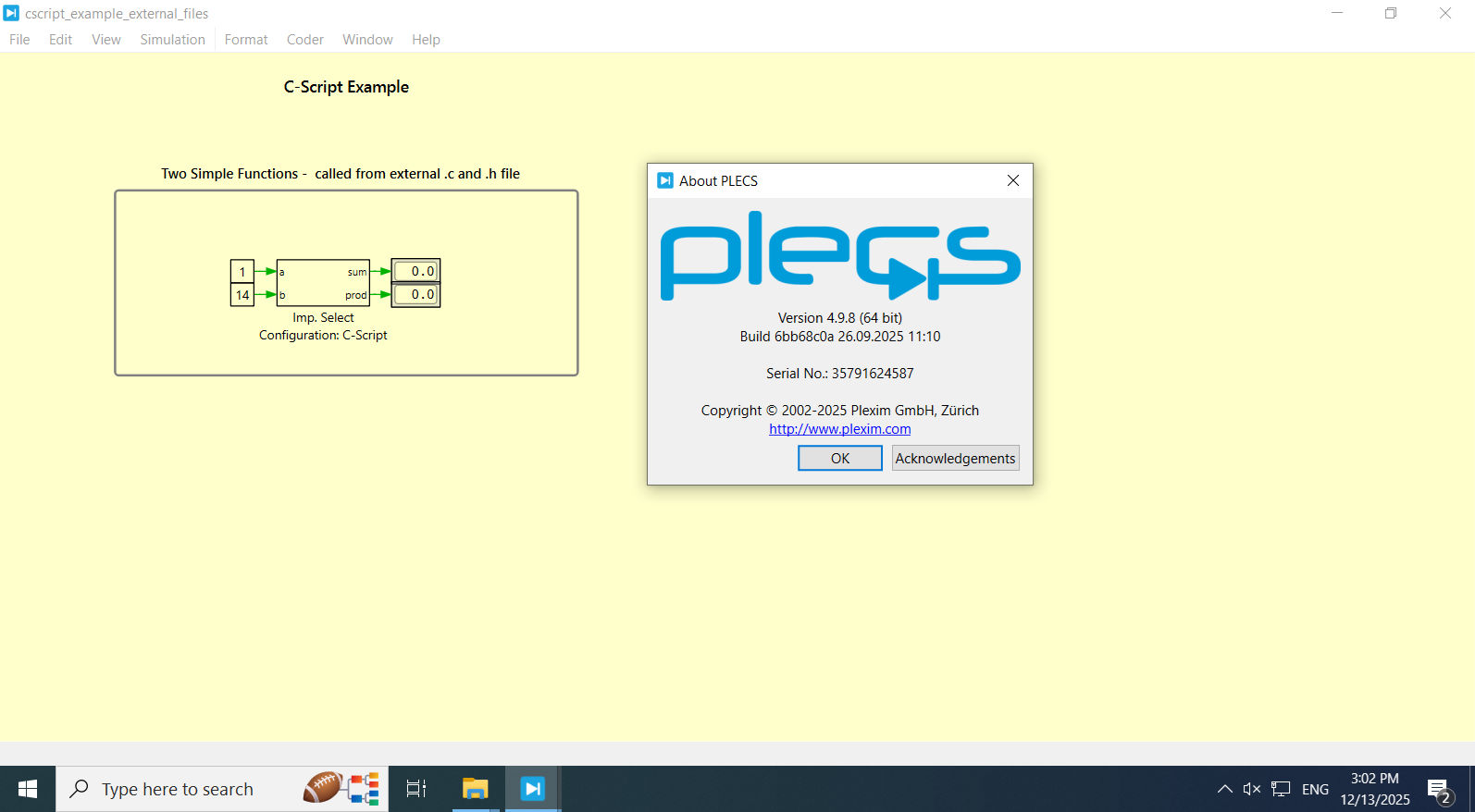
Download Plexim Plex Standalone 4.9.8 x64 full license

Download Plexim Plex Standalone 4.9.8 x64 full license

Link download Plexim Plex Standalone 4.9.8 full activated

Working with Plexim Plex Standalone 4.9.8 full license

Description of Plexim Plex Standalone 4.9.8

Plexim PLECS Standalone 4.9.8 is a high-performance simulation software dedicated to modeling, analyzing, and controlling power electronic systems and electric drives. Developed by Plexim, this standalone version operates independently from MATLAB and Simulink, offering faster simulation speed, enhanced numerical stability, and a streamlined workflow for engineers, researchers, and educators. PLECS Standalone 4.9.8 is widely used in power electronics, renewable energy, automotive, aerospace, and industrial drive applications.

Features of Plexim Plex Standalone 4.9.8

1. High-Speed Power Electronics Simulation
PLECS is optimized for fast and accurate simulation of switched-mode power electronic circuits. It efficiently handles high-frequency switching behavior while maintaining numerical stability.

2. Standalone Environment
The standalone edition runs independently without requiring MATLAB or Simulink. This reduces system dependency, lowers licensing costs, and provides a dedicated environment for power electronics modeling.

3. Advanced Circuit Modeling
Supports detailed modeling of power semiconductors, passive components, converters, inverters, rectifiers, and switching devices. Users can simulate real-world behaviors with high accuracy.

4. Integrated Control Design
PLECS allows control algorithms to be developed and tested directly alongside power circuits. This includes support for digital control, state machines, and signal processing blocks.

5. Electric Drive and Motor Modeling
Includes built-in models for electric machines such as induction motors, permanent magnet synchronous motors, and DC motors. This makes it ideal for motor drive and traction system analysis.

6. Thermal Modeling and Loss Calculation
PLECS Standalone 4.9.8 provides thermal simulation capabilities, enabling users to calculate switching losses, conduction losses, and temperature behavior of power devices.

7. C-Code Generation
Supports automatic C-code generation for real-time simulation, hardware-in-the-loop testing, and embedded controller implementation, improving the transition from simulation to deployment.

8. Improved User Interface and Workflow
The graphical user interface offers intuitive schematic editing, parameter handling, and waveform visualization. Enhanced plotting and data analysis tools improve productivity.

9. Multi-Domain System Simulation
PLECS supports electrical, thermal, and control domains within a single simulation environment, enabling comprehensive system-level analysis.

10. Compatibility with External Tools
PLECS Standalone can interface with external real-time platforms and simulation environments, supporting verification, validation, and controller testing workflows.

11. Performance and Stability Enhancements
Version 4.9.8 includes performance optimizations, reduced simulation time for complex systems, and improved solver robustness for demanding applications.

If you want to download Plexim Plex Standalone 4.9.8 full license, please click to DOWNLOAD button to download.
CLICKDOWN.ORG Download CAD CAM CNC software
Inside package Plexim Plex Standalone 4.9.8, already have cracked files and instruction how to install Plexim Plex Standalone 4.9.8 step by step. I guarantee you can install Plexim Plex Standalone 4.9.8 successfully if you follow that instruction.
If you also can’t install it or get any problems, please contact to me by email: clickdown.org@gmail.com, then I will help you to install software by teamviewer or Ultraviewer or Anydesk.
Thanks a lot
SOFTWARES

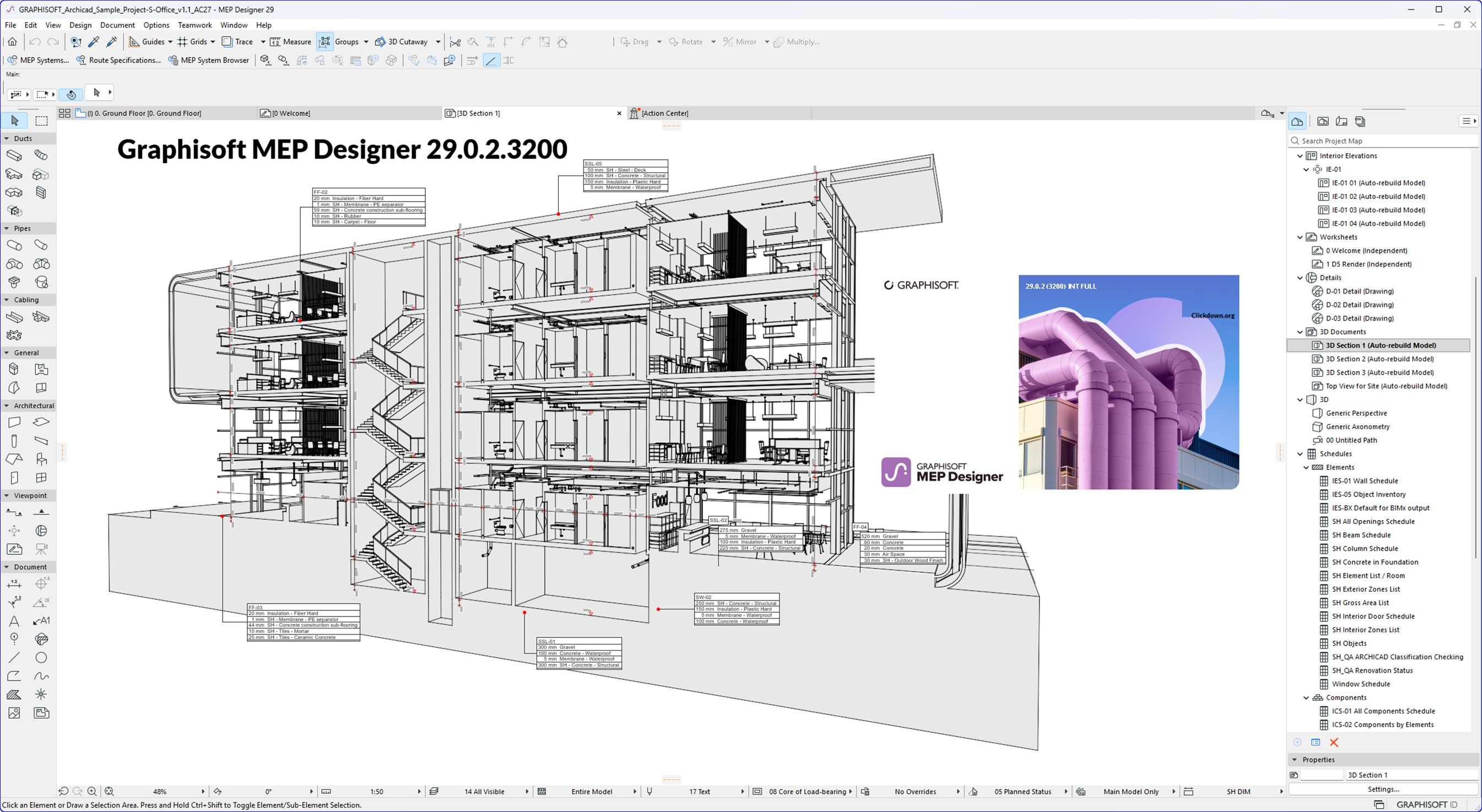
Download Graphisoft MEP Designer 29.0.2.3200 full license

Download Graphisoft MEP Designer 29.0.2.3200 x64 full license

Link download Graphisoft MEP Designer 29.0.2.3200 full activated

Working with Graphisoft MEP Designer 29.0.2.3200 full license

Description of Graphisoft MEP Designer 29.0.2.3200

Graphisoft MEP Designer 29.0.2.3200 is a powerful BIM (Building Information Modeling) solution focused on mechanical, electrical, and plumbing (MEP) engineering workflows. Built to integrate seamlessly with Archicad and to function as a standalone application, MEP Designer enables engineers and multidisciplinary teams to create accurate MEP system layouts with intuitive tools and intelligent documentation workflows.

Features of Graphisoft MEP Designer 29.0.2.3200

1. Intuitive MEP Modeling Tools
MEP Designer includes a comprehensive toolbox tailored for MEP workflows, such as ductwork, pipework, cable trays, connectors, and parametric equipment. These tools allow you to design and route systems efficiently in 2D and 3D views, with automatic connections and routing logic that accelerate model creation and reduce manual work.

2. Parametric Libraries and Custom Parts
Access a robust parametric library of MEP components (pipes, valves, fittings, HVAC parts) and create custom MEP objects to match project standards. System attributes enable visual and structural differentiation of systems by discipline or medium for greater clarity and coordination.

3. Intelligent Documentation and Visualization
Generate accurate 2D plans, sections, schedules, and parts lists directly from the MEP model. Labels, dimensions, and symbolic representations update dynamically from the model data, ensuring consistent and standards-compliant documentation for project delivery.

4. Collaboration and Interoperability
MEP Designer supports open BIM workflows with IFC import/export and works within Teamwork environments using BIMcloud. This ensures interdisciplinary coordination across architects, structural engineers, and MEP professionals. Native support for Revit file formats enables data exchange with Revit models.

5. Advanced Calculation & Optimization Tools
Built-in tools, including velocity-based duct sizing, hydronics optimization, and system browser analysis, help engineers verify performance, balance systems, and optimize layout. Integrated clash detection checks for intersections between MEP systems and other building elements early in the design process.

6. Seamless Integration with Archicad
When used with Archicad, the MEP work environment adapts toolsets and user interface for MEP design, while still allowing limited access to architectural elements. This hybrid workflow keeps model integrity strong and supports collaborative project development.

7. Cross-Platform Support and Workflow Flexibility
Graphisoft MEP Designer operates on both macOS and Windows, maintaining compatibility across platforms. Whether deployed as a standalone tool or within the Archicad environment, it offers consistent file formats (.pln, .pla) for collaborative work and coordinated model sharing.

If you want to download Graphisoft MEP Designer 29.0.2.3200 full license, please click to DOWNLOAD button to download.
CLICKDOWN.ORG Download CAD CAM CNC software
Inside package Graphisoft MEP Designer 29.0.2.3200, already have cracked files and instruction how to install Graphisoft MEP Designer 29.0.2.3200 step by step. I guarantee you can install Graphisoft MEP Designer 29.0.2.3200 successfully if you follow that instruction.
If you also can’t install it or get any problems, please contact to me by email: clickdown.org@gmail.com, then I will help you to install software by teamviewer or Ultraviewer or Anydesk.
Thanks a lot
SOFTWARES

Download Aseprite 1.3.15.5 x64 full license forever

Download Aseprite 1.3.15.5 full license

Link download Aseprite 1.3.15.5 full activated

Working with Aseprite 1.3.15.5 full license

Description of Aseprite 1.3.15.5

Aseprite 1.3.15.5 is a professional pixel art and animation editor designed for game developers, artists, and digital creators who specialize in retro-style graphics and frame-by-frame animation. This version focuses on performance improvements, refined animation tools, and enhanced workflow stability, making it an essential tool for creating sprites, tilesets, and pixel-based animations with precision and speed.

Features of Aseprite 1.3.15.5

1. Pixel-Perfect Drawing Tools
Aseprite provides precise pixel-level control with pencil, eraser, shape, and fill tools. Every stroke aligns exactly to the pixel grid, ensuring crisp and clean pixel art.

2. Frame-by-Frame Animation System
The timeline-based animation system allows users to create smooth sprite animations by managing frames, layers, and tags. Onion skinning helps visualize previous and next frames for accurate motion.

3. Layers and Blend Modes
Supports multiple layers per frame with blending modes and opacity control. This allows artists to separate elements such as characters, effects, and backgrounds for non-destructive editing.

4. Tileset and Tilemap Support
Aseprite includes dedicated tools for tileset creation and tilemap editing, making it ideal for 2D game level design and environment artwork.

5. Color Management and Palettes
Advanced palette management allows users to create, edit, and switch between color palettes easily. Index color mode ensures consistent color usage across sprites and animations.

6. Animation Tags and Playback Control
Animation tags allow grouping of frames into loops, actions, or states. Users can preview animations in real time and adjust playback speed for fine-tuned results.

7. Selection and Transformation Tools
Provides rectangular, lasso, and magic wand selection tools along with scaling, rotating, flipping, and moving selected pixels accurately.

8. Export Options for Games and Media
Export spritesheets, individual frames, or animated files in formats such as PNG, GIF, and JSON. This makes Aseprite ideal for integration into game engines and creative pipelines.

9. Customizable Interface and Shortcuts
The interface is highly customizable, with flexible layouts and keyboard shortcuts that allow users to optimize their workflow for speed and efficiency.

10. Scripting and Automation
Supports scripting for automating repetitive tasks, batch exporting, and custom tool creation, enhancing productivity for advanced users.

11. Performance and Stability Improvements
Version 1.3.15.5 includes optimizations that improve responsiveness, reduce memory usage, and enhance stability during complex animation projects.

If you want to download Aseprite 1.3.15.5 full license, please click to DOWNLOAD button to download.
CLICKDOWN.ORG Download CAD CAM CNC software
Inside package Aseprite 1.3.15.5, already have cracked files and instruction how to install Aseprite 1.3.15.5 step by step. I guarantee you can install Aseprite 1.3.15.5 successfully if you follow that instruction.
If you also can’t install it or get any problems, please contact to me by email: clickdown.org@gmail.com, then I will help you to install software by teamviewer or Ultraviewer or Anydesk.
Thanks a lot
SOFTWARES

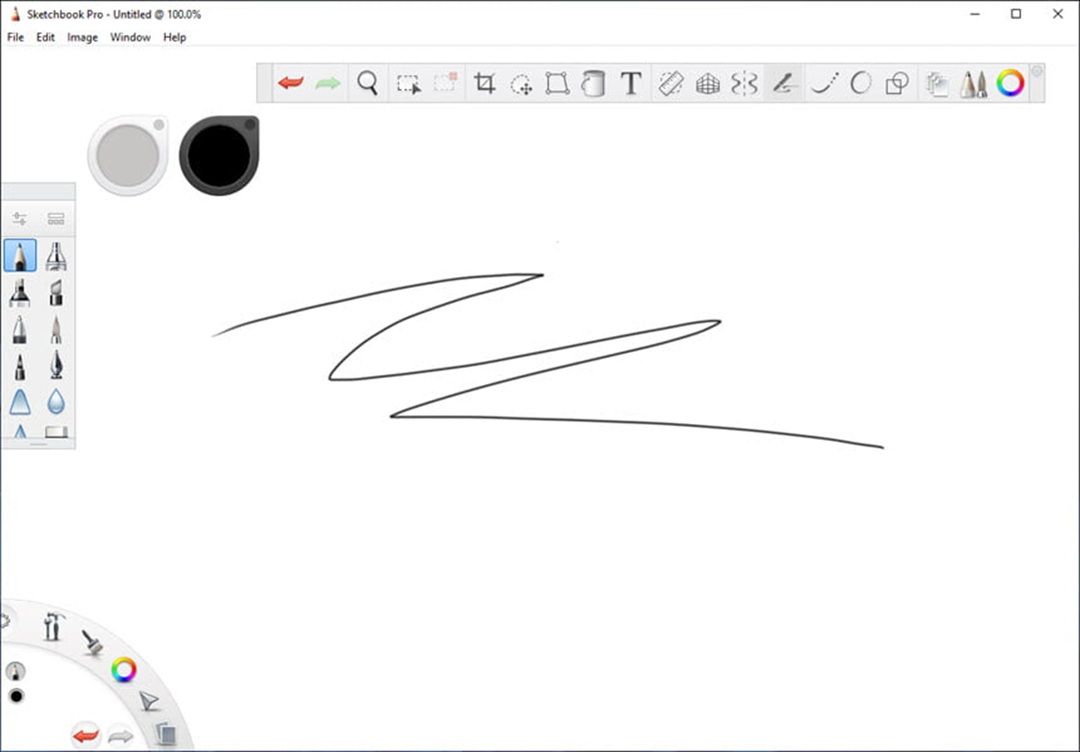
Download Sketchbook Pro 9.3.24 x64 full license forever

Download Sketchbook Pro 9.3.24 x64 full license forever

Link download Sketchbook Pro 9.3.24 full activated

Working with Sketchbook Pro 9.3.24 full license

Description of Sketchbook Pro 9.3.24

Sketchbook Pro 9.3.24 is a professional digital drawing and painting application designed for artists, illustrators, designers, and concept creators. Known for its clean interface and natural drawing experience, this version focuses on performance stability, refined brush behavior, and enhanced workflow efficiency. Sketchbook Pro provides a distraction-free environment that allows creatives to focus entirely on sketching, inking, and painting with precision and speed.

Features of Sketchbook Pro 9.3.24

1. Intuitive and Minimalist Interface
Sketchbook Pro offers a clean, full-screen workspace that maximizes canvas space. Tools and menus remain hidden until needed, allowing artists to concentrate fully on their artwork.

2. Advanced Brush Engine
The improved brush engine delivers smooth, responsive strokes with pressure sensitivity and tilt support for pen tablets. Users can create realistic pencil, ink, marker, and paint effects with high accuracy.

3. Fully Customizable Brushes
Artists can modify brushes by adjusting size, opacity, flow, texture, and pressure curves. Custom brushes can be saved and reused for consistent results across projects.

4. Layer-Based Workflow
Sketchbook Pro supports a robust layer system with blending modes, grouping, and opacity controls. This allows non-destructive editing and flexible composition for complex illustrations.

5. Professional Drawing Tools
Includes perspective guides, symmetry tools, ellipse and ruler tools, and predictive stroke features. These tools help create precise linework, technical drawings, and balanced compositions.

6. High-Resolution Canvas Support
Users can work on large, high-resolution canvases suitable for print, concept art, and detailed illustrations without sacrificing performance or responsiveness.

7. Enhanced Selection and Transformation
Advanced selection tools allow artists to isolate, move, rotate, scale, and transform specific areas of artwork with accuracy and control.

8. PSD Compatibility
Sketchbook Pro supports importing and exporting layered PSD files, enabling seamless collaboration with Adobe Photoshop and other professional design tools.

9. Cross-Platform Workflow
Projects can be shared easily across platforms, making it suitable for artists who work on multiple devices and operating systems.

10. Performance and Stability Improvements
Version 9.3.24 includes under-the-hood optimizations that improve startup speed, brush responsiveness, and overall stability for long creative sessions.

If you want to download Sketchbook Pro 9.3.24 full license, please click to DOWNLOAD button to download.
CLICKDOWN.ORG Download CAD CAM CNC software
Inside package Sketchbook Pro 9.3.24, already have cracked files and instruction how to install Sketchbook Pro 9.3.24 step by step. I guarantee you can install Sketchbook Pro 9.3.24 successfully if you follow that instruction.
If you also can’t install it or get any problems, please contact to me by email: clickdown.org@gmail.com, then I will help you to install software by teamviewer or Ultraviewer or Anydesk.
Thanks a lot
SOFTWARES

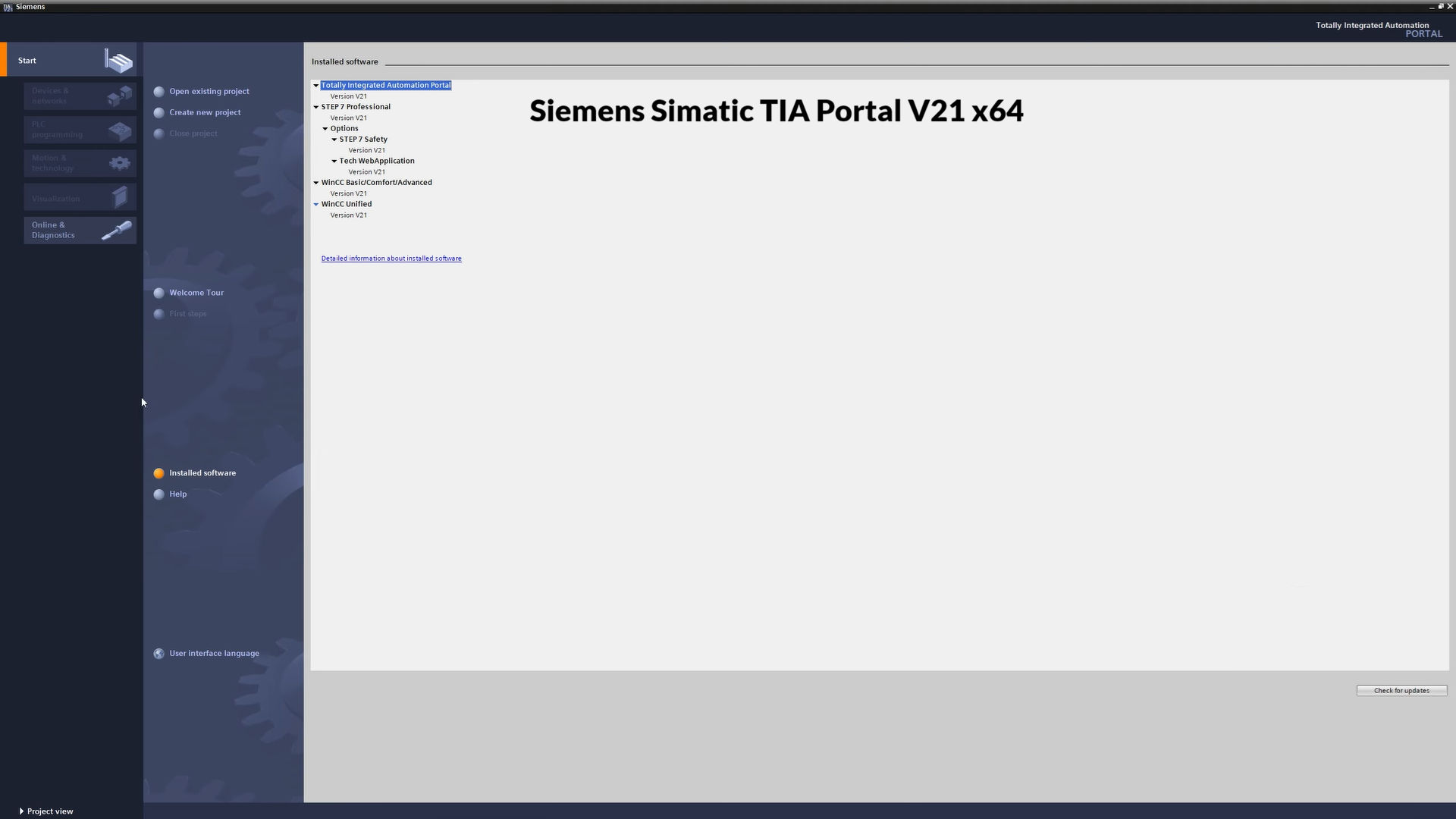
Download Siemens Simatic TIA Portal v21 win64 full license

Download Siemens Simatic TIA Portal v21 win64 full license

Link download Siemens Simatic TIA Portal v21 full activated

Working with Siemens Simatic TIA Portal v21 full license

Description of Siemens Simatic TIA Portal v21

Siemens SIMATIC TIA Portal v21 is an advanced engineering framework designed for the integrated development, configuration, and commissioning of Siemens automation systems. As part of Siemens Totally Integrated Automation concept, TIA Portal v21 unifies PLC programming, HMI design, drive configuration, safety engineering, and diagnostics into a single, centralized environment. This version introduces improved performance, enhanced usability, and expanded support for modern industrial automation and digitalization workflows.

Features of Siemens Simatic TIA Portal v21

1. Integrated Engineering Environment
TIA Portal v21 provides a unified platform for configuring SIMATIC PLCs, HMIs, drives, and motion systems. Engineers can manage all automation components within one project, reducing engineering time and minimizing errors.

2. Advanced PLC Programming
Supports programming languages such as LAD, FBD, STL, and SCL for SIMATIC S7-1200, S7-1500, and related controllers. Enhanced editors improve code readability, debugging, and reusability across projects.

3. Optimized Performance and Stability
Version 21 delivers faster project loading, smoother navigation, and improved memory management. Large automation projects benefit from increased responsiveness and system stability.

4. Enhanced HMI Engineering
TIA Portal v21 simplifies the design of SIMATIC HMI panels and WinCC-based interfaces. Improved visualization tools, reusable screen elements, and enhanced alarm management support efficient operator interface development.

5. Integrated Safety Engineering
Safety functions are fully integrated, enabling configuration of fail-safe PLCs and safety components within the same environment. This ensures consistent data handling and compliance with international safety standards.

6. Motion Control and Drive Integration
The software supports integrated motion control, positioning, and drive configuration for SINAMICS drives and SIMATIC motion systems. This allows precise control of machines and production lines.

7. Advanced Diagnostics and Troubleshooting
Built-in diagnostic tools provide real-time system status, error detection, and trace functions. Engineers can quickly identify and resolve issues during commissioning and operation.

8. Digital Twin and Simulation Support
TIA Portal v21 supports simulation and virtual commissioning workflows, enabling engineers to test logic, HMI behavior, and motion sequences before deploying to physical hardware.

9. Scalable and Modular Project Structure
Projects can be structured modularly, making it easier to reuse function blocks, libraries, and templates across multiple machines or production lines.

10. Secure Industrial Communication
Supports PROFINET, PROFIBUS, OPC UA, and secure communication protocols. Integrated security functions help protect automation systems against unauthorized access.

11. Multi-User Engineering
Team-based engineering allows multiple users to work on the same project simultaneously, improving collaboration and reducing development cycles in large automation projects.

12. Lifecycle Management and Maintenance
TIA Portal v21 supports version control, documentation generation, and system updates, simplifying long-term maintenance and modernization of automation systems.

If you want to download Siemens Simatic TIA Portal v21 full license, please click to DOWNLOAD button to download.
CLICKDOWN.ORG Download CAD CAM CNC software
Inside package Siemens Simatic TIA Portal v21, already have cracked files and instruction how to install Siemens Simatic TIA Portal v21 step by step. I guarantee you can install Siemens Simatic TIA Portal v21 successfully if you follow that instruction.
If you also can’t install it or get any problems, please contact to me by email: clickdown.org@gmail.com, then I will help you to install software by teamviewer or Ultraviewer or Anydesk.
Thanks a lot
SOFTWARES

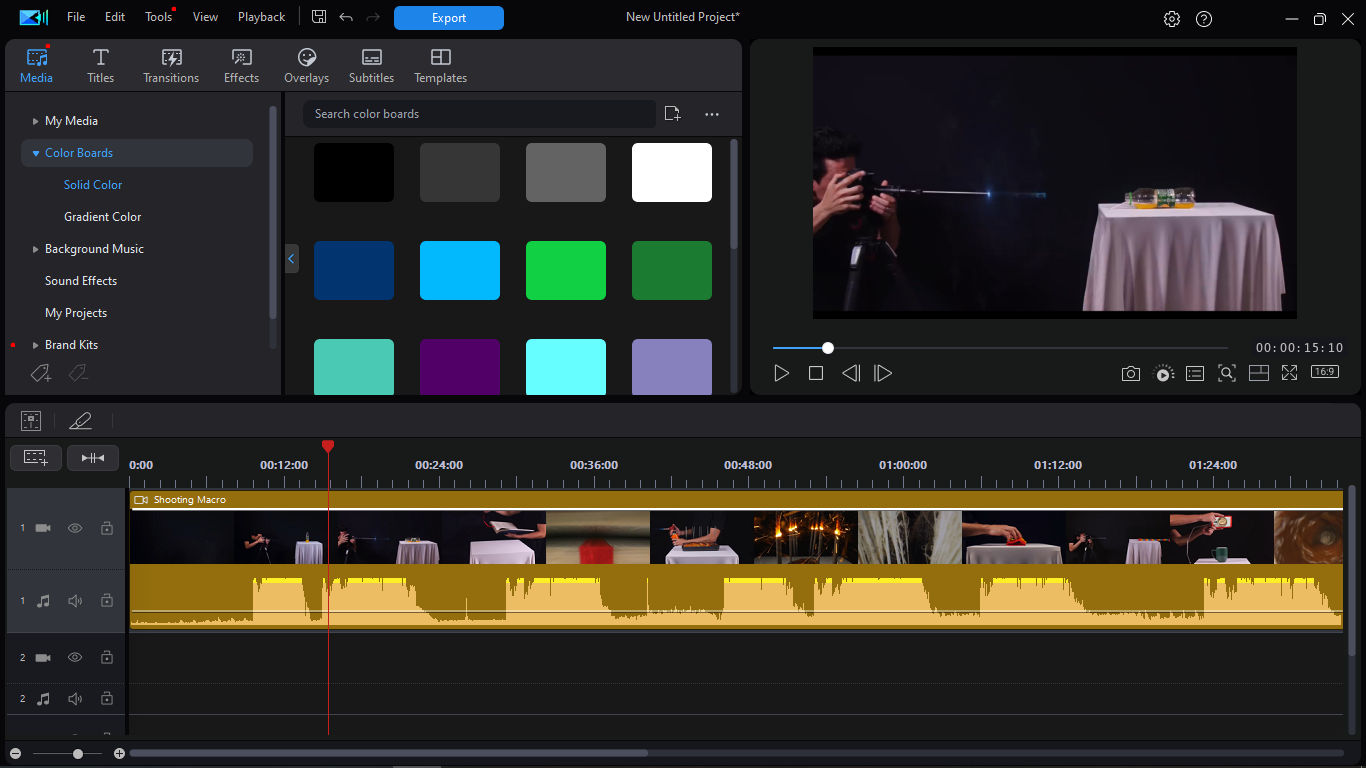
Download CyberLink PowerDirector Ultimate 2026 v24.0.1209.0

Download CyberLink PowerDirector Ultimate 2026 v24.0.1209.0 full license

Link download CyberLink PowerDirector Ultimate 2026 v24.0.1209.0 full activated

Working with CyberLink PowerDirector Ultimate 2026 v24.0.1209.0

Description of CyberLink PowerDirector Ultimate 2026 v24.0.1209.0

CyberLink PowerDirector Ultimate 2026 v24.0.1209.0 is a professional video editing suite that combines advanced editing tools, AI-powered enhancements, and an intuitive workflow for creators of all levels. This version delivers faster performance, improved timeline controls, upgraded effects, and new AI features designed to help users produce cinematic-quality videos with ease. PowerDirector 2026 is ideal for YouTubers, filmmakers, educators, marketers, and content creators who need high-quality output and efficient editing capabilities.

Features of CyberLink PowerDirector Ultimate 2026 v24.0.1209.0

1. AI-Powered Editing Tools
This version introduces enhanced AI features such as AI noise reduction, AI motion tracking, AI background removal, and AI sky replacement. These tools automate complex tasks, allowing users to create polished videos quickly.

2. Enhanced MultiCam Editing
MultiCam editing has been improved for smoother switching between camera angles, faster syncing, and better playback performance. Users can edit multi-camera footage with real-time previews.

3. 4K and 8K Video Support
PowerDirector 2026 handles high-resolution formats efficiently with improved encoding and optimized GPU acceleration, delivering faster rendering and smoother timeline playback.

4. Advanced Color Grading Tools
Includes LUT support, color wheels, curves, HDR controls, and scene-based color matching. Editors can create cinematic and stylistic color looks directly from the interface.

5. Updated Effects and Transitions
The Ultimate edition features new premium effects, seamless transitions, motion graphics templates, animated titles, and creative overlays. Users can customize templates or build their own effects.

6. Improved Keyframe Control
Users can animate nearly every element of their project with detailed keyframe editing. The enhanced keyframe interface allows for more precise control over position, scale, opacity, and effects.

7. Audio Editing Enhancements
PowerDirector includes audio denoise, vocal boost, audio ducking, equalizer presets, and automated dynamic range tools. Users can refine voiceovers, background music, and ambient audio with professional-quality results.

8. Faster Rendering with GPU and CPU Optimization
This version offers improved hardware acceleration for NVIDIA, AMD, and Intel GPUs. Rendering times for complex timelines, effects-heavy projects, and large 4K/8K files are significantly reduced.

9. Screen Recording and Live Capture
Built-in screen recording tools allow high-quality capture of gameplay, tutorials, software demos, and webcam overlays. Video and audio can be edited immediately within PowerDirector.

10. AI Object Detection and Smart Cut
Smart Cut uses AI to detect scene changes and objects automatically, making trimming and removing unwanted sections faster and more accurate.

11. Motion Graphics and Title Designer
Create cinematic titles using 3D text tools, templates, motion presets, and customizable animations. Perfect for intros, lower-thirds, and branding visuals.

12. Export Presets and Format Support
Supports a wide range of formats including MP4, MOV, H.265, H.264, MKV, AVI, and HEVC, as well as export presets for YouTube, Facebook, Instagram, and Vimeo.

13. Content Pack Library and Plugins
The Ultimate package includes premium templates, effects, LUTs, stock footage, background music, and compatibility with popular third-party plugins.

If you want to download CyberLink PowerDirector Ultimate 2026 v24.0.1209.0 full license, please click to DOWNLOAD button to download.
CLICKDOWN.ORG Download CAD CAM CNC software
Inside package CyberLink PowerDirector Ultimate 2026 v24.0.1209.0, already have cracked files and instruction how to install CyberLink PowerDirector Ultimate 2026 v24.0.1209.0 step by step. I guarantee you can install CyberLink PowerDirector Ultimate 2026 v24.0.1209.0 successfully if you follow that instruction.
If you also can’t install it or get any problems, please contact to me by email: clickdown.org@gmail.com, then I will help you to install software by teamviewer or Ultraviewer or Anydesk.
Thanks a lot

SOFTWARES

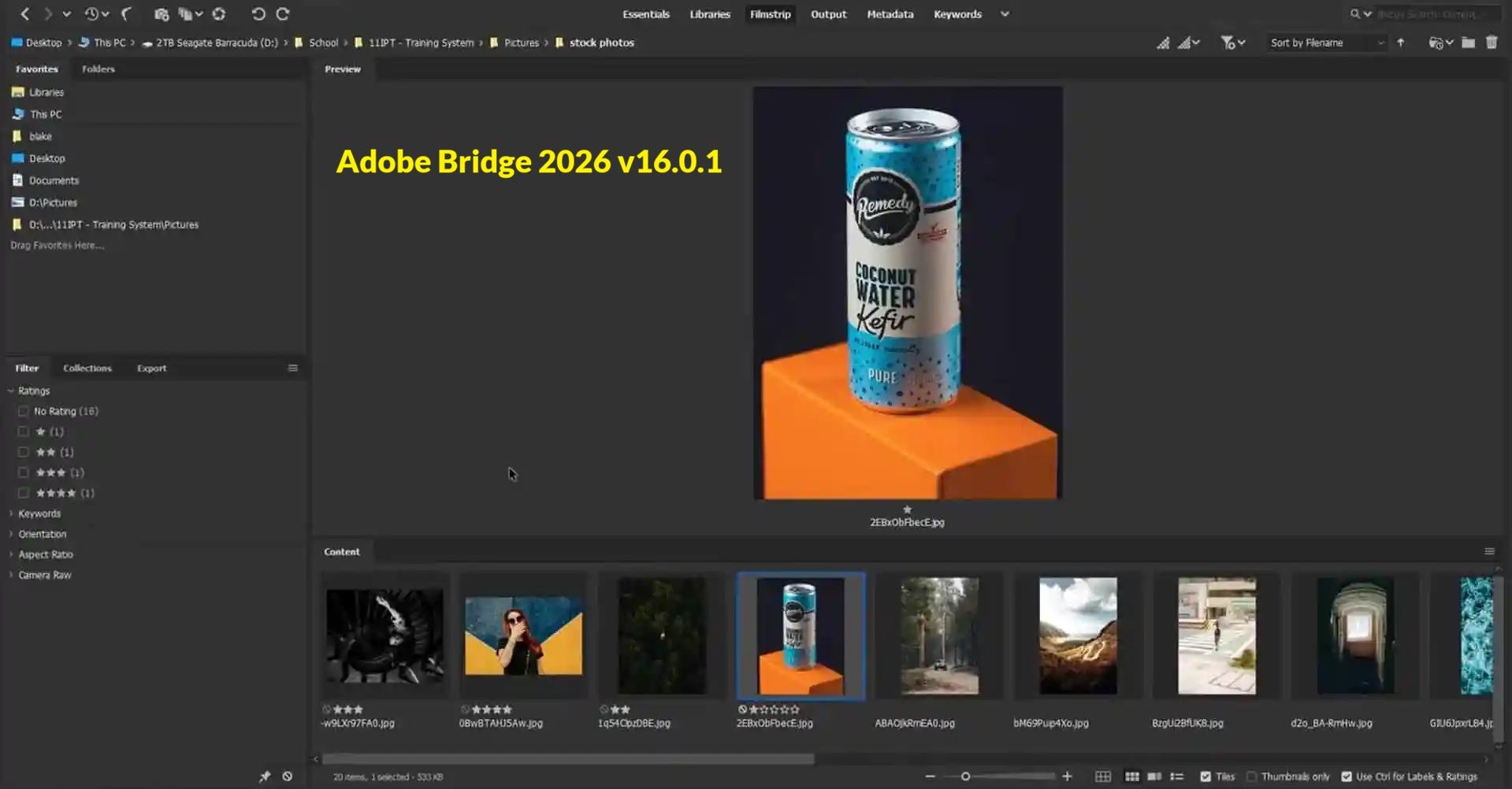
Download Adobe Bridge 2026 v16.0.1 win64 full license

Download Adobe Bridge 2026 v16.0.1 win64 full license

Link download Adobe Bridge 2026 v16.0.1 x64 full activated

Working with Adobe Bridge 2026 v16.0.1 full license

Description of Adobe Bridge 2026 v16.0.1

Adobe Bridge 2026 v16.0.1 is a powerful digital asset management application designed to help creative professionals organize, preview, manage, and batch-process media files efficiently. With enhanced performance, improved metadata handling, and expanded workflow automation, this version offers smoother navigation and better integration across Adobe Creative Cloud applications. Bridge 2026 ensures a centralized workspace for handling large volumes of images, videos, documents, and design assets with maximum efficiency.

Features of Adobe Bridge 2026 v16.0.1

1. Enhanced File Management and Preview
Bridge 2026 introduces faster file browsing with improved caching, optimized thumbnail generation, and higher-resolution previews. Users can view and compare multiple files side-by-side for more accurate selection and editing decisions.

2. Advanced Metadata and Keyword Control
The software includes improved metadata editing tools, allowing users to update IPTC, EXIF, copyright, and keyword data in bulk. Enhanced keyword panels support hierarchical structures for better organization.

3. Batch Processing and Automation
Bridge 2026 supports batch renaming, batch exporting, and automated scripts to speed up repetitive tasks. Users can convert file formats, resize images, and apply presets to large groups of assets simultaneously.

4. Creative Cloud Integration
Seamless integration with Photoshop, Illustrator, InDesign, Premiere Pro, and Lightroom ensures efficient file handoffs. Users can open assets directly in their preferred Adobe app or send collections for editing with a single click.

5. Collections and Smart Collections
Organize files using custom collections or leverage smart collections that update automatically based on metadata filters, file type, ratings, or labels.

6. Improved Review Mode
The updated Review Mode offers smoother navigation, keyboard shortcuts, and enhanced full-screen previews. It is ideal for photographers and designers who need fast selection workflows.

7. RAW Image Support via Adobe Camera Raw
Bridge 2026 provides built-in access to Adobe Camera Raw for editing, previewing, and adjusting RAW files from the latest camera models without opening Photoshop.

8. Centralized Color Management
Full support for Adobe color profiles ensures accurate color consistency across all Creative Cloud applications. This is essential for print production, photography, and visual design.

9. Video and Audio Support
View, scrub, and preview video and audio files directly in Bridge. Users can also extract frames, preview codecs, and use metadata filtering for multimedia projects.

10. Enhanced Export Panel
The Export Panel includes presets for JPEG, PNG, TIFF, DNG, and custom formats. Users can apply watermarking, resizing, color profiles, and output sharpening during export.

11. Robust Search and Filtering System
Advanced search tools allow filtering by file type, date, rating, label, metadata, and camera settings. This speeds up asset discovery across large archives.

12. Improved Performance and Stability
Bridge 2026 v16.0.1 offers faster startup times, smoother folder navigation, optimized memory usage, and increased stability when handling massive libraries.

If you want to download Adobe Bridge 2026 v16.0.1 full license, please click to DOWNLOAD button to download.
CLICKDOWN.ORG Download CAD CAM CNC software
Inside package Adobe Bridge 2026 v16.0.1, already have cracked files and instruction how to install Adobe Bridge 2026 v16.0.1 step by step. I guarantee you can install Adobe Bridge 2026 v16.0.1 successfully if you follow that instruction.
If you also can’t install it or get any problems, please contact to me by email: clickdown.org@gmail.com, then I will help you to install software by teamviewer or Ultraviewer or Anydesk.
Thanks a lot

SOFTWARES

Download Chaos V-Ray 7.2.2 for Rhinoceros 7-9 x64 full

Download Chaos V-Ray 7.2.2 for Rhinoceros 7-9 full license

Link download Chaos V-Ray 7.2.2 for Rhinoceros 7-9 full activated

Working with Chaos V-Ray 7.2.2 Build 7.20.02 for Rhinoceros 7-9 full license

Description of Chaos V-Ray 7.2.2 for Rhinoceros 7-9

Chaos V-Ray 7.2.2 for Rhinoceros 7–9 is a professional rendering solution tailored for architects, product designers, engineers, and visualization specialists who use Rhino as their primary modeling tool. This version delivers improved rendering performance, advanced material capabilities, and enhanced integration with Rhino’s NURBS modeling workflow. With support for Rhino versions 7, 8, and 9, V-Ray 7.2.2 ensures stable operation, high-quality results, and streamlined visual design processes.

Features of Chaos V-Ray 7.2.2 for Rhinoceros 7-9

1. Real-Time Visualization with V-Ray Vision
V-Ray Vision provides instant real-time rendering, enabling users to preview lighting, materials, camera angles, and environments as they adjust the model. This helps speed up design decisions without full renders.

2. High-Quality Photorealistic Rendering
The advanced V-Ray engine delivers detailed textures, accurate reflections, realistic materials, and physically correct lighting. Users can render both small product models and large architectural designs with consistent photorealistic output.

3. Enhanced Material System
This version includes upgraded material controls with improved metalness workflow, multi-layered reflections, displacement, translucency, and emissive surface settings. The V-Ray Material Library offers hundreds of ready-to-use materials for faster setup.

4. Advanced Lighting Tools
Users get access to dome lights, IES lights, HDRI skies, area lights, and global illumination enhancements. Natural and artificial lighting can be simulated accurately for product visualization, interior design, and architectural scenes.

5. GPU and CPU Rendering Optimization
V-Ray 7.2.2 provides faster rendering with optimized GPU (RTX-supported) and CPU engines. Complex scenes render more efficiently with reduced noise and improved processing stability.

6. V-Ray Cosmos Asset Browser
The integrated Chaos Cosmos library offers a wide range of high-quality assets including vegetation, furniture, vehicles, lighting, materials, and people. These assets are optimized for V-Ray and load smoothly into Rhino.

7. V-Ray Frame Buffer Improvements
The updated VFB provides layer-based color corrections, LUT support, exposure adjustments, tone mapping controls, and bloom or glare effects. Final images can be completed directly within the VFB without external editors.

8. Proxy Objects for High-Poly Scenes
V-Ray proxies allow users to manage heavy geometry efficiently, enabling the use of detailed vegetation, repeated elements, or complex models without slowing down Rhino’s viewport.

9. Animation Rendering Support
Users can render turntables, camera paths, product demos, and architectural walkthroughs directly through Rhino with enhanced stability and improved frame rendering.

10. Chaos Cloud Rendering
Chaos Cloud integration enables users to offload rendering tasks to the cloud, freeing local resources while producing high-resolution stills and animations quickly.

11. Seamless Compatibility with Rhino 7, 8, and 9
The plugin is optimized for the latest Rhino versions, ensuring smooth performance, accurate material interpretation, and reliable integration with Rhino’s modeling workflows.

If you want to download Chaos V-Ray 7.2.2 for Rhinoceros 7-9 full license, please click to DOWNLOAD button to download.
CLICKDOWN.ORG Download CAD CAM CNC software
Inside package Chaos V-Ray 7.2.2 for Rhinoceros 7-9, already have cracked files and instruction how to install Chaos V-Ray 7.2.2 for Rhinoceros 7-9 step by step. I guarantee you can install Chaos V-Ray 7.2.2 for Rhinoceros 7-9 successfully if you follow that instruction.
If you also can’t install it or get any problems, please contact to me by email: clickdown.org@gmail.com, then I will help you to install software by teamviewer or Ultraviewer or Anydesk.
Thanks a lot
SOFTWARES

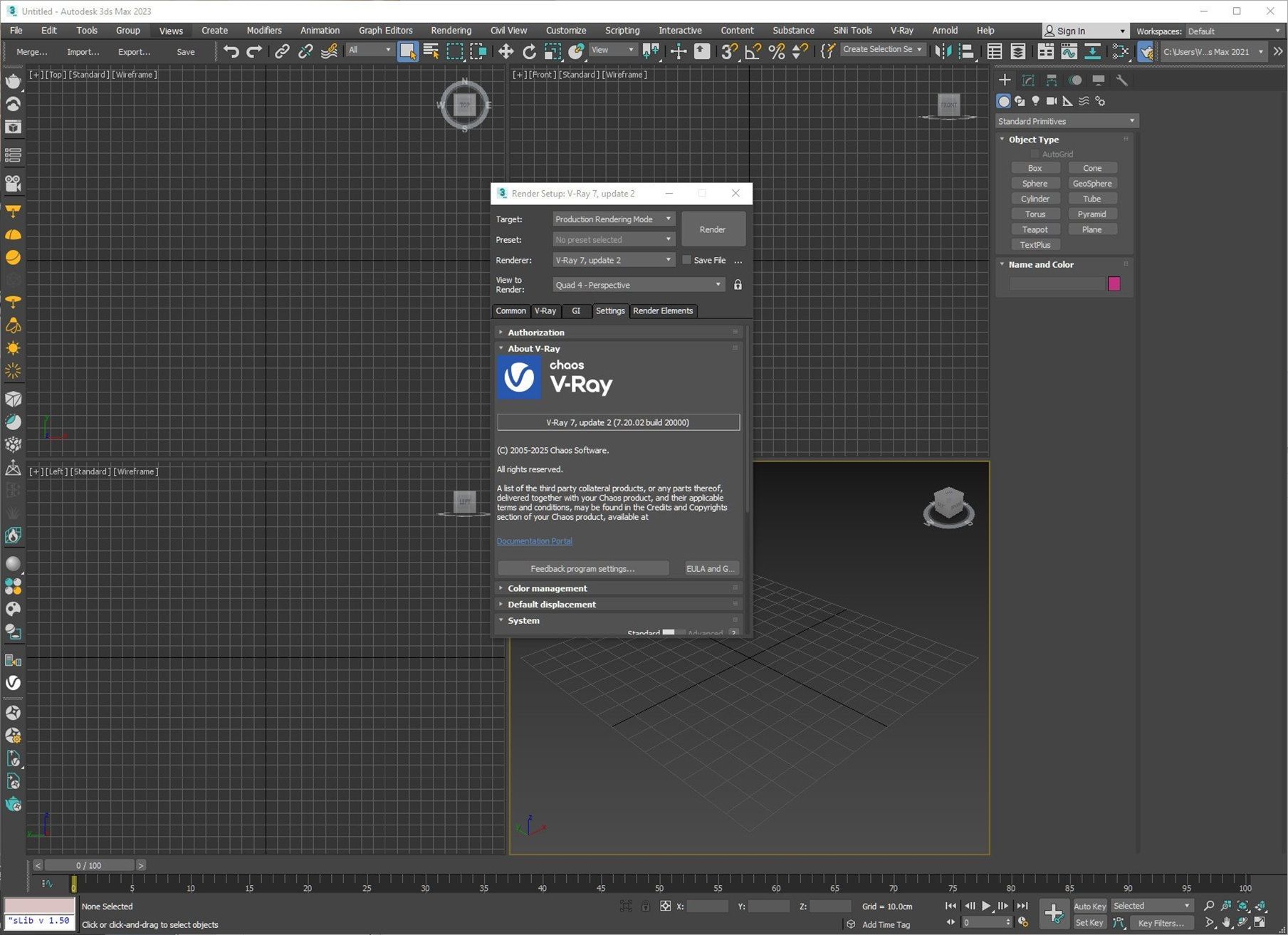
Download Chaos V-Ray 7.2.2 for SketchUp 2021 – 2026 x64 full

Chaos V-Ray 7.2.2 Build 7.20.02 for SketchUp 2021 – 2026 x64 full

Link download Chaos V-Ray 7.2.2 for SketchUp 2021 – 2026 full activated

Chaos V-Ray 7.2.2 Build 7.20.02 for SketchUp 2021 - 2026 x64 full

Description of Chaos V-Ray 7.2.2 for SketchUp 2021 – 2026

V-Ray 7.2.2 Build 7.20.02 for SketchUp is a comprehensive rendering solution designed for architects, designers, and 3D artists who need high-quality visual outputs directly within SketchUp. This version offers improved rendering speed, advanced material options, enhanced lighting tools, and seamless integration for versions 2021 through 2026. With its balance of real-time visualization and photorealistic rendering, V-Ray empowers users to bring any SketchUp model to life with exceptional realism and detail.

Features of Chaos V-Ray 7.2.2 for SketchUp 2021 – 2026

1. Real-Time Rendering with V-Ray Vision
V-Ray Vision provides instant real-time previews, allowing users to explore lighting, materials, and environments interactively. It updates scenes instantly, helping streamline design decisions without repeated full renders.

2. Enhanced Global Illumination and Lighting
Improved GI algorithms deliver precise indirect lighting, natural shadows, and accurate color bleeding. Users can simulate daylight, artificial lighting, and HDRI-based environments with increased accuracy and reduced noise.

3. Updated Material System
This version features an upgraded V-Ray Material with improved reflections, coating layers, displacement, and subsurface scattering. The expanded V-Ray Material Library offers ready-made materials for architecture, interiors, and product design.

4. Faster GPU and CPU Performance
Optimized rendering cores accelerate both CPU and GPU processing. Users can render complex scenes faster, reduce iteration times, and take advantage of NVIDIA RTX acceleration for boosted performance.

5. High-Quality Asset Library
V-Ray Cosmos provides a large collection of 3D assets, including furniture, vegetation, people, lighting fixtures, and materials. All assets are optimized for rendering and integrate seamlessly with SketchUp scenes.

6. Advanced Camera and Lens Effects
Support for depth of field, bokeh, lens distortion, bloom, and glare allows users to create cinematic visuals directly inside V-Ray. Camera exposure tools offer precise control over image brightness and contrast.

7. Improved V-Ray Frame Buffer
The updated VFB adds layer-based color corrections, LUT support, curve adjustments, tone mapping, and bloom or glare effects. Users can finalize images without exporting to external editing software.

8. Proxy Objects and Scene Optimization
V-Ray proxies allow high-polygon objects like trees, grass, and decorations to be loaded efficiently. This reduces SketchUp viewport lag and enhances performance when working on large projects.

9. Animation and Walkthrough Rendering
Users can render SketchUp animations, camera paths, product rotations, and architectural walkthroughs with optimized frame rendering and smooth motion output.

10. Chaos Cloud Integration
With Chaos Cloud, users can render high-resolution images and animations remotely, freeing local hardware for continued work. This enables faster delivery times and improved workflow efficiency.

11. Seamless Integration with SketchUp Versions 2021–2026
The plugin is fully compatible with SketchUp 2021, 2022, 2023, 2024, 2025, and 2026, ensuring stable performance and smooth workflow regardless of the version used.

If you want to download Chaos V-Ray 7.2.2 for SketchUp 2021 – 2026 full license, please click to DOWNLOAD button to download.
CLICKDOWN.ORG Download CAD CAM CNC software
Inside package Chaos V-Ray 7.2.2 for SketchUp 2021 – 2026, already have cracked files and instruction how to install Chaos V-Ray 7.2.2 for SketchUp 2021 – 2026 step by step. I guarantee you can install Chaos V-Ray 7.2.2 for SketchUp 2021 – 2026 successfully if you follow that instruction.
If you also can’t install it or get any problems, please contact to me by email: clickdown.org@gmail.com, then I will help you to install software by teamviewer or Ultraviewer or Anydesk.
Thanks a lot

SOFTWARES

Download Chaos V-Ray 7.2.2 Build 7.20.02 for Revit 22 – 26

Download Chaos V-Ray 7.2.2 Build 7.20.02 for Revit 2022 – 2026

Link download V-Ray 7.2.2 Build 7.20.02 for Revit full activated

Working with Chaos V-Ray 7.2.2 Build 7.20.02 for Revit 2022 - 2026 full

Description of Chaos V-Ray 7.2.2 Build 7.20.02 for Revit

V-Ray 7.2.2 Build 7.20.02 for Revit is a powerful rendering solution designed to enhance visualization workflows directly inside Autodesk Revit. This version delivers improved performance, advanced material control, realistic lighting tools, and a more intuitive interface for architects, designers, and visualization professionals. With seamless integration into Revit, it allows users to produce photorealistic renders without disrupting their BIM workflow.

Features of Chaos V-Ray 7.2.2 Build 7.20.02 for Revit

1. Enhanced Real-Time Rendering
V-Ray Vision gives you instant real-time previews of your models, helping you visualize lighting, materials, and environments while working inside Revit. It offers faster scene updates and improved rendering accuracy compared to previous versions.

2. Improved Global Illumination System
The updated GI engine delivers more accurate light bounce calculations, better color consistency, and improved realism in both interior and exterior scenes.

3. Advanced Material Editor
V-Ray 7.2.2 introduces upgraded material settings that allow for more precise control over reflections, surface textures, displacement, and translucency. Support for the latest V-Ray Material Library ensures quick access to ready-to-use materials.

4. High-Quality Lighting Tools
Includes advanced lighting features such as HDRI environments, dome lights, area lights, and global exposure settings. Users can simulate natural and artificial lighting for fully accurate architectural presentations.

5. Faster GPU and CPU Performance
Optimized render engines improve speed across both GPU and CPU modes. Users benefit from faster scene processing, reduced render times, and enhanced stability for large and complex Revit projects.

6. Improved Asset Management
The V-Ray Asset Browser allows quick management of materials, lights, proxies, and textures. This results in a more organized workflow and faster project setup.

7. V-Ray Cloud Rendering
Integration with Chaos Cloud lets users render high-quality images and animations without taxing local hardware. This enables efficient rendering for large scenes and tight deadlines.

8. Better BIM Workflow Integration
All Revit families, materials, and environmental settings transfer seamlessly into V-Ray. The plugin ensures full compatibility with the BIM process, maintaining structural data while enhancing visualization quality.

9. Enhanced Post-Processing Tools
The built-in V-Ray Frame Buffer includes exposure correction, color adjustments, bloom and glare effects, and layer-based post-production without needing external software.

10. Animations and Walkthrough Support
V-Ray 7.2.2 provides optimized performance for animated walkthroughs and camera paths, enabling architects to create dynamic client presentations directly from Revit.

If you want to download Chaos V-Ray 7.2.2 Build 7.20.02 for Revit full license, please click to DOWNLOAD button to download.
CLICKDOWN.ORG Download CAD CAM CNC software
Inside package Chaos V-Ray 7.2.2 Build 7.20.02 for Revit, already have cracked files and instruction how to install Chaos V-Ray 7.2.2 Build 7.20.02 for Revit step by step. I guarantee you can install Chaos V-Ray 7.2.2 Build 7.20.02 for Revit successfully if you follow that instruction.
If you also can’t install it or get any problems, please contact to me by email: clickdown.org@gmail.com, then I will help you to install software by teamviewer or Ultraviewer or Anydesk.
Thanks a lot
SOFTWARES

Download Intuit QuickBooks Enterprise 2024 v24.0 R18 full

Download Intuit QuickBooks Enterprise 2024 v24.0 R18 full license

Link download Intuit QuickBooks Enterprise 2024 v24.0 R18 full activated

Working with Intuit QuickBooks Enterprise Solutions 2024 R18 full activated

Description of Intuit QuickBooks Enterprise 2024 v24.0 R18

Intuit QuickBooks Enterprise 2024 v24.0 R18 is a powerful and scalable accounting and business management software designed for growing small to mid-sized businesses, large teams, and complex financial environments. Built to handle advanced accounting, inventory, reporting, payroll, and customer management needs, QuickBooks Enterprise combines robust performance with intuitive workflows to improve financial accuracy, operational efficiency, and actionable insights. With support for up to 40 users, industry-specific customizations, and enhanced security, this edition empowers teams to manage finances, inventory, and reporting from one centralized solution.

Features of Intuit QuickBooks Enterprise 2024 v24.0 R18

Comprehensive Accounting and Financial Management
QuickBooks Enterprise delivers full accounting capabilities including general ledger, accounts payable, accounts receivable, bank reconciliation, and cash flow management. The software enables detailed financial tracking and ensures compliance with accounting best practices across multiple business units and complex structures.

Advanced Inventory Management
The 2024 version enhances inventory control with powerful tools for real-time tracking, item category enhancements, customer prepayments, and detailed reporting. Businesses can track quantities, serial and lot numbers, pricing strategies by category, and inventory costs to better forecast stock needs and optimize operations.

Enhanced Reporting and Business Insights
QuickBooks Enterprise includes an extensive library of over 200 built-in reports plus customizable options to tailor dashboards and analytics. New reports such as item profitability and invoice profitability give deeper insight into margins, sales performance, and cost analysis to support smarter decision-making. Advanced search and filter tools make it easy to find key data quickly.

Improved User Interface and Collaboration
The user interface is designed for efficiency with intuitive navigation and streamlined workflows. Multi-user mode enhancements improve collaboration for teams working simultaneously, with role-based access control to protect sensitive data while enabling secure team coordination.

Payroll, Employee Management, and Compliance
QuickBooks Enterprise supports comprehensive payroll processing, including direct deposits, tax form preparation, and timesheet tracking. Managers can easily administer compensation, deductions, and compliance reporting, simplifying HR and payroll functions.

Inventory and Transaction Search Enhancements
With upgraded search tools, users can locate inventory items, transactions, and list entries faster than ever. Enhanced filters and real-time search results streamline inventory and list management, saving time and reducing administrative workload.

Seamless Updates and Data Security
Version 24.0 introduces improved seamless updates that install automatically in the background to keep systems current with minimal disruption. Strong 256-bit encryption and enhanced user authentication protect critical business data, ensuring security and reliability.

Scalability and Customization
QuickBooks Enterprise is built for scalability, supporting large contact lists, complex item databases, and multiple users with ease. Custom fields, workflows, and industry-specific settings help businesses fine-tune the software to match their unique needs.

If you want to download Intuit QuickBooks Enterprise 2024 v24.0 R18 full license, please click to DOWNLOAD button to download.
CLICKDOWN.ORG Download CAD CAM CNC software
Inside package Intuit QuickBooks Enterprise 2024 v24.0 R18, already have cracked files and instruction how to install Intuit QuickBooks Enterprise 2024 v24.0 R18 step by step. I guarantee you can install Intuit QuickBooks Enterprise 2024 v24.0 R18 successfully if you follow that instruction.
If you also can’t install it or get any problems, please contact to me by email: clickdown.org@gmail.com, then I will help you to install software by teamviewer or Ultraviewer or Anydesk.
Thanks a lot

SOFTWARES

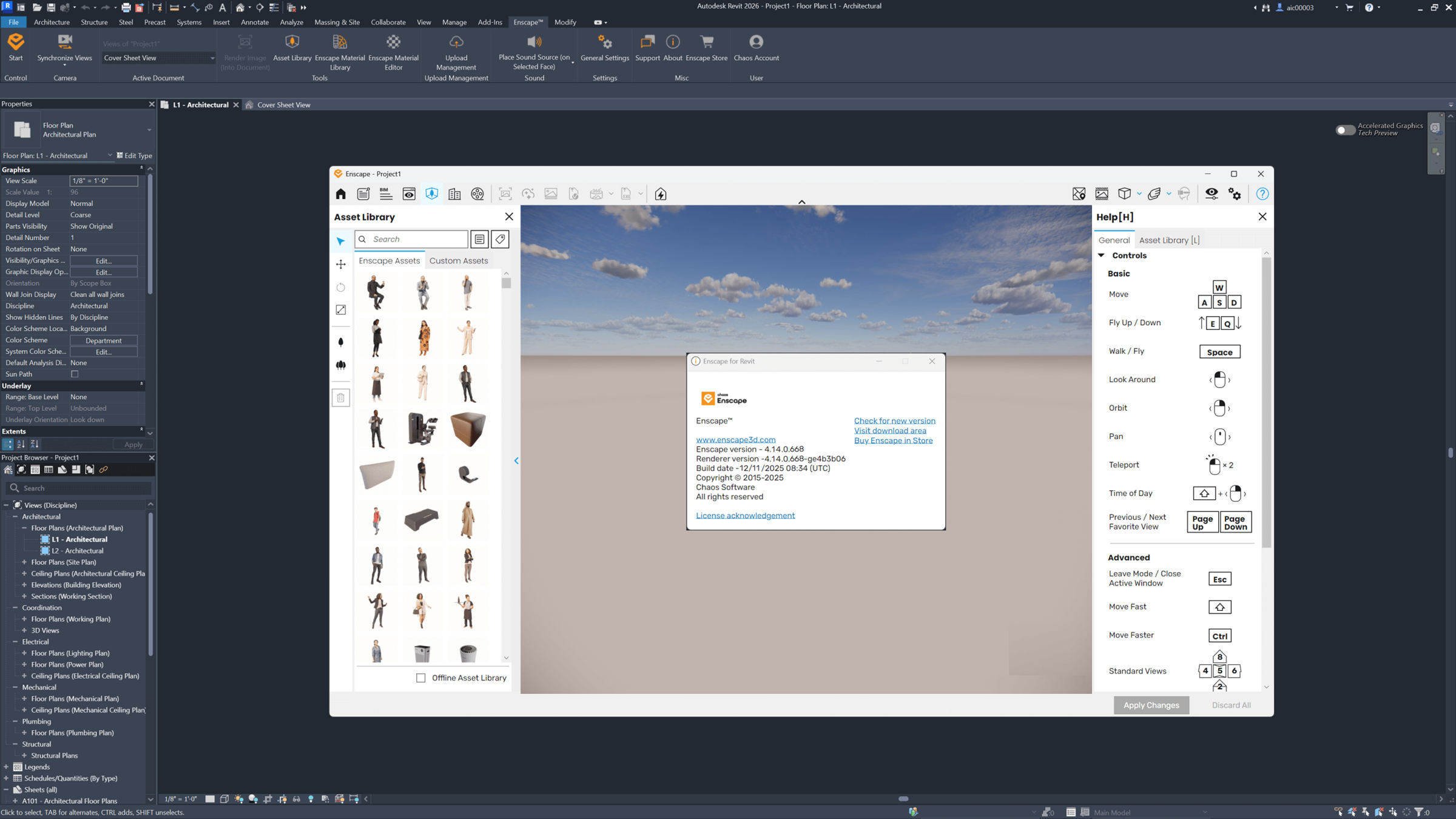
Download Chaos Enscape 4.14.0.668 win64 full license

Download Chaos Enscape 4.14.0.668 win64 full license

Link download Chaos Enscape 4.14.0.668 full activated

Working with Chaos Enscape 4.14.0.668 full license

Description of Chaos Enscape 4.14.0.668

Chaos Enscape 4.14.0.668 is the latest version of the real-time rendering and VR visualization solution designed for architects, designers, and 3D artists. This update enhances workflow performance, visual quality, and compatibility across the most popular design platforms including Revit, SketchUp, Rhino, Archicad, and Vectorworks. Enscape allows users to convert CAD models into immersive, photorealistic experiences with ease, making it ideal for architectural presentations, client reviews, and design development.

Features of Chaos Enscape 4.14.0.668

Real Time Rendering Engine
Experience instant visualization with a powerful rendering engine that updates automatically as you edit your model. This version delivers improved lighting accuracy, faster scene loading, and better handling of complex geometry.

Enhanced Global Illumination
Advanced global illumination provides more realistic lighting, natural shadows, and improved color accuracy. This results in higher quality renders for both interior and exterior spaces.

Superior Material System
Version 4.14.0.668 upgrades the material system with improved texture mapping, enhanced reflections, displacement support, and better compatibility with PBR materials. Users can create more lifelike surfaces for wood, metal, concrete, and glass.

Improved Asset Library
The built-in Enscape Asset Library includes hundreds of optimized objects such as furniture, vegetation, people, and accessories. New additions and performance improvements enable faster placement and better rendering fidelity.

Virtual Reality Integration
Enscape continues to support leading VR headsets, allowing users to walk through their designs in full scale. Enhanced VR stability and frame rates provide smoother and more immersive interactions.

Updated Animation and Walkthrough Tools
Create high quality walkthroughs, flythroughs, and camera paths directly inside Enscape. The update enhances camera transitions, path editing, and output quality for professional presentations.

Refined Export Options
Export still images, videos, panoramas, and standalone executables with improved quality and reduced file size. The standalone Web Standalone feature ensures easier client sharing and browser-based viewing.

Cloud and Collaboration Enhancements
This release strengthens cloud based sharing and design collaboration features, allowing teams and clients to review projects more efficiently and provide real time feedback.

Better Performance and Stability
Chaos Enscape 4.14.0.668 includes multiple engine optimizations, reduced GPU load, improved memory management, and compatibility updates for the latest CAD software versions and GPUs.

Workflow Integration
Seamless integration ensures users can render directly within their design software without needing to switch applications. Short learning curves and intuitive controls help designers focus on creativity rather than technical settings.

If you want to download Chaos Enscape 4.14.0.668 full license, please click to DOWNLOAD button to download.
CLICKDOWN.ORG Download CAD CAM CNC software
Inside package Chaos Enscape 4.14.0.668, already have cracked files and instruction how to install Chaos Enscape 4.14.0.668 step by step. I guarantee you can install Chaos Enscape 4.14.0.668 successfully if you follow that instruction.
If you also can’t install it or get any problems, please contact to me by email: clickdown.org@gmail.com, then I will help you to install software by teamviewer or Ultraviewer or Anydesk.
Thanks a lot

error: Content is protected !!
Scroll to Top